Member Profiles: Customizable Profiles for Your Learning Community
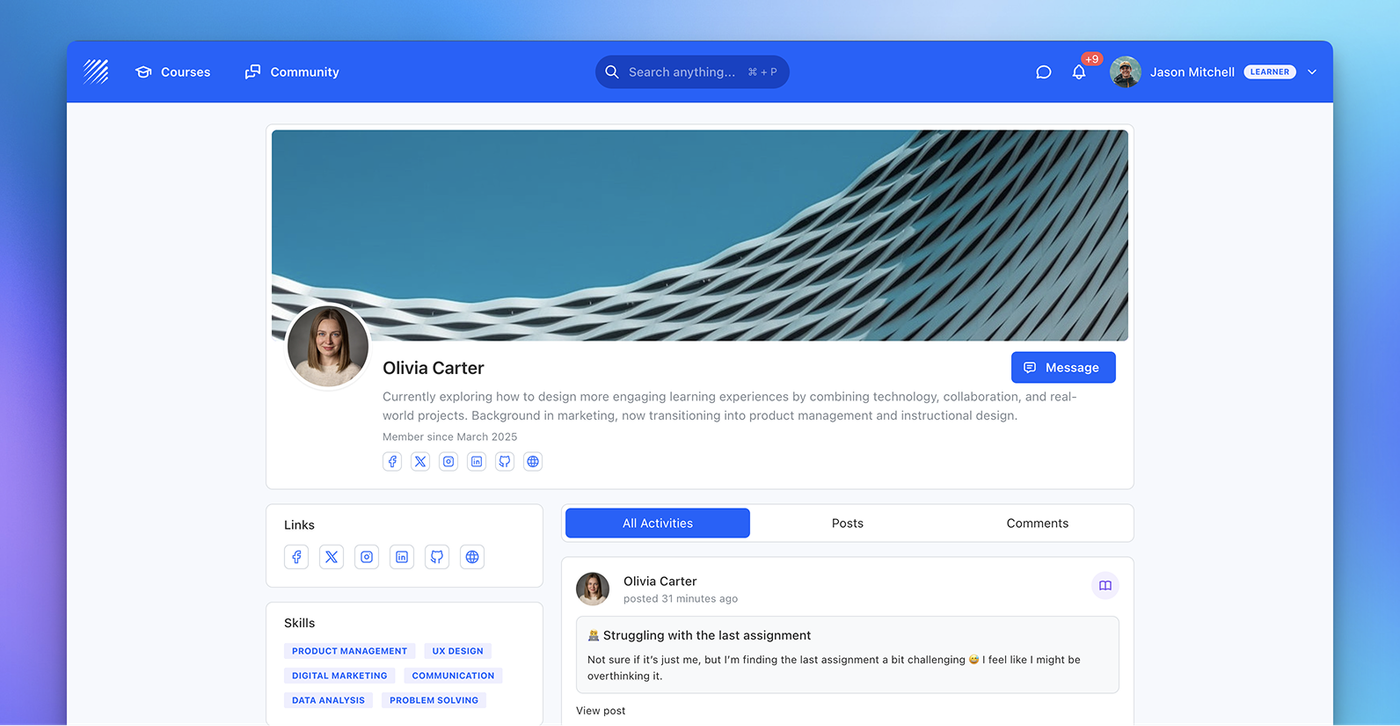
Create customizable member profiles to structure user identity, collect data, and enable interaction across your learning community.
Learn more →Find out all the things that happen in the Teachfloor universe.
Create customizable member profiles to structure user identity, collect data, and enable interaction across your learning community.
Learn more →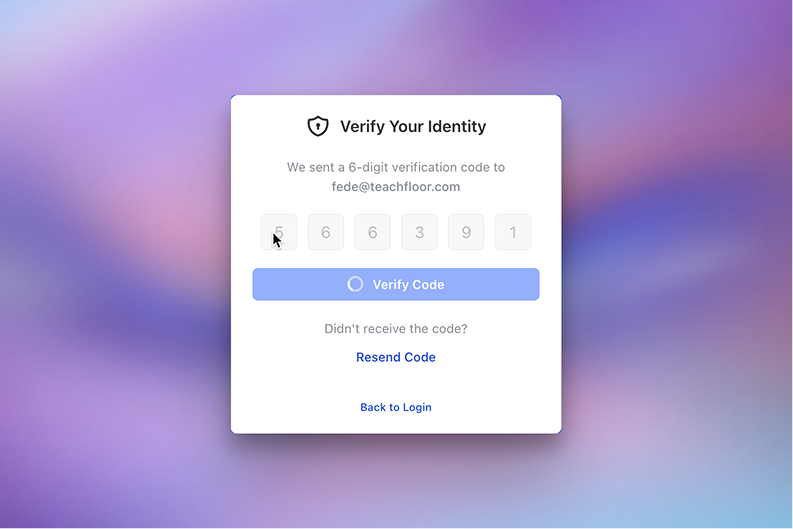
Two-Factor Authentication adds an extra verification step to password logins, requiring users to confirm their identity with a one-time email code for improved account security.
Learn more →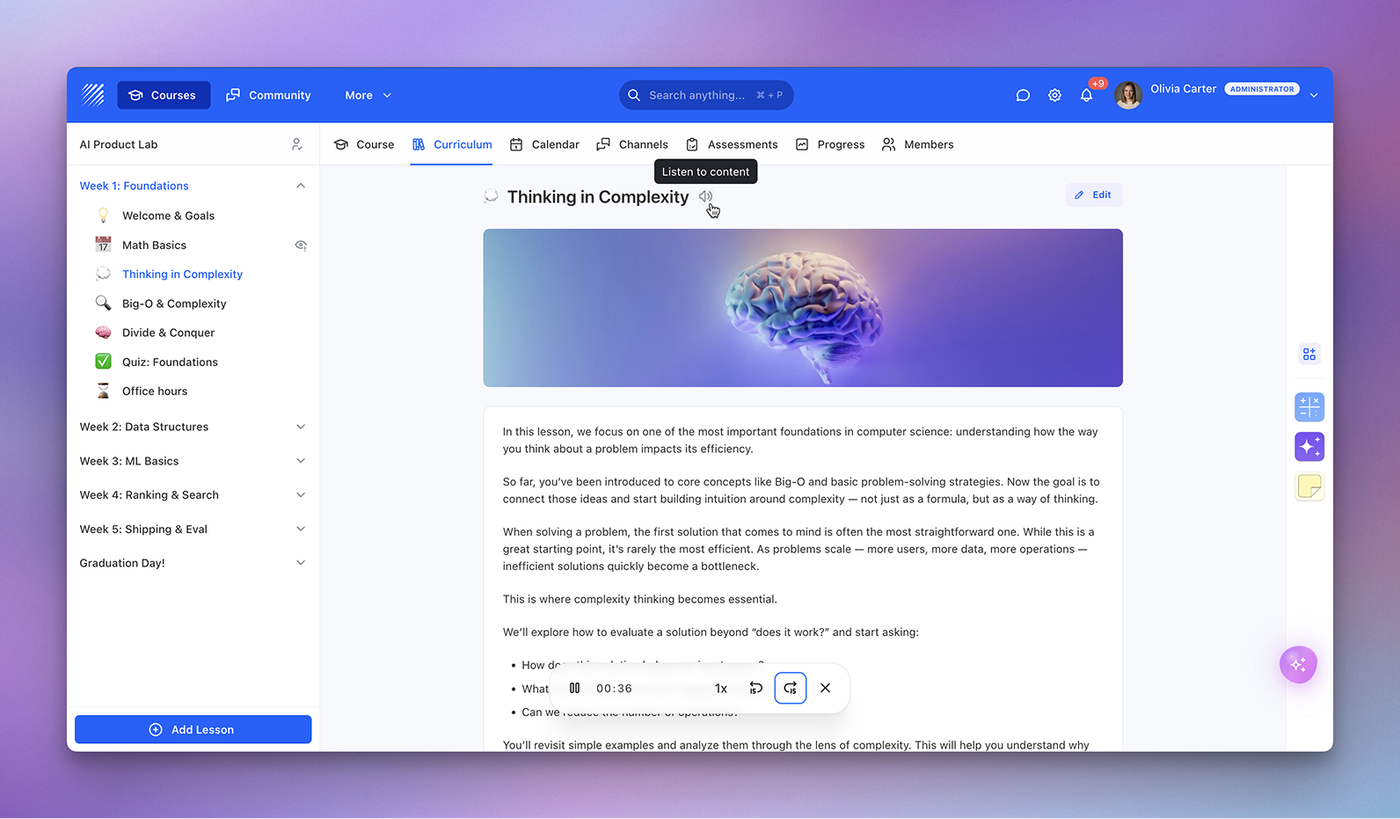
AI Text-to-Speech turns written lessons into natural audio narration, helping learners listen, improve comprehension, and access content more flexibly.
Learn more →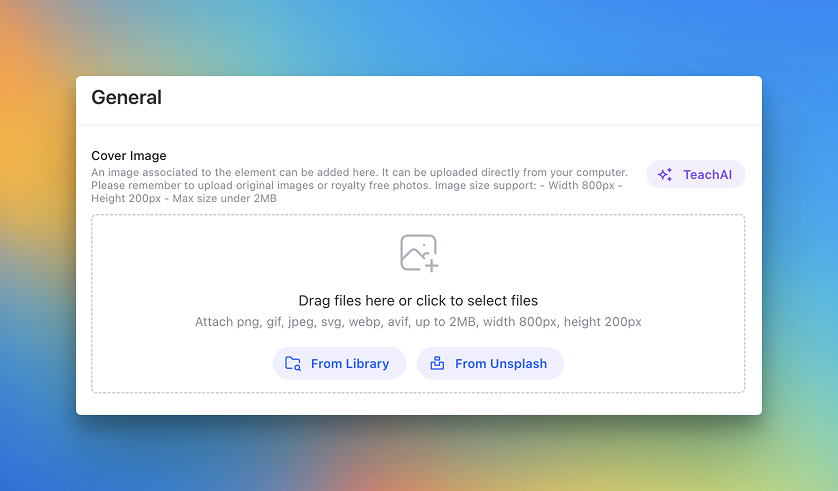
Use Unsplash directly inside Teachfloor and crop images before saving. Create better covers for courses, elements, and profiles in less time.
Learn more →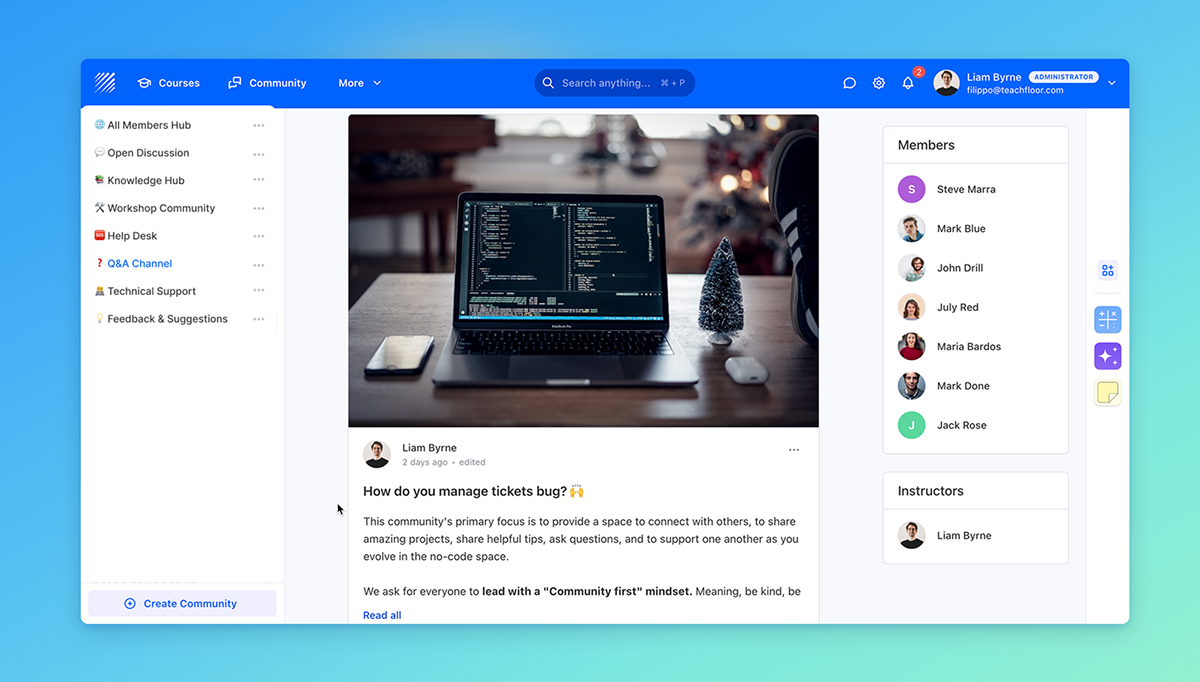
Create standalone community channels independent from courses and invite members by role, team, or individual selection.
Learn more →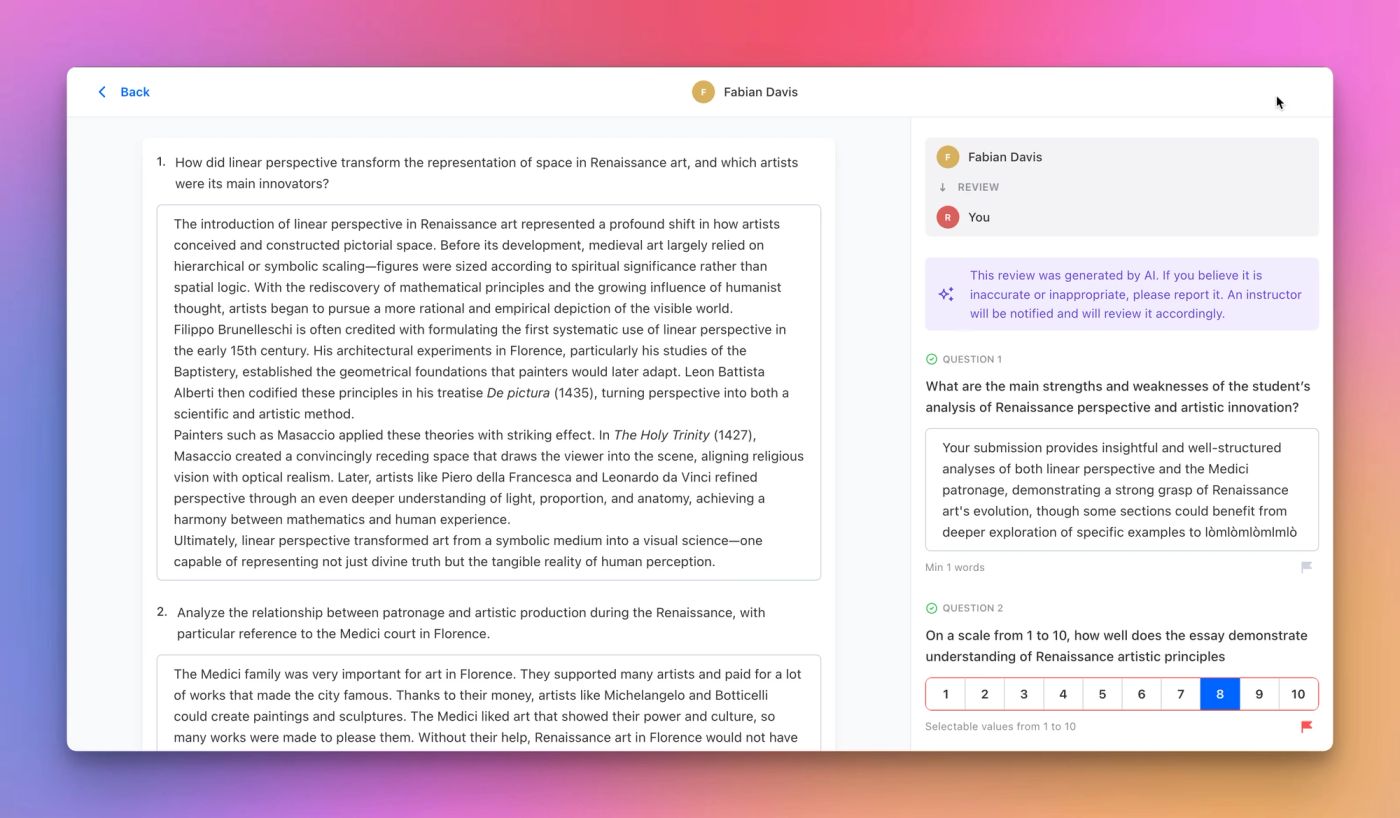
Automate learner feedback with AI-powered reviews based on custom rubrics, while keeping instructors in full control of quality and oversight.
Learn more →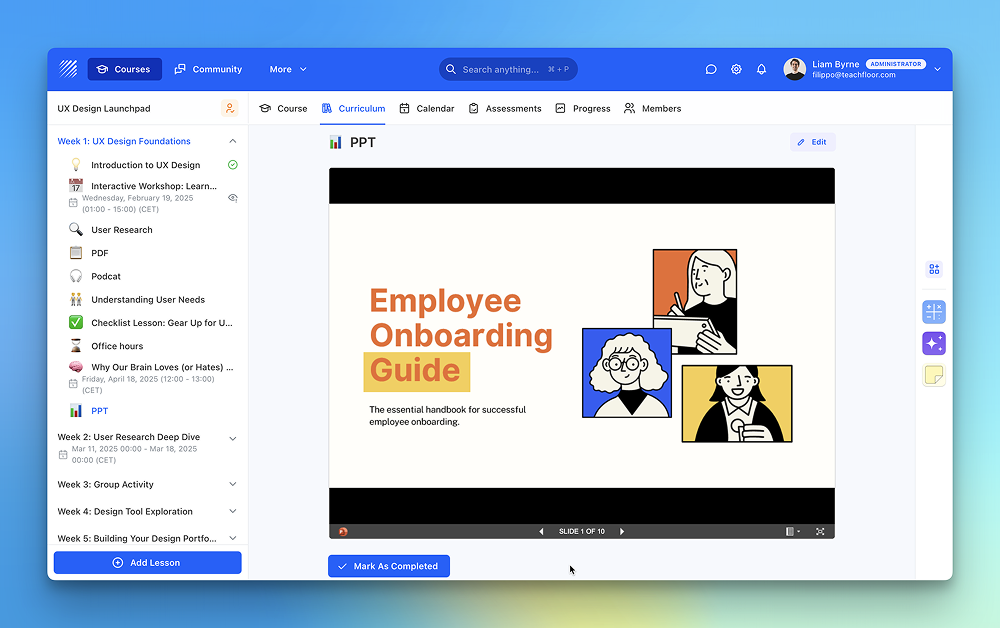
The File element now supports PowerPoint (PPT) files, making it easier to share slide decks directly inside your courses.
Learn more →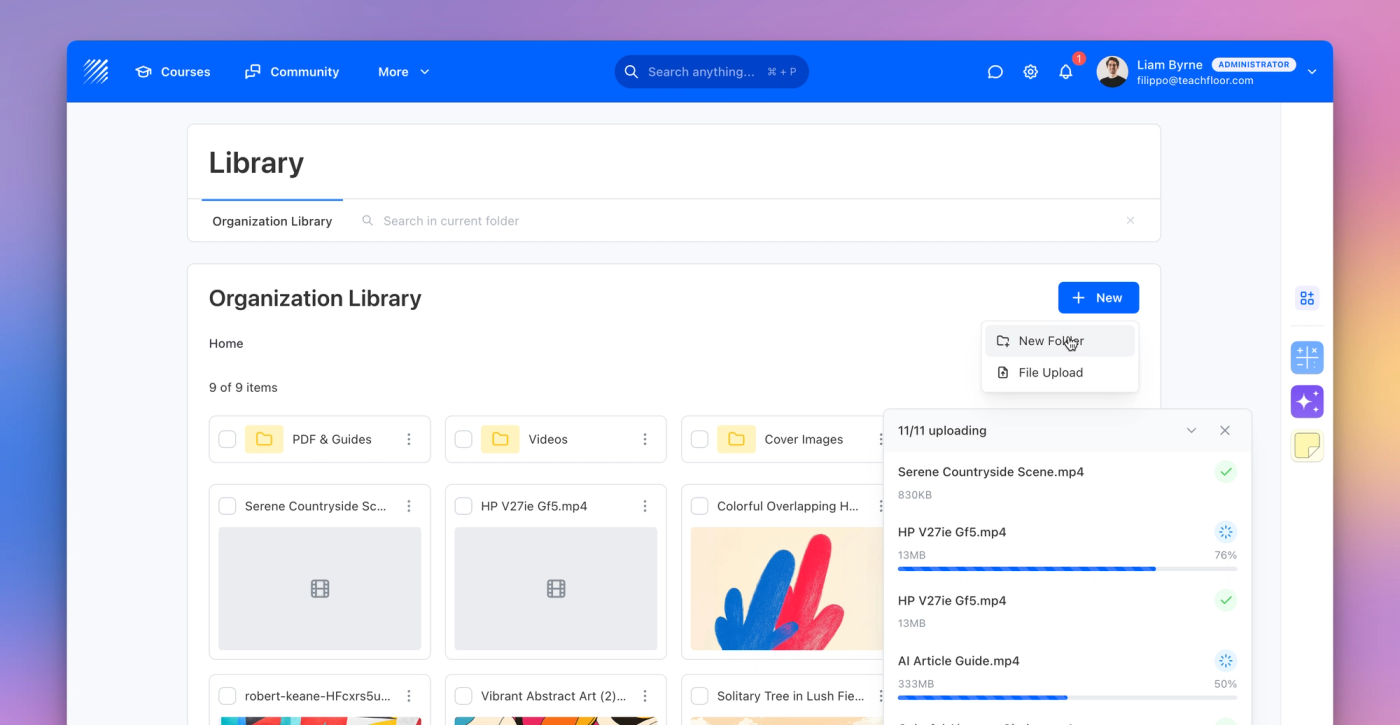
A new centralized Library to upload, organize, and manage all your course files with smart permissions.
Learn more →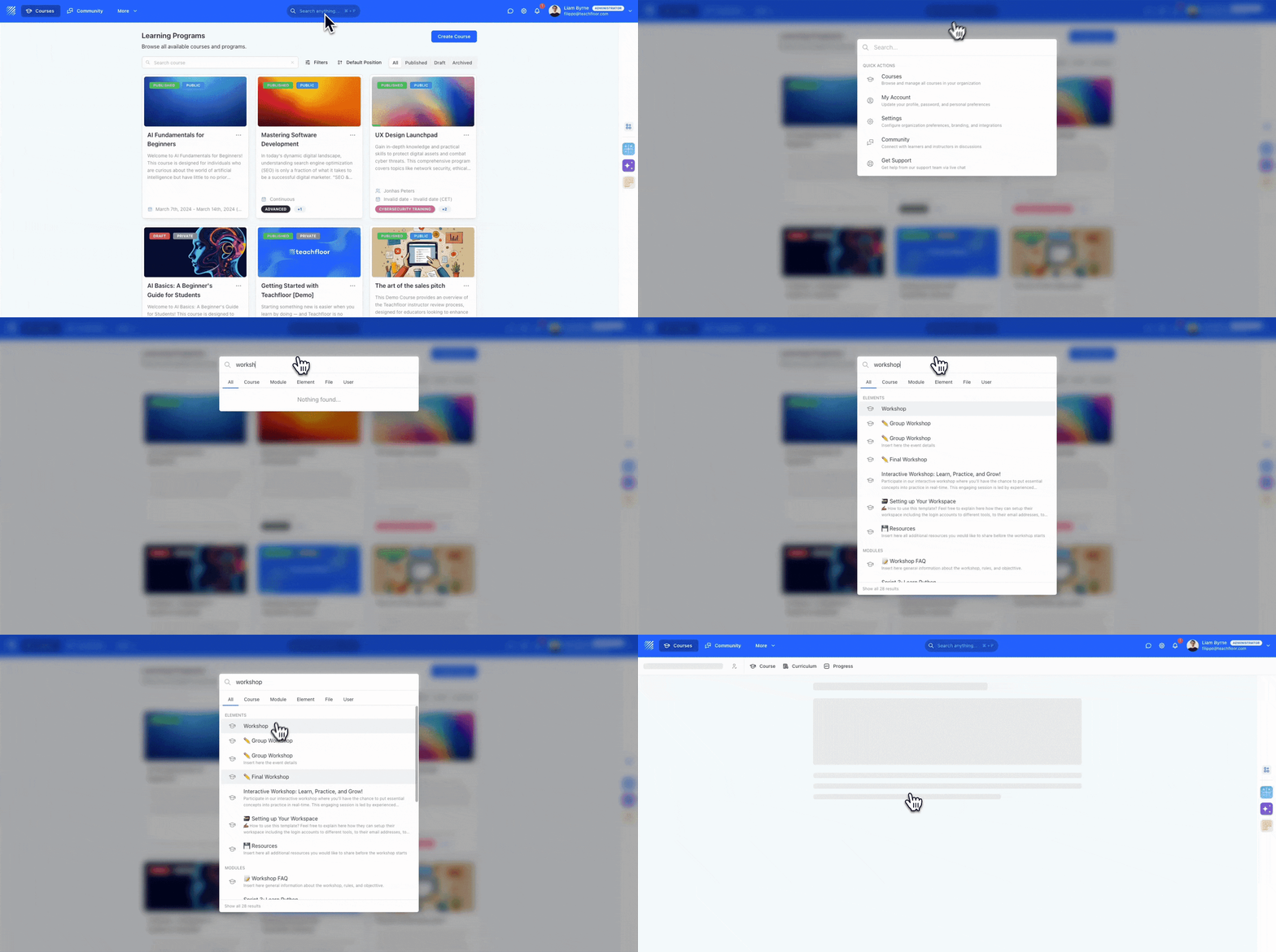
Instantly locate lessons, modules, files, and users with Teachfloor’s Universal Search Bar. A faster way to navigate your entire organization.
Learn more →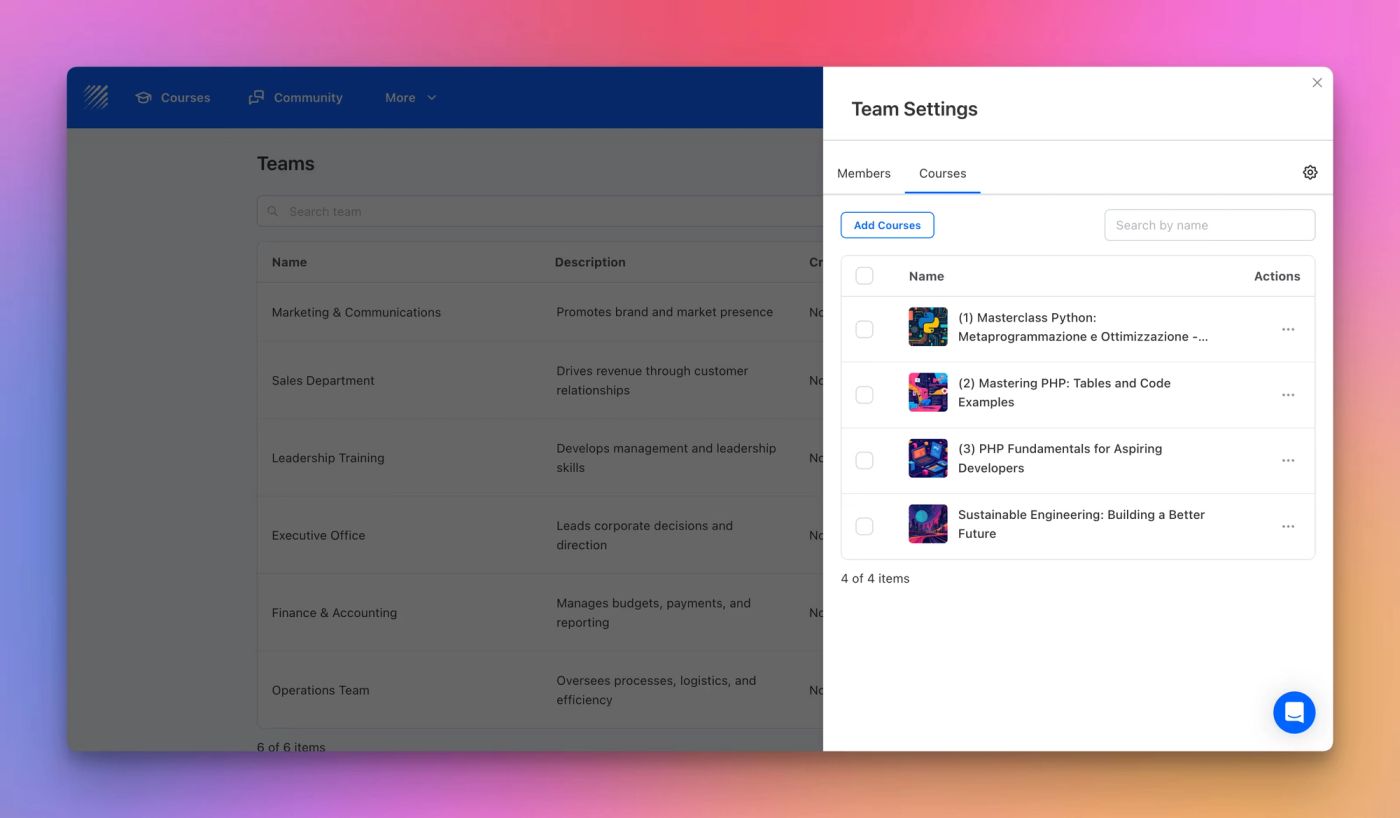
Discover Teams on Teachfloor the easiest way to organize learners, assign courses, and automate enrollments across departments or learning groups.
Learn more →