
Unsplash Integration and Image Cropping
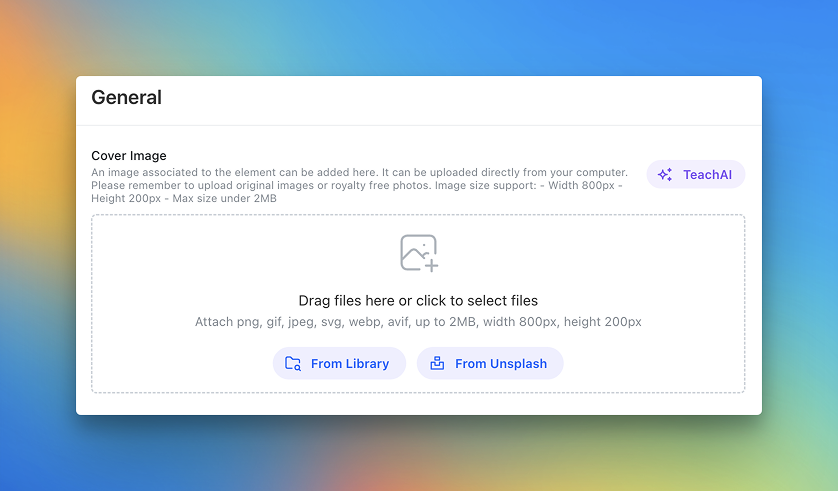
We’re introducing a new improvement that makes visual customization inside Teachfloor much easier.
You can now use Unsplash directly inside the platform to select cover images for courses, lesson elements, and member profiles—without needing to upload files manually.
At the same time, Teachfloor now includes built-in image cropping, so you can adjust visuals to the right format before saving them.
This makes it faster to create polished learning environments with consistent, high-quality visuals.
Choose Images Directly from Unsplash
When editing a course, an element, or a profile cover, you can now select images directly from Unsplash.
This removes the need to:
- search images externally
- download them
- upload them into Teachfloor
Instead, you can browse and use royalty-free visuals directly inside the platform.
This is especially useful when building courses quickly or when improving visual quality without relying only on internal assets.
Built-In Image Cropping
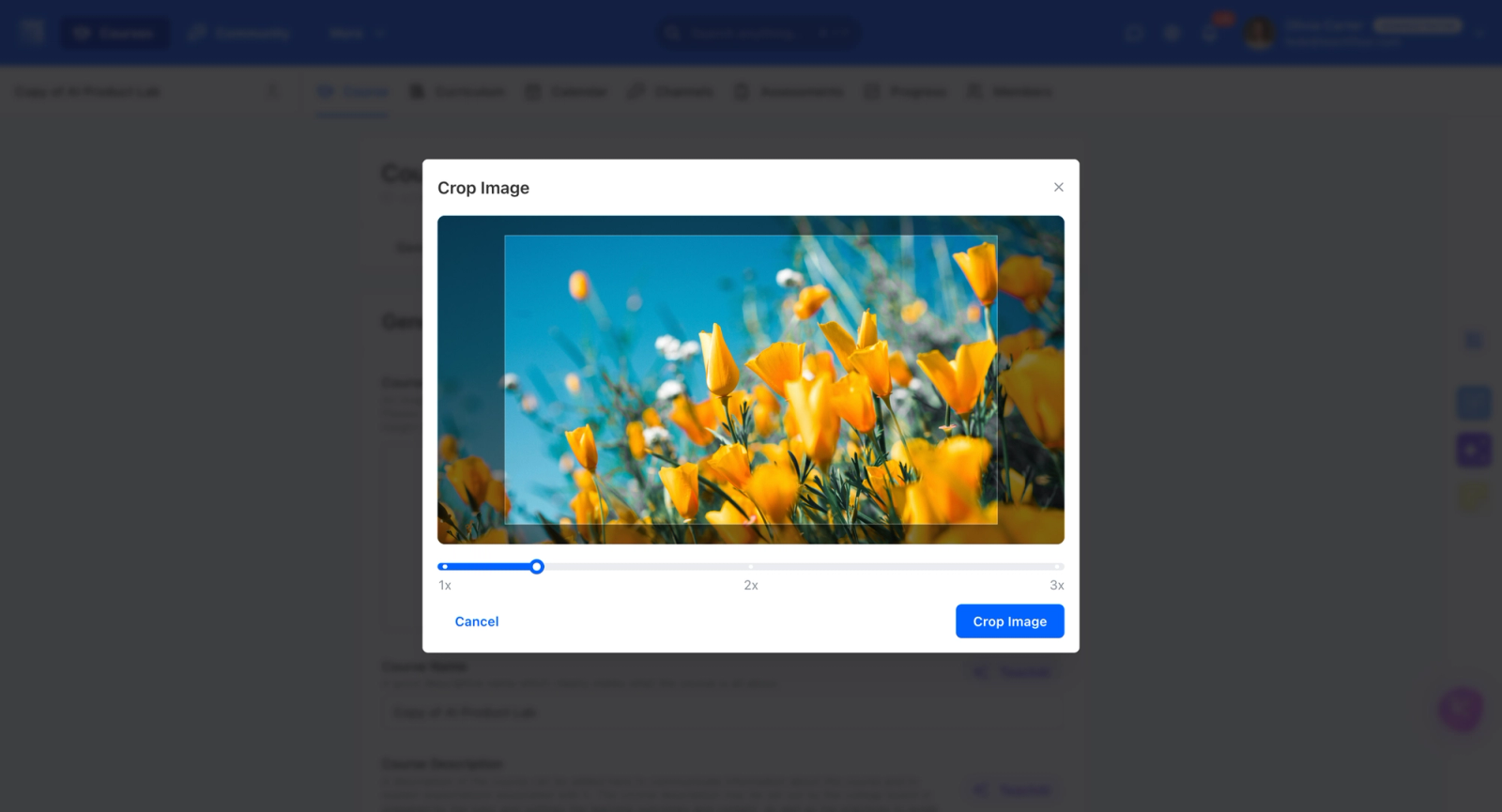
Once an image is selected or uploaded, you can crop it directly inside Teachfloor.
This helps you adapt visuals to the correct format for each use case, including:
- course covers
- lesson element covers
- member profile covers
Instead of using external tools, you can refine framing and composition in just a few clicks.
Faster, Cleaner Visual Customization
Together, Unsplash integration and image cropping create a smoother workflow for content creators and admins.
You can now:
- find an image faster
- use it immediately
- adjust it to the right dimensions
- publish a more consistent experience
This reduces friction and improves the overall visual quality of your platform.
Why It Matters
Visual presentation plays a key role in how learners experience a platform.
With direct access to Unsplash and built-in cropping, Teachfloor gives teams a practical way to create strong visuals without adding extra design work or external steps.
It’s a small improvement in workflow, with a clear impact on speed and consistency.
Available Now
Unsplash integration and image cropping are now available inside Teachfloor for covers across courses, elements, and member profiles.


