
New App: Notes
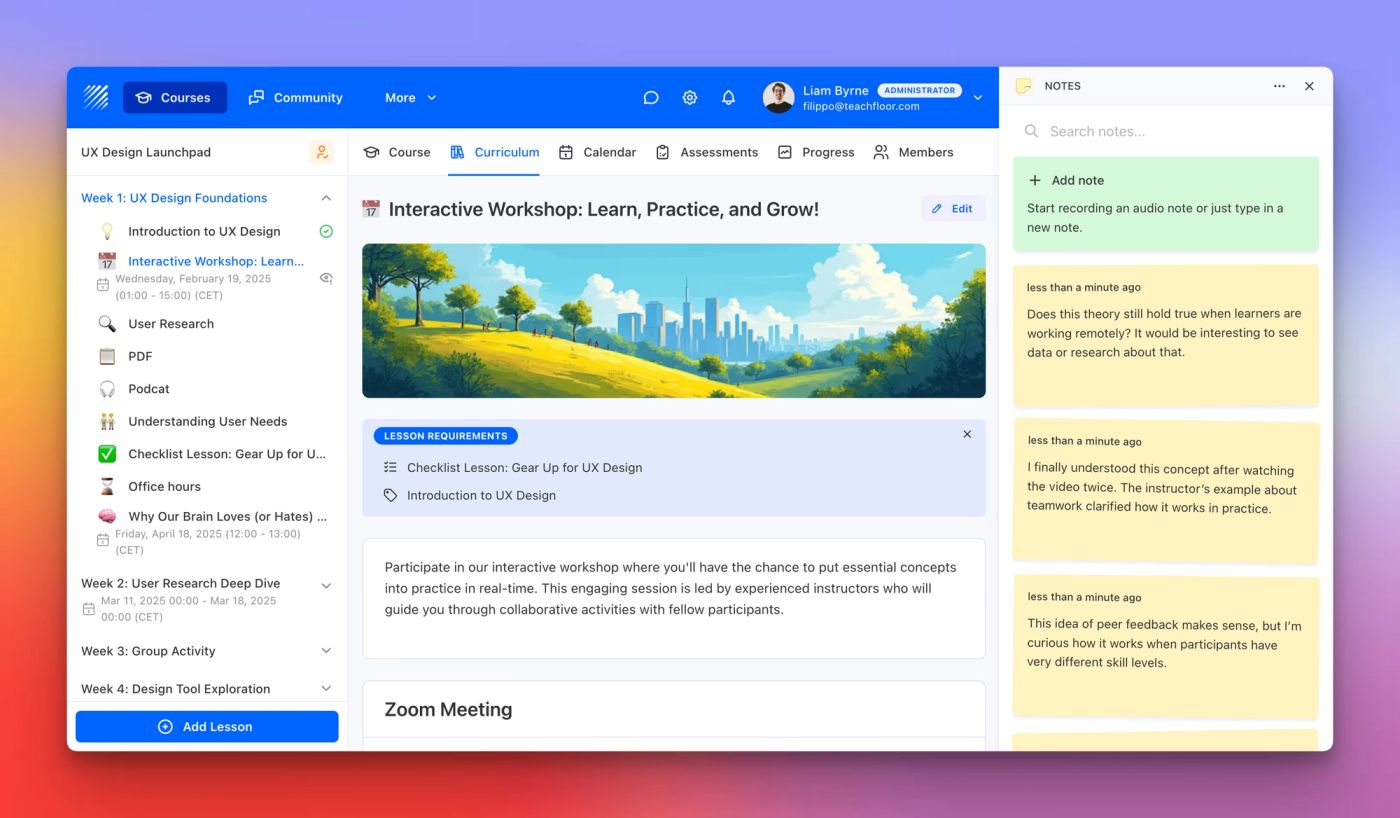
Capture ideas, reflections, and key takeaways with the new Notes App on Teachfloor. Type or dictate notes directly inside your courses.
Learn more →Find out all the things that happen in the Teachfloor universe.
Capture ideas, reflections, and key takeaways with the new Notes App on Teachfloor. Type or dictate notes directly inside your courses.
Learn more →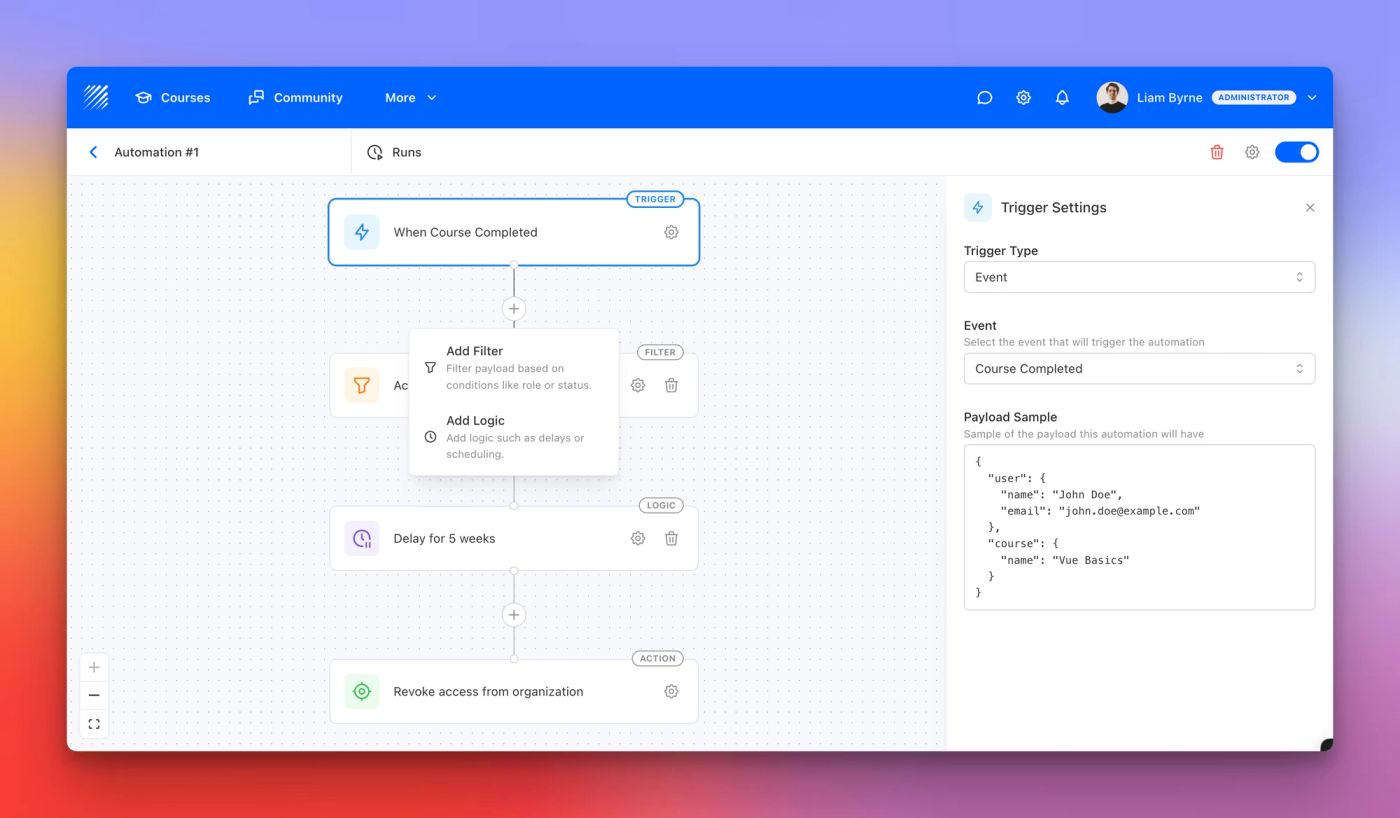
Automate workflows on Teachfloor. Create custom triggers, filters, and actions to send emails, enroll learners, and streamline course management.
Learn more →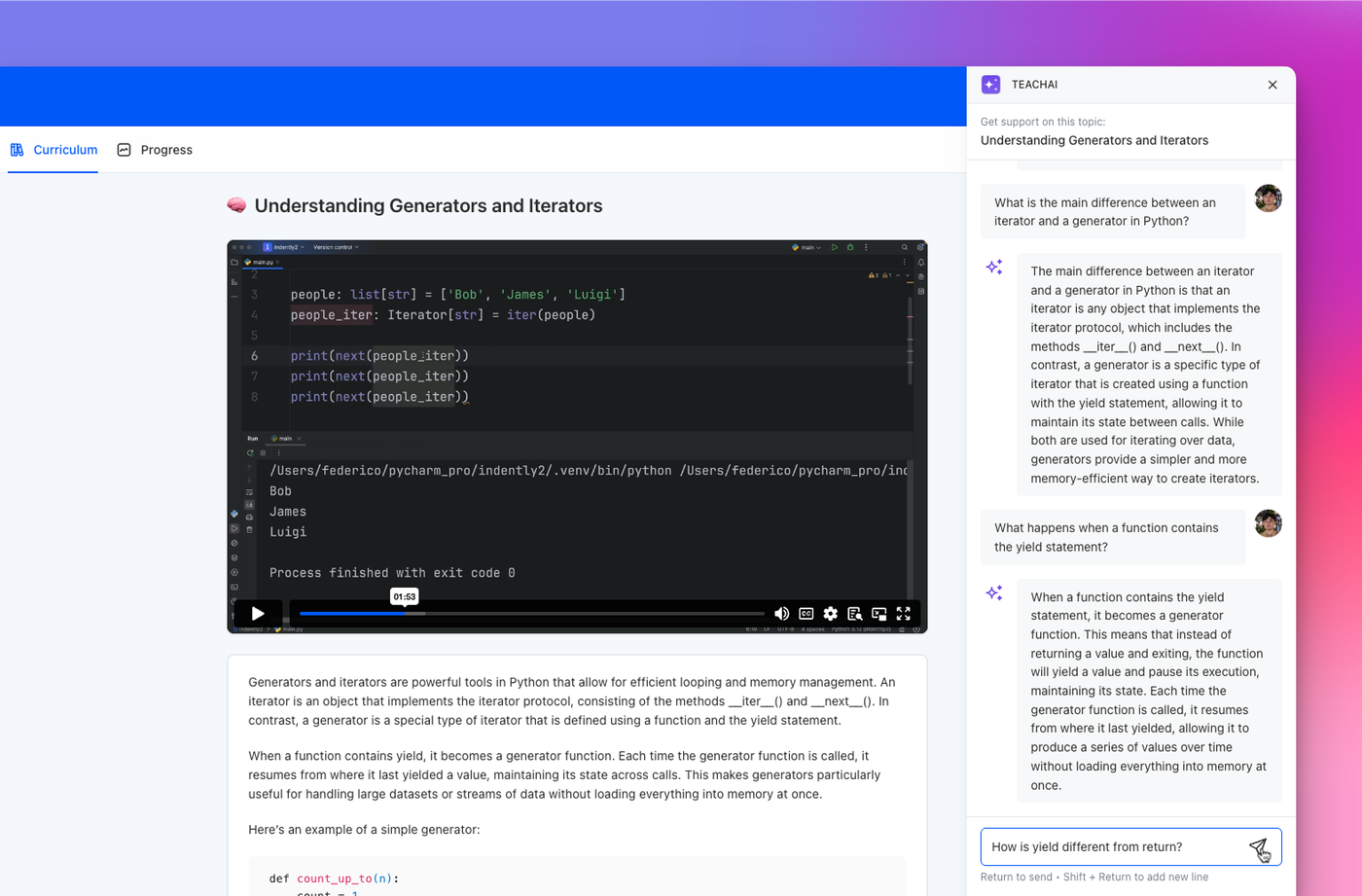
Discover the new AI Assistant for students. Answer questions, clarify content, and enhance learning directly inside Teachfloor.
Learn more →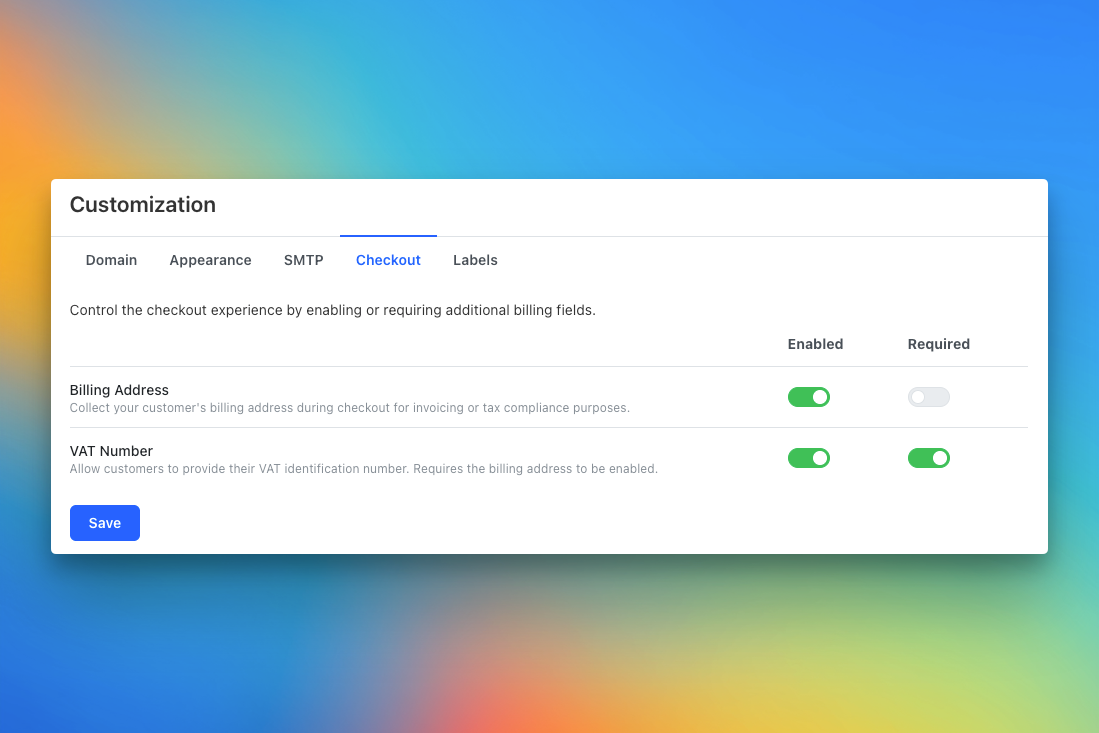
Collect billing addresses and VAT numbers at checkout. Teachfloor now lets you customize paid course forms for invoicing and tax compliance.
Learn more →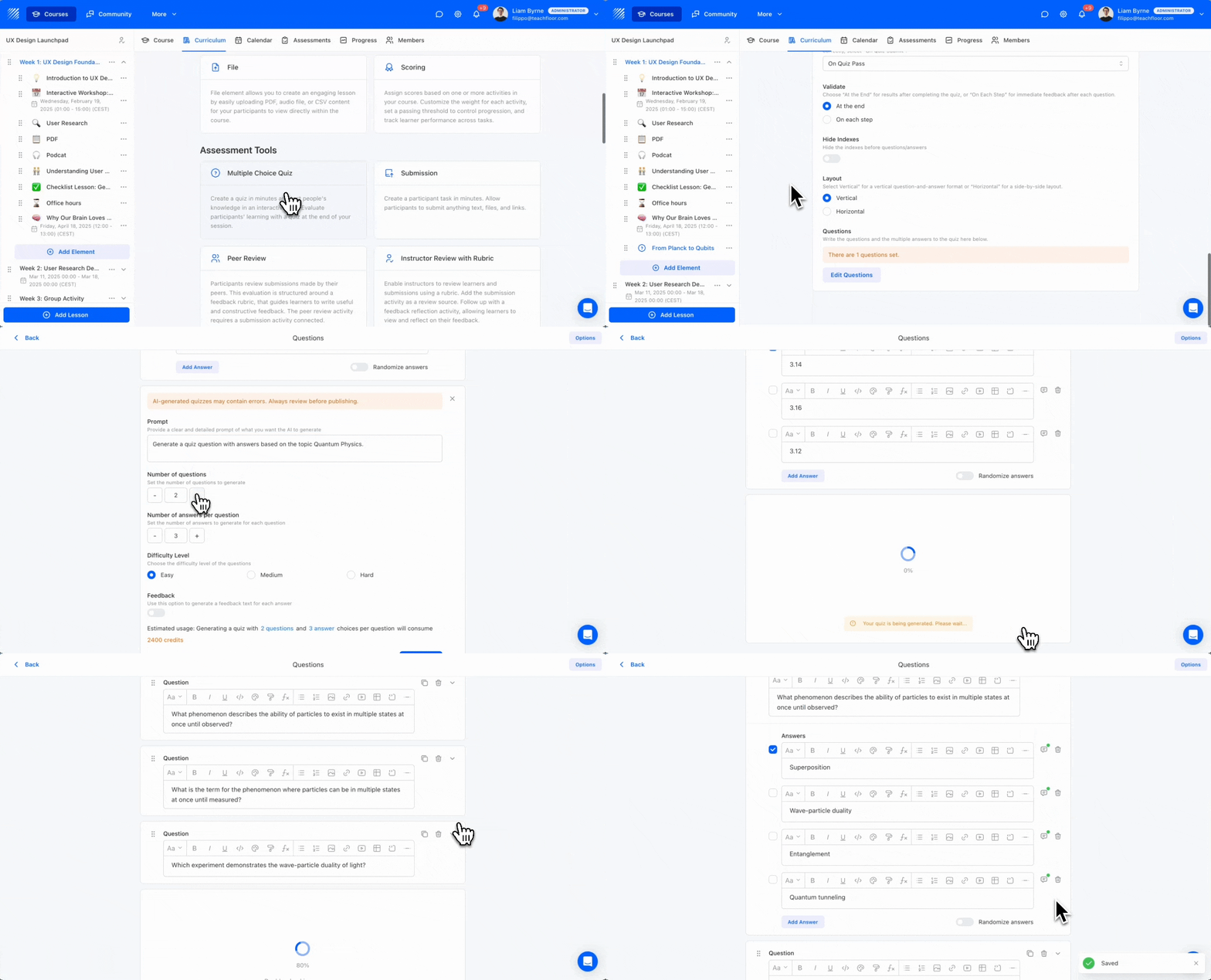
The new AI Quiz Generator lets you create quizzes in seconds. Choose your topic, difficulty, and number of questions, with instant feedback built in.
Learn more →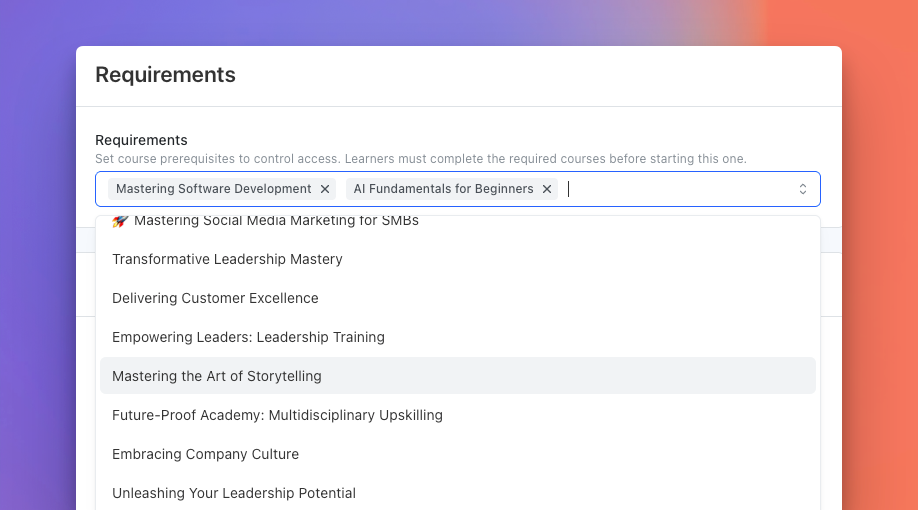
Teachfloor now lets you set course prerequisites. Build learning paths where learners must complete required courses before starting new ones.
Learn more →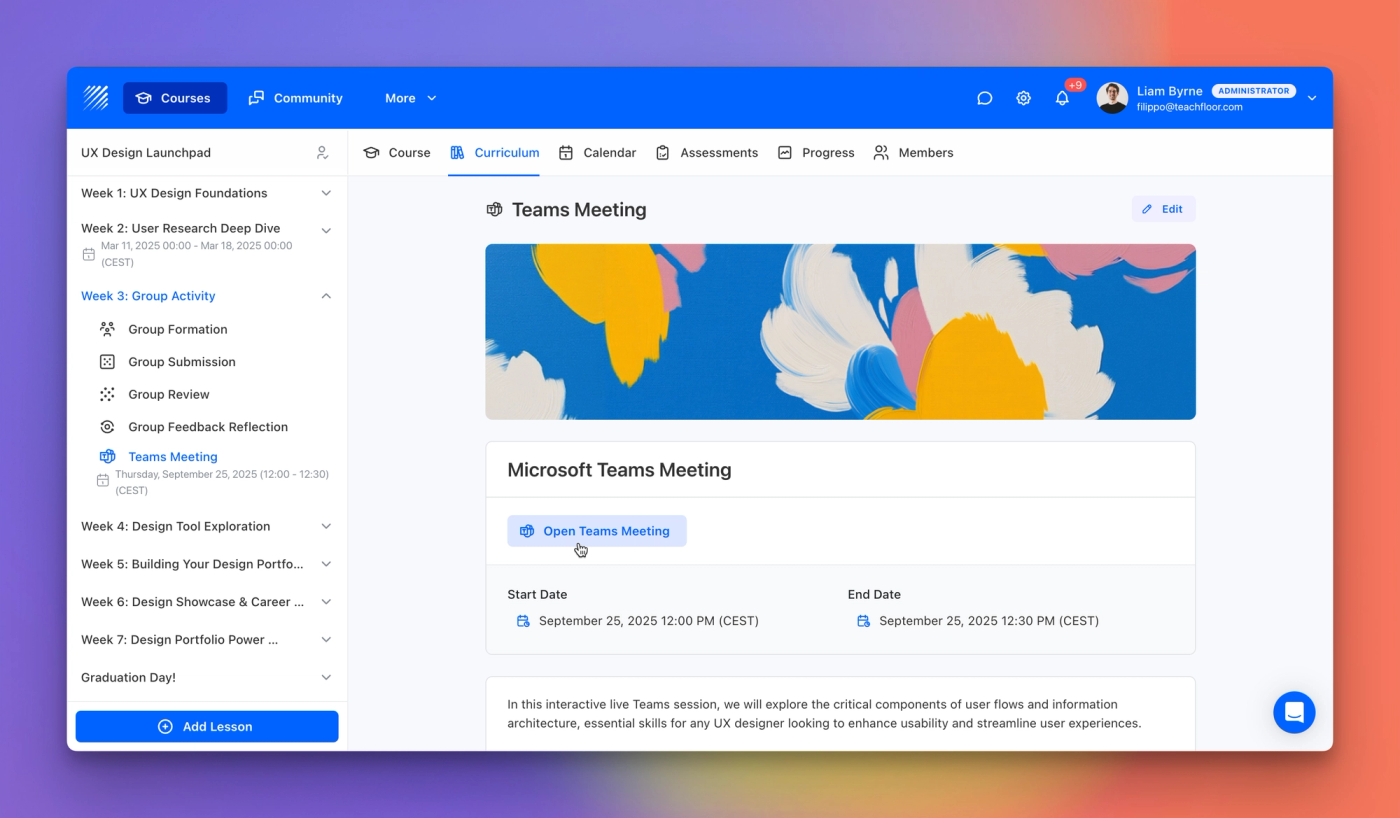
Teachfloor now connects with Microsoft Teams, letting you host live classes, manage schedules, and share meeting links directly in your course.
Learn more →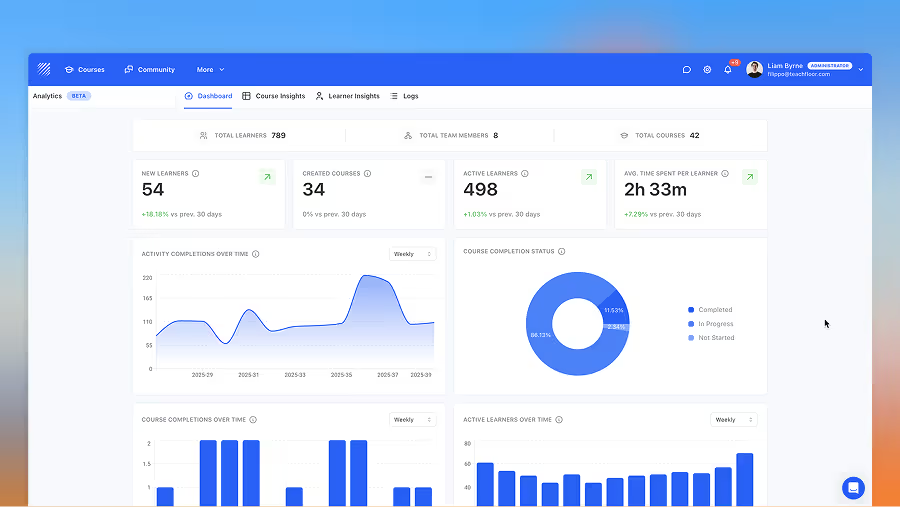
Explore Teachfloor’s new Analytics section—track course insights, learner data, and logs in one dashboard for a full 360° view of learning.
Learn more →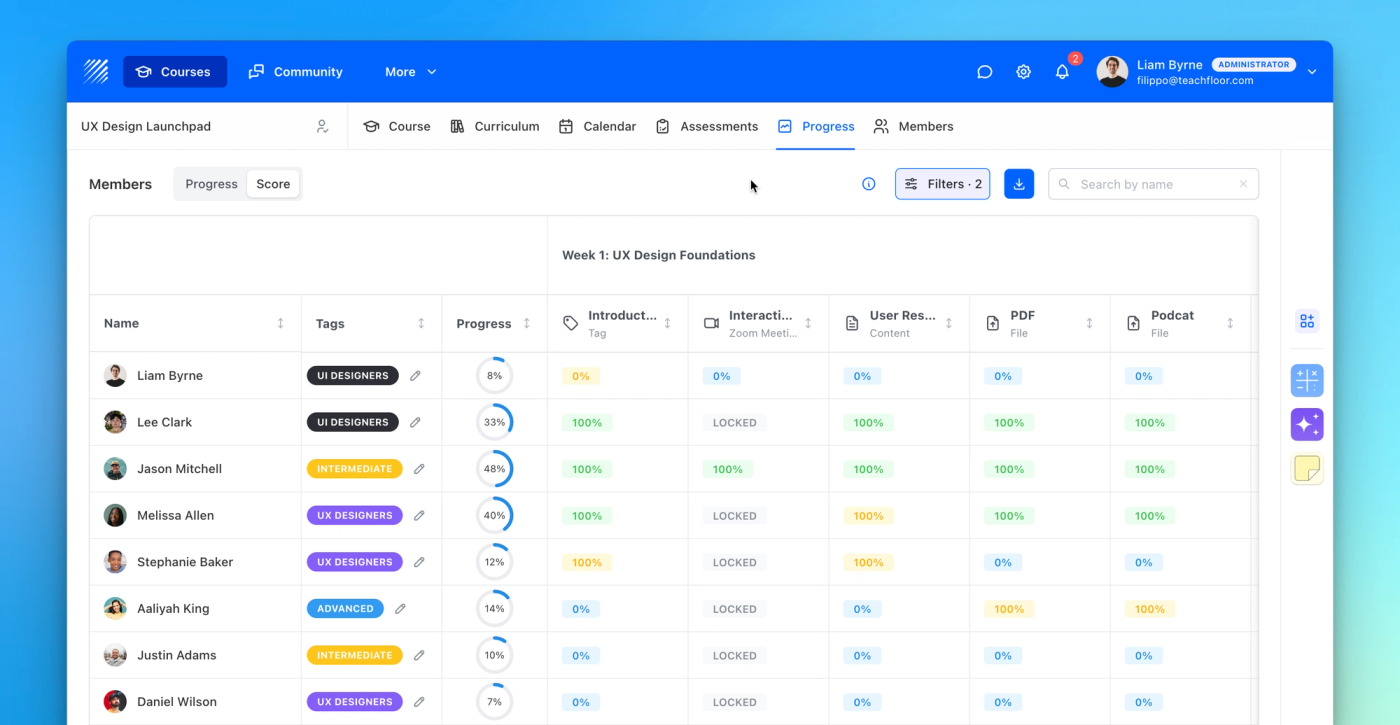
Discover Teachfloor’s new Score section track student performance lesson by lesson with completion or quality scores for better insights.
Learn more →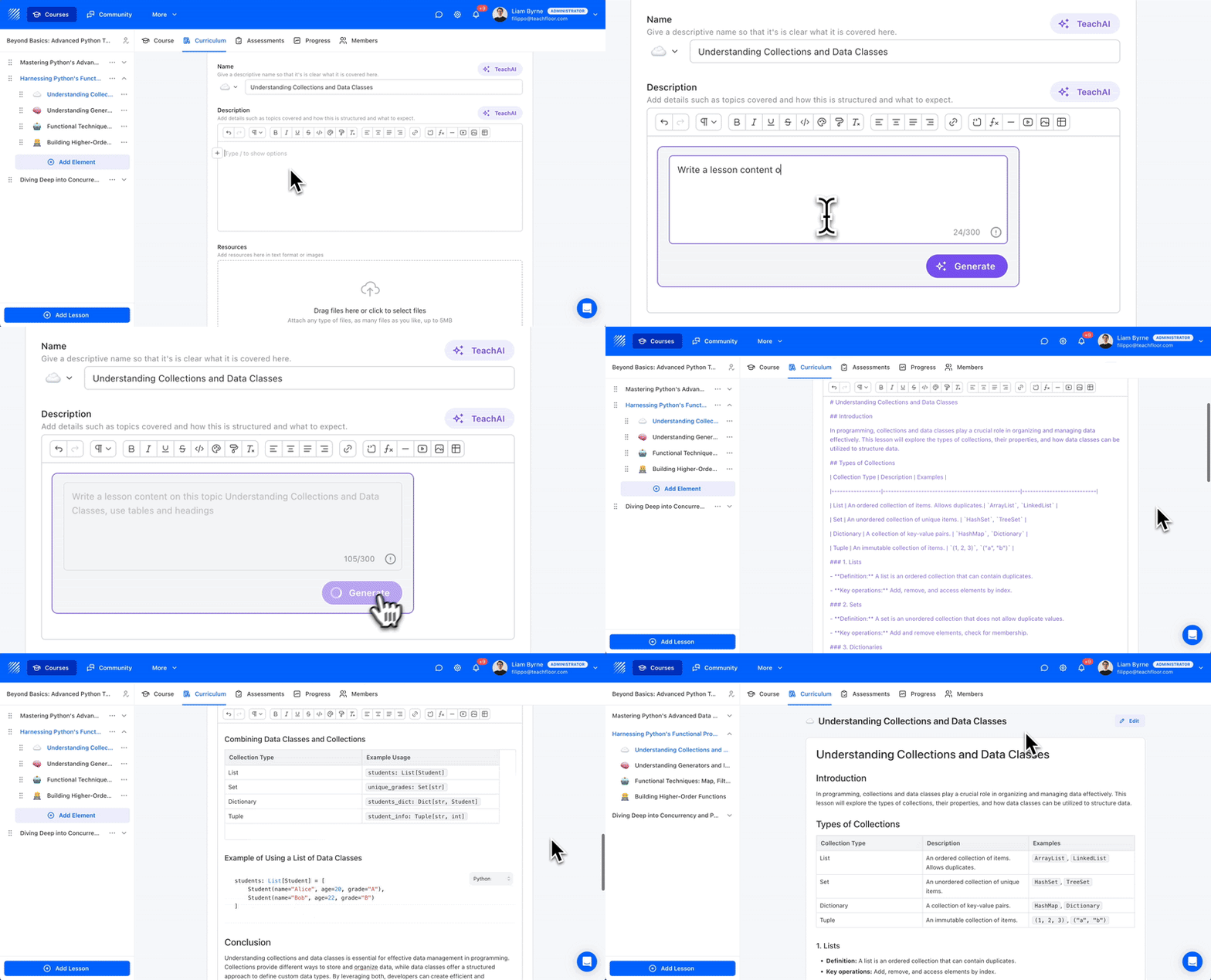
The upgraded TeachAI Lesson Writer now generates fully formatted content, including headings, tables, bullet points, and more—directly from your prompt. Create rich, structured lessons faster and with less manual editing.
Learn more →