


Why Look for a Trainual Alternative?
Trainual carved out a clear niche as a tool for documenting SOPs and onboarding new hires. Its strength is simplicity: teams can organize processes, assign training content by role, and track who has completed what. For small businesses building their first knowledge base, that focus works well.
But as training needs grow, Trainual's boundaries become noticeable. Here are the specific friction points that push teams to explore Trainual alternatives.
Shallow assessment capabilities. Trainual includes basic quizzes, but there is no support for branching logic, question banks, scored rubrics, or timed assessments. If your employee training requires meaningful knowledge checks, not just confirmation clicks, this becomes a real constraint.
No SCORM or xAPI support. Teams that have invested in SCORM-packaged courses or need to import content from authoring tools like Articulate or Captivate cannot use that content inside Trainual. This locks organizations into Trainual's native editor and limits content portability.
No built-in video hosting. Trainual supports embedding videos from external platforms like Loom or YouTube, but it does not host video natively. That means no in-platform video analytics, no interactive video features, and no control over playback tracking. For teams building video-heavy training programs, this adds friction and cost.
Per-seat pricing that escalates quickly. Trainual's pricing starts at $249 per month for up to 25 people. Every additional seat adds cost, which makes it expensive for growing teams. Organizations scaling from 50 to 200 employees feel this pressure acutely.
Basic reporting. Completion tracking is available, but deeper analytics like time-on-task, assessment score distributions, engagement heatmaps, or manager-level dashboards are limited. Teams that need to demonstrate learning outcomes to leadership often find the reporting insufficient.
No offline access. All content requires an internet connection. For field teams, manufacturing floors, or distributed workforces with unreliable connectivity, this is a practical problem.
Narrow scope beyond SOPs. Trainual excels at process documentation and role-based onboarding. But it is not a full learning management system. Organizations that need structured courses, certification paths, compliance training, or instructor-led sessions will outgrow Trainual's feature set.
None of these issues make Trainual a bad product. But if your team needs deeper assessments, industry-standard content formats, scalable pricing, or capabilities beyond process documentation, the alternatives below address those gaps.
What to Look for in an Onboarding and SOP Tool
Before comparing platforms, it helps to define what matters for your specific situation. Here are the criteria worth anchoring on.
Content format flexibility. Can the platform handle video, documents, interactive modules, SCORM packages, and screen recordings? The more content types supported natively, the less you depend on external tools.
Assessment depth. Basic completion tracking is table stakes. Look for quiz types, grading options, retry logic, and the ability to gate progress behind passing scores. Meaningful assessments are what separate passive reading from genuine onboarding.
Pricing model. Per-seat pricing punishes growth. Flat-rate, per-author, or tiered models tend to scale more predictably. Factor in implementation costs, add-on fees, and what happens to your bill when headcount doubles.
Reporting and analytics. What data does the platform surface, and who can access it? Manager dashboards, exportable reports, and the ability to track both completion and comprehension matter for teams accountable to leadership.
Integration stack. Check for connections to your HRIS, communication tools (Slack, Teams), and single sign-on provider. An open API matters if you need LMS integrations with your existing tech stack.
Scalability. A tool that works for 20 employees may struggle at 500. Consider not just current headcount but how your training needs will evolve. Switching platforms is expensive and disruptive.
Content governance. Who can create, edit, and publish? Role-based permissions, version history, and approval workflows become important as your content library grows and more contributors are involved.
10 Best Trainual Alternatives
The tools below span a range of approaches, from SOP-focused documentation platforms to full learning management systems. Each addresses a different combination of the limitations outlined above. The list is organized to cover distinct use cases rather than ten variations of the same thing.
Tool SOPs/Docs Course Builder Assessments SCORM Video Hosting Best For Lessonly Partial ✓ ✓ ✗ ✓ Sales and customer-facing team training Whale ✓ Partial ✓ ✗ ✗ SOP documentation with AI assistance Notion ✓ ✗ ✗ ✗ ✗ Flexible wiki and knowledge base Process Street ✓ ✗ Partial ✗ ✗ Workflow and checklist automation TalentLMS Partial ✓ ✓ ✓ ✓ Full LMS with course authoring Absorb LMS Partial ✓ ✓ ✓ ✓ Enterprise training with AI iSpring Learn ✗ ✓ ✓ ✓ ✓ PowerPoint-based course authoring 360Learning Partial ✓ ✓ ✓ ✓ Collaborative learning programs SweetProcess ✓ ✗ Partial ✗ ✗ Procedure documentation for SMBs Teachfloor ✗ ✓ ✓ ✗ ✓ Cohort-based structured programs
Teachfloor

Overview
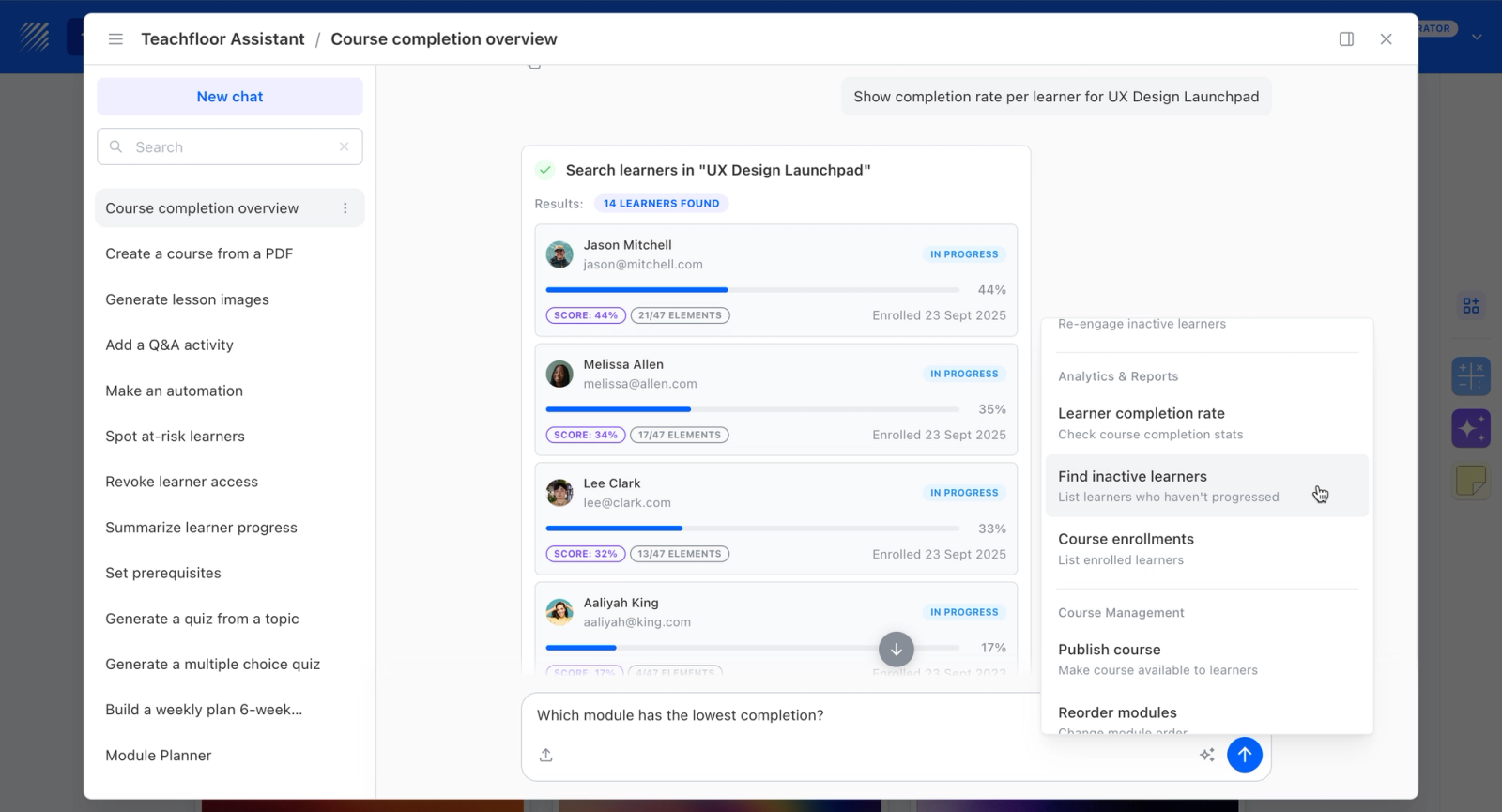
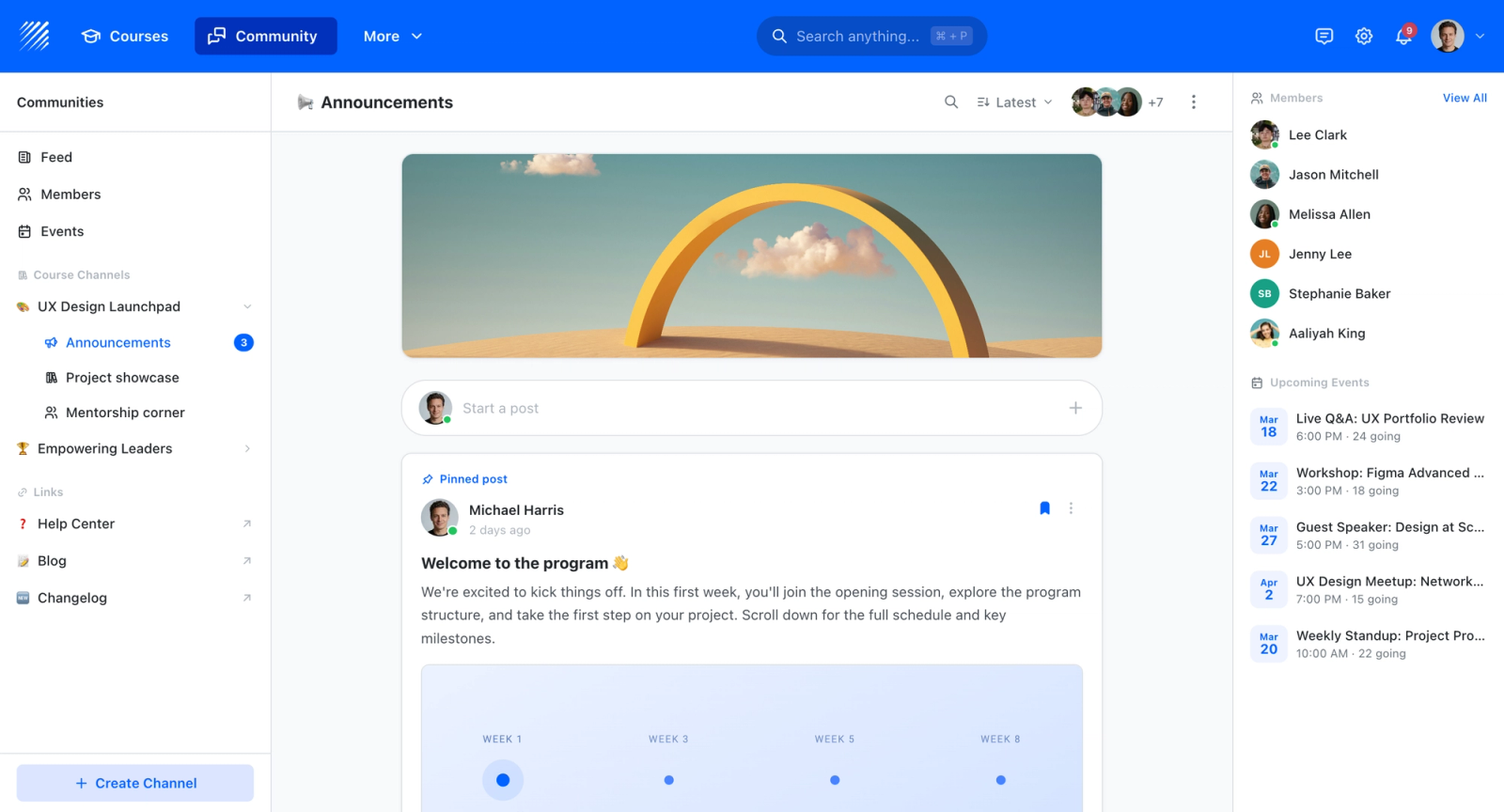
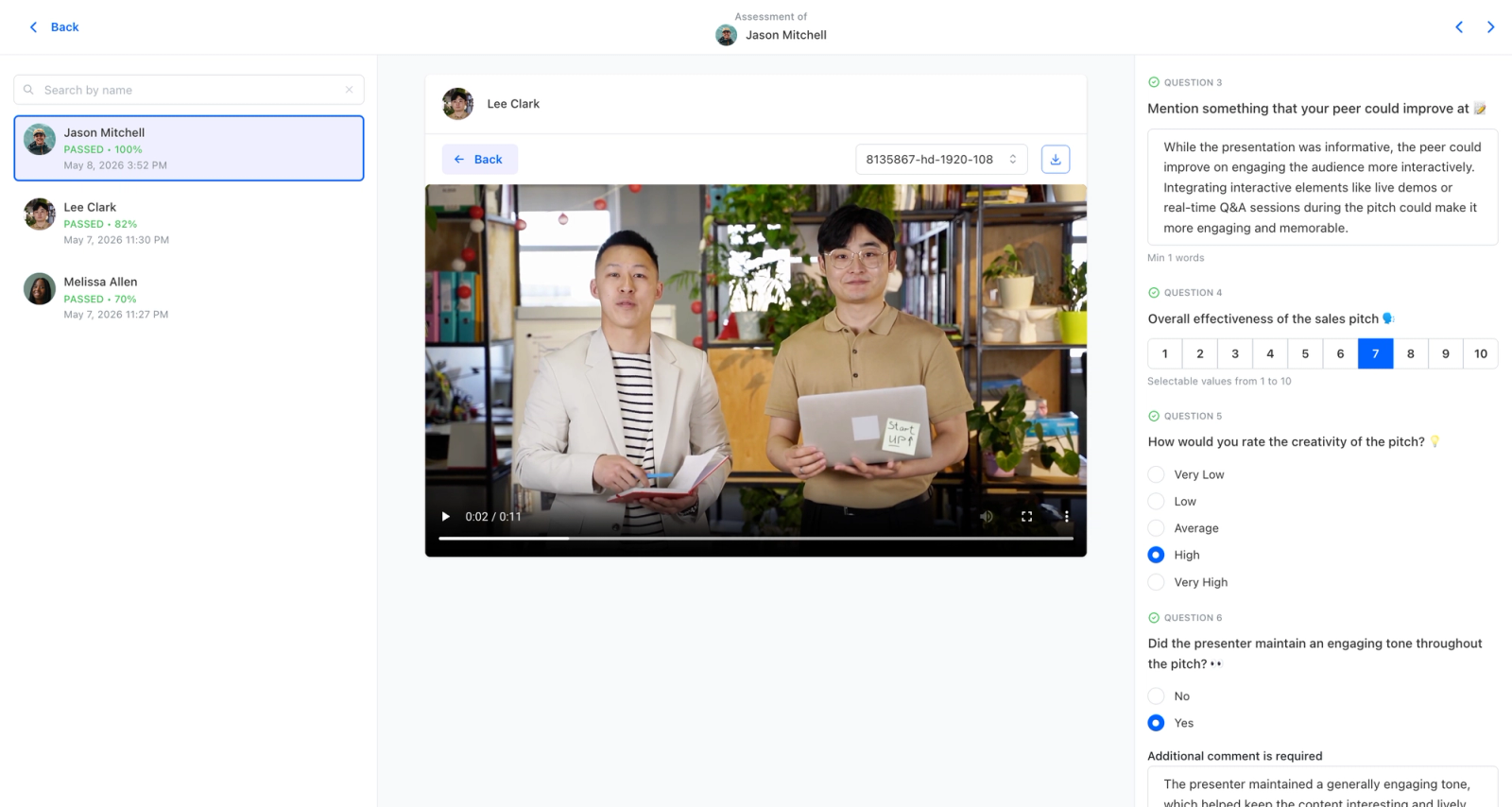
Teachfloor's edge here is format flexibility, and that is the point. You can run training self-paced, social, live, or in cohorts, and mix those formats inside one program. It pairs that with what pure content tools miss: built-in community and discussion, peer review, live sessions, and AI course creation that turns your material into structured courses in minutes.
Core Capabilities
- AI course creation that turns documents, videos, and outlines into structured courses
- Flexible delivery: self-paced, social, live, or cohort-based, mixed within one program
- Community and discussion spaces that keep learners engaged between sessions
- Peer review and collaborative assignments for active, social learning
- Live sessions with Zoom and Google Meet for instructor-led training
- White-label branding on your own custom domain
- Certificates, payments, and enrollment management for paid or external programs
- Analytics on completion, participation, and engagement
Best For
Organizations that need a training platform capable of running self-paced, live, cohort, or blended programs from one place, with built-in community, peer review, and AI course creation on a branded domain.
Pricing Overview
- Startup plan from $89 per month for up to 50 learners
- Full Features plan with custom pricing, white-label, SSO, and advanced integrations
- 14-day free trial; no permanent free plan
- Nonprofit discounts available
Limitations
- Not built to be a 10,000-seat self-paced content warehouse; that is a different category.
- The integration catalog is smaller than large enterprise suites.
Quick Comparison Insight
Most platforms on this list are optimized for one delivery model. Teachfloor runs self-paced, social, live, and cohort programs from a single platform, with community and AI course creation included, at a price point that sits below most enterprise alternatives.
Lessonly (Seismic Learning)

Overview
Lessonly, now rebranded as Seismic Learning after its acquisition by Seismic, was built specifically for training customer-facing teams. Where Trainual focuses on documenting internal processes and SOPs, Lessonly zeroes in on sales enablement, customer success training, and frontline team readiness.
The platform combines lesson building with practice exercises, including video-recorded role-plays that managers can review and coach on asynchronously. This practice-and-feedback loop is what distinguishes Lessonly from most other tools on this list. It is not just about delivering content; it is about building skills through repetition and coaching.
Core Capabilities
- Drag-and-drop lesson builder with text, images, video, screen recordings, and embedded documents
- Practice exercises where learners record video or text responses for manager review
- Built-in quizzes with multiple question types and pass/fail scoring
- Learning paths that sequence multiple lessons and practice activities into structured programs
- Role-based content assignment with automated delivery based on team, role, or start date
- Coaching feedback tools that let managers annotate and score practice submissions
- Native integrations with Salesforce, Zendesk, and Slack for workflow-embedded training
- Detailed analytics dashboard with completion rates, quiz scores, and practice performance
- Content tagging and search for building a self-serve training library
- API access for custom integrations with HRIS and CRM systems
Standout Strength
Companies choose Lessonly because it closes the gap between knowing and doing. The practice-and-coaching model means sales reps do not just read a pitch script; they record themselves delivering it and get feedback. That active learning loop is something Trainual's passive content model does not offer.
Best For
Mid-market and enterprise sales, support, and customer success teams that need to onboard reps quickly and maintain skill consistency across distributed teams. Particularly strong for organizations where practice, role-play, and manager coaching are part of the training culture.
Pricing Overview
- Custom pricing based on team size and feature tier
- Typically mid-market to enterprise price range
- Free demo available through Seismic's website
Limitations
- Not designed for general company-wide SOPs or process documentation. Its focus is team training, not knowledge management.
- No SCORM support, which limits content portability for organizations with existing courseware libraries.
- Pricing is not publicly listed and tends to be higher than SOP-focused tools, making it a harder fit for small businesses.
Quick Comparison Insight
Stronger than Trainual for skill-building and practice-based training, but narrower in scope. If your priority is sales readiness over process documentation, Lessonly fits better.
Whale
Overview
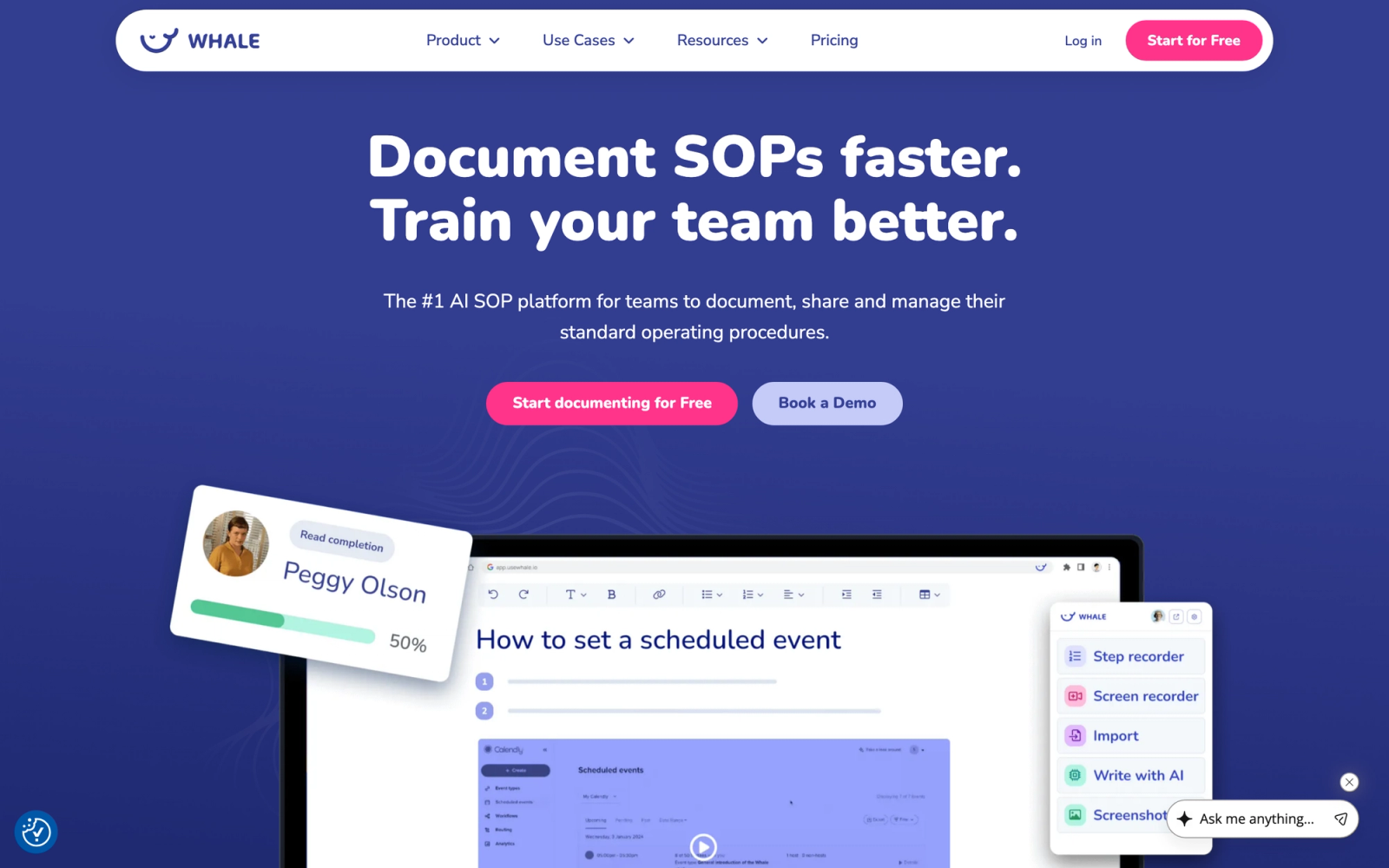
Whale positions itself as a direct competitor to Trainual in the SOP and process documentation space, but with a stronger emphasis on AI-assisted content creation. The platform helps teams centralize procedures, onboard employees, and keep documentation current as processes evolve.
Whale's AI suggestion engine drafts SOPs from prompts and flags outdated content automatically. For teams where the biggest bottleneck is not the platform itself but the time it takes to write and maintain documentation, that AI layer is a practical differentiator.
Core Capabilities
- AI-powered SOP creation that generates draft procedures from prompts and existing documents
- Centralized knowledge base organized by teams, departments, and topics
- Automated onboarding flows that assign content based on role and department
- Built-in quizzes to verify comprehension after completing documentation
- Content review reminders that notify owners when SOPs are due for updates
- Browser extension that surfaces relevant procedures in context while working in other tools
- Integrations with Slack, Microsoft Teams, and Google Workspace for content distribution
- Role-based permissions with approval workflows for content publishing
- Analytics dashboard tracking read rates, quiz scores, and content freshness
- Template library with pre-built SOP formats for common business processes
Standout Strength
Whale's competitive edge is the AI-assisted authoring combined with automated content freshness tracking. Organizations choose it because it reduces the effort of both creating and maintaining SOPs, which is where most documentation initiatives stall.
Best For
Small to mid-size businesses (50 to 500 employees) that need a direct Trainual replacement with stronger AI content tools and automated documentation governance. Well-suited for operations-heavy businesses in franchising, hospitality, or professional services.
Pricing Overview
- Starts at $6 per user per month (billed annually)
- Free plan available for up to 10 users with limited features
- Higher tiers include AI features, advanced analytics, and priority support
Limitations
- Not a full LMS. Course-building, certification tracking, and structured learning paths are limited compared to dedicated training platforms.
- No SCORM or xAPI support, so existing e-learning content cannot be imported.
- Video hosting is not native; teams still rely on embedding from external platforms.
Quick Comparison Insight
The closest direct replacement for Trainual on this list, with a lower per-user price point and AI tools that reduce documentation effort. Less capable for structured training programs, but stronger for keeping SOPs current.
Notion
Overview
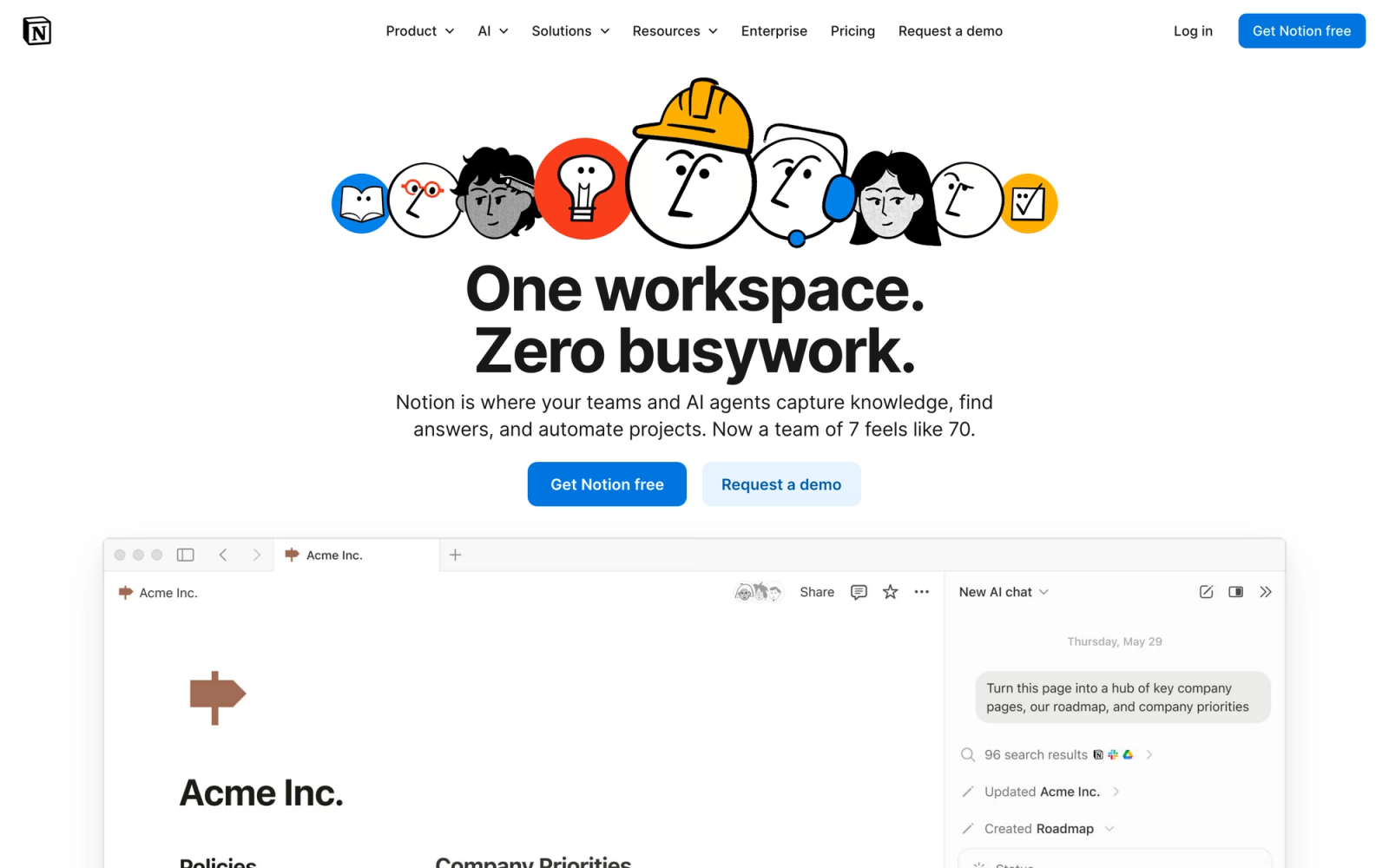
Notion is not a training platform, and it is important to state that upfront. It is a flexible workspace for documents, wikis, databases, and project management. But many teams use Notion as an internal knowledge base and onboarding hub, making it a practical Trainual alternative for organizations that prioritize flexibility over structured training features.
The reason Notion appears on this list is simple: a significant number of teams already use it for everything from meeting notes to product documentation. Adding SOPs and onboarding guides to an existing Notion workspace avoids introducing another tool entirely. The tradeoff is that you lose training-specific features like quizzes, completion tracking, and automated role assignment.
Core Capabilities
- Page-based editor with rich text, embedded media, code blocks, toggles, callouts, and tables
- Relational databases that can power wikis, task trackers, and content libraries in a single workspace
- Template system for standardizing SOPs, runbooks, and onboarding checklists
- Permission controls at workspace, page, and database levels
- Native integrations with Slack, Google Drive, GitHub, Figma, and dozens of other tools
- API access for building custom automations and syncing data with other systems
- Content search across all pages and databases with filtering by tag, owner, or date
- Commenting and mention system for collaborative editing and review
- Version history with page-level rollback
- Notion AI for drafting, summarizing, and translating content within pages
Standout Strength
Notion's advantage is that it adapts to nearly any workflow. Teams choose it because they can build an onboarding wiki, an SOP library, a project tracker, and a team handbook in one tool. No other platform on this list offers that breadth of general-purpose functionality.
Best For
Startups and small teams (under 100 people) that want a lightweight, customizable knowledge base without paying for a dedicated SOP or training tool. Best for teams that already use Notion and want to consolidate rather than add another platform.
Pricing Overview
- Free plan for individuals with basic features
- Plus plan starts at $10 per user per month
- Business plan at $18 per user per month includes advanced permissions and analytics
- Enterprise plan with custom pricing
Limitations
- No built-in training features. No quizzes, no completion tracking, no automated content assignment, no certification management.
- No SCORM support or learning analytics. It is a document tool, not an LMS.
- Requires significant manual setup to function as a structured onboarding system. Without discipline, content becomes disorganized quickly.
Quick Comparison Insight
Far more flexible than Trainual as a general workspace, but lacks every training-specific feature that makes Trainual useful. Best for teams that need a wiki, not a training system.
Process Street
Overview
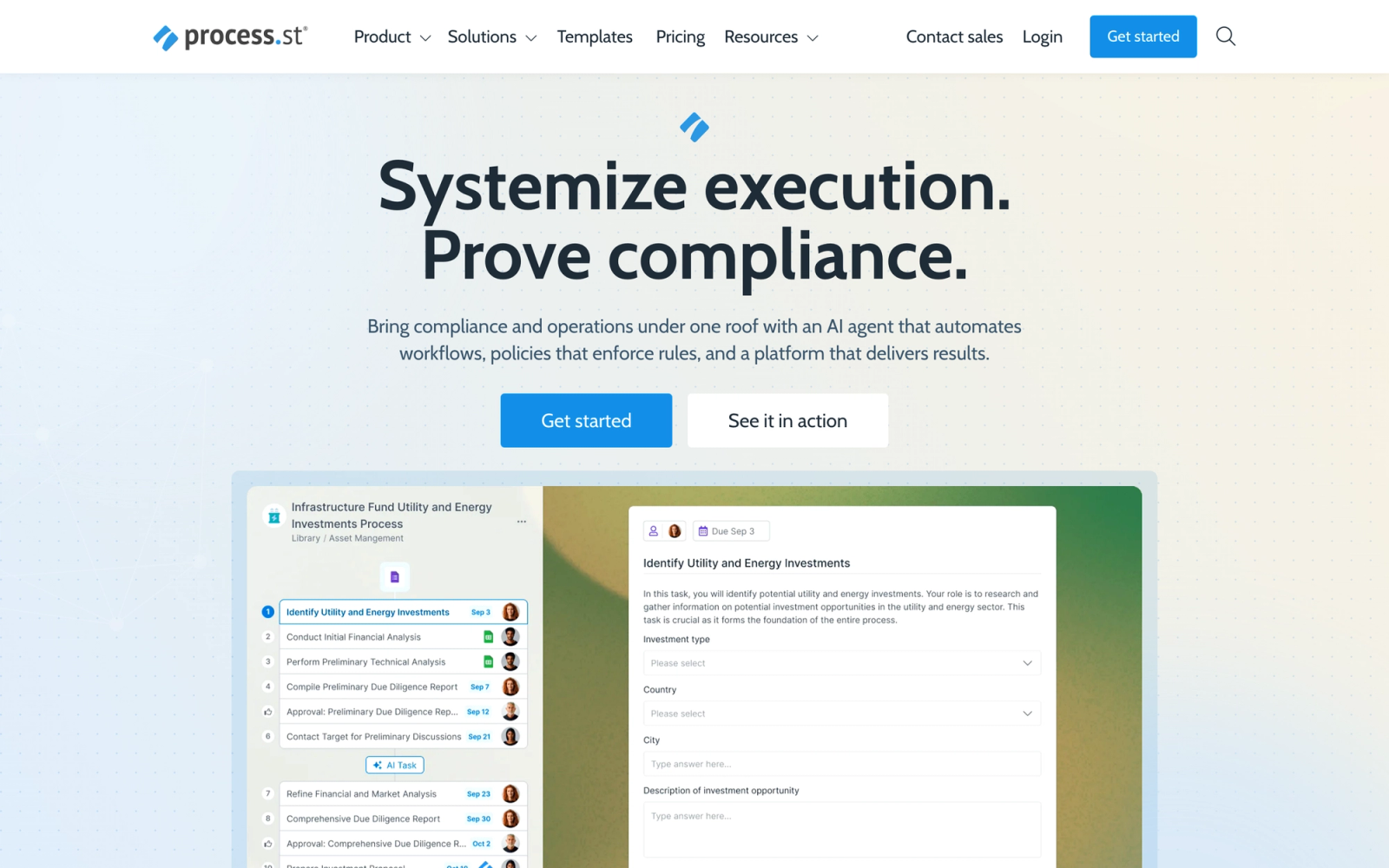
Process Street approaches the SOP problem from a different angle than Trainual. Rather than building a knowledge base of static documents, Process Street turns processes into interactive, step-by-step workflows with conditional logic, form fields, and task assignments. Each SOP becomes a living checklist that employees execute, not just read.
This distinction matters. In Trainual, an employee reads a procedure and marks it complete. In Process Street, an employee works through the procedure step by step, filling in data, uploading files, and triggering automations along the way. For operations teams where consistent execution matters more than knowledge retention, that is a meaningful difference.
Core Capabilities
- Workflow editor with conditional logic, flexible due dates, and role-based task assignment
- Template library with hundreds of pre-built workflows for HR, IT, operations, and finance
- Form fields within workflows for data capture (text, file uploads, dropdowns, approvals)
- Automated triggers that connect workflows to Zapier, Slack, email, and CRM events
- Approval steps that pause a workflow until a manager signs off
- Activity feeds and audit trails for every workflow run
- Role-based permissions with team-level template management
- Reporting on workflow completion rates, task durations, and bottlenecks
- API and native integrations with over 1,000 tools through Zapier
- Collaborative editing with comments, mentions, and version tracking
Standout Strength
Process Street stands out because it transforms documentation into action. Companies choose it when they need to ensure that processes are followed precisely every time, not just understood. The workflow execution model with embedded data capture creates an auditable trail that static SOPs cannot match.
Best For
Operations, IT, HR, and finance teams in mid-size companies that need repeatable process execution with accountability. Strong for regulated industries where auditability and consistent compliance are non-negotiable.
Pricing Overview
- Startup plan at $100 per month for up to 5 members
- Pro plan at $1,500 per year for up to 10 members with advanced features
- Enterprise plan with custom pricing
- 14-day free trial available
Limitations
- Not a training or learning platform. There are no courses, lessons, quizzes, or learning paths.
- The workflow model does not suit every type of SOP. Reference documentation, policies, and guidelines do not translate naturally into checklists.
- Pricing can escalate quickly for larger teams compared to simpler documentation tools.
Quick Comparison Insight
Complementary to Trainual rather than a direct replacement. Process Street is stronger for process execution and compliance; Trainual is stronger for training and knowledge transfer.
TalentLMS
Overview
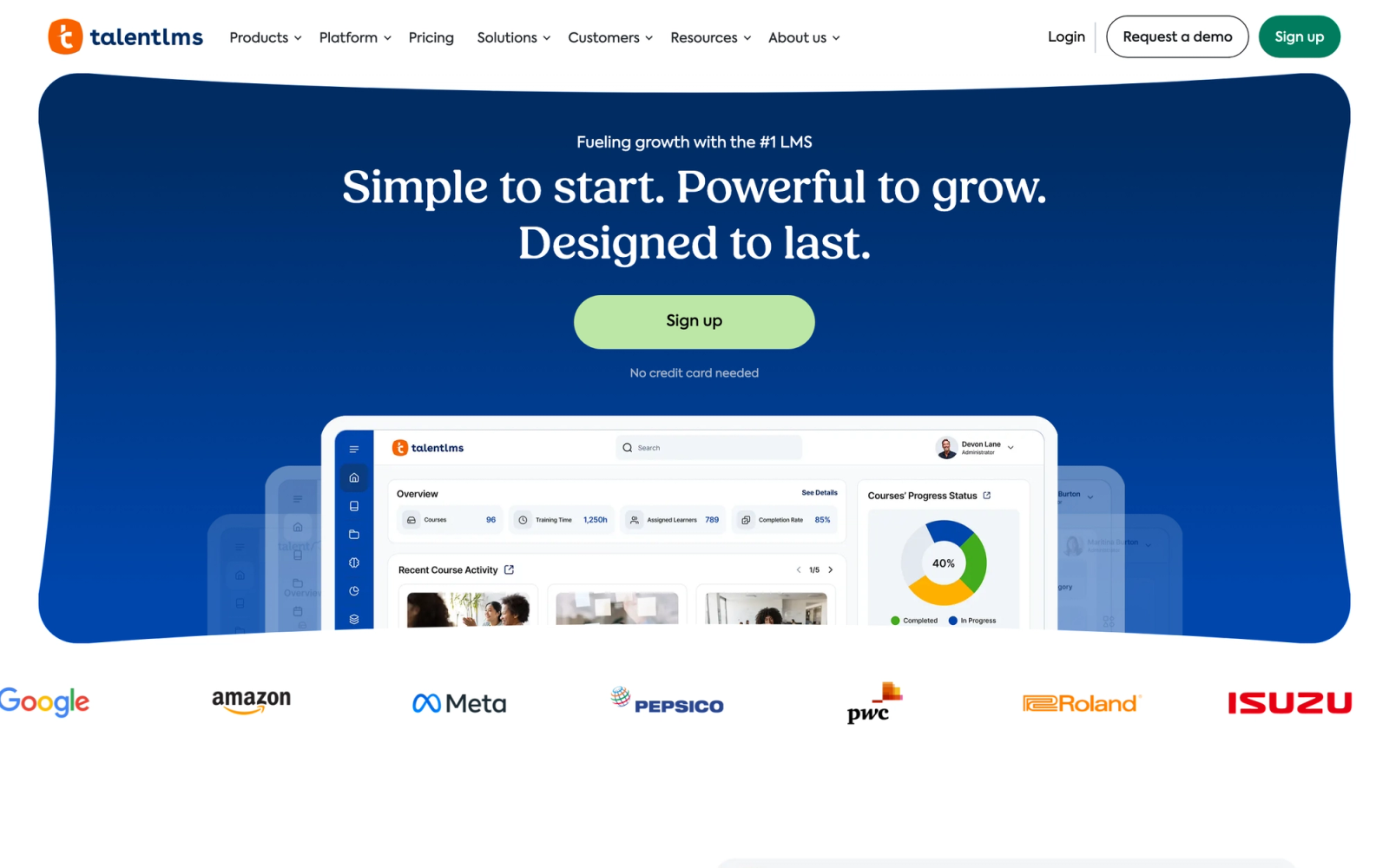
TalentLMS is where this list shifts from SOP tools to full learning management systems. It is a cloud-based LMS built for small and mid-size businesses that need to deliver structured corporate training without enterprise complexity or pricing.
The contrast with Trainual is significant. TalentLMS offers a complete course builder, SCORM and xAPI support, certification management, gamification, and detailed reporting. If Trainual is a digital employee handbook, TalentLMS is a training department in a box.
Core Capabilities
- Course builder with drag-and-drop content blocks, multimedia support, and branching paths
- SCORM 1.2, SCORM 2004, xAPI, and cmi5 compliance for importing third-party courseware
- Built-in video hosting with in-platform playback and tracking
- Assessment engine with multiple question types, question pools, randomization, and time limits
- Certification management with automated expiration reminders and re-certification workflows
- Gamification features including points, badges, leaderboards, and leveling
- Instructor-led training support with scheduling, attendance tracking, and virtual classroom integration
- Custom learning paths with prerequisite logic and gated progression
- White-label branding with custom domains, logos, and login pages
- Integrations with Zapier, Salesforce, Slack, and single sign-on providers (SAML, LDAP)
Standout Strength
TalentLMS wins on accessibility and value. It offers genuine LMS functionality at a price point that SMBs can afford, with a free tier for up to 5 users. Organizations choose it because it delivers 80% of what enterprise LMS platforms offer at a fraction of the cost and implementation time.
Best For
Small and mid-size businesses (25 to 1,000 employees) that have outgrown SOP tools and need a real LMS for compliance training, employee training programs, customer education, or partner onboarding. Strong for organizations moving from Trainual to structured learning.
Pricing Overview
- Free plan for up to 5 users and 10 courses
- Starter plan at $89 per month for up to 40 users
- Basic plan at $189 per month for up to 100 users
- Plus and Premium plans scale to 1,000+ users
- Custom enterprise pricing available
Limitations
- SOP and process documentation features are minimal. It is a training platform, not a knowledge base.
- The course builder is functional but lacks the sophistication of dedicated authoring tools like Articulate or iSpring.
- Gamification elements can feel superficial for organizations prioritizing serious professional development over engagement mechanics.
Quick Comparison Insight
A much fuller training platform than Trainual, with SCORM support, certifications, and assessments that Trainual lacks. Less focused on SOPs and process documentation, but a clear upgrade for actual learning delivery.
Absorb LMS
Overview
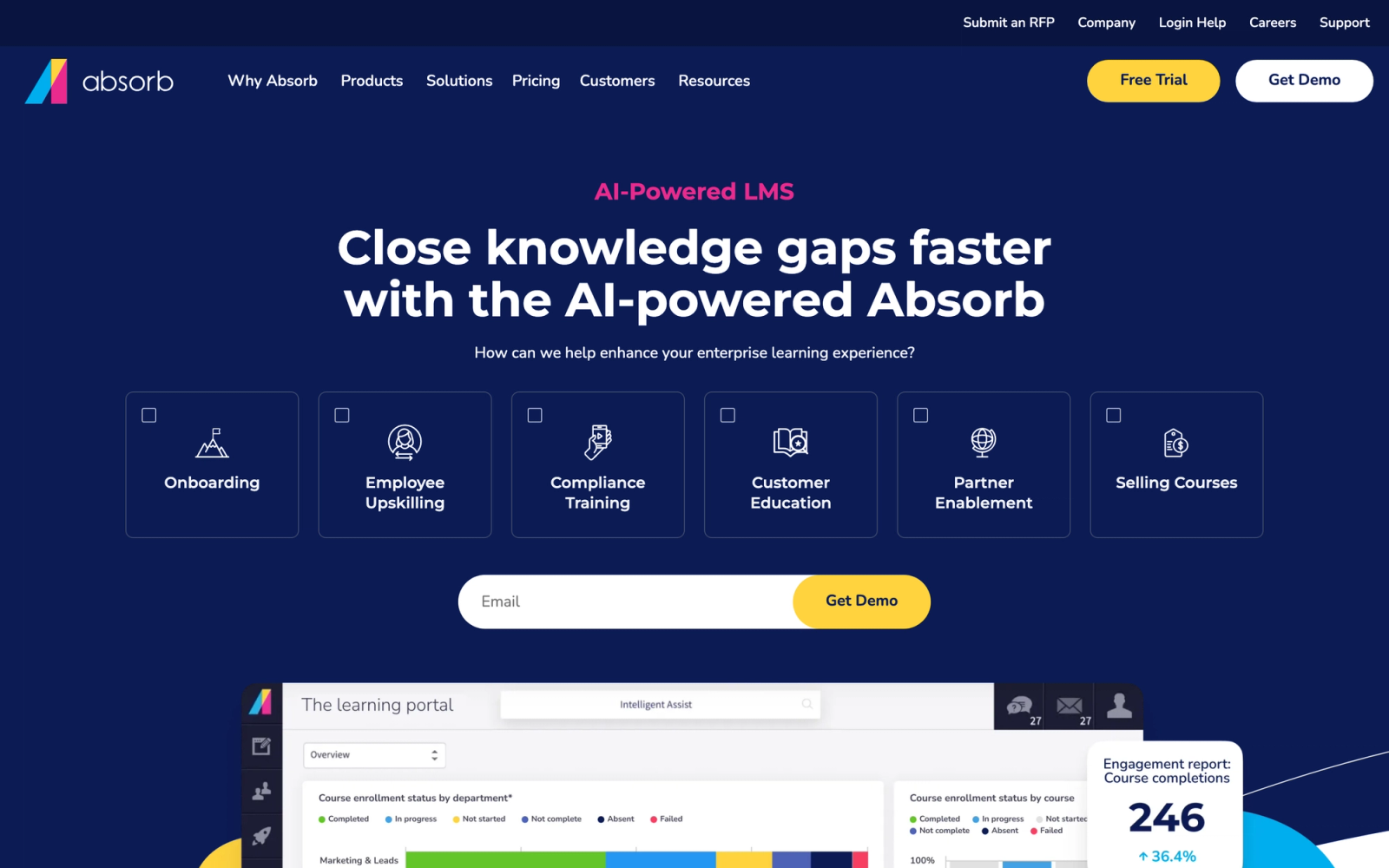
Absorb LMS is an enterprise-grade learning management system that uses AI to personalize the learner experience. It sits at the higher end of the market, serving mid-size and large organizations that need to train employees, customers, and partners at scale.
Where Trainual handles onboarding documentation for small teams, Absorb manages thousands of learners across multiple audiences with distinct content libraries, branding, and reporting. The AI-powered recommendation engine, Absorb Intelligence, suggests relevant content based on role, learning history, and organizational goals. That level of personalization is something neither Trainual nor most mid-market tools can match.
Core Capabilities
- AI-powered content recommendations based on learner role, history, and engagement patterns
- Full SCORM, xAPI, AICC, and cmi5 support for importing and tracking third-party content
- Built-in course authoring with multimedia, assessments, and interactive elements
- Multi-portal architecture for serving distinct audiences (employees, customers, partners) from one instance
- Advanced reporting engine with scheduled reports, custom dashboards, and data exports
- Certification and compliance management with automated renewal workflows
- E-commerce module for selling courses with payment gateway integration
- Mobile app with offline content access and synced progress tracking
- Content library integration with providers like LinkedIn Learning and OpenSesame
- SSO, API, and native integrations with Salesforce, BambooHR, Workday, and other enterprise systems
Standout Strength
Absorb's differentiator is its AI layer combined with enterprise scalability. Organizations choose it when they need to deliver personalized learning at scale across multiple audiences without managing separate platforms for each group.
Best For
Mid-to-large enterprises (500+ employees) with complex training requirements spanning compliance, professional development, customer education, and partner enablement. Strong for regulated industries that need detailed audit trails and certification management.
Pricing Overview
- Custom pricing based on number of learners and feature requirements
- Typically starts in the mid-four-figure range annually
- Free demo available; no self-serve free trial
Limitations
- Overkill for small businesses. The setup complexity, cost, and feature depth are designed for organizations with dedicated L&D teams.
- Implementation timelines can stretch to several weeks, compared to Trainual's same-day setup.
- The native course authoring tools, while functional, are not as polished as standalone authoring suites.
Quick Comparison Insight
An order of magnitude more capable than Trainual for structured training, but the cost and complexity reflect that. This is a platform for organizations that have outgrown SMB tools entirely.
iSpring Learn
Overview
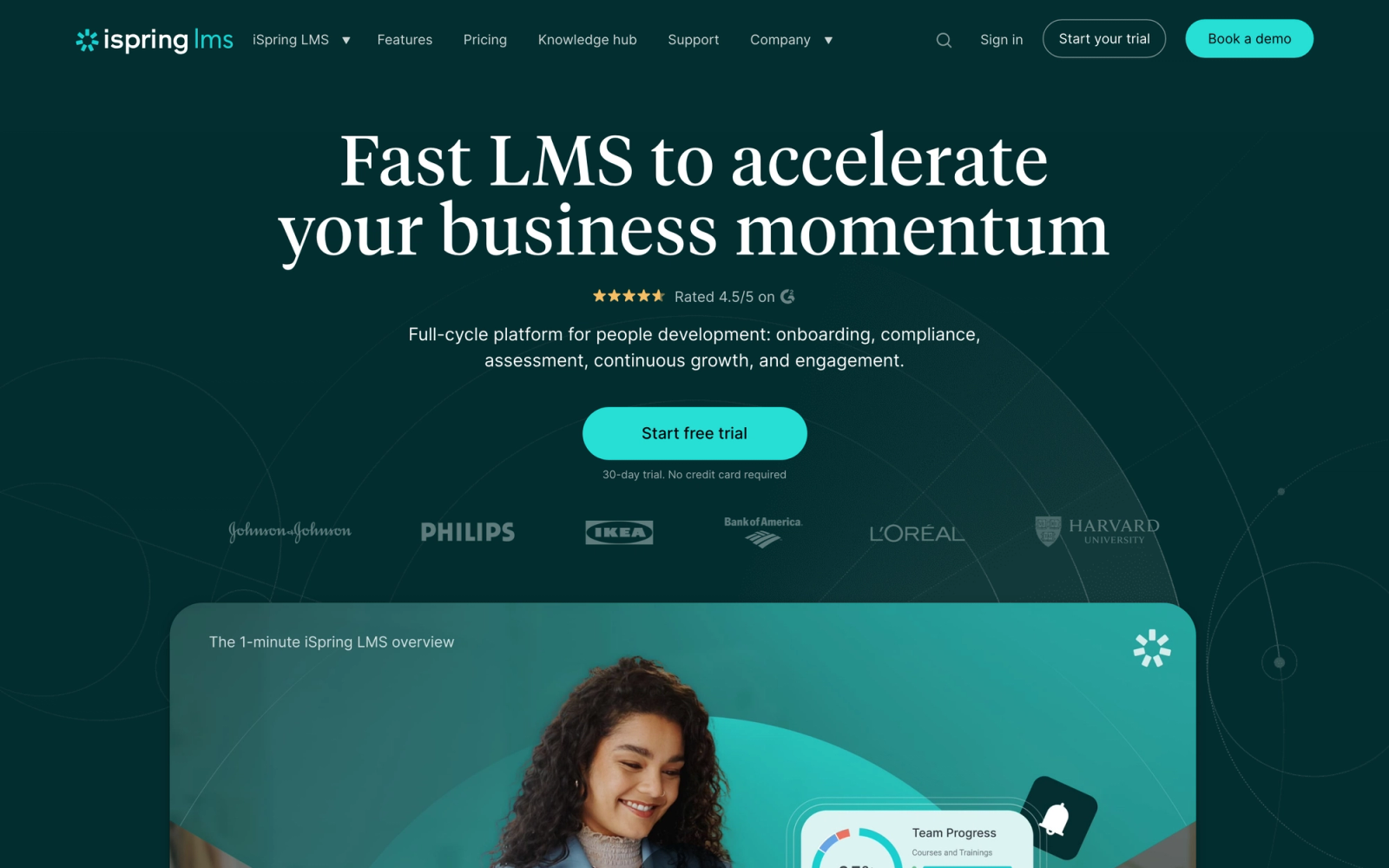
iSpring Learn combines a cloud LMS with iSpring Suite, a PowerPoint-based authoring toolkit that converts presentations into interactive e-learning courses. This combination is what makes iSpring distinctive: organizations that already create training content in PowerPoint can turn those materials into trackable, SCORM-compliant courses without learning a new authoring tool.
Compared to Trainual's text-and-embed approach, iSpring delivers polished, interactive courseware. The authoring suite supports quizzes, simulations, screen recordings, and video narrations, all built from within PowerPoint. For teams with existing slide decks that need to become real training, the transition is remarkably smooth.
Core Capabilities
- PowerPoint-based authoring with iSpring Suite for converting slides into interactive courses
- SCORM 1.2 and SCORM 2004 support for content import and export
- Built-in quiz maker with 14 question types, branching feedback, and randomized question pools
- Dialogue simulation builder for practicing conversations (sales calls, support interactions, management scenarios)
- Screen recording and video editing tools for creating software tutorials
- Learning path builder with prerequisites, deadlines, and gated progression
- Mobile app with offline access and progress syncing
- Detailed reporting including quiz scores, time spent, attempts, and completion trends
- Organizational structure mapping for department-level content assignment and reporting
- Calendar module for scheduling instructor-led sessions and blended learning programs
Standout Strength
Organizations choose iSpring because it turns their existing PowerPoint content into professional e-learning without a steep learning curve. The authoring tools produce polished, interactive output that feels like enterprise courseware, not a slideshow.
Best For
Mid-size companies (100 to 5,000 employees) with existing PowerPoint training decks that need to be converted into trackable e-learning. Particularly strong for L&D teams and instructional design professionals who want authoring control without enterprise authoring tool complexity.
Pricing Overview
- iSpring Learn LMS starts at $4.60 per user per month (billed annually) for 100 users
- iSpring Suite authoring tool sold separately, starting at $770 per author per year
- Bundle pricing available for LMS + authoring suite
- 14-day free trial available
Limitations
- The authoring suite is Windows-only. Mac users cannot use iSpring Suite, which limits content creation for cross-platform teams.
- The LMS on its own is capable but less differentiated. The real value comes from the authoring integration.
- Pricing requires both the LMS and authoring subscriptions, which adds up for teams that need multiple authors.
Quick Comparison Insight
Far more capable than Trainual for producing professional training content, especially from PowerPoint. Less useful for SOP documentation and process onboarding, but a significant upgrade for formal learning delivery.
360Learning
Overview
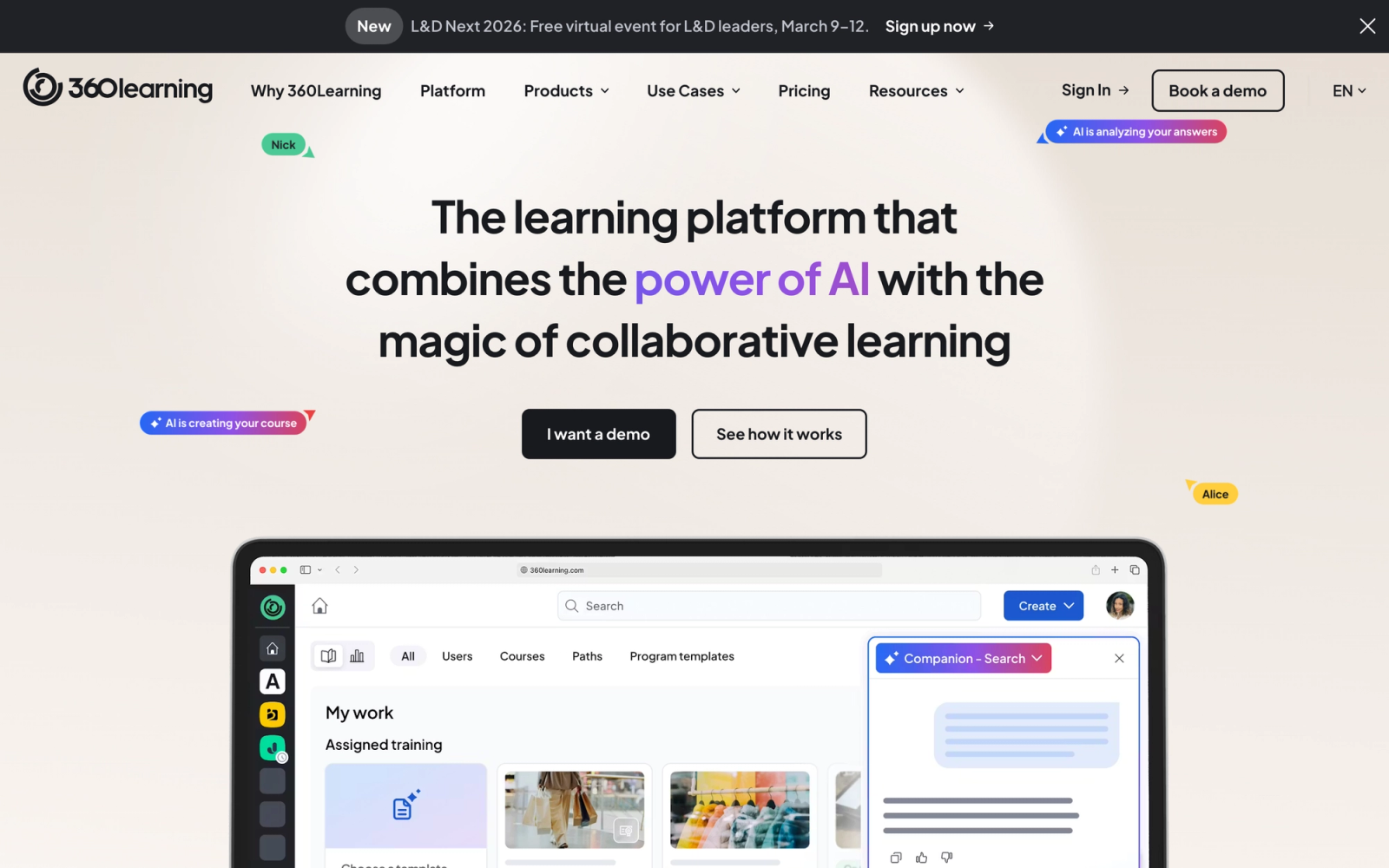
360Learning takes a fundamentally different approach to training. Instead of a top-down model where L&D teams author all content, 360Learning enables collaborative learning where subject matter experts across the organization create, review, and iterate on courses. The platform calls this "collaborative learning," and the tooling supports it: built-in authoring, peer review workflows, discussion forums, and feedback loops.
This philosophy sets 360Learning apart from both Trainual and traditional LMS platforms. Trainual centralizes documentation authoring. 360Learning distributes it, turning internal experts into content creators while maintaining quality through peer review.
Core Capabilities
- Collaborative authoring tool where subject matter experts can build courses without L&D intervention
- Peer review and feedback workflows with course rating, comments, and iteration tracking
- SCORM and xAPI support for importing content from external authoring tools
- Built-in video recording and hosting with in-course playback
- Discussion forums integrated at the course and lesson level for learner interaction
- Automated content relevance scoring that flags outdated or low-rated courses
- Learning path builder with scheduled enrollments and prerequisite logic
- Manager dashboards with team-level completion and skill gap tracking
- Native integrations with HRIS platforms (BambooHR, Workday), Slack, Microsoft Teams, and Salesforce
- Skill-based learning with competency mapping and gap analysis
Standout Strength
360Learning's advantage is speed of content creation. By enabling internal practitioners to author courses directly, organizations reduce the L&D bottleneck that slows training programs. The peer review system ensures quality without creating a publishing backlog.
Best For
Mid-to-large organizations (200+ employees) with distributed expertise that want to scale training creation beyond a centralized L&D team. A strong fit for companies in fast-moving industries where training content needs frequent updates and input from practitioners across the business, not just instructional designers.
Pricing Overview
- Team plan starts at $8 per registered user per month
- Business plan with advanced features available at custom pricing
- 30-day free trial available
Limitations
- The collaborative model requires cultural buy-in. Organizations where subject matter experts are not willing or able to author content will not see the platform's full value.
- Less structured than traditional LMS platforms for compliance-heavy training that requires strict content control.
- The interface has a learning curve for first-time course authors, despite being designed for non-L&D users.
Quick Comparison Insight
A stronger training platform than Trainual with genuine collaborative features, but built on a different philosophy. Where Trainual centralizes authoring control, 360Learning distributes it. Best for organizations ready to let practitioners own content creation.
SweetProcess
Overview
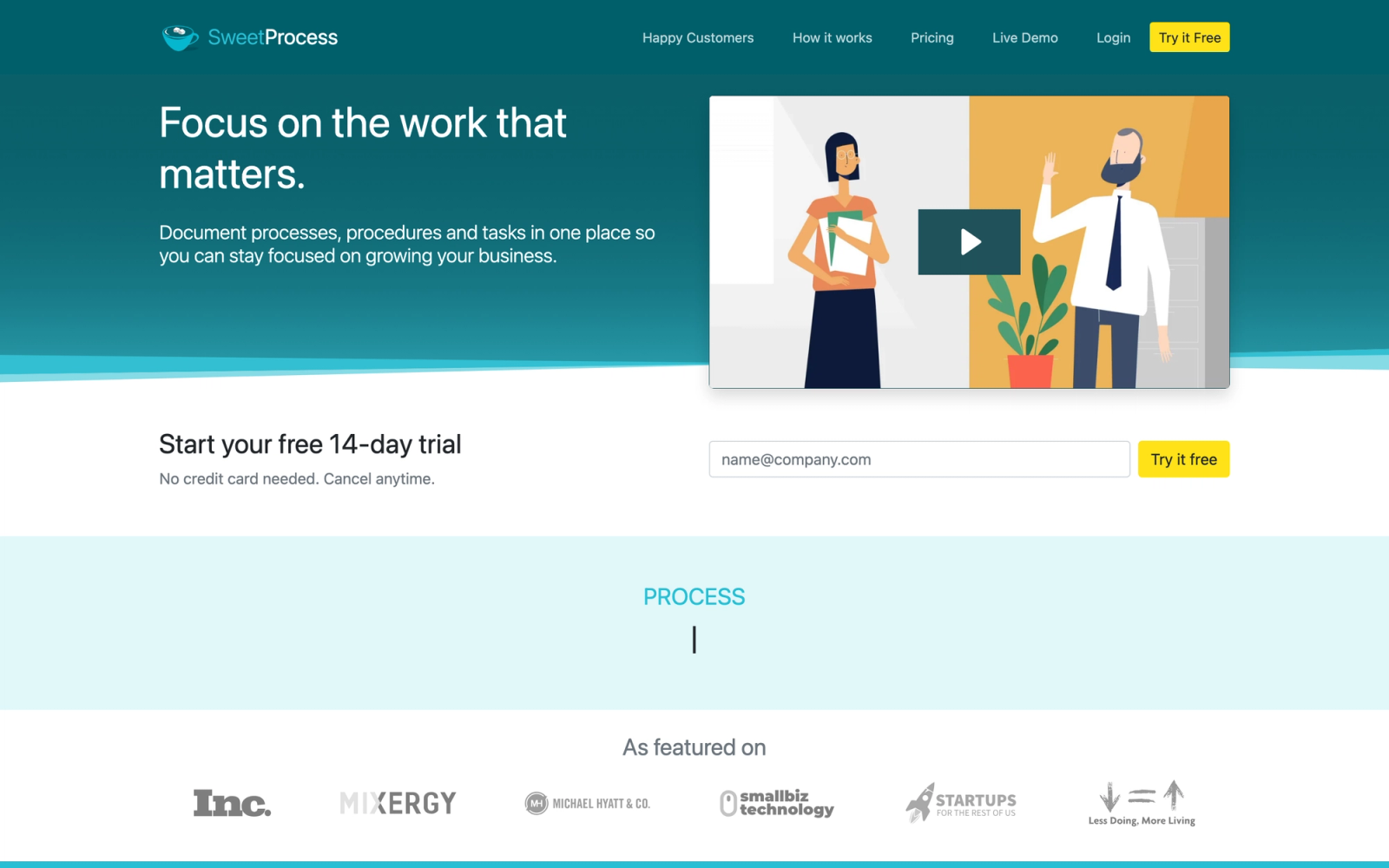
SweetProcess is the most direct Trainual competitor on this list in terms of feature scope and target market. Both platforms focus on documenting procedures, building a company knowledge base, and onboarding new employees. The execution differs in some notable ways, but the core promise is nearly identical: systematize your business by getting processes out of people's heads and into a shared platform.
SweetProcess leans more heavily into procedure-level granularity than Trainual. Trainual organizes content by subjects and topics. SweetProcess organizes by procedures, processes, and policies, with a clearer hierarchy between them. For companies that need to distinguish between a single task (procedure), a multi-step workflow (process), and an organizational rule (policy), that structure adds meaningful clarity.
Core Capabilities
- Three-tier content structure: procedures (single tasks), processes (multi-step workflows), and policies (organizational rules)
- Step-by-step procedure builder with text, images, videos, and embedded files
- Public and private knowledge base with customizable branding and search
- Automated onboarding assignments by role, department, or team
- Version history with change tracking and rollback for every document
- Basic quiz functionality to verify comprehension after procedures
- Team management with departments, roles, and permission levels
- Integration with Zapier for connecting to over 1,000 third-party tools
- Process mapping with visual flowcharts generated from documented procedures
- SOP review and approval workflows with assigned reviewers and due dates
Standout Strength
SweetProcess wins on documentation structure. The three-tier hierarchy of procedures, processes, and policies gives organizations a clearer framework for organizing operational knowledge than Trainual's flatter content model. The visual process mapping feature also helps teams see how individual procedures connect into larger workflows.
Best For
Small to mid-size businesses (10 to 200 employees) in operations-heavy industries (manufacturing, logistics, professional services, healthcare operations) that need structured procedure documentation with clear organizational hierarchy. Best for companies where process consistency directly impacts quality or compliance.
Pricing Overview
- $99 per month for up to 20 active team members
- $5 per additional active member per month
- 14-day free trial with no credit card required
Limitations
- Not a training platform. No courses, learning paths, certifications, or meaningful assessment capabilities.
- No SCORM support or integrations with e-learning standards.
- The interface is functional but dated compared to Trainual's more polished UI.
Quick Comparison Insight
A more affordable and structurally organized alternative to Trainual for pure SOP documentation, but with a less modern interface and fewer training features. Best for teams that value documentation hierarchy over presentation polish.
How to Choose the Right Alternative
The tools above serve different needs, and the right choice depends on what specific problem you are solving. Here is a practical framework for narrowing the decision.
If you need a direct Trainual replacement for SOPs and onboarding, look at Whale or SweetProcess. Both focus on process documentation with similar feature scopes. Whale adds AI-assisted authoring and content freshness tracking. SweetProcess offers stronger document hierarchy and visual process mapping. Both are more affordable at scale than Trainual.
If you need structured training beyond SOPs, TalentLMS and iSpring Learn are the most practical mid-market options. TalentLMS offers a full LMS with SCORM support, certifications, and a free tier to start. iSpring Learn is the better choice if your team already creates content in PowerPoint and needs professional authoring tools.
If you need enterprise-scale training with AI, Absorb LMS handles thousands of learners across multiple audiences with AI-powered personalization. It is a significant investment, but the multi-portal architecture and reporting depth justify it for large organizations.
If you need to decentralize content creation, 360Learning's collaborative authoring model lets subject matter experts create and maintain training content without depending on L&D bottlenecks. This works best in organizations with willing internal contributors and a culture of knowledge sharing.
If you need workflow execution, not just documentation, Process Street turns SOPs into interactive checklists with data capture, conditional logic, and audit trails. It is complementary to training tools rather than a replacement.
If you need a flexible wiki without training features, Notion works for teams that want a lightweight, customizable knowledge base inside a tool they already use. It requires manual setup and discipline but avoids the cost of a dedicated platform.
If your training needs practice and coaching, Lessonly (Seismic Learning) specializes in sales and customer-facing team training with video practice exercises and manager feedback tools.
If your training needs a mix of delivery modes, Teachfloor covers self-paced, social, live, and cohort formats from one platform. It is particularly well-suited to programs that combine structured content with live sessions, peer interaction, or community, when passive content delivery alone is not enough.
The key question is whether your primary need is documentation, training delivery, or process execution. Trainual sits at the intersection of documentation and basic training. The alternatives above separate those functions and do each one at a deeper level.
FAQ
Is Trainual good for large companies?
Trainual works best for small businesses with fewer than 100 employees. Its per-seat pricing ($249/month for 25 seats) becomes expensive at scale, and the lack of SCORM support, advanced assessments, and enterprise reporting limits its usefulness for larger organizations with complex training needs. Companies over 200 employees typically benefit from a full LMS.
Can I use Notion instead of Trainual?
You can, but with significant trade-offs. Notion can serve as a knowledge base and onboarding wiki, but it lacks quiz functionality, automated content assignment, completion tracking, and learning analytics. It works for teams that want a lightweight, flexible document hub. It does not work as a replacement for structured training delivery.
What is the cheapest Trainual alternative?
Notion's free plan and TalentLMS's free tier (up to 5 users) are the lowest-cost options. For SOP-specific tools, Whale offers a free plan for up to 10 users. SweetProcess starts at $99/month for 20 members. The right comparison is not just price but value relative to the specific features your team actually needs.
Do any Trainual alternatives support SCORM?
Yes. TalentLMS, Absorb LMS, iSpring Learn, and 360Learning all support SCORM content import. If your organization has invested in SCORM-packaged courses from authoring tools like Articulate Storyline or Adobe Captivate, these platforms will let you deploy and track that content. Trainual, Whale, SweetProcess, and Notion do not support SCORM.
What is the best Trainual alternative for employee onboarding?
It depends on what "onboarding" means in your context. For SOP-driven onboarding (reading policies, understanding procedures), Whale and SweetProcess are the closest matches. For structured onboarding programs with courses, assessments, and certifications, TalentLMS offers the best value at the SMB level. For cohort-based onboarding with live sessions and group interaction, Teachfloor provides that structure.


