

Why Look for a WorkRamp Alternative?
WorkRamp built a solid position in the learning and enablement space, particularly for mid-market teams that need both employee training and customer education under one roof. The bigger 2026 story is ownership: Learning Pool acquired WorkRamp on October 15, 2025, and WorkRamp now operates as a product inside the Learning Pool portfolio. For teams that adopted WorkRamp as an independent platform, that change in roadmap and direction is one more reason to compare options. Beyond ownership, there are specific friction points that lead L&D teams to evaluate WorkRamp alternatives.
Premium pricing that squeezes smaller teams. WorkRamp does not publish transparent pricing, and the platform is built for mid-market to enterprise buyers. Small and mid-size businesses often find the cost difficult to justify, especially when they only need core LMS functionality without the full enablement suite. If your budget is tight and your learner count is under 500, the price-to-value ratio can feel off.
Reporting that lacks granularity. While WorkRamp covers standard completion and progress tracking, teams that need deep analytics, custom report builders, or cross-program performance comparisons often hit a ceiling. If your L&D function reports to leadership with detailed ROI metrics or skill gap analysis, you may find yourself exporting data and building reports manually.
Content authoring that trails dedicated tools. WorkRamp includes a built-in course builder, but it does not match the depth of standalone authoring platforms. Teams that rely on branching scenarios, advanced interactivity, or SCORM-heavy workflows sometimes need to author content externally and import it, which adds friction to the production process.
Limited native integrations. WorkRamp connects to common HRIS and CRM platforms, but the integration library is narrower than competitors that have been in the market longer. Organizations with complex tech stacks, particularly those using niche HR or sales tools, may need to rely on middleware or custom API work.
No open-source option. For organizations that require full data control, self-hosting, or deep customization at the infrastructure level, WorkRamp's closed SaaS model is a non-starter. This matters most in regulated industries or institutions with strict data sovereignty requirements.
Customer education requires a separate module. WorkRamp offers customer education capabilities, but accessing them means purchasing an additional module beyond the core employee learning product. Teams looking for a single, unified platform from day one may find this structure adds unexpected cost.
These are not universal deal-breakers. WorkRamp works well for many teams. But if any of these pain points sound familiar, the alternatives below address them in different ways.
What to Look for in a Learning and Enablement Platform
Before jumping into individual tools, it is worth anchoring on what actually matters when choosing a WorkRamp alternative. The right platform depends less on feature counts and more on how well the tool fits your team's workflow, budget, and learning model.
Content authoring flexibility. Can you build courses natively, or will you need external authoring tools? Some platforms offer drag-and-drop builders suited for rapid course creation. Others provide advanced interactivity but require more technical skill. Match the authoring experience to who will actually be creating content on your team.
Reporting depth. Standard completion tracking is table stakes. What separates platforms is the ability to build custom reports, track learner progress across multiple programs, tie learning data to business outcomes, and visualize trends over time. If your learning analytics needs go beyond pass/fail, prioritize this.
Pricing model and scalability. Per-user pricing, per-author pricing, flat-rate plans, and custom enterprise quotes all create different costs at scale. A platform that looks affordable at 100 users might become expensive at 2,000. Map out your projected learner count over the next two to three years before committing.
Integration library. Your LMS needs to connect to the tools your team already uses: HRIS systems, CRMs, video platforms, communication tools, and single sign-on providers. A platform with a broad integration library saves you from workaround-heavy implementations.
Support for multiple learning use cases. Some teams need employee onboarding, compliance training, and sales enablement. Others need customer education or partner training. A few need all of the above. Clarify which use cases are on your roadmap before evaluating whether a platform can handle them natively or through add-ons.
Ease of administration. The best feature set in the world does not help if the admin experience is clunky. Look for intuitive course management, straightforward user provisioning, and an interface that does not require a dedicated administrator to maintain.
10 Best WorkRamp Alternatives
The platforms below cover a range of use cases, from budget-friendly LMS options for small teams to enterprise-grade systems built for global organizations. Each review includes a direct comparison to WorkRamp so you can see where the differences actually matter. If your priority is sales or customer enablement specifically, also see our guides to Skilljar competitors and Continu alternatives.
| Tool | Best for | Starting price | Free trial |
|---|---|---|---|
| Teachfloor | Flexible, social, and cohort-based learning with community | $89/mo | 14 days |
| Docebo | Enterprise teams needing AI and scale | Custom | Demo only |
| Seismic Learning | Sales and CS enablement with coaching | Custom | Demo only |
| LearnUpon | Multi-audience training at scale | Custom | Yes |
| 360Learning | Collaborative, peer-driven authoring | $8/user/mo | Yes |
| Absorb LMS | Polished UX and admin automation | Custom | Demo only |
| TalentLMS | SMBs needing fast, affordable setup | $149/mo ($119 annual) | Free plan |
| LearnWorlds | Course creators and customer education | $24/mo (annual) | 30 days |
| Tovuti LMS | Built-in interactivity for mid-size teams | ~$775/mo | Demo only |
| SkyPrep | Small teams prioritizing simplicity | Custom | 14 days |
Teachfloor
Overview
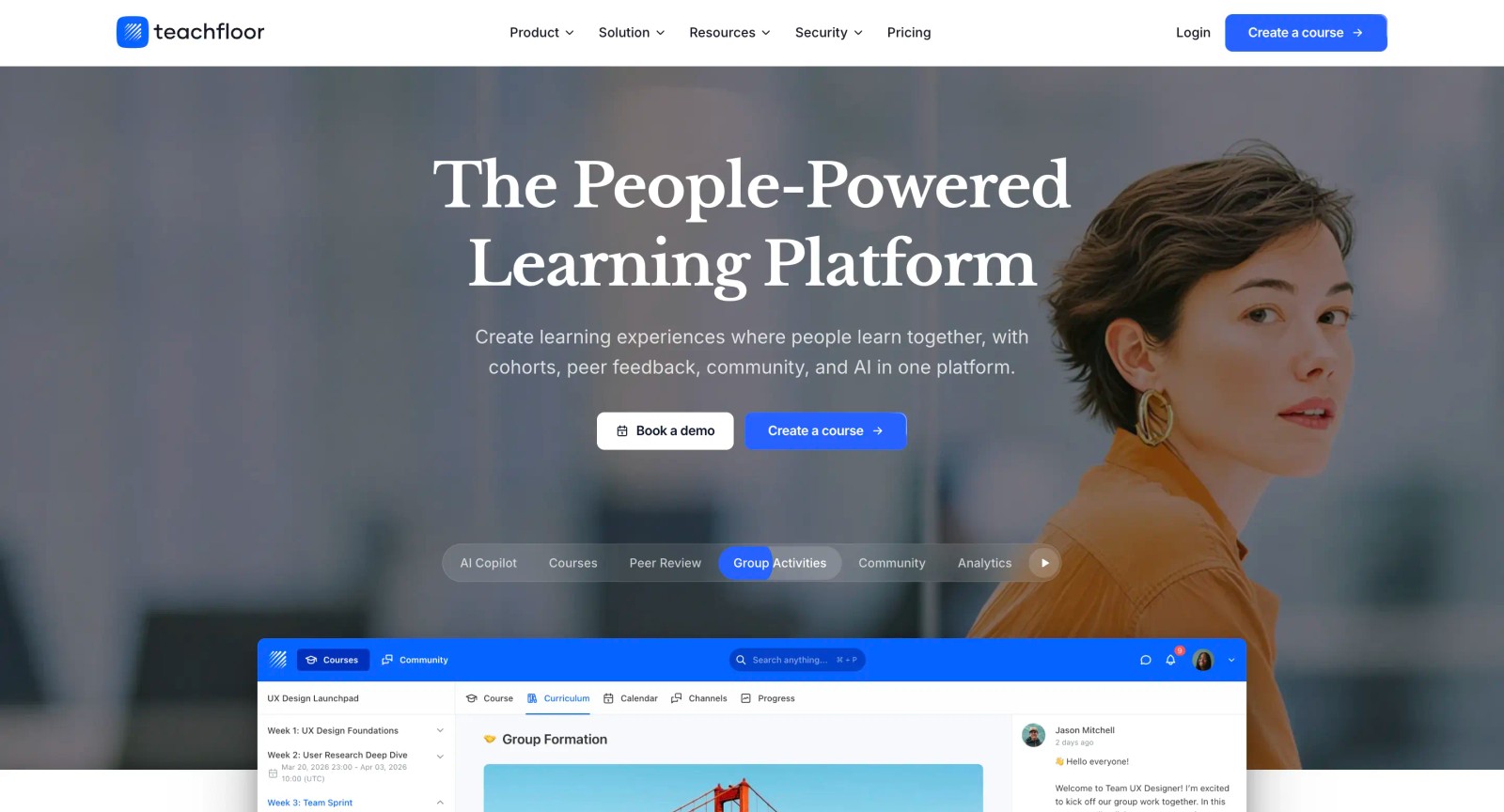
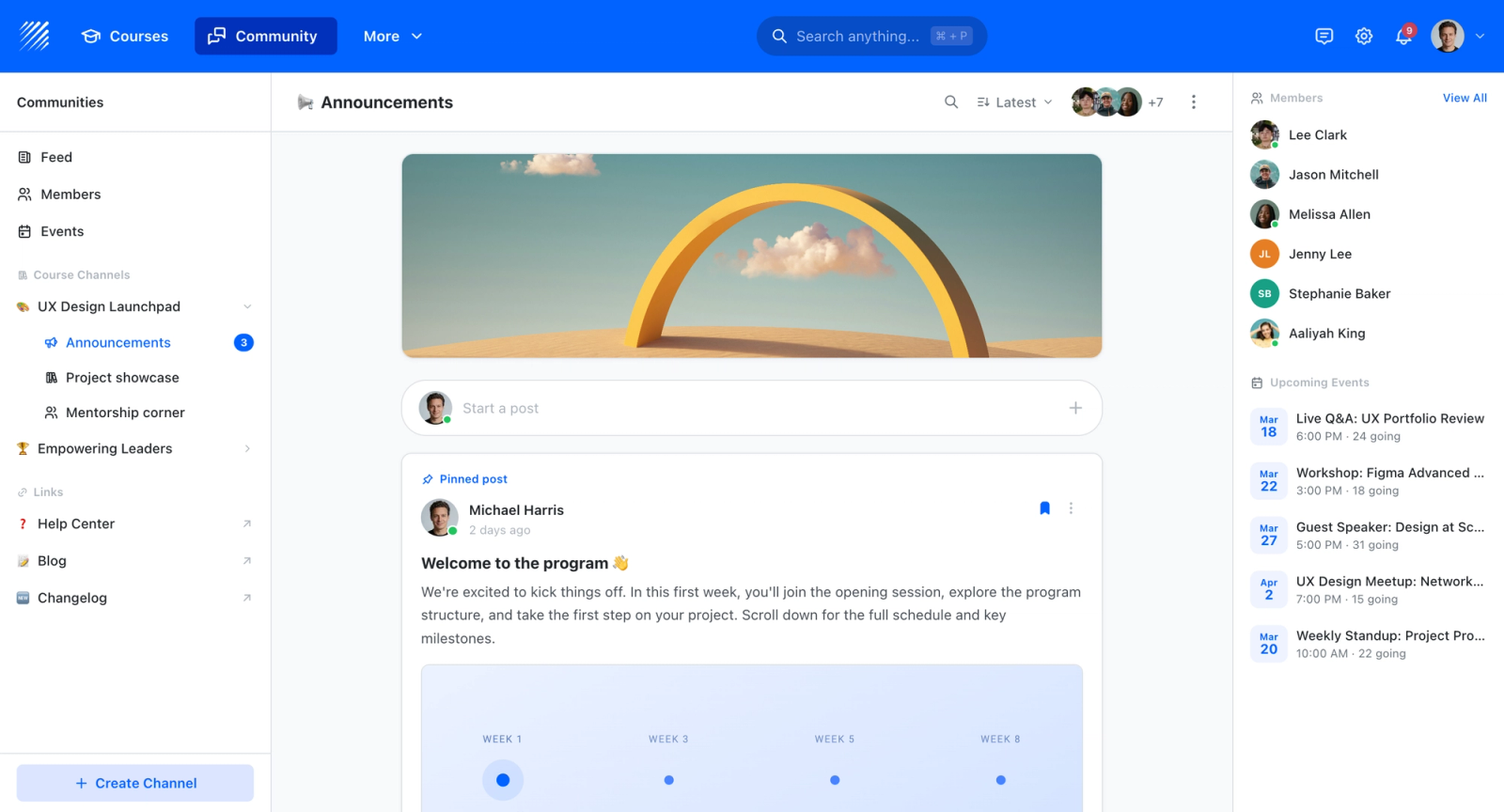
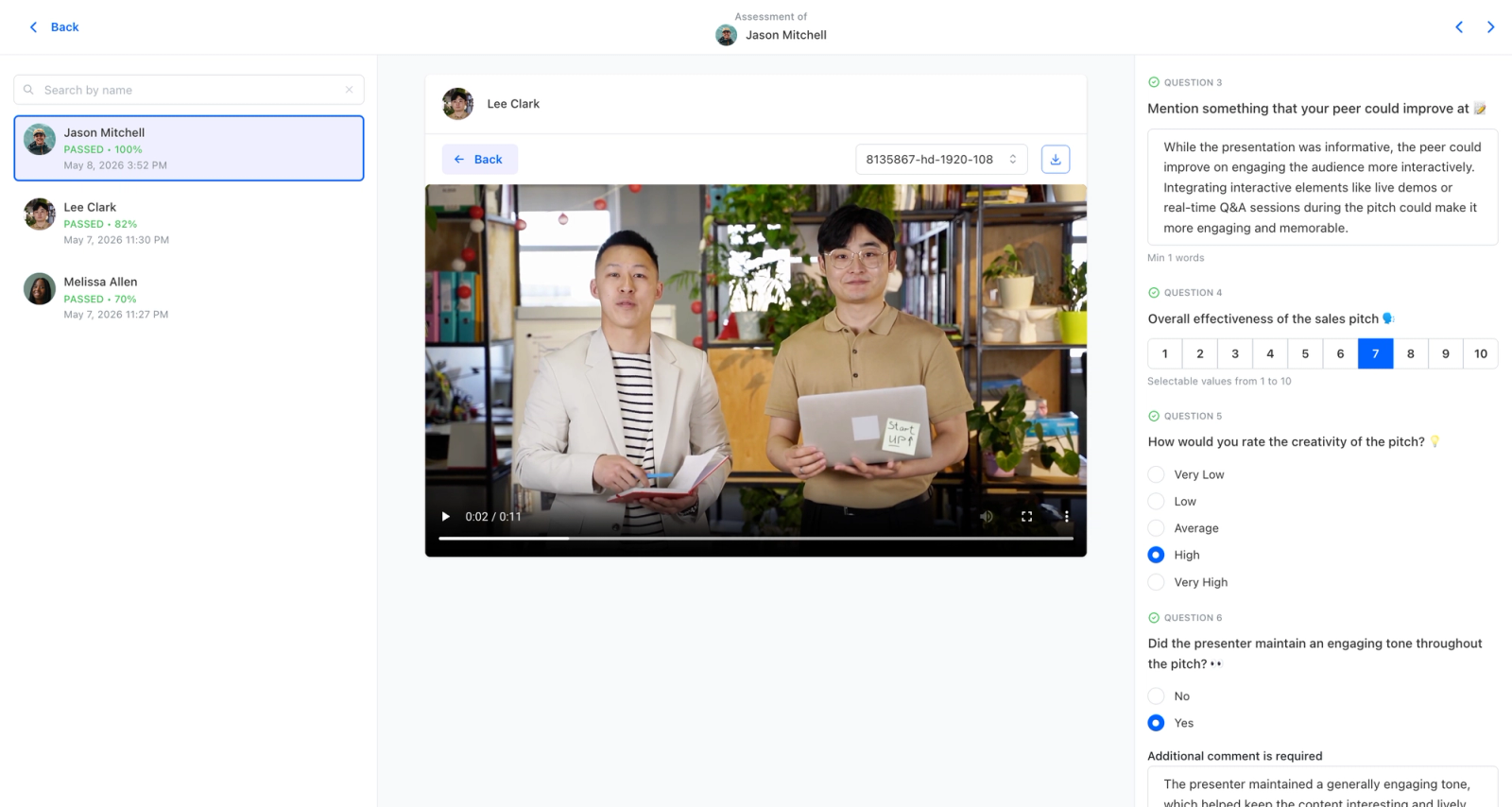
Teachfloor brings employee training and customer education onto one platform, with a published entry price that makes the cost predictable from day one. AI-assisted authoring builds programs for either audience, with self-paced, live, or cohort delivery options depending on whether you are running staff onboarding or an external academy. Discussion threads, group activities, and rubric-based peer review keep learners active across both contexts, and white-label delivery on your own domain means customer-facing programs carry your brand rather than the platform's.
Core Capabilities
- One platform for both employee training and customer education, covering WorkRamp's dual use case without splitting into separately priced clouds
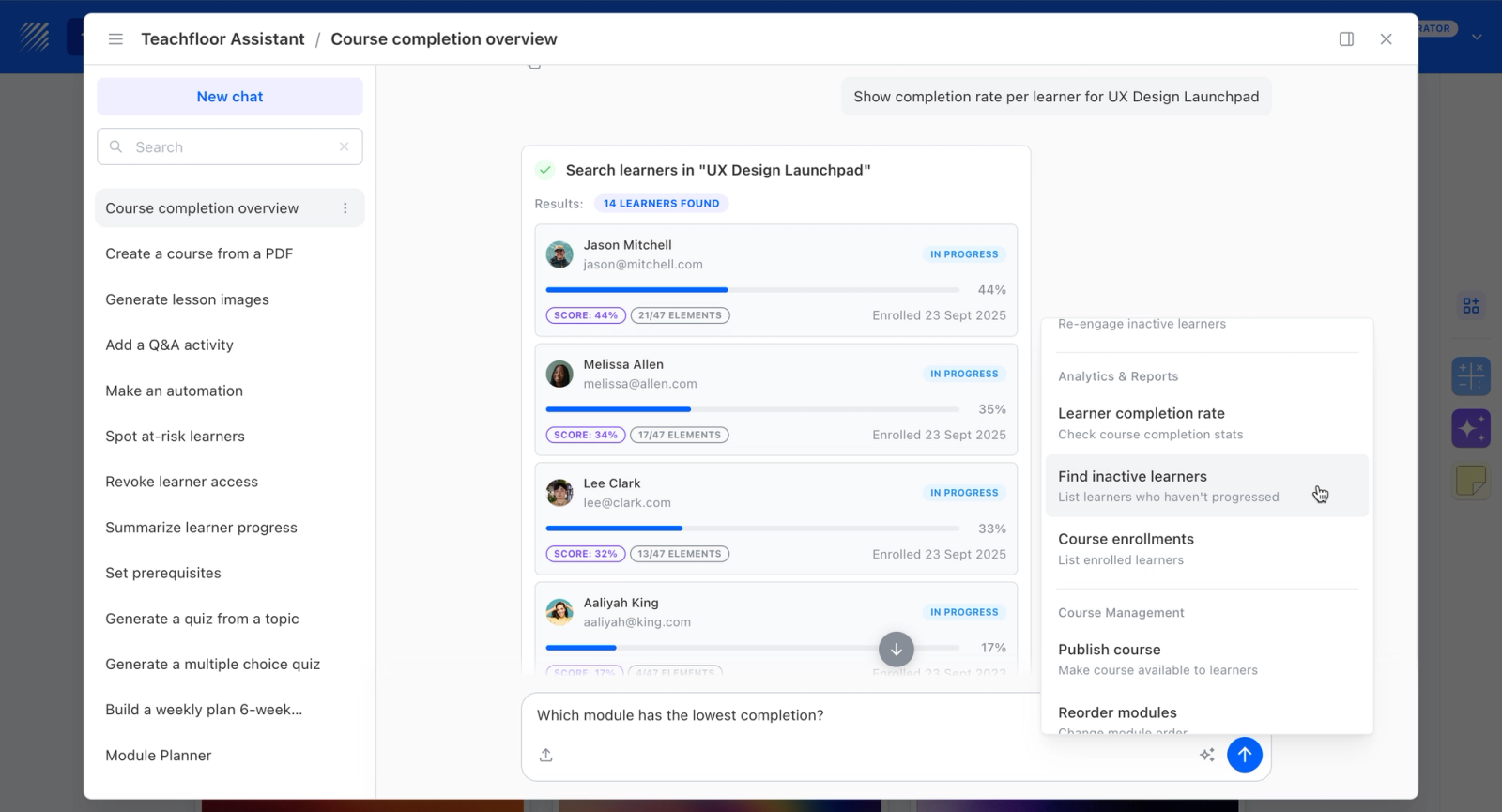
- AI-assisted authoring with self-paced, live, and cohort delivery, so internal onboarding and external academies can each run the way they need to
- Active learning through discussion, group activities, and weighted rubric-based peer review for engagement across both audiences
- White-label on your own domain, essential for a branded customer academy, plus quizzes and certificates for credentialing
- Multi-branch structure, SCORM support, and analytics to keep internal and external programs organized and measurable
Best For
Mid-market teams that want WorkRamp's employee-plus-customer coverage but are worn down by the cost or the split-cloud pricing, and want both audiences served on one more affordable platform.
Pricing Overview
- Startup plan from $89 per month for up to 50 learners
- Full Features plan with custom pricing, white-label, SSO, and advanced integrations
- 14-day free trial; no permanent free plan
- Nonprofit discounts available
Limitations
- Not positioned as a dedicated sales-enablement tool, so revenue teams wanting deep enablement-specific workflows may miss WorkRamp's enablement focus
- Less enterprise-heavy than the larger platforms in this space, which suits mid-market more than very large global rollouts
- No free plan; $89/mo for up to 50 learners with custom pricing for full features, though that typically undercuts WorkRamp at comparable scope
Quick Comparison Insight
WorkRamp leans more into sales enablement and prices its employee and customer clouds separately. Teachfloor covers both internal and customer learning in one platform with a single entry price.
Docebo
Overview
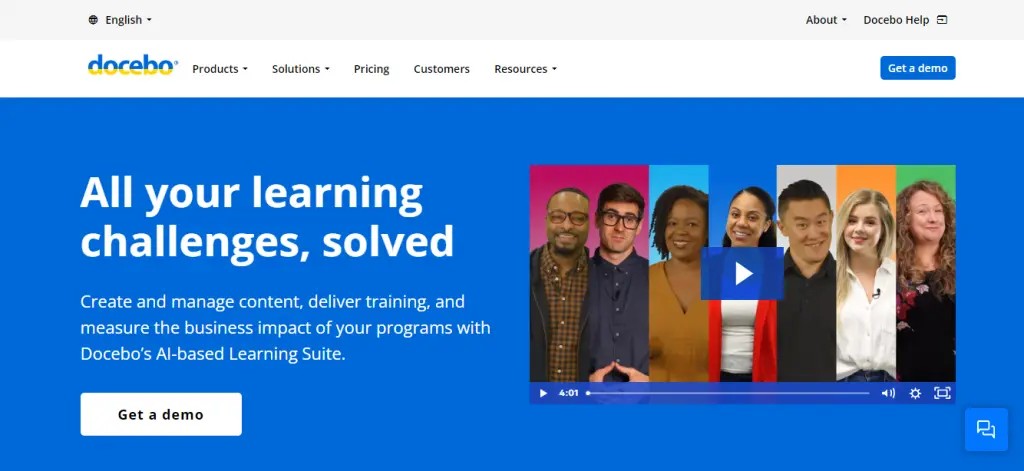
Docebo is an enterprise learning platform that competes directly with WorkRamp at the top end of the market, but with a broader feature set and a stronger emphasis on AI-driven learning experiences. Where WorkRamp bundles learning and enablement into a focused package, Docebo takes a modular approach that scales from employee training through customer education, partner enablement, and compliance management.
What separates Docebo from most LMS platforms is its investment in AI and automation. The platform uses machine learning to recommend content, auto-tag learning materials, surface skill gaps, and personalize the learner experience. The depth of configuration options is noticeably richer than WorkRamp's more streamlined setup. That depth comes with complexity, but for enterprise L&D teams managing thousands of learners across multiple audiences, it is a real advantage.
Core Capabilities
- AI-powered content recommendations and personalized learning paths based on role, skills, and behavior
- Multi-audience architecture for employee, customer, and partner training from a single instance
- Built-in content marketplace with access to third-party course libraries (LinkedIn Learning, Skillsoft, Udemy Business)
- Social learning features with discussion boards, expert Q&A, and content sharing
- Advanced reporting with custom dashboards, scheduled reports, and data visualization
- SCORM, xAPI, AICC, and LTI support for importing and tracking third-party content
- Salesforce, Workday, BambooHR, and a large library of integrations via native connectors and APIs
- White-label and multi-brand portals for external training programs
- Automated enrollment, notifications, and certification management with compliance workflows
- Mobile app with offline access for field teams and frontline workers
Standout Strength
Docebo fits enterprises that need a single platform handling internal training, customer education, and partner enablement at global scale, with AI that reduces administrative overhead. The combination of AI-driven personalization and multi-audience architecture is something WorkRamp's more focused product does not match in depth.
Best For
Mid-to-large enterprises with 1,000+ employees managing complex, multi-audience learning programs. Strong fit for organizations that need to deliver training to customers and partners alongside internal teams, and for L&D departments that want AI to handle content curation and learner recommendations.
Pricing Overview
- Custom enterprise pricing (no public pricing page)
- Pricing is typically per-user, billed annually
- Free trial available upon request
- Implementation fees vary by scope and configuration
Limitations
- Implementation timelines can stretch to several months for complex configurations. This is not a plug-and-play solution for small teams.
- The admin interface has a steep learning curve due to the volume of settings and modules. New administrators need dedicated training.
- Pricing is opaque and tends to be higher than most mid-market LMS options. Smaller organizations may find it difficult to justify.
Quick Comparison Insight
More powerful and more scalable than WorkRamp, especially for multi-audience enterprise deployments. But the added complexity and higher price make it overkill for teams under 500 learners.
Seismic Learning (formerly Lessonly)
Overview
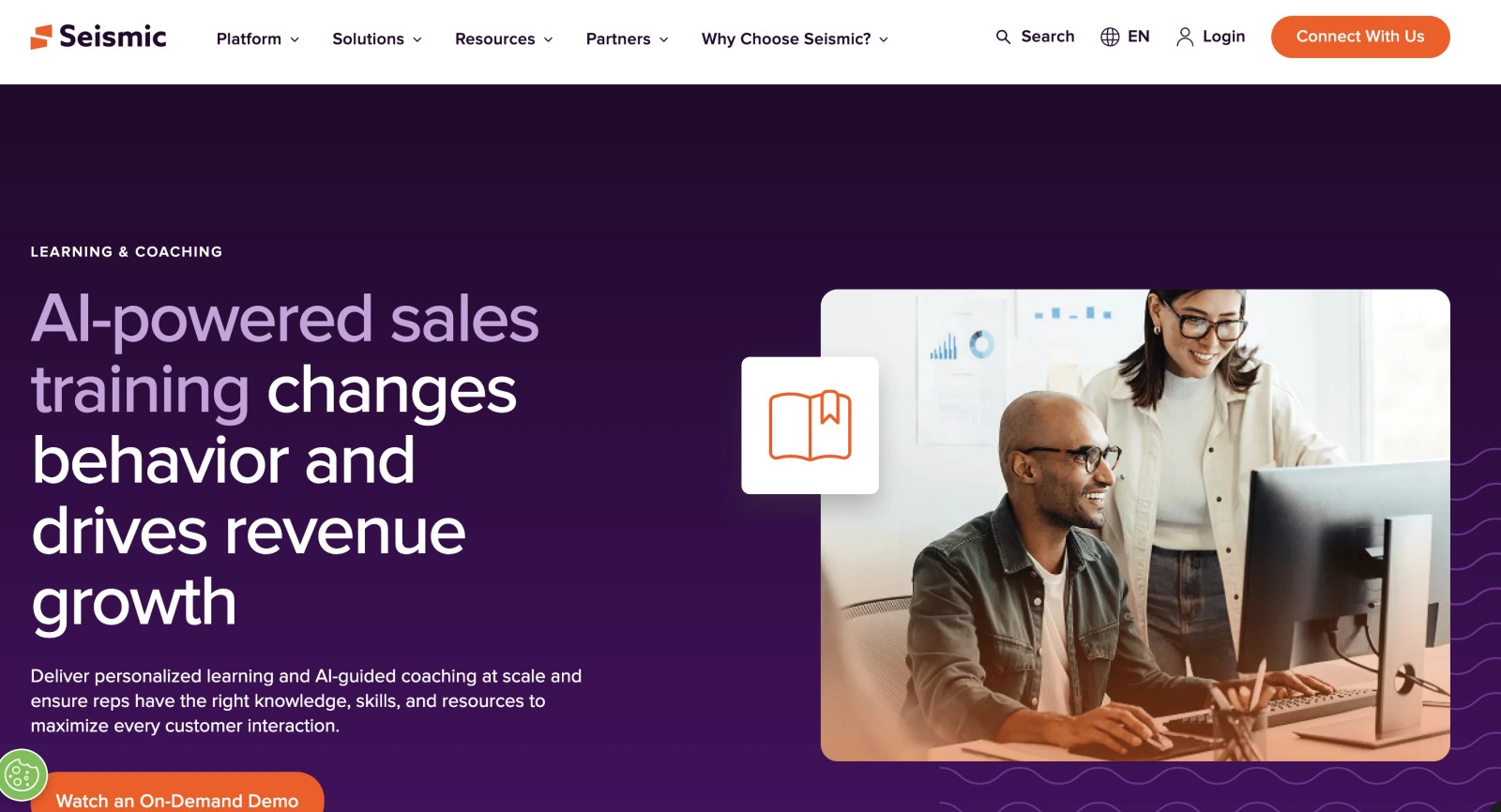
Lessonly, renamed Seismic Learning after Seismic acquired it in 2021, is the most direct competitor to WorkRamp's sales enablement positioning. Both platforms target revenue teams, both emphasize onboarding and coaching, and both sit at the intersection of learning and enablement. The key difference is scope: Seismic Learning is now part of a broader sales enablement suite that includes content management, buyer engagement, and enablement planning.
The lesson-building experience is fast and intuitive, and the practice-and-coaching feature, where reps record themselves delivering pitches and managers review them asynchronously, is a standout. For sales training teams specifically, this workflow maps directly to how enablement actually happens.
Core Capabilities
- Drag-and-drop lesson builder with text, image, video, screen recording, and SCORM support
- Practice exercises where learners record video or text responses for manager coaching
- Learning paths with structured sequencing for onboarding and role-specific training tracks
- Coaching tools with feedback rubrics, scoring, and asynchronous review workflows
- CRM integration with Salesforce and HubSpot to connect training completion to sales performance data
- Automated assignments triggered by role changes, team membership, or manager designation
- Knowledge checks and assessments embedded directly into lessons
- Analytics dashboard tracking completion rates, lesson engagement, and practice scores
- Slack and MS Teams integration for training notifications and reminders
- Part of the broader Seismic platform with access to content management and buyer engagement tools
Standout Strength
Seismic Learning maps directly to the enablement workflows revenue teams already run. The practice-and-coaching cycle is not an afterthought; it is the core of the product. Compared to WorkRamp, which covers enablement as part of a broader learning platform, Seismic Learning goes deeper on the coaching and practice loop that matters most for sales and customer success teams.
Best For
Sales, customer success, and revenue operations teams at mid-size to enterprise companies that need structured onboarding, ongoing coaching, and practice exercises tied directly to CRM data. Strongest for organizations already using or considering the Seismic platform.
Pricing Overview
- Custom pricing; no public pricing available
- Sold as part of the Seismic platform or as a standalone module
- Free demo available
- Pricing varies based on seat count and modules selected
Limitations
- Narrower scope than a full LMS. It is built for enablement, not for compliance training, customer education, or broad L&D programs.
- The Seismic acquisition means the product roadmap is now tied to a larger platform strategy. Standalone buyers may face pressure to adopt the full Seismic suite over time.
- Reporting is solid for enablement metrics but lacks the depth of enterprise LMS reporting tools.
Quick Comparison Insight
Deeper than WorkRamp on sales coaching and practice workflows, but narrower in scope. The right pick if enablement is your primary need; not the right pick if you need a full LMS.
LearnUpon
Overview
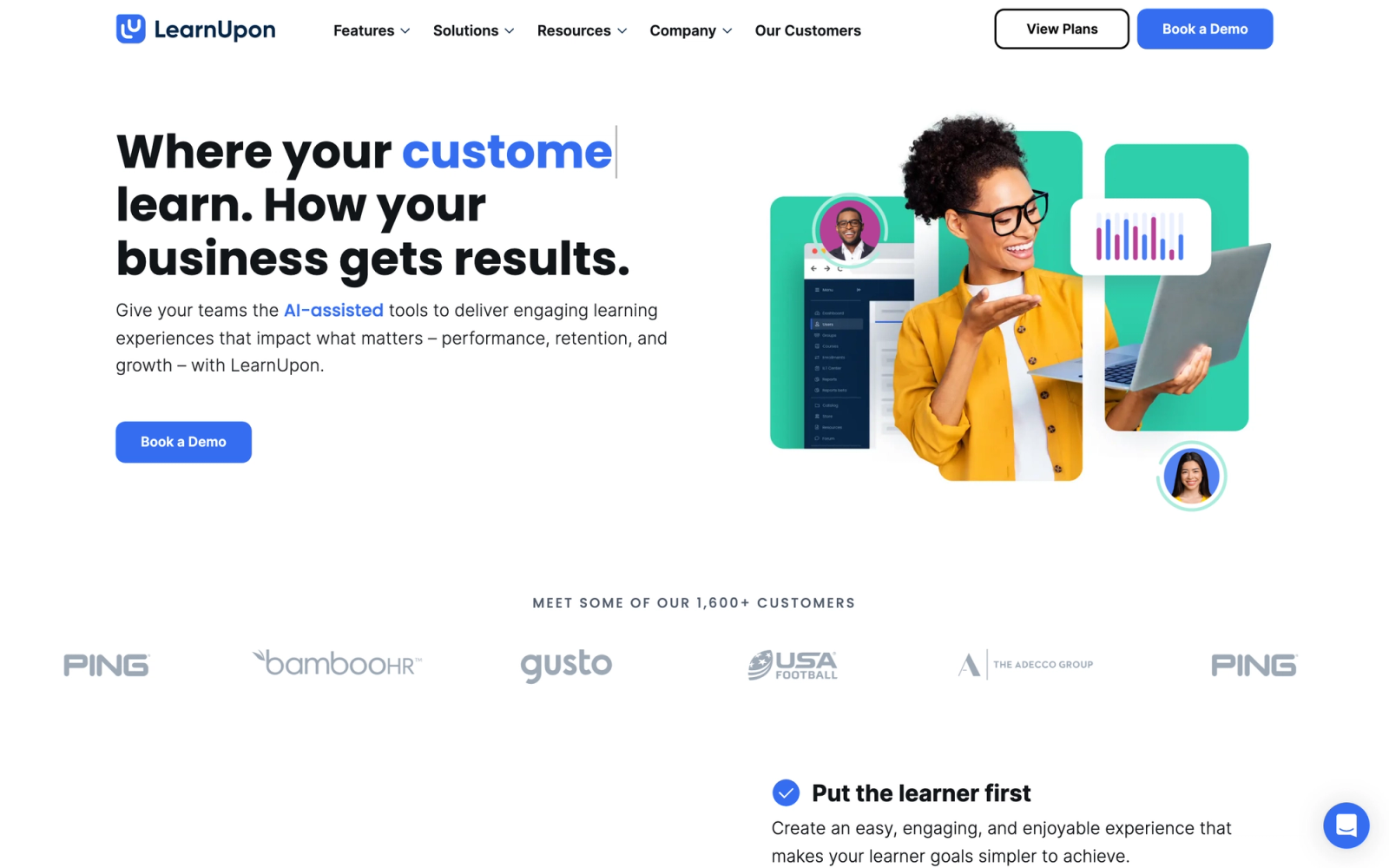
LearnUpon is a multi-audience LMS designed for organizations that need to train employees, customers, and partners from a single platform. This is where the comparison to WorkRamp becomes especially relevant: both platforms target the multi-audience training space, but LearnUpon approaches it with a more traditional LMS architecture that many L&D teams find easier to manage.
What makes LearnUpon practical for multi-audience setups is its portal system. Each audience, whether internal teams, external customers, or channel partners, gets its own branded learning portal with separate content, branding, and user management. Setting up a new portal takes only a few minutes, and the separation between audiences is clean enough that you can run entirely different training programs without any bleed between them.
Core Capabilities
- Multi-portal architecture with unique branding, content libraries, and user groups per audience
- Built-in course builder with multimedia support, assessments, and learning path sequencing
- SCORM, xAPI, and LTI support for importing externally authored content
- Automated enrollment rules, group assignments, and recertification workflows
- White-label portals with custom domains for customer and partner-facing programs
- Webinar and virtual classroom integrations with Zoom, MS Teams, and GoToWebinar
- Advanced reporting with custom report builder, scheduled exports, and data visualizations
- Salesforce, Zapier, BambooHR, and API-based integrations
- eCommerce with Stripe and PayPal for monetized training programs
- Gamification with badges, certificates, and leaderboards to drive engagement
Standout Strength
LearnUpon stands out for how cleanly it separates multiple learning audiences without requiring complicated permission structures. Each portal is self-contained: its own branding, its own content library, its own user base. Setting one up takes minutes rather than days. Where WorkRamp bundles customer education into a separate module purchase, LearnUpon includes multi-audience support as a core part of the product.
Best For
Mid-size to enterprise organizations that deliver training to two or more audiences (employees, customers, partners) and want a single platform with clean audience separation. Strong fit for SaaS companies running customer onboarding programs alongside internal L&D, and for channel-driven businesses training resellers or distributors.
Pricing Overview
- Custom pricing based on user count and number of portals
- Pricing is not publicly listed; contact sales for a quote
- Free trial available
- All core features typically included; pricing scales with volume
Limitations
- The built-in course authoring, while functional, is not as deep as dedicated tools. Teams creating complex interactive content will still need an external authoring solution.
- Advanced customization of the learner interface beyond branding is limited compared to more developer-friendly platforms.
- Smaller organizations may find the pricing positioned higher than pure SMB LMS tools.
Quick Comparison Insight
More mature multi-audience portal system than WorkRamp, with a simpler admin experience. Less focused on sales enablement narratives, but stronger as a pure multi-audience LMS.
360Learning
Overview
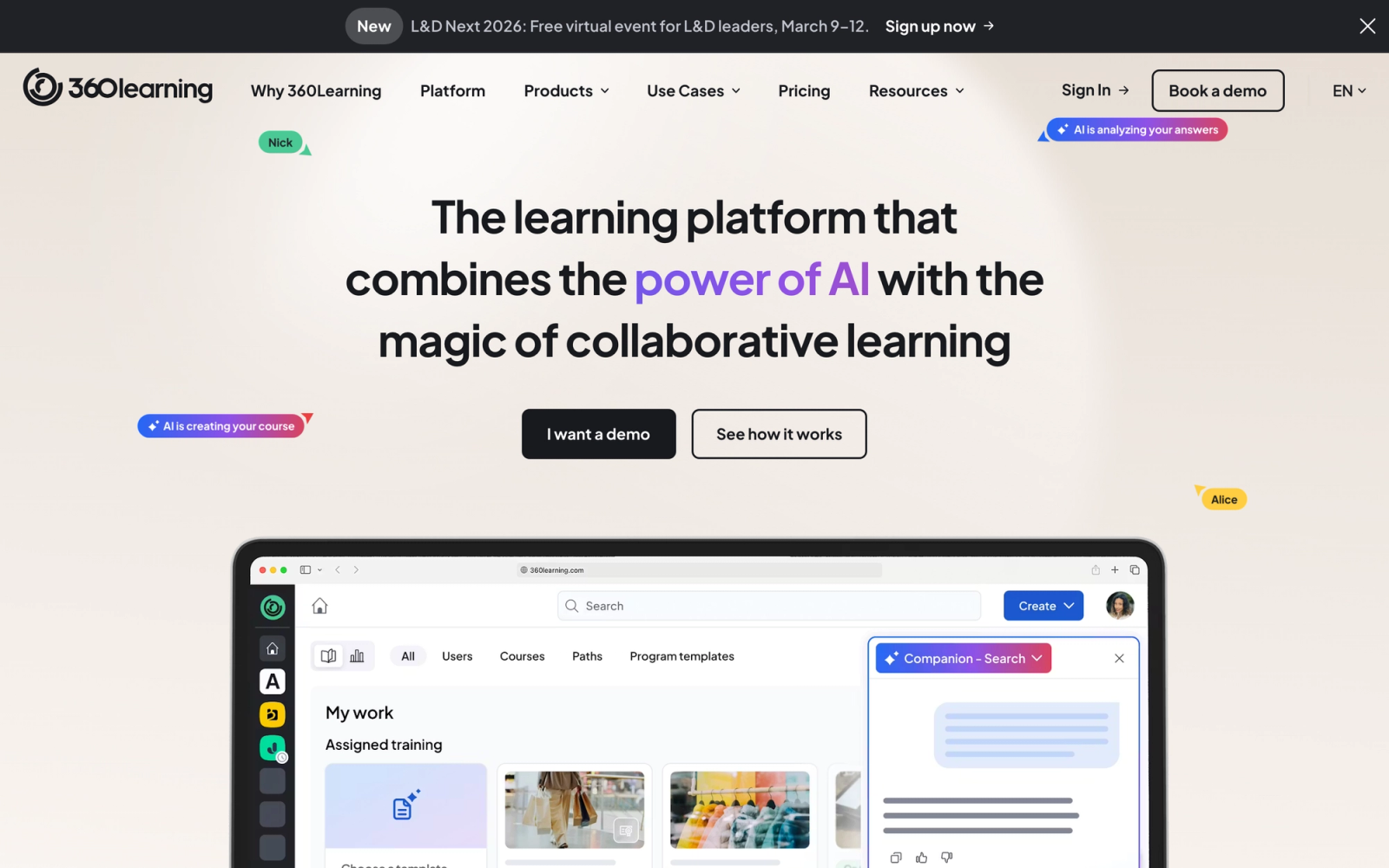
360Learning takes a different approach to learning than either WorkRamp or traditional LMS platforms. It positions itself as a collaborative learning platform where subject matter experts across the organization create, review, and improve courses through a peer-driven workflow. Instead of centralizing content creation in the L&D team, 360Learning distributes it.
This distinction matters. WorkRamp follows a more conventional model where L&D builds and assigns content. 360Learning flips that by giving internal experts a tool that feels closer to Google Docs than a traditional course builder. The collaboration features, including inline commenting, version tracking, and review cycles, are noticeably more developed than what most LMS platforms offer. For organizations where subject matter expertise lives across departments and bottlenecks form around a small L&D team, this model resolves a real structural problem.
Core Capabilities
- Collaborative course authoring with templates, co-editing, inline feedback, and approval workflows
- Reaction-based feedback system where learners flag outdated or unclear content for author review
- AI-assisted course creation that generates draft outlines and quiz questions from uploaded materials
- Learning paths with prerequisites, sequencing, and skill-based progression tracking
- SCORM import support for bringing in externally authored content alongside native courses
- Built-in discussion forums, peer challenges, and peer learning activities
- Advanced analytics with engagement heatmaps, content quality scores, and completion trends
- Integrations with Salesforce, BambooHR, Workday, Slack, MS Teams, and HRIS platforms
- Compliance training workflows with automated recertification and audit trails
- Mobile app for learners with push notifications and offline content access
Standout Strength
360Learning fits L&D teams that want to shift from a centralized content production model to a distributed one. The collaborative authoring workflow makes course contribution accessible to people across the organization without requiring them to learn complex tools. WorkRamp's content model is conventional by comparison: L&D authors, L&D assigns.
Best For
Organizations with 200 or more employees where relevant knowledge is spread across departments rather than concentrated in L&D. A strong fit for fast-growing companies and teams that need to scale training volume without adding headcount to the content production function.
Pricing Overview
- Team plan starts at $8 per registered user per month
- Business plan with advanced features available at custom pricing
- Free trial available
- Pricing is per registered user, not per active user
Limitations
- The collaborative model requires cultural buy-in. If subject matter experts are not willing to participate in content creation, the platform's core value proposition does not activate.
- Customer education and external training features are limited compared to platforms purpose-built for that use case.
- The interface can feel busy for administrators managing large course libraries across many contributors.
Quick Comparison Insight
A fundamentally different philosophy from WorkRamp's top-down enablement approach. Stronger for decentralized content creation, weaker for structured sales enablement workflows.
Absorb LMS
Overview
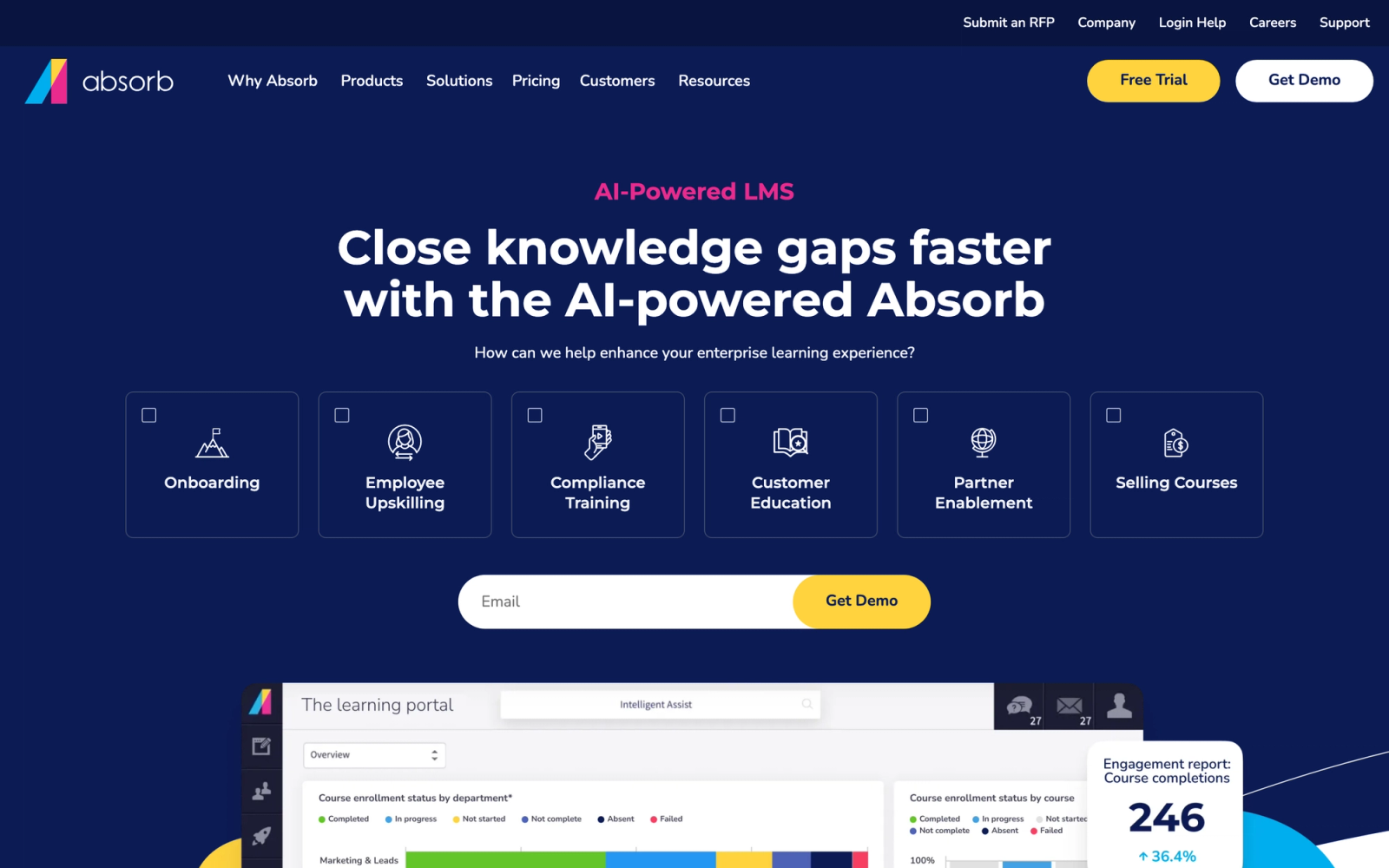
Absorb LMS positions itself as an enterprise-ready learning management system that balances administrative efficiency with a polished learner experience. Compared to WorkRamp, Absorb focuses less on the "enablement" narrative and more on delivering a clean, well-designed LMS that scales across departments and use cases without requiring heavy customization.
Absorb's learner interface is one of the more visually refined on this list, with a Netflix-style content discovery layout that makes it easy for learners to find relevant courses without digging through menus. On the admin side, the workflow automation tools reduce repetitive tasks like enrollment, notifications, and reporting distribution, which is where many mid-size L&D teams lose hours each week.
Core Capabilities
- Intelligent course catalog with search, filtering, and AI-assisted content recommendations
- Absorb Create, a built-in authoring tool for rapid course development without external software
- Absorb Infuse, an API-based feature that embeds learning directly into other applications and workflows
- eCommerce module for selling courses externally with payment processing and coupon management
- SCORM, xAPI, AICC, LTI, and CMI5 compliance for importing third-party content
- Automated enrollment triggers, email notifications, and escalation workflows
- Custom reporting engine with scheduled report delivery and visual dashboards
- Multi-language support for global deployments across distributed teams
- Native integrations with Salesforce, ADP, BambooHR, Zoom, Webex, and SSO providers
- Mobile-responsive design with an optional native mobile app for offline learning
Standout Strength
Absorb suits teams that want an LMS that looks modern, reduces admin workload, and scales without requiring a large support team. The combination of Absorb Create for authoring and Absorb Infuse for embedding learning into external tools gives it versatility that WorkRamp's more contained product does not provide.
Best For
Mid-to-large organizations with 500 to 10,000+ learners that need a polished learner experience, strong automation, and the flexibility to support both internal training and external customer or partner education. Particularly strong for teams that want built-in course creation without purchasing a separate authoring tool.
Pricing Overview
- Custom pricing based on user count and selected modules
- Typically starts in the mid-range for enterprise LMS platforms
- Free demo available; no free tier
- Absorb Create and Absorb Infuse may be priced as add-ons depending on the package
Limitations
- Pricing is not publicly listed, and the sales process can be slow for smaller teams seeking quick evaluation.
- The built-in authoring tool (Absorb Create) is useful for simple content but does not rival dedicated tools for complex interactive modules.
- Some users report that advanced report customization requires support assistance rather than being fully self-service.
Quick Comparison Insight
A more polished learner experience than WorkRamp, with stronger automation for admins. Less focused on sales enablement specifically, but broader in LMS functionality.
TalentLMS
Overview
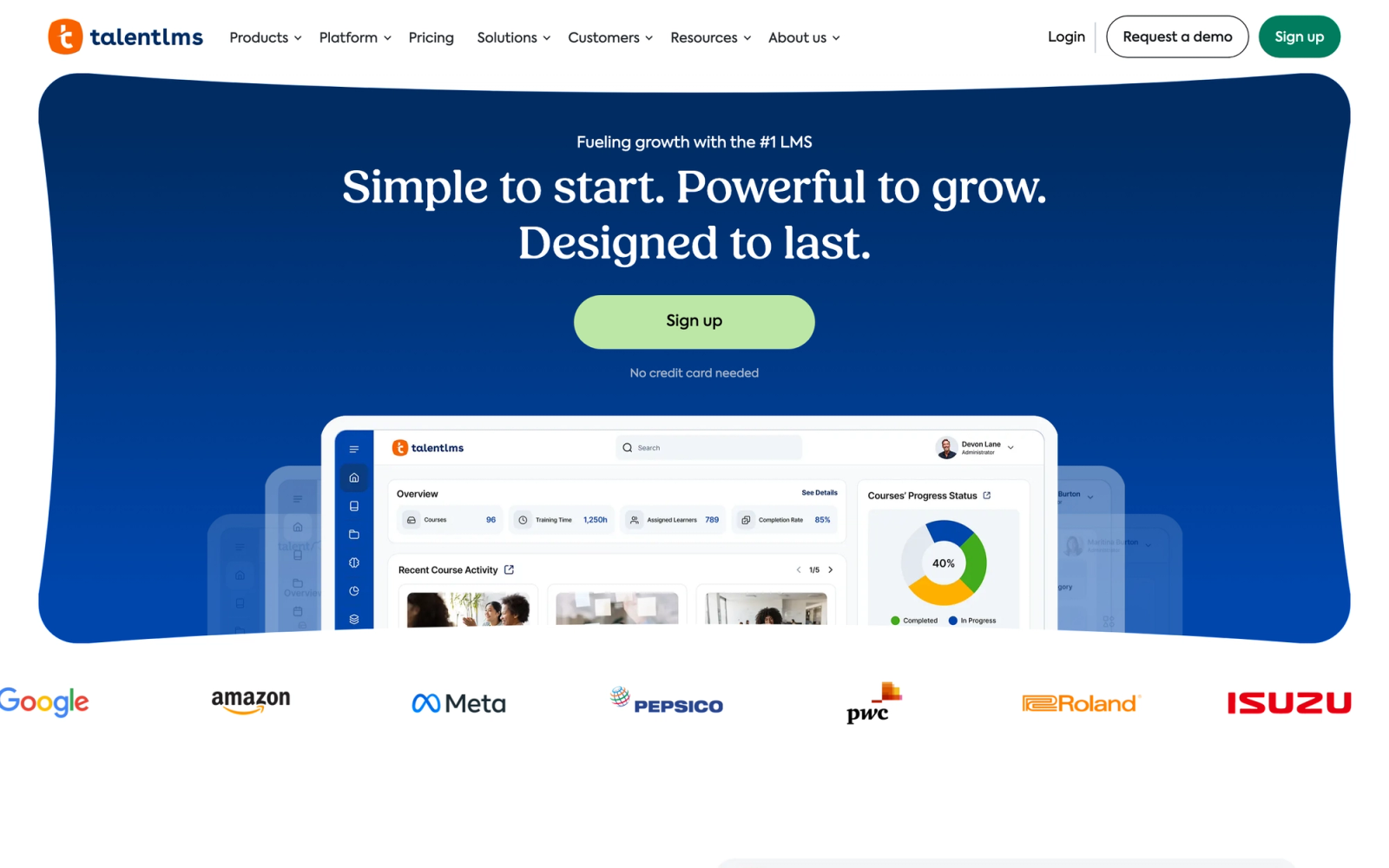
TalentLMS is one of the most widely adopted cloud LMS platforms for small and mid-size businesses, and it takes a fundamentally different approach than WorkRamp. Where WorkRamp positions itself as a learning and enablement platform for mid-market buyers, TalentLMS focuses on getting teams up and running quickly with minimal configuration and a transparent pricing model.
Setup is fast. Creating a portal, uploading content, and enrolling learners can be done in under an hour. The interface is clean and uncluttered, which matters when you have non-technical managers building courses or HR teams handling onboarding content without dedicated L&D support.
Core Capabilities
- Drag-and-drop course builder with support for SCORM, xAPI, and cmi5 content packages
- Built-in video conferencing integration for live training sessions (Zoom, MS Teams, GoToMeeting)
- Gamification engine with points, badges, leaderboards, and custom completion rules
- Branch and sub-account management for training multiple audiences from a single instance
- Automated employee onboarding workflows with learning paths and prerequisite sequencing
- Built-in assessment engine with multiple question types, randomized pools, and time limits
- Native integrations with Zapier, Salesforce, Shopify, WordPress, and popular HRIS tools
- White-label customization with custom domains, logos, and theme colors
- Mass user management with CSV imports, automated group assignments, and role-based access
- Compliance tracking with certification management, expiration alerts, and re-enrollment triggers
Standout Strength
TalentLMS removes the steep learning curve and high cost that enterprise platforms introduce. A team of five can be operational within a day, and the free tier lets organizations test the platform before committing budget. That speed-to-value is something WorkRamp, with its custom pricing and implementation process, cannot match.
Best For
Small-to-mid-size businesses with 50 to 1,000 employees that need a reliable, affordable LMS for employee training, compliance tracking, and onboarding. Particularly strong for teams without dedicated L&D staff who need managers and HR to create and manage training directly.
Pricing Overview
- Free plan available for up to 5 users and 10 courses
- Core plan at $149 per month ($119 with annual billing) for up to 100 users
- Grow plan at $299 per month and Pro plan at $579 per month for larger teams
- Custom Enterprise pricing for 1,000+ users; annual billing saves around 20%
Limitations
- Reporting is functional but not deep. Teams needing custom analytics dashboards or cross-program trend analysis will feel constrained.
- The built-in authoring tool handles basic content well but lacks the interactivity and branching logic that dedicated authoring tools provide.
- Customer education features are available through the branch system but are not purpose-built the way dedicated customer training platforms handle them.
Quick Comparison Insight
Significantly more affordable and faster to deploy than WorkRamp, but with less depth in enablement features and enterprise reporting. The right trade-off for SMBs that prioritize simplicity.
LearnWorlds
Overview
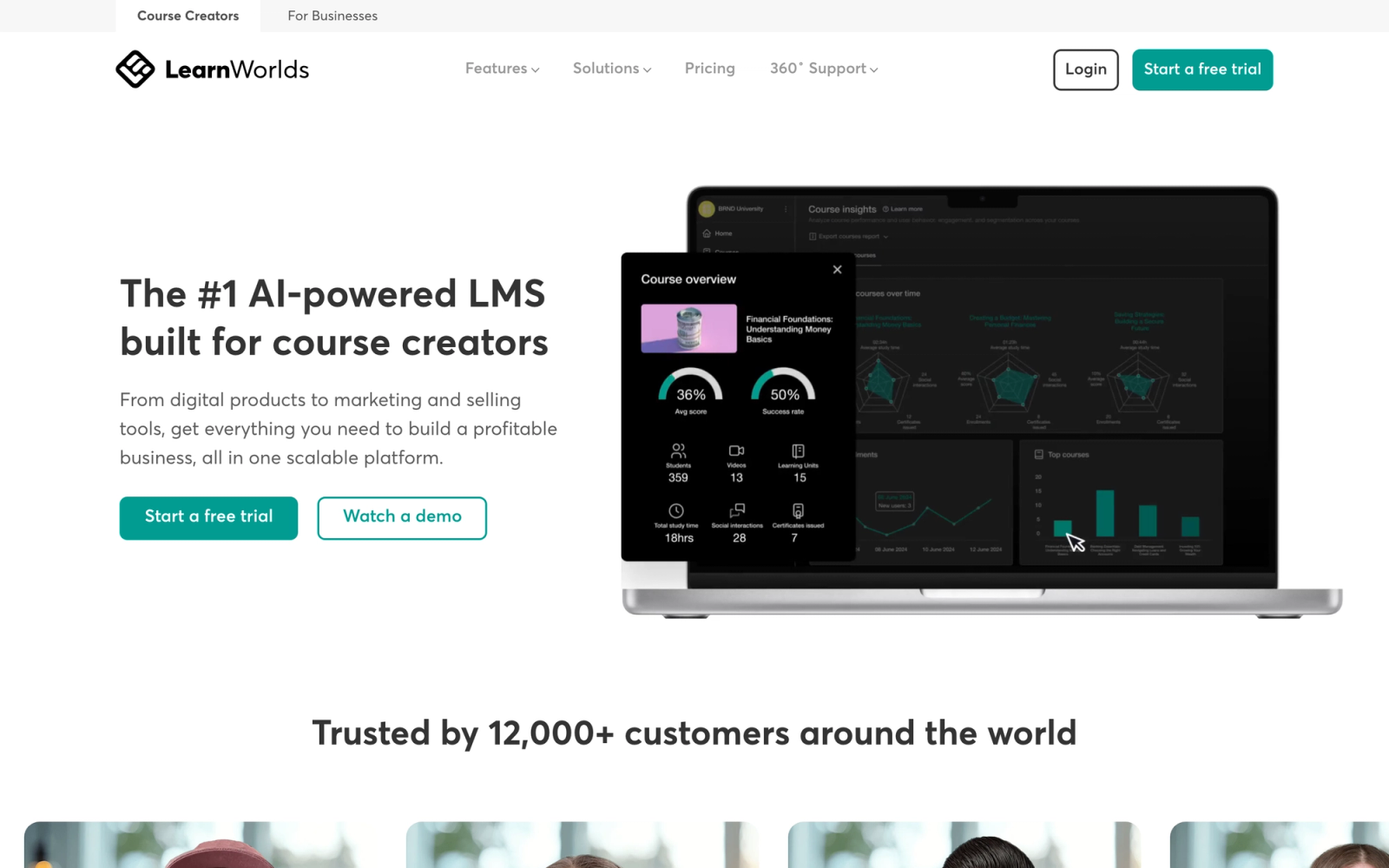
LearnWorlds started as a platform for independent course creators and has expanded into a full-featured solution for businesses running customer education, partner training, and even internal learning programs. Compared to WorkRamp, LearnWorlds is more accessible in pricing and more flexible in how it handles external-facing learning experiences, particularly for organizations that want to monetize training or offer branded academies.
The standout aspect of LearnWorlds is the interactive video editor. Rather than just hosting video as a passive learning medium, the platform lets you embed questions, clickable elements, and navigation points directly inside videos. The editing workflow is straightforward: you upload a video, add interactive elements at specific timestamps, and the learner gets a more engaging experience than a standard video followed by a quiz. For teams creating video-based training, that built-in capability removes the need for external tools.
Core Capabilities
- Interactive video editor with in-video quizzes, clickable hotspots, and branching navigation
- Website and landing page builder for creating branded course academies without developers
- SCORM and HTML5 support for importing externally authored courses
- eCommerce engine with subscriptions, bundles, coupons, payment plans, and affiliate marketing
- Certificate builder with customizable templates and automated issuance
- Drip content scheduling for structured course delivery over time
- White-label mobile app builder for iOS and Android (available on higher-tier plans)
- Built-in community and social learning features with discussion areas and group collaboration
- Assessments with multiple question types, surveys, and graded assignments
- Integrations with Zapier, HubSpot, Mailchimp, Google Analytics, and payment gateways
Standout Strength
LearnWorlds fits teams that need a polished, branded learning experience for external audiences, with built-in monetization. The combination of interactive video, white-label academies, and eCommerce is something WorkRamp does not offer natively. For organizations where customer education is a revenue channel rather than just a support function, LearnWorlds fits a use case that WorkRamp is not designed for.
Best For
SaaS companies, training businesses, and professional services firms that run customer education, partner training, or monetized academies. Also suits mid-size organizations that want to create polished external learning experiences without enterprise LMS pricing.
Pricing Overview
- Starter plan at $24 per month billed annually ($29 monthly), with a $5 fee per course sale
- Pro Trainer plan at $79 per month billed annually ($99 monthly), with no transaction fees
- Learning Center plan at $249 per month billed annually ($299 monthly)
- High Volume and Corporate plans available at custom pricing
- 30-day free trial available on all plans
Limitations
- The Starter plan has significant feature restrictions, including a $5 per course sale fee. Serious use cases require the Pro Trainer tier or higher.
- Internal employee training features are less developed than purpose-built LMS platforms. Compliance tracking and HRIS integrations are limited.
- Reporting is adequate for course performance but lacks the depth of enterprise LMS analytics for complex organizational training programs.
Quick Comparison Insight
Far more affordable than WorkRamp, with stronger tools for customer-facing and monetized learning. Weaker for internal employee enablement and enterprise compliance workflows.
Tovuti LMS
Overview
Tovuti LMS targets mid-size organizations that want a feature-rich learning management system with built-in content creation tools and interactive elements, without the enterprise pricing or implementation complexity that platforms like Docebo or WorkRamp require. Tovuti packages content authoring, course management, gamification, and reporting into a single platform with an emphasis on learner engagement.
The feature that sets Tovuti apart is its interactive content engine. Rather than relying solely on imported SCORM packages or basic text and video, the platform provides over 40 built-in content types: flashcards, drag-and-drop exercises, branching scenarios, interactive timelines, and more. L&D teams that need variety in how content is presented can build it directly inside the platform rather than purchasing separate authoring software.
Core Capabilities
- 40+ built-in interactive content types including simulations, flashcards, matching, and branching scenarios
- Course builder with multimedia support, assessments, and customizable learning paths
- SCORM, xAPI, AICC, and LTI compliance for third-party content import
- Gamification with leaderboards, badges, points, and custom achievement milestones
- Virtual classroom and live event management with calendar integration
- Built-in community features with forums, direct messaging, and user directories
- eCommerce capabilities for selling courses with subscriptions and bundled packages
- Custom reporting dashboards with scheduled exports and visual analytics
- API integrations with Salesforce, Zoom, Zapier, and SSO providers
- White-labeling with custom branding, themes, and learner portal customization
Standout Strength
Tovuti suits teams that want built-in interactivity and engagement tools that other platforms charge extra for or simply do not include. The depth of content types available natively means the authoring workflow stays inside one platform: no Articulate license, no Captivate subscription, no import-and-hope cycle. WorkRamp's native authoring is more limited by comparison.
Best For
Mid-size organizations with 200 to 5,000 learners that want to build varied, interactive training programs without licensing separate authoring software. Strong for teams where engagement and completion rates are measured outcomes, particularly in healthcare, manufacturing, and professional services where compliance and skill-based training intersect.
Pricing Overview
- Third-party listings put plans at roughly $775 per month (billed annually); Tovuti does not publish pricing publicly, so confirm with a quote
- Pricing scales by active user count
- Free demo and guided trial available
- Content authoring tools included in all plans
Limitations
- The interface, while feature-rich, can feel overwhelming for first-time administrators. There is a learning curve to discover and configure all available options.
- The breadth of features means some individual features are not as polished as best-of-breed alternatives in those specific areas.
- Customer education and external-facing use cases are supported but not as refined as platforms built specifically for that purpose.
Quick Comparison Insight
More built-in interactivity and engagement tools than WorkRamp, at a similar or lower price point for mid-size teams. Less focused on enablement narratives, but stronger as a self-contained content creation and delivery platform.
SkyPrep
Overview
SkyPrep is a focused learning management system that does not try to be an enablement platform, an AI-powered learning engine, or a collaborative authoring tool. It is built for organizations that need a clean, reliable way to deliver training, track completion, and manage compliance without the overhead that broader platforms bring. Compared to WorkRamp, SkyPrep trades feature depth for setup speed and day-to-day ease of use.
SkyPrep's main draw is its minimal setup friction. The admin panel is logically organized, and the most common tasks, uploading content, creating courses, enrolling users, and running reports, are all accessible within a few clicks. For organizations where the person managing the LMS has other responsibilities (often an HR manager or operations lead), that simplicity is not a minor convenience; it determines whether the platform actually gets used.
Core Capabilities
- Simple course builder with support for video, documents, SCORM, and xAPI packages
- Automated enrollment and user group management with rule-based assignment
- Knowledge checks and quizzes with multiple question types and pass/fail scoring
- Certification management with expiration tracking and automated renewal notifications
- Gamification with points and leaderboards to encourage completion
- Reporting dashboard with pre-built and custom report options
- eCommerce module for selling courses externally with payment processing
- White-labeling with custom branding and themed learner portals
- Integrations with Zoom, Slack, Salesforce, PayPal, and SSO via SAML
- Content library feature for centralized learning resources management
Standout Strength
SkyPrep suits teams that want an LMS that works reliably without requiring a dedicated administrator or extended implementation. The platform does a defined set of things well rather than trying to cover every use case. For organizations whose training needs fit within that scope, that restraint is an advantage.
Best For
Small to mid-size organizations with 50 to 2,000 employees that need compliance training, onboarding, and standard L&D course delivery without complexity. Strong fit for HR teams, operations managers, and regulated industries (healthcare, finance, construction) where tracking and documentation matter more than interactive bells and whistles.
Pricing Overview
- Custom pricing based on the number of active users
- Plans generally start lower than enterprise LMS platforms
- Free 14-day trial available
- All core features included; pricing scales with user volume
Limitations
- The authoring capabilities are basic. Teams creating rich, interactive content will need external tools.
- Reporting covers essentials but does not offer the depth or customization of enterprise-grade analytics.
- The platform is not built for complex multi-audience scenarios. Organizations training customers, partners, and employees with very different needs may find the structure limiting.
Quick Comparison Insight
Simpler and more affordable than WorkRamp, but with a narrower feature set. The right fit when your training needs are well-defined and you do not need enablement-specific features.
How to Choose the Right Alternative
The ten platforms above cover a wide range of learning use cases, and the best choice depends less on which platform has the most features and more on which one fits your specific situation.
If budget is your primary concern, TalentLMS and SkyPrep offer the most accessible pricing for small teams. TalentLMS has a free tier that lets you test before committing. SkyPrep keeps things simple without layering on features you will not use. LearnWorlds is also cost-effective for teams focused on external or customer-facing education.
If you need multi-audience training, LearnUpon and Docebo handle the employee-plus-customer-plus-partner scenario with the most maturity. LearnUpon's portal system makes audience separation clean. Docebo adds AI and content marketplace capabilities for larger deployments.
If sales enablement is the focus, Seismic Learning (Lessonly) is the closest direct replacement for WorkRamp's enablement capabilities. The coaching and practice workflows are purpose-built for revenue teams.
If you want to decentralize content creation, 360Learning's collaborative authoring model lets subject matter experts across the organization build and maintain training without funneling everything through L&D.
If interactive content matters, Tovuti's 40+ built-in content types and LearnWorlds' interactive video editor give you authoring depth without external tools.
If active participation matters as much as content delivery, Teachfloor covers self-paced, social, live, and cohort formats in one platform, with community features, peer review, and AI-assisted course creation included. It handles both employee and customer education without splitting them into separate modules or pricing tiers.
If enterprise scale and AI are priorities, Docebo and Absorb LMS offer the depth, automation, and global capabilities that large organizations require, though both come with longer implementation timelines and higher investment.
The practical advice: start by defining which of WorkRamp's pain points matter most to your team, then map those to the platforms above. A structured training needs assessment before evaluating demos will save weeks of comparing features that are not relevant to your situation.
FAQ
Did Learning Pool acquire WorkRamp?
Yes. Learning Pool acquired WorkRamp on October 15, 2025, and WorkRamp now operates as a product within the Learning Pool portfolio. The platform still exists, but its roadmap and direction are now tied to Learning Pool, which is one reason some teams are evaluating alternatives.
What is the best WorkRamp alternative?
It depends on your learning model. For flexible, engagement-first programs that mix self-paced, social, live, and cohort-based learning with community and AI course creation, Teachfloor is the strongest pick and starts at a published $89 per month. For AI on a mature enterprise LMS, Docebo fits better. For sales and customer success enablement with coaching, Seismic Learning is the closest direct replacement.
Is WorkRamp good for small businesses?
WorkRamp is primarily built for mid-market and enterprise organizations. Its custom pricing model and feature depth are designed for teams with dedicated L&D functions and larger learner populations. Small businesses with fewer than 200 employees will typically find better value in platforms like TalentLMS or SkyPrep, which offer transparent pricing, faster setup, and simpler administration.
Can I migrate my content from WorkRamp to another LMS?
Most LMS platforms support SCORM and xAPI content imports, so courses built in standard formats can transfer. Native WorkRamp content, such as lessons built directly in their editor, will typically need to be rebuilt in the new platform. Before committing to a switch, ask the new vendor about migration support and test the import process during a trial period.
Which WorkRamp alternative is best for customer education?
LearnUpon and Docebo both handle customer education well within a broader LMS framework. LearnWorlds is a strong choice if you want to build a branded external academy with eCommerce capabilities. Teachfloor is a strong fit when you want customer education that blends self-paced lessons with community, live sessions, and white-label branding on your own domain, all in one flexible platform.
Do any WorkRamp alternatives offer a free plan?
TalentLMS offers a free plan for up to 5 users and 10 courses, which is genuinely useful for small teams testing the platform. 360Learning, LearnWorlds, and several others offer free trials. Most enterprise-tier platforms (Docebo, Absorb, LearnUpon) provide demos but not free tiers.
What is the biggest difference between WorkRamp and a traditional LMS?
WorkRamp positions itself as a learning and enablement platform rather than a pure LMS. That means it combines training delivery with sales enablement features like coaching, practice exercises, and CRM integration. A traditional LMS focuses more broadly on course management, compliance, and reporting across all departments. The distinction matters if your primary need is sales enablement versus general organizational learning.


