


Why Look for a LearnUpon Alternative?
LearnUpon is a solid learning management system with a clean interface and reliable delivery for corporate training programs. It handles course distribution, learner management, and basic reporting well enough for many organizations. But specific friction points push L&D teams to evaluate other options.
Pricing opacity. LearnUpon does not publish pricing on its website. Every plan requires a custom quote, which makes it difficult for teams to budget or compare costs before committing to a sales conversation. For mid-market teams that need quick shortlisting, this lack of transparency is a real barrier.
Limited content authoring. LearnUpon supports SCORM uploads and basic page-based course building, but it does not include a full-featured content authoring tool. Teams that want to build interactive courses, branching scenarios, or multimedia-rich modules typically need to purchase a separate authoring tool and import content.
Reporting gaps for complex organizations. The built-in reporting covers standard metrics like completion rates and quiz scores. But organizations managing training across multiple business units, regions, or client tenants often find the reporting too shallow for executive-level analysis or cross-portal comparisons.
Minimal social and collaborative learning. LearnUpon's model is primarily content delivery. There are discussion boards, but no structured peer learning workflows, group projects, or collaborative activities built into the learning path. For teams moving toward more interactive training models, this is a meaningful limitation.
Customization constraints. White-labeling is available, but deeper customization of the learner experience, workflows, and portal behavior is limited compared to platforms built for enterprise-level flexibility.
These are not fatal flaws for every team. But if your organization needs transparent pricing, built-in authoring, deeper analytics, or social learning capabilities, the alternatives below address those gaps directly.
What to Look for in a Corporate LMS
Before comparing individual platforms, it helps to define the criteria that actually matter for your training operation.
Content authoring and format support. Can you build courses inside the platform, or do you need a separate tool? Check for SCORM, xAPI, and cmi5 compliance, along with native support for video, documents, quizzes, and interactive elements. A platform with built-in authoring reduces both cost and workflow complexity.
Reporting and analytics depth. Basic completion tracking is table stakes. Look for custom report builders, scheduled report delivery, cross-team comparisons, and the ability to track learning outcomes beyond simple pass/fail metrics. If you report to multiple stakeholders, the reporting engine needs to serve each of them without spreadsheet exports.
Integration ecosystem. Your LMS does not exist in isolation. Check for native connectors to your HRIS, CRM, video conferencing tools, and single sign-on provider. An open API matters if you need custom LMS integrations with internal systems.
Scalability and multi-tenancy. If you train external partners, customers, or franchisees alongside internal employees, multi-portal support with distinct branding and permissions is critical. Evaluate how the platform handles growth, both in user count and organizational complexity.
Pricing model. Per-user, per-active-user, flat-rate, and tiered pricing models each create different incentives. Per-active-user pricing works well for organizations with fluctuating enrollment. Flat-rate plans benefit teams with predictable, high-volume usage.
Social and collaborative features. Training is increasingly moving beyond passive content consumption. Discussion forums, group assignments, mentorship tools, and collaborative learning activities improve retention and engagement, especially for employee training programs where knowledge sharing matters.
13 Best LearnUpon Alternatives
The platforms below span a range of sizes, pricing models, and specializations. Each one addresses a different combination of the gaps outlined above, from lightweight SMB tools to enterprise-grade suites.
Teachfloor

Overview
Teachfloor is a flexible learning platform built for structured, cohort-based training where learners actively participate rather than passively consume content. It fits programs where group work, peer feedback, live sessions, and collaborative activities sit at the center of the learning experience, and it works for both customer and employee training.
The platform orchestrates group-based learning rather than distributing self-paced courses to individual learners. Built-in collaboration, peer review, community spaces, and instructor-led workflows support training models that depend on learner interaction, discussion, and structured feedback. By contrast, LearnUpon centers on self-paced content delivery, so teams that need active participation often outgrow it.
Core Capabilities
- Cohort-based course management with group enrollment and scheduling
- Peer review assignments with structured rubrics and feedback workflows
- Live session scheduling integrated with Zoom and video conferencing tools
- Discussion activities, group projects, and collaborative assignments
- Built-in community spaces connected to courses
- Course builder with multimedia, text, video, and embedded content support
- Progress tracking, completion certificates, and learner analytics
- White-labeling and custom branding options
- API access, webhooks, LTI, and SSO integration
- Payment processing for paid cohort programs
Standout Strength
Native collaborative learning workflows are part of the core platform, not bolted on. Peer review, group assignments, and structured discussions ship alongside the cohort and community tooling, which produces a different learning experience than content-delivery platforms designed around individual consumption.
Best For
Organizations running instructor-led, cohort-based training programs where participation, peer feedback, and group learning are essential. Strong fit for leadership development, professional academies, bootcamp-style programs, and any training where passive content delivery is not sufficient.
Pricing Overview
- Published pricing plans available on the Teachfloor website
- Plans scale based on active learners and features
- Free trial available
Limitations
- Not designed for large-scale self-paced content libraries. If your primary need is distributing thousands of on-demand courses, a traditional LMS is a better fit.
- The collaborative model requires active facilitation. Programs without engaged instructors will not get full value.
- Fewer enterprise integrations compared to larger LMS platforms with established connector ecosystems.
Quick Comparison Insight
Teachfloor and LearnUpon solve different problems. Choose Teachfloor when the training model is built around cohort interaction, community, and peer learning rather than individual content consumption.
Absorb LMS
Overview
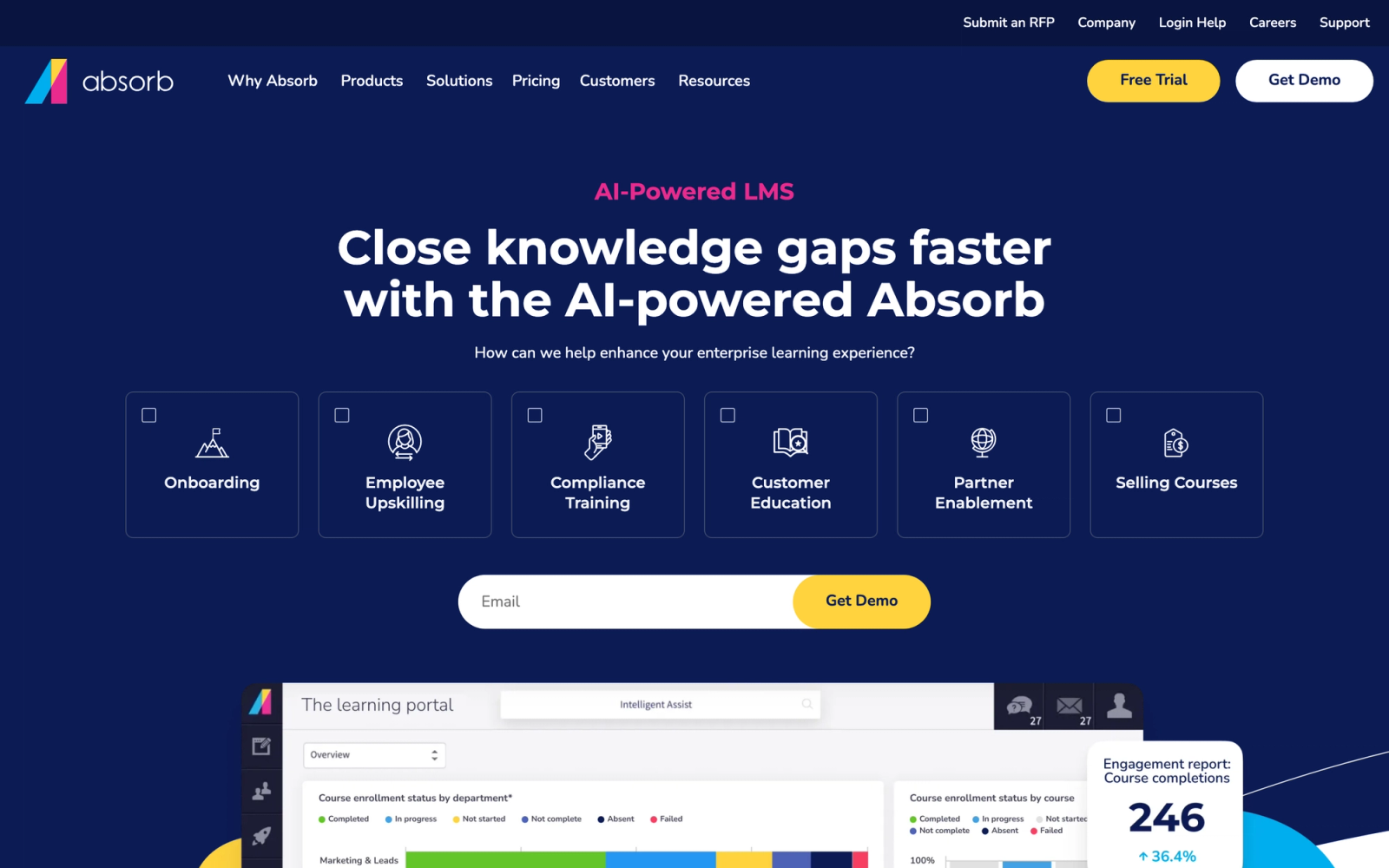
Absorb LMS is a corporate learning platform designed for mid-market and enterprise organizations that need polished learner experiences alongside serious administrative depth. It occupies a similar space to LearnUpon but differentiates through its AI-driven features, a more modern learner interface, and stronger content marketplace options.
The learner dashboard is where Absorb makes its first impression. It is visually clean, with personalized course recommendations and an intelligent search that surfaces relevant content. On the admin side, the reporting suite is substantially deeper than what LearnUpon offers, with custom dashboards, scheduled reports, and the ability to drill down into granular learner behavior.
Core Capabilities
- AI-powered course recommendations and intelligent search for learners
- Absorb Create built-in authoring tool for rapid course development
- SCORM, xAPI, cmi5, and AICC content standard support
- Custom reporting dashboards with scheduled delivery and data visualizations
- Multi-tenant architecture for training external audiences (partners, customers, franchisees)
- Absorb Engage for micro-learning and knowledge reinforcement
- Native e-commerce with flexible pricing, bundles, and subscription models
- Observation checklists for verifying hands-on skills in field settings
- Salesforce, BambooHR, ADP, and Workday integrations plus open API
- Mobile app with offline content access
Standout Strength
Absorb stands out for its learner experience design. The combination of AI-driven recommendations, a clean interface, and offline mobile access creates a training environment that learners actually want to use. For organizations where learner adoption is a challenge, that UX advantage is significant compared to LearnUpon's more utilitarian interface.
Best For
Mid-market to enterprise companies with 500 to 50,000+ learners that need both internal training and external customer or partner education. Especially strong for organizations selling training content or running extended enterprise programs.
Pricing Overview
- Custom pricing based on learner count and feature requirements
- Typically starts around $800/month for smaller implementations
- Absorb Create authoring tool may carry additional licensing
- Free demo and trial available on request
Limitations
- Pricing is custom and not published, similar to LearnUpon. Budget-conscious teams may find the sales process frustrating.
- The depth of configuration options means a longer initial setup period compared to simpler platforms.
- Some advanced features (Absorb Create, Engage, Infuse) are sold as add-ons, which increases total cost.
Quick Comparison Insight
Better learner experience and deeper reporting than LearnUpon, but at a higher price point. A logical upgrade for teams that have outgrown LearnUpon's analytics and want stronger AI-driven features.
Docebo
Overview
Docebo is an enterprise learning platform that has invested heavily in AI to automate content tagging, learner recommendations, and administrative workflows. It targets large organizations running training at scale, across employees, partners, and customers simultaneously.
What separates Docebo from LearnUpon is its ambition in scope. Where LearnUpon is a focused course delivery tool, Docebo positions itself as a full learning ecosystem with content creation, social learning, skills management, and marketplace capabilities built in. The AI auto-tagging of uploaded content and automated learning path suggestions go beyond marketing features and cut real administrative work.
Core Capabilities
- AI-powered content auto-tagging, recommendations, and virtual coaching
- Docebo Shape for converting existing documents into e-learning content
- Social learning features including expert Q&A, content sharing, and peer channels
- Multi-audience architecture for internal, partner, and customer training from one instance
- Skills and competency tracking mapped to learning activities
- Custom pages and branding per audience with Docebo Pages
- SCORM, xAPI, AICC, and LTI content support
- Salesforce, Workday, HRIS, and SSO integrations with 400+ connectors
- Mobile app with offline learning and push notifications
- Learning Impact analytics for correlating training to business outcomes
Standout Strength
Docebo's AI features are not afterthoughts. The auto-tagging, recommendation engine, and content transformation tools reduce the administrative burden of managing large course catalogs. For enterprise L&D teams managing thousands of courses across global audiences, that automation is a genuine productivity multiplier compared to LearnUpon's manual approach.
Best For
Enterprise organizations with 1,000 to 100,000+ learners running multi-audience training programs. Strong fit for companies with large content libraries that need AI-assisted management and for teams that want social learning natively integrated rather than bolted on.
Pricing Overview
- Custom enterprise pricing; no public plans
- Typically starts around $25,000/year for mid-size implementations
- Pricing scales based on active users and selected modules
- Free demo available
Limitations
- The breadth of features creates a steep learning curve for administrators. Initial setup and configuration take weeks, not days.
- Pricing places it out of reach for most small and mid-size organizations.
- Some features, like advanced analytics and Docebo Shape, require higher-tier plans or add-on purchases.
Quick Comparison Insight
Far broader and more AI-driven than LearnUpon, but significantly more complex and expensive. Best suited for organizations that need enterprise-scale capabilities, not just a cleaner version of what they already have.
SAP Litmos
Overview
SAP Litmos (now operating under the name "Litmos" after its separation from SAP) is a corporate LMS known for fast deployment and a large built-in content library. It appeals to organizations that want to start training immediately, using off-the-shelf courses rather than building everything from scratch.
The standout difference from LearnUpon is the content library. Litmos includes access to thousands of professionally produced courses covering compliance, workplace safety, leadership, and soft skills. For teams that lack dedicated instructional design resources, this library alone can justify the platform switch.
Core Capabilities
- Built-in content library with 2,000+ professionally produced courses
- Native course authoring with SCORM and xAPI import support
- Automated compliance training with audit trails and certification tracking
- Custom learning paths with prerequisites and sequential locking
- Task automation for enrollment, notifications, and reminders
- Multi-tenant portals for partner and customer training
- Built-in assessment engine with question banks and randomization
- Shopify integration for e-commerce course sales
- REST API and pre-built integrations with Salesforce, BambooHR, and Slack
- Mobile app with offline viewing capabilities
Standout Strength
The pre-built content library makes Litmos uniquely fast to deploy for compliance and general skills training. Organizations choose it when they need training live in days, not months, and want quality courses without building them internally. LearnUpon requires you to bring your own content; Litmos ships with a library ready to assign.
Best For
Mid-size companies with 200 to 10,000 employees focused on compliance training, workplace safety, and general professional development. Especially strong for organizations without in-house content creation teams.
Pricing Overview
- Custom pricing based on user count
- Starter plans reported around $6 per user per month for smaller deployments
- Content library access may be included or add-on depending on plan tier
- Free 14-day trial available
Limitations
- The native course builder is basic compared to dedicated authoring tools. Complex interactive content still requires external tools.
- Reporting, while functional, does not offer the custom dashboard depth that larger enterprises expect.
- Post-SAP transition has created some uncertainty around product roadmap and support continuity.
Quick Comparison Insight
Faster to deploy than LearnUpon thanks to its content library, but less flexible for organizations that need to build highly custom training programs.
Cornerstone OnDemand
Overview
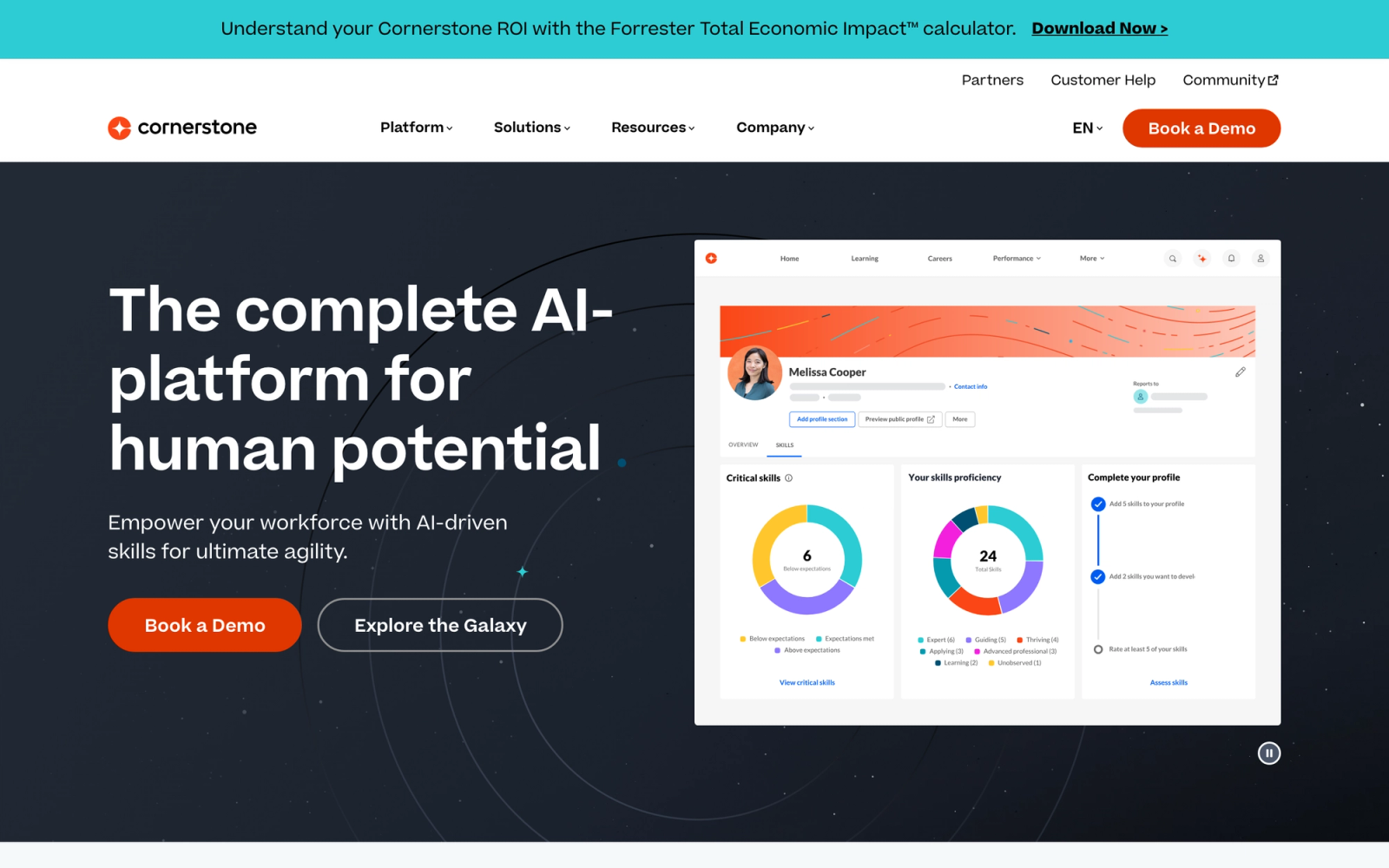
Cornerstone OnDemand is a full talent management suite that includes learning management as one component alongside performance, recruiting, and workforce planning. It targets large enterprises that want learning deeply integrated with their broader HR technology stack.
The difference from LearnUpon is structural. LearnUpon is a standalone LMS; Cornerstone is a talent platform that happens to include a mature LMS. For organizations where training outcomes need to connect directly to performance reviews, succession planning, and skills gaps, Cornerstone provides those connections natively.
Core Capabilities
- LMS with SCORM, xAPI, AICC, and LTI support for all major content types
- Skills engine that maps learning activities to competency frameworks
- Performance management with goal setting, reviews, and development plans
- Content marketplace with curated third-party course libraries
- Compliance management with automated recertification workflows
- Multi-language support for 50+ languages across global deployments
- Advanced analytics with custom dashboards, benchmarking, and skills gap reporting
- Extended enterprise capabilities for partner and customer training
- Pre-built connectors for SAP SuccessFactors, Workday, Oracle HCM, and others
- Mobile app with responsive design and push notifications
Standout Strength
Cornerstone is chosen when learning cannot be separated from talent management. The ability to link a completed training course directly to a performance competency, which then feeds into succession planning, creates a closed loop that standalone LMS platforms like LearnUpon cannot replicate without heavy integration work.
Best For
Large enterprises with 5,000+ employees that need learning management tightly integrated with performance, skills tracking, and talent development. Common in financial services, healthcare, manufacturing, and regulated industries.
Pricing Overview
- Custom enterprise pricing; not publicly listed
- Contracts typically run $20 to $35 per user per year depending on modules selected
- Implementation fees are separate and can be substantial
- Demo available on request
Limitations
- Implementation timelines measured in months, not weeks. This is not a quick-deploy solution.
- The admin interface is functional but dated compared to newer platforms. Navigation can feel cumbersome.
- Overkill for organizations that only need learning management without the broader talent suite.
Quick Comparison Insight
Far deeper than LearnUpon in talent management integration, but far heavier to implement and manage. Only makes sense when learning is part of a broader HR technology strategy.
iSpring Learn
Overview
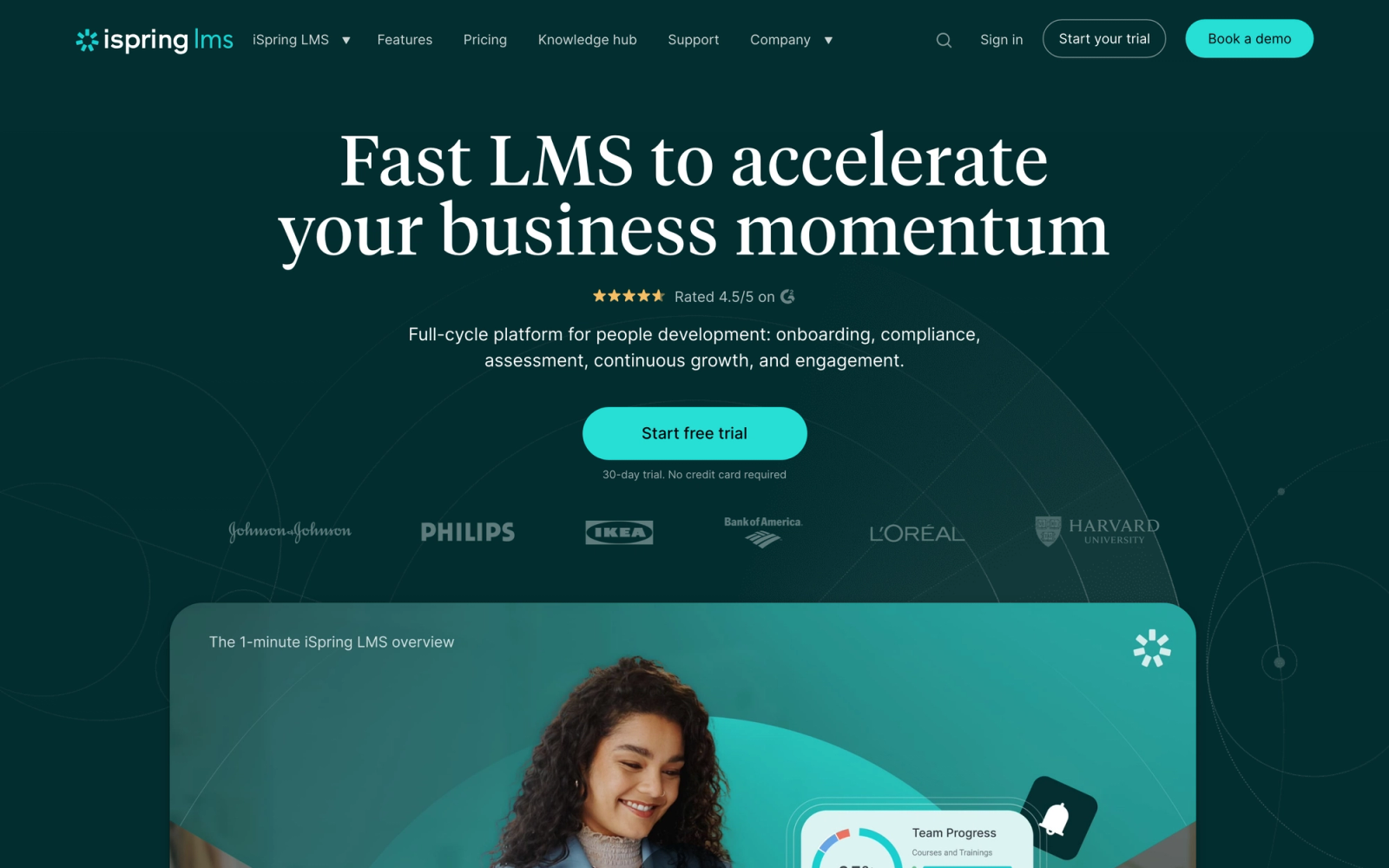
iSpring Learn pairs a cloud-based LMS with iSpring Suite, a PowerPoint-based authoring tool that lets teams create interactive courses, quizzes, video lectures, and simulations without specialized e-learning skills. This combination directly addresses one of LearnUpon's primary gaps: the lack of built-in content creation.
The authoring experience is where iSpring earns its reputation. Because iSpring Suite works as a PowerPoint add-in, anyone comfortable with slide decks can produce professional e-learning content with branching scenarios, drag-and-drop interactions, and screencasts. The courses publish directly to iSpring Learn with one click.
Core Capabilities
- iSpring Suite authoring tool integrated with the LMS (PowerPoint-based)
- Branching scenarios, dialog simulations, and interactive assessments
- Screen recording and video editing for software training tutorials
- SCORM 1.2 and 2004 content support
- Learning paths with prerequisites, deadlines, and automated reminders
- Department-based organizational structure with role-based permissions
- Built-in calendar for scheduling blended learning events
- Detailed completion, progress, and quiz-level reporting with exportable data
- API and integrations with Zoom, Microsoft Teams, and HRIS platforms
- Mobile app with offline access to downloaded courses
Standout Strength
No other LMS on this list matches iSpring's authoring-to-delivery pipeline. The ability to build a branching scenario in PowerPoint and publish it to the LMS in minutes removes the workflow bottleneck that plagues teams using separate authoring and delivery tools. Compared to LearnUpon, which requires you to author elsewhere and import, iSpring collapses that into one ecosystem.
Best For
Corporate training teams with 50 to 5,000 learners that produce their own content and need a tight connection between authoring and delivery. Especially strong for organizations creating software training, compliance courses, and product knowledge programs.
Pricing Overview
- iSpring Learn LMS starts at $2.29 per user per month (billed annually, 300 users)
- iSpring Suite authoring tool is priced separately, starting at $770/year per author
- Bundle pricing available for LMS + authoring
- 30-day free trial for both LMS and authoring tool
Limitations
- The authoring tool is Windows-only. Mac users need a virtual machine or Parallels, which adds friction.
- The LMS itself is straightforward but lacks the advanced multi-tenant and extended enterprise features that platforms like Absorb or Docebo provide.
- Social learning features are minimal; the focus is squarely on content authoring and delivery.
Quick Comparison Insight
Stronger content authoring than LearnUpon by a wide margin, but less suited for complex multi-audience training architectures. Ideal when content creation quality is the top priority.
360Learning
Overview
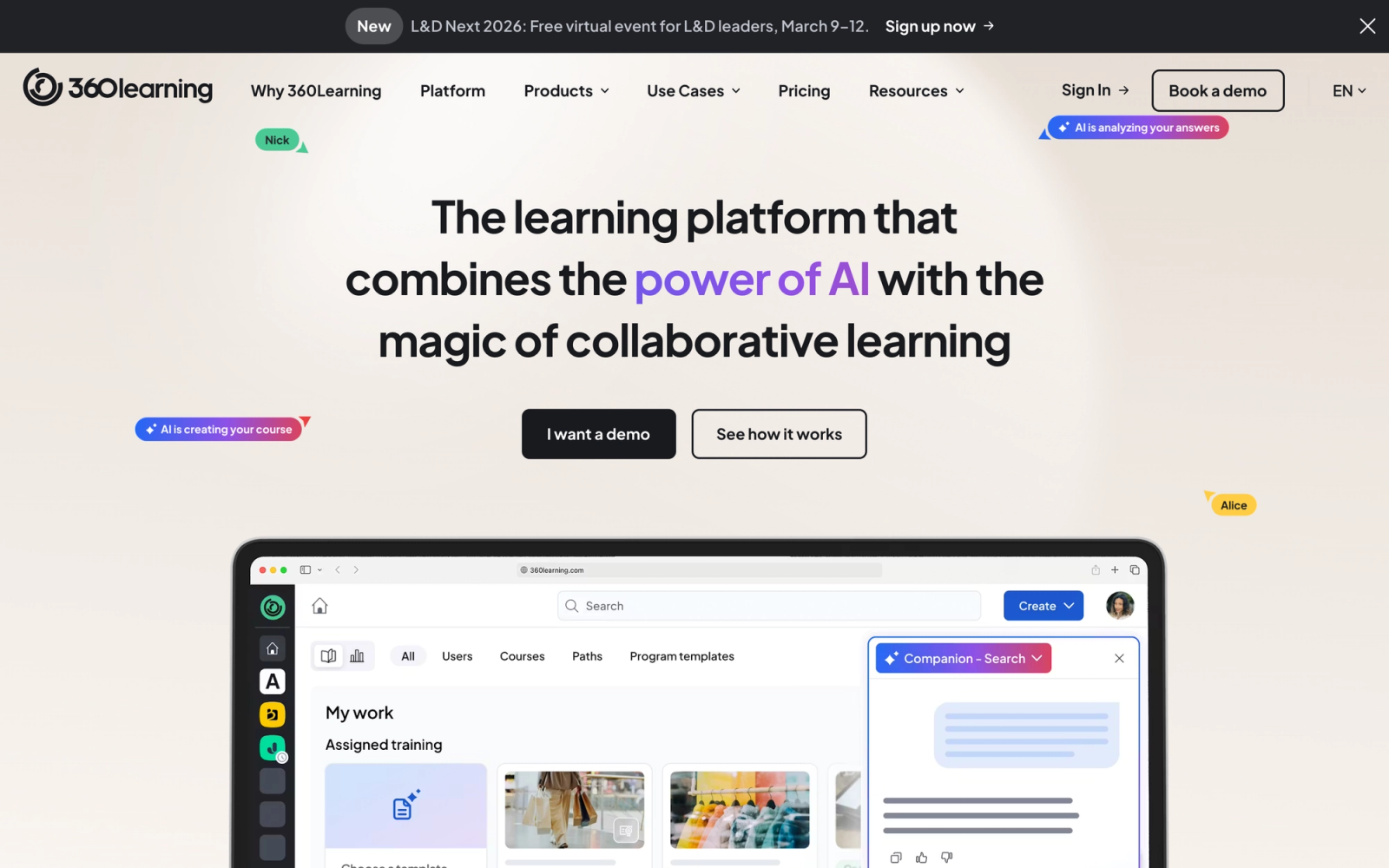
360Learning takes a fundamentally different approach to corporate training. Instead of top-down course authoring by a small L&D team, it enables collaborative course creation where subject matter experts across the organization can build and iterate on training content together.
This positions 360Learning as the opposite of LearnUpon in terms of philosophy. LearnUpon is built for centralized content distribution; 360Learning is built for decentralized content creation. The platform includes collaborative authoring, feedback loops, course reactions, and discussion threads that make learning a participatory process rather than a consumption exercise.
Core Capabilities
- Collaborative authoring tool where SMEs can create courses without e-learning expertise
- Built-in reactions, comments, and relevance scoring on every course
- Automated course quality feedback loops that flag outdated or low-rated content
- SCORM and xAPI support for importing existing content
- Learning path creation with prerequisite logic and due dates
- Skills-based learning with competency mapping
- Native integrations with Slack, Microsoft Teams, Salesforce, and major HRIS platforms
- Compliance training workflows with automated recertification
- Reporting dashboards with learner engagement metrics and content effectiveness scores
- API access for custom integrations and data export
Standout Strength
The collaborative authoring model is 360Learning's defining feature. By enabling subject matter experts to create and update content directly, organizations can scale training production without bottlenecking through a central L&D team. Compared to LearnUpon, where content creation happens entirely outside the platform, 360Learning makes course development a distributed, feedback-driven process.
Best For
Mid-size to large organizations with 500 to 20,000+ employees that want to decentralize training creation and involve subject matter experts directly. Strong fit for companies with rapidly changing knowledge requirements where content freshness matters.
Pricing Overview
- Team plan starts at $8 per registered user per month
- Business plan with advanced features available at custom pricing
- Free 30-day trial available
Limitations
- The collaborative model works best in organizations where SMEs are willing and available to create content. In cultures where training is purely top-down, the approach may face adoption resistance.
- The platform is less suited for straightforward compliance-only training where content does not change frequently.
- Enterprise features like advanced multi-tenant support are available only on higher-tier plans.
Quick Comparison Insight
Philosophically opposite to LearnUpon. Choose 360Learning when the bottleneck is content creation speed and you want training to be a collaborative, organization-wide activity rather than a centralized delivery mechanism.
Canvas LMS (Instructure)
Overview
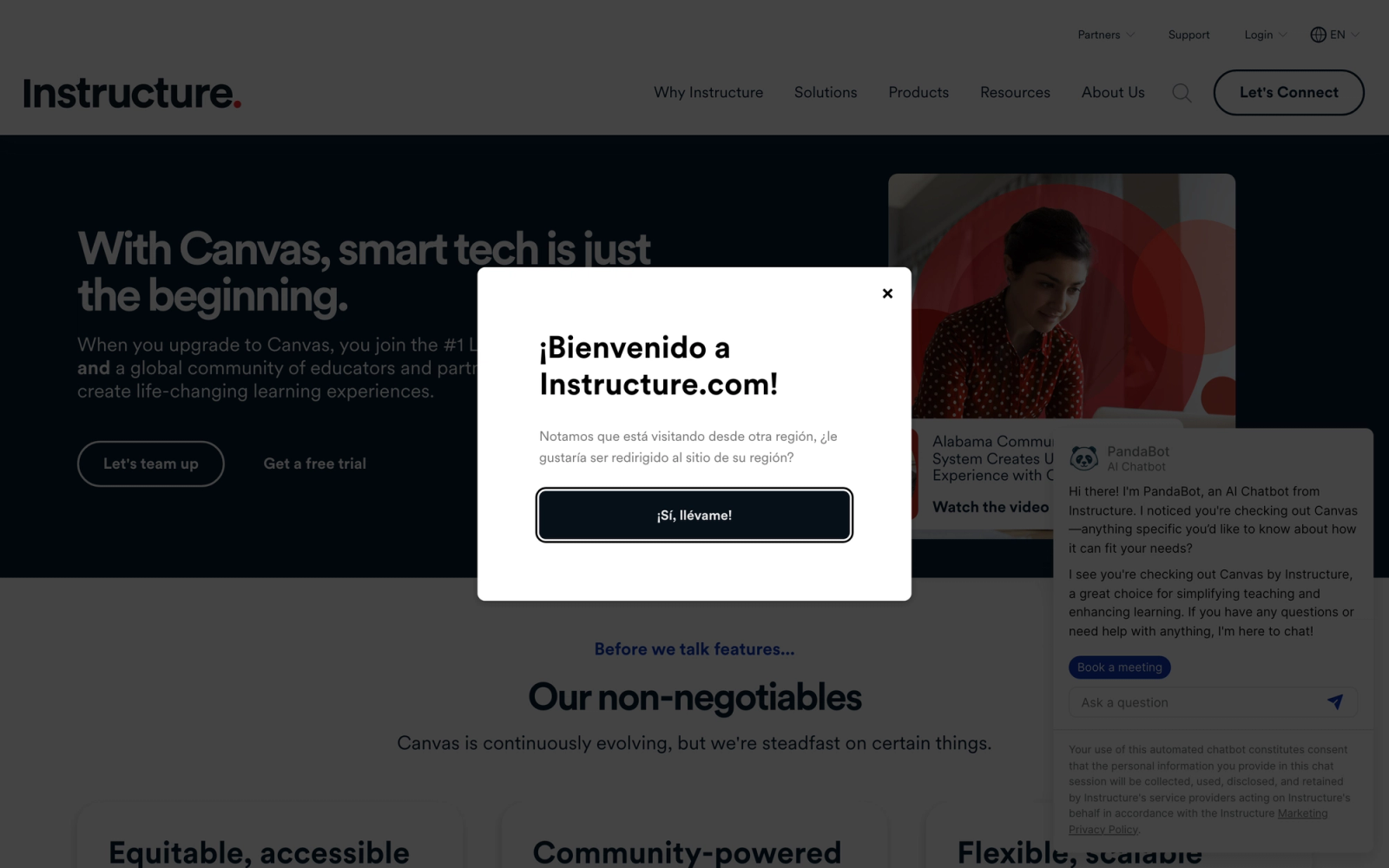
Canvas LMS, built by Instructure, originated in higher education but has expanded aggressively into corporate training through Canvas for Business. It brings the pedagogical rigor of an academic LMS into the corporate environment, with strong course design tools, granular grading, and deep content structuring.
Compared to LearnUpon, Canvas offers significantly more flexibility in how courses are structured. Modules, assignments, rubrics, peer review, and graded discussions are all native features. For organizations running structured training programs that require assessment depth beyond simple quizzes, Canvas provides that academic-grade foundation.
Core Capabilities
- Module-based course builder with rich content types and conditional release
- SpeedGrader for efficient assignment review with rubrics and inline annotations
- Native peer review assignments for structured learner feedback
- Discussion boards with threaded conversations and grading capabilities
- SCORM and LTI integration support for third-party content and tools
- Canvas Studio for video hosting, in-video quizzing, and analytics
- Mastery-based gradebook tracking competency progression
- REST API with extensive documentation and webhook support
- Mobile apps with offline access on iOS and Android
- Custom analytics and reporting through Canvas Data
Standout Strength
Canvas excels when training programs need structured assessment workflows. The combination of rubric-based grading, peer review, and mastery tracking gives it capabilities that corporate-focused LMS platforms like LearnUpon do not attempt. For organizations running certification programs, structured development tracks, or academies where assessment quality matters, Canvas offers depth that most corporate LMS tools lack.
Best For
Organizations running structured training academies, certification programs, or professional development tracks where assessment rigor matters. Also strong for companies transitioning academic-style programs into corporate settings.
Pricing Overview
- Canvas for Business: Custom pricing based on deployment size
- Canvas Free for Teachers available for individual instructors (limited features)
- Implementation and support packages priced separately
- Demo available on request from Instructure
Limitations
- The academic DNA can be a drawback. Some corporate learners find the interface more "university" than "workplace."
- Configuration complexity is higher than purpose-built corporate LMS platforms. Setting up courses with rubrics and peer review takes more time.
- Extended enterprise (customer/partner training) is not its primary strength; other platforms handle multi-tenant better.
Quick Comparison Insight
Deeper course design and assessment tools than LearnUpon, but carries the complexity of its academic origins. Best when training quality and assessment rigor are higher priorities than deployment speed.
Moodle
Overview
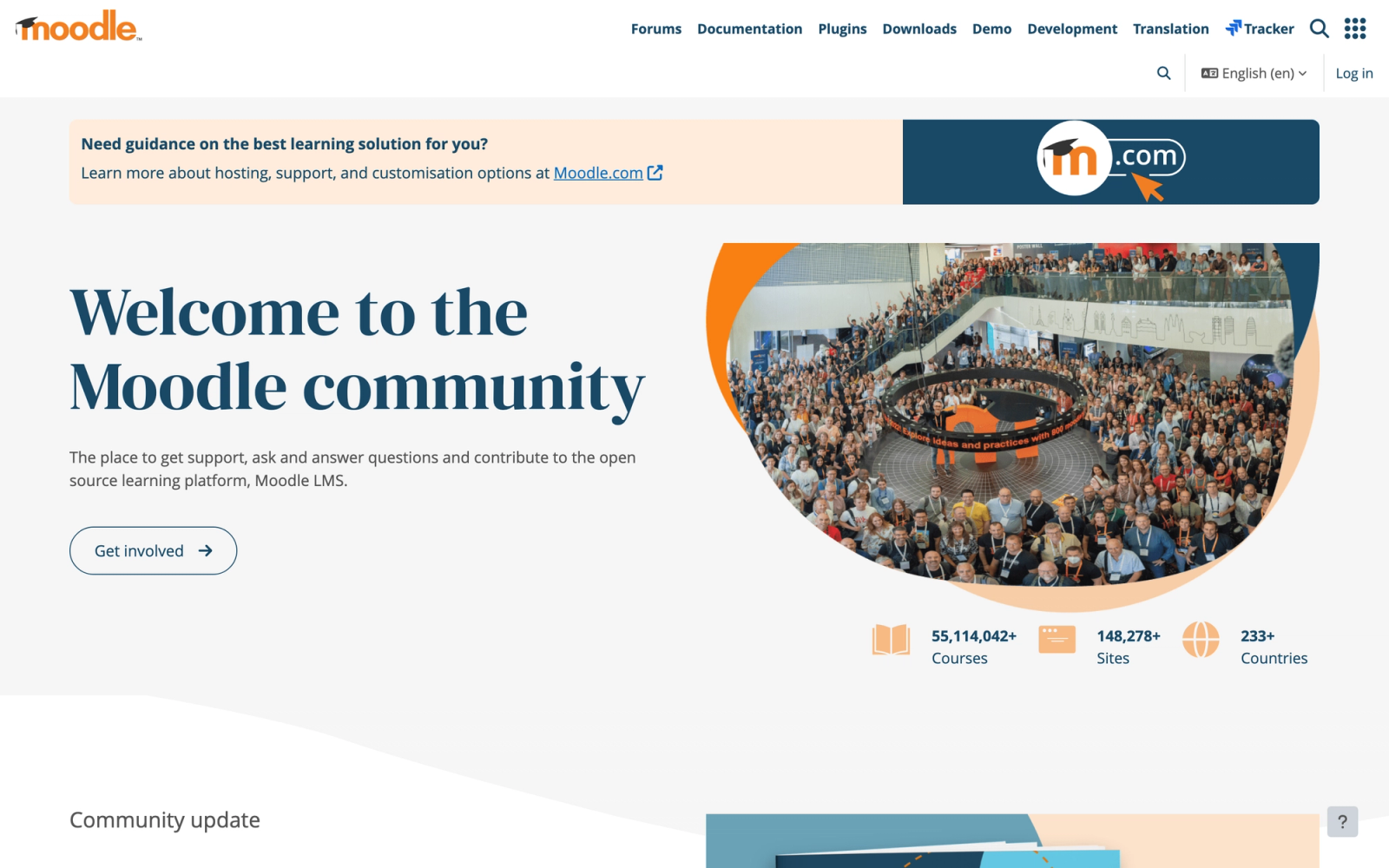
Moodle is the world's most widely deployed open-source LMS, running in over 240 countries across education and corporate settings. It offers complete control over your learning environment since you own the code, the data, and the hosting.
The fundamental difference from LearnUpon is ownership. LearnUpon is a hosted SaaS product where you rent access; Moodle is software you can download, host, and modify without per-user licensing fees. For organizations with IT teams that want full control over their training infrastructure, or those operating under strict data sovereignty requirements, that distinction matters.
Core Capabilities
- Open-source codebase with full customization rights and no licensing fees
- SCORM, xAPI, AICC, and LTI compliance for content interoperability
- Course builder with activities including assignments, quizzes, forums, wikis, and workshops
- Plugin ecosystem with 2,000+ community-developed add-ons
- Competency-based learning with custom competency frameworks
- Multi-language support for 100+ languages
- Detailed logging, reporting, and custom report builder
- Role-based access control with granular permission settings
- H5P integration for interactive content creation
- Mobile app (Moodle App) with offline access and push notifications
Standout Strength
Total ownership and customization freedom. No other platform on this list lets you modify the source code, host on your own infrastructure, and eliminate per-user costs entirely. For organizations with compliance requirements around data residency, or IT teams that want to build a fully customized training environment, Moodle provides a level of control that SaaS platforms like LearnUpon cannot match.
Best For
Organizations with internal IT resources that need full control over their LMS infrastructure. Common in government agencies, universities running corporate extension programs, and companies with strict data sovereignty or regulatory requirements.
Pricing Overview
- Self-hosted: Free (hosting, maintenance, and development costs apply)
- MoodleCloud hosted plans start at $130/year for up to 50 users
- Moodle Workplace (enterprise version): Custom pricing
- Moodle partners offer implementation and support services at varying rates
Limitations
- Self-hosting requires IT staff for installation, maintenance, security updates, and plugin management. This is not a "set it and forget it" deployment.
- The default interface is functional but not modern. Significant theming work is needed to create a polished learner experience.
- Without careful plugin curation, Moodle installations can become fragmented and difficult to maintain.
Quick Comparison Insight
Maximum control and zero licensing costs, but requires IT investment that SaaS platforms like LearnUpon eliminate. Choose Moodle when ownership and customization matter more than convenience.
Blackboard Learn
Overview
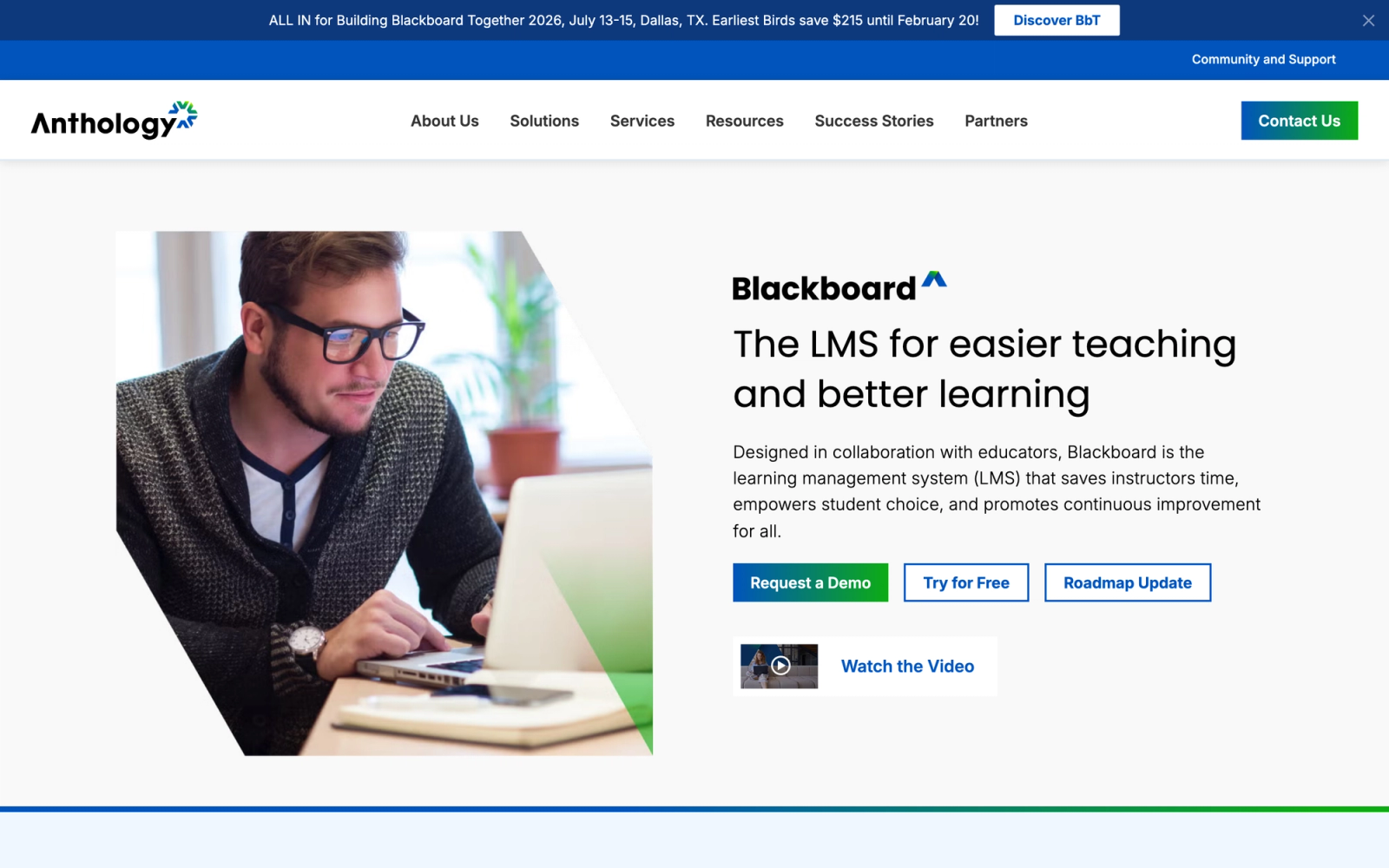
Blackboard Learn, now part of Anthology, is one of the longest-standing names in learning management. Historically dominant in higher education, it has evolved to serve corporate and government training environments as well. Its strength lies in institutional-grade features for large-scale, structured learning programs.
Where LearnUpon is lightweight and focused, Blackboard is heavy and thorough. It provides granular course management, accessibility compliance, advanced assessment options, and integration with institutional systems. For organizations running programs where accreditation standards, accessibility regulations, or institutional reporting matter, Blackboard provides the infrastructure.
Core Capabilities
- Ultra interface with a modern, responsive course design experience
- Advanced assessment engine with rubrics, question pools, and accommodations
- Blackboard Ally for automated accessibility checking and content format conversion
- SafeAssign plagiarism detection for written submissions
- Collaborate Ultra for built-in virtual classroom sessions
- SCORM, LTI, and xAPI support
- Institutional analytics with retention and risk indicators
- Deep integration with SIS (Student Information Systems) and ERP platforms
- REST and Building Block APIs for custom development
- Mobile app with push notifications and offline access
Standout Strength
Accessibility compliance. Blackboard Ally automatically scans course content, generates alternative formats (audio, braille-ready, mobile-friendly), and provides instructor guidance on improving accessibility. For organizations required to meet WCAG or Section 508 standards, this built-in tooling is a significant advantage over LearnUpon, which does not offer comparable accessibility features.
Best For
Large organizations, government agencies, and corporate-academic partnerships that need institutional-grade accessibility compliance, accreditation-ready reporting, and structured assessment tools. Strong fit for regulated industries where accessibility and audit trails are non-negotiable.
Pricing Overview
- Custom institutional pricing through Anthology
- Pricing varies significantly based on deployment size and support level
- Typically targets organizations with 1,000+ learners
- Demo available on request
Limitations
- The platform's institutional focus means a heavier admin experience. Configuration requires more time and training than corporate LMS tools.
- Historically associated with higher education, which can create perception issues for corporate L&D teams.
- Total cost including implementation, hosting, and support can be substantial for smaller organizations.
Quick Comparison Insight
Far more structured and compliance-ready than LearnUpon, but carries institutional complexity. Choose Blackboard when accessibility, accreditation, and assessment rigor are primary requirements.
Tovuti LMS
Overview
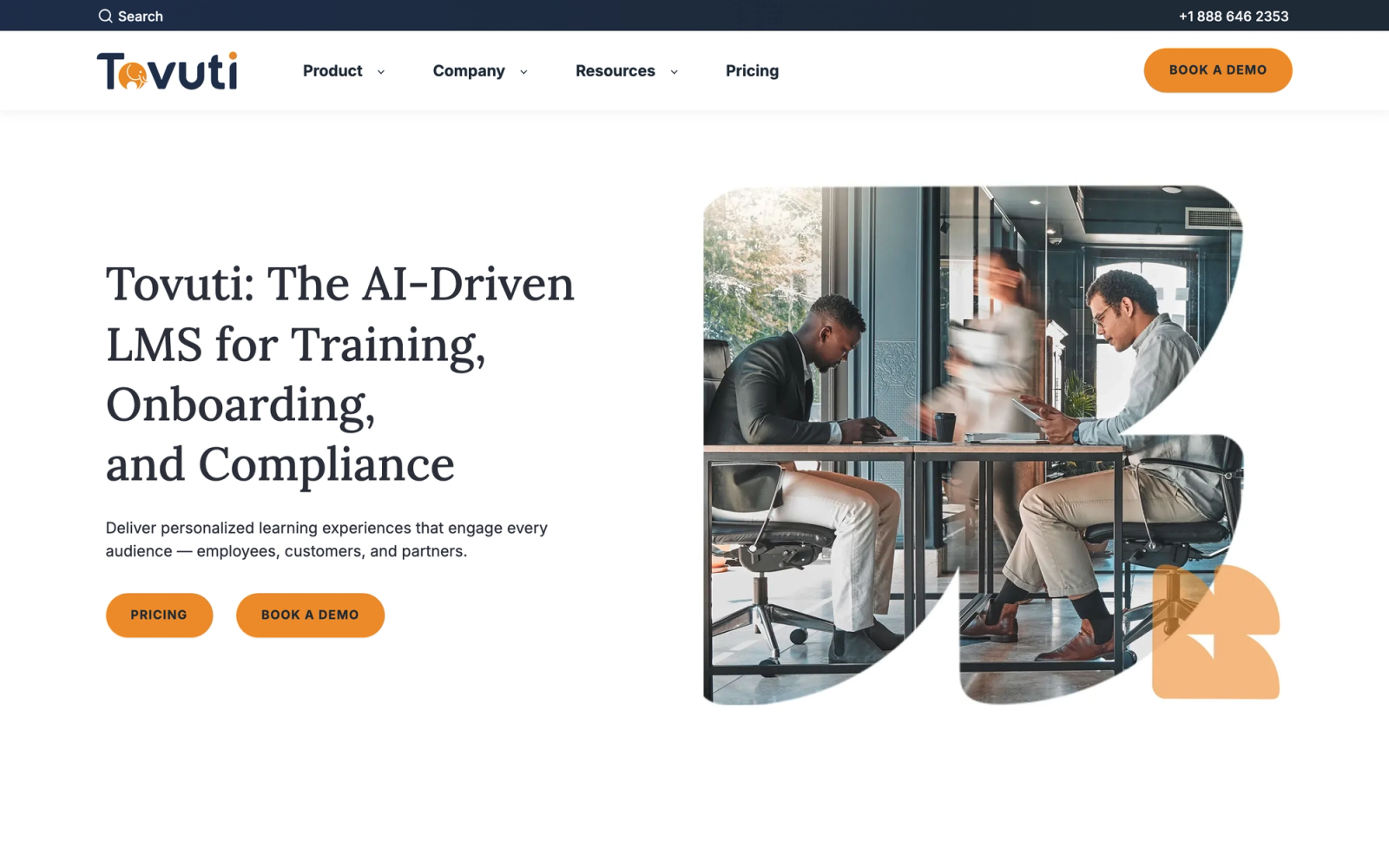
Tovuti is a newer entrant in the corporate LMS market that bundles an unusually broad set of features into a single platform: course authoring, gamification, social community, live events, e-commerce, and reporting. It positions itself as a platform where you should not need additional tools.
Compared to LearnUpon, Tovuti's differentiator is the breadth of native features available without add-ons. Where LearnUpon sends you to third-party tools for authoring or advanced engagement, Tovuti tries to keep everything under one roof. The built-in course authoring tool, with over 40 interactive content types, is notably more capable than what most LMS platforms offer natively.
Core Capabilities
- Drag-and-drop course authoring with 40+ interactive content types
- SCORM, xAPI, and AICC content import support
- Gamification engine with badges, points, leaderboards, and achievements
- Virtual classroom integration with Zoom, GoToWebinar, and Microsoft Teams
- Social community features including newsfeeds, user profiles, and groups
- Built-in e-commerce with coupon codes, subscriptions, and bundles
- Automated notifications, enrollment triggers, and learning path reminders
- Custom reporting dashboards with scheduled delivery
- Open API and pre-built integrations with CRM and HRIS platforms
- White-label portals for multi-audience training
Standout Strength
Feature density. Tovuti includes capabilities that competitors sell as add-ons or require third-party tools to achieve: authoring, gamification, community, e-commerce, and live events, all native. For teams that want a single vendor covering the full training lifecycle, this reduces integration complexity. Compared to LearnUpon, Tovuti gives you more tools out of the box.
Best For
Mid-size organizations with 100 to 5,000 learners that want broad feature coverage without managing multiple vendor relationships. Good fit for teams launching both internal training and external customer education programs from one platform.
Pricing Overview
- Pricing starts around $775/month for smaller implementations
- Per-user pricing model with volume discounts at scale
- Custom quotes for enterprise deployments
- Free demo and trial available
Limitations
- The breadth of features means a longer time to learn the admin interface. There is a lot to configure.
- As a newer platform, the customer base and ecosystem are smaller than established competitors. Fewer third-party resources and community support.
- Some features feel less mature than dedicated point solutions (e.g., e-commerce compared to dedicated storefronts).
Quick Comparison Insight
Broader native feature set than LearnUpon, but less market maturity. A strong choice when reducing vendor sprawl is the primary goal.
LearnWorlds
Overview
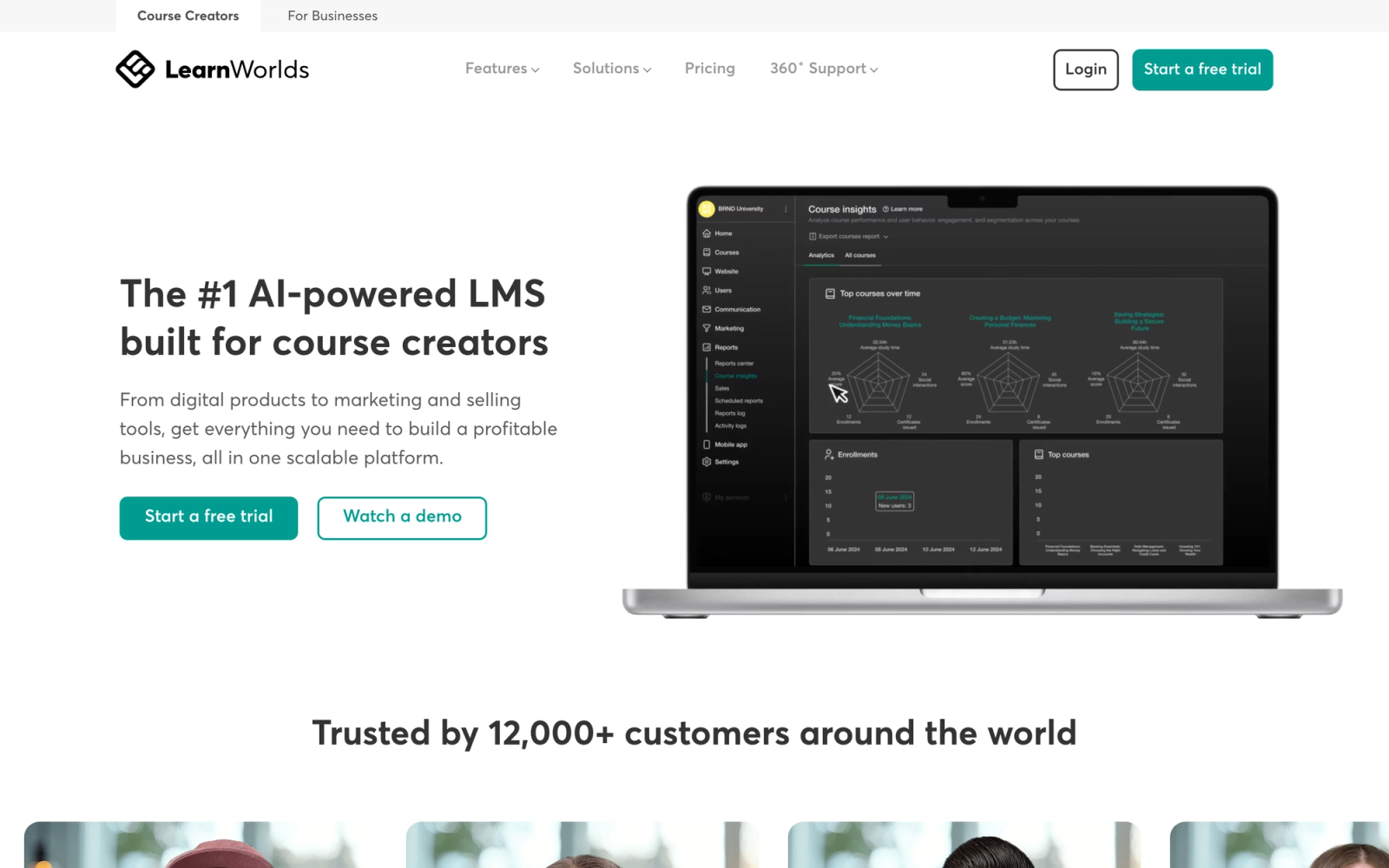
LearnWorlds is a course platform designed primarily for organizations and creators that sell training. It combines course building, website creation, marketing tools, and payment processing into a platform optimized for monetizing educational content.
The difference from LearnUpon is the business model it supports. LearnUpon is built for distributing training to internal employees and partners; LearnWorlds is built for selling training to external audiences. If your organization treats training as a revenue stream, whether through professional certification courses, continuing education, or customer academies, LearnWorlds provides the marketing and sales tools that LearnUpon does not.
Core Capabilities
- Interactive video player with in-video questions, notes, and transcripts
- Built-in website and landing page builder with SEO tools
- SCORM and HTML5 content support
- Assessment engine with graded assignments, exam proctoring, and certificates
- Sales and marketing tools including coupons, bundles, subscriptions, and affiliate programs
- White-label mobile app available on higher-tier plans
- Community features with discussion areas and social networking
- Drip content scheduling for structured course release
- Integrations with Zapier, Mailchimp, HubSpot, and analytics tools
- Custom completion certificates with unique verification codes
Standout Strength
LearnWorlds is built to sell. The combination of a course builder, website builder, marketing tools, and payment processing in one platform means you can go from course concept to revenue without stitching together multiple services. For organizations where training is a profit center rather than a cost center, that matters. LearnUpon simply does not have this commercial toolkit.
Best For
Training companies, professional associations, and corporate teams that monetize educational content. Strong fit for continuing education providers, certification bodies, and organizations building customer academy revenue streams.
Pricing Overview
- Starter: $24/month (with $5 per course sale fee)
- Pro Trainer: $79/month (no transaction fees)
- Learning Center: $249/month
- High Volume & Corporate: Custom pricing
- 30-day free trial available
Limitations
- Internal corporate training features (multi-tenant, HRIS integrations, compliance workflows) are weaker than dedicated corporate LMS platforms.
- The platform is optimized for external course sales; teams needing pure internal training may find features misaligned.
- Higher-tier plans are needed for white-label mobile apps and advanced features.
Quick Comparison Insight
Better than LearnUpon for selling training; weaker for pure internal corporate training distribution. Choose LearnWorlds when training is a revenue-generating business, not just an operational function.
TalentLMS
Overview
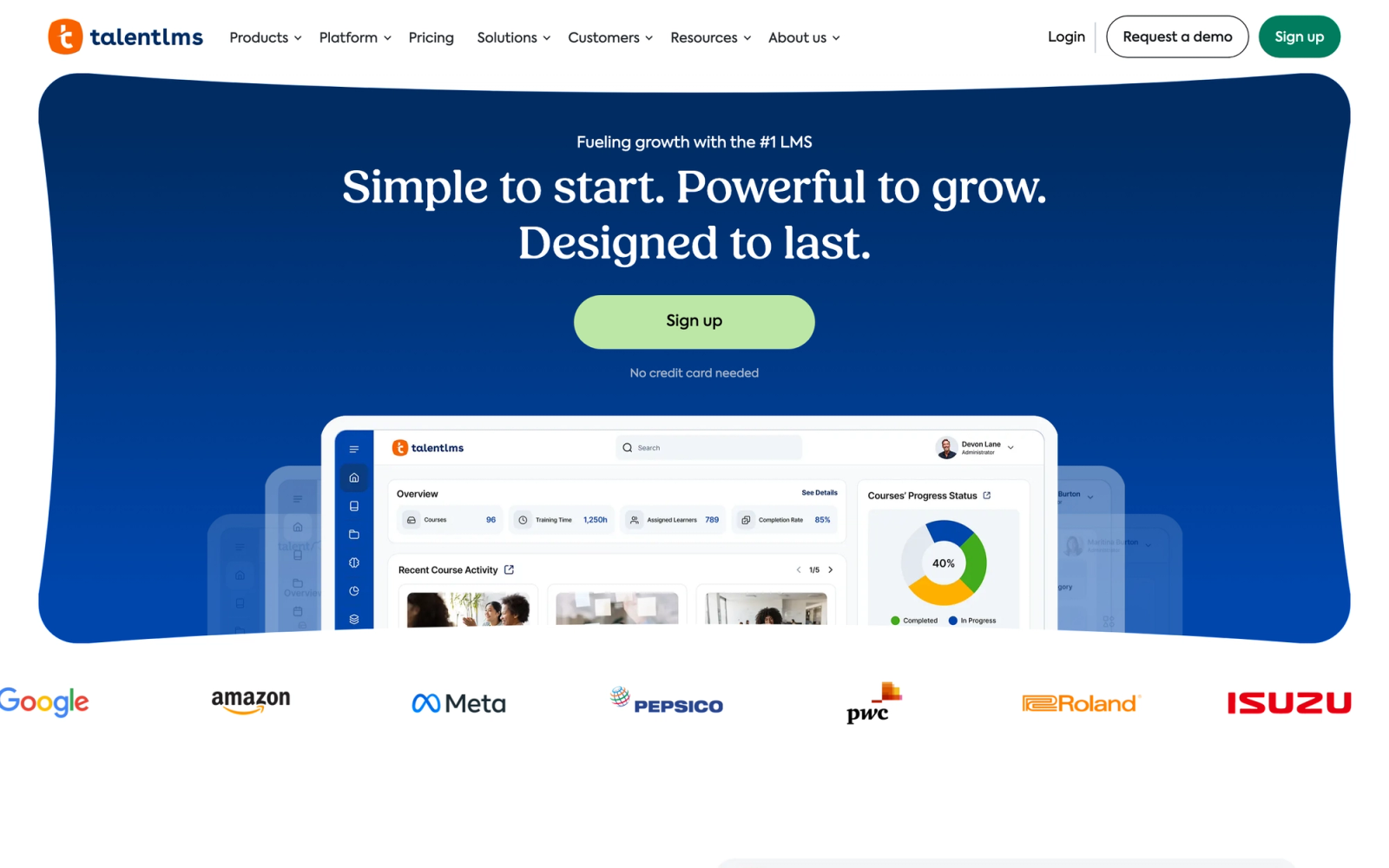
TalentLMS is a cloud-based LMS from Epignosis that targets small and mid-size businesses looking for a fast, affordable way to launch training. Where LearnUpon requires a sales conversation to even see pricing, TalentLMS publishes clear plans starting with a free tier, which makes it one of the easiest platforms to evaluate without commitment.
The setup experience is noticeably fast. A working course with quizzes and a completion certificate can go live in roughly 30 minutes. The interface is clean, and the learning curve for administrators is low. Teams that need training running quickly, without a lengthy implementation project, get there fast.
Core Capabilities
- Built-in course builder with text, video, presentations, and SCORM/xAPI support
- Native quiz and survey engine with multiple question types and randomization
- Gamification features including points, badges, leaderboards, and learning paths
- Branches (sub-portals) for managing different departments, clients, or audiences with distinct branding
- Built-in videoconferencing integration with Zoom, GoToMeeting, and Microsoft Teams
- Automated certificate generation with custom templates
- E-commerce engine for selling courses with Stripe and PayPal integration
- REST API and integrations with Zapier, Salesforce, and major HRIS platforms
- Custom reports with scheduling and CSV/Excel export
- Mobile-responsive interface with dedicated iOS and Android apps
Standout Strength
Organizations choose TalentLMS because it removes barriers to getting started. The free tier supports up to five users, paid plans are transparent, and the interface requires minimal training for administrators. Compared to LearnUpon, TalentLMS gets you from zero to running training faster and with less budget risk.
Best For
Small-to-midsize businesses with 20 to 500 learners that need a straightforward LMS for onboarding, compliance training, or product education. Strong fit for teams without a dedicated L&D department who need something that works without extensive configuration.
Pricing Overview
- Free tier: Up to 5 users and 10 courses
- Starter: $69/month for up to 40 users
- Basic: $149/month for up to 100 users
- Plus: $279/month for up to 500 users
- Premium plans available for larger organizations
- Free trial available on all paid plans
Limitations
- Reporting is adequate for basic needs but lacks the depth that larger organizations require for cross-department analysis.
- Gamification features, while present, feel surface-level compared to more specialized engagement platforms.
- Customization of the learner interface is limited beyond basic branding.
Quick Comparison Insight
Simpler and more affordable than LearnUpon, but trades away advanced enterprise features. A strong choice for teams that prioritize speed and simplicity over deep customization.
How to Choose the Right Alternative
The right LearnUpon replacement depends on the specific gap you are trying to fill, not on which platform has the longest feature list. Here is a decision framework based on common scenarios.
If transparent, affordable pricing is the priority, start with TalentLMS or iSpring Learn. Both publish their pricing openly, offer free tiers or trials, and serve small-to-midsize teams well without requiring a sales conversation.
If content authoring is the bottleneck, iSpring Learn and 360Learning address it from different angles. iSpring gives your L&D team a professional authoring tool integrated with the LMS. 360Learning lets subject matter experts across the organization create and maintain content collaboratively.
If you need enterprise-scale analytics and AI, Absorb LMS and Docebo are the strongest options. Both offer custom reporting dashboards, AI-driven recommendations, and the depth that large organizations require for multi-audience training.
If training is a revenue stream, LearnWorlds is purpose-built for selling courses, with marketing tools, payment processing, and storefront capabilities that corporate-focused platforms do not include.
If compliance and accessibility are non-negotiable, Blackboard Learn and Cornerstone OnDemand provide institutional-grade compliance tracking, accessibility tools, and audit trails that lighter platforms cannot match.
If full infrastructure control matters, Moodle gives you open-source ownership, self-hosting, and unlimited customization, provided you have the IT team to support it.
If your training model is built around group interaction, Teachfloor supports cohort-based, instructor-led programs with native peer review and collaborative activities that content-delivery platforms do not offer.
The mistake to avoid is choosing a platform based on feature count alone. A platform with 200 features you will not use is worse than one with 50 features that align precisely with your training model. Start with your training methodology, then match the tool to it.
FAQ
Can I migrate my existing courses from LearnUpon to another LMS?
If your courses are in SCORM or xAPI format, they can be imported into any platform that supports those standards, which includes every tool on this list. Content built using LearnUpon's native builder may need to be recreated in the new platform, as proprietary formats typically do not transfer. Request a data export from LearnUpon before committing to a new platform to understand exactly what can migrate and what needs rebuilding.
Is there a free LearnUpon alternative?
TalentLMS offers a free tier for up to five users and ten courses, which works for evaluating the platform or running very small training programs. Moodle is free to download and self-host, though you will need IT resources for hosting and maintenance. Most other platforms on this list offer free trials ranging from 14 to 30 days.
Which LearnUpon alternative is best for training external partners or customers?
Absorb LMS and Docebo both excel at extended enterprise training with multi-tenant architecture, distinct branding per audience, and e-commerce capabilities. LearnWorlds is strongest when the primary goal is selling courses rather than distributing them as part of a business relationship.
How long does it take to switch from LearnUpon to a new LMS?
Timeline varies significantly based on the platform. Lightweight tools like TalentLMS or iSpring Learn can be operational in one to two weeks. Enterprise platforms like Cornerstone OnDemand or Docebo typically require two to six months for full implementation, including data migration, integration setup, and administrator training. Plan the transition around a natural break in your training calendar when possible.


