


Why Look for an iSpring Learn Alternative?
iSpring Learn is a solid learning management system for teams that already rely on PowerPoint-based content creation. Its tight integration with iSpring Suite makes it easy to publish slide-based courses directly to the LMS. But that tight coupling is also the platform's most significant constraint.
Dependency on iSpring Suite. iSpring Learn's native content editor handles basic course assembly, but the real authoring power sits in iSpring Suite, a separate desktop application that costs $770 or more per author per year. Without it, the LMS feels incomplete. Teams that want a standalone platform with strong built-in authoring will find this two-product dependency frustrating.
Reporting stays surface-level. Analytics in iSpring Learn cover standard completion tracking and quiz scores, but there is no custom report builder. L&D teams that need cross-dimensional analysis, filtered cohort views, or exportable dashboards for leadership end up working around pre-built templates instead of building the exact reports they need.
No social or peer learning. iSpring Learn is built around content delivery: upload courses, assign learners, track completion. There are no native discussion forums, peer learning activities, group projects, or collaborative spaces. Teams that want learners to interact with each other, not just with content, need to look elsewhere.
Opaque pricing. iSpring Learn does not publish pricing on its website. The per-user model means costs scale with headcount, but without transparent tiers, it is difficult to budget or compare directly against alternatives that list their prices publicly.
Mobile limitations. A mobile app exists, but offline access has constraints that limit usability for field teams and deskless workers who need reliable access without consistent connectivity.
If your team has outgrown the PowerPoint-to-LMS workflow, needs deeper reporting, or wants a platform that supports interaction beyond content consumption, the alternatives below address those gaps.
What to Look for in a Corporate Training LMS
Before comparing platforms, anchor your evaluation on the criteria that will actually drive your decision.
Content authoring independence. Can you build courses inside the LMS without purchasing a separate authoring tool? Some platforms include full course builders with interactive elements, quizzes, and video. Others assume you will import SCORM packages from external tools. The difference affects both cost and workflow speed.
Reporting and analytics depth. Pre-built reports cover the basics, but growing L&D teams need custom report builders, scheduled exports, and visual dashboards. Ask whether the platform lets you build the exact views your stakeholders require without manual data manipulation.
Learning model fit. Self-paced content delivery works for compliance and product knowledge. But employee training programs that involve leadership development, skills practice, or behavior change often require live sessions, group activities, or cohort structures. Match the platform to your actual learning model, not just your content library.
Integration ecosystem. Your LMS needs to connect with your HRIS, SSO provider, communication tools, and possibly your CRM. Check for native LMS integrations with the specific tools your organization already uses, not just a long list of logos on a marketing page.
Total cost of ownership. A low per-user price means little if you also need a separate authoring tool, a paid migration, premium support, and add-on modules for features like e-commerce or advanced analytics. Calculate the full cost for your team size over 12 months.
Scalability and audience type. Some LMS platforms are built for internal employee training. Others support customer education, partner training, or multi-audience portals. Clarify whether you need a single internal instance or multiple branded environments.
10 Best iSpring Learn Alternatives
The platforms below span budget-friendly SMB tools, enterprise suites, open-source options, and collaborative learning environments. Each addresses a different combination of the gaps outlined above.
Teachfloor

Overview
Teachfloor is a flexible LMS built for cohort-based, instructor-led programs where learners progress together through a structured curriculum. It combines live sessions, group activities, and peer interaction in one platform, covering both customer and employee training. Instead of treating learning as self-paced content delivery, it gives teams the structure to run programs where people learn alongside each other.
This is not a general-purpose content host. It fits organizations that see learning as structured collaboration rather than solo consumption. Training programs that involve live workshops, group projects, peer feedback, or facilitated discussions get the infrastructure that content-delivery platforms lack.
Core Capabilities
- Cohort management with scheduled start dates, group enrollment, and progress tracking across cohorts
- Live session scheduling with integrated video conferencing (Zoom, Google Meet, and native options)
- Peer review and group assignment workflows built into the course structure
- Discussion forums and activity feeds tied to specific course modules and cohort groups
- Course builder with multimedia content blocks, embedded resources, and assessment tools
- Learner progress dashboards with completion tracking, engagement metrics, and cohort comparisons
- White-label academy builder with custom domains and branded learner portals
- Certificate generation with custom templates and automated delivery on completion
- Integrations with Zoom, Slack, Zapier, and common productivity tools
- E-commerce support for selling cohort-based programs with payment processing
Standout Strength
Teachfloor is purpose-built for the cohort model. Scheduled cohorts, live sessions, peer activities, and group assignments sit in a single platform, replacing the patchwork of an LMS, a video conferencing tool, a community platform, and a project management tool that many teams stitch together for instructor-led programs.
Best For
Organizations running bootcamps, leadership development programs, certification cohorts, or any structured training where learners progress together with instructor facilitation and peer interaction. Training companies, academies, and L&D teams that have moved beyond self-paced content delivery.
Pricing Overview
- Plans start at $89/month for the base tier
- Pricing scales based on active learners and feature requirements
- Higher tiers include white-label, advanced analytics, and API access
- Free trial available
Limitations
- Not designed for large-scale self-paced content delivery. If your primary need is hosting a library of on-demand courses for thousands of users, other platforms on this list serve that better.
- The integration ecosystem is growing but not as extensive as enterprise platforms like Docebo or Absorb.
- Best suited for structured programs with defined start and end dates, rather than open-enrollment, always-available content libraries.
Quick Comparison Insight
Solves a fundamentally different problem than iSpring Learn. Where iSpring delivers content to individuals, Teachfloor facilitates learning among groups. The right choice if your programs depend on live interaction and peer collaboration.
Absorb LMS
Overview
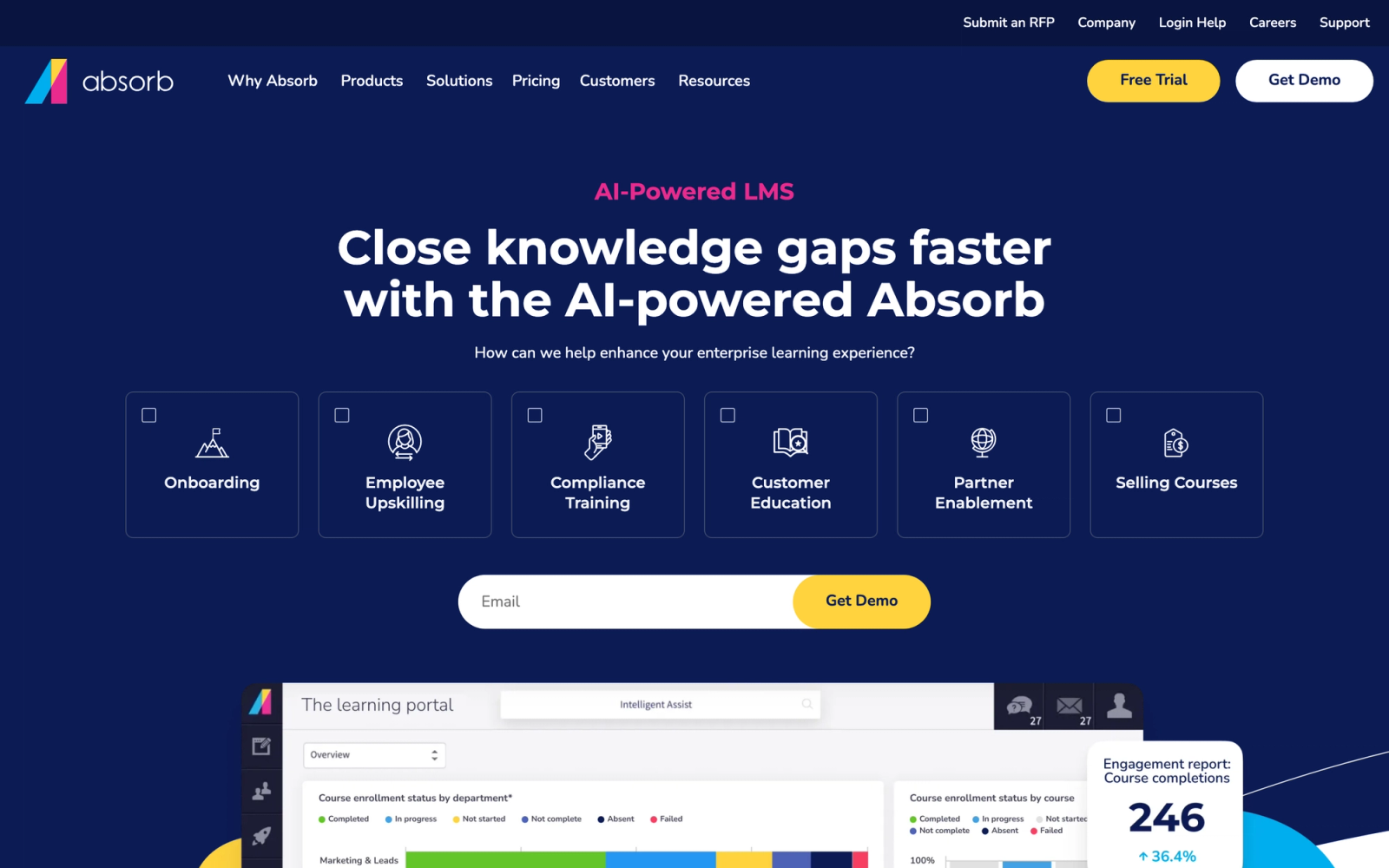
Absorb LMS positions itself as an enterprise platform with AI at its core. Where iSpring Learn focuses on content delivery from a PowerPoint-based pipeline, Absorb takes a broader approach: intelligent content recommendations, natural language search, automated admin workflows, and a learner experience that adapts based on role and history.
The admin interface is notably clean for an enterprise LMS. Setting up departments, enrollment rules, and reporting dashboards involves less configuration than most enterprise systems require, which reduces the setup overhead that slows many rollouts.
Core Capabilities
- Absorb Infuse for embedding learning directly into external applications and workflows
- AI-powered intelligent recommendations that surface relevant content based on learner behavior
- Natural language search across all courses, documents, and resources
- Built-in course authoring tool (Absorb Create) for building interactive content without external software
- SCORM 1.2, SCORM 2004, xAPI, and AICC support for importing third-party content
- Observation checklists for assessing on-the-job performance and practical skills
- E-commerce module with flexible pricing, bundles, subscriptions, and discount codes
- Multi-tenant portals for managing different audiences (employees, customers, partners) from one instance
- Automated workflows for enrollment, notifications, escalations, and compliance tracking
- Custom report builder with scheduled exports and role-based dashboard views
Standout Strength
Absorb's Infuse technology sets it apart. Instead of forcing learners into a standalone LMS portal, Infuse lets you embed training directly inside the tools people already use, like Salesforce, internal wikis, or customer portals. This contextual delivery approach addresses a real problem: learners engage more when training meets them where they work.
Best For
Mid-to-large enterprises (500 to 10,000+ employees) that need a scalable LMS with strong compliance tracking, multi-audience support, and AI-driven personalization. Particularly strong for organizations running parallel internal and external training programs.
Pricing Overview
- Custom enterprise pricing based on number of active learners
- Absorb Create (authoring tool) and Absorb Infuse may require separate licensing
- Free demo available; no publicly listed starting price
- Typical contracts are annual
Limitations
- Pricing is not transparent. You must go through a sales process to get a quote, which complicates budgeting at the evaluation stage.
- The breadth of features means longer implementation timelines compared to lighter platforms like TalentLMS.
- Some users report that the mobile app, while functional, lags behind the desktop experience in feature parity.
Quick Comparison Insight
Far more capable than iSpring Learn for enterprise scenarios, but requires a larger budget and longer setup. Best suited for organizations that have outgrown simple content-delivery LMS platforms.
Docebo
Overview
Docebo is an enterprise learning suite that has invested heavily in AI across the entire learner and admin experience. The platform goes beyond standard course management into territory like content auto-tagging, AI-generated skill mappings, and virtual coaching assistants. For L&D teams tired of manually curating learning paths, Docebo automates much of that curation.
Compared to iSpring Learn's manual assign-and-track model, Docebo's approach is fundamentally different. It treats learning as something the system actively facilitates, not just something it hosts.
Core Capabilities
- AI-powered content recommendations and personalized learning paths based on skills and roles
- Docebo Shape for converting documents and presentations into micro-learning content using AI
- Social learning features with expert Q&A, content sharing, and peer-to-peer channels
- Multi-product architecture: Learn LMS, Content, Shape, Flow (embedded learning), and Connect (community)
- Support for SCORM, xAPI, AICC, and LTI standards
- Custom report builder with drag-and-drop widgets, scheduled exports, and data visualizations
- Multi-audience portals with distinct branding for employees, customers, and partners
- Skill and competency tracking tied to learning outcomes and business KPIs
- Salesforce, Workday, BambooHR, and 400+ integrations via native connectors and API
- Gamification engine with badges, leaderboards, points, and contests
Standout Strength
Docebo Shape genuinely reduces the time it takes to convert raw documents into learning content. Upload a PDF, and the AI suggests micro-learning formats, quiz questions, and content breakdowns. For organizations sitting on large knowledge bases that need to become learning assets, this is a practical time-saver that iSpring Learn's workflow cannot match.
Best For
Enterprise L&D teams (1,000+ employees) managing multi-audience learning programs with a need for AI-driven personalization, social learning, and advanced analytics. Strong fit for companies building internal academies or customer education platforms.
Pricing Overview
- Custom enterprise pricing; no publicly listed starting price
- Pricing typically based on monthly active users
- Multi-product licensing (Shape, Flow, Connect) is priced separately
- Annual contracts standard; free demo available
Limitations
- The multi-product architecture means the full Docebo experience requires licensing several modules, which can push costs well above initial expectations.
- The learning curve for admins is steeper than mid-market platforms due to the depth of configuration options.
- Smaller organizations (under 300 users) may find the platform over-engineered for their needs.
Quick Comparison Insight
A significant step up from iSpring Learn in AI capabilities, social features, and reporting depth. The trade-off is enterprise pricing and a more complex setup process.
LearnUpon
Overview
LearnUpon focuses on a use case iSpring Learn handles awkwardly: training multiple distinct audiences from a single platform. Where iSpring Learn is built for internal teams consuming pre-built content, LearnUpon's multi-portal architecture makes it straightforward to run employee training, customer onboarding, and partner certification programs side by side, each with distinct branding, content, and user management.
The platform balances ease of use with enterprise capability. The admin interface is intuitive enough to set up a course and an enrollment group without a training session, which is not always true with enterprise LMS products.
Core Capabilities
- Multi-portal architecture with unique branding, user groups, and content per audience
- Built-in course builder supporting SCORM, xAPI, video, documents, and custom assessments
- Automated enrollment rules triggered by user attributes, group membership, or dates
- Learning paths with prerequisite logic, deadlines, and re-certification workflows
- White-label portals with custom domains, logos, and color themes
- ILT and webinar management with calendar scheduling and attendance tracking
- Custom report builder with saved templates, scheduled delivery, and API export
- Salesforce, HubSpot, Zapier, BambooHR, and 50+ native integrations
- Single sign-on support for SAML 2.0, Active Directory, and Google Workspace
- Exam engine with question pools, randomization, time limits, and proctoring options
Standout Strength
The multi-portal setup is genuinely effortless. Each portal operates as its own training environment, but all data rolls up to a central admin view. For companies that sell products and need to train both their employees and their customers, this dual-purpose architecture eliminates the need for two separate LMS subscriptions.
Best For
B2B SaaS companies, technology vendors, and franchise organizations that need to deliver corporate training internally while also educating customers and channel partners. Teams of 200 to 5,000 employees with external training requirements.
Pricing Overview
- Custom pricing based on active user count and number of portals
- Typical entry points around $15,000 to $25,000 per year for mid-market organizations
- Free trial and demo available
- Annual contracts standard
Limitations
- The built-in authoring tool handles standard content but is not a replacement for dedicated authoring software if you need advanced interactivity.
- Pricing is not publicly listed, and mid-market entry costs can be higher than expected for smaller teams.
- Customization of the learner portal UI is possible but requires more effort than some competitors.
Quick Comparison Insight
Stronger than iSpring Learn for multi-audience training delivery and customer education. Less focused on content authoring depth, more focused on distribution and management at scale.
SAP Litmos
Overview
SAP Litmos leans into compliance. Where iSpring Learn serves general corporate training with a content-delivery focus, SAP Litmos wraps its LMS around a massive built-in content library of over 2,000 compliance and professional development courses. For organizations in regulated industries, this means you can have a compliance program running on day one without building a single course.
The platform is part of the SAP ecosystem, which matters for organizations already running SAP SuccessFactors or other SAP HR tools. The native connection reduces integration friction that other LMS platforms require you to solve with middleware.
Core Capabilities
- Built-in library of 2,000+ compliance, safety, and professional development courses
- Course authoring tool for building custom modules with video, SCORM, assessments, and documents
- Automated compliance tracking with due dates, re-certification reminders, and audit trails
- Custom learning paths with prerequisites, mandatory sequences, and certification workflows
- Multi-language support across the platform and content library
- Advanced reporting with custom dashboards, scheduled reports, and compliance-specific views
- Native SAP SuccessFactors integration plus Salesforce, Slack, and API access
- Task automation for enrollment, notifications, manager alerts, and escalation rules
- Gamification with points, badges, achievements, and leaderboards
- Mobile app with offline course access for deskless and field workers
Standout Strength
The pre-built compliance content library is the differentiator. Organizations that need SOC 2, HIPAA, OSHA, anti-harassment, or data privacy training can deploy it immediately. This saves months of content development and ongoing maintenance, because SAP Litmos updates the library as regulations change.
Best For
Regulated enterprises in healthcare, financial services, manufacturing, and technology that need compliance training at scale. Organizations with 500 to 50,000+ employees where audit readiness and certification tracking are non-negotiable. Strong fit for SAP customers.
Pricing Overview
- Custom pricing based on number of active users
- Separate pricing for the content library add-on versus the LMS-only plan
- No publicly listed starting price; typical mid-market contracts start around $6/user/month
- Free trial of 14 days available
Limitations
- The user interface feels less modern than competitors like Docebo or Absorb. Navigation can be unintuitive for first-time admins.
- The content authoring tool is functional but basic. Teams building highly interactive or media-rich courses will still need external tools.
- Being part of the SAP ecosystem is an advantage for SAP customers but adds complexity for organizations running different HR stacks.
Quick Comparison Insight
Stronger compliance infrastructure than iSpring Learn, with a content library that eliminates the need to build standard compliance courses. Less suited for organizations that prioritize custom content creation or modern learner experiences.
360Learning
Overview
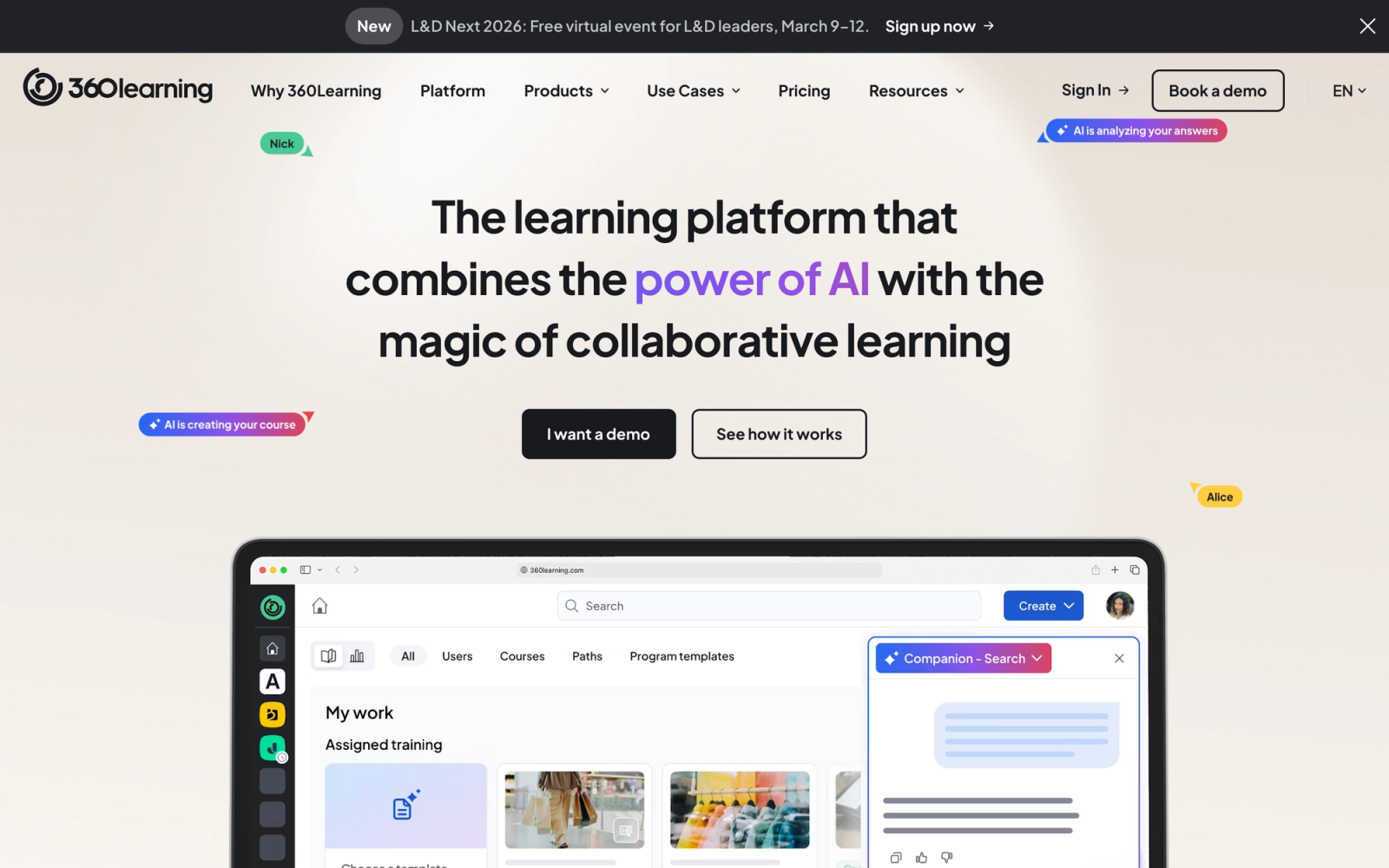
360Learning takes a fundamentally different approach to corporate training. Instead of a top-down model where L&D teams build courses and push them to learners, 360Learning enables a collaborative learning model where subject matter experts create and iterate on courses with input from their peers.
This is the sharpest contrast to iSpring Learn in this entire list. iSpring Learn assumes content flows one direction: from author to learner. 360Learning assumes learning is a conversation where experts share knowledge, learners give feedback, and courses improve continuously based on real engagement data.
Core Capabilities
- Collaborative authoring tool that lets SMEs build courses in minutes without instructional design expertise
- Reaction-based feedback system where learners can flag outdated content, suggest improvements, or ask questions
- AI-powered course creation assistant that generates outlines, quiz questions, and content suggestions
- Discussion threads attached to specific course sections for contextual peer exchange
- Automated skill mapping and gap analysis tied to team and individual development plans
- Learning paths with mandatory and recommended tracks, prerequisites, and deadlines
- SCORM and xAPI import for integrating existing e-learning content
- Native integrations with Slack, Microsoft Teams, BambooHR, Workday, and Salesforce
- Compliance management with automated enrollments, due dates, and audit trails
- Analytics dashboard with engagement metrics, completion rates, reaction scores, and content quality indicators
Standout Strength
The reaction-based feedback loop is unique. Learners can flag content as irrelevant, confusing, or outdated directly from within a course. These reactions surface to course creators as actionable data, creating a continuous improvement cycle that keeps content relevant. No other platform in this list integrates learner feedback into the authoring process as tightly.
Best For
Organizations with 200 to 5,000 employees that want to decentralize course creation and empower internal experts. Strong fit for fast-growing companies where knowledge changes quickly and traditional L&D bottlenecks slow down training delivery. Teams that value peer learning and knowledge sharing over top-down content delivery.
Pricing Overview
- Team plan starts at $8/user/month (up to 100 users)
- Business plan with custom pricing for larger organizations
- Free trial available
- Annual billing standard; monthly option available at higher rates
Limitations
- The collaborative model requires cultural buy-in. If your organization expects L&D to own all content, the SME-driven approach may face internal resistance.
- The built-in authoring tool prioritizes speed over design sophistication. Teams wanting highly polished, media-rich courses may find it limiting.
- The platform is less suited for pure compliance-driven organizations that need top-down content control rather than collaborative iteration.
Quick Comparison Insight
The opposite philosophy from iSpring Learn. Where iSpring assumes centralized authoring, 360Learning distributes it. Better for knowledge-driven organizations; less ideal for strict compliance environments.
Tovuti LMS
Overview
Tovuti LMS combines a full-featured learning management system with a built-in content authoring suite that eliminates the need for separate tools. This is the direct answer to iSpring Learn's biggest pain point: Tovuti's course builder includes over 40 interactive content types, from branching scenarios to drag-and-drop exercises, all accessible without leaving the platform.
The gamification layer is more than cosmetic. Points, badges, leaderboards, and virtual currencies are tied to learning activities and completion milestones, which helps with engagement in environments where training is mandatory but motivation is low.
Core Capabilities
- Built-in authoring tool with 40+ interactive content types including branching, hotspots, and drag-and-drop
- Gamification engine with points, badges, leaderboards, virtual currency, and achievement levels
- Live event management for ILT sessions, webinars, and blended learning programs
- SCORM 1.2 and 2004 import plus xAPI support
- Community features with discussion forums, chat, and learner profiles
- Automated learning paths with conditional logic, prerequisites, and timed release
- Custom report builder with visual dashboards and scheduled exports
- White-label portals with custom branding for multi-audience delivery
- E-commerce with payment processing, subscriptions, and bundle pricing
- Integrations with Zoom, Microsoft Teams, Salesforce, Zapier, and open API
Standout Strength
The depth of the built-in authoring tool sets Tovuti apart from most LMS platforms. Where iSpring Learn needs iSpring Suite to create interactive content, Tovuti's course builder handles branching scenarios, simulations, and media-rich modules natively. For teams that want to build and deliver from the same platform, this consolidation saves both cost and workflow friction.
Best For
Mid-size organizations (100 to 2,000 employees) that want to create interactive courses and manage delivery in one platform. Strong fit for training companies, associations, and HR teams that need gamification to drive engagement in mandatory training programs.
Pricing Overview
- Custom pricing based on number of active users
- All features included in the base license (no per-module add-ons)
- Free demo and guided trial available
- Typical entry point reported around $11,000 to $15,000 per year for mid-market
Limitations
- The breadth of features can feel overwhelming during initial setup. Expect a steeper onboarding curve for admins.
- The community and social features, while present, are less mature than 360Learning's collaborative tools.
- Smaller organizations may find the pricing higher than lighter alternatives like TalentLMS for basic use cases.
Quick Comparison Insight
Replaces both iSpring Learn and iSpring Suite in a single subscription. The trade-off is a more complex admin experience and pricing that reflects the broader feature set.
LearnWorlds
Overview
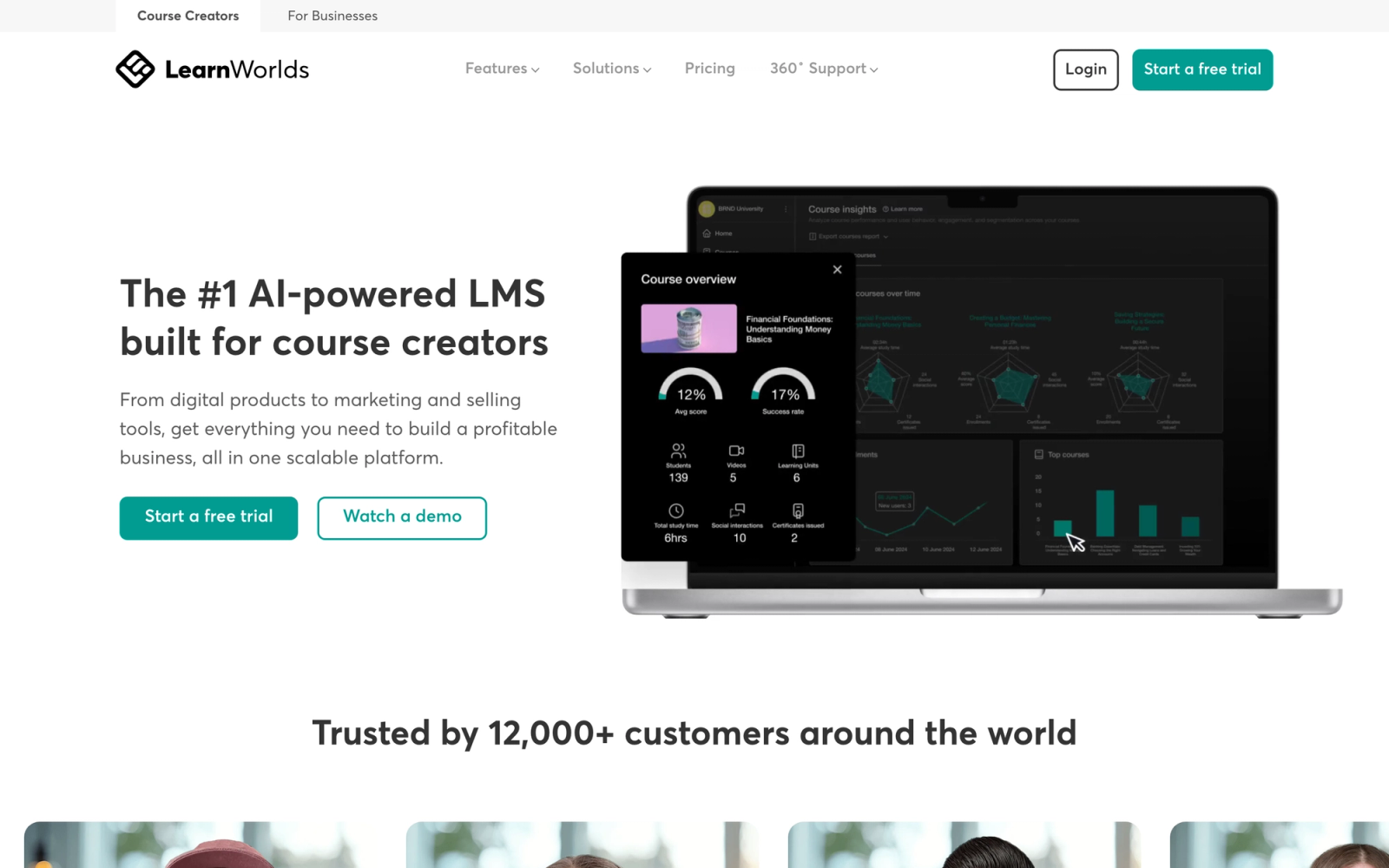
LearnWorlds occupies a different segment than iSpring Learn. Where iSpring Learn is an internal corporate LMS, LearnWorlds is a course commerce platform designed for selling training. If your organization monetizes its knowledge through paid courses, certification programs, or customer academies, LearnWorlds provides the storefront, the LMS, and the marketing tools in one package.
The interactive video feature is a standout. You can add clickable buttons, questions, and navigation overlays directly on top of video content, turning passive video into active learning without separate authoring software.
Core Capabilities
- Course builder with drag-and-drop content blocks, interactive video, and assessment tools
- Built-in website and landing page builder with templates optimized for course sales
- Interactive video player with in-video questions, clickable CTAs, and transcript search
- E-commerce engine with one-time payments, subscriptions, bundles, coupons, and affiliate programs
- SCORM 1.2 import for integrating existing e-learning content
- Certificate designer with custom templates and automated issuance
- Community features with discussion forums, social profiles, and activity feeds
- Analytics dashboard with revenue tracking, course engagement metrics, and learner progress
- Custom iOS and Android app builder (white-labeled mobile app for your academy)
- Integrations with Zapier, Mailchimp, HubSpot, Google Analytics, and payment processors
Standout Strength
LearnWorlds is the strongest option in this list for monetizing training content. The combination of a course builder, a storefront, marketing tools, and a custom mobile app means you can launch a paid academy without cobbling together five different platforms. This is a use case iSpring Learn does not address at all.
Best For
Training companies, consultants, professional associations, and SaaS companies that sell courses or run paid certification programs. Organizations that need a customer-facing learning academy with built-in e-commerce, marketing funnels, and branded mobile apps.
Pricing Overview
- Starter plan at $24/month (with $5/course sale transaction fee)
- Pro Trainer plan at $79/month (no transaction fees, three admins)
- Learning Center plan at $249/month (full white-label, bulk actions, advanced features)
- High Volume and Corporate plans with custom pricing
- 30-day free trial available on all plans
Limitations
- Less suited for pure internal employee training. The platform is optimized for course sales, and some corporate LMS features like compliance tracking are not as deep.
- SCORM support is limited to 1.2. No xAPI or cmi5 support, which restricts advanced tracking.
- The lower-tier plans restrict access to features like white-labeling, bulk user management, and API access.
Quick Comparison Insight
Solves a completely different problem than iSpring Learn. If you are selling training rather than distributing it internally, LearnWorlds is the better fit. For internal L&D, other options on this list serve that need more directly.
Moodle
Overview
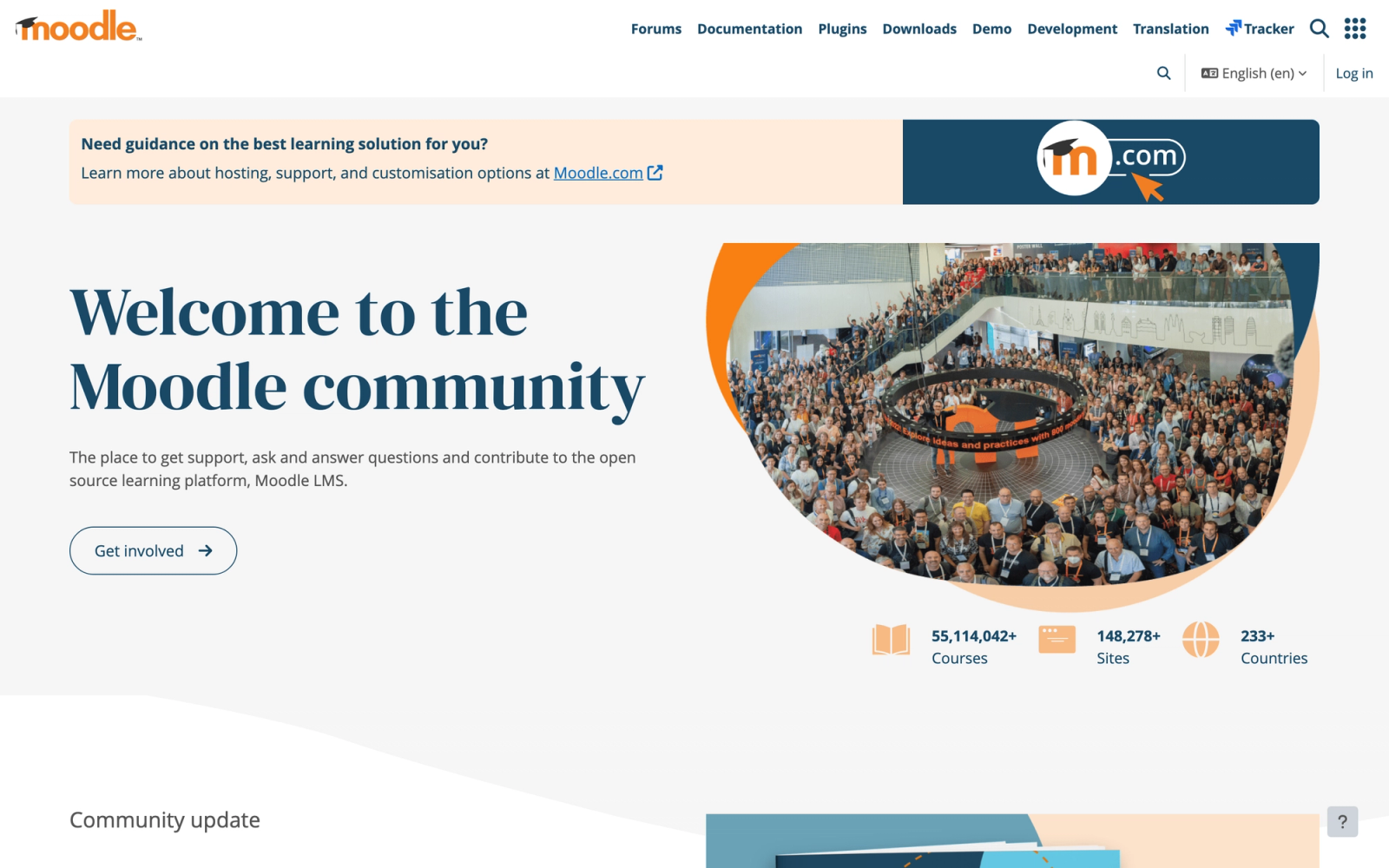
Moodle is the open-source alternative. No licensing fees, no per-user pricing, and full access to the source code. For organizations with technical teams that want complete control over their learning platform, Moodle offers a flexibility that no proprietary LMS can match, including iSpring Learn.
The trade-off is clear: Moodle gives you everything, but you have to build and maintain it. Installation, server management, plugin configuration, theme customization, and security updates all fall on your team. The hosted option, MoodleCloud, reduces that burden but also limits customization.
Core Capabilities
- Open-source codebase with full access to modify, extend, and customize every feature
- 2,000+ community plugins for attendance tracking, gamification, analytics, reporting, and content types
- SCORM, xAPI, LTI, and AICC support for content interoperability
- Built-in quiz engine with 15+ question types, question banks, and randomized assessments
- Assignment, workshop, and forum modules for collaborative and peer-assessed learning
- Multi-language support with 100+ language packs
- Competency frameworks and learning plans tied to organizational skills matrices
- Conditional activities and adaptive learning paths based on completion, grades, or profile data
- MoodleCloud hosted option starting from $130/year for small deployments
- MoodleNet for discovering and sharing open educational resources across institutions
Standout Strength
Zero licensing cost and total customization freedom. Organizations that need a platform tailored to very specific workflows, regulatory requirements, or pedagogical models can build exactly what they need. For institutions and large organizations with development resources, this level of control is unmatched.
Best For
Universities, government agencies, large nonprofits, and enterprises with in-house IT teams that can manage hosting, maintenance, and plugin development. Organizations operating under strict data sovereignty requirements that need on-premise or private cloud hosting.
Pricing Overview
- Self-hosted: Free (hosting, maintenance, and development costs apply)
- MoodleCloud: Starting at $130/year for 50 users
- MoodleCloud plans scale up to $1,700/year for 1,000 users
- Moodle Workplace (enterprise version): Custom pricing through certified partners
- Free to download and test locally
Limitations
- Self-hosted Moodle requires dedicated technical staff for installation, maintenance, security, and upgrades. The total cost of ownership can exceed commercial LMS platforms.
- The default interface is functional but dated. Making Moodle look and feel modern requires theme development or premium theme purchases.
- Plugin quality varies. Some community plugins are well-maintained; others are abandoned or introduce compatibility issues after core updates.
Quick Comparison Insight
The most flexible option in this list, but also the most resource-intensive. Compared to iSpring Learn, Moodle offers dramatically more customization at the cost of requiring technical expertise to operate.
TalentLMS
Overview
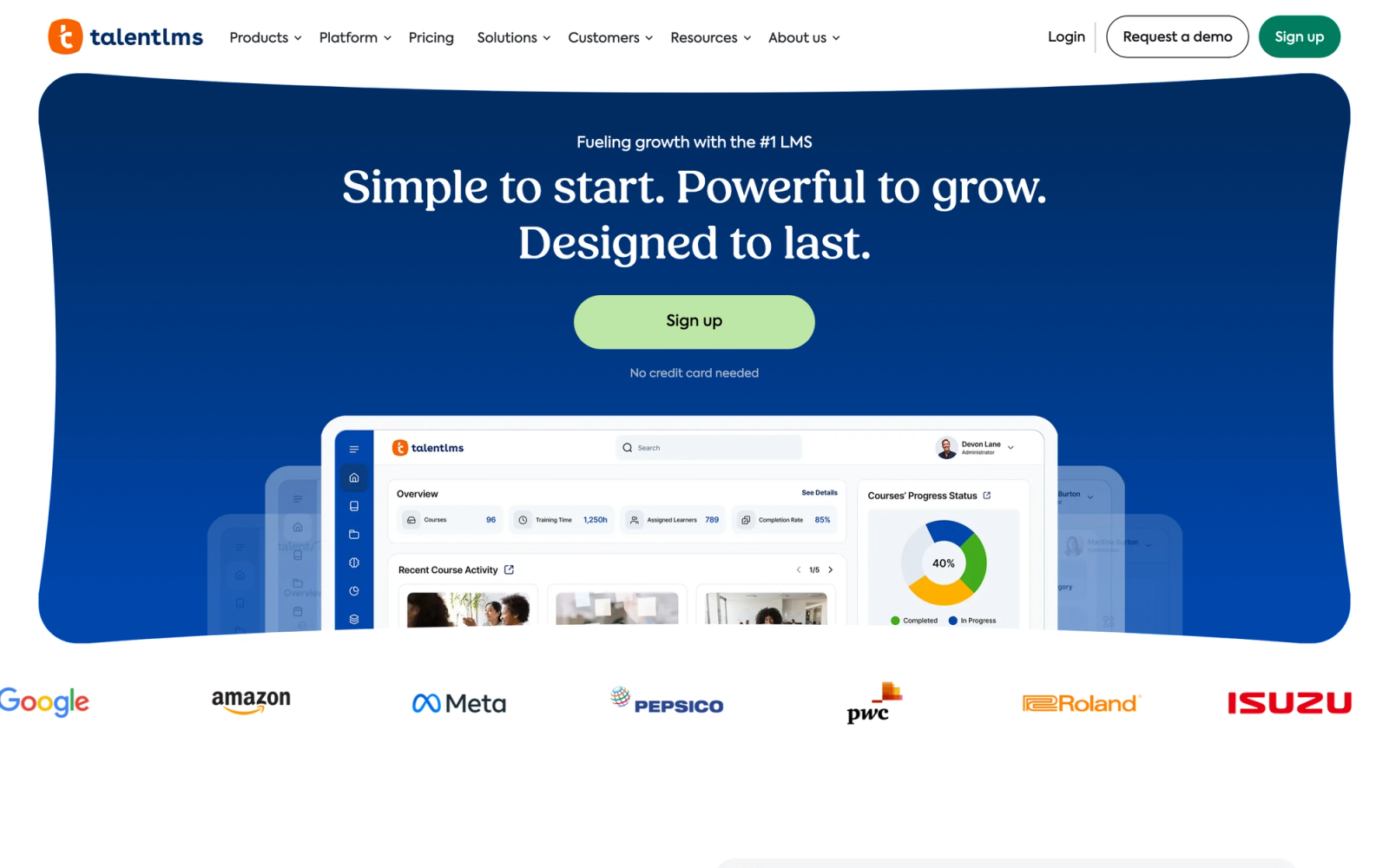
TalentLMS is built for speed. Where iSpring Learn requires a separate desktop authoring tool to enable its full potential, TalentLMS lets you build, assign, and deliver courses entirely within the browser. Setup is among the fastest in the LMS space: a branded portal with live courses can be running in under an hour.
The platform targets small and mid-size businesses that need a functional LMS without a long implementation cycle or a dedicated admin team. It does not try to be an enterprise suite. It aims to be the LMS that actually gets used, simple enough that managers and SMEs can operate it without training.
Core Capabilities
- Drag-and-drop course builder with support for text, video, presentations, SCORM, and xAPI content
- Built-in quiz and assessment engine with multiple question types and grading options
- Gamification with points, badges, leaderboards, and custom levels
- Branches (sub-portals) for different departments, clients, or partner audiences
- Automated learning paths with prerequisites, deadlines, and completion rules
- Native videoconference integration with Zoom and GoToMeeting for blended learning
- E-commerce engine for selling courses with Stripe and PayPal integration
- Custom reports with scheduled email delivery and CSV export
- REST API and integrations with Zapier, Salesforce, and major HR platforms
- White-labeling with custom domain, logo, colors, and login page
Standout Strength
TalentLMS wins on time-to-value. Teams that need a working LMS this week, not next quarter, choose it because the admin learning curve is almost flat. Unlike iSpring Learn, which assumes an existing authoring workflow, TalentLMS keeps everything inside one interface.
Best For
SMBs with 20 to 500 employees that need onboarding, compliance training, and product knowledge courses. Strong fit for HR teams without dedicated L&D staff, franchise operations distributing standardized training, and companies running both internal and customer-facing programs.
Pricing Overview
- Free plan available for up to 5 users and 10 courses
- Paid plans start at $89/month (Core) for up to 40 users
- Grow plan at $139/month supports up to 40 users with additional features
- Per-user pricing decreases at higher tiers
- Custom enterprise pricing for 1,000+ users
Limitations
- Reporting is adequate for SMBs but lacks the depth larger organizations need for cross-departmental analytics.
- The course builder handles standard content well but does not support branching scenarios or advanced interactivity.
- Customization has boundaries. The UI theming and portal design options are more limited than enterprise-grade competitors.
Quick Comparison Insight
Simpler and faster to deploy than iSpring Learn, with no external authoring dependency. Less suited for organizations that need sophisticated interactive content or deep compliance reporting.
How to Choose the Right Alternative
The right iSpring Learn alternative depends on the problem you are solving, not on which platform has the longest feature list.
If you need a fast, affordable LMS for SMB training, TalentLMS gets you operational in days with minimal configuration and a free tier to start.
If you need enterprise-scale compliance training, SAP Litmos gives you a pre-built content library and audit-ready tracking. Absorb LMS provides AI-powered personalization at scale.
If you need to train customers and partners alongside employees, LearnUpon's multi-portal architecture handles distinct audiences from a single admin console.
If you want to decentralize content creation, 360Learning lets subject matter experts build and iterate on courses with peer feedback loops.
If you need built-in authoring that replaces a separate tool, Tovuti LMS bundles 40+ interactive content types with the LMS. No external software required.
If you are selling training, LearnWorlds provides the storefront, the course builder, and the payment infrastructure.
If you need maximum customization and own your infrastructure, Moodle gives you full source code access and zero licensing fees.
If your programs are cohort-based with live instruction and peer interaction, Teachfloor provides the structure that content-delivery platforms cannot.
Start with your learning model and delivery requirements. Then match the platform to those needs. The most expensive or feature-rich option is not automatically the best fit.
FAQ
Is iSpring Learn the same as iSpring Suite?
No. iSpring Learn is the LMS for hosting and delivering courses. iSpring Suite is the desktop authoring tool for creating interactive content within PowerPoint. They are separate products with separate pricing, though they are designed to work together. Many of the limitations users experience with iSpring Learn stem from not having an iSpring Suite license.
Can I import my iSpring content into another LMS?
If your courses were published as SCORM packages, yes. Most LMS platforms on this list support SCORM 1.2 and SCORM 2004 import. Content built using iSpring Suite's proprietary features (like dialogue simulations) will retain interactivity as long as the SCORM output is standard-compliant. Always test a sample import before committing to a migration.
Which iSpring Learn alternative is best for small teams?
TalentLMS is the most accessible option for small teams. The free plan supports up to 5 users, the paid plans start at $89/month, and the setup process requires no technical expertise. For small teams that need more interactivity in their courses, Tovuti LMS bundles authoring and delivery but at a higher price point.
Do any of these alternatives offer free plans?
TalentLMS offers a free plan for up to 5 users and 10 courses. Moodle is free to download and self-host (with associated infrastructure costs). LearnWorlds, 360Learning, and several others offer free trials ranging from 14 to 30 days.
What if I need both content authoring and an LMS?
Tovuti LMS, 360Learning, and Docebo all include built-in authoring tools alongside the LMS. Tovuti's authoring is the most feature-rich of the three, with 40+ interactive content types. This eliminates the split-product dependency that defines the iSpring ecosystem.


