
New AI Rich Text Editor
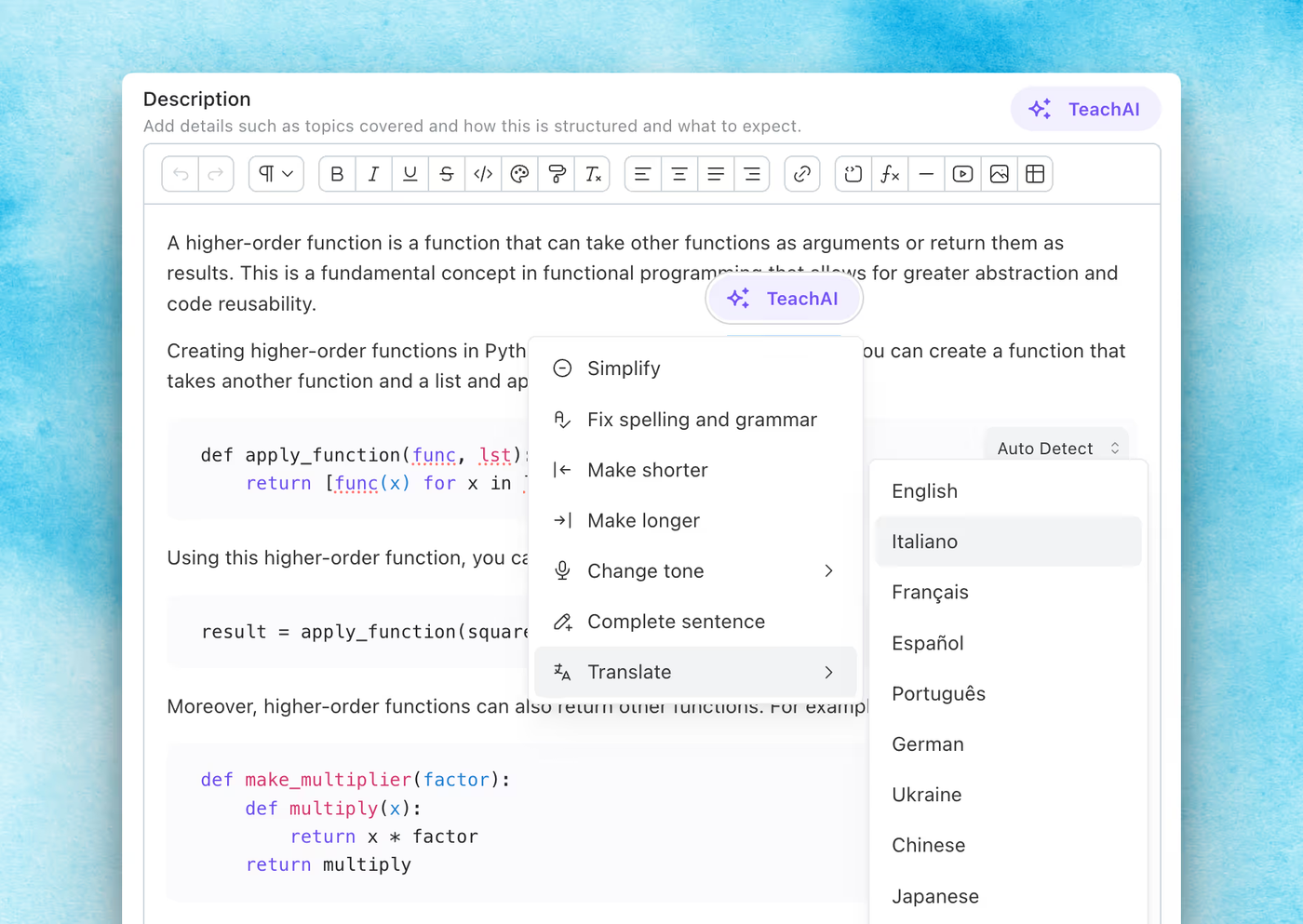
Teachfloor’s new editor brings a faster, smarter writing experience with AI tools, better formatting, and a smoother interface—designed to help instructors create high-quality content effortlessly.
Learn more →Find out all the things that happen in the Teachfloor universe.
Teachfloor’s new editor brings a faster, smarter writing experience with AI tools, better formatting, and a smoother interface—designed to help instructors create high-quality content effortlessly.
Learn more →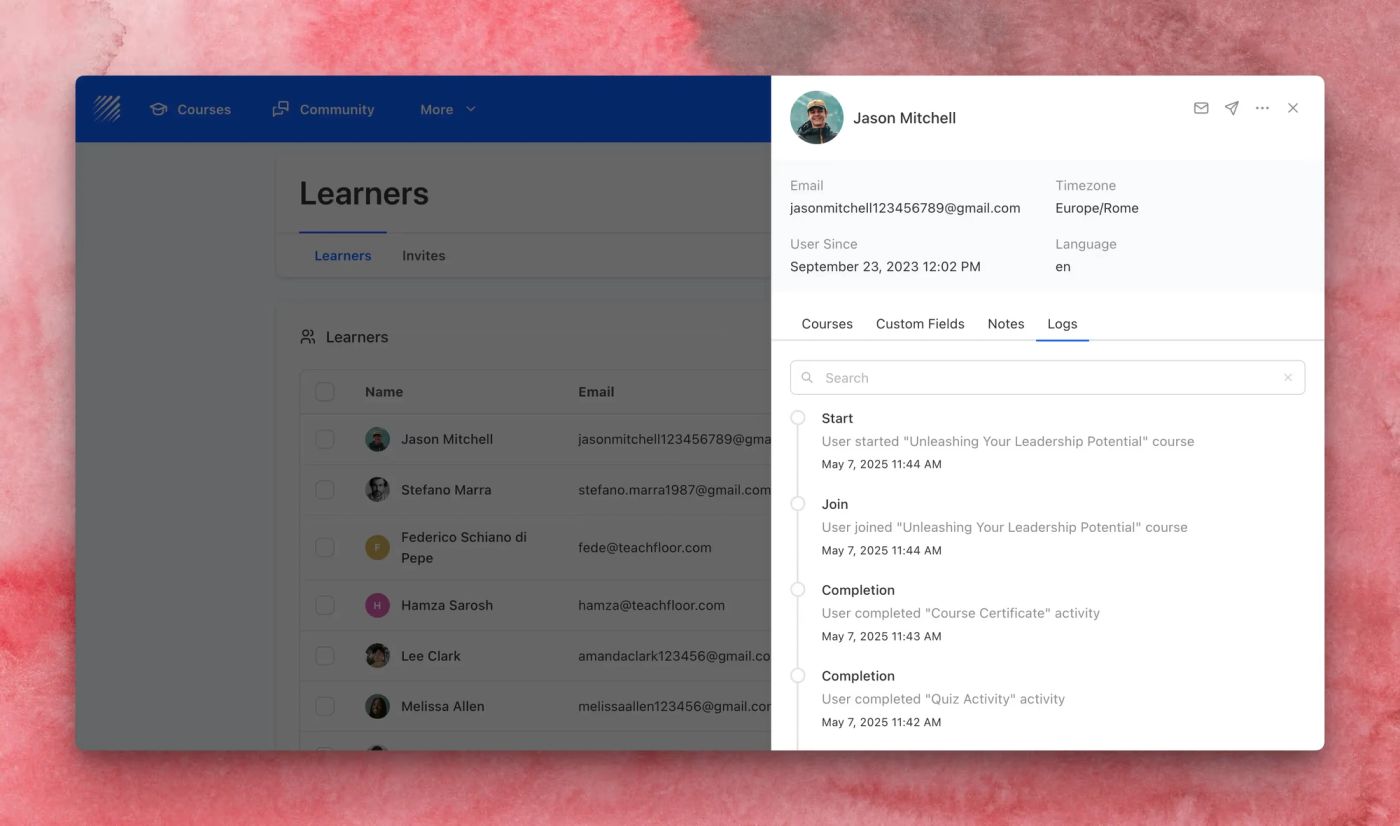
Track every learner milestone with the new Logs tab in the Learner Details drawer. Easily view course joins, completions, certificates, and more—all with timestamps.
Learn more →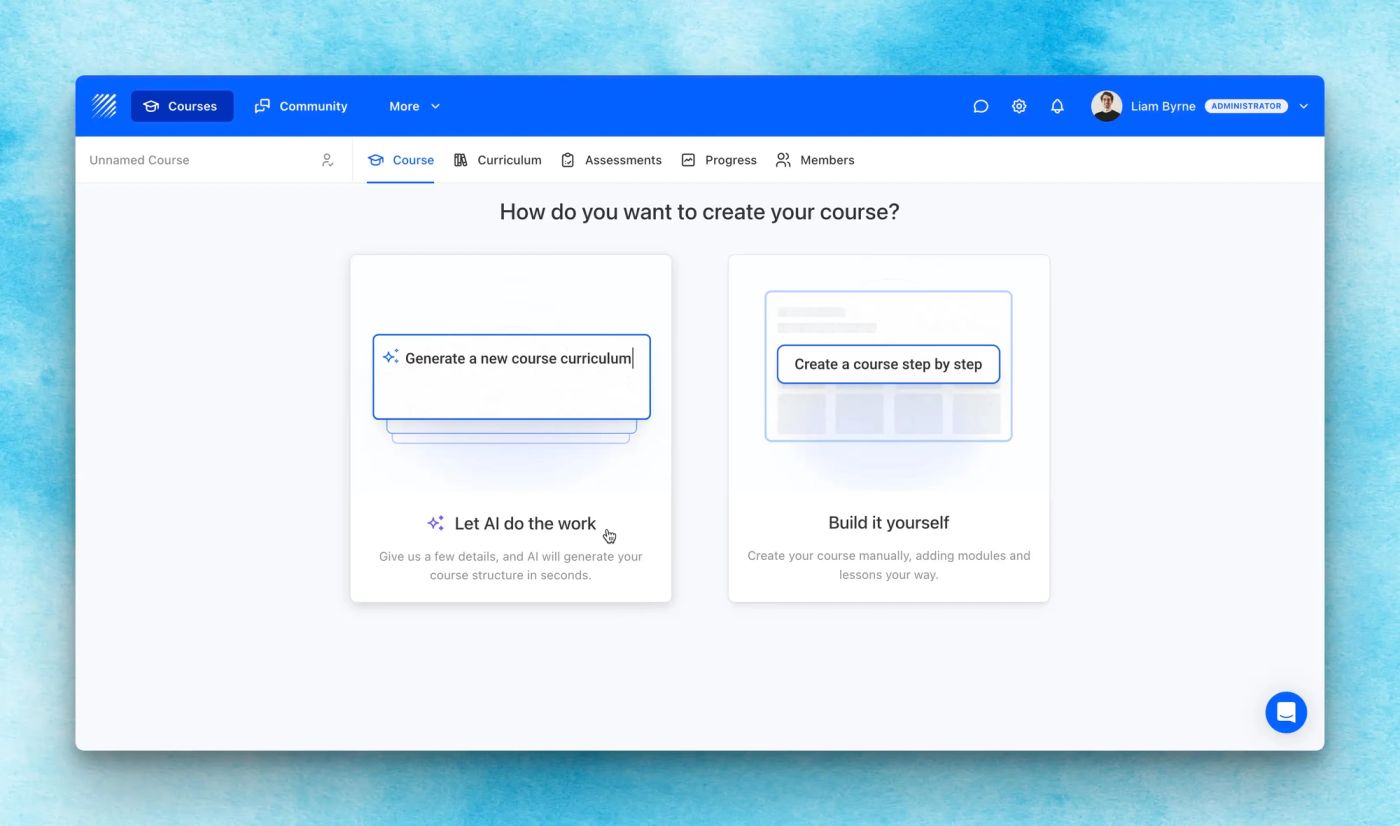
Create full courses in minutes with the new AI Course Generator. Just describe your topic, audience, and structure—Teachfloor does the rest.
Learn more →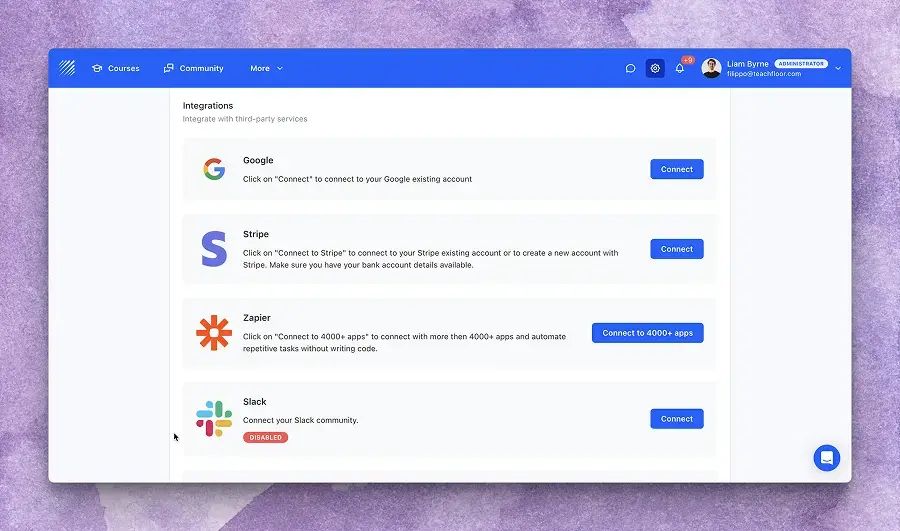
Teachfloor now supports Gmail integration, allowing you to send notifications directly from your Gmail account. Set it up in one click—no SMTP required.
Learn more →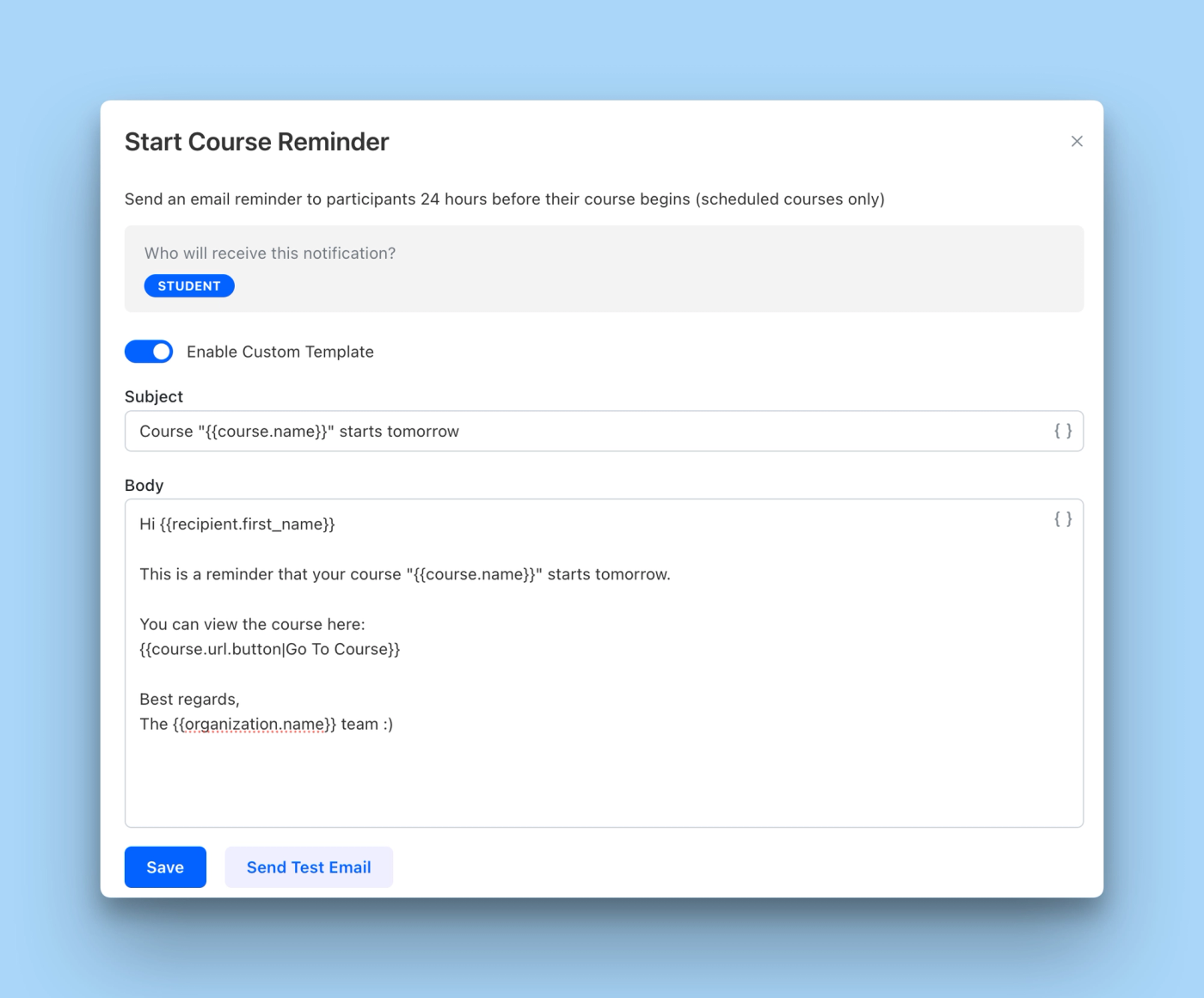
Customize your email notifications with editable text, dynamic placeholders, and test email previews. Now fully support branded delivery with SMTP and more notification types.
Learn more →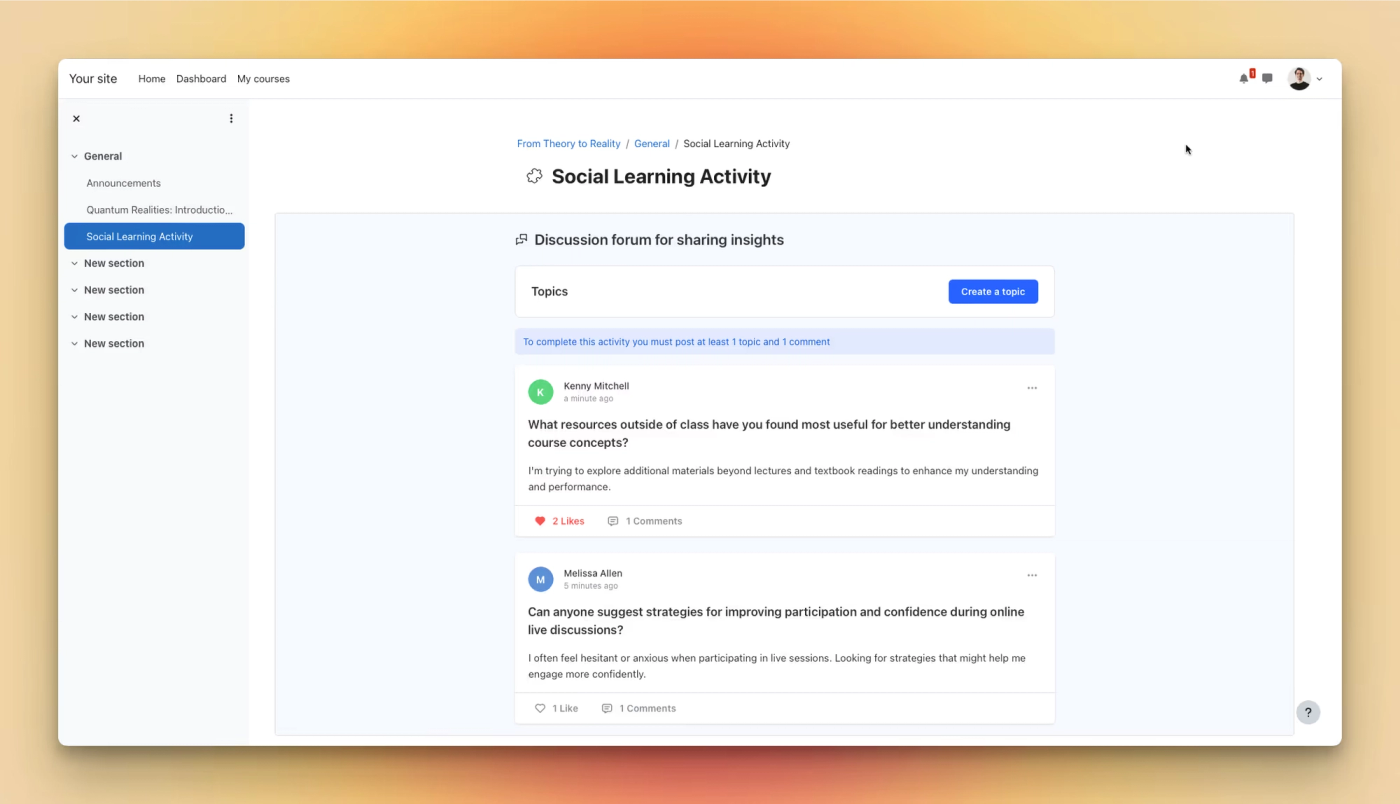
Teachfloor now supports LTI 1.3 integration, allowing you to embed interactive activities like peer reviews, group work, and discussions directly into third-party LMS platforms such as Moodle, Canvas, or Blackboard—enhancing your existing LMS with collaborative learning tools.
Learn more →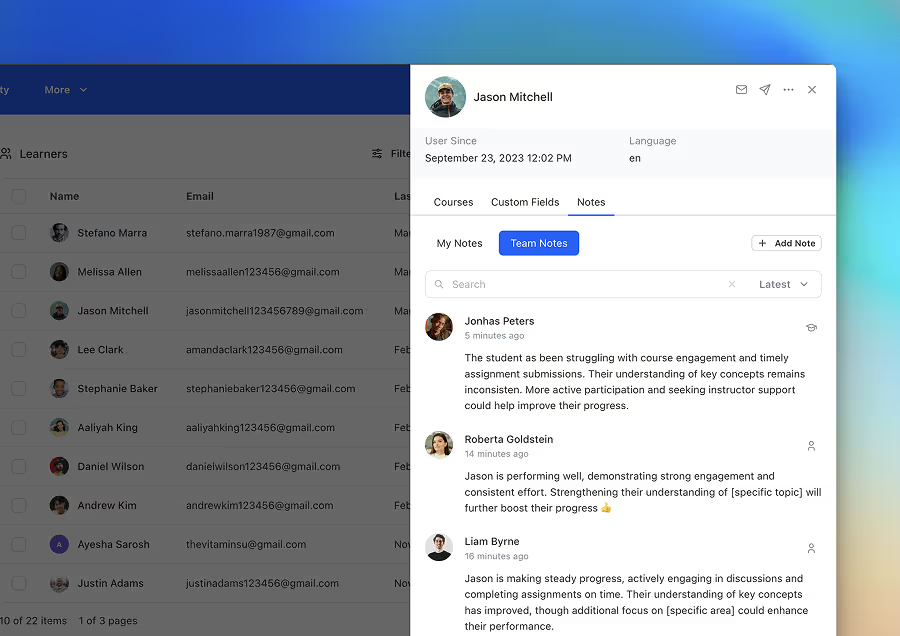
The new Notes feature in the Student Details allows instructors to add, manage, and share insights on learners. Notes can be public or private, organization-wide or course-specific, and help teams collaborate effectively to track student progress.
Learn more →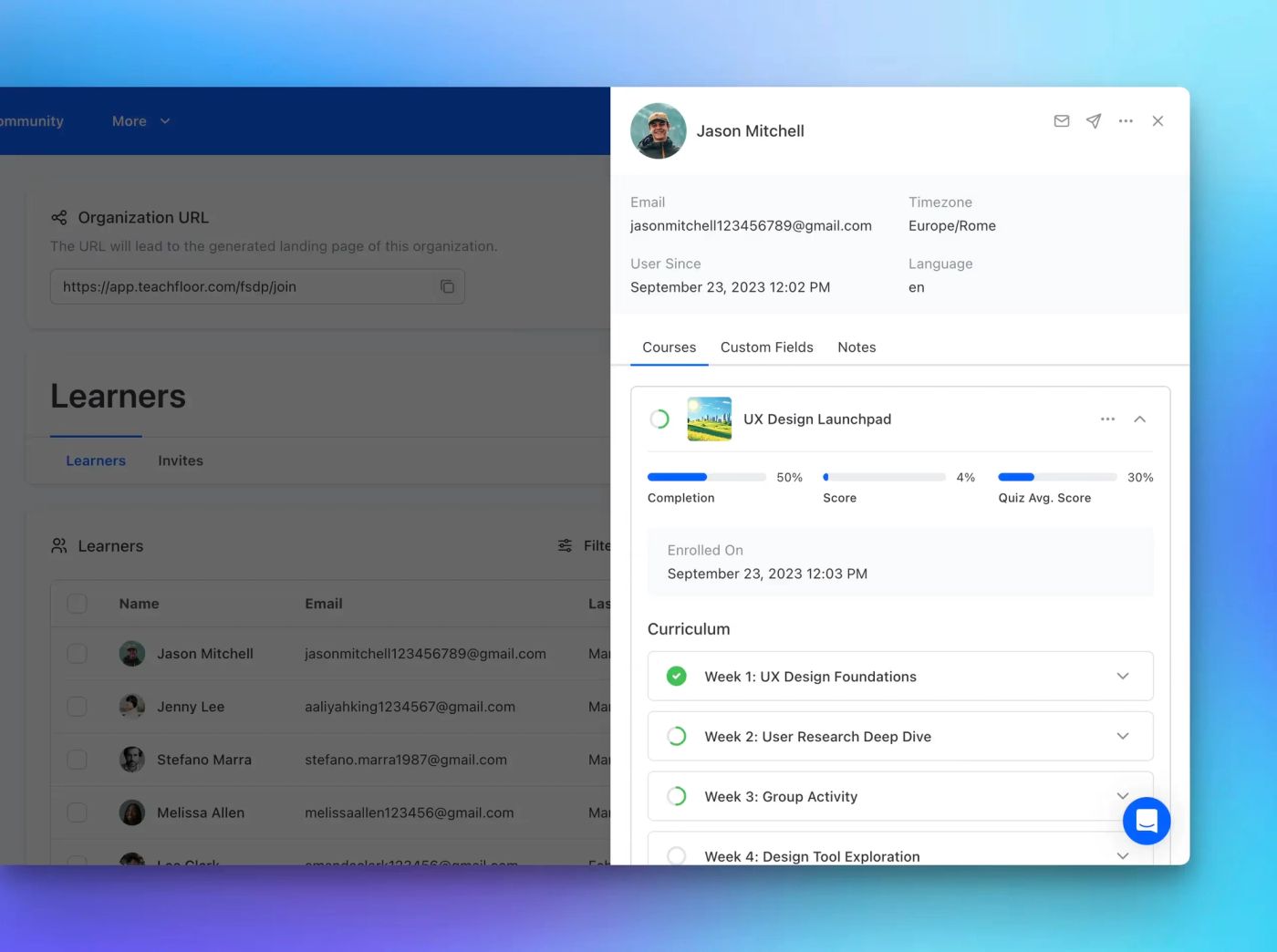
The redesigned Student Details and Progress Page provides deeper insights, quick actions, and better tracking of learner performance—all in one place.
Learn more →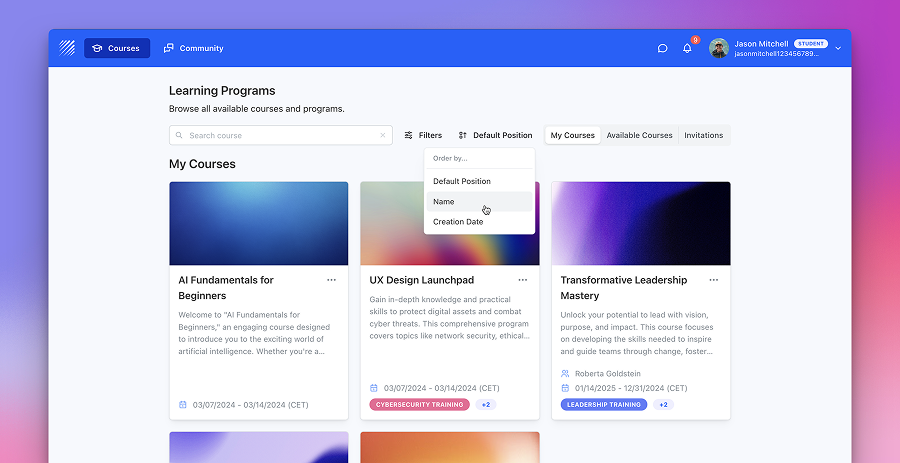
Instructors can now customize course order by setting positions in course settings. New sorting options also allow courses to be arranged by position, name, or creation date.
Learn more →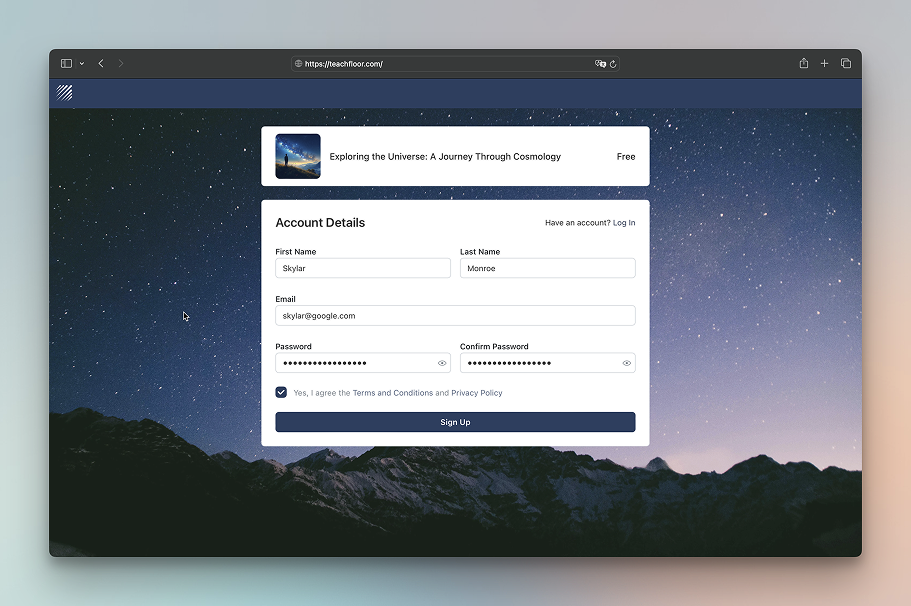
Customize your login and signup pages with a background image or custom color. Enhance branding, improve readability, and create a more polished user experience.
Learn more →