

Why Online Proctoring Software Matters
Remote exams are no longer a temporary workaround. Universities, certification programs, and corporate training teams now run a significant share of their assessments online. That shift created an obvious problem: how do you maintain academic integrity when the test-taker is sitting at home?
Online proctoring software exists to solve that problem. These tools monitor exam sessions through webcams, AI behavior analysis, browser lockdown, or live human proctors. Some use all four approaches in combination. The goal is to create a testing environment that discourages cheating without making the exam experience unbearable for honest students.
The stakes are real. A single cheating scandal can damage an institution's credibility. Employers who rely on online assessment results for hiring or promotion decisions need to trust that scores reflect actual ability. And students themselves benefit from a fair system where their hard work is not undermined by others cutting corners.
But online proctoring software is not one-size-fits-all. Some tools are built for massive state university exam volumes. Others target professional licensing boards. Some prioritize AI automation to keep costs down. Others lean on human proctors for higher accuracy. The right choice depends on your exam format, your budget, your student population, and how much monitoring your organization is comfortable with.
This article covers 11 online proctoring software options across the full range of use cases, examining core features, pricing models, limitations, and fit for different institutional contexts, a practical comparison rather than a summary of vendor marketing pages.
What to Look for in Online Proctoring Software
Before diving into individual tools, it helps to define the criteria that actually matter when evaluating online proctoring software. Feature lists are long. What separates a good fit from a bad one is understanding which capabilities align with your specific assessment needs.
Proctoring model. The three main approaches are AI-automated proctoring, live human proctoring, and browser lockdown. Many platforms combine two or all three. Automated AI proctoring scales easily and costs less per session, but it generates false positives. Live proctoring is more accurate but introduces scheduling bottlenecks and higher per-exam costs. Browser lockdown prevents access to other applications but does not monitor the physical environment. Know which model your exams require before shortlisting tools.
LMS integration. If your institution uses Canvas, Blackboard, Moodle, or D2L Brightspace, the proctoring software should plug directly into that environment. Strong LMS integrations let instructors enable proctoring from within the existing course workflow without forcing students onto a separate platform.
Identity verification. Confirming that the registered student is actually taking the exam is the first layer of security. Look for multi-factor ID verification: photo ID matching, facial recognition, keystroke biometrics, or challenge questions. The method should be reliable without being excessively intrusive.
Student experience. Proctoring friction directly affects test performance. Long setup processes, room scans, and aggressive monitoring raise anxiety. The best online proctoring software balances security with a student experience that does not add unnecessary stress to an already high-pressure situation.
Privacy and compliance. Where does the recorded data go? How long is it stored? Does the vendor comply with FERPA, GDPR, or SOC 2? Institutions operating under strict data regulations need clear answers, not vague assurances.
Flagging accuracy and review tools. AI proctoring generates behavioral flags. What matters is the false-positive rate and the quality of the review interface. Instructors need to quickly scan flagged moments with timestamps, video clips, and severity ratings rather than reviewing entire exam recordings.
Accessibility. Online proctoring software must accommodate students with disabilities. Check for screen reader compatibility, configurable accommodations for extended time or modified environments, and documented VPAT compliance.
Pricing model. Per-exam fees work for low-volume testing but become expensive at scale. Per-student, per-seat, or institutional licensing models offer more predictable budgeting. Always calculate total cost based on your actual exam volume.
11 Best Online Proctoring Software
The tools below cover the full range of proctoring approaches: AI-only automation, live human monitoring, hybrid models, browser lockdown utilities, and assessment platforms with built-in integrity features. They are organized to reflect different use cases, from large university deployments to professional certification testing to corporate hiring assessments.
Tool AI Proctoring Live Proctoring Browser Lock LMS Integration Best For Honorlock ✓ ✓ ✓ ✓ Universities needing AI + on-demand live proctoring with LMS integration Proctorio ✓ ✗ ✓ ✓ Institutions wanting fully automated, scalable AI proctoring ProctorU (Meazure Learning) ✓ ✓ ✓ ✓ Programs requiring live human proctoring with AI backup ExamSoft (Examplify) ✓ ✗ ✓ ✓ Law, medical, and nursing programs needing secure offline exams Respondus LockDown Browser ✓ ✗ ✓ ✓ Budget-conscious institutions needing browser lockdown + webcam Proctortrack ✓ ✗ ✓ ✓ Schools needing AI proctoring with strong identity verification Examity (Turnitin Integrity) ✓ ✓ ✗ ✓ Large institutions needing tiered proctoring from AI to live Safe Exam Browser ✗ ✗ ✓ ✓ Institutions wanting a free, open-source browser lockdown Mercer Mettl ✓ ✓ ✓ ✓ Corporate hiring and training teams running high-volume assessments Talview ✓ ✓ ✓ ✓ Organizations needing AI behavioral analysis for exams and hiring PSI Online (Meazure) ✓ ✓ ✓ ✓ Professional certification and licensure boards Teachfloor ✗ ✗ ✗ N/A Cohort programs using collaborative assessment and peer review
Honorlock
Overview
Honorlock is an AI-powered online proctoring software built primarily for higher education institutions. Its core model uses artificial intelligence as the first line of monitoring, with live human proctors available on demand when the AI flags a potential issue. This eliminates the pre-exam queue that frustrates students on other platforms.
Honorlock's setup friction is notably low compared to most proctoring platforms. Students install a Chrome extension, complete a brief verification check, and start their exam. There is no standalone application to download, no scheduling a proctor in advance, and no waiting in a virtual lobby. For institutions running hundreds of exams per week, that flow reduces support ticket volume and student complaints during peak exam periods.
Honorlock also includes a search-and-destroy feature that scans the internet for leaked exam content and requests takedowns. For programs with large question banks that circulate on sharing sites, this is a genuinely useful capability that most proctoring tools do not offer.
Core Capabilities
- AI-powered behavior monitoring that tracks eye movement, audio, and browser activity
- On-demand live proctor intervention triggered by AI flags, with no pre-scheduled proctor needed
- Chrome browser extension deployment with no standalone software installation
- Cell phone detection technology that identifies secondary device usage
- Native LMS integrations with Canvas, Blackboard, Moodle, and D2L Brightspace
- Search-and-destroy feature for identifying and removing leaked exam content online
- Instructor dashboard with timestamped flags, severity filtering, and video review
- FERPA-compliant data handling with configurable retention policies
- Accessibility accommodations including extended time and screen reader support
Standout Strength
The AI-first, human-backup model is what sets Honorlock apart. Students never sit in a queue waiting for a live proctor. The AI handles routine monitoring, and a human proctor can join the session within seconds if needed. For universities with high exam volumes and peak-period scheduling pressure, this on-demand approach directly solves the bottleneck problem.
Best For
Mid-to-large universities and community colleges running frequent, high-stakes exams. Particularly strong for institutions on Canvas or Blackboard that want proctoring embedded directly in their LMS workflow. Programs in nursing, accounting, and STEM with recurring assessments benefit most from the no-wait model.
Pricing Overview
- Per-exam session fee, typically lower than traditional live proctoring rates
- Institutional volume agreements available for high-exam-count universities
- No student-facing charges; the institution covers all costs
- Free pilot program available for qualifying institutions
Limitations
- Chrome-only requirement excludes students on Firefox, Safari, or restricted institutional browsers
- AI flagging still produces false positives, especially for students with certain physical mannerisms or non-standard testing environments
- Per-exam pricing continues to scale with volume, though at a lower rate than fully live-proctored alternatives
Quick Comparison Insight
Faster student experience and stronger LMS integration than most competitors. The on-demand live proctor model eliminates scheduling bottlenecks, but Chrome-only access and per-exam pricing remain trade-offs for some institutions. See also: Honorlock alternatives.
Proctorio
Overview
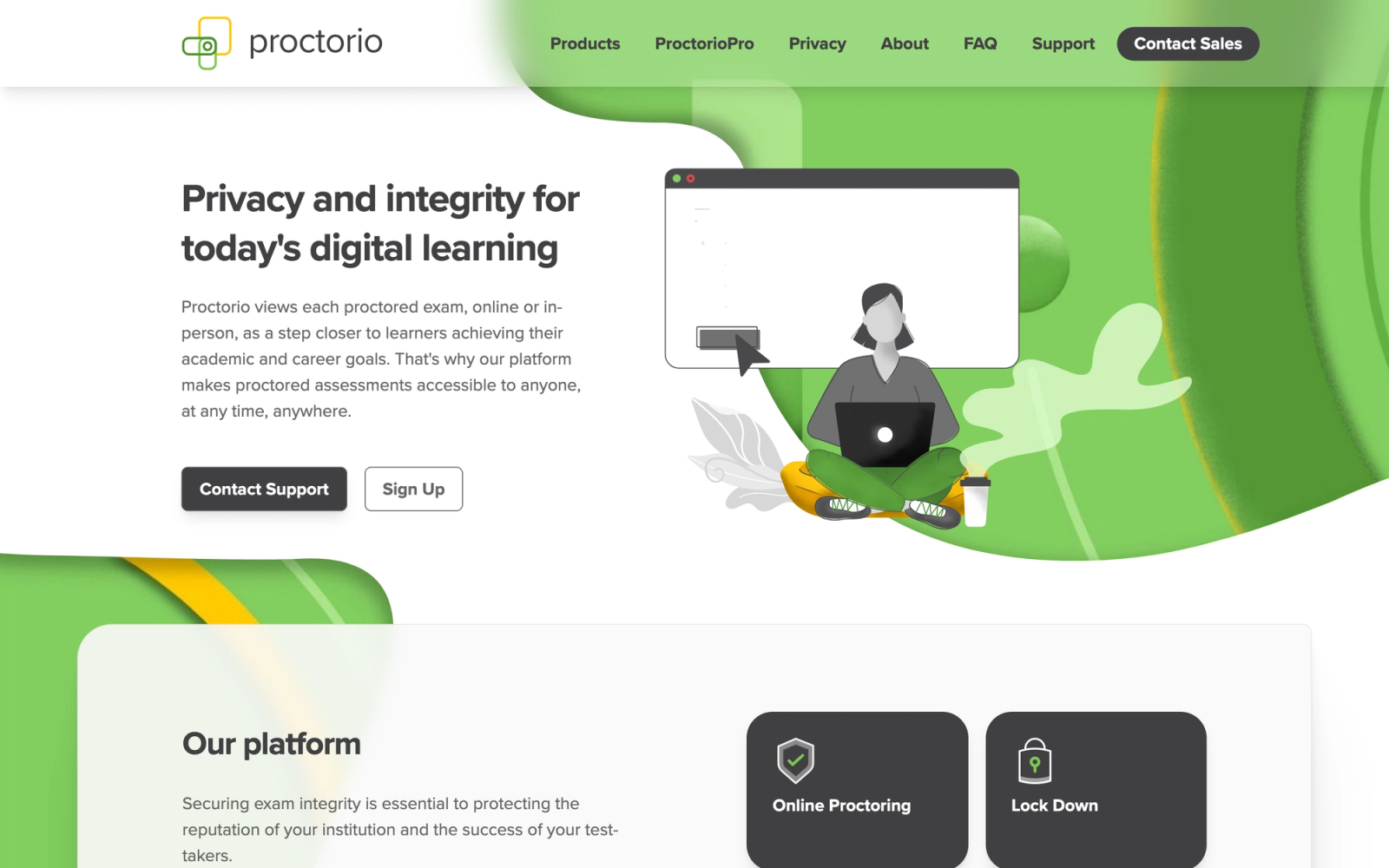
Proctorio is a fully automated, AI-driven online proctoring software that operates entirely through a browser extension. There are no live proctors involved. The system records video, audio, and screen activity during an exam, analyzes the session using machine learning algorithms, and generates a suspicion score with flagged timestamps for instructor review.
What makes Proctorio distinct is its privacy-focused positioning. The platform encrypts all exam data end-to-end and gives institutions control over exactly which monitoring features are activated for each exam. Instructors can choose to enable webcam recording, screen recording, room scans, or none of these, adjusting the monitoring intensity to match the exam's stakes.
Proctorio's per-exam configurability is its clearest practical advantage. Not every quiz needs full surveillance, and Proctorio lets instructors scale monitoring up or down per assessment, a flexibility that more rigid proctoring platforms do not offer.
Core Capabilities
- Fully automated AI proctoring with no live human proctor component
- End-to-end encryption of all exam recordings and session data
- Configurable monitoring levels: instructors choose which features to enable per exam
- Webcam recording, screen monitoring, audio analysis, and room scan options
- Browser lockdown that prevents tab switching, copy-paste, and application access
- LMS integration with Canvas, Blackboard, Moodle, D2L Brightspace, and Sakai
- Suspicion score algorithm that ranks sessions by likelihood of integrity issues
- Zero-knowledge encryption architecture where Proctorio cannot access exam content
- Institutional analytics for aggregate exam integrity trends across departments
Standout Strength
Proctorio's zero-knowledge encryption model addresses the privacy concerns that other proctoring platforms struggle with. Because the platform cannot access exam content or student data outside the encrypted session, institutions facing GDPR or FERPA scrutiny have a clearer compliance story. The per-exam configurability means low-stakes quizzes do not get the same invasive treatment as final exams.
Best For
Institutions that need scalable, automated proctoring without live proctor costs. Particularly suited for universities handling large course sections where per-exam live proctoring would be cost-prohibitive. Also strong for schools where student privacy concerns or data regulations require demonstrable encryption and data control.
Pricing Overview
- Institutional licensing model based on student enrollment, not per-exam fees
- Volume pricing tiers for large universities and multi-campus systems
- No student-facing charges
- Pilot and evaluation programs available
Limitations
- No live proctor option means high-stakes exams rely entirely on AI accuracy, which produces false flags
- The suspicion scoring algorithm is not transparent to instructors, making it harder to calibrate expectations
- Student experience can still feel invasive despite privacy claims, particularly with room scans and webcam recording enabled
Quick Comparison Insight
Lower per-student cost than live-proctored alternatives and stronger privacy architecture than most competitors. The trade-off is the absence of human proctor backup and the inherent limitations of AI-only flagging.
ProctorU (Meazure Learning)
Overview
ProctorU, now operating under the Meazure Learning brand, is one of the longest-established names in online proctoring. Its distinguishing feature is a true hybrid model: the platform offers fully live-proctored sessions where a human monitors the exam in real time, AI-automated proctoring for lower-cost scalability, and a recorded review option where sessions are flagged by AI and reviewed by humans after the fact.
This range of proctoring tiers makes ProctorU flexible across different exam stakes and budgets. A high-stakes licensure exam can use full live proctoring. A weekly chapter quiz can run on AI-only monitoring. That tiered approach is why ProctorU has been adopted by hundreds of universities and professional testing organizations.
ProctorU's live proctoring model follows a defined sequence: the proctor verifies the student's identity, checks the testing environment via webcam, and monitors the session from start to finish. It is the most thorough approach, but it carries per-session costs and potential wait times during peak exam periods.
Core Capabilities
- Live proctoring with real-time human monitoring and intervention capability
- AI-automated proctoring tier with machine learning behavior analysis
- Record-and-review mode where AI flags sessions for post-exam human review
- Multi-factor identity verification including photo ID, facial recognition, and challenge questions
- Browser lockdown functionality to restrict access during exams
- LMS integrations with Canvas, Blackboard, Moodle, D2L Brightspace, and others
- Proctor dashboard with session recordings, flag timestamps, and severity ratings
- 24/7 proctor availability for scheduling flexibility across time zones
- Professional certification and licensure exam support with regulatory compliance
Standout Strength
ProctorU's range of proctoring tiers is broader than most competitors. The ability to choose live, AI, or recorded review per exam gives institutions control over cost and security for each assessment type. For organizations that run both routine quizzes and high-stakes credentialing exams, covering all three modes in one platform reduces vendor complexity.
Best For
Universities and professional testing organizations that need multiple proctoring intensity levels within one system. Especially suited for certification programs and licensure boards where live proctoring is required for compliance. Also works for large institutions that want to use AI proctoring for routine assessments while reserving live proctoring for finals and high-stakes exams.
Pricing Overview
- Per-session pricing that varies by proctoring tier (live, AI, record-and-review)
- Live proctoring is the most expensive tier; AI-only is the least
- Institutional agreements available with volume-based discounts
- Student-pay and institution-pay options available
Limitations
- Live proctoring sessions can involve significant wait times during peak exam periods
- Per-session pricing adds up quickly for institutions with high exam frequency
- The pre-exam setup process for live proctoring is more cumbersome than AI-only alternatives
- Some students report the live monitoring experience as anxiety-inducing
Quick Comparison Insight
ProctorU's tiered proctoring system is broader than most competitors on this list. Per-session costs run higher than AI-only platforms like Proctorio, but the live proctor option provides a level of accuracy and compliance that pure automation does not replicate.
ExamSoft (Examplify)
Overview
ExamSoft approaches exam security from a different angle than webcam-based proctoring. Its desktop application, Examplify, locks down the testing device entirely. During an exam, Examplify disables copy-paste, screen capture, application switching, internet access, and external device connections. The exam runs locally on the student's machine, and encrypted answer files are uploaded only after submission.
This device lockdown model has made ExamSoft the dominant platform in professional education. Law schools, medical schools, nursing programs, and pharmacy schools rely on it because the security layer is the machine itself, not a webcam and AI monitoring the student's behavior. ExamSoft also includes a psychometric analytics engine that provides item-level performance data, which is critical for programs that need to evaluate question quality and student competency across cohorts.
ExamSoft's learning analytics go further than most exam security platforms. Beyond locking down the testing device, it gives program directors item-level data on question performance, cohort-level knowledge gaps, and score trends across assessment cycles.
Core Capabilities
- Examplify desktop application that locks down the testing device during exams
- Disables internet, screen capture, copy-paste, and application switching
- Encrypted local exam delivery with answer file upload after submission
- Optional webcam monitoring and facial recognition during the exam session
- Psychometric analytics with item analysis, score distributions, and competency mapping
- Multi-format question support including multiple choice, essay, short answer, and multimedia
- Offline exam capability for testing in locations without reliable internet
- Integration with SIS and LMS platforms used in professional education
- Category tagging for mapping exam questions to learning objectives and accreditation standards
Standout Strength
The combination of device lockdown security with psychometric analytics sets ExamSoft apart from tools that only address monitoring. For accredited professional programs that must demonstrate assessment quality to boards and regulators, the analytics engine functions as a core operational requirement, not an optional reporting layer.
Best For
Law schools, medical schools, nursing programs, pharmacy programs, and other accredited professional education programs that need both exam security and detailed psychometric reporting. Also suited for certification bodies that require offline exam delivery and item analysis for test development.
Pricing Overview
- Institutional licensing with per-student pricing, typically negotiated annually
- Pricing varies by program size and feature tier
- No per-exam fee; the license covers unlimited assessments
- Custom enterprise agreements for multi-campus deployments
Limitations
- Requires students to download and install the Examplify desktop application, which creates IT support overhead
- Not web-based; does not work on Chromebooks or devices where software installation is restricted
- The platform is purpose-built for professional education, making it overly complex for general university use
- Higher cost than browser-based proctoring tools, which prices out smaller programs
Quick Comparison Insight
ExamSoft is purpose-built for professional education exam security and psychometric reporting. For general university courses it is overly complex and expensive, but for law, medical, and nursing programs where accreditation requires item-level assessment data alongside secure delivery, there is no direct substitute among the tools on this list.
Respondus LockDown Browser + Monitor
Overview
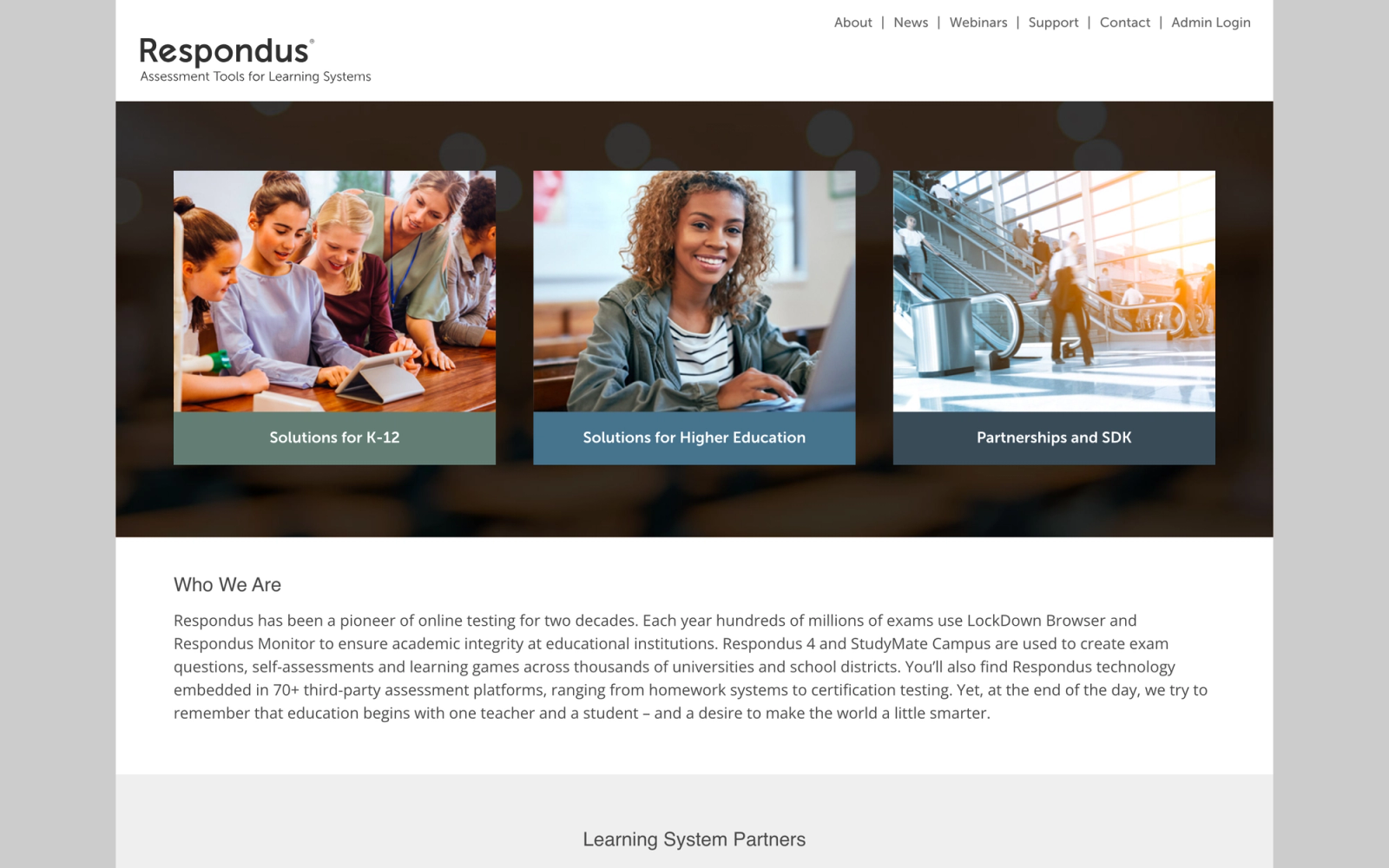
Respondus LockDown Browser is one of the most widely deployed browser lockdown tools in higher education. The software prevents students from accessing other applications, websites, or system functions during an exam. When combined with Respondus Monitor, the platform adds webcam recording and AI-based behavior analysis to the lockdown, creating a two-layer approach that covers both the digital and physical testing environment.
The appeal of Respondus is straightforward: it is affordable, integrates deeply with major LMS platforms, and requires minimal configuration from instructors. Faculty members can enable LockDown Browser and Monitor directly from their LMS quiz settings. There is no separate proctoring platform to manage, no scheduling, and no per-exam fee for the browser lockdown component.
Respondus fills a specific gap: institutions that need reliable baseline exam security without the cost or configuration overhead of full proctoring platforms. It is not the most feature-rich tool on this list, but for a wide range of courses it delivers the appropriate level of control without requiring a separate proctoring workflow.
Core Capabilities
- Browser lockdown that prevents tab switching, screen capture, copy-paste, and application access
- Respondus Monitor adds webcam recording with AI behavior analysis
- Deep LMS integration with Canvas, Blackboard, Moodle, D2L Brightspace, and Schoology
- Instructor-configurable settings for each exam within the LMS
- AI-generated flags with timestamped video clips for instructor review
- No student scheduling required; the lockdown activates automatically when the exam opens
- iPad support for LockDown Browser on compatible LMS platforms
- Institutional site licensing with unlimited exam usage
Standout Strength
The combination of low cost, deep LMS integration, and zero scheduling complexity makes Respondus the most practical choice for institutions that want basic exam security at scale. Instructors do not need training on a separate proctoring platform. They toggle settings within the LMS they already use.
Best For
Budget-conscious universities and community colleges that need browser lockdown across large numbers of courses. Ideal for general education, introductory, and mid-stakes exams where full AI or live proctoring would be overkill. Also strong for institutions already committed to Canvas or Blackboard where the native integration eliminates adoption friction.
Pricing Overview
- Campus-wide site license with annual pricing based on institution size
- LockDown Browser license is significantly cheaper than full proctoring platforms
- Respondus Monitor (webcam add-on) is an additional cost on top of the base license
- No per-exam or per-student fees within the license
Limitations
- LockDown Browser alone does not monitor the physical environment; a student can still receive help from someone off-screen
- Respondus Monitor's AI analysis is less sophisticated than dedicated AI proctoring platforms
- Does not include live proctor capability; there is no human intervention option
- Requires software installation on student devices, which can cause compatibility issues
Quick Comparison Insight
Respondus is among the lower-cost options for browser lockdown with optional webcam monitoring. It is less capable than Honorlock or Proctorio for high-stakes proctoring, but meaningfully cheaper and simpler to deploy across large course catalogs.
Proctortrack
Overview
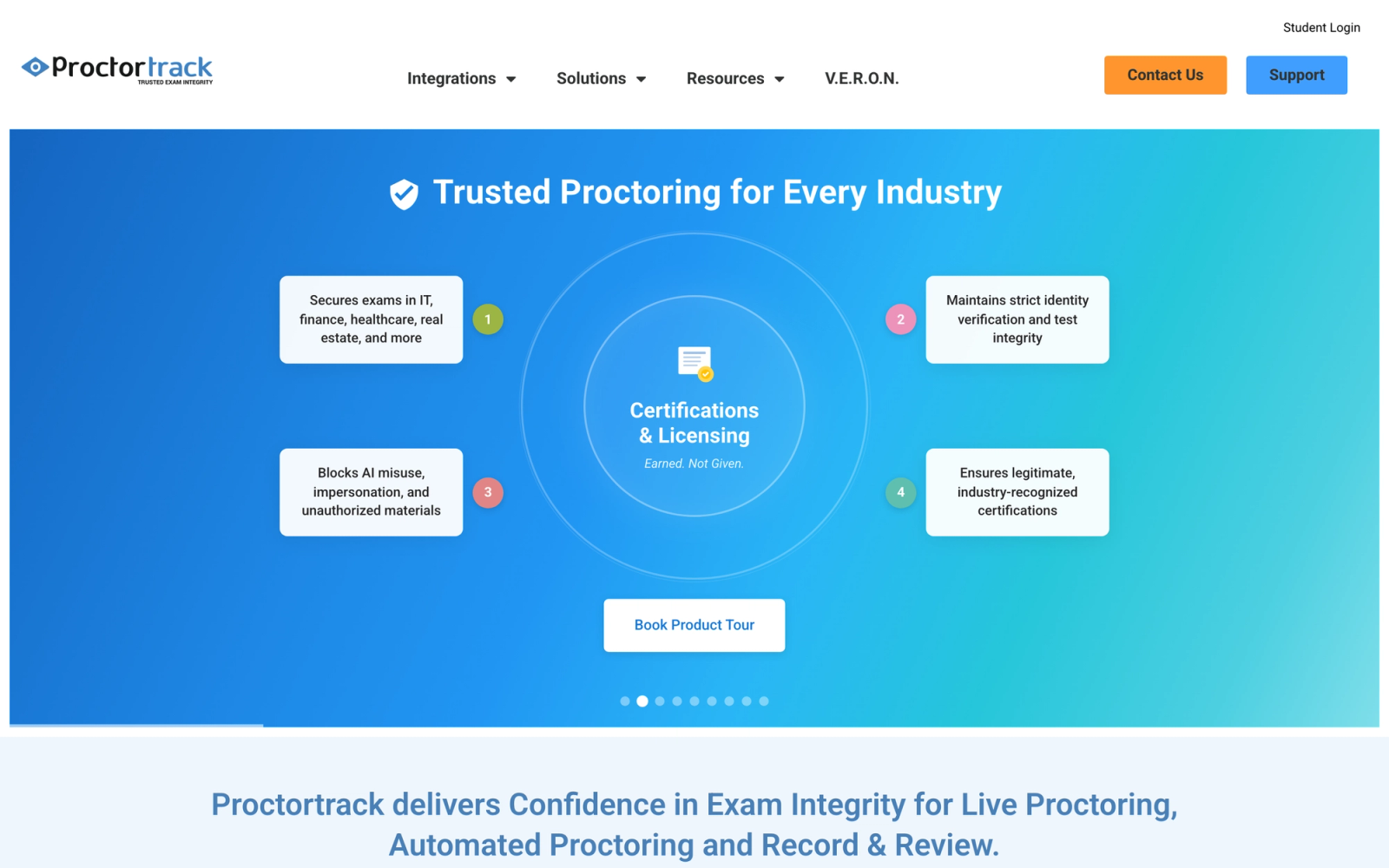
Proctortrack is an AI-powered online proctoring software developed by Verificient Technologies. Its core differentiator is a multi-layered identity verification system that goes beyond standard photo ID matching. Proctortrack uses facial recognition, keystroke biometrics, and knuckle-vein pattern analysis to confirm that the registered student is taking the exam and remains present throughout the session.
This level of identity assurance makes Proctortrack particularly relevant for high-stakes testing where impersonation is a serious concern. The platform also provides continuous AI monitoring with behavior analysis, room scans, and screen recording. Flagged sessions are compiled into a report with confidence scores, making it easier for instructors to focus their review on the most suspicious sessions.
Proctortrack's emphasis on identity verification addresses a layer that many proctoring tools treat as a checkbox. Confirming who is behind the screen before the exam starts is a distinct security problem from monitoring behavior during it, and Proctortrack treats both separately rather than collapsing them into a single AI analysis.
Core Capabilities
- Multi-factor identity verification using facial recognition, keystroke biometrics, and knuckle-vein analysis
- Continuous AI-powered monitoring with behavior tracking and anomaly detection
- Automated room scan to verify the testing environment before the exam begins
- Screen recording and browser activity monitoring throughout the session
- Confidence-scored flagging system that prioritizes review of the most suspicious sessions
- LMS integration with Canvas, Blackboard, Moodle, and D2L Brightspace
- Post-exam analytics dashboard with session summaries and flag breakdowns
- FERPA and GDPR compliance with configurable data retention
- Support for accommodated testing with modified verification and monitoring settings
Standout Strength
Proctortrack's identity verification stack is the deepest of any platform reviewed here. Combining facial recognition with keystroke biometrics and knuckle-vein analysis makes impersonation significantly harder than platforms that rely solely on a photo ID check at exam start. For programs where proxy test-taking is a documented concern, this layered approach addresses the problem directly.
Best For
Universities and testing organizations running high-stakes exams where identity assurance is a top priority. Suited for graduate programs, professional certifications, and any context where proxy test-taking is a known concern. Also works for remote learning programs where students are not physically known to proctors or instructors.
Pricing Overview
- Per-exam pricing model with volume-based discounts for institutions
- Enterprise agreements available for large universities and multi-campus systems
- Custom pricing for professional testing organizations and corporate clients
Limitations
- The extensive identity verification process adds pre-exam setup time, which some students find tedious
- Knuckle-vein and keystroke biometrics raise additional privacy questions that institutions must address with their student populations
- No live proctor component; monitoring is fully automated
- Smaller market presence than Honorlock or Proctorio, which means less community documentation and third-party support
Quick Comparison Insight
Strongest identity verification of any platform on this list. If impersonation prevention is your primary concern, Proctortrack addresses it more thoroughly than competitors. Less flexible on proctoring tiers than ProctorU, and the biometric data collection requires clear institutional policy.
Safe Exam Browser
Overview
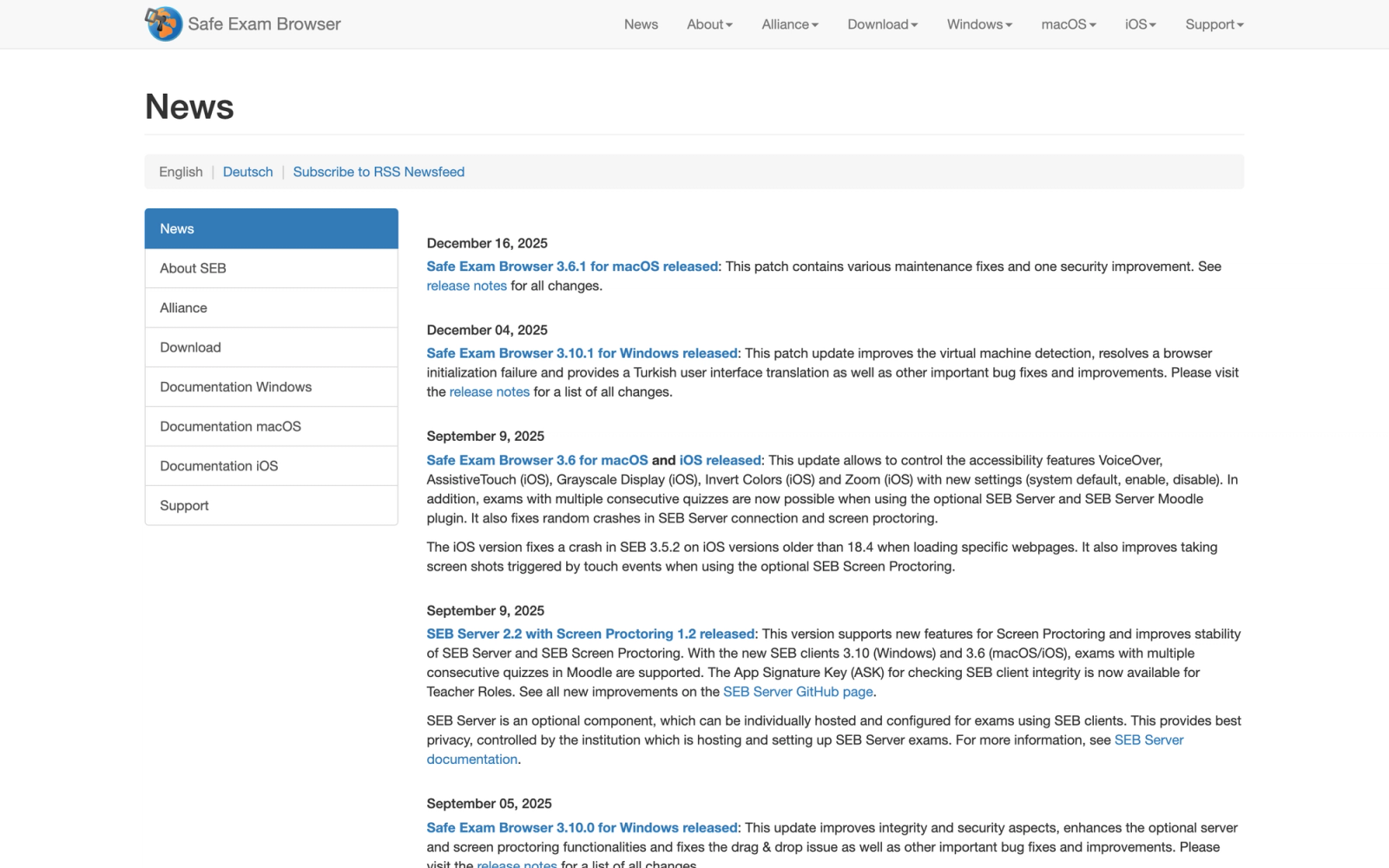
Safe Exam Browser (SEB) is a free, open-source browser lockdown application maintained by the SEB consortium, primarily developed by ETH Zurich and other European academic institutions. It locks down a computer into a kiosk mode that prevents students from accessing other applications, websites, or system functions during an exam.
SEB is not a proctoring tool in the monitoring sense. It does not include webcam recording, AI behavior analysis, or live proctoring. What it provides is a controlled browser environment where students can only access the approved exam URL. For institutions that rely on device lockdown as the primary integrity measure, rather than behavioral surveillance, SEB covers that need without any per-seat or licensing cost.
SEB is the right fit for institutions that want exam security without monitoring students. It is an integrity tool, not a surveillance tool, and that distinction matters for schools that have declined webcam-based proctoring on privacy or ethical grounds.
Core Capabilities
- Open-source, free browser lockdown application for Windows, macOS, and iOS
- Kiosk mode that prevents access to other applications, system functions, and websites
- Configurable URL allowlists and blocklists for exam-time access control
- Integration with Moodle, ILIAS, OpenOlat, and other LMS platforms via LTI
- Support for SEB Server, a companion tool for centralized management and monitoring of SEB sessions
- Exam configuration files that instructors can customize per assessment
- Active development community with regular updates and security patches
- No data collection, no recordings, and no student monitoring
Standout Strength
SEB is completely free, fully open-source, and collects zero student data. For institutions where budget constraints, privacy policies, or ethical commitments preclude paid monitoring tools, SEB provides a credible lockdown solution without any of the surveillance components. The open-source model also means institutions can audit the code and contribute to development.
Best For
European universities and institutions with strong privacy stances that need browser lockdown without monitoring. Also suited for in-person exam environments where the physical room provides supervision and the browser lockdown prevents digital cheating. Works well for schools using Moodle or other open-source LMS platforms that integrate natively with SEB.
Pricing Overview
- Completely free and open-source
- No licensing fees, per-exam costs, or institutional agreements required
- Optional SEB Server component is also free and open-source
- Institutions can contribute development resources or funding to the SEB consortium
Limitations
- No webcam monitoring, AI analysis, or live proctoring; device lockdown is the only security layer
- Requires software installation on student devices, which creates IT support and compatibility challenges
- Limited native LMS integrations compared to commercial proctoring tools
- Configuration can be technically complex without dedicated IT support
- No vendor support; troubleshooting relies on community forums and documentation
Quick Comparison Insight
The only free, open-source option on this list. Provides device lockdown without any surveillance, which is a philosophical advantage for privacy-focused institutions. Not viable as a standalone solution for remote high-stakes exams where environmental monitoring is required.
Mercer Mettl
Overview
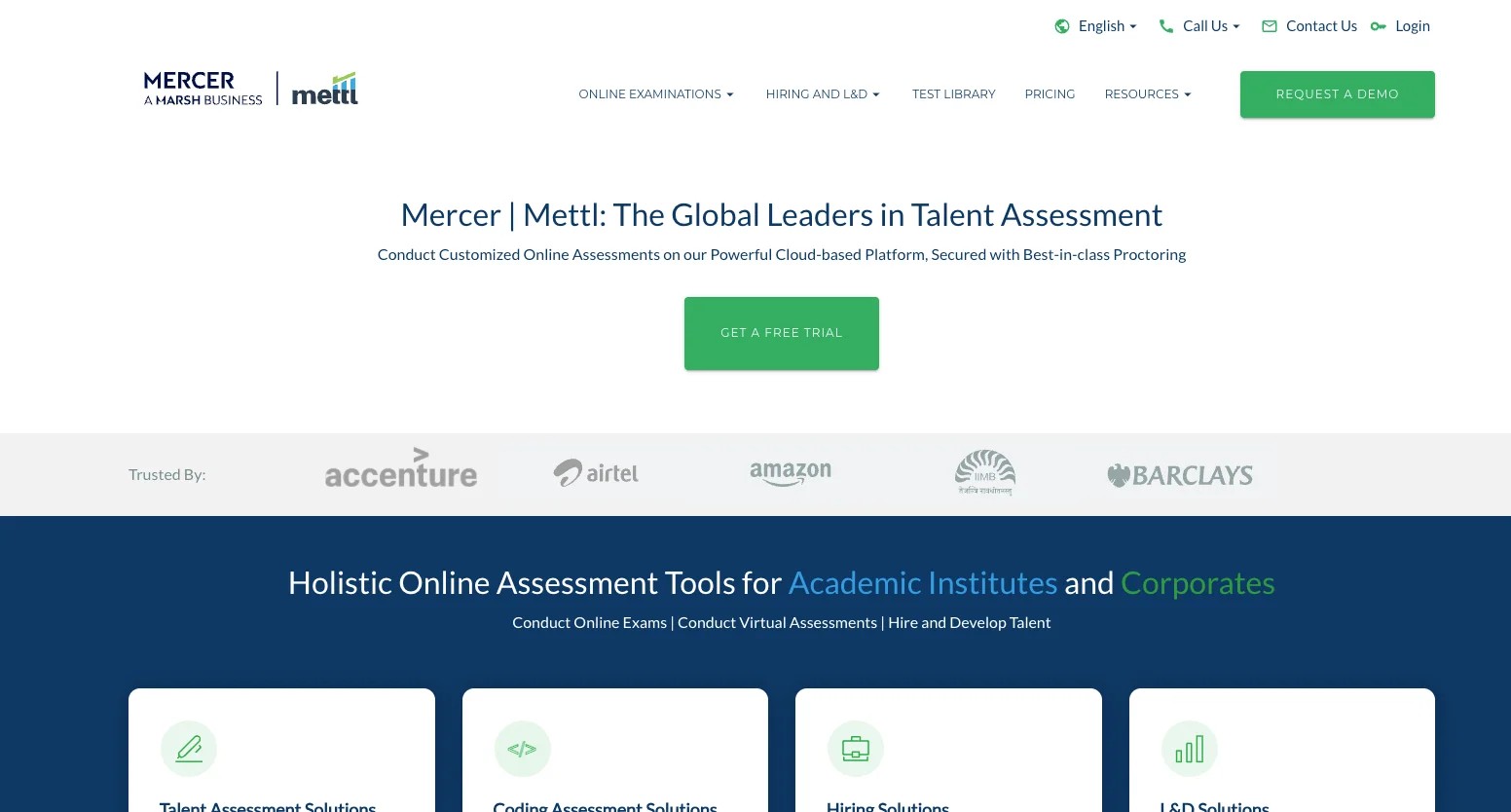
Mercer Mettl is a cloud-based assessment platform that combines online proctoring with a full suite of test creation, delivery, and analytics tools. Unlike platforms that focus solely on proctoring, Mettl provides the entire assessment workflow: question bank management, test authoring, candidate scheduling, proctored delivery, and post-exam reporting.
The platform serves both education and corporate markets, with a particularly strong presence in recruitment and employee training assessment. Mettl's proctoring includes AI-automated monitoring, live human proctoring, and image-based proctoring that captures periodic snapshots rather than continuous video.
Mettl's breadth is its main differentiator. Building a test, proctoring it, and analyzing results can all happen in one system without integrations between separate tools. For corporate teams running high-volume hiring assessments or training evaluations, that consolidated workflow reduces the coordination overhead that comes with stitching together dedicated tools.
Core Capabilities
- AI-automated proctoring with behavior analysis, screen recording, and environmental monitoring
- Live proctoring with real-time human monitoring and chat-based intervention
- Image-based proctoring that captures periodic webcam snapshots for lighter monitoring
- Built-in test authoring with 100,000+ question library across technical, cognitive, and psychometric domains
- Candidate scheduling and invitation management for hiring and certification workflows
- Multi-language support for global assessment delivery
- Anti-cheating features including browser lockdown, window-switch detection, and IP monitoring
- Detailed post-exam analytics with candidate comparison, item analysis, and score distributions
- API access for integration with ATS, HRIS, and LMS platforms
Standout Strength
Mettl is the most complete assessment-plus-proctoring platform on this list. Organizations that need to build, deliver, proctor, and analyze assessments in one system will find that Mettl eliminates the need to stitch together separate tools. The pre-built question library is also a significant time-saver for corporate teams that do not have dedicated test development staff.
Best For
Corporate HR and L&D teams running recruitment assessments, skills evaluations, and training certifications at scale. Also suited for educational institutions that need a self-contained assessment platform with proctoring built in. Strong for organizations operating across multiple countries that need multi-language test delivery.
Pricing Overview
- Custom pricing based on assessment volume, proctoring type, and feature requirements
- Per-candidate or per-assessment pricing models available
- Enterprise agreements for organizations with ongoing high-volume testing needs
- Free trial available for platform evaluation
Limitations
- The platform's corporate focus means the LMS integration depth for higher education (Canvas, Blackboard) is less mature than education-first tools
- The breadth of features creates a steeper learning curve for administrators and test creators
- Proctoring accuracy is comparable to other AI tools but not notably superior
- Pricing is not transparent; requires a sales conversation for quotes
Quick Comparison Insight
Best for organizations that need assessment creation and proctoring in one platform. More capable than standalone proctoring tools for test development, but less deeply integrated with higher education LMS platforms than Honorlock or Respondus.
Talview
Overview
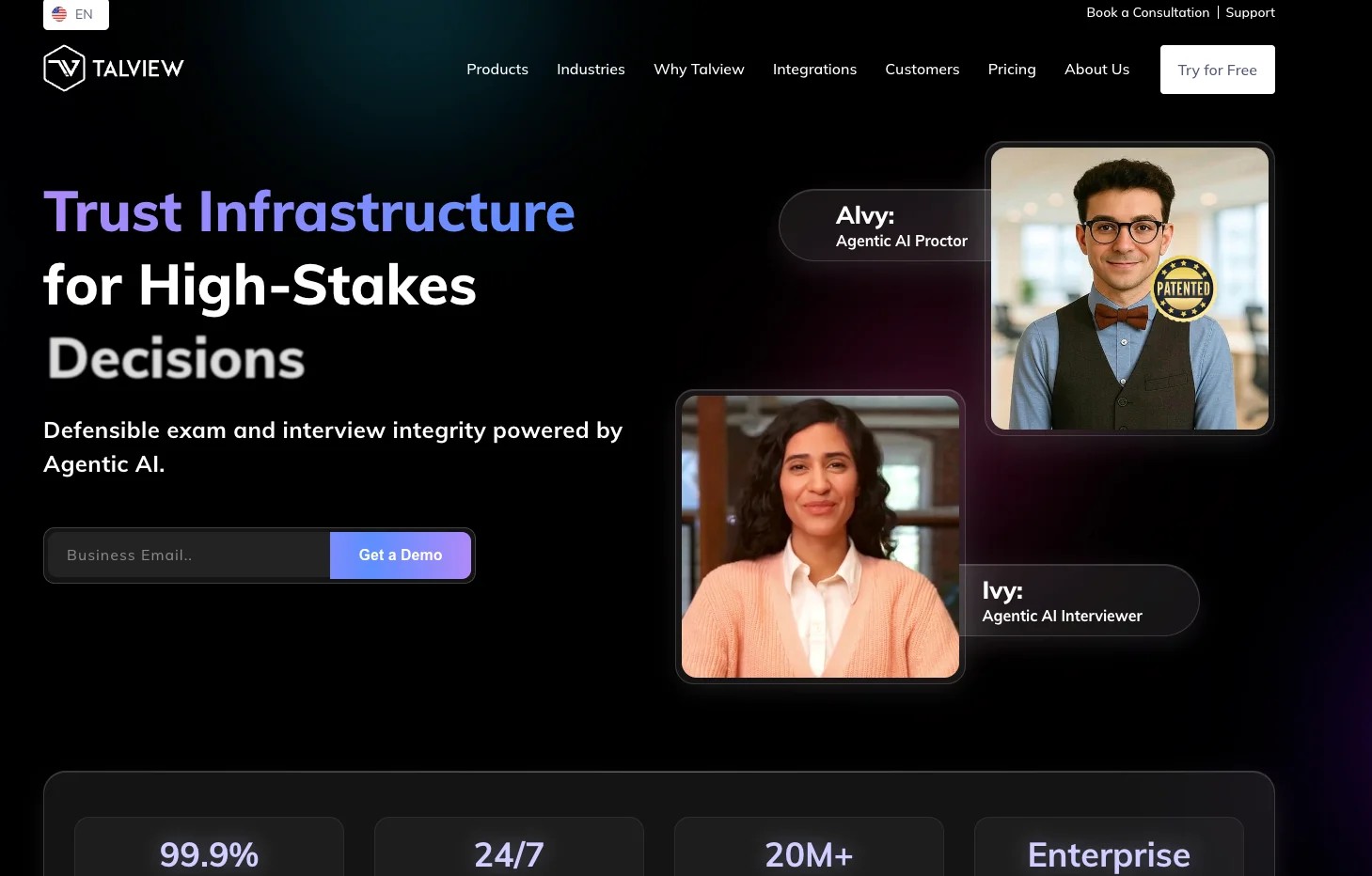
Talview is an AI-powered proctoring and assessment platform that serves both education and talent acquisition markets. Its proctoring engine uses behavioral analysis to monitor candidates during exams, tracking facial movements, eye patterns, audio anomalies, and device activity. Talview also offers automated video interviewing, making it a dual-purpose platform for organizations that assess both knowledge and interpersonal skills.
What differentiates Talview from other AI proctoring tools is the depth of its behavioral analysis. The platform does not just flag suspicious actions; it builds a behavioral profile of the candidate's testing session and highlights deviations from expected patterns. This approach aims to reduce false positives by contextualizing individual behaviors within the overall session.
Talview's dual assessment and video interviewing capability addresses a real workflow problem for organizations that evaluate candidates across multiple dimensions. Running a skills test and a structured video interview through the same platform reduces the handoff friction that typically exists between separate assessment and interviewing tools.
Core Capabilities
- AI-powered behavioral proctoring with facial recognition, eye tracking, and audio analysis
- Browser lockdown to prevent access to external resources during exams
- Automated video interviewing for recruitment and admissions use cases
- Behavioral profiling that contextualizes individual actions within the session
- Multi-device support including desktop and mobile for flexible test delivery
- Integration with ATS platforms, HRIS systems, and LMS tools via API
- Multi-language support for global assessment delivery
- Accessibility features including screen reader compatibility and configurable accommodations
- Candidate experience analytics showing completion rates, dropout points, and feedback
Standout Strength
The behavioral profiling approach reduces the noise generated by simple rule-based flagging systems. Instead of flagging every time a candidate looks away from the screen, Talview analyzes patterns across the session. This is designed to produce more meaningful flags with fewer false positives, though the effectiveness depends on the quality of the AI training data and the specific testing context.
Best For
Organizations that need both proctored assessments and video interviewing on one platform. Particularly suited for corporate HR teams managing recruitment pipelines, admissions offices conducting remote evaluations, and training programs that combine knowledge testing with behavioral assessment. Also works for blended learning programs that incorporate both exams and practical evaluations.
Pricing Overview
- Custom pricing based on volume, modules selected, and deployment type
- Separate pricing for proctoring, video interviewing, and assessment modules
- Enterprise agreements available for large-scale deployments
- Demo and pilot programs available upon request
Limitations
- The dual-purpose design means neither the proctoring nor the interviewing module is as deep as best-in-class single-purpose tools
- LMS integration options are more limited than education-first proctoring platforms
- The behavioral profiling model is opaque, making it harder for instructors to understand why specific flags were generated
- Smaller market share than Honorlock, Proctorio, or ProctorU, which means less institutional adoption experience to reference
Quick Comparison Insight
The strongest dual-purpose platform for organizations that need proctoring and video interviewing. Less established in higher education than dedicated proctoring tools, but the behavioral analysis approach represents a more nuanced alternative to simple rule-based flagging.
PSI Online (Meazure)
Overview
PSI Online, now part of the Meazure Learning family alongside ProctorU, specializes in professional certification and licensure testing. While most online proctoring software targets universities, PSI's core market is credentialing organizations: professional licensing boards, industry certification bodies, and government agencies that administer high-stakes qualification exams.
The platform offers both online proctored testing and a network of physical test centers, giving credentialing organizations the flexibility to offer candidates both remote and in-person options. The online proctoring component includes live human proctors, AI-assisted monitoring, and browser lockdown, with security protocols calibrated for the regulatory requirements of professional testing.
PSI's feature set reflects the standards of the credentialing world rather than higher education. The identity verification, chain-of-custody documentation, and audit trail capabilities are built specifically for organizations that must demonstrate testing integrity to accreditation bodies and regulatory agencies, requirements that general-purpose proctoring tools rarely address in depth.
Core Capabilities
- Live proctoring and AI-assisted monitoring designed for professional certification exams
- Hybrid delivery model with both online proctored testing and physical test center access
- Multi-factor identity verification with biometric and document-based options
- Browser lockdown and secure exam delivery with chain-of-custody documentation
- Candidate scheduling portal with self-service appointment booking
- Global test center network for candidates who prefer or are required to test in person
- Regulatory compliance features including audit trails and incident reporting
- Item banking and exam development support for credentialing organizations
- Multi-language exam delivery for international certification programs
Standout Strength
PSI is purpose-built for the professional certification market. The combination of online proctoring with physical test centers gives credentialing organizations a single vendor for both delivery modalities. The regulatory compliance features, including chain-of-custody documentation and audit trails, meet the standards that licensing boards and accreditation agencies require.
Best For
Professional licensing boards, industry certification bodies, and government agencies that administer high-stakes qualification exams. Particularly suited for organizations that need both online and in-person testing options under one contract. Also strong for international certification programs that require multi-language delivery and global candidate access.
Pricing Overview
- Custom pricing based on exam volume, delivery modality (online vs. test center), and service level
- Enterprise agreements for certification bodies with ongoing testing programs
- Pricing typically negotiated as part of a broader testing services contract
- Test center fees are separate from online proctoring fees
Limitations
- Built for the certification market, not general higher education; feature set may not align with university assessment workflows
- LMS integration is not a priority since most credentialing organizations use proprietary testing platforms
- Pricing is opaque and requires direct engagement with the sales team
- The Meazure Learning consolidation with ProctorU may create overlap and confusion in product positioning
Quick Comparison Insight
The best choice for professional certification and licensure testing. Unmatched in combining online proctoring with physical test centers for credentialing organizations. Not designed for or well-suited to general university course assessments.
Where Teachfloor Fits
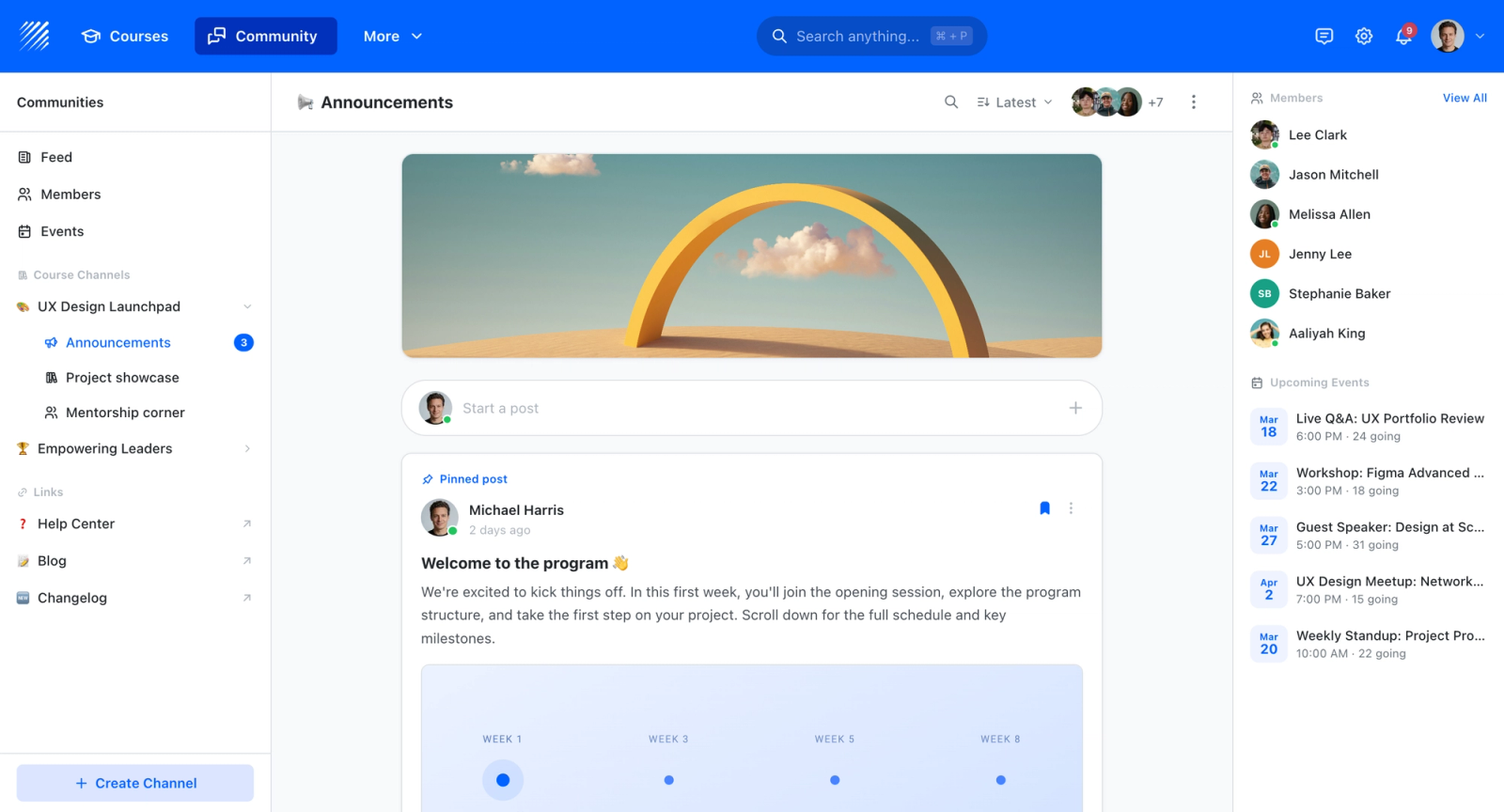
A quick clarification for anyone running courses alongside their exams: Teachfloor is not proctoring software, so you will not find it ranked here. It is the learning platform where the assessments themselves are created and delivered, covering quizzes, graded work, certificates, and learner progress. When integrity matters for a particular exam, you layer a proctoring tool from this list on top of the assessment, which is exactly the role these tools are built for.
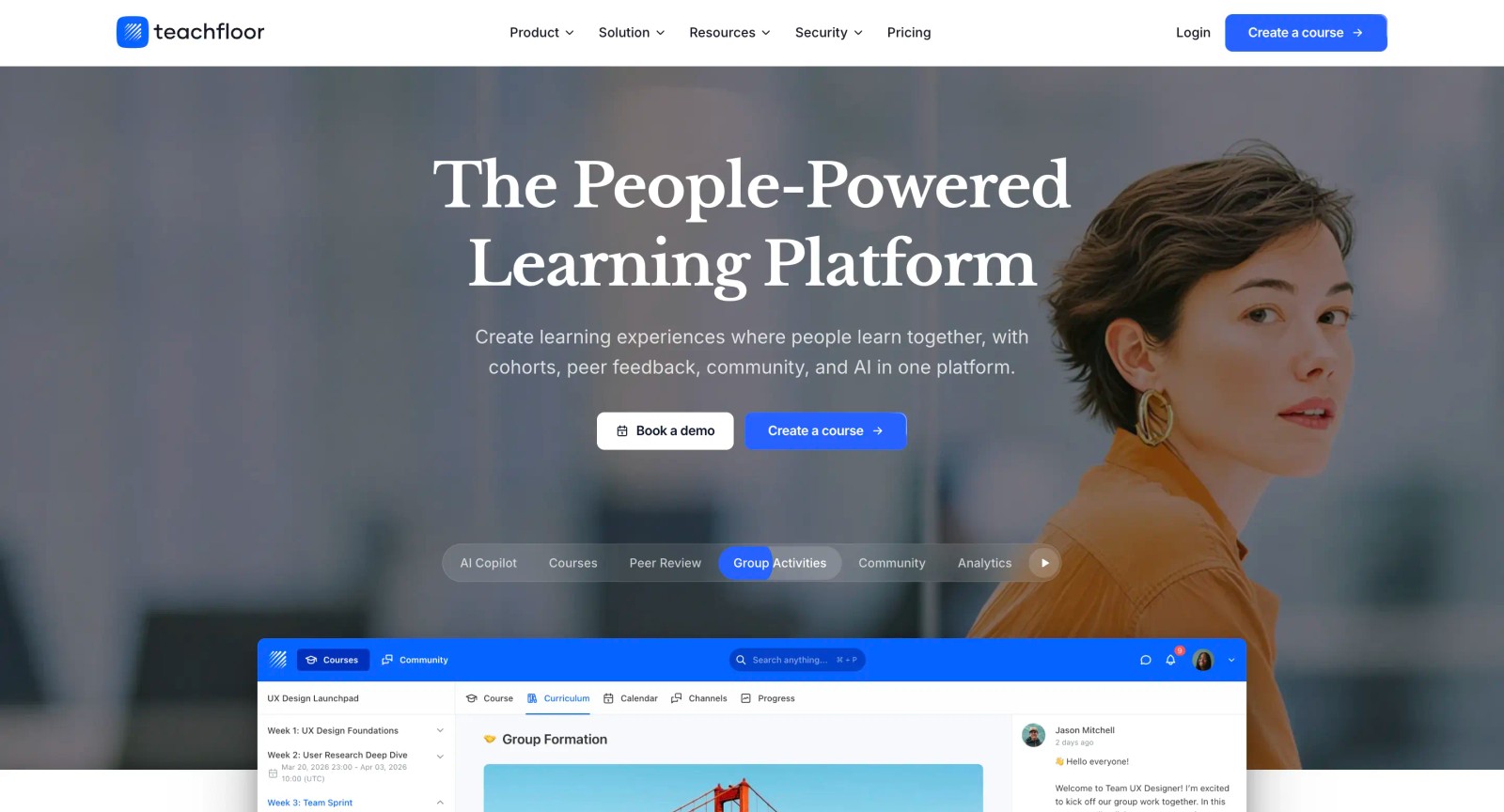
If you are choosing a home for your courses rather than a single-purpose tool, Teachfloor is worth a look. It starts at $89 per month with a 14-day free trial.
How to Choose the Right Proctoring Solution
Start with the exam format. If your assessments are traditional timed exams with objective questions, you need monitoring or lockdown tools like Honorlock, Proctorio, or Respondus. If your assessments are project-based, portfolio-driven, or built around peer evaluation, a platform like Teachfloor addresses integrity through design rather than surveillance.
Match the proctoring model to the stakes. Low-stakes weekly quizzes do not need live proctoring. Browser lockdown with Respondus or Safe Exam Browser is sufficient. Mid-stakes midterms benefit from AI proctoring through Honorlock or Proctorio. High-stakes finals and professional certification exams may warrant live proctoring through ProctorU, Examity, or PSI Online.
Calculate total cost by volume. Per-exam pricing sounds affordable until you multiply by thousands of students taking multiple exams per semester. For high-volume institutions, per-student or site licensing models (Respondus, Proctorio, ExamSoft) offer more predictable costs.
Evaluate your LMS integration needs. If your instructors manage everything through Canvas or Blackboard, choose a tool with native integration that requires no workflow changes. Honorlock, Proctorio, and Respondus all offer deep LMS embedding. Tools that require a separate login or scheduling portal will see lower adoption.
Consider your student population. International students, non-traditional learners, and students with limited hardware face the most friction from proctoring tools. Platforms with lower technical requirements (Chrome extension vs. desktop application) and clear accommodation workflows reduce support burden and student complaints.
Account for privacy and compliance requirements. Institutions operating under FERPA, GDPR, or state-level privacy laws need vendors with clear data handling policies. Proctorio's zero-knowledge encryption, Safe Exam Browser's zero-data-collection model, and Examity's SOC 2 compliance each address privacy differently.
Think about scale and future needs. A tool that works for 500 students may not work for 50,000. Enterprise platforms like Examity and Mercer Mettl are built for institutional scale. Smaller, more focused tools like Respondus or Safe Exam Browser work well for specific use cases but may not cover all assessment types as your program grows.
FAQ
What is online proctoring software?
Online proctoring software is a category of tools designed to maintain exam integrity during remote assessments. These tools use various combinations of AI monitoring, live human proctors, webcam recording, browser lockdown, and identity verification to prevent cheating and confirm that the registered test-taker is completing the exam.
How does AI proctoring work?
AI proctoring uses machine learning algorithms to analyze webcam footage, screen activity, and audio during an exam session. The system identifies behaviors that deviate from expected testing patterns, such as looking away from the screen frequently, having another person in the room, or switching to unauthorized applications. Flagged behaviors are compiled into a report for instructor review, typically with timestamps and confidence scores.
Is online proctoring software secure enough for high-stakes exams?
It depends on the tool and the proctoring model. Live human proctoring through platforms like ProctorU provides the highest level of real-time oversight. AI proctoring through Honorlock and Proctorio offers strong deterrence and detection at lower cost. Browser lockdown through Respondus or Safe Exam Browser covers the digital access layer. For the highest-stakes exams, such as professional certifications, combining multiple layers, device lockdown, live proctoring, and identity verification, produces the most thorough security posture.
What are the privacy concerns with online proctoring?
Common concerns include webcam recording of students in their homes, facial recognition data collection, environmental room scans, and the storage and retention of exam session recordings. Students and advocacy groups have raised objections about the scope of data captured and who has access to it. Institutions should evaluate each vendor's data handling policies, encryption practices, compliance certifications (FERPA, GDPR, SOC 2), and data retention timelines.
Can students cheat on proctored exams?
No proctoring system is foolproof. Determined students can find workarounds, especially with AI-only systems. However, online proctoring software significantly raises the difficulty and risk of cheating. The deterrent effect is substantial: most students who would consider cheating on an unproctored exam will not attempt it when monitoring is in place. For organizations seeking additional assurance, combining proctoring tools with well-designed assessments reduces vulnerability further.
How much does online proctoring software cost?
Pricing varies widely. Safe Exam Browser is free. Respondus LockDown Browser uses campus-wide site licensing that is affordable for most institutions. AI proctoring platforms like Honorlock and Proctorio typically charge per exam or per student, ranging from a few dollars per session. Live proctoring through ProctorU or Examity costs more per session. Enterprise platforms like Mercer Mettl and ExamSoft use custom pricing based on volume and features. Always calculate total annual cost based on your actual exam volume rather than comparing per-unit prices alone.
What is the difference between browser lockdown and full proctoring?
Browser lockdown restricts the student's device to only the exam application, preventing access to other websites, apps, and system functions. It does not monitor the student's physical environment. Full proctoring adds webcam recording, audio monitoring, AI behavior analysis, and sometimes live human proctors. Browser lockdown prevents digital cheating (looking up answers on another tab); full proctoring also addresses physical cheating (notes on the desk, another person in the room).
Do online proctoring tools work on all devices?
Most tools support Windows and macOS. Chromebook support varies: browser-based tools like Honorlock and Proctorio work on Chromebooks, while desktop applications like ExamSoft's Examplify do not. Mobile support is limited across most platforms. Safe Exam Browser supports iOS in addition to desktop operating systems. Always verify device compatibility with your student population before committing to a platform.


