


AI assistants like Claude, ChatGPT and Cursor can now work inside your learning platform instead of just talking about it. The standard that makes this possible is the Model Context Protocol (MCP), and in 2026 LMS vendors started shipping their own MCP servers. Some are official and hosted, some are beta experiments, and many popular LMSs only have community projects on GitHub.
We reviewed every MCP server we could find for learning management systems and course platforms, checked the vendor documentation, and compared them on what matters when you connect an AI to learner data: who maintains the server, how it authenticates, whether it can write or only read, and which AI clients it supports.
TL;DR: the best MCP servers for LMS in 2026
- Teachfloor has the most complete official MCP server for an LMS: hosted, OAuth sign-in, full read and write access to courses, modules, lessons, members and enrollments, and support for Claude, ChatGPT, Gemini, Copilot, Cursor and Mistral. It is also the only one on this list you can use to build custom apps that run inside the LMS.
- Kajabi, Circle, Docebo, Thinkific, Teachable, Skilljar, 360Learning and LearnUpon have official MCP servers, but most are in beta, read-only, limited to specific plans, or scoped to one use case such as reporting.
- Canvas, Moodle, D2L Brightspace, Blackboard and Google Classroom do not have an official vendor MCP server. You can use community servers from GitHub, which run on your personal API token and come with no vendor support.
- Open edX has a new open-source MCP (announced September 24, 2026) built by Blend-ed with the Open edX community.
What is an MCP server for an LMS?
An MCP server for an LMS is a connector that exposes your learning platform (courses, learners, enrollments, grades, analytics) as tools an AI assistant can call. Instead of exporting a CSV or clicking through the admin dashboard, you ask the assistant "which learners have not logged in for 30 days?" or "turn this PDF into a course with three modules", and it calls the LMS directly to answer or act.
Anthropic released MCP as an open standard in November 2024, and adoption moved fast. In December 2025 the protocol was donated to the Agentic AI Foundation under the Linux Foundation, co-founded by Anthropic, Block and OpenAI. At that point, according to the official MCP blog, the SDKs were seeing more than 97 million monthly downloads, there were about 10,000 active servers, and ChatGPT, Claude, Cursor, Gemini, Microsoft Copilot and VS Code all supported it natively.
For training teams, this matters because the LMS is where the data lives. An MCP server turns it into something your AI agents can use, which is different from an AI-powered LMS that only has AI features inside its own interface, and different from classic LMS integrations that sync data between two fixed systems.
MCP vs API vs LTI
- REST API: the raw interface. A developer writes code for each action. Powerful, but every workflow is a small software project.
- LTI: the education standard for launching external tools inside an LMS (a quiz tool inside Canvas, for example). It connects tools to courses, not AI assistants to your data.
- MCP: a standard layer on top of the API that any compatible AI client understands. You describe the task in plain language and the assistant picks the right tool calls.
Official vs community MCP servers: why it matters
The biggest difference between the servers on this list is who built them. It affects security more than features.
- Official servers are built and hosted by the LMS vendor. They usually sign you in with OAuth, respect the roles and permissions already set in the platform, and are covered by the vendor's support and security program.
- Community servers are open-source projects, often built by students or independent developers. Most run on your own computer and use your personal API token or even your browser session, which means the AI gets every permission you have. Maintenance varies: several repositories we checked have no stars and no recent commits.
If you manage learner data at an institution or a company, the second model is hard to approve. Education data is a frequent target (see what happened in the 2026 Canvas data breach), so for production use we weighted official, OAuth-based servers with audit trails much higher than community projects.
How we evaluated these MCP servers
We checked each vendor's documentation, help center, changelog and GitHub repositories as of September 2026, and scored every server on six criteria:
- Maintainer: official vendor server, open-source foundation project, or community project.
- Hosting and auth: remote hosted server with OAuth, or local install with an API key or session token.
- Access: read-only, read and write, or scoped to one area such as reporting.
- Coverage: how much of the LMS the tools reach (courses, content, learners, enrollments, analytics, automations).
- AI clients: which assistants the vendor documents (Claude, ChatGPT, Gemini, Copilot, Cursor and others).
- Availability: generally available, beta, waitlist, or plan-gated.
MCP servers for LMS compared
| Platform | MCP server | Hosting and auth | Access | Documented AI clients |
|---|---|---|---|---|
| Teachfloor | Official, generally available | Remote hosted, OAuth 2.0 | Read and write (courses, content, members, enrollments, activity, files) | Claude, ChatGPT, Gemini, Copilot, Cursor, Mistral |
| Kajabi | Official (May 2026) | Remote hosted, OAuth | Read and write, changes saved as drafts | Claude, ChatGPT, Cursor |
| Docebo | Official, beta | Remote per instance, OAuth2 client credentials | Learner-focused, admin tools planned | ChatGPT, Claude, Copilot Studio, Gemini (enterprise plans) |
| Thinkific | Official, beta | Remote hosted, OAuth | Read-only | Claude (ChatGPT in closed beta) |
| Teachable | Official, experimental waitlist | Local install, API key | Read and write | Claude |
| Skilljar | Official, beta | Remote hosted, API client credentials | Read and write | Claude Code, Microsoft Frontier |
| 360Learning | Official, beta on request | Remote hosted, email login (no SSO yet) | Read-only (find and recommend content) | Claude, ChatGPT, Dust |
| LearnUpon | Official, reporting only (Jul 2026) | Not documented publicly | Reporting and analytics | ChatGPT, Claude, Gemini |
| Circle | Official | Remote hosted, OAuth | Read-only or full access | Claude, ChatGPT (beta), Cursor, VS Code, Windsurf |
| Open edX | Open source (Sep 2026) | Self-hosted plugin, revocable API keys | Read and write with preview and confirm | Any MCP client |
| Canvas LMS | Community only | Local, personal API token | Read and write (varies by project) | Claude, Cursor, Codex |
| Moodle | Community plugin | Moodle web service token | Depends on exposed functions | Any MCP client |
The 12 best MCP servers for LMS in 2026
The list starts with the official servers that give AI assistants the widest, safest access to the LMS, then moves to beta and single-purpose servers, and ends with the community projects available for Canvas and Moodle. For each one we note who it is best for, what the AI can actually do, and the limits to check before you connect learner data.
Teachfloor MCP
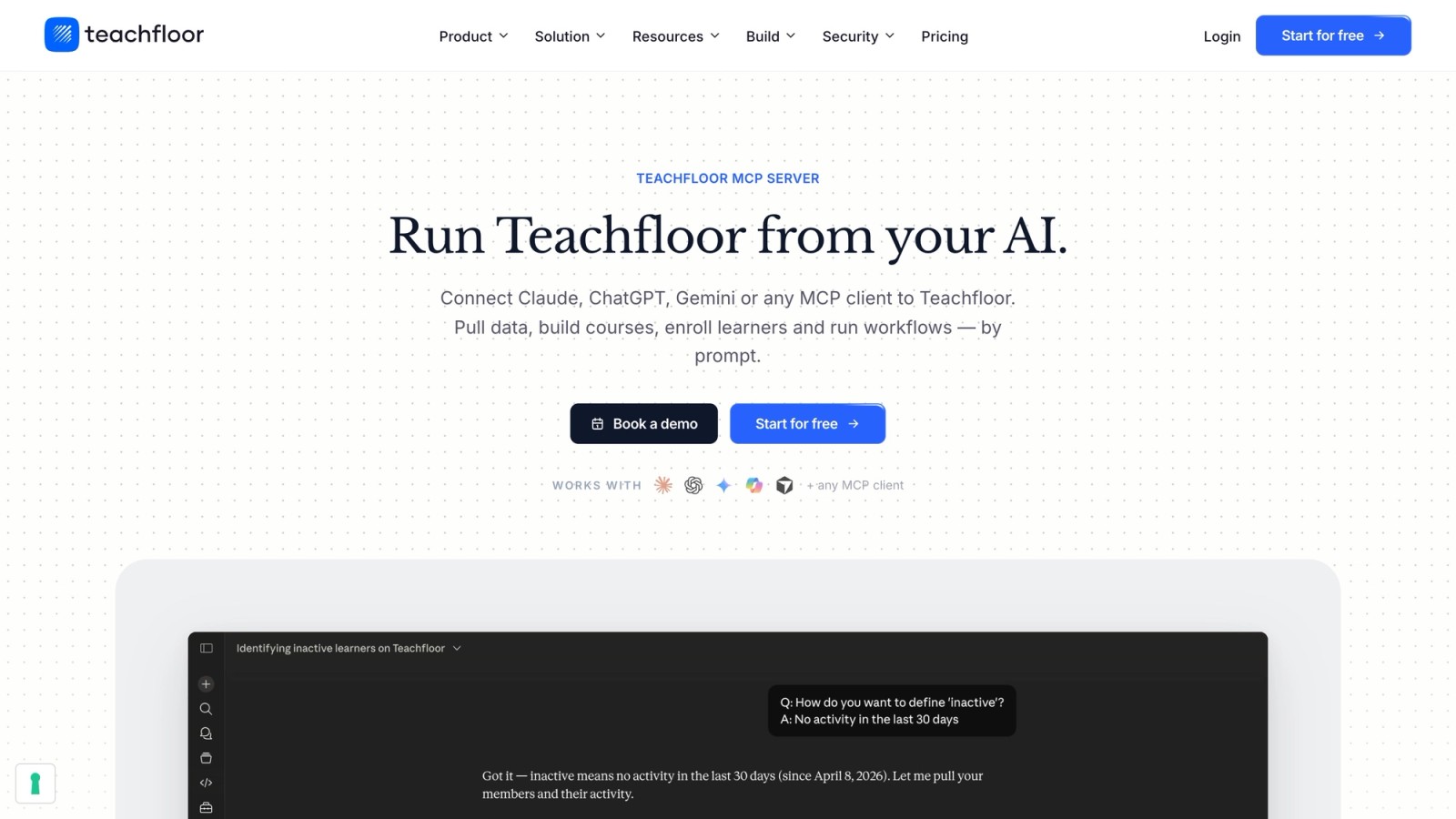
Best for: training teams, academies and course businesses that want AI assistants to manage the whole LMS, not just read reports.
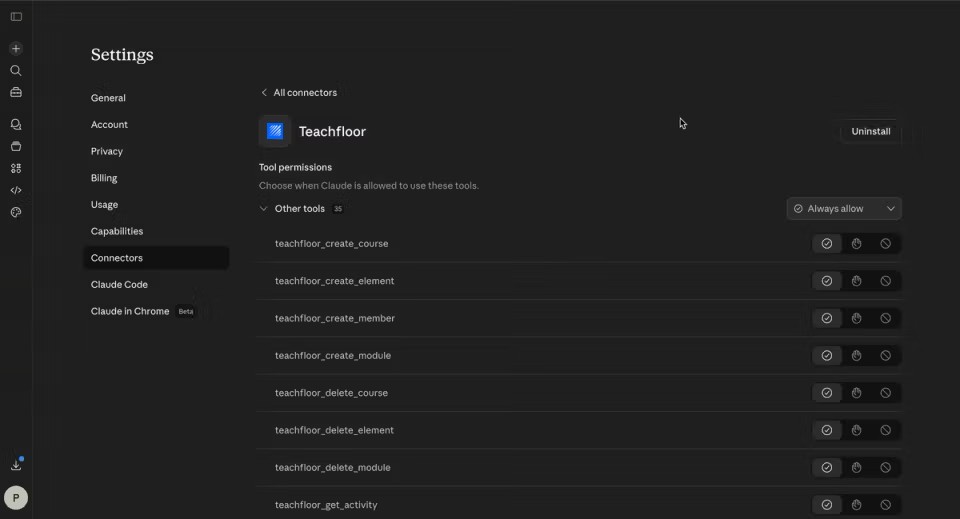
Teachfloor runs an official, hosted MCP server at mcp.teachfloor.com. You add it to your AI client as a remote connector, sign in with your Teachfloor account through OAuth, and the assistant can work with the same objects you see in the dashboard. There are no API keys to copy or rotate and nothing to install or host.
The tool surface mirrors the Teachfloor API. The assistant can list, create, update and delete courses, modules and lessons, manage members and course enrollments, read learner activity, work with custom fields, search across the academy and upload files. In practice this covers requests like:
- "Show me completion rates for every course this quarter and flag learners who are falling behind."
- "Turn this PDF into a course with modules and lessons, then enroll the sales team."
- "List certificates that expire next month and draft a reminder for each learner."
- "Create a cohort for the October intake and add these 40 people."
Every action runs with the signed-in user's role, so an instructor's assistant cannot do what the instructor is not allowed to do. Admins can disable specific tools for their workspace, and every MCP call is recorded in the Teachfloor audit log with the user, action, timestamp and result, which helps with compliance reviews. It works with Claude, ChatGPT, Gemini, Microsoft Copilot, Cursor, Mistral and any other client that speaks MCP. Learners can use it too, scoped to their own role, to check progress or find materials.
The part that sets it apart from every other server here: the same MCP connection can be used to build custom apps that run inside Teachfloor. Because the assistant can see your real courses and lessons, it can scaffold an app with the Teachfloor CLI, test it against real content and publish it to your academy. We cover the full process in the section below.
Where it fits less: teams that only want a read-only reporting feed may not need write access; admins can switch off the tools they do not want exposed.
Learn more: Teachfloor MCP Server, Teachfloor AI features, security and compliance.
Kajabi MCP
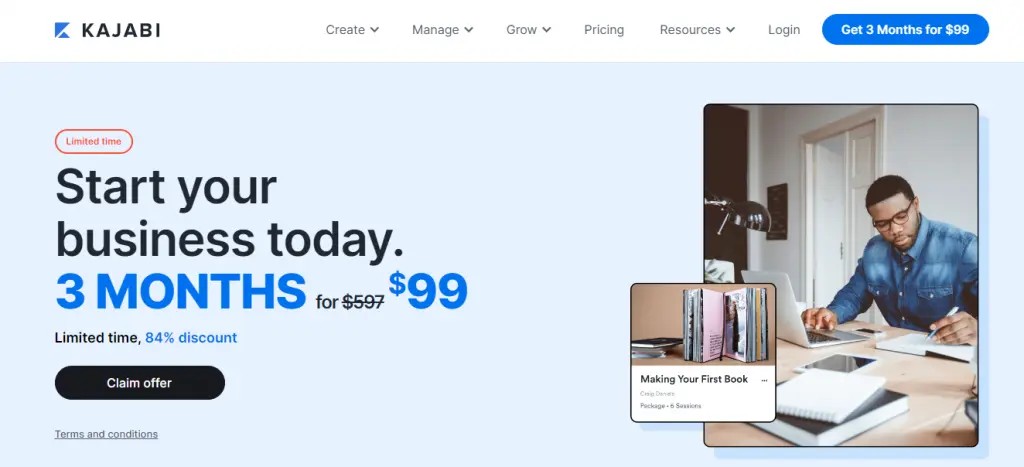
Best for: solo creators and coaching businesses already running their offers on Kajabi.
Kajabi launched an official hosted MCP server in May 2026 and includes it in every plan. It exposes more than 100 tools across contacts, courses, offers, landing pages, emails, automations and communities, and it connects to Claude, ChatGPT and Cursor with OAuth. Kajabi's documentation is careful about safety: new automations are created as drafts, and the server cannot process payments or send email broadcasts.
The focus is the creator business rather than structured training. Analytics access is limited, and using write actions in ChatGPT requires Developer Mode on a Business, Enterprise or Edu plan.
Docebo MCP
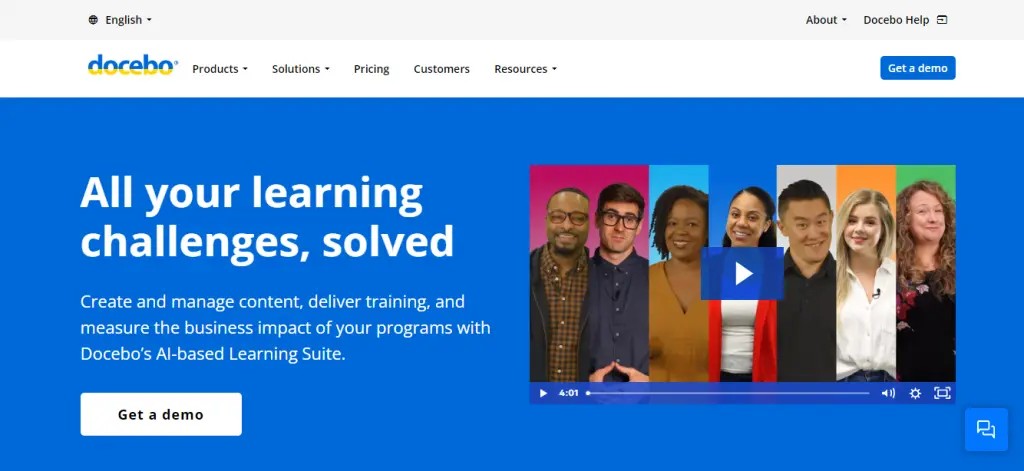
Best for: large enterprises on Docebo that want learners to reach training from inside Copilot, ChatGPT Enterprise or Gemini.
Docebo offers an official MCP server in beta. Each customer instance gets its own remote endpoint, and a Superadmin registers an OAuth2 app to connect it. The current tools are learner-focused: checking course progress, searching content, viewing certifications and handling some enrollment actions. Manager and admin tools are listed as future releases.
Documented clients are the enterprise tiers of ChatGPT and Claude, Microsoft Copilot Studio and Gemini Enterprise, which matches Docebo's enterprise customer base. Plan requirements are not published, so check with your account manager.
Thinkific MCP

Best for: Thinkific site owners who want to ask questions about courses, learners and enrollments in plain language.
Thinkific is rolling out an official hosted MCP server in beta. Setup is a one-time OAuth sign-in with no API keys, and it works with Claude, with ChatGPT in closed beta. The server is read-only: it can look up courses, learners, enrollments and products, but it cannot create content or enroll anyone.
Third-party coverage reports that access is limited to the Plus plan and to Site Owner and Site Admin roles. Thinkific Plus is quote-based, so confirm availability with Thinkific before planning around it.
Teachable MCP

Best for: Teachable creators on the Growth plan who are comfortable with a local setup.
Teachable has an experimental MCP server available through early access. It can enroll and unenroll students and pull engagement data, course metrics, reports and revenue forecasts. Unlike most official servers on this list, it runs locally and authenticates with a personal API key, and the only documented client is Claude.
Because it depends on API access, it is limited to the Growth plan ($189/month, or $139/month billed annually) and Custom plans.
Skilljar MCP
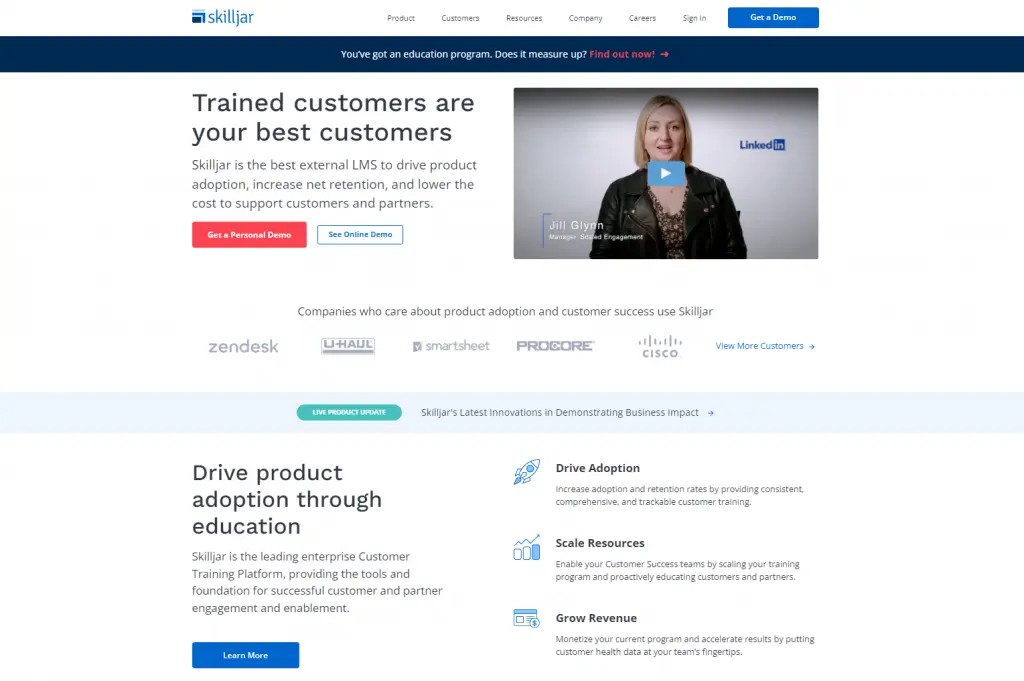
Best for: customer education teams running a Skilljar academy who want to automate enrollment and course updates.
Skilljar, now part of Gainsight, offers an official hosted MCP server in beta. It is one of the few with real write access: it can create students in bulk, manage groups and enrollments, and create or update courses and HTML lessons. Authentication uses API v2 client credentials, with OAuth available for Claude's command-line client.
Two things to know: it includes irreversible tools such as student anonymization, so scope access carefully, and documented clients are currently limited to Claude Code and Microsoft Frontier, with OAuth clients like ChatGPT expected later. If you are comparing platforms for this use case, see our list of customer education platforms.
360Learning MCP
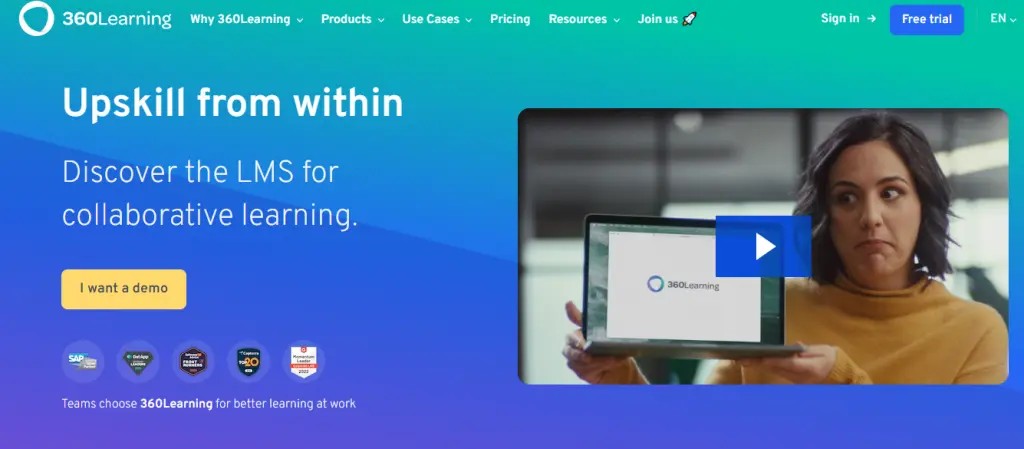
Best for: 360Learning customers who want employees to find the right course from their AI assistant.
360Learning provides an official MCP server in beta, available on request. Its tools are narrow and read-only: finding and recommending courses and learning paths, and retrieving text from inside content. It works with Claude, ChatGPT and Dust, with Gemini in progress.
The main limitation for larger companies is authentication. It uses email and password login, and organizations that enforce SSO cannot connect yet.
LearnUpon MCP
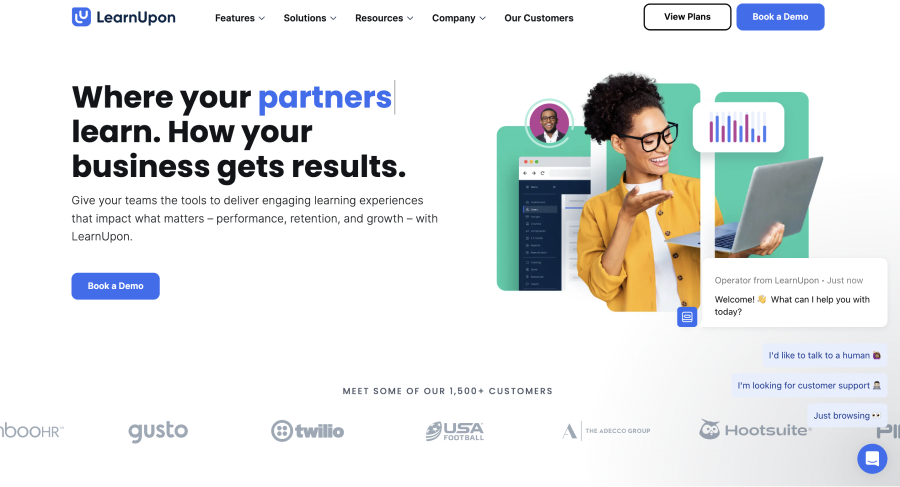
Best for: LearnUpon customers who mainly want AI-generated training reports.
LearnUpon released a Reporting and Analytics MCP on July 14, 2026, as part of its "Agentic Learning Platform" launch. As the name says, it is built for reporting: asking ChatGPT, Claude or Gemini about completions, compliance status and learner progress. Transport, authentication and plan requirements are not documented publicly yet, and it does not cover content creation or enrollment.
Circle MCP
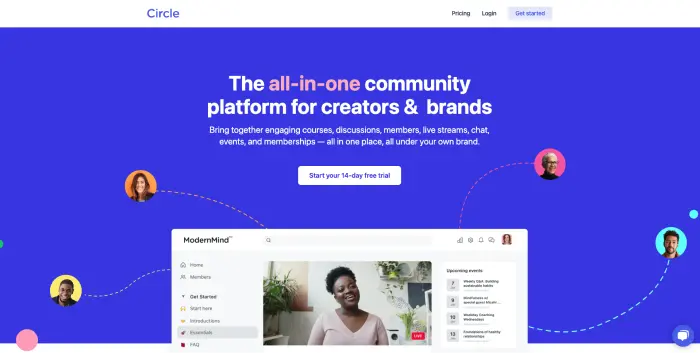
Best for: community-led course businesses that run courses inside a Circle community.
Circle has an official hosted MCP server with OAuth and a choice between read-only and full access, which is a good default for cautious teams. It supports one of the widest client lists here: Claude, Claude Code, Cursor, ChatGPT (beta), VS Code Copilot and Windsurf.
Every tool call counts as one Admin API request against your plan's monthly quota (from 5,000 to 250,000 depending on plan), so heavy AI use can eat into limits. Circle is a community platform first, so structured training features such as learning paths and compliance reporting are lighter than in a dedicated LMS.
Open edX MCP
Best for: universities and organizations that self-host Open edX and have engineering capacity.
Open edX got its own MCP on September 24, 2026, announced on the Open edX blog and built by Blend-ed with the community. It ships as a Django app plus a Tutor plugin, targets the Ulmo release, and is licensed AGPL-3.0. It covers both administration and course authoring, with thoughtful safety features: preview and confirm steps before changes, audit logs and revocable API keys tied to staff accounts.
It is brand new and self-hosted, so expect to install, update and secure it yourself.
Canvas MCP (community)
Best for: instructors and developers who want to experiment with AI on their own Canvas courses.
Instructure does not offer an official MCP server that external AI assistants can connect to. Its IgniteAI Agent goes the other way: it consumes MCP so partners can plug their tools into Canvas. If you search for a "Canvas MCP server", what you will find are community projects. The most active is vishalsachdev/canvas-mcp (about 260 GitHub stars, up to 103 tools, updated in September 2026), followed by DMontgomery40/mcp-canvas-lms with 54 tools for courses, assignments, enrollments and grades.
Both run on your machine with your personal Canvas API token and state they are not affiliated with Instructure. That works for an instructor managing their own sections. At the institutional level, most IT teams will not approve personal tokens with full permissions connected to an AI client, so look at the Canvas alternatives that ship an official server if this is a requirement.
Moodle MCP (community plugin)
Best for: Moodle administrators who can install and maintain plugins.
Moodle HQ has no official MCP server. The most practical option is the community plugin webservice_mcp, released in July 2026 for Moodle 4.5 to 5.2, which turns Moodle's existing web service functions into MCP tools and authenticates with a Moodle web service token. What the assistant can do depends on which functions you expose to that token, which gives admins fine control but requires careful setup.
There are also standalone projects on GitHub, such as peancor/moodle-mcp-server and loyaniu/moodle-mcp. As with Canvas, you own the security review and the maintenance. If you are reconsidering the platform, see our Moodle alternatives.
Community MCP servers for other LMSs
A few more learning platforms have community MCP servers only. Most are student-built tools that read grades and due dates with the user's own login session, which makes them useful for personal productivity and unsuitable for managing an institution.
- D2L Brightspace: RohanMuppa/brightspace-mcp-server is the most popular (about 55 stars), mostly read-only, using a student login session. Hosted wrappers exist on Pipedream.
- Blackboard: small community projects that read course data with an Anthology developer key or a browser session. Composio offers a hosted wrapper.
- Google Classroom: a few community servers that use Google OAuth, mostly read-only, some not updated for over a year.
- TalentLMS, LearnWorlds and Podia: no official server; available through aggregators such as Zapier MCP or community projects that wrap the public API.
- Absorb LMS: we found no MCP server. Cornerstone is available only through Salesforce AgentExchange for Agentforce users.
Build custom LMS apps with the Teachfloor MCP server
Most MCP servers stop at reading and changing data. Teachfloor goes one step further: combined with the Teachfloor app platform, the MCP connection lets you build custom apps that run inside your LMS, often in about an hour and without writing the code yourself.
The two pieces do different jobs. The MCP server gives the AI assistant context: it sees your real courses, creates test content to build against and checks the result afterwards. The Teachfloor CLI and Extension Kit do the building: they scaffold the app, run it live in your dashboard while you iterate, and publish it. Without MCP you can still build an app, but you end up copying course and lesson IDs by hand. With MCP, the assistant simply looks them up.
Setup takes a few commands. In Claude Code, for example:
# 1. Connect the Teachfloor MCP server (OAuth login opens in the browser)
claude mcp add --transport http teachfloor https://mcp.teachfloor.com

# 2. Install the app toolkit and log in
npm install -g @teachfloor/teachfloor-cli
teachfloor login

# 3. Scaffold, run live, then publish
teachfloor apps create my-app
teachfloor apps start
teachfloor apps upload
In Claude on the web or desktop, you add the same URL under Settings, Connectors, Add custom connector. Cursor and OpenAI Codex work the same way. Apps can render in two places, which Teachfloor calls surfaces:
- Drawer: opens from the app dock when someone clicks the app icon. Good for forms, notes, discussions and calculators.
- Dashboard card (widget): always visible in a dashboard layout, next to Teachfloor's own cards. Good for progress panels, KPIs and live counters. An admin places it from Settings, Customization, Dashboards.
Apps built with the Extension Kit read the page context (who is looking, which course or lesson), render different views for admins and learners, follow the academy's brand colors and dark mode, and store data at organization or user level. Examples of what teams build: a feedback form on every lesson with an admin results view, a learning streak card, an office hours booking drawer, or an AI helper that uses the app AI permission.
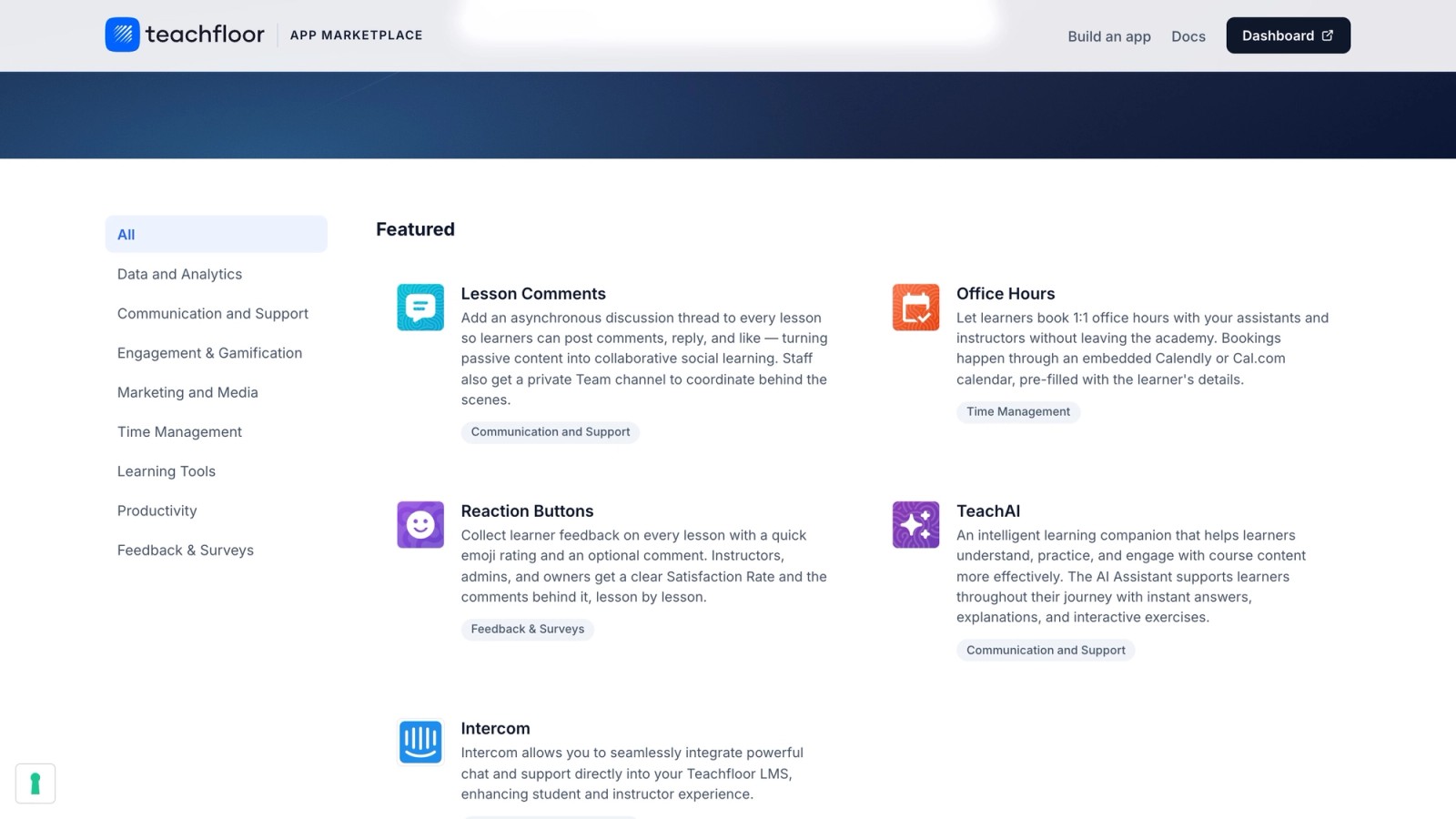
Once published, the app runs on Teachfloor's servers for everyone in your academy. Apps are private by default, and you can submit one for review to appear in the Teachfloor App Marketplace for all Teachfloor customers. Developer documentation lives at docs.teachfloor.com, and the developer hub covers agents, automations and integrations.
How to choose an MCP server for your LMS
Start from what you want the AI to do, then check whether the server allows it safely:
- You want AI to run day-to-day LMS work (build courses, enroll people, follow up with learners): you need an official server with write access and role-based permissions. Today that narrows the list to Teachfloor, Kajabi (for creator businesses) and Skilljar (for customer education, beta).
- You only need answers from your data: a read-only or reporting server is enough and lower risk. Thinkific, 360Learning, LearnUpon and Circle in read-only mode fit here.
- Your organization requires SSO, audit logs and admin controls: check each vendor explicitly. Look for OAuth, per-tool controls and audit logging of every call.
- You are on Canvas, Moodle, Brightspace or Blackboard: community servers are fine for personal experiments. For institution-wide use, get a security review first, or evaluate platforms with an official server.
- You want to extend the LMS itself: only Teachfloor combines MCP with an app platform, so the assistant can build and ship custom apps that run inside the LMS.
Whatever you pick, begin in a sandbox, give the assistant the smallest set of permissions that works, and review what it wants to write before approving. For a broader view of where this is heading, read our guide to AI agents in education and our explainer on agentic AI.
Frequently Asked Questions
What is an MCP server for an LMS?
It is a connector based on the Model Context Protocol that exposes a learning management system's data and actions (courses, learners, enrollments, analytics) as tools an AI assistant such as Claude, ChatGPT or Cursor can call. It lets you manage the LMS by describing tasks in plain language.
Which LMS has the best MCP server?
Teachfloor has the most complete official MCP server for an LMS in 2026: it is hosted, uses OAuth, supports read and write across courses, content, members and enrollments, logs every call, works with Claude, ChatGPT, Gemini, Copilot, Cursor and Mistral, and can be used to build custom apps that run inside the LMS.
Does Canvas have an official MCP server?
No. As of September 2026 Instructure does not offer an official MCP server for external AI assistants. Canvas MCP servers on GitHub, such as vishalsachdev/canvas-mcp, are community projects that run locally with your personal Canvas API token.
Does Moodle have an MCP server?
Not from Moodle HQ. The community plugin webservice_mcp (Moodle 4.5 to 5.2) turns Moodle web service functions into MCP tools, and there are standalone community servers on GitHub.
Are community LMS MCP servers safe to use?
They can be fine for personal use, but they usually run with your personal API token or login session, so the AI gets all of your permissions, and there is no vendor support. For institutional or company data, prefer an official server with OAuth, role-based permissions and audit logs.
Which AI assistants work with LMS MCP servers?
Claude is supported by almost every server on this list. ChatGPT, Cursor, Gemini and Microsoft Copilot support depends on the vendor. Teachfloor documents Claude, ChatGPT, Gemini, Copilot, Cursor and Mistral, plus any MCP-compatible client.
Can I build custom LMS apps with MCP?
With Teachfloor, yes. The MCP server gives your AI assistant access to your real courses and lessons, and the Teachfloor CLI and Extension Kit build, test and publish the app inside your academy, as a drawer, a dashboard card or both. Apps can stay private or be submitted to the Teachfloor App Marketplace.
What is the difference between MCP and an LMS API?
The API is the underlying interface that developers code against action by action. MCP is a standard layer on top of it that AI assistants understand, so the assistant can choose and chain the right API calls from a plain-language request.


