Search Bar: Find Courses, Lessons, Files, and Users Instantly
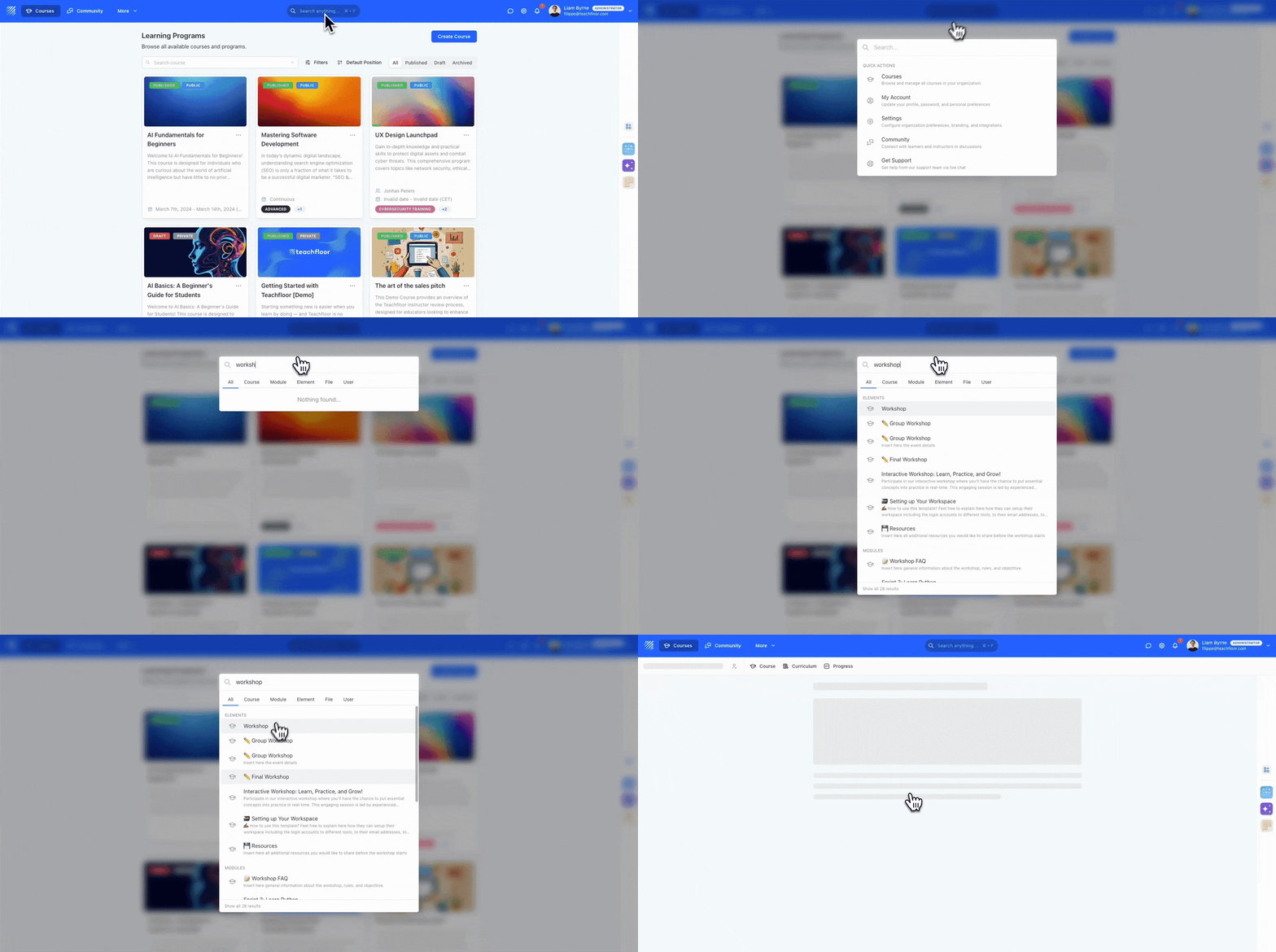
Instantly locate lessons, modules, files, and users with Teachfloor’s Universal Search Bar. A faster way to navigate your entire organization.
Learn more →Find out all the things that happen in the Teachfloor universe.
Instantly locate lessons, modules, files, and users with Teachfloor’s Universal Search Bar. A faster way to navigate your entire organization.
Learn more →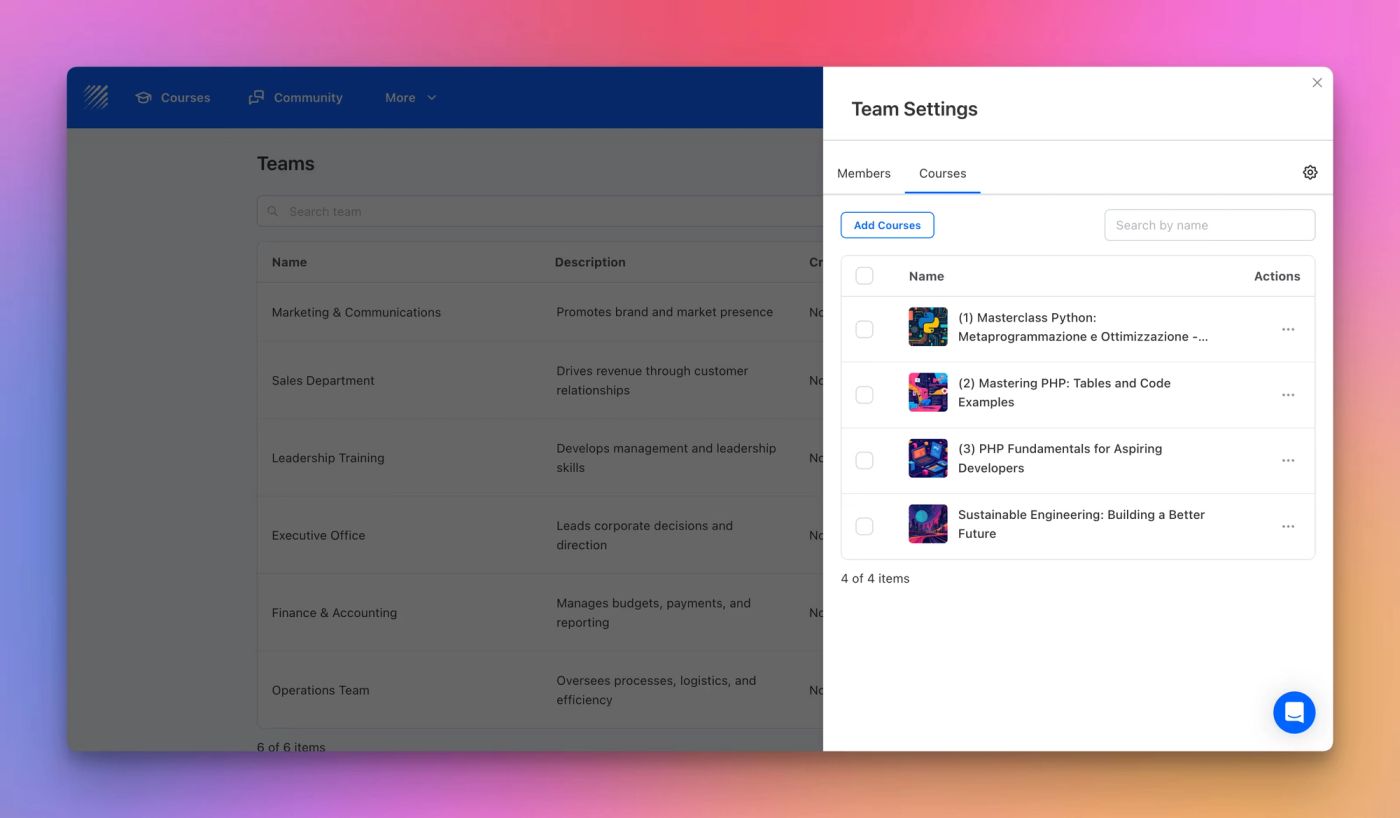
Discover Teams on Teachfloor the easiest way to organize learners, assign courses, and automate enrollments across departments or learning groups.
Learn more →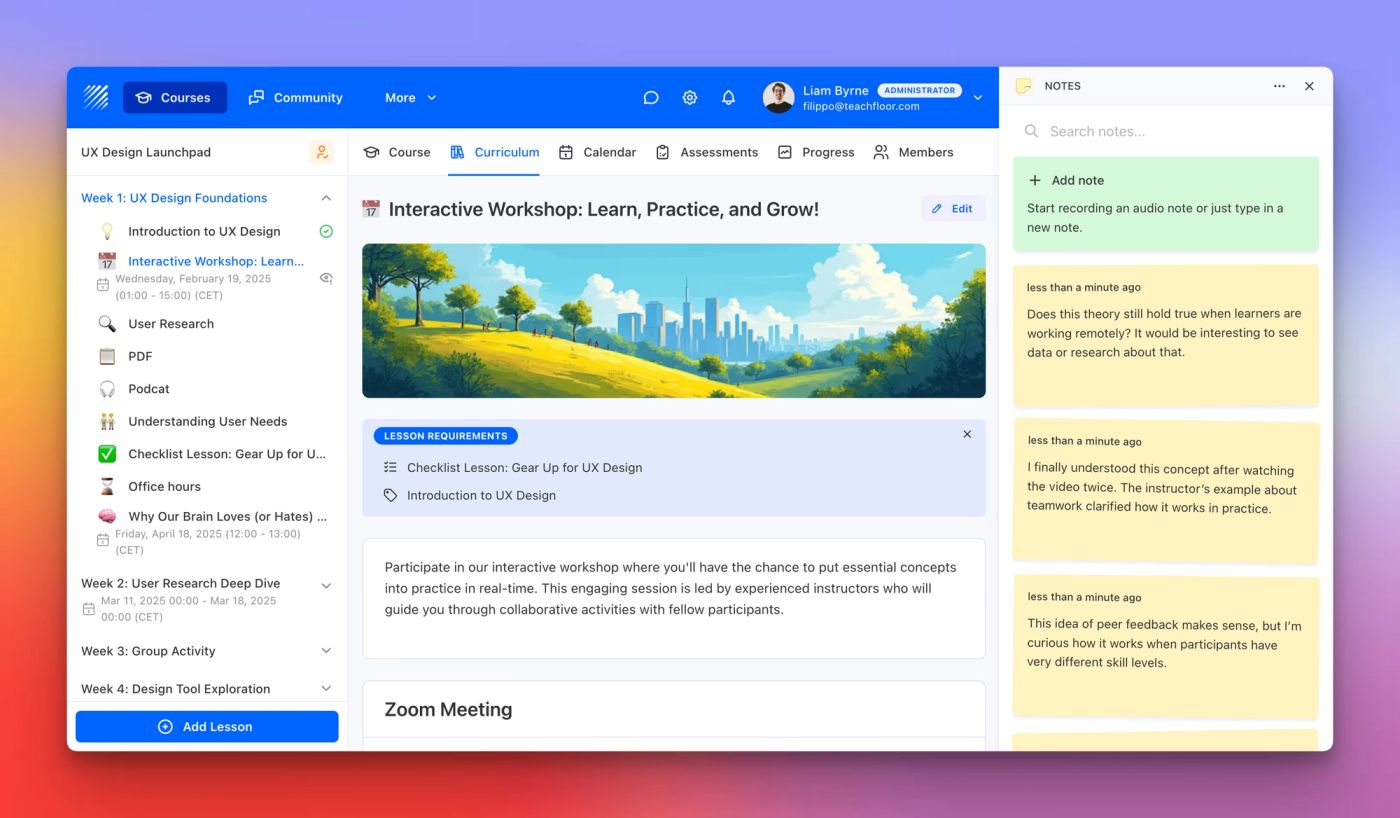
Capture ideas, reflections, and key takeaways with the new Notes App on Teachfloor. Type or dictate notes directly inside your courses.
Learn more →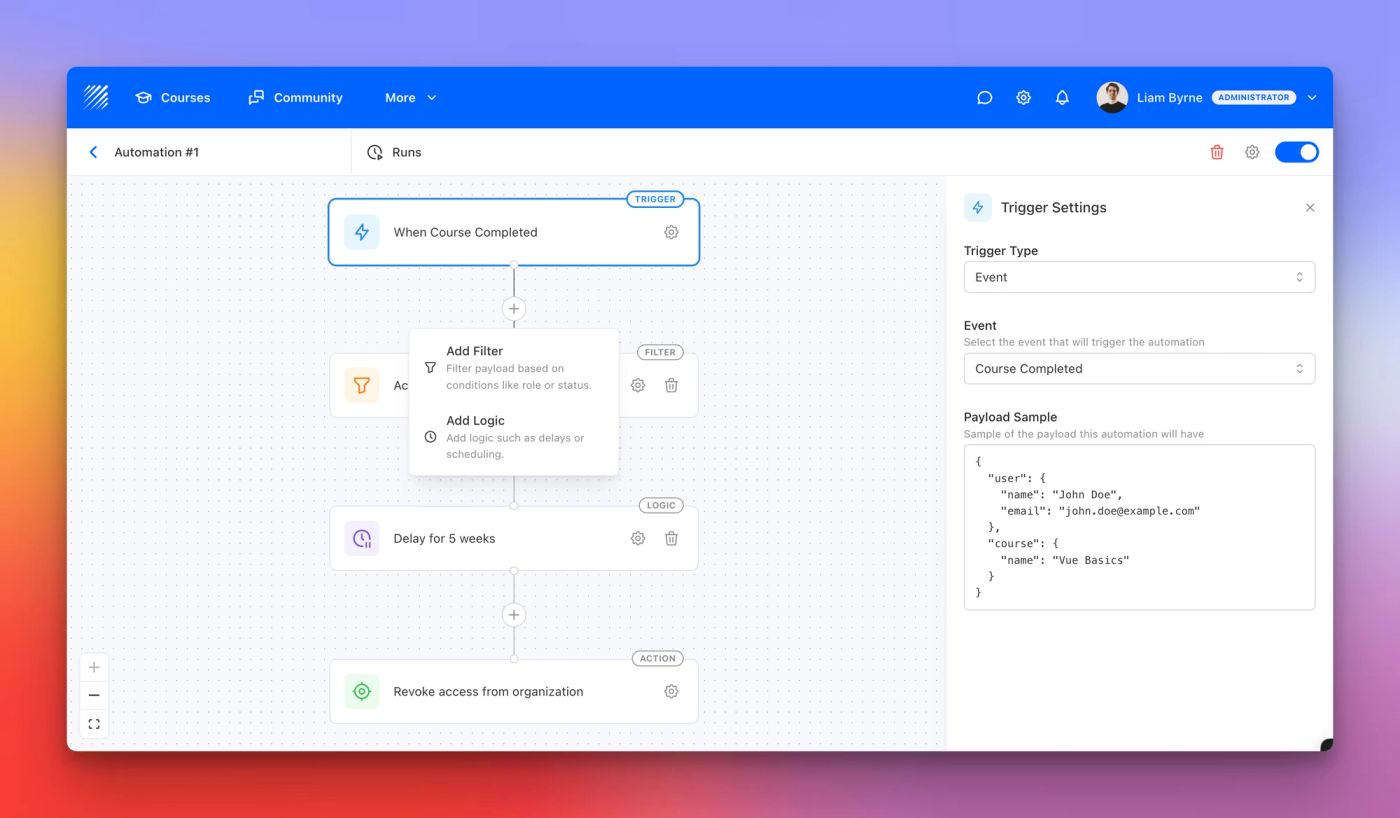
Automate workflows on Teachfloor. Create custom triggers, filters, and actions to send emails, enroll learners, and streamline course management.
Learn more →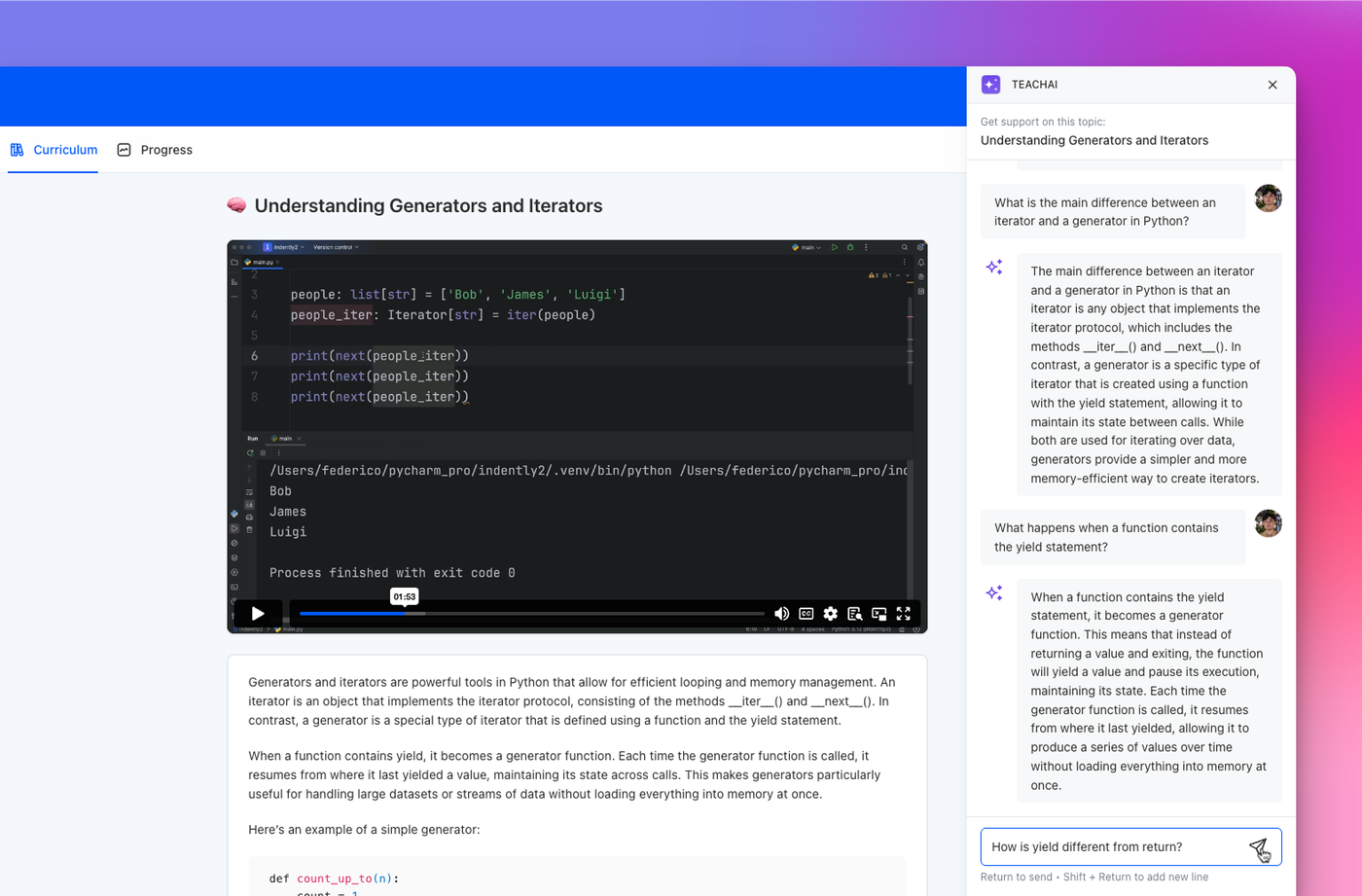
Discover the new AI Assistant for students. Answer questions, clarify content, and enhance learning directly inside Teachfloor.
Learn more →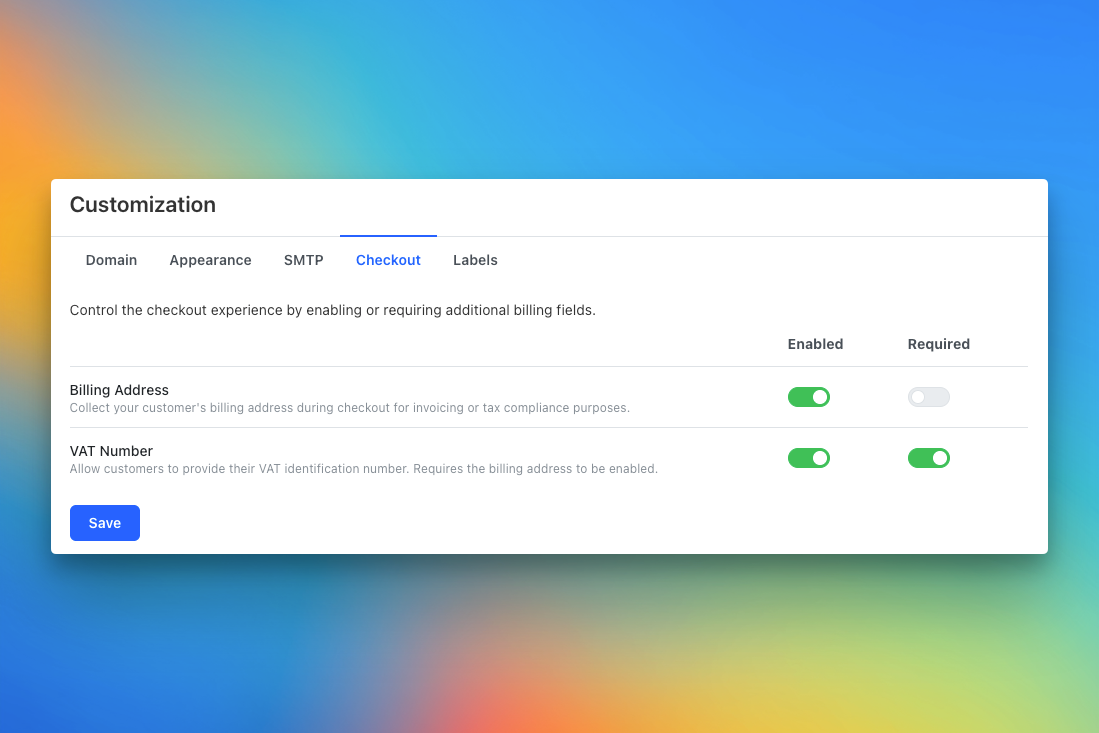
Collect billing addresses and VAT numbers at checkout. Teachfloor now lets you customize paid course forms for invoicing and tax compliance.
Learn more →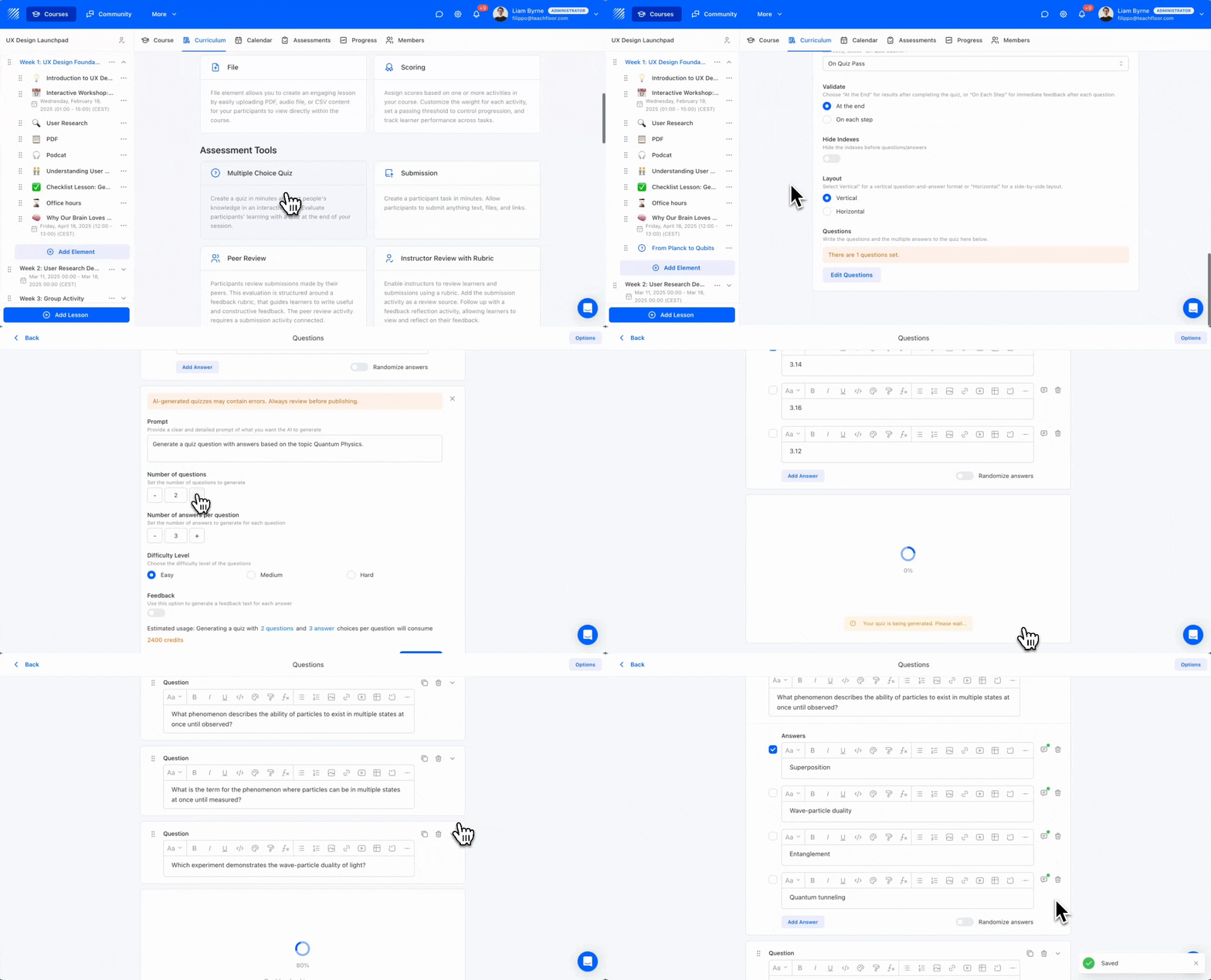
The new AI Quiz Generator lets you create quizzes in seconds. Choose your topic, difficulty, and number of questions, with instant feedback built in.
Learn more →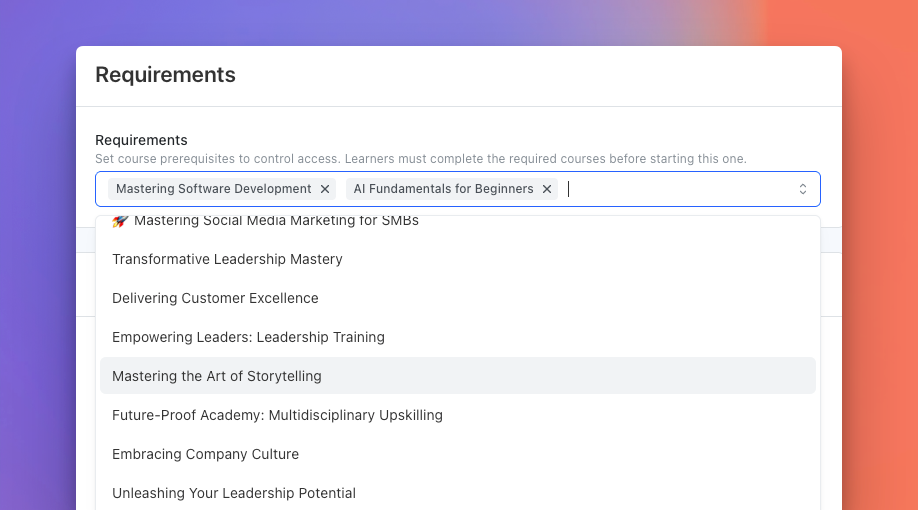
Teachfloor now lets you set course prerequisites. Build learning paths where learners must complete required courses before starting new ones.
Learn more →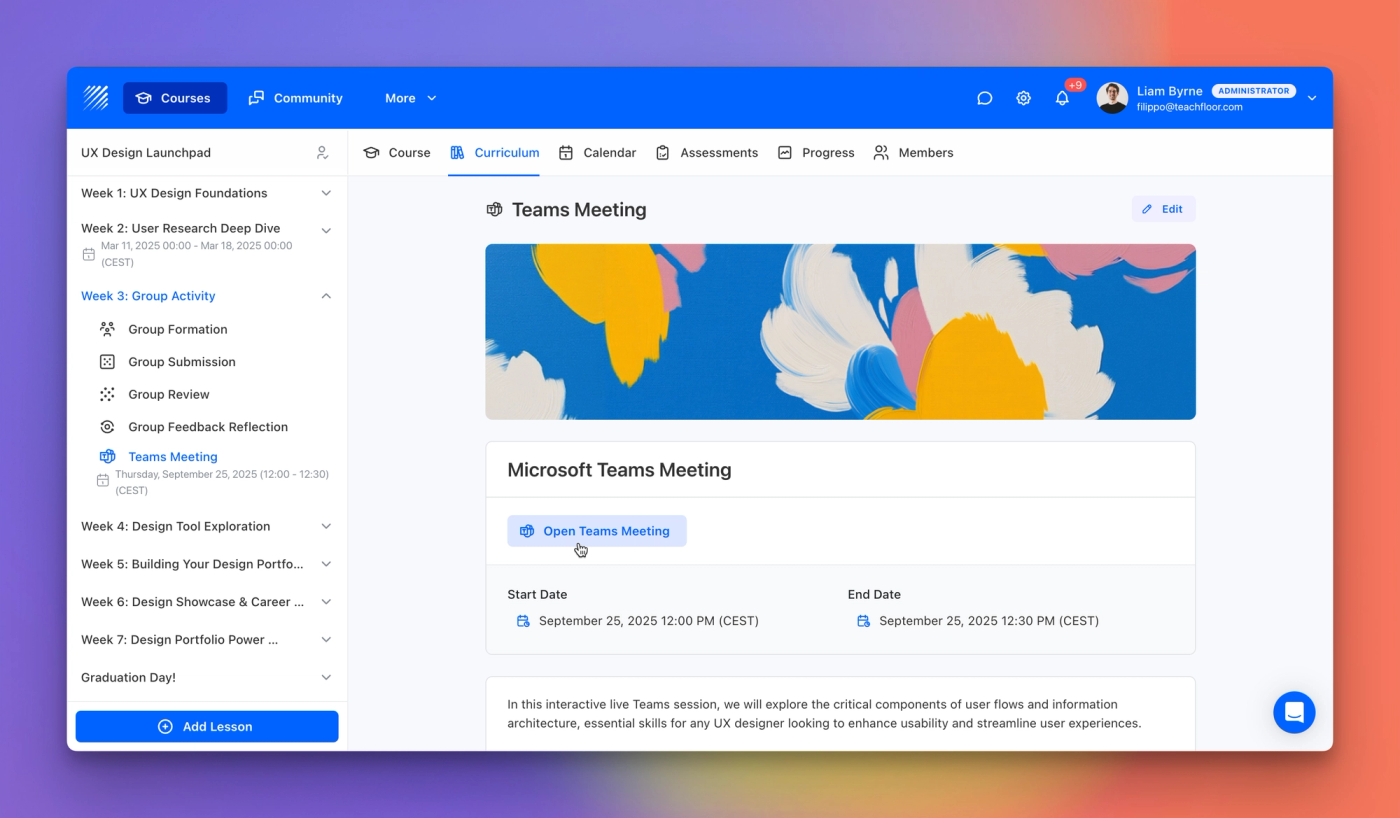
Teachfloor now connects with Microsoft Teams, letting you host live classes, manage schedules, and share meeting links directly in your course.
Learn more →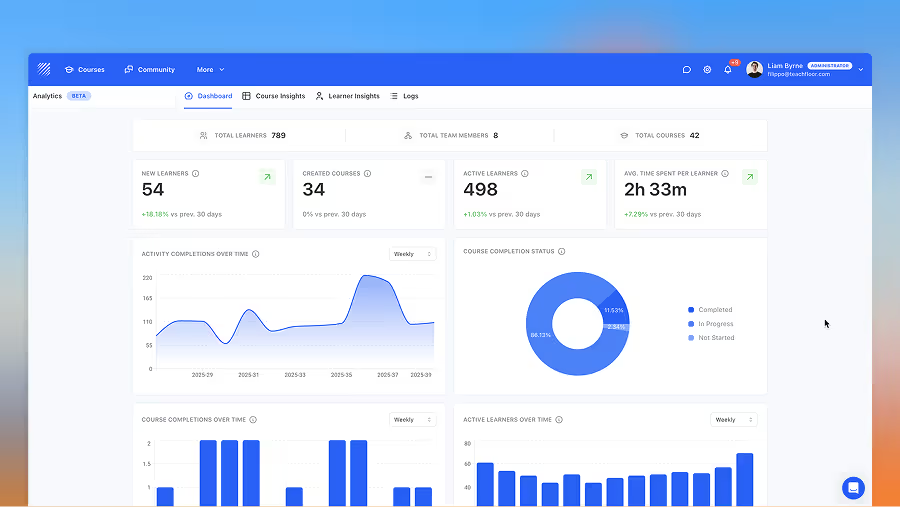
Explore Teachfloor’s new Analytics section—track course insights, learner data, and logs in one dashboard for a full 360° view of learning.
Learn more →