New Scores Overview: Track Student Performance
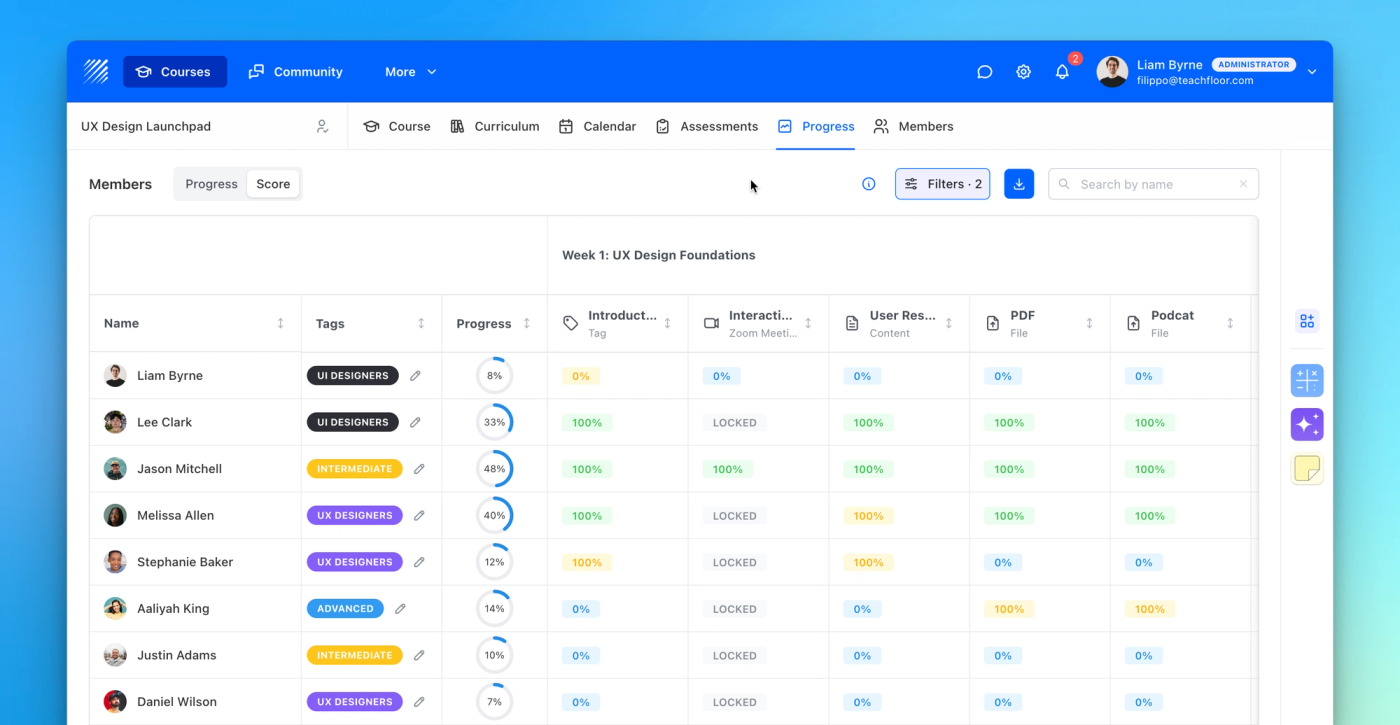
Discover Teachfloor’s new Score section track student performance lesson by lesson with completion or quality scores for better insights.
Learn more →Find out all the things that happen in the Teachfloor universe.
Discover Teachfloor’s new Score section track student performance lesson by lesson with completion or quality scores for better insights.
Learn more →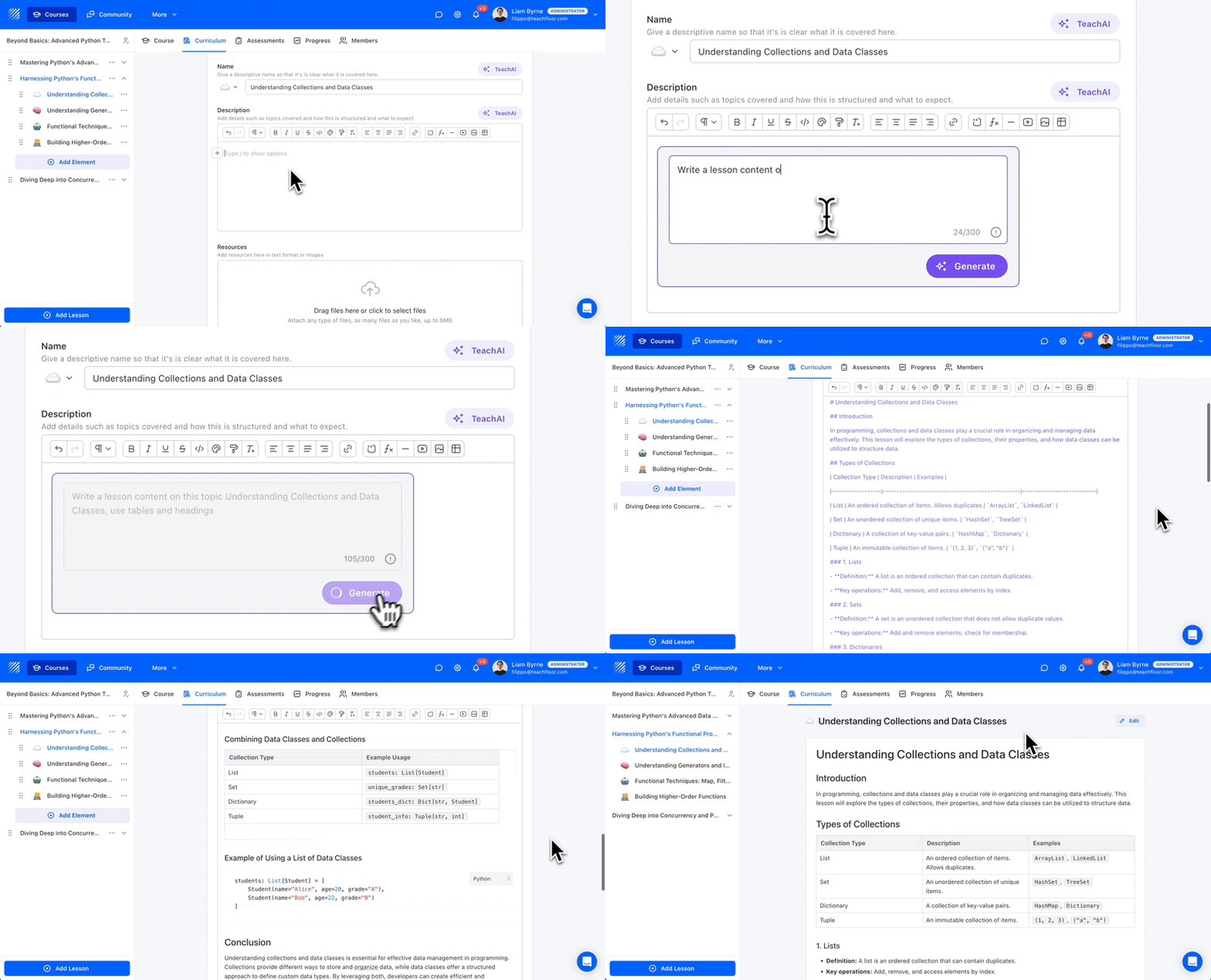
The upgraded TeachAI Lesson Writer now generates fully formatted content, including headings, tables, bullet points, and more—directly from your prompt. Create rich, structured lessons faster and with less manual editing.
Learn more →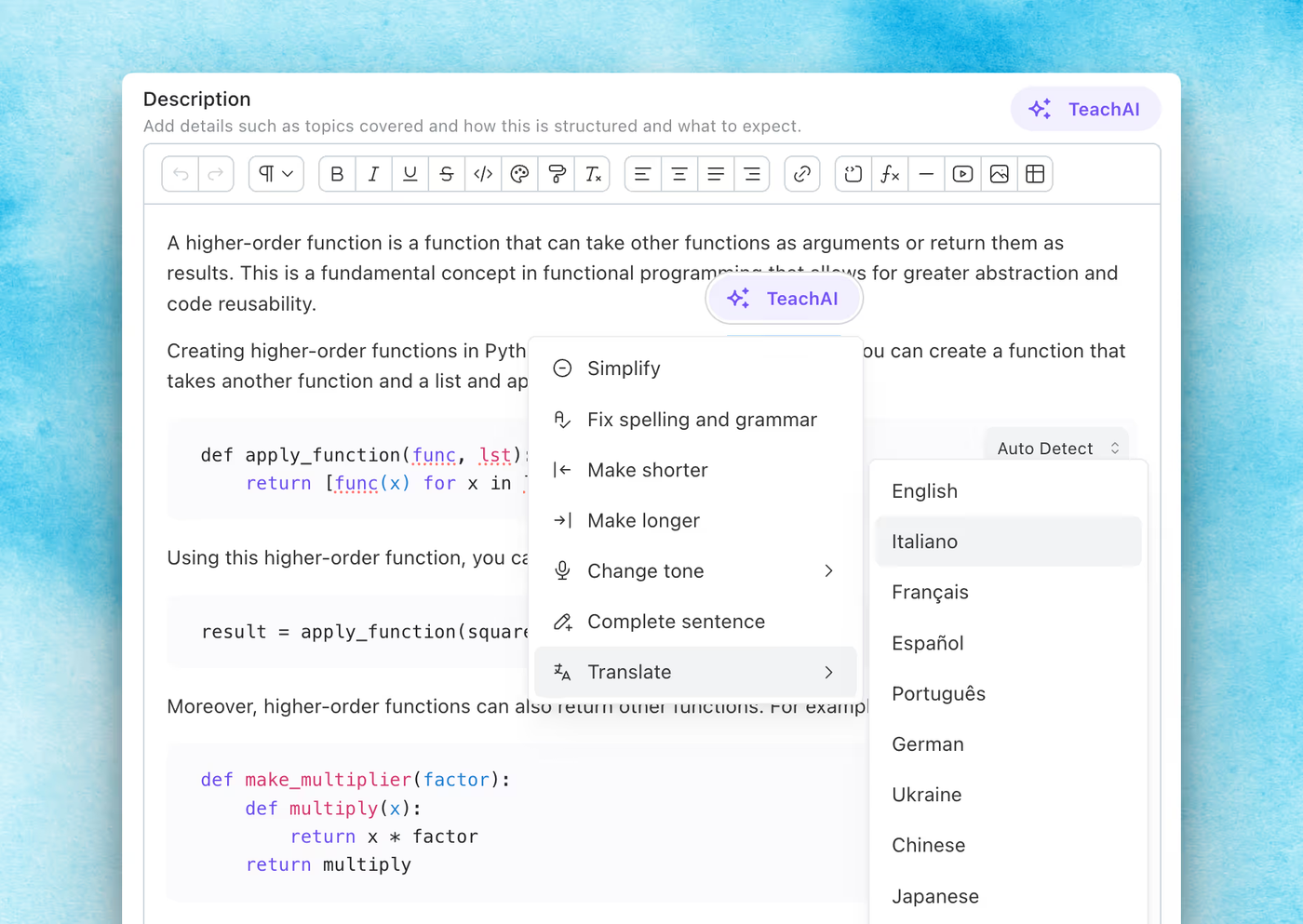
Teachfloor’s new editor brings a faster, smarter writing experience with AI tools, better formatting, and a smoother interface—designed to help instructors create high-quality content effortlessly.
Learn more →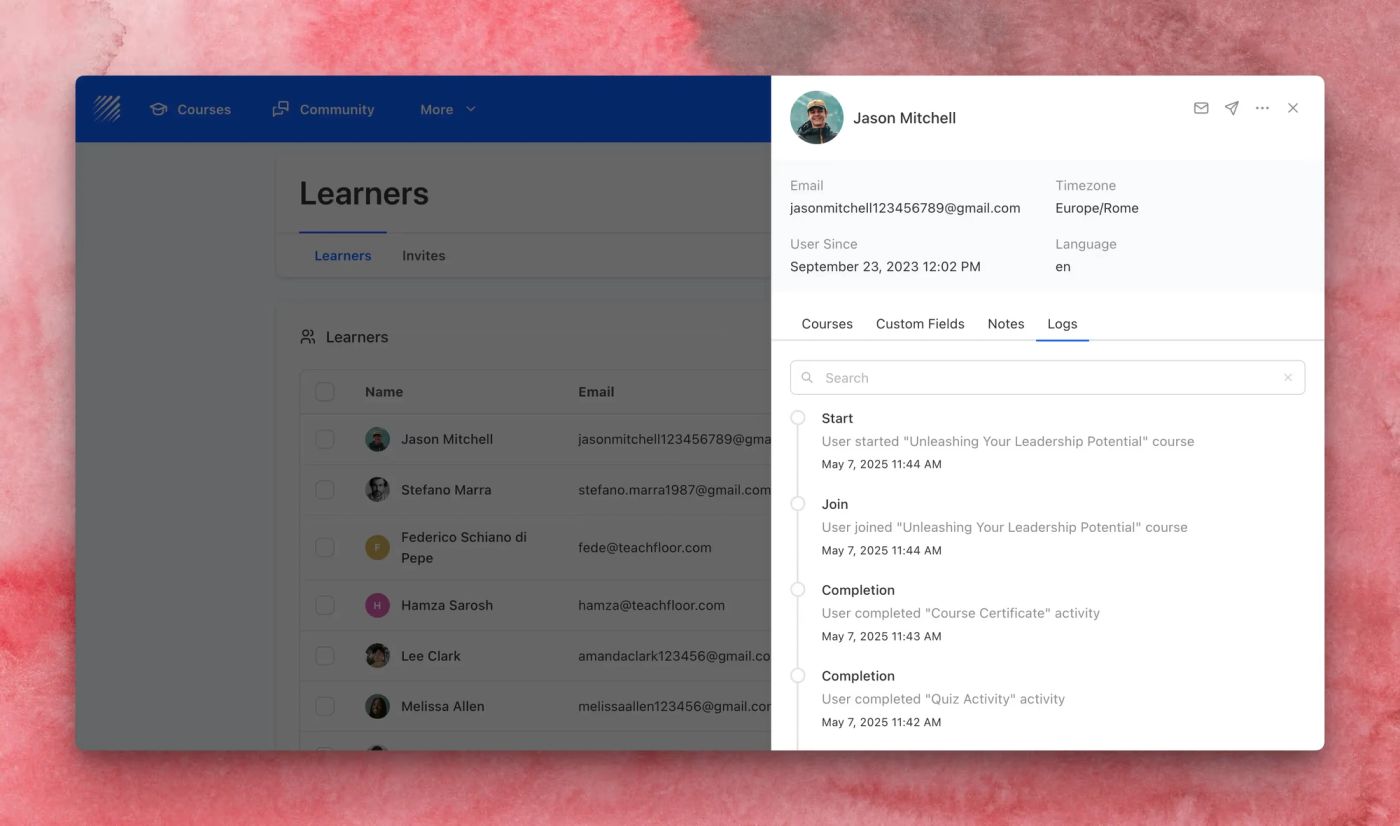
Track every learner milestone with the new Logs tab in the Learner Details drawer. Easily view course joins, completions, certificates, and more—all with timestamps.
Learn more →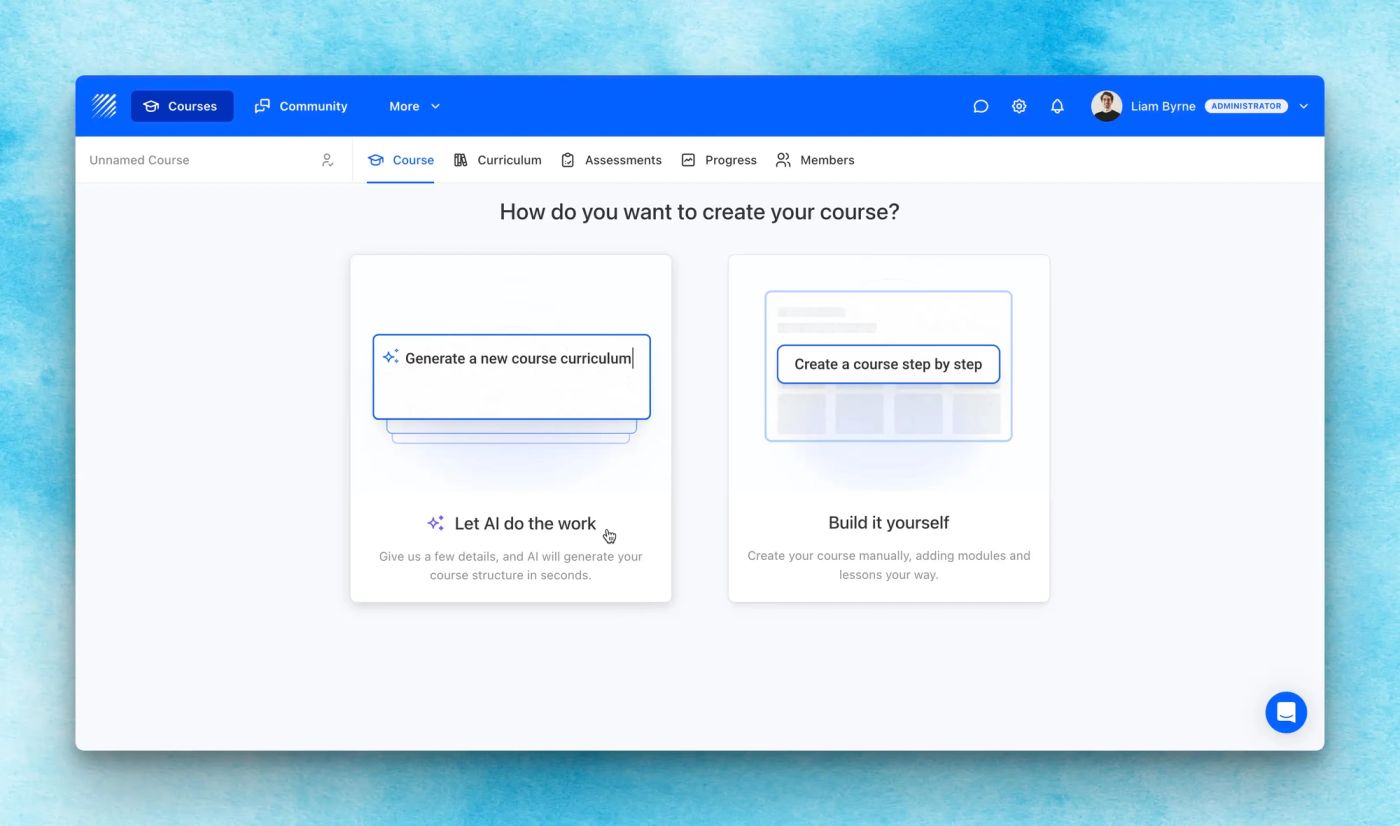
Create full courses in minutes with the new AI Course Generator. Just describe your topic, audience, and structure—Teachfloor does the rest.
Learn more →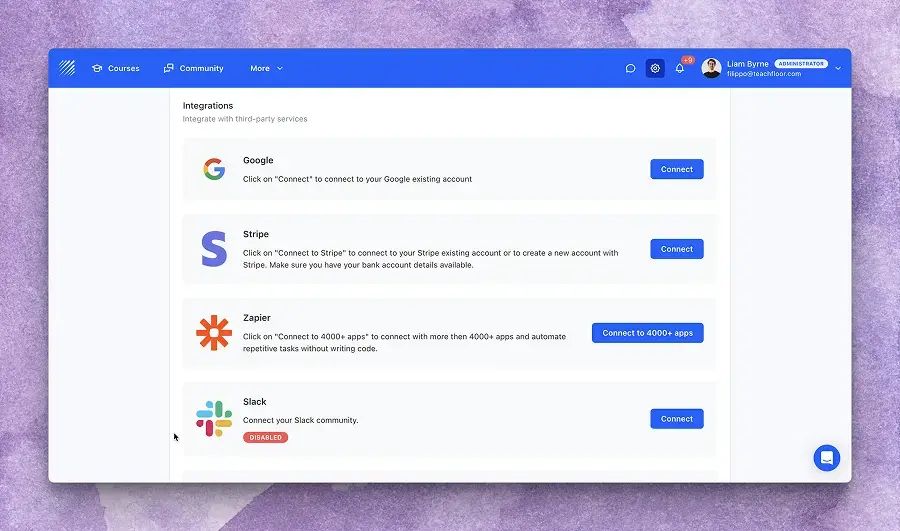
Teachfloor now supports Gmail integration, allowing you to send notifications directly from your Gmail account. Set it up in one click—no SMTP required.
Learn more →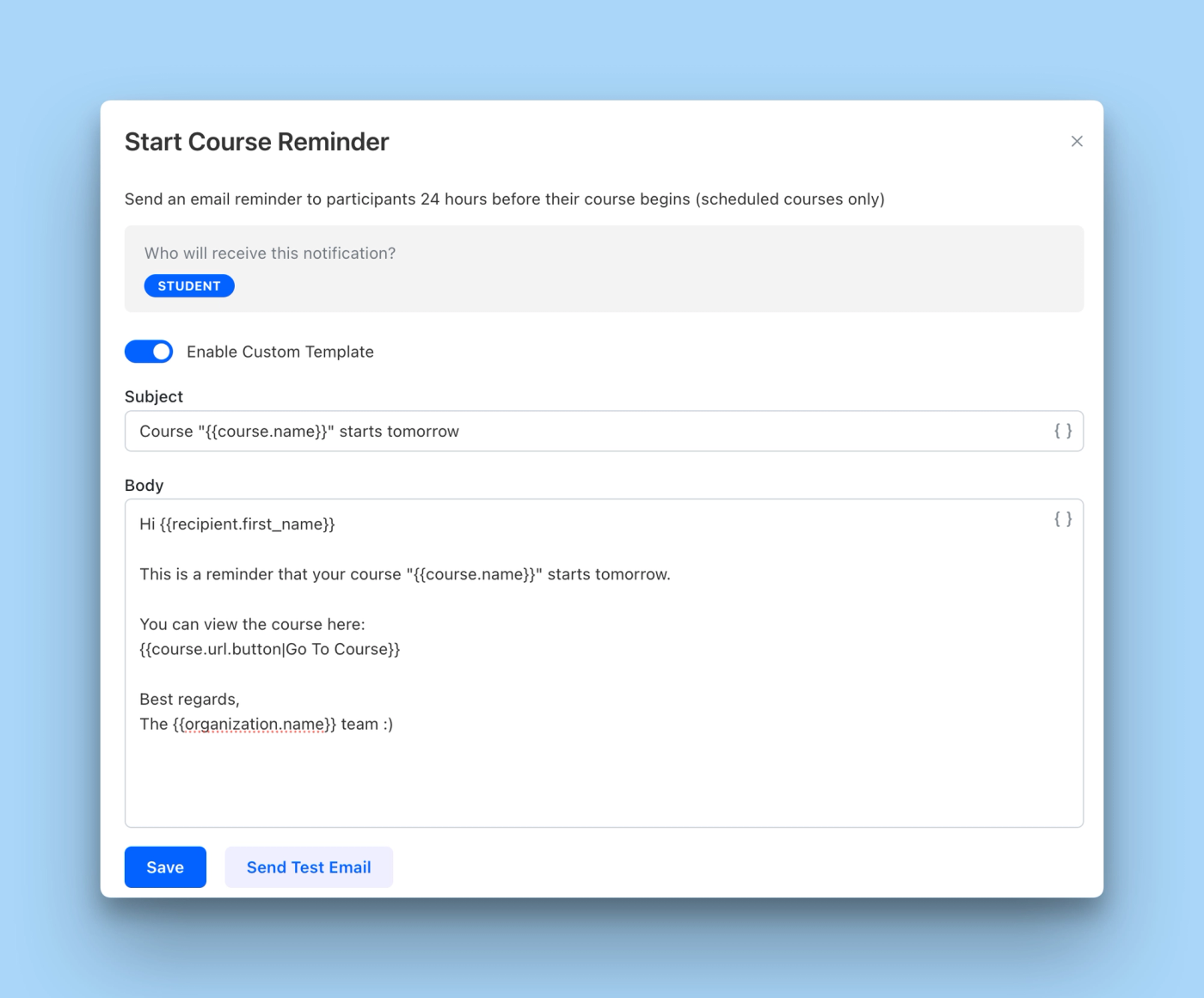
Customize your email notifications with editable text, dynamic placeholders, and test email previews. Now fully support branded delivery with SMTP and more notification types.
Learn more →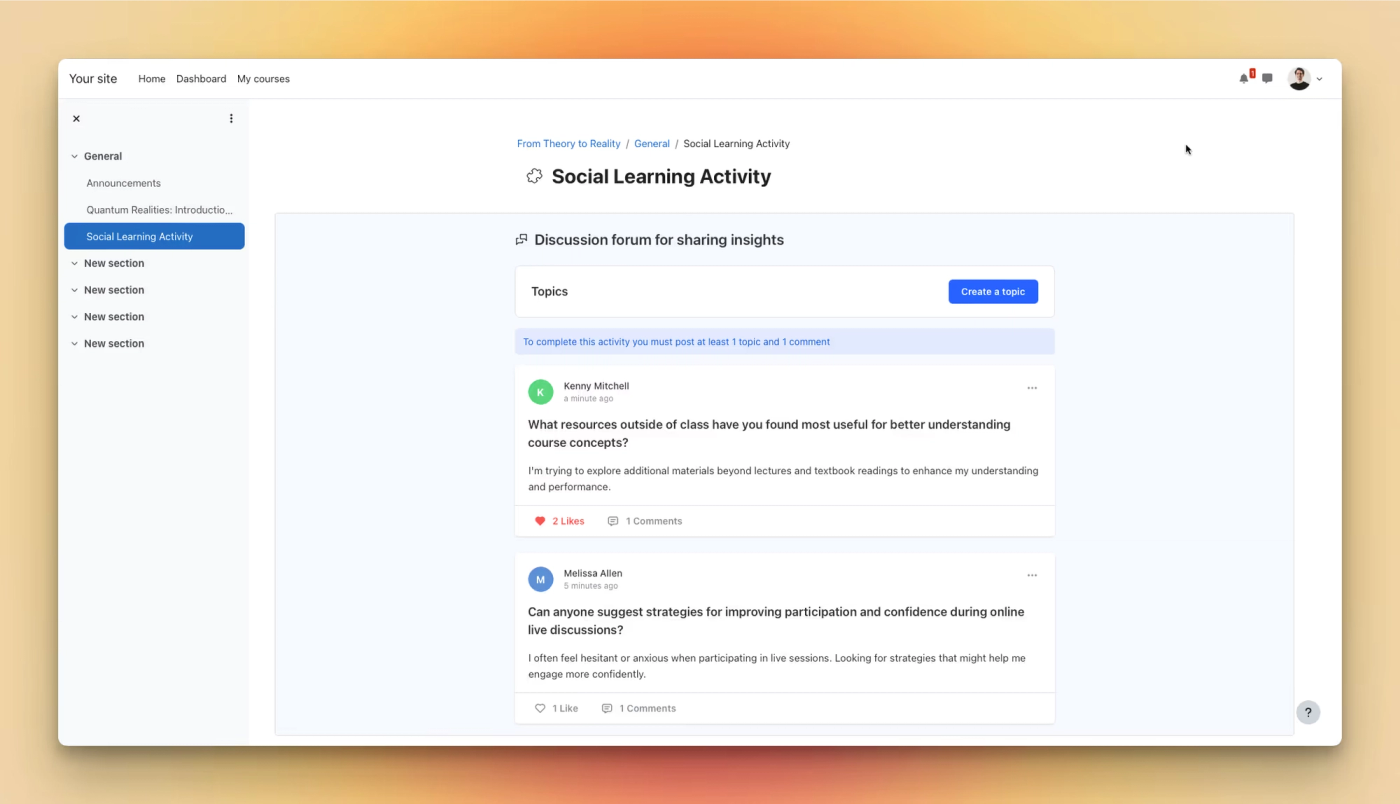
Teachfloor now supports LTI 1.3 integration, allowing you to embed interactive activities like peer reviews, group work, and discussions directly into third-party LMS platforms such as Moodle, Canvas, or Blackboard—enhancing your existing LMS with collaborative learning tools.
Learn more →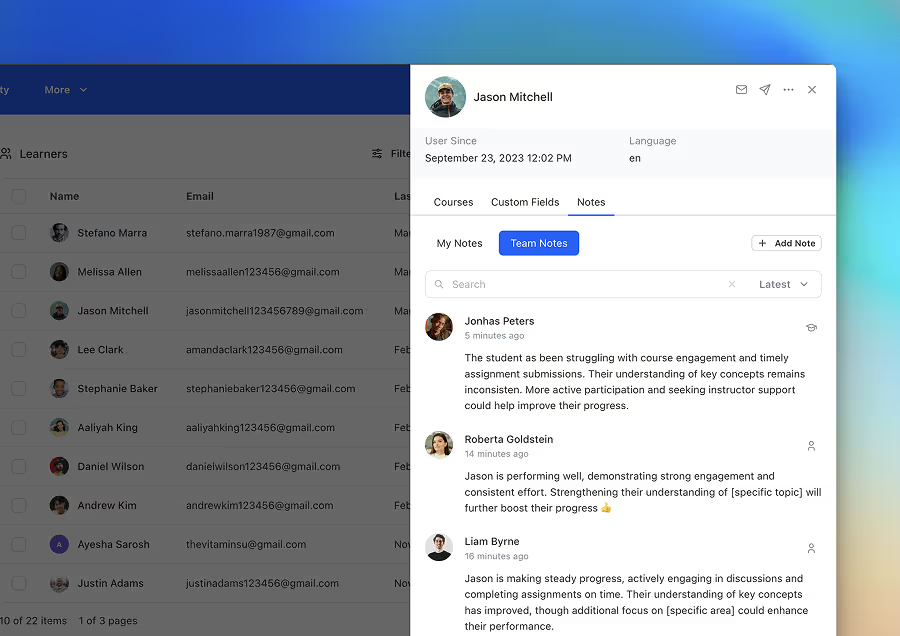
The new Notes feature in the Student Details allows instructors to add, manage, and share insights on learners. Notes can be public or private, organization-wide or course-specific, and help teams collaborate effectively to track student progress.
Learn more →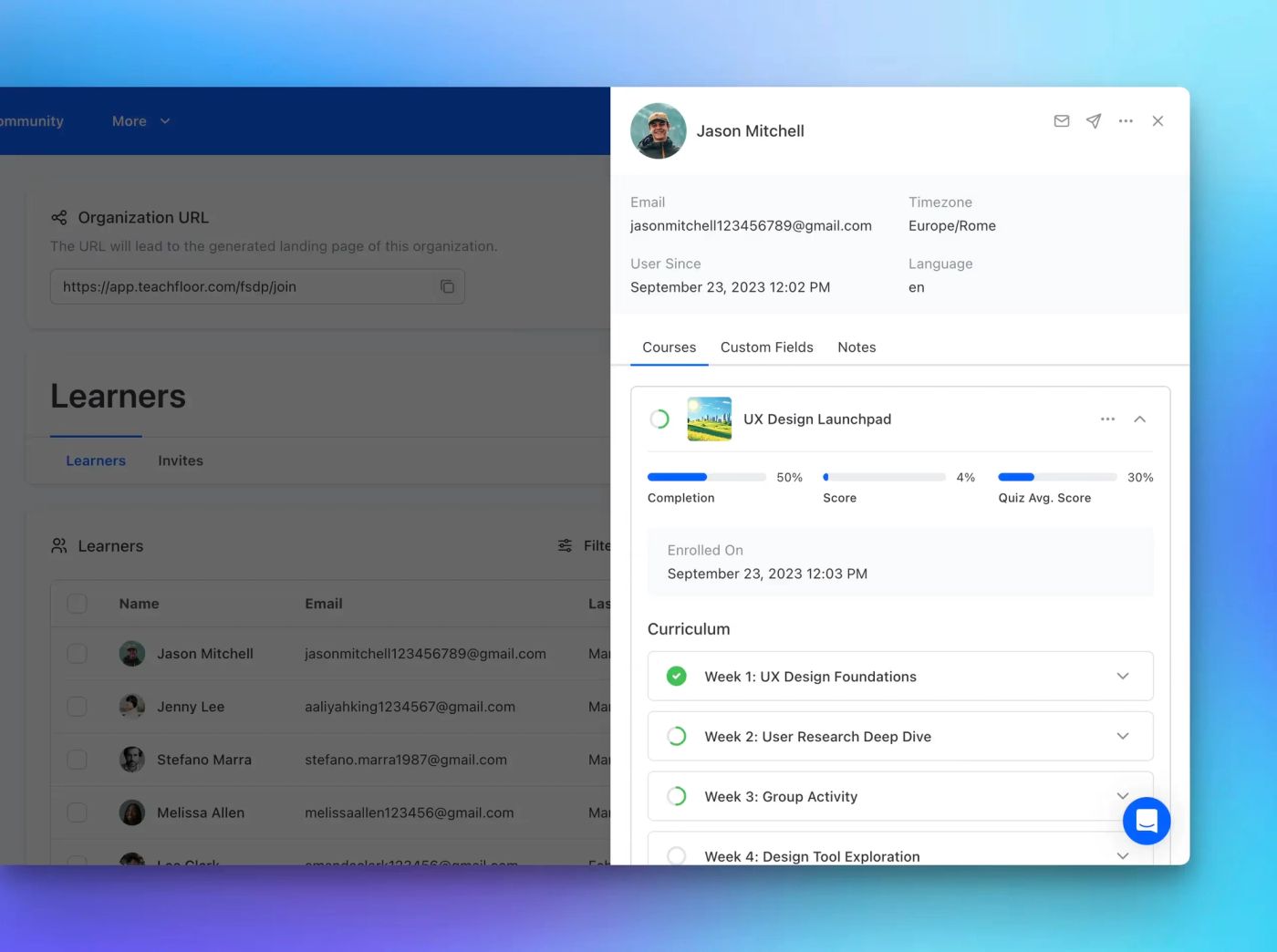
The redesigned Student Details and Progress Page provides deeper insights, quick actions, and better tracking of learner performance—all in one place.
Learn more →