


Why Look for a Panopto Alternative?
Panopto has carved out a strong position in lecture capture and enterprise video management. Its automatic recording, in-video search, and LMS integrations make it a standard choice at universities and large corporations. But specific friction points push teams to evaluate Panopto alternatives, and understanding those points helps narrow the search.
Opaque enterprise pricing. Panopto does not publish pricing on its website. Every inquiry goes through a sales conversation, which makes budgeting difficult for mid-size organizations that want to compare options before committing. If your procurement team needs transparent cost structures, this creates an early obstacle.
A dated interface. The Panopto dashboard and video management UI have improved over the years, but many users still describe the experience as cluttered. Navigating large video libraries, organizing content, and managing permissions can feel heavier than it should, especially compared to modern platforms that prioritize clean design.
Limited video editing. Panopto includes basic trimming and splicing, but teams that need polished training videos with transitions, annotations, callouts, or multi-track editing will hit the ceiling quickly. Producing professional-grade content typically requires exporting to a separate editor, then re-uploading.
IT infrastructure requirements. Organizations running Panopto on-premise need dedicated server resources, IT maintenance windows, and internal expertise to manage updates. Cloud-hosted options reduce this burden, but the on-premise model still anchors some enterprise contracts.
Minimal interactivity beyond video. Panopto's core strength is recording and hosting, not learner engagement. Native quiz, assessment, and discussion features are limited. Teams building interactive learning experiences around video content often need additional tools layered on top.
Slow search indexing at scale. Panopto's smart search indexes audio and on-screen text, which is valuable. But for organizations with thousands of hours of video, the indexing process can lag, and finding specific content in a large library sometimes takes longer than expected.
These are not reasons to dismiss Panopto entirely. For organizations that primarily need lecture capture with LMS integration, it still works well. But if your needs extend beyond basic recording and hosting, the alternatives below address those gaps in different ways.
What to Look for in a Video Learning Platform
Choosing a video platform for training or education is not just a content hosting decision. It affects how learners experience material, how teams produce content, and how administrators manage access. Before evaluating individual tools, anchor on the criteria that matter most.
Content creation workflow. Some platforms only host video. Others include built-in recording, screen capture, editing tools, and templates. Consider how your team currently produces video content and whether you want to consolidate that workflow into a single platform or keep it separate. Teams already using dedicated screen recording software may care less about built-in capture.
Interactivity and engagement. Passive video watching has well-documented retention limits. Look for platforms that support in-video quizzes, branching paths, annotations, chapters, or embedded calls to action. If your goal is measurable learning outcomes, the ability to assess comprehension during playback matters.
Analytics and reporting. Basic view counts tell you almost nothing. Meaningful video analytics show watch-through rates, drop-off points, quiz completion, and individual learner engagement. If learning analytics drive your decisions, prioritize platforms that surface granular viewing data.
LMS and tool integrations. Video rarely exists in isolation. It sits inside an LMS, a training program, or a knowledge base. Check for native LMS integrations with your existing platform, along with SSO support, API access, and compatibility with standards like SCORM or xAPI.
Security and access controls. For corporate training, compliance content, and proprietary material, you need role-based access, domain restrictions, password protection, and audit trails. Enterprise video platforms should offer granular control over who can view, edit, and share content.
Scalability and storage. Some platforms charge per video, per viewer, or per storage tier. Others offer unlimited hosting. Factor in your library growth rate and concurrent viewer needs. A platform that works for 200 videos may become prohibitively expensive at 2,000.
Accessibility. Automatic captioning, transcript generation, and screen reader compatibility are not optional for organizations subject to ADA, Section 508, or WCAG requirements. Evaluate how each platform handles accessibility standards and whether captions require manual correction.
10 Best Panopto Alternatives
The tools below span enterprise video platforms, screen recording tools, marketing video hosts, and learning-focused solutions. Each fills a different gap in the video learning stack. The selection covers a range of budgets, team sizes, and primary use cases.
Tool Video Hosting Recording Editing Analytics Best For Kaltura ✓ ✓ Basic Advanced Universities and enterprises needing open, customizable video infrastructure Vimeo Enterprise ✓ ✗ Basic Advanced Marketing and L&D teams wanting polished, branded video experiences YuJa ✓ ✓ Moderate Advanced Higher education institutions needing lecture capture with accessibility ScreenPal Limited ✓ ✓ Basic Individuals and small teams creating quick screen recordings and tutorials Loom ✓ ✓ Basic Moderate Async communication for distributed teams and quick walkthroughs Vidyard ✓ ✓ Basic Advanced Sales and marketing teams using video for prospecting and enablement Microsoft Stream ✓ ✓ Basic Moderate Organizations already embedded in the Microsoft 365 stack Camtasia ✗ ✓ Advanced ✗ Content creators producing polished, edited training videos locally Wistia ✓ ✗ Basic Advanced Marketing teams focused on lead generation and branded video content Teachfloor ✓ ✓ ✗ Moderate Teams running live, cohort-based video learning programs
Kaltura
Overview
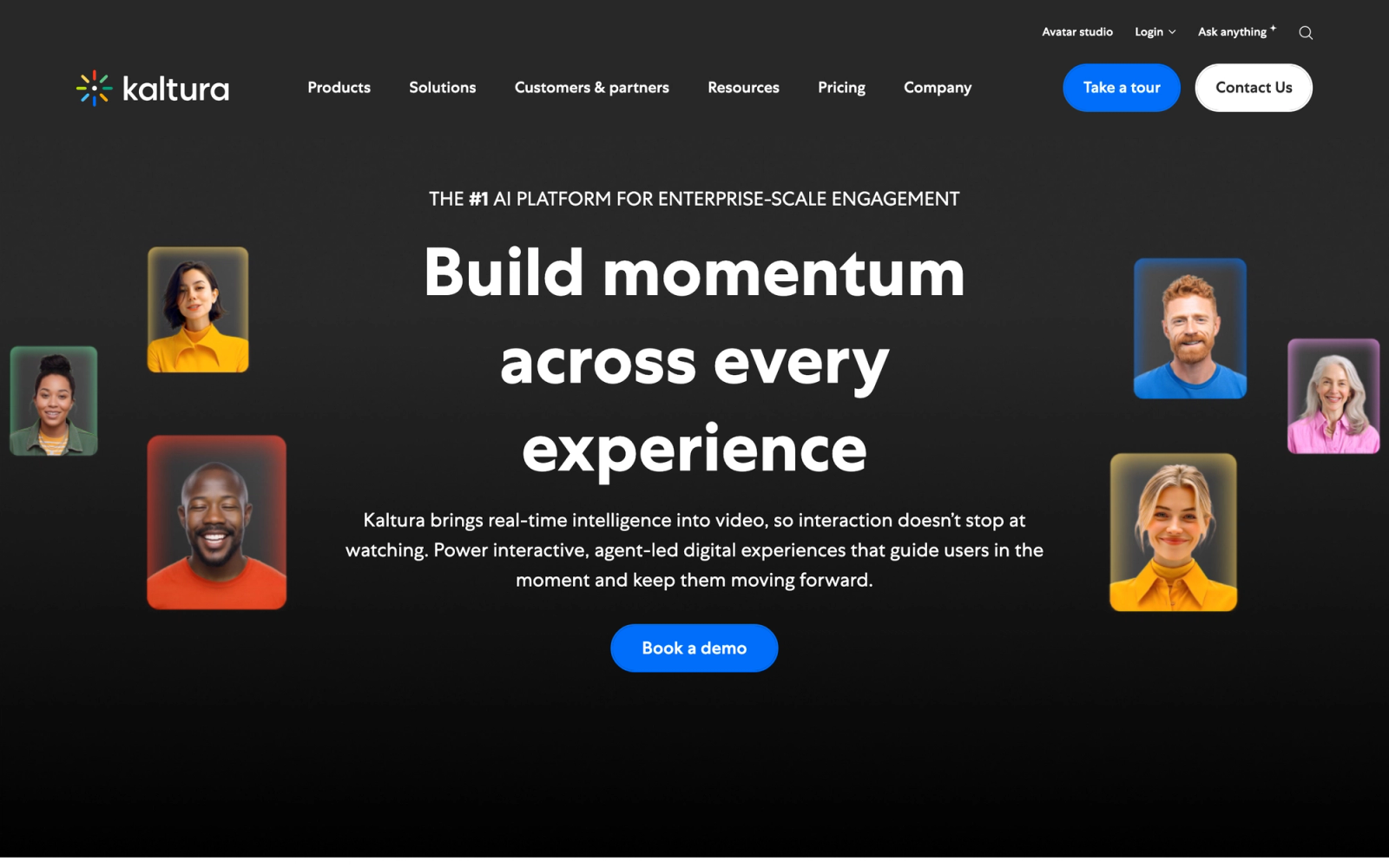
Kaltura is an open video platform built for organizations that need deep customization over their video infrastructure. Unlike Panopto's more packaged approach, Kaltura provides modular components: a video management system, a virtual classroom, lecture capture tools, and a media player that organizations can assemble based on their specific requirements.
The platform serves a large segment of higher education institutions and enterprises. What makes Kaltura distinct in this list is that it functions more like video middleware than a standalone product. You can deploy it as a SaaS solution or on-premise, integrate it into your LMS through LTI, and customize the player experience down to the interface level. That flexibility comes with complexity, but for organizations with technical resources, it opens up possibilities that more rigid platforms cannot match.
Core Capabilities
- Open-source video player (Kaltura Player) with full customization of UI, plugins, and playback behavior
- Kaltura Capture for desktop-based lecture recording with multi-stream support (webcam, screen, slides)
- Virtual Classroom with live video, breakout rooms, polling, and whiteboard collaboration
- AI-powered automatic captioning, translation, and in-video search across spoken and on-screen content
- LTI integration with Canvas, Moodle, Blackboard, D2L Brightspace, and Sakai
- REACH accessibility suite for caption editing, compliance workflows, and multi-language support
- Granular role-based access controls, SSO (SAML/OAuth), and DRM for secure enterprise deployment
- Video analytics dashboard with engagement heatmaps, viewer-level tracking, and completion metrics
- Media management with bulk upload, metadata tagging, channels, and organizational hierarchies
- API-first architecture with over 500 REST API endpoints for custom integrations and workflows
Standout Strength
Organizations choose Kaltura because no other platform in this space offers the same degree of architectural control. Institutions that need to white-label their video experience, integrate deeply with proprietary systems, or manage millions of media assets across departments find that Kaltura's modular design gives them room to build exactly what they need, rather than adapting to a vendor's interface decisions.
Best For
Large universities with centralized media services teams, enterprise organizations with dedicated IT departments, and government agencies requiring on-premise or hybrid cloud deployment. Kaltura is built for technical teams that want control, not for small teams looking for a simple setup.
Pricing Overview
- Custom enterprise pricing based on storage, bandwidth, and modules selected
- Education-specific pricing tiers available for institutions
- Free Community Edition available for self-hosted open-source deployment
- No published per-seat pricing; requires a sales conversation
Limitations
- The learning curve is steep. Initial configuration and customization require developer involvement or dedicated admin training.
- The interface for non-technical admins can feel overwhelming compared to Panopto's more guided experience.
- Support response times vary by tier, and some users report that resolving complex issues takes longer than expected.
Quick Comparison Insight
More flexible and customizable than Panopto, but significantly more complex to deploy and maintain. A better fit for organizations with engineering resources than for teams that need a plug-and-play solution.
Vimeo Enterprise
Overview
Vimeo Enterprise takes the video hosting and streaming infrastructure that Vimeo is known for and packages it for business use. Where Panopto focuses on recording and managing internal video libraries, Vimeo Enterprise focuses on delivering polished, branded video experiences for both internal and external audiences.
The platform supports live streaming, on-demand hosting, video creation tools, and detailed analytics. The overall interface is noticeably cleaner than Panopto's. Video pages are polished, the player is smooth, and the experience feels designed for content that will be seen by people outside your organization, not just internal teams. For L&D departments that also produce customer-facing or partner training content, that dual-use capability is a genuine advantage.
Core Capabilities
- High-quality adaptive bitrate video hosting with global CDN delivery and 4K support
- Vimeo Record for browser-based screen and webcam capture with instant sharing
- Built-in video creation tool (Vimeo Create) with templates, stock footage, and text overlays
- Live streaming with RTMP ingestion, simulcasting to social platforms, and real-time audience chat
- Customizable embedded player with brand colors, logos, call-to-action buttons, and domain restrictions
- Advanced analytics including viewer-level engagement, heatmaps, geographic data, and conversion tracking
- Password protection, domain-level privacy, SSO (SAML), and team-based access roles
- Native integrations with HubSpot, Marketo, Salesforce, Slack, and major marketing automation tools
- Automatic captioning powered by AI with manual transcript editing
- Video review and collaboration tools with time-coded comments for team feedback workflows
Standout Strength
Vimeo Enterprise is chosen by teams that need their video content to look and feel premium. The player customization, brand controls, and audience-facing polish make it a go-to for organizations where video serves both learning and marketing functions. Unlike Panopto, which is built for internal consumption, Vimeo is designed for content that needs to make an impression.
Best For
L&D teams producing employee training content alongside marketing teams managing webinars, product demos, and partner enablement videos. Mid-to-large organizations that want a single video platform for both internal and external use.
Pricing Overview
- Vimeo Enterprise pricing is custom; requires contacting sales
- Vimeo Business tier starts around $20 per seat per month (billed annually)
- Free tier available with limited upload and feature access
- Advanced features (SSO, analytics, API) available only on Enterprise plans
Limitations
- No built-in lecture capture or multi-stream recording comparable to Panopto's classroom setup.
- The creation tools are functional for quick edits but not a replacement for dedicated video editing software.
- Enterprise pricing can escalate quickly for organizations with large video libraries and high bandwidth needs.
Quick Comparison Insight
Better than Panopto for external-facing, branded video content. Less specialized for classroom lecture capture and LMS-native workflows.
YuJa
Overview
YuJa is a video and media management platform built specifically for education. It competes directly with Panopto in the lecture capture space and has gained traction at universities that prioritize accessibility compliance and media management at scale.
What stood out during my evaluation is how seriously YuJa treats accessibility. The platform includes automated captioning, human captioning workflows, audio description tools, and compliance dashboards, all built natively rather than bolted on through third-party services. For institutions subject to ADA or Section 508 requirements, YuJa offers a more integrated accessibility pipeline than Panopto's default setup.
Core Capabilities
- Hardware and software-based lecture capture supporting multi-camera, screen share, and document camera inputs
- Panorama auto-tracking camera that follows presenters without manual operation
- AI-generated captions with confidence scoring and built-in human captioning request workflow
- Audio description tracks for visually impaired learners, integrated into the playback experience
- Media library with folder structures, metadata tagging, batch operations, and cross-institutional sharing
- In-video quizzing, annotations, chapters, and interactive hotspots for engagement
- LTI integration with Canvas, Blackboard, Moodle, D2L Brightspace, and Google Classroom
- Live streaming with real-time captioning, chat, polls, and breakout room support
- Video analytics with viewer engagement tracking, completion rates, and caption usage metrics
- SCORM and xAPI export for embedding video-based activities into external LMS platforms
Standout Strength
YuJa's accessibility infrastructure is its clearest differentiator. Institutions choose it because the captioning, audio description, and compliance workflow tools are native to the platform, not afterthoughts. For universities managing thousands of hours of lecture content under strict accessibility mandates, this reduces the operational overhead of meeting compliance requirements.
Best For
Higher education institutions, especially those with large accessibility offices, disability services teams, or multi-campus deployments. Also relevant for K-12 districts scaling video-based instruction across many schools.
Pricing Overview
- Custom pricing based on enrollment or institutional size
- Typically offered as an annual institutional license
- Pricing includes unlimited storage and bandwidth for most education plans
- Free pilot or trial available for qualified institutions
Limitations
- The user interface, while functional, is not as visually refined as Vimeo or newer platforms. Some faculty find the layout dense.
- Documentation and onboarding resources could be more detailed for administrators setting up complex configurations.
- Market presence is smaller than Panopto's, which means fewer community resources and third-party guides.
Quick Comparison Insight
Stronger than Panopto on accessibility compliance tools and captioning workflows. Similar in lecture capture capability, but less established in the enterprise corporate training market.
ScreenPal (Screencast-O-Matic)
Overview
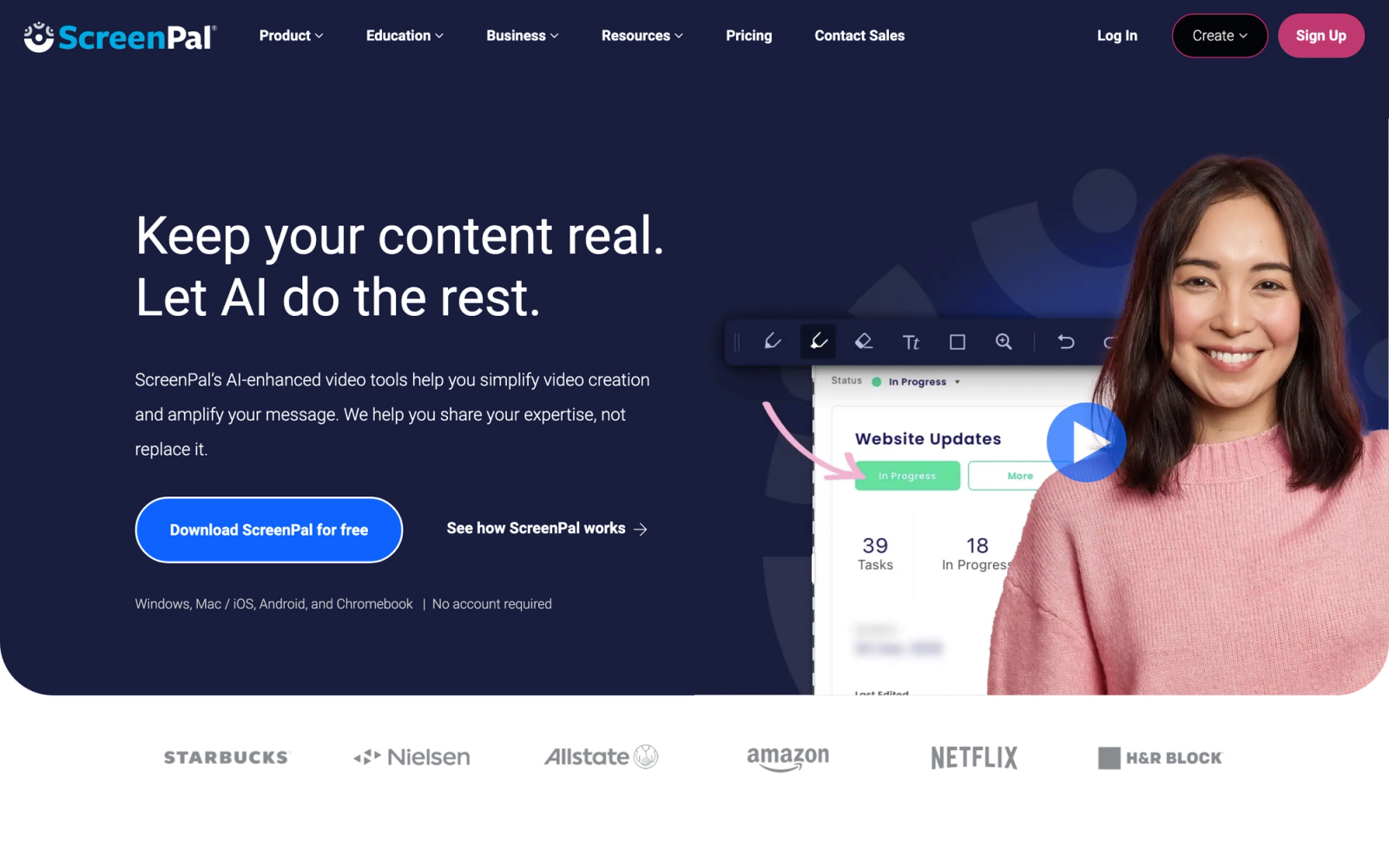
ScreenPal, formerly known as Screencast-O-Matic, is a screen recording and video creation tool designed for simplicity. It sits in a different category than Panopto. Where Panopto is a full video management platform, ScreenPal focuses on making it fast and easy to record, edit, and share short-form video content.
The tool is popular with individual educators, instructional designers, and small training teams. In the recording workflow, the speed is the standout quality. Within seconds you can launch a screen recording, add a webcam overlay, and have a shareable link. For teams creating quick tutorials, process walkthroughs, or feedback videos, ScreenPal removes the friction that heavier platforms introduce.
Core Capabilities
- Screen recorder with webcam overlay, system audio capture, and customizable recording area
- Built-in video editor with trimming, cutting, speed adjustment, transitions, and text overlays
- Stock library with images, music, and video clips for enriching recordings
- Automated captions with multi-language support and manual editing
- Screenshot capture tool with annotations, highlighting, and markup
- Hosting on ScreenPal's platform with shareable links, embed codes, and password protection
- Direct publishing to YouTube, Google Drive, Vimeo, and LMS platforms
- Team management features with shared content libraries and brand controls on paid plans
- Chromebook and browser-based recording options for education environments
- SCORM export for embedding interactive recordings in LMS environments
Standout Strength
ScreenPal's value proposition is speed and simplicity. Teams choose it because it turns screen recording from a multi-step production process into a quick, lightweight action. There is no server infrastructure, no IT setup, and no training required. For organizations whose primary need is creating short instructional content rather than managing a video library, that simplicity is the point.
Best For
Individual instructional designers, K-12 teachers, small L&D teams, and customer support managers who need to produce quick video explanations without a production budget. Not designed for enterprise-scale video management.
Pricing Overview
- Free tier available with basic recording (limited to 15 minutes) and ScreenPal watermark
- Deluxe plan starts at $3 per month (billed annually) with full editing and longer recordings
- Premier plan at $6 per month adds stock library, custom branding, and additional storage
- Team and business plans available for multi-user management
Limitations
- Not a video management platform. There is no centralized library with permissions, analytics, or organizational structure comparable to Panopto.
- The editing tools are good for quick fixes but limited for complex multi-track editing or professional post-production.
- Hosting and storage are modest compared to enterprise platforms; large libraries will outgrow the built-in hosting quickly.
Quick Comparison Insight
Far simpler and cheaper than Panopto, but not a replacement for enterprise video management. A better fit as a complementary recording tool than as a standalone platform.
Loom
Overview
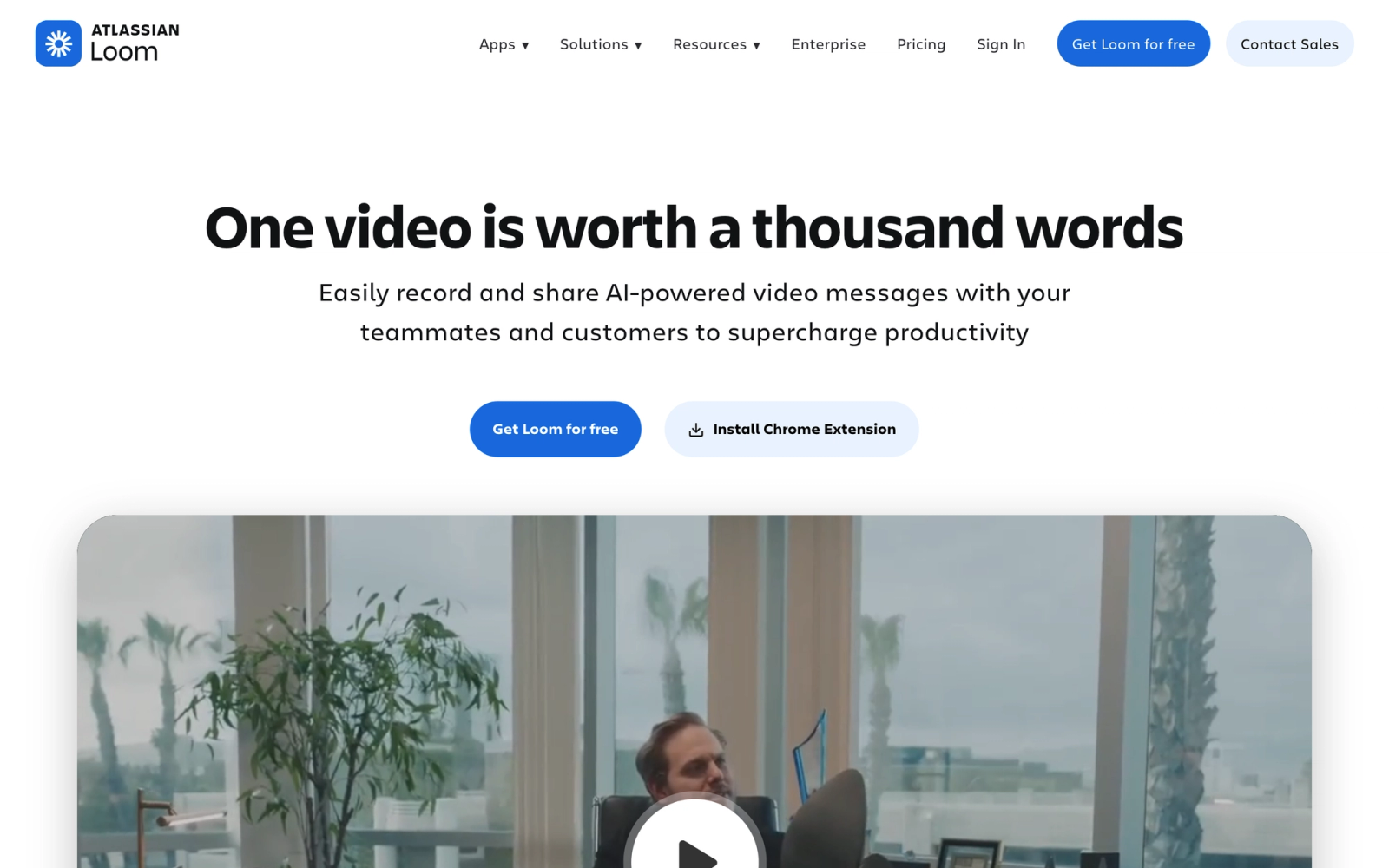
Loom redefined how teams think about quick video communication. Instead of scheduling a meeting or writing a long email, you record a short video with your screen and camera, then share a link. That core mechanic has made Loom a default tool for asynchronous communication in distributed teams, product walkthroughs, and internal knowledge sharing.
Compared to Panopto, Loom operates in a fundamentally different space. Panopto is built for structured video libraries and lecture capture. Loom is built for speed: record, share, get feedback. The recording experience is polished, the viewer interface is clean, and the sharing workflow is nearly frictionless. For teams that value rapid, informal video communication over formal content management, Loom replaces a different set of pain points than Panopto does.
Core Capabilities
- Browser extension, desktop app, and mobile app for instant screen and webcam recording
- Automatic transcription with searchable text and timestamped segments
- AI-powered video summaries, titles, and action item extraction
- Viewer reactions, time-stamped comments, and emoji responses for async feedback
- Custom branding, password protection, and link expiration for controlled sharing
- Video editing with trimming, stitching, filler word removal, and speed controls
- Integration with Slack, Notion, Jira, Confluence, Gmail, and dozens of productivity tools
- Workspace analytics showing team recording activity and viewer engagement
- Drawing tools and annotations available during recording for emphasis
- Custom recording presets and templates for consistent team workflows
Standout Strength
Loom's competitive edge is the friction it removes from video communication. Recording and sharing a Loom takes less than a minute. That speed changes behavior: teams that would not have made a video before start using video for everyday communication. For async-first organizations, Loom turns video from a production task into a communication habit.
Best For
Remote and hybrid teams using video for internal communication, product managers recording feature walkthroughs, customer success teams creating quick tutorials, and managers giving asynchronous feedback. Not designed for structured course delivery or large-scale video library management.
Pricing Overview
- Free Starter plan with up to 25 videos, 5-minute recording limit
- Business plan at $12.50 per creator per month (billed annually) with unlimited recordings and advanced features
- Enterprise plan with SSO, advanced security, and admin controls at custom pricing
- Viewers are always free; only creators need paid seats
Limitations
- No lecture capture, multi-stream recording, or classroom-style capture workflows. It is a different category than Panopto.
- Video management is flat. There are no folders with deep hierarchy, no channel structures, and limited organizational tools for large libraries.
- Editing capabilities are designed for quick cleanup, not for producing polished training content.
Quick Comparison Insight
Faster and simpler than Panopto for everyday video communication. Not a replacement for structured video learning or enterprise content management.
Vidyard
Overview
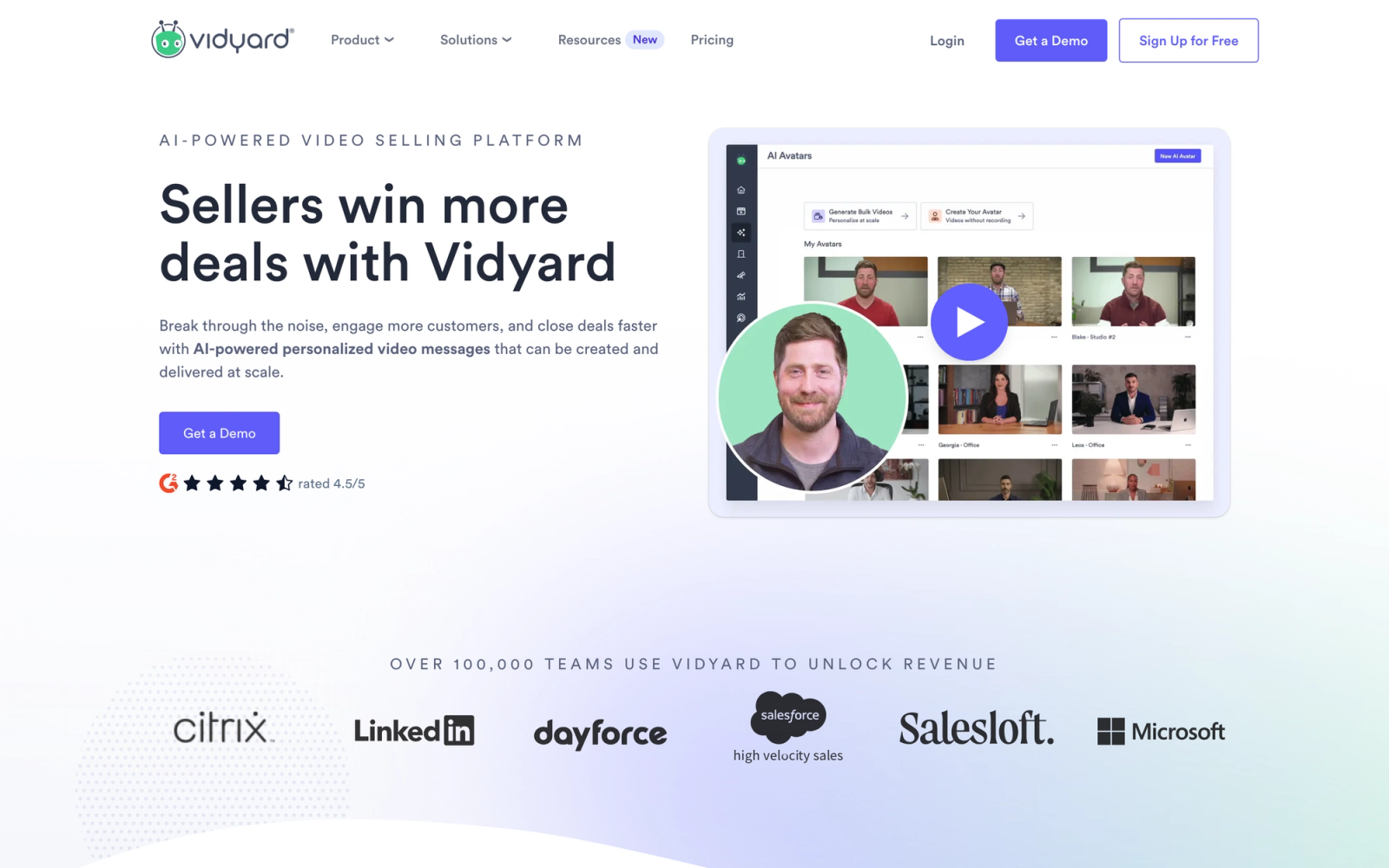
Vidyard started as a video analytics platform for marketing teams and has expanded into sales enablement and corporate communications. Its strength lies in connecting video content to business outcomes: tracking who watched what, for how long, and tying that data back to CRM records.
Where Panopto treats video as learning content, Vidyard treats video as a sales and engagement tool. The analytics depth is where Vidyard separates itself. Every video generates viewer-level data that flows into Salesforce, HubSpot, or Marketo, allowing sales teams to see exactly which prospects engaged with content. For corporate training teams that need to demonstrate video engagement to stakeholders, that data granularity is a meaningful step up from Panopto's reporting.
Core Capabilities
- Browser extension and desktop app for screen and webcam recording with one-click sharing
- Video hosting with adaptive streaming, custom thumbnails, and branded player
- Viewer-level analytics including watch time, drop-off points, and individual engagement tracking
- Native CRM integrations with Salesforce, HubSpot, and Marketo for tying views to contacts
- Video personalization tools for creating flexible, name-embedded videos for outreach
- In-video CTAs, forms, and links for lead capture and engagement
- Automatic transcription and captioning
- Video hubs for organizing content into branded, on-demand libraries
- A/B testing for video thumbnails and CTAs to optimize viewer engagement
- SOC 2 Type II compliance and enterprise-grade security controls
Standout Strength
Vidyard is the strongest option on this list for teams that need to connect video engagement data to revenue outcomes. The CRM integration is not a surface-level connection; it provides contact-level viewing data inside your existing sales workflow. For sales enablement, partner training, and employee onboarding programs where engagement accountability matters, Vidyard provides evidence that other platforms do not.
Best For
Sales enablement teams, marketing departments using video for demand generation, and L&D teams that report to business leadership and need viewer-level engagement proof. Mid-to-large companies already using Salesforce or HubSpot.
Pricing Overview
- Free plan available with up to 25 videos and basic analytics
- Pro plan at $19 per month (billed annually) with unlimited videos, custom branding, and CTA tools
- Plus plan at $59 per month with advanced analytics and integrations
- Enterprise plan with custom pricing for large teams and advanced security
Limitations
- Not built for education. There is no LMS integration through LTI, no lecture capture workflow, and no SCORM support.
- The editing tools are minimal. Vidyard is a hosting and analytics platform, not a production tool.
- Pricing escalates quickly once you need advanced analytics and CRM integrations, which are the main reasons to choose Vidyard.
Quick Comparison Insight
Far stronger than Panopto on video analytics and CRM data integration. Not a fit for education or structured learning programs.
Microsoft Stream
Overview
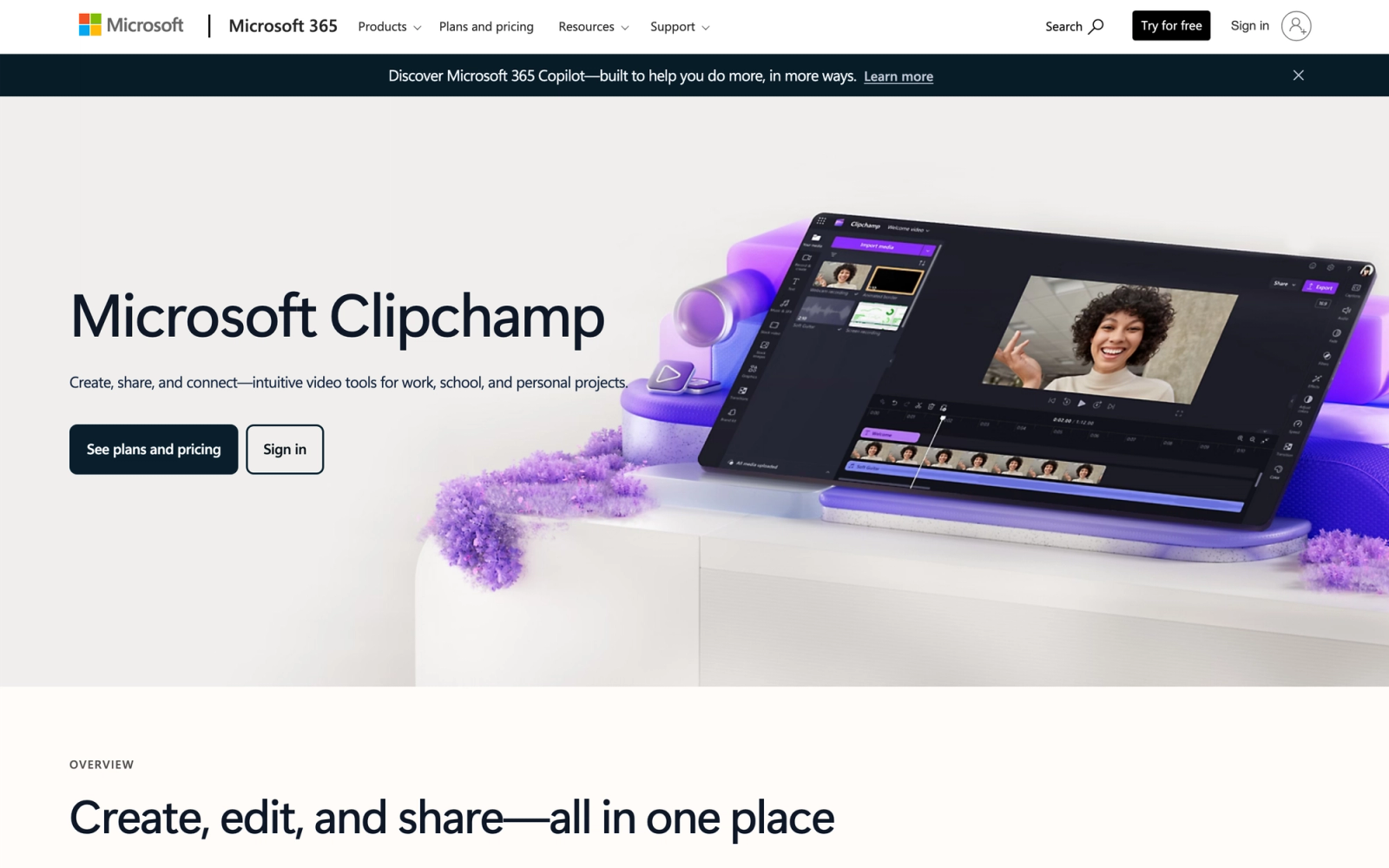
Microsoft Stream is the video service integrated into Microsoft 365. Following its migration from a standalone product to a SharePoint-based architecture, Stream now functions as the video layer across Teams, SharePoint, OneDrive, and Viva. For organizations already using Microsoft 365, Stream is the default option that requires no additional procurement, no separate login, and no new vendor relationship.
The practical advantage is integration depth. Videos recorded in Teams meetings automatically appear in Stream. Content stored in SharePoint inherits the same permissions. Search works across the Microsoft 365 tenant. If your organization already manages training content through SharePoint or delivers sessions through Teams, Stream eliminates the need for a separate video platform like Panopto.
Core Capabilities
- Video hosting natively integrated into SharePoint, Teams, OneDrive, and Viva Engage
- Automatic recording and transcription of Teams meetings with speaker attribution
- AI-generated chapters, topics, and speaker timelines for navigating long recordings
- Automatic captioning in dozens of languages with real-time translation support
- SharePoint-based permissions inherited automatically for organizational access control
- Stream web part for embedding video directly into SharePoint pages and Viva Learning
- Video pages with chapters, transcript search, comments, and viewer engagement metrics
- Screen recording via Clipchamp (included in Microsoft 365) with basic editing
- eDiscovery and compliance integration through Microsoft Purview
- Adaptive bitrate streaming with global CDN delivery through Azure
Standout Strength
Microsoft Stream's advantage is that it already exists inside the tools your organization uses. There is no separate login, no additional cost beyond your Microsoft 365 license, and no data migration. For organizations that record training sessions in Teams and distribute them through SharePoint, Stream is the path of least resistance. Compliance and security teams appreciate that video data stays within the same Microsoft 365 tenant governance.
Best For
Enterprise organizations already running Microsoft 365, IT departments looking to consolidate vendor relationships, and compliance teams that need video content governed by existing Microsoft 365 policies. Particularly relevant for companies already using corporate learning management systems alongside SharePoint-based training workflows.
Pricing Overview
- Included in Microsoft 365 Business Basic ($6 per user per month) and higher tiers
- No separate licensing; video hosting is part of SharePoint storage allocation
- Additional storage available through SharePoint add-on plans
- Clipchamp Premium (advanced editing) available as an add-on or included in select plans
Limitations
- The video management experience is not as purpose-built as Panopto's. Organizing large video libraries requires careful SharePoint architecture.
- No dedicated lecture capture hardware integration or multi-camera recording workflows.
- Analytics are improving but still basic compared to dedicated video platforms. Viewer-level tracking is limited.
Quick Comparison Insight
Lower cost and deeper Microsoft 365 integration than Panopto. Less specialized for education and lecture capture workflows.
Camtasia
Overview
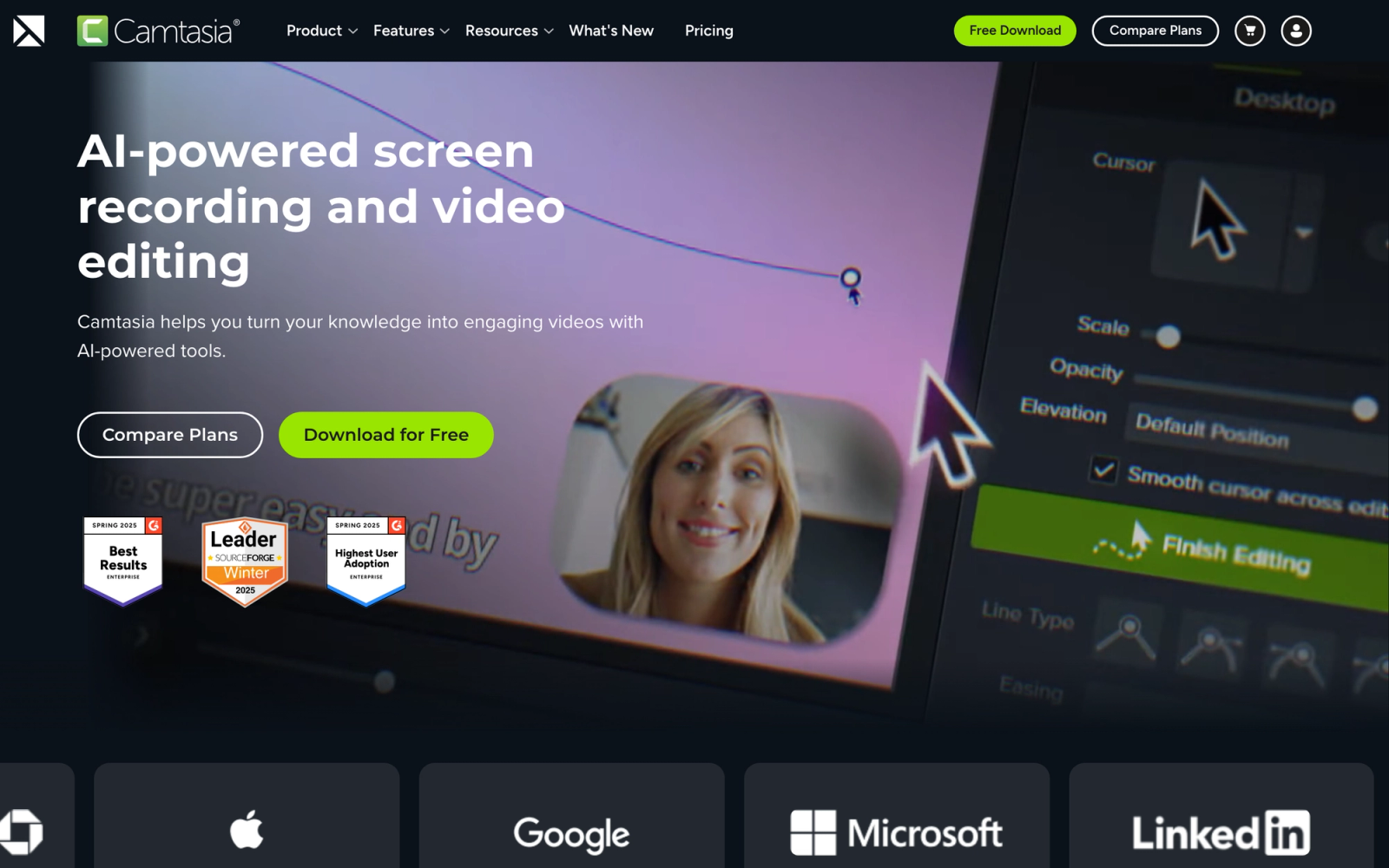
Camtasia is a desktop-based screen recording and video editing application from TechSmith. It has been a staple in instructional design and training content creation for over two decades, and for good reason: it combines screen capture with a full multi-track video editor in a single application.
Camtasia is not a video hosting platform or a content management system. It is a production tool. Where Panopto captures and stores video, Camtasia captures and edits video. The distinction matters. If your primary pain point with Panopto is the inability to produce polished, professional training content with annotations, motion graphics, and clean transitions, Camtasia directly addresses that gap. You produce the content locally, then publish it to whichever platform or LMS you use for distribution.
Core Capabilities
- Screen recording with system audio, microphone input, webcam overlay, and cursor effects
- Multi-track timeline editor with video, audio, annotation, and effects layers
- Library of transitions, motion graphics, callouts, lower thirds, and animated text
- PowerPoint integration for importing and recording over slide presentations
- Interactive quizzes and hotspots that can be embedded directly into exported video (SCORM-compatible)
- Templates and presets for maintaining consistent branding across training videos
- Cursor smoothing, zoom and pan effects, and keystroke callouts for software demos
- Audio editing with noise removal, leveling, and fade controls
- Export to MP4, GIF, or directly to TechSmith platforms (Screencast, Knowmia)
- Assets library with royalty-free music, icons, motion backgrounds, and intros
Standout Strength
Camtasia's competitive advantage is the depth of its editing environment combined with the simplicity of its learning curve. Professional video editors will find it basic compared to Premiere Pro or DaVinci Resolve. But instructional designers who are not video specialists can produce polished, professional-looking training content within hours of picking up the tool. That sweet spot between capability and accessibility is exactly why it has remained popular in L&D for so long.
Best For
Instructional designers, course creators, and L&D professionals who need to produce edited training videos without relying on a video production team. Particularly strong for software tutorial creation, process documentation, and compliance training content. Not for organizations looking for a video hosting or management platform.
Pricing Overview
- One-time purchase at $299.99 per license (perpetual, with one year of maintenance)
- Annual maintenance renewal for updates at a reduced rate
- Free trial available for 30 days with full feature access
- Volume licensing and education pricing available
Limitations
- No video hosting, no content management, and no viewer analytics. Camtasia is a local production tool, not a platform.
- Performance can slow on older machines when editing long recordings with multiple tracks and effects.
- The one-time cost plus maintenance model means you pay for major version upgrades separately, unlike SaaS subscriptions with continuous updates.
Quick Comparison Insight
Vastly better than Panopto for video editing and production quality. Not a replacement for Panopto's hosting, library management, or LMS integration.
Wistia
Overview
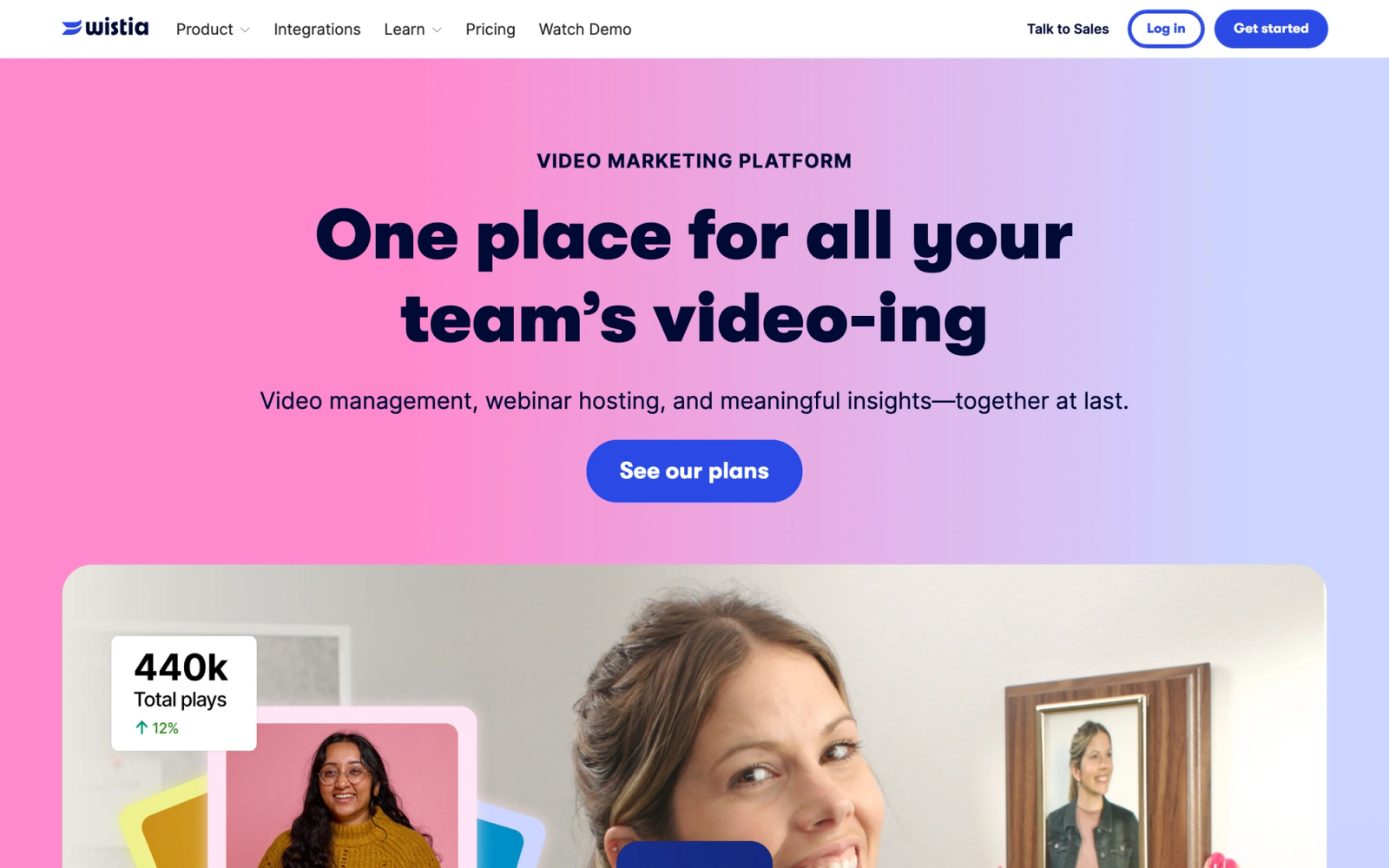
Wistia is a video hosting platform built for business marketing. Its focus is on turning video into a lead generation and brand-building channel, with detailed viewer analytics, lead capture forms, and SEO-optimized video pages. Wistia does not try to be an LMS or a lecture capture tool; it focuses on making video work as a marketing asset.
The first thing that stands out about Wistia is the quality of the viewer experience. The player is fast, the design is clean, and the embedding options are flexible enough to fit any website or landing page without looking like a third-party widget. For organizations that produce video-based educational content for external audiences, webinars for prospects, or branded training series, Wistia's presentation layer is measurably better than Panopto's more functional interface.
Core Capabilities
- Ad-free video hosting with customizable player colors, controls, and branding
- Wistia Channels for organizing videos into binge-worthy, Netflix-style series pages
- Built-in lead capture with email gates, turnstile forms, and CTA overlays
- SEO metadata, video sitemaps, and JSON-LD schema markup generated automatically
- Viewer-level engagement analytics with heatmaps, play rates, and conversion tracking
- A/B testing for thumbnails, CTAs, and video page layouts
- Native integrations with HubSpot, Marketo, Pardot, Mailchimp, and Google Analytics
- Automatic transcription and captioning with SRT file upload support
- Podcast hosting through the same platform for audio content distribution
- SOC 2 compliance, password protection, and domain restriction for controlled distribution
Standout Strength
Wistia is the clearest choice for teams that treat video as a marketing channel rather than a learning repository. The combination of lead capture, SEO optimization, and analytics built around conversion metrics makes it well-suited for demand generation. Among the platforms covered here, none integrates video engagement with marketing pipeline data as directly.
Best For
Marketing teams, content marketing strategists, and SaaS companies producing webinar series, product education content, and branded video libraries for external audiences. Also relevant for training companies that market video-based programs to prospective clients.
Pricing Overview
- Free plan available with Wistia branding, limited to 10 videos
- Plus plan starts at $19 per month with 20 videos and basic customization
- Pro plan at $79 per month with 50 videos, advanced analytics, and integrations
- Advanced plan at $319 per month with 250 videos, A/B testing, and priority support
Limitations
- Per-video pricing tiers can become expensive for teams with large content libraries.
- No recording tools, no screen capture, and no lecture capture. You need to produce content elsewhere before uploading.
- Not designed for internal training distribution. There is no LMS integration, no SCORM support, and no learner progress tracking.
Quick Comparison Insight
Better than Panopto for external marketing video and lead generation. Not a fit for internal training, lecture capture, or structured learning delivery.
Where Teachfloor Fits
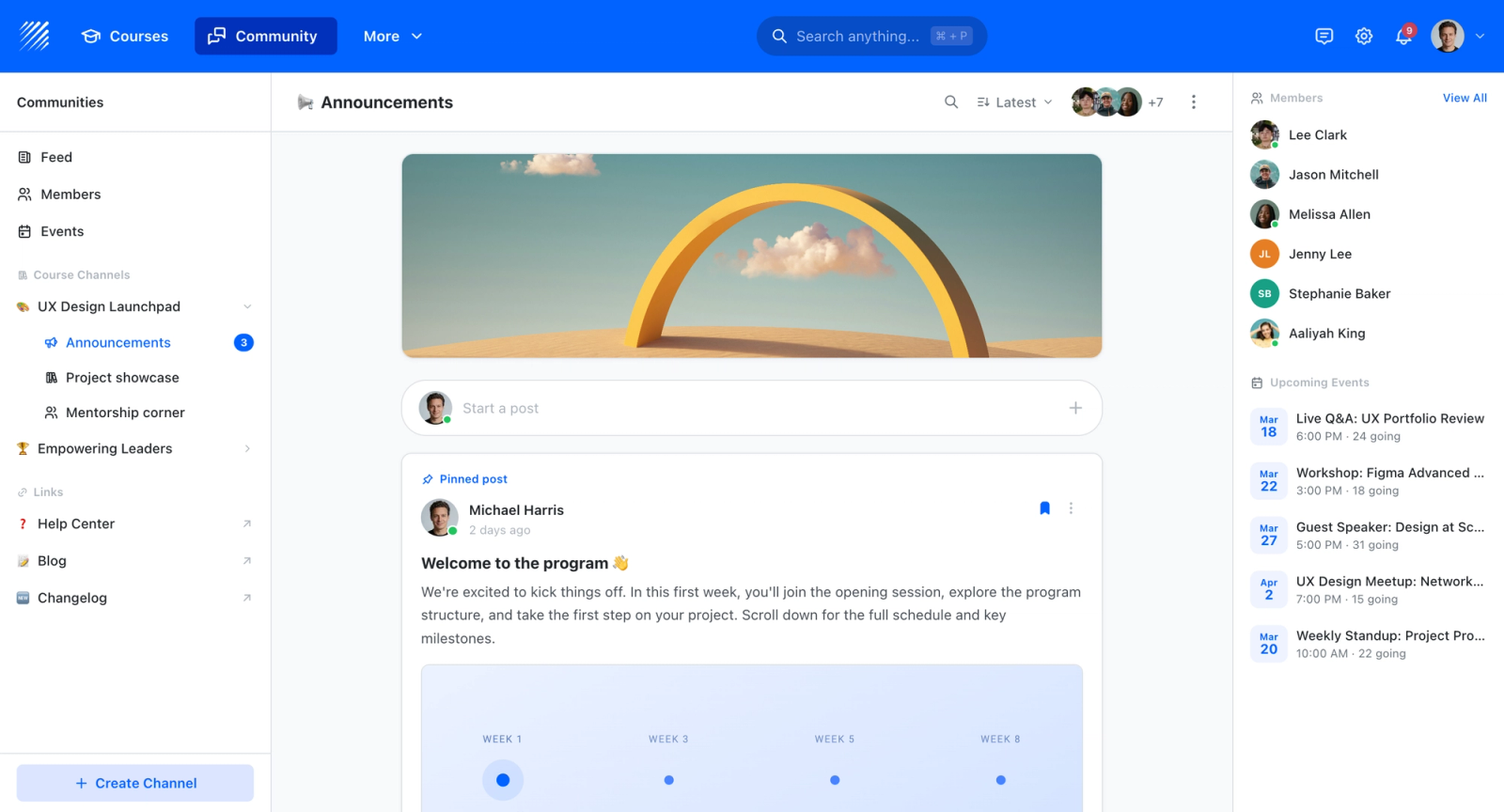
It is worth being clear that Teachfloor is not a lecture-capture or video-management tool and does not compete with the platforms ranked here. Its job starts after the recording exists: it organizes video into sequenced lessons, adds graded assessments and quizzes, tracks who finished what, and issues certificates. Many teams keep Panopto or one of its alternatives for capture and use Teachfloor as the layer that makes those recordings into a trackable learning program.

If you are choosing a home for your courses rather than a single-purpose tool, Teachfloor is worth a look. It starts at $89 per month with a 14-day free trial.
How to Choose the Right Panopto Alternative
The right alternative depends less on feature comparisons and more on what your team actually does with video.
If you need a direct Panopto replacement for lecture capture and video management, Kaltura and YuJa are the closest functional equivalents. Both support multi-stream recording, large media libraries, LMS integration, and institutional-scale deployment. YuJa has an edge on accessibility compliance; Kaltura offers more customization for teams with technical resources.
If your priority is polished, branded video for both internal and external audiences, Vimeo Enterprise gives you the presentation quality and delivery infrastructure that Panopto lacks. Wistia is the better choice if your primary use case is marketing and lead generation rather than training.
If you need quick, informal video communication for distributed teams, Loom and ScreenPal serve that need at a fraction of the cost and complexity. Neither replaces Panopto's enterprise features, but if your team's real need is fast screen recordings rather than formal video management, these tools eliminate unnecessary overhead.
If video analytics tied to business outcomes matter, Vidyard is purpose-built for connecting video engagement to CRM data. It serves sales enablement and marketing accountability in ways that Panopto's analytics cannot.
If you are already in the Microsoft 365 stack, evaluate Microsoft Stream before adding a new vendor. The integration depth and zero additional cost make it the pragmatic choice for organizations that do not need education-specific features.
If you need professional video production capability, Camtasia fills the editing gap that Panopto leaves open. It pairs well with any hosting platform and remains the standard for instructional designers producing training videos independently.
If your challenge is not video hosting but structured, interactive learning, Teachfloor addresses the gap between delivering video content and delivering learning outcomes through cohort-based programs with peer interaction.
No single platform replaces every Panopto function. The strongest approach is often combining a recording or editing tool with a hosting or learning platform that matches your distribution model.
FAQ
Is Panopto free?
Panopto does not offer a permanently free plan for organizations. It provides a free trial and has offered free access for specific educational use cases in the past, but ongoing use requires a paid subscription. Pricing is not published and requires contacting sales.
What is the best free alternative to Panopto?
For basic screen recording and sharing, ScreenPal's free tier and Loom's free Starter plan are the most accessible options. Microsoft Stream is included at no additional cost for organizations with Microsoft 365 licenses. For self-hosted open-source video management, Kaltura's Community Edition is available for free.
Can I use Panopto alternatives with my LMS?
Yes. Kaltura, YuJa, and Microsoft Stream all offer LMS integrations through LTI or native connectors. Camtasia supports SCORM export for embedding interactive videos in any learning management system. The level of integration varies by platform, so verify compatibility with your specific LMS before committing.
Which Panopto alternative is best for corporate training?
For video-heavy corporate training, Vimeo Enterprise and Kaltura offer the hosting and analytics infrastructure that L&D teams need. For structured, instructor-led programs, Teachfloor provides the cohort management layer. For quick knowledge-sharing across teams, Loom is the most practical choice. The best fit depends on whether your training model is primarily on-demand video, live sessions, or async communication.
Do any of these alternatives support lecture capture like Panopto?
Kaltura and YuJa both support multi-stream lecture capture with hardware integration, making them the closest equivalents to Panopto's classroom recording capabilities. Microsoft Stream captures Teams meetings automatically but does not support dedicated lecture capture hardware.


