

Why Look for a Genially Alternative?
Genially is a solid tool for creating interactive presentations, infographics, and gamified content. Its layered interactivity model, where you add hotspots, pop-ups, and animations on top of visual layouts, gives non-designers a quick way to produce engaging material. But several real limitations push users toward Genially alternatives.
Watermark on free plans. Genially's free tier includes a visible Genially watermark on every published piece. For educators presenting to students, trainers sharing materials with clients, or marketing teams distributing branded assets, that watermark undermines credibility. Removing it requires a paid plan, which starts at a price point that may not fit every budget.
Limited offline export options. Genially content is designed to live on the web. Downloading presentations as standalone files for offline use is restricted, and PDF exports lose interactivity entirely. If your audience needs to access content without an internet connection, or if you distribute materials through channels that do not support embedded web links, this becomes a genuine blocker.
SCORM export locked behind premium tiers. For L&D teams and instructional designers who need to package interactive content for LMS delivery, Genially only offers SCORM export on its paid Master, Author, and Enterprise plans. That puts a core requirement for corporate training behind a significant paywall.
Presentation templates can feel generic. While Genially offers a large template library, the visual range is narrow. After creating a few projects, templates start blending together, and deep customization requires workarounds rather than native design controls.
Limited analytics depth. Genially provides basic view counts and interaction data, but the analytics lack the granularity that content teams and educators need. There is no heatmap data, no detailed completion tracking, and no way to segment viewer behavior meaningfully.
No native LMS integration. Beyond the SCORM limitation, Genially does not offer direct integrations with major learning management systems. Content has to be embedded manually or shared via links, which adds friction for teams managing structured learning programs.
Pricing jumps between tiers. The gap between Genially's free plan and its paid tiers is steep, and the jump from mid-tier to premium is even larger. Teams that need just one or two premium features, like SCORM export or analytics, end up paying for an entire tier upgrade.
These are not minor inconveniences. For teams producing content at scale, distributing through LMS platforms, or needing offline access, the alternatives below address these gaps directly.
What to Look for in an Interactive Content Tool
Before evaluating individual platforms, it helps to define the criteria that matter for your specific workflow.
Interactivity model. Some tools focus on animations and visual layers (like Genially), while others support branching logic, quiz mechanics, or full scenario-based interactions. Clarify whether you need surface-level engagement or deeper interactive learning experiences.
Export flexibility. Can you export as HTML5, SCORM, xAPI, PDF, or video? If you distribute content through an LMS, check which packaging standards the tool supports natively. If you present offline, confirm standalone export works without losing functionality.
Design control. Template libraries save time, but customization depth determines whether your content looks distinct or generic. Evaluate whether you can modify layouts, typography, color systems, and animations beyond preset options.
Collaboration features. Teams with multiple content creators need real-time co-editing, commenting, version history, and role-based permissions. Solo creators can weigh these less heavily.
Pricing transparency. Per-user, per-project, flat-rate, and freemium models all have different scaling dynamics. A tool that looks affordable for one creator may become expensive for a team of ten. Calculate total cost at your expected team size.
LMS and platform compatibility. If your content lives inside a learning management system, check for native LMS connectors, embed support, and standards compliance. Tools that only publish to their own hosted URLs limit distribution options.
10 Best Genially Alternatives
The tools below cover a range of use cases, from visual design platforms and presentation tools to dedicated e-learning authoring environments and audience engagement solutions. Each addresses different subsets of Genially's limitations.
| Tool | Starting price | Free trial | Interactive content | SCORM / e-learning | Best for |
|---|---|---|---|---|---|
| Teachfloor | $89/mo | 14-day | Yes | Yes | Engaging, interactive courses with community + AI |
| Canva | $10/user/mo | Free plan | Animations and links, no hotspots | No | Branded presentations and social content |
| Prezi | $7/mo | Free plan | Non-linear zoom navigation | No | Spatial, non-linear live presentations |
| Visme | $12.25/mo | Free plan | Hotspots, pop-ups, data viz | HTML5 download only | Data-driven visual and business content |
| Piktochart | $14/mo | Free plan | Mostly static, light animation | No | Infographics, reports, data summaries |
| H5P | Free (self-hosted) | 14 days | 50+ interactive content types | SCORM and xAPI | LMS-grade interactive learning content |
| Adobe Express | $9.99/mo | Free plan | Basic animations and transitions | No | Adobe-stack branded assets |
| Mentimeter | $11.99/mo | Free plan | Live polls, quizzes, word clouds | No | Real-time live audience interaction |
| Articulate Rise 360 | ~$499/yr standalone | 30 days | Responsive interactive lesson blocks | SCORM, xAPI, cmi5, AICC | Responsive SCORM course building |
| Lumi Education | Free | Free | Full H5P content types, offline | SCORM and HTML5 export | Free, offline H5P creation |
Teachfloor

Overview
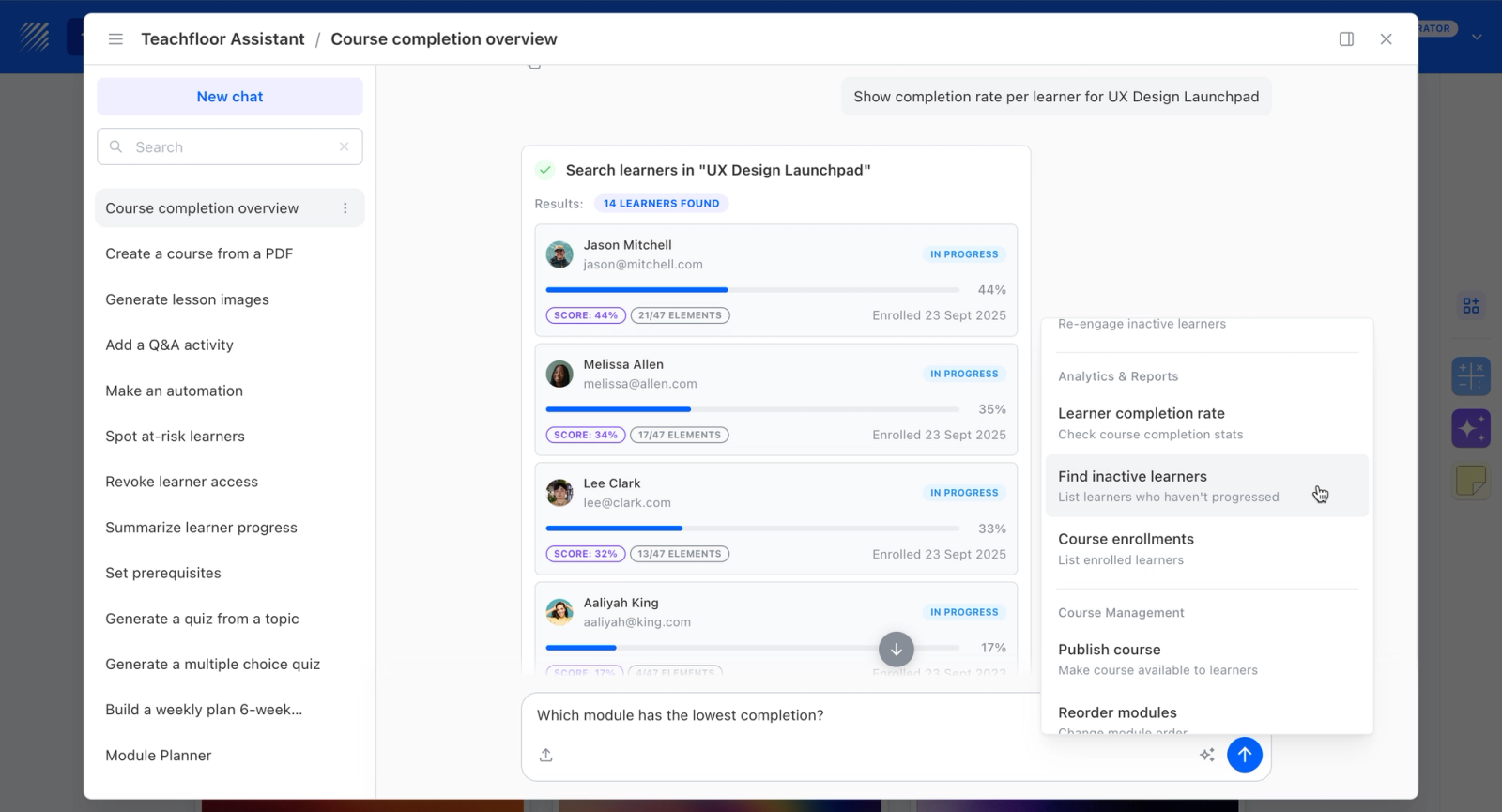
Teachfloor is a course platform for turning content into structured, assessable courses, a different purpose from Genially's interactive visuals. AI-assisted authoring builds lessons, quizzes, and assessments from your material, delivered self-paced, live, or as cohorts on a white-label domain. There is no watermark on any plan, and SCORM export is not restricted to a higher tier. It fits cases where the goal is trackable, certifiable learning rather than a single interactive piece.
Core Capabilities
- AI-assisted authoring that turns source material into full lessons and quizzes, not just visual layouts
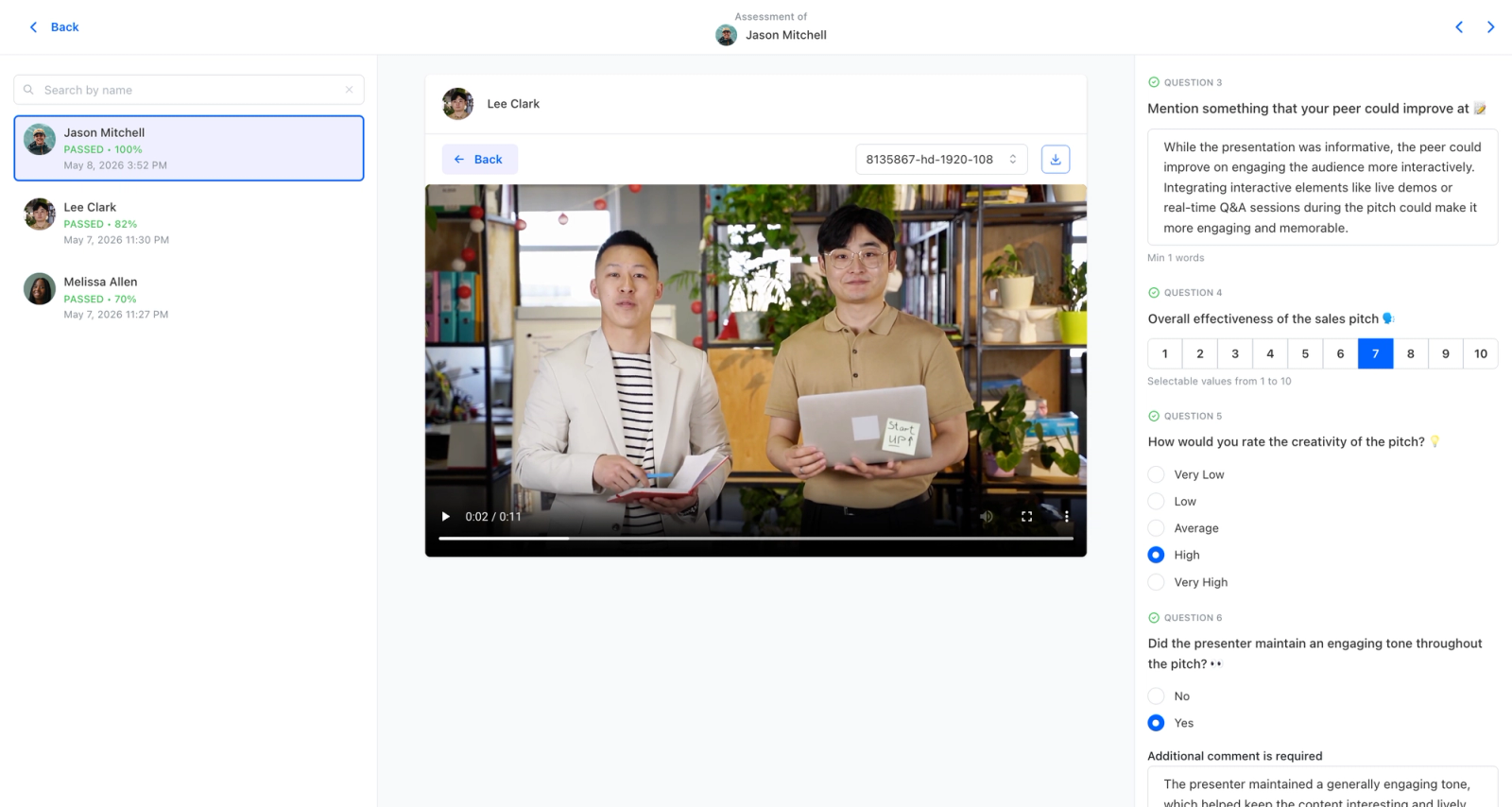
- Quizzes, assessments, and certificates with completion analytics built in
- White-label on your own domain with no watermark on any tier
- SCORM support without being locked to a higher pricing plan
- Self-paced, live, or cohort delivery for structured programs
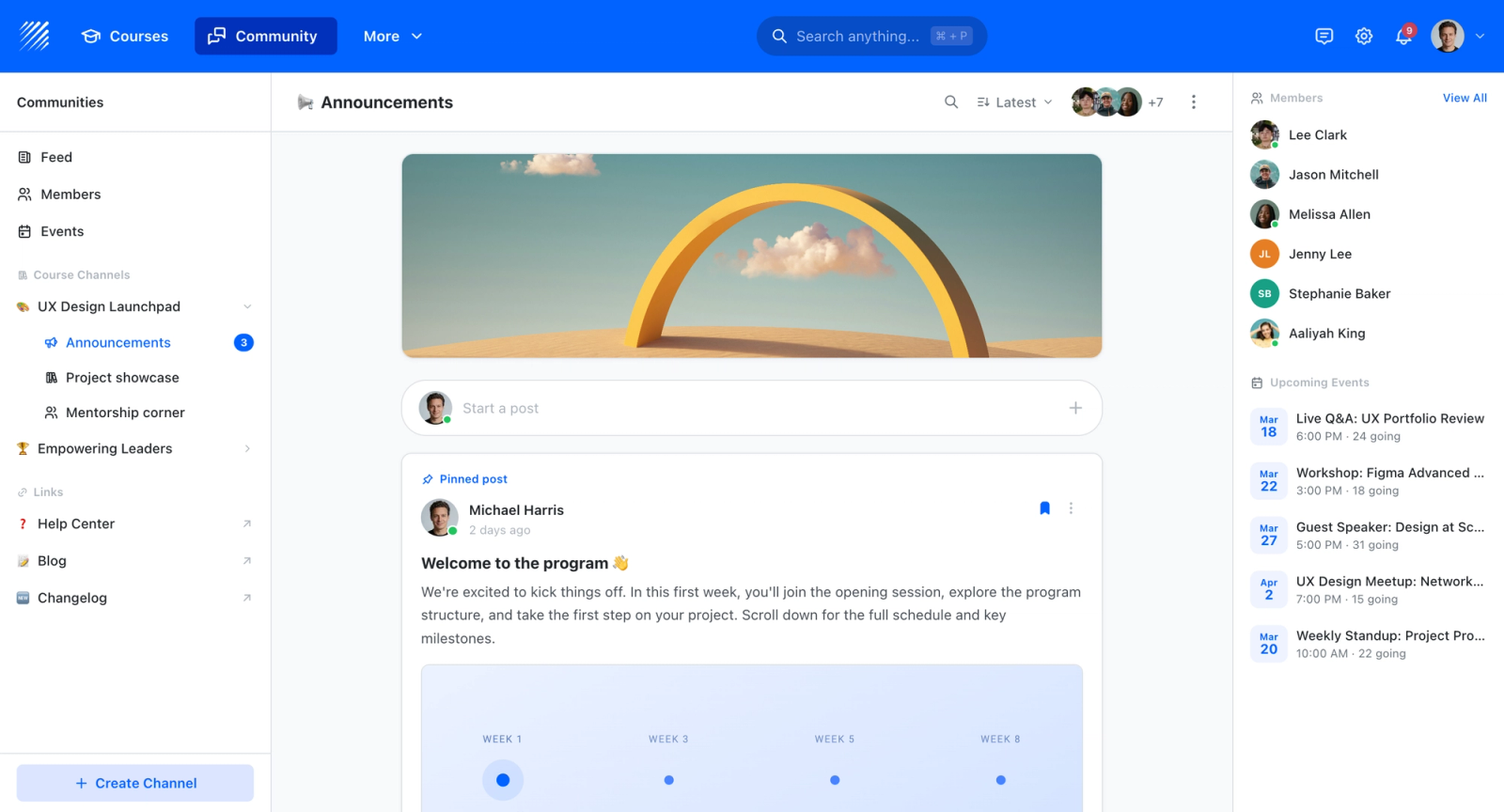
- Built-in community and discussion to keep learners engaged across a course
Best For
Educators and trainers who need to deliver, track, and certify complete courses rather than publish standalone interactive presentations or infographics.
Pricing Overview
- Startup plan from $89 per month for up to 50 learners
- Full Features plan with custom pricing, white-label, SSO, and advanced integrations
- 14-day free trial; no permanent free plan
- Nonprofit discounts available
Limitations
- Not a visual-design or interactive-graphics tool; it will not replace Genially for hotspot-driven infographics or presentations
- No free tier; pricing starts at $89/mo for up to 50 learners
- Less suited to one-off interactive pieces meant to be embedded or shared outside a course
Quick Comparison Insight
The distinction comes down to deliverable type. Visual presentation tools produce standalone assets you share or embed; Teachfloor structures those assets into a trackable program with assessments, completion data, and certification. The right choice depends on whether the goal is a single interactive piece or a full learning pathway.
Canva
Overview
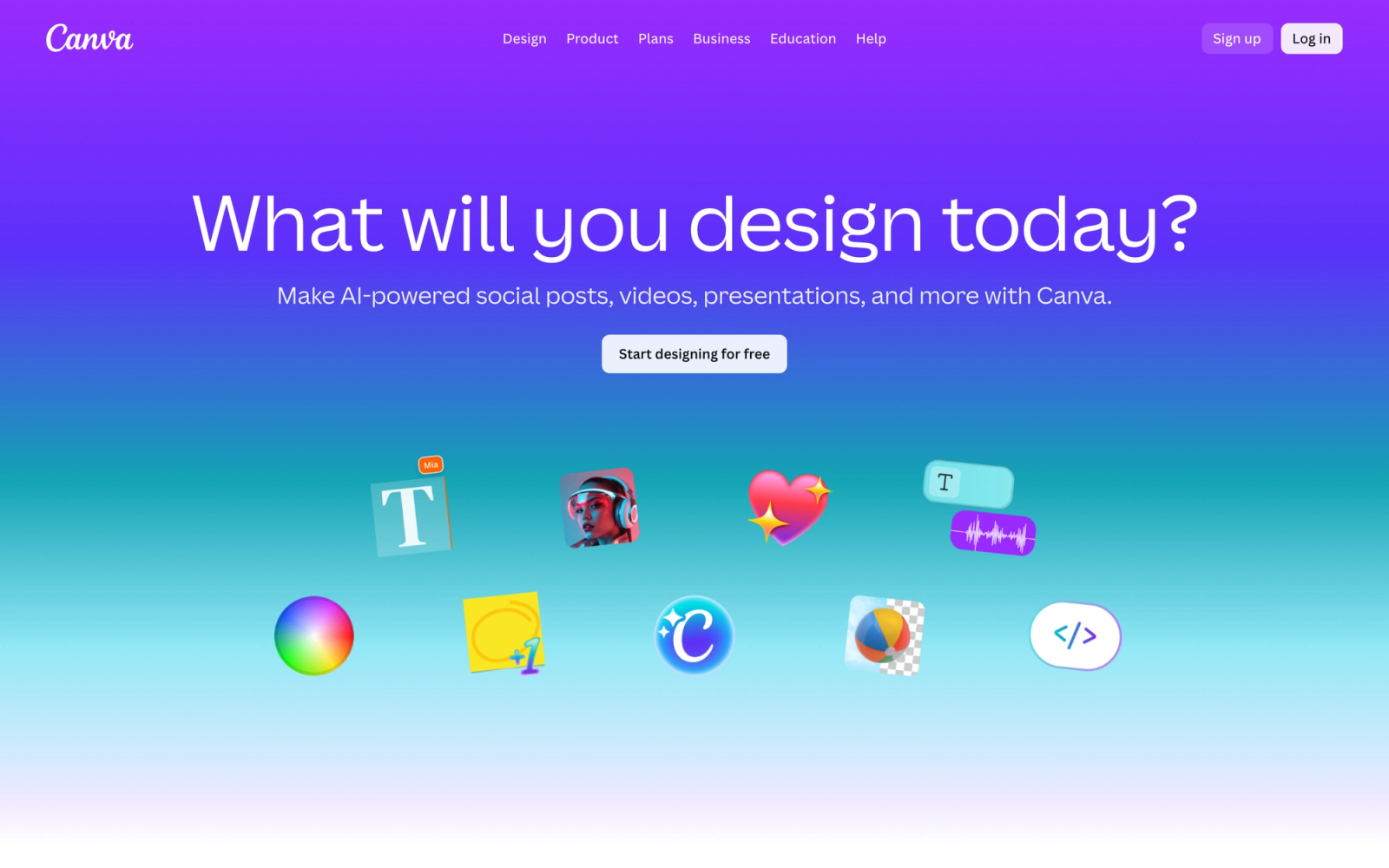
Canva started as a graphic design tool and has expanded into presentations, documents, videos, and websites. It is not a direct Genially competitor in the interactive content space, but it covers a significant portion of what Genially users actually do: creating visually polished presentations, infographics, social media graphics, and branded materials.
Where Canva differs fundamentally from Genially is in its approach to interactivity. Canva presentations support basic animations, transitions, and embedded links, but they do not offer the layered hotspot and pop-up interactions that Genially is known for. What Canva trades in interactivity, it makes up for in design breadth, template quality, and team collaboration tools.
Core Capabilities
- Drag-and-drop editor with thousands of templates for presentations, infographics, social media, and print materials
- Brand Kit feature for enforcing consistent colors, fonts, and logos across all team projects
- Real-time multi-user collaboration with commenting, suggestions, and version history
- Built-in stock photo, video, icon, and illustration library with millions of assets
- Presentation mode with speaker notes, animations, transitions, and remote presenter view
- Video editing tools including trim, crop, transitions, background music, and text overlays
- Magic Resize for adapting a single design to multiple format dimensions instantly
- AI-powered design tools including text-to-image generation, background removal, and Magic Write
- Website and landing page builder with custom domains
- Integration with Google Drive, Dropbox, Slack, and social media platforms for direct publishing
Standout Strength
Canva's learning curve is nearly flat. A new team member can produce on-brand, professional-quality visuals within their first session. The combination of template depth, brand controls, and collaborative editing makes it the default design tool for teams that do not have dedicated designers.
Best For
Marketing teams, educators, and small businesses that need polished visual content across multiple formats. Particularly strong for teams already using Canva for social media or marketing who want to consolidate presentation creation into the same platform.
Pricing Overview
- Free plan available with limited templates and storage
- Canva Pro: $15 per month per user (billed monthly), $10 per month per user (billed annually)
- Canva for Teams: $10 per month per user (billed annually, minimum 3 users)
- Canva for Education: Free for eligible K-12 teachers and students
Limitations
- No layered interactivity. You cannot add hotspots, pop-ups, or clickable zones within a design the way Genially allows.
- No SCORM or xAPI export. Content cannot be packaged for LMS delivery.
- Presentation analytics are minimal compared to dedicated presentation platforms.
Quick Comparison Insight
Broader design capabilities than Genially, but significantly less interactive. The right choice when visual polish and team collaboration matter more than embedded interactivity.
Prezi
Overview
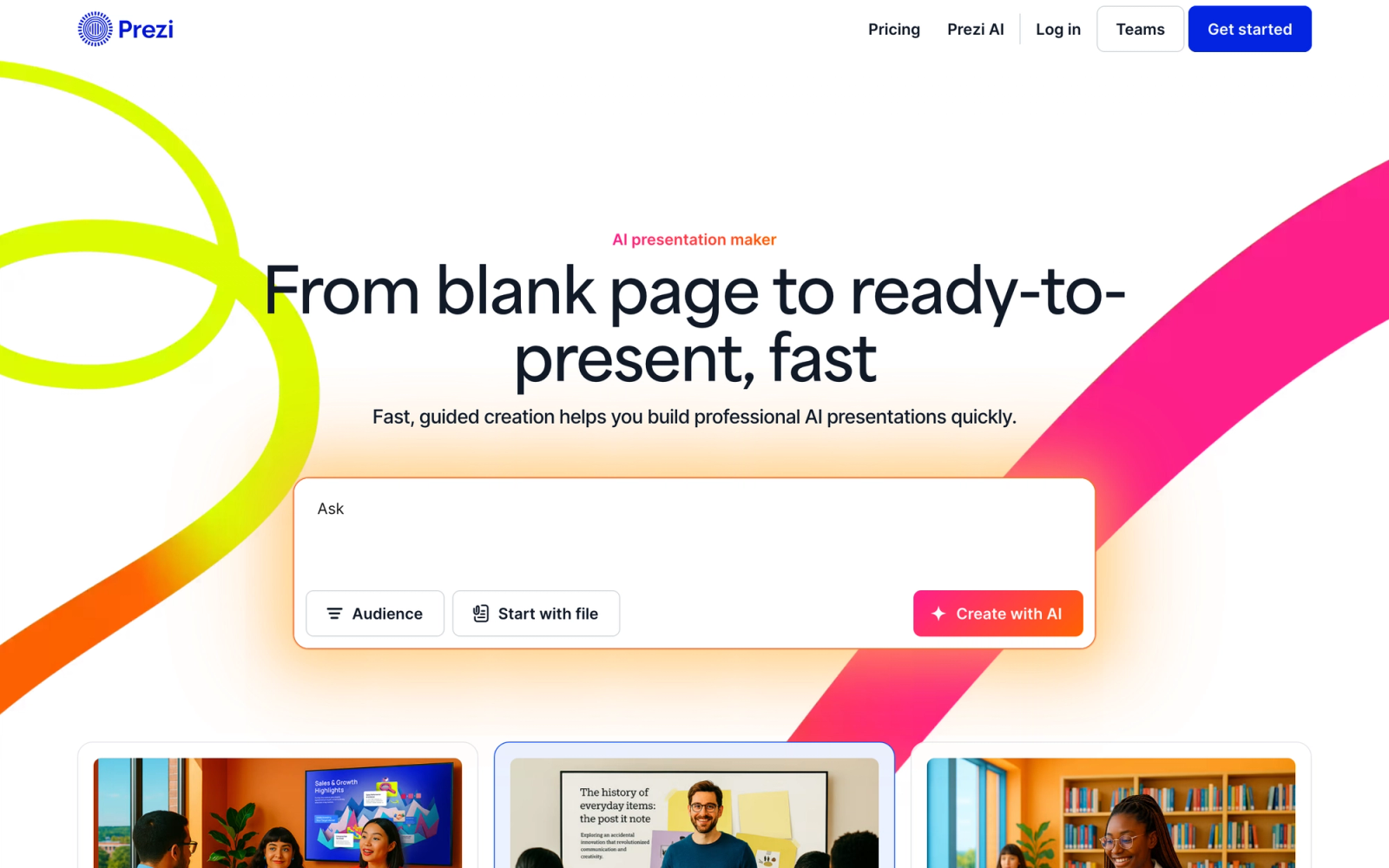
Prezi takes a fundamentally different approach to presentations. Instead of linear slide decks, Prezi uses a spatial canvas where content is organized as a zoomable map. The presenter navigates by zooming into and out of topics, creating a visual flow that feels more like storytelling than a slide sequence.
Prezi's spatial model works well for content that has a hierarchical or relational structure. Explaining how components connect, showing a journey, or presenting a strategy with nested details fits naturally into Prezi's format. Genially offers interactive layers, but Prezi offers interactive navigation, and the two approaches serve different presentation needs.
Core Capabilities
- Zoomable, non-linear presentation canvas with spatial navigation between topics and subtopics
- Prezi Video for overlaying presenter video on top of presentation content during virtual meetings
- Prezi Design for creating interactive reports, infographics, and social media visuals
- Smart Branding that automatically applies brand assets and suggests on-brand design adjustments
- Reusable content blocks that teams can share and insert across multiple presentations
- Real-time collaboration with simultaneous editing, commenting, and shared workspaces
- Analytics dashboard tracking views, average time spent, and viewer engagement per section
- Presentation recording for asynchronous sharing with embedded video narration
- Integration with Zoom, Microsoft Teams, Google Meet, and Webex for live virtual presentations
- Offline access through the desktop application for presenting without internet connectivity
Standout Strength
The spatial, non-linear format is Prezi's defining advantage. For complex topics where the audience needs to see how ideas connect, or where the presenter wants to adapt the flow based on audience questions, Prezi's zooming canvas provides a presentation experience that no slide-based tool can replicate.
Best For
Sales professionals, conference speakers, and educators who present complex or conceptual material to live audiences. Strong fit for teams that use virtual meeting platforms heavily and want presenter video integrated with content through Prezi Video.
Pricing Overview
- Free plan available with limited presentations and Prezi branding
- Standard: $7 per month (billed annually)
- Plus: $12 per month (billed annually)
- Premium: $16 per month (billed annually)
- Teams plans available with volume pricing
Limitations
- The zooming interface can cause motion discomfort for some viewers, especially with aggressive animations.
- Content structure must follow Prezi's spatial logic, which can feel forced for straightforward, sequential presentations.
- No SCORM export. Prezi is a presentation tool, not an e-learning authoring platform.
Quick Comparison Insight
More animated for live presentations than Genially, but narrower in content types. Prezi is a presentation-first tool; Genially covers infographics and gamified content more broadly.
Visme
Overview
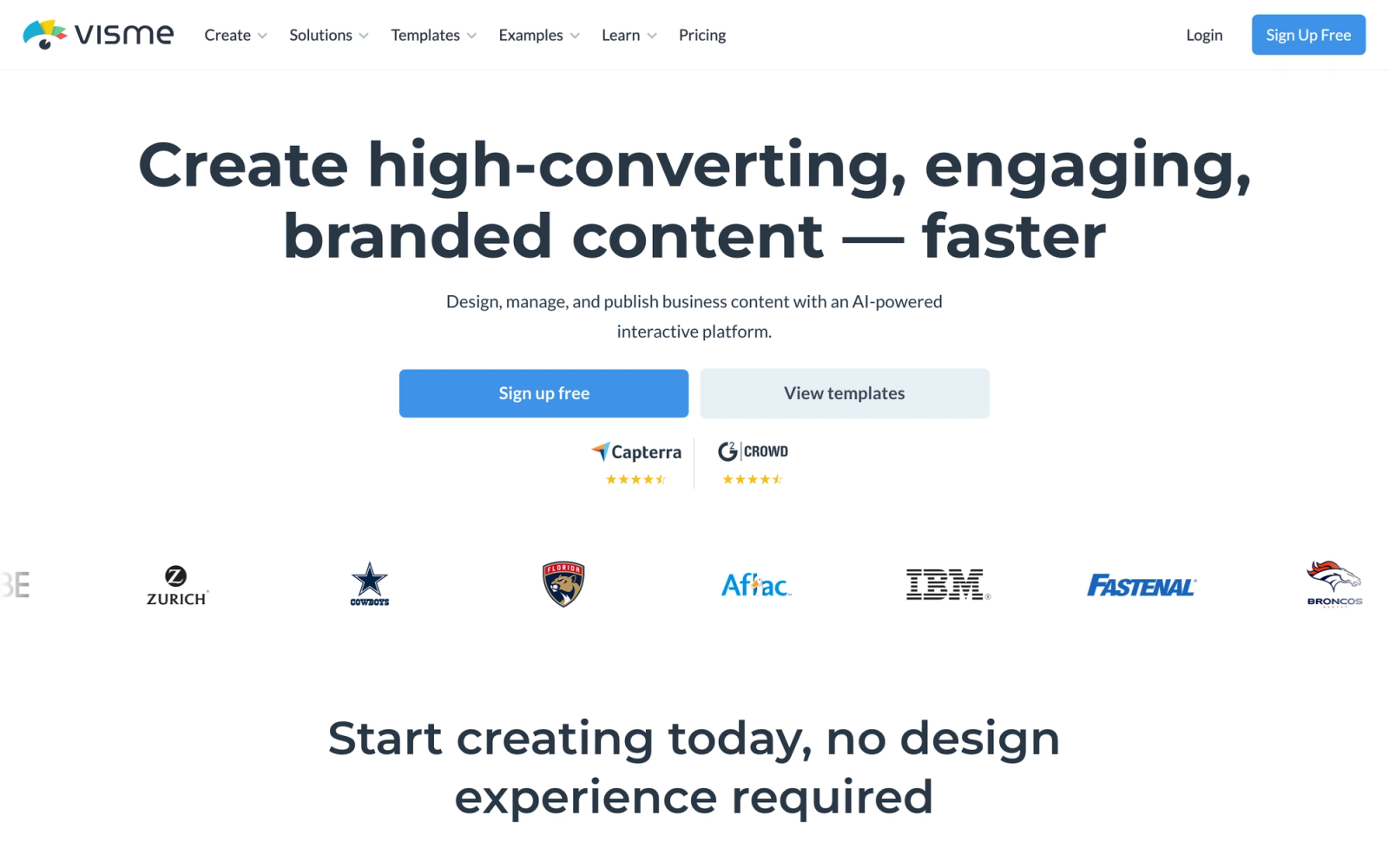
Visme positions itself at the intersection of design, data visualization, and interactive content. It covers presentations, infographics, reports, charts, social media graphics, and interactive documents, making it one of the closest direct competitors to Genially in terms of content type coverage.
What makes Visme stand out in this comparison is its data visualization engine. While Genially treats data graphics as static or lightly animated elements, Visme lets you connect live data sources, build interactive charts, and create dashboards that update in real time. For teams that produce data-heavy reports or presentations, that difference is significant.
Core Capabilities
- Interactive presentation builder with hotspots, pop-ups, hover effects, and navigation links
- Data visualization tools with 40+ chart types, interactive graphs, and live data connections
- Infographic builder with animated elements, scroll-based interactions, and icon libraries
- Brand Design System with style guides, brand-locked templates, and asset management
- AI-powered design assistant for layout suggestions, text generation, and image editing
- Form and survey builder embedded directly into visual content
- Video and animation creation tools with timeline-based editing
- HTML5 embed codes for sharing interactive content on websites and blogs
- Analytics tracking views, interactions, clicks, and time spent per content block
- SCORM-like packaging through HTML5 download for embedding in some LMS environments
Standout Strength
Visme's data visualization capabilities are what set it apart. The ability to pull in live data, create interactive charts, and embed those visualizations within branded presentations gives data-heavy teams a workflow that Genially does not match. Visme suits teams whose content relies on numbers, and those numbers need to look compelling.
Best For
Marketing teams, HR departments, and corporate training groups that produce reports, proposals, training materials, and data-driven presentations. Strong fit for organizations that need both design polish and data depth in the same tool.
Pricing Overview
- Free plan available with limited projects, templates, and storage
- Starter: $12.25 per month (billed annually)
- Pro: $24.75 per month (billed annually)
- Visme for Teams: Custom pricing based on team size
- Enterprise: Custom pricing with dedicated support
Limitations
- The editor can feel sluggish with complex, asset-heavy projects. Performance slows down noticeably with multiple animated elements.
- SCORM export is not natively supported. HTML5 downloads work for some LMS platforms but require manual configuration.
- The free plan is restrictive, with limited downloads and a Visme watermark on exported content.
Quick Comparison Insight
Stronger than Genially for data visualization and branded business content. Less playful and gamification-focused, but more suitable for professional and corporate use cases.
Piktochart
Overview
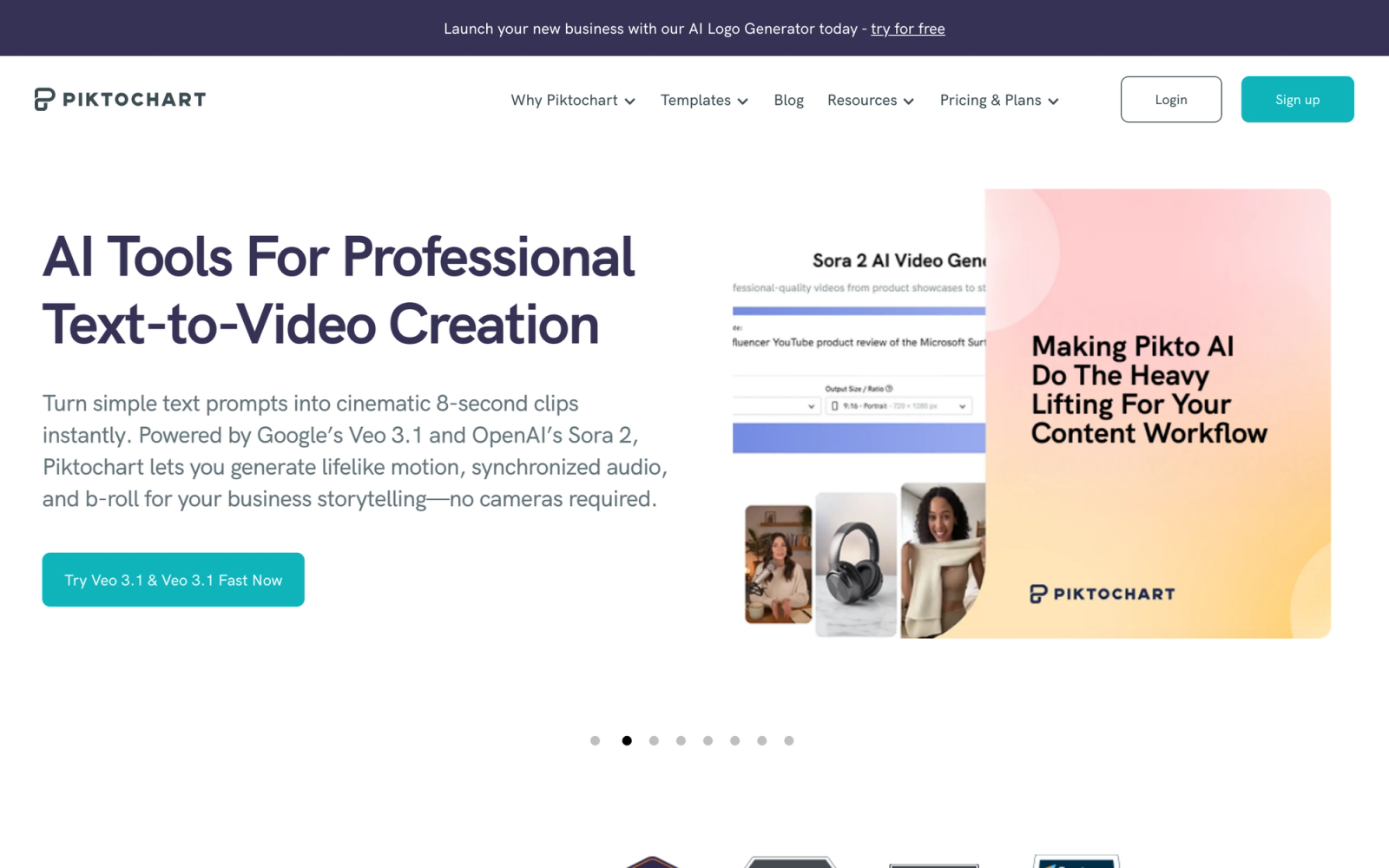
Piktochart focuses on turning information into clear visual formats. Originally built as an infographic maker, it has expanded into presentations, posters, reports, and social media graphics. The platform's strength is simplifying the process of creating data-driven visuals without requiring design skills.
The experience of using Piktochart is intentionally constrained compared to Genially. There are fewer animation options, no layered interactivity, and no gamification tools. But that simplicity is the point. Piktochart is for teams that need to communicate data clearly, not create interactive experiences. If your primary use of Genially is building infographics and visual reports, Piktochart handles that specific job with less complexity.
Core Capabilities
- Infographic builder with data import from CSV, Google Sheets, and manual entry
- Presentation mode with speaker view, audience sharing links, and PDF export
- Report and poster templates with drag-and-drop layout editing
- Chart and graph builder with automatic styling and interactive hover data
- Team collaboration with shared workspaces, template libraries, and brand assets
- AI-powered visual generation for quick infographic drafts from text prompts
- Video creation tool for converting static visuals into short-form video content
- Royalty-free stock photo and icon library
- Export to PNG, PDF, and HTML with options for high-resolution print output
- Integration with Google Sheets, Pexels, Pixabay, and PowerPoint import
Standout Strength
Piktochart makes data visualization accessible to non-designers faster than almost any other tool. The data import workflows, where you paste or connect a spreadsheet and the tool generates a styled chart, save significant time for teams that produce regular reports and updates.
Best For
Internal communications teams, NGOs, educators, and marketing teams that produce infographics, data reports, and visual summaries on a regular basis. Particularly well-suited for organizations that prioritize clarity over interactivity.
Pricing Overview
- Free plan available with limited exports and Piktochart branding
- Pro: $14 per month (billed annually)
- Enterprise: Custom pricing with SSO, dedicated support, and advanced brand controls
Limitations
- No interactive hotspots, pop-ups, or embedded interactions. Content is primarily static or lightly animated.
- No SCORM or LMS export capability. Piktochart is a design tool, not a learning content creation platform.
- Template variety is more limited than Canva or Visme, particularly for presentations.
Quick Comparison Insight
Simpler and more focused than Genially. The right choice when the goal is clear data communication, not interactive exploration.
H5P
Overview
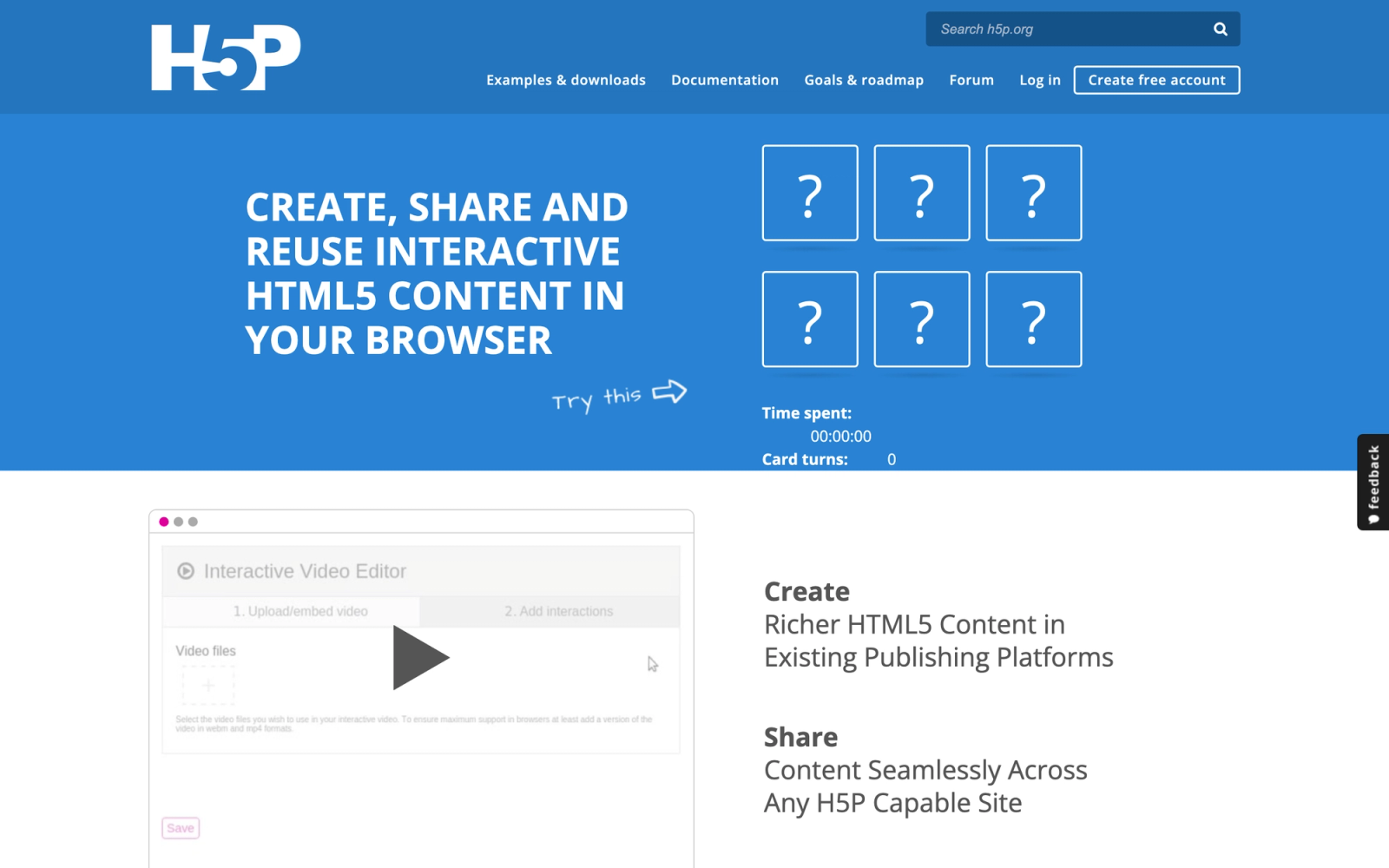
H5P is an open-source framework for creating interactive content types that can be embedded in websites, LMS platforms, and content management systems. It takes a completely different approach from Genially: instead of designing full-page interactive layouts, H5P provides over 50 discrete content types, including interactive videos, branching scenarios, quizzes, timelines, flashcards, and drag-and-drop activities.
The defining trait of H5P is how modular it is. Each content type is a self-contained interactive unit that you build, embed, and track independently. For instructional designers building e-learning content, this modularity is more useful than Genially's page-based approach because each interaction can be placed precisely where it serves a learning objective.
Core Capabilities
- Over 50 interactive content types including Interactive Video, Course Presentation, Branching Scenario, and Dialog Cards
- Native integration with Moodle, WordPress, Drupal, Canvas, Brightspace, and Blackboard
- xAPI and SCORM support for tracking learner interactions and completion within LMS platforms
- Branching Scenario content type for creating non-linear, decision-based learning paths
- Interactive Video with embedded quizzes, hotspots, and navigation at specific timestamps
- Drag-and-drop, fill-in-the-blank, multiple choice, and essay question types for assessment
- Column and Course Presentation types for combining multiple content types into a single learning unit
- Content sharing through the H5P Hub, enabling reuse of community-created content
- Accessibility compliance following WCAG guidelines across most content types
- Open-source codebase allowing custom content type development and self-hosting
Standout Strength
H5P's combination of deep interactivity and LMS-native integration is its real competitive advantage. Unlike Genially, where interactive content sits on Genially's servers and links into your LMS, H5P content lives inside your LMS natively. This means learner data, completion tracking, and gradebook integration work without workarounds.
Best For
Educators, instructional designers, and L&D teams working within LMS environments (Moodle, Canvas, Brightspace) who need interactive learning content with built-in tracking. Ideal for higher education institutions and training programs that require standards-compliant interactive assessments.
Pricing Overview
- H5P core: Free and open-source (self-hosted on WordPress, Moodle, or Drupal)
- H5P.com (hosted platform): Pro, Premium, and Enterprise plans priced by number of authors via a calculator
- H5P.com Premium: around $1,560 per year (about $130 per month) for three authors, scaling with author count
- H5P OER Hub: Free for open educational resource sharing
Limitations
- The authoring interface is functional but not visually refined. Designing attractive content requires more effort than in template-driven tools like Genially.
- Self-hosted setup requires technical knowledge. Installing and maintaining H5P on WordPress or Moodle is not a one-click process.
- Individual content types have fixed layouts. You cannot freely position elements the way you can on Genially's canvas.
Quick Comparison Insight
Deeper interactivity for learning content than Genially, with native LMS integration. Less suitable for marketing visuals or branded presentations, but the right choice for instructional designers who need every interaction tied to a gradebook.
Adobe Express
Overview
Adobe Express (formerly Adobe Spark) is Adobe's answer to the quick-design market that Canva and Genially occupy. It provides templates and editing tools for social media graphics, presentations, flyers, logos, videos, and web pages, all within a browser-based interface that is dramatically simpler than Photoshop or Illustrator.
For teams already embedded in the Adobe suite, Express provides a natural extension. Assets from Adobe Stock, fonts from Adobe Fonts, and files from Creative Cloud libraries are accessible directly within the editor. That integration layer is something neither Genially nor Canva can replicate for Adobe-centric organizations.
Core Capabilities
- Template library for social media posts, presentations, flyers, posters, logos, and video content
- Adobe Firefly AI integration for text-to-image generation, generative fill, and text effects
- Brand Kit with locked colors, fonts, logos, and templates enforced across team projects
- Quick Actions for one-click background removal, image resizing, file conversion, and video trimming
- Presentation builder with animations, transitions, and shareable viewing links
- Video creation and editing with templates, stock footage, music, and voiceover recording
- Integration with Adobe Creative Cloud, Adobe Stock, Adobe Fonts, and Libraries
- Bulk creation tools for generating multiple variations of a design from a data source
- Schedule and publish directly to social media platforms from within the editor
- Collaboration features with shared projects, commenting, and team workspaces
Standout Strength
Adobe Express gives teams access to Adobe's creative asset suite, including Firefly AI, Stock, Fonts, and Creative Cloud Libraries, without requiring expertise in professional Adobe tools. For organizations that already pay for Creative Cloud licenses, Express is included at no additional cost and bridges the gap between professional designers and the rest of the team.
Best For
Marketing and communications teams within organizations already using Adobe Creative Cloud. Strong fit for teams that need quick, on-brand content creation while maintaining access to professional Adobe assets and design standards.
Pricing Overview
- Free plan available with limited templates, Adobe Stock assets, and storage
- Adobe Express Premium: $9.99 per month (or included with most Creative Cloud subscriptions)
- Enterprise: Custom pricing through Adobe's enterprise licensing
Limitations
- Interactivity is limited to basic animations and transitions. No hotspots, pop-ups, or embedded interactive elements.
- No SCORM or e-learning export. Adobe Express is a design tool, not a content authoring platform.
- The free plan includes Adobe branding on some features, and premium template access is restricted.
Quick Comparison Insight
Stronger design-suite integration than Genially, but less interactive content capability. Best when the priority is brand-consistent visual assets rather than clickable, layered experiences.
Mentimeter
Overview
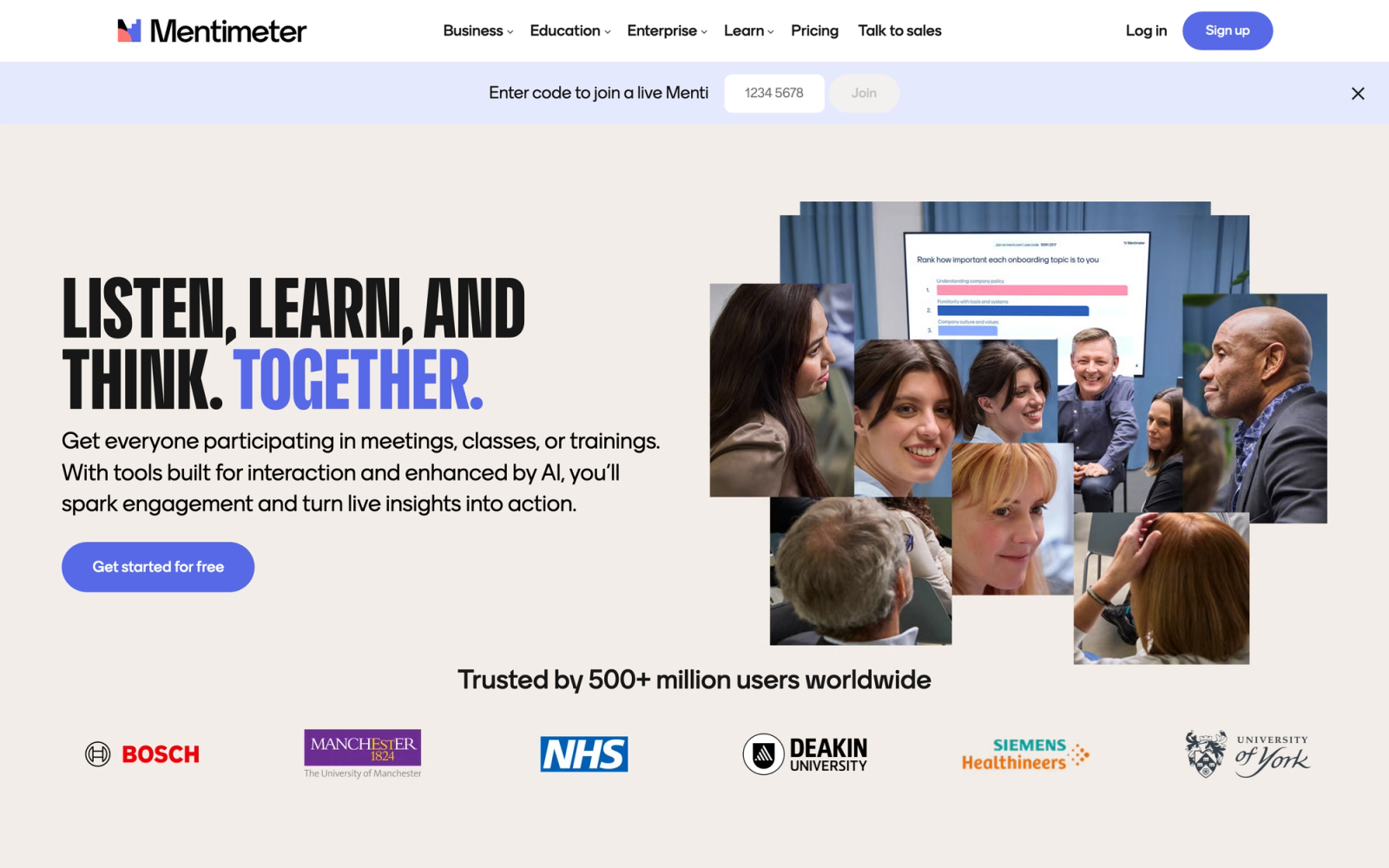
Mentimeter is a live audience interaction platform, not a content creation tool in the traditional sense. Where Genially creates interactive content that people consume independently, Mentimeter creates interactive moments within live presentations. Polls, quizzes, word clouds, Q&A sessions, and reaction slides turn passive audiences into active participants.
In a live workshop setting, the engagement difference is immediate. The moment a live word cloud appears on screen, populated by audience responses in real time, the energy in the room shifts. That kind of synchronous interactivity is something Genially's asynchronous model cannot deliver.
Core Capabilities
- Live polling with multiple question types: multiple choice, open-ended, scales, ranking, and matrices
- Real-time word clouds generated from audience text responses
- Interactive quiz competitions with leaderboards and timed questions
- Q&A feature where audiences submit and upvote questions during presentations
- Reaction slides for gathering instant emotional feedback from audiences
- Presentation builder with content slides alongside interactive slides
- Analytics and reporting on response data, participation rates, and trends across sessions
- AI-powered slide builder that generates interactive presentation drafts from text prompts
- Integration with PowerPoint, Google Slides, and Microsoft Teams for embedding interactive slides
- Audience segmentation and response filtering for analyzing results by demographic or group
Standout Strength
Mentimeter is built around one thing: closing the gap between presenter and audience in real time. A live word cloud or instant poll result gives presenters concrete signal about what the room understands or disagrees with, which lets them adapt on the spot. No asynchronous tool replicates that feedback loop because the value is in the simultaneity, not the content type.
Best For
Corporate trainers, conference speakers, educators running live sessions, and meeting facilitators who need to activate audience participation during presentations. Strong fit for teams that prioritize engagement metrics and want data on how audiences respond in real time.
Pricing Overview
- Free plan available with limited questions per presentation and basic question types
- Basic: $11.99 per month per presenter (billed annually)
- Pro: $24.99 per month per presenter (billed annually)
- Enterprise: Custom pricing with SSO, advanced analytics, and dedicated support
Limitations
- Not a content creation tool. You cannot build infographics, interactive reports, or standalone learning modules.
- Content requires a live presenter or audience to function. It is not designed for self-paced consumption.
- Per-presenter pricing can be expensive for organizations with many facilitators running sessions simultaneously.
Quick Comparison Insight
Completely different use case from Genially. Mentimeter handles live audience interaction; Genially handles asynchronous interactive content. Some teams use both, with Genially for pre-built materials and Mentimeter for live delivery.
Articulate Rise 360
Overview
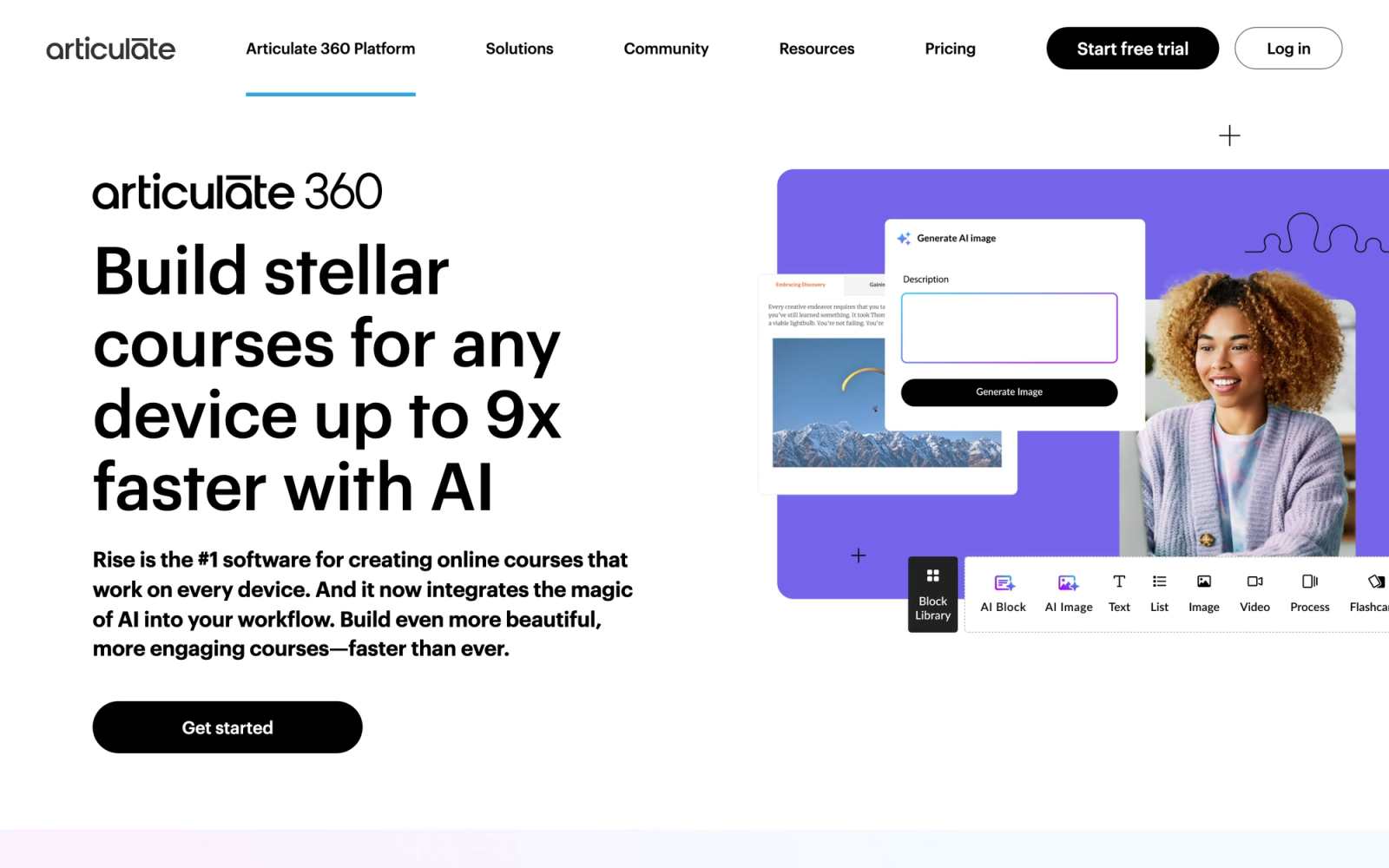
Articulate Rise 360 is a web-based e-learning course builder that is part of the Articulate 360 suite. It creates fully responsive, scrollable courses that work across desktop, tablet, and mobile without any additional configuration. Rise 360 is purpose-built for online learning, which makes it a fundamentally different tool from Genially, but for L&D teams using Genially to create training content, Rise 360 is the professional-grade alternative.
The authoring experience in Rise 360 is structured around lesson blocks: text, images, videos, interactive components, knowledge checks, and multimedia elements that you stack vertically to build a scrollable course. The block-based approach means you spend less time on layout decisions and more time on content structure. For teams producing employee training content at scale, that speed advantage matters.
Core Capabilities
- Block-based responsive course builder with automatic desktop, tablet, and mobile optimization
- Interactive lesson blocks including flashcards, labeled graphics, tabs, accordions, process flows, and sorting activities
- Knowledge check blocks with multiple choice, multiple response, fill-in-the-blank, and matching questions
- SCORM 1.2, SCORM 2004, xAPI, cmi5, and AICC export for LMS deployment
- Storyline 360 integration for embedding custom interactive modules within Rise courses
- Collaboration features with team sharing, review links, commenting, and version history
- Course templates and a content library with pre-built lessons and layouts
- Multimedia support including video, audio, code blocks, and embedded web content
- Accessibility features compliant with WCAG 2.1 and Section 508 standards
- AI Assistant for generating course outlines, lesson text, and knowledge check questions
Standout Strength
Rise 360 delivers polished, responsive e-learning courses faster than any other professional authoring tool. The combination of block-based editing, automatic responsive design, and native SCORM export means L&D teams can go from outline to published course in hours rather than days. For organizations where Genially's lack of SCORM support is the primary pain point, Rise 360 solves it completely.
Best For
L&D teams, instructional designers, and HR departments creating compliance training, onboarding programs, and professional development courses for LMS delivery. Particularly strong for teams that need responsive courses without the complexity of full authoring suites like Storyline or Captivate.
Pricing Overview
- Articulate 360 AI Personal: $1,449 per year per author; AI Teams: $1,749 per year per author (includes Rise 360, Storyline 360, and the full suite)
- Teams plan: Custom pricing with additional collaboration and management features
- Standalone Rise plan available at around $499 per user per year; free 30-day trial available
- No per-learner fees; courses can be deployed to unlimited learners
Limitations
- Historically only sold inside the full Articulate 360 suite, though Articulate now offers a standalone Rise plan (around $499 per user per year) for teams that only need the course builder.
- Design flexibility is constrained by the block-based format. You cannot freely position elements or create the kind of freeform visual layouts Genially allows.
- Courses must be hosted on an LMS or Articulate's Review/Reach platforms. There is no simple web-link sharing like Genially offers.
Quick Comparison Insight
Far more capable than Genially for structured e-learning with full SCORM support, but less flexible for freeform visual content. Rise 360 is the professional path for teams that have outgrown Genially's training content capabilities.
Lumi Education

Overview
Lumi Education is a free, open-source desktop application for creating, editing, and viewing H5P interactive content. While H5P itself is typically used within an LMS or CMS environment, Lumi removes that dependency entirely. You install it on your computer, create interactive content offline, and export it as standalone HTML files, SCORM packages, or other formats.
For educators and trainers who found H5P's LMS requirement to be a barrier, Lumi changes the equation. You can create a branching scenario, an interactive video, and a set of flashcards without any server setup, any hosting account, or any internet connection. The content exports as self-contained HTML files you can share via email, USB, or any file-sharing platform.
Core Capabilities
- Desktop application for Windows, Mac, and Linux with offline content creation
- Full H5P content type library with 50+ interactive content types available locally
- SCORM export for deploying interactive content to any standards-compliant LMS
- HTML5 export for standalone, self-contained interactive files that run in any browser
- Content editing and previewing without needing a web server or CMS installation
- Batch export for converting multiple H5P files at once
- Support for all H5P content types including Interactive Video, Branching Scenario, Course Presentation, and assessments
- xAPI statement generation for tracking learner interactions when deployed through compatible systems
- Open-source with an active development community and regular updates
- No account required; download, install, and start creating immediately
Standout Strength
Lumi makes H5P accessible without any infrastructure. The ability to create sophisticated interactive learning content entirely offline, then export it as SCORM or standalone HTML, solves two of Genially's biggest pain points simultaneously: offline access and LMS packaging. And it does this at zero cost.
Best For
Individual educators, freelance instructional designers, and small training teams that need interactive learning content with SCORM export but do not have the budget or infrastructure for commercial authoring tools. Particularly valuable in contexts with limited internet connectivity or strict software procurement processes.
Pricing Overview
- Completely free and open-source
- No subscription fees, no per-user costs, no feature gating
- Optional donations support the project's development
Limitations
- The interface is functional but plain. It lacks the visual polish and design templates that Genially and other commercial tools provide.
- Content types follow H5P's fixed layouts. Freeform visual design is not possible.
- No cloud collaboration. Lumi is a desktop application, so team workflows require manual file sharing.
Quick Comparison Insight
The only completely free option on this list with full SCORM export and deep interactivity. Visually plainer than Genially, but purpose-built for structured e-learning content at zero cost, a trade-off that makes sense for any team where budget is the primary constraint.
How to Choose the Right Alternative
The right Genially alternative depends on what you are actually using Genially for and where it is falling short.
If your primary need is visual design and presentations, Canva or Adobe Express provide broader design capabilities with stronger brand controls. Canva offers the widest template library and the flattest learning curve. Adobe Express is the better fit if your organization already uses Creative Cloud and wants asset-suite integration.
If you need non-linear, animated presentations, Prezi's spatial canvas provides a presentation experience that slide-based tools cannot replicate. It is purpose-built for presenters who want to navigate content fluidly based on audience response.
If data visualization is central to your content, Visme stands out with interactive charts, live data connections, and report-style layouts that go beyond what Genially or Canva offer for data-heavy materials.
If you produce infographics and reports more than interactive experiences, Piktochart focuses specifically on turning data into clear visual formats without the complexity of full interactive content builders.
If you need interactive learning content for an LMS, H5P and Lumi Education provide the deepest interactivity with native SCORM and xAPI support. H5P works within your LMS; Lumi works on your desktop. Both are open-source and free. For teams evaluating broader learning platforms, reviewing LMS options alongside authoring tools provides a more complete picture.
If you need professional e-learning courses with responsive design, Articulate Rise 360 is the industry standard for block-based, responsive SCORM course creation. It is the most direct upgrade path for L&D teams that have outgrown Genially's training capabilities.
If live audience interaction is what you need, Mentimeter handles real-time polls, quizzes, and Q&A during live presentations, a use case that asynchronous tools like Genially do not address.
If you need to build interactive courses and actually deliver them, Teachfloor pairs AI course creation with flexible delivery (self-paced, social, live, or cohort), community, peer review, and progress tracking, so interactive content becomes a complete program rather than a standalone file.
FAQ
Which Genially alternative generates presentations with AI?
Several tools on this list build content with AI. Mentimeter and Visme both generate interactive presentation drafts from a text prompt, and Teachfloor's AI course creation turns documents, slides, and videos into structured, interactive lessons. If you want AI to draft a presentation, Visme or Mentimeter fit best; if you want AI to build a full interactive course you can deliver and track, Teachfloor is the stronger option.
Are there free Genially alternatives with no watermark?
H5P and Lumi Education are open-source, completely free, and add no watermark to any exported content. Canva and Piktochart offer free plans but apply platform branding to some exports. For teams that need a paid platform with no watermark on any tier, Teachfloor publishes courses to your own branded domain. For a broader budget comparison, see our guides to affordable LMS options and LMS pricing.
Can I use Genially content inside an LMS?
Genially supports SCORM export, but only on its paid Master, Author, and Enterprise plans (Master is a mid-tier plan, not the entry tier). On lower plans, you can embed Genially content via iframe or share links, but you lose completion tracking and gradebook integration. If LMS integration is a core requirement, tools like H5P, Lumi, or Articulate Rise 360 provide native SCORM support at lower price points.
Is there a free Genially alternative with no watermark?
This question is answered directly above. H5P and Lumi Education are both free, open-source, and watermark-free. Canva's free tier adds branding only to premium template exports; Piktochart's free plan includes platform branding on all exports. For zero-cost, no-watermark interactive content, H5P or Lumi are the clearest choices.
Which Genially alternative is best for educators?
It depends on the type of content. For interactive learning activities within an LMS, H5P provides the deepest integration with platforms like Moodle and Canvas. For creating visually polished course materials, Canva for Education is free for eligible teachers. For running structured, cohort-based programs with live sessions, Teachfloor provides the delivery infrastructure.
Can I import my Genially content into another tool?
Direct import is generally not supported. Genially content is built in a proprietary format. You can export some content as PDF or images, but interactive elements will not transfer. If you are migrating, plan to rebuild content in the new platform rather than importing.
Which alternative supports SCORM export on affordable plans?
H5P (free), Lumi Education (free), and Articulate Rise 360 (around $499 per year per author standalone, or inside Articulate 360 from $1,449 per year) all support SCORM export. Among these, H5P and Lumi offer SCORM at zero cost, making them the most accessible options for budget-conscious teams.


