

Why Look for a Kaltura Alternative?
Kaltura is one of the most established video platforms on the market, with deep roots in education, media, and enterprise video. Its open-source heritage and extensive API surface give technical teams significant flexibility. But that flexibility comes with real trade-offs, and those trade-offs are what push teams to explore Kaltura alternatives.
Complex setup that demands technical expertise. Kaltura's architecture was built for organizations with dedicated engineering resources. Self-hosted deployments (Kaltura CE) require managing transcoding servers, storage infrastructure, and database clusters. Even the SaaS version involves configuration complexity that most competing platforms abstract away. If your team does not include a developer comfortable with API integrations and server management, the initial setup can stall for weeks.
Enterprise pricing with limited transparency. Kaltura does not publish pricing on its website. Costs are negotiated per contract, which makes budgeting difficult for mid-market teams. Organizations that have gone through the procurement process frequently report that the total cost, including hosting, bandwidth overages, and support tiers, exceeds initial expectations. For teams accustomed to predictable per-seat or per-storage pricing, this model creates friction.
Steep admin learning curve. The Kaltura Management Console (KMC) is powerful but dense. Managing video entries, categories, access control profiles, and player configurations involves navigating a layered interface that takes time to learn. Teams without a dedicated video operations person often struggle to use the platform efficiently.
Slow transcoding and infrastructure overhead. Depending on the deployment model, transcoding jobs can queue and delay content availability. Organizations running Kaltura CE bear the infrastructure cost of scaling transcoding workers. SaaS users sometimes report lag in processing large video libraries, particularly during bulk uploads.
Inconsistent customer support. Support quality varies by contract tier. Teams on lower-tier plans have reported slow response times and difficulty reaching engineers who understand their specific deployment. For organizations that rely on responsive support during live events or course launches, this inconsistency is a tangible risk.
These are not minor inconveniences. They affect daily operations, content delivery speed, and total cost of ownership. The alternatives below each address one or more of these gaps with a different approach to video management, hosting, or learning delivery.
What to Look for in a Video Management Platform
Choosing a video platform involves more than comparing feature lists. The right fit depends on how your organization creates, manages, and distributes video content, and how technical your team is.
Deployment simplicity. How quickly can a non-technical admin get video content live? Platforms that require minimal configuration and offer intuitive dashboards reduce time-to-value. If Kaltura's setup complexity is a pain point, prioritize platforms that handle transcoding, storage, and delivery without manual infrastructure management.
Pricing clarity. Look for transparent pricing models that let you forecast costs accurately. Per-seat, per-storage, or flat-rate models are easier to plan around than usage-based contracts with bandwidth overages. Factor in the total cost: hosting, transcoding, CDN delivery, support, and any add-on modules.
Video analytics depth. Basic view counts are not enough for most use cases. If you are using video for employee training or education, you need engagement heatmaps, completion rates, drop-off analysis, and viewer-level tracking. Marketing teams need conversion attribution and A/B testing data.
Content security. Depending on your industry, you may need DRM, signed URLs, domain restrictions, SSO integration, or geographic access controls. Regulated industries and compliance training programs require audit trails and granular permission systems.
Integrations. Check for native integrations with your LMS, CRM, marketing automation tools, and content management system. An open API matters, but pre-built connectors save development time. If you rely on LMS integrations, verify that the platform supports LTI or has documented connectors for your stack.
Scalability and reliability. A platform that works for 500 videos may not perform at 50,000. Consider CDN coverage, uptime guarantees, and how the platform handles concurrent viewers during live events or peak periods.
10 Best Kaltura Alternatives
The platforms below span different categories: enterprise video hosting, marketing-focused video tools, lightweight recording solutions, and learning-centric platforms. Each one addresses specific Kaltura pain points, grouped so you can quickly identify which ones match your use case.
| Tool | Video hosting | Live streaming | Analytics | LMS / learning | Starting price | Free trial |
|---|---|---|---|---|---|---|
| Panopto | Yes | Yes | Yes | LTI integration | Custom | Yes |
| Vimeo Enterprise | Yes | Yes | Yes | SCORM / LTI | Custom | Limited |
| YuJa | Yes | Yes | Yes | LTI integration | Custom | Pilot |
| Wistia | Yes | No | Yes | No | $79/mo | Free plan |
| Brightcove | Yes | Yes | Yes | No | Custom | Demo only |
| Vidyard | Yes | No | Yes | No | $24/user/mo | Free plan |
| Microsoft Stream | Yes | Yes | Yes | No | Included with M365 | M365 trial |
| JW Player | Yes | Yes | Yes | No | Custom | Free dev tier |
| Loom | Yes | No | Yes | No | $15/user/mo | Free plan |
Panopto
Overview
Panopto was purpose-built for lecture capture and enterprise video management, which makes it one of the most direct Kaltura alternatives for education and corporate learning. Where Kaltura requires significant configuration to set up lecture recording workflows, Panopto offers a dedicated desktop recorder and automated camera switching that faculty and trainers can use without technical support.
The platform's strongest differentiator is its video search engine. Panopto indexes spoken words (via automatic speech recognition), on-screen text (via OCR), and slide content, making every second of every video searchable. For organizations with large video libraries, this capability transforms how learners find specific content inside hours of recorded material.
Core Capabilities
- Multi-source lecture capture with automatic camera switching and screen recording
- Smart Search that indexes speech, OCR text, and slide content across the entire video library
- In-video quizzing and interactive elements for formative assessment during playback
- Folder-based access control with SSO integration and LMS role syncing
- Automatic captioning with support for editing and multi-language subtitle generation
- Native LTI integration with Canvas, Blackboard, Moodle, Brightspace, and other LMS platforms
- Video analytics showing viewer engagement, completion rates, and quiz performance
- Remote recording capabilities for capturing presentations from any location
- API access for custom integrations and workflow automation
- Cloud-hosted transcoding and delivery with no infrastructure management required
Standout Strength
Panopto's strength is making large video libraries usable. The combination of Smart Search, automatic captioning, and structured folder permissions means that thousands of hours of recorded lectures or training sessions become a searchable knowledge base rather than an unwieldy archive. Kaltura can achieve similar outcomes, but doing so requires custom configuration that Panopto handles out of the box.
Best For
Universities recording lectures at scale, corporate L&D teams building video-based training libraries, and organizations that need to make large volumes of recorded content discoverable. Particularly strong for institutions already using an LMS that supports LTI.
Pricing Overview
- Custom enterprise pricing based on user count and storage
- Free trial available for evaluation
- Pricing model: per-user or per-institution licensing
Limitations
- The desktop recorder, while reliable, can feel dated compared to browser-native alternatives.
- Live streaming capabilities exist but are less polished than dedicated webinar or live event platforms.
- Pricing is not published, so smaller organizations may find the procurement process slow.
Quick Comparison Insight
More specialized than Kaltura for lecture capture and video search. Less flexible as a general-purpose video API platform, but dramatically easier to deploy and manage.
Vimeo Enterprise
Overview
Vimeo Enterprise takes the video quality and player experience Vimeo is known for and wraps it in enterprise-grade security, analytics, and team management features. Compared to Kaltura, the setup experience is notably simpler. There is no infrastructure to manage, no transcoding servers to configure, and the admin interface is clean enough that non-technical team members can upload, organize, and distribute video within minutes.
Vimeo Enterprise stands out for how it balances internal and external video use cases. The same platform handles company-wide town halls, internal training content, and customer-facing marketing videos. Organizations that need a single video home for both internal communications and external-facing learning content find this unified approach simpler than running separate tools.
Core Capabilities
- High-quality adaptive bitrate streaming with Vimeo's global CDN
- Brandable video player with customizable colors, logos, and call-to-action overlays
- Live streaming with simulcasting to multiple destinations (Facebook, YouTube, custom RTMP)
- Centralized video library with folder organization, team permissions, and review workflows
- Advanced privacy controls including domain-level embedding restrictions, password protection, and SSO
- Viewer-level analytics showing engagement curves, geographic distribution, and device breakdown
- Automatic captioning and transcript generation
- Screen recording and webcam capture via Vimeo Record (Chrome extension)
- API access and integrations with Slack, HubSpot, Marketo, and major LMS platforms
- SCORM and LTI support for embedding video in learning management systems
Standout Strength
Vimeo Enterprise fits teams that want broadcast-quality video delivery with minimal operational overhead. The combination of a polished player, strong CDN performance, and intuitive admin experience means teams spend time on content rather than infrastructure. For organizations moving away from Kaltura specifically because of setup complexity, Vimeo offers the starkest contrast.
Best For
Corporate communications teams delivering town halls and all-hands meetings, marketing departments needing branded video hosting, and L&D teams that need a clean, reliable video platform without the complexity of a full video CMS. Strong fit for organizations with 200 to 10,000 employees.
Pricing Overview
- Vimeo Enterprise: custom pricing based on seats and usage
- Vimeo individual plans (post-February 2026 overhaul): Creator from $10/mo, Professional from $70/mo
- Free trial available on lower tiers
Limitations
- Enterprise pricing is not published, requiring a sales conversation for exact costs.
- Less depth in LMS-specific features (quiz integration, SCORM reporting) compared to platforms built for education.
- The platform is optimized for polished, produced content; teams needing raw lecture capture workflows may find it less suited.
Quick Comparison Insight
Simpler to operate than Kaltura and better for corporate video use cases. Less flexible for deep educational workflows or custom video application development.
YuJa
Overview
YuJa is a video management and lecture capture platform built specifically for higher education, which places it in direct competition with Kaltura's education vertical. What separates YuJa from Kaltura is its emphasis on accessibility compliance. The platform includes automatic captioning, audio description, and document remediation tools that help institutions meet ADA and WCAG requirements without relying on third-party services.
YuJa's admin interface differs sharply from Kaltura's KMC. YuJa's dashboard is organized around the workflows that matter to instructional technology teams: video capture, media management, proctoring, and accessibility. It feels purpose-built for the higher ed use case rather than adapted from a general-purpose media platform.
Core Capabilities
- Lecture capture with multi-camera support, screen recording, and scheduling integration
- AI-powered automatic captioning with caption editing tools and multi-language support
- Accessibility suite including audio description, document remediation, and WCAG compliance reporting
- Video quizzing and interactive elements that report completion data back to the LMS gradebook
- Proctoring tools for remote exams with browser lockdown and identity verification
- LTI integration with Canvas, Blackboard, Brightspace, Moodle, and Sakai
- Media library with folder structures, tagging, bulk operations, and granular access controls
- Student-facing video assignments that allow learners to submit recorded responses
- Live streaming to classrooms or institution-wide broadcasts
- Analytics at the video, course, and institution level with exportable reports
Standout Strength
YuJa is built for institutions where accessibility compliance is a primary concern. The built-in captioning, remediation, and accessibility tools remove the need for separate accessibility vendors, which simplifies both workflow and procurement. For institutions that have struggled with Kaltura's caption management or relied on third-party captioning services, YuJa consolidates that entire workflow.
Best For
Community colleges, state universities, and large university systems that need institution-wide video management with strong accessibility compliance. Particularly relevant for institutions under ADA scrutiny or those prioritizing WCAG conformance across all digital content.
Pricing Overview
- Custom institutional pricing based on FTE (full-time enrollment) count
- Pricing model: per-institution licensing with tiered modules
- Free pilot available for evaluation
Limitations
- The interface, while functional, has areas that feel less polished than Vimeo or Panopto's consumer-grade UX.
- Outside of higher education, YuJa's market presence is thinner, which means fewer case studies and community resources for corporate use cases.
- Some advanced features (proctoring, document remediation) are add-on modules with separate pricing.
Quick Comparison Insight
Stronger than Kaltura on accessibility compliance and easier to administer for higher ed IT teams. Less versatile as a platform for media companies or custom video applications.
Wistia
Overview
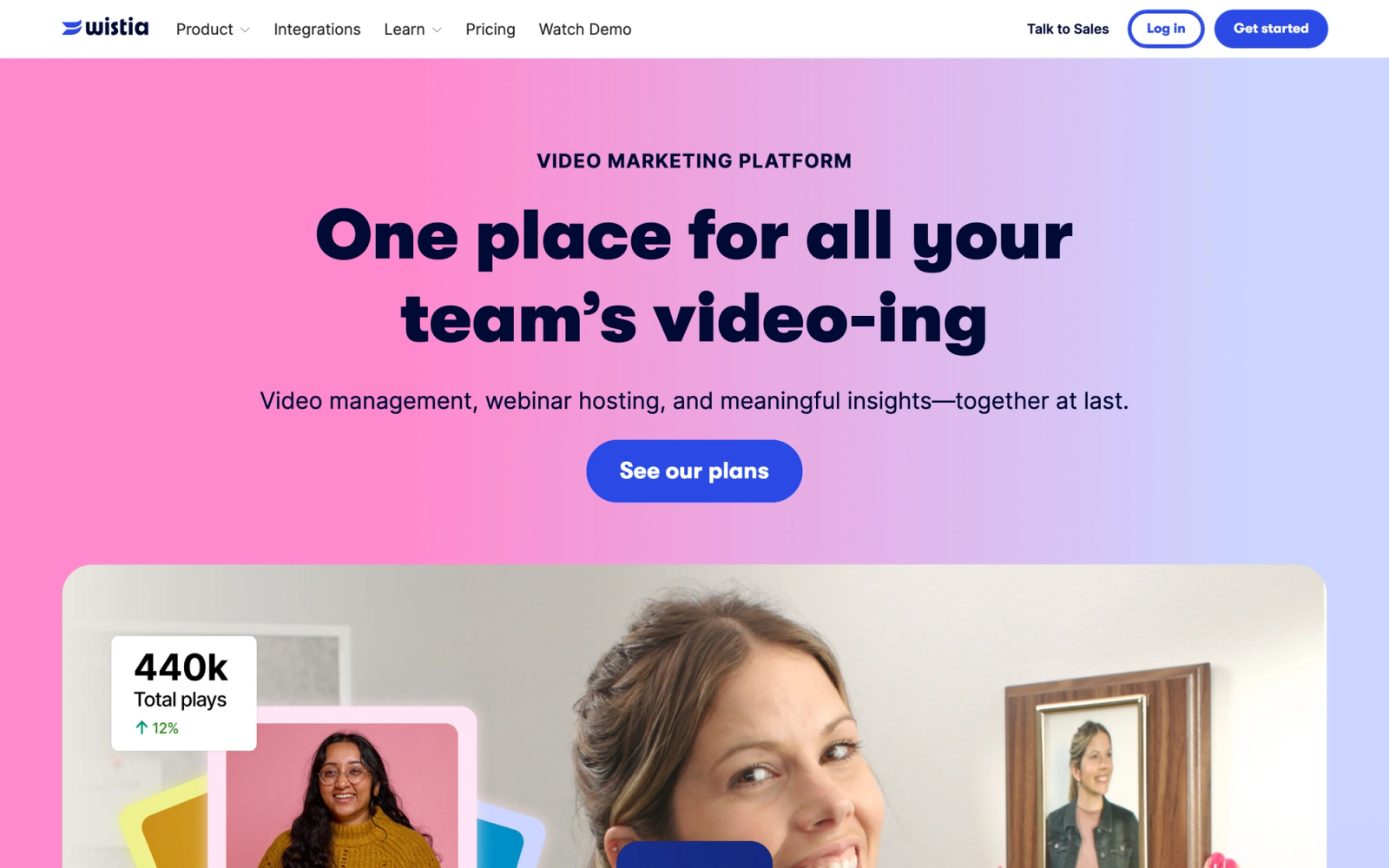
Wistia is a video hosting platform designed for marketing teams, which positions it very differently from Kaltura. Where Kaltura is infrastructure-first, Wistia is conversion-first. Every feature, from the customizable player to the built-in lead capture forms to the heatmap analytics, is oriented around turning video viewers into leads and customers.
Wistia is notably fast to go from upload to publishable content. There is no transcoding queue to wait for, no player configuration to wrestle with, and no access control profiles to set up. You upload a video, customize the player, add a call-to-action, and embed it. For marketing teams that have been frustrated by Kaltura's complexity when all they need is to host product demos and webinar recordings, this simplicity is the entire point.
Core Capabilities
- Customizable video player with brand colors, logo, and configurable controls
- Turnstile email collector and annotation links for lead generation directly inside the player
- Engagement heatmaps showing exactly which parts of each video viewers watch, rewatch, or skip
- Channels feature for organizing videos into binge-worthy, Netflix-style series pages
- A/B testing for thumbnails and calls-to-action to optimize conversion
- Native integrations with HubSpot, Marketo, Pardot, Mailchimp, and Google Analytics
- Automatic transcription and captions
- Soapbox feature for quick webcam and screen recordings
- SEO-friendly embedding with schema markup and video sitemaps
- Podcast hosting through the same platform (Wistia's audio feature)
Standout Strength
Wistia directly ties video engagement to marketing pipeline. The CRM integrations mean that when a viewer watches 80% of a product demo and enters their email through a Turnstile form, that data flows straight into HubSpot or Marketo as a qualified lead. Few platforms on this list connect video viewing behavior to marketing automation with this level of native depth.
Best For
B2B marketing teams hosting product demos, customer testimonials, and webinar recordings on their website. SaaS companies that treat video as a lead generation tool rather than a content library. Not suited for education or internal communications at scale.
Pricing Overview
- Free plan: up to 10 videos with Wistia branding
- Business plan: $79 per month (billed annually) with advanced analytics, A/B testing, and lead capture
- Enterprise plan: custom pricing with SSO, dedicated support, and higher limits
- Add-ons and extra seats can push a typical team's cost higher
- The retired Plus, Pro, and Advanced tiers no longer apply
Limitations
- No live streaming capability. Wistia is exclusively for on-demand video.
- Video count limits on lower-tier plans can become restrictive for teams producing content at volume.
- Not designed for educational use cases; no LTI support, quizzing, or LMS integration.
Quick Comparison Insight
Far simpler than Kaltura for marketing video hosting. No overlap with Kaltura's educational or enterprise video management capabilities, but dramatically faster to deploy for demand generation.
Brightcove
Overview
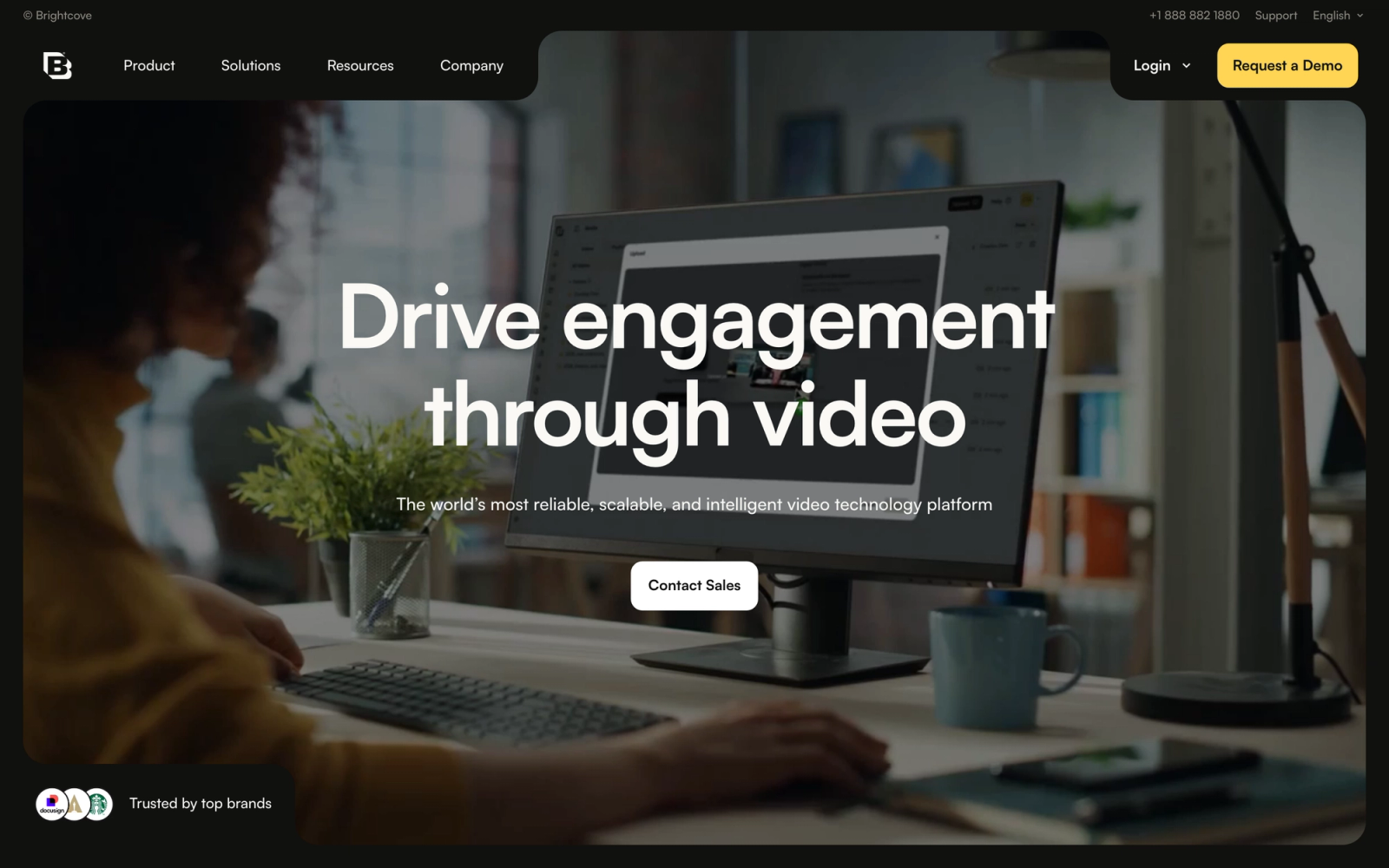
Brightcove is an enterprise video platform that competes with Kaltura at the top of the market, particularly for media companies, broadcasters, and large organizations that need scalable, reliable video delivery. If Kaltura's strength is its open-source flexibility, Brightcove's strength is its managed infrastructure and global CDN performance.
Brightcove differentiates most clearly from Kaltura on reliability and support. Brightcove manages the entire delivery stack, including transcoding, CDN, and player performance, with an SLA-backed uptime guarantee. For organizations that moved to Kaltura's SaaS offering but still experienced infrastructure-related issues, Brightcove offers a more managed approach with less operational responsibility on the customer side.
Core Capabilities
- Cloud-based video hosting with automatic transcoding to multiple bitrate profiles
- Global CDN delivery optimized for low-latency playback across regions
- Brightcove Live for scalable live streaming events with DVR and real-time clipping
- Server-side ad insertion (SSAI) for monetization without ad blockers
- DRM support (Widevine, FairPlay, PlayReady) for premium content protection
- Customizable HTML5 player with plugin architecture and extensive skinning options
- Video analytics with engagement data, QoE metrics, and content performance dashboards
- Interactivity add-on with in-video CTAs, cards, and chapters
- API-first architecture with full REST APIs for custom workflows
- Integrations with Salesforce, HubSpot, Eloqua, and SSO providers
Standout Strength
Brightcove delivers enterprise-scale video without requiring in-house expertise to manage CDN, transcoding, or DRM. The customer focuses on content strategy while Brightcove handles delivery end-to-end. For teams that found Kaltura's operational requirements unsustainable, this managed model removes the burden from the customer's side entirely.
Best For
Media companies, broadcasters, and large enterprises with global audiences that need reliable, high-quality video delivery at scale. Also strong for organizations that monetize video content through ads or subscriptions and need DRM and SSAI. Typical customers have 10,000+ hours of content or reach millions of viewers.
Pricing Overview
- Custom enterprise pricing based on storage, streaming volume, and feature modules
- Pricing model: annual contracts with usage-based components
- No free tier; demo available on request
Limitations
- Pricing is enterprise-only with no published rates, making it inaccessible for smaller organizations.
- The platform is optimized for content delivery and monetization; educational features (quizzing, LTI, gradebook integration) are not native.
- The breadth of configuration options in the admin console can feel overwhelming for teams with simple hosting needs.
Quick Comparison Insight
Comparable to Kaltura in enterprise scale, but with a managed delivery model that removes customer-side infrastructure responsibility. Less flexible for custom development than Kaltura's open-source option, but significantly easier to operate day to day.
Vidyard
Overview
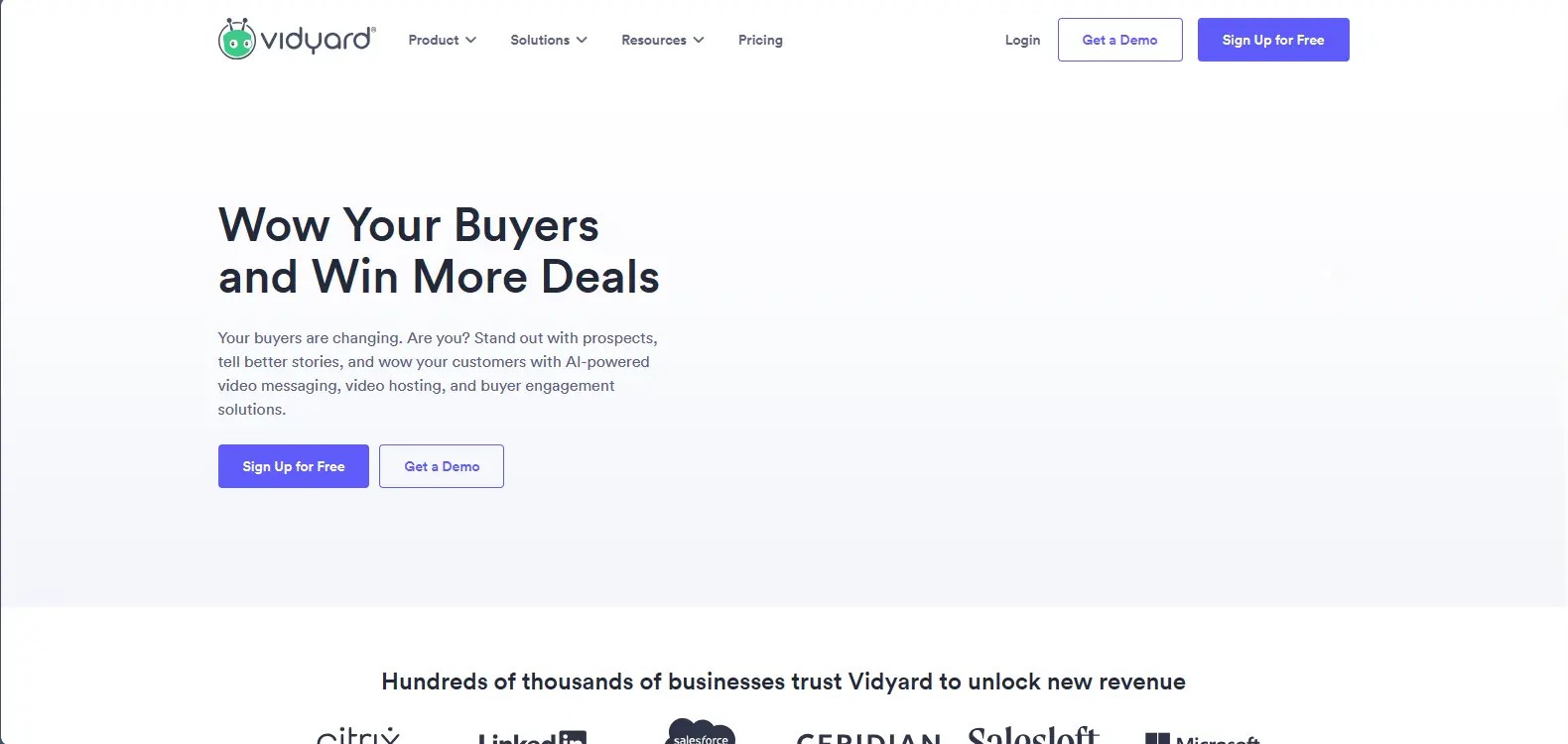
Vidyard occupies a unique position in the video platform landscape: it is built specifically for B2B sales and marketing teams that use video as a prospecting and communication tool. This makes it a narrow but powerful Kaltura alternative for organizations whose primary video need is not content management but sales enablement.
The difference from Kaltura is fundamental. Kaltura treats video as media to be managed, transcoded, and delivered. Vidyard treats video as a sales interaction to be tracked, personalized, and attributed to pipeline. Recording a personalized prospecting video through Vidyard's Chrome extension is intentionally frictionless: record, add a CTA, send, and track who watched what. That workflow does not exist in Kaltura's architecture.
Core Capabilities
- Browser-based screen and webcam recording with one-click sharing
- Personalized video pages with custom branding and viewer-specific elements
- Real-time viewer notifications alerting sales reps when a prospect watches their video
- CRM integration with Salesforce, HubSpot, and Outreach that logs video views as activities
- Video analytics at the individual viewer level showing watch time, rewatches, and drop-off points
- Video hosting for marketing content with SEO optimization and lead capture
- Playlists and video hubs for organizing sales enablement libraries
- AI-powered video creation tools for generating personalized outreach at scale
- Integration with email platforms (Gmail, Outlook) for embedding video directly in outreach
- GDPR and SOC 2 compliance for enterprise data security requirements
Standout Strength
Vidyard closes the gap between sending a video and knowing what happened after. The real-time notifications, CRM activity logging, and individual viewer analytics give sales teams visibility into which videos move deals forward and which lose attention. Few platforms on this list provide this level of sales-specific viewing data.
Best For
B2B sales teams using video for prospecting, deal acceleration, and customer communication. Revenue operations teams that need video engagement data flowing into Salesforce or HubSpot. Not designed for education, media delivery, or internal training libraries.
Pricing Overview
- Free plan: up to 25 videos with basic analytics
- Pro plan: $24 per user per month with unlimited videos and CRM integration
- Business plan: $48 per user per month with advanced analytics, team management, and SSO
- Enterprise pricing available for larger teams on request
Limitations
- Not a general-purpose video hosting platform. Content management and library organization are secondary features.
- No live streaming, no LMS integration, and no educational features.
- Advanced analytics and team features require higher-tier plans that are custom-priced.
Quick Comparison Insight
Completely different from Kaltura in purpose and architecture. Choose Vidyard if your primary video use case is sales enablement; choose Kaltura or another platform on this list if you need a video CMS.
Microsoft Stream
Overview
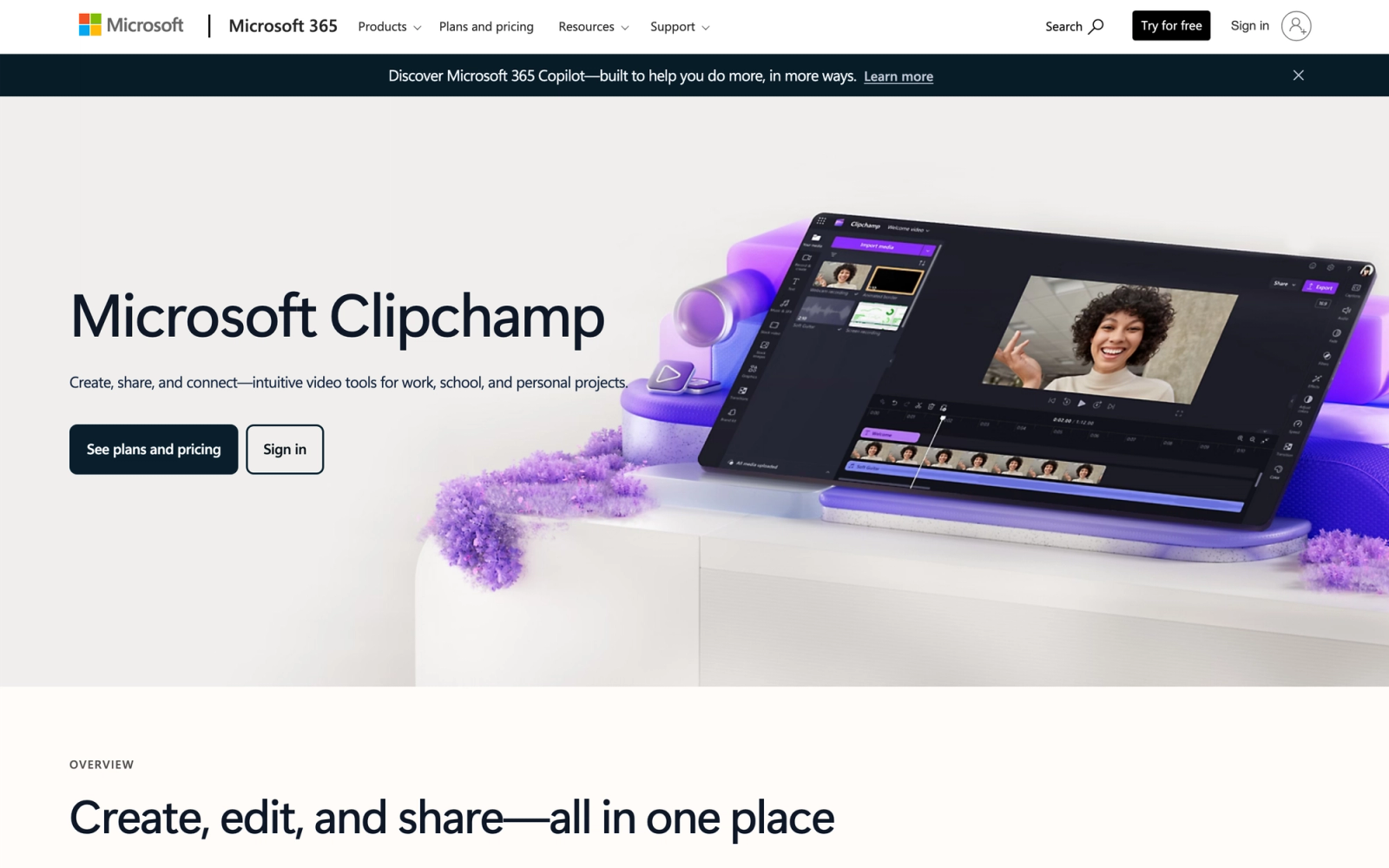
Microsoft Stream is Microsoft's enterprise video platform, now deeply integrated into the Microsoft 365 suite. For organizations already running Teams, SharePoint, and OneDrive, Stream functions as the default video layer across these tools. It is not a standalone video platform in the traditional sense; it is a video capability woven into the Microsoft productivity suite.
The comparison to Kaltura here is about philosophy. Kaltura is a dedicated video platform you add to your stack. Microsoft Stream is a video feature embedded in tools your organization likely already uses. Inside a Microsoft 365 environment the integration is tight: Teams meeting recordings appear automatically in Stream, SharePoint pages embed Stream videos natively, and OneDrive handles storage. For organizations that found Kaltura's setup complexity disproportionate to their needs, Stream's zero-configuration approach is compelling.
Core Capabilities
- Automatic recording and storage of Microsoft Teams meetings with speaker attribution
- Deep integration with SharePoint, OneDrive, Viva Engage, and other Microsoft 365 services
- AI-generated transcripts, chapters, and topic detection for recorded content
- Built-in screen recording through Teams or the Stream web app
- Viewer analytics showing who watched, how much they watched, and engagement trends
- Permission management inherited from Microsoft 365 groups and Azure AD
- Large-scale events and webinars through Teams town halls with up to 10,000 attendees (Teams live events retire on June 30, 2026)
- Automatic captioning with multi-language support
- Content search across transcripts and video metadata
- No additional licensing cost for Microsoft 365 enterprise subscribers
Standout Strength
Microsoft Stream can eliminate the need for a separate video platform entirely for organizations already on Microsoft 365. If the company pays for E3 or E5, Stream is included at no additional cost. With no setup required and native integration with Teams and SharePoint, it is the most practical starting point for organizations whose video needs center on meeting recordings, internal communications, and knowledge sharing.
Best For
Organizations with 500+ employees already standardized on Microsoft 365 that need video hosting for meeting recordings, internal announcements, and training content. IT teams that want to consolidate their video tool into an existing license. Not suited for media companies, external-facing video hosting, or advanced video management workflows.
Pricing Overview
- Included with Microsoft 365 E1, E3, E5, and Business Standard subscriptions
- No additional per-user cost for existing Microsoft 365 customers
- Storage draws from the organization's SharePoint and OneDrive allocation
Limitations
- Video management capabilities are basic compared to dedicated platforms. No advanced folder structures, custom metadata schemas, or workflow automation.
- Analytics are shallow compared to Kaltura, Panopto, or Vimeo. No heatmaps, no quiz-level tracking.
- External sharing and public embedding options are limited; Stream is designed for internal audiences.
Quick Comparison Insight
The simplest transition from Kaltura if your organization is on Microsoft 365 and your video needs are primarily internal. Lacks the depth and flexibility of a dedicated video platform for complex use cases.
JW Player
Overview
JW Player has been a foundational technology in online video for over a decade. Originally known as the most widely deployed web video player, JW Player has expanded into a full video hosting, streaming, and monetization platform. It competes with Kaltura primarily in the media and publishing space, where customizable player technology and ad monetization are critical.
What distinguishes JW Player from Kaltura is its focus on the player experience and content monetization. The JW Player is one of the most flexible and performant video players available, with extensive configuration options, plugin support, and ad integration. For publishers and media companies that need granular control over playback behavior, ad insertion, and viewer experience, this player-centric approach offers capabilities that Kaltura's player cannot match out of the box.
Core Capabilities
- Highly customizable HTML5 video player with extensive API and configuration options
- Video hosting with automatic multi-bitrate transcoding and global CDN delivery
- Live streaming with low-latency playback and real-time viewer engagement tools
- Server-side ad insertion (SSAI) and client-side ad support with VAST/VPAID/VMAP compliance
- Recommendations engine that suggests related content to increase viewer session time
- Article matching that automatically pairs video content with relevant text articles
- DRM support for protecting premium video content
- Player bidding for programmatic ad revenue optimization
- Analytics dashboard with quality of experience (QoE), engagement, and revenue metrics
- REST API for full programmatic control over video management and delivery
Standout Strength
JW Player is built to maximize video revenue for publishers and media brands. The combination of SSAI, player bidding, recommendation algorithms, and article matching is designed to increase ad revenue per impression and extend viewer session time. For content businesses that monetize video inventory, these are revenue-line capabilities that Kaltura's platform does not specifically address.
Best For
Digital publishers, news organizations, and media companies that monetize video through advertising. Content businesses that need a high-performance player with programmatic ad integration. Not suited for education, internal communications, or video libraries that do not rely on ad monetization.
Pricing Overview
- Free developer tier for testing and low-volume use, with JW Player branding
- Enterprise plan: custom pricing based on plays, features, and support level
- Pricing model: play-based and feature-based tiers
Limitations
- The platform is heavily optimized for media monetization. Organizations with non-commercial video needs (education, internal training) will find many features irrelevant.
- No LMS integration, quizzing, or educational workflow support.
- The free developer tier includes JW Player branding, which may not suit brand-conscious organizations.
Quick Comparison Insight
More specialized than Kaltura for video monetization and player customization. Less versatile as a general-purpose video management platform, but the player technology and ad stack are significantly stronger.
Loom
Overview
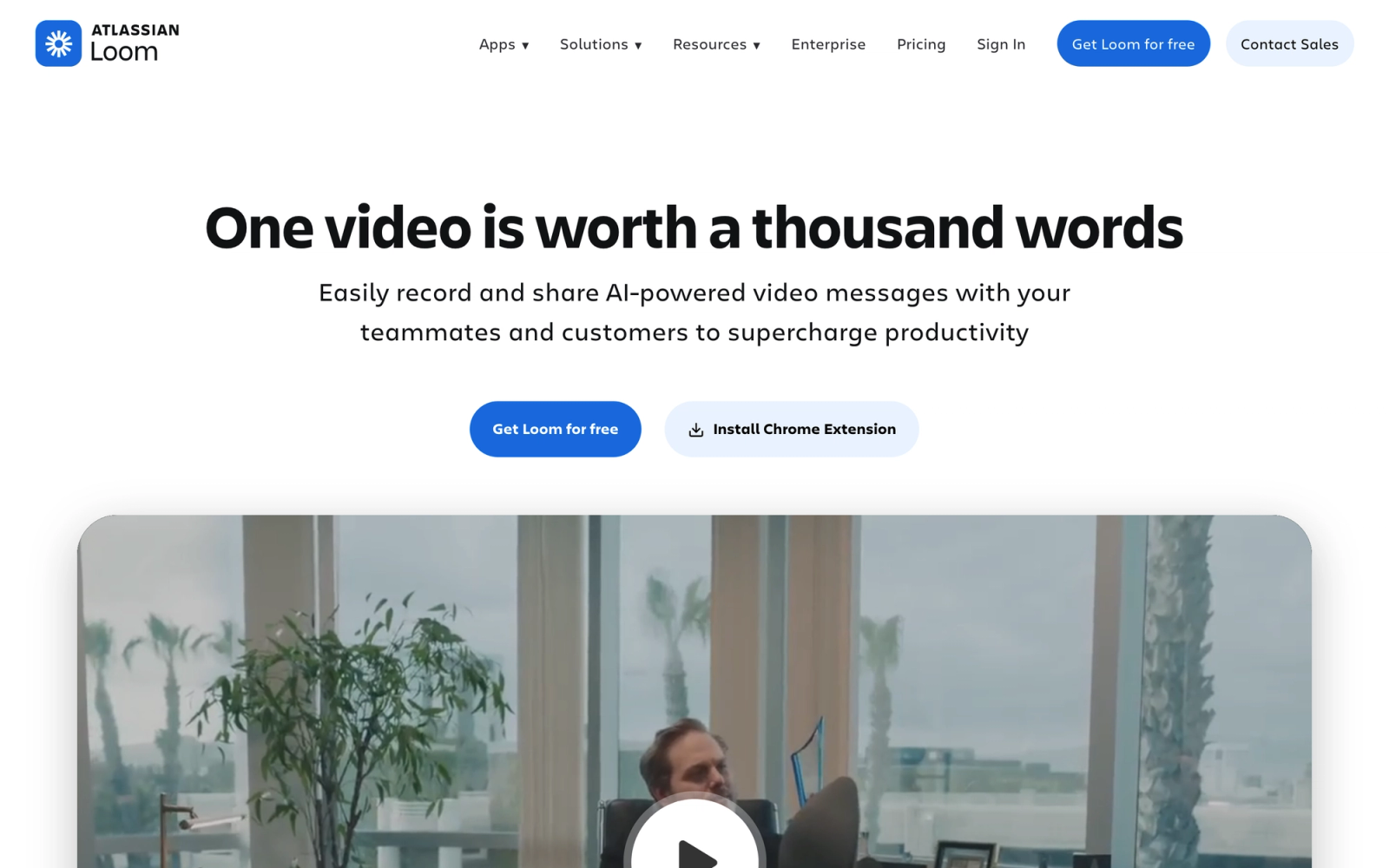
Loom takes a fundamentally different approach to video than Kaltura. It is not a video management platform or a media delivery system. It is an asynchronous video communication tool designed to replace meetings and long emails with quick screen recordings. If your Kaltura frustration stems from how heavyweight the platform is for simple internal video sharing, Loom is the opposite end of the spectrum.
Recording and sharing a Loom is genuinely fast: open the browser extension, record your screen and face, and a shareable link is ready in seconds. There is no upload process, no transcoding wait, and no folder structure to navigate. For teams where the primary use case is explaining something visually to a colleague, reviewing a document on screen, or giving asynchronous feedback, that speed matters more than any enterprise feature set.
Core Capabilities
- Browser extension and desktop app for instant screen and webcam recording
- Automatic transcription and closed captions for every recording
- Comments and emoji reactions with timestamp-linked feedback
- Viewer insights showing who watched each video and how much they viewed
- Video editing tools: trim, stitch, and add calls-to-action without leaving the platform
- Workspace organization with folders, tags, and team libraries
- Password protection and link expiration for sensitive content
- Integration with Slack, Notion, Jira, GitHub, Google Docs, and dozens of other tools
- Loom AI for automatic titles, summaries, and chapter generation
- Custom branding on video pages for external-facing recordings
Standout Strength
Loom removes the gap between thinking 'I should record this' and actually sharing it. The entire workflow, from recording to shareable link, takes seconds. For distributed teams where quick screen explanations replace synchronous meetings, that speed changes how often people reach for video as a communication tool.
Best For
Distributed and remote teams that need lightweight async video for internal communication. Product teams explaining specs, designers reviewing work, managers giving updates, and support teams creating quick tutorials. Not suited for formal training programs, large video libraries, or content that requires structured management.
Pricing Overview
- Starter plan: free with up to 25 videos per person and 5-minute recording limit
- Business plan: $15 per user per month (billed annually) with unlimited videos
- Enterprise plan: custom pricing with SSO, advanced admin controls, and dedicated support
Limitations
- Not a video management platform. There is no library-scale organization, no advanced metadata, and no bulk management tools.
- No live streaming capability.
- Video quality and hosting are optimized for async communication, not broadcast or high-production content.
Quick Comparison Insight
The opposite of Kaltura in every way: simple, lightweight, and focused on one thing. Choose Loom if quick internal recordings are your primary need; choose a different alternative if you need a video management system.
Where Teachfloor Fits
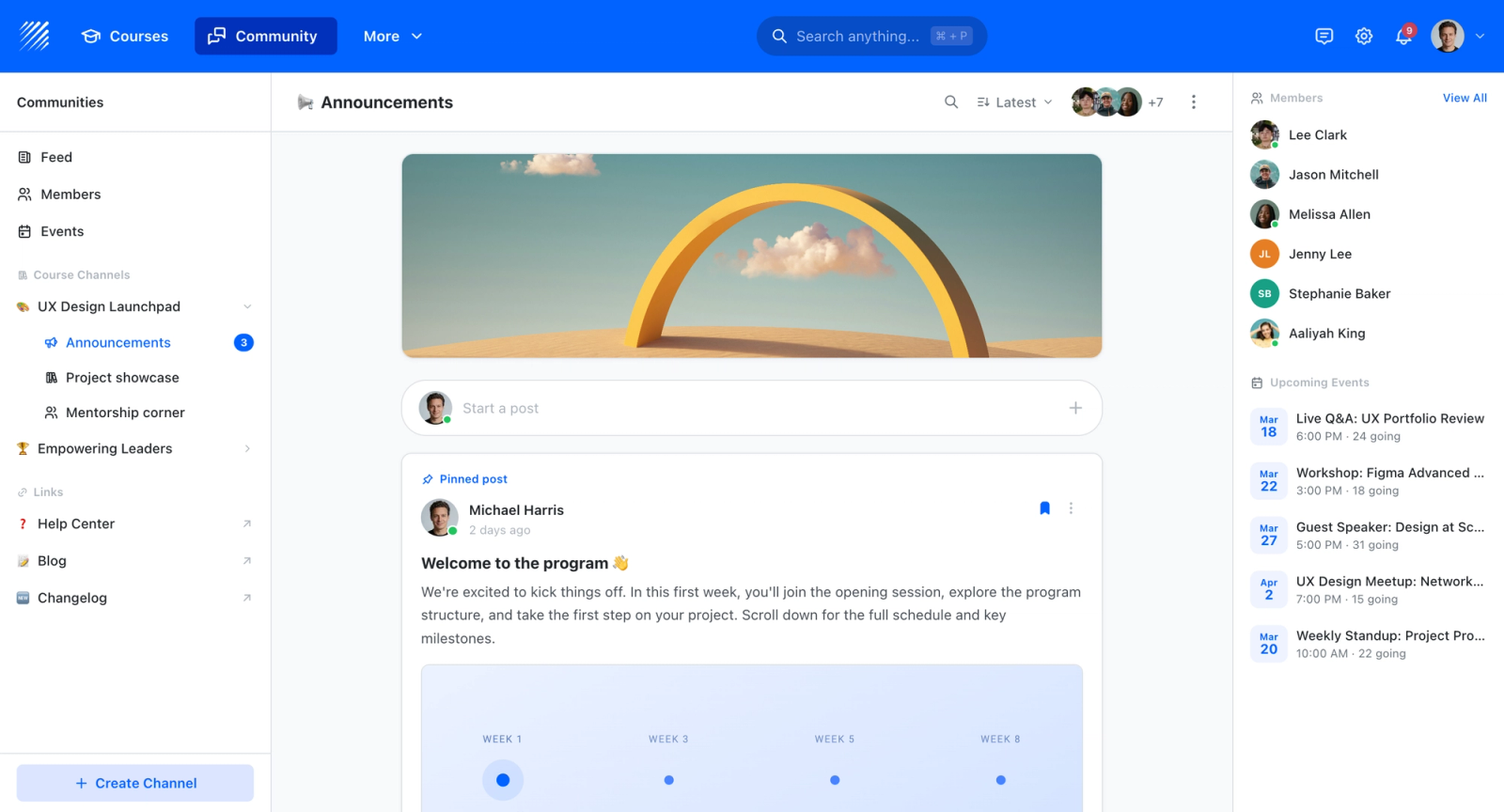
Teachfloor sits in a different category from the video platforms compared above, so treat it as a complement rather than a swap. Where Kaltura and its alternatives store, stream, and manage video, Teachfloor turns that video into structured courses with lessons, quizzes, cohorts, certificates, and completion tracking. If your goal is a media library, pick a tool from this list; if your goal is learning outcomes built around that video, Teachfloor is where the video does its teaching.
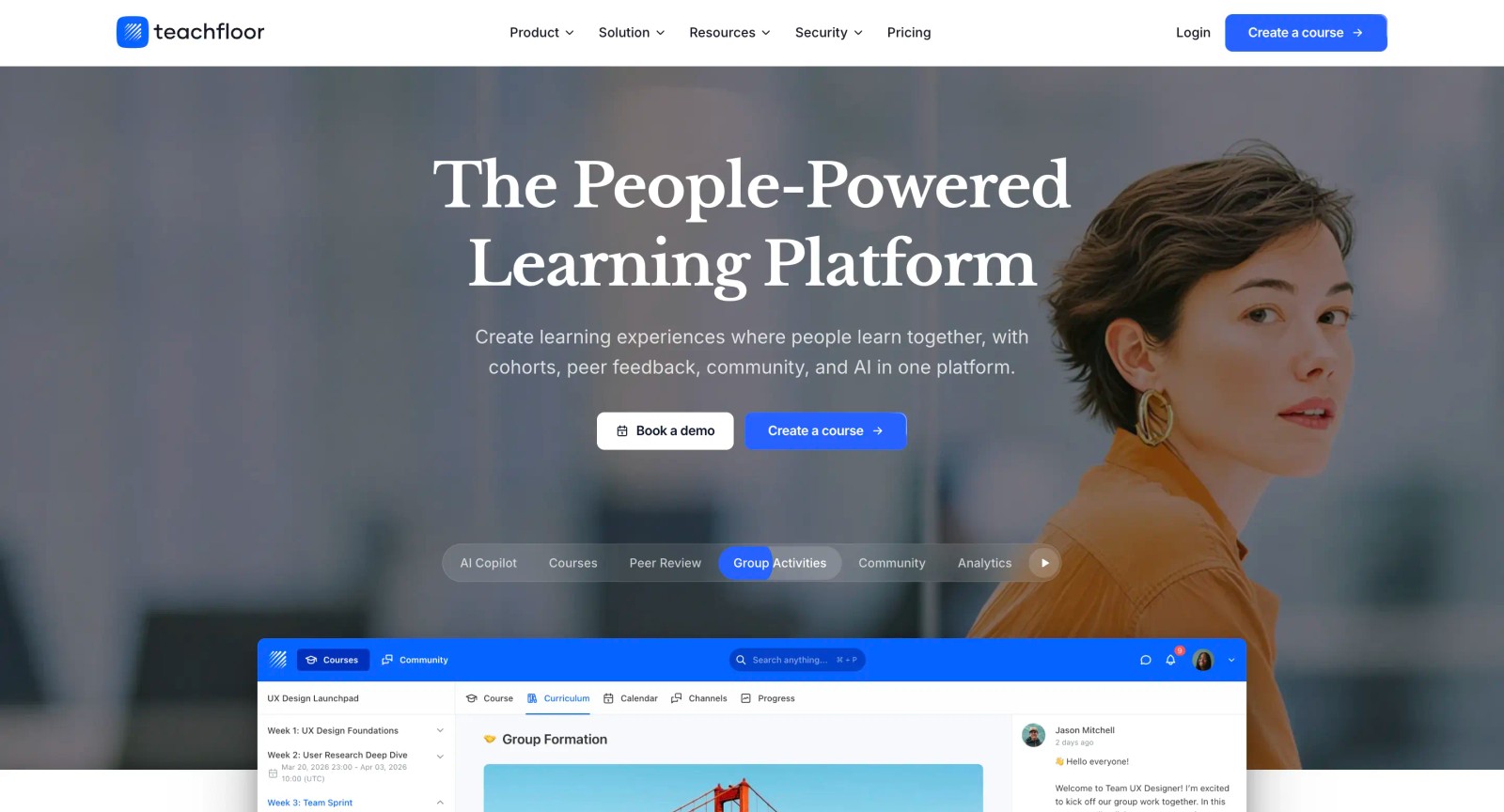
If you are choosing a home for your courses rather than a single-purpose tool, Teachfloor is worth a look. It starts at $89 per month with a 14-day free trial.
How to Choose the Right Kaltura Alternative
The right platform depends on what drove you away from Kaltura in the first place. Here is how to match your specific situation to the tools above.
If Kaltura's setup complexity is the core issue, and your team needs video hosting without infrastructure management, look at Vimeo Enterprise or Microsoft Stream. Both eliminate the operational overhead that Kaltura's architecture requires. Vimeo is stronger for polished, branded video delivery. Microsoft Stream is the simplest path if your organization already runs Microsoft 365.
If you are in higher education and need lecture capture, Panopto and YuJa are the most direct replacements. Panopto excels at video search across large libraries. YuJa leads on accessibility compliance. Both integrate natively with major LMS platforms via LTI, which matters for institutions that depend on learning platform integrations to connect video with their academic tech stack.
If your primary use case is marketing or sales, Kaltura is likely overkill. Wistia is purpose-built for marketing teams that want lead generation from video. Vidyard is the clear choice for B2B sales teams that need personalized video outreach with CRM attribution. Neither platform tries to be a general-purpose video CMS, and that focus is their advantage.
If you need enterprise-scale video delivery for media or publishing, Brightcove and JW Player operate at a similar tier to Kaltura but with different strengths. Brightcove offers the most managed approach to large-scale delivery. JW Player is strongest for ad monetization and player customization.
If your video needs are simple and internal, Loom may be the most practical choice. It replaces the parts of Kaltura that teams used only for quick internal recordings, without the overhead of a full video management system.
If you need video as part of a structured learning program, with live sessions, flexible delivery, and peer interaction, Teachfloor is the strongest pick. It runs self-paced, social, live, or cohort-based formats in one place and closes the learning-experience gap that pure video platforms leave open.
Before committing to any platform, map your actual video workflows. Identify who creates content, who manages it, who consumes it, and what measurable outcomes you need. A platform that matches those workflows will save more time and budget than one that simply has the longest feature list.
FAQ
Is Kaltura free to use?
Kaltura's Community Edition (CE) is open-source and free to download, but it requires self-hosting, which means your organization covers server infrastructure, transcoding resources, storage, and ongoing maintenance. The total cost of running Kaltura CE with reliable performance typically exceeds what many SaaS alternatives charge. Kaltura's hosted SaaS version uses custom enterprise pricing that is not published on their website.
What is the best Kaltura alternative for education?
Panopto and YuJa are the strongest alternatives for educational use cases. Panopto leads in video search and lecture capture at scale, while YuJa offers the deepest built-in accessibility compliance tools. Both integrate with major LMS platforms through LTI. For programs that need video embedded within structured, instructor-led learning experiences, Teachfloor combines live sessions and cohort management in a single environment.
Can I migrate my video library from Kaltura to another platform?
Most enterprise video platforms offer migration support, though the process varies in complexity. Panopto, Brightcove, and Vimeo Enterprise provide dedicated migration assistance for organizations moving from Kaltura. Key considerations include preserving metadata, maintaining embed links, transferring captions and transcripts, and mapping user permissions. Request a migration plan from the vendor before signing a contract.
Which Kaltura alternative has the most transparent pricing?
Wistia, Vidyard, and Loom all publish their pricing publicly with clear per-user or per-video tiered models. Wistia offers a free plan and a Business plan at $79 per month (annual), Vidyard offers a free plan with a $24 per user per month Pro tier, and Loom starts free with a $15 per user per month Business plan. Microsoft Stream is included at no extra cost with Microsoft 365 enterprise subscriptions. Most enterprise platforms (Panopto, Brightcove, YuJa) require a sales conversation for exact pricing.
Do I need a dedicated video platform if I already use an LMS?
It depends on how central video is to your learning programs. If you primarily embed occasional videos in courses, your LMS's built-in video capabilities or a lightweight tool like Loom may be sufficient. If video is a core delivery method with needs around searchability, analytics, learner engagement tracking, and scalable hosting, a dedicated video platform adds meaningful value. Organizations running large online training programs typically benefit from a platform that handles video operations separately from the LMS.
Which Kaltura alternative is best for learning programs rather than just hosting?
For video tied to a learning outcome rather than a media library, Teachfloor is the strongest fit. It supports self-paced, social, live, and cohort-based delivery in a single platform, with AI course creation, community discussion, peer review, and live Zoom sessions available under white-label branding. Panopto and YuJa remain the better choices for lecture capture at institutional scale; Teachfloor is built for active, structured learning programs.


