

Thinkific is one of the most popular ways to build and sell online courses, and for good reason: it's polished, no-code, and easy to launch. But it's built around one model: self-paced courses that learners take alone. The moment you want live cohorts, real peer interaction, deeper customization, or you hit a feature locked behind a pricier plan, you start looking for something better.
The short answer: if you're running cohort-based or community-driven programs, Teachfloor is the strongest Thinkific alternative. If you mainly sell self-paced courses, Teachable and Podia are the closest swaps, and the best pick really depends on whether you optimize for price, course design, community, or marketing.
Below, we break down the 8 best Thinkific alternatives in 2026, what each one is genuinely good at, where it falls short, and real 2026 pricing, so you can choose based on your use case instead of a feature checklist.
Why look for a Thinkific alternative?
Thinkific does a lot well. Its Basic plan starts at $36/month (billed annually), there are no Thinkific transaction fees when you use Thinkific Payments, and it earns a solid 4.5/5 on G2 across ~390 reviews. For a solo expert selling a self-paced course, it's a safe choice.
The friction shows up as you grow:
- Limited customization. Design and customization are template-bound — it's hard to deeply restyle your school beyond what the themes allow.
- Best features are gated. White-label branding, API access, SCORM, learning paths, and the AI assistant live on the Grow ($149/mo) and custom Plus tiers — so the features that matter as you scale get expensive fast.
- Payment penalties and add-ons. Use your own payment processor instead of Thinkific Payments and you pay an extra fee that scales by plan (~5% on Basic). The branded mobile app is a $199/mo add-on.
- Self-paced by design. It's fundamentally a self-paced tool. There's no native cohort engine, no structured peer review, and the community layer is lighter than community-first platforms.
None of these are dealbreakers on their own. But if any describe you, one of the alternatives below will fit better.
How we evaluated these alternatives
We didn't rank these by feature count. We compared them on the things that actually determine whether a platform works for you:
- Real cost. Pricing transparency and total cost — published tiers, transaction fees, and the add-ons that quietly inflate the bill.
- Course tools. Course-building depth — from simple self-paced modules to assessments, certificates, and SCORM.
- Engagement. Community and live learning — whether the platform supports cohorts, live sessions, discussion, and peer feedback, or just content delivery.
- Branding. Customization and white-label — how much the experience can carry your brand and live on your domain.
- Real reviews. Verified user ratings from G2 and Capterra in 2026, plus the complaints that show up repeatedly in reviews.
A note on pricing: all prices below are in USD for annual billing and were verified in June 2026. Vendors change pricing often, so confirm the current numbers on each official site before you buy.
The 8 best Thinkific alternatives at a glance
| Platform | Best for | Starting price | Platform fees | User rating |
|---|---|---|---|---|
| Teachfloor | Cohort-based & community learning | $89/mo | Stripe fees only | 5.0 (G2) |
| Teachable | First-time course creators | $29/mo | 0–7.5% | 3.9 (G2) |
| Podia | Budget all-in-one | $42/mo | 0–5% | 4.6 (G2) |
| LearnWorlds | Interactive, branded courses | $24/mo | $5/sale–0% | 4.7 (G2) |
| Kajabi | Marketing & funnels | $71/mo | 0.5–5% | 4.4 (Capterra) |
| Mighty Networks | Community + memberships | $79/mo | 0.5–2% | 4.6 (G2) |
| Skool | Simple gamified community | $9/mo | 2.9–10% | n/a |
| Moodle | Open-source / institutions | Free (self-host) | — | 4.1 (G2) |
Quick verdict: pick Teachfloor for cohorts and community, Teachable or Thinkific for simple self-paced selling, Podia for the cheapest all-in-one, LearnWorlds for interactive course design, Kajabi for built-in marketing, Mighty Networks or Skool for community-first, and Moodle if you want open-source control.
1. Teachfloor — best for cohort-based & community learning

Teachfloor is a collaborative learning platform built for the model Thinkific isn't: groups of learners moving through a program together. Instead of a library of videos someone watches alone, you get live sessions, structured peer review, assignments, and a community layer, all under your own brand. It's the natural choice when engagement and completion matter more than self-paced volume.
Where it beats Thinkific:
- Run live cohorts with native Zoom and Google Meet integration, shared schedules, and milestones, not just pre-recorded modules.
- Built-in peer review with AI-assisted rubrics, so learners give and receive structured feedback (something almost no course platform offers natively).
- A real community with channels and group activities, plus learning paths with prerequisites.
- White-label branding on your own domain, included earlier than Thinkific gates it, plus AI course generation and grading.
Where it falls short: Teachfloor is built for structured academies and team training, not massive, fully self-serve content marketplaces. Plans are seat-based (the entry tier includes 50 seats), the $89/mo starting price is higher than budget tools, and the ecosystem is newer than Thinkific's.
Pricing: Startup at $89/month (50 seats, unlimited courses, 10 GB) covers course creation, peer review, group activities, and Zoom/Stripe integrations. The Full Features plan (custom pricing) adds white-label, advanced automations, SSO, and priority support. A free trial is available.
Rating: 5.0/5 on G2 (~45 reviews) and 4.7/5 on Capterra.
Choose Teachfloor if you run cohorts, bootcamps, or community-led programs and want learners interacting, not just consuming.
2. Teachable — best for first-time course creators
Teachable is Thinkific's closest competitor and arguably the fastest way to launch a first paid course. The builder is clean, checkout is built in, and its AI Hub can draft course outlines, lessons, and quiz questions from a prompt to get you unstuck.
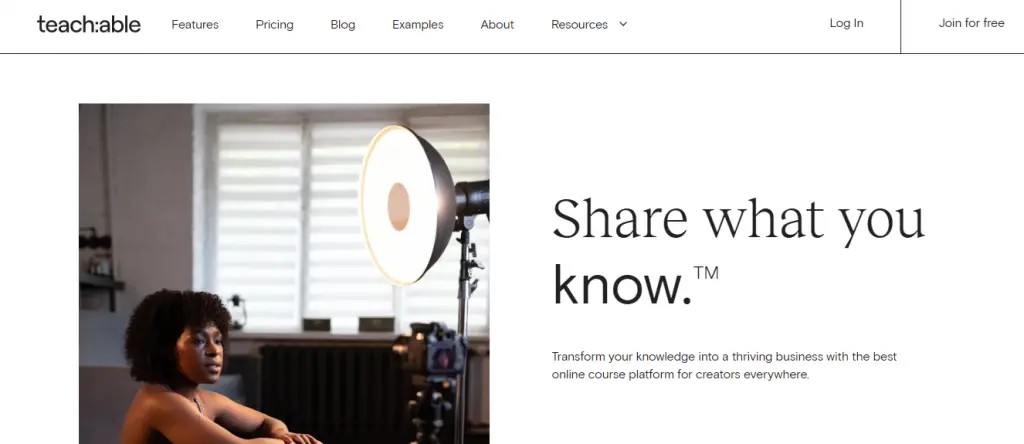
Standout strengths: the AI Hub for content generation; a true all-in-one setup with payments, certificates, quizzes, and affiliate marketing in one dashboard; and video localization with auto-subtitles and translation in up to ~70 languages, plus native coaching tools.
Where it falls short: lower tiers cap how many products you can publish (Builder is limited to around 5), the entry Starter plan charges a steep 7.5% transaction fee, and design flexibility is limited. It also carries the lowest review score in this list — 3.9/5 on G2 — with recurring complaints about support and value.
Pricing: Starter $29/mo (7.5% fee), Builder $69/mo (0% fee, ~5 products), Growth $139/mo (~50 products), and a custom Advanced tier. The permanent free plan was retired in June 2025; there's a 7-day trial.
Rating: 3.9/5 on G2 (~49 reviews), 4.3/5 on Capterra (~184 reviews).
Choose Teachable if you're launching your first self-paced course and want speed to market, and you can absorb the entry-tier fee until you upgrade.
3. Podia — best budget all-in-one
Podia bundles a website builder, courses, digital downloads, coaching, a community, and email marketing into one affordable subscription, with no platform fees once you're past the entry plan. If you want to sell more than just courses without stitching together five tools, it's the value pick.
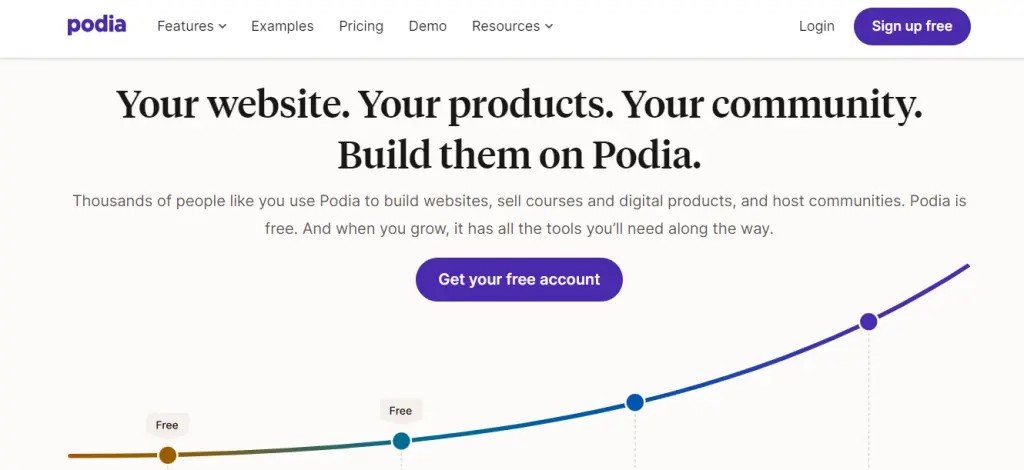
Standout strengths: genuinely all-in-one with email marketing included (rare at this price); zero Podia transaction fees on the Shaker plan and above; and built-in community 'spaces,' affiliate marketing, and upsells without third-party apps.
Where it falls short: there's no mobile app for creators or learners, the email and community tools are basic (limited automation, segmentation, and no gamification), and page customization is limited with no custom code.
Pricing: Mover $42/mo (5% fee), Shaker $84/mo (0% fee), Earthquaker $150/mo (0% fee). A 30-day free trial is available; Stripe/PayPal processing fees still apply on all plans.
Rating: 4.6/5 on G2 (~21 reviews), 4.6/5 on Capterra (~120 reviews).
Choose Podia if you want courses, digital products, and email in one cheap, simple subscription and don't need deep customization or a native app.
4. LearnWorlds — best for interactive, branded course design
LearnWorlds is the platform to beat for course design. Its signature interactive video lets you embed quizzes, questions, and notes at specific timestamps, and the whole experience can be fully branded, right down to white-label mobile apps.
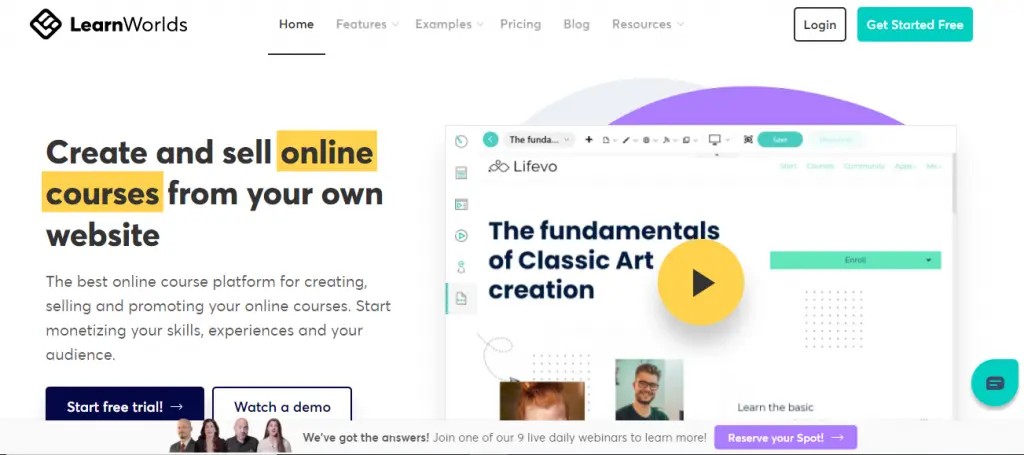
Standout strengths: the interactive video editor for high-retention learning; an AI assistant for content, subtitles, and quizzes; and white-label iOS/Android apps with full SCORM 1.2/2004 and xAPI support for serious training use cases.
Where it falls short: there's a steeper learning curve and a busier interface, the Starter plan charges a $5-per-sale transaction fee that adds up, and there's no built-in email marketing, so you'll need a third-party tool as you scale.
Pricing: Starter $24/mo ($5-per-sale fee), Pro Trainer $79/mo (no transaction fees), Learning Center $249/mo (AI assistant, interactive video, multiple admins), and a custom High Volume/Corporate tier.
Rating: 4.7/5 on both G2 (~378 reviews) and Capterra (~192 reviews) — among the highest-rated here.
Choose LearnWorlds if course quality, branding, and video engagement matter most, and you're willing to invest time in setup.
5. Kajabi — best for marketing, funnels, and selling
Kajabi is the premium all-in-one. Beyond courses, it bundles a website, email marketing, sales funnels ('Pipelines'), and checkout, so you can run your whole business in one place. It's powerful, and priced accordingly.
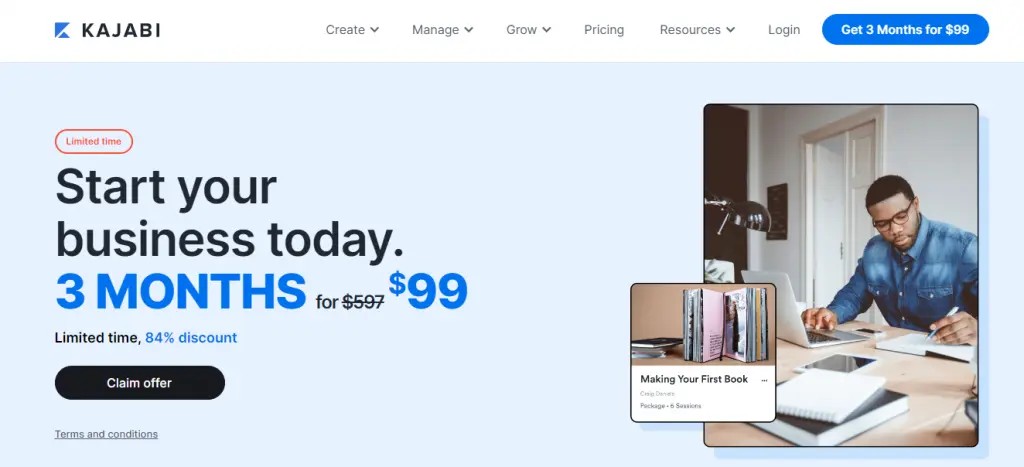
Standout strengths: a genuine marketing engine with unlimited emails and funnel automation on every plan; an all-in-one stack that removes the app pile-up; and native communities, memberships, a branded mobile app, and newer AI creation tools.
Where it falls short: it's expensive — the #1 complaint in reviews — and Kajabi raised prices in January 2026. The email tools aren't as deep as a dedicated ESP, lower tiers charge a transaction fee on third-party payments, and support draws criticism.
Pricing: Starter $71/mo (1 product, 250 contacts), Basic $143/mo (5 products), Growth $199/mo (50 products), Pro $399/mo (unlimited). Third-party payment fees scale from 5% down to 0.5% by tier.
Rating: 4.4/5 on Capterra (~229 reviews); ~93 reviews on G2.
Choose Kajabi if you sell self-paced courses and want marketing and funnels built in, and budget isn't your main constraint.
6. Mighty Networks — best for community plus memberships
Mighty Networks flips the model: community comes first, with courses, memberships, and live events built around it, all under your brand. If your offer is really a community that happens to include courses, it fits better than a course-first tool.
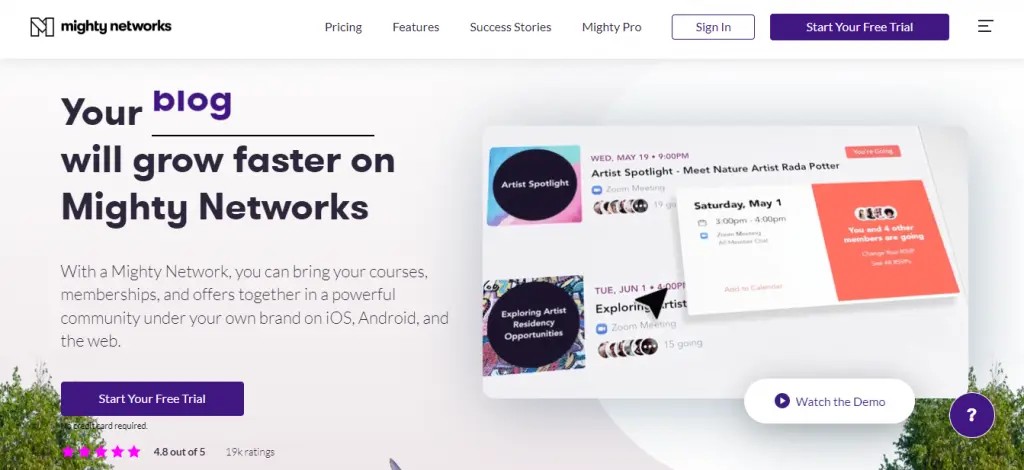
Standout strengths: the Mighty Co-Host AI builder spins up your community, landing page, branding, and course outlines from a single prompt; community, courses, memberships, and events live in one place; and Mighty Pro ships fully white-labeled native iOS/Android apps.
Where it falls short: transaction fees apply on every plan (2% / 1% / 0.5%) and never reach zero, it's pricier than Slack, Discord, or Circle, and reviewers cite a setup and navigation learning curve.
Pricing: Launch $79/mo (2% fee), Scale $179/mo (1% fee), and a custom Mighty Pro tier (0.5% fee) for branded apps. There's a 14-day free trial.
Rating: 4.6/5 on G2 (~670 reviews), 4.6/5 on Capterra (~91 reviews).
Choose Mighty Networks if community is the core of your offer and courses support it, not the other way around.
7. Skool — best for a simple, gamified community
Skool has built a cult following by doing the opposite of feature-bloat. It combines a discussion feed, a 'classroom' for courses, events, and built-in gamification in one clean, low-learning-curve interface, at a famously flat price.
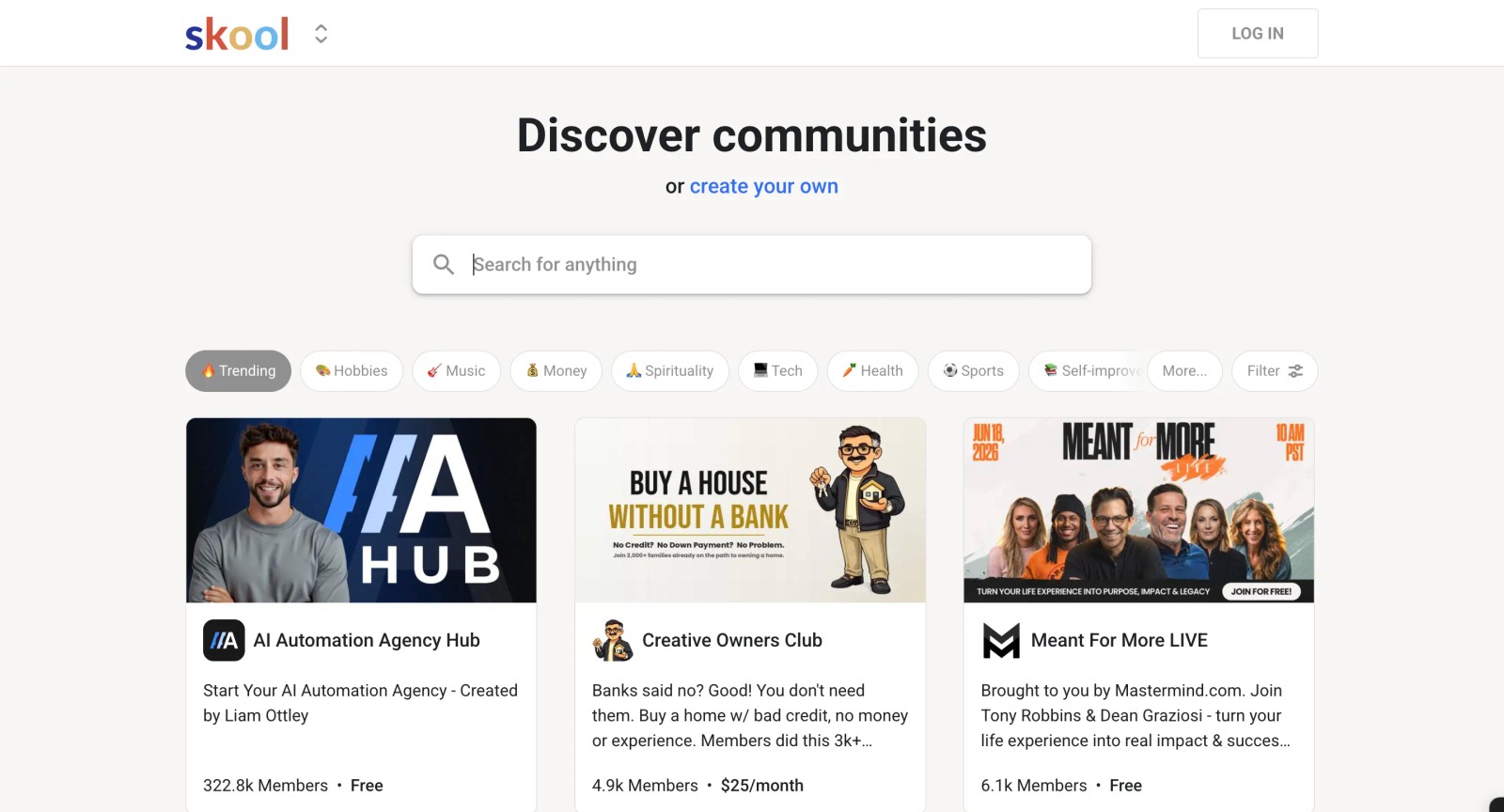
Standout strengths: gamification (points, levels, a leaderboard) that genuinely drives activity; radical simplicity that gets a community live in minutes; and a classroom plus native live calls in one tool.
Where it falls short: customization is very limited with no real white-label, and it isn't a full LMS — there are no native quizzes, assessments, grading, or certificates, so you'll lean on external tools. Gamification also rewards posting, not course completion, and each separate community needs its own subscription.
Pricing: Hobby $9/mo (10% + $0.30 transaction fee) and Pro $99/mo (2.9% + $0.30 fee), with a 14-day free trial. It's the cheapest entry point in this list.
Rating: Skool isn't listed on G2 or Capterra, so there's no standardized score to cite.
Choose Skool if you want the simplest possible paid community with light courses and gamified engagement, and you don't need branding or assessments.
8. Moodle — best open-source and institutional option
Moodle is the world's most widely used LMS and the only fully open-source option here. The core platform is free to self-host, and a managed MoodleCloud service exists for teams that don't want to run their own server. It's the choice when you need control more than convenience.
Standout strengths: open-source flexibility with 1,800+ plugins; strong standards support including LTI and SCORM (Teachfloor integrates with Moodle via LTI, so the two can work together); and a deep pedagogical toolset — quizzes, assignments, workshops, and completion tracking — backed by a huge global community.
Where it falls short: self-hosting demands real technical resources for setup, updates, and security, the interface is dated and click-heavy, and there's a steep learning curve for admins and instructors.
Pricing: self-hosted Moodle is free (you pay for hosting and maintenance). MoodleCloud runs from $170/year (50 users) up to $2,120/year (750 users), with a 28-day free trial.
Rating: 4.1/5 on G2 (~437 reviews), 4.3/5 on Capterra (~3,378 reviews).
Choose Moodle if you're an institution that wants maximum control at low licensing cost and has the technical resources to run it.
How to choose the right Thinkific alternative
Match the platform to your model, not the longest feature list:
- If you run live, social programs: Teachfloor — cohorts, peer review, and community-driven completion.
- If you sell self-paced courses: Teachable for the fastest launch, or Thinkific itself if it already works for you.
- If price is the priority: Podia gives you courses, digital products, and email in one cheap plan.
- If course design matters most: LearnWorlds for interactive video and a fully branded academy.
- If you want marketing built in: Kajabi bundles funnels, email, and checkout with your courses.
- If community is the product: Mighty Networks for memberships, or Skool for the simplest gamified community.
- If you need open-source control: Moodle gives you maximum control at the lowest licensing cost.
Where to go next
Comparing course platforms? These guides and product pages go deeper:
- Teachable alternatives
- Podia alternatives
- LearnWorlds alternatives
- How Teachfloor handles course design
- Run a cohort-based course
Frequently asked questions
What is the best Thinkific alternative?
It depends on your model. For cohort-based and community-driven programs, Teachfloor is the best Thinkific alternative, with live sessions, peer review, and a built-in community. For self-paced course selling, Teachable and Podia are the closest swaps, and LearnWorlds wins on interactive course design.
Is there a free Thinkific alternative?
Moodle is free if you self-host the open-source version (you'll pay for hosting and maintenance). Most other platforms offer free trials rather than permanent free plans. Skool is the cheapest paid entry at $9/month, and Teachfloor offers a free trial so you can test a full cohort first.
What is the cheapest Thinkific alternative?
Skool starts at $9/month for a gamified community. For courses, LearnWorlds ($24/mo) and Teachable ($29/mo) have the lowest entry prices, though both charge transaction fees on their starter tiers. Moodle is effectively free if you have the technical resources to self-host.
Why do creators switch away from Thinkific?
The most common reasons are wanting live cohorts, real community, and peer learning that Thinkific's self-paced model doesn't natively support, needing more design flexibility, or not wanting to pay for white-label, SCORM, and AI features that are gated behind its higher tiers.
Can I migrate my Thinkific courses to another platform?
Yes. You can export your course content and rebuild it elsewhere. Teachfloor, for example, lets you bring existing content in and either rebuild it as live cohorts or keep it self-paced, then layer on community, peer review, and white-label branding on your own domain.
Thinkific vs Teachable — which is better?
They're close competitors and both are self-paced-first. Thinkific has a slightly stronger course-and-community tie-in and higher review scores, while Teachable is often faster for a first-time seller thanks to its AI Hub. Neither is built for cohorts or peer learning — if you need those, look at Teachfloor.


