

What Defines a Corporate Training LMS?
A learning management system built for corporate training is structurally different from one designed for universities or K-12 classrooms. Academic platforms prioritize semester-based scheduling, grading rubrics, and student enrollment workflows. A corporate training LMS is built around business operations: compliance training, onboarding, skills development, and measurable performance outcomes. The category is also growing fast: the corporate LMS market is projected to reach roughly $18.5 billion in 2026, which is part of why the field of vendors has become so crowded.
The distinction matters because corporate L&D teams face a different set of pressures. Compliance deadlines are legally binding. Onboarding programs need to get new hires productive within weeks, not months. Skills training has to map to role-specific competencies and connect back to business KPIs. An LMS that does not support these workflows forces training teams to build workarounds, and workarounds do not scale.
This guide focuses on the training format as much as the feature checklist. Some of these platforms are self-paced content engines, some are built for live and cohort-based delivery, and the strongest ones do both. If you want a broader ranking of the head-term contenders, see our companion guide to the best corporate LMS platforms and our dedicated corporate training platform overview. Here, the lens is how each tool fits the way your organization actually trains people, from large self-paced libraries to facilitator-led programs.
What to Look for in a Corporate Training LMS
Before evaluating individual platforms, it helps to anchor on the criteria that separate a useful corporate LMS from one that creates more work than it saves.
Training format flexibility. The most overlooked criterion is how a platform delivers learning. Self-paced content suits compliance and product refreshers, but leadership development, onboarding, and sales enablement usually need live sessions, cohorts, and peer interaction. A platform that supports both, or lets you mix formats in one program, saves you from buying a second tool.
Compliance management. If your organization operates in a regulated industry (finance, healthcare, manufacturing, energy), compliance is non-negotiable. Look for automated certification tracking, renewal reminders, audit-ready reporting, and the ability to assign mandatory courses with completion deadlines. A platform that makes compliance tracking manual is a liability.
Content authoring. Some platforms include built-in course builders. Others rely on you importing SCORM packages or third-party content. If your team creates training internally, native and AI-assisted authoring save time and budget. If you primarily license content, strong import support and marketplace integrations matter more.
Reporting and analytics. L&D teams need to demonstrate training impact, not just completion counts. Look for platforms that track skill progression, assessment scores, time-to-competency, and manager-level dashboards. The ability to tie learning outcomes to business metrics separates useful analytics from vanity dashboards.
Integrations. A corporate LMS rarely operates in isolation. It needs to connect to your HRIS (Workday, BambooHR, SAP SuccessFactors), CRM (Salesforce, HubSpot), communication tools (Slack, Teams), and single sign-on provider. Weak LMS integrations create data silos and manual work for administrators.
Mobile access. Field workers, retail staff, and remote employees need training that works on a phone or tablet. A responsive web interface is the minimum. A native mobile app with offline access is the standard for organizations with distributed teams.
Scalability and branding. A platform that works for 200 users may buckle at 5,000. Consider your growth trajectory, and look at multi-tenant portals, white-label branding, and role-based access control, which become essential as organizations scale.
Pricing model. Per-user pricing, per-active-user pricing, flat-rate tiers, and custom enterprise contracts all have different implications depending on your training volume and learner count. Our LMS pricing guide breaks down how costs scale before you commit.
12 Best Corporate Training LMS Platforms
The platforms below span SMB-friendly tools to enterprise suites, organized by the training model each one fits best. Teachfloor leads as the most flexible pick, with the enterprise content engines, compliance suites, and specialist tools following.
| Platform | Starting price | Free trial | Compliance | Authoring | Best for |
|---|---|---|---|---|---|
| Teachfloor | $89/mo (50 learners) | 14 days | Yes | AI + built-in | Live, cohort, social and self-paced programs in one |
| Docebo | Custom (~$25,000/yr) | Demo only | Yes | Built-in + marketplace | Mid-to-large enterprises wanting AI at scale |
| Absorb LMS | Custom | Demo + trial | Yes | Built-in | Polished learner UX for mid-market |
| Litmos | Custom | 14 days | Yes | Built-in + 98,000-course library | Regulated, compliance-heavy enterprises |
| LearnUpon | Custom | Yes | Yes | Built-in (basic) | Training employees, customers and partners |
| 360Learning | $8/user/mo | 30 days | Yes | Collaborative + AI | Peer-driven content creation |
| Cornerstone OnDemand | Custom | Demo only | Yes | Built-in + marketplace | Large enterprises unifying learning and talent |
| iSpring Learn | Per active user | 14 days | Yes | iSpring Suite ($720/author/yr) | PowerPoint-based course creation |
| Tovuti LMS | Custom | Yes | Yes | Built-in (40+ types) | Interactive content and gamification |
| Lessonly (Seismic Learning) | Custom | Demo only | Yes | Built-in (simple) | Sales and customer-facing enablement |
| Bridge | Custom (annual) | Demo only | Yes | Built-in | Employee development and manager 1:1s |
| TalentLMS | Free plan; $149/mo (100 users) | Free plan | Yes | Built-in | SMBs needing fast, affordable deployment |
Teachfloor

Overview
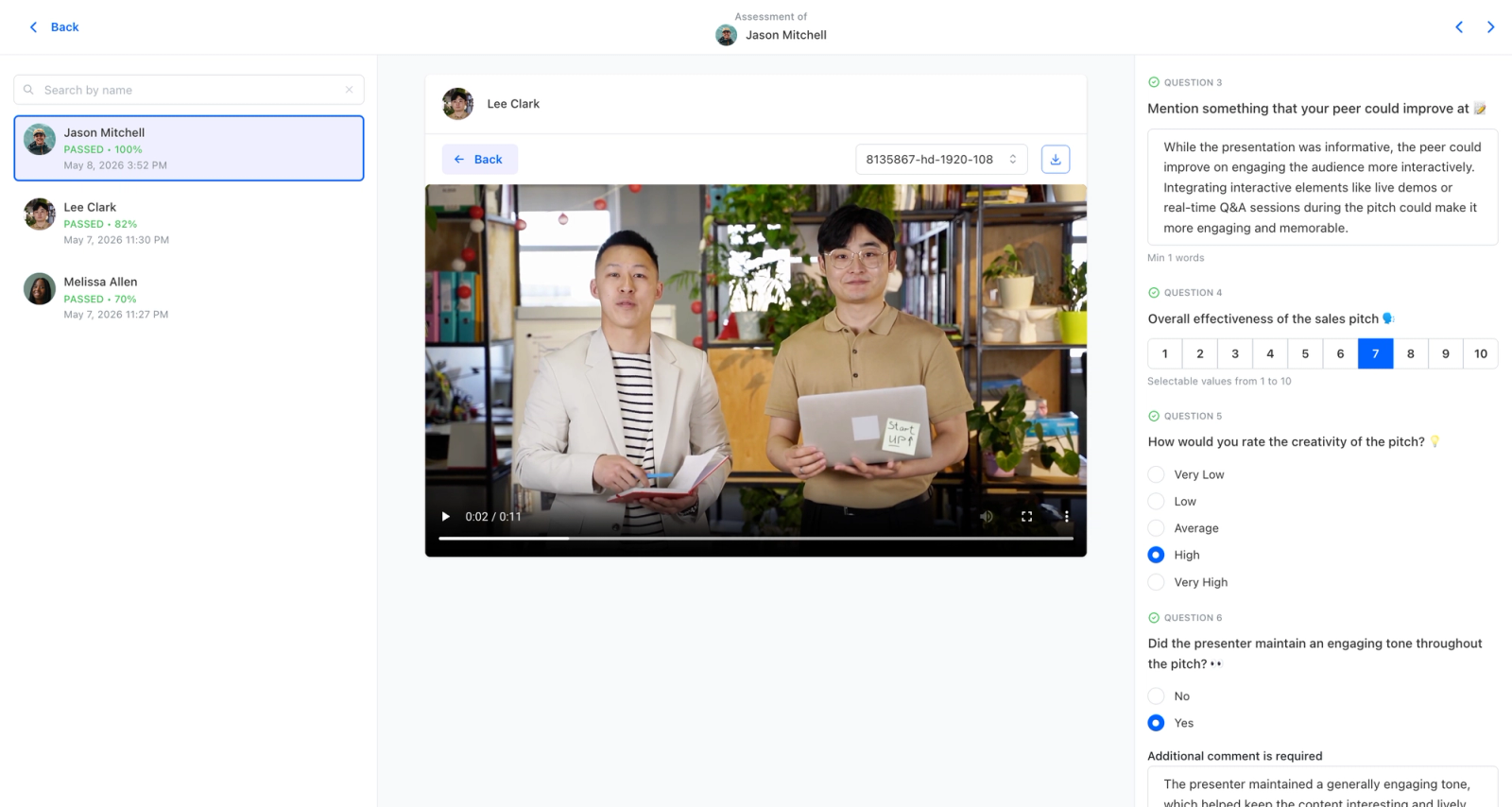
Most corporate training systems are optimized for one thing: pushing content out and tracking who completed it. That works for compliance, but it does little for the kind of learning that changes how people work. Teachfloor earns the top spot here because it delivers the administrative essentials every L&D team needs, SCORM import, certificates, drip scheduling, white-label branding, and completion tracking, while building in the social learning that drives retention. Training can run as cohorts that move together, employees can review each other's work against a rubric, and live sessions handle the parts that need a facilitator.
Core Capabilities
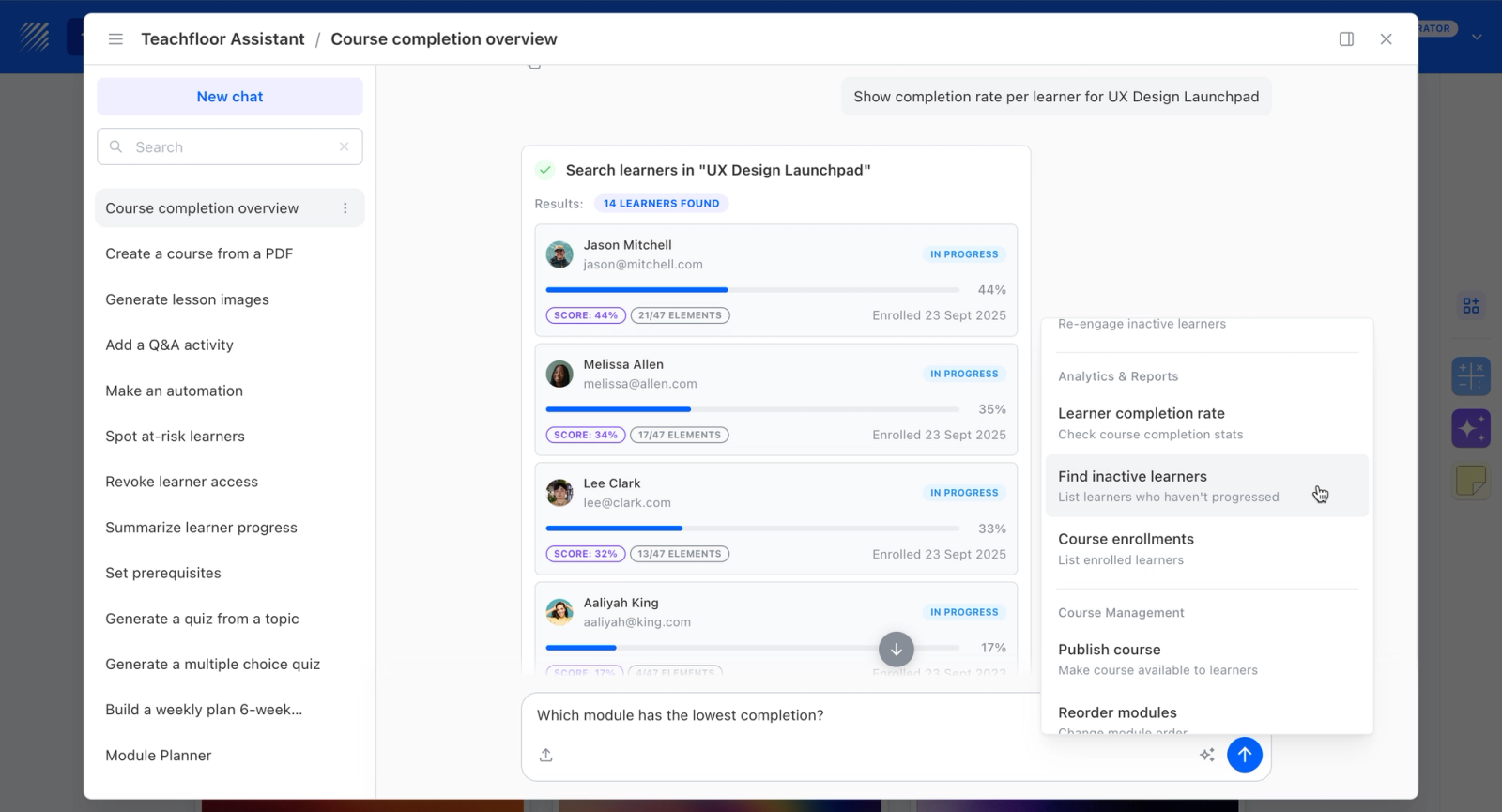
- AI course creation that turns documents, videos, and outlines into structured courses
- Flexible delivery: self-paced, social, live, or cohort-based, mixed within one program
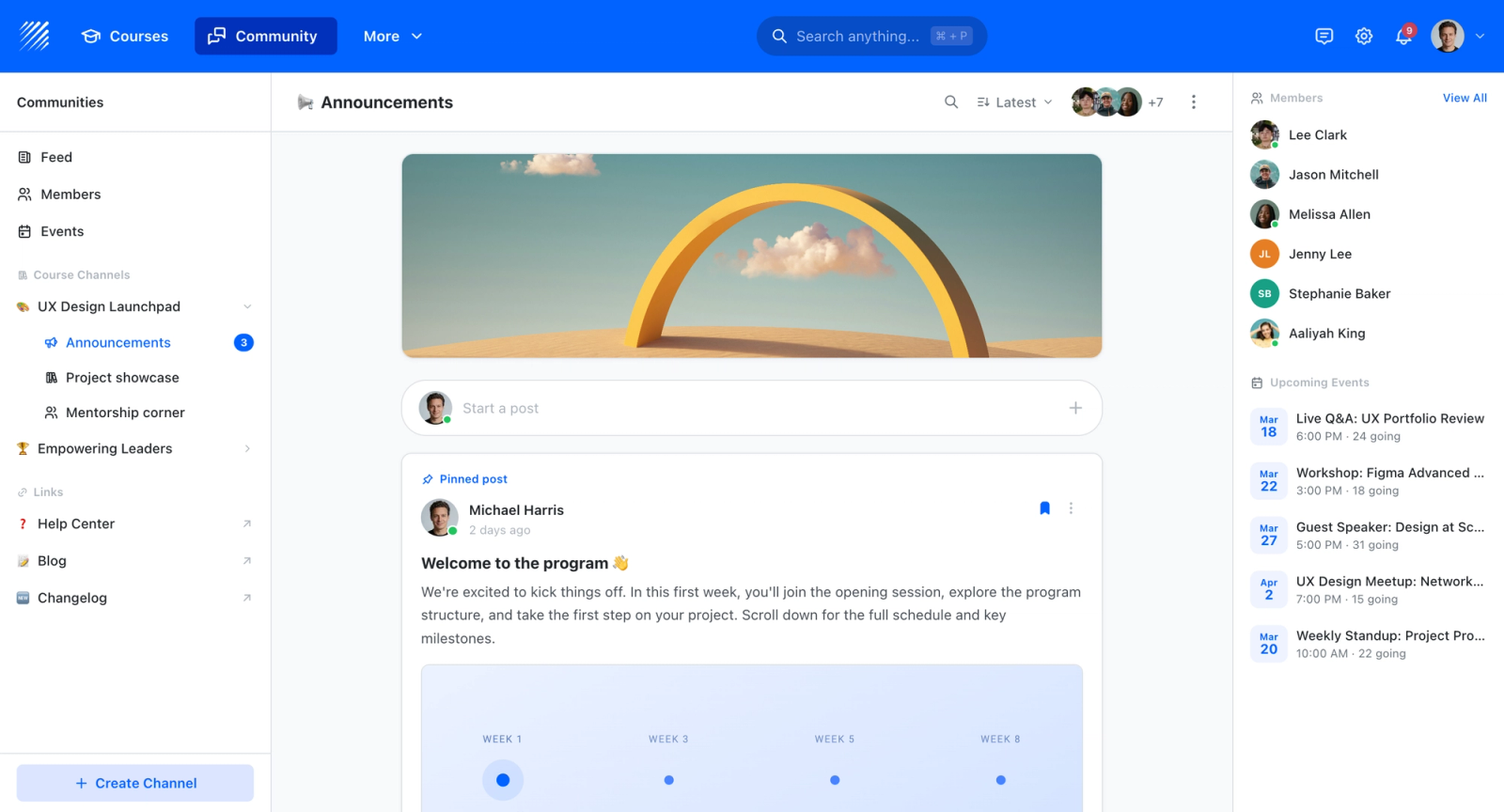
- Community and discussion spaces that keep learners engaged between sessions
- Peer review and collaborative assignments for active, social learning
- Live sessions with Zoom and Google Meet for instructor-led training
- White-label branding on your own custom domain
- Certificates, payments, and enrollment management for paid or external programs
- Analytics on completion, participation, and engagement
Best For
L&D and enablement teams that need standard LMS administration but want cohorts, peer review, and live sessions to actually drive engagement and retention.
Pricing Overview
- Startup plan from $89 per month for up to 50 learners
- Full Features plan with custom pricing, white-label, SSO, and advanced integrations
- 14-day free trial; no permanent free plan
- Nonprofit discounts available
Limitations
- Not built to be a 10,000-seat self-paced content warehouse; that is a different category.
- The integration catalog is smaller than large enterprise suites.
Quick Comparison Insight
Docebo, Cornerstone, and Litmos are powerful but content-and-compliance-centric; Teachfloor covers the same admin essentials while adding the peer-review and cohort engagement layer most enterprise systems treat as an afterthought.
Docebo
Overview
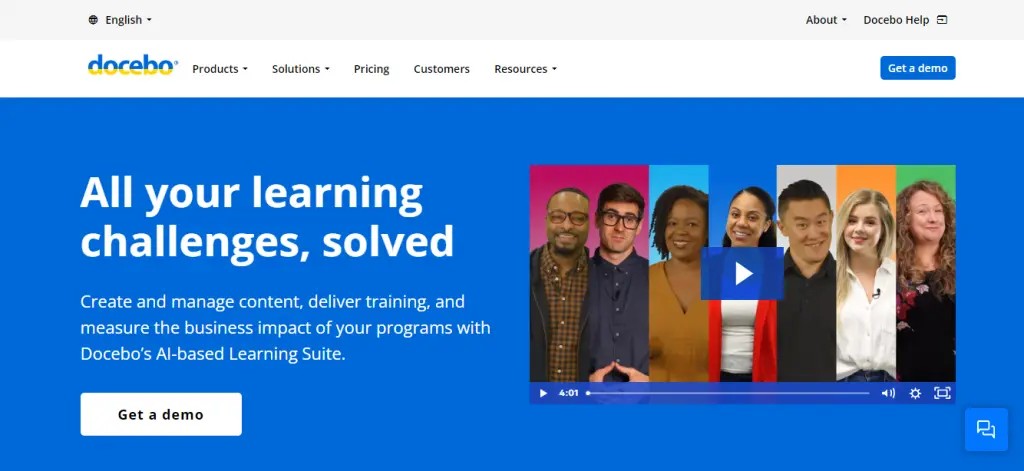
Docebo operates in the enterprise learning segment, and it has leaned heavily into AI as a differentiator. The platform uses artificial intelligence across content tagging, skill mapping, personalized learning recommendations, and administrative automation. Where TalentLMS focuses on simplicity, Docebo focuses on intelligence at scale.
The platform is modular, which means organizations can activate capabilities selectively rather than paying for features they will not use. The learning experience is organized around a social learning layer, AI-powered content suggestions, and a marketplace for third-party content. The breadth of configuration options is immediately apparent. This is not a platform you set up in an afternoon; it is one you implement over weeks with a clear strategy.
Core Capabilities
- AI-powered content tagging and automatic skill-to-content mapping
- Personalized learning paths based on role, skill gaps, and learner behavior
- Built-in content marketplace with access to third-party providers (LinkedIn Learning, Udemy Business, Skillsoft)
- Social learning features including peer recommendations, Q&A, and expert sharing
- SCORM, xAPI, and AICC compliance for content import
- Advanced reporting engine with custom dashboards, scheduled reports, and data export
- Multi-audience architecture supporting employee, partner, and customer training from a single instance
- White-labeling and custom domain support for branded learning portals
- Mobile app with offline content access and push notifications
- 400+ integrations including Salesforce, Workday, SAP, Microsoft Teams, and an open API
Standout Strength
Docebo's AI layer reduces administrative overhead as training programs scale. Automatic content tagging, intelligent skill mapping, and personalized recommendations mean the system gets smarter as more learners interact with it. For organizations managing thousands of learners across multiple business units, that automation is a meaningful operational advantage.
Best For
Mid-to-large enterprises with 1,000+ employees, multiple training audiences (employees, partners, customers), and a need for AI-driven personalization and content curation. Strong fit for L&D teams with a strategic mandate to demonstrate training ROI through advanced analytics, and for organizations with complex multi-audience training architectures.
Pricing Overview
- Custom enterprise pricing (Docebo does not publish standard rates)
- Pricing model: Per-user, based on active learner count and selected modules
- Free trial available upon request
- Implementation fees apply for enterprise deployments
Limitations
- The platform's depth creates a steep learning curve for administrators. Expect a multi-week implementation with dedicated project management.
- Pricing is not transparent. Organizations cannot self-serve pricing; every deal requires a sales conversation, which slows evaluation.
- Some features that feel like they should be standard (certain reporting capabilities, specific integrations) are gated behind higher-tier modules.
Quick Comparison Insight
More powerful and more complex than TalentLMS or Absorb LMS. The right platform when AI-driven learning at scale is a priority, not when you need a quick, lightweight deployment.
Absorb LMS
Overview
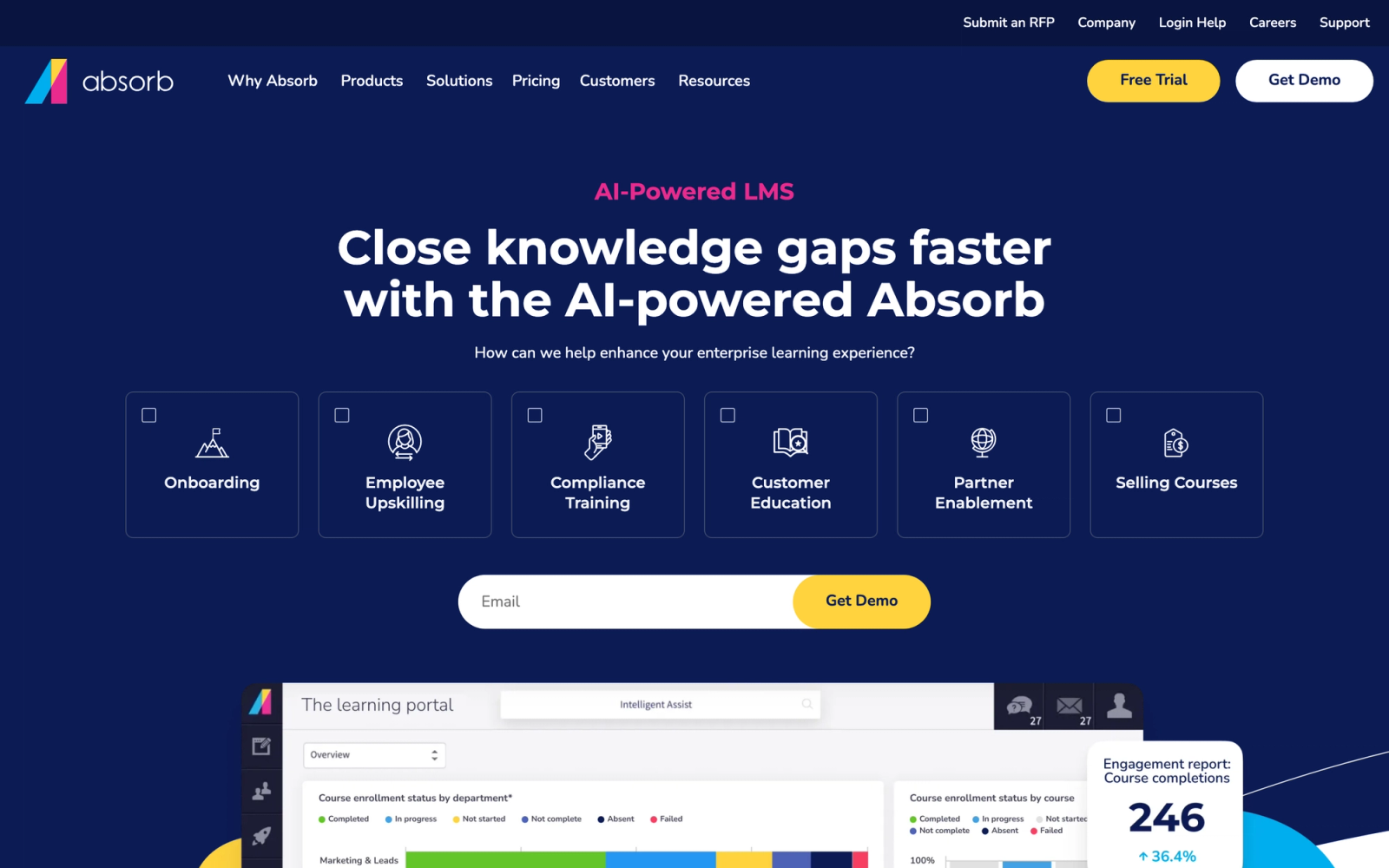
Absorb LMS positions itself in the space between lightweight SMB tools and heavy enterprise suites. The platform is known for a clean learner interface, strong UX design, and an admin experience that balances configurability with usability. Absorb has invested heavily in making the platform feel modern without sacrificing the depth that corporate L&D teams need.
What stands out about Absorb is how the platform handles the learner experience. The default interface is visually polished, course catalogs are well-organized, and the mobile experience feels native rather than retrofitted. For organizations where learner adoption is a challenge (a common problem in corporate training), the UX quality of Absorb reduces friction in a way that matters.
Core Capabilities
- Intelligent Assist feature using AI to automate admin tasks like user enrollment, report generation, and notifications
- Custom branded learner portals with configurable layouts and themes
- SCORM, xAPI, and LTI content support with a built-in course builder
- Observation checklists for manager-verified skills assessment
- eCommerce engine for selling courses to external audiences
- Advanced reporting with custom dashboards, scheduled email reports, and real-time data
- Competency-based learning paths with prerequisite management
- Native integrations with Salesforce, ADP, BambooHR, Workday, and an open API
- Absorb Engage microlearning module for reinforcement and knowledge checks
- Absorb Infuse for embedding learning content directly into workflow applications
Standout Strength
Absorb LMS fits best when learner engagement and UX quality are high priorities alongside administrative functionality. The Intelligent Assist feature handles repetitive admin tasks, freeing L&D teams to focus on program design rather than platform operations. The combination of strong UX and smart automation appeals to organizations where both learner experience and operational efficiency matter.
Best For
Mid-market to enterprise organizations with 500 to 10,000+ employees that value a polished learner experience and need strong compliance tracking, reporting, and eCommerce capabilities. Particularly strong for companies training both internal employees and external audiences (customers, channel partners) through a single platform.
Pricing Overview
- Custom pricing based on learner count and selected modules
- Pricing model: Per-active-user or per-registered-user, depending on the plan
- Free trial and guided demo available
- Implementation support included in enterprise plans
Limitations
- Pricing is not published, which makes budget planning harder during the evaluation phase.
- The built-in authoring tools are functional but do not replace a dedicated authoring tool for complex interactive content.
- Some advanced features (Absorb Engage, Absorb Infuse) are add-on modules with separate pricing, which can increase total cost.
Quick Comparison Insight
Stronger learner UX than Litmos or Cornerstone, with a more modern interface. Less AI-driven personalization than Docebo, but easier to administer for mid-market teams.
Litmos
Overview
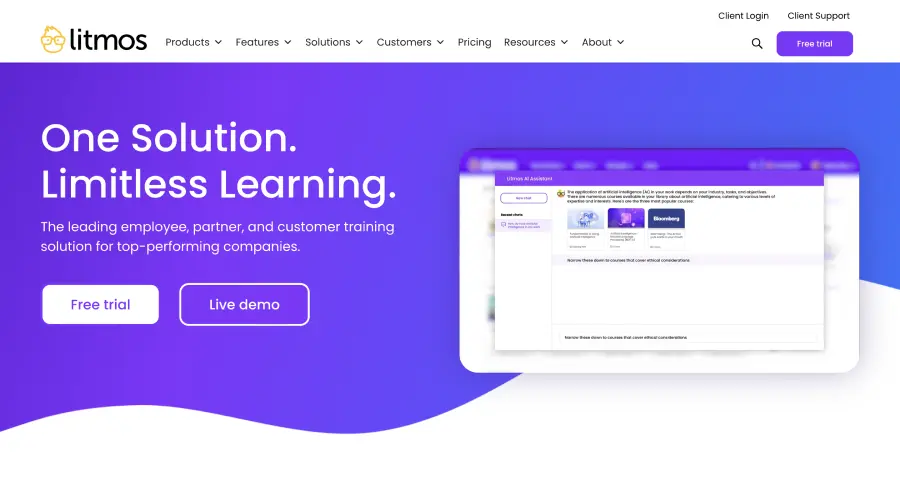
Litmos (formerly SAP Litmos) is an enterprise LMS with deep roots in compliance training. After SAP sold the business, Litmos has been owned by Francisco Partners since December 2022 and now operates as an independent company. The platform is built to handle the compliance, reporting, and audit requirements that heavily regulated industries cannot compromise on.
Where Absorb leads with UX, Litmos leads with compliance rigor and a large bundled content catalog. The platform pairs automated certification workflows with audit-trail reporting that legal and compliance teams require. Assigning mandatory training, tracking completions against deadlines, and generating audit reports can all be handled without leaving the platform.
Core Capabilities
- Litmos Training Content library with access to roughly 98,000 off-the-shelf courses, including 2,700+ exclusive originals covering compliance and soft skills
- Automated compliance tracking with certification management, renewal deadlines, and escalation alerts
- Assessment engine with branching scenarios, knowledge checks, and randomized question pools
- SCORM 1.2, SCORM 2004, xAPI, and AICC content standard support
- Custom learning paths with prerequisite rules, sequential release, and competency mapping
- Audit-ready reporting with exportable completion records, certification logs, and compliance dashboards
- Instructor-led training management with classroom scheduling, attendance tracking, and waitlists
- API and native integrations with Salesforce, BambooHR, Google Workspace, and Microsoft 365
- Mobile app with offline access for field and frontline workers
- Multi-language support covering 35+ languages for global deployments
Standout Strength
Compliance is where Litmos earns its place. The combination of a pre-built compliance content library, automated certification management, and audit-grade reporting means compliance teams can operate within the LMS without relying on external tools or manual tracking. For regulated industries, that self-contained compliance workflow reduces risk.
Best For
Enterprise organizations in regulated industries (healthcare, financial services, manufacturing, energy) where compliance training is a legal requirement. Strong fit for global companies needing multi-language support and centralized compliance reporting across regions, and for L&D teams that want a content library bundled with the platform rather than licensed separately.
Pricing Overview
- Custom pricing based on user count and content library access
- Pricing model: per-user subscription, with the training content library available as an add-on tier
- Free 14-day trial available
- Implementation and onboarding support vary by contract
Limitations
- The learner-facing interface is more utilitarian than Absorb or Docebo, which can affect adoption.
- Multiple ownership changes (SAP, then Francisco Partners) have made some buyers cautious about long-term roadmap continuity.
- The heavy compliance focus makes it less natural for live, social, or cohort-based learning experiences.
Quick Comparison Insight
Stronger compliance infrastructure and a larger bundled content catalog than TalentLMS or 360Learning. Less flexible for live and social training than Teachfloor or Absorb. The right platform when regulatory compliance drives the LMS decision.
LearnUpon
Overview
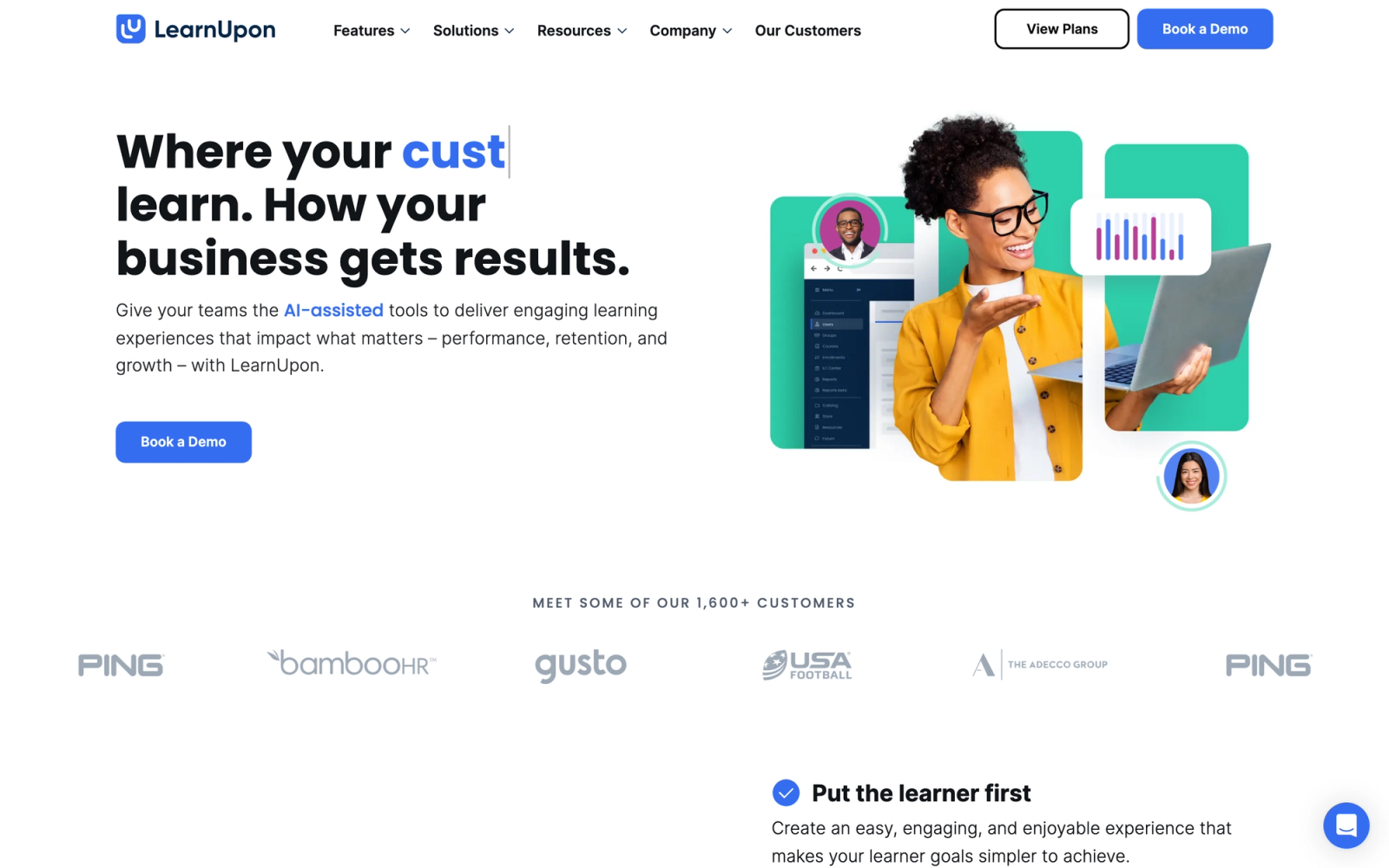
LearnUpon is designed around a multi-portal architecture that lets organizations train employees, customers, and partners from a single LMS instance. Each audience gets its own branded portal with separate content, branding, and user management, but everything rolls up into one administrative backend. This architecture is the platform's central value proposition.
The multi-portal model solves a real problem. Many organizations end up running separate systems for internal training and customer education, which creates duplicate work, inconsistent reporting, and administrative headaches. LearnUpon consolidates those audiences without forcing them into a shared experience. Each portal can look and function differently while sharing common infrastructure. For companies that invest in customer education or partner enablement alongside employee training, that unification simplifies operations significantly.
Core Capabilities
- Multi-portal architecture with independent branding, content, and user management per portal
- Course builder with support for SCORM, xAPI, video, documents, and webinar integration
- Automated enrollment rules based on user attributes, groups, and organizational hierarchy
- Learning paths with sequential course ordering, prerequisites, and certification requirements
- Exam engine with randomized questions, time limits, and graded/ungraded options
- White-label portals with custom domains, logos, and color schemes
- Native integrations with Salesforce, BambooHR, Workday, Zapier, and Microsoft Teams
- Webhooks and REST API for custom automation and data sync
- eCommerce with Shopify and Stripe integration for selling training to external audiences
- Detailed reporting with scheduled reports, user progress dashboards, and exportable data
Standout Strength
LearnUpon's multi-portal model eliminates the need to run separate LMS instances for different audiences. Training managers can operate a single platform while delivering completely distinct learning experiences to employees, customers, partners, and resellers. That operational simplicity, combined with solid core LMS functionality, makes it practical for companies where training extends beyond internal teams.
Best For
Companies with 200 to 5,000+ employees that train multiple audiences (employees, customers, partners, franchisees) and want to manage everything from one platform. Strong fit for SaaS companies with customer education programs, franchise businesses with distributed training needs, and channel-heavy organizations running partner certification programs.
Pricing Overview
- Custom pricing based on user count and number of portals
- Pricing model: Per-user, with portal count as a pricing factor
- Free trial available
- Dedicated customer success manager included in most plans
Limitations
- The built-in course authoring tools are basic. Organizations creating interactive or media-rich content will likely need a separate authoring tool.
- Reporting, while functional, does not offer the depth or customization of Docebo or Cornerstone for enterprise-level analytics.
- Pricing scales with portal count, which can increase costs for organizations needing many separate training portals.
Quick Comparison Insight
Better multi-audience architecture than TalentLMS or Litmos. Less deep in AI personalization than Docebo. The right platform when training multiple distinct audiences is the primary requirement.
360Learning
Overview
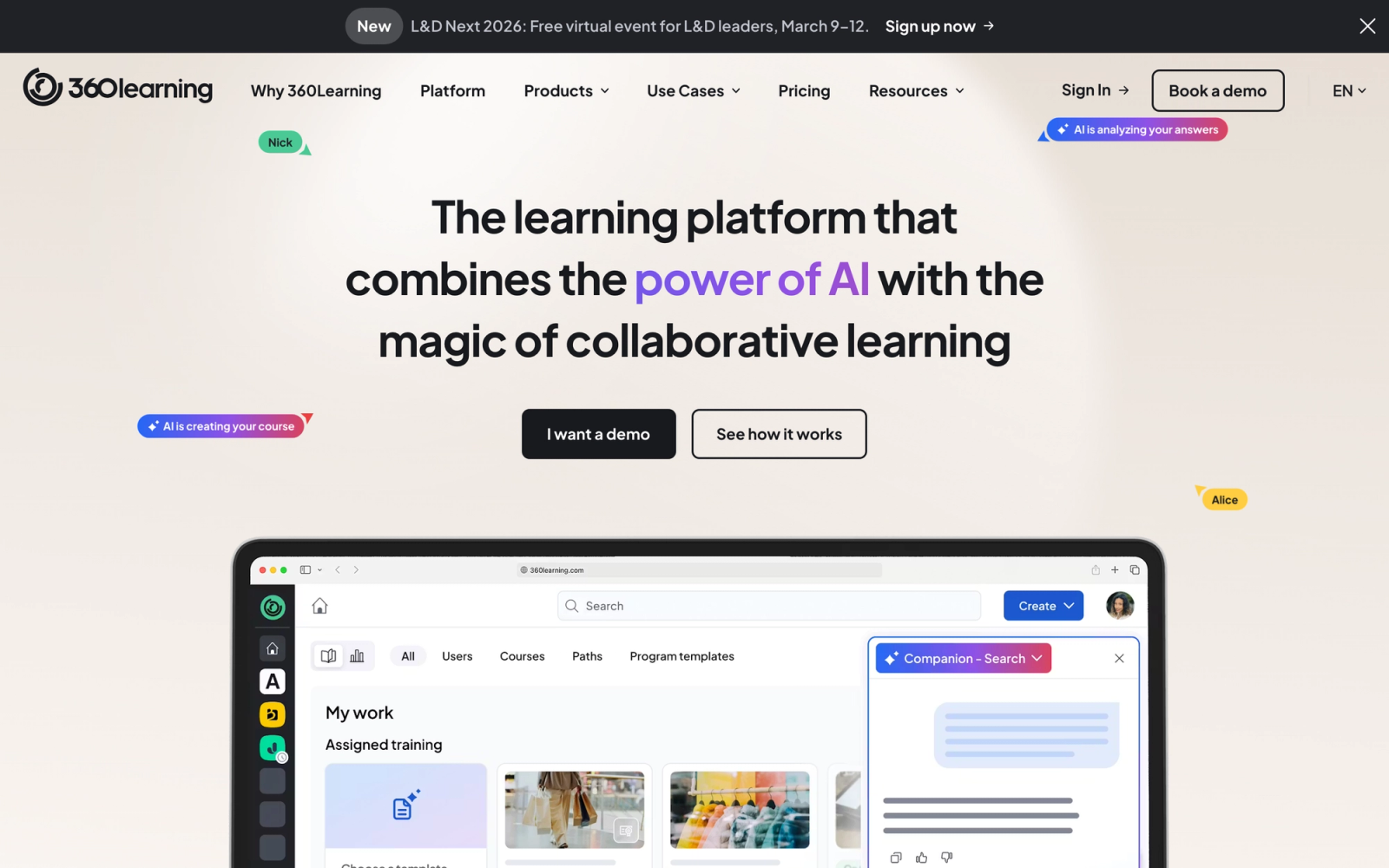
360Learning takes a fundamentally different approach to corporate training. While most LMS platforms are built around top-down content delivery (L&D creates courses, employees consume them), 360Learning is built for collaborative learning where subject-matter experts across the organization author and share knowledge directly.
This model solves one of the biggest bottlenecks in corporate L&D: content creation speed. Most training teams have a backlog of courses they need to build, and the traditional instructional design process can take weeks per course. 360Learning flips that by giving internal experts simple authoring tools and a collaborative review process. A subject-matter expert with no LMS experience can create a working course module in under 30 minutes, including peer feedback steps built into the workflow.
Core Capabilities
- Collaborative authoring tool that lets subject-matter experts create courses with built-in peer review
- Reaction-based feedback system where learners flag content that is outdated, unclear, or missing information
- AI-powered course creation assistant that generates course outlines and suggests content structure
- Discussion forums and social interaction embedded directly within courses
- SCORM and xAPI content import for existing training materials
- Automated learning path assignment based on role, team, or skill gap
- Compliance training management with certification tracking and automated reminders
- Integrations with HRIS platforms (BambooHR, Workday), Salesforce, Slack, and Microsoft Teams
- Mobile app with full course access and push notifications
- Analytics dashboard showing content quality scores, learner engagement, and completion rates
Standout Strength
360Learning fits best when L&D capacity is the constraint. Instead of relying on a small team of instructional designers to produce all training content, 360Learning distributes authoring across the organization. The peer review and learner feedback loops keep content quality high without centralizing every decision. For fast-growing companies where knowledge changes quickly, this decentralized model keeps training relevant at a speed that traditional content development cannot match.
Best For
Mid-to-large organizations (500 to 10,000+ employees) with distributed expertise and a need to scale content creation beyond the L&D team. Strong fit for companies in fast-changing industries (technology, consulting, healthcare) where training content has a short shelf life, and for organizations that value peer learning and internal knowledge sharing as a training strategy.
Pricing Overview
- Team plan starting at $8 per registered user per month
- Business plan with custom pricing for larger deployments
- Pricing model: Per-user, with tiered plans based on feature access
- Free 30-day trial available
Limitations
- The collaborative model requires organizational buy-in. If subject-matter experts are unwilling or too busy to author content, the platform's core value proposition weakens.
- Less suited for highly structured compliance training where content must follow rigid formats and approval chains.
- Reporting depth does not match enterprise platforms like Docebo or Cornerstone for organizations that need granular skill-level analytics.
Quick Comparison Insight
More collaborative than any other platform in this list, but requires a cultural shift toward decentralized content creation. Faster content development cycle than Docebo or Litmos, but less structured than traditional top-down LMS platforms.
Cornerstone OnDemand
Overview
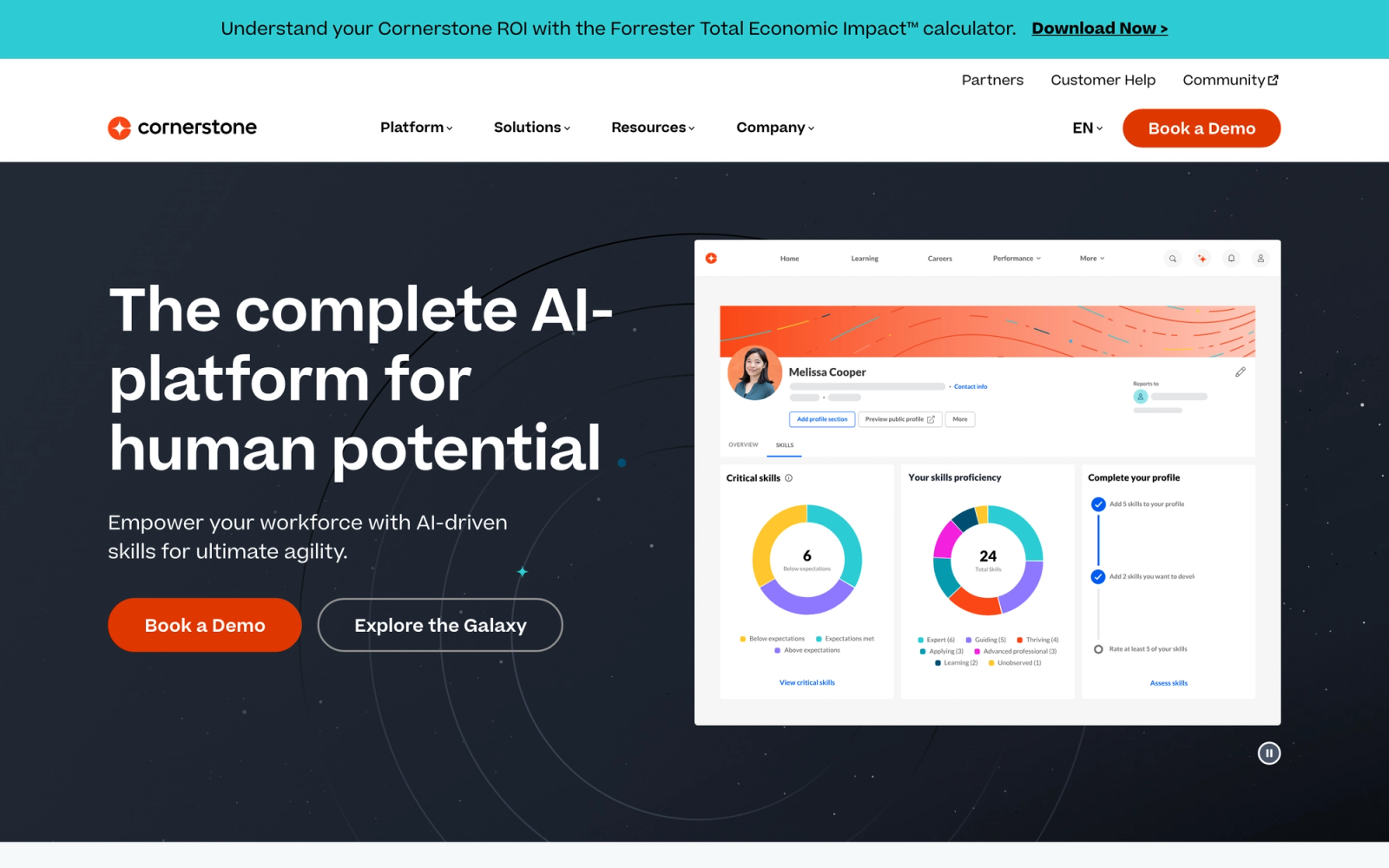
Cornerstone OnDemand is an enterprise talent management platform that includes learning management as one component of a broader talent suite. Where other platforms in this list are LMS-first, Cornerstone is talent-first. The LMS sits alongside performance management, succession planning, recruiting, and workforce planning in a unified platform.
That positioning makes Cornerstone a different kind of decision. Organizations do not typically choose Cornerstone just for an LMS. They choose it because they want learning connected to performance reviews, career development, skills inventories, and workforce planning. The LMS component is capable, with strong compliance tracking, content management, and learning path functionality. But the real value is in how learning data feeds into talent decisions across the organization.
Core Capabilities
- Learning management with support for SCORM, xAPI, AICC, and video-based training
- Compliance management with automated certification, audit trails, and regulatory reporting
- Content marketplace (Cornerstone Content Anytime) with curated third-party libraries
- Performance management module with goal tracking, reviews, and competency mapping
- Succession planning tied to learning and skill development data
- Skills graph that maps organizational competencies and identifies skill gaps
- Recruiting module connected to learning pathways for new hires
- Extended enterprise training for partner, customer, and contractor audiences
- Advanced analytics with configurable dashboards and predictive insights
- Native integrations with major HRIS platforms (Workday, SAP SuccessFactors), Salesforce, and Microsoft tools
Standout Strength
Cornerstone connects learning to the full talent lifecycle. Training completions feed into performance reviews. Skill assessments inform succession plans. Career development paths link directly to available learning content. That integration between learning and talent management is Cornerstone's primary competitive advantage, and it is something standalone LMS platforms cannot replicate without significant integration work.
Best For
Large enterprises with 5,000+ employees that want to unify learning, performance management, and talent development in a single platform. Strong fit for organizations with mature HR operations, dedicated L&D teams, and a strategic need to connect training data to talent decisions. Less appropriate for organizations that only need an LMS without the broader talent suite.
Pricing Overview
- Custom enterprise pricing (Cornerstone does not publish standard rates)
- Pricing model: Per-user, modular pricing based on selected capabilities
- Implementation fees and professional services are standard for enterprise deployments
- Demo available upon request
Limitations
- The platform's breadth creates complexity. Implementation timelines of several months are common, and ongoing administration requires dedicated staff.
- The user interface, while functional, has been criticized for feeling dated compared to newer platforms like Absorb or Docebo.
- Organizations that only need an LMS will pay for talent management infrastructure they may not use. The value proposition depends on adopting multiple modules.
Quick Comparison Insight
Broader talent management capabilities than any other platform in this list, but the LMS is one piece of a larger system. More enterprise complexity than LearnUpon or TalentLMS. The right platform when learning must be tightly integrated with performance and succession planning.
iSpring Learn
Overview
iSpring Learn is the LMS half of iSpring's product suite, and its primary differentiator is the tight integration with iSpring Suite, a PowerPoint-based authoring tool. For organizations that have significant existing PowerPoint content or teams that are most comfortable building in PowerPoint, iSpring provides a uniquely smooth authoring-to-delivery pipeline.
The authoring integration is where iSpring genuinely excels. iSpring Suite converts PowerPoint presentations into interactive eLearning modules with quizzes, simulations, branching scenarios, and narration. Those modules publish directly to iSpring Learn without format conversion or import steps. The transition from a finished PowerPoint to a live course in the LMS takes minutes, not hours. For training teams that create most of their content in-house, that efficiency compresses content development timelines significantly.
Core Capabilities
- Native integration with iSpring Suite for PowerPoint-to-eLearning conversion
- Built-in course editor for assembling content from multiple file types (video, PDF, SCORM, slides)
- Automated training assignment based on roles, departments, and user groups
- Compliance tracking with certification management, deadlines, and automated reminders
- Detailed completion and progress reporting with scheduled email reports
- Learning paths with sequential course ordering and prerequisite management
- Mobile app with offline content access for field and remote workers
- Supervisor portal for managers to track team training progress
- Organization structure mirroring for automatic enrollment based on department hierarchy
- Calendar integration for scheduling instructor-led sessions and blended learning programs
Standout Strength
iSpring Learn fits best when content authoring speed is a priority and their teams work primarily in PowerPoint. The iSpring Suite integration means subject-matter experts and trainers who already know PowerPoint can create polished, interactive eLearning without learning a new tool. That low authoring barrier is iSpring's distinct advantage in a market where most LMS platforms either have weak built-in authoring or require separate, expensive authoring tools.
Best For
Mid-sized companies (200 to 5,000 employees) with internal training teams that create most of their own content and are comfortable working in PowerPoint. Strong fit for organizations with large libraries of existing PowerPoint training materials that need to be converted to eLearning, and for L&D teams that want authoring and delivery in a connected suite without enterprise-level complexity.
Pricing Overview
- iSpring Learn is priced per active user, billed annually, with volume discounts at higher counts
- Pricing model: Per-user subscription with volume discounts at higher user counts
- iSpring Suite authoring tool licensed separately, starting at $720 per author per year
- Free 14-day trial available for both the LMS and the authoring suite
Limitations
- The LMS feature set outside of authoring integration is solid but not market-leading. Organizations that do not use iSpring Suite lose the platform's primary differentiator.
- Reporting is adequate for standard compliance and completion tracking but lacks the advanced analytics depth of Docebo or Cornerstone.
- Social learning and collaboration features are minimal compared to 360Learning or platforms with peer interaction built into the learning experience.
Quick Comparison Insight
Unmatched for PowerPoint-based content creation workflows. Simpler and more affordable than Docebo or Litmos. Less suited for organizations that need advanced AI-driven personalization or collaborative authoring.
Tovuti LMS
Overview
Tovuti LMS combines a built-in content authoring suite with gamification, interactive content, and virtual classroom capabilities in a single platform. Where iSpring ties its value to PowerPoint integration, Tovuti bundles over 40 interactive content types directly into the LMS, eliminating the need for a separate authoring tool for most use cases.
The gamification layer in Tovuti goes deeper than the badges and leaderboards that many platforms offer as surface-level features. The platform includes missions, achievement paths, point-based reward systems, and competitive elements that can be woven throughout the learning experience. For organizations where learner engagement is a persistent challenge (particularly in compliance or onboarding training where motivation tends to be low), Tovuti's gamification tools provide more levers to work with than most competitors.
Core Capabilities
- Built-in authoring suite with 40+ interactive content types including flashcards, matching, drag-and-drop, and branching scenarios
- Gamification engine with missions, badges, leaderboards, achievement paths, and point-based rewards
- Virtual classroom with integrated video conferencing, breakout rooms, and interactive whiteboards
- SCORM and xAPI content import support
- Automated learning paths with conditional logic, prerequisites, and competency-based progression
- Community and social learning features with discussion boards, chat, and user profiles
- Compliance tracking with automated certification, renewal reminders, and audit reporting
- eCommerce module for selling courses with payment gateway integration
- Custom branding with white-label portals and personalized learner dashboards
- Reporting suite with real-time analytics, scheduled reports, and visual dashboards
Standout Strength
Tovuti fits best when teams want built-in content creation and deep gamification without purchasing separate tools. The range of interactive content types available natively in the platform means training teams can build engaging courses without external authoring software, and the gamification system provides meaningful motivational mechanics rather than decorative badges.
Best For
Mid-market companies (200 to 3,000 employees) that want to create interactive training content in-house and use gamification as a genuine engagement strategy. Strong fit for organizations that run frequent onboarding programs, compliance training cycles, or product knowledge training where maintaining learner engagement over time is a core challenge.
Pricing Overview
- Custom pricing based on user count and feature selection
- Pricing model: Per-user subscription
- Free trial and demo available
- Implementation support included
Limitations
- The breadth of features can feel overwhelming during initial setup. Teams need to invest time in configuration to use the platform effectively.
- Less established brand recognition than Docebo, Cornerstone, or Litmos, which can matter in enterprise procurement decisions.
- The virtual classroom feature, while functional, does not replace dedicated video conferencing tools for organizations with heavy live training requirements.
Quick Comparison Insight
More built-in authoring variety and deeper gamification than TalentLMS or Absorb. Less AI-driven automation than Docebo. The right platform when interactive content creation and learner motivation are the driving requirements.
Lessonly (Seismic Learning)
Overview
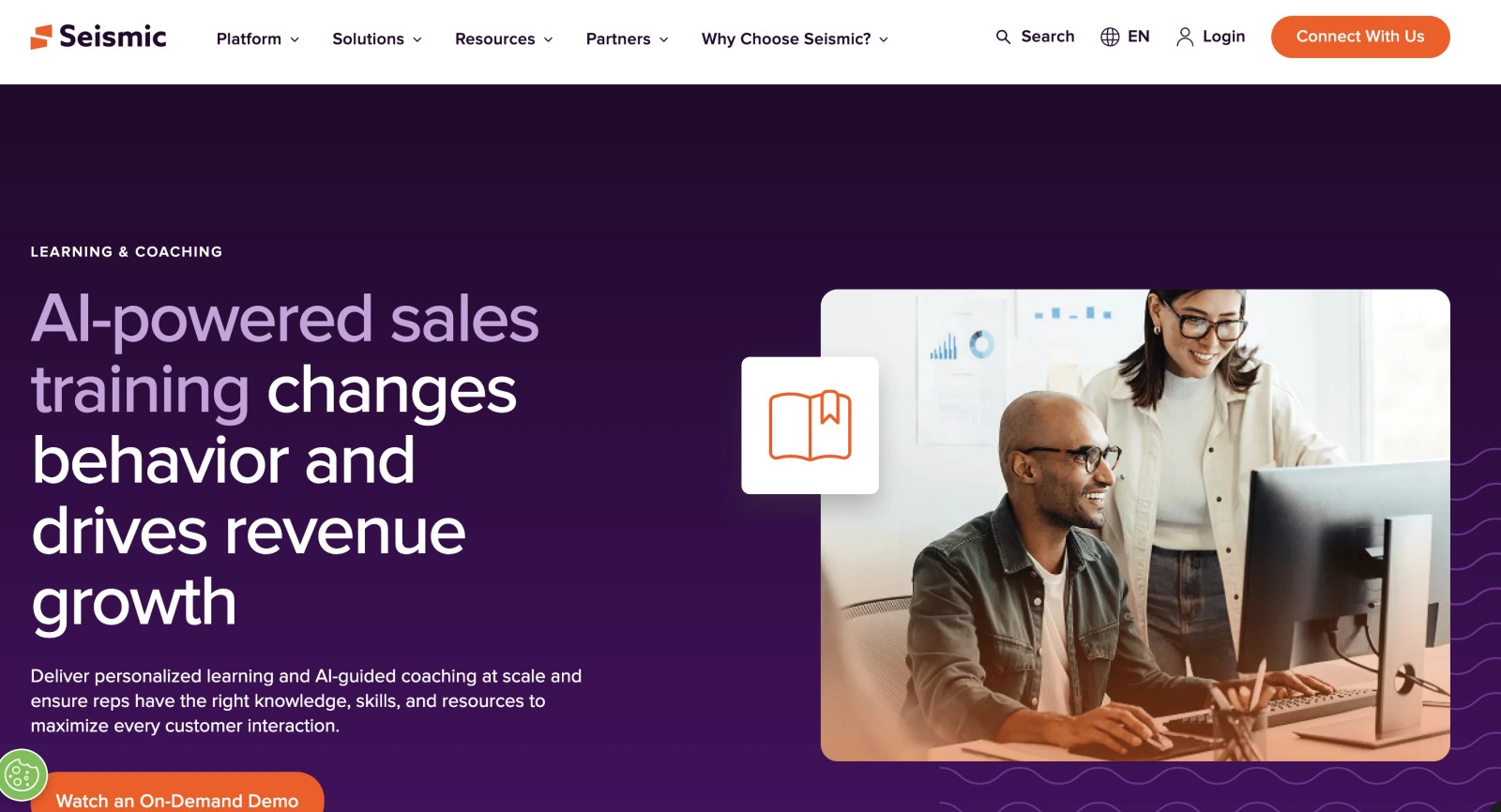
Lessonly, now rebranded as Seismic Learning after its acquisition by Seismic, is a training platform built specifically for revenue teams. While most LMS platforms in this list serve broad corporate training needs, Lessonly focuses on sales enablement, customer success training, and customer-facing team readiness. The platform sits within Seismic's broader sales enablement suite, which gives it tight integration with content management, coaching, and analytics tools designed for go-to-market teams.
The platform's design reflects its audience. Lessons are built to be short, action-oriented, and directly tied to sales scenarios. Practice exercises let reps record pitch videos or complete written responses that managers can review and score. The connection between training content and real sales activities is tighter than what a general-purpose LMS can offer. For sales teams that need training tied directly to revenue outcomes, that specificity matters.
Core Capabilities
- Lesson builder with drag-and-drop simplicity for creating short, focused training modules
- Practice exercises where reps submit video or written responses to realistic scenarios
- Coaching workflows that let managers review, score, and provide feedback on practice submissions
- Learning paths organized by role, product, or sales stage
- Knowledge checks with quizzes embedded throughout lessons
- Integrations with Salesforce, Slack, Zendesk, and the broader Seismic enablement platform
- Automated assignment based on role, team, or trigger events (new hire, product launch)
- Certification tracking for required training completion
- Analytics showing completion rates, practice scores, and team readiness metrics
- Mobile access for reps in the field
Standout Strength
Lessonly connects training directly to sales performance. The practice-and-coaching model means reps do not just consume content; they demonstrate competency through recorded exercises that managers evaluate. That feedback loop between training and performance coaching is Lessonly's core differentiator, and it is purpose-built for the way sales organizations develop skills.
Best For
Sales teams, customer success teams, and support organizations within companies of 200 to 5,000+ employees. Strong fit for B2B SaaS companies, financial services firms, and any organization where customer-facing team performance directly affects revenue. Less appropriate as a general-purpose corporate LMS; the platform is intentionally narrow in its focus.
Pricing Overview
- Custom pricing based on user count
- Pricing model: Per-user subscription
- Typically sold as part of the broader Seismic platform or as a standalone module
- Free demo available
Limitations
- The narrow focus on sales and customer-facing teams means the platform is not a good fit for general corporate training (compliance, technical skills, leadership development).
- The acquisition by Seismic ties the product's roadmap to a larger platform strategy. Organizations that do not use Seismic's other tools may find the integration less relevant.
- Content authoring is designed for simple, fast lessons. Teams that need complex interactive content or SCORM-based courses will need a separate authoring tool.
Quick Comparison Insight
More purpose-built for sales enablement than any other platform in this list. Less versatile than TalentLMS or Docebo for general corporate training needs. The right choice when training revenue teams is the specific problem to solve.
Bridge
Overview
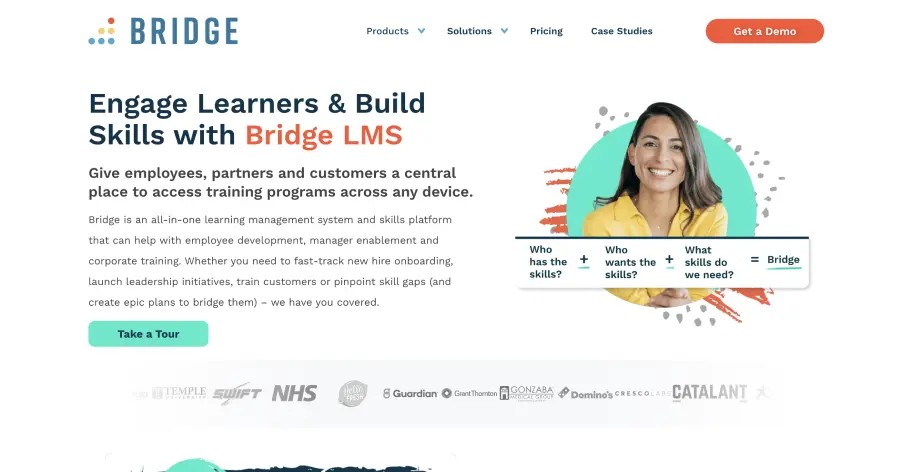
Bridge focuses on employee development and manager engagement. The platform was acquired by Learning Technologies Group (LTG) from Instructure in February 2021 for $50 million, and it now sits within LTG's mid-enterprise learning and talent portfolio. Bridge is designed to connect learning with performance conversations, career development, and one-on-one meetings between managers and employees.
Where most corporate LMS platforms emphasize content delivery and compliance tracking, Bridge puts equal weight on the developmental side of learning. The platform includes tools for managers to run structured one-on-ones, set development goals tied to learning content, and track how training translates into on-the-job skill application. For organizations where employee development and retention are strategic priorities, Bridge connects learning to career growth in a way that feels intentional rather than bolted on.
Core Capabilities
- Course authoring with native content creation and SCORM/xAPI import support
- Manager one-on-one meeting tools with agenda templates and follow-up tracking
- Performance management with goal setting, check-ins, and review cycles
- Skills assessment and development planning tied to learning content
- Automated enrollment and learning path assignment based on role and department
- Compliance training tracking with certification management and automated reminders
- Employee engagement surveys and pulse checks
- Journey builder for creating multi-step development programs
- Integrations with BambooHR, Microsoft Teams, Slack, Zoom, and an open API
- Reporting with manager dashboards showing team development progress
Standout Strength
Bridge stands out when employee development is a strategic priority, not just a compliance requirement. The integration of learning with one-on-one meetings, goal setting, and performance conversations means managers are directly involved in the development process. That manager-employee connection differentiates Bridge from platforms that treat learning as something employees do alone in front of a screen.
Best For
Companies with 500 to 5,000 employees where people development and retention are high priorities, and where managers play an active role in employee growth. Strong fit for organizations that want to connect formal training to ongoing development conversations, and for HR/L&D teams that see the LMS as part of a broader employee experience strategy.
Pricing Overview
- Custom, quote-based pricing billed annually; Bridge does not publish standard per-seat rates
- Pricing model: per-user subscription, with Perform and Engage modules priced separately
- Demo available on request
- Volume discounts for larger deployments
Limitations
- The LMS capabilities are solid but not as deep as Docebo or Cornerstone for complex enterprise training architectures.
- The performance and engagement modules are add-ons with separate pricing, which increases total cost for the full experience.
- Content authoring is adequate but not as advanced as iSpring or Tovuti for interactive or media-rich material.
Quick Comparison Insight
Stronger employee development focus than any other platform in this list. Less content authoring depth than iSpring or Tovuti. The right platform when the goal is connecting learning to career growth and manager-employee development, not just delivering courses.
TalentLMS
Overview
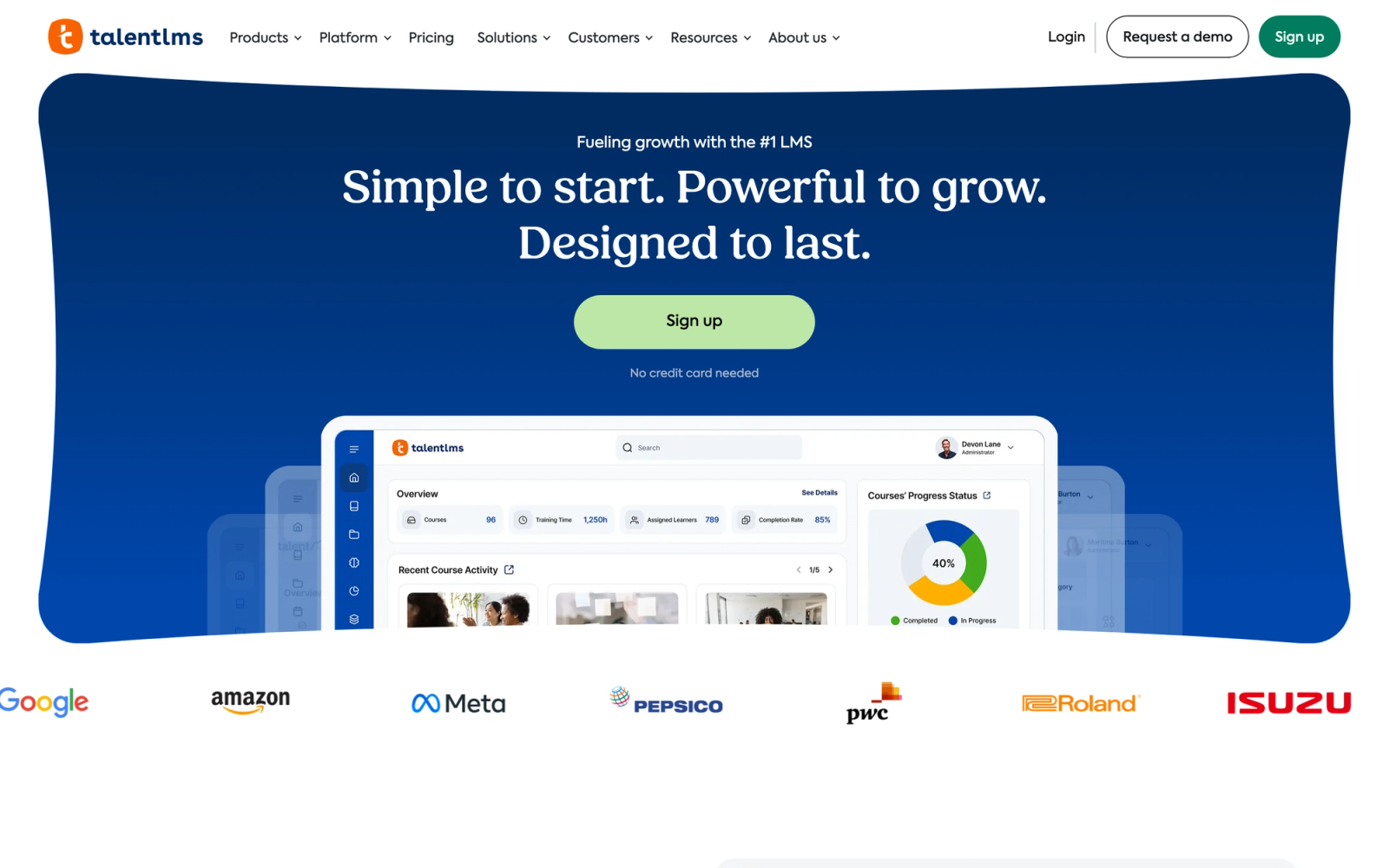
TalentLMS is built for small and mid-sized businesses that need a functional LMS without a lengthy implementation process. Developed by Epignosis, it positions itself as one of the fastest platforms to deploy, and that claim holds up in practice. A working course environment can be set up within an hour of signing up, notably faster than most competitors in this list.
The platform keeps things deliberately simple. The interface is clean, the navigation is intuitive, and the admin experience does not require a dedicated LMS administrator to manage. For organizations where the training function sits inside HR or operations rather than a dedicated L&D department, that simplicity is a real advantage. TalentLMS is not trying to be an enterprise talent suite. It is trying to be the LMS that actually gets used.
Core Capabilities
- Course builder with support for text, video, presentations, and SCORM/xAPI packages
- Built-in assessment engine with multiple question types, randomization, and pass/fail thresholds
- Automated certification with expiration tracking and renewal notifications
- Branch (sub-account) functionality for departmental or client-specific training portals
- Gamification with points, badges, leaderboards, and custom rewards
- Videoconference integration for live sessions through Zoom and other tools
- Native integrations with Zapier, Salesforce, Slack, and BambooHR
- Custom domain and white-labeling for branded training portals
- eCommerce module for selling courses with Stripe and PayPal support
- REST API for custom integrations and data sync
Standout Strength
TalentLMS earns its place by eliminating the implementation overhead that delays training rollout. The combination of fast setup, low administrative burden, and a free tier for up to five users makes it accessible to teams without dedicated L&D budgets or technical staff. For SMBs that need a working LMS this week rather than this quarter, it is a practical starting point.
Best For
Small and mid-sized businesses with 50 to 1,000 employees that need to run employee training, compliance programs, and onboarding without a complex setup process. Strong fit for HR teams managing training as one of several responsibilities, startups scaling their first formal learning program, and franchise operations needing multi-branch portals.
Pricing Overview
- Free plan: Up to 5 users and 10 courses
- Core plan: $149 per month for up to 100 users (or $119 per month billed annually)
- Pricing model: Tiered per-user subscription; scales with user count
- Custom enterprise pricing available for larger deployments
- Free trial available on all paid plans
Limitations
- Reporting is functional but lacks the depth enterprise teams expect. Custom report building is limited compared to Docebo or Cornerstone.
- The content authoring tools are adequate for basic courses but do not match dedicated authoring platforms like iSpring for interactive or simulation-based content.
- Gamification features, while present, are relatively surface-level compared to platforms like Tovuti that build gamification deeper into the learning experience.
Quick Comparison Insight
Faster to deploy and simpler to administer than most platforms in this list, but trades depth for speed. The right choice when you need a working LMS quickly, not when you need enterprise-grade analytics or complex learning paths.
How to Choose the Right Corporate Training LMS
The right platform depends on your training model, not just your feature checklist. Here is how to match the decision to your actual situation.
If compliance is the primary driver, Litmos and Cornerstone OnDemand provide the deepest compliance infrastructure with audit-ready reporting and built-in content libraries. TalentLMS handles compliance adequately for smaller organizations without the enterprise overhead.
If you need to train multiple audiences, LearnUpon's multi-portal architecture is purpose-built for organizations running employee, customer, and partner training from one system. Docebo handles multi-audience training at enterprise scale with AI-driven personalization for each audience segment.
If content creation speed is the bottleneck, 360Learning's collaborative authoring model lets subject-matter experts build courses directly. iSpring Learn is the strongest option for teams that work primarily in PowerPoint. Tovuti bundles the broadest set of interactive content types natively into the platform.
If learner engagement is the core challenge, Absorb LMS leads with UX quality and modern learner experience. Tovuti adds gamification depth. Bridge connects learning to development conversations that keep employees invested.
If you are training sales or customer-facing teams specifically, Lessonly (Seismic Learning) is purpose-built for that use case with practice exercises and coaching workflows tied to revenue outcomes.
If your training programs are group-based and facilitator-led, Teachfloor provides native cohort management, live session scheduling, and collaborative activities designed for structured programs where interaction matters as much as content.
Start with the training problem, not the feature list. The most capable platform is not always the right one. The right one is the platform that fits how your organization actually trains people.
FAQ
Which corporate training LMS is best for live and cohort-based programs?
For training that depends on live sessions, cohorts, peer interaction, and community rather than self-paced content alone, Teachfloor is the strongest fit, because it runs self-paced, social, live, and cohort formats in one program. 360Learning is a good second option for peer-driven content creation, and Bridge suits manager-led development. Pure content engines like Litmos and Docebo are better when the priority is a large self-paced library.
Does a corporate training LMS need AI course creation?
It is increasingly expected. AI-assisted authoring turns existing documents, slides, and videos into structured courses in minutes, which removes the slowest part of L&D work. Teachfloor, Docebo, 360Learning, and WorkRamp-style platforms all offer it. If your team produces most training in-house, prioritize AI authoring; if you mainly license off-the-shelf content, a large bundled library matters more.
What is a corporate training LMS?
A corporate training LMS is a learning management system designed for workplace learning. It handles employee training, compliance tracking, onboarding programs, skills development, and performance reporting. Unlike academic LMS platforms, corporate training systems are built around business outcomes, regulatory requirements, and workforce development rather than semester-based coursework.
How much does a corporate training LMS cost?
Pricing varies widely. Entry-level platforms like TalentLMS start with a free plan and paid tiers from $149 per month. Mid-market tools like iSpring Learn use an active-user model, often lower than per-registered-user pricing. Enterprise platforms like Docebo, Cornerstone, and Litmos use custom pricing that typically requires a sales conversation. Total cost depends on user count, feature requirements, and whether implementation services are needed.
Can I use one LMS for both compliance and development training?
Yes, but the emphasis varies by platform. Litmos and Cornerstone handle compliance with dedicated audit reporting and certification management. Platforms like Bridge and 360Learning emphasize development and collaborative learning. Most platforms in this list can handle both, but each leans toward one end of the spectrum. Match the platform to your primary use case rather than assuming one tool handles everything equally well.
What is the difference between SCORM and xAPI?
SCORM is an older content standard that tracks completion, pass/fail, and basic scores. xAPI (Experience API) is a newer standard that can track a wider range of learning activities, including offline events, simulations, and real-world tasks. Most modern corporate LMS platforms support both. If your content is primarily traditional eLearning, SCORM is sufficient. If you need to track learning activities beyond course completions, look for xAPI support.
Do I need a separate authoring tool?
It depends on your content complexity. Platforms like iSpring Learn and Tovuti include strong built-in authoring tools. Others like Docebo and LearnUpon support content import but rely on external tools for advanced content creation. If your training consists of slide-based courses, video, and quizzes, built-in authoring may be enough. If you need branching simulations, custom interactions, or complex assessments, a dedicated authoring tool is usually worth the investment.


