

Why Look for a ProctorU Alternative?
ProctorU is one of the most widely used online proctoring services in higher education, and its combination of live, recorded, and automated proctoring gives institutions flexibility. But certain recurring issues push academic teams and training organizations to explore ProctorU alternatives.
Cost per exam adds up at scale. ProctorU charges on a per-session basis, which means costs scale directly with enrollment. For institutions running hundreds or thousands of exams per semester, the per-test fee structure creates significant budget pressure. Programs with frequent assessments, such as nursing or certification prep, feel this most acutely.
Student complaints about invasive monitoring. ProctorU's live proctoring requires webcam access, screen sharing, and sometimes remote control of the student's computer. Students regularly report feeling surveilled, and the experience can increase test anxiety rather than reduce cheating. Institutions that prioritize student engagement often find this friction counterproductive.
Technical issues with webcam and browser compatibility. ProctorU relies on specific browser configurations and stable webcam feeds. Students using older hardware, Linux-based systems, or institutional computers with restricted permissions frequently encounter connection failures, session drops, and software conflicts that delay or derail exams.
Long wait times for live proctors. During peak exam periods, students can wait 30 minutes or longer to connect with a live proctor. This wastes student time and compresses already tight exam windows. For institutions offering flexible scheduling, unpredictable wait times undermine that flexibility.
Limited LMS integrations for some setups. While ProctorU integrates with major LMS platforms like Canvas and Blackboard, the integration depth varies. Some institutions report that configuration requires manual coordination with ProctorU's support team, and not every LMS workflow is fully supported out of the box.
Privacy concerns. ProctorU's data collection, including biometric verification, room scans, and screen recordings, raises legitimate privacy questions. Several student advocacy groups and institutions have pushed back on the scope of data captured during proctored sessions. Organizations operating under data privacy regulations need to evaluate these trade-offs carefully.
Accessibility challenges. Students with disabilities sometimes struggle with ProctorU's verification steps and environmental requirements. The rigid room-scan protocol and strict movement rules can create barriers for test-takers who need accommodations.
These issues are not universal. ProctorU works well for many programs. But if your institution is facing cost pressure, student pushback, or technical friction, the alternatives below offer different approaches to the same problem.
What to Look for in an Online Proctoring Tool
Choosing a proctoring solution involves more than comparing feature lists. The right fit depends on your institution's exam volume, student population, technical infrastructure, and tolerance for monitoring intensity.
Proctoring model. Some platforms offer only automated AI-based proctoring. Others provide live human proctors, recorded review, or a hybrid approach. Automated proctoring is cheaper and faster but may produce more false flags. Live proctoring is more accurate but creates scheduling bottlenecks and higher costs.
LMS integration depth. A proctoring tool that integrates natively with your LMS reduces administrative overhead. Look for direct integrations with Canvas, Blackboard, Moodle, or D2L Brightspace that allow instructors to enable proctoring from within the learning management system without switching platforms.
Student experience. The proctoring process affects test performance. Tools that require extensive pre-exam setup, room scans, or ID verification steps add friction. Consider how your student population will respond, especially non-traditional learners, international students, and those with limited hardware.
Privacy and data handling. Where does the proctoring data go? How long is it retained? Does the vendor comply with FERPA, GDPR, or other relevant regulations? These questions matter for institutional risk management and student trust.
Scalability and pricing model. Per-exam pricing works for low-volume programs but becomes expensive at scale. Per-student or institutional licensing models offer more predictability. Calculate total cost based on your actual exam volume, not just the sticker price.
Accessibility compliance. Proctoring tools must accommodate students with disabilities. Check for VPAT documentation, screen reader compatibility, and the ability to configure accommodations like extended time or modified environment requirements.
Flagging accuracy and review workflow. AI-based proctoring generates flags for suspicious behavior. What matters is the false-positive rate and how easy it is for instructors to review flagged sessions. A tool that flags every head movement creates more work than it saves.
7 Best ProctorU Alternatives
The platforms below span a range of proctoring approaches, from fully automated browser lockdown tools to AI-monitored and live-proctored solutions. Each addresses a different combination of the pain points outlined above, organized to reflect different institution sizes, budgets, and assessment philosophies.
Tool AI Proctoring Live Proctoring Browser Lock LMS Integration Best For Honorlock ✓ ✓ ✓ ✓ Mid-to-large universities needing flexible proctoring with strong LMS integration ExamSoft (Examplify) ✓ ✗ ✓ ✓ Professional programs (law, medical, nursing) requiring secure offline exams Proctorio ✓ ✗ ✓ ✓ Institutions wanting fully automated, scalable AI proctoring Respondus LockDown Browser ✓ ✗ ✓ ✓ Budget-conscious institutions needing basic lockdown with optional monitoring Mercer Mettl ✓ ✓ ✓ ✓ Corporate training and recruitment teams running high-volume assessments Examity ✓ ✓ ✗ ✓ Large institutions needing tiered proctoring levels from AI to live Safe Exam Browser ✗ ✗ ✓ ✓ Institutions wanting a free, open-source browser lockdown solution Teachfloor ✗ ✗ ✗ ✗ Training programs using peer review and collaborative assessment
Honorlock
Overview
Honorlock positions itself as a student-friendly alternative to traditional proctoring services. Where ProctorU relies heavily on live human proctors with variable wait times, Honorlock uses AI-driven monitoring as the primary layer, with on-demand live proctors available only when the AI detects a potential issue. This hybrid model eliminates the pre-exam waiting period that frustrates students on ProctorU.
Setup friction is noticeably lower than ProctorU's. Students install a Chrome extension rather than a standalone application, and the pre-exam verification process takes about two minutes. For institutions running frequent assessments, that shorter onboarding sequence translates to measurable time savings across a semester.
Core Capabilities
- AI-powered behavior analysis that monitors eye movement, audio, and browser activity during exams
- On-demand live proctor intervention when the AI flags a potential integrity issue, no pre-scheduled proctor required
- Chrome browser extension that requires no separate software installation on student devices
- Cell phone detection technology that identifies secondary device use during exams
- Native LMS integrations with Canvas, Blackboard, Moodle, D2L Brightspace, and other major platforms
- Search-and-destroy feature that identifies exam content posted on sharing sites and requests takedowns
- Instructor dashboard with timestamped flags, video review, and severity filtering
- Accessibility accommodations including extended time, modified environment settings, and screen reader support
- Multi-language support for international student populations
- FERPA-compliant data handling with configurable data retention policies
Standout Strength
Institutions choose Honorlock because it removes the live-proctor bottleneck without abandoning human oversight entirely. The AI-first, human-backup model means students never wait in a queue, but a real person can still intervene in real time if needed. For universities frustrated with ProctorU's peak-period wait times, this on-demand model directly solves the scheduling problem.
Best For
Mid-to-large universities and community colleges with high exam volumes that need proctoring integrated directly into their LMS. Particularly strong for institutions on Canvas or Blackboard that want to reduce student friction while maintaining academic integrity. Programs running frequent, high-stakes assessments (nursing, accounting, STEM) benefit most from the no-wait-time model.
Pricing Overview
- Pricing model: Per-exam session fee, typically lower than ProctorU's live proctoring rate
- Institutional volume agreements available for universities with high exam counts
- No student-facing charges; the institution covers the cost
- Free pilot program available for qualifying institutions
Limitations
- Chrome-only requirement excludes students who prefer or are required to use Firefox or Safari
- AI flagging can still produce false positives, particularly for students with certain physical mannerisms or in non-standard testing environments
- Per-exam pricing still scales with volume, though typically at a lower rate than ProctorU
Quick Comparison Insight
Faster student experience and no proctor wait times compared to ProctorU. Similar per-exam pricing model, but the AI-first approach reduces the per-session cost at scale.
ExamSoft (Examplify)
Overview
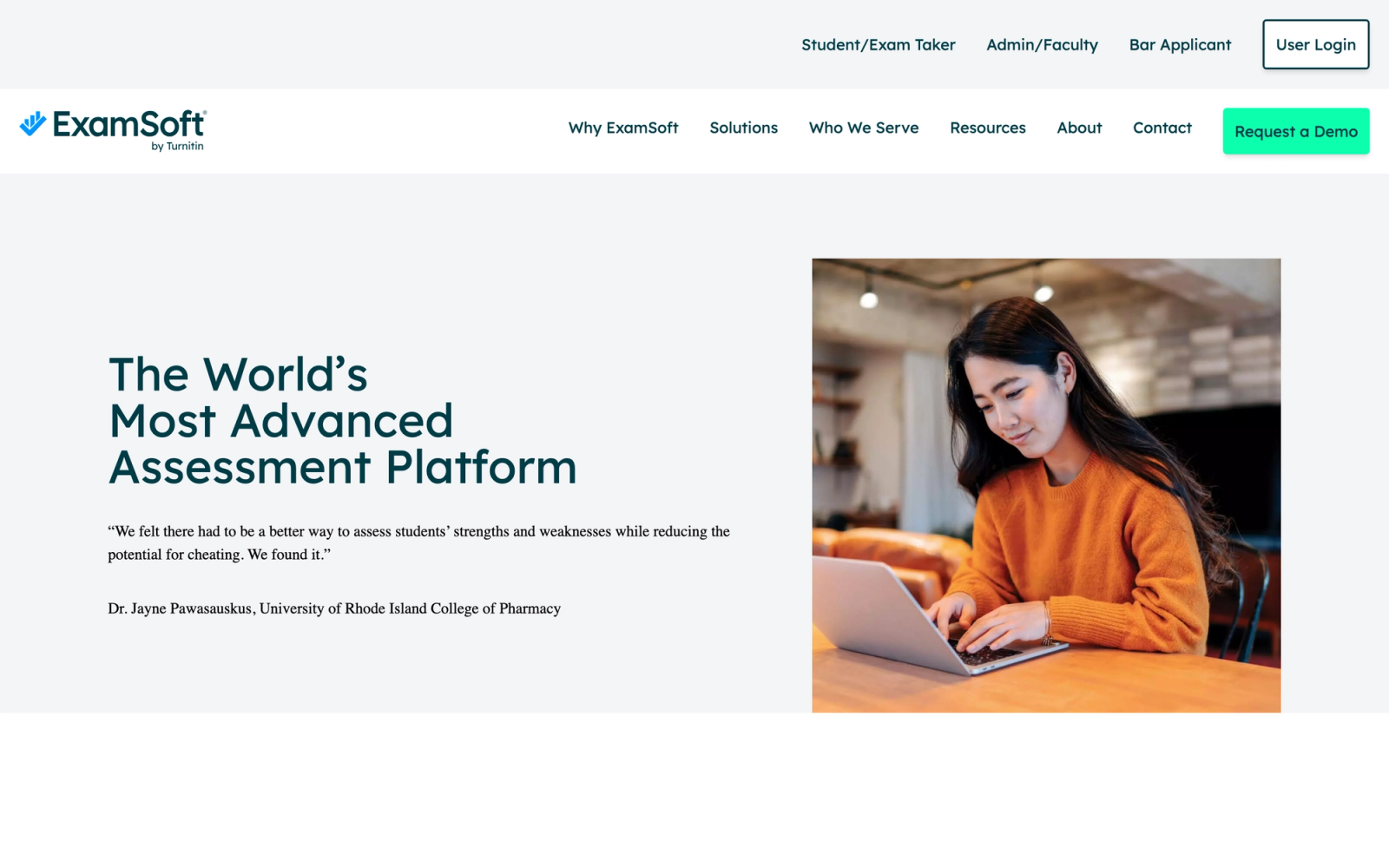
ExamSoft takes a fundamentally different approach to exam security. Rather than monitoring students through a webcam during an online exam, ExamSoft's desktop application, Examplify, locks down the testing device entirely. It disables copy-paste, screen capture, application switching, and internet access during the exam. The exam runs locally on the student's machine, and the answer file is encrypted and uploaded once the student submits.
This model is especially popular in professional education. Law schools, medical schools, nursing programs, and pharmacy programs use ExamSoft heavily because it pairs device lockdown with detailed learning analytics on exam performance. The psychometric reporting engine is where ExamSoft separates itself from standard proctoring tools.
Core Capabilities
- Examplify desktop application that locks down Windows and Mac devices during exams
- Offline exam delivery that does not require internet during the test, only for download and upload
- ExamID facial recognition for identity verification at exam start
- ExamMonitor AI-based video and audio monitoring (optional add-on for remote exams)
- Item analysis with psychometric reporting including difficulty index, discrimination index, and point-biserial correlation
- Category tagging for questions mapped to learning outcomes or competency standards
- Secure question bank with randomization, sequencing, and version control
- Rubric-based grading tools for constructed-response questions
- ADA-compliant accommodations including extended time, alternative formats, and assistive technology compatibility
- Integration with LMS platforms and student information systems for grade passback
Standout Strength
Programs choose ExamSoft for its psychometric depth. Beyond securing the exam, it helps faculty analyze item performance, identify weak curriculum areas, and map assessment results to accreditation standards. For professional programs undergoing accreditation review, this reporting is not a nice-to-have; it is a requirement. ProctorU monitors the exam but offers nothing comparable on the analytics side.
Best For
Professional education programs in law, medicine, nursing, pharmacy, and allied health that need both exam security and accreditation-aligned analytics. Strong fit for programs that administer in-person exams on student laptops (the original ExamSoft use case) and are now extending to remote delivery. Less suited for institutions that only need lightweight online quiz proctoring.
Pricing Overview
- Custom institutional pricing based on program size and exam volume
- Pricing model: Annual license, typically per-student or per-program
- ExamMonitor (remote proctoring add-on) is an additional cost
- Free demo available through the ExamSoft website
Limitations
- Requires a dedicated desktop application installation, which can conflict with institutional device management policies
- Primarily designed for high-stakes summative exams; overkill for low-stakes quizzes or formative assessments
- The learning curve for faculty setting up item-tagged question banks is steeper than most proctoring-only tools
Quick Comparison Insight
Deeper assessment analytics than ProctorU, but a heavier implementation footprint. Better for programs that need psychometric data, not just surveillance.
Proctorio
Overview
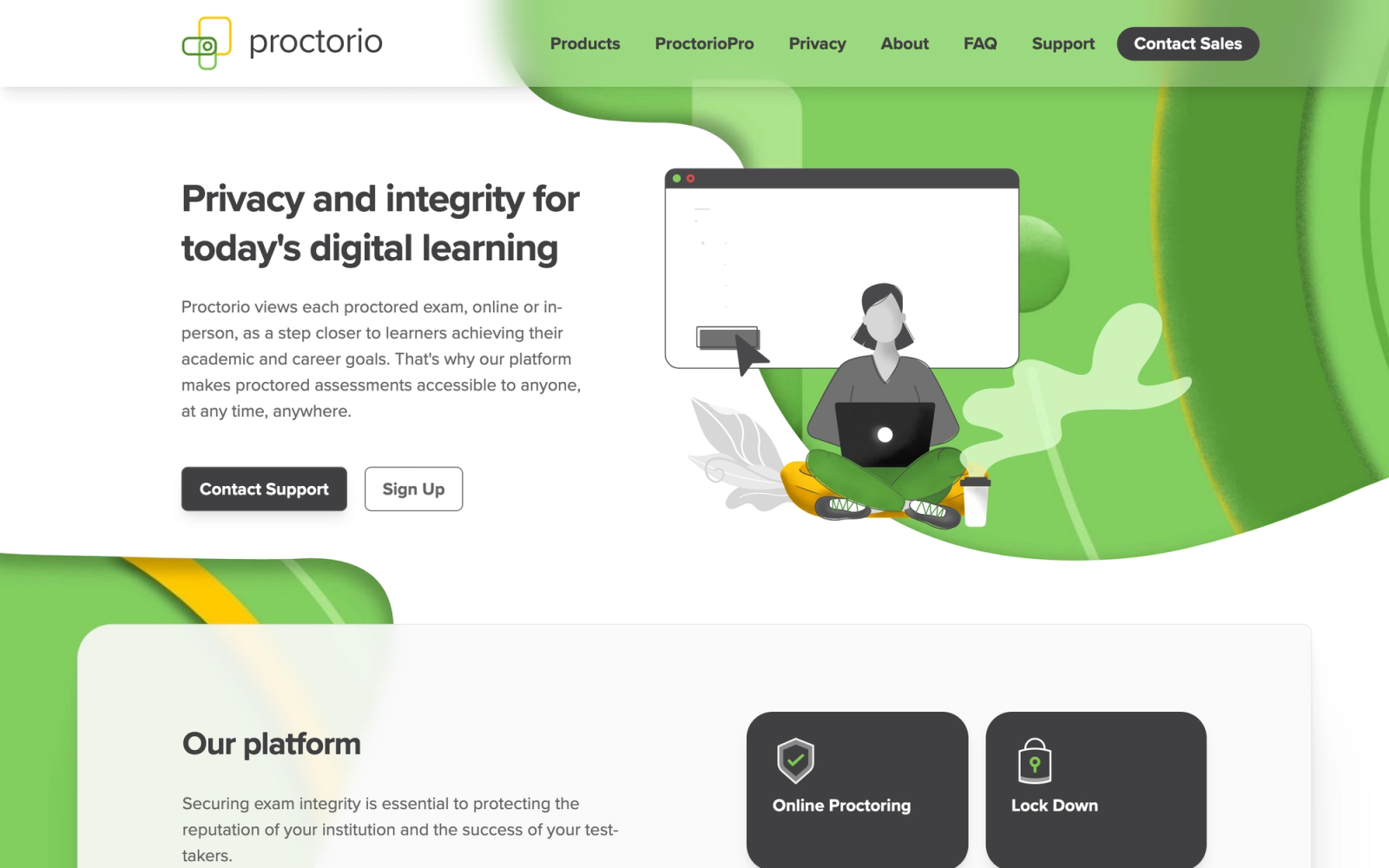
Proctorio is a fully automated proctoring platform that runs entirely through a browser extension. There are no live human proctors involved. The system uses AI to monitor webcam feeds, microphone input, browser activity, and system processes during an exam, then generates a report with flagged incidents for instructor review.
The core value proposition is scalability. Because Proctorio eliminates the human proctor entirely, it can handle tens of thousands of simultaneous exam sessions without scheduling constraints or wait times. For large public universities running midterms for 500-student lecture courses, this matters. The instructor review interface is well-organized: flagged moments are timestamped and categorized by type (gaze deviation, audio anomaly, new browser tab), which makes post-exam review faster than scrubbing through full-length recordings.
Core Capabilities
- Fully automated AI proctoring with no live proctor involvement
- Chrome and Edge browser extension with no standalone software installation required
- Configurable exam settings allowing instructors to choose which monitoring features to enable (webcam, microphone, screen recording, browser lockdown)
- Behavior analytics dashboard with incident flags, severity ratings, and timestamp links to video evidence
- Deep LMS integration with Canvas, Moodle, Blackboard, D2L Brightspace, and Sakai
- Zero-knowledge encryption architecture where Proctorio cannot access exam content or recordings
- Originality verification tools for written-response exams
- Instructor-controlled lockdown settings (disable printing, copy-paste, external URLs, right-click)
- Automated ID verification using facial recognition matching
- FERPA, GDPR, and CCPA compliance with data stored in the institution's preferred region
Standout Strength
Institutions choose Proctorio because it scales without bottlenecks. No scheduling, no proctor queues, no per-session human cost. The fully automated model means exam sessions start instantly, and the configurable monitoring levels let instructors dial the intensity up or down based on the stakes of the assessment. For institutions that want to build training programs at scale with consistent assessment integrity, this flexibility is valuable.
Best For
Large public universities and community college systems with high enrollment and frequent online assessments. Strong fit for institutions on Canvas or Moodle that want LMS-native proctoring without per-session proctor costs. Departments running both high-stakes exams and routine quizzes benefit from the ability to configure monitoring levels per assessment.
Pricing Overview
- Pricing model: Institutional license, typically annual, based on enrollment or exam volume
- No per-exam fee structure; flat institutional rate
- Pricing is not publicly listed; institutions request a custom quote
- Free pilot available for qualifying institutions
Limitations
- No live proctor option, which means edge cases that confuse the AI have no real-time human fallback
- AI false-positive rates for gaze tracking and audio detection remain a common faculty complaint, particularly in non-ideal home environments
- Has faced public controversy around student privacy, which has led some institutions to drop the platform
Quick Comparison Insight
More scalable and less expensive per-exam than ProctorU, but lacks the human proctor safety net. Better for institutions that trust AI-based monitoring and want cost predictability.
Respondus LockDown Browser
Overview
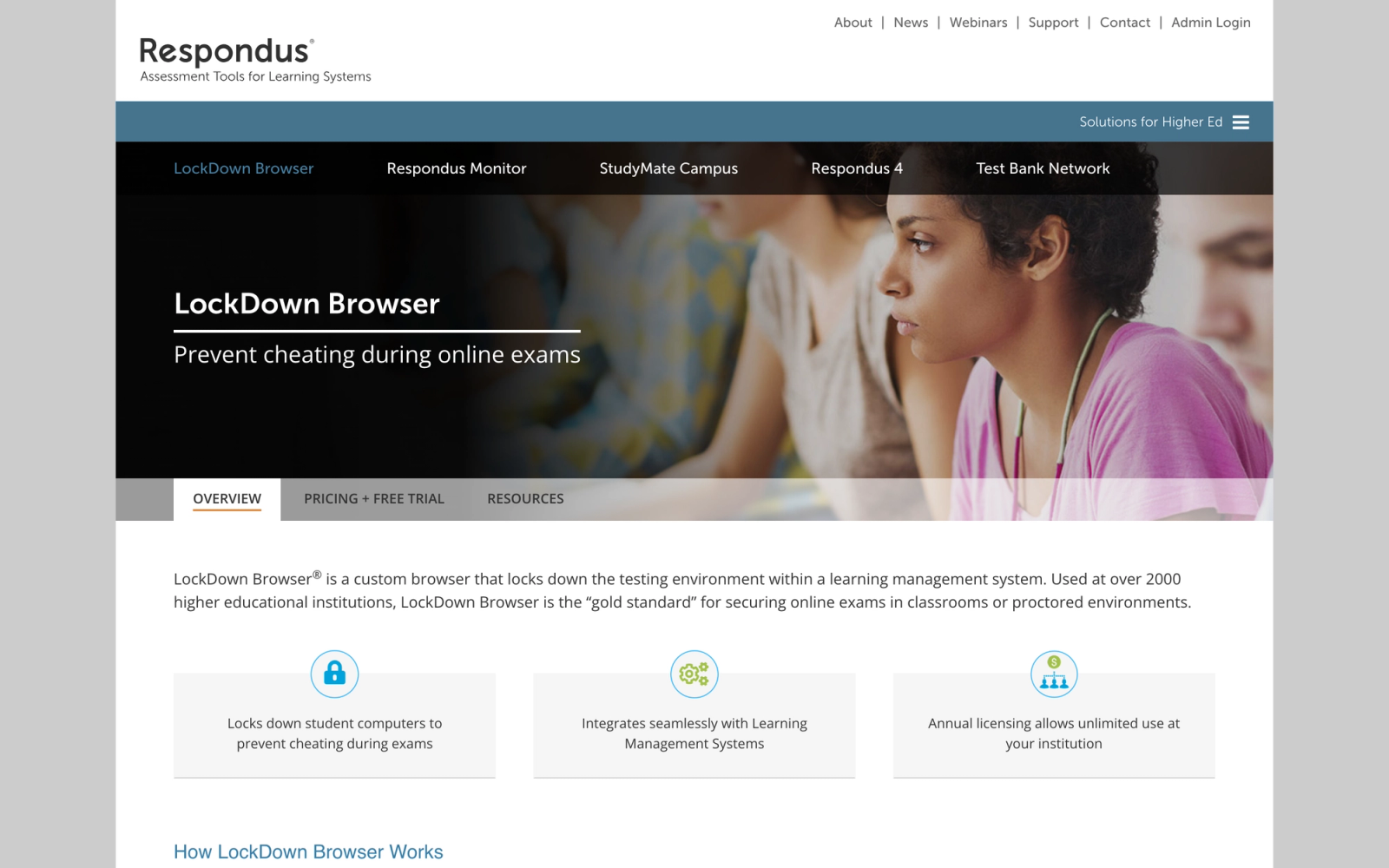
Respondus LockDown Browser is one of the longest-running exam security tools in higher education. Its approach is straightforward: lock the student's computer into the exam, preventing them from accessing other applications, websites, or system functions until they submit. Respondus Monitor, an add-on product, layers webcam-based AI proctoring on top of the locked browser.
What makes Respondus distinct in this list is its simplicity and price point. It does not try to be a full proctoring service, it is a browser lockdown tool first, with optional monitoring as an add-on. For institutions that consider full AI surveillance overkill for most assessments but still want to prevent basic screen-switching and copy-paste cheating, Respondus fills that gap at a fraction of the cost.
Core Capabilities
- Custom browser that prevents access to other applications, URLs, screen capture tools, and copy-paste functions during exams
- Respondus Monitor add-on that records webcam video and uses AI to flag suspicious behaviors
- Deep integration with Canvas, Blackboard, Moodle, D2L Brightspace, and Schoology
- iPad app (LockDown Browser for iPad) for institutions using tablets in testing centers
- Instructor dashboard for reviewing flagged webcam recordings with time-stamped incident markers
- Pre-exam environment checks including webcam test, microphone test, and connectivity verification
- Support for calculator and spreadsheet tools within the locked environment when permitted by the instructor
- Startup sequence that checks for unauthorized applications and virtual machines before launching the exam
- ADA accommodations for extended time and assistive technology
- Campus-wide and system-wide licensing models for predictable budgeting
Standout Strength
Respondus is the default choice for institutions that want exam security without the overhead of proctoring. The campus-wide license model means unlimited exams for a flat annual fee, which makes it dramatically cheaper than any per-session proctoring service at scale. For departments that just need to stop students from Googling answers during a quiz, Respondus delivers that at a fraction of ProctorU's cost.
Best For
Community colleges and universities with large online course catalogs that need basic exam security across hundreds of sections. Ideal for institutions that want a baseline lockdown tool for all online courses and only need webcam proctoring for select high-stakes exams. Budget-conscious IT departments that prefer flat-rate licensing over per-exam charges.
Pricing Overview
- LockDown Browser: Campus-wide license, annual fee based on institution FTE (typically $2,000 to $5,000+ per year)
- Respondus Monitor (webcam add-on): Additional annual license fee
- No per-exam or per-student charges under the campus license
- Free trial available for evaluation
Limitations
- LockDown Browser alone does not verify student identity or monitor behavior; it only restricts the device
- Respondus Monitor's AI flagging is less sophisticated than dedicated proctoring platforms like Honorlock or Examity
- Windows and Mac only; limited support for Chromebooks and no native Linux support
Quick Comparison Insight
Far less expensive than ProctorU at scale, but also far less complete. Best understood as a lockdown tool with optional monitoring, not a full proctoring replacement.
Mercer Mettl
Overview
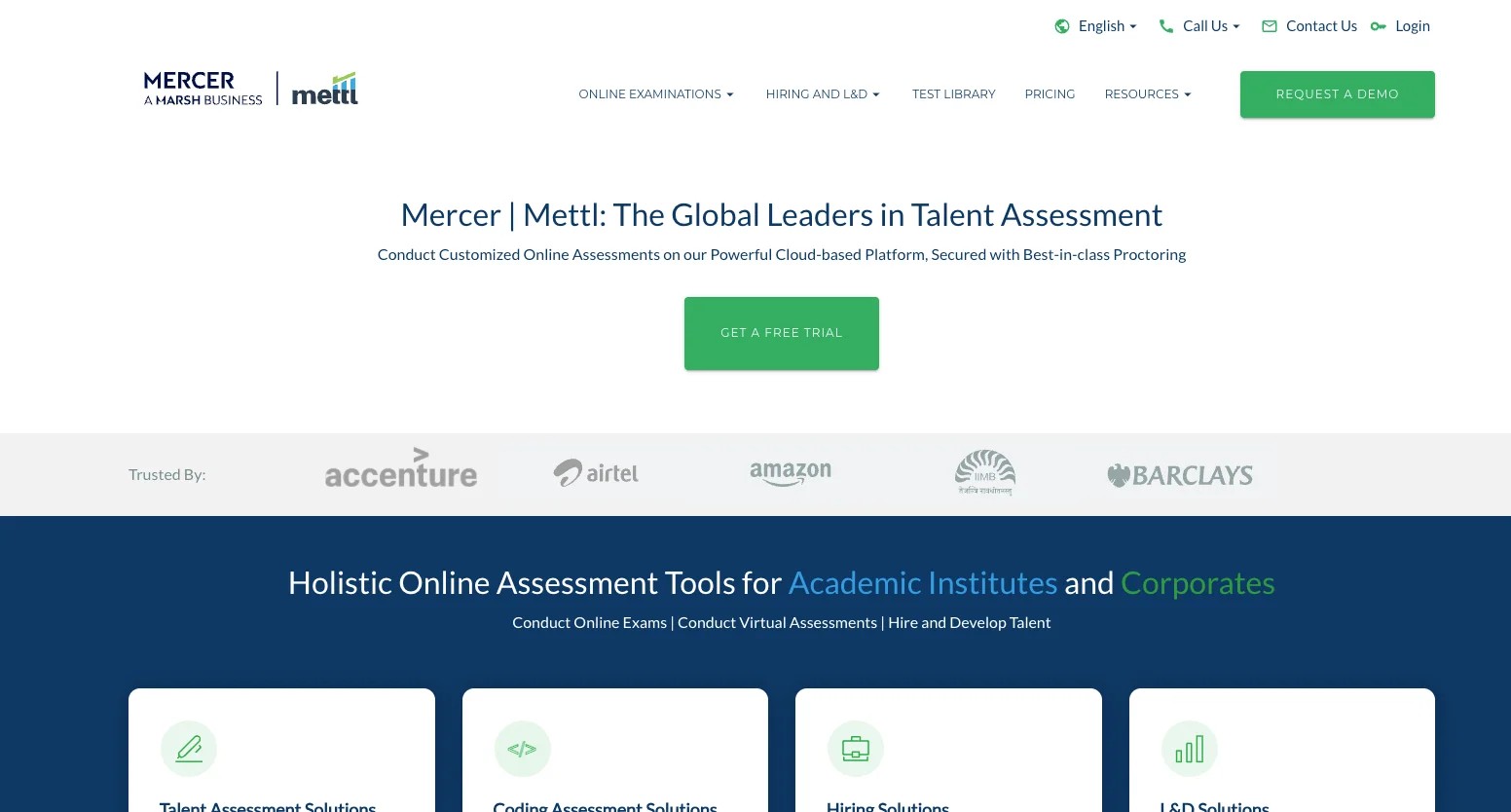
Mercer Mettl comes from a different world than most tools on this list. While Honorlock and Proctorio serve higher education, Mercer Mettl is built primarily for corporate recruitment, certification testing, and professional assessment at scale. The platform combines online proctoring with a full assessment creation engine, including psychometric tests, coding challenges, and simulation-based evaluations.
What is distinctive about Mercer Mettl is the depth of its assessment library. It is not just a proctoring layer; it is an end-to-end assessment platform that happens to include proctoring. For organizations that need to both create and proctor exams, rather than just proctor exams created in an LMS, this is a fundamentally different proposition than ProctorU.
Core Capabilities
- Three proctoring modes: AI-based automated proctoring, live human proctoring, and a hybrid model combining both
- Built-in assessment authoring with support for MCQ, coding challenges, case studies, and psychometric instruments
- Pre-built assessment library with validated tests for cognitive ability, personality, domain knowledge, and technical skills
- Browser lockdown that prevents tab switching, copy-paste, and access to external applications
- Multi-camera support allowing candidates to share both screen and secondary camera views
- Automated proctoring reports with AI-generated trust scores and flagged incident summaries
- Bulk scheduling and invitation management for large-scale assessment campaigns
- White-labeling and custom branding for certification bodies and enterprise clients
- API access for integrating proctoring and assessment data into HRIS, ATS, and LMS platforms
- Compliance with ISO 27001, SOC 2, and GDPR data handling standards
Standout Strength
Organizations choose Mercer Mettl because it combines assessment creation with proctoring in a single platform. Rather than building exams in one system and proctoring them through another, Mercer Mettl handles both. For HR teams running global recruitment assessments or certification bodies administering credentialing exams, this end-to-end approach eliminates the integration headaches that come with pairing a standalone proctoring tool with a separate test engine.
Best For
Corporate L&D teams, HR departments running pre-employment assessments, and professional certification bodies that need both assessment authoring and proctoring. Particularly strong for organizations conducting high-volume recruitment testing across multiple geographies. Less suited for traditional higher education institutions that already build exams inside their LMS.
Pricing Overview
- Custom pricing based on assessment volume and proctoring mode
- Per-candidate pricing available for recruitment use cases
- Enterprise licensing for organizations with ongoing assessment programs
- Free trial available with limited assessment credits
Limitations
- The platform's corporate focus means the UX is optimized for HR and L&D workflows, not academic course structures
- LMS integrations are available but not as deeply embedded as proctoring tools built specifically for higher education
- Pricing can be opaque; smaller organizations may find the sales process oriented toward enterprise contracts
Quick Comparison Insight
Broader assessment capabilities than ProctorU, but designed for corporate and certification contexts rather than academic exam proctoring. A stronger fit when you need to build the test and proctor it in one place.
Safe Exam Browser
Overview
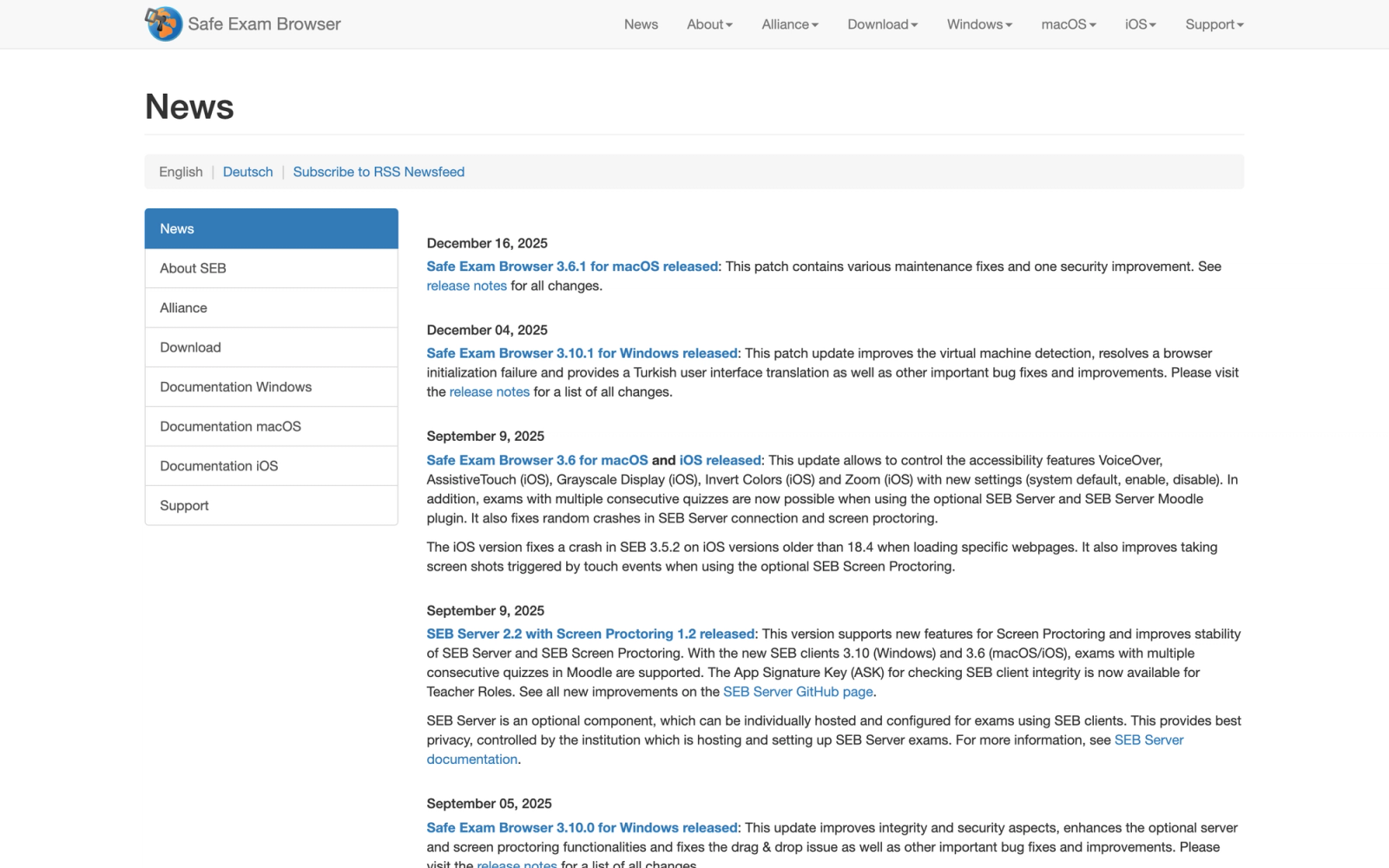
Safe Exam Browser (SEB) is an open-source browser lockdown application developed by the Swiss Federal Institute of Technology (ETH Zurich) and the University of Giessen. Unlike every other tool on this list, it is free, community-maintained, and focused exclusively on locking down the testing environment. There is no proctoring, no webcam monitoring, and no AI behavior analysis.
SEB works by replacing the student's standard desktop environment with a locked kiosk browser that only permits access to the exam URL. It disables task switching, screen capture, clipboard functions, and system-level shortcuts. For institutions that believe device lockdown is sufficient for exam integrity, or that combine SEB with in-person invigilation, this is a zero-cost solution that does one thing well.
Core Capabilities
- Full desktop lockdown that prevents access to other applications, the taskbar, and system functions during exams
- Cross-platform support for Windows, macOS, and iOS (iPad)
- Configuration files (.seb) that instructors create and distribute to enforce specific exam settings
- Integration with Moodle, ILIAS, OpenOLAT, and other LMS platforms that support SEB configuration keys
- URL filtering to restrict access to specific approved URLs during the exam
- Spell-check, dictionary, and calculator controls configurable per exam
- Kiosk mode that hides desktop and system menus entirely during the exam session
- Open-source codebase with active development community on GitHub
- No data collection, no cloud dependency, and no third-party data sharing
- Configuration management server (SEB Server) for institutional-scale deployment and monitoring
Standout Strength
SEB is the only free, open-source option in this list. For institutions that object to commercial proctoring on privacy grounds, or that simply lack the budget for per-exam or annual licensing fees, SEB provides exam security with zero vendor lock-in and zero data collection. European universities have adopted it widely, partly because it aligns with GDPR requirements by design: no student data ever leaves the institution.
Best For
European universities and any institution that prioritizes privacy and zero-cost exam security. Strong fit for institutions that administer exams in physical testing centers or proctored classrooms and need device lockdown without remote monitoring. Technical teams comfortable with open-source configuration and deployment will get the most out of it. Less suited for fully remote, unmonitored online exams where identity verification is required.
Pricing Overview
- Free and open-source (GPLv2 license)
- No licensing fees, no per-exam charges, no institutional subscription
- SEB Server (optional management tool) is also free and open-source
- Support is community-based; commercial support available through partners
Limitations
- No identity verification, no webcam monitoring, and no behavior analysis, so it does not prevent proxy test-taking on its own
- Requires technical staff to configure .seb files and manage deployment, which is more hands-on than commercial proctoring tools
- Linux support is experimental, and Chromebook support is not available
Quick Comparison Insight
Zero cost versus ProctorU's per-exam fees, but also zero monitoring. Best understood as a lockdown tool for controlled environments, not a replacement for remote proctoring.
Where Teachfloor Fits
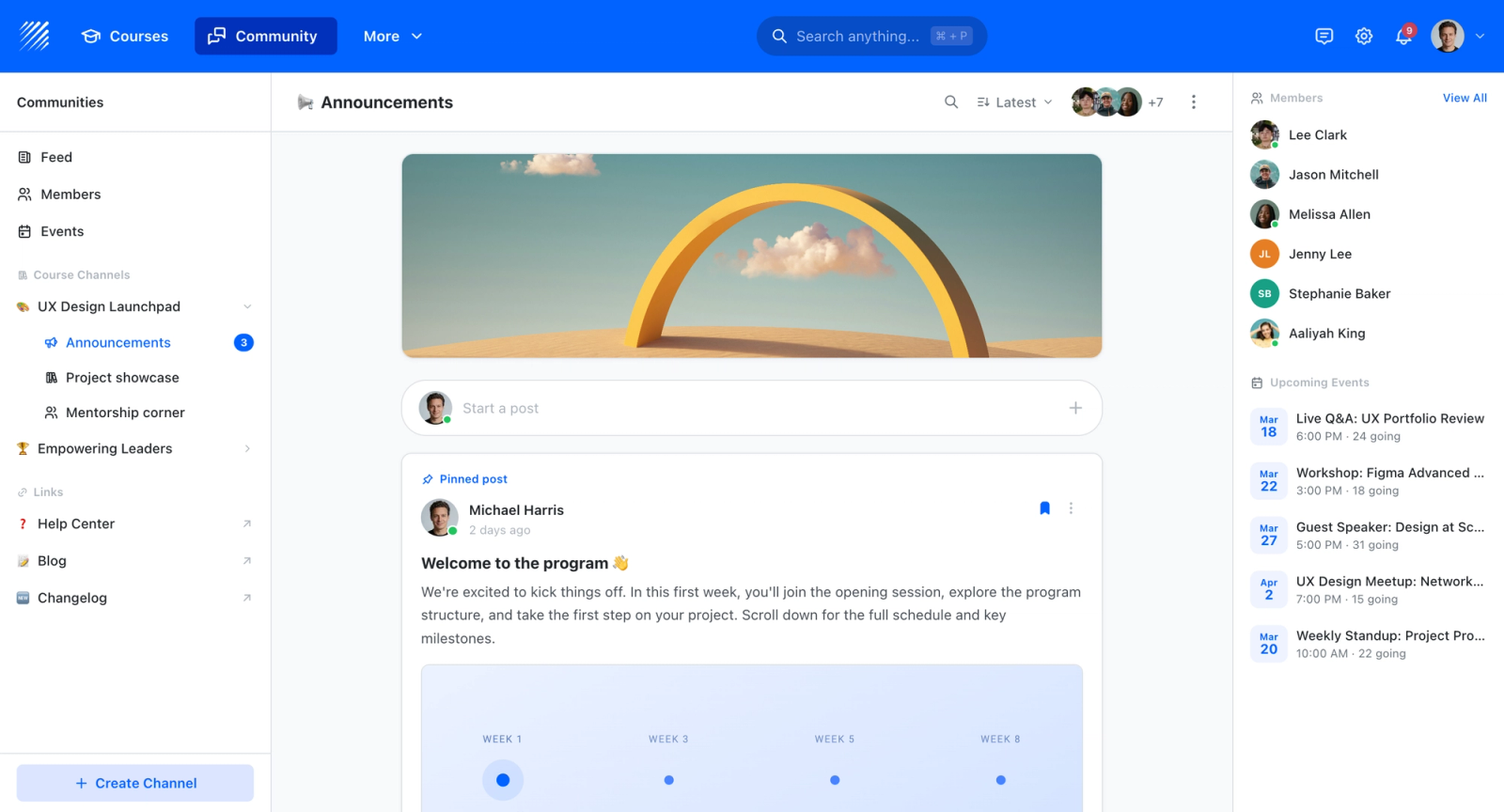
Every tool on this list watches an exam that already exists somewhere else. If that exam lives inside a course you are running, Teachfloor is where you build the quizzes, graded assessments, and completion records that a proctoring service then monitors. The two roles stay separate: Teachfloor delivers and scores the assessment, while a tool like Honorlock or Proctorio handles identity verification and live monitoring for high-stakes attempts.
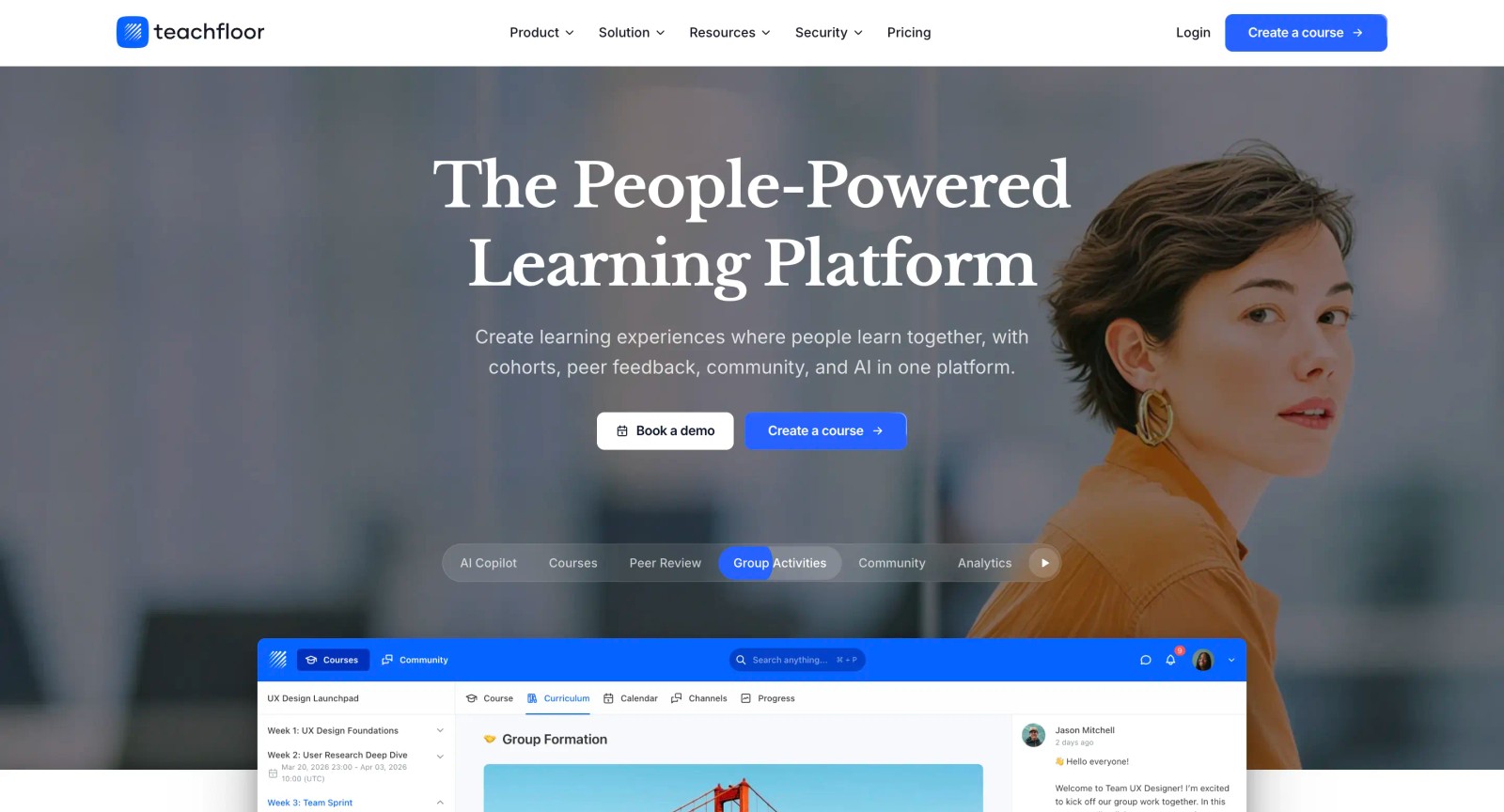
If you are choosing a home for your courses rather than a single-purpose tool, Teachfloor is worth a look. It starts at $89 per month with a 14-day free trial.
How to Choose the Right Alternative
The right ProctorU alternative depends less on features and more on your assessment philosophy, budget structure, and student population.
If you want to reduce per-exam costs while keeping live proctoring available, Honorlock or Examity are the closest matches. Both offer AI-first monitoring with live proctor escalation, which cuts costs on routine exams while preserving human oversight for edge cases. Examity's five-tier model gives more granular control if you run assessments with widely varying stakes.
If you want to eliminate per-exam pricing entirely, Respondus LockDown Browser and Safe Exam Browser are the two options. Respondus offers optional webcam monitoring under a flat annual campus license; SEB is free and provides none. Neither replaces a full proctoring service, both restrict the device rather than verify identity, so they work best when combined with other integrity measures or when assessment stakes are moderate.
If you need assessment analytics alongside proctoring, ExamSoft is the strongest option. Its psychometric reporting maps directly to accreditation requirements, which is why professional programs in law and medicine rely on it. The trade-off is a heavier implementation and higher cost.
If your assessments are for corporate recruitment or certification, Mercer Mettl combines assessment creation with proctoring in a way that academic tools do not. The pre-built assessment library and API-driven workflow make it a natural fit for HR teams and certification bodies.
If you are reconsidering proctored exams altogether, Teachfloor offers an assessment model built on collaboration and peer evaluation. This only makes sense for programs where applied learning and group-based training are part of the design.
If fully automated, scalable proctoring is the priority, Proctorio handles massive concurrent exam volumes at a flat institutional rate. It trades human oversight for scale. Institutions comfortable with AI-only monitoring and willing to manage false-positive review workflows will find it efficient.
Start with the question your institution is actually trying to answer. If the problem is cost, look at pricing models first. If the problem is student experience, test the student-facing workflow before evaluating features. If the problem is privacy, filter by data handling practices. The tool that solves your specific pain point matters more than the one with the longest feature list.
FAQ
Is Honorlock better than ProctorU?
Honorlock and ProctorU solve the same problem with different models. Honorlock's AI-first approach eliminates the live proctor queue, which means students start exams faster and institutions avoid peak-period wait times. ProctorU's live proctor model provides more continuous human oversight during high-stakes exams. The right choice depends on whether your priority is student convenience (Honorlock) or maximum human surveillance (ProctorU).
Can I use Respondus LockDown Browser without webcam monitoring?
Yes. Respondus LockDown Browser works as a standalone lockdown tool that restricts the student's device during exams. Respondus Monitor, the webcam-based AI proctoring layer, is a separate add-on. Many institutions deploy LockDown Browser across all online exams for basic security and only add Monitor for select high-stakes assessments.
Is Safe Exam Browser really free?
Yes. Safe Exam Browser is open-source software released under the GPLv2 license. There are no licensing fees, subscription costs, or per-exam charges. The trade-off is that SEB only locks down the browser; it does not verify identity or monitor student behavior. Institutions need technical staff to configure and deploy it, and support is community-based rather than vendor-managed.
What is the cheapest ProctorU alternative?
Safe Exam Browser is free. Respondus LockDown Browser offers campus-wide licensing for a flat annual fee (typically $2,000 to $5,000), which makes it the cheapest commercial option for institutions running hundreds or thousands of exams per year. Proctorio's institutional licensing also avoids per-exam fees, though the annual cost is higher than Respondus.
Can proctoring tools integrate with my LMS?
Most modern proctoring tools integrate with major LMS platforms through LTI (Learning Tools Interoperability) standards. Honorlock, Proctorio, Respondus, and Examity all offer native integrations with Canvas, Blackboard, Moodle, and D2L Brightspace. The depth of integration varies; some allow instructors to enable proctoring directly from the LMS assignment settings, while others require students to access a separate portal. Test the integration with your specific LMS version before committing.
Are AI proctoring tools accurate?
AI proctoring tools have improved significantly, but false positives remain a known issue. Gaze-tracking algorithms can flag students for looking away from the screen, which may simply mean they are reading a physical formula sheet or have a visual impairment. Audio detection can flag background noise in shared living spaces. The accuracy depends on the specific tool's AI model, the testing environment, and how the institution configures sensitivity settings. Faculty should plan to review flagged sessions rather than relying on AI flags as definitive evidence of misconduct.


