


Why Construction Companies Need an LMS
Construction is one of the most regulated and hazard-exposed industries in any economy. Training is not optional here. It is a legal requirement, a liability shield, and, when done well, a genuine competitive advantage in workforce retention. Yet most construction companies still rely on in-person toolbox talks, paper sign-off sheets, and binders of outdated safety manuals.
The gap between how construction training works and how it should work is wide. Here is what drives the need for a dedicated learning management system.
OSHA compliance and documentation. OSHA requires specific training for dozens of hazard categories, from fall protection and scaffolding to hazard communication and confined spaces. An LMS creates an auditable trail of who completed what training and when. When an OSHA inspector shows up on-site, the difference between having a searchable digital record and flipping through paper logs is significant, both legally and operationally. The OSHA Training Requirements page outlines the breadth of mandatory training standards construction firms must track.
Safety certifications with expiration tracking. Certifications like OSHA 10, OSHA 30, first aid/CPR, and equipment-specific licenses all have expiration dates. Manually tracking renewal deadlines across hundreds of workers is where things fall apart. A good LMS automates reminders and blocks workers from assignments when certifications lapse.
Field worker accessibility. Construction workers are not sitting at desks. They are on job sites, in trucks, and moving between locations. Any training system that requires a desktop computer in an office will see low adoption. Mobile-first access, offline capability, and short-format content are not nice-to-haves in this industry. They are requirements.
Multilingual workforce support. Construction crews often include workers whose primary language is not English. Spanish is the most common secondary language on U.S. construction sites, but depending on the region, you may also need Portuguese, Polish, or Mandarin support. An LMS that handles multilingual content delivery removes a barrier that paper-based training cannot solve.
Subcontractor training and onboarding. General contractors need to verify that subcontractor crews meet the same safety standards as their own employees. An LMS with external user management lets you assign site-specific orientations to subcontractor workers and track their completions without giving them full access to your internal systems.
Reducing downtime from training. Pulling workers off a job site for a full-day classroom session costs money in lost productivity. Microlearning modules that workers can complete during breaks or between tasks keep training moving without shutting down operations.
What to Look for in a Construction LMS
Not every LMS works well for construction. Platforms designed for corporate office environments often miss the mark on mobile access, compliance tracking, and content formats that suit field workers. Before evaluating specific tools, anchor your search on these criteria.
Mobile-first design. Test the mobile experience yourself. Does the platform have a native app, or just a responsive website? Can workers download modules for offline access on sites with poor connectivity? A responsive web app that barely functions on a phone screen is not the same as a purpose-built mobile experience.
Compliance and certification management. Look for automated expiration tracking, recertification workflows, and compliance dashboards that give safety managers a real-time view of workforce readiness. The system should flag workers whose certifications are expiring before they arrive on-site, not after.
Content format flexibility. Construction training programs need to support video (for demonstrating equipment procedures), interactive assessments (for verifying comprehension), document uploads (for SOPs and safety data sheets), and SCORM packages (if you use third-party safety content libraries).
Multilingual delivery. At minimum, the platform should support interface localization and content delivery in multiple languages. Ideally, it should allow you to create parallel course versions in different languages with a single enrollment workflow.
Reporting for audits. Reports need to be exportable, filterable by job site or crew, and organized around compliance requirements rather than generic course metrics. When a safety director needs to pull records for an OSHA audit or an insurance review, the platform should make that a five-minute task.
Integration with HR and project management. If your company uses construction-specific software like Procore, Viewpoint, or BambooHR, check whether the LMS integrates directly or supports data exchange via API. Eliminating duplicate data entry across systems saves administrative time.
Scalability for seasonal and project-based workforces. Construction headcounts fluctuate. An LMS with rigid per-user annual contracts creates waste during slow periods. Look for platforms with flexible billing, such as active-user pricing or monthly contracts, that accommodate the natural rhythm of construction hiring.
8 Best LMS for Construction Companies
The platforms below span a range of budgets, company sizes, and specializations. Some are general-purpose learning systems with features that work well for construction. Others lean into compliance, mobile delivery, or microlearning in ways that address specific construction training challenges. Each entry notes the distinct problem it solves best, so you can skip to the tools that match your situation.
Tool Mobile App OSHA/Compliance Multilingual Offline Access Best For TalentLMS ✓ ✓ ✓ ✗ Mid-size contractors scaling standardized training Absorb LMS ✓ ✓ ✓ ✓ Large construction firms with enterprise compliance needs SAP Litmos ✓ ✓ ✓ ✓ Multi-site general contractors with global operations iSpring Learn ✓ ✓ ✓ ✓ Companies with heavy PowerPoint-based training Axonify ✓ ✓ ✓ ✗ Daily reinforcement and frontline safety retention Coassemble ✓ ✗ ✗ ✗ Small contractors building training from scratch ProProfs Training Maker ✓ ✓ ✓ ✗ Budget-conscious firms needing quick deployment Teachfloor ✓ ✗ ✓ ✗ Instructor-led and cohort-based safety training programs
Teachfloor

Overview
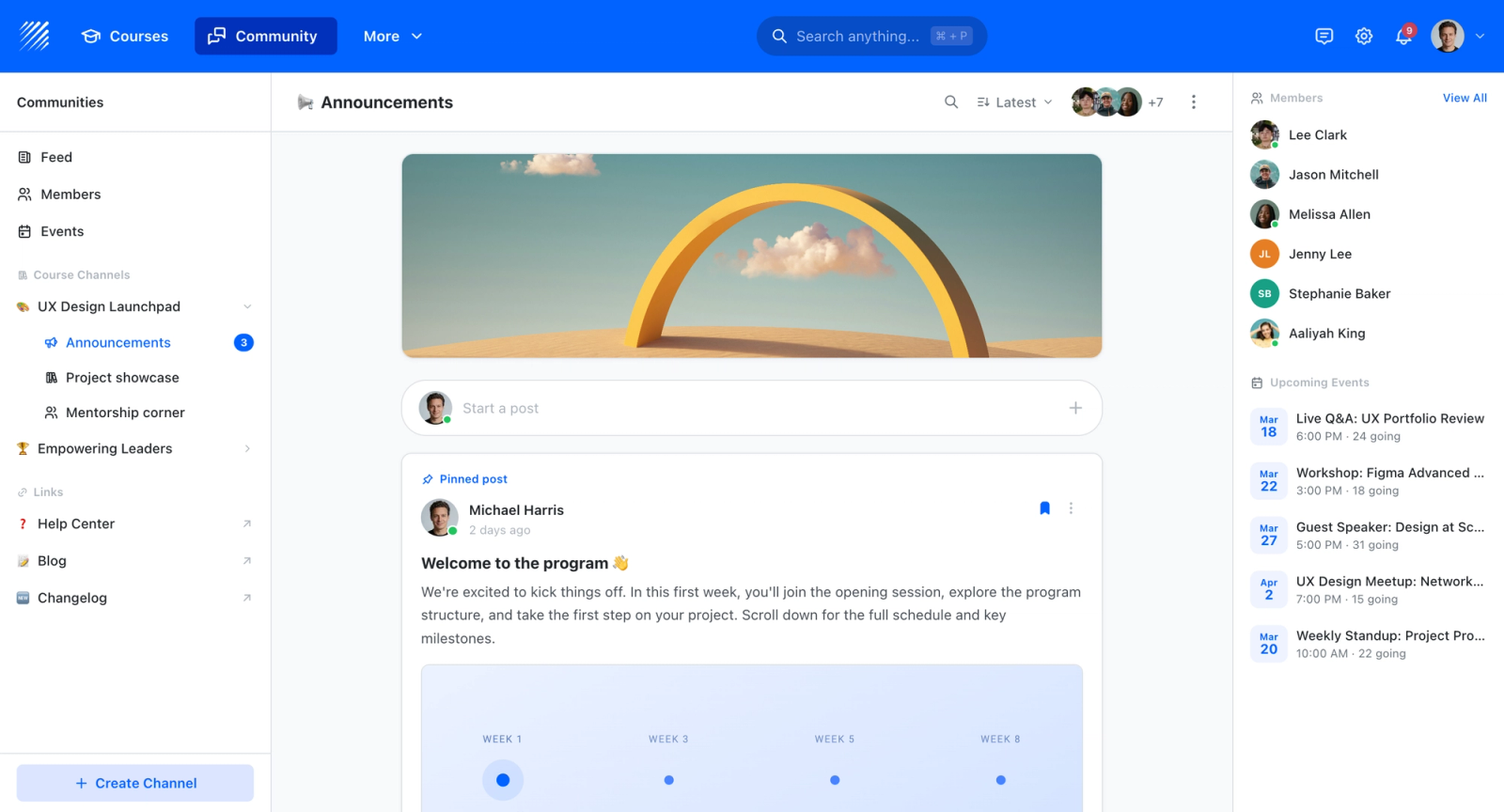
When a safety director needs to show proof of compliance, whether to an OSHA inspector or an insurance auditor, the question is always the same: who passed which training and when? Teachfloor is a flexible learning platform that keeps that record in one place, lets crews complete short safety and compliance modules from a phone on site, and issues a certificate the moment they pass. It supports self-paced delivery for individual sign-offs and cohort or instructor-led delivery when a new crew needs to be onboarded together before a project starts. For firms running multiple sites or trades, multi-branch workspaces let each division manage its own training and records while head office retains a company-wide view. SCORM support means existing third-party safety courses drop straight in rather than being rebuilt from scratch.
Core Capabilities
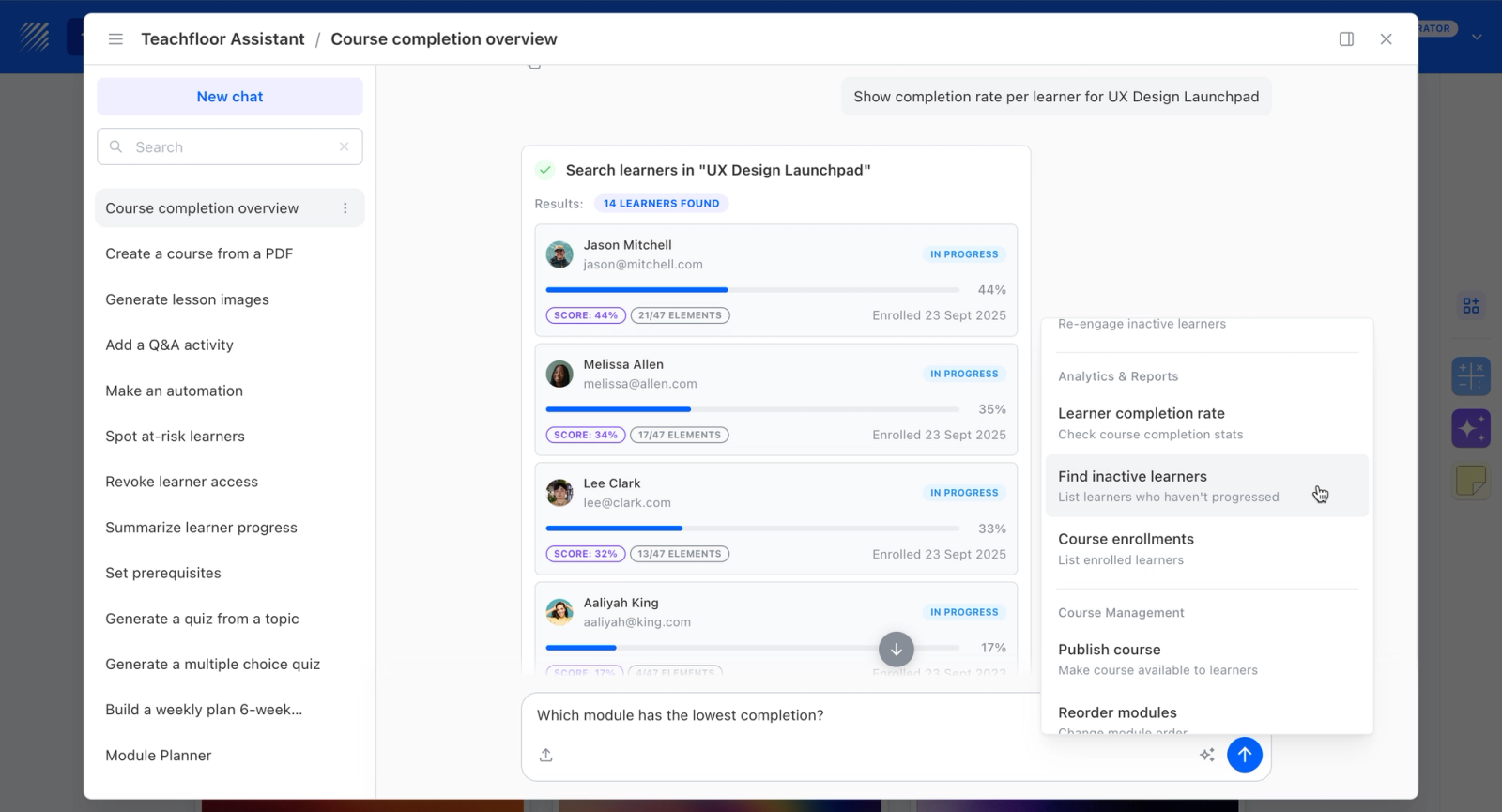
- Mobile access so field crews complete toolbox-talk modules and safety refreshers from a phone on the jobsite instead of a desktop they never sit at
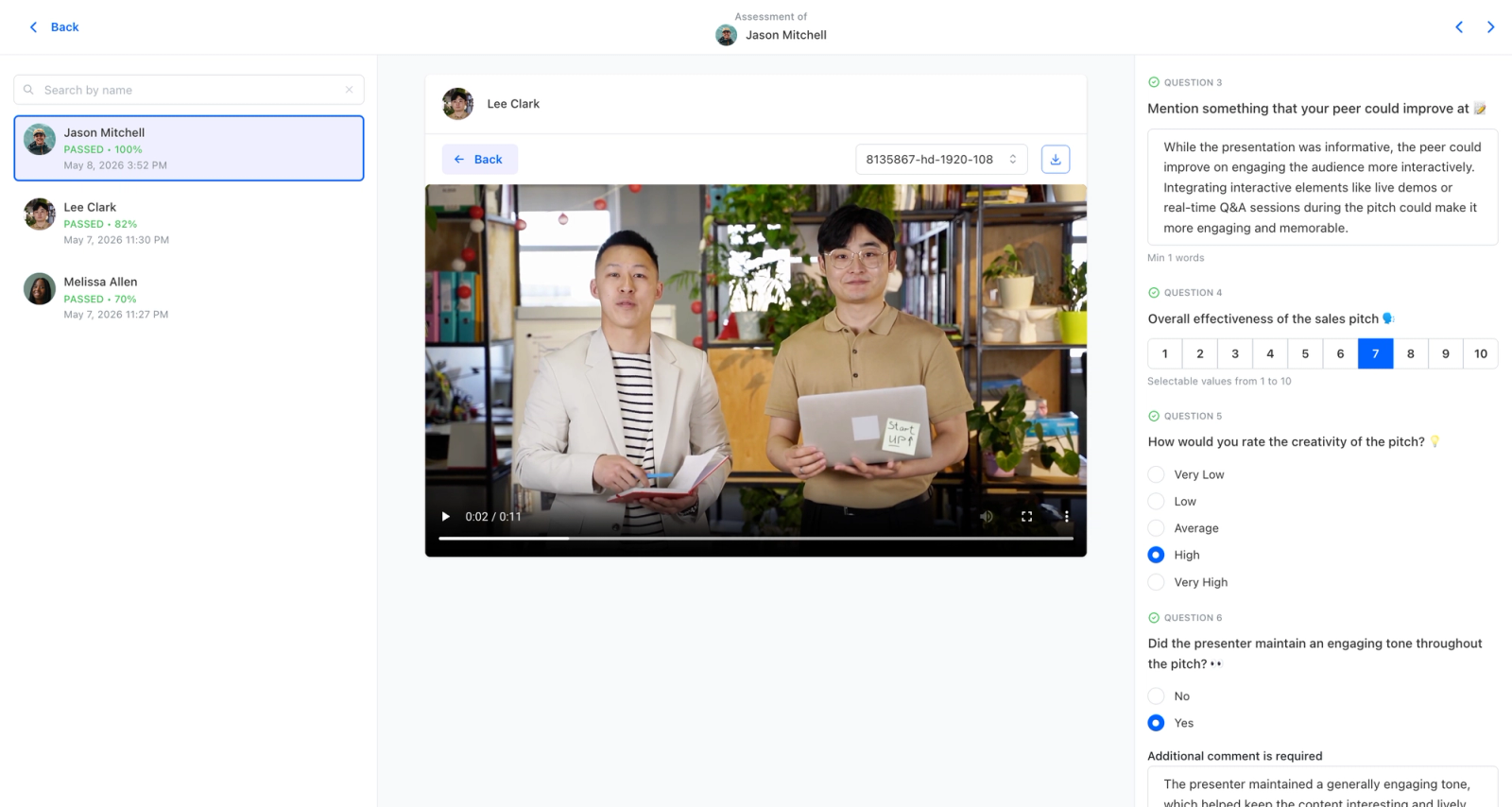
- Certificates issued on completion, with analytics that give you a clean, dated record of who passed which safety module, the liability shield that paper sign-offs fail to provide
- SCORM support to import existing OSHA-aligned and third-party safety courses rather than rebuild compliance content from scratch
- Multi-branch workspaces to separate training and records by site, division, or trade while keeping a single roll-up for the company
- AI-assisted authoring to turn an updated safety procedure or incident learning into a module quickly, so retraining doesn't wait on outside content production
Best For
Construction firms that want to replace paper sign-offs with verifiable digital safety certifications crews can complete on site, and that operate across multiple projects or divisions needing separate records under one roof.
Pricing Overview
- Startup plan from $89 per month for up to 50 learners
- Full Features plan with custom pricing, white-label, SSO, and advanced integrations
- 14-day free trial; no permanent free plan
- Nonprofit discounts available
Limitations
- No dedicated offline mode; crews in dead-zone locations need connectivity to complete and sync modules, which can be a real constraint on remote jobsites
- Not an enterprise talent-management suite, so very large firms wanting integrated workforce planning alongside learning will find platforms like Absorb or SAP Litmos deeper on that front
- Nonprofit discounts available on request.
Quick Comparison Insight
Certificates issued on completion with a dated digital audit trail, accessible from a phone on site; multi-branch records and SCORM import are strengths. Weaker for remote jobsites with no connectivity and for firms needing integrated workforce planning alongside training.
TalentLMS
Overview
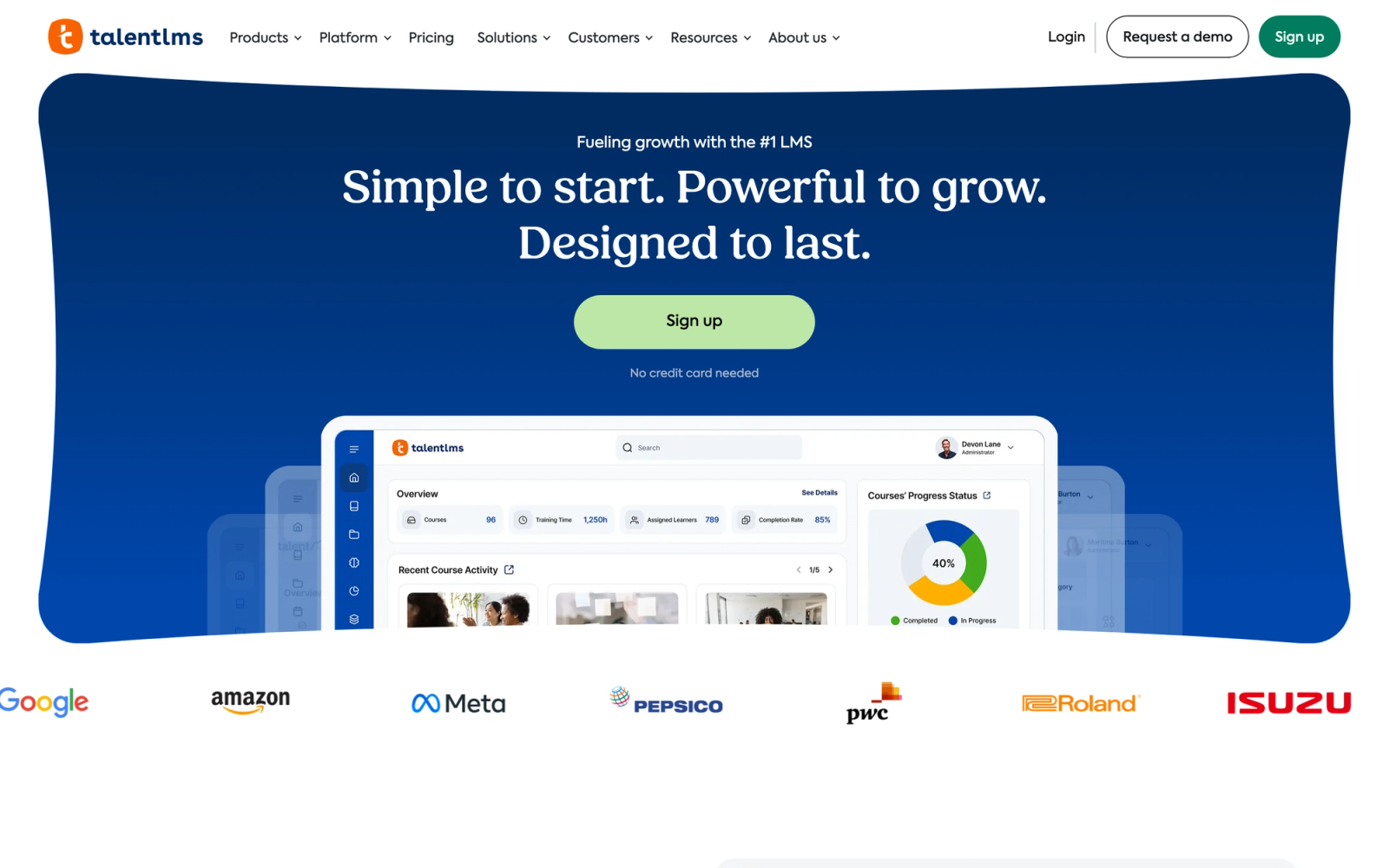
TalentLMS is a cloud-based learning platform built around simplicity. It consistently ranks among the most intuitive options in the LMS market, which matters in construction because the person administering training is often a safety manager or project coordinator handling it alongside other responsibilities, not a dedicated L&D specialist.
Setup time is notably short. The course builder uses a drag-and-drop interface that accepts videos, documents, SCORM files, and quizzes without requiring technical skill. For a construction company that needs to get OSHA 10 content, equipment checklists, and site orientation modules running quickly, that low barrier to entry is a practical advantage over more complex enterprise platforms.
Core Capabilities
- Drag-and-drop course builder supporting video, documents, presentations, SCORM, and xAPI content
- Built-in quiz and assessment engine with multiple question types, randomization, and pass/fail thresholds
- Certification tracking with automated expiration dates and recertification enrollment
- Branch functionality that lets you create separate portals for subcontractors, different divisions, or project sites
- Native mobile app for iOS and Android with responsive course playback
- Gamification features including points, badges, and leaderboards to drive completion rates
- Automation rules for enrollment, notifications, and assignment based on user groups or roles
- Pre-built integrations with Zapier, BambooHR, Slack, and other common business tools
- Support for 30+ interface languages, making it practical for multilingual construction crews
- Custom reports and scheduled report delivery for compliance tracking across teams
Standout Strength
Construction companies choose TalentLMS because it delivers the shortest path from "we need an LMS" to "workers are completing training." The combination of an intuitive admin interface, affordable pricing, and enough compliance features to satisfy most mid-market construction safety requirements makes it the default choice for companies that do not have a dedicated training department.
Best For
Mid-size construction companies with 50 to 500 employees who need to centralize safety training, track certifications, and onboard subcontractors. Particularly strong for firms where the safety manager handles training administration alongside other responsibilities and cannot afford weeks of platform setup.
Pricing Overview
- Starting price: $89 per month (Starter plan, up to 40 users)
- Pricing model: Per-user tiers with unlimited courses on all plans
- Free plan available for up to 5 users and 10 courses
- Free trial available on paid plans
Limitations
- No native offline access. Workers on remote job sites without cell service cannot complete training until they reconnect.
- Reporting is functional but lacks the depth that large enterprises with complex compliance requirements need.
- Gamification features, while useful for engagement, can feel out of place in mandatory safety training contexts.
Quick Comparison Insight
Easier to set up and more affordable than Absorb LMS or SAP Litmos, but less powerful for enterprise-scale compliance management and deep analytics.
Absorb LMS
Overview
Absorb LMS sits in the enterprise tier of learning management systems. It is the kind of platform that large construction firms, particularly those with hundreds or thousands of employees spread across multiple states or countries, turn to when they need a system that can handle both the volume and the regulatory complexity of construction training at scale.
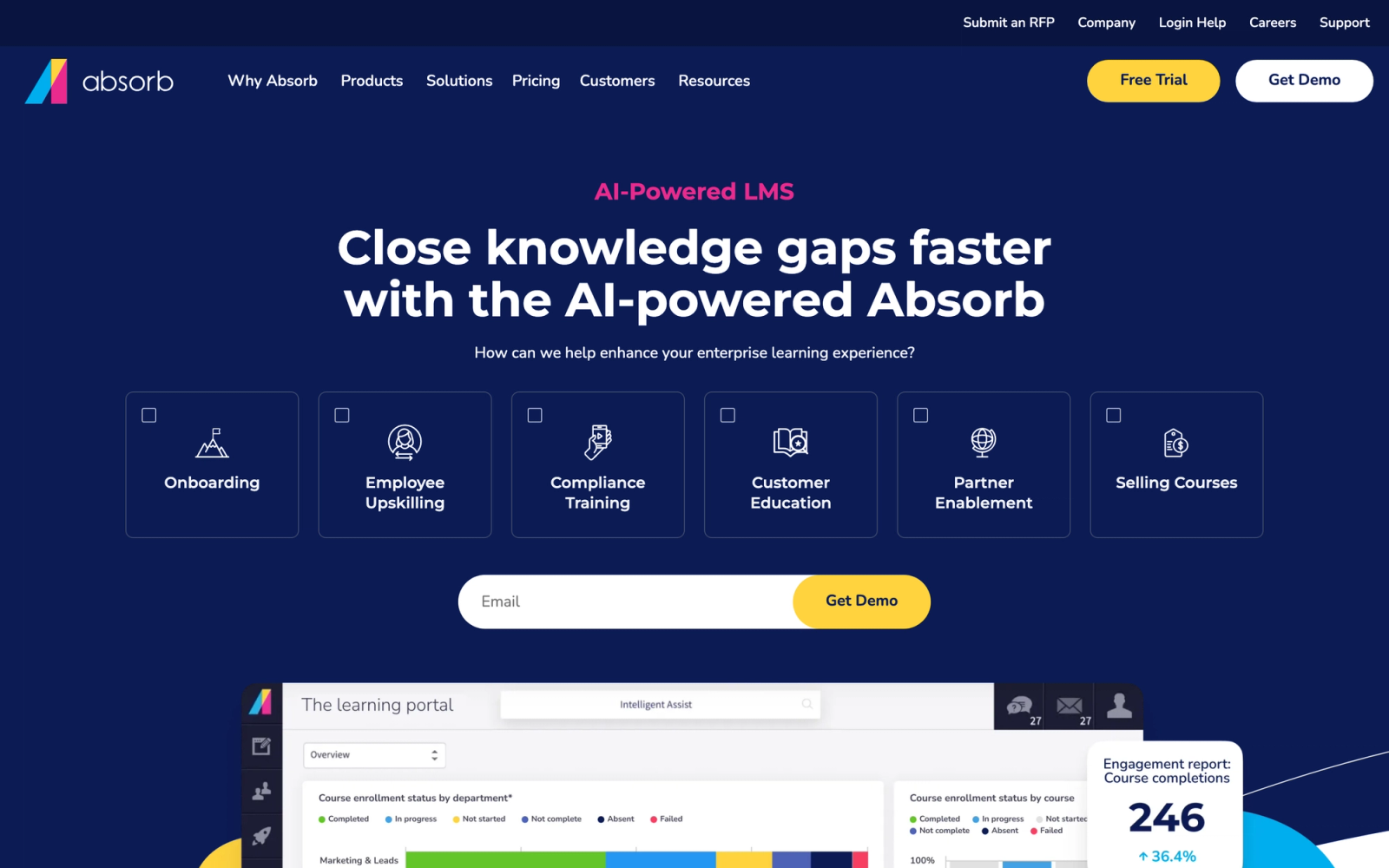
Where Absorb differentiates itself from lighter platforms like TalentLMS is in the depth of its compliance engine and the sophistication of its reporting. The admin dashboard gives safety directors a real-time compliance overview filterable by region, job site, certification type, or individual worker. The analytics layer allows drilling down from a high-level compliance percentage to the specific worker overdue on a specific certification and taking action from the same screen.
Core Capabilities
- Intelligent Assist AI that automates administrative tasks like enrollment, notifications, and reporting
- Native mobile app (Absorb Learn) with full offline mode for downloading and completing courses without internet
- Advanced compliance management with automated certification tracking, renewal workflows, and audit-ready reporting
- Custom branding and multi-tenant architecture for managing subcontractors, divisions, and project-specific portals
- SCORM, xAPI, AICC, and CMI5 content support with a built-in course builder
- eCommerce module for selling training courses to external contractors or industry partners
- Configurable observation checklists for field-based competency verification
- Pre-built content marketplace (Absorb Amplify) with off-the-shelf safety and compliance courses
- Integration with HRIS platforms, Salesforce, ADP, and other enterprise systems via REST API
- Signature capture and electronic acknowledgment for policy and safety document sign-offs
Standout Strength
The combination of offline mobile access and enterprise-grade compliance management makes Absorb the platform large construction companies turn to when workers must complete training on remote job sites and still maintain a centralized compliance record. The offline sync capability matters most for firms operating on sites where cellular connectivity is unreliable.
Best For
Large construction firms and general contractors with 500+ employees across multiple job sites or regions. Ideal for companies that face frequent OSHA audits, manage complex certification matrices, and need a single platform that handles both internal workforce training and subcontractor onboarding at enterprise scale.
Pricing Overview
- Custom enterprise pricing (not published publicly)
- Pricing model: Typically per-user with volume discounts
- Free trial and demo available upon request
Limitations
- Higher price point puts it out of reach for small and mid-size contractors. This is an enterprise investment.
- Implementation timeline is longer than simpler platforms. Expect 4 to 8 weeks for full deployment with custom integrations.
- The breadth of admin features can be overwhelming for small teams without a dedicated training administrator.
Quick Comparison Insight
More powerful than TalentLMS for large-scale compliance management and offline access, but significantly more expensive and slower to implement. Best suited for companies that have outgrown mid-market platforms.
SAP Litmos
Overview
SAP Litmos is an enterprise learning platform that benefits from SAP's global infrastructure and stack. For construction companies operating across multiple countries, multiple regulatory jurisdictions, and large distributed workforces, SAP Litmos offers a level of scalability and system integration depth that most standalone LMS platforms cannot match.
The most distinctive feature of SAP Litmos is its built-in content library, which includes over 2,000 professionally produced courses covering OSHA compliance, workplace safety, equipment operation, and environmental regulations. For construction companies that need to deploy training quickly without producing content internally, this library reduces the time to launch significantly. The content is video-based, available in multiple languages, and updated to reflect regulatory changes.
Core Capabilities
- Built-in content library with 2,000+ courses including safety, compliance, and professional development topics
- Native mobile app with offline course downloads for completion on sites without connectivity
- Automated compliance tracking with certification management, expiration alerts, and recertification workflows
- Multi-language support across both the platform interface and course content delivery
- AI-powered content recommendations based on role, department, and training history
- SCORM, xAPI, AICC, and video content support with in-platform authoring tools
- Team management hierarchy that mirrors construction org charts with site, region, and division levels
- Pre-built integrations with SAP SuccessFactors, Salesforce, ADP, BambooHR, and other HR platforms
- Custom learning paths that sequence courses for role-specific training tracks (e.g., crane operator, site supervisor)
- Real-time dashboards and scheduled compliance reports exportable in multiple formats
Standout Strength
The pre-built safety and compliance content library is the main reason construction firms choose SAP Litmos over platforms that require you to build all content internally. Having access to thousands of ready-made, professionally produced safety courses reduces the time and cost of launching a corporate training program from months to weeks.
Best For
Multi-site general contractors and construction firms with international operations that need a scalable LMS with pre-built safety content, multi-language support, and deep integration with enterprise HR systems. Particularly strong for companies already in the SAP stack.
Pricing Overview
- Custom enterprise pricing
- Pricing model: Per-user licensing with tiered options based on feature access
- Free 14-day trial available
Limitations
- The SAP stack integration is an advantage for SAP customers but adds unnecessary complexity for companies not using SAP products.
- Custom course creation tools are less intuitive than dedicated authoring platforms like iSpring.
- Pricing is enterprise-oriented. Small contractors with fewer than 100 users may find better value elsewhere.
Quick Comparison Insight
Broader content library than TalentLMS or Absorb LMS, with stronger multi-language support for international operations. Less customizable in course authoring, and the SAP connection is only an advantage if your company already uses SAP tools.
iSpring Learn
Overview
iSpring Learn takes a different approach than most platforms on this list. The core idea is straightforward: if your organization already creates training content in PowerPoint, iSpring makes the move to online delivery nearly friction-free. The platform pairs a cloud-based LMS with a desktop authoring tool (iSpring Suite) that converts PowerPoint presentations into interactive e-learning modules with quizzes, simulations, and video narration.
For construction companies, this is more practical than it sounds. Many safety managers already have PowerPoint decks for toolbox talks, equipment procedures, and site orientations. iSpring lets you convert that existing material into trackable, mobile-friendly modules rather than rebuilding everything for a new system. The conversion process is fast, and the resulting courses retain the visual layout of the original slides while adding interactive elements.
Core Capabilities
- iSpring Suite desktop authoring tool that converts PowerPoint into interactive SCORM courses with quizzes, dialog simulations, and screencasts
- Cloud-based LMS with automated enrollment, progress tracking, and certification management
- Native mobile app for iOS and Android with offline access and automatic sync when connectivity returns
- Role-play simulations with branching scenarios for practicing safety procedures and equipment decisions
- Video-based learning with built-in screen recording and webcam integration for creating procedural walkthroughs
- Detailed completion and quiz reports with exportable data for OSHA and safety audit documentation
- Organizational structure mirroring that lets you assign training by department, site, or crew
- Content library with pre-built course templates for compliance and onboarding topics
- Calendar-based training schedules with automated reminders and deadline tracking
- Multi-language content support through parallel course versions and localized interface
Standout Strength
No other platform on this list matches iSpring's ability to transform existing PowerPoint content into tracked, interactive, mobile-ready training. For construction companies with years of PowerPoint-based safety material, that means the migration to digital delivery does not require rebuilding from zero, which saves weeks of content development time.
Best For
Construction companies that already have a library of PowerPoint-based safety training materials and want to move to a digital LMS without rebuilding content. Ideal for firms with 50 to 1,000 employees that need an authoring tool and LMS in one package, particularly when the safety team creates most training content internally.
Pricing Overview
- Starting price: $2.29 per user per month (billed annually, 300-user plan)
- Pricing model: Per-user with annual billing; authoring tool licensed separately or bundled
- Free 14-day trial available for both iSpring Learn and iSpring Suite
Limitations
- The authoring tool (iSpring Suite) runs only on Windows. Mac users need a virtual machine or Bootcamp, which adds friction.
- The LMS side is solid but less feature-rich for compliance management compared to Absorb or SAP Litmos.
- Best value comes from the LMS-plus-authoring bundle. If you do not need the authoring tool, other platforms may offer more for less.
Quick Comparison Insight
Stronger authoring capabilities than any other platform on this list, but the LMS features alone do not justify the price. The value proposition centers on having existing PowerPoint content to convert.
Axonify
Overview
Axonify is not a traditional LMS. It is a microlearning platform built specifically for frontline workers, and it approaches training retention differently than any course-based system. Instead of assigning modules that workers complete once and file away, Axonify delivers short daily training sessions, typically three to five minutes, that use adaptive algorithms to reinforce the topics each worker struggles with most.
In construction, this approach addresses a real problem. A worker who completes a fall protection course once a year may not retain the critical details six months later. Axonify's daily reinforcement model keeps safety training material active in memory. The platform uses spaced repetition and knowledge mapping to identify gaps in individual workers' understanding and automatically target those gaps with follow-up questions and micro-lessons.
Core Capabilities
- Adaptive microlearning engine that delivers personalized 3-5 minute daily training sessions
- Spaced repetition algorithms that reinforce topics where individual workers show knowledge gaps
- Knowledge maps that give managers visibility into team-level comprehension across safety topics
- Gamification with points, leaderboards, and reward incentives designed for frontline engagement
- Content marketplace with pre-built modules covering workplace safety, OSHA, and compliance topics
- Mobile-first design optimized for frontline workers accessing training on smartphones
- Task-based training that connects learning to on-the-job behaviors and performance metrics
- Integration with HR and workforce management systems for automated user provisioning
- Compliance tracking and automated certification management with renewal alerts
- AI-driven content recommendations that adjust the training path based on individual performance data
Standout Strength
Construction companies choose Axonify because it solves the retention problem that traditional course-based training creates. Workers do not just complete training once and check a box. They engage with safety concepts daily, and the platform continuously measures and reinforces their actual understanding. For safety-critical environments, this difference between course completion and genuine knowledge retention can prevent accidents.
Best For
Construction firms that prioritize ongoing safety awareness over one-time course completion. Ideal for large workforces (500+ frontline workers) where safety incidents correlate with knowledge decay between annual training cycles. Particularly effective for companies that have already established baseline training and need a reinforcement layer.
Pricing Overview
- Custom pricing based on number of users and feature configuration
- Pricing model: Per-user licensing with enterprise agreements
- Demo available upon request
Limitations
- Not a full-featured LMS. Axonify focuses on reinforcement and microlearning, not complete course delivery. You may need a secondary platform for lengthy certification courses.
- The daily engagement model requires consistent worker participation to be effective. If adoption drops, the adaptive benefits disappear.
- Premium pricing makes it less accessible for small and mid-size contractors. This is primarily an enterprise play.
Quick Comparison Insight
Solves a different problem than TalentLMS or Absorb. Where those platforms deliver and track courses, Axonify ensures workers actually retain what they learned. Best used alongside a traditional LMS, not as a replacement.
Coassemble
Overview
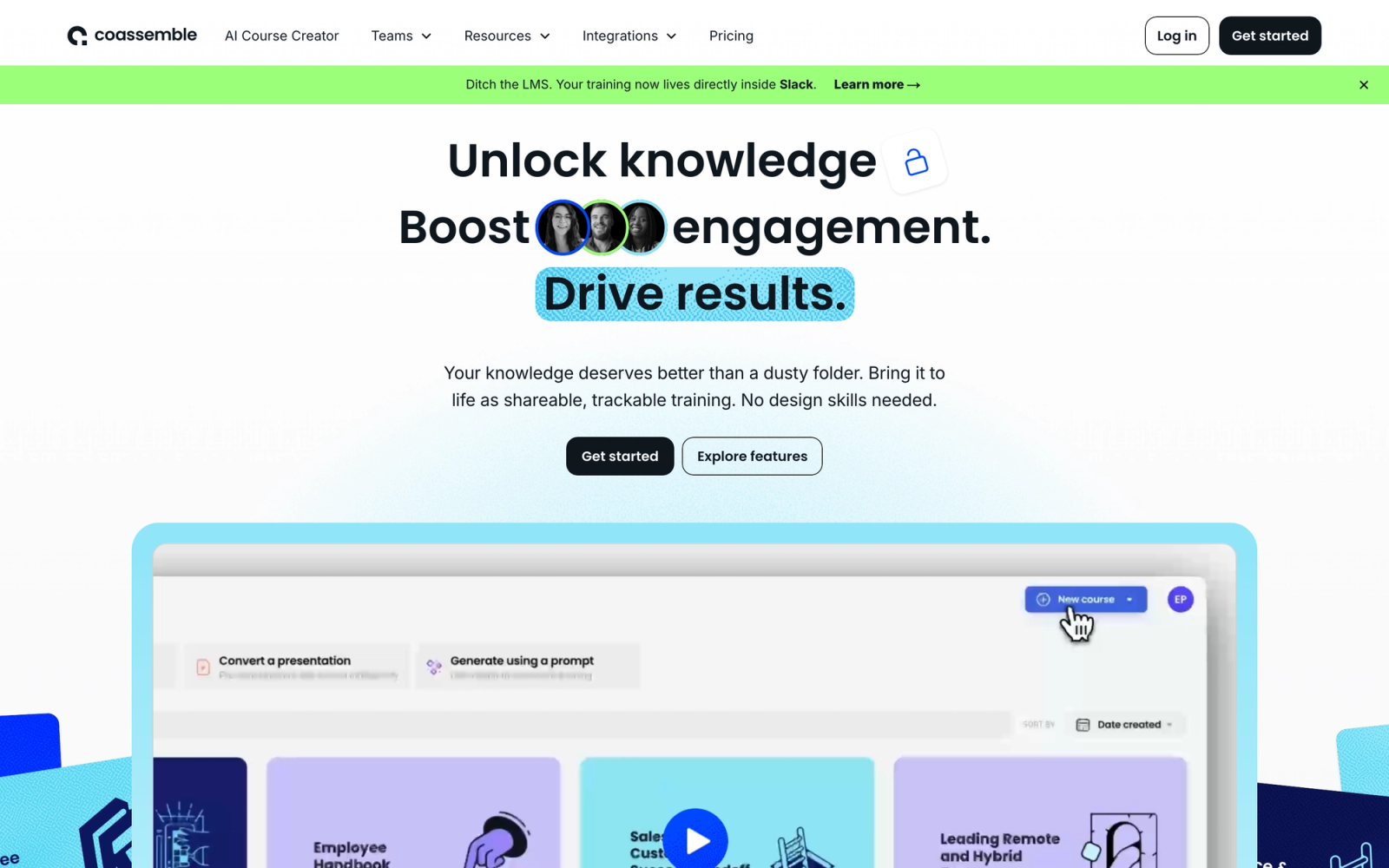
Coassemble is designed for organizations that need to build training content quickly without prior e-learning experience. Its browser-based course builder uses pre-designed templates: fill in your content, add images or videos, and publish. There is no need to understand SCORM, import external files, or manage a complex authoring environment.
For smaller construction companies, this simplicity is the point. If your firm has 20 to 100 workers and the owner or safety coordinator is also the person building training, Coassemble removes the technical barriers that make enterprise platforms feel like overkill. The template-based builder is designed so that the person creating the course needs to know the content, not the software. A basic site orientation can be up and running in under an hour.
Core Capabilities
- Template-driven course builder with 40+ interactive screen types (text, video, quiz, flashcard, timeline, accordion)
- No-code design that lets subject matter experts build courses without technical or e-learning skills
- Built-in quiz and assessment tools with automatic grading and pass/fail thresholds
- Shareable course links that let you distribute training to subcontractors and external workers without creating accounts
- Progress tracking dashboard showing completion rates, quiz scores, and individual learner activity
- Mobile-responsive course delivery that works on phones and tablets without a separate app
- Workspaces for organizing courses by project, site, or team
- Custom branding with your company logo, colors, and domain
- Automated reminders for incomplete training and upcoming deadlines
- Team collaboration features that let multiple people contribute to course development
Standout Strength
The barrier to entry is lower than any other platform on this list. For construction companies that have never used an LMS and need something operational quickly, Coassemble delivers on that promise. The trade-off is depth: there is no compliance infrastructure, no SCORM import, and no audit-grade reporting, so it works for companies at the start of their digital training journey, not those with established regulatory obligations.
Best For
Small construction companies and specialty subcontractors with fewer than 100 workers who need to create training content from scratch. Ideal for firms where the owner, foreman, or safety coordinator is responsible for training and has no prior experience with LMS platforms or e-learning tools.
Pricing Overview
- Starting price: $50 per month (billed annually, for small teams)
- Pricing model: Tiered by number of users with unlimited courses
- Free 7-day trial available
Limitations
- No dedicated compliance or certification management features. You will need to track certification expirations manually or in a separate system.
- No SCORM support, which means you cannot import third-party safety content packages from vendors like J.J. Keller or ClickSafety.
- Limited reporting depth. The dashboard covers completion basics but does not provide the audit-grade detail that compliance-heavy organizations need.
Quick Comparison Insight
Much simpler to use than TalentLMS or iSpring Learn, but lacks the compliance infrastructure that construction companies with serious regulatory obligations require. Best for companies at the beginning of their digital training journey.
ProProfs Training Maker
Overview
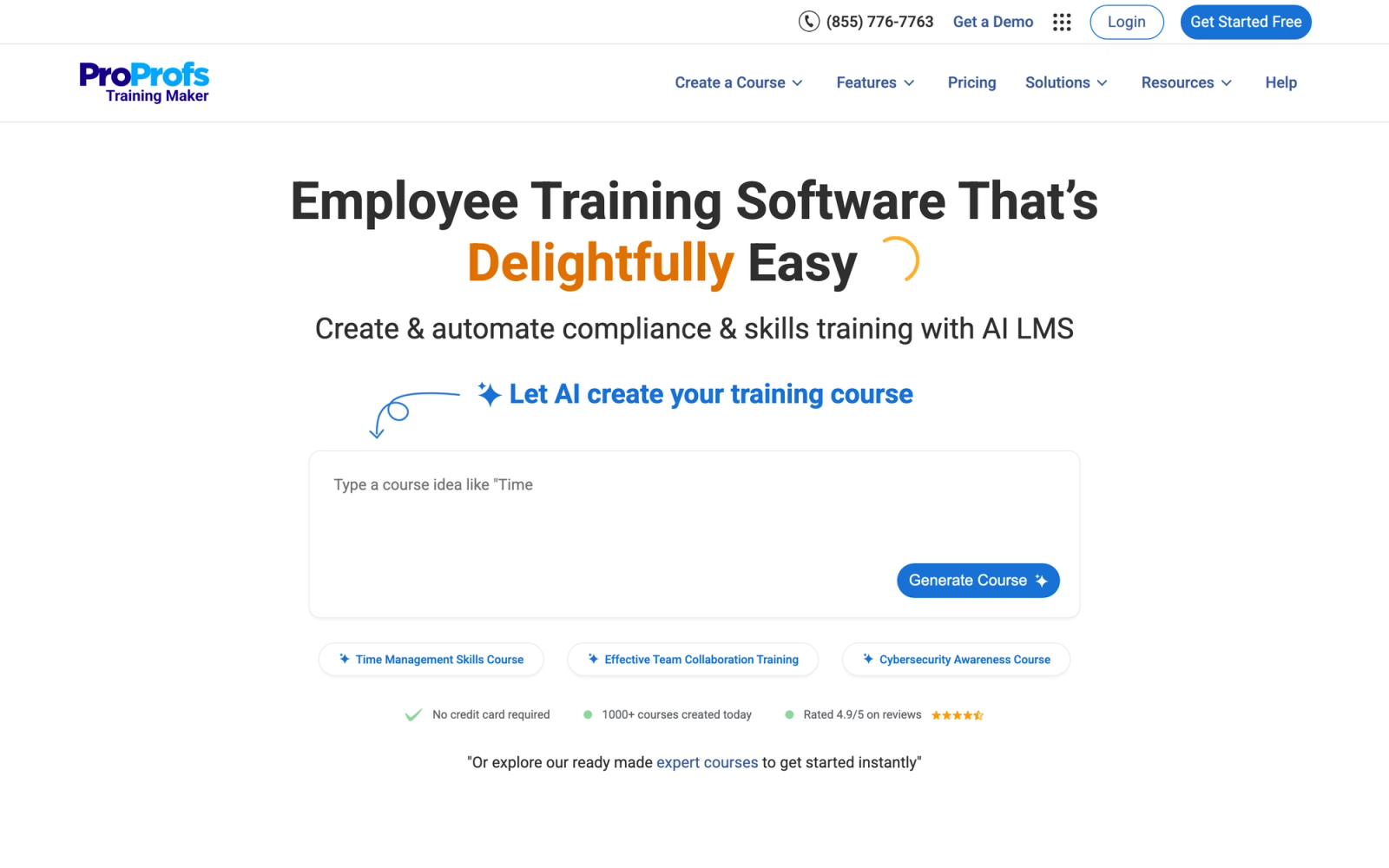
ProProfs Training Maker occupies the budget end of the LMS market without feeling disposable. It offers a straightforward course builder, quiz engine, and basic compliance tracking at a price point that makes it accessible to small construction companies that cannot justify spending thousands per year on an enterprise platform.
The most practical aspect of ProProfs is the combination of simplicity and a pre-built course library. The platform includes over 100 ready-made courses covering workplace safety, OSHA awareness, hazard communication, and equipment handling. For a small contractor who needs training running within days rather than weeks, those templates shorten deployment considerably. The interface is functional rather than polished, but the core workflows operate reliably, and the employee onboarding setup is quick to configure.
Core Capabilities
- Drag-and-drop course builder with support for text, video, images, documents, and embedded content
- Pre-built course library with 100+ professionally designed courses including safety and compliance topics
- Quiz engine with 15+ question types, automated grading, timed assessments, and randomized question pools
- Certification management with automated certificate generation and customizable templates
- Compliance tracking with completion records, quiz scores, and exportable reports
- Virtual classroom support for live instructor-led sessions integrated with Zoom and other tools
- Multilingual interface supporting 70+ languages for diverse construction workforces
- Custom learning paths that sequence courses by role, department, or certification requirement
- Mobile-responsive design that works on any device without a dedicated app
- White-labeling with custom branding, logos, and personalized training portals
Standout Strength
The combination of low cost, pre-built safety content, and functional compliance tracking makes ProProfs the LMS that small construction companies can actually afford. Where other budget platforms cut critical features to hit their price point, ProProfs retains enough compliance and reporting functionality to handle basic OSHA documentation needs.
Best For
Small construction companies and specialty trades with 10 to 200 workers who need an affordable LMS with ready-made safety content and basic certification tracking. Strong fit for firms that want to move beyond paper-based training without making a large software investment.
Pricing Overview
- Starting price: $1.97 per learner per month (billed annually)
- Pricing model: Per-learner with tiered feature access
- Free plan available with limited features
- Free 15-day trial on premium plans
Limitations
- The interface design is functional but dated. It works, but it does not match the polish of platforms like Coassemble or TalentLMS.
- Advanced compliance features like automated recertification workflows and real-time compliance dashboards are less developed than in Absorb or SAP Litmos.
- Offline access is not available, which limits usability on remote construction sites.
Quick Comparison Insight
More affordable than TalentLMS with a comparable set of basic features, but less polished in design and less powerful in compliance management. The pre-built course library adds immediate value for companies that need to launch quickly.
How to Choose the Right LMS for Your Construction Company
The platforms above serve different needs. Choosing the right one depends less on which has the most features and more on which matches your specific training context.
If you need to get started fast with minimal budget, ProProfs Training Maker or TalentLMS gives you functional compliance training at a price small firms can absorb. ProProfs wins on cost; TalentLMS wins on interface quality and scalability. If you have never used an LMS and need to create content from scratch, Coassemble has the lowest learning curve for course building.
If compliance management is your primary driver, Absorb LMS and SAP Litmos offer the enterprise-grade certification tracking, audit-ready reporting, and offline mobile access that large contractors with complex regulatory obligations require. Absorb is the stronger choice for companies that need offline capability on remote sites. SAP Litmos is worth evaluating if you already operate within the SAP stack or need a large pre-built content library.
If knowledge retention matters more than course completion, Axonify takes a fundamentally different approach that keeps safety concepts active in workers' minds through daily microlearning. It works best as a complement to a traditional LMS, not a replacement.
If you already have PowerPoint-based training content, iSpring Learn lets you convert that existing material into tracked, interactive modules without starting over. The value proposition depends entirely on whether you have a library of slides to convert.
If your training includes live, instructor-led components alongside self-paced safety sign-offs, Teachfloor covers both modes. It supports cohort delivery with live session scheduling and collaborative activities, and can run self-paced modules for individual compliance completions. For companies that need both formats in one system, it is worth evaluating alongside a dedicated compliance platform.
Start with your constraints, not with features. The right LMS for a 30-person specialty subcontractor looks nothing like the right LMS for a 5,000-person general contractor. Budget, team size, technical capacity, and the type of training you deliver should narrow your shortlist to two or three options. Then test those with a free trial before committing.
FAQ
What is the best LMS for OSHA compliance training?
For most construction companies, TalentLMS offers the best balance of compliance features, ease of use, and affordability. It includes certification tracking with expiration alerts, supports SCORM content from third-party safety providers, and provides exportable completion reports for audit documentation. For enterprise-scale compliance with offline access, Absorb LMS is the stronger option.
Can construction workers complete LMS training on mobile devices?
Yes. Every platform on this list supports mobile access, though the quality of the experience varies. Absorb LMS, SAP Litmos, and iSpring Learn offer native mobile apps with offline download capability, which matters for job sites with poor connectivity. TalentLMS and Axonify have strong mobile apps that require an internet connection. Test the mobile experience with your actual workforce before committing.
How much does an LMS for construction cost?
Prices range from under $2 per user per month (ProProfs) to custom enterprise pricing in the thousands (Absorb, SAP Litmos, Axonify). For a 100-person construction company, expect to spend between $200 and $1,000 per month for a mid-tier platform like TalentLMS or iSpring Learn. The total cost of ownership should also factor in content creation time, admin overhead, and any third-party integrations you need.
Do I need a construction-specific LMS, or will a general LMS work?
A general LMS works for most construction companies, provided it has strong mobile access, compliance tracking, and certification management. There are very few LMS platforms built exclusively for construction. The platforms in this article are general-purpose systems that construction companies use effectively because they offer the specific features the industry requires: mobile delivery, compliance training automation, multilingual support, and field-friendly content formats.
How do I train subcontractors using an LMS?
Look for platforms with multi-tenant or branch functionality, such as TalentLMS or Absorb LMS. These let you create a separate training portal for subcontractors where they complete site-specific orientations and safety modules without accessing your full internal training library. Some platforms also support shareable course links (like Coassemble) that let you distribute specific courses without requiring user accounts.


