

Why Look for a Classtime Alternative?
Classtime has carved out a niche as a real-time assessment platform that lets teachers create questions, launch them during class, and see student responses live. It handles multiple choice, free text, sorting, and categorization questions with a clean interface. For straightforward formative assessment during lessons, it gets the job done.
But several constraints push educators and trainers to look elsewhere.
Question type limitations. Classtime covers the basics well, but it lacks the depth of question formats that some alternatives provide. Drawing responses, interactive simulations, image annotation, and video-based questions are either missing or underdeveloped. If your assessment strategy goes beyond text-based answers, the platform feels restrictive.
Limited lesson-building capabilities. Classtime is an assessment tool, not a lesson delivery platform. You cannot embed quizzes within a full interactive lesson the way some competitors allow. That separation means you need a second tool for content delivery, which creates workflow friction.
Pricing structure for schools. The free tier limits functionality, and the jump to paid plans can be difficult to justify for individual teachers or departments with small budgets. Schools running district-wide rollouts often find the per-teacher pricing model harder to negotiate than alternatives with institutional licensing.
Minimal gamification. For educators who rely on competitive mechanics to drive student engagement, Classtime offers little in that department. There are no leaderboards, no timed competitions, and no reward systems. If your students respond better to game-like environments, the platform will feel flat.
Integration gaps. While Classtime connects to some LMS platforms, its integration depth is limited compared to tools that offer native Google Classroom, Canvas, or Microsoft Teams embedding. Teachers who want reliable grade passback and roster syncing often find they need workarounds.
These are not reasons to dismiss Classtime entirely. It remains a solid choice for quick, no-frills classroom checks. But if your needs extend beyond basic question-and-answer assessment, the alternatives below address those gaps directly.
What to Look for in a Real-Time Assessment Tool
Choosing a Classtime alternative is not just about finding more question types. The right tool depends on how assessment fits into your broader teaching workflow. Here are the criteria that matter most.
Question format diversity. Multiple choice and true/false are table stakes. Look for tools that support drawing, audio responses, typed short answers, image labeling, drag-and-drop sorting, and mathematical notation. The more varied your question types, the better you can assess different levels of understanding.
Real-time response visibility. The core value of classroom response systems is immediate feedback. The tool should show you aggregated results as students respond, highlight misconceptions in real time, and let you adjust instruction on the fly. Delayed or batch-only reporting defeats the purpose.
Integration with your existing stack. If you use Google Classroom, Canvas, Schoology, or Microsoft Teams, the assessment tool needs to fit into that stack without manual data transfer. Check for LTI compliance, automatic grade syncing, and single sign-on support. Broken LMS integrations waste more time than they save.
Self-paced and live modes. Not every assessment happens in real time. Homework assignments, review activities, and asynchronous checks need a self-paced mode where students work through questions at their own speed. The best tools offer both synchronous and asynchronous delivery without requiring separate setups.
Reporting and analytics. Post-session data should go beyond simple scores. Look for item-level analysis, class-wide performance trends, individual student tracking, and exportable reports. Meaningful learning analytics help you identify patterns that a single quiz result cannot reveal.
Ease of creation. Teachers do not have time for complex authoring workflows. The tool should let you build a quiz in under five minutes, import questions from existing banks, or convert slides into assessment activities with minimal effort. High setup friction kills adoption.
Student experience. A tool that confuses students or requires app downloads creates barriers. The best platforms let students join via a simple code or link on any device with no login required. Clean interfaces, readable text, and responsive design across phones, tablets, and laptops matter for interactive learning adoption.
10 Best Classtime Alternatives
The tools below span different approaches to real-time assessment, from gamified competitions to embedded lesson checks to low-tech card-based response systems. Each one addresses a specific gap in what Classtime offers, organized to cover the full range of classroom contexts, audience sizes, and pedagogical approaches.
| Tool | Live assessment | Self-paced mode | Starting price | Free trial | Best for |
|---|---|---|---|---|---|
| Teachfloor | Yes | Yes | $89/mo | 14-day | Engaging, interactive courses with community + AI |
| Socrative | Yes | Yes | Free / Pro paid | Free plan | Quick formative checks with minimal setup |
| Kahoot! | Yes | Yes | Free / paid | Free plan | High-energy competitive knowledge checks |
| Wayground (Quizizz) | Yes | Yes | Free / paid | Free plan | Self-paced gamified quizzes and homework |
| Formative (Newsela) | Yes | Yes | Free / paid | Free plan | Open-ended responses with drawing and typing |
| Nearpod | Yes | Yes | Free / paid | Free plan | Interactive lessons with embedded assessments |
| Pear Deck | Yes | Yes | Free / paid | Free plan | Slide-based formative assessment |
| Mentimeter | Yes | No | Free / paid | Free plan | Live polling and word clouds for presentations |
| Wooclap | Yes | Yes | Free / paid | Free plan | AI question generation for higher ed |
| Plickers | Yes | No | $8.99/mo | Free plan | Device-free assessment using printed cards |
Teachfloor
Overview
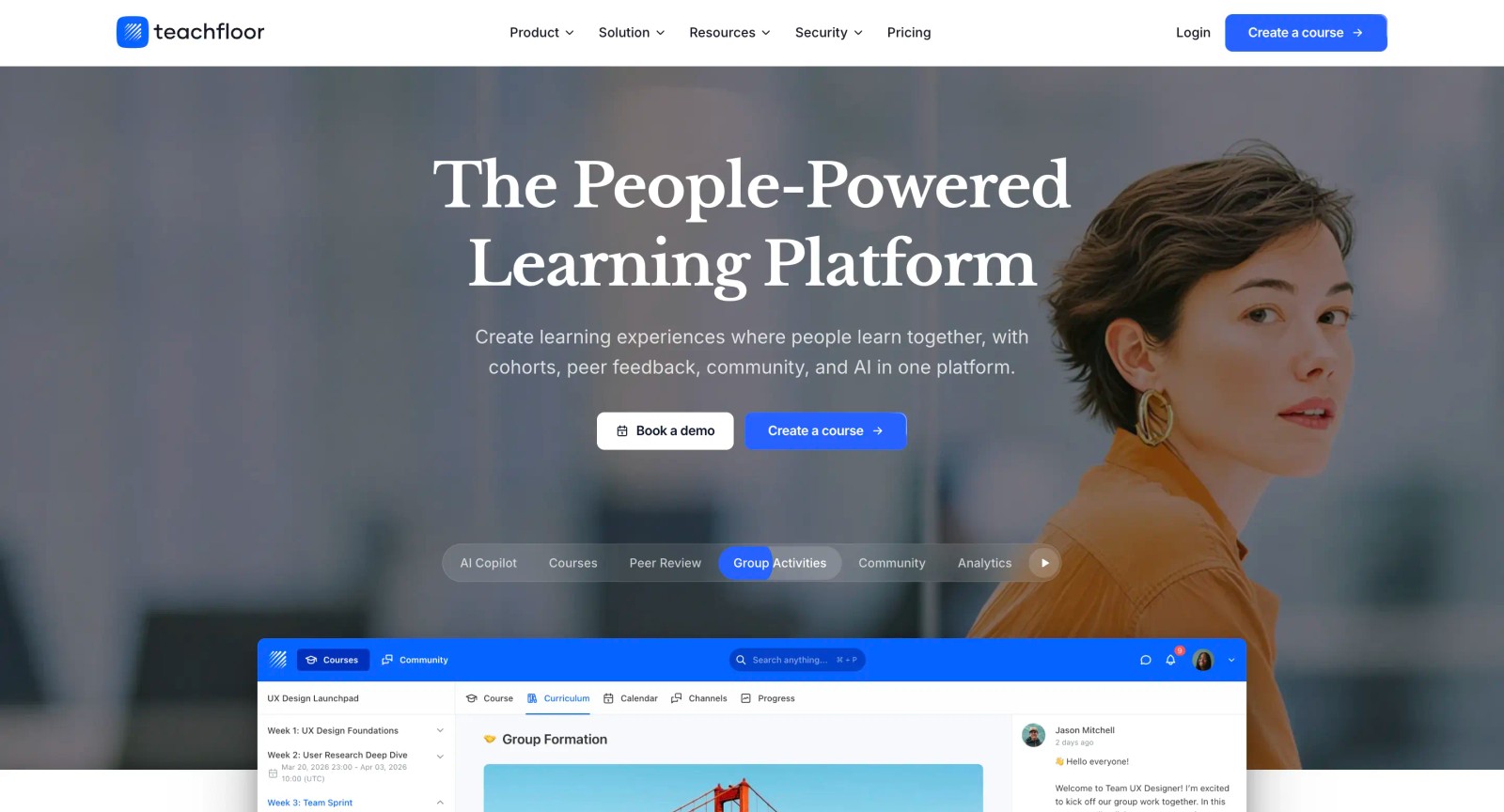
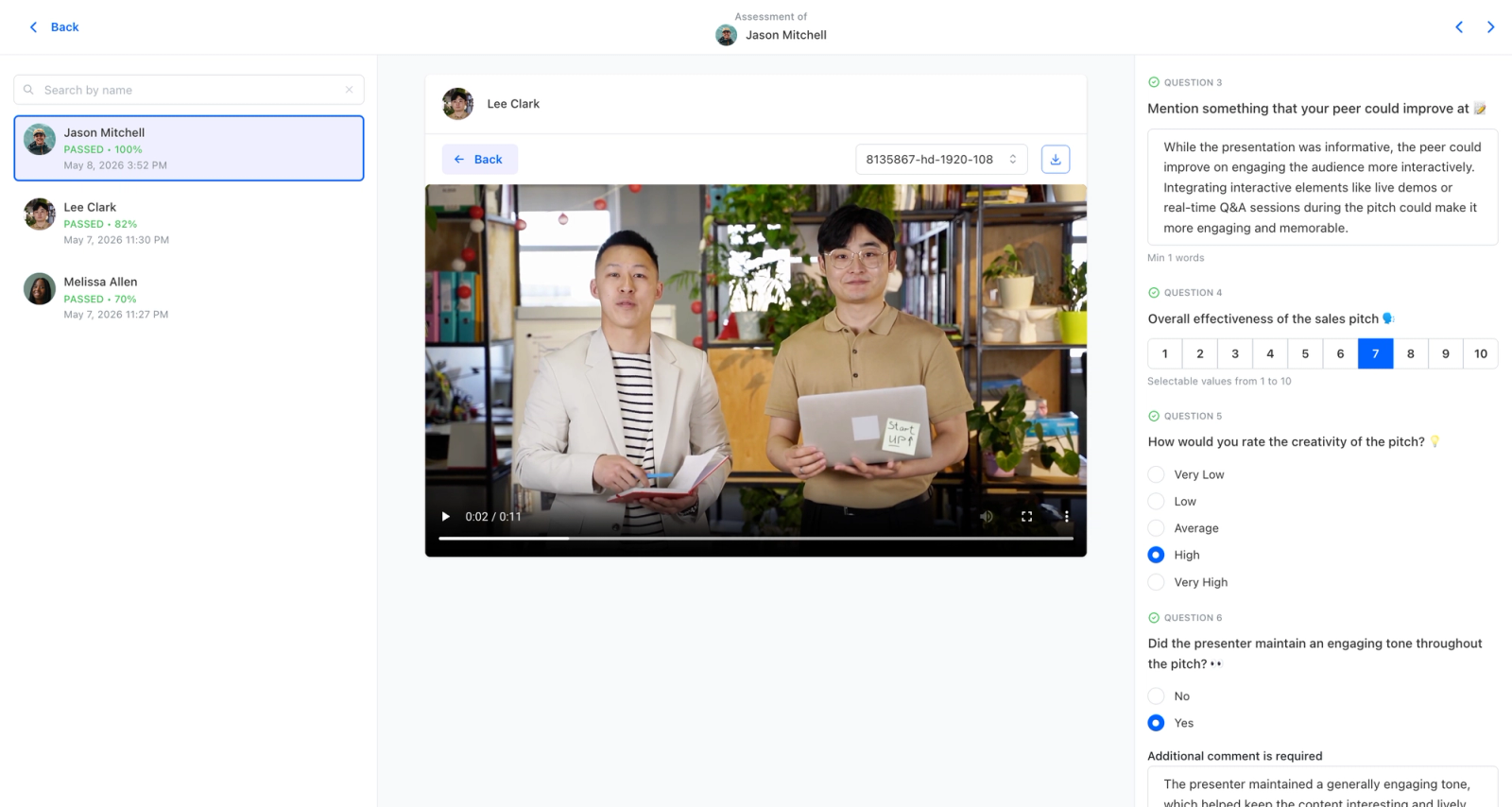
Teachfloor approaches assessment from the opposite end of Classtime: instead of live in-class question rounds, it builds quizzes and graded assessments into full courses learners work through on their own time or in cohorts. AI-assisted authoring drafts questions from your material, and results feed completion analytics and certificates rather than just a real-time class view. Where Classtime is limited in question variety and built for the live lesson moment, Teachfloor handles formative and summative assessment across a whole program. It fits trainers and course creators who need assessment that persists beyond a single session.
Core Capabilities
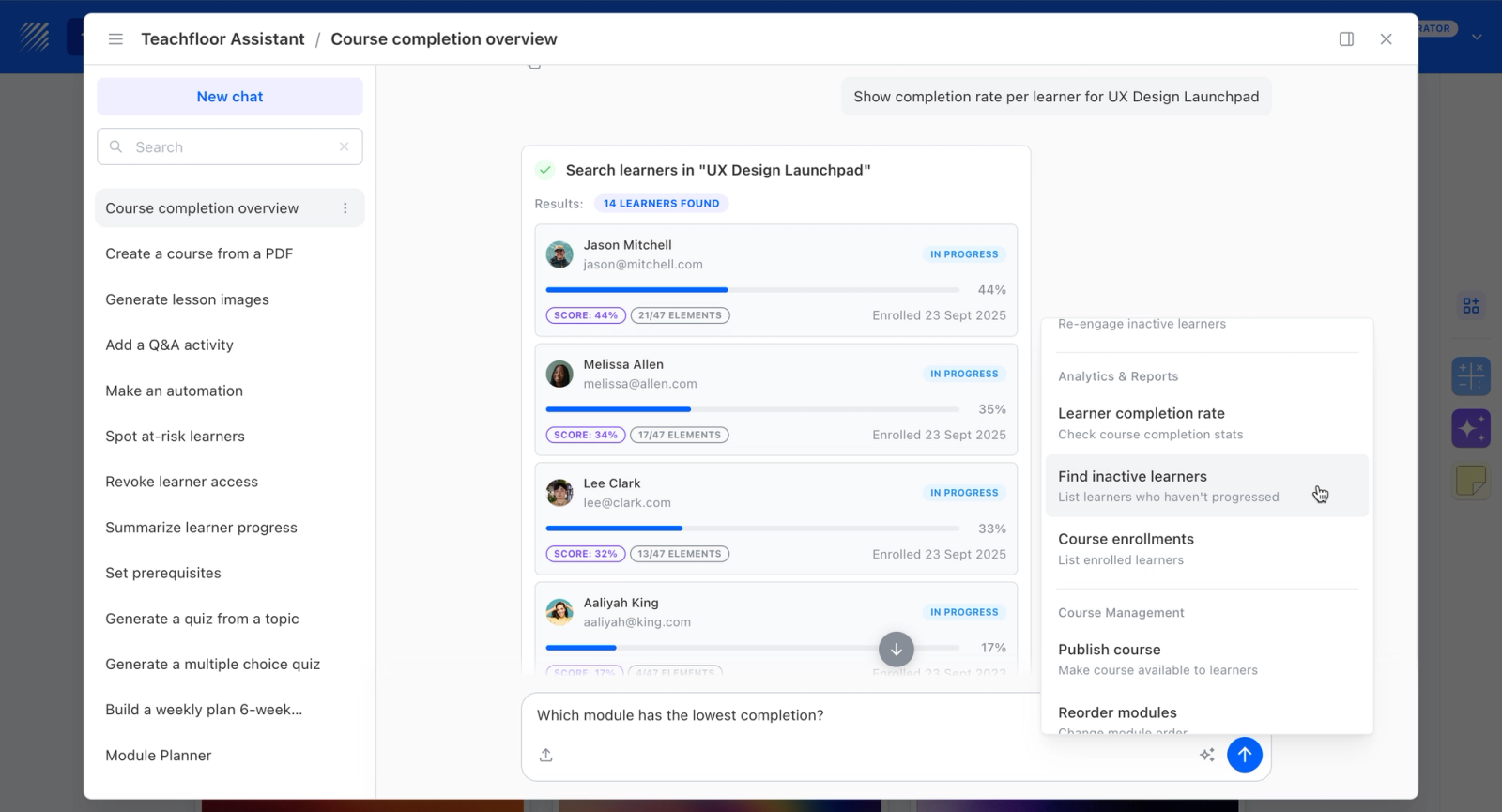
- AI-assisted quiz and assessment authoring generated from your source content
- Graded assessments tied to completion analytics and certificates, not just live response views
- Self-paced and cohort delivery so assessment runs across a course, not only during class
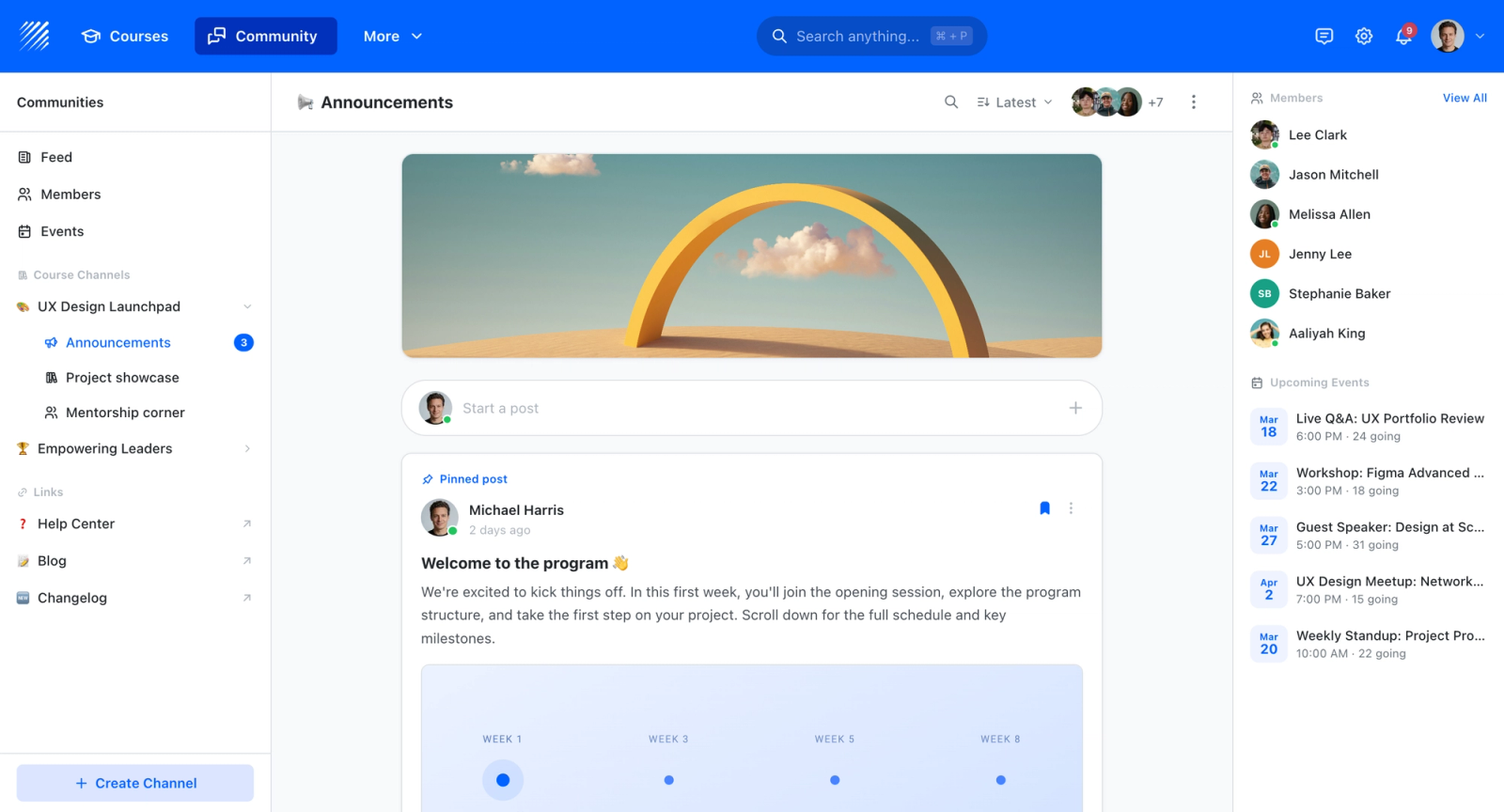
- Built-in community and discussion to extend learning past the assessment itself
- White-label on your own domain with multi-branch workspaces
- SCORM support for assessments and content that need to move between systems
Best For
Trainers and course creators who need assessment built into an ongoing program with grading, certificates, and analytics, rather than a real-time response tool for live lessons.
Pricing Overview
- Startup plan from $89 per month for up to 50 learners
- Full Features plan with custom pricing, white-label, SSO, and advanced integrations
- 14-day free trial; no permanent free plan
- Nonprofit discounts available
Limitations
- Not a live in-class response system; it lacks the during-the-lesson immediacy Classtime is built around
- No free plan; entry pricing is $89/mo for up to 50 learners
- Overkill if you only need quick formative checks during a single class session
Quick Comparison Insight
Against Classtime, Socrative, and Kahoot!, Teachfloor moves assessment out of the live classroom moment and into a full course with grading and certificates, so it suits programs that assess over time rather than in real time during a lesson.
Socrative
Overview
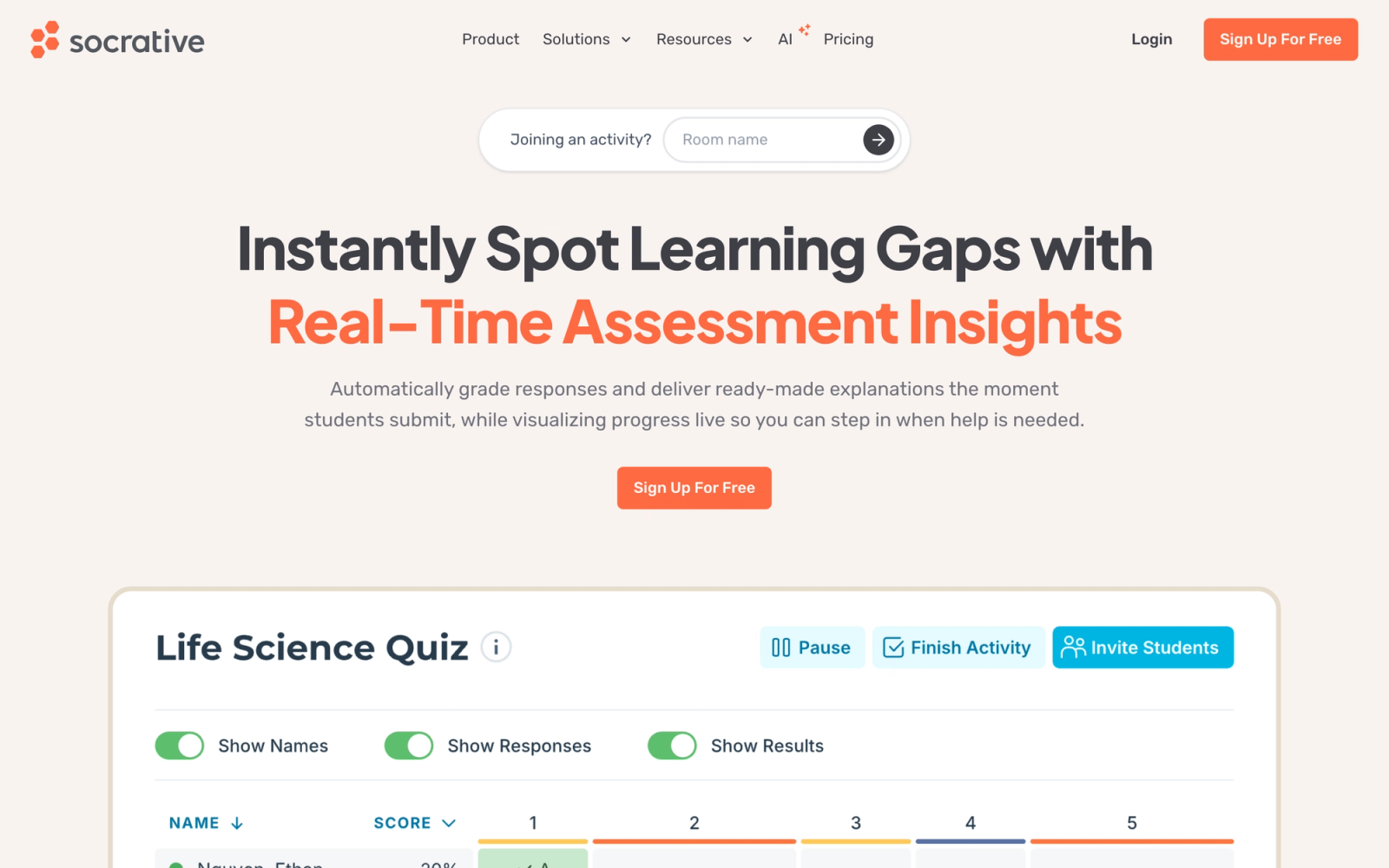
Socrative is one of the original classroom response systems, and it has maintained its position by doing a few things very well: quick quizzes, exit tickets, and space races. The interface is deliberately simple. Teachers create a quiz, launch it with a room code, and students respond on any device. Results appear in real time on the teacher dashboard.
Socrative avoids unnecessary complexity. There is no lesson builder, no interactive slide deck, and no gamification engine. It is a focused assessment tool that lets you check understanding in under two minutes of setup time. For teachers who want to run a quick formative assessment without building an entire interactive lesson, that simplicity is the point.
Core Capabilities
- Quick Quiz launcher with multiple choice, true/false, and short answer question types
- Exit Ticket template with pre-built format for end-of-class checks
- Space Race team competition mode where groups race across the screen by answering correctly
- Real-time results dashboard showing individual and class-wide response data
- Instant feedback mode that shows students whether their answer is correct after each question
- Teacher-paced and student-paced delivery options
- Automatic grading with downloadable reports in spreadsheet format
- Room-based joining system requiring no student accounts or app downloads
- Question import from existing Socrative quizzes or shared teacher libraries
Standout Strength
Socrative wins on speed. From opening the app to receiving the first student response, the entire process takes under a minute. That low-friction workflow makes it practical for daily use, not just special assessment occasions. The exit ticket feature alone has become a classroom staple for consistent end-of-lesson checks.
Best For
K-12 teachers and college instructors who need a no-frills, fast-launching assessment tool for daily formative checks. Particularly strong for exit tickets, quick comprehension checks, and low-stakes quizzes where the goal is rapid feedback rather than elaborate question design. Teams weighing similar tools can also see our Socrative alternatives roundup.
Pricing Overview
- Free plan with one public room and core quiz features
- Essentials and Pro paid tiers add multiple rooms, larger rosters, and advanced features; K-12 and Higher-Ed/Corporate pricing differ
- See the Socrative pricing page for current per-tier costs and volume discounts
Limitations
- Question types are limited to multiple choice, true/false, and short answer. No drawing, image-based, or drag-and-drop questions.
- Visual design is functional but plain. The interface lacks the polish and engagement mechanics of gamified alternatives.
- Reporting is basic compared to platforms with deeper analytics. Item-level analysis and longitudinal tracking are limited.
Quick Comparison Insight
Faster to launch and simpler to use than Classtime, but with fewer question types. Socrative wins on daily practicality; Classtime offers more assessment variety within its question builder.
Kahoot!
Overview
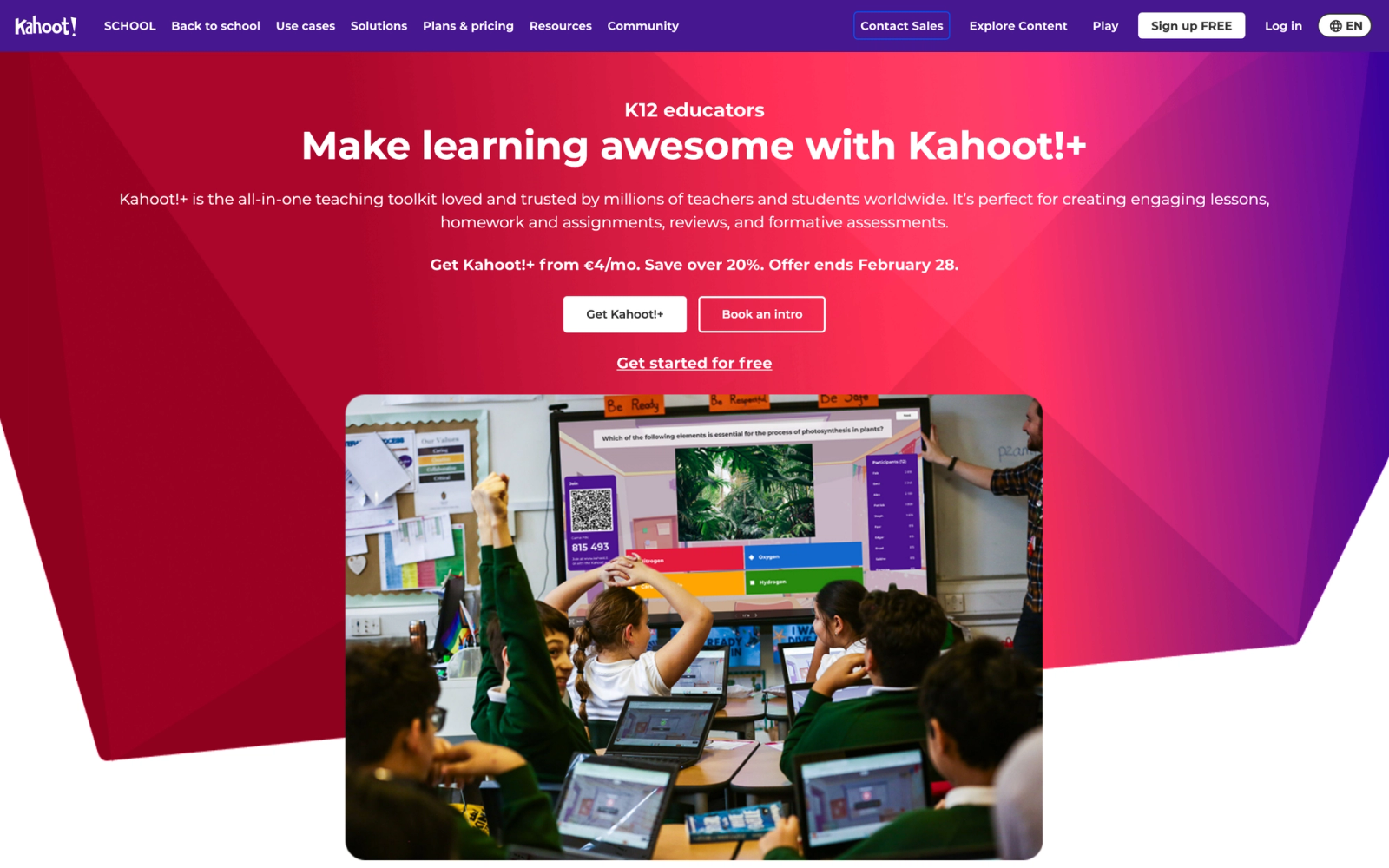
Kahoot! treats quizzes as competitive events rather than diagnostic instruments. Students answer timed questions on their devices, earn points for speed and accuracy, and compete on a live leaderboard projected at the front of the room. That competitive layer drives attention and recall during review sessions, and the facilitator experience is straightforward enough to run with minimal preparation.
Because the gamified-quiz category overlaps heavily, a dedicated head-to-head is more useful than a long write-up here. See our Blooket vs Gimkit vs Kahoot vs Quizizz comparison for how Kahoot! stacks up against the other game-based tools.
Core Capabilities
- Timed quiz questions with multiple choice, true/false, type-answer, puzzle, and slider formats
- Live leaderboard updated after each question, plus a self-paced Assign mode for homework
- AI quiz generator that creates questions from uploaded documents, slides, or text
- Microsoft Teams and Zoom integrations, plus LTI support for Canvas, Schoology, and Blackboard
Standout Strength
Kahoot! generates participation that passive assessment tools cannot match. The competitive mechanics create motivation to recall information and engage with content, which is well suited to knowledge reinforcement and review.
Best For
K-12 educators running review sessions, corporate trainers delivering knowledge checks during onboarding, and facilitators who need to energize a room quickly. Particularly effective with groups under 200.
Pricing Overview
- Free plan with basic quiz types
- Kahoot!+ and EDU plans for teachers billed annually; Business plans add branding and advanced reporting
- See the Kahoot! pricing page for current tiers
Limitations
- The competitive format does not suit sensitive topics, low-confidence learners, or reflective assessment
- Question depth favors recall over higher-order thinking or open-ended analysis
- The free plan is restrictive, and the jump to paid plans is steep for individual teachers
Quick Comparison Insight
Kahoot! trades Classtime's diagnostic precision for engagement. For energetic knowledge review it is hard to beat; for nuanced understanding checks, Classtime's broader question types serve you better.
Wayground (formerly Quizizz)
Overview
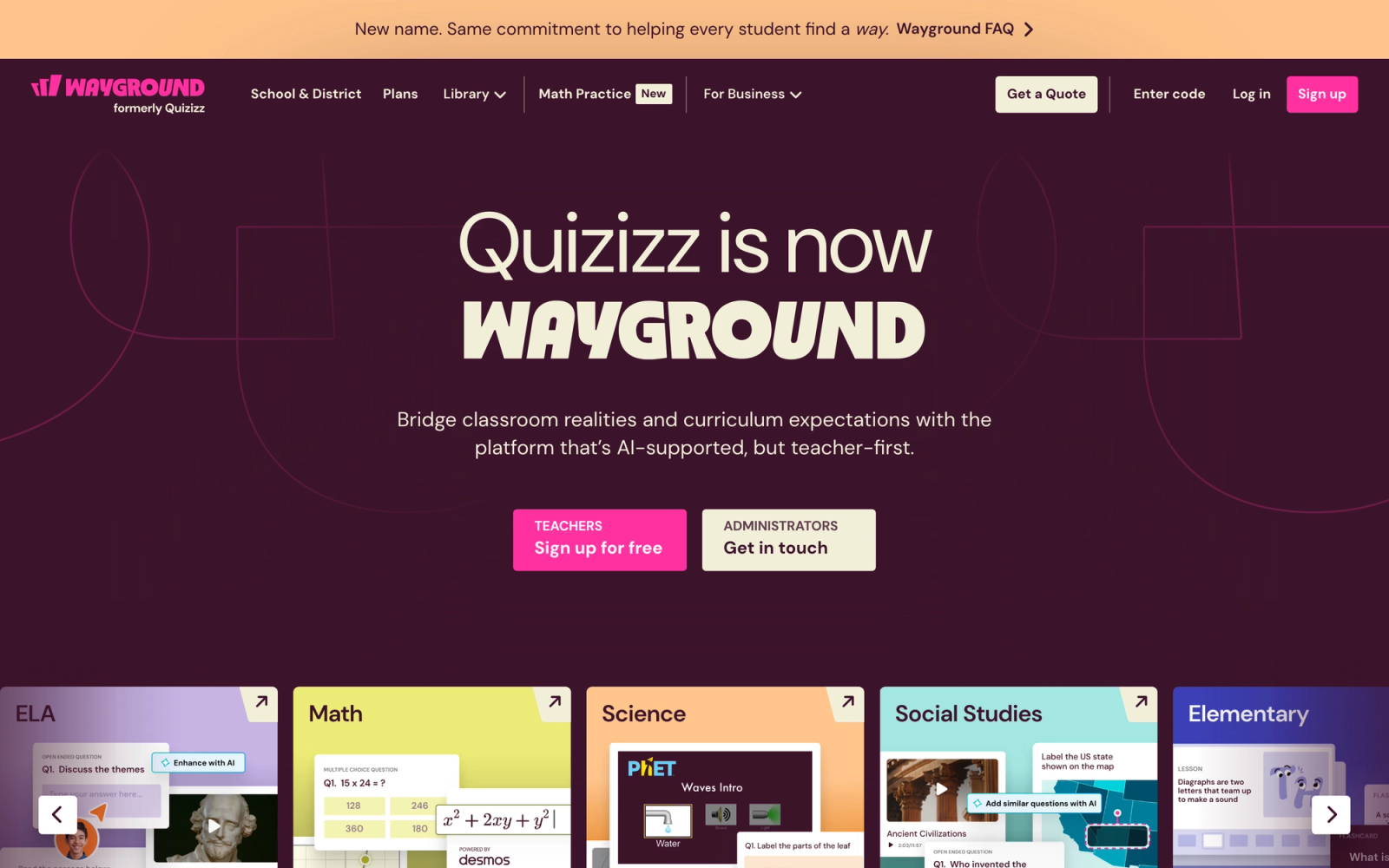
Quizizz rebranded to Wayground in June 2025, with the product moving to wayground.com (old links redirect automatically). The platform sits between Kahoot!'s competitive energy and Socrative's simplicity: gamified live quizzes plus a self-paced homework mode, with a wider set of question types than either.
Wayground supports fill-in-the-blank, open-ended, polls, match, reorder, drag-and-drop, and audio or video responses, along with math notation and image-based questions. Because it competes in the same gamified-quiz cluster as Kahoot!, the game-based quiz comparison covers the head-to-head in more depth.
Core Capabilities
- Self-paced and live quiz delivery modes that switch without rebuilding the quiz
- Gamification with avatars, power-ups, and customizable leaderboards
- Homework mode with deadlines and automatic reminders
- Wide question-type range including drag-and-drop, reorder, match, fill-in-the-blank, and open-ended
- AI-powered quiz generation from documents, URLs, or text
- Integration with Google Classroom, Canvas, Schoology, and Microsoft Teams
Standout Strength
Wayground does not force a choice between live engagement and asynchronous assessment. The same quiz works live for an in-class competition or as self-paced homework with a deadline, so one set of content serves multiple instructional moments.
Best For
K-12 teachers who need both in-class formative assessment and homework review in one platform. Also well suited for blended learning where some students participate live and others work independently.
Pricing Overview
- Free plan with quizzes and students for individual teachers
- Individual, School, and District paid plans add admin dashboards, advanced reporting, and curriculum tools
- See the Wayground pricing page for current tiers
Limitations
- The gamification layer can distract in settings that call for focused assessment, though it can be toned down
- The lessons feature is basic next to dedicated lesson-building platforms like Nearpod
- Some advanced reporting sits behind paid plans
Quick Comparison Insight
More versatile than Classtime thanks to the homework mode and richer question types. Wayground gives you Classtime's assessment capabilities plus an engagement layer and asynchronous delivery.
Formative (a Newsela product)
Overview
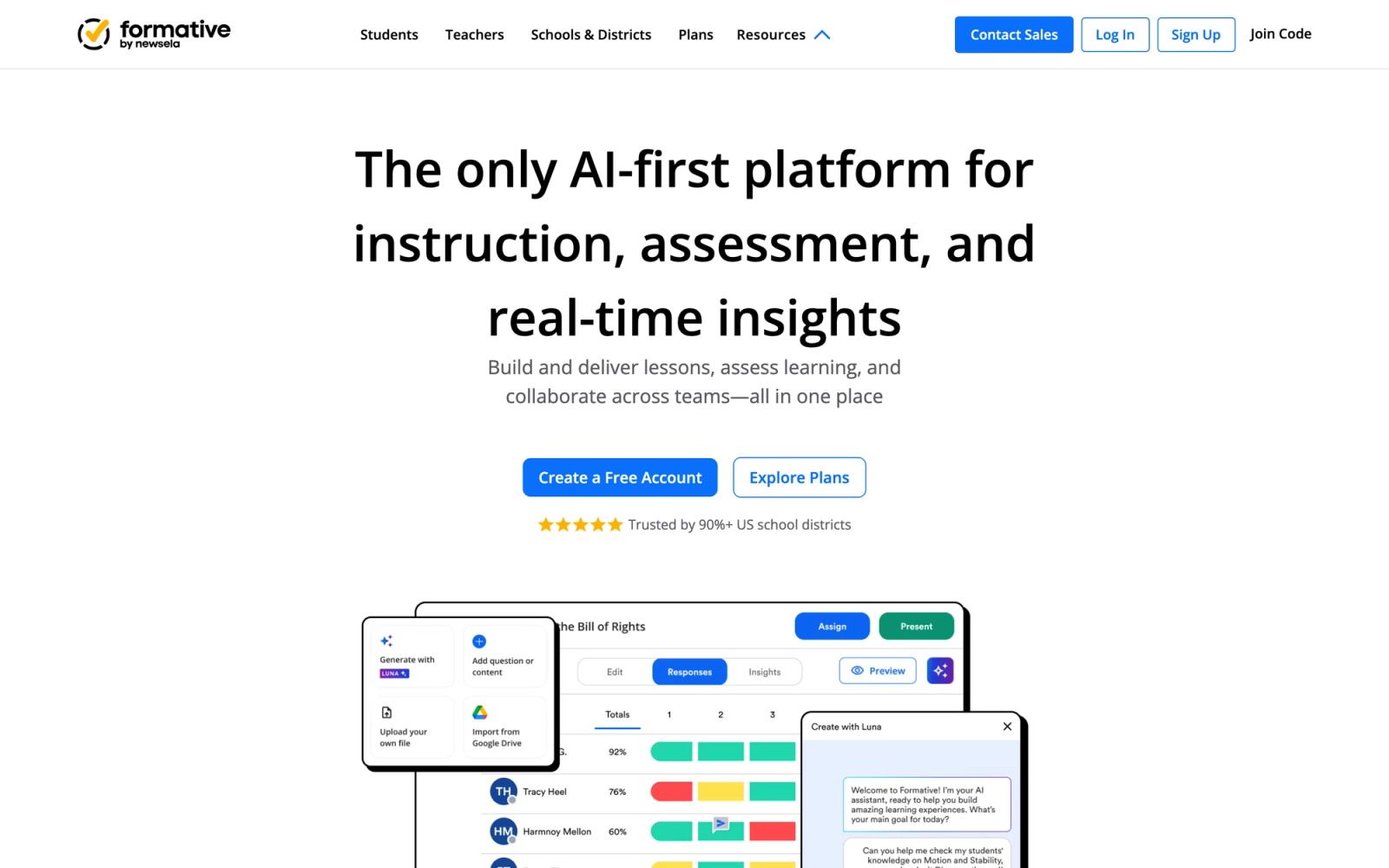
Formative, originally GoFormative, was acquired by Newsela in June 2023 and now operates as part of the Newsela platform. Where most tools focus on structured question types, Formative emphasizes open-ended responses: students draw on a canvas, type extended answers, annotate images, and show their work in ways multiple choice cannot capture.
Its standout feature is "Show Your Work." Teachers upload a worksheet, diagram, or blank canvas, and students respond by drawing, writing, or typing directly on it. The teacher sees every student's screen in real time, like a wall of monitors. That live visibility into student thinking, not just final answers, separates Formative from conventional assessment tools.
Core Capabilities
- Drawing and handwriting response tools for math, science, and creative work
- Real-time student screen monitoring showing all responses simultaneously
- Upload any document (PDF, image, slide) and convert it into an interactive assessment
- Multiple question types including multiple choice, short answer, true/false, and numeric
- Live annotation and feedback tools for teacher-to-student communication during assessment
- Auto-grading for structured questions with manual override
- Standards-aligned item tagging for tracking mastery across assessments
- Integration with Google Classroom, Canvas, Schoology, and Clever for roster and grade sync
- Assignment library with pre-built assessments organized by subject and standard
Standout Strength
Formative is the strongest tool here for capturing student reasoning rather than just final answers. Drawing tools, image annotation, and show-your-work submission types expose the thinking behind a response in ways multiple choice never can. For teachers who want to understand where a student went wrong, not simply that they did, that visibility is the core value.
Best For
K-12 teachers, especially in math and science, who need to see student work processes in real time. Also valuable in special education contexts where students benefit from multiple response modalities, and for any educator who treats assessment as a window into student thinking.
Pricing Overview
- Free plan with basic features and limited assessments
- Paid individual and school or district tiers add advanced analytics and admin dashboards
- Pricing is now set through Newsela; see the Formative pricing page for current details
Limitations
- Open-ended tools require more manual review than auto-graded formats, which adds workload for large classes
- Gamification features are essentially absent
- The platform is heavily education-focused, so corporate training teams may find the interface and terminology less intuitive
Quick Comparison Insight
Formative goes deeper than Classtime on response quality at the cost of speed and auto-grading convenience. Choose it when understanding student reasoning matters more than rapid-fire knowledge checks.
Nearpod
Overview
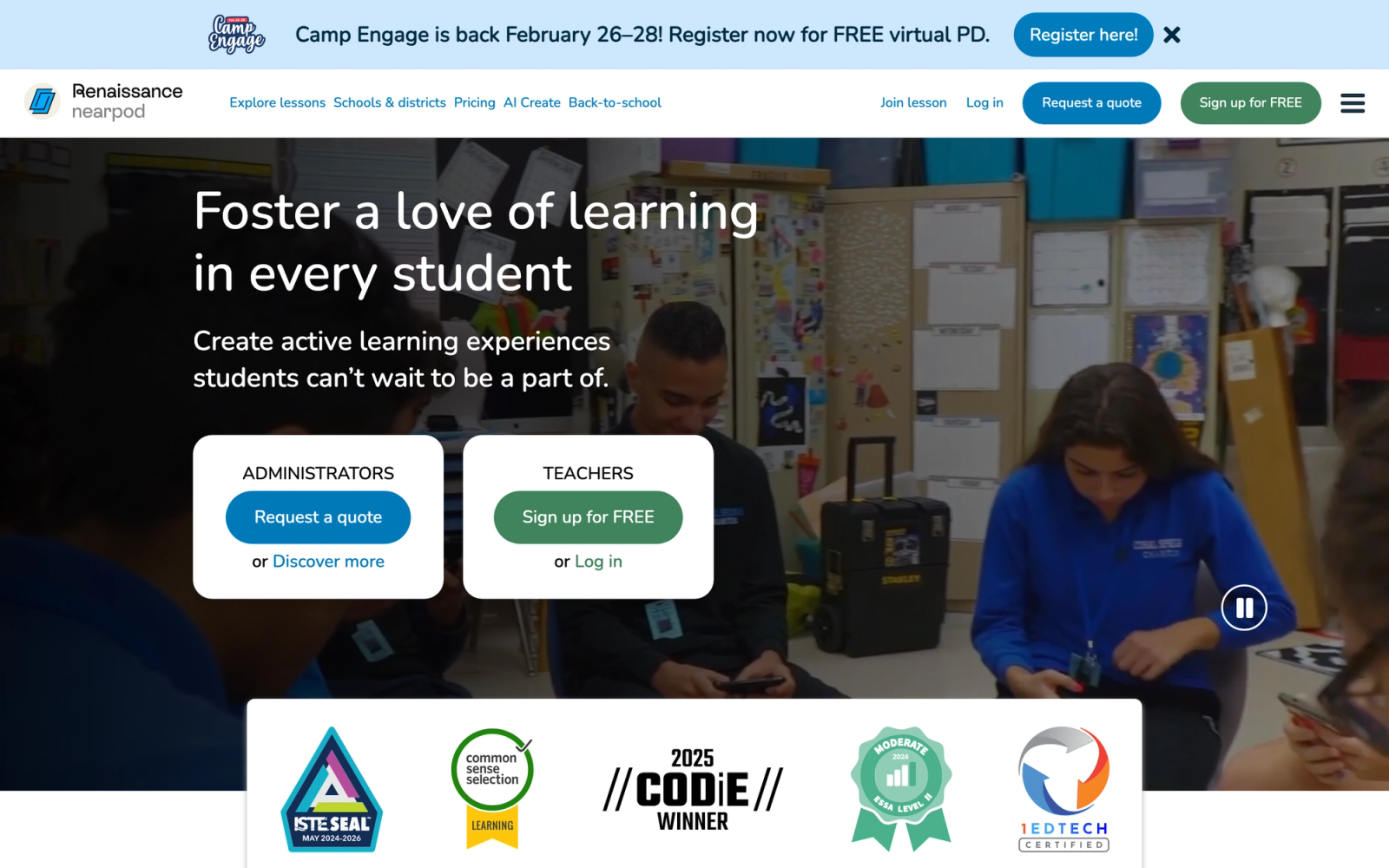
Nearpod embeds formative checks directly inside interactive lessons. You build a presentation, drop in polls, quizzes, open-ended questions, and collaboration boards at strategic points, then deliver the whole thing as a single guided experience. Assessment becomes part of instruction rather than a separate activity.
Within a single lesson flow you can interleave a matching activity, a draw-it response, a poll, and a quiz between content slides, while the instructor dashboard shows responses updating in real time. For teachers who want to check understanding continuously rather than waiting for an end-of-unit test, that embedded model is the appeal.
Core Capabilities
- Instructor-paced and student-paced lesson delivery modes
- 20+ interactive activity types including polls, quizzes, draw-it, matching, fill-in-the-blank, and collaborate boards
- Virtual Reality (VR) field trips for immersive content exploration
- Embedded PhET and Desmos simulations for science and math instruction
- Integration with Google Slides, Microsoft PowerPoint, Canvas, and Google Classroom via LTI
- Real-time student response dashboard with participation tracking
- Post-session reports with individual and class-level response data
- Content library with thousands of pre-built lessons aligned to standards
- Gamification through Time to Climb competitive quiz mode
Standout Strength
Nearpod closes the gap between instruction and evaluation. Rather than separating content delivery from questioning, you catch misconceptions while students are still engaged, not after the lesson ends. For instructional design that treats questioning as part of teaching rather than a tacked-on measurement event, that embedded model is the draw.
Best For
K-12 teachers and school districts seeking more classroom interactivity during lessons. Also effective for corporate trainers delivering structured sessions with embedded knowledge checks. Not designed for standalone quiz creation or long-form cohort programs.
Pricing Overview
- Free tier with limited features, up to 40 participants per lesson
- Individual teacher, school, and district paid plans add admin features and content libraries
- See the Nearpod pricing page for current details
Limitations
- Every assessment requires building or modifying a lesson first; there is no quick-launch quiz for spontaneous checks
- The slide-by-slide format constrains teaching styles that do not follow a linear presentation flow
- Advanced features and admin tools sit behind higher-tier plans
Quick Comparison Insight
Nearpod is a lesson platform with strong assessment built in; Classtime is an assessment tool with no lesson delivery. For assessment woven into instruction, Nearpod wins; for a standalone quiz launcher, Classtime is faster.
Pear Deck
Overview
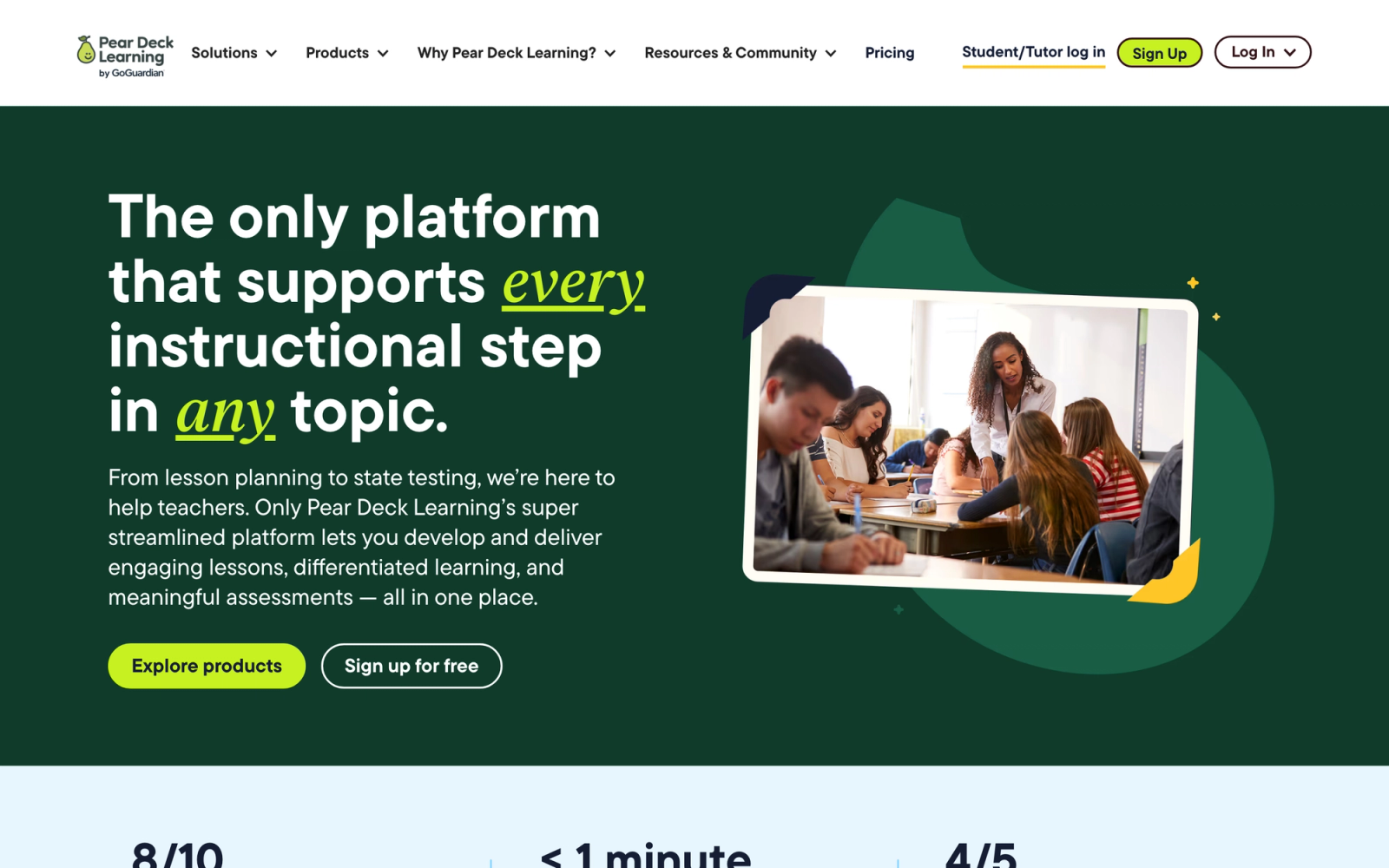
Pear Deck turns a presentation you already have in Google Slides or Microsoft PowerPoint into an interactive session where every student responds to embedded prompts. It is now part of Pear Deck Learning, the brand GoGuardian launched in January 2024 that also includes Pear Assessment (formerly Edulastic). Pear Deck operates as an add-on to the tools teachers already use, which keeps the adoption barrier low.
The strength of Pear Deck is what it does not try to do. You open your existing slides, insert interactive prompts (draggable, text, drawing, multiple choice, or numeric), and launch. Students join with a code and respond within the slide flow while the teacher sees responses overlaid on the presentation in real time. For teachers invested in active learning who do not want to learn a new tool, that integration is the core value.
Core Capabilities
- Add-on for Google Slides and Microsoft PowerPoint requiring no platform migration
- Interactive slide types: draggable, text input, drawing, multiple choice, and numeric response
- Teacher dashboard showing all student responses in real time as an overlay
- Student-paced mode for independent review and homework activities
- Vocabulary flashcards and review features built into the platform
- Integration with Google Classroom for assignment distribution and roster syncing
- Anonymous response display option for encouraging honest participation
- Template library with pre-built interactive slide decks across subjects
- Session data export for post-class analysis and grade recording
Standout Strength
Pear Deck adds interactivity without adding complexity. The tool lives inside the presentation software teachers already use, which means no platform migration and near-instant adoption. For schools running Google Workspace, the Google Classroom integration is deep enough that it feels native.
Best For
K-12 teachers using Google Slides or PowerPoint who want to add formative assessment to existing presentations without switching platforms. Especially strong for Google Classroom schools where the integration is tight.
Pricing Overview
- Free version with basic interactive slide types
- Premium individual and school or district plans add admin tools and professional development
- Pricing runs through Pear Deck Learning; see the Pear Deck pricing page for current details
Limitations
- Tied to slide-based instruction; if your teaching does not revolve around presentations, utility is limited
- Student-paced mode exists but is less developed than dedicated homework tools like Wayground
- The range of question types is narrower than Nearpod or Formative, with no VR or simulations
Quick Comparison Insight
Pear Deck requires less behavior change than Classtime because it lives inside your existing slides. Classtime offers more standalone assessment capability, but Pear Deck wins when integration with your current presentation workflow matters most.
Mentimeter
Overview
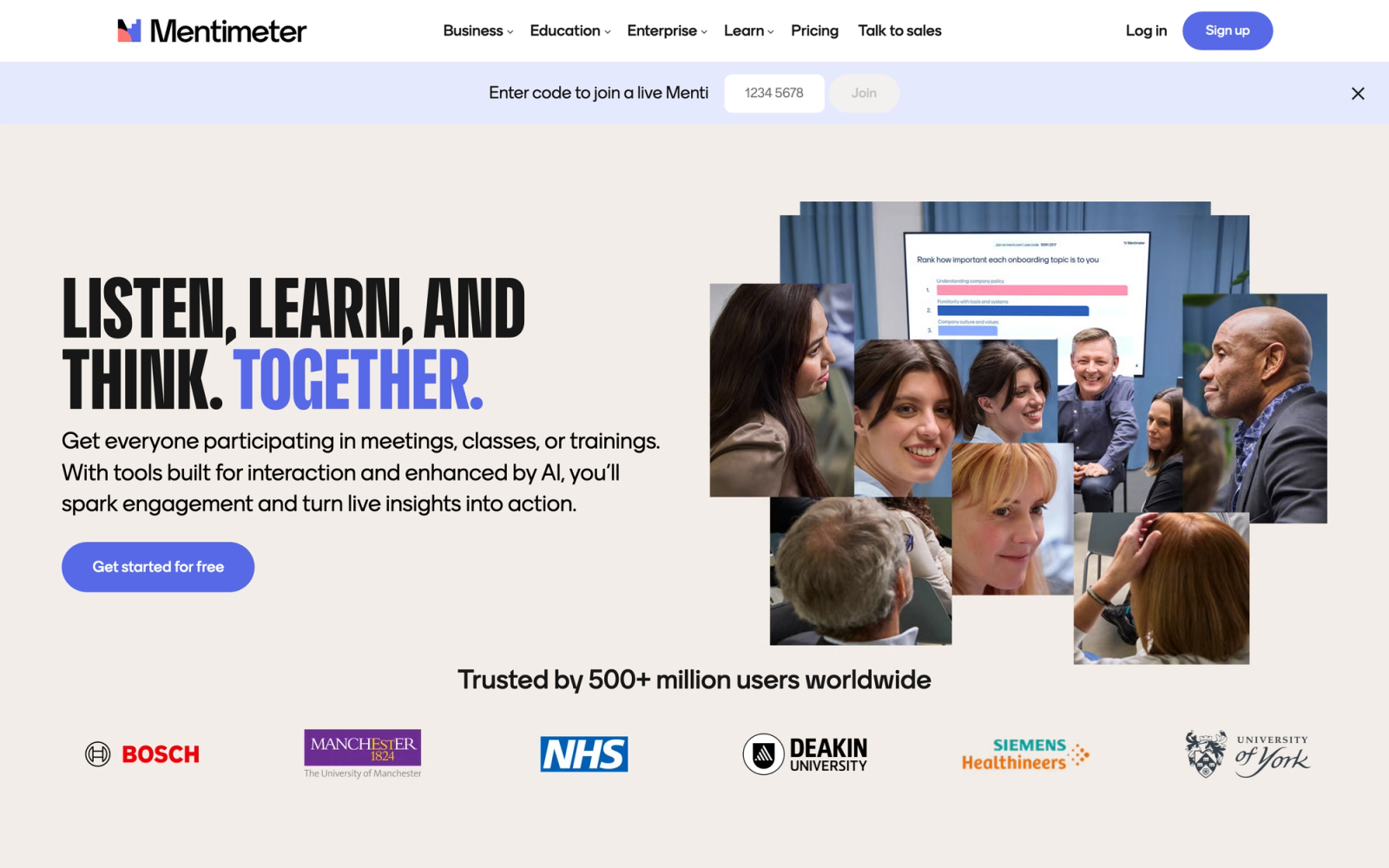
Mentimeter is a live audience interaction tool built for presentations, meetings, and workshops. It supports real-time polls, word clouds, Q&A, quizzes, and rating scales with polished visuals that read well on any projector or shared screen. Although not built specifically for classroom assessment, it is popular among educators and trainers who want to gauge understanding during a presentation.
What sets Mentimeter apart visually is the response animation. As participants submit answers, results flow onto the screen with smooth transitions, word clouds grow and reshape, and bar charts animate as votes arrive. That visual layer creates a moment of shared attention that static response displays do not.
Core Capabilities
- Real-time polls with multiple choice, scales, ranking, and open-ended response types
- Interactive word clouds generated live from audience text submissions
- Q&A with upvoting and moderation controls for large audiences
- Quiz competitions with leaderboards and timed questions
- PowerPoint and Google Slides integration via dedicated add-ins
- Zoom and Microsoft Teams integrations for embedded polling during video calls
- Custom branding with logo, colors, and background themes on paid plans
- Post-presentation analytics dashboard with exportable response data
- Audience pace mode for self-directed navigation through slide content
Standout Strength
Mentimeter makes audience responses look compelling on screen. The quality of live result visualizations, from flowing word clouds to animated charts, creates engagement that raw data tables cannot replicate. For educators using online assessment in lecture-style settings where visual impact matters, that presentation layer is a real differentiator.
Best For
Higher education lecturers, corporate trainers, and conference presenters who need polished, visual audience engagement. Strong for large-group settings where the goal is quick pulse checks rather than detailed diagnostic assessment.
Pricing Overview
- Free plan: unlimited question slides with up to 50 participants per month
- Basic and Pro paid plans add full customization, larger audiences, and advanced analytics
- Enterprise pricing adds SSO and admin controls; see the Mentimeter pricing page for current details
Limitations
- Not designed as a classroom assessment tool; question types favor quick polls over diagnostic evaluation
- No LMS integration, so grade syncing and roster management are manual
- The free plan caps at 50 participants per month, which is restrictive for regular classroom use
Quick Comparison Insight
Mentimeter prioritizes visual presentation and large-audience engagement over assessment precision. Classtime is a better diagnostic tool; Mentimeter is a better audience engagement tool. The choice depends on whether you need data or energy.
Wooclap
Overview
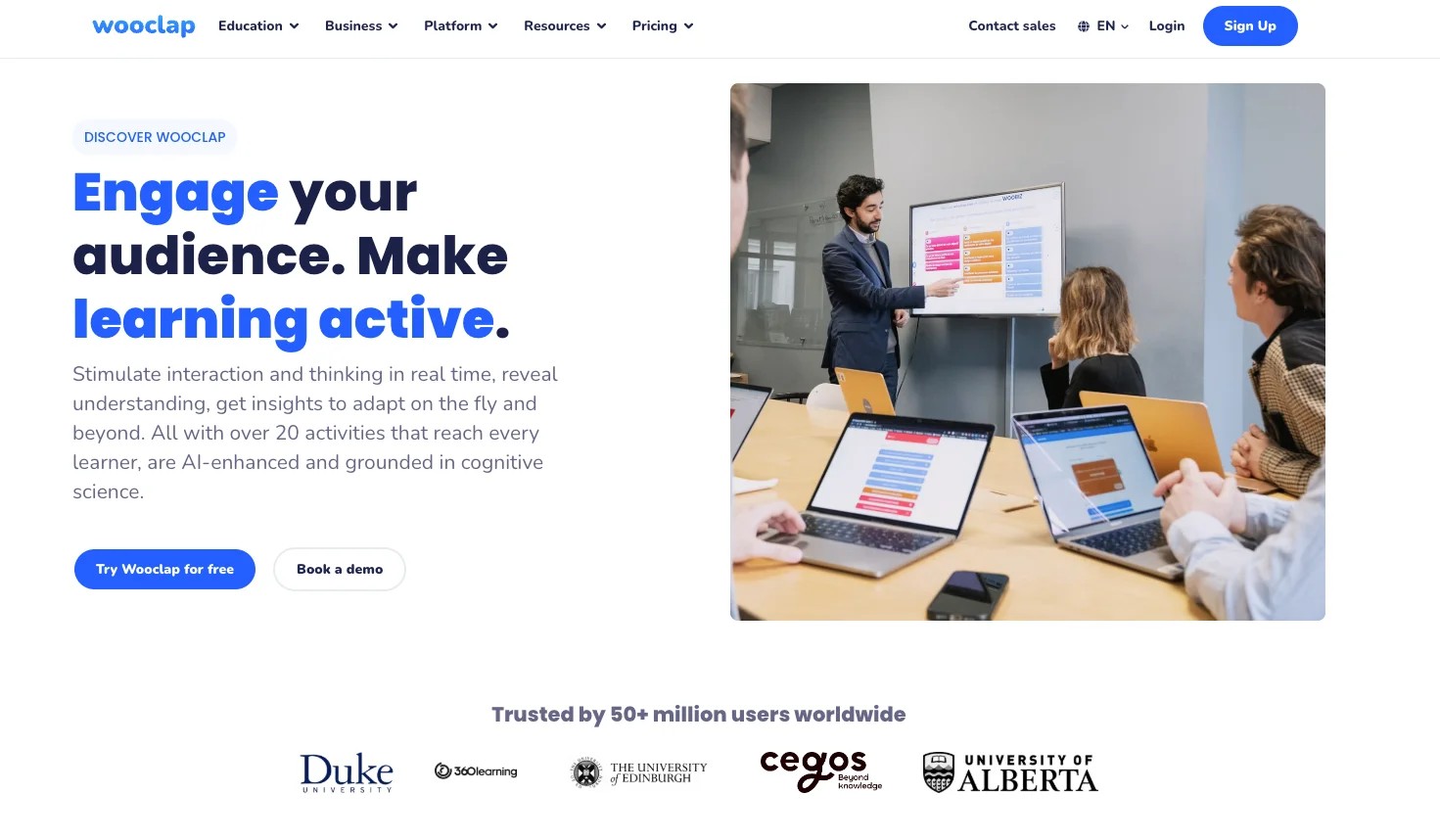
Wooclap combines interactive presentation features with AI-powered question generation, positioning itself for educators who want to create assessments faster without sacrificing pedagogical quality. The platform offers over 20 question types, integrates with major LMS platforms, and has a strong following in European universities and corporate training.
Its AI question generator is the headline feature. You upload a document, paste a URL, or input text, and Wooclap generates quiz questions automatically. The output is usable, especially for factual recall and comprehension-level questions. For teachers who spend significant time writing assessment items, that automation is a real time-saver Classtime does not offer.
Core Capabilities
- AI-powered question generation from documents, URLs, and text input
- 20+ question types including word cloud, sorting, matching, labeling on images, and rating scales
- Live and asynchronous assessment delivery modes
- Real-time response dashboard with participation analytics
- Integration with PowerPoint, Google Slides, Canvas, Moodle, Blackboard, and Teams
- LTI compliance for grade passback and roster syncing
- Confidence rating feature that asks students how sure they are of each answer
- Event mode for large presentations and conference-style polling
- Export options for response data in multiple formats
Standout Strength
AI question generation combined with deep LMS integration makes Wooclap one of the most efficient tools here for creating and deploying quizzes at scale. Teachers running multiple courses who write new question sets each week get the clearest return: content that would take 20 minutes to author manually drafts in seconds. The confidence rating feature adds a metacognitive layer, students flag how sure they are of each answer, that few comparable tools include.
Best For
Higher education faculty who need efficient assessment creation across multiple courses with tight LMS integration. Also strong for corporate trainers producing frequent knowledge checks, and particularly well adopted in European institutions where Wooclap has invested in localization and compliance.
Pricing Overview
- Free plan with core features and limited participants
- Paid individual and institutional plans add larger audiences and admin dashboards
- See the Wooclap pricing page for current details
Limitations
- AI-generated questions need human review; they work well for recall but less reliably for higher-order thinking
- The higher-education focus means some features feel less suited to K-12 contexts
- Brand awareness outside Europe is lower, meaning smaller communities and fewer shared content libraries in some regions
Quick Comparison Insight
Wooclap outperforms Classtime on assessment-creation speed (via AI generation) and LMS integration depth. Classtime has a simpler interface for quick classroom use, but Wooclap scales better for educators managing multiple courses.
Plickers
Overview
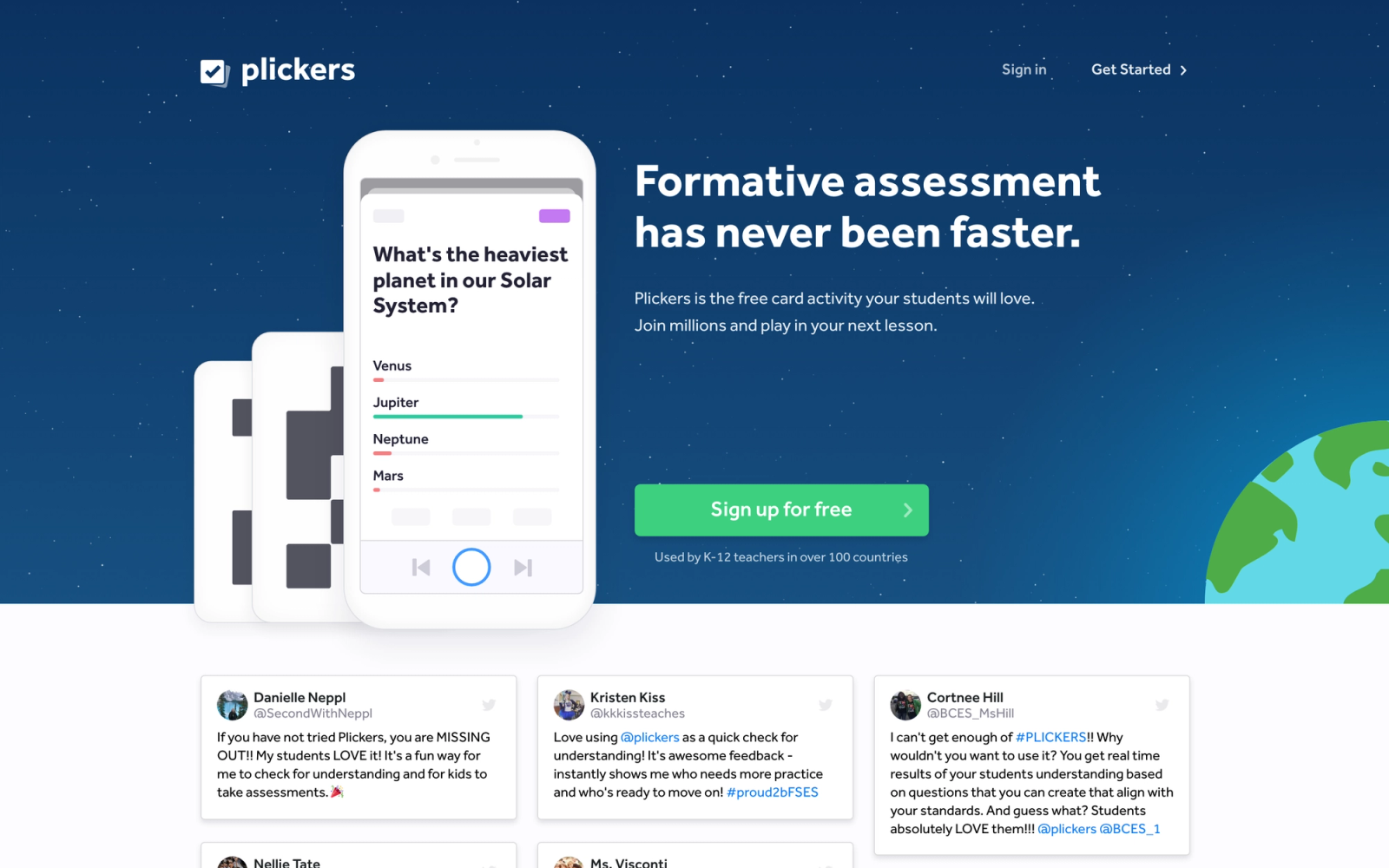
Plickers solves a problem the other tools ignore: what happens when students do not have devices. Instead of requiring every student to have a phone, tablet, or laptop, Plickers uses printed paper cards that students hold up. The teacher scans the room with their phone camera, and the app reads each response from the card orientation. One device serves the entire classroom.
That design removes the most common barrier to classroom response systems. In schools where device access is uneven, where phone policies prohibit student devices, or where charging and connectivity make tech unreliable, Plickers still works. Every student gets a unique card with four orientable sides (A, B, C, D), and the teacher's phone does the processing.
Core Capabilities
- Printed response cards with unique identifiers for each student (up to 63 per class)
- Teacher scans the room with a smartphone camera to capture all responses simultaneously
- Multiple choice questions (A/B/C/D) displayed on a projector while students hold up cards
- Real-time response tracking with instant visualization on the teacher's screen
- Question sets that can be pre-built and organized by class, subject, or unit
- Scoresheet and response history tracking for individual students across sessions
- No student accounts, devices, internet connections, or app downloads required
- Library of free, community-shared question sets across subjects
- Data export for recording participation and performance outside the platform
Standout Strength
Plickers is the only tool here that delivers live student response data without any student technology. In resource-constrained schools, classrooms with strict device policies, or any setting where device management creates more overhead than it solves, Plickers delivers the core benefit of a classroom response system with near-zero barriers.
Best For
K-12 teachers in schools where students lack consistent device access, where phone policies restrict student technology, or where the teacher wants the simplest possible implementation of real-time assessment. Also useful as a backup for days when technology fails.
Pricing Overview
- Free plan with basic features and limited question sets
- Plickers Pro: $8.99 per month, or $71.88 per year (about $5.99 per month billed annually), for unlimited question sets and advanced features
- Cards are free to print from the Plickers site
Limitations
- Question types are limited to multiple choice (A/B/C/D); no open-ended, drawing, or extended response
- Scanning requires line of sight to all student cards, which can be tricky in large or unusual rooms
- No self-paced or homework mode; Plickers only works for live, synchronous assessment in a physical classroom
Quick Comparison Insight
Plickers and Classtime solve real-time assessment with completely different dependencies. Classtime needs every student on a device; Plickers needs only the teacher on one. Where student device access is the bottleneck, Plickers is the only viable option.
How to Choose the Right Alternative
The tools above share the goal of making assessment more interactive, but they approach it from different directions. Choosing the right one starts with clarity about your context.
If assessment is part of a larger program you want to brand and monetize, Teachfloor is the strongest fit. It runs quizzes and graded assignments inside self-paced, social, live, or cohort courses, and adds peer review, community, and white-label delivery on your own domain. Training businesses and course creators get assessment plus the program around it in one place.
If you need fast, daily formative checks, Socrative is the most practical choice. The exit ticket feature alone justifies it for a consistent end-of-class pulse check with minimal setup.
If engagement during assessment is the priority, Kahoot! or Wayground bring competitive energy. Kahoot! is better for high-energy live sessions; Wayground is more versatile because it handles live and self-paced formats equally well. For a closer look at the game-based options, see the Blooket vs Gimkit vs Kahoot vs Quizizz comparison.
If you need to see student thinking, not just answers, Formative leads. Drawing tools, image annotation, and live screen monitoring expose reasoning that multiple choice hides.
If assessment should be embedded inside instruction, Nearpod weaves checks for understanding directly into the lesson flow, so you never break the instructional rhythm to run a quiz.
If you want interactivity inside existing presentations, Pear Deck is the lowest-friction option because it lives inside Google Slides and PowerPoint.
If you present to large groups and need polished visuals, Mentimeter produces the best-looking live response visualizations.
If you need AI-assisted assessment creation with strong LMS integration, Wooclap saves time on question authoring and connects cleanly to university LMS platforms.
If your students lack device access, Plickers is the only option that delivers real-time data without student technology.
Matching a tool to your context matters more than comparing feature counts. The tools above diverge not in quality but in approach, live versus async, embedded versus standalone, device-dependent versus device-free. Pick the one that fits how you actually run sessions, and consult our course creators platform and LMS pricing guides for broader cost comparisons.
FAQ
What is the best free Classtime alternative?
Wayground (formerly Quizizz) offers one of the most generous free plans, with quizzes and students at no cost plus access to the full question-type library. Socrative provides a solid free tier for basic assessment, and Kahoot! and Nearpod have free plans with tighter limits on participants and features. The right free choice depends on whether you need gamification, embedded lessons, or straightforward quizzes.
Can these tools integrate with Google Classroom and Canvas?
Most can. Wayground, Nearpod, Formative, and Wooclap offer direct Google Classroom integration for assignment distribution and grade syncing. Nearpod, Wooclap, and Kahoot! support LTI with Canvas. Pear Deck integrates deeply with Google Slides and Google Classroom. Plickers and Mentimeter have the weakest LMS integration. Always verify the specific integration depth you need, because "integrates with" can mean anything from full grade passback to a simple link share. The Capterra student engagement category is a useful place to compare integration claims across vendors.
Which Classtime alternative is best for open-ended responses?
Formative is the strongest choice for open-ended and show-your-work assessment, with drawing tools, image annotation, and live screen monitoring. Nearpod's draw-it activities and collaborate boards also support open-ended responses within a lesson. For extended written work with structured peer evaluation, Teachfloor's peer review workflows let learners give criteria-based feedback on longer-form responses.
Do any of these tools work without student devices?
Plickers is the only tool here designed for device-free participation. Students hold up printed paper cards and the teacher's phone camera reads all responses at once. It is limited to multiple choice, but for schools where device access is inconsistent or phone policies restrict student technology, it removes the biggest adoption barrier to real-time classroom assessment.
Did Quizizz and Pear Deck change names?
Quizizz rebranded to Wayground in June 2025, and the product now lives at wayground.com (old links redirect). Pear Deck is now part of Pear Deck Learning, the brand GoGuardian launched in January 2024, which also includes Pear Assessment (formerly Edulastic). Formative was acquired by Newsela in June 2023 and runs as a Newsela product.


