


Why Look for a Quizlet Alternative?
Quizlet has been a staple for flashcard-based studying for over a decade. Its core model is straightforward: create digital flashcard sets, review them with spaced repetition, and share them with classmates. For basic vocabulary drills and test prep, it works. But for educators, instructional designers, and learners who need more than digital index cards, the platform's limitations become apparent quickly.
Paywall on advanced features. Quizlet moved several useful features behind its Quizlet Plus subscription. Offline access, image uploads, advanced study modes, and ad-free studying all require a paid plan. For students on tight budgets, this creates friction in a tool that originally attracted users because it was free.
Ads on the free tier. The free version of Quizlet now displays ads throughout the study experience. For educators recommending the tool to a class of 30 students, that means sending learners into an ad-supported environment with limited control over what they see. It is a legitimate concern for K-12 educators and training program managers alike.
Limited assessment depth. Quizlet's testing features are designed for self-study, not for structured assessment. There is no question-level analytics, no ability to assign timed quizzes with controlled conditions, and no gradebook integration. If you need to measure learning outcomes rather than just support memorization, Quizlet falls short.
No LMS integration. Quizlet operates as a standalone study tool. It does not connect to learning management systems, does not support LTI, and does not feed quiz results into a centralized roster. For educators managing multiple courses, that lack of integration creates manual work and data silos.
Flashcard-only model. The entire platform is built around the flashcard metaphor. That works for rote memorization, but it cannot support scenario-based questions, multi-step problems, open-ended responses, or performance tasks. The learning experience is narrow by design.
Limited instructor analytics. Educators get minimal visibility into how students are actually engaging with study materials. There is no dashboard showing time on task, error patterns, or progress trends across a class. The data that exists is student-facing, not instructor-facing.
No group or collaborative features. Quizlet is fundamentally a solo study tool. There are no features for group study sessions, collaborative deck building with instructor oversight, or peer review. For programs that value collaborative learning, this is a significant gap.
If you have hit one or more of these walls, the alternatives below address them from different angles: deeper assessment, better analytics, gamification, spaced repetition algorithms, or structured course delivery.
What to Look for in a Study and Assessment Tool
Before evaluating individual platforms, it helps to clarify what you actually need. The right Quizlet alternative depends on whether you are a self-directed learner, an educator running a classroom, or an L&D professional designing training programs.
Study methodology. Flashcards are one learning technique among many. Some tools specialize in spaced repetition algorithms that optimize review timing. Others focus on gamified quizzing. Others still support structured curricula with mixed content types. Match the methodology to the learning goal.
Assessment capabilities. If you need to assign quizzes, track scores, and report on learner performance, look for tools with instructor dashboards, question-level analytics, and gradebook features. Self-study tools and assessment platforms solve fundamentally different problems.
Content creation flexibility. Can you create only flashcards, or can you build multiple question types (multiple choice, fill-in-the-blank, matching, open response, image-based questions)? The richness of content formats determines how deeply you can test understanding versus simple recall.
Pricing model. Some tools are completely free and open source. Others offer generous free tiers with premium upgrades. Others charge per-seat or per-instructor. For educators recommending tools to students, the cost of the free tier matters. For organizations, the total cost per learner is the relevant metric.
Collaboration and classroom features. Do you need live quiz sessions? Assigned homework? Class rosters and progress tracking? The gap between a personal study app and a classroom tool is significant.
Integration with existing systems. If you use an LMS like Canvas, Moodle, or Google Classroom, check whether the tool integrates natively. Manual grade transfer wastes time and introduces errors.
Mobile experience. Study tools need to work well on phones. Many learners study in short bursts between commitments. A clunky mobile experience reduces adoption regardless of how strong the desktop version is.
9 Best Quizlet Alternatives
The tools below span self-study apps, classroom quiz platforms, and structured assessment systems. Each occupies a distinct position, covering the full range of use cases from solo memorization to instructor-led programs.
Tool Flashcards Gamified Quiz Instructor Dashboard LMS Integration Best For Anki ✓ ✗ ✗ ✗ Self-directed learners who want full control over spaced repetition Brainscape ✓ ✗ ✓ ✗ Students and educators who want science-backed adaptive flashcards Kahoot! ✗ ✓ ✓ ✓ Teachers running live, gamified classroom quizzes StudyBlue (Chegg) ✓ ✗ ✗ ✗ Students who want crowdsourced study materials and textbook support Cram.com ✓ ✗ ✗ ✗ Casual learners who want simple, free flashcard creation Memrise ✓ ✗ ✗ ✗ Language learners who need native-speaker video and spaced repetition Quizizz ✗ ✓ ✓ ✓ Educators who need asynchronous gamified quizzes with analytics Socrative ✗ ✓ ✓ ✓ Teachers and trainers who need real-time formative assessment Gimkit ✗ ✓ ✓ ✗ K-12 teachers who want game-show-style review sessions Teachfloor ✗ ✗ ✓ ✓ Organizations running structured cohort-based assessment programs
Anki
Overview
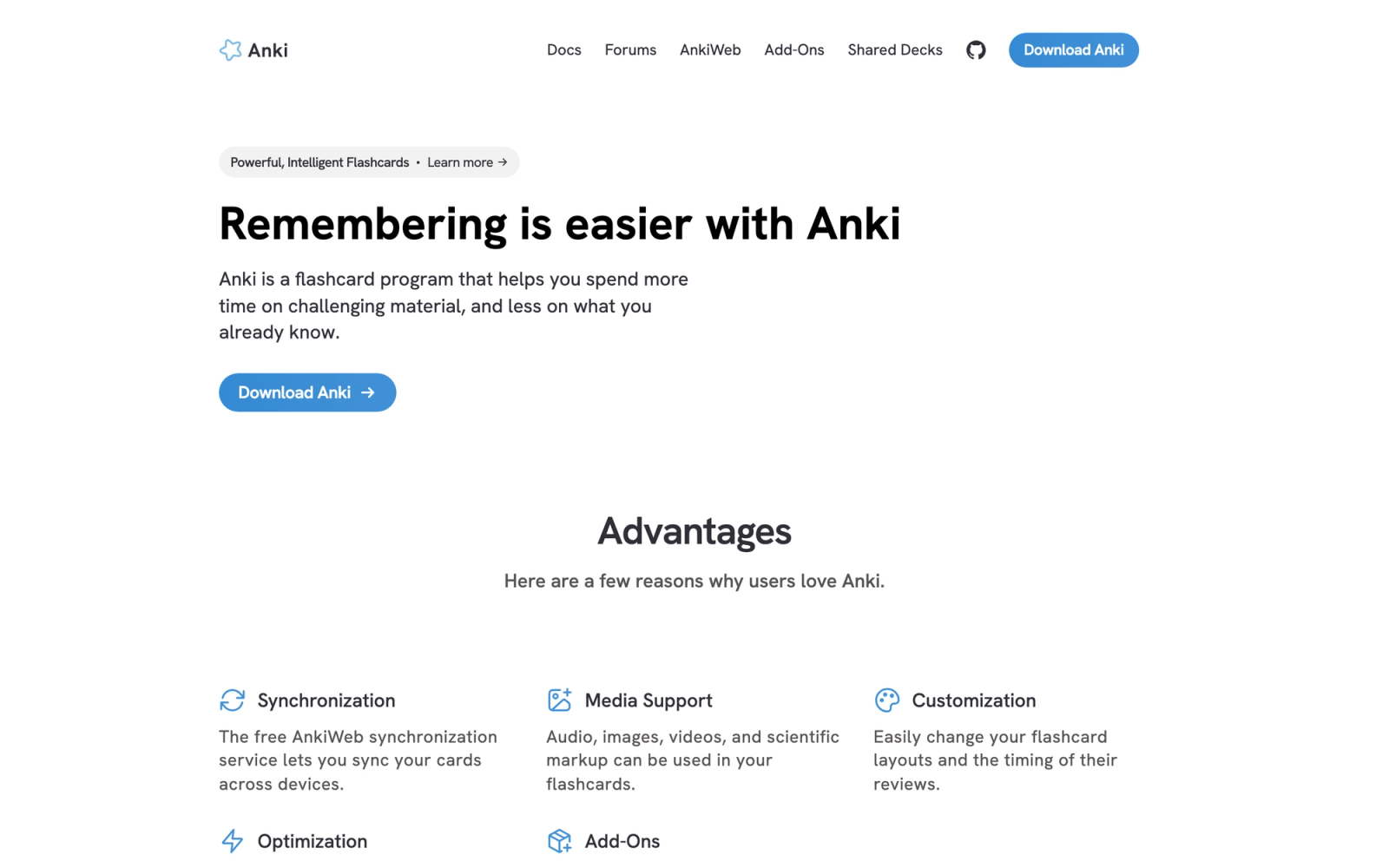
Anki is the gold standard for spaced repetition software. It is open source, completely free on desktop and Android, and used heavily by medical students, language learners, and anyone who needs to commit large volumes of information to long-term memory. Where Quizlet offers spaced repetition as one feature among many, Anki makes it the entire product, with a far more sophisticated algorithm under the hood.
Anki does not try to be friendly. The interface is functional, not polished. What it lacks in design it makes up for in depth: card templates are customizable with HTML and CSS, audio and images are supported, cloze deletions are built in, and every parameter of the repetition algorithm can be adjusted to match individual recall patterns. For serious learners willing to invest in setup, nothing else comes close.
Core Capabilities
- Spaced repetition algorithm (SM-2 based) with per-card interval adjustments and user-configurable parameters
- Custom card templates using HTML, CSS, and JavaScript for rich formatting
- Cloze deletion cards for fill-in-the-blank style review
- Support for audio, images, and LaTeX mathematical notation on cards
- AnkiWeb cloud sync across desktop, mobile, and web platforms
- Massive shared deck library with thousands of community-created decks
- Add-on stack with hundreds of plugins for extended functionality (image occlusion, heatmaps, statistics)
- Deck and subdeck organization with tags for granular content categorization
- Detailed study statistics including retention rates, review counts, and forecast graphs
- Full data export and import in open formats (no vendor lock-in)
Standout Strength
Learners choose Anki because its spaced repetition implementation is the most configurable available. The algorithm adapts to each card's difficulty based on your actual recall performance, and power users can tune every parameter. Medical students preparing for board exams and polyglots learning multiple languages simultaneously rely on Anki precisely because this granularity exists nowhere else in a free tool.
Best For
Self-directed learners who value long-term retention over short-term cramming. Particularly strong for medical students (USMLE, MCAT prep), language learners, law students, and anyone working through high-volume factual material. Not suitable for educators who need to assign and track student work.
Pricing Overview
- Desktop (Windows, Mac, Linux): Free and open source
- AnkiDroid (Android): Free
- AnkiMobile (iOS): $24.99 one-time purchase
- AnkiWeb sync: Free
Limitations
- The interface is dated and unintuitive for new users. The learning curve to set up effective decks is steep.
- No built-in collaboration or classroom features. Anki is a solo study tool.
- iOS app is a one-time $24.99 purchase, which surprises users who expect a free mobile experience.
Quick Comparison Insight
Far more powerful than Quizlet for spaced repetition, but requires significant setup investment. The opposite trade-off: maximum control, minimum hand-holding.
Brainscape
Overview
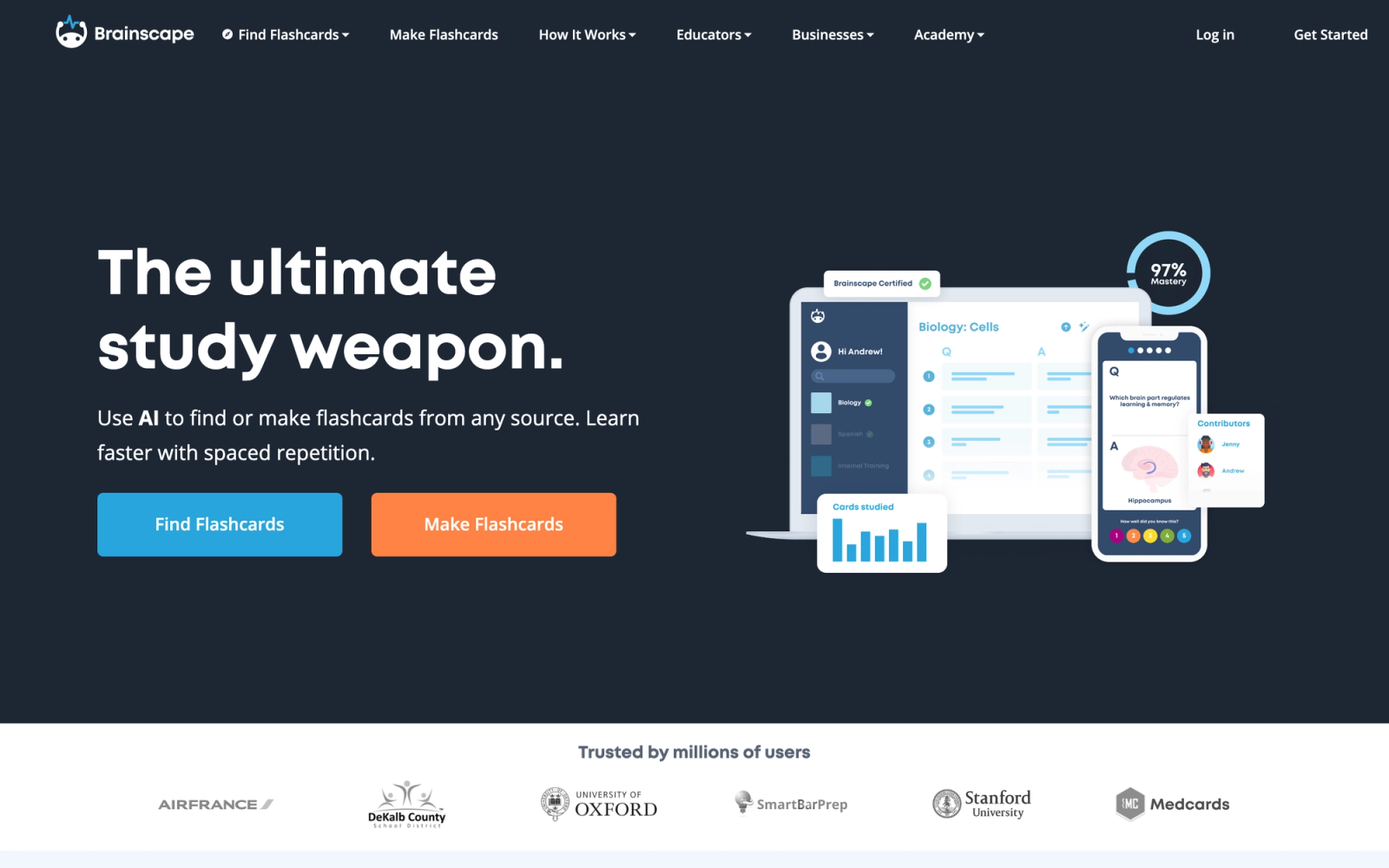
Brainscape positions itself as the "confidence-based repetition" platform. Its core differentiator is a metacognitive study method: after viewing each flashcard, you rate your confidence from 1 to 5, and the algorithm adjusts how frequently you see that card. Cards you know well appear less often. Cards you struggle with repeat more aggressively.
Where Quizlet treats all cards with roughly equal review frequency (unless you use Quizlet Plus's adaptive mode), Brainscape makes adaptive repetition the default experience. The interface is also notably cleaner than Anki, which makes it a practical middle ground between Quizlet's simplicity and Anki's raw power. The confidence rating system forces self-assessment on every card, which itself is a form of active recall that strengthens memory.
Core Capabilities
- Confidence-based repetition algorithm that adapts card frequency to self-assessed mastery
- Clean, modern card editor with text, images, and audio support
- Certified class marketplace with expert-curated decks for standardized exams and professional certifications
- Classroom mode allowing teachers to create, assign, and track flashcard-based study
- Progress dashboards for both learners and instructors with mastery percentages
- Deck sharing and collaborative editing within study groups
- Mobile apps (iOS and Android) with offline study capability on Pro plans
- Organizational accounts for corporate training and onboarding flashcard programs
- API access for enterprise integrations
- Spaced repetition timing calibrated to cognitive science research on memory consolidation
Standout Strength
Brainscape wins on the balance between scientific study methodology and usability. The confidence-based system is simpler to use than Anki's granular controls but more effective than Quizlet's basic review mode. Educators choose Brainscape when they want to assign flashcard-based study with visibility into which students are actually mastering the material.
Best For
Students preparing for standardized exams (bar exam, medical boards, AP tests) who want structured, science-backed flashcards. Also strong for educators and corporate trainers who want to assign flashcard study and monitor class-wide mastery without the complexity of a full LMS.
Pricing Overview
- Free tier: Create and study unlimited cards with core repetition features
- Pro plan: $9.99 per month (billed annually) for premium study modes, offline access, and bookmarking
- Educator/business plans: Custom pricing for classroom management and analytics
Limitations
- Content format is limited to flashcards. No quizzes, no multiple-choice tests, no scenario-based questions.
- The free tier restricts some features that enhance the study experience (offline mode, advanced search).
- Certified class content varies in quality depending on the creator.
Quick Comparison Insight
More structured and science-driven than Quizlet, with better instructor visibility. Less flexible than Anki, but far easier to set up and use from day one.
Kahoot!
Overview
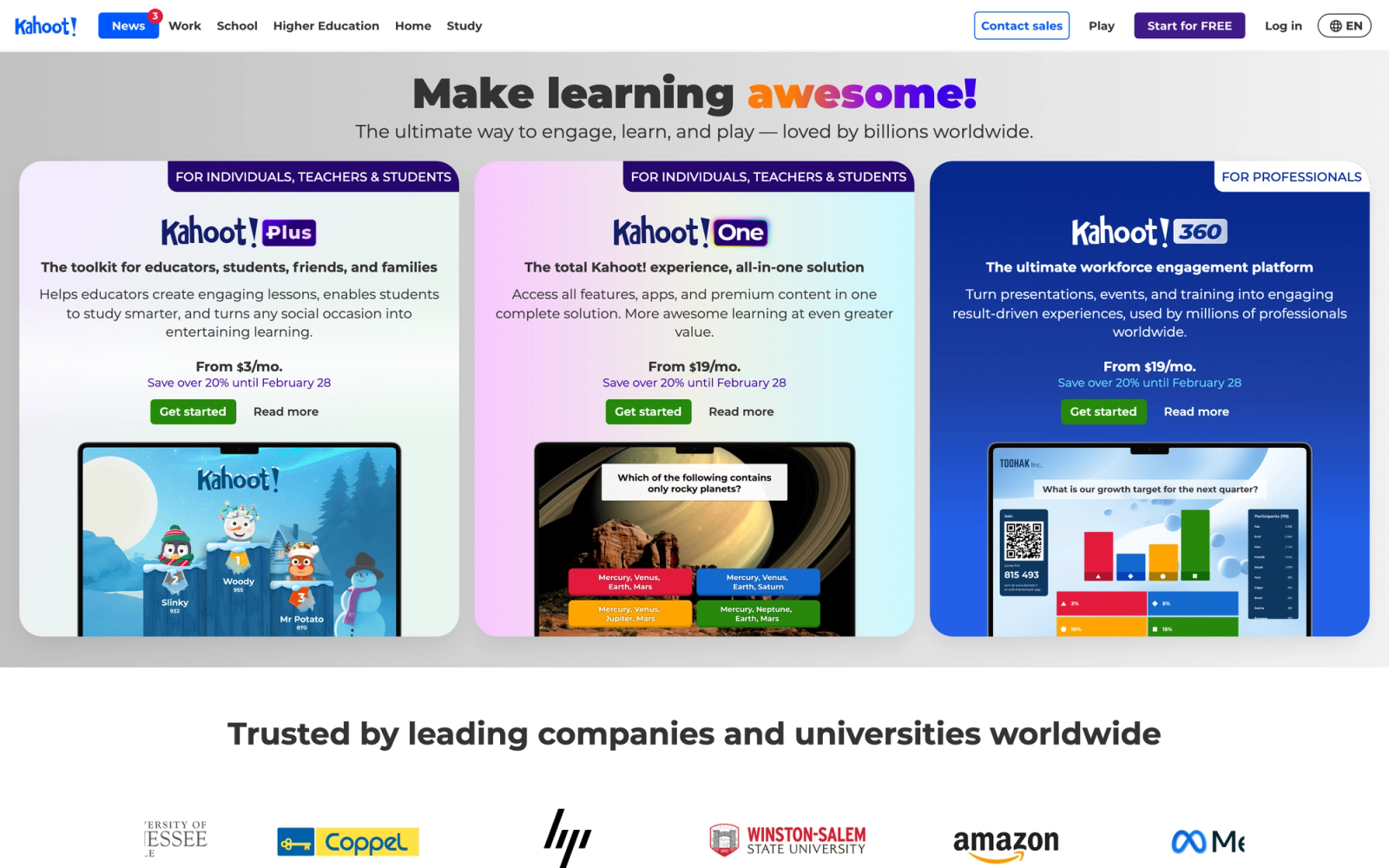
Kahoot! is a live quiz platform built for engagement. Unlike Quizlet, which is designed for individual study, Kahoot! is built around synchronous, game-show-style quiz sessions where participants compete on a shared screen. The energy in a Kahoot! session is fundamentally different from a solo flashcard review. Participants answer timed questions on their devices while a leaderboard tracks scores in real time.
Kahoot! appears in classrooms, corporate workshops, and conference breakout sessions. The platform works best when the goal is engagement and energy rather than deep assessment. The quiz format is intentionally simple: multiple-choice and true/false questions with a countdown timer. That simplicity is a feature, not a limitation, for its core use case of classroom review.
Core Capabilities
- Live game-mode quizzes with real-time leaderboards and participant scoring
- Self-paced challenge mode for asynchronous quiz completion
- Multiple question types including multiple choice, true/false, puzzles, polls, and slider questions
- Team mode for collaborative group play
- Quiz creation editor with image and video support
- Reports and analytics showing individual and class-level performance after each session
- Integration with Microsoft Teams, Google Classroom, and major LMS platforms via LTI
- Content library with millions of ready-made quizzes searchable by topic and grade level
- Branding and customization options on premium plans
- Kahoot! for Schools, Business, and Academy tier variations for different audiences
Standout Strength
Educators and trainers choose Kahoot! because it makes review sessions genuinely fun without requiring significant preparation time. A quiz can be built in minutes and deployed to a room of participants with a single game PIN. The competitive format motivates participation in a way that passive flashcard review cannot match.
Best For
K-12 teachers running in-class review sessions, corporate trainers leading live workshops, and conference facilitators who need audience engagement. Strongest when the goal is participation and energy, not granular knowledge assessment.
Pricing Overview
- Free tier: Host quizzes for up to 50 participants with basic features
- Kahoot! Plus (for teachers): Starting at $3 per month (billed annually)
- Kahoot! 360 (for business): Starting at $17 per user per month
- Kahoot! EDU plans for schools and districts: Custom pricing
Limitations
- Question types are limited compared to dedicated assessment tools. No open-ended responses, no essay questions, no multi-step problems.
- Analytics are session-level, not longitudinal. You cannot easily track a student's progress across multiple quizzes over time.
- Requires a live session or assigned challenge; there is no self-study mode in the traditional flashcard sense.
Quick Comparison Insight
Solves a completely different problem than Quizlet. Where Quizlet is for solo memorization, Kahoot! is for live group engagement. Stronger for classroom energy, weaker for individual retention.
Cram.com
Overview
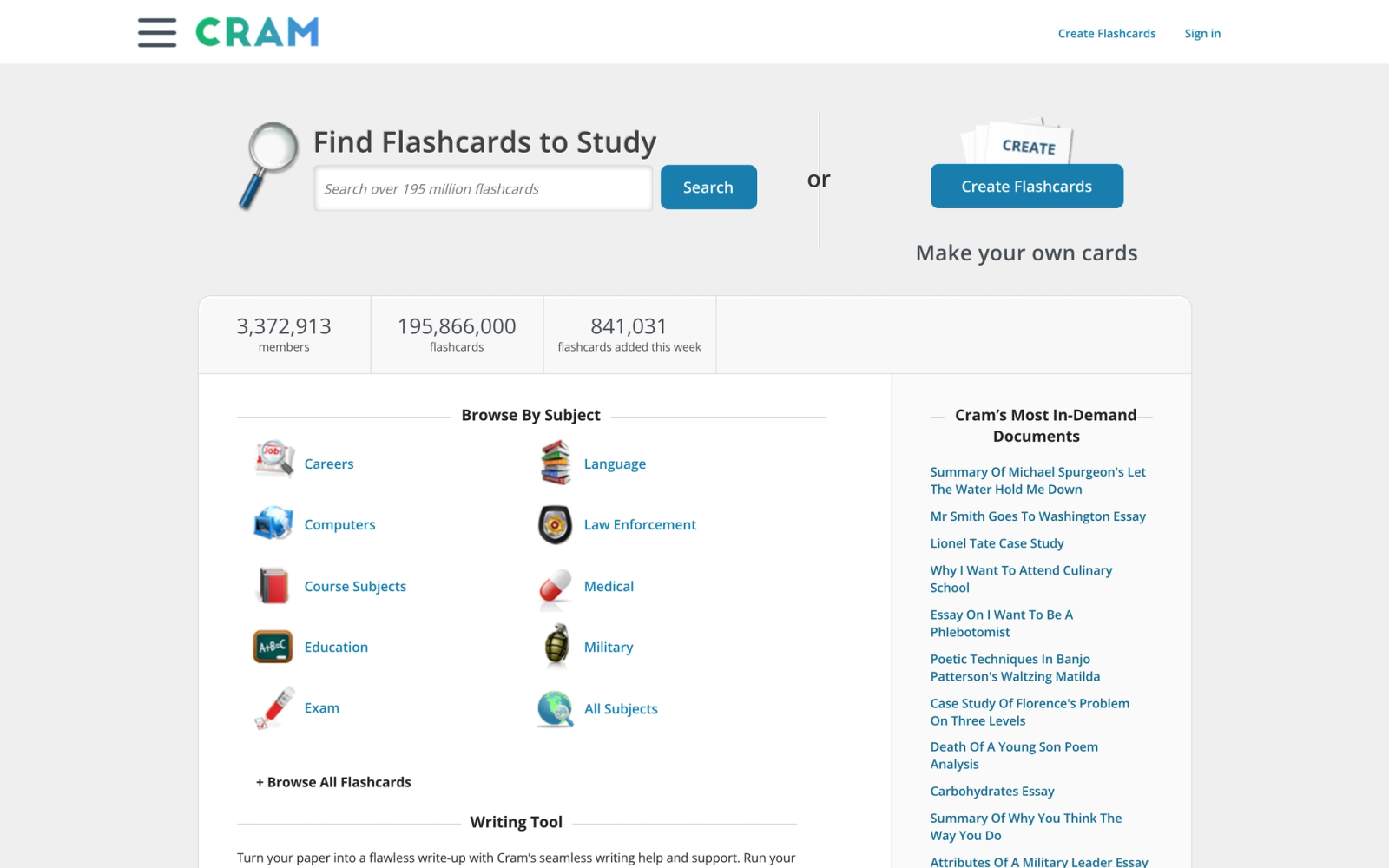
Cram.com is one of the longest-running flashcard platforms on the web, and its appeal is simplicity. Where other tools in this list have evolved into complex platforms with gamification, analytics, and pricing tiers, Cram remains a straightforward flashcard creation and study tool. You create cards, you study them, and you move on.
The interface feels deliberately minimal. There is no spaced repetition algorithm competing with Anki, no gamification layer competing with Kahoot!, and no instructor dashboard competing with Quizizz. What Cram offers is a clean, fast, and free way to make and study flashcards without signing up for yet another subscription service. For learners who just want digital flashcards without the feature bloat, that simplicity is the point.
Core Capabilities
- Simple flashcard creation with text and image support
- Multiple study modes including memorize, test, and game
- Large library of user-created flashcard sets searchable by subject
- Print-friendly flashcard formatting for physical study sessions
- Mobile-optimized web experience for studying on any device
- Flashcard set sharing via direct link
- No mandatory account creation for basic studying
- Cram Premium for ad-free studying and additional features
Standout Strength
Cram fills the role that Quizlet used to fill before it moved features behind a paywall. It is a simple, accessible, mostly free flashcard tool that does not try to be anything more. Users choose it when they want a no-frills study experience without ads interrupting every review session.
Best For
Casual learners and students who want basic flashcard functionality without a subscription commitment. Strong for quick study sessions and one-off exam prep where building a long-term study system is not the goal.
Pricing Overview
- Free tier: Full flashcard creation and study with ads
- Cram Premium: $4.99 per month for ad-free experience and additional study modes
Limitations
- No spaced repetition algorithm. Review scheduling is entirely manual.
- No instructor or classroom features. Purely a personal study tool.
- The platform has not received significant feature updates in recent years, and the user interface feels dated.
Quick Comparison Insight
Simpler and more free-tier friendly than Quizlet, but also less capable. A solid choice when you need basic flashcards and nothing more.
Memrise
Overview
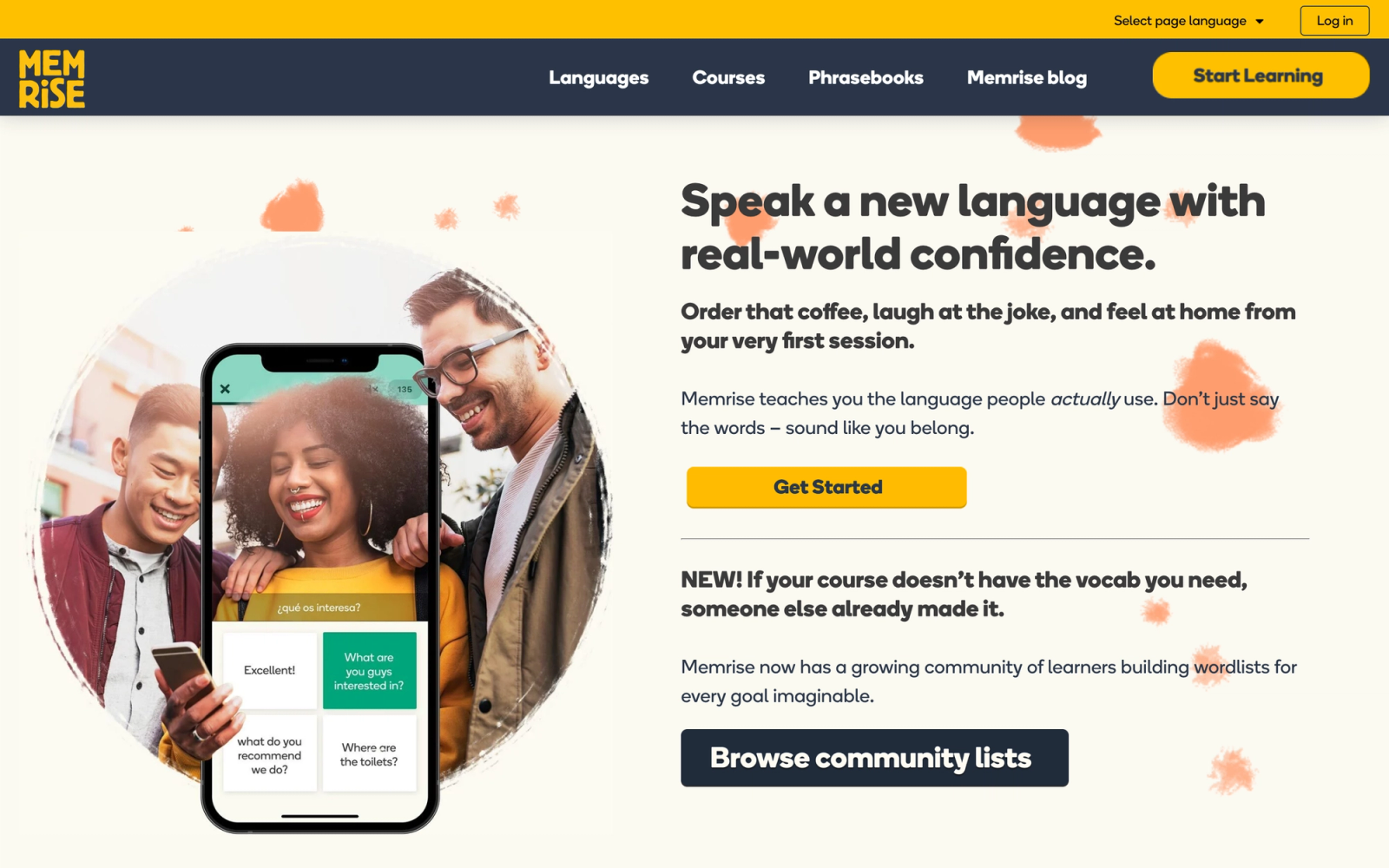
Memrise takes a fundamentally different approach to study than Quizlet by combining spaced repetition with native-speaker video clips, AI-generated conversation practice, and immersive learning scenarios. While Quizlet is a general-purpose flashcard tool that happens to work for languages, Memrise is built from the ground up for language acquisition.
The standout experience is the video component. Instead of reviewing static text cards, learners hear and see native speakers using words and phrases in real contexts, which is particularly effective for pronunciation and listening comprehension, two areas where text-based flashcards fail entirely. The AI-powered conversation practice supports dialogue rehearsal, moving language learning beyond recognition into production. For anyone using Quizlet primarily for language study, Memrise is a dedicated alternative built for that specific purpose.
Core Capabilities
- Spaced repetition system calibrated specifically for language vocabulary retention
- Native-speaker video clips for pronunciation and contextual listening practice
- AI conversation partner for spoken dialogue practice and real-time feedback
- Immersive learning scenarios that simulate real-world language situations
- Official courses for 20+ languages designed by Memrise's in-house linguists
- Grammar and sentence structure lessons integrated alongside vocabulary
- Progress tracking with daily goals and streak motivation mechanics
- Offline mode on premium plans for studying without internet access
- Mobile-first design with apps for iOS and Android
- Community-created courses for niche languages and specialized vocabulary
Standout Strength
Language learners choose Memrise because it addresses the gap between knowing a word on a flashcard and understanding it in real conversation. The combination of video, audio, and AI conversation practice creates a more complete language learning loop than any general-purpose flashcard tool can provide.
Best For
Language learners at beginner to intermediate levels who want more than vocabulary drilling. Especially valuable for learners focused on conversational ability, listening comprehension, and pronunciation rather than just written recognition.
Pricing Overview
- Free tier: Access to limited course content and basic study features
- Memrise Pro: $8.49 per month (billed annually) for full access to all languages, video content, and AI features
- Lifetime plan: One-time purchase available periodically at promotional pricing
Limitations
- Only useful for language learning. Not a general-purpose study tool for science, history, or professional certifications.
- User-generated courses have been de-emphasized in favor of official Memrise content, reducing the community library's utility.
- The free tier is quite limited compared to what Memrise offered previously, pushing most useful features into the paid plan.
Quick Comparison Insight
Far superior to Quizlet for language learning specifically, but useless for anything else. If languages are your focus, Memrise is the clear upgrade.
Quizizz
Overview
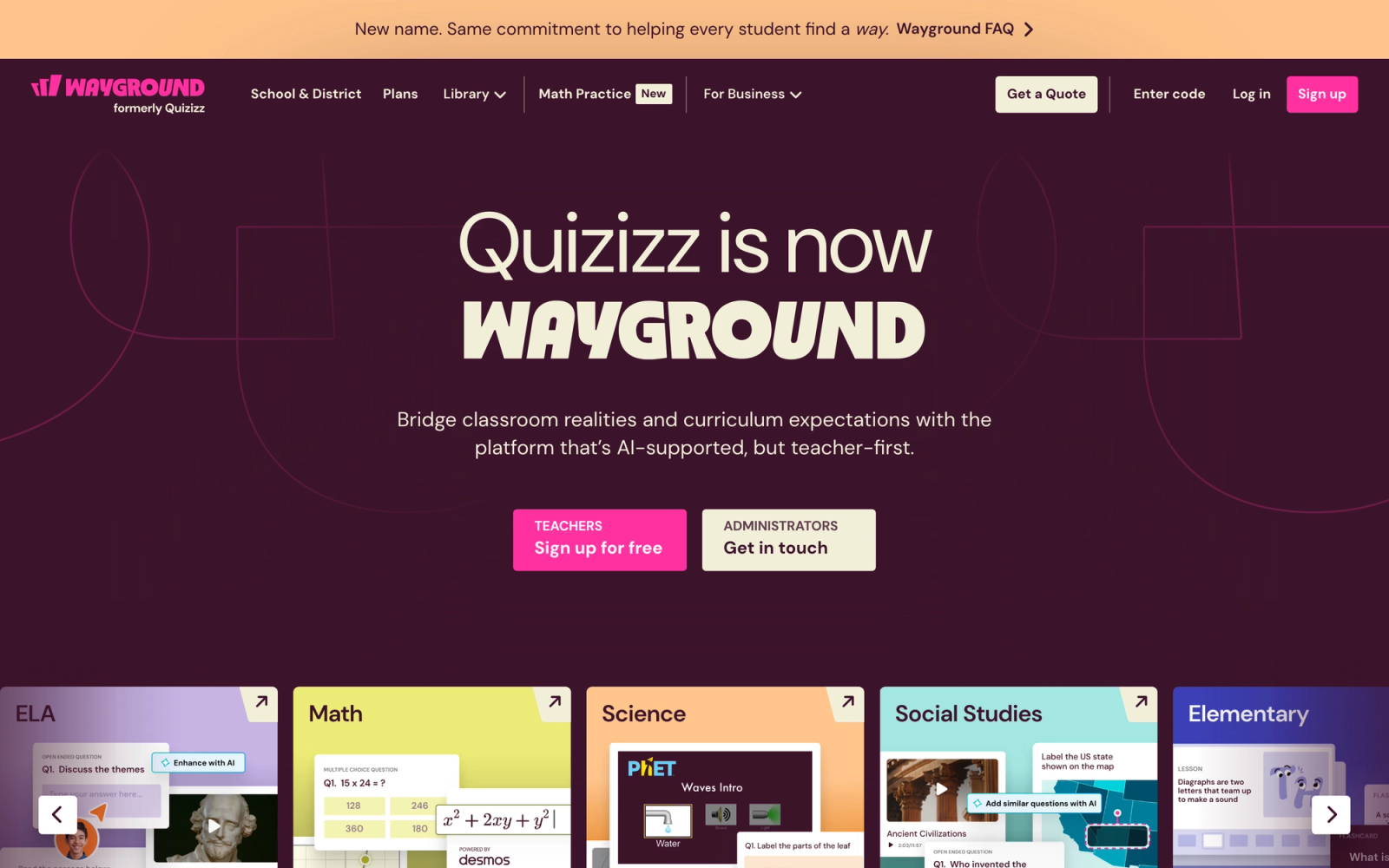
Quizizz sits at the intersection of gamified quizzing and classroom assessment in a way that neither Quizlet nor Kahoot! fully occupies. Like Kahoot!, it offers game-style quizzes with points and leaderboards, but it also supports student-paced completion, meaning students can finish quizzes on their own schedule rather than only during live sessions. That flexibility makes it considerably more practical for homework assignments and online assessments.
The instructor experience is where Quizizz sets itself apart most clearly from Quizlet. Detailed per-question accuracy reports, class-wide performance breakdowns, and native integration with Google Classroom, Canvas, and other LMS platforms give teachers data that Quizlet cannot provide. Where Quizlet gives students a study tool, Quizizz gives educators an assessment tool with game-like engagement built in.
Core Capabilities
- Gamified quiz format with memes, leaderboards, power-ups, and competitive scoring
- Both live and asynchronous (student-paced) quiz modes
- Question types including multiple choice, fill-in-the-blank, open-ended, polls, and drag-and-drop
- AI quiz generator that creates questions from documents, URLs, or topics
- Instructor dashboard with question-level accuracy reports, class averages, and individual student breakdowns
- Lessons mode combining quizzes with instructional slides for blended delivery
- Integration with Google Classroom, Canvas, Schoology, and Microsoft Teams
- Massive content library with millions of teacher-created quizzes searchable by subject and standard
- Customizable branding for business and corporate training use
- Homework assignment mode with due dates and automatic grading
Standout Strength
Educators choose Quizizz because it bridges the gap between engagement and accountability. The gamification keeps students participating, while the analytics give instructors the data they need to identify knowledge gaps and adjust instruction. The asynchronous mode solves the biggest limitation of live-only platforms like Kahoot!.
Best For
K-12 educators and corporate trainers who need gamified assessment with real analytics. Particularly strong for teachers who assign quizzes as homework and need completion tracking, and for instructional designers who want question-level performance data without building a full exam in an LMS.
Pricing Overview
- Free tier: Generous; includes quiz creation, live games, and homework assignment for up to 100 participants
- Quizizz Super (individual teacher): $4 per month (billed annually)
- Quizizz for Schools and Districts: Custom pricing with admin controls and rostering
- Quizizz for Work: Starting at $5 per trainer per month
Limitations
- The gamification elements (memes, power-ups) can feel juvenile for adult learners and corporate settings, though these can be disabled.
- Deeper assessment needs (rubric-based grading, essay scoring, proctoring) are outside the platform's scope.
- Report exports are functional but not as flexible as dedicated assessment analytics platforms.
Quick Comparison Insight
More assessment-capable than Quizlet, with real instructor analytics and LMS integration. Less specialized than Anki for long-term retention. The strongest Quizlet alternative for educators who need both engagement and data.
Socrative
Overview
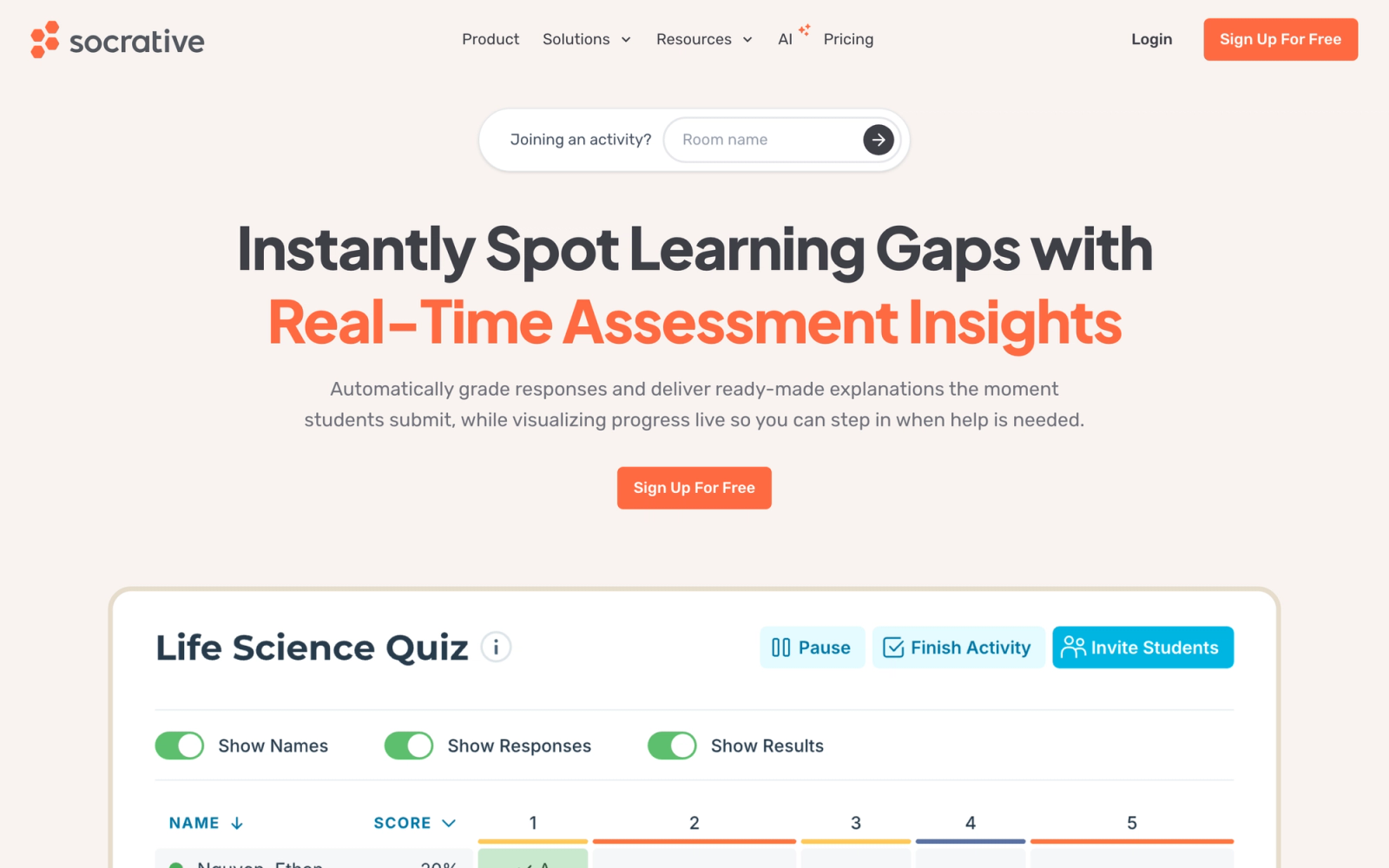
Socrative is a formative assessment tool built for real-time classroom feedback. While Kahoot! and Quizizz emphasize gamification, Socrative prioritizes clarity and speed in checking student understanding. The platform's signature feature is the "Exit Ticket" and "Quick Question" format, designed so a teacher can gauge comprehension in under two minutes without any prep.
Socrative's strength is its simplicity. There are no leaderboards, no memes, no power-ups. A teacher creates a quiz or launches a quick poll, students respond on their devices, and results appear immediately in a clean dashboard. For educators who want real-time comprehension data without the game-show atmosphere, Socrative offers a more measured approach. The Space Race team mode adds competition when appropriate, but it is optional rather than central to the experience.
Core Capabilities
- Quick Question mode for instant true/false, multiple choice, or short answer polls
- Quiz creation with multiple choice, true/false, and short answer question types
- Exit Ticket feature for end-of-class comprehension checks
- Space Race team game mode for optional competitive review sessions
- Real-time results dashboard showing individual and class-wide responses as they come in
- Downloadable reports in spreadsheet format for grade recording
- Room-based system where students join via a simple room code
- Question-level analysis showing which concepts need re-teaching
- Integration with Google Classroom for roster syncing
- Works on any device with a browser; no student app installation required
Standout Strength
Teachers choose Socrative because it delivers clean formative assessment without distractions. The Exit Ticket feature alone justifies the platform for many educators; it takes 60 seconds to set up and gives immediate, actionable data on what students understood from a lesson.
Best For
K-12 teachers and university professors who need quick, frequent formative assessment during or after class. Also strong for corporate trainers running workshops who want instant comprehension checks. Less suitable for homework assignments or long-term study tracking.
Pricing Overview
- Socrative Free: One public room, up to 50 students, core quiz and poll features
- Socrative Pro: $59.99 per year for multiple rooms, roster management, and advanced features
Limitations
- No spaced repetition or flashcard features. Socrative is purely an assessment tool, not a study tool.
- The free tier limits you to one room, which means only one class can be active at a time.
- Question types are basic compared to platforms that support drag-and-drop, matching, or multimedia questions.
Quick Comparison Insight
Designed for formative assessment where Quizlet is designed for self-study. The two tools solve entirely different problems, which makes Socrative a complement rather than a direct replacement for most use cases.
Gimkit
Overview
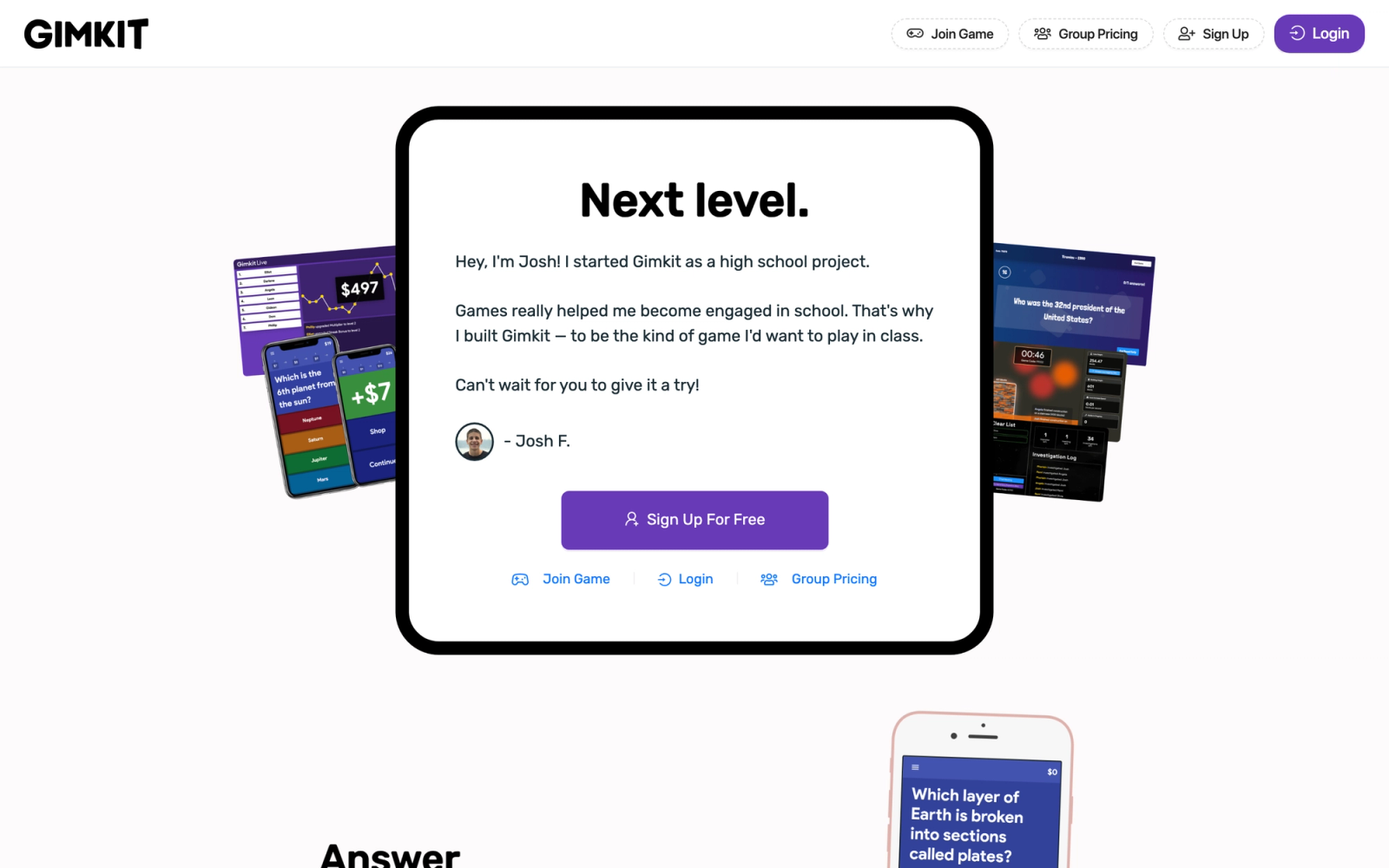
Gimkit brings a video game sensibility to classroom review that goes beyond what Kahoot! or Quizizz offer in terms of quiz structure. Created by a high school student, the platform treats review sessions like an in-game economy: students earn virtual currency for correct answers and spend it on power-ups, upgrades, and strategic advantages. The result is a level of student investment in the review process that other quiz platforms do not replicate.
The game modes are what set Gimkit apart. "Trust No One" is inspired by social deduction games. "Tag: Domination" plays like a territory control game. "The Floor is Lava" creates elimination-style pressure. Each mode uses quiz questions as the progression mechanic, but the wrapper is far more engaging for younger learners than standard points-and-leaderboard competitions.
Core Capabilities
- Multiple game modes including Classic, Trust No One, Tag: Domination, The Floor is Lava, and more
- In-game economy where students earn and spend virtual currency on power-ups and upgrades
- Kit creation (quiz builder) with multiple choice questions and image support
- Assignment mode for asynchronous student completion outside class
- Class results and individual performance reports after each session
- AI-assisted kit creation from topic descriptions or imported content
- Live dashboard showing real-time student progress during game sessions
- Seasonal game modes and rotating limited-time events to maintain student interest
Standout Strength
K-12 teachers choose Gimkit because the layered game structure creates student motivation to participate in review sessions that points and leaderboards alone do not. Where Kahoot! and Quizizz rely on competitive scoring, Gimkit adds strategy, an in-game economy, and varied formats that students return to by choice. That enthusiasm translates directly into more time spent with the material.
Best For
K-12 educators, especially at the middle and high school level, who need a review tool that students genuinely want to use. Strongest for subjects where factual recall matters (vocabulary, dates, formulas, terminology) and the teacher wants maximum participation during review periods.
Pricing Overview
- Free tier: Limited to 5 kits and basic game modes
- Gimkit Pro: $9.99 per month or $59.88 per year for unlimited kits, all game modes, and reports
- School and district plans: Custom pricing
Limitations
- The game-heavy format is designed for K-12 and feels out of place in adult education or corporate training contexts.
- Question types are limited to multiple choice. No open-ended, short answer, or complex question formats.
- Analytics are less detailed than Quizizz or Socrative for identifying specific knowledge gaps.
Quick Comparison Insight
The most engaging review tool for younger learners in this list, surpassing Kahoot! in game depth. But the narrow question types and K-12 focus make it a specialist tool, not a general Quizlet replacement.
Where Teachfloor Fits
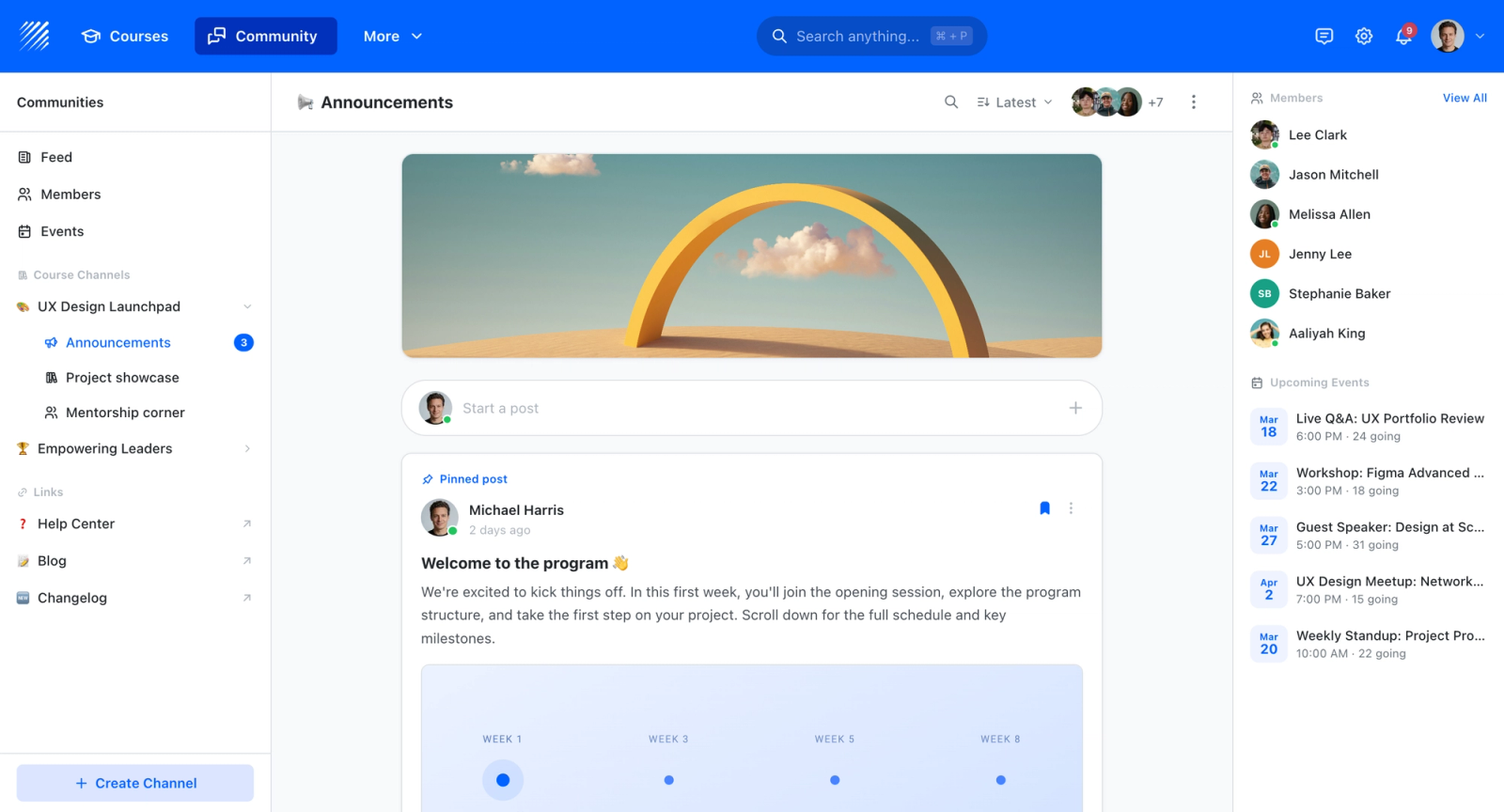
Most of the options here are built around flashcards, spaced repetition, or quick recall games, and Teachfloor is none of those. It becomes relevant only when loose study material needs to grow into a structured course with sequenced lessons, graded assessments, and certificates of completion. If your goal stays at the flashcard and self-study level, a tool from this list fits better; if the content is becoming a program learners enroll in, that is the point where a learning platform comes into the picture.
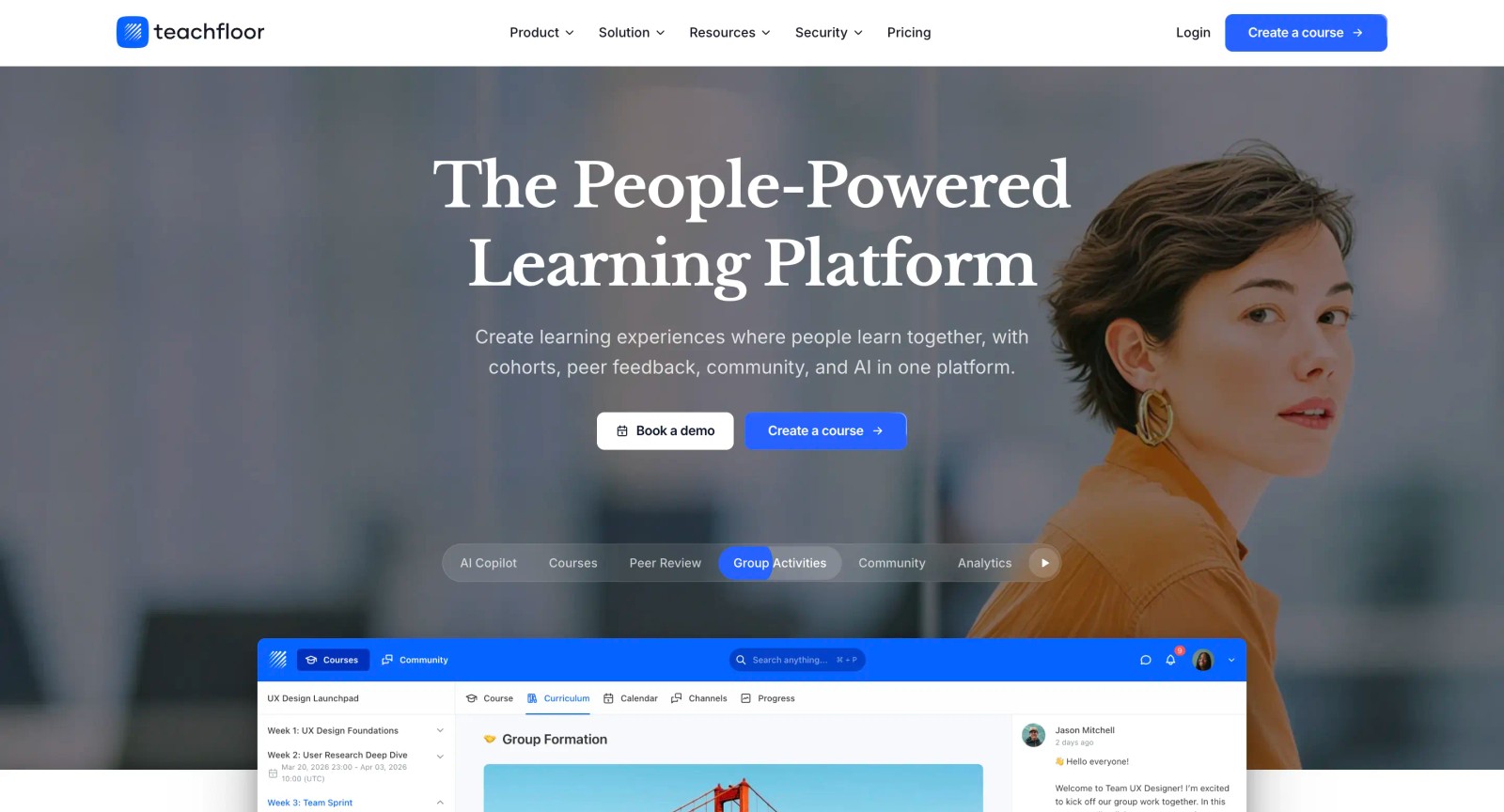
If you are choosing a home for your courses rather than a single-purpose tool, Teachfloor is worth a look. It starts at $89 per month with a 14-day free trial.
How to Choose the Right Alternative
The tools in this list solve different problems, and picking the right one depends on what you are actually trying to accomplish. Here is how to think through the decision.
If your primary need is long-term memorization, Anki and Brainscape are the strongest options. Anki gives you maximum control over spaced repetition at no cost but demands setup time. Brainscape offers a more polished experience with confidence-based repetition and instructor dashboards for a monthly fee.
If you are an educator who needs classroom engagement, Kahoot!, Quizizz, and Gimkit each take a different approach. Kahoot! is best for live, synchronous sessions where energy matters most. Quizizz adds asynchronous assignment and deeper analytics. Gimkit offers the most immersive game mechanics for K-12 classrooms.
If you need formative assessment data without gamification, Socrative provides clean, fast classroom polls and exit tickets with immediate results. It is purpose-built for quick comprehension checks.
If you are a language learner, Memrise is the clear choice. Its video-based approach and AI conversation practice address parts of language acquisition that flashcards cannot touch.
If you want a simple, free flashcard tool, Cram.com and StudyBlue (Chegg) both offer straightforward alternatives. Cram is lighter and more independent. StudyBlue adds value if you already use Chegg for textbook solutions.
If you need structured assessment programs, Teachfloor addresses the use case where assessments are part of a designed curriculum with cohort management, progress tracking, and instructor oversight.
The common mistake is choosing a tool based on feature count rather than fit. A medical student preparing for board exams and a middle school teacher running weekly review sessions have fundamentally different needs. The best alternative is the one that matches your specific learning or teaching context.
FAQ
Is Anki really free?
Anki is free and open source on desktop (Windows, Mac, Linux) and on Android via AnkiDroid. The iOS app, AnkiMobile, costs $24.99 as a one-time purchase. AnkiWeb for syncing across devices is free. There are no subscription fees or premium tiers on the desktop application.
Can Quizizz replace Quizlet for classroom use?
For educators, Quizizz is a stronger classroom tool than Quizlet. It offers instructor dashboards, question-level analytics, homework assignment mode, and LMS integration that Quizlet lacks. The trade-off is that Quizizz does not have flashcard-based self-study features, so students may still want a separate tool for individual review.
Which Quizlet alternative is best for medical students?
Anki is the standard recommendation for medical students. The USMLE and MCAT study communities have built extensive shared deck libraries (AnKing being the most well-known), and the spaced repetition algorithm is well suited for the volume of factual information medical education requires. Brainscape is a more accessible alternative if Anki's interface feels too complex.
Do any of these tools integrate with Google Classroom?
Kahoot!, Quizizz, and Socrative all integrate with Google Classroom. Quizizz has the deepest integration, supporting roster import, assignment posting, and grade sync. Kahoot! supports assignment sharing through Google Classroom. Socrative connects for roster management.
What is the best free Quizlet alternative?
Anki (desktop and Android) and Cram.com offer the most complete free experiences. Quizizz also has a generous free tier for educators. The definition of "best" depends on whether you need spaced repetition (Anki), simple flashcards (Cram), or classroom quizzing (Quizizz).


