

What Makes an Educational Technology Solution Effective?
Buying technology for a school or university is easy. Getting faculty and students to actually use it in ways that improve learning is the hard part. The gap between procurement and impact is where most educational technology investments stall. A tool can check every feature box on a vendor comparison sheet and still sit unused because it does not fit how instructors teach or how students learn.
Effective educational technology solutions share a few qualities that separate them from tools that just look good in a demo. First, they reduce friction for the instructor. If a professor has to spend hours configuring a platform before each semester, adoption drops. The technology should make course delivery, grading, communication, and student engagement easier, not harder.
Second, they support the actual learning model. A lecture-heavy engineering program has different needs than a discussion-based humanities seminar or a hands-on clinical rotation. The best educational technology solutions do not force a single pedagogical approach. They adapt to how a department or institution already teaches, while opening up new possibilities for interactive learning and collaboration.
Third, they integrate into existing infrastructure. Schools and universities run on student information systems, single sign-on, gradebooks, and accessibility standards. A tool that requires a separate login, cannot pass grades back to the SIS, or fails WCAG compliance creates more problems than it solves. LMS integrations matter as much as the features themselves.
Key Features to Evaluate in EdTech Platforms
Before comparing individual tools, it helps to establish what you are actually evaluating. Educational technology solutions fall into several categories, and the features that matter depend on which problem you are solving.
Course delivery and content management. This is the foundation. Can the platform host course materials, organize them by module or week, and deliver them to students in a logical sequence? Look for support for multiple content types (video, documents, SCORM packages, embedded tools) and the ability to structure curriculum management without requiring technical expertise from faculty.
Assessment and grading. Quizzes, assignments, rubrics, peer review, and gradebook integration are non-negotiable for academic institutions. The quality of assessment tools varies dramatically. Some platforms offer basic multiple-choice quizzes. Others support formative assessment with real-time feedback, rubric-based grading, and online assessment that connects directly to institutional gradebooks.
Engagement and interaction. Passive content delivery does not produce learning outcomes. Look for tools that support discussion, polling, live interaction, group work, and active learning strategies. Platforms that treat engagement as a core function rather than an afterthought consistently produce better outcomes.
Analytics and reporting. Instructors need to know which students are falling behind, which content is working, and where the course design needs adjustment. Learning analytics should go beyond login counts and completion rates to include engagement patterns, assessment performance, and early warning indicators.
Accessibility and compliance. WCAG 2.1 compliance, screen reader support, automatic captioning, and alternative text are baseline requirements for public institutions. Evaluate these early, not as an afterthought.
Scalability and administration. A tool that works for one course section needs to also work for 500 sections. Institutional deployment requires bulk enrollment, role-based permissions, multi-campus support, and centralized administration.
12 Best Educational Technology Solutions
The tools below span flexible learning platforms, learning management systems, classroom engagement, assessment, video infrastructure, and exam proctoring. Each solves a different piece of the educational technology stack, covering the range of needs that K-12 schools and universities face.
This guide covers a multi-category educational technology stack, not a single LMS: a flexible learning platform plus tools for engagement, assessment, video, and proctoring. Most institutions run several of these together. If you only want a head-to-head of core university LMS options, see our dedicated guide to the best LMS for higher education. For budget-conscious buyers, our notes on LMS pricing and affordable LMS options are useful companions.
| Tool | Category | Starting price | Free trial / tier | Best for |
|---|---|---|---|---|
| Teachfloor | Flexible learning platform | $89/mo (Startup, 50 learners) | 14-day trial | Social, live, cohort, and self-paced programs with community and peer review |
| Canvas (Instructure) | LMS | Custom (free for teachers) | Free teacher tier | Universities needing an open, extensible LMS |
| Google Classroom | Classroom management | Free with Workspace for Education | Free tier | K-12 schools on Google Workspace |
| Blackboard (Anthology) | LMS | Custom (institutional) | Demo only | Large universities wanting enterprise analytics |
| Schoology (PowerSchool) | LMS | Custom (district) | Demo only | K-12 districts needing deep SIS integration |
| Moodle | Open-source LMS | Free (self-hosted); MoodleCloud ~$130/yr | Free / open-source | Institutions wanting open-source control |
| Brightspace (D2L) | LMS | Custom (institutional) | Demo only | Schools prioritizing adaptive learning paths |
| Nearpod | Engagement | Free; school plans custom | Free tier (~40/session) | Teachers building interactive lessons |
| Kahoot! | Engagement | EDU teacher plans from ~$3.50/mo | Free tier (~10 players) | Gamified review and knowledge checks |
| Turnitin | Assessment / integrity | Custom (per-student) | Demo only | Academic integrity and writing feedback |
| Panopto | Video | Custom (institutional) | Demo only | Lecture capture and video management |
| Proctorio | Proctoring | Custom (per enrollment) | Demo only | Secure online exam proctoring at scale |
Teachfloor
Overview
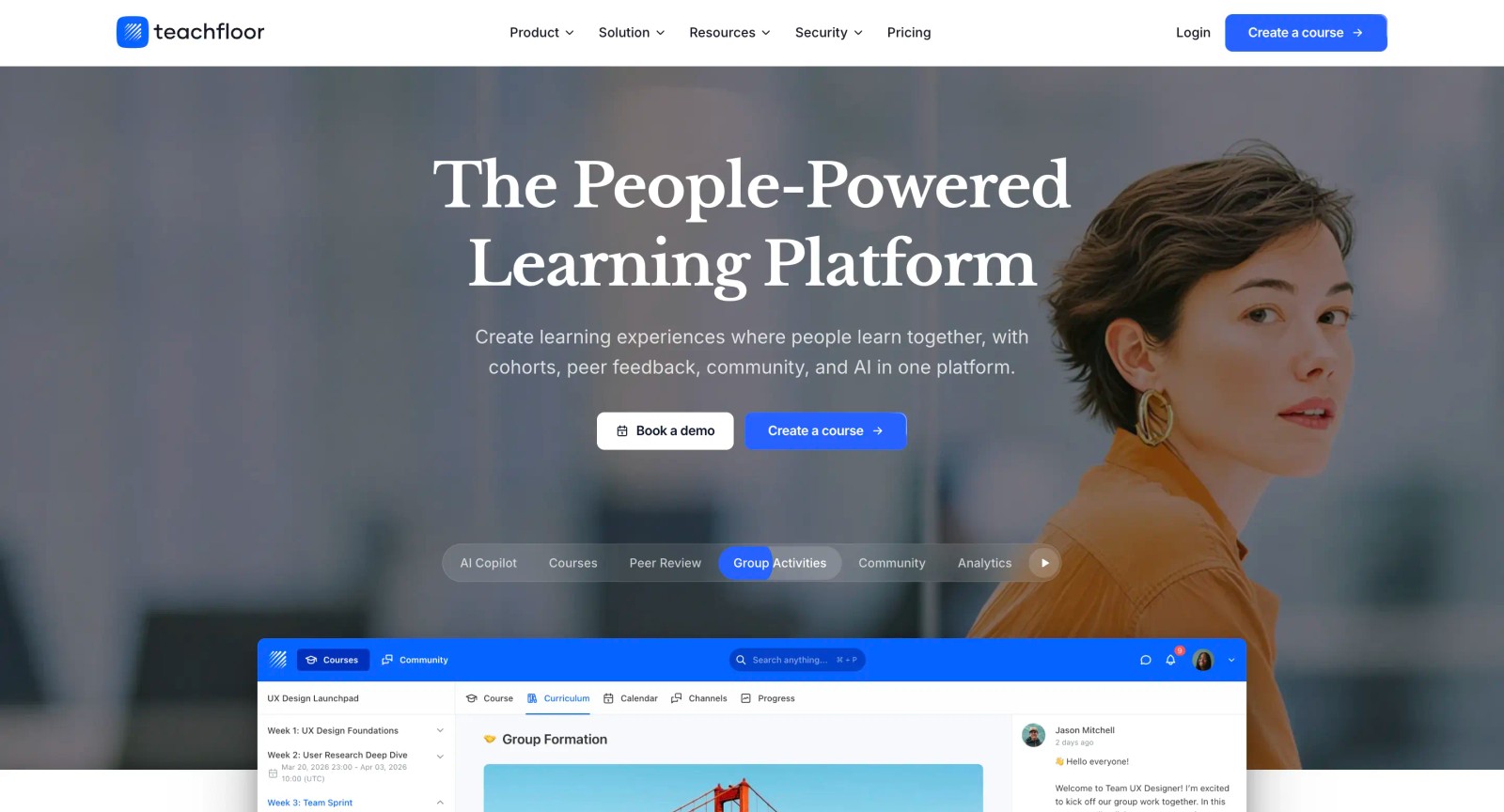
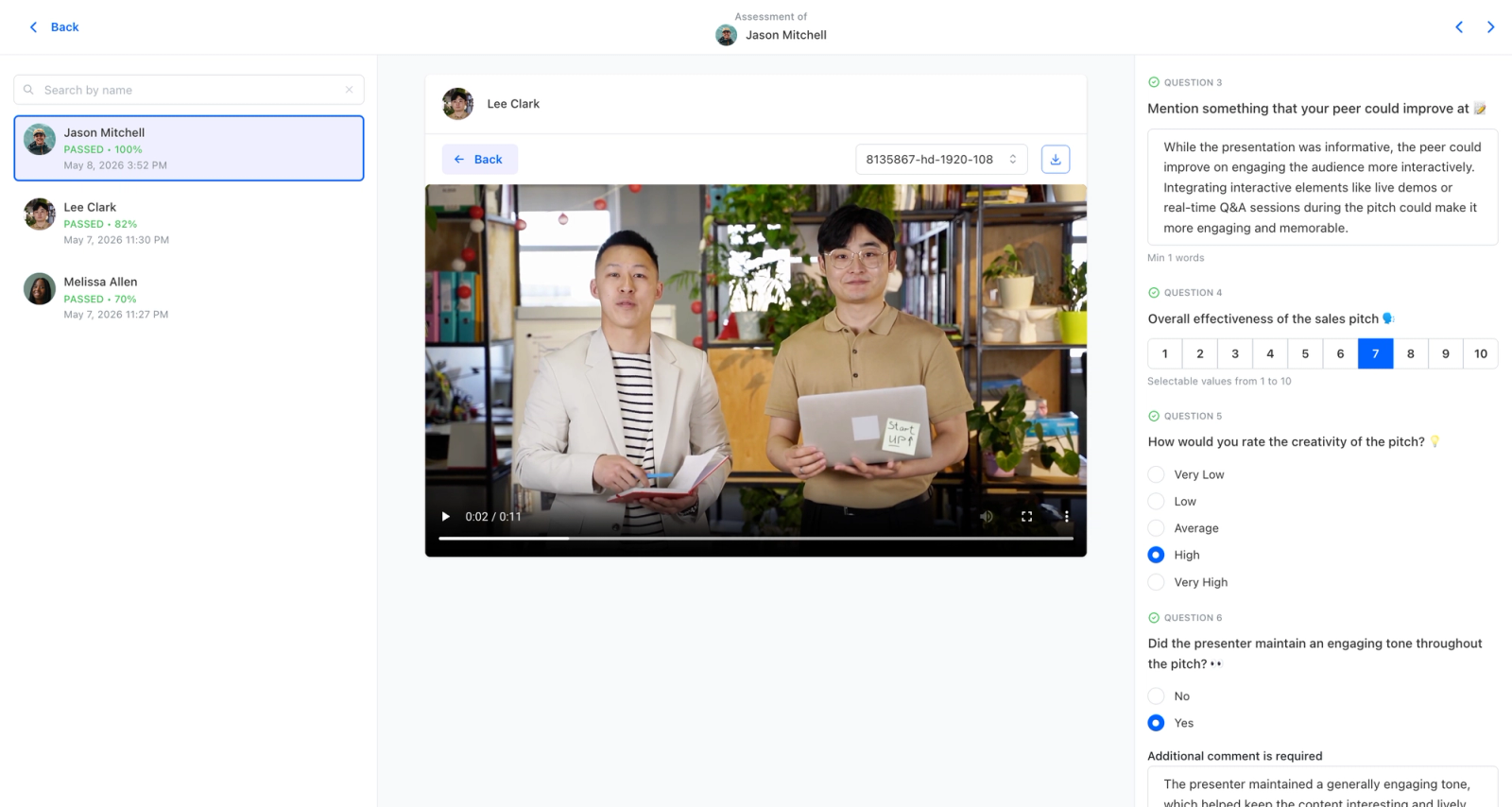
Teachfloor sits in the space between a full institutional LMS and a single-purpose engagement app. It is a course platform built for programs that need flexibility in how learning gets delivered: the same course can run self-paced, on a fixed live schedule, or as a structured cohort, and instructors can mix those modes inside one program. That makes it a fit for continuing education arms, bootcamps, professional schools, and academic departments running non-traditional programs that a Canvas or Blackboard deployment was never shaped around. AI-assisted authoring helps instructors draft module outlines and assessment questions from existing material, so the gap between owning the tool and actually building something in it stays small.
Core Capabilities
- Three delivery modes (self-paced, live, cohort) inside a single platform, switchable per course rather than locked at the account level
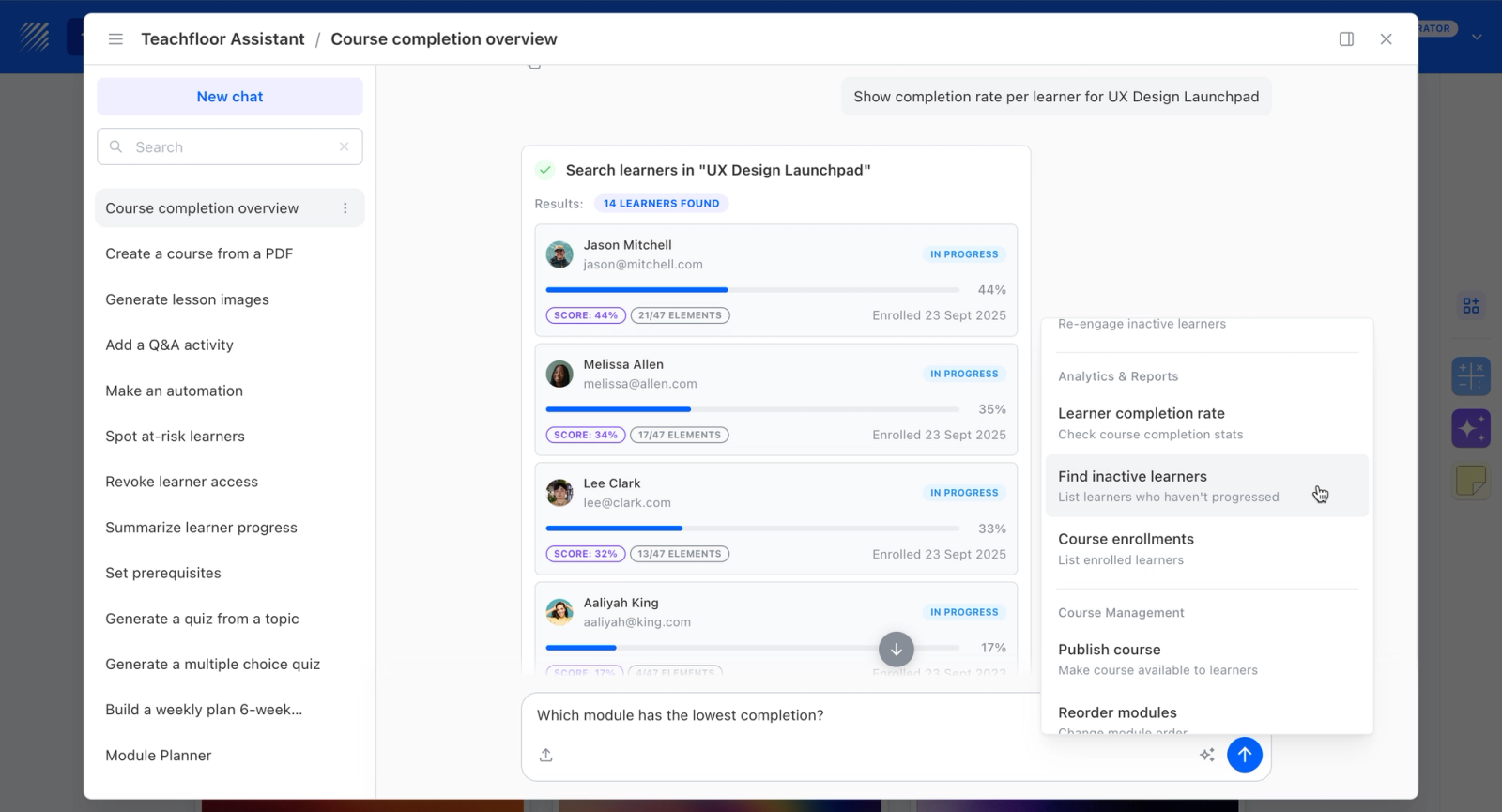
- AI-assisted authoring that turns existing notes, slides, or documents into module drafts and quiz questions
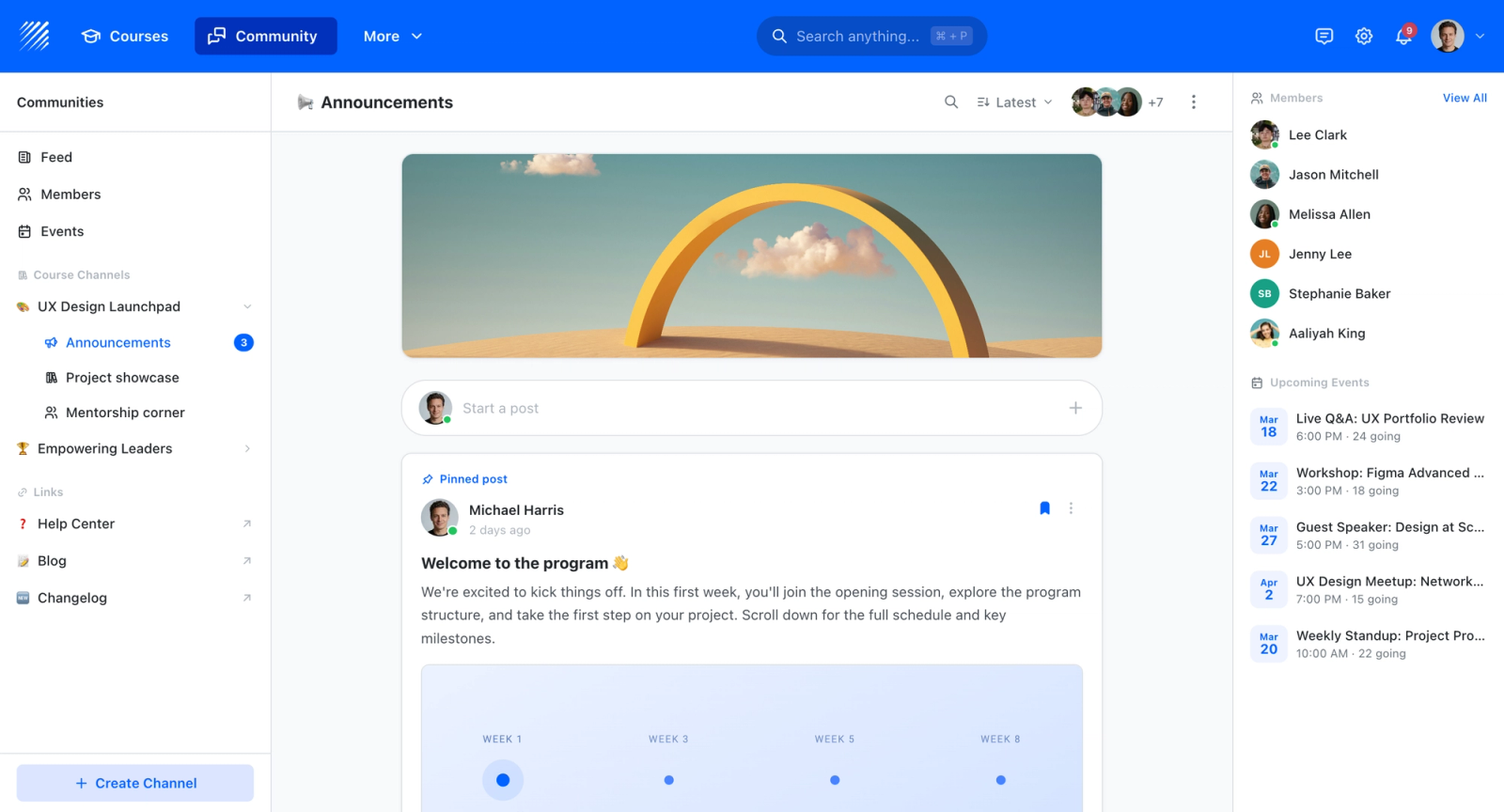
- Built-in community and discussion spaces tied to each course, so interaction is part of the course rather than a separate forum tool
- Quizzes, certificates, and completion tracking for assessment and credentialing
- White-label delivery on the institution's own domain, with multi-branch support for separate departments or programs
- SCORM support and analytics for programs migrating existing content or reporting on engagement
Best For
Continuing education units, professional and certificate programs, bootcamps, and academic departments that need to deliver the same content in different formats and want social interaction built in rather than bolted on. Less suited to a campus-wide LMS replacement integrated with a student information system.
Pricing Overview
- Startup plan from $89 per month for up to 50 learners
- Full Features plan with custom pricing, white-label, SSO, and advanced integrations
- 14-day free trial; no permanent free plan
- Nonprofit discounts available
Limitations
- Not a drop-in replacement for an institution-wide LMS; no deep SIS integration the way Schoology or Brightspace offer
- No free plan, so it is a harder fit for budget-constrained K-12 schools that Google Classroom or Moodle serve
- Smaller third-party integration catalog than the established higher-ed incumbents
- Built for course-level delivery, not specialized functions like lecture capture or proctoring that tools such as Panopto or Proctorio handle
Quick Comparison Insight
A flexible course platform with native community and peer learning, best for non-traditional and continuing-ed programs rather than as a campus-wide LMS.
Canvas (Instructure)
Overview
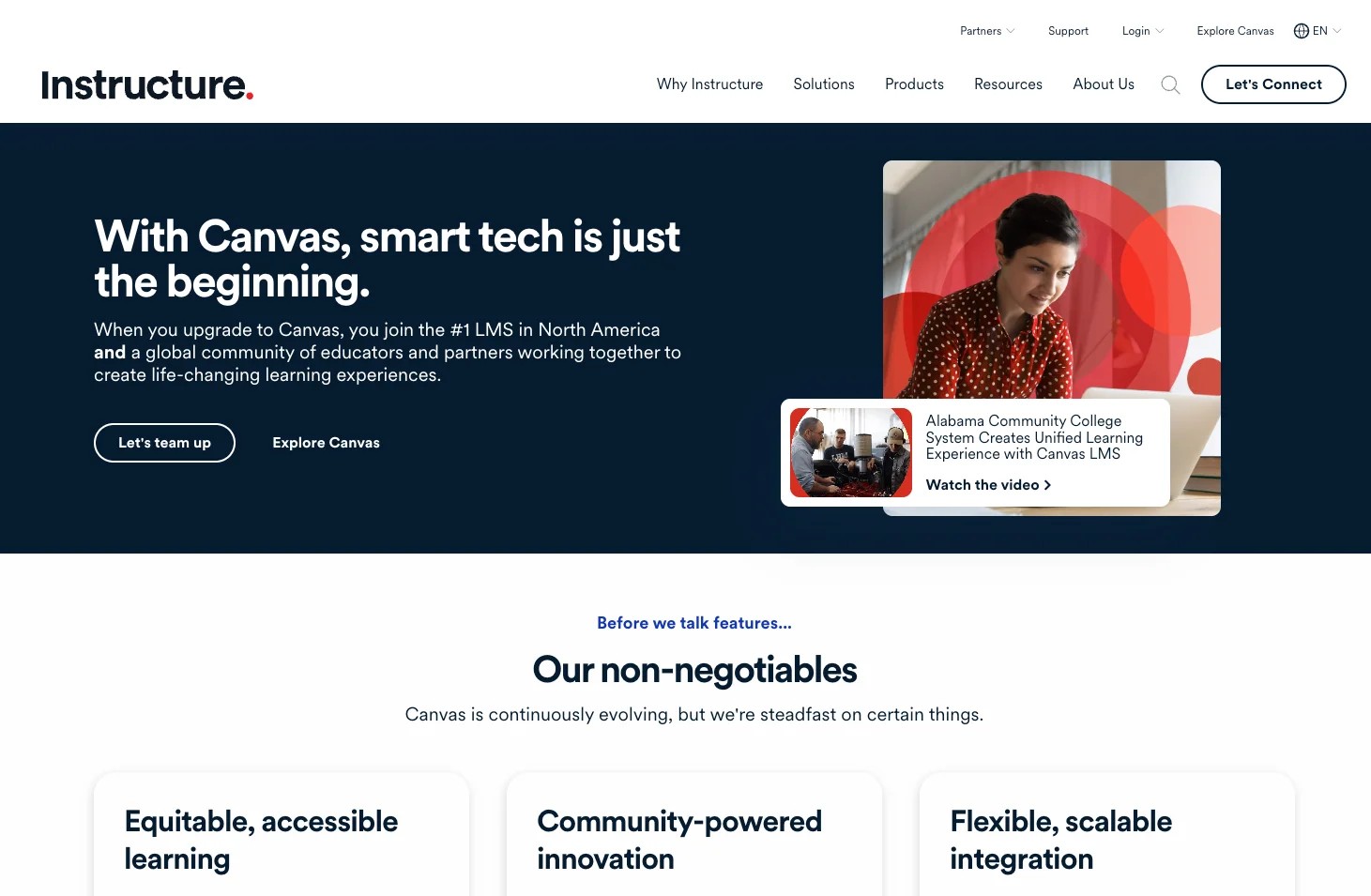
Canvas has become the dominant LMS in North American higher education, and that position is not accidental. The platform was built with an open architecture philosophy that lets institutions extend functionality through LTI integrations, APIs, and a large catalog of third-party tools. Where older LMS platforms locked institutions into a proprietary stack, Canvas provides the core infrastructure and lets each department choose its own tools on top.
The practical experience of using Canvas reflects this philosophy. The interface is cleaner than most academic LMS platforms. Course setup follows logical patterns that faculty can learn without extensive training. Students get a consistent experience across courses even when different instructors use different teaching methods. The SpeedGrader tool for assignment feedback and the built-in peer review workflow are particularly strong for institutions that prioritize writing-intensive or project-based instructional design.
Core Capabilities
- Open LTI and API framework supporting hundreds of third-party tool integrations
- SpeedGrader for inline annotation, rubric-based grading, and audio/video feedback on student submissions
- Built-in peer review assignments with structured feedback workflows
- Discussion boards with threaded replies, grading, and multimedia embedding
- Canvas Studio for interactive video with embedded quizzes and analytics
- Modules system for organizing course content into structured learning sequences
- Outcomes and rubrics framework aligned with institutional learning objectives
- Canvas Commons for sharing and importing course content across the institution
- Mobile app with offline access for assignments and course content
- Analytics dashboards for instructors and administrators with student engagement data
Standout Strength
Canvas has the broadest third-party integration catalog of any academic LMS. If a department needs a specific tool for simulations, video, lab work, or specialized assessment, there is almost certainly an LTI connection available. This lets institutions standardize on Canvas as the hub while allowing individual programs to pick spoke tools based on disciplinary needs.
Best For
Mid-to-large universities and colleges that need a flexible, extensible LMS capable of supporting diverse teaching approaches across departments. Particularly strong for institutions that value instructor autonomy in tool selection while maintaining a consistent student experience.
Pricing Overview
- Canvas LMS for institutions: custom pricing based on enrollment and deployment scope
- Canvas Free for Teachers: free version with limited features for individual instructors
- Canvas for K-12 available through Instructure sales
Limitations
- Institutional pricing is not publicly available, making budget planning difficult before engaging with sales. The enterprise model means smaller institutions may find costs disproportionate to their enrollment.
- The open model requires institutions to make their own integration decisions, which can create inconsistency across departments if not managed centrally.
- Collaboration features are solid but conventional. Canvas does not offer cohort-based delivery or built-in community spaces for ongoing learner interaction beyond individual courses.
Quick Comparison Insight
The broadest set of integrations of any academic LMS. Stronger on flexibility and third-party tool support than Blackboard or Schoology, but less opinionated about pedagogy than Brightspace's adaptive approach.
Google Classroom
Overview
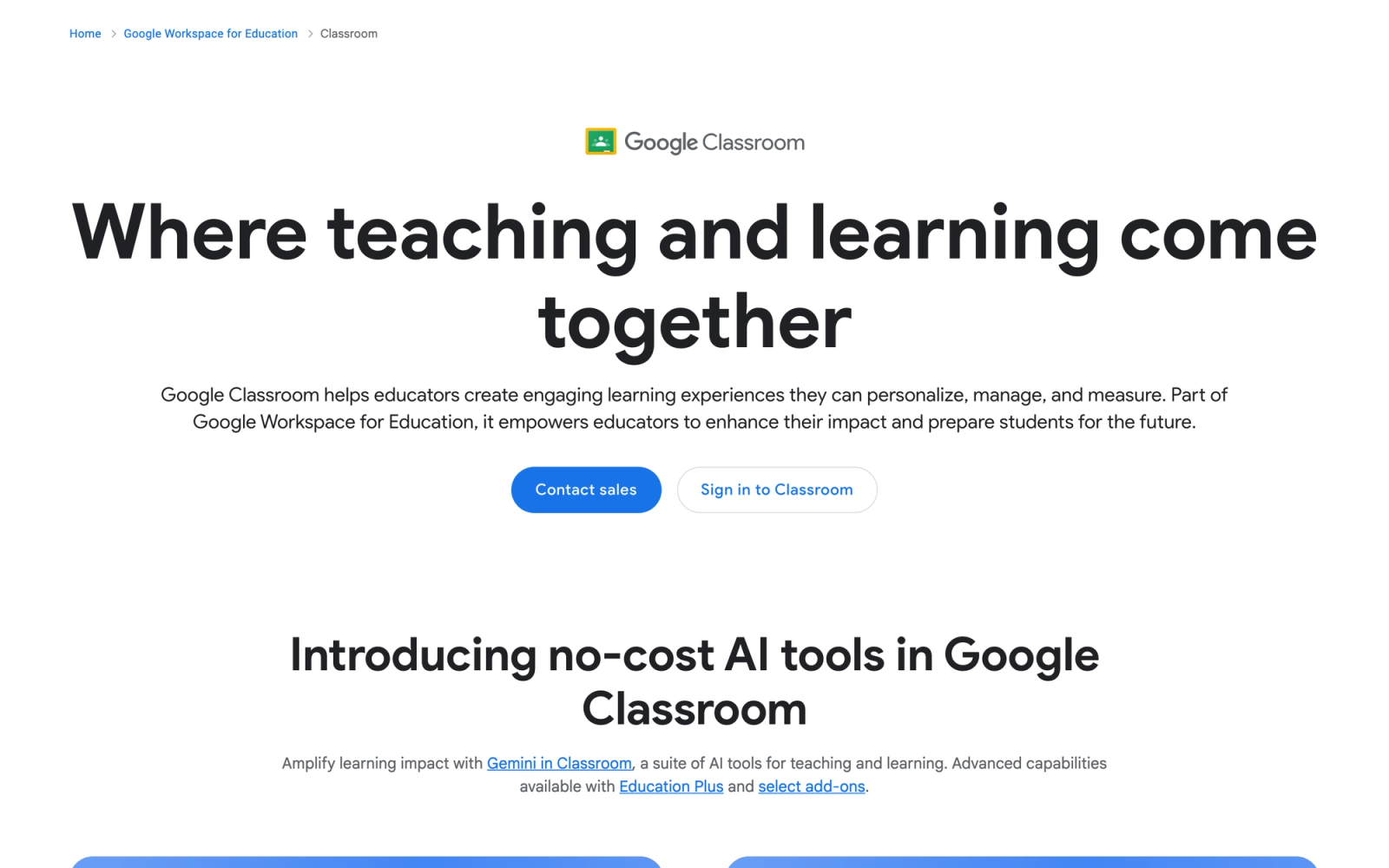
Google Classroom removes the cost barrier entirely for K-12 schools already running Google Workspace for Education. The platform is not trying to compete with full-featured LMS platforms on depth. Instead, it focuses on simplifying the daily mechanics of classroom management: distributing assignments, collecting student work, providing feedback, and communicating with students and parents.
The strength of Google Classroom is its integration with the tools teachers and students already use. Assignments link directly to Google Docs, Sheets, and Slides. Students submit work through the same Google Drive they use for everything else. Teachers grade within the platform and feedback flows back to students without switching contexts. For schools where the priority is reducing friction rather than adding features, Google Classroom delivers.
Core Capabilities
- Assignment creation with automatic distribution of individual Google Docs copies to each student
- Integration with Google Docs, Sheets, Slides, Forms, and Drive for smooth content sharing
- Classwork page for organizing assignments, quizzes, and materials by topic or unit
- Originality reports powered by search comparison for detecting potential plagiarism
- Google Meet integration for live class sessions directly from the Classroom interface
- Guardian email summaries providing parents with student progress updates
- Rubric-based grading with comment banks for efficient, consistent feedback
- Google Forms integration for quizzes with auto-grading and response analytics
- Add-ons that let third-party tools integrate directly into Classroom workflows
- Practice sets for interactive assignments with hints and automatic feedback
Standout Strength
Zero cost with maximum simplicity. For K-12 schools that need to get every teacher up and running on a digital classroom platform without a large budget or a lengthy training program, Google Classroom has no real competitor. The learning curve is minimal for anyone already familiar with Google's consumer tools, and the integration with Google Workspace means there is no separate platform to maintain.
Best For
K-12 schools and districts already using Google Workspace for Education. Ideal for environments where simplicity and low training overhead matter more than advanced LMS features. Not designed for higher education institutions that need sophisticated assessment workflows or blended learning at scale.
Pricing Overview
- Google Classroom: free with Google Workspace for Education Fundamentals
- Google Workspace for Education Standard: custom pricing with enhanced security and analytics
- Google Workspace for Education Plus: custom pricing with advanced features including originality reports and enhanced Meet
- Teaching and Learning Upgrade: add-on for enhanced video, originality, and communication features
Limitations
- Feature depth is intentionally limited compared to dedicated LMS platforms. Advanced assessment types, rubric complexity, peer review workflows, and learning path sequencing are not strengths.
- Analytics are basic. Instructors see assignment completion and grades, but there is no equivalent to the learning analytics dashboards found in Canvas, Blackboard, or Brightspace.
- The platform is tightly coupled to the Google stack. Schools running Microsoft 365 or other infrastructure get minimal benefit from the integration advantages.
Quick Comparison Insight
The simplest, lowest-cost entry point for K-12 digital classrooms. Significantly less capable than Canvas, Blackboard, or Schoology for structured academic programs, but unmatched for speed of deployment in Google-centric schools.
Blackboard (Anthology)
Overview
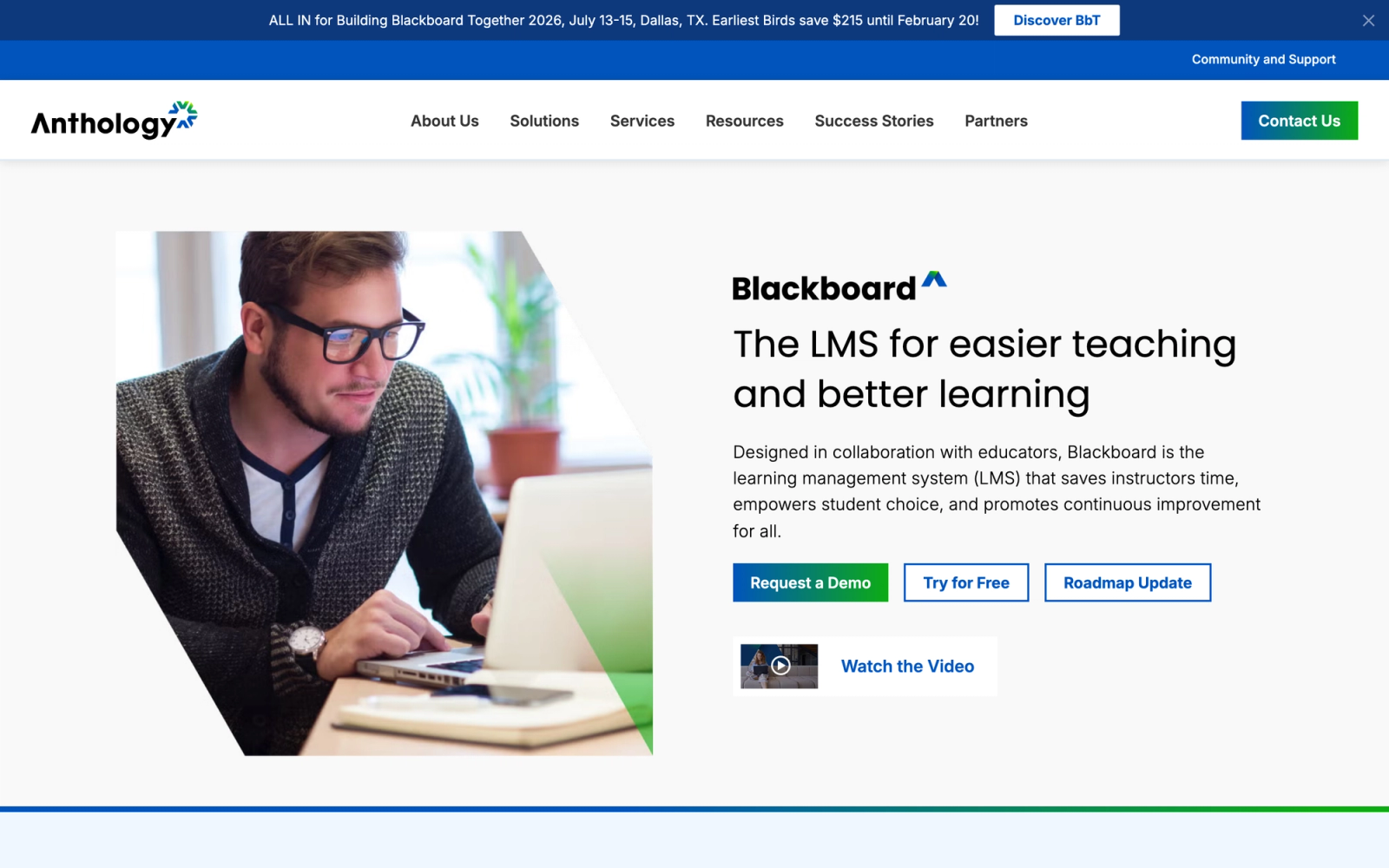
Blackboard, now part of Anthology following the merger with several other higher education technology companies, has been a fixture in university IT infrastructure for over two decades. The platform has evolved from a straightforward LMS into a broader enterprise suite that includes analytics, student success tools, and institutional data management.
The current iteration, Blackboard Learn Ultra, represents a significant redesign from the classic Blackboard experience. The interface is cleaner, the course creation workflow is more intuitive, and the integration with Anthology's broader suite gives institutions access to enrollment management, CRM, and predictive analytics alongside the LMS. For large universities that want a unified technology stack rather than a patchwork of point solutions, this breadth is the selling point.
Core Capabilities
- Blackboard Learn Ultra with a redesigned interface focused on reducing clicks for common instructor tasks
- Ally accessibility tool that automatically checks course content for accessibility issues and provides alternative formats
- Blackboard Analytics with predictive modeling for identifying at-risk students based on engagement patterns
- SafeAssign plagiarism detection integrated directly into assignment workflows
- Discussion boards with anonymous posting, grading, and threaded conversation support
- Collaborate Ultra for live virtual classroom sessions with breakout groups and whiteboard
- Integration with Anthology's student success, enrollment, and CRM tools
- LTI 1.3 support and REST APIs for third-party integrations
- Institutional hierarchy management for multi-campus and multi-college deployments
- SCORM, xAPI, and QTI support for content and assessment interoperability
Standout Strength
The combination of LMS and institutional analytics sets Blackboard apart from tools that only manage course delivery. Institutions that want to connect course-level engagement data with enrollment, retention, and student outcome metrics across the full student lifecycle get that capability through the Anthology suite. The predictive modeling that surfaces at-risk students early is the headline feature for institutions focused on reducing dropout rates.
Best For
Large universities and multi-campus systems that want an integrated technology stack covering the LMS, analytics, and student success. Particularly suited for institutions where IT governance favors a single enterprise vendor over a best-of-breed approach.
Pricing Overview
- Enterprise pricing based on institutional enrollment and deployment scope
- Pricing not publicly available; requires engagement with Anthology sales
- Typically structured as multi-year institutional contracts
- Additional modules (analytics, student success, CRM) priced separately
Limitations
- Despite the Ultra redesign, Blackboard carries legacy complexity. Faculty who experienced older versions often have negative associations that affect adoption of the new interface.
- The Anthology merger has created a broad but complex product suite. Institutions may find themselves paying for capabilities they do not use or navigating overlapping tools within the suite.
- The set of integrations, while solid, is not as open or extensive as Canvas. Third-party tool providers have historically prioritized Canvas and Moodle integration over Blackboard.
Quick Comparison Insight
Strongest enterprise analytics and institutional data integration of any LMS on this list. Less open and flexible than Canvas, but broader as a unified institutional technology platform.
Schoology (PowerSchool)
Overview
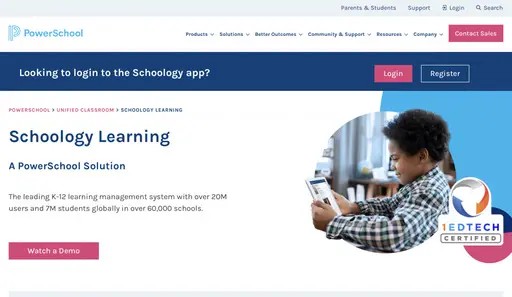
Schoology built its reputation in K-12 by solving a problem other LMS platforms ignored: tight integration with student information systems. When PowerSchool acquired Schoology, that integration became even deeper. For K-12 districts, the ability to sync rosters, grades, attendance, and parent communication between the SIS and LMS without manual data entry is not a nice feature. It is an operational requirement.
The platform itself provides a solid LMS experience with course management, assessment tools, and a resource library where teachers share materials across the district. The interface is familiar enough that teachers who have used social media platforms adapt quickly. Schoology also supports standards-based grading natively, which is increasingly important for districts moving away from traditional letter grades.
Core Capabilities
- Deep SIS integration with PowerSchool and other student information systems for roster, grade, and attendance sync
- Standards-based grading with mastery tracking aligned to state and district standards
- Assessment management with item banks, rubrics, and standards alignment for each question
- Schoology Resources for district-wide sharing of lesson plans, assessments, and course templates
- Parent and guardian portal with visibility into assignments, grades, and teacher communication
- App Center with curated third-party integrations (LTI-based) for extending platform functionality
- Course templates and shared content for maintaining consistency across classrooms and schools within a district
- Discussion boards, group assignments, and collaborative spaces within courses
- Compliance and analytics dashboards for district administrators tracking adoption and learning outcomes
- Mobile app for students, teachers, and parents
Standout Strength
SIS integration depth is where Schoology separates from competitors in K-12. When grades entered in the LMS automatically flow to the SIS, when roster changes update overnight without teacher intervention, and when parent communication is unified across both systems, the daily operational burden on teachers and administrators drops significantly. For districts, this is not a feature. It is the reason to choose Schoology.
Best For
K-12 districts already using PowerSchool or looking for an LMS that integrates deeply with their student information system. Particularly strong for districts implementing standards-based grading and needing district-wide resource sharing across schools.
Pricing Overview
- District and institutional pricing based on student enrollment
- Typically bundled with PowerSchool SIS for integrated deployments
- Pricing not publicly listed; requires district-level procurement conversation
- Higher education licensing also available through PowerSchool
Limitations
- The platform is optimized for K-12 workflows. Higher education institutions will find the feature set and interface less suited to university-level course design and research-driven pedagogy.
- The App Center, while useful, is smaller than Canvas's set of integrations. Specialized tools may not have Schoology integrations available.
- PowerSchool's acquisition strategy has created a broad product portfolio, and some districts report inconsistent support experiences as the company manages multiple legacy products.
Quick Comparison Insight
Best SIS integration of any LMS on this list for K-12 districts. More operationally focused than Canvas or Moodle, but less suitable for higher education or programs requiring deep collaborative learning features.
Moodle
Overview
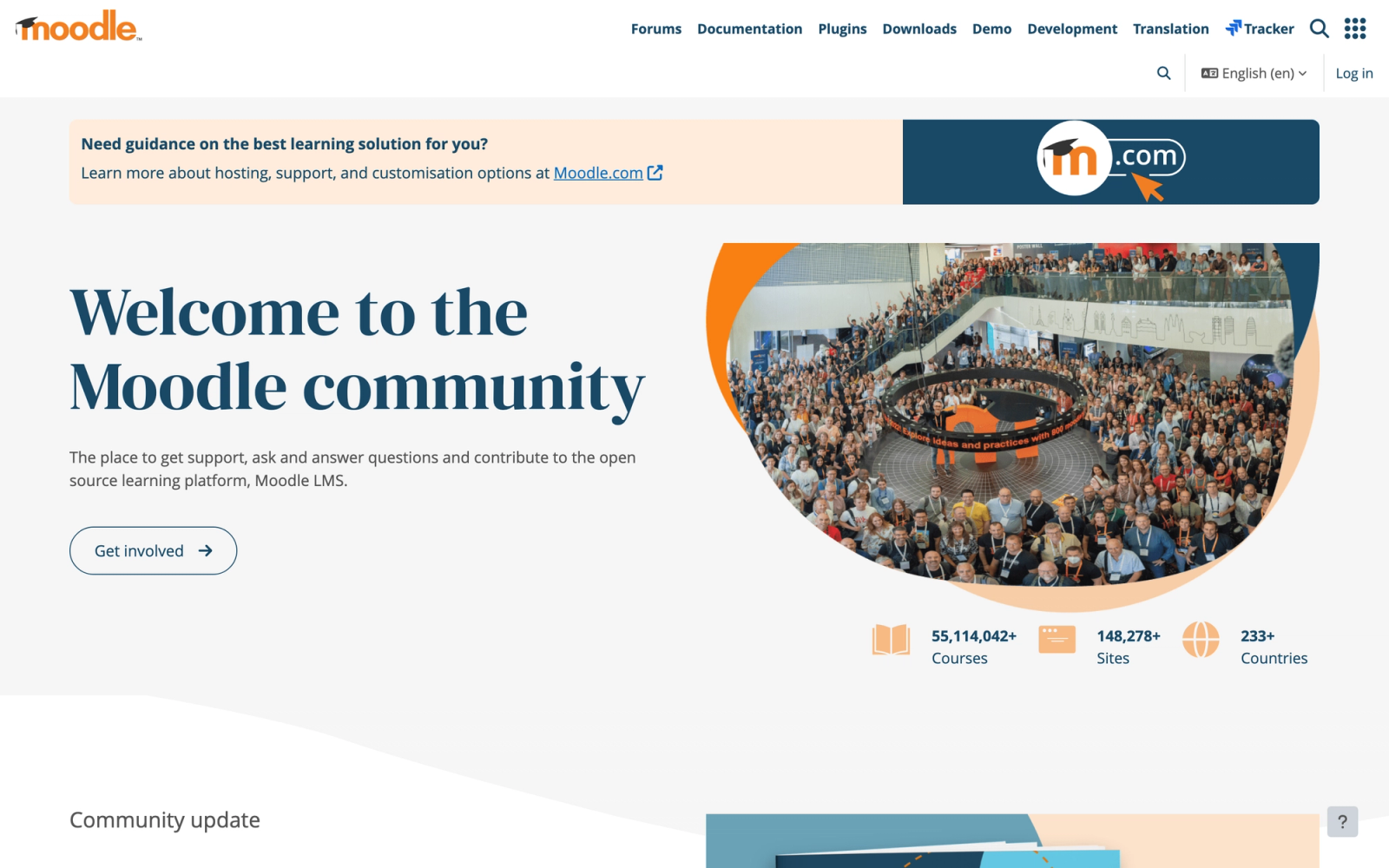
Moodle is the most widely deployed open-source LMS in the world, used by universities, schools, government agencies, and nonprofits in virtually every country. The platform's core value proposition has not changed since its creation: full control over your learning environment with zero licensing fees. For institutions that want to own their technology stack rather than rent it, Moodle remains the definitive option.
The trade-off is clear and well-understood. Moodle provides extraordinary flexibility and depth at the cost of setup complexity and ongoing maintenance. The plugin library includes over 2,000 extensions. The Workshop activity for peer assessment is one of the most sophisticated in any LMS. But none of that capability is useful without technical staff to deploy, configure, and maintain the platform.
Core Capabilities
- Open-source codebase with full access to modify, extend, and customize every aspect of the platform
- Workshop activity for structured, multi-phase peer assessment with configurable rubrics and anonymous review
- Forum activity with multiple discussion types including Q&A, graded participation, and single-topic formats
- Quiz engine with 15+ question types, question banks, randomization, and adaptive quiz behavior
- Wiki and glossary activities for collaborative knowledge building
- BigBlueButton integration for live video sessions with breakout rooms and shared whiteboards
- Competency frameworks and learning plans for tracking skill development across programs
- SCORM, xAPI, and LTI compliance for content and tool interoperability
- Over 2,000 community plugins extending functionality across analytics, content types, and administration
- Multi-language support with community-contributed translations in 100+ languages
Standout Strength
Total institutional control. Moodle is the only LMS on this list where an institution can host the platform on its own servers, modify the source code, build custom plugins, and never pay a licensing fee. For universities in regions with data sovereignty requirements, government agencies with strict security mandates, or institutions that refuse vendor lock-in on principle, Moodle is the only viable choice.
Best For
Universities, schools, and public institutions that have the technical capacity to manage an open-source deployment and want complete control over their learning platform. Strong for institutions running blended learning programs that combine online and in-person instruction. Particularly common in European, Asian, and Latin American institutions.
Pricing Overview
- Moodle LMS: free and open-source for self-hosted deployments
- MoodleCloud (hosted by Moodle): plans starting at approximately $130/year for up to 50 users
- Moodle Workplace (enterprise add-on): custom pricing through certified Moodle Partners
- Self-hosting costs include server infrastructure, IT staff time, and ongoing maintenance
Limitations
- The default installation requires significant configuration to match institutional workflows. Out-of-the-box, Moodle looks and feels dated compared to modern commercial LMS platforms.
- Plugin management creates ongoing maintenance overhead. Updates to Moodle core can break third-party plugins, requiring testing and remediation with each upgrade cycle.
- The user experience, while improved in recent versions, still reflects its legacy architecture. Students and faculty accustomed to modern SaaS interfaces may find the learning curve frustrating.
Quick Comparison Insight
Maximum flexibility and lowest software cost of any LMS on this list. Significantly more setup and maintenance effort than Canvas, Blackboard, or Brightspace. Best for institutions with dedicated technical resources.
Brightspace (D2L)
Overview
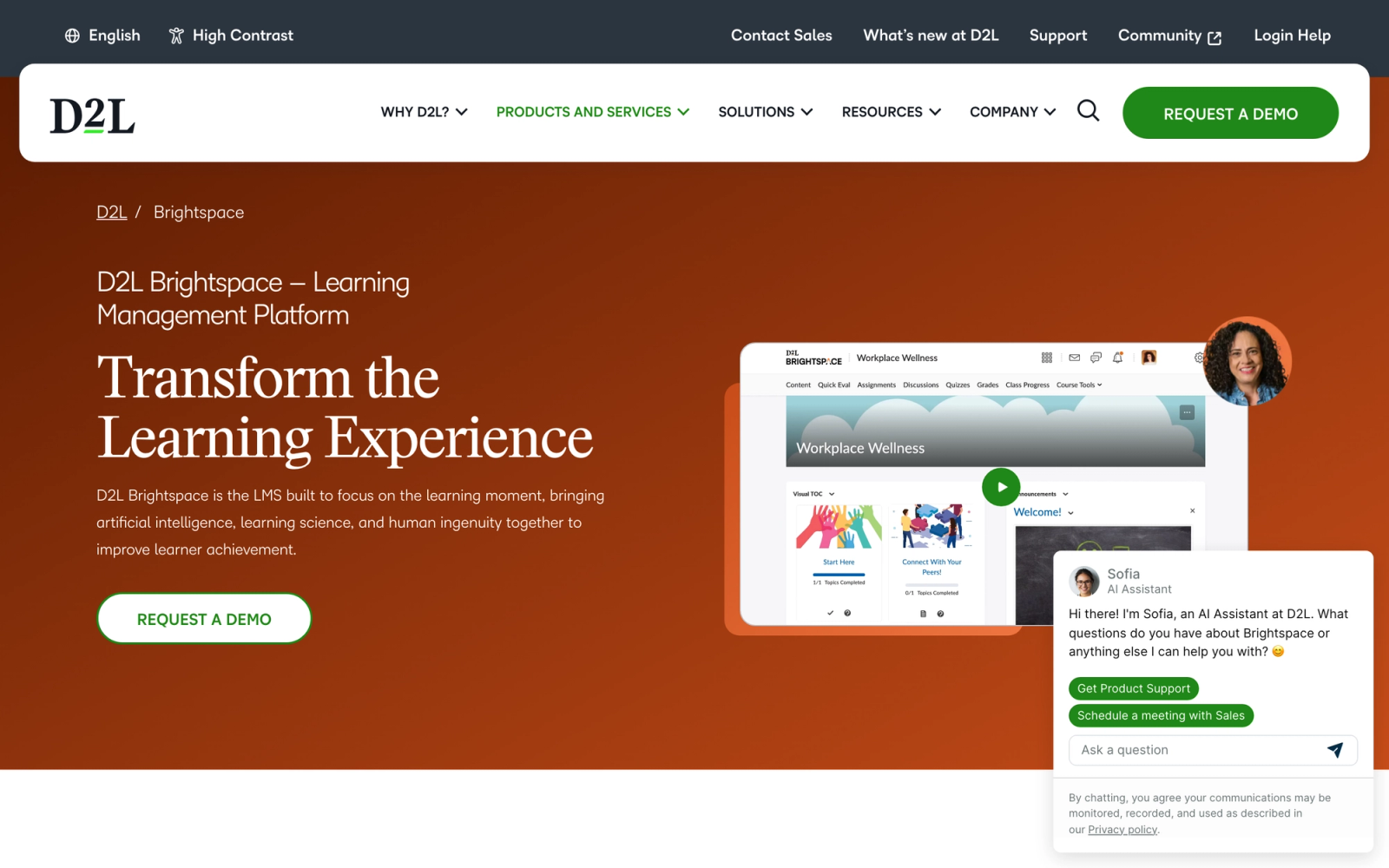
Brightspace by D2L (Desire2Learn) differentiates itself through adaptive learning capabilities and a strong presence in both K-12 and higher education. While Canvas and Blackboard compete primarily in university environments, Brightspace has deliberately built features for both segments and positions itself as the LMS that personalizes learning paths based on student performance.
The adaptive learning tools are the headline feature. Brightspace releases content conditionally based on assessment scores, prerequisite completion, or other criteria. Two students in the same course can follow different paths through the material depending on their demonstrated mastery. For institutions moving toward competency-based education or personalized learning, this rule-driven sequencing is a concrete advantage over content-first LMS platforms.
Core Capabilities
- Intelligent Agents that automate communication based on student activity, grades, or login patterns
- Release conditions for adaptive content delivery based on assessment performance, date, or activity completion
- Brightspace Portfolio for student evidence collection and competency demonstration across programs
- Creator+ for building interactive, media-rich course content without external authoring tools
- Rubrics and competency-based assessment tools aligned with institutional and accreditation standards
- Analytics dashboards with predictive indicators for student success and engagement
- Virtual Classroom integration for live sessions with polling, chat, and breakout rooms
- Brightspace Pulse mobile app giving students a personalized view of upcoming deadlines and feedback
- LTI Advantage, SCORM, and xAPI support for third-party content and tool integration
- Accessibility checker built into the content editor with WCAG 2.1 compliance reporting
Standout Strength
Adaptive learning paths are where Brightspace stands apart. Configurable release conditions automatically adjust what content each student sees based on their performance, so a student who struggles with a prerequisite gets a different path than one who passes easily. Combined with Intelligent Agents that send automated messages when students fall behind, Brightspace gives instructors early-intervention tools rather than after-the-fact gradebook reports.
Best For
K-12 districts and higher education institutions that prioritize personalized, adaptive learning experiences. Strong for competency-based education programs and institutions with a strategic focus on student retention and success. Also well-suited for statewide or provincial deployments where standardization across many institutions is needed.
Pricing Overview
- Institutional pricing based on enrollment and deployment needs
- K-12 and higher education pricing structures available
- Pricing not publicly listed; requires engagement with D2L sales
- Additional costs for premium features like Performance+ analytics
Limitations
- The adaptive features, while powerful, require deliberate instructional design to implement effectively. Faculty who do not invest time in setting up release conditions and intelligent agents will not see the benefit.
- The set of third-party integrations is solid but smaller than Canvas. Institutions with specialized tool requirements should verify integration availability before committing.
- The interface has improved but can still feel cluttered in areas, particularly for administrators managing complex institutional configurations.
Quick Comparison Insight
Strongest adaptive content delivery of any LMS on this list. Personalization depth exceeds Canvas and Blackboard, but the release-condition features only produce value when faculty invest time in instructional design upfront.
Nearpod
Overview
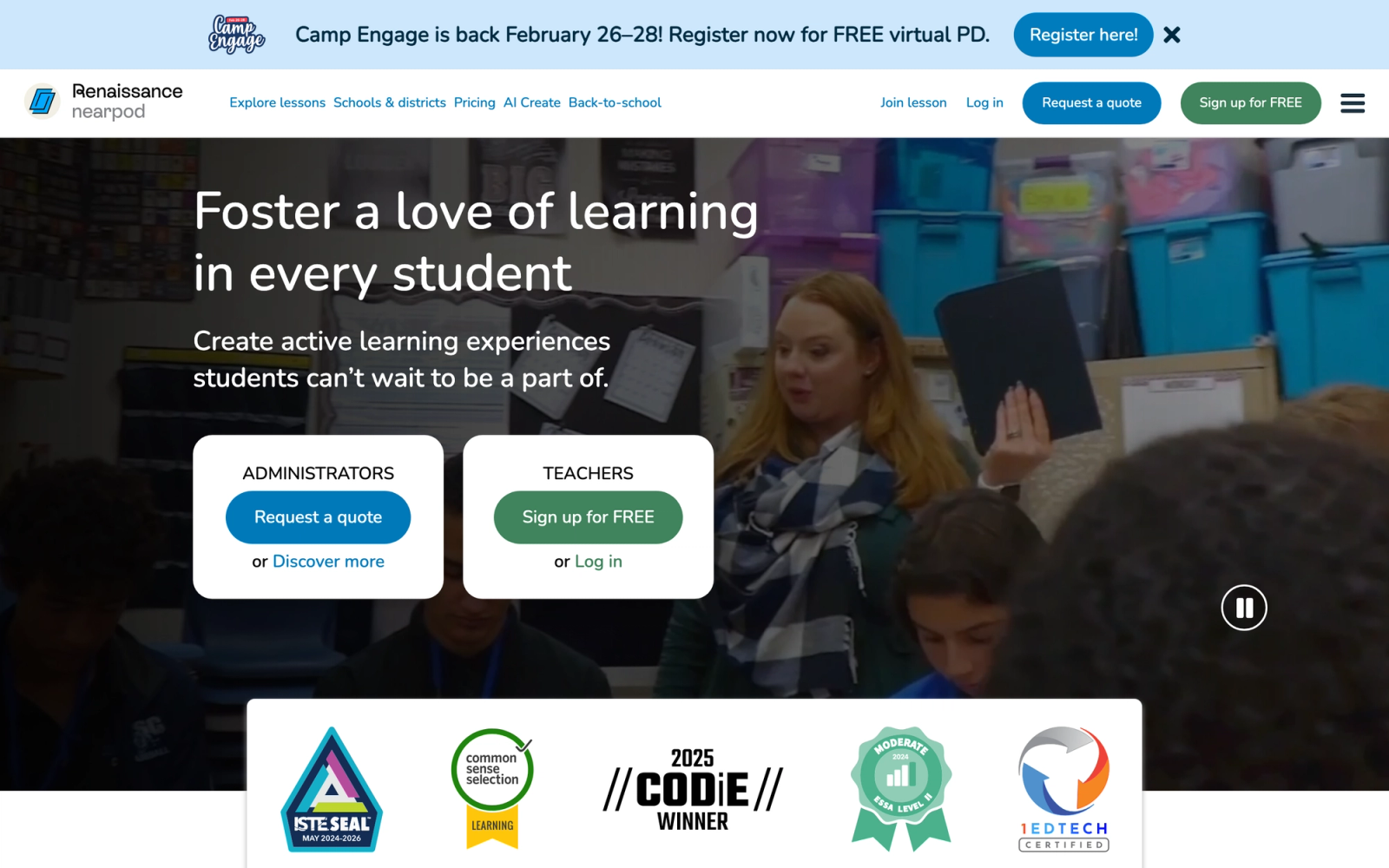
Nearpod approaches educational technology from the lesson level rather than the course level. Instead of managing an entire semester's worth of content, Nearpod focuses on making individual lessons interactive. Teachers build or adapt lessons with embedded polls, quizzes, open-ended questions, virtual reality experiences, and collaborative boards. Students participate on their own devices in real time while the teacher controls the lesson flow.
The value is immediate and visible. A teacher can take a standard lecture and convert it into a lesson where every student is actively responding, drawing, ranking, or writing at specific points. The formative assessment data flows to the teacher in real time, showing exactly who understands the concept and who needs help. For classrooms where passive listening is the default, Nearpod changes the energy within a single class period.
Core Capabilities
- Interactive lesson builder with slides, videos, web content, and 20+ activity types
- Live participation mode where teachers control lesson pace and students respond on their own devices
- Student-paced mode for asynchronous completion with all interactive elements intact
- Formative assessment activities including polls, quizzes, open-ended questions, and matching pairs
- Collaborate Board for real-time brainstorming where students post text, images, or drawings
- Virtual Reality and 3D object experiences embedded directly into lessons
- Pre-built lesson library with thousands of standards-aligned, ready-to-use interactive lessons
- Integration with Google Classroom, Canvas, Schoology, and Microsoft Teams for assignment distribution
- Post-session reports showing individual and class-level response data for each activity
- Gamification features including Time to Climb (quiz-based competitive game mode)
Standout Strength
Real-time formative assessment visibility is what makes Nearpod valuable. During a live lesson, the teacher sees every student's response as it comes in. This is not a quiz result reviewed after class. It is an in-the-moment understanding of comprehension that lets the teacher adjust instruction on the fly. For educators practicing active learning, that feedback loop changes how a lesson runs.
Best For
K-12 teachers who want to make lectures and lessons interactive without overhauling their entire course structure. Also effective for higher education instructors teaching large sections who need real-time participation tools. Not designed to be a standalone LMS or to manage full course delivery.
Pricing Overview
- Free tier with limited access to lessons and activities (up to 40 students per session)
- School and district plans with expanded features and admin controls at custom pricing
- Premium plans include full lesson library access, additional activity types, and reporting
- Often purchased at the school or district level through site licensing
Limitations
- Nearpod is a lesson-level tool, not a course management system. It does not handle enrollment, gradebook management, or semester-long content organization. It must be paired with an LMS for full course delivery.
- The interactive activities, while engaging, can feel repetitive if overused. Teachers need to be selective about which lessons benefit from Nearpod's interactivity versus traditional delivery.
- The free tier is quite limited. Schools that want the full benefit need to invest in premium plans, and cost adds up across a district.
Quick Comparison Insight
Best tool on this list for making individual lessons interactive in real time. Not a substitute for an LMS. Most effective when integrated with Canvas, Google Classroom, or Schoology as the lesson engagement layer.
Kahoot!
Overview
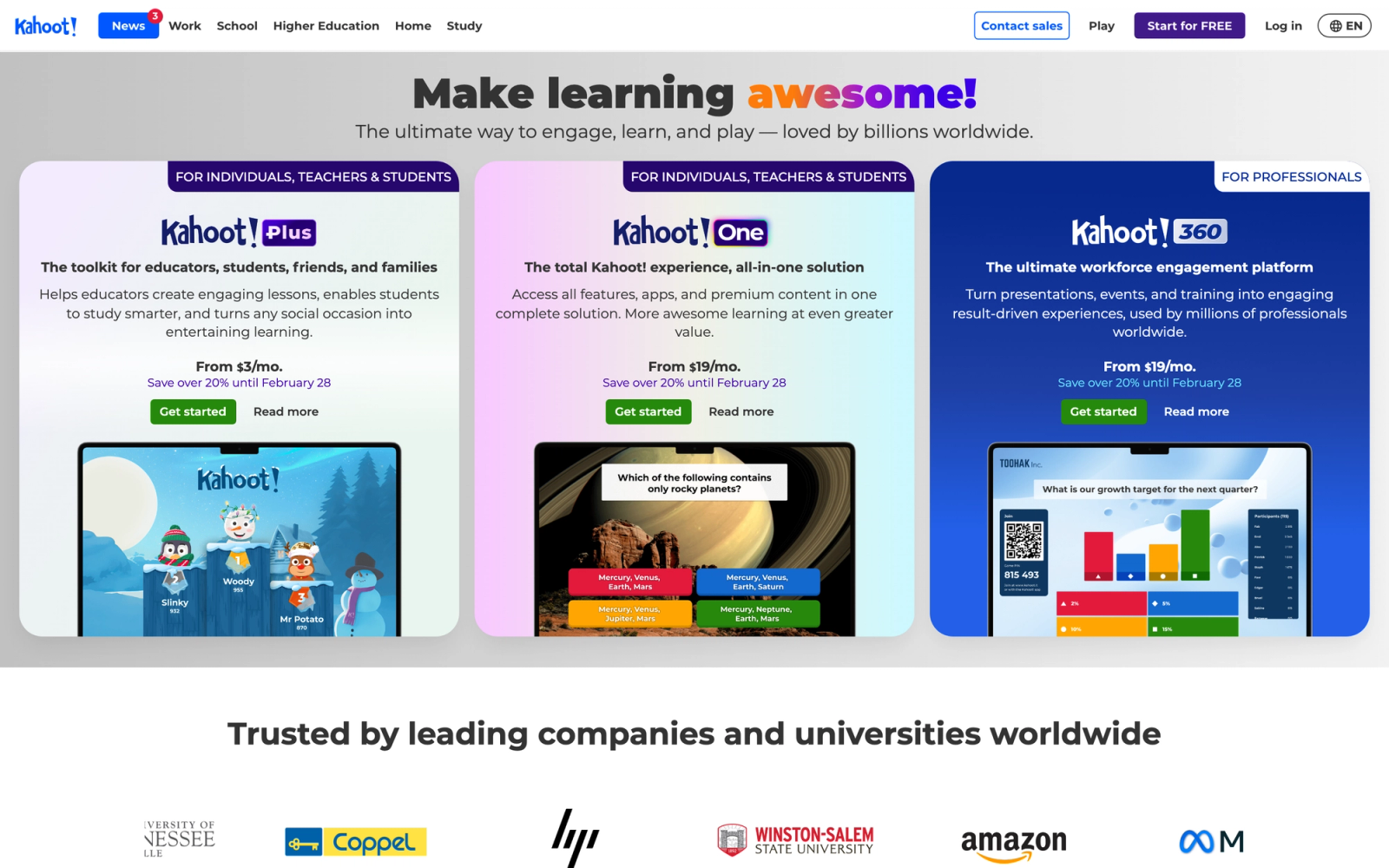
Kahoot! built its name on a simple idea: turning review and assessment into a game. The platform creates quiz-based competitions where students answer questions on their devices while a shared screen displays the leaderboard, timer, and questions. The energy in a classroom running a Kahoot session is immediately noticeable. Students who rarely volunteer answers in traditional settings actively compete.
The platform has expanded beyond basic quizzes into team mode, lessons, flashcards, and interactive presentations. But the core use case remains the same: turning knowledge checks into high-energy, competitive moments that reinforce learning through student engagement. Kahoot works because it draws on competition and social energy rather than relying on content complexity.
Core Capabilities
- Quiz-based game mode with real-time leaderboard, timer, and device-based student responses
- Team mode for collaborative gameplay where groups discuss and answer together
- Kahoot! Lessons combining slides, video, and interactive questions in a single presentation
- Flashcard and study mode for self-paced review using existing Kahoot quiz content
- Reports and analytics showing individual and class-level performance after each session
- Question bank with millions of community-created kahoots across subjects and grade levels
- Assign mode for homework-style kahoots that students complete on their own time
- Integration with Microsoft Teams, Google Classroom, and other platforms for assignment distribution
- Live polling and word cloud features for audience interaction beyond quizzes
- Support for images, video, and diagrams within questions for multimedia assessment
Standout Strength
Speed of engagement. Kahoot can pull a disengaged class into active participation within minutes. For review sessions, warm-ups, exit tickets, and quick knowledge checks, the gamified format consistently produces higher participation than traditional assessment methods. No comparable tool achieves that response time with this little setup.
Best For
K-12 teachers and higher education instructors who want a quick, high-energy engagement tool for review, assessment warm-ups, and in-class participation. Also used in corporate training for onboarding and team-building activities. Not a standalone learning platform.
Pricing Overview
- Free plan for basic quiz creation and hosting, capped at around 10 players per live session
- Kahoot! EDU plans for teachers starting at roughly $3.50 to $5 per month (billed annually) with expanded features
- School and district plans with admin controls, reporting, and shared content libraries
- Kahoot! 360 for enterprise and organizational deployments at custom pricing
Limitations
- Kahoot is an engagement tool, not a learning management system. It cannot manage courses, assignments, gradebooks, or semester-long content delivery.
- The competitive format favors speed over depth. Students who need more time to process questions can feel pressured, and the leaderboard may discourage students who consistently place lower.
- Assessment depth is limited to quiz-style questions. Complex assessments requiring extended responses, rubric-based evaluation, or peer learning workflows are outside its scope.
Quick Comparison Insight
Highest immediate engagement impact of any tool on this list. Most effective as a supplement to an LMS rather than a replacement. Pairs well with Canvas, Google Classroom, or Schoology for structured course delivery.
Turnitin
Overview
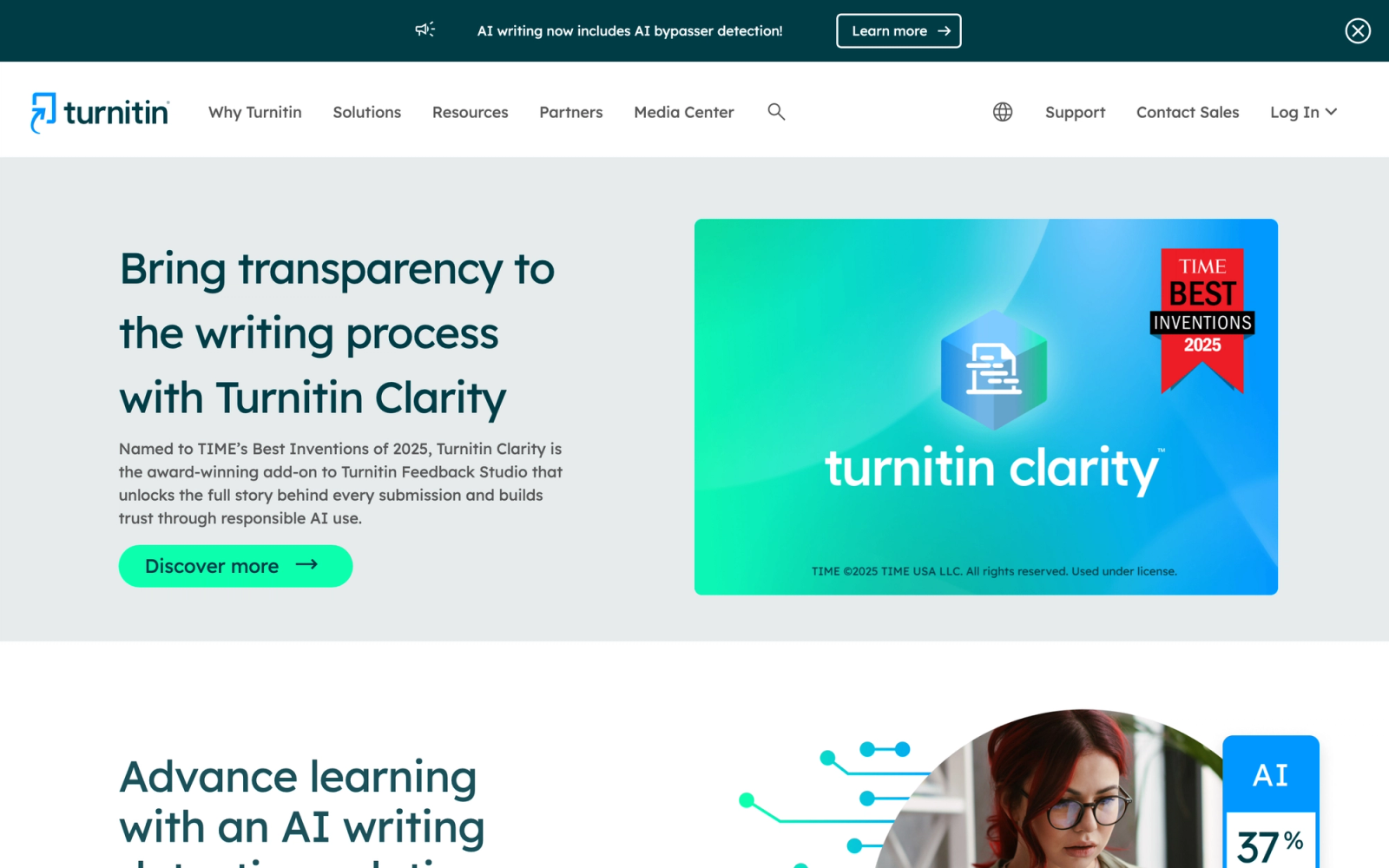
Turnitin occupies a unique position in educational technology as the standard tool for academic integrity. The platform compares student submissions against a massive database of academic papers, websites, and previously submitted student work to identify potential plagiarism. But Turnitin has evolved well beyond simple plagiarism detection into a broader writing assessment and feedback platform.
The Feedback Studio tool gives instructors rubric-based grading, inline commenting, and QuickMark annotations for providing detailed writing feedback at scale. Turnitin Draft Coach integrates into Google Docs and Microsoft Word to give students real-time feedback on citation practices and similarity before they submit. For writing-intensive programs, Turnitin is not just about catching cheating. It is about teaching students proper attribution and improving writing quality through structured feedback.
Core Capabilities
- Similarity checking against a database of billions of web pages, academic publications, and student papers
- Feedback Studio with inline commenting, rubrics, QuickMark annotations, and voice feedback
- Draft Coach for Google Docs and Microsoft Word providing real-time citation and similarity feedback before submission
- AI writing detection identifying content generated by large language models
- Gradescope for STEM assessment with AI-assisted grading of handwritten, coded, and diagrammatic responses
- iThenticate for researcher and publication-level similarity checking
- LTI integration with Canvas, Blackboard, Moodle, Brightspace, and other LMS platforms
- Peer review module for structured student-to-student feedback on writing assignments
- Originality reports with source breakdown showing percentage from each matched source
- Institutional analytics on submission patterns, similarity trends, and AI detection across the institution
Standout Strength
Database depth is the practical barrier to switching. Turnitin has been collecting and indexing student submissions and academic content for decades, and no competitor has built a comparable corpus for similarity comparison. Combined with the newer AI writing detection capability, it remains the most widely adopted academic integrity tool for institutions processing thousands of submissions per semester.
Best For
Universities and K-12 districts that need institution-wide academic integrity infrastructure. Particularly valuable for writing-intensive programs, research institutions, and any school dealing with the rapid rise of AI-generated content in student submissions.
Pricing Overview
- Institutional licensing based on student enrollment
- Pricing not publicly listed; requires institutional procurement
- Turnitin, Gradescope, and iThenticate may be licensed separately or bundled
- Per-student pricing models typically decrease with higher enrollment tiers
Limitations
- Turnitin is a specialized online assessment and integrity tool, not an LMS. It must be paired with a learning management system for course delivery and general-purpose assessment.
- AI writing detection is still evolving. False positives occur, particularly with non-native English speakers, and institutions need clear policies for how to handle flagged submissions.
- The cost of institution-wide licensing is significant, especially for smaller schools with limited technology budgets.
Quick Comparison Insight
The definitive academic integrity tool. No competitor matches the database depth or institutional adoption. Strongest when integrated with Canvas, Blackboard, or Moodle through LTI for smooth submission workflows.
Panopto
Overview
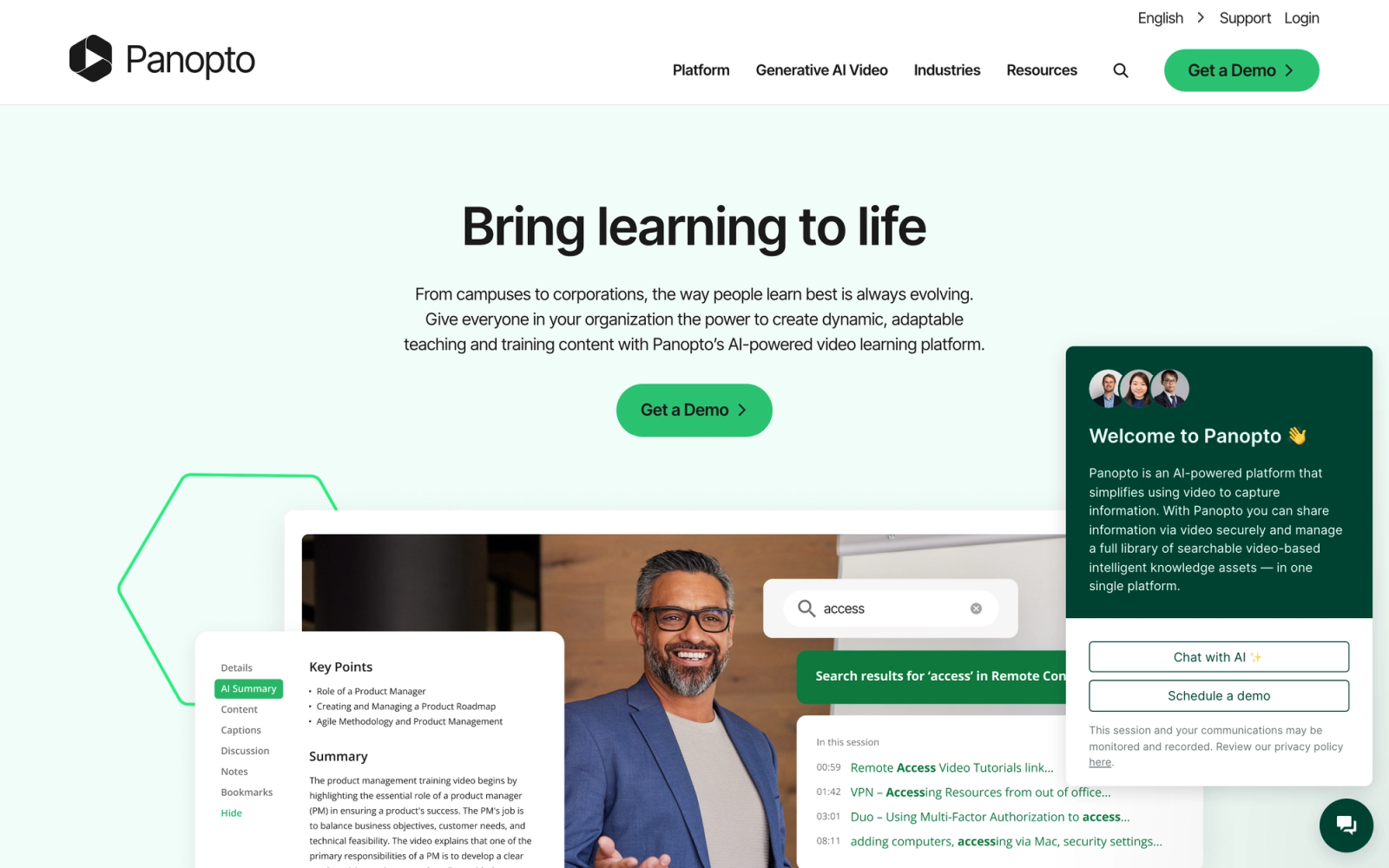
Panopto focuses on a specific problem that universities face at scale: recording, managing, and delivering lecture video content. The platform automates lecture capture through integrations with classroom hardware, desktop recording software, and scheduling systems. Once recorded, videos are automatically indexed using speech recognition and OCR, making every word spoken and every slide displayed searchable.
For universities with hundreds of lecture halls and thousands of hours of content per semester, this automation is the differentiator. Instead of relying on individual faculty to record, edit, and upload videos, Panopto handles capture and processing at the institutional level. The video tools landscape has many players, but Panopto's depth in automated lecture capture and video search remains distinctive for higher education.
Core Capabilities
- Automated lecture capture with scheduled recordings from classroom hardware and software agents
- Smart Search indexing spoken words (ASR), on-screen text (OCR), and slide content for in-video search
- Multi-stream recording capturing presenter, screen, slides, and whiteboard simultaneously
- Video editor for trimming, splicing, and adding chapters without re-uploading
- In-video quizzes and discussion for adding interactive elements to recorded lectures
- LTI integration with Canvas, Blackboard, Moodle, Brightspace, and other LMS platforms
- Automatic captioning with support for editing and compliance with accessibility standards
- Folder-based video management with role-based permissions and institutional hierarchy
- Analytics showing viewing patterns, engagement, and drop-off points for individual videos
- Zoom and Teams integration for automatically ingesting meeting recordings
Standout Strength
In-video search across the full institutional library is Panopto's most distinctive capability. Students can search for a specific concept and jump directly to the moment in a lecture where it was discussed, whether the term appeared on a slide or was spoken. For universities with large video archives, this makes recorded lectures into searchable content rather than linear replays.
Best For
Universities and large institutions that need automated lecture capture at scale with institutional-level video management. Strong for programs that rely heavily on recorded lectures and want students to be able to search across content. Also used for flipped classroom models and blended learning programs.
Pricing Overview
- Enterprise pricing based on institutional deployment and usage
- Pricing not publicly available; requires sales engagement
- Deployment options include cloud-hosted and on-premise
- Storage and recording capacity may be tiered based on contract terms
Limitations
- Panopto is a video management platform, not an LMS. It handles recording, hosting, and delivery but requires a separate LMS for course management, assignments, and grading.
- The video editing capabilities are basic. Institutions that need polished, produced training videos will still need external editing tools for anything beyond trimming and splicing.
- The interface can feel cluttered, particularly for managing large video libraries. Navigation and organization require institutional planning to prevent content sprawl.
Quick Comparison Insight
Best automated lecture capture and video search of any tool on this list. More narrowly focused than LMS platforms but unmatched for institutional video management at scale. Often deployed alongside Canvas or Blackboard.
Proctorio
Overview
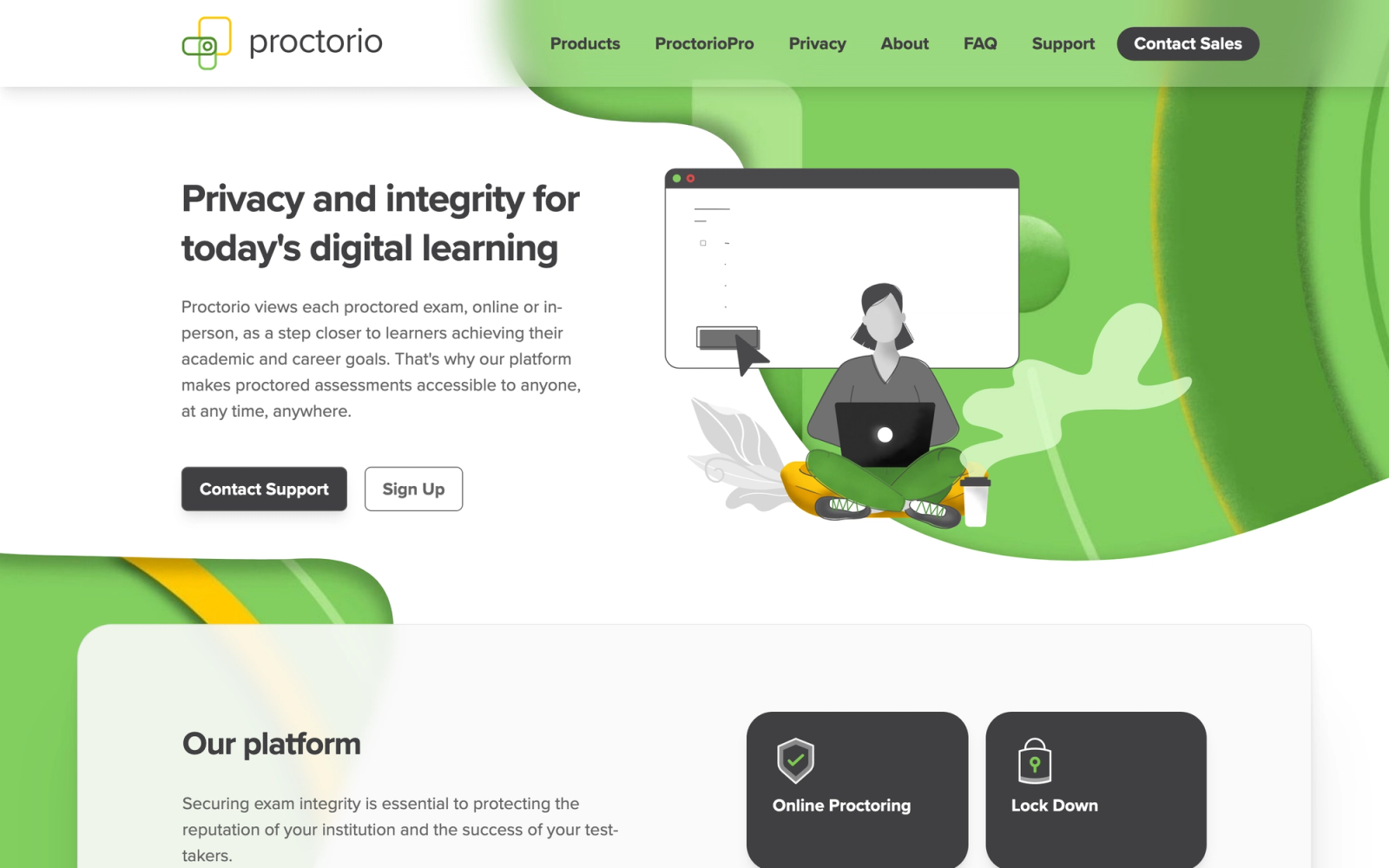
Proctorio addresses the challenge of maintaining exam integrity when students take tests remotely. The platform uses AI-powered monitoring through the student's webcam, microphone, and browser activity to detect potentially suspicious behavior during online exams. For universities that moved exams online and need a scalable alternative to in-person proctoring centers, Proctorio provides automated monitoring without requiring human proctors for every session.
The platform integrates directly into the LMS, so students access proctored exams through the same Canvas, Blackboard, or Moodle environment they use for everything else. Exam settings are configurable: institutions can choose which monitoring features to enable (webcam recording, browser lockdown, screen recording) based on the level of security required for each assessment. This flexibility lets instructors apply lighter monitoring for low-stakes quizzes and stricter oversight for high-stakes exams.
Core Capabilities
- AI-powered behavior analysis monitoring webcam, audio, and screen activity during exams
- Browser lockdown preventing access to other tabs, applications, and system functions during testing
- Configurable exam settings allowing instructors to choose which monitoring features to enable
- LTI integration with Canvas, Blackboard, Moodle, Brightspace, and other proctoring tools and LMS platforms
- Automated flagging that highlights suspicious moments for instructor review rather than making pass/fail decisions
- Identity verification through webcam photo comparison and ID matching
- Exam analytics showing aggregate and individual student behavior data
- Scalable architecture supporting thousands of simultaneous exam sessions
- Zero-installation browser extension deployment for students
- FERPA compliance and data handling designed for institutional privacy requirements
Standout Strength
Volume without proportional staffing. For a university running thousands of final exams in the same week, hiring a proctor for every session is logistically and financially impossible. Proctorio's automated monitoring handles the volume by flagging potential issues for instructor review after the fact, rather than requiring a human to watch each session live. No human-proctoring model can match that throughput.
Best For
Universities and colleges running online or hybrid programs that require exam integrity monitoring at scale. Particularly suited for institutions with large enrollment numbers where human proctoring is cost-prohibitive.
Pricing Overview
- Institutional licensing based on student enrollment
- Pricing negotiated directly with Proctorio sales
- No per-exam or per-session fees in most institutional contracts
- Volume discounts for larger institutions
Limitations
- AI proctoring remains controversial. Students have raised concerns about privacy, algorithmic bias, and the anxiety of being monitored during high-stakes exams. Institutions need clear communication and support policies around proctoring.
- False positives in behavior flagging can create extra review work for instructors and stressful situations for students who were not actually cheating.
- The platform monitors but does not prevent all forms of academic dishonesty. Determined students can find workarounds, and the AI cannot detect assistance from a person outside the camera frame.
Quick Comparison Insight
Most scalable automated proctoring solution on this list. Addresses a need that LMS platforms and engagement tools do not cover. Should be evaluated alongside, not instead of, other educational technology solutions.
How to Choose the Right EdTech Solution
The tools above serve different purposes, and the right choice depends on what problem you are solving. Here is how to match institutional needs to the platforms on this list.
If you need an institutional LMS for higher education, Canvas is the default for universities that value openness and integration flexibility. Blackboard (Anthology) is the choice when you want analytics and student success tools integrated into the LMS layer. Brightspace is strongest when adaptive learning paths and personalized content delivery are strategic priorities.
If you are a K-12 district, Schoology paired with PowerSchool provides the deepest SIS integration. Google Classroom is the fastest, lowest-cost deployment for schools already running Google Workspace. Brightspace also serves K-12 well for districts prioritizing adaptive learning.
If you need open-source control and cost flexibility, Moodle remains the only serious option. Be realistic about the technical resources required for deployment and ongoing maintenance.
If you want to make lectures and lessons more interactive, Nearpod is the strongest option for transforming passive content into interactive learning with real-time formative assessment. Kahoot is the quickest way to add gamified energy to review sessions and knowledge checks.
If academic integrity is the priority, Turnitin is the industry standard for plagiarism detection and AI writing identification. Proctorio addresses the separate challenge of exam monitoring at scale.
If video management and lecture capture drive your needs, Panopto is the most complete solution for automated recording, searchable video archives, and institutional-scale video management.
If your program leans on collaboration, peer review, and live interaction, Teachfloor is purpose-built for that model. It can be the main platform for those programs, or sit alongside an institutional LMS where one is already in place.
The most common mistake is choosing one tool to solve every problem. Most institutions will use a combination: an LMS as the hub, supplemented by specialized tools for engagement, assessment, video, or proctoring. Evaluate based on how tools work together, not just how they work alone.
FAQ
How is AI changing educational technology in 2026?
AI now shows up across the stack rather than in a single product. Course platforms use it to draft and structure content, assessment tools like Turnitin use it to flag likely AI-generated writing, and tutoring assistants give students on-demand explanations. The most practical near-term gain for course teams is speed of authoring: platforms such as Teachfloor can generate structured module outlines from existing slides or documents, which is why AI-assisted course building is worth evaluating alongside traditional LMS feature sets.
Which platform is best for collaborative and cohort-based programs?
If the learning design centers on discussion, peer review, live sessions, and group work, a collaborative learning platform built for that model fits better than a content-first LMS. Teachfloor is purpose-built for cohort-based learning and peer interaction, while still supporting self-paced and live formats in the same program.
What are educational technology solutions?
Educational technology solutions are software tools and platforms designed to support teaching, learning, assessment, and administration in schools and universities. The category includes learning management systems for course delivery, engagement platforms for classroom interaction, assessment tools for grading and academic integrity, video platforms for lecture capture, and proctoring tools for exam security. Each addresses a different part of the educational workflow.
Which educational technology solution is best for universities?
There is no single best tool because universities need multiple solutions working together. For the core LMS, Canvas, Blackboard, and Brightspace are the leading options for higher education, each with different strengths. Canvas excels at integration flexibility, Blackboard at enterprise analytics, and Brightspace at adaptive learning. Most universities supplement their LMS with specialized tools like Turnitin for integrity, Panopto for video, and engagement platforms like Nearpod or Kahoot.
Are there free educational technology solutions for schools?
Yes, several options on this list offer free tiers. Google Classroom is free with Google Workspace for Education. Moodle is free and open-source for self-hosted deployments. Canvas offers a free version for individual teachers. Kahoot and Nearpod have free plans with limited features. These free options are functional for basic needs, but schools with advanced requirements around analytics, integrations, or learning analytics will typically need paid plans. Beyond this list, free classroom tools like Khanmigo, Canva for Education, and Duolingo for Schools are widely used for AI tutoring, design, and language practice. For paid platforms, our roundup of affordable LMS options compares lower-cost plans.
How do educational technology solutions improve student outcomes?
The tools themselves do not improve outcomes. How they are used does. Active learning platforms like Nearpod improve outcomes by replacing passive lectures with interactive participation. LMS analytics help instructors identify struggling students earlier. Peer review workflows deepen understanding by requiring students to evaluate and articulate concepts. The key is selecting tools that support the specific pedagogical approach your institution has committed to, not adding technology for its own sake.
Can I use multiple educational technology solutions together?
This is how most institutions operate. A typical stack includes an LMS as the central hub (Canvas, Blackboard, Brightspace, or Moodle), supplemented by specialized tools integrated through LTI connections. For example, a university might use Canvas for course management, Turnitin for academic integrity, Panopto for lecture capture, and Nearpod for in-class engagement. The LMS integrations capability of your chosen platform determines how smoothly these tools work together.
What is the difference between an LMS and other educational technology tools?
A learning management system is the central platform for course delivery, content management, enrollment, grading, and student communication. Other educational technology solutions are specialized tools that address specific needs: Nearpod for lesson interactivity, Kahoot for gamified engagement, Turnitin for academic integrity, Panopto for video management, and Proctorio for exam proctoring. The LMS serves as the hub that connects these specialized tools into a coherent technology stack for the institution.


