

Why Look for a Slido Alternative?
Slido built its reputation as a lightweight polling and Q&A tool for meetings and events. It works well for what it does, but several shifts in the product and the market have prompted teams to explore Slido alternatives.
Cisco ownership and Webex integration focus. Since Cisco acquired Slido, the product roadmap has tilted toward Webex integration. That is a clear advantage if your organization runs on Webex, but it creates friction for teams using Zoom, Microsoft Teams, Google Meet, or standalone event setups. The deeper Slido integrates with the Cisco stack, the less neutral it becomes as a platform-agnostic engagement tool.
Free tier limitations. Slido's free plan caps participation at 100 audience members per event and limits you to basic poll types. For educators, trainers, and event organizers who need to test the tool with a real audience before committing, those constraints make genuine evaluation difficult. You hit the walls before you see the full picture.
Pricing jumps. Moving from the free plan to a paid tier is a noticeable jump. For smaller organizations, training teams, or academic departments with tight budgets, the cost-per-event math stops working once you need features like branding, recurring events, or advanced analytics.
Limited customization. Branding options on Slido are basic unless you are on higher-tier plans. Teams that run client-facing sessions, branded workshops, or public conferences often need more control over colors, logos, and presentation themes than Slido offers at standard pricing.
Basic analytics. Slido provides response summaries, but it does not offer the depth of post-session analytics that many learning analytics platforms now deliver. If you need to track engagement trends over time, identify participation patterns, or connect poll data to learning outcomes, Slido's reporting feels thin.
No persistent community features. Slido is built for discrete events, not ongoing interaction. Once a session ends, there is no built-in way to maintain engagement with your audience. Teams running recurring training programs, course-based learning, or multi-session workshops need continuity that Slido was never designed to provide.
These are not fatal flaws. Slido still works well for one-off meetings and quick polls inside Webex. But if your needs extend beyond that, the alternatives below cover a wider range of use cases with different trade-offs.
What to Look for in an Audience Engagement Tool
Before comparing specific tools, it helps to define the criteria that matter for your particular context. Audience engagement tools overlap in obvious ways, but the differences in their approaches create real consequences for day-to-day use.
Platform compatibility. Where does your audience show up? If you rely on Zoom, Teams, or Google Meet, check that the tool integrates natively with your video conferencing platform. Some tools require a separate browser window; others embed directly into the meeting interface. That distinction affects participation rates more than most feature lists suggest.
Interaction variety. Polls are the baseline. Beyond that, consider whether you need word clouds, open-ended Q&A, quizzes with scoring, rating scales, or brainstorming boards. The more varied your sessions, the more important it is that a single tool covers multiple interaction types without requiring workarounds.
Scalability. A tool that handles 50-person team meetings may not work for a 5,000-person conference. Check the participant limits on each pricing tier, not just the headline number. Also consider concurrency: can the tool handle hundreds of simultaneous responses without lag?
Branding and customization. If you run sessions for external audiences, clients, or students, presentation matters. Look for control over colors, logos, background themes, and URL branding. Some tools treat customization as a premium feature; others include it at lower tiers.
Post-session data and analytics. A good engagement tool should help you understand what happened after the session ends. Look for exportable reports, response-level data, engagement metrics over time, and integrations with your existing analytics stack.
Pricing model. Some tools charge per presenter, some per event, some per participant. The right model depends on your usage pattern. A per-presenter plan works for a small team running frequent sessions. A per-event plan works for occasional large events. Calculate your actual cost before committing.
Ease of setup. The best engagement tool is the one your team actually uses. If setup takes 30 minutes per session, adoption will drop. Prioritize tools that let you launch a poll or Q&A in under two minutes with minimal configuration.
10 Best Slido Alternatives
The tools below cover a range of approaches to audience engagement, from gamified quizzes to academic response systems to full interactive learning platforms. Each review focuses on what makes the tool genuinely different, not just a list of checkboxes.
Tool Live Polls Q&A Quizzes Integrations Best For Mentimeter ✓ ✓ ✓ Zoom, Teams, PowerPoint Polished visual polls for meetings and conferences Kahoot! ✓ ✗ ✓ Teams, Zoom, LMS Gamified knowledge checks for training AhaSlides ✓ ✓ ✓ Zoom, Teams, Google Slides Budget-friendly Slido-like features Poll Everywhere ✓ ✓ ✓ PowerPoint, Keynote, Teams Deep presentation tool integration Wooclap ✓ ✓ ✓ PowerPoint, Teams, LMS Pedagogical question types for education Pigeonhole Live ✓ ✓ ✓ Webex, Zoom, Teams Large-scale events with moderated Q&A Vevox ✓ ✓ ✓ PowerPoint, Teams, Zoom Anonymous feedback and academic polling Top Hat ✓ ✓ ✓ Canvas, Blackboard, D2L Semester-long classroom engagement Nearpod ✓ ✓ ✓ Google Classroom, Canvas Structured interactive lesson delivery Teachfloor ✗ ✓ ✓ Zoom, custom integrations Cohort-based persistent engagement
Mentimeter
Overview
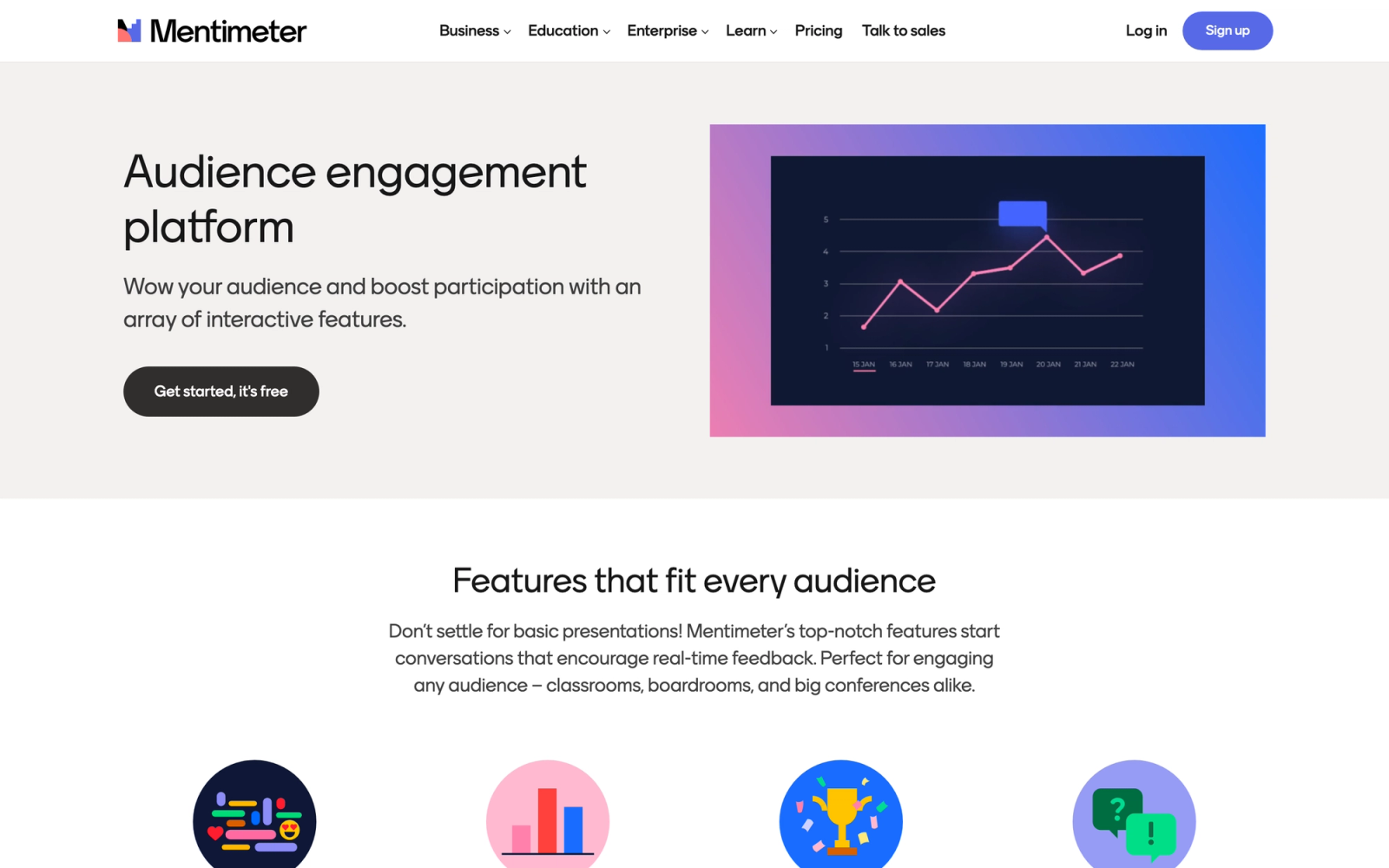
Mentimeter is the most direct Slido competitor in terms of positioning. It is a presentation-layer engagement tool designed to make live polls, word clouds, Q&A sessions, and quizzes visually appealing and easy to deploy. The interface is clean, the poll visualizations are polished, and the learning curve for presenters is minimal.
Mentimeter places heavy emphasis on visual presentation. Responses animate on screen in real time with smooth transitions, and the default chart styles look professional without extra configuration. For teams presenting to external audiences, clients, or large groups, that polish matters in ways a feature list does not capture. Slido's response displays are more utilitarian by comparison.
Core Capabilities
- Real-time polls with multiple choice, scales, ranking, and open-ended response types
- Interactive word clouds generated live from audience text submissions
- Q&A with upvoting and moderation controls for large audiences
- Quiz competitions with leaderboards and timed questions
- PowerPoint and Google Slides integration via dedicated add-ins
- Zoom and Microsoft Teams integrations for embedded polling during video calls
- Custom branding with logo, colors, and background themes on paid plans
- Post-presentation analytics dashboard with exportable response data in CSV and PDF formats
- Audience pace mode that lets participants move through slides independently
- Content library for reusing and sharing presentations across team members
Standout Strength
Presenters choose Mentimeter because it makes audience responses look good on screen. The visual quality of live results, from animated bar charts to flowing word clouds, creates a more engaging atmosphere than raw data displays. For speaker-led events and client presentations where perception matters, that visual layer is a genuine differentiator.
Best For
Corporate presenters, conference speakers, and meeting facilitators who need polished, visual audience engagement tools. Particularly strong for marketing teams, sales kickoffs, town halls, and external-facing events where the visual quality of live interactions reflects on the brand.
Pricing Overview
- Starting price: Free plan with up to 50 participants per session and limited question types
- Basic plan starts at $11.99 per presenter per month (billed annually)
- Pro plan at $24.99 per month for full customization and advanced analytics
- Enterprise pricing available for larger teams with SSO and admin controls
Limitations
- Free plan limits are restrictive: 50 participants and only 2 question slides per presentation
- Advanced question types (ranking, scales, 100-point allocation) require paid plans
- No native LMS integrations, which limits its usefulness for structured training programs
Quick Comparison Insight
More visually polished than Slido for live presentations, but less tightly integrated with video conferencing platforms. Better for speaker-led events; less suited for ongoing training contexts.
Kahoot!
Overview
Kahoot! takes a fundamentally different approach than Slido. Where Slido focuses on Q&A and polls within professional meetings, Kahoot! turns audience interaction into a competitive game. Participants answer timed questions on their devices, earn points for speed and accuracy, and compete on a live leaderboard. The energy in a Kahoot! session is unmistakable.
Kahoot!'s gamification mechanic is not decoration. Participants competing on a live leaderboard behave differently than participants answering a passive poll, they pay closer attention, discuss wrong answers between rounds, and stay focused across multiple questions. For trainers working on knowledge reinforcement or educators reviewing material before an assessment, that behavioral shift has real instructional value.
Core Capabilities
- Timed quiz questions with multiple choice, true/false, type-answer, and puzzle formats
- Live leaderboard displaying top scorers updated after each question
- Team mode for collaborative play where small groups compete together
- Assign mode for self-paced quizzes that participants complete asynchronously
- Question bank with millions of community-created quizzes across subjects
- Microsoft Teams and Zoom integrations for running games inside video calls
- Reports with individual and group performance data exportable to spreadsheet formats
- AI-assisted quiz generation from existing documents, slides, or text prompts
- Branding options with custom themes, logos, and colors on business plans
- LMS integration support via LTI for embedding in learning management systems
Standout Strength
Organizations choose Kahoot! because gamification drives participation in a way that passive polls cannot. The competitive mechanics create intrinsic motivation to pay attention, recall information, and engage actively. For employee training scenarios focused on knowledge checks and content reinforcement, that engagement lift is measurable and consistent.
Best For
Corporate trainers running knowledge reinforcement sessions, educators reviewing course material, and onboarding teams who want to make compliance or product training more engaging. Particularly effective for audiences under 200 where the competitive energy translates well.
Pricing Overview
- Starting price: Free plan for up to 50 participants with basic quiz types
- Presenter plan from $15 per host per month (billed annually)
- Business plans from $26 per host per month with branding and advanced reporting
- Kahoot! EDU plans available at reduced rates for educational institutions
Limitations
- Not designed for open Q&A or moderated discussions. Kahoot! is a quiz tool, not a communication tool.
- The gamification format can feel inappropriate for serious or sensitive topics where competition is unwelcome.
- Free plan is heavily limited, and the gap between free and paid features is wide.
Quick Comparison Insight
Kahoot! and Slido solve different problems. Kahoot! excels at active knowledge testing through competition; Slido excels at passive audience input through polls and Q&A. If your goal is engagement through gamification rather than feedback collection, Kahoot! is the stronger choice.
AhaSlides
Overview
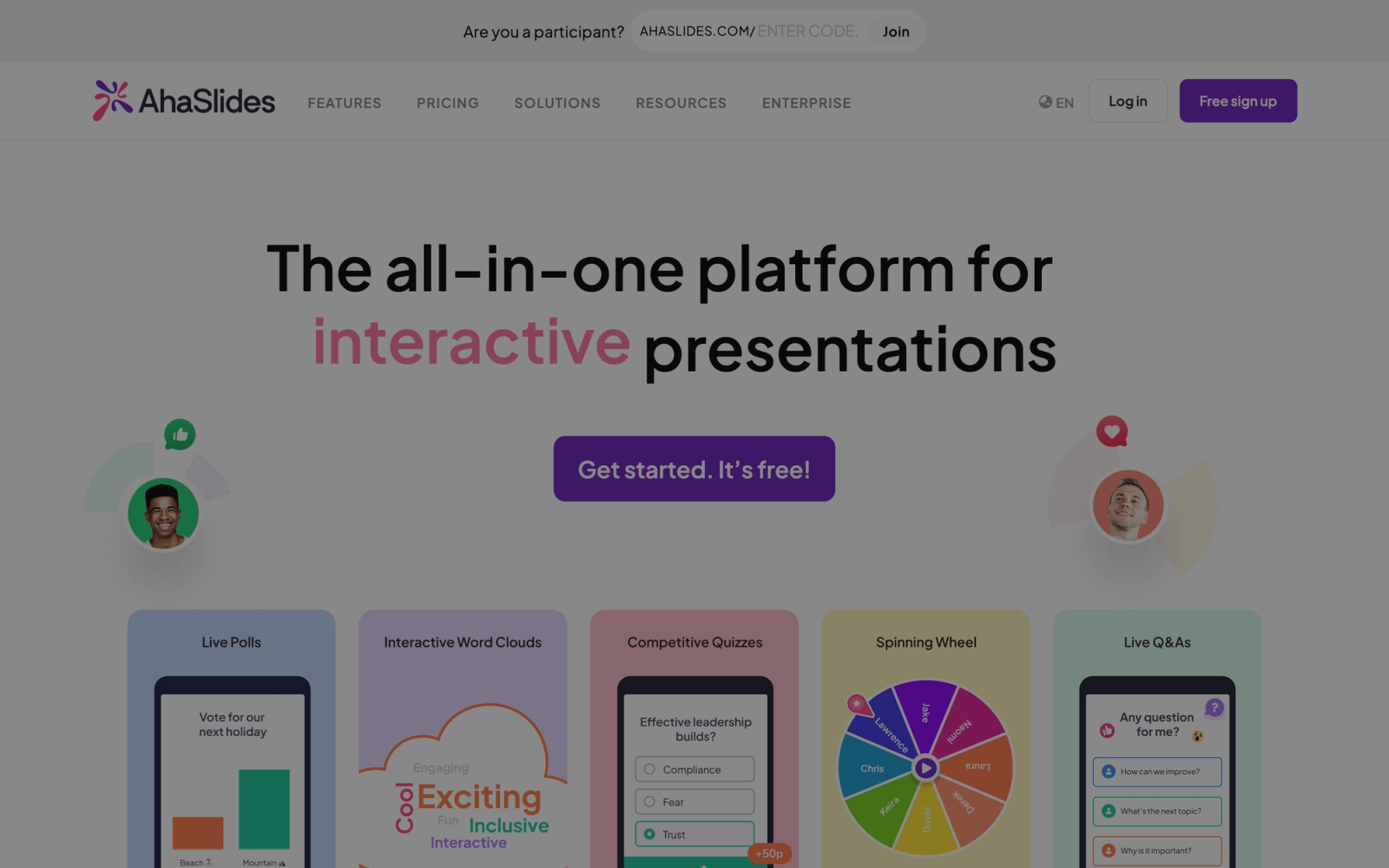
AhaSlides positions itself as the affordable alternative to both Slido and Mentimeter. It covers the same core use cases, including live polls, quizzes, word clouds, Q&A, and interactive presentations, but at a noticeably lower price point. The interface borrows familiar patterns from both competitors, which makes the transition straightforward for teams switching from Slido.
AhaSlides is notably generous at its lower pricing tiers. Features that Slido and Mentimeter gate behind premium plans, custom branding and higher audience limits among them, are available earlier in AhaSlides' pricing structure. The trade-off is less polish in the visual presentation layer and fewer enterprise-grade features like SSO or dedicated account management.
Core Capabilities
- Live polls with multiple choice, image choice, scales, ranking, and open-ended formats
- Word clouds, brainstorming boards, and spinner wheel for randomized selection
- Q&A with upvoting, moderation, and anonymous submission options
- Quiz mode with leaderboards, timed questions, and team play options
- Google Slides and PowerPoint integration for embedding polls into existing decks
- Zoom and Microsoft Teams support for running sessions within video meetings
- Custom branding with logos, colors, and background images available on lower-tier plans
- Post-session reports with individual response tracking and exportable data
- Template library with pre-built interactive presentations across categories
- AI slide generator that creates interactive presentations from text prompts
Standout Strength
Teams choose AhaSlides primarily for the price-to-feature ratio. It delivers roughly 80% of what Slido and Mentimeter offer at roughly half the cost. For organizations that need interactive presentations regularly but cannot justify premium pricing, AhaSlides hits a practical sweet spot.
Best For
Small-to-midsize training teams, educators, and event organizers who need Slido-like functionality without the Slido price tag. Strong fit for freelance trainers, small businesses running regular team sessions, and academic departments managing multiple instructors on a shared budget.
Pricing Overview
- Starting price: Free plan with up to 50 participants (was recently expanded from the original limit)
- Essential plan from $7.95 per month (billed annually) for up to 200 participants
- Pro plan from $15.95 per month with branding, larger audiences, and collaboration features
- Enterprise pricing available with custom participant limits
Limitations
- Visual polish and animation quality do not match Mentimeter. Presentations look functional but not premium.
- Enterprise features like SSO, advanced admin controls, and dedicated support are less mature than Slido's Cisco-backed offering.
- The integration stack is smaller. Fewer native connections to CRM, LMS, or analytics platforms.
Quick Comparison Insight
More affordable than Slido with comparable core features. Less polished visually and weaker on enterprise security and admin controls. The right choice when budget is the primary constraint.
Poll Everywhere
Overview
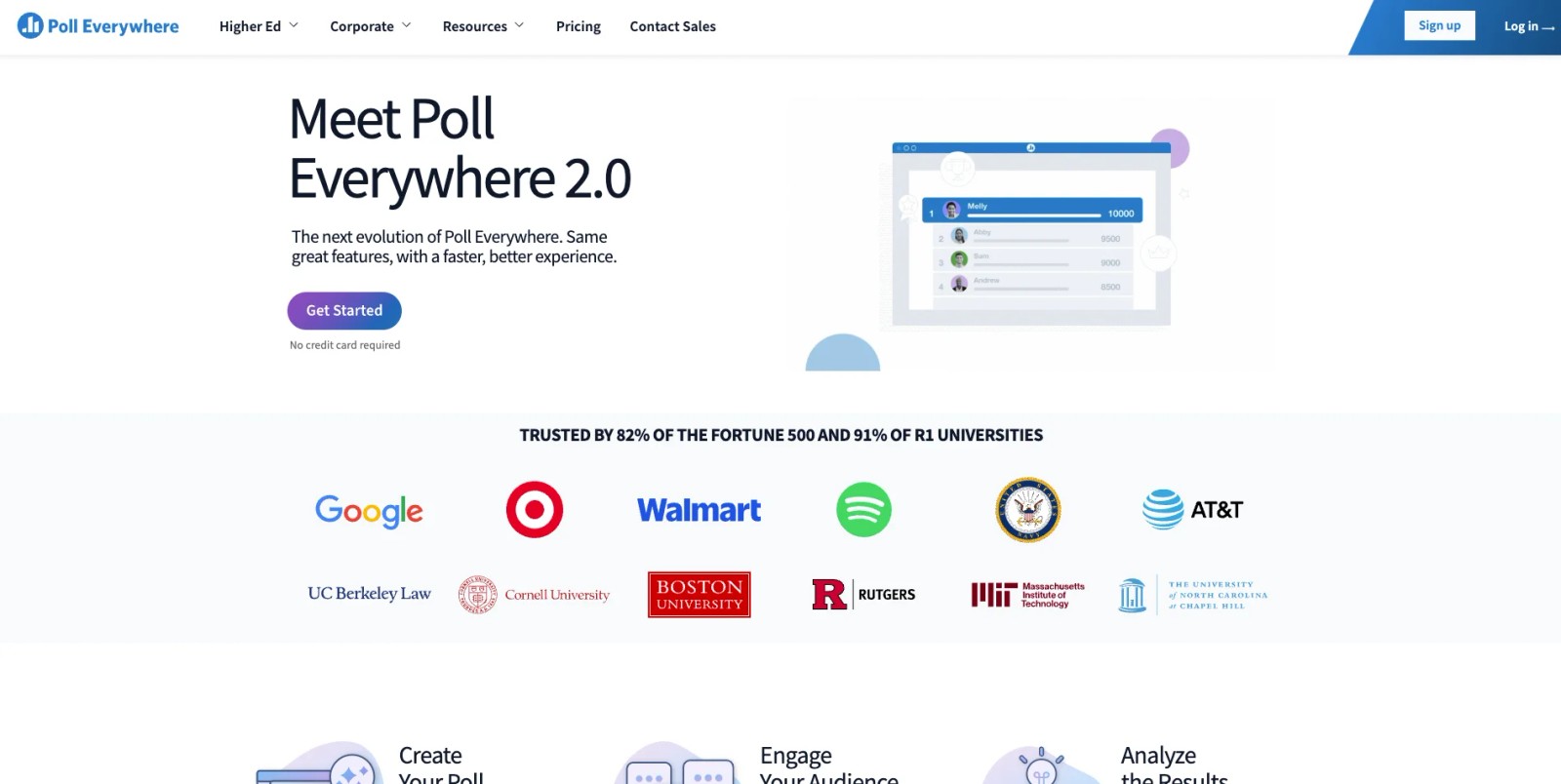
Poll Everywhere has been in the audience response space longer than Slido. It was originally built for live presentations and has deep integrations with PowerPoint, Keynote, and Google Slides that go beyond what most competitors offer. Instead of running polls in a separate browser tab, Poll Everywhere embeds directly into the slide deck, letting presenters trigger and display polls without leaving their presentation flow.
The PowerPoint integration is where Poll Everywhere separates itself from the rest of the field. With Slido, presenters typically switch between slides and a separate interface. With Poll Everywhere, the poll is the slide, responses appear in real time on the same screen, matching the visual theme of the deck. For presenters who need a smooth, uninterrupted delivery flow, that native integration removes a friction point that most polling tools still have.
Core Capabilities
- Native add-ins for PowerPoint, Keynote, and Google Slides with in-slide poll rendering
- 25+ activity types including multiple choice, clickable images, Q&A, word clouds, ranking, and competitions
- SMS, web, and app-based response channels so audiences can participate without downloading anything
- Moderated Q&A with upvoting, pinning, and response filtering for large audiences
- Microsoft Teams and Zoom integrations for running polls inside video meetings
- Response segmentation with demographic data and custom audience attributes
- Real-time and post-session reporting with trend analysis across multiple presentations
- Team management features with shared activity libraries and usage analytics
- LTI integration for embedding activities into LMS platforms
- SOC 2 compliance and data encryption for enterprise security requirements
Standout Strength
Organizations choose Poll Everywhere for the presentation-native experience. The ability to embed polls directly into slide decks, with no context switching and no separate interface, makes it the most natural choice for teams that give a lot of formal presentations. The breadth of response types (25+) also gives presenters more creative options than Slido's more focused set.
Best For
Enterprise teams with regular presentation workflows, especially in sales enablement, executive communications, and corporate training. Also strong for academic lecturers who present from slides and want embedded audience interaction without disrupting their teaching rhythm.
Pricing Overview
- Starting price: Free plan for up to 25 responses per activity
- Presenter plan from $120 per year for individuals with up to 700 audience members
- Team plans with shared libraries and admin controls at custom pricing
- Education pricing available at reduced rates for faculty and students
Limitations
- The interface is more complex than Slido's streamlined setup. Initial configuration takes longer, especially for teams unfamiliar with presentation add-ins.
- Pricing per-presenter can become expensive for organizations with many facilitators. The cost math shifts quickly once you go beyond a handful of users.
- Some of the advanced activity types have a steeper learning curve compared to Slido's simpler poll creation flow.
Quick Comparison Insight
Deeper presentation integration than Slido, but more complex to set up and more expensive at scale. The better choice when slide-native polling matters; Slido is simpler when you just need quick, standalone polls.
Wooclap

Overview
Wooclap is built specifically for education. While Slido serves a broad audience of business meetings and events, Wooclap focuses on the classroom, both physical and virtual. It offers question types that reflect pedagogical needs: matching exercises, fill-in-the-blank, find-on-image, and prioritization activities that go beyond standard polls.
Wooclap's question types are designed around learning, not just feedback collection. A "find on image" question asks participants to click on a specific area of a diagram, which is far more instructive than a multiple-choice poll for anatomy, geography, or engineering topics. These formats reveal whether participants genuinely understand spatial and conceptual relationships, not just whether they can recognize a correct answer from a list.
Core Capabilities
- 18+ question types including polls, word clouds, matching, sorting, fill-in-the-blank, and find-on-image
- Real-time audience response with live result display on the presenter screen
- Pace mode allowing students to complete activities independently at their own speed
- PowerPoint and Google Slides add-ins for in-slide question embedding
- Microsoft Teams integration and LMS compatibility via LTI (Canvas, Moodle, Blackboard)
- Automatic grading for quiz-type questions with instant feedback to participants
- AI-assisted question generation from uploaded documents, slides, or URLs
- Detailed participation and performance analytics per student and per question
- Wall of messages feature for moderated class-wide discussion during sessions
- GDPR-compliant data handling with EU-based infrastructure
Standout Strength
Educators choose Wooclap because its question types go beyond what general-purpose tools offer. The pedagogically-informed interaction formats, especially find-on-image, matching, and sorting, enable formative assessment that standard polls cannot achieve. For faculty teaching subjects that require spatial reasoning, process sequencing, or concept mapping, these question types are not gimmicks; they are instructionally meaningful.
Best For
Higher education instructors running interactive lectures, particularly in STEM, medical education, and professional programs. Also effective for corporate training facilitators who need more varied question types than standard polling tools provide. Strongest in European academic institutions where GDPR compliance is a hard requirement.
Pricing Overview
- Starting price: Free plan for educators with basic question types and up to 1,000 participants
- Pro plan for educators at institutional pricing (varies by university agreement)
- Business plans from custom pricing for corporate and event use
- Special pricing for K-12 and higher education institutions
Limitations
- The business-focused plans are less competitive than Slido's pricing for corporate events. Wooclap's strength is in education, and the corporate pricing reflects lower priority.
- Fewer integrations with enterprise communication tools compared to Slido or Poll Everywhere.
- The interface has more complexity than Slido due to the broader range of question types, which can slow down first-time users.
Quick Comparison Insight
More pedagogically oriented than Slido, with question types designed for learning rather than audience feedback. Less suited for corporate meetings and events; more suited for classrooms and structured training sessions.
Pigeonhole Live
Overview
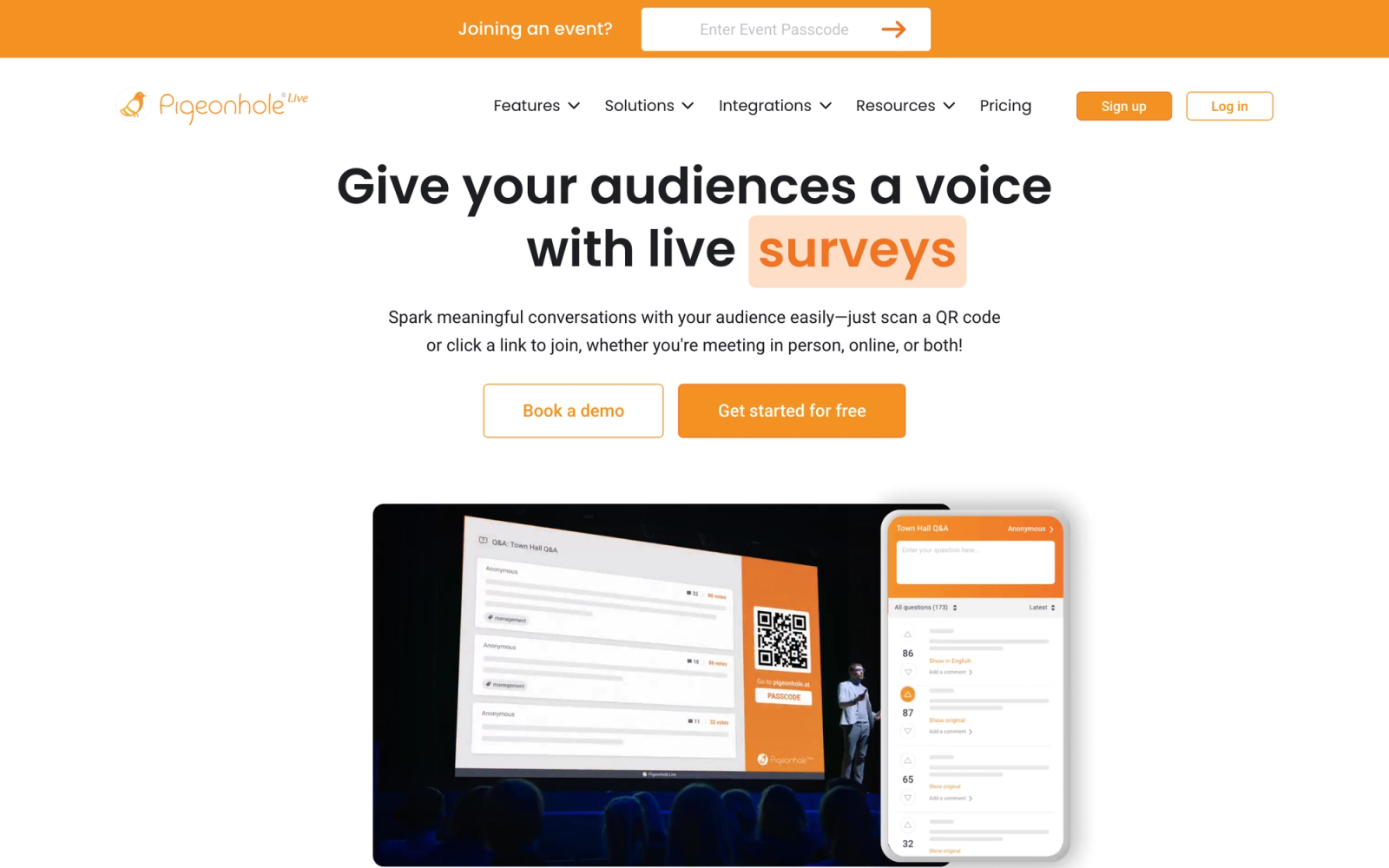
Pigeonhole Live is built for large-scale events, conferences, and town halls where moderated Q&A and audience engagement need to work reliably at thousands of concurrent participants. Where Slido serves both small meetings and large events, Pigeonhole Live focuses squarely on the large-event use case and builds features around that context: multi-session management, moderator workflows, speaker view dashboards, and enterprise-grade reliability.
The moderator experience in Pigeonhole Live reflects how the product was built around professional event production rather than adapted from a meeting tool. The moderator dashboard lets you approve, reject, merge, and prioritize questions across multiple concurrent sessions from a single interface. For event producers managing a multi-day conference with parallel tracks, that level of operational control goes well beyond what Slido's moderation tools offer.
Core Capabilities
- Moderated Q&A with upvoting, question merging, tagging, and priority flagging
- Live polls with multiple choice, word clouds, rating scales, and open-ended responses
- Multi-session event management with a single dashboard controlling all sessions
- Speaker view with curated question feed and real-time audience sentiment indicators
- Audience analytics with participation rates, engagement heatmaps, and session comparisons
- Webex, Zoom, and Microsoft Teams integrations for virtual and hybrid event support
- Custom branding with full control over colors, logos, and event URLs
- Anonymous and identified response options configurable per session
- Pre-event and post-event survey tools for capturing feedback before and after sessions
- API access for connecting engagement data to event management platforms and CRMs
Standout Strength
Event teams choose Pigeonhole Live because it handles the complexity of multi-session, multi-moderator events where simpler tools break down. The moderator workflow, audience capacity, and session management features are designed for professional event production, not adapted from a meeting tool. For organizations running conferences, summits, or investor days, that operational maturity makes a measurable difference.
Best For
Corporate communications teams running large town halls, event agencies producing multi-day conferences, and organizations hosting hybrid events with 500+ participants. Strong fit for scenarios where moderated Q&A quality and speaker preparation matter more than casual poll interactions.
Pricing Overview
- Starting price: Free plan with 1 session and up to 250 audience members
- Professional plan from $8 per month (billed annually) with multiple sessions and larger audiences
- Business plans with custom pricing for high-volume events and API access
- Enterprise pricing with SLA guarantees and dedicated event support
Limitations
- Overkill for small team meetings or classroom use. The multi-session architecture adds complexity that is unnecessary for simple use cases.
- Fewer gamification and quiz features compared to Slido, Kahoot!, or AhaSlides. Pigeonhole Live prioritizes Q&A over competitive interactions.
- The pricing structure for high-volume usage can exceed Slido's cost, especially when API access and premium support are required.
Quick Comparison Insight
More event-focused and operationally mature than Slido for large-scale Q&A and moderated discussions. Less versatile for small meetings, quizzes, and casual polls. Choose Pigeonhole Live when event production quality matters; stick with Slido for everyday meeting engagement.
Vevox
Overview
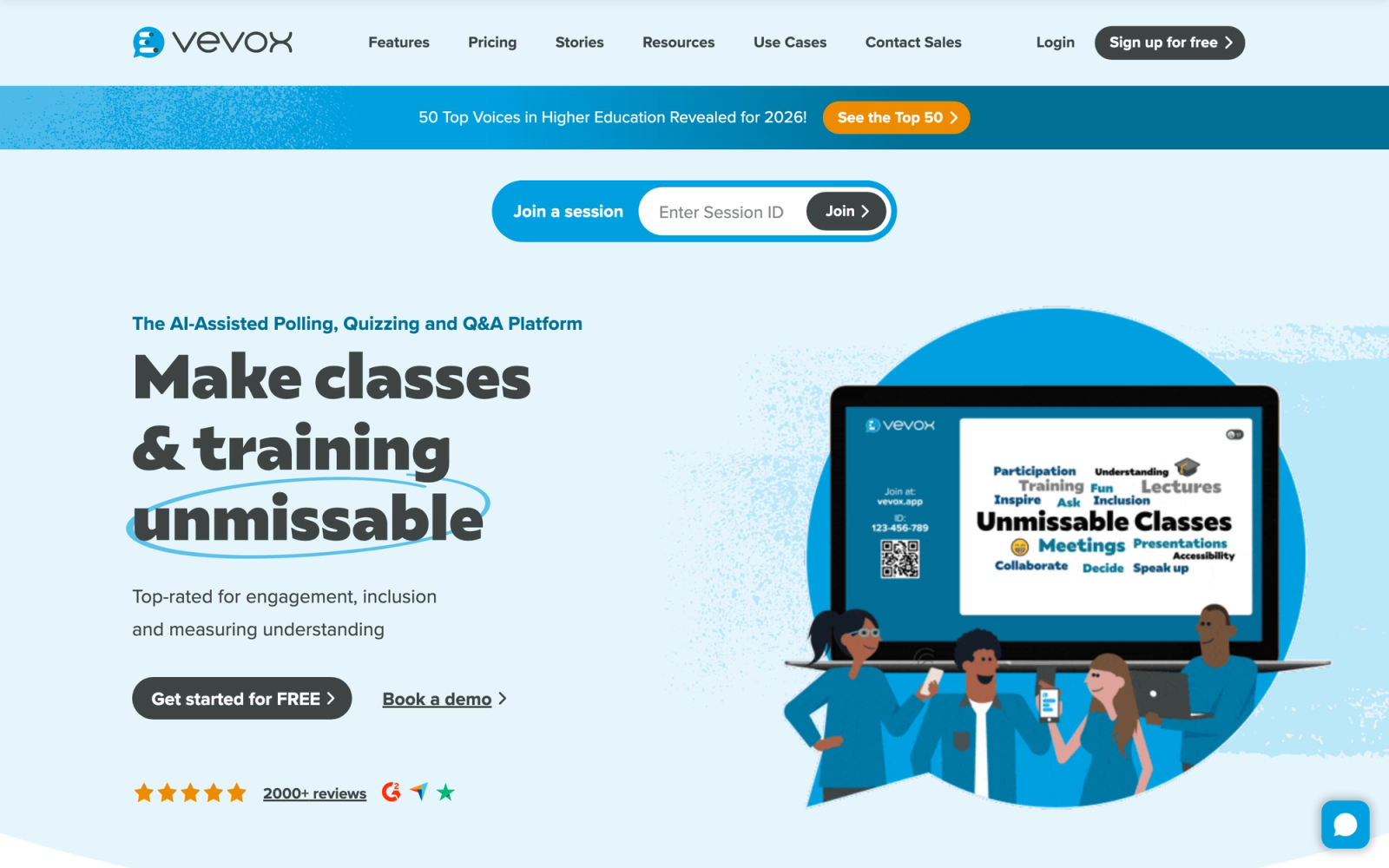
Vevox positions itself at the intersection of audience engagement and anonymous feedback. While most polling tools include an anonymous option, Vevox makes anonymity a core design principle, particularly for sensitive contexts like employee feedback, academic assessment, and organizational surveys where honest responses depend on perceived safety.
Vevox goes further than simply hiding names. The platform provides configurable anonymity levels, moderation workflows designed for sensitive topics, and reporting that protects individual identity while still surfacing aggregate patterns. For HR teams running pulse surveys or leadership development feedback sessions, that deliberate architecture produces measurably different response quality than a standard anonymous toggle.
Core Capabilities
- Live polling with multiple choice, numeric, text, and ranking response types
- Anonymous Q&A with configurable anonymity levels and strong moderation controls
- Quiz mode with timed questions, leaderboards, and individual performance tracking
- Survey functionality for pre-session and post-session feedback collection
- PowerPoint integration via add-in for in-slide poll embedding
- Microsoft Teams and Zoom integrations with native app installation
- LMS integration through LTI for use within Canvas, Blackboard, and Moodle
- Detailed analytics with response breakdowns, participation rates, and exportable reports
- Word clouds and open-text analysis with keyword grouping
- SSO support and institutional authentication for university and enterprise deployments
Standout Strength
Universities and corporate L&D teams choose Vevox when they need genuine anonymity that participants trust. The platform's identity protection is not an afterthought but a core feature, which changes the quality and honesty of responses in sensitive contexts. Research from institutions using Vevox consistently shows higher participation rates in anonymous mode compared to identified polling, which directly impacts the value of the data collected.
Best For
Universities running large lecture halls with student response systems, HR and L&D teams collecting honest employee feedback, and organizations conducting sensitive surveys where participation depends on anonymity guarantees. Particularly strong in UK and European higher education where Vevox has significant institutional adoption.
Pricing Overview
- Starting price: Free plan with basic features for small groups
- Paid plans from $10.95 per month per presenter (billed annually)
- Institutional and enterprise pricing with volume discounts and SSO
- Education pricing available at reduced rates for academic institutions
Limitations
- Smaller brand recognition than Slido or Mentimeter, which can create adoption friction in organizations where tool familiarity matters.
- The interface is functional but less visually refined than Mentimeter or AhaSlides. Design aesthetics are secondary to functionality.
- Limited event management features. Vevox is focused on sessions and presentations, not multi-day conferences.
Quick Comparison Insight
Stronger anonymity architecture than Slido, making it the better choice for sensitive feedback scenarios. Less visually engaging for speaker-led presentations and less suited for large-scale event management.
Top Hat
Overview
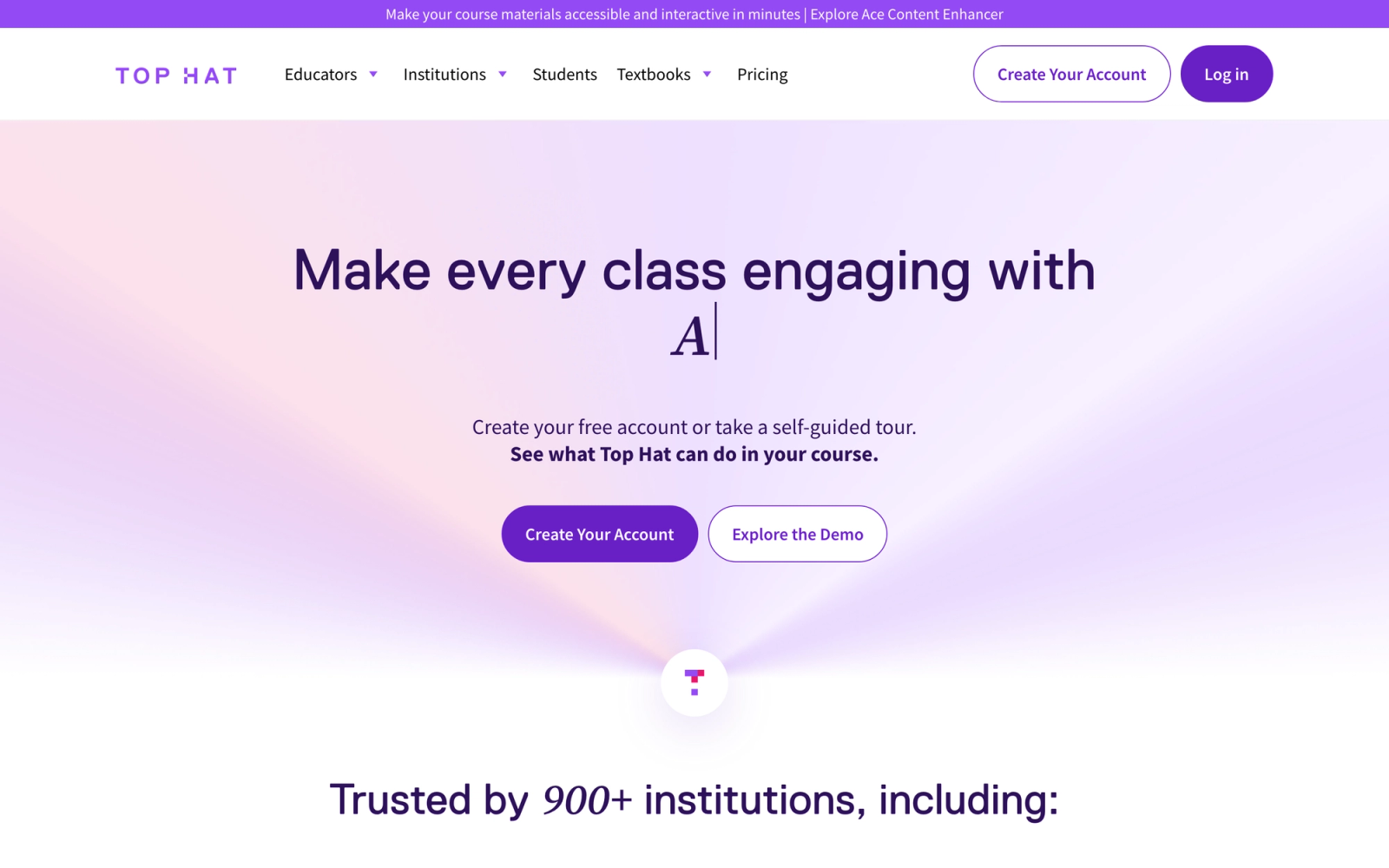
Top Hat is not a polling tool that happens to work in education. It is a full classroom engagement platform built around the academic semester. Where Slido handles discrete events, Top Hat manages ongoing courses with persistent content, student tracking, graded activities, and integration with institutional LMS platforms. The scope is significantly broader.
Top Hat is not a session tool. You build a course in it, with readings, interactive questions, discussions, and assessments that students engage with over weeks and months. The polling features are embedded within that course structure rather than offered as standalone interactions. For faculty who need participation tied to grades and tracked across a semester, that integration between in-class interaction and academic assessment is outside what any polling tool can replicate.
Core Capabilities
- In-class polling with multiple choice, numeric, click-on-target, word answer, and sorting questions
- Interactive textbook platform where students engage with embedded questions as they read
- Attendance tracking tied to participation data, automating a common administrative task
- Graded in-class activities that sync automatically with Canvas, Blackboard, and D2L gradebooks
- Discussion boards for ongoing student conversation outside of class sessions
- Homework and assignment delivery with automatic grading for supported question types
- Question library with thousands of peer-reviewed questions organized by discipline
- Student performance dashboards showing engagement trends, at-risk indicators, and grade distributions
- Secure testing with lockdown browser support for proctored assessments
- LTI integration with major LMS platforms for grade passback and single sign-on
Standout Strength
Faculty choose Top Hat because it bridges the gap between audience engagement and academic assessment. Participation data feeds into grades. In-class questions connect to out-of-class assignments. Student engagement becomes a tracked, measured component of the course rather than an ephemeral moment. That longitudinal perspective on student engagement is something no standalone polling tool provides.
Best For
Higher education faculty teaching undergraduate and graduate courses who need persistent student engagement tools integrated with grading and LMS workflows. Strongest for large lecture courses (100+ students) in STEM, business, and social sciences where formative assessment during class directly supports learning outcomes.
Pricing Overview
- Institutional licensing model (pricing varies by university agreement)
- Student cost typically ranges from $30 to $80 per semester depending on courseware included
- Faculty access is generally included through institutional licenses
- Free trial available for faculty evaluation
Limitations
- Not designed for corporate or event use. Top Hat's architecture assumes a semester-based academic context, which makes it impractical for one-off meetings or conferences.
- The student cost model creates friction. Unlike Slido where participation is free, Top Hat requires students to purchase access, which can generate pushback.
- Setup requires significant time investment upfront to build course content and configure grading. This is not a quick-launch tool.
Quick Comparison Insight
Far more complete than Slido for academic contexts, but irrelevant for corporate meetings or events. Top Hat replaces Slido only if your use case is semester-long classroom engagement with graded participation.
Nearpod
Overview
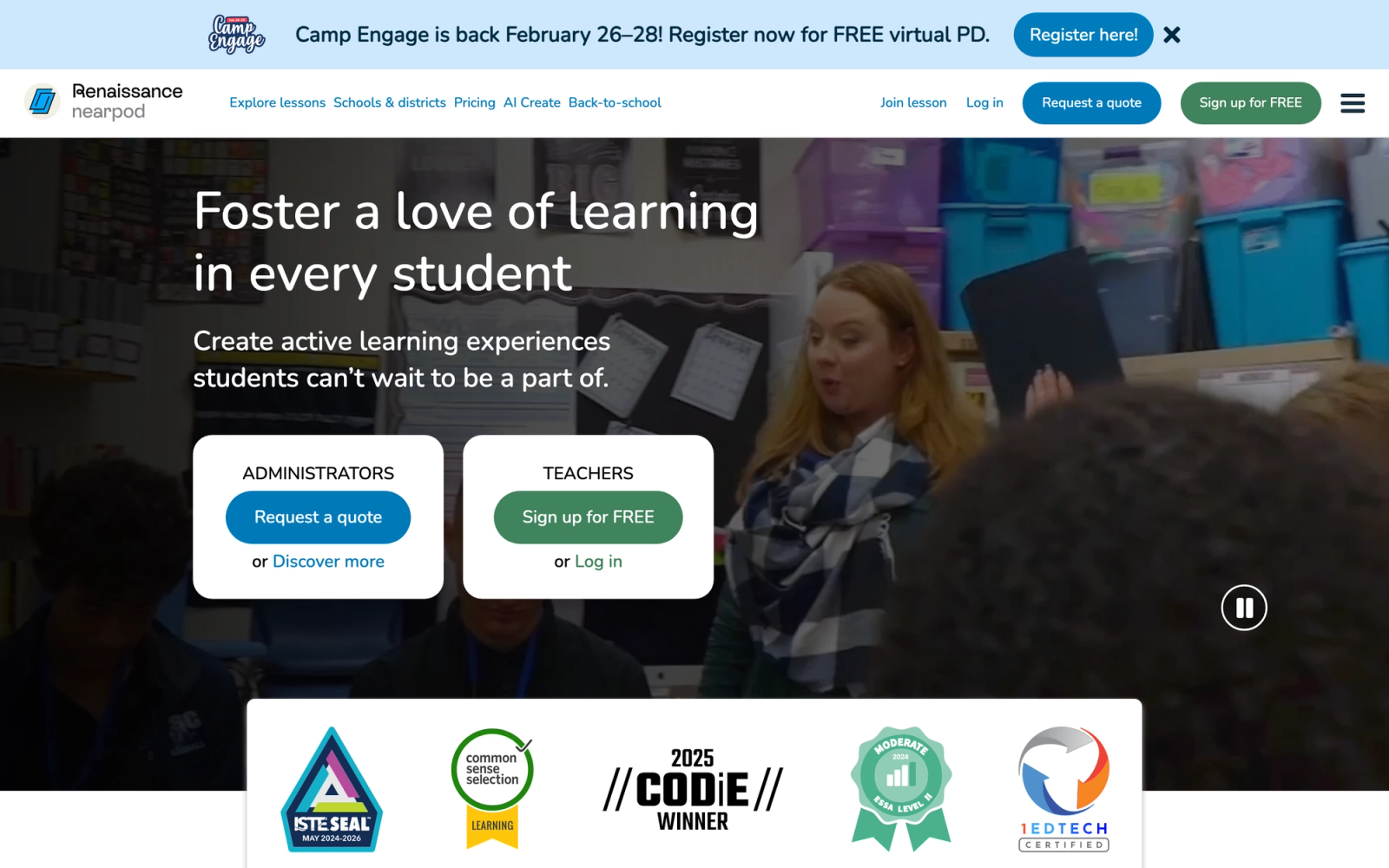
Nearpod takes a lesson-centric approach to audience engagement. Rather than providing standalone polls, it wraps interactive elements inside structured lessons that guide participants through content, checks for understanding, and collaborative activities in a defined sequence. Originally built for K-12 classrooms, Nearpod has expanded into corporate training with a product that applies the same pedagogy-driven structure to professional development sessions.
Nearpod's strength and its limitation come from the same design decision. Every interactive element exists within a lesson flow, so participants do not just answer a poll and move on, they move through video, simulation, comprehension checks, and collaboration in a defined sequence. That structure drives deeper engagement than isolated polls. The limitation is that you have to build the lesson first. There is no quick-launch poll mode for ad-hoc meeting engagement the way Slido offers.
Core Capabilities
- Structured lesson builder with sequenced slides, videos, interactive activities, and assessments
- 20+ interactive activity types including polls, quizzes, matching, draw-it, collaborate boards, and fill-in-the-blank
- Virtual reality field trips and 3D object explorations for immersive learning experiences
- Student-paced and teacher-paced delivery modes for synchronous and asynchronous use
- Google Classroom and Canvas LMS integrations for assignment distribution and grade sync
- Real-time participation tracking showing which students have completed each activity
- Post-session reports with per-student and per-question performance breakdowns
- Lesson library with thousands of pre-built, standards-aligned lessons across subjects
- Gamification elements with time-to-climb competitive quizzes and badges
- Microsoft Teams integration and Zoom support for virtual and hybrid lesson delivery
Standout Strength
Trainers and educators choose Nearpod because it enforces a pedagogical structure that standalone polling tools lack. Interactive elements are not optional extras added to a meeting; they are integral components of a designed learning sequence. That structure increases the likelihood that interactions serve learning objectives rather than just breaking monotony. For organizations that care about instructional design quality, that distinction matters.
Best For
K-12 educators building interactive lessons and corporate trainers delivering structured onboarding programs or compliance training. Particularly effective when the goal is structured learning delivery rather than open audience feedback. Best for contexts where every interaction should tie to a learning objective.
Pricing Overview
- Starting price: Free plan with limited storage and basic features for educators
- School and district licensing from custom pricing based on student count
- Corporate plans available through Nearpod for Business at custom enterprise pricing
- Individual educator plans available at reduced monthly rates
Limitations
- Every interaction requires building a lesson first. No quick-launch polls like Slido for ad-hoc meeting engagement.
- The K-12 origin is visible in the interface design and default content. Corporate users sometimes find the aesthetic and tone more suited to younger audiences.
- Pricing transparency for business use is limited. Enterprise pricing is not published, which complicates vendor comparison.
Quick Comparison Insight
More structured and pedagogically intentional than Slido, but significantly more effort to set up. Nearpod replaces Slido only when the goal shifts from "add interactivity to a meeting" to "deliver a structured interactive lesson."
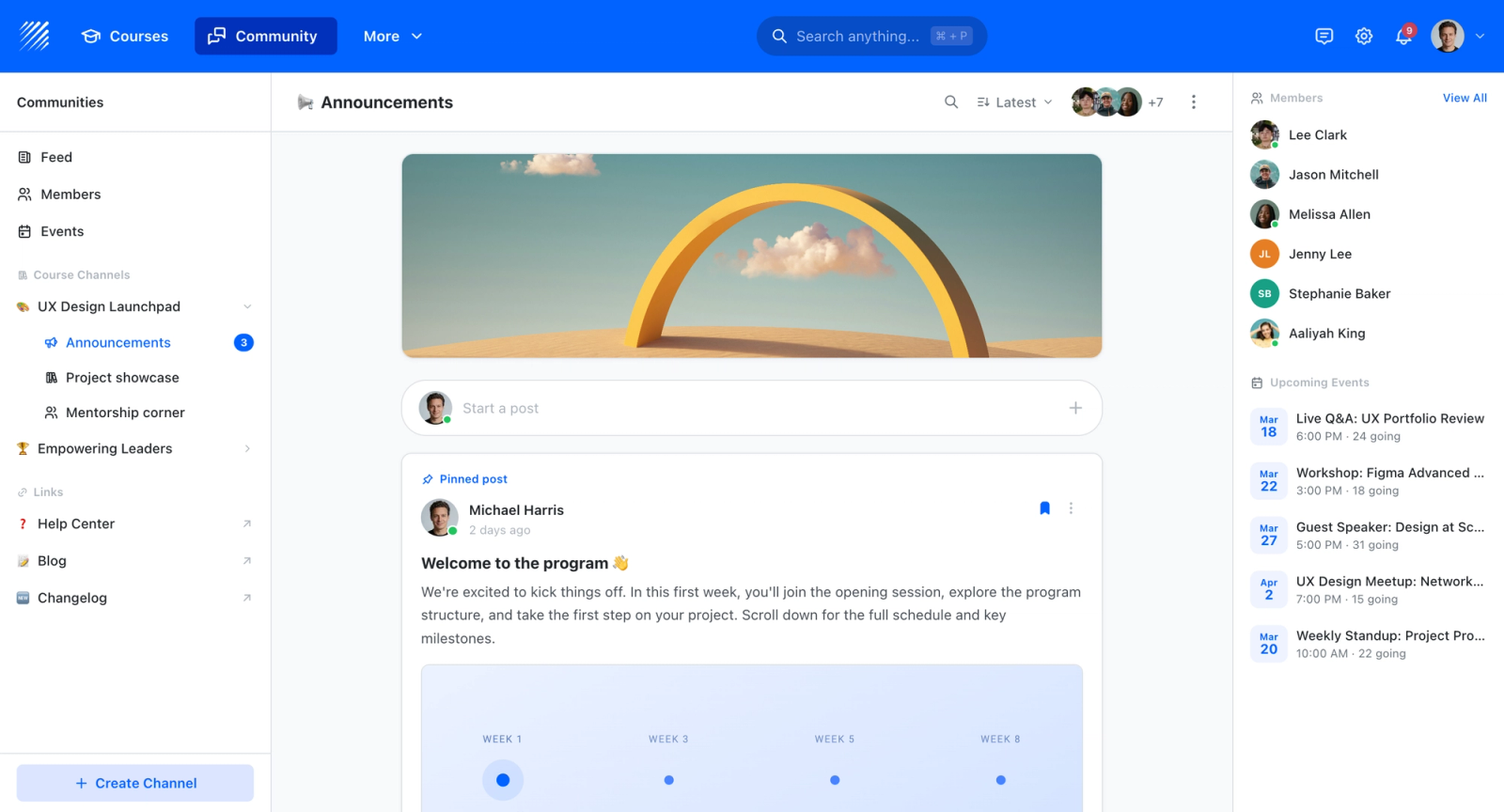
Where Teachfloor Fits
The platforms compared here are designed for live audiences in meetings, webinars, and events, where polls and Q&A happen in the moment. Teachfloor is not built for that real-time setting; its quizzes and assessments live inside courses and are tied to grading and completion rather than a room full of attendees. If you are running a self-paced or cohort program instead of a live event, the assessment side belongs in a course platform rather than an audience-polling tool.

If you are choosing a home for your courses rather than a single-purpose tool, Teachfloor is worth a look. It starts at $89 per month with a 14-day free trial.
How to Choose the Right Alternative
The ten tools above overlap in surface-level features but diverge sharply in design philosophy and target use case. Choosing the right one depends less on feature checklists and more on understanding what type of engagement problem you are actually solving.
If you need polished presentation polls for meetings and events, Mentimeter or Poll Everywhere are the most direct Slido replacements. Mentimeter wins on visual appeal; Poll Everywhere wins on slide integration depth. Both handle the "make meetings more interactive" use case well.
If you need gamified knowledge checks for training, Kahoot! is the clear leader. Its competitive mechanics change participant behavior in a way that passive polls cannot. Pair it with a structured training delivery tool if you need more than just quizzes.
If budget is the primary constraint, AhaSlides delivers the closest feature parity to Slido at the lowest price point. The trade-off is less polish and fewer enterprise features, but for most small teams, that trade-off is acceptable.
If you run large-scale conferences and events, Pigeonhole Live offers operational maturity that Slido's event features do not match. The multi-session management, moderator workflows, and audience capacity are built for professional event production.
If honest, anonymous feedback matters, Vevox's anonymity-first architecture makes it the strongest choice for HR feedback, sensitive surveys, and academic assessment where response quality depends on perceived safety.
If you are in higher education, the decision narrows to Wooclap, Top Hat, or Vevox depending on scope. Wooclap for interactive lectures with pedagogical question types. Top Hat for semester-long course engagement with grading integration. Vevox for anonymous student response systems.
If you need structured lesson delivery, Nearpod wraps interactions inside designed learning sequences. It is more effort to set up than Slido, but the instructional quality of the output is higher.
If you need persistent engagement between sessions, Teachfloor addresses the gap that Slido, by design, does not fill. It is not a replacement for in-session polling but a complement for ongoing participant interaction in cohort-based programs.
The most common mistake teams make is choosing an engagement tool based on feature count rather than fit. A tool with 30 activity types is not better than one with 10 if you only ever use three. Start with the specific engagement problem, then match the tool to it.
FAQ
Is there a free Slido alternative?
Several tools in this list offer free plans. AhaSlides, Mentimeter, and Kahoot! all provide free tiers with limited participants and features. Wooclap offers a generous free plan for educators. The key question is whether the free plan supports your actual audience size. Most free tiers cap at 25 to 100 participants, which works for small team meetings but not for conferences or large classrooms.
Can I use these tools with Zoom and Microsoft Teams?
Yes. Mentimeter, Poll Everywhere, Kahoot!, AhaSlides, Vevox, and Pigeonhole Live all integrate with Zoom and Microsoft Teams. The depth of integration varies. Some tools embed directly inside the meeting interface; others require participants to open a separate browser tab. Check whether the integration is native or browser-based, as that affects the participant experience.
Which Slido alternative is best for education?
For higher education lectures, Wooclap and Vevox are the strongest choices. For semester-long course engagement with grading, Top Hat is more complete. For K-12 and structured training lessons, Nearpod offers the most pedagogically intentional approach. The right tool depends on whether you need session-level interaction or course-level engagement.
What is the cheapest Slido alternative with full features?
AhaSlides consistently offers the most competitive pricing for a comparable feature set. Its paid plans start under $8 per month and include features that Slido and Mentimeter charge significantly more for, including custom branding and larger audience limits. The trade-off is less visual polish and fewer enterprise features.
Can these tools handle audiences of 1,000+ people?
Poll Everywhere, Pigeonhole Live, and Wooclap are explicitly designed for large audiences and have been tested at scale in conferences and lecture halls with thousands of participants. Mentimeter and Vevox also support large audiences on their enterprise plans. For events above 1,000 concurrent participants, verify the tool's specific capacity on your chosen pricing tier.


