


Why Look for a ClassDojo Alternative?
ClassDojo became one of the most popular behavior management apps in K-12 education by making it easy to award points, share updates with parents, and track classroom conduct. Millions of teachers use it, and there is a reason it spread so fast: the interface is friendly, the parent communication loop is built in, and setup takes minutes.
But popularity does not mean it is the right fit for every school, teacher, or district. Several recurring issues push educators to explore ClassDojo alternatives.
Privacy concerns. ClassDojo collects behavioral data on children, and not every parent or district is comfortable with how that data is stored, shared, or used. Schools with strict data governance policies often find ClassDojo's model difficult to reconcile with their FERPA and COPPA compliance requirements.
Public behavior tracking. ClassDojo's default mode displays point totals visibly, which can embarrass students who lose points in front of peers. Many schools moving toward Positive Behavioral Interventions and Supports prefer tools that emphasize private, positive recognition over public scoreboards, since visible point deductions can work against the trust that effective behavior systems depend on.
Limited PBIS alignment. While ClassDojo supports positive reinforcement, many schools running formal PBIS frameworks need tools that go deeper: tiered intervention tracking, school-wide analytics, specific behavior categorization, and fidelity monitoring. ClassDojo was not built for that level of structure.
Shallow analytics. ClassDojo gives you a simple point tally. If you need to identify behavior trends across grade levels, correlate interventions with outcomes, or generate reports for administrators and counselors, the data layer is thin.
Communication limitations. ClassDojo handles parent messaging, but schools looking for a unified communication platform that covers announcements, forms, volunteer coordination, emergency alerts, and two-way translation often outgrow it quickly.
One name you will not find ranked below is Classcraft. The original Classcraft, long cited as a top ClassDojo alternative for gamified behavior management, was acquired by Houghton Mifflin Harcourt and sunset on June 30, 2024. New signups ended in early 2024, all data was wiped on July 1, 2024, and the successor product, HMH Classcraft, dropped behavior management entirely. If you are searching for a Classcraft replacement, the behavior and engagement tools in this guide are where former Classcraft schools have moved.
If any of these issues resonate, the tools below offer stronger options depending on whether your priority is behavior management, parent communication, PBIS compliance, or engagement. This guide stays focused on classroom behavior and family communication. If you need full course delivery and assignments instead, see our guide to the best Google Classroom alternatives.
What to Look for in a Classroom Behavior Tool
Before comparing specific platforms, it helps to define what actually matters in a behavior management and communication tool. Not every feature marketed as essential will move the needle for your classroom or school.
Positive reinforcement mechanics. The tool should make it easy to recognize good behavior frequently and consistently. Points, badges, digital rewards, or token economies all work, but the system needs to be fast enough that teachers can use it during instruction without breaking flow.
Privacy and data control. You need to know where student data lives, who can access it, and whether the platform complies with FERPA, COPPA, and any state-level regulations your district follows. This is non-negotiable for K-12 tools.
PBIS and framework alignment. If your school or district uses PBIS, the tool should support tiered behavior tracking, custom behavior categories aligned to your matrix, and reporting that maps to your framework's fidelity requirements. Generic point systems are not enough.
Parent and family communication. The best behavior tools close the loop between classroom and home. Look for real-time notifications, messaging in multiple languages, and the ability to share positive updates, not just incident reports.
School-wide reporting and learning analytics. Individual classroom data is useful, but administrators need visibility across the building. The tool should aggregate behavior data by grade, teacher, time of day, and intervention type so leadership can make informed decisions.
Ease of use for teachers. If the tool takes more than a few seconds to log a behavior event, teachers will stop using it. Speed and simplicity during live instruction are essential. Mobile access matters too.
Integration with existing systems. Most schools already use a Student Information System (SIS), a gradebook, and possibly a separate communication tool. The behavior platform should connect with those systems rather than creating another data silo.
Student engagement features. Some tools go beyond tracking behavior to actively motivate students through gamification in learning, class challenges, or digital economies. If engagement is a priority alongside management, look for platforms that build motivation into the system.
The 10 Best ClassDojo Alternatives
The tools below cover the full spectrum of ClassDojo alternatives, from dedicated behavior management platforms to parent communication tools to engagement-first learning platforms. Each one addresses a specific gap that ClassDojo leaves open. They are organized so you can find the right match by primary use case, whether that is behavior tracking, PBIS reporting, or family communication.
| Tool | Behavior tracking | Parent communication | PBIS alignment | Starting price | Free trial | Best for |
|---|---|---|---|---|---|---|
| LiveSchool | Yes | Basic notifications | Yes | Free for teachers | Free plan | PBIS schools wanting a reward economy |
| PowerSchool Behavior Support | Yes | Yes | Yes | Custom (district) | Demo only | District-wide PBIS analytics and MTSS |
| PBIS Rewards (Navigate360) | Yes | Parent portal | Yes | Custom (per enrollment) | Demo only | Digital token economy for PBIS |
| Hero by SchoolMint | Yes | Yes | Yes | Custom (district) | Demo only | Behavior plus safety and operations |
| Seesaw | No | Yes (portfolios) | No | Free for teachers | Free plan | Portfolio-based family engagement (PreK-8) |
| Bloomz | Basic | Yes | No | Free for teachers | Free plan | Parent communication plus coordination |
| ParentSquare | No | Yes (district) | No | Custom (district) | Demo only | Unified district-wide communication |
| Remind (ParentSquare) | No | Yes (SMS reach) | No | Free for teachers | Free plan | Wide-reach messaging without an app |
| TalkingPoints | No | Yes (150+ languages) | No | Free for teachers | Free plan | Multilingual family communication |
LiveSchool
Overview
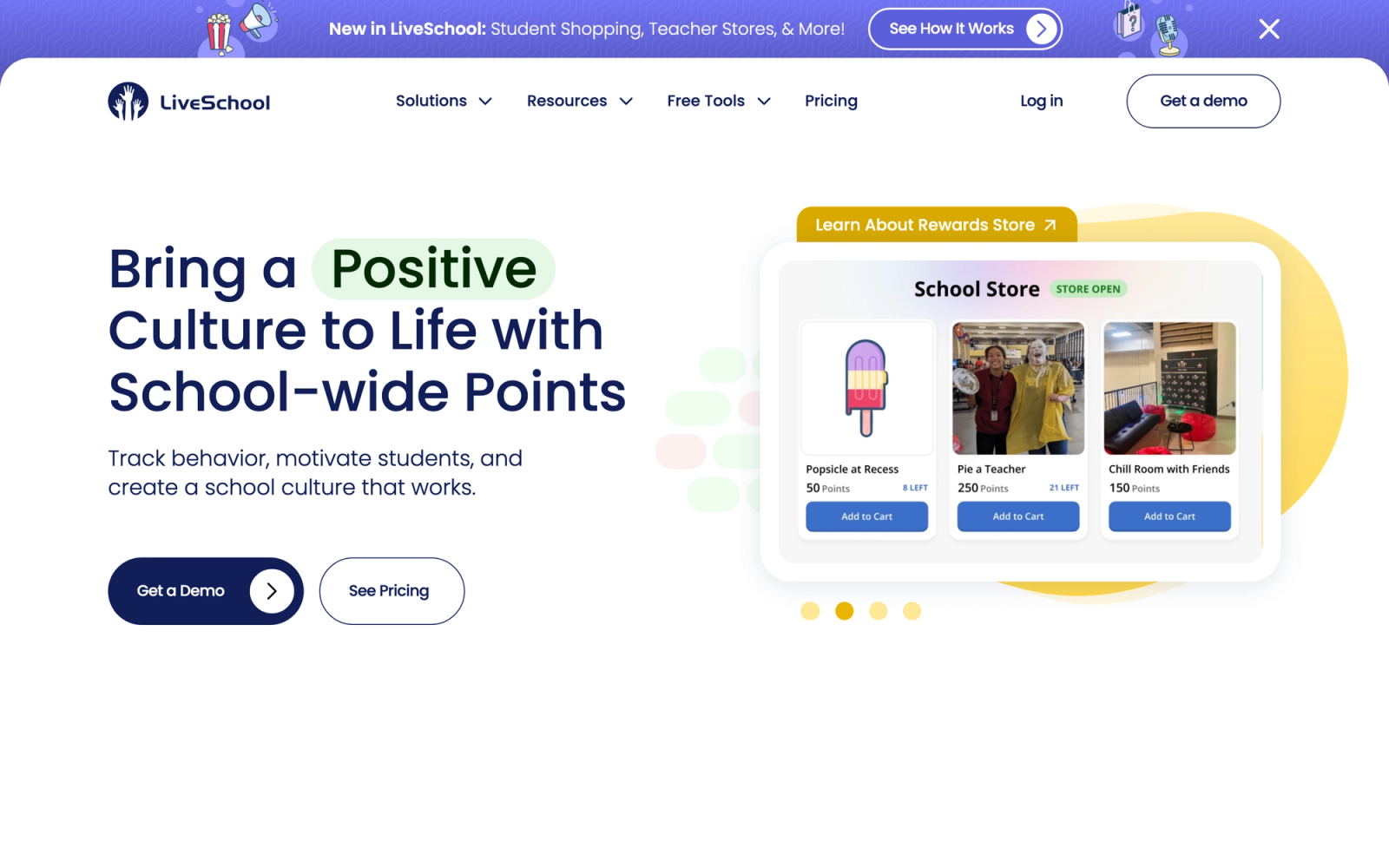
LiveSchool is a behavior tracking platform built specifically around positive reinforcement and PBIS alignment. Unlike ClassDojo's general-purpose point system, LiveSchool structures everything around the behaviors your school has defined in its PBIS matrix, making it one of the strongest tools for schools that take their behavior framework seriously.
The platform makes it fast for teachers to award points during class. A few taps on a mobile device log a specific positive behavior tied to a specific student. Those points accumulate in a school-wide store where students redeem rewards. What sets LiveSchool apart from simpler tools is the reporting layer. Administrators can pull data on which behaviors are being recognized most, which areas of the building have the most incidents, and how recognition trends shift over time.
The school store feature is one of the platform's strongest elements. Students see their point balances and choose from rewards the school configures, from homework passes to lunch with the principal. This creates a tangible economy that keeps students invested in the system beyond just seeing a number go up.
Core Capabilities
- Positive behavior tracking aligned to custom PBIS behavior categories
- Mobile app for fast in-class behavior logging (iOS and Android)
- School store where students redeem earned points for configurable rewards
- Behavior incident tracking with custom categories and follow-up workflows
- School-wide reporting dashboard with filters by grade, teacher, location, and time period
- Parent notifications for positive behavior recognition
- Integration with major SIS platforms for roster syncing
- Tier tracking for PBIS multi-tiered support system documentation
- Student leaderboards with privacy controls
Standout Strength
LiveSchool's reporting is where it pulls ahead of ClassDojo. The ability to see behavior data school-wide, broken down by every dimension an administrator cares about, turns behavior management from a classroom-level practice into a building-level strategy. Schools using PBIS need this kind of data for fidelity checks, and LiveSchool delivers it without requiring manual spreadsheet work.
Best For
Schools and teachers that want a positive behavior tracker tied to their defined expectations, with reporting that scales from the classroom to the whole building. Particularly strong where administrators want data-driven conversations about school culture, but the free tier also serves individual teachers who just need a fast, straightforward way to award points without a heavy gamification layer.
Pricing Overview
- Free tier available for individual teachers
- School-wide plans available with custom pricing based on enrollment
- District licensing available
Limitations
- The platform is focused almost entirely on behavior tracking and rewards. It does not include parent communication features beyond basic notifications.
The gamification is limited to a point economy. Schools wanting richer game mechanics or narrative-driven engagement will find LiveSchool deliberately simple by comparison.
- The free tier is functional for individual classrooms but lacks the school-wide features that make LiveSchool most valuable.
Quick Comparison Insight
More PBIS-aligned and analytically rigorous than ClassDojo, but narrower in scope. If your primary need is structured behavior tracking with strong reporting, LiveSchool is the sharper tool.
PowerSchool Behavior Support (formerly Kickboard)
Overview
PowerSchool Behavior Support, formerly Kickboard, is a behavior management and school culture platform designed from the ground up for PBIS implementation. PowerSchool acquired Kickboard and folded it into its Unified Classroom suite, so it now connects directly to the PowerSchool student information system many districts already run. Where ClassDojo treats behavior tracking as one feature among many, this platform makes it the entire product, with the depth and structure that schools running formal behavior frameworks require.
The platform lets schools define their complete PBIS matrix, from tier one universal expectations to tier three intensive interventions, and track every behavior event against that framework. Teachers log behaviors in real time. Administrators pull reports that show exactly how the framework is being implemented across the building. Coaches and counselors use the data to identify students who need additional support.
The analytics go well beyond anything ClassDojo offers. The platform generates heat maps showing when and where behavior events cluster, trend reports tracking improvement over time, and equity reports that flag disproportionate discipline patterns. For schools that take data-driven behavior management seriously, this level of analysis is what separates a real PBIS tool from a basic point tracker.
Core Capabilities
- Full PBIS matrix configuration with custom behavior categories, tiers, and expectations
- Real-time behavior logging via mobile app and web
- Tiered intervention tracking aligned to PBIS multi-tiered support systems (MTSS)
- School-wide analytics dashboard with heat maps, trend reports, and equity analysis
- Classroom observation tools for instructional coaches and administrators
- Student recognition features for positive behavior reinforcement
- Parent communication for behavior updates and positive notifications
- Integration with SIS platforms for roster and demographic data syncing
- Professional development tracking for staff aligned to school culture goals
Standout Strength
PowerSchool Behavior Support turns behavior data into actionable intelligence. The combination of PBIS alignment, equity reporting, and school-wide analytics gives administrators the evidence base they need to evaluate whether their behavior framework is actually working, and where it is not. It can answer questions a simple point tally cannot touch: are we recognizing students equitably across demographics, which locations in the building need more support, and are tier two interventions reducing behavior events?
Best For
K-12 schools and districts implementing PBIS or MTSS frameworks that need a tool matching the complexity of their behavior system. Particularly valuable for school leadership teams that use behavior data for strategic decision-making, equity audits, and continuous improvement. Less suited for individual teachers looking for a simple, quick behavior tracker.
Pricing Overview
- Custom pricing based on school or district enrollment
- Implementation support and training included in school and district packages
- Demo available on request
Limitations
- The platform is designed for school-wide implementation with administrative oversight. Individual teachers cannot use it effectively in isolation.
- Setup requires aligning the platform to your specific PBIS matrix, which involves configuration time and coordination with your behavior team.
- The depth of features can be overwhelming for schools that do not have a formal behavior framework in place.
Quick Comparison Insight
Far more analytically powerful than ClassDojo for behavior management, but requires a school-wide commitment to PBIS implementation. Not a drop-in replacement for an individual teacher.
PBIS Rewards (part of Navigate360)
Overview
PBIS Rewards, now part of Navigate360 after its 2022 acquisition, does exactly what its name promises: it provides a digital token economy built specifically for schools implementing Positive Behavioral Interventions and Supports. The platform replaces paper tickets, punch cards, and manual tracking systems with a digital point system that students, teachers, and administrators can all access. As part of the Navigate360 whole-child safety suite, it can also connect to broader student wellness tooling.
The workflow is straightforward. Teachers award points to students for specific positive behaviors using a mobile device or computer. Students accumulate points and spend them in a school store or at school-wide reward events. The system tracks everything and generates reports that PBIS teams need for their regular data reviews.
PBIS Rewards stays focused. There is no attempt to be a communication platform, a portfolio tool, or a gamified RPG. It is a behavior token economy with reporting, and that clarity makes it faster to implement and easier for teachers to adopt than tools trying to do five things at once.
Core Capabilities
- Digital point system for positive behavior recognition aligned to school-defined expectations
- Mobile app and web interface for fast point awarding during instruction
- School store management where students redeem points for rewards
- Event-based rewards (school-wide celebrations, special privileges) tied to point thresholds
- Behavior referral tracking for tier two and tier three documentation
- PBIS reporting dashboard with data views by behavior type, location, time, and student group
- Student kiosk mode for self-serve point checking and store purchases
- Parent portal for visibility into student point balances and behavior recognition
- SIS integration for automatic roster management
Standout Strength
PBIS Rewards replaces the most tedious part of running a PBIS program: the manual point tracking. Schools that previously used paper tickets or spreadsheets find that digitizing the economy increases consistency, reduces teacher burden, and generates the data needed for PBIS team meetings without extra work.
Best For
K-12 schools with an active PBIS implementation that need a digital token economy to replace or enhance their current reward system. Strongest for schools where the PBIS team has already defined expectations and needs a tool to operationalize them consistently. Less suited for schools without a formal PBIS framework or for teachers looking for broader communication features.
Pricing Overview
- Pricing based on school enrollment size
- Annual school-wide licensing with tiered pricing
- Demo and pilot programs available for schools evaluating the platform
Limitations
- The platform is narrow by design. It handles the PBIS token economy well but does not include parent communication, portfolios, or gamification beyond the point system.
- Schools without an established PBIS framework will find the tool less useful since it is structured around pre-defined behavior expectations.
- The student-facing experience is functional but not especially engaging. Students see a point balance and a store rather than a richer, game-like profile.
Quick Comparison Insight
More PBIS-specific than ClassDojo, with better reporting and a true school-wide economy. Narrower in scope, but deeper in the one thing it does. Pair it with a communication tool if parent messaging is also a need.
Hero by SchoolMint
Overview
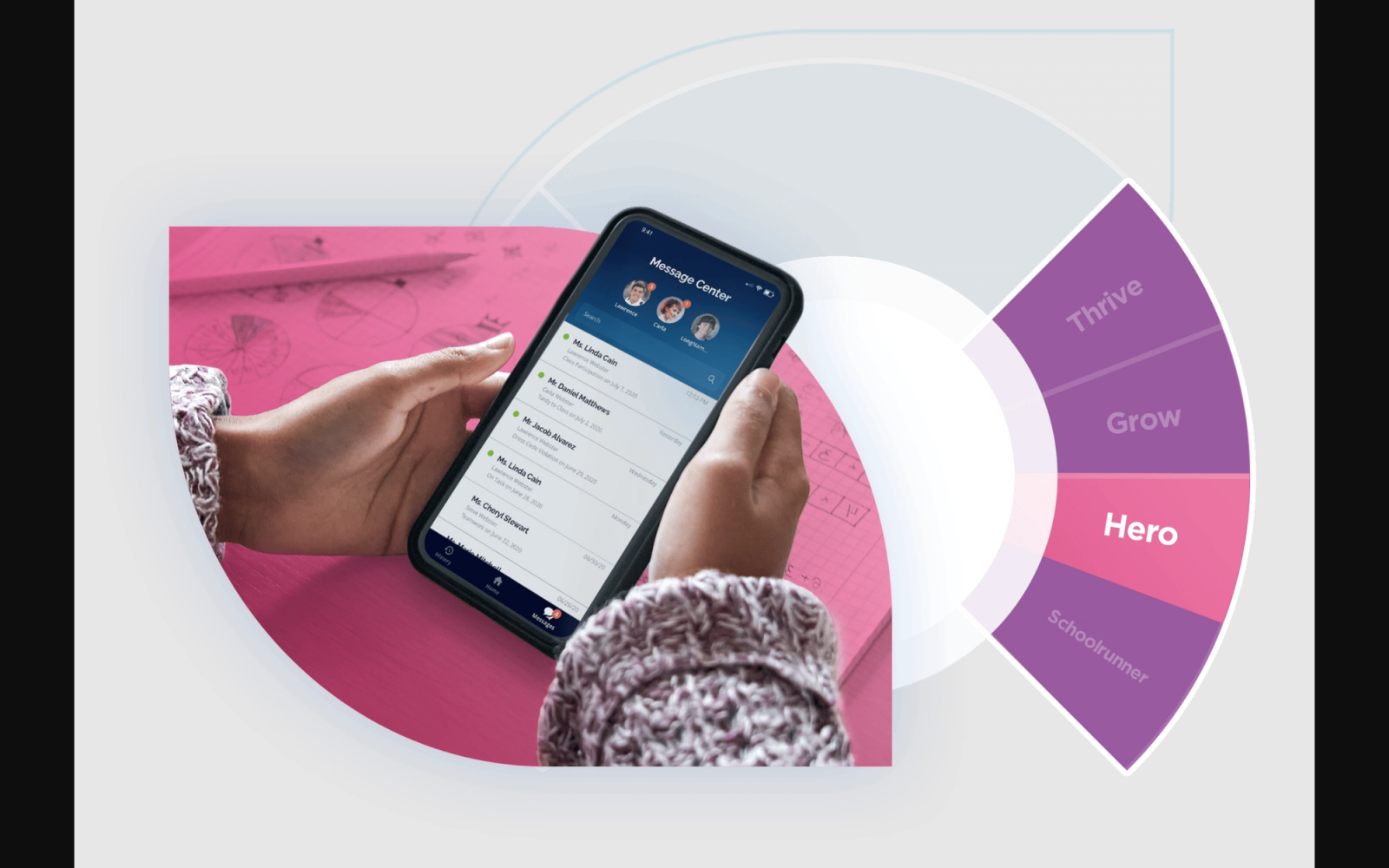
Hero by SchoolMint combines behavior management with school safety and operations into one platform. The tool started as a behavior tracking system and expanded to include hall pass management, tardy tracking, and incident documentation, making it one of the broader school operations tools in this category.
Hero handles the full lifecycle of a behavior event: initial logging, parent notification, administrator review, consequence assignment, and follow-up documentation. Unlike ClassDojo, which keeps things at the surface level with simple points, Hero tracks the detail that schools need for formal discipline records, intervention plans, and compliance reporting.
The safety features are what distinguish Hero from other behavior tools. Digital hall passes let administrators see which students are out of class at any given moment. Tardy tracking automates the consequence escalation process. Incident reports generate the documentation that schools need for serious behavioral events. If your school needs behavior management that connects to operational systems, Hero covers ground that pure behavior trackers do not.
Core Capabilities
- Real-time behavior tracking with positive and negative event logging
- PBIS-aligned behavior categories and expectation frameworks
- Digital hall pass system with real-time location visibility
- Tardy tracking with automated consequence escalation
- Incident report generation with documentation workflows
- Parent notification and communication for behavior events
- School-wide analytics and reporting dashboards
- Consequence management with intervention tracking
- Integration with SIS platforms and SchoolMint's enrollment and school choice tools
Standout Strength
Hero connects behavior management to school operations in a way that standalone behavior tools do not. The combination of behavior tracking, hall passes, tardy management, and incident documentation means administrators manage fewer systems while maintaining better visibility into what is happening across the building throughout the day.
Best For
K-12 schools and districts that need behavior management integrated with school safety and operations. Best for middle and high schools where hall pass management, tardy tracking, and formal incident documentation are daily concerns. Less relevant for elementary schools focused primarily on positive reinforcement and parent communication.
Pricing Overview
- Custom pricing based on school or district enrollment
- Part of the SchoolMint platform suite, which may bundle with enrollment and school choice tools
- Demo and implementation support available on request
Limitations
The gamification and student motivation features are minimal compared with dedicated engagement tools or even ClassDojo.
- The safety and operations features add complexity that smaller schools or elementary buildings may not need.
- Being part of the broader SchoolMint product suite means your behavior tool is tied to a wider vendor relationship, which some districts prefer to avoid.
Quick Comparison Insight
Broader operational scope than ClassDojo, with stronger documentation and safety features. Less engaging for students, but more useful for administrators managing behavior, attendance, and safety across a building.
Seesaw
Overview
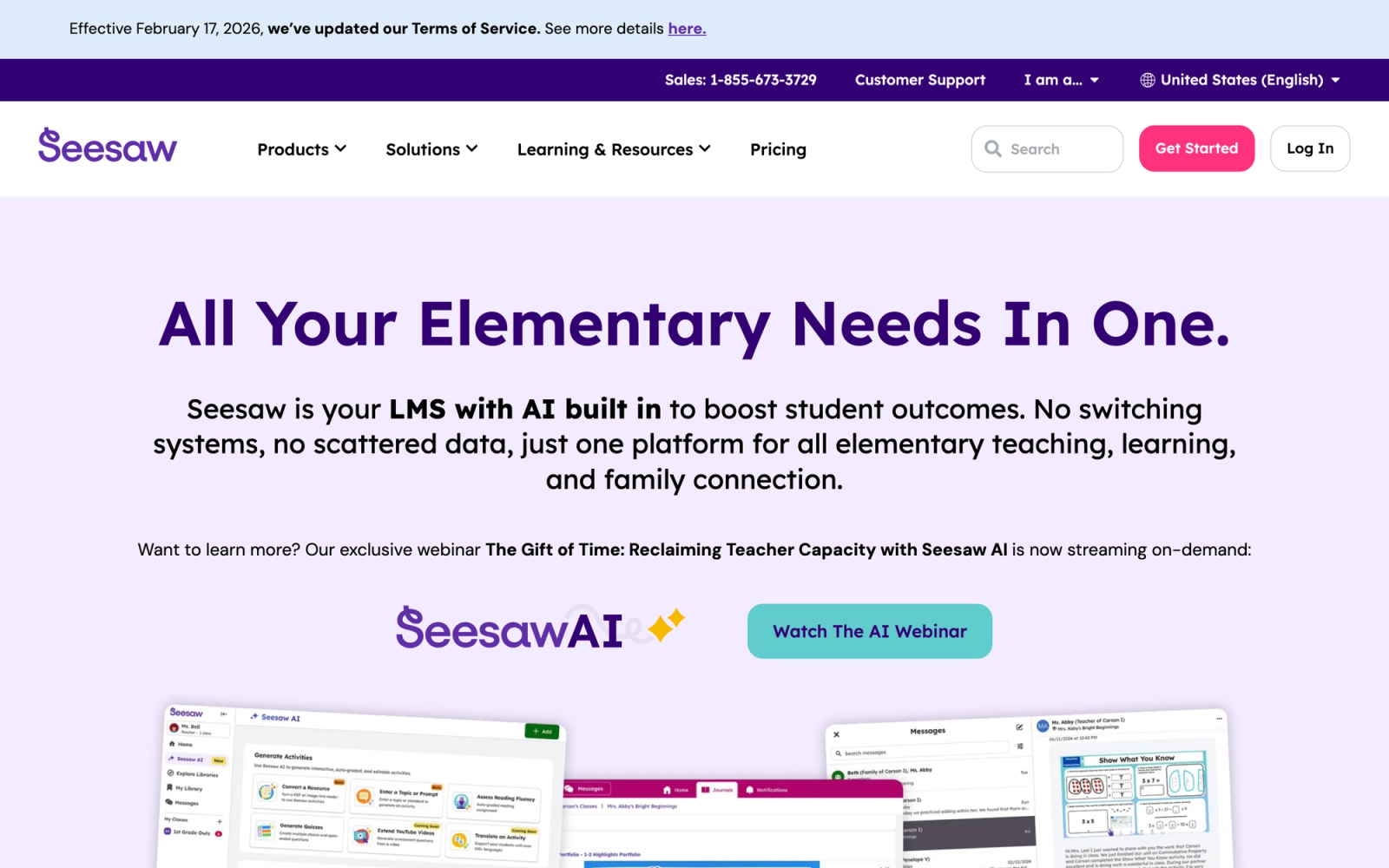
Seesaw approaches the ClassDojo problem from a completely different angle. Rather than tracking behavior through points, Seesaw builds a digital portfolio where students document their own learning through photos, videos, drawings, and written reflections. Parents see this work in real time through a family app, creating a communication channel built around student achievement rather than conduct metrics.
Seesaw reframes the parent-teacher relationship. Instead of parents receiving notifications that their child earned or lost points, they see their child's actual work. A parent opens the app and watches their second grader explain a math strategy on video, or reads a journal entry their fifth grader wrote about a science experiment. That is a fundamentally different interaction than a behavior score, and for many families it is a more meaningful one.
Seesaw also functions as an assignment platform. Teachers create activities, students complete and submit them within Seesaw, and the work automatically becomes part of the portfolio. This makes it both a communication tool and a lightweight learning management system for elementary and middle school classrooms.
Core Capabilities
- Student digital portfolios with multimedia submissions (photos, videos, drawings, audio, text)
- Family app with real-time access to student work and teacher messages
- Assignment creation and distribution with built-in submission tools
- Teacher annotation and feedback tools for student work
- Activity library with thousands of pre-built, standards-aligned activities
- Multimodal response options so students can demonstrate learning in multiple formats
- Translation support for family communication in 100+ languages
- Integration with Google Classroom, Clever, and ClassLink for roster syncing
- Blog feature for sharing selected student work publicly
Standout Strength
Seesaw gives parents a window into what their child is actually doing and learning, not just how they are behaving. For elementary teachers who believe parent engagement should center on academic growth and creative expression, Seesaw creates that connection more effectively than any behavior tracking tool. The multimodal submission options also support differentiated student engagement by letting students show understanding in the way that works best for them.
Best For
Elementary and middle school teachers (PreK-8) who want to build parent communication around student work rather than behavior points. Ideal for schools prioritizing portfolio-based assessment and family engagement. Also works for districts that need a simple digital assignment platform for younger students. Not a direct replacement for behavior tracking tools.
Pricing Overview
- Free tier available with core portfolio and family communication features
- Seesaw for Schools plans available with custom pricing for site-wide deployment
- District licensing with additional administrative features and support
Limitations
- Seesaw does not include behavior tracking, point systems, or PBIS features. If those are your primary need, Seesaw is not a direct ClassDojo replacement.
- The platform is designed for younger students. The interface and workflows become less appropriate above middle school.
- Administrative reporting is oriented around portfolio activity, not behavior data. School leaders looking for conduct analytics will need a separate tool.
Quick Comparison Insight
A stronger parent communication tool than ClassDojo for sharing student learning, but it does not replace ClassDojo's behavior tracking. Best used alongside a behavior tool or as a complete philosophical shift away from point-based management.
Bloomz
Overview
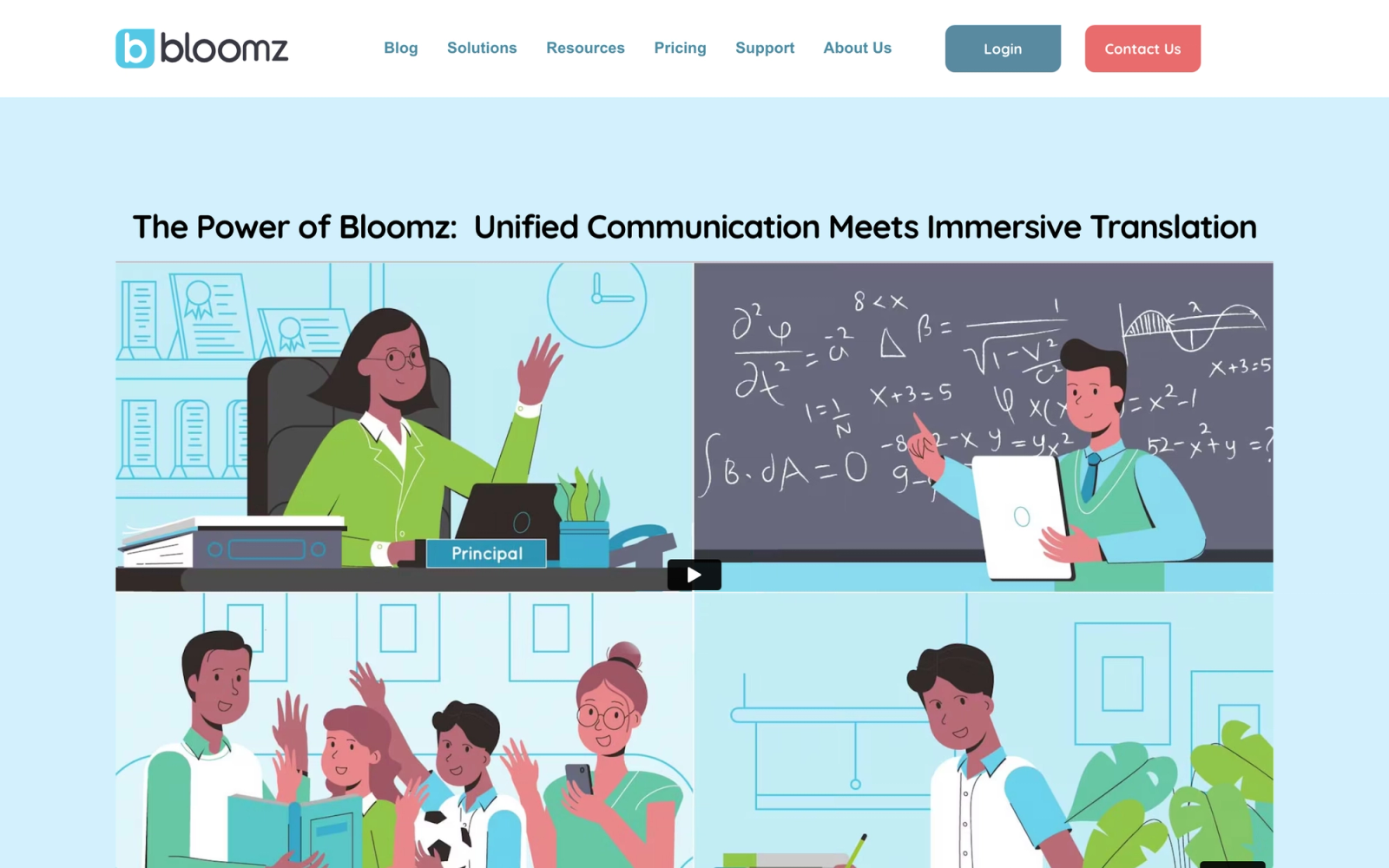
Bloomz is a parent-teacher communication platform that bundles messaging, event coordination, volunteer signups, and behavior tracking into a single app. Where ClassDojo focuses primarily on behavior with communication as a secondary feature, Bloomz treats communication as the core and adds behavior management on top.
The platform handles the operational side of running a classroom in ways that ClassDojo does not. Teachers can send announcements, coordinate field trip volunteers, share a class calendar, distribute permission slips, and run a parent conference sign-up, all from one place. The volunteer coordination tools are especially useful for teachers who spend significant time managing logistics outside of instruction.
Bloomz also includes a behavior tracking module, though it is simpler than dedicated tools like LiveSchool or PowerSchool Behavior Support. Teachers can log positive and negative behaviors, and parents receive notifications. The behavior piece works, but it is clearly not the platform's primary strength.
Core Capabilities
- Two-way messaging between teachers and parents with read receipts
- Class announcements and school-wide broadcasts
- Volunteer signup coordination with event management
- Class calendar with event scheduling and reminders
- Behavior tracking with positive and negative logging
- Photo and video sharing for classroom updates
- Permission slip distribution and electronic signatures
- Parent conference scheduling tool
- Translation support for multilingual communication
Standout Strength
Bloomz consolidates the scattered communication tasks that eat into teacher time: group messages, volunteer coordination, event planning, and permission management. If your main frustration with ClassDojo is that it handles behavior well but leaves you juggling three other apps for everything else, Bloomz brings those tasks together.
Best For
K-12 teachers and schools that need an all-in-one parent communication and coordination platform with basic behavior tracking included. Strongest for elementary schools with active parent communities where volunteer management and event coordination are regular needs. Not ideal for schools that need advanced behavior analytics or PBIS reporting.
Pricing Overview
- Free tier available with core messaging and communication features
- Premium plans for teachers and schools with additional features
- District-wide pricing available on request
Limitations
- The behavior tracking module is basic compared to dedicated tools. No PBIS alignment, no tiered tracking, and limited reporting depth.
- The platform tries to do many things (messaging, behavior, events, volunteers, conferencing), which means no single feature is as deep as a specialist tool.
- Adoption depends on parents downloading and using another app, which can be a barrier in communities with app fatigue.
Quick Comparison Insight
Broader than ClassDojo in communication capabilities, but shallower in behavior management. Best for teachers who need one app to handle all parent-facing tasks rather than the best possible behavior tracker.
ParentSquare
Overview
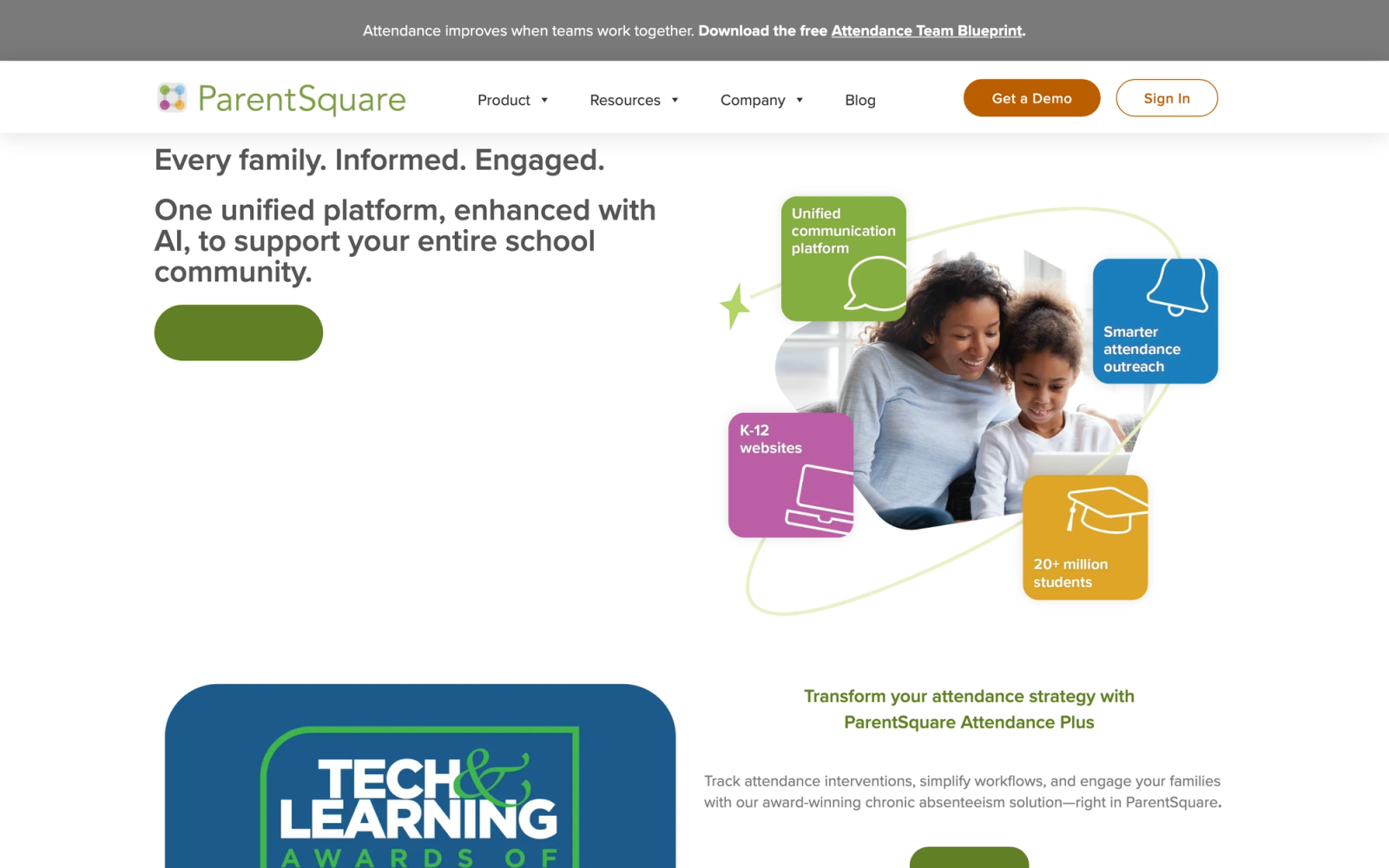
ParentSquare is a unified school-to-home communication platform that replaces the patchwork of apps, email lists, robocalls, and paper flyers that most schools still use. Where ClassDojo's communication is limited to class-level messaging, ParentSquare operates at the district scale with features designed for administrators, principals, teachers, and families.
The platform handles every type of school communication: announcements, forms, permission slips, conference sign-ups, emergency alerts, surveys, volunteer coordination, and direct messaging. Everything goes through a single platform, and families receive messages in their preferred channel (app, email, SMS, or voice call) and language.
ParentSquare's translation capability is one of its defining features. The platform auto-translates messages into 100+ languages, which addresses one of the biggest equity gaps in school communication. Families who do not speak English as a primary language receive the same information, in the same timeframe, as everyone else. For diverse school communities, this is not a nice-to-have, it is essential.
Core Capabilities
- Unified communication platform spanning district, school, and classroom levels
- Multi-channel delivery: app, email, SMS, and voice calls
- Automatic translation into 100+ languages
- Digital forms, permission slips, and electronic signature collection
- Conference and event scheduling with parent self-registration
- Volunteer coordination and signup management
- Emergency notification system
- Surveys and feedback collection
- Integration with major SIS platforms (PowerSchool, Infinite Campus, Skyward) for automatic roster syncing
- Analytics dashboard showing message reach, engagement rates, and family activation
Standout Strength
Few tools on this list match ParentSquare for breadth of communication. The combination of multi-channel delivery, auto-translation, and SIS integration means schools can reach every family, in their language, through their preferred channel, without manual effort.
Best For
School districts that need a single, unified communication platform replacing multiple disconnected tools. Particularly strong for diverse communities where multilingual communication is critical. Ideal for administrators who want visibility into communication reach and engagement across the district. Not a behavior management tool. Pair with a separate behavior platform for a complete ClassDojo replacement.
Pricing Overview
- Custom pricing based on district size and enrollment
- Implementation support and onboarding included
- Demo available on request
Limitations
- No behavior tracking, point systems, or classroom management features. ParentSquare is purely a communication and operations platform.
- The platform is designed for district-wide deployment. Individual teachers cannot use it effectively without school or district adoption.
- The breadth of features means there is a learning curve for administrators configuring the platform across a district.
Quick Comparison Insight
The broadest school communication platform on this list, but it does not replace ClassDojo's behavior features. If communication equity and reach are your primary concerns, ParentSquare is the clear choice. Pair it with LiveSchool, PowerSchool Behavior Support, or PBIS Rewards for behavior tracking.
Remind
Overview
Remind is a messaging platform built for schools that strips communication down to its simplest form: teachers send messages, parents receive them. No behavior tracking, no portfolios, no gamification, just fast, reliable communication between school and home. Note that ParentSquare acquired Remind in 2023 and has been folding Remind's best features into ParentSquare, so the two are increasingly the same company. Remind Hub remains available to existing customers, but new districts evaluating either should weigh them as one roadmap rather than two independent products.
What makes Remind compelling is its reach. Messages can be delivered via app notification, SMS, or email, so parents do not need to download an app or create an account to receive updates. This solves one of the biggest problems with ClassDojo and similar platforms: the parents who most need to stay informed are often the ones least likely to install another app. Remind sidesteps that barrier entirely.
The platform also handles group communication at scale. A teacher can message their class, a principal can reach the entire school, and a district administrator can send emergency notifications to every family. The layered communication model works from individual to district-wide without needing separate tools for each.
Core Capabilities
- One-way and two-way messaging between teachers, students, and parents
- Message delivery via app, SMS, and email (no app download required for recipients)
- Scheduled messages for advance planning of reminders and announcements
- File and photo attachments in messages
- Translation of messages into 90+ languages
- Class and group organization for targeted communication
- District-wide broadcast capabilities for administrators
- Chat feature for private conversations with individual parents
- Integration with Google Classroom and other classroom tools
Standout Strength
Remind reaches more parents than any other school communication tool because it does not require app adoption. The SMS fallback means every family with a phone can receive messages. For schools in communities where smartphone access is uneven or where parents are overwhelmed by app requests, Remind's simplicity is not a limitation; it is the entire point.
Best For
Teachers, schools, and districts that need reliable parent communication with maximum reach. Ideal for communities where app adoption is a challenge, and for districts that want a single communication backbone across all schools. Not a behavior management tool. Best paired with a separate behavior platform if both needs exist.
Pricing Overview
- Free tier available for individual teachers with basic messaging
- Remind plans for schools and districts with additional administrative features and analytics
- District-wide licensing with custom pricing
Limitations
- No behavior tracking, no point systems, no classroom management features of any kind. Remind is purely a communication tool.
- The simplicity that makes it accessible also limits what teachers can do. No portfolio features, no assignment tools, no multimedia sharing beyond basic attachments.
- Schools using Remind for communication still need a separate tool for behavior management, which means managing two platforms instead of one.
Quick Comparison Insight
Reaches more families than ClassDojo because it works without an app, but does not replace any of ClassDojo's behavior management features. Best used as the communication layer alongside a dedicated behavior tool.
TalkingPoints
Overview
TalkingPoints is a free, text-first family communication platform built specifically to reach multilingual families. Where ClassDojo assumes parents will install an app and check a feed, TalkingPoints defaults to SMS in the family's home language, which removes two of the biggest barriers to family engagement: app adoption and language.
Teachers send messages, photos, and updates to individuals, small groups, or a whole class, and families receive them as translated text messages. The platform supports translation across 100+ languages on the teacher side and 150+ on the family side, and more than two million families use it to communicate with schools.
Core Capabilities
- Two-way messaging delivered as text messages, with no app or Wi-Fi required for families
- Automatic translation across 100+ languages for teachers and 150+ for families
- Individual, small-group, and whole-class messaging
- Photo and file sharing in messages
- Teacher, school, and district tiers for layered communication
- Engagement reporting on family reach and response
- Free accounts for individual teachers and families
Standout Strength
TalkingPoints closes the language gap that limits most parent-communication tools. Because messages arrive as translated text without requiring an app, families who are often hardest to reach, including those who do not speak English at home or who avoid app downloads, receive the same information at the same time as everyone else.
Best For
Teachers, schools, and districts that serve linguistically diverse communities and want family communication that works for everyone regardless of language or device. Especially strong as the communication layer paired with a separate behavior tool. Not a behavior management platform.
Pricing Overview
- Free for individual teachers and families
- School and district plans available with a quote
- Added administrative and reporting features at the district tier
Limitations
- No behavior tracking, point systems, or PBIS features. It is purely a communication tool.
- No portfolio, assignment, or gamification features.
- Schools needing behavior management still require a separate platform alongside it.
Quick Comparison Insight
Reaches more multilingual families than ClassDojo because it works through text in the family's own language, but it does not replace behavior tracking. Strongest as the family-messaging piece of a setup that pairs it with a dedicated behavior platform like LiveSchool or PBIS Rewards.
Where Teachfloor Fits
To set expectations honestly, Teachfloor is not a classroom behavior or parent-communication app, so it does not replace ClassDojo for day-to-day K-12 point tracking and family messaging. The one case where it becomes relevant is if your program shifts toward delivering actual online courses to older or remote learners, since that is where Teachfloor handles lessons, assessments, and completion records. For the parent-communication and behavior needs described in this article, the platforms above are the right fit.

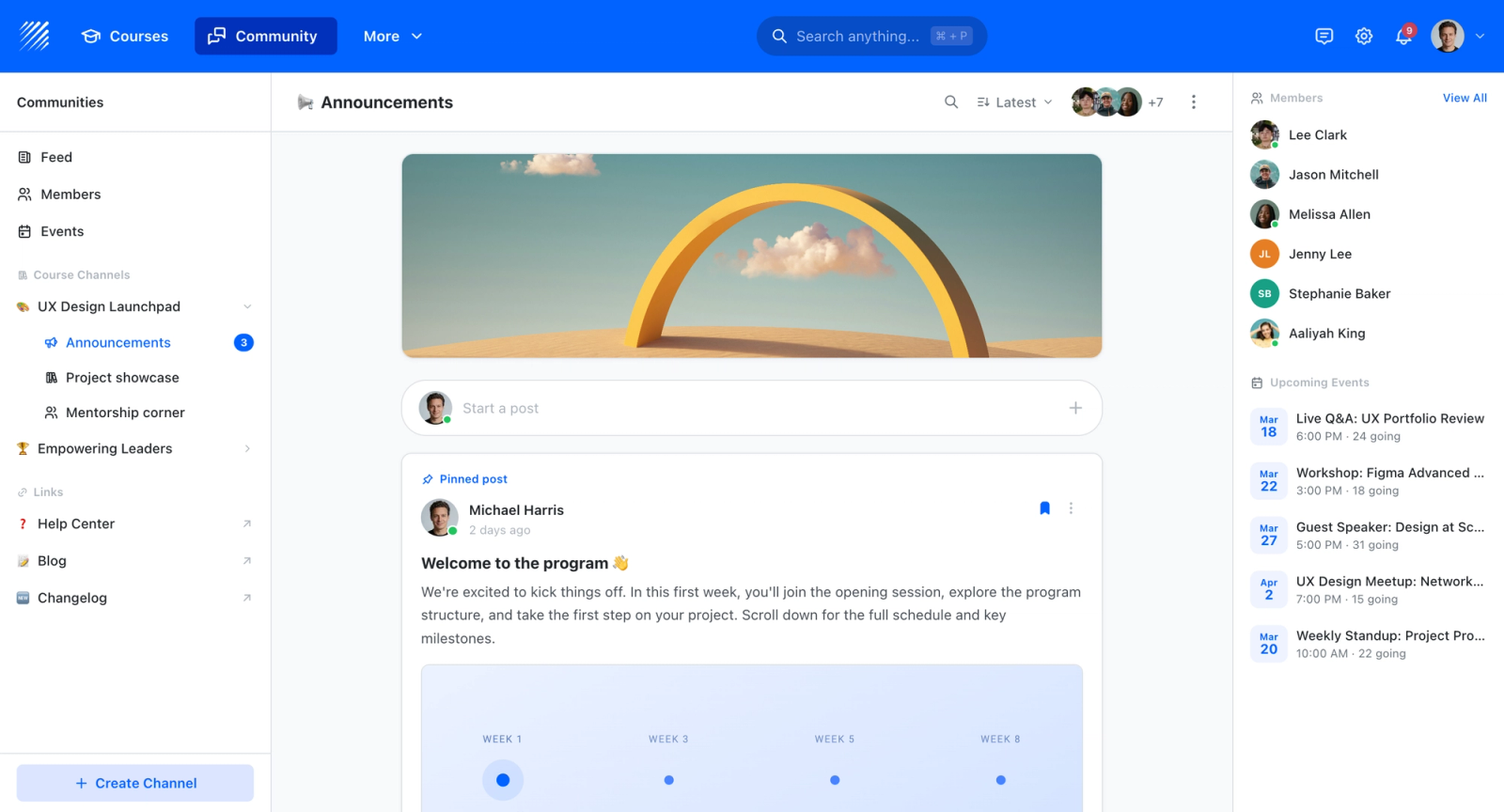
If you are choosing a home for your courses rather than a single-purpose tool, Teachfloor is worth a look. It starts at $89 per month with a 14-day free trial.
How to Choose the Right Alternative
The right ClassDojo replacement depends on what you are actually trying to solve. Here is how to think through the decision based on your situation.
If your school runs a formal PBIS program, PowerSchool Behavior Support, LiveSchool, or PBIS Rewards should be your starting point. PowerSchool Behavior Support offers the deepest analytics and equity reporting. LiveSchool provides a strong school-wide reward economy. PBIS Rewards keeps things focused on the digital token system. All three align to your framework in ways ClassDojo cannot.
If parent communication is the priority, ParentSquare is the broadest option for districts, Remind reaches families without smartphones through SMS, and TalkingPoints leads on multilingual reach. Bloomz works well for individual teachers who need communication plus volunteer coordination in one place.
If you want to shift from behavior tracking to portfolio-based communication, Seesaw replaces the ClassDojo parent feed with actual student work. Parents see what their child is learning, not what points they earned. This works best in elementary settings.
If you need behavior management plus school operations, Hero by SchoolMint combines behavior tracking with hall passes, tardy management, and incident documentation. It is the most operationally complete tool here for middle and high school administrators.
If you want to rethink engagement entirely, moving from external rewards to participation built into the learning, a collaborative learning platform like Teachfloor structures engagement around peer learning and live sessions rather than point systems. It suits older students, electives, and enrichment programs better than a primary-classroom behavior tracker. For broader context on this approach, see our guide to student engagement platforms.
The most important decision is not which tool has the longest feature list. It is which one matches the behavior philosophy and communication strategy your school actually wants to implement. If budget is the deciding factor, our breakdown of LMS pricing and affordable learning platforms can help you compare total cost.
FAQ
What is the best free ClassDojo alternative?
Several tools offer functional free tiers. LiveSchool provides free behavior tracking for individual teachers. Remind and TalkingPoints offer free messaging for individual classrooms, with TalkingPoints adding free translation across 100+ languages. Seesaw and Bloomz include free plans with core portfolio and family communication features. For most schools the free tiers are useful for testing but limited for school-wide deployment, which typically requires paid plans. If pricing is a concern, our guide to affordable learning platforms compares low-cost options.
Can I use a behavior tool and a communication tool together?
A common setup pairs a behavior management platform (like LiveSchool, PowerSchool Behavior Support, or PBIS Rewards) with a communication platform (like ParentSquare, Remind, or TalkingPoints). The behavior tool handles tracking, analytics, and rewards while the communication tool handles messaging, forms, and family outreach. SIS connections and LMS integrations help keep data synchronized across platforms.
Do these tools work for remote and hybrid classrooms?
Most of these tools work through web browsers and mobile apps, which means they function in remote settings. Remind and ParentSquare handle communication regardless of whether school is in person or remote. Behavior tools like LiveSchool and PBIS Rewards can track behaviors in virtual classrooms, though the in-class mobile workflow is their strongest use case. For hybrid and remote programs built around blended learning, platforms that integrate engagement into the learning activities themselves tend to work better than external behavior trackers.
Is ClassDojo safe for student privacy?
ClassDojo complies with FERPA and COPPA, and the company has published commitments to student data privacy. However, concerns persist about the amount of behavioral data collected on children and how long it is retained. Schools with strict data governance policies should review ClassDojo's privacy policy carefully and compare it with alternatives that may store less data or offer more granular control over data retention and deletion.
What is PBIS and why does it matter for choosing a behavior tool?
PBIS, or Positive Behavioral Interventions and Supports, is a framework schools use to teach and reinforce expected behavior through consistent, positive recognition rather than reactive discipline. It matters for tool selection because a real PBIS program needs tiered intervention tracking, behavior categories that map to a school's expectations matrix, and reporting that supports fidelity checks. Tools like PowerSchool Behavior Support, LiveSchool, and PBIS Rewards are purpose-built for that framework, while ClassDojo and simpler point apps lack the structural alignment PBIS requires.
How do I get teachers to actually use a new behavior tool?
Adoption depends on two things: the tool must be faster than whatever teachers are currently doing, and leadership must make it part of the school's operating rhythm. Choose a tool with a mobile app that lets teachers log behaviors in under three seconds without leaving instruction. Then build the data into regular team meetings, online assessment reviews, and coaching conversations so teachers see the value of contributing to the system. Tools that add work without visible payoff get abandoned within weeks.


