

What Is Active Learning?
Active learning is an instructional approach that requires learners to do something with the material, not just absorb it. Instead of watching a recorded lecture or scrolling through slides, participants answer questions, solve problems, discuss ideas with peers, and apply concepts in real time. (This guide covers the teaching method, not the machine-learning technique of the same name used in data labeling.)
The contrast with passive learning is straightforward. In a passive model, information flows one way, instructor to learner. The learner listens, reads, or watches, and retention depends almost entirely on attention span and individual motivation. Research published by the National Academy of Sciences found that passive lecture formats produce lower exam scores and higher failure rates than active approaches.
Active learning flips that pattern. When learners respond to polls, annotate shared documents, debate in breakout groups, or teach concepts back to each other, they process information at a deeper level. The mechanism is simple: retrieval, articulation, and application force the brain to organize knowledge rather than just store it temporarily.
This matters for anyone designing training programs, university courses, or professional development. If your learners spend most of their time watching and listening, you are leaving engagement and retention on the table. The platforms in this article are built to inject interaction into the learning process, whether that happens in a live classroom, a virtual session, or an asynchronous course.
What to Look for in an Active Learning Platform
Not every tool that calls itself "interactive" actually supports meaningful active learning. Before comparing platforms, it helps to define what capabilities genuinely move the needle.
Real-time interaction mechanics. The platform should support live polling, quizzes, open-ended prompts, and collaborative activities that happen during instruction, not after it. The goal is to break up content delivery with moments where every learner participates.
Collaboration features. Active learning works best when learners engage with each other, not just with the instructor. Look for discussion boards, group workspaces, peer review tools, and shared annotation features. Collaborative learning is not a bonus; it is the core of what makes active approaches effective.
Instructor visibility into participation. A good active learning platform gives the facilitator real-time data on who is participating, how they are responding, and where confusion clusters. Without this, the instructor is guessing.
Asynchronous support. Not all active learning happens live. Some of the most effective activities, like reflective writing, peer feedback, and case analysis, work better when learners have time to think. The platform should support both synchronous and asynchronous engagement modes.
Integration with existing tools. Most teams already use an LMS, a video conferencing tool, and a content library. The active learning platform needs to work alongside those systems, not replace them entirely. Check for LTI compliance, API access, and native integrations with tools like Zoom, Google Workspace, or Microsoft Teams.
Scalability and ease of use. If the platform requires significant technical setup or only works for groups under 30, it will not serve most organizations well. The tool should handle sessions ranging from a small workshop to a 500-person lecture hall without breaking.
Analytics and reporting. Post-session data matters. You need to see participation rates, response accuracy, engagement trends, and individual performance. This data is what turns active learning from a pedagogical idea into a measurable practice.
10 Best Active Learning Platforms
The platforms below span different use cases, from K-12 classrooms to enterprise training to higher education. Each tool approaches active learning from a different angle, covering a wide range of interaction models, audience sizes, and deployment contexts.
| Tool | Live polling | Collaboration | Async support | Starting price | Free trial | Best for |
|---|---|---|---|---|---|---|
| Teachfloor | Yes | Yes (peer review, community) | Yes | $89/mo | 14 days | Flexible programs: self-paced, social, live, or cohort in one place |
| Nearpod | Yes | Limited | Yes | ~$159/yr | Free plan | K-12 teachers running interactive lessons |
| Pear Deck Learning | Yes | No | Yes | ~$149.99/yr | Free plan | Google Classroom teachers adding formative checks |
| Top Hat | Yes | Yes | Yes | $35 / 4 months (student) | Free instructor account | Higher-ed faculty replacing clickers and textbooks |
| Mentimeter | Yes | Limited | No | ~$11.99/mo | Free plan | Presenters running live audience interaction |
| Wooclap | Yes | Yes | Yes | Custom | Free plan | Universities and trainers needing graded assessment |
| Kahoot! | Yes | No | Yes | $19/mo | Free plan | Quick-fire gamified engagement in any group |
| 360Learning | No | Yes | Yes | $8/user/mo | 30 days | Corporate L&D using collaborative authoring |
| NovoEd | No | Yes | Yes | Custom | Demo only | Enterprise leadership and capability programs |
| Canvas LMS | Limited | Yes | Yes | Free for Teacher | Free tier | Institutions wanting a full LMS with active-learning add-ons |
Teachfloor
Overview
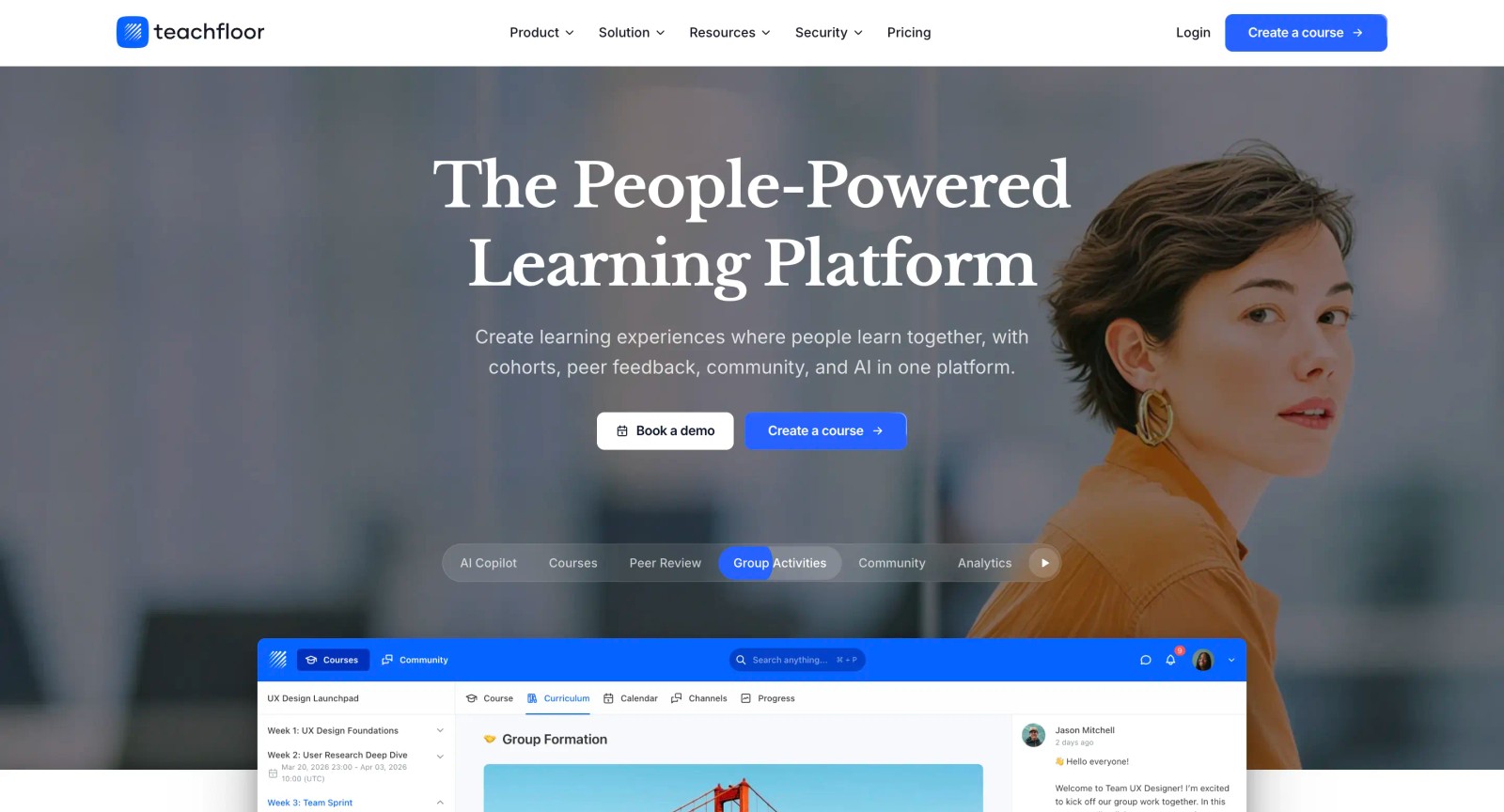
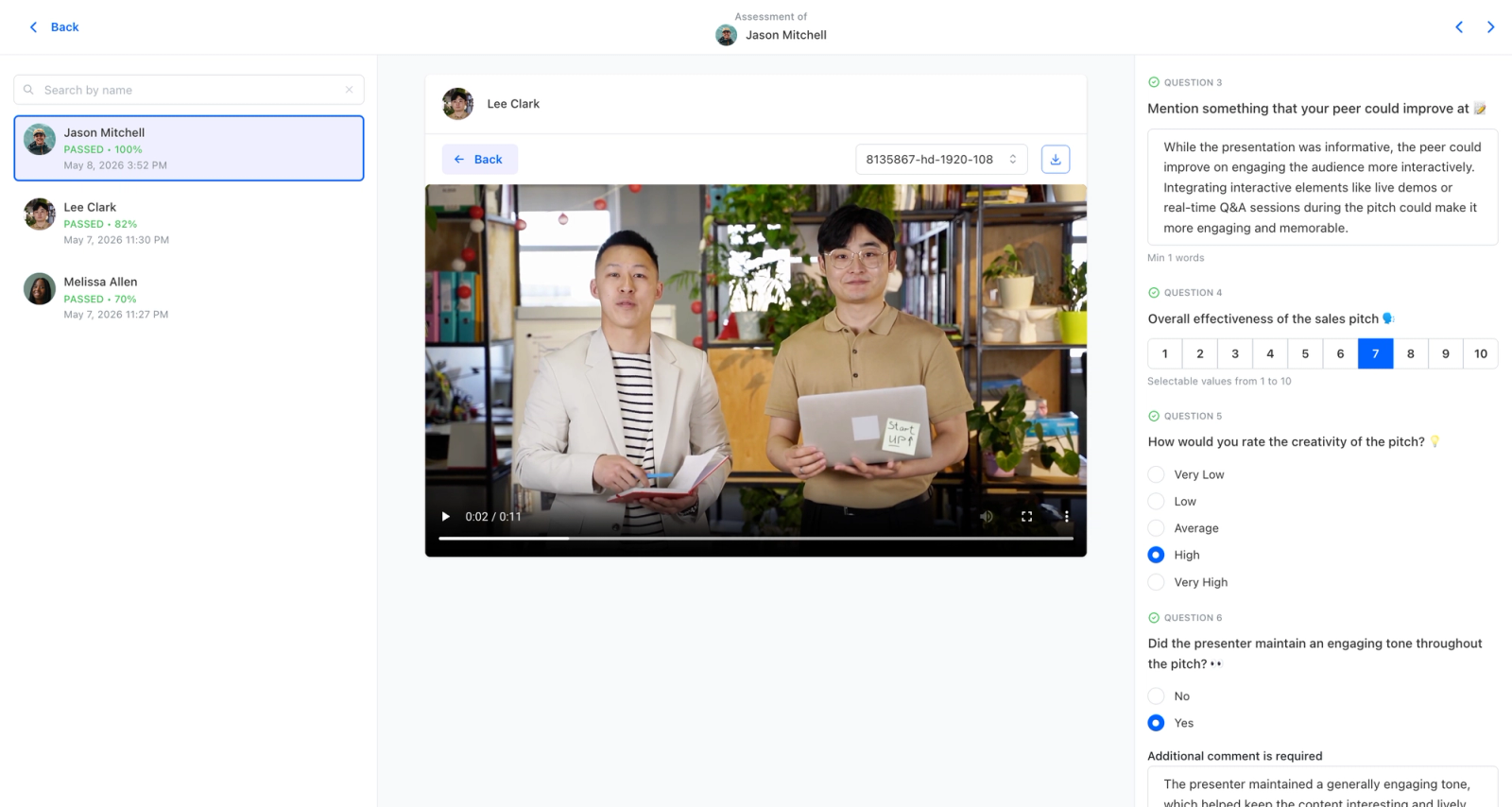
Most tools in this category make learning active for the length of a session: a live poll, a word cloud, a quiz race on a shared screen, then the energy fades when the slides end. Teachfloor approaches active learning across the whole course instead of a single class period. Learners stay engaged through work they produce and critique over days and weeks, anchored by rubric-based peer review where they evaluate each other's submissions against defined criteria, plus ongoing discussion in course-attached community spaces. It is a course platform rather than a presentation add-on, so the active element is the assignments and peer interaction structured into the program, not a real-time layer on top of a lecture.
Core Capabilities
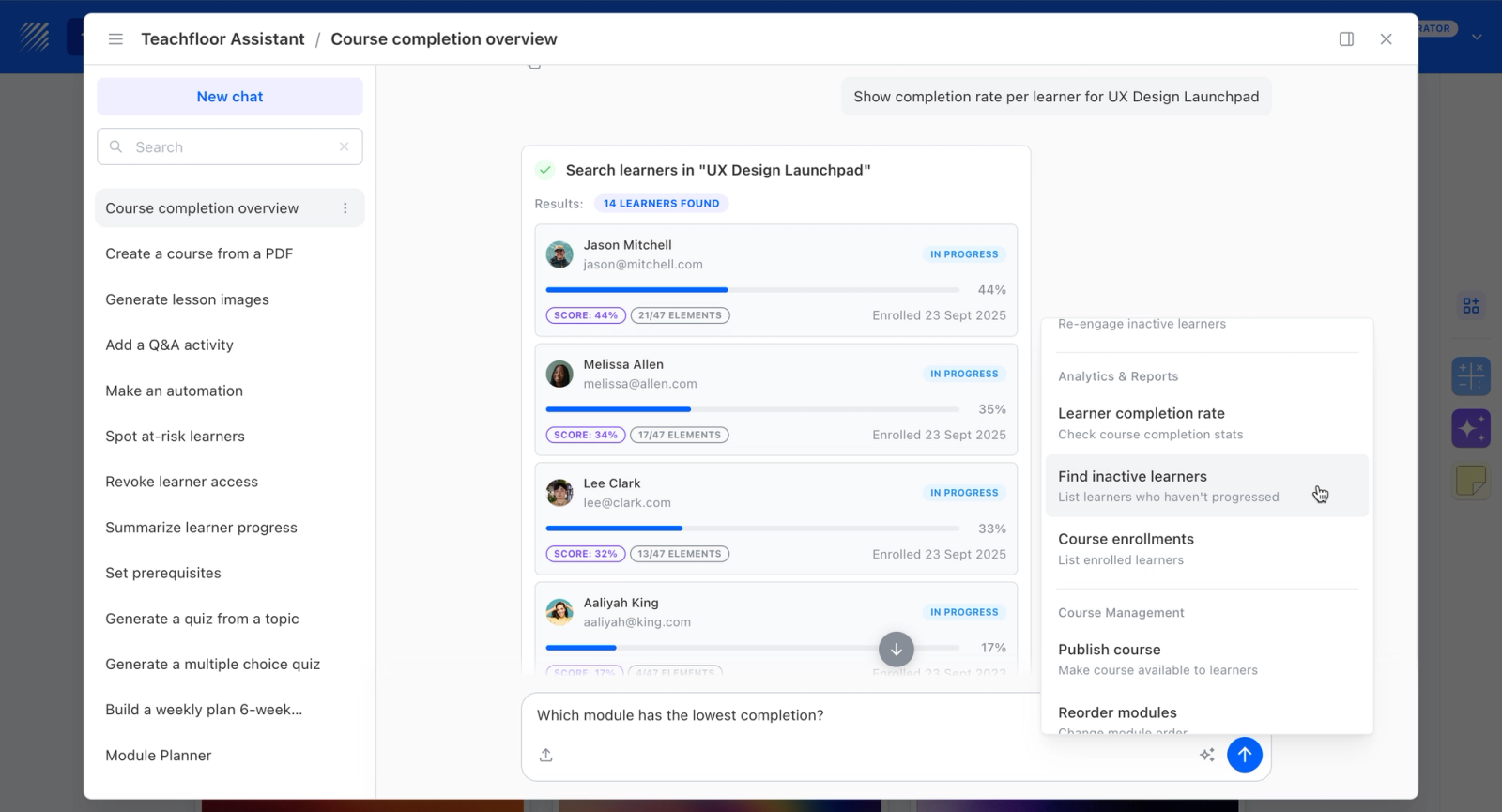
- Rubric-driven peer review that keeps learners actively evaluating and applying concepts to each other's work, with peer scores weighted into grades
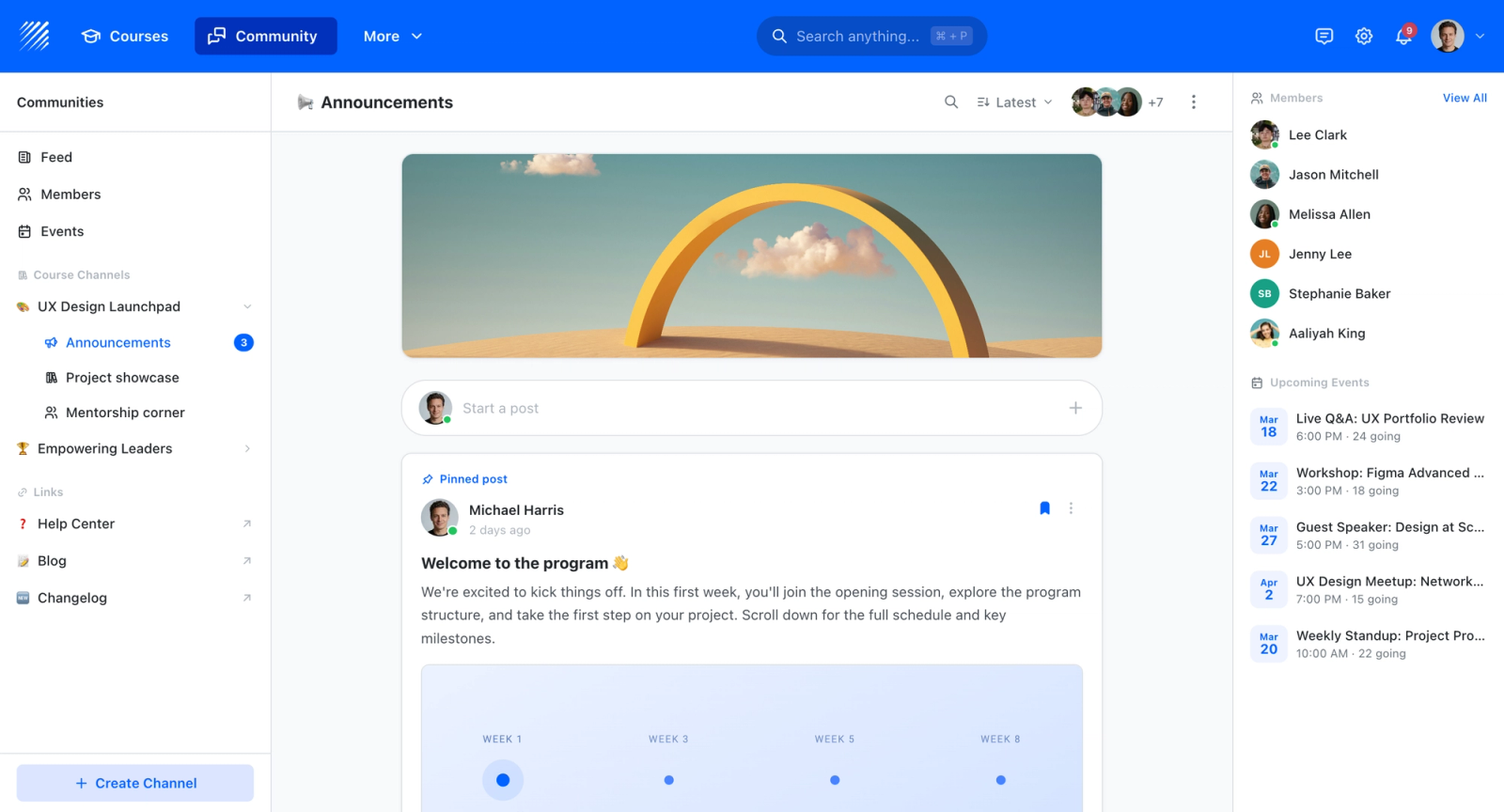
- Course-attached community and discussion spaces for sustained interaction between sessions
- Cohort, live, and self-paced delivery so active work can be scheduled or learner-driven
- AI-assisted authoring to design applied assignments and assessment rubrics
- Quizzes, certificates, and analytics to measure participation over the full course, not just in-session responses
Best For
Programs that want active learning sustained across a course, built on assignments, peer critique, and discussion: cohort programs, applied skills training, and professional education. A different shape than tools meant to liven up a single live lecture or presentation.
Pricing Overview
- Startup plan from $89 per month for up to 50 learners
- Full Features plan with custom pricing, white-label, SSO, and advanced integrations
- 14-day free trial; no permanent free plan
- Nonprofit discounts available
Limitations
- Not a live in-session engagement tool; no real-time polls, word clouds, or competitive quiz games like Mentimeter, Wooclap, or Kahoot!
- Does not embed into Google Slides or PowerPoint the way Pear Deck and Nearpod do
- Overhead is higher than a quick-poll app if all you need is to break up a one-off lecture
- No free tier for casual or one-time classroom use
Quick Comparison Insight
An active-learning course platform built on peer review and discussion sustained across a whole program, not live in-session polling.
Nearpod
Overview
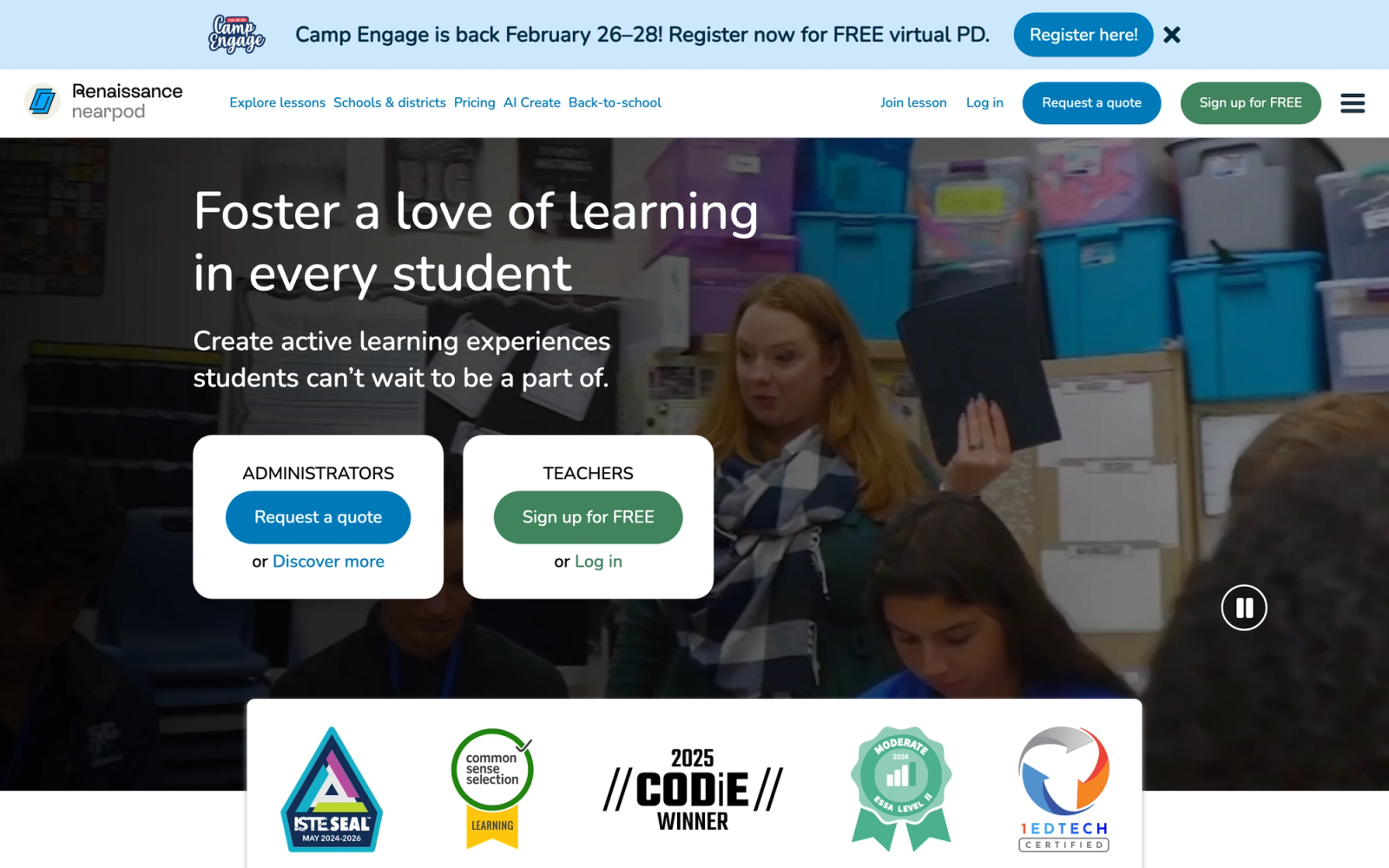
Nearpod is one of the most widely adopted interactive lesson platforms in K-12 education, and it has expanded into corporate training. The core idea is simple: turn any presentation into an interactive experience where every student or participant responds to embedded activities in real time.
Nearpod stands out for the density of interaction types it supports. Within a single lesson, you can embed polls, open-ended questions, quizzes, draw-it activities, matching games, virtual field trips, and collaborative boards. The instructor controls the pacing, advancing slides while monitoring responses on a dashboard. For educators who want to check understanding continuously rather than waiting for an end-of-unit test, Nearpod makes that operationally easy.
Core Capabilities
- Instructor-paced and student-paced lesson delivery modes
- 20+ interactive activity types including polls, quizzes, draw-it, matching, fill-in-the-blank, and collaborative boards
- Virtual Reality (VR) field trips for immersive exploration of locations and concepts
- PhET and Desmos simulations embedded directly into lessons
- Integration with Google Slides, Microsoft PowerPoint, and major LMS platforms via LTI
- Real-time student response dashboard with participation tracking
- Post-session reports with individual and class-level response data
- Content library with thousands of pre-built lessons aligned to Common Core and state standards
- Gamification elements including Time to Climb competitive quiz mode
Standout Strength
Nearpod's strength is turning passive slides into participatory lessons with minimal instructor effort. The barrier to entry is low: upload your existing presentation, drop in activities, and launch. The real-time response dashboard gives instructors immediate insight into who understands the material and who does not.
Best For
K-12 teachers and school districts seeking to increase student engagement during lessons. Also used by corporate trainers who want Nearpod's interactive mechanics for onboarding or compliance sessions. Not designed for long-form cohort programs or complex group work.
Pricing Overview
- Free tier available with limited features (up to 40 participants per lesson)
- Individual teacher plans start at approximately $159 per year
- School and district licensing available with custom pricing
Limitations
- The platform is optimized for slide-based, instructor-led lessons. It does not handle complex asynchronous workflows or group projects well.
- Content creation is tied to the slide-by-slide format. If your learning design does not fit that model, the platform feels constraining.
- Advanced analytics and administrative features are locked behind higher-tier plans.
Quick Comparison Insight
More interaction types than Pear Deck, but more classroom-focused than enterprise platforms like 360Learning or NovoEd. Strong for real-time formative assessment, weaker for sustained collaborative programs.
Pear Deck Learning
Overview
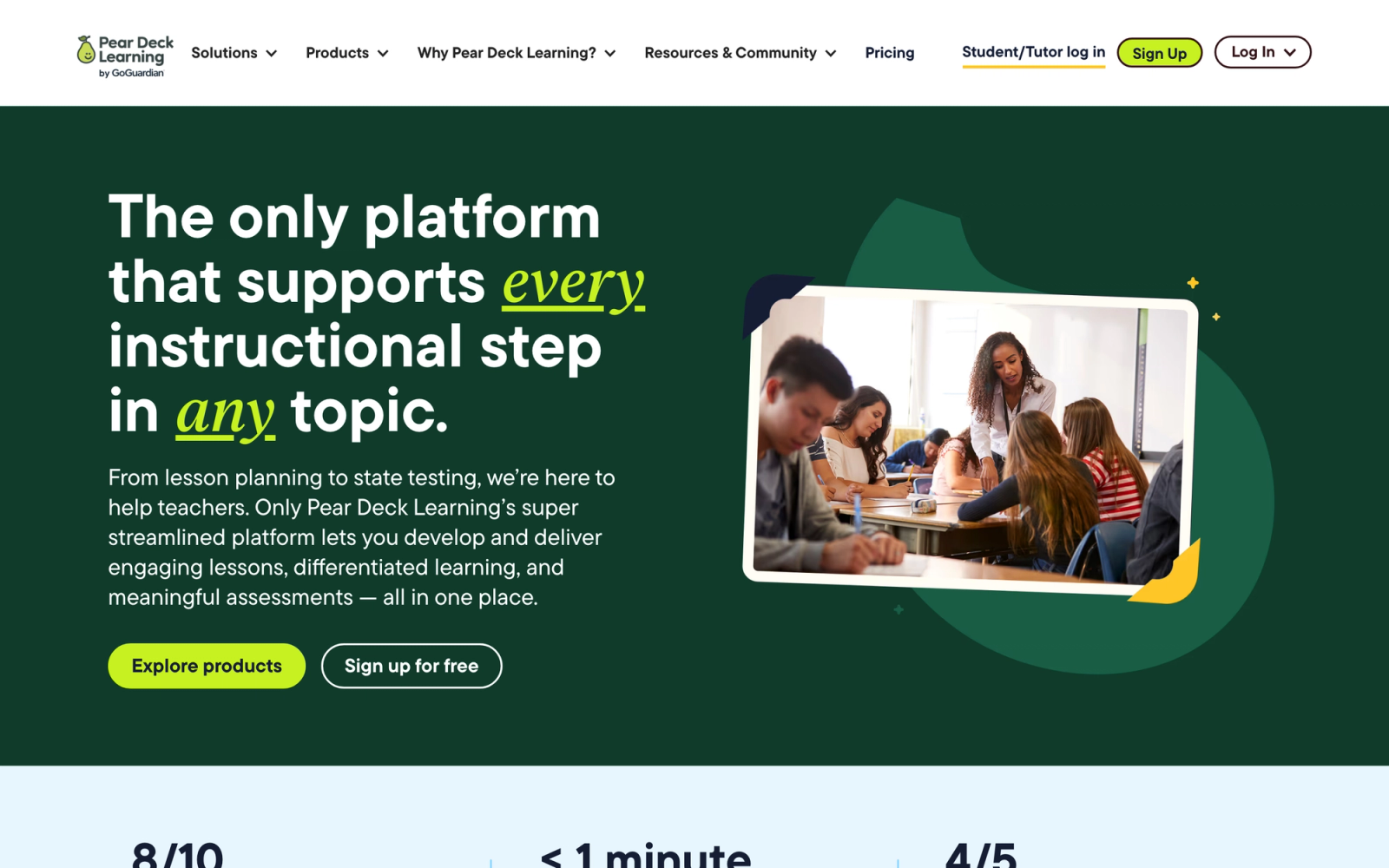
Pear Deck takes a focused approach to active learning: it turns Google Slides and Microsoft PowerPoint presentations into interactive sessions where every student responds to embedded prompts. Now part of GoGuardian's Pear Deck Learning, Pear Deck operates as an add-on to the presentation tools teachers already use rather than replacing them.
The setup experience is intentionally minimal. You install the Pear Deck add-on, open your existing slides, and insert interactive question slides (multiple choice, draggable, text response, drawing, or number line). During class, students join via a code and respond on their own devices. The appeal is the simplicity: there is almost no learning curve for teachers who already use Google Slides daily.
Core Capabilities
- Add-on integration for Google Slides and Microsoft PowerPoint (no separate authoring tool needed)
- Five interactive slide types: multiple choice, text response, number line, drawing, and draggable
- Instructor dashboard showing real-time student responses during the presentation
- Student-paced mode for asynchronous completion of interactive lessons
- Vocabulary practice tool with flashcard-style review activities
- Integration with Google Classroom and Microsoft Teams for class roster syncing
- Immersive Reader support for accessibility
- Session takeaways that let students review their own responses after the lesson
Standout Strength
Pear Deck fits directly inside the tools teachers already use. There is no new platform to learn, no content migration, and no separate login for students. This "add-on" model drives adoption in school districts where teachers resist switching to entirely new systems for interactive learning.
Best For
K-12 teachers and school districts heavily invested in Google Workspace for Education or Microsoft 365 Education. Ideal for formative assessment during live lessons. Not suited for complex course design, group projects, or corporate training at scale.
Pricing Overview
- Free tier available with basic interactive slide types
- Premium individual plans start at approximately $149.99 per year
- School and district licensing available with custom pricing
Limitations
- Interaction types are limited compared to Nearpod's broader toolkit. No VR, no collaborative boards, no gamified modes.
- The platform is tightly coupled to Google Slides and PowerPoint. If your content lives elsewhere, Pear Deck does not help.
- No meaningful collaboration features between students. Responses are individual, with no peer interaction layer.
Quick Comparison Insight
Simpler and more focused than Nearpod. Better for teachers who want to enhance existing slide decks without adopting a new platform, but less versatile for diverse activity types.
Top Hat
Overview
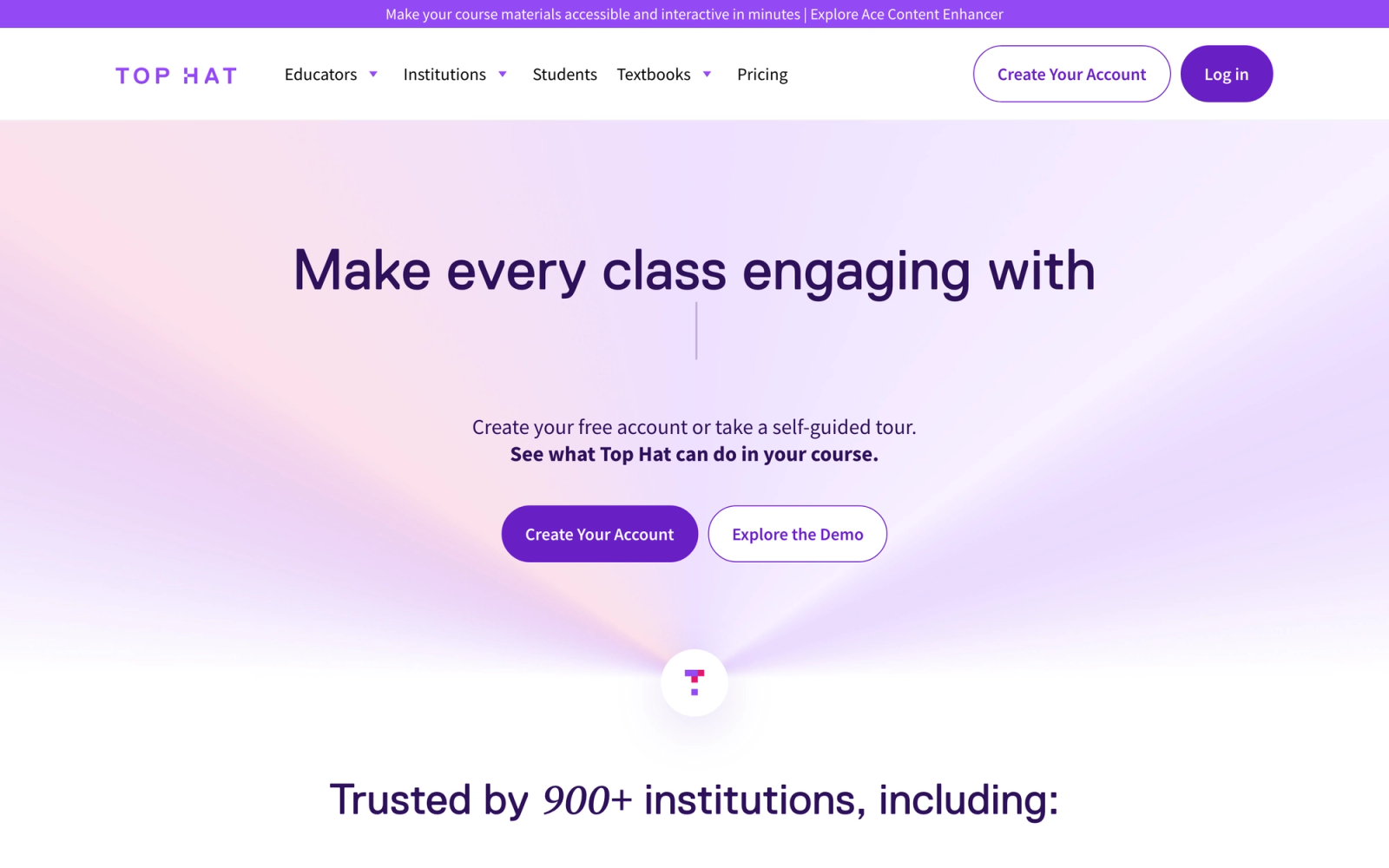
Top Hat was built specifically for higher education, and that focus shows in every aspect of the platform. It replaces traditional clickers, printed textbooks, and separate homework systems with a single platform where professors create interactive course content, deliver it during lectures, assign it outside class, and track student performance.
Top Hat connects in-class and out-of-class learning into one continuous flow. A professor can assign a pre-lecture reading with embedded questions, use live polling and discussion prompts during the lecture, and then assign a post-lecture problem set, all within the same platform. Students access everything on their own devices. For faculty practicing a flipped classroom model, Top Hat supports the full cycle natively.
Core Capabilities
- Interactive textbook authoring and publishing with embedded questions, videos, and simulations
- Live classroom polling with multiple choice, word answer, click-on-target, numeric, and sorting question types
- Discussion prompts with peer-to-peer response visibility during lectures
- Homework and test builder with auto-grading and manual rubric support
- Attendance tracking via device geolocation or check-in codes
- Integration with Blackboard, Canvas, D2L Brightspace, and Moodle via LTI
- Open Educational Resource (OER) content marketplace with peer-reviewed course materials
- Real-time response analytics visible to the instructor during class
- Accessibility compliance with screen reader support and keyboard navigation
Standout Strength
Top Hat solves multiple problems at once: clickers, textbooks, homework, and attendance collapse into a single tool that students access on devices they already carry. Content and assessments living in the same system eliminates the friction of managing multiple disconnected tools.
Best For
Higher education faculty and departments, particularly in large lecture courses (100 to 500+ students) where individual engagement is difficult. Strong in STEM disciplines where interactive simulations and quantitative question types matter. Not designed for corporate training or K-12 settings.
Pricing Overview
- Duration-based student pricing: about $35 for 4 months, $58 for 12 months, and $96 for 4 years
- Institutional licensing available for department or campus-wide deployment
- Free instructor accounts with full feature access
Limitations
- The student-pays model can create friction, especially at institutions where students are sensitive to additional course costs.
- The platform is specifically designed for higher ed. Corporate trainers and K-12 teachers will find the feature set misaligned with their needs.
- Content authoring has a learning curve for faculty who are new to creating interactive digital textbooks.
Quick Comparison Insight
More complete than Kahoot! or Mentimeter for higher-ed use cases. Covers content, assessment, and engagement in one system, but the student-cost model and education-specific design limit its applicability outside universities.
Mentimeter
Overview
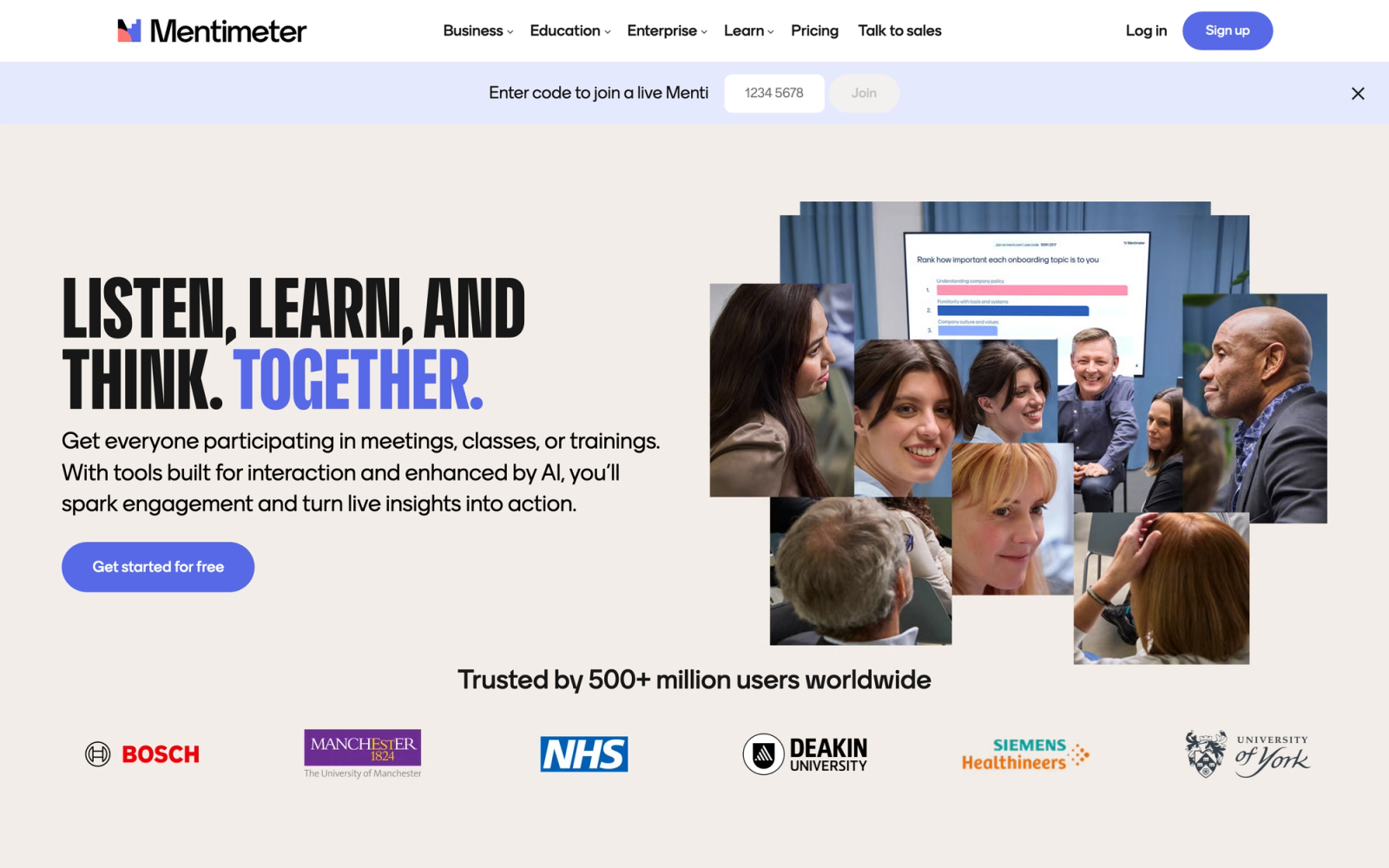
Mentimeter takes a presentation-first approach to active learning. The platform lets presenters add interactive elements, live polls, word clouds, Q&A, quizzes, scales, and open-ended questions, directly into their slide decks. Participants respond from their phones or laptops, and results appear on screen in real time.
Mentimeter is deliberately narrow. It does not try to be an LMS or a full course platform; it solves one problem well, making presentations interactive. Setup takes minutes: create slides in Mentimeter's editor, add interaction points, and share a join code with your audience. It works well in everything from team retrospectives to conference keynotes to workshop facilitation.
Core Capabilities
- Presentation builder with interactive slide types: polls, quizzes, word clouds, open-ended questions, scales, and rankings
- Real-time result visualization projected on screen as participants respond
- Q&A slides with upvoting so the most popular questions surface automatically
- Quiz competition mode with leaderboards for gamified knowledge checks
- Import from PowerPoint to convert existing presentations into interactive Mentimeter decks
- Audience segmentation for comparing responses across groups
- Post-presentation analytics with exportable response data
- Branding customization with logos, colors, and fonts on paid plans
- No app download or account required for participants
Standout Strength
Mentimeter's standout characteristic is how little it asks of the audience. Attendees scan a QR code or type a short URL and start responding immediately, with no app installation, no account, and no login required. For presenters who cannot control whether their audience will bother to sign up for anything, this is a meaningful practical advantage.
Best For
Corporate trainers, conference speakers, workshop facilitators, and university lecturers who want to add interactivity to presentations without adopting a new learning platform. Ideal for one-off sessions, meetings, and events. Not designed for structured courses, graded assessments, or ongoing learner engagement across a program.
Pricing Overview
- Free plan available (unlimited audience, but limited to a few question and quiz slides)
- Basic plan from about $11.99 to $14.99 per presenter per month (billed annually)
- Pro and Team plans add branding, export, and advanced features
- Enterprise pricing available for organizations
Limitations
- Mentimeter is a presentation interaction tool, not a learning platform. There is no course structure, no learner profiles, and no progression tracking.
- Collaboration between participants is limited. Responses are individual; there is no group work or peer interaction layer.
- The free plan limits the number of question and quiz slides, so sustained use needs a paid plan.
Quick Comparison Insight
Simpler and faster to deploy than Nearpod or Top Hat, but far less capable as a learning tool. Use Mentimeter when you need audience interaction during a presentation, not when you need a structured active learning environment.
Wooclap

Overview
Wooclap is an interactive teaching platform with wide adoption in European universities and corporate training programs. It shares Mentimeter's approach of embedding real-time responses into presentations and lectures, but adds features aimed at formal educational contexts: graded assessments, SCORM export, LMS integration, and asynchronous question modes.
The platform's roots in higher education are visible in its feature set. Wooclap's question types feel designed by educators, not just presentation designers. There are matching questions, fill-in-the-blank, labeling on images, ordering exercises, and numerical responses alongside standard polls and word clouds. This variety supports more rigorous knowledge-checking than most audience response tools provide.
Core Capabilities
- 18+ interactive question types including polls, matching, ordering, labeling, fill-in-the-blank, numerical, and open-ended
- Real-time and asynchronous modes (participants can respond during or after the session)
- AI-assisted question generation from uploaded PDFs and documents
- SCORM export for embedding Wooclap activities into external LMS platforms
- Native integration with Canvas, Moodle, Blackboard, and other LMS platforms via LTI
- PowerPoint and Google Slides add-in for inserting interactive questions directly into existing slide decks
- Graded assessment mode with automatic scoring and performance reports
- Participant pace mode for self-directed review and practice
- Institutional analytics dashboard for department-level usage and engagement tracking
Standout Strength
Wooclap sits between a presentation tool and a formal assessment platform. The SCORM export, LMS integration, and graded assessment mode make it workable inside institutional workflows where Mentimeter and Kahoot! cannot reach. Its adoption in European higher education reflects that positioning: it fits the LMS-first environments common at those institutions.
Best For
Higher education institutions and corporate training teams, especially in Europe, that need interactive engagement during lectures or sessions combined with formal assessment and LMS integration. Strong for faculty who want formative assessment embedded in their teaching without leaving their LMS. Less suited for standalone course delivery or complex group collaboration.
Pricing Overview
- Free tier available for basic features (limited to 2 questions per event)
- Institutional licensing available for universities and schools, often with campus-wide agreements
- Corporate plans start at custom pricing based on the number of presenters
Limitations
- The free tier is very limited (2 questions per event), which makes it impractical for real use without a paid plan.
- Less well-known outside Europe, which means a smaller community, fewer templates, and less third-party content compared to Kahoot! or Nearpod.
- Collaboration features are minimal. The platform focuses on instructor-to-learner interaction, not learner-to-learner engagement.
Quick Comparison Insight
More academically rigorous than Mentimeter or Kahoot!, with better LMS integration. Less versatile than Nearpod for varied activity types, but stronger for formal graded assessments within university settings.
Kahoot!
Overview
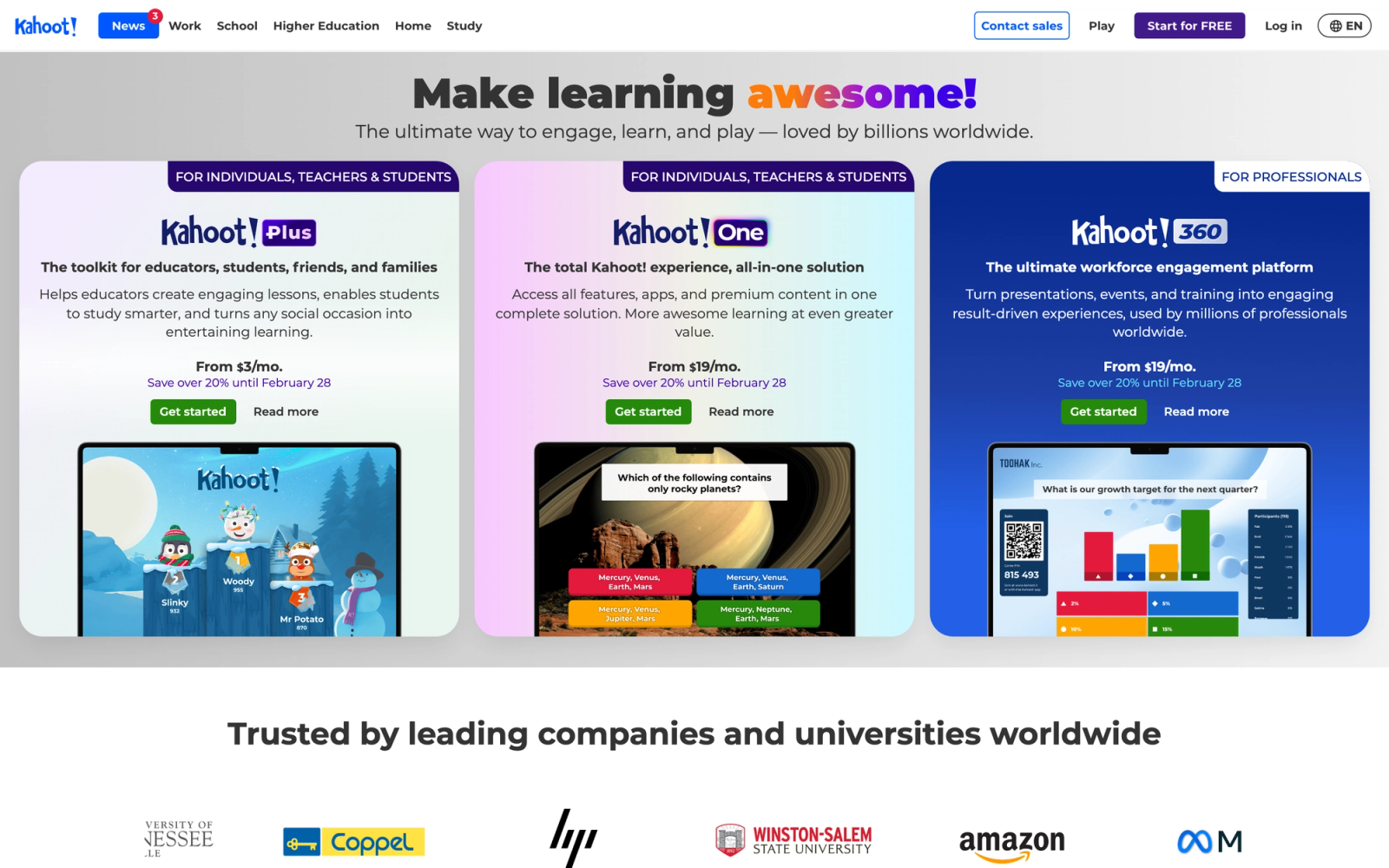
Kahoot! is the most recognizable name in gamified learning engagement. The platform's signature format, live competitive quizzes displayed on a shared screen while participants answer on their devices, has become a staple in classrooms, corporate events, and team meetings worldwide.
A Kahoot! quiz generates energy through a combination of visible leaderboards, countdown timers, and background music that standard quizzes do not produce. The competitive pressure keeps attention in the room, which matters in training contexts where distraction is the default. The trade-off is scope: Kahoot! is an engagement tool built around quiz formats, not a learning management system or a course platform.
Core Capabilities
- Live game-based quizzes with multiple choice, true/false, puzzle, and type-answer question formats
- Leaderboard and scoring system with streaks, power-ups, and team mode
- Self-paced challenge mode for asynchronous participation with deadlines
- Content library with millions of user-created kahoots across subjects
- AI-assisted question generation from existing content or documents
- Integration with Microsoft Teams, Slack, Zoom, and major LMS platforms
- Branded kahoots with custom logos and colors for corporate use
- Reporting dashboard with individual and group performance data
- Kahoot! Courses feature for combining quizzes with video and slides into structured learning sequences
Standout Strength
Participants join via a PIN code with no account setup, which removes the friction that kills engagement in optional or time-pressured sessions. The game mechanics hold attention in contexts where it is otherwise difficult to sustain, including compliance reviews, onboarding orientations, and large all-hands meetings.
Best For
Trainers, teachers, and event facilitators who need a quick engagement boost during live sessions. Strong for icebreakers, knowledge checks, and review activities. Corporate teams use it for team building and informal assessments. Not a replacement for a full LMS or structured course platform.
Pricing Overview
- Free plan available for basic live kahoots (up to 10 participants)
- 360 Pro Start at $19 per month (up to 50 participants, billed annually)
- 360 Pro Standard at $25 per month and Pro Max at $59 per month for larger audiences
- Enterprise pricing available with custom terms
Limitations
- Kahoot! is a quiz and engagement tool, not a platform for structured learning. It does not support complex course workflows, assignments, or group projects.
- The competitive format does not suit every learning context. Some topics require reflective, non-timed interaction.
- Advanced features (branching, AI generation, full branding) are locked behind higher-priced plans.
Quick Comparison Insight
More engaging than a standard quiz tool, but far less structured than platforms like Nearpod or 360Learning. Use Kahoot! as a supplement inside a broader learning program, not as the program itself.
360Learning
360Learning is a collaborative corporate training platform where subject-matter experts, not just instructional designers, build and iterate on courses. Learners can flag content, suggest edits, and react to sections, so material improves from real use. The interaction is mostly asynchronous (discussion and feedback on content) rather than live polling, which makes it a fit for scaling internal training rather than real-time classroom engagement.
Pricing starts at $8 per registered user per month on the Team plan, with a 30-day free trial. For a deeper look and rivals, see our guide to the best 360Learning alternatives.
NovoEd
NovoEd is an enterprise platform for high-touch, cohort-based capability building: leadership development, executive education, and transformation programs. Learning is structured around group projects, mentorship, and peer evaluation, so it leans heavily on social interaction and applied practice. Pricing is custom and enterprise-tier, with demos on request. For a full breakdown, read our NovoEd review.
Canvas LMS
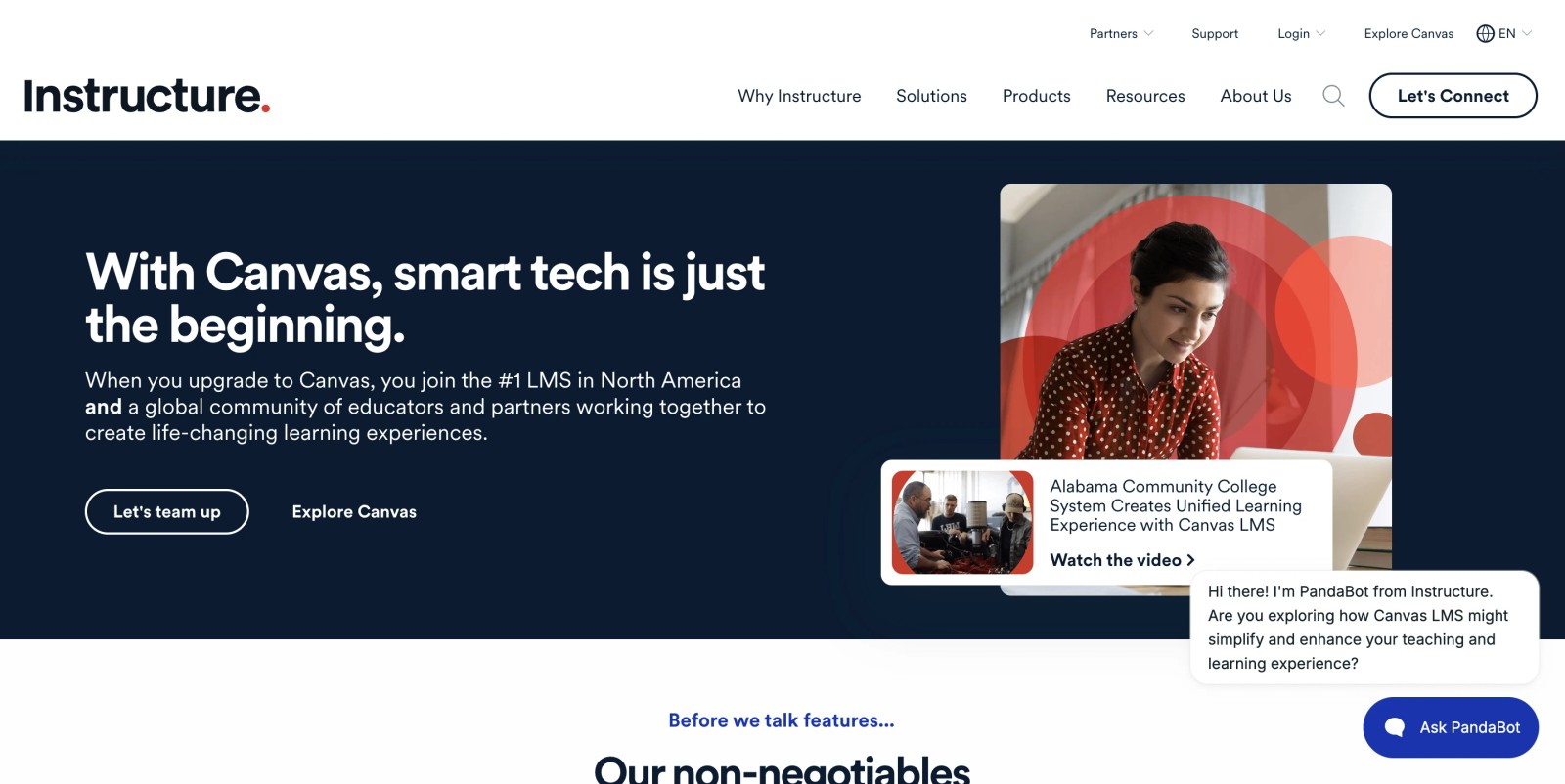
Canvas, from Instructure, is a full LMS rather than a purpose-built interaction tool, but it includes native active-learning features: threaded discussions with required replies, peer review assignment workflows, and group workspaces. Its real role here is as the hub where institutions plug in tools like Nearpod, Kahoot, or Top Hat via LTI while Canvas manages the gradebook and roster. Canvas for Education offers a free tier; higher-ed and corporate licensing is custom-priced.
How to Choose the Right Active Learning Platform
The right tool depends on your context, not on a feature count. Here is how to think through the decision based on what you are actually building.
If you run a K-12 classroom, Nearpod or Pear Deck Learning gives you the most interactive lesson tools with the lowest adoption friction. Nearpod offers more activity variety. Pear Deck Learning integrates tightly if your school runs Google Workspace. Both are designed for the slide-based, instructor-led model that most classrooms follow.
If you teach large university lectures, Top Hat or Wooclap are built for that exact setting. Top Hat replaces your clicker, textbook, and homework platform in one system. Wooclap offers stronger LMS integration and formal assessment features, particularly for European institutions.
If you need a quick engagement layer for presentations and meetings, Mentimeter or Kahoot! will get participants responding in under a minute. Mentimeter is cleaner for professional audiences. Kahoot! generates more energy through competition. Neither is a learning platform, and that is fine if engagement during a session is all you need.
If your organization needs to scale internal training, 360Learning's collaborative authoring model is worth considering. It works best when your L&D strategy involves SMEs creating and iterating on content, not just a small team pushing courses out.
If you run enterprise leadership or transformation programs, NovoEd is designed for exactly that: high-touch, cohort-based experiences with group projects, mentorship, and peer evaluation at scale.
If you need a full LMS that supports active learning add-ons, Canvas is the most flexible foundation. Its open LTI support lets you plug in whichever interaction tools your faculty or trainers prefer without locking into a single vendor.
If your program model centers on peer interaction, cohorts, and applied practice, Teachfloor structures the entire experience around those mechanics. It is the natural fit for bootcamps, professional development cohorts, and training businesses where learner-to-learner engagement drives results.
The key question is not which platform has the most features. It is which one matches the way your learners are supposed to interact with the material and with each other.
FAQ
Which active learning platform is best for cohort or community-based programs?
For programs built around peer interaction, discussion, and live practice, Teachfloor is the strongest fit. It runs self-paced, social, live, or cohort-based formats in one program, with peer review, community spaces, live sessions, and AI course creation built in, so the interaction is structural rather than bolted on. Classroom tools like Nearpod or Mentimeter are better for single live sessions, while Teachfloor structures active learning across an entire course.
What is the difference between active learning platforms and a standard LMS?
A standard LMS is primarily a content delivery and management system: it stores courses, tracks completions, and manages enrollments. Active learning platforms add interaction mechanics, real-time engagement, collaboration tools, and participation tracking that go beyond passive consumption. Some LMS platforms (like Canvas) include active learning features natively or through integrations, while purpose-built tools (like Nearpod or Mentimeter) focus exclusively on the engagement layer.
Can I use multiple active learning tools together?
Yes, and many organizations do. A common approach is to use a full LMS (like Canvas) as the backbone for course structure, gradebook, and enrollment, then integrate purpose-built tools for specific needs: Kahoot! for knowledge checks, Mentimeter for live presentations, and a collaboration platform for group work. LTI integrations make this possible without duplicating student rosters or grades.
Do active learning platforms work for remote and hybrid teams?
Most of the platforms on this list support remote participation natively. Tools like Mentimeter, Kahoot!, and Wooclap work entirely through web browsers, so remote participants join the same way in-person attendees do. Platforms like Teachfloor and NovoEd are designed for distributed cohorts from the ground up. The key consideration is whether the platform supports both synchronous (live session) and asynchronous (on-your-own-time) interaction, since hybrid programs typically require both.
What is the best free active learning platform?
Several platforms offer functional free tiers. Kahoot! provides basic live quizzes for up to 10 participants on its free plan. Nearpod offers a free plan with limited features for up to 40 students. Pear Deck Learning has a free version with basic question types. Canvas offers free accounts for individual teachers. The free tiers are useful for testing, but most organizations will need paid plans for full functionality, larger groups, and administrative features.
How do I measure whether active learning is working?
Look beyond completion rates. Active learning platforms should give you data on participation rates (not just attendance), response accuracy during sessions, engagement trends over time, and qualitative indicators like discussion depth and peer feedback quality. Comparing these metrics before and after implementing active learning practices gives you a clearer picture of impact than satisfaction surveys alone.


