Teachfloor
Product Updates

See what's new in Teachfloor

Find out all the things that happen in the Teachfloor universe.

Announcing Sequences

Announcing Sequences

Streamline course creation and boost student engagement with Teachfloor's new Sequences! This powerful feature lets you build structured lessons with pre-defined workflows for submissions, peer reviews, and feedback reflections.

Learn more →

New Languages Now Available on Teachfloor

New Languages Now Available on Teachfloor

Teachfloor Announces Expanded Language Support for a Global Learning Experience. Empowering educators to reach learners worldwide, Teachfloor adds German, Japanese, Korean, and Chinese (Mandarin) to its growing list of supported languages.

Learn more →

New Submission Options

New Submission Options

Teachfloor introduces Submission Options for assignments, allowing instructors to choose file-only submissions for a more tailored assessment experience.

Learn more →

Disable Video Progress Bar

Disable Video Progress Bar

Teachfloor's new feature ensures complete video engagement in courses by disabling the progress bar, perfect for mandatory and certification-based learning.

Learn more →

Reset Student Activity

Reset Student Activity

Enhance course flexibility with Teachfloor's Reset Student Activity feature, allowing students to reattempt activities for improved understanding and performance.

Learn more →

New Zapier Triggers & Actions

New Zapier Triggers & Actions

Elevate your Teachfloor experience with new Zapier Triggers & Actions, streamlining integrations and automations between Teachfloor and third-party software

Learn more →

New Feedback Reflection Activity

New Feedback Reflection Activity

Discover Teachfloor's latest feature, the Feedback Reflection tool – a transformative assessment addition to our curriculum. Enhancing peer learning through deep reflection and constructive interaction, this tool enables students to internalize feedback for profound learning experiences. Join us in embracing this innovative approach to education.

Learn more →

Dark Mode

Dark Mode

Explore Teachfloor's new Dark Mode, an optional interface feature offering a visually soothing experience with darker colors, designed for enhanced comfort and focus during your learning journey. Try it now for a tailored user experience.

Learn more →

In-App File Viewer in Submission Activities

In-App File Viewer in Submission Activities

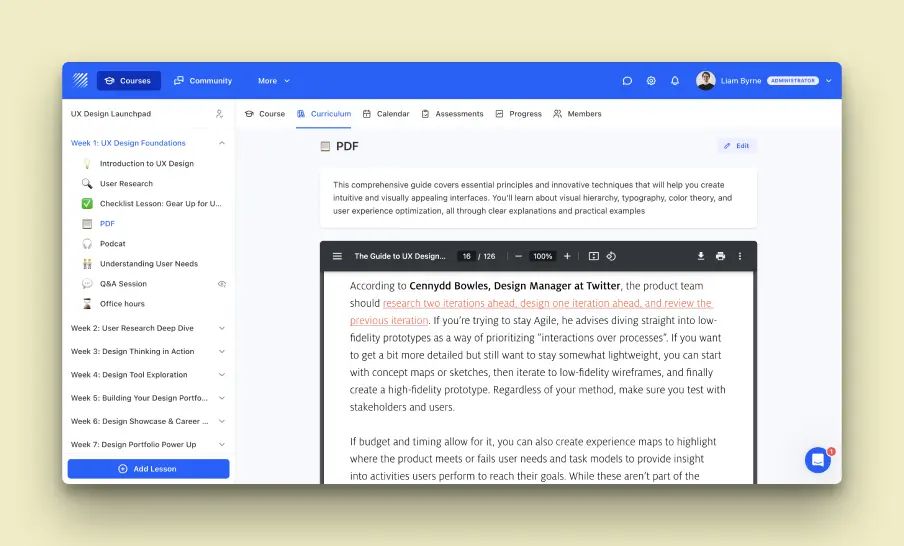
Discover Teachfloor's new In-App File Viewer feature, enhancing submission activities like Peer and Instructor Reviews by allowing direct in-platform viewing of various file types, streamlining the evaluation process for a smoother user experience.

Learn more →