

Why Look for a Vyond Alternative?
Vyond has earned a solid reputation in the animated video space, particularly for corporate training and explainer content. Its drag-and-drop scene builder and pre-built character library make it possible to produce professional-looking animations without a design background. But several recurring pain points push teams to explore Vyond alternatives.
Pricing that adds up fast. Vyond's Essential plan starts at $299 per year, and the Premium plan jumps to $649 per year. For small teams or freelancers producing occasional videos, that annual commitment is hard to justify, especially when cheaper tools cover the basics well enough. And if you need features like team collaboration or custom fonts, you are looking at the Premium tier or higher.
A learning curve for advanced animations. The editor is approachable for simple scenes, but creating more complex, multi-layered animations takes real time to master. Teams that need polished output quickly sometimes find that the gap between "basic template video" and "custom branded animation" is wider than expected.
Limited free trial. Vyond offers a 14-day free trial, but that is a short window to evaluate whether the tool fits your workflow. Many competitors provide free plans or longer trial periods, giving users more room to test before committing.
Render times and export quality. Depending on scene complexity, rendering can take longer than expected. Some users also report inconsistency in export quality, particularly at lower resolution settings or when working with detailed custom scenes.
Character customization ceilings. While Vyond's character builder covers a reasonable range of body types, clothing, and expressions, teams that need highly specific character designs or brand-matched avatars sometimes find the options limiting. The preset library is broad but not infinitely flexible.
Collaboration constraints on lower plans. Real-time collaboration is reserved for higher-tier plans. Teams on the Essential plan have to work around this with manual file sharing or sequential editing, which slows production.
These are not fatal flaws. Vyond remains a strong tool for what it does. But if your team has hit any of these friction points, the alternatives below address them from different angles.
What to Look for in an Animated Video Tool
Before diving into specific tools, it helps to clarify what matters most for your use case. Animated video tools vary significantly in depth, flexibility, and target audience.
Ease of use versus creative control. Some tools prioritize speed with templates and AI-assisted workflows. Others give you frame-by-frame control but demand more skill. Decide where your team falls on that spectrum before comparing features. If you are building training videos at scale, speed usually wins over pixel-level customization.
Template and asset libraries. The depth of pre-built templates, characters, props, and backgrounds determines how quickly you can produce content without custom design work. Check whether the library matches your industry and tone. A tool with thousands of assets that are all cartoon-style will not help a financial services team that needs a professional aesthetic.
Output formats and quality. Not every tool exports at the same resolution or supports the same formats. If you publish to YouTube, social media, and internal LMS platforms, check that the tool handles 1080p or 4K export, and verify whether watermarks appear on free or lower-tier plans.
Pricing model and scalability. Some tools charge per user, others per video, and some offer flat monthly rates. Consider how your usage will grow. A tool that is affordable for five videos per month may become expensive at fifty.
AI and automation features. Several newer tools use AI to convert text or scripts into animated videos automatically. This can dramatically reduce production time for simple content, though the quality trade-off is worth testing. Teams exploring AI-driven content creation should evaluate how much manual refinement the AI output typically needs.
Collaboration and team workflows. If multiple people contribute to video production, look for real-time co-editing, commenting, and approval workflows. This is where Vyond's lower plans fall short, and several alternatives handle it better.
Integration with existing tools. Check whether the video tool connects to your LMS, content management system, or social media platforms. Direct publishing integrations save time compared to manual download-and-upload workflows.
10 Best Vyond Alternatives
The tools below span a wide range of use cases, from whiteboard animation specialists to AI-powered video generators. Each one addresses a different combination of the gaps that drive users away from Vyond. The list is organized to cover distinct approaches to animated video creation rather than near-identical competitors.
Powtoon
Overview
Powtoon sits in a similar market position to Vyond but leans more heavily toward marketing and internal communications use cases. Where Vyond focuses primarily on animated characters and scene-based storytelling, Powtoon offers a broader mix of animation styles including whiteboard, infographic, and screen-recording modes alongside traditional character animation.
The template library is notably broad, with purpose-built designs for sales pitches, HR onboarding, product demos, and social media clips. That breadth makes it faster to find a starting point that fits a content type without building from scratch.
Core Capabilities
- Drag-and-drop editor with timeline-based animation control and scene transitions
- Multiple animation styles: character animation, whiteboard, infographic, and screen recording in one platform
- Extensive template library organized by use case (marketing, HR, education, social media)
- Character builder with customizable body types, outfits, and facial expressions
- Built-in royalty-free music and sound effects library
- Direct export to YouTube, Facebook, Wistia, and other platforms
- PowerPoint and PDF export for presentation use cases
- Team collaboration features with shared workspaces and commenting
- Brand kit support for consistent colors, fonts, and logos across videos
- Integration with HubSpot, Canva, and learning management systems
Standout Strength
Teams choose Powtoon because it combines multiple content types in one subscription. Instead of using separate tools for animated explainers, whiteboard videos, and screen recordings, Powtoon handles all three. For marketing and L&D teams that produce varied video content across departments, that consolidation reduces tool sprawl and keeps branding consistent.
Best For
Marketing teams, HR departments, and corporate trainers who produce a high volume of short-form video content across multiple formats. Particularly strong for organizations that need both animated explainers and screen-based tutorials without subscribing to separate tools.
Pricing Overview
- Free plan available with Powtoon watermark and limited exports
- Lite plan starts at $15 per month (billed annually)
- Professional plan at $40 per month (billed annually) removes watermark and enables HD export
- Business plans available with team features and priority support
Limitations
- Character animation quality does not reach Vyond's level of polish, particularly for realistic business scenarios
- Free plan videos are limited to 3 minutes and include a watermark
- The timeline editor can feel cluttered when working with complex multi-element scenes
Quick Comparison Insight
More versatile than Vyond in content format variety, but less polished for dedicated character-driven animation. Better value at lower price tiers.
Animaker
Overview
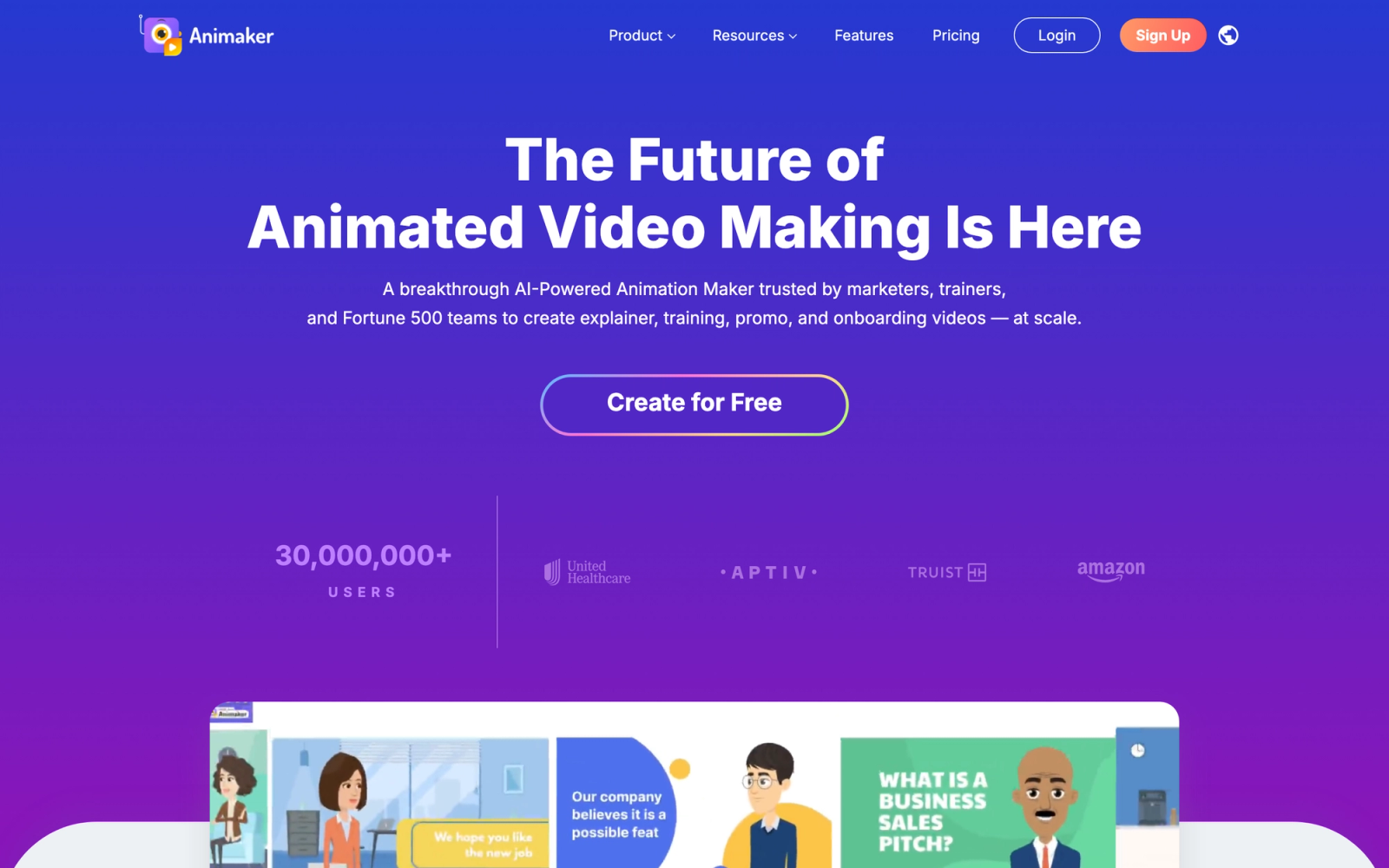
Animaker positions itself as an accessible entry point into animated video creation, targeting users who want Vyond-level output without Vyond-level pricing. The platform covers a wide range of animation styles, from 2D character animation to whiteboard and infographic videos, and has added AI-powered features that automate parts of the production process.
The sheer volume of assets is a standout feature: Animaker claims over 100 million stock items including characters, props, backgrounds, and music tracks. Templates are organized by industry and use case, which cuts down initial setup time. The interface is cleaner and less cluttered than Vyond's, making the entry point lower for first-time users.
Core Capabilities
- 2D and 2.5D character animation with auto lip-sync functionality
- Six visual styles: 2D, infographic, handcraft, whiteboard, 2.5D, and typography
- AI-powered text-to-video generator that converts scripts into rough video drafts
- Over 100 million stock media assets including characters, icons, and backgrounds
- Customizable character builder with hundreds of body types, expressions, and accessories
- Built-in voice recording and auto lip-sync that matches character mouth movements to audio
- Direct export in HD and 4K resolution on premium plans
- Team collaboration with shared workspaces and project commenting
- Multi-language subtitle generation for global audiences
- Integration with social media platforms for direct publishing
Standout Strength
Animaker's price-to-feature ratio is its primary draw. Teams that need character animation, whiteboard videos, and infographic content at a fraction of Vyond's cost will find the pricing straightforward to justify. The AI text-to-video feature is not a finished-video generator, but it produces a structured first draft that reduces production time for simple explainers.
Best For
Small businesses, educators, and content creators who need animated video capabilities on a limited budget. Strong for teams producing educational content, social media videos, and simple training programs that do not require cinema-grade animation quality.
Pricing Overview
- Free plan available with watermark and limited exports (5 downloads per month)
- Basic plan at $12.50 per month (billed annually) with HD export
- Starter plan at $25 per month (billed annually) with 4K export
- Pro plan at $39 per month (billed annually) with full features and team seats
Limitations
- Animation smoothness and character movement quality are noticeably below Vyond, especially in 2D mode
- The AI text-to-video output requires significant manual editing for professional results
- Some premium assets and templates are locked behind higher-tier plans, which can be frustrating on the Basic tier
Quick Comparison Insight
Significantly cheaper than Vyond with broader style options, but the animation quality gap is real. Best suited for teams that prioritize volume and budget over polish.
Doodly
Overview
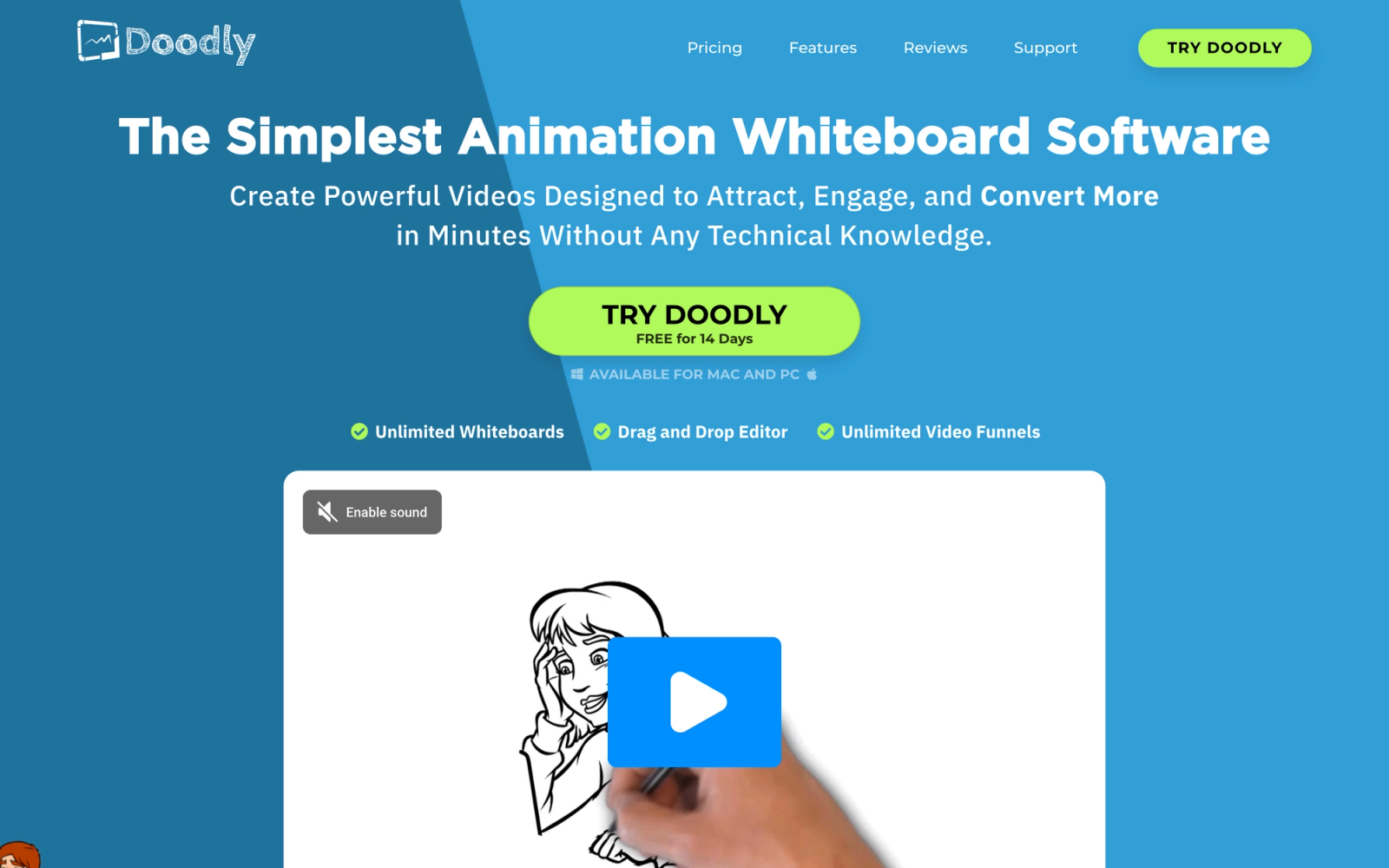
Doodly takes a fundamentally different approach from Vyond. Instead of character-based animated scenes, Doodly specializes in whiteboard-style videos where a virtual hand draws images and text on screen. This format is popular for educational content, explainer videos, and training modules because it holds viewer attention through the drawing process itself.
The editing workflow is minimal by design. A basic whiteboard video takes roughly 15 minutes to assemble using the built-in image library: place images on the canvas, set the drawing order, add text and voiceover, and Doodly generates the hand-drawing animation automatically. There is no timeline manipulation or keyframe editing involved.
Core Capabilities
- Whiteboard, blackboard, glassboard, and green screen drawing surface options
- Thousands of pre-drawn images organized by category (business, education, medical, technology)
- Smart Draw technology that automatically generates drawing paths for imported images
- Custom image import with SVG support for brand-specific illustrations
- Multiple hand styles and drawing instrument options (pen, marker, chalk)
- Built-in voiceover recording and audio track import
- Scene-by-scene editor with drag-and-drop reordering
- Royalty-free music library included with all plans
Standout Strength
Organizations choose Doodly specifically because whiteboard videos consistently outperform standard animation for instructional content. The drawing format creates a sense of progression that keeps viewers engaged longer. For teams focused on employee training and educational content, this format-first approach is more effective than trying to force a general-purpose animation tool into whiteboard mode.
Best For
Educators, course creators, and corporate trainers who produce explainer and instructional content. Ideal for teams that want a focused whiteboard animation tool rather than a general-purpose video platform. Works well for knowledge-based content where visual storytelling through drawing enhances comprehension.
Pricing Overview
- No free plan; one-time purchase model
- Standard plan at $39 one-time payment with basic features
- Enterprise plan at $69 one-time payment with additional assets and features
- Optional monthly Club membership ($10 per month) for ongoing access to new images and assets
Limitations
- Limited to whiteboard-style animation only. No character animation, no scene-based storytelling like Vyond
- Desktop application only (Windows and Mac), no browser-based editing
- The default image library, while large, can feel generic. Custom SVG imports are needed for brand-specific content
Quick Comparison Insight
Not a direct Vyond replacement, but a specialized tool for a specific format. If your content strategy centers on whiteboard explainers, Doodly does that one thing well and at a much lower cost.
Toonly
Overview
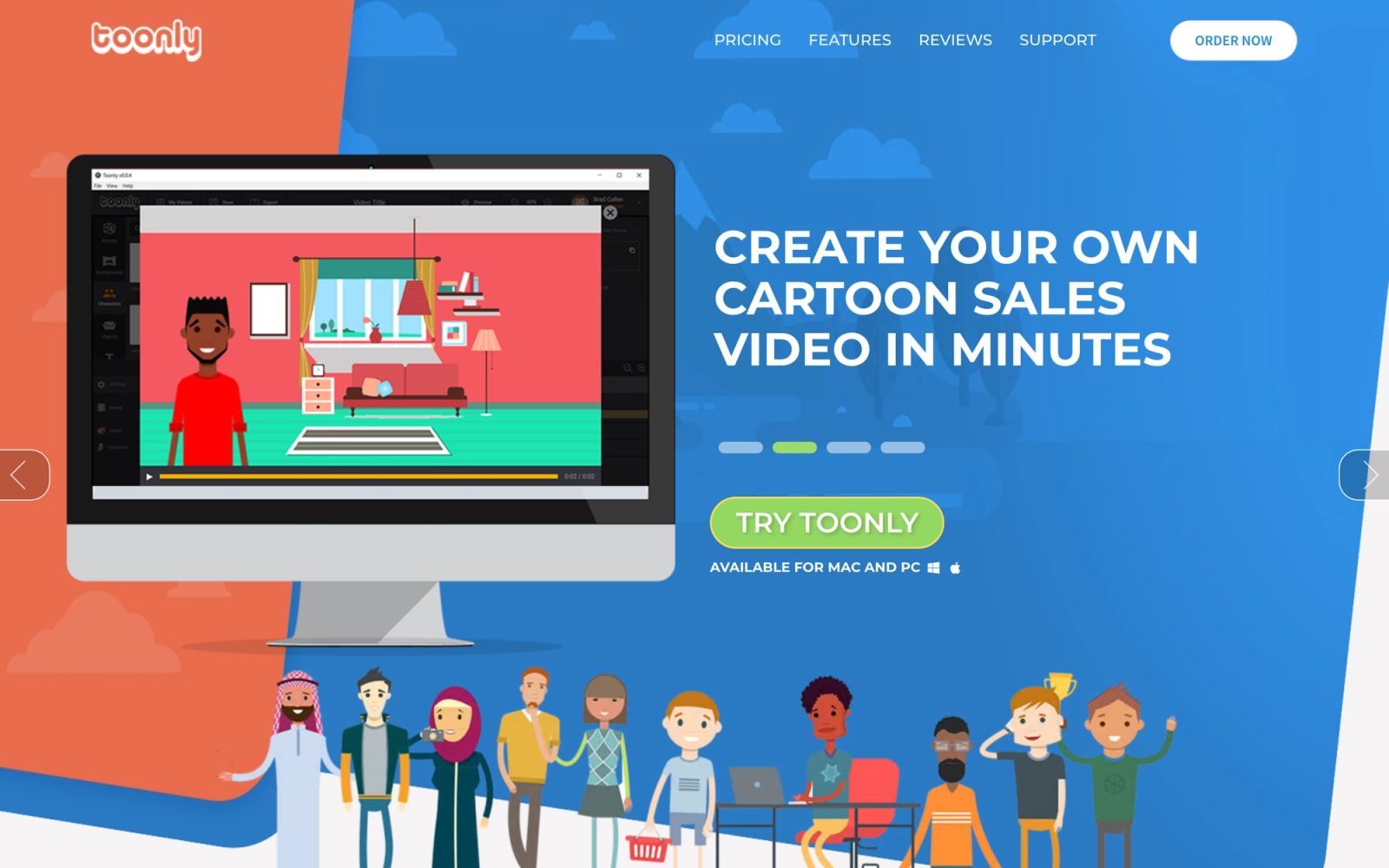
Toonly comes from the same company behind Doodly and takes a similar philosophy of focused simplicity, but applies it to cartoon-style explainer videos instead of whiteboard animation. The platform is designed for users who want to produce simple animated explainers without investing weeks into learning complex animation software.
Toonly has a deliberately narrow scope: it does not try to be a full animation suite. The editor follows a straightforward scene-based workflow, select backgrounds, place characters, add props, and apply entrance and exit animations. The output is clean cartoon-style video that works well for social media, landing pages, and simple training content.
Core Capabilities
- Scene-based animation editor with drag-and-drop character and prop placement
- Growing library of cartoon-style characters, backgrounds, and props
- Pre-built animation actions (walk-in, fade, bounce, slide) that apply with one click
- Background music library and voiceover import support
- HD video export at 720p and 1080p resolution
- Custom image and background import for brand-specific scenes
- Simple text animation with multiple font options
- Automatic lip-sync for character dialogue scenes
Standout Strength
Toonly's competitive advantage is speed to finished video. Teams that need a simple animated explainer quickly rather than a polished production for a major campaign will find that Toonly delivers usable results faster than most character animation tools at this price point. The learning curve is measured in minutes rather than hours.
Best For
Solopreneurs, small marketing teams, and trainers who need quick cartoon-style explainer videos without a steep learning curve. Strong for landing page videos, social media content, and simple internal onboarding explainers where speed matters more than animation sophistication.
Pricing Overview
- No free plan; one-time purchase model
- Standard plan at $39 one-time payment
- Enterprise plan at $69 one-time payment with premium assets and additional features
- Optional monthly membership for ongoing asset updates
Limitations
- Animation quality is basic compared to Vyond. Characters have limited movement options and expressions
- Desktop application only, no cloud-based editor
- The asset library is growing but still smaller than Vyond's or Powtoon's established collections
Quick Comparison Insight
Far simpler and cheaper than Vyond, but the trade-off is obvious: limited animation depth. Best for teams that value speed and simplicity over production quality.
Renderforest
Overview
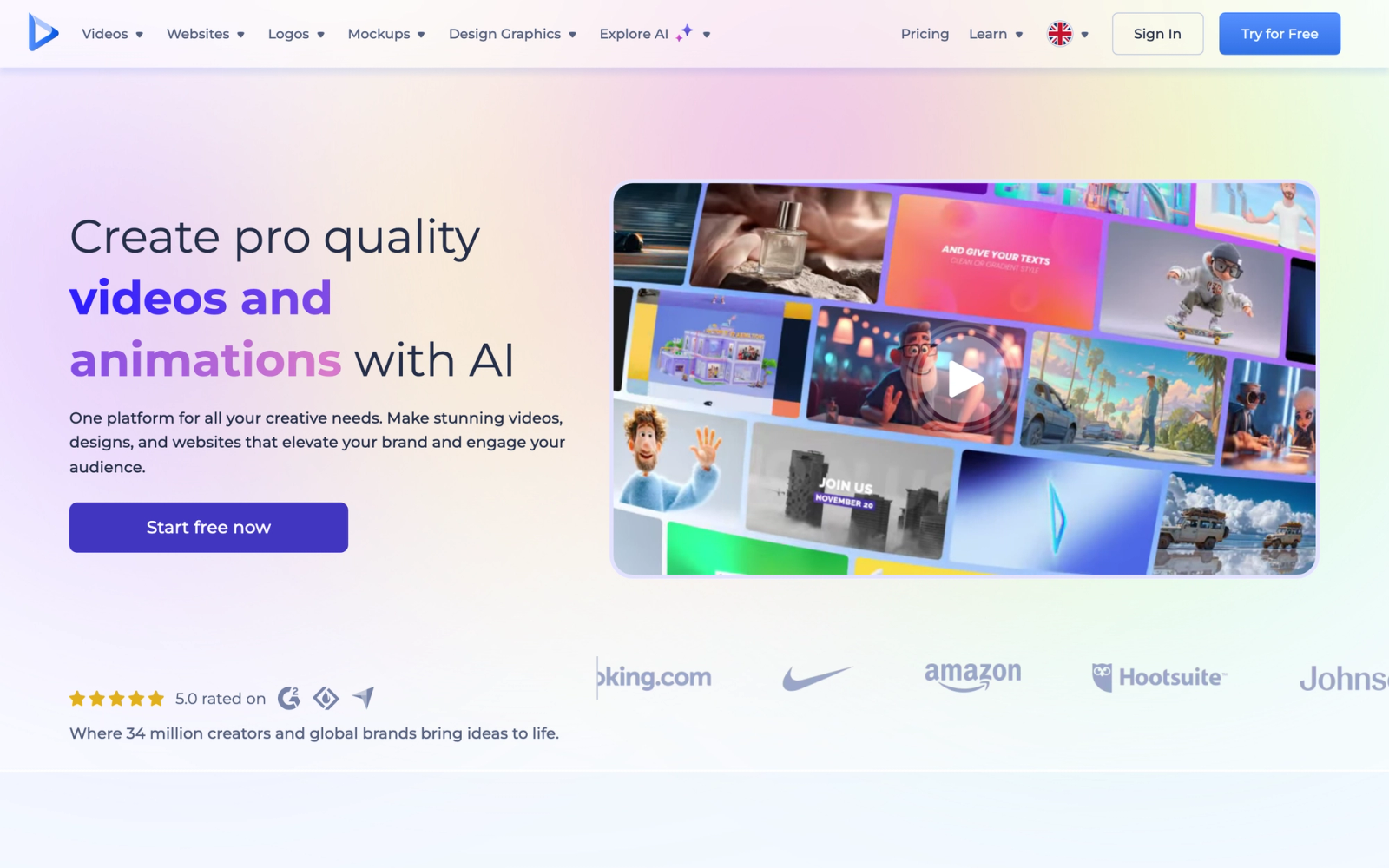
Renderforest is a broader creative platform that includes animated video creation alongside logo design, website building, and mockup generation. Its video tool competes with Vyond specifically in the animated explainer and promotional video space, but comes packaged with additional creative capabilities that some teams find valuable.
Rather than building scenes from scratch, users start with a professionally designed template and swap in their own text, colors, images, and music. For teams without in-house designers, the template quality makes a meaningful difference. The 3D character animation templates, in particular, offer a visual style that Vyond does not replicate.
Core Capabilities
- Template-based video editor with hundreds of animation templates across categories
- 2D and 3D animation styles including character explainers, typography, and logo reveals
- AI-powered video creation tool that generates videos from text prompts
- Built-in logo maker, website builder, and mockup generator in the same subscription
- Cloud-based editing with no software installation required
- HD and full HD export depending on plan tier
- Background music library with genre-based selection
- Brand guidelines integration for colors, fonts, and logos
- Collaboration features for team-based projects
- Direct publishing to YouTube and social media platforms
Standout Strength
Organizations choose Renderforest when they need more than just animation. The combined value of video creation, logo design, website templates, and mockups in a single subscription appeals to startups and small businesses that want to consolidate their creative tools. For teams already using multiple design subscriptions, Renderforest can replace several at once.
Best For
Startups, small businesses, and marketing teams that need animated videos alongside other creative assets like logos and mockup presentations. Strong for promotional content, social media video ads, and brand-building videos where template quality matters more than frame-by-frame control.
Pricing Overview
- Free plan available with watermark and limited resolution (360p export)
- Lite plan at $9.99 per month (billed annually) with HD export
- Pro plan at $14.99 per month (billed annually) with full HD and premium templates
- Business plan at $29.99 per month (billed annually) with broadcast quality and brand kit
Limitations
- Animation customization is limited to template editing. You cannot build complex custom scenes the way Vyond allows
- Free plan export quality (360p) is unusable for professional purposes
- The video editor feels secondary to the template engine. Users wanting deep animation control will find it restrictive
Quick Comparison Insight
More affordable than Vyond and broader in creative scope, but significantly less flexible for custom character animation. Better suited for template-based production than custom storytelling.
Synthesia
Overview
Synthesia represents a fundamentally different approach to video creation. Instead of animated characters and illustrated scenes, Synthesia uses AI-generated avatars that look like real people, speak in natural-sounding voices, and present content based on text scripts you provide. This places it in a different category from Vyond, but it directly competes for the same budget line: corporate training and explainer video production.
The production workflow is minimal: type a script, select an avatar, choose a background, and Synthesia renders a presenter-style video in minutes. Avatar lip movements and gestures align closely with the script delivery. For teams producing large volumes of corporate training content, this text-to-video pipeline removes the need for filming, voice talent, or animation skills.
Core Capabilities
- Over 230 AI avatars with diverse ethnicities, ages, and professional appearances
- Text-to-video generation in over 140 languages with natural-sounding voice synthesis
- Custom avatar creation from a short video recording of a real person
- Script-based editor where you type what the avatar says and the AI generates the video
- Screen recording integration for software demonstration videos
- Brand kit with custom templates, colors, logos, and fonts
- SOC 2 compliance and enterprise-grade security certifications
- Team collaboration with role-based access and approval workflows
- One-click translation for rapid localization of training content
- Integration with LMS platforms, PowerPoint, and major content management systems
Standout Strength
Synthesia eliminates production overhead entirely. Where Vyond still requires someone to design scenes, arrange characters, and time animations, Synthesia converts a text document into a finished video. For L&D teams producing compliance training, product updates, or onboarding content in multiple languages, the time savings are dramatic. A video that might take two hours in Vyond can be generated in Synthesia in ten minutes.
Best For
Enterprise L&D teams, HR departments, and corporate communications teams that produce high-volume training and informational videos. Particularly strong for organizations with multilingual workforces, compliance-heavy industries, and any team where the bottleneck is production speed rather than creative control.
Pricing Overview
- Free plan available with limited video credits and watermark
- Starter plan at $18 per month (billed annually) with 10 minutes of video per month
- Creator plan at $64 per month (billed annually) with 30 minutes of video per month
- Enterprise plan with custom pricing for unlimited users and advanced features
Limitations
- No traditional animation capability. If you need illustrated characters or cartoon-style content, Synthesia is not the right tool
- AI avatar quality, while impressive, still has occasional uncanny valley moments, particularly with complex gestures
- Creative flexibility is limited compared to Vyond. You are working within the text-to-video paradigm, not designing visual scenes
Quick Comparison Insight
Not a like-for-like Vyond replacement, but a faster alternative for talking-head and presenter-style training content. Less creative control, dramatically faster production.
Biteable
Overview
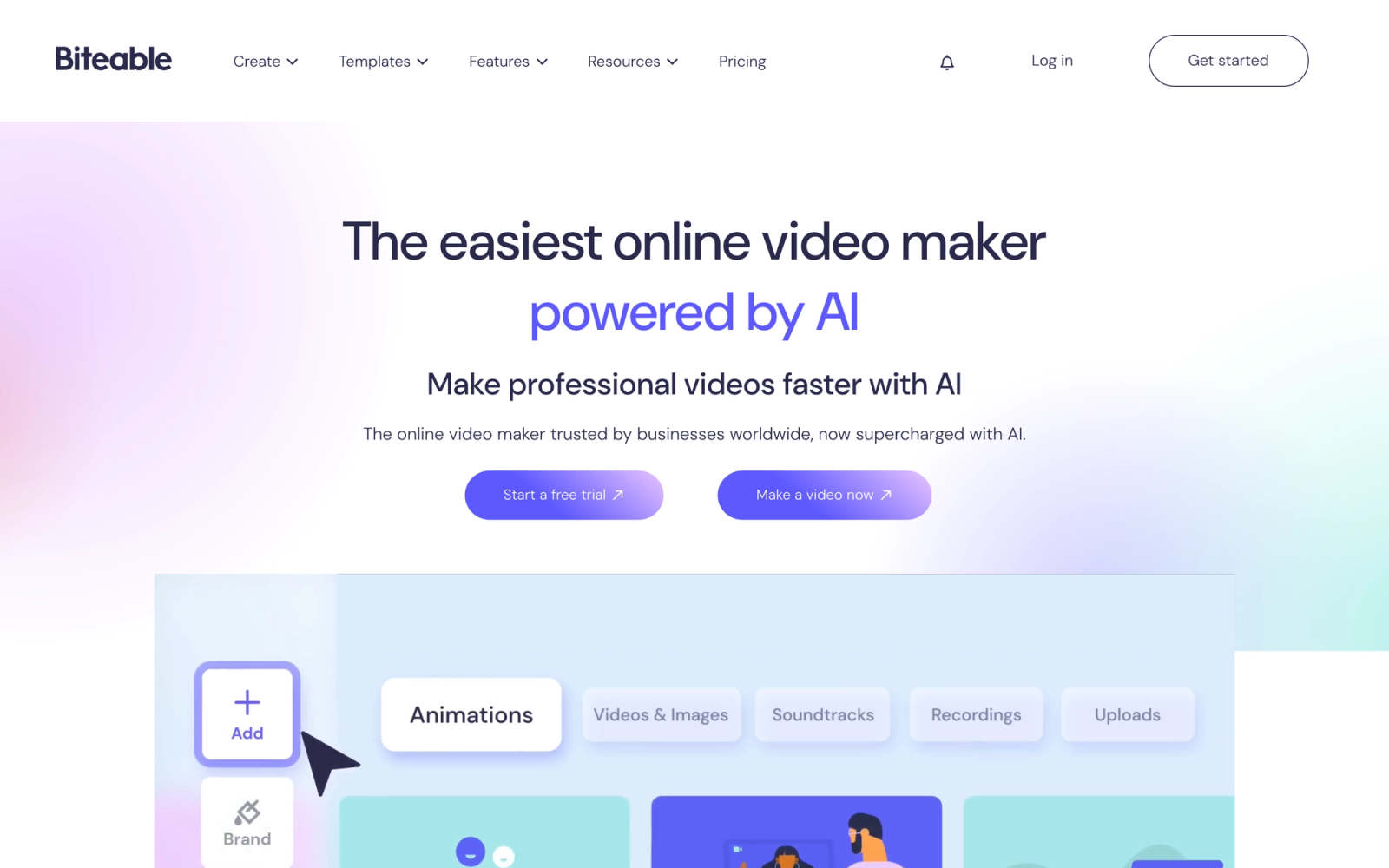
Biteable focuses on making professional-looking video content accessible to people who are not video editors. The platform combines stock footage, animated scenes, text overlays, and music into a template-driven editor that produces polished results quickly. It competes with Vyond in the corporate and marketing video space, though its approach tilts more toward stock-footage-enhanced animation than pure character animation.
The pre-built templates are a genuine differentiator: they feel current and professional rather than dated or generic. Assembling a 60-second promotional video from a template takes roughly ten minutes, including text customization, clip swaps, and music selection. For teams that need consistent, on-brand output without dedicated video production staff, that speed is the main selling point.
Core Capabilities
- Template-driven video editor with hundreds of professionally designed starting points
- Mix of animated scenes, stock footage clips, and text-only slides in a single video
- Built-in library of over 4 million stock clips, images, and animations
- Brand kit with logo, color, and font presets that apply across all videos
- Automatic resizing for different platforms (16:9, 1:1, 9:16 for social stories)
- Real-time team collaboration with commenting and shared workspaces
- Direct publishing to YouTube, Facebook, and other social platforms
- Analytics dashboard showing video views, engagement, and sharing metrics
- Voiceover recording directly within the editor
- Custom animation controls for text and scene transitions
Standout Strength
Biteable's strength is consistency across output. Marketing teams producing dozens of short videos per month find that the template system enforces brand standards while keeping individual video production fast. The platform also includes an analytics dashboard showing which video styles perform best by views and engagement, a capability Vyond does not offer natively.
Best For
Marketing teams, social media managers, and corporate communications departments that produce short-form video content at high volume. Strong for digital content workflows where brand consistency across dozens of videos matters more than individual creative expression.
Pricing Overview
- Free plan available with Biteable watermark and limited exports
- Pro plan at $49 per month (billed annually) with HD export and no watermark
- Teams plan at $99 per month (billed annually) with collaboration features and premium content
Limitations
- Not a character animation tool. If you need custom animated characters telling a story, Biteable is the wrong choice
- The template-driven approach means less creative flexibility for unique or unconventional video styles
- The free plan watermark and export restrictions make it impractical for professional use without a paid subscription
Quick Comparison Insight
Faster and more template-driven than Vyond, but without dedicated character animation. Better for short-form marketing and social content than for training scenarios that need animated storytelling.
Animoto
Overview
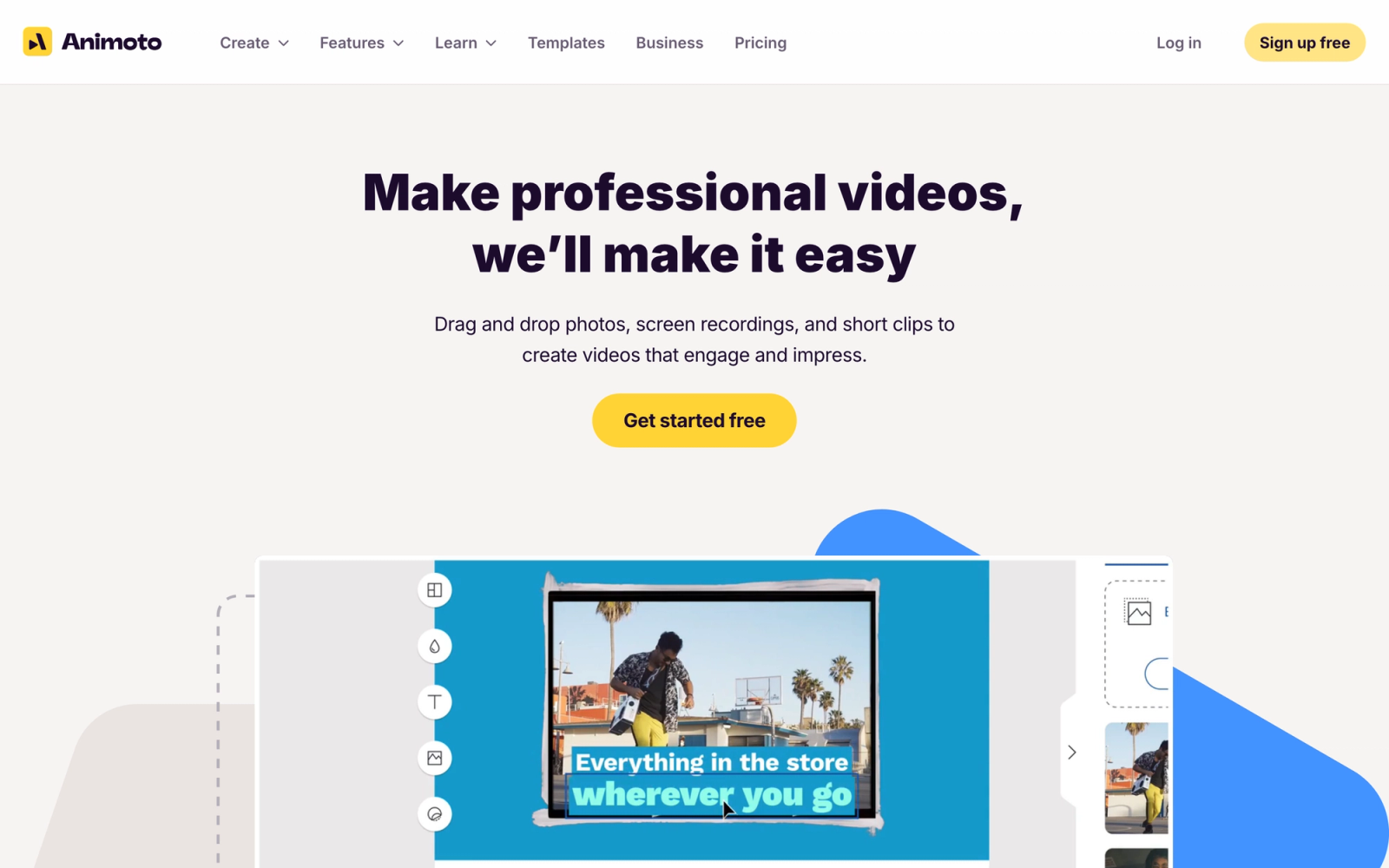
Animoto targets the space between basic slideshow builders and full animation platforms. It turns photos, video clips, and text into polished marketing videos through a template-based drag-and-drop editor. While it does not offer character animation like Vyond, it competes for the same "non-designer creates professional video" use case, especially in marketing contexts.
The editing workflow is built around speed. Uploading product photos, selecting a template, and adding text overlays can produce a finished 30-second ad in under five minutes. Animoto optimizes for speed over customization, and for certain use cases that trade-off is the right one. The automated pacing and music sync features allow someone with no video editing background to produce content that looks deliberate.
Core Capabilities
- Template-based video builder with drag-and-drop media placement
- Automated music sync that adjusts clip timing to match the soundtrack beat
- Stock photo and video library integrated directly into the editor
- Automatic resizing for social media formats (Instagram, Facebook, YouTube, TikTok)
- Brand kit with saved colors, fonts, and logo placement presets
- Text animation with multiple style options and timing controls
- Voiceover recording and audio upload support
- Collaboration features for team-based video production
- Direct sharing to social platforms and email marketing tools
- Performance tracking for published videos
Standout Strength
Animoto is built for publishing speed. Real estate agents, e-commerce teams, and social media managers who need a new video every day will find the per-video time investment minimal. The automated pacing feature adjusts clip durations and transitions to match the music track, producing polished results with little manual editing required.
Best For
Small businesses, real estate professionals, e-commerce teams, and social media managers who produce high-frequency short video content from photos and clips. Not suited for character animation or complex storytelling, but excellent for photo-based promotional videos and social ads.
Pricing Overview
- Free plan available with Animoto branding and limited features
- Basic plan at $8 per month (billed annually)
- Professional plan at $15 per month (billed annually) with full features, no watermark
- Professional Plus plan at $39 per month (billed annually) with premium stock and team features
Limitations
- No animation capability at all. Animoto is a photo and clip-based video tool, not an animation platform
- Creative control is intentionally limited to maintain simplicity, which frustrates users who want precise control
- The output style can feel repetitive if you produce many videos from similar templates
Quick Comparison Insight
Not a Vyond replacement for animation, but a much faster and cheaper option for marketing video content that relies on photos and stock footage rather than illustrated characters.
Lumen5
Overview
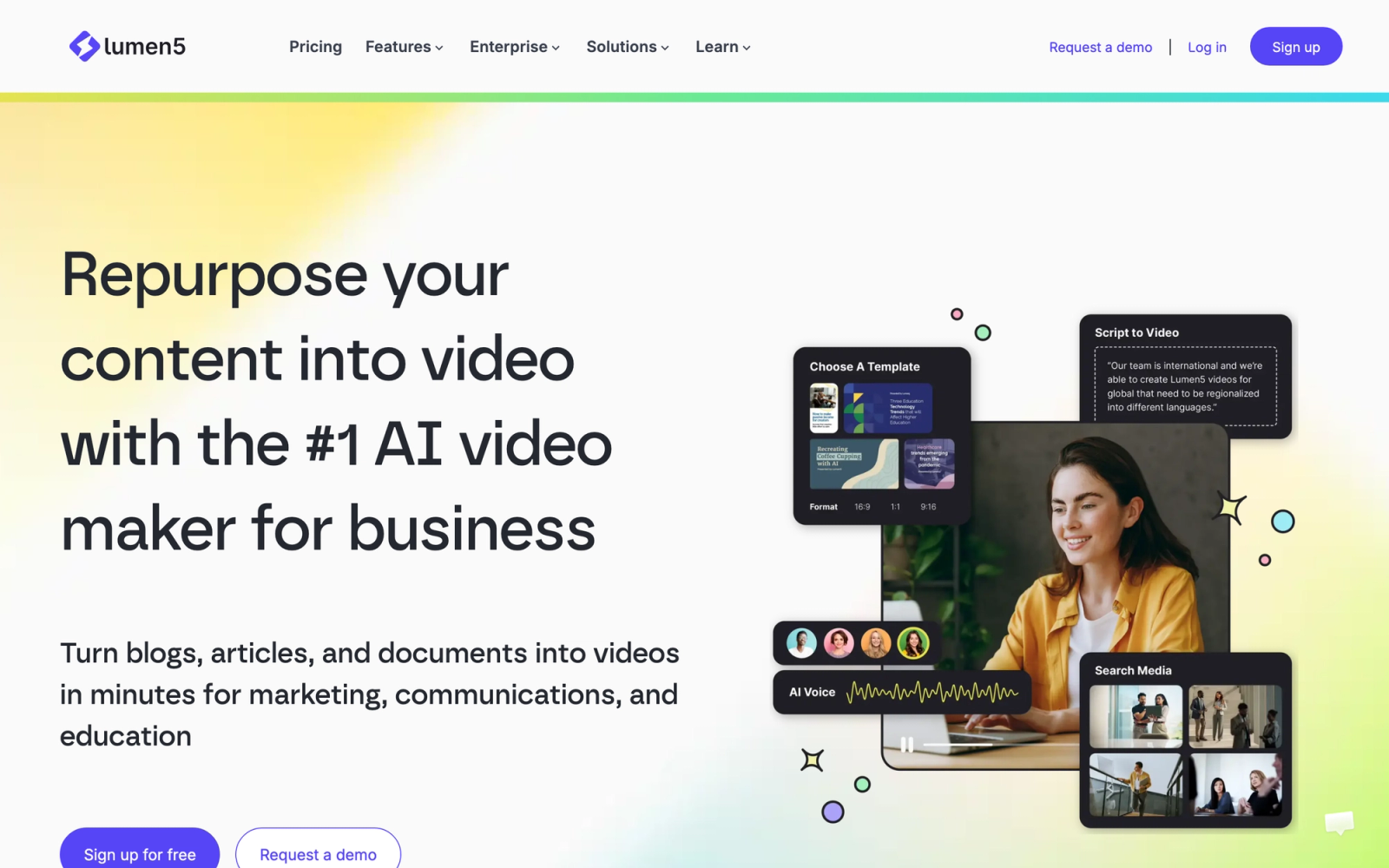
Lumen5 pioneered the text-to-video approach for content marketing, and its AI-driven workflow remains one of the fastest paths from a written article or blog post to a finished video. The platform analyzes your text, selects relevant stock media, generates a storyboard, and produces a video draft that you can edit and refine. It competes with Vyond in the corporate content space, though the output style is closer to motion graphics than traditional animation.
The platform's core value is its starting point. Instead of opening a blank canvas, users paste a blog post URL or a block of text; the AI extracts key points, matches them with visuals, and creates a rough cut. A 1,200-word article can produce a usable draft in roughly three minutes. The output requires editing, but the structured starting point reduces production effort considerably.
Core Capabilities
- AI-powered text-to-video conversion that turns blog posts, articles, and scripts into video drafts
- Automatic storyboard generation with text summarization and scene creation
- Stock media library with millions of photos and video clips matched by AI to content context
- Brand kit with saved color palettes, fonts, logos, and intro/outro templates
- Text-to-speech voiceover generation in multiple voices and languages
- Automatic aspect ratio adaptation for YouTube, Instagram, LinkedIn, and TikTok
- Custom media upload for branded photos, clips, and music
- Team collaboration with shared brand presets and approval workflows
- Analytics and engagement tracking for published content
- Blog-to-video workflow that pulls content directly from URLs
Standout Strength
Content marketing teams turn to Lumen5 because it solves a specific problem: converting written content into video format without starting from scratch. Teams that already produce blog posts, newsletters, or reports can repurpose that material into video assets with minimal additional work. For organizations publishing across multiple formats, that workflow efficiency has direct operational value.
Best For
Content marketing teams, communications departments, and media companies that want to repurpose written content into video format at scale. Strong for LinkedIn video content, blog promotion, internal newsletters, and any workflow where the source material already exists as text.
Pricing Overview
- Free plan available with Lumen5 watermark and 480p export
- Basic plan at $19 per month (billed annually) with 720p export
- Starter plan at $59 per month (billed annually) with 1080p and custom branding
- Professional plan at $149 per month (billed annually) with premium features and stock
Limitations
- Not an animation tool. The output is motion graphics and stock footage sequences, not illustrated or character-based animation
- AI-generated drafts often need significant editing to meet professional standards. The automated storyboard is a starting point, not a final product
- Higher-tier plans get expensive quickly, especially compared to Vyond's annual pricing
Quick Comparison Insight
Solves a completely different problem than Vyond. If your goal is repurposing written content into video, Lumen5 is faster and more purpose-built. If you need custom character animation, it is not the right tool.
Where Teachfloor Fits
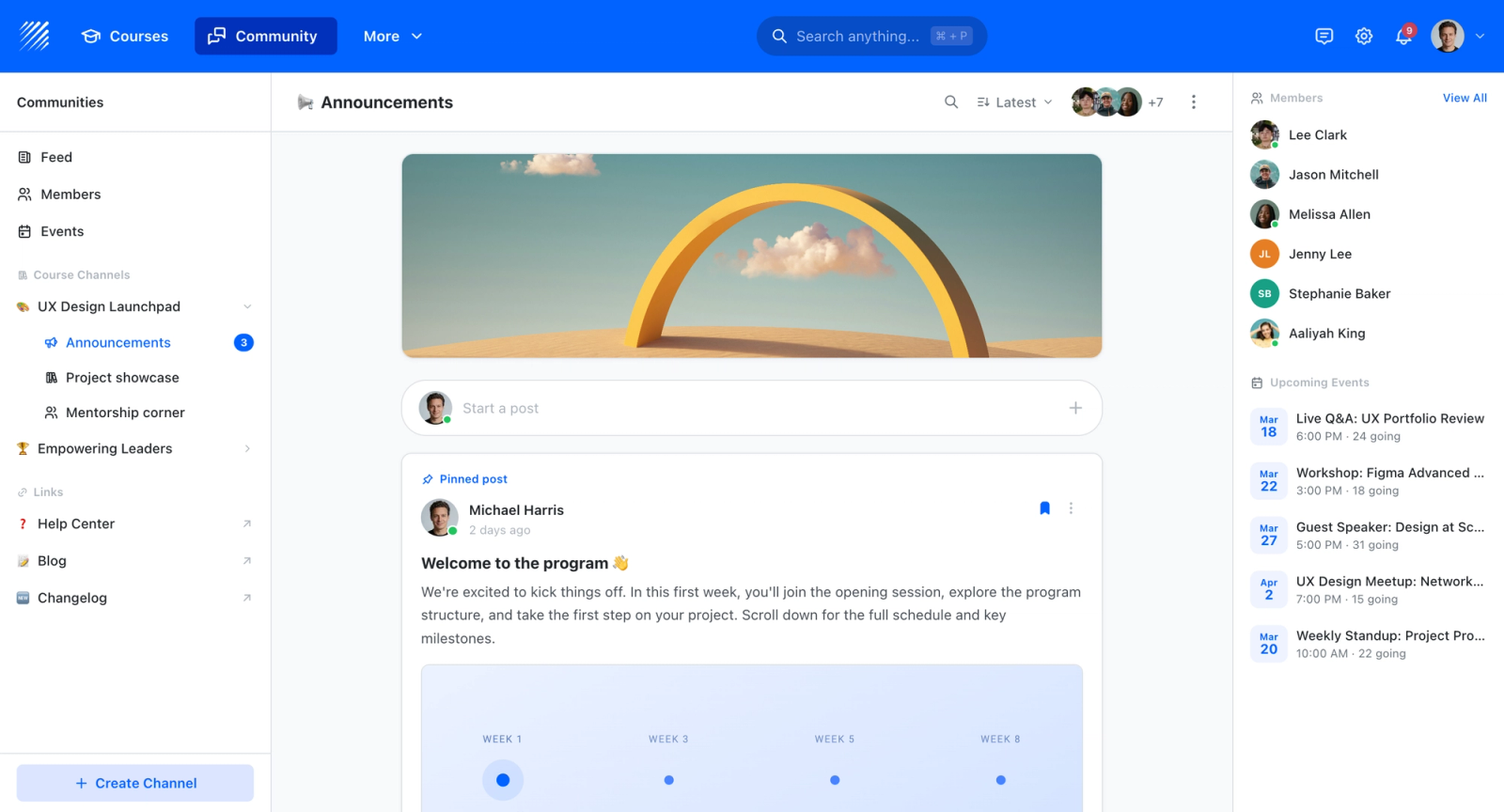
The tools above all exist to produce the animated video itself. Teachfloor sits one step later: it takes finished video, whoever made it, and organizes it into lessons with quizzes, progress tracking, and completion records. Think of an animation tool and a course platform as two parts of the same pipeline rather than substitutes for one another.
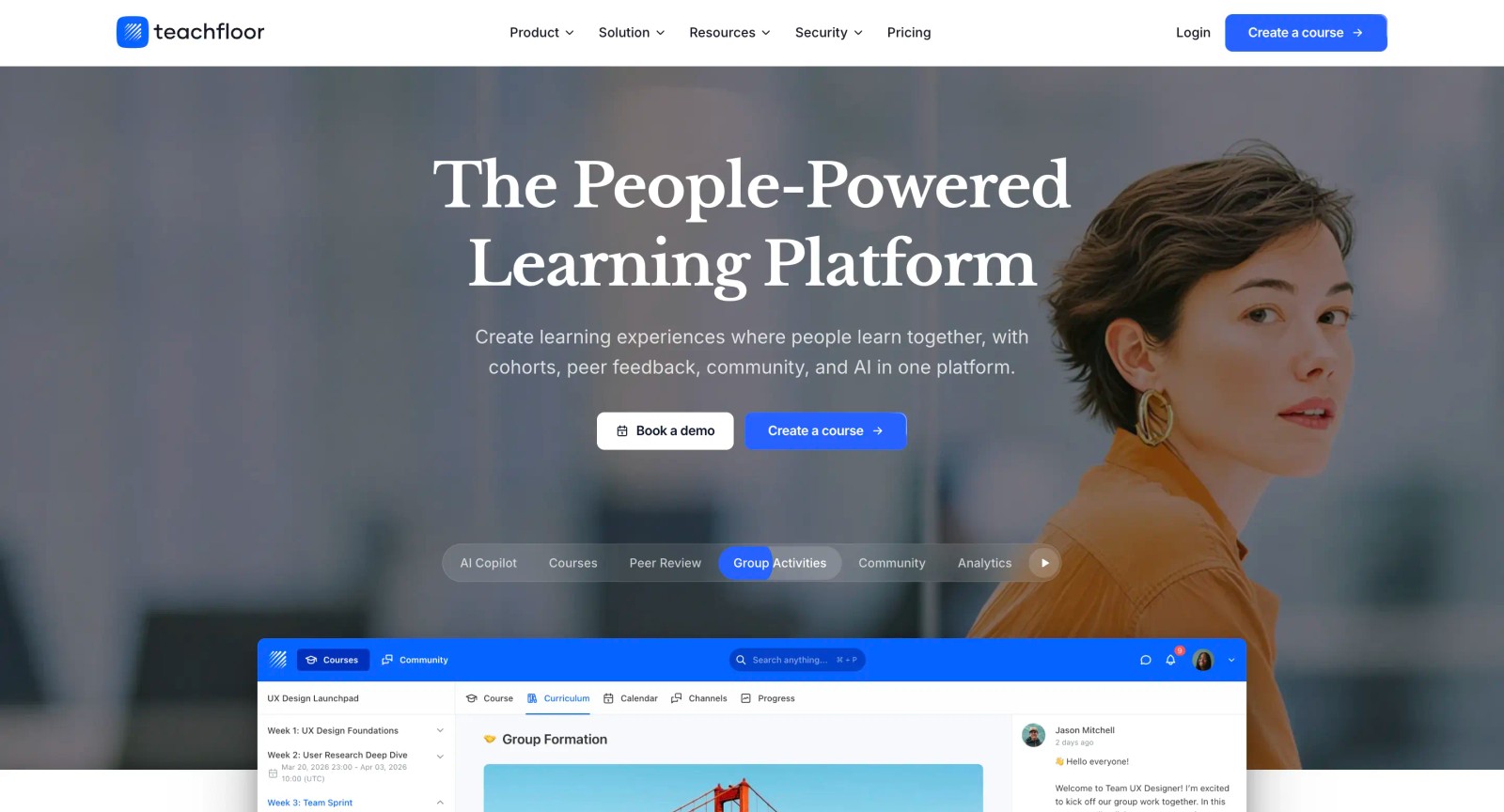
If you are choosing a home for your courses rather than a single-purpose tool, Teachfloor is worth a look. It starts at $89 per month with a 14-day free trial.
How to Choose the Right Alternative
The right Vyond alternative depends less on which tool has the most features and more on what type of video content you need to produce. The decision becomes clearer when framed by use case.
If you need character animation at a lower price, Powtoon and Animaker are the closest substitutes. Powtoon offers more content format variety, while Animaker wins on pricing for small teams. Neither matches Vyond's animation polish exactly, but both cover the core use case at a fraction of the cost.
If whiteboard or cartoon explainers are your primary format, Doodly and Toonly are purpose-built for those styles and significantly cheaper than using Vyond for the same output. Their focused approach means less feature bloat and faster production for that specific content type.
If you need template-based marketing videos, Renderforest, Biteable, and Animoto each handle this well. Renderforest bundles additional creative tools. Biteable excels at brand consistency across high-volume output. Animoto is the fastest path from photos to finished video.
If you need AI-powered production speed, Synthesia and Lumen5 offer the fastest text-to-video pipelines. Synthesia generates AI presenter videos from scripts. Lumen5 converts existing written content into motion graphics. Both trade creative control for production speed, which is the right trade-off for high-volume content teams.
If your real challenge is delivering training, not just making videos, Teachfloor handles the learning delivery and engagement layer that animation tools do not address. Pair it with any video creation tool on this list for a complete training workflow.
A common mistake is choosing a video tool based on feature lists rather than actual production workflows. Before committing to a subscription, produce one real project in the top two candidates. A single hands-on test reveals more about fit than any feature comparison chart.
FAQ
Is there a free alternative to Vyond?
Several tools on this list offer free plans, including Powtoon, Animaker, Renderforest, Biteable, Animoto, and Lumen5. The free tiers typically include watermarks and resolution limits, so they work for testing and personal projects but may not be suitable for professional output. Animaker's free plan is one of the more generous options for animation specifically.
Can I use Vyond alternatives for corporate training?
Yes. Powtoon, Animaker, and Synthesia are all commonly used for corporate training video production. Synthesia is particularly efficient for compliance and onboarding content because its AI avatars eliminate the need for filming or animation skills. For delivering that training content within a structured program, platforms like Teachfloor handle the curriculum, tracking, and learner engagement side.
Which Vyond alternative has the best character animation?
Powtoon comes closest to Vyond's character animation quality among the tools listed here. Animaker offers more animation styles at a lower price but with less polish. If realistic human presenters are acceptable instead of illustrated characters, Synthesia's AI avatars produce results that often feel more professional than traditional animation.
What is the cheapest Vyond alternative?
Doodly and Toonly both offer one-time purchase options starting at $39, making them the cheapest options for long-term ownership. Among subscription-based tools, Animoto starts at $8 per month and Renderforest at $9.99 per month, though neither offers character animation. For character animation specifically, Animaker's Basic plan at $12.50 per month is the most budget-friendly option.
Can I import Vyond projects into another tool?
Generally, no. Vyond project files use a proprietary format that other tools cannot open. If you are switching from Vyond, you will need to recreate your content in the new platform or export finished videos from Vyond as MP4 files and use them as source material in your new tool. This is worth factoring into your migration timeline.


