

Why Training Tracking Matters
Running training programs without tracking is like running a budget without a ledger. You spend money, pull employees off the floor, and hope something sticks. That works at a five-person startup. It falls apart the moment you have compliance deadlines, distributed teams, or regulators asking for documented proof, which is why tracking becomes a core operational requirement rather than a nice-to-have as you scale.
Compliance and audit readiness. In regulated industries, training is not optional. OSHA recordkeeping rules, HIPAA, SOX, and industry-specific mandates require documented proof that employees completed specific courses within defined timeframes. When an auditor requests records, "we think most people did it" is not an acceptable answer. The right tracking system generates compliance training reports on demand, with timestamps, scores, and completion certificates attached to each employee record.
Skills gap visibility. Tracking reveals where your workforce stands relative to where it needs to be. Without data on who completed what, who scored poorly, and who never started, L&D teams operate on assumptions. A skills matrix built from actual completion and assessment data gives you a clear picture of organizational capability, which is especially critical when planning role-based training initiatives or promotions.
ROI measurement. Training budgets face scrutiny. Leadership wants to know whether the $200,000 spent on upskilling actually moved performance metrics. Tracking systems connect training activities to outcomes: completion rates, assessment scores, time-to-competency, and in some cases, correlation with on-the-job performance. Without that data, L&D teams cannot defend their budget, let alone grow it.
Operational efficiency. Manual tracking through spreadsheets creates bottlenecks. Someone has to update records, chase down missing completions, and reconcile data across departments. Automated tracking eliminates that administrative overhead, freeing L&D teams to focus on program design rather than data entry. Organizations investing in training management software see this efficiency gain immediately.
What to Look for in Training Tracking Software
Before comparing platforms, anchor on the criteria that separate genuinely useful tracking tools from those that just check a marketing box.
Automated completion tracking. The system should record course completions, quiz scores, certification dates, and expiration timelines without manual input. Look for platforms that track granular progress, not just binary complete/incomplete status, but time spent, attempts, and module-level data.
Custom reporting and dashboards. Pre-built reports are a starting point. What matters more is the ability to build custom views that answer your specific questions: which department has the lowest compliance completion rate, which new hires finished onboarding fastest, which courses have the highest dropout rate. Real-time dashboards that managers can access independently reduce the reporting burden on L&D.
Compliance management features. If your organization operates in a regulated space, you need automated recertification reminders, audit-ready export formats, and the ability to assign mandatory training with escalation paths when deadlines approach. For healthcare, finance, manufacturing, and government organizations, these are core requirements, not optional extras.
Integration capability. Training data in isolation has limited value. The platform should connect to your HRIS, payroll system, or performance management tools so that training records become part of the broader employee profile. Native integrations with tools like BambooHR, Workday, or SAP SuccessFactors matter, and an open API matters even more for organizations with custom tech stacks. Understanding LMS integration options upfront saves time during evaluation.
Scalability. A platform that works for 200 employees may struggle at 5,000. Consider not just your current headcount but your growth trajectory. Pricing models that scale linearly per user can create budget pressure. Flat-rate or tiered pricing often makes more sense for fast-growing organizations.
Content compatibility. If you already have training content in SCORM, xAPI, or AICC format, the platform must support those standards. If you plan to build content natively, evaluate the built-in authoring tools for quality and flexibility.
User experience. Both admin and learner experience matter. Complex admin interfaces slow down L&D teams. Confusing learner portals reduce engagement. Test both sides before committing.
10 Best Employee Training Tracking Software
The tools below span a range of organization sizes, industries, and operational complexity, drawn from the corporate LMS category on G2 and hands-on evaluation. Each approaches training tracking from a different angle, ordered to cover the full spectrum from collaborative academies and SMB-focused platforms to enterprise talent suites.
| Platform | Best for | Starting price | Free trial |
|---|---|---|---|
| Teachfloor | Tracking participation in live, cohort, and social programs (plus self-paced) | $89/mo | 14 days |
| TalentLMS | Fast-to-deploy SMB completion and certification tracking | $119/mo (annual, up to 100 users) | Free plan |
| Absorb LMS | Mid-market reporting depth and audit trails | Custom | On request |
| Docebo | Enterprise AI skills and competency tracking | Custom | Demo only |
| Litmos | Compliance-first tracking with a built-in content library | Custom | 14 days |
| iSpring Learn | PowerPoint-to-course pipeline with completion tracking | $3.66/user/mo (annual) | 30 days |
| LearnUpon | Tracking across employee, partner, and customer audiences | Custom | On request |
| Cornerstone OnDemand | Training records inside an enterprise talent suite | Custom | Demo only |
| BambooHR | Lightweight training records inside an HRIS | ~$10/employee/mo (Core) | Free trial |
| Seismic Learning | Sales readiness and coaching analytics | Custom | Demo only |
Teachfloor
Overview
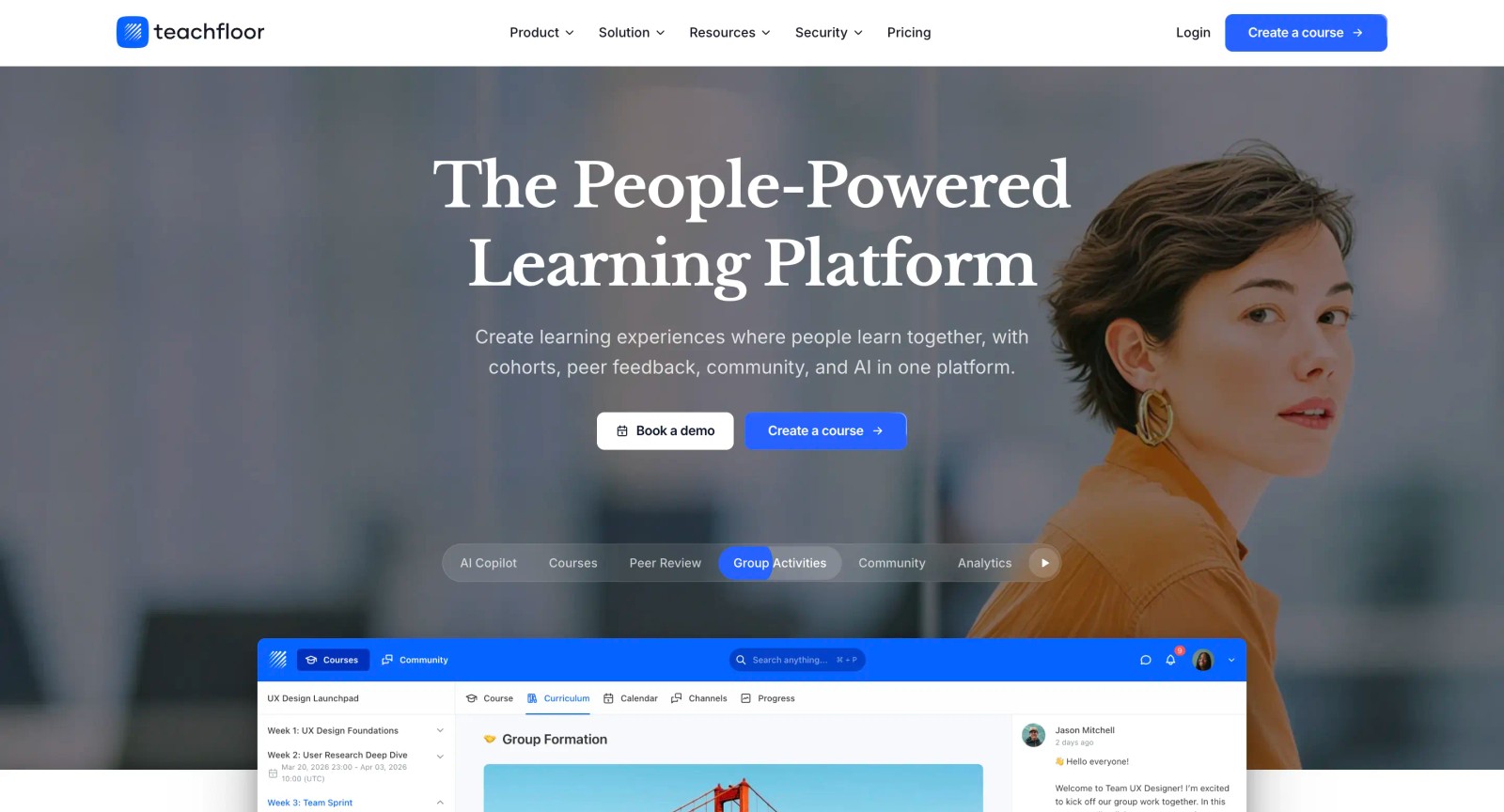
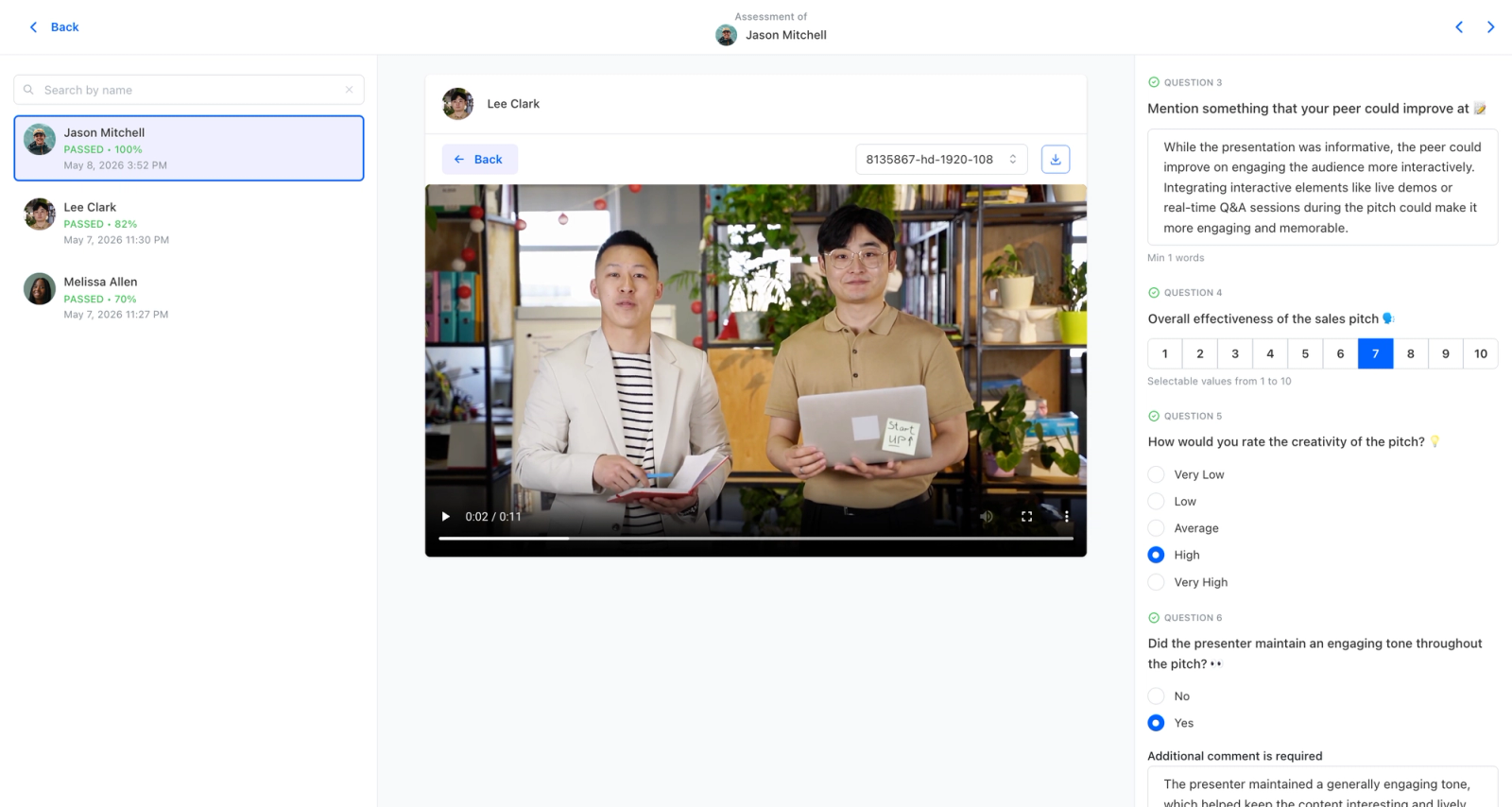
Teachfloor tracks training the way it is actually delivered, which matters when your programs are not all the same shape. A compliance module can run self-paced with a completion record and certificate, while a leadership program runs as a scheduled cohort, and both report into the same analytics. Completion data, quiz scores, and issued certificates are tied to how each course was delivered, so the records you pull for an audit or a manager review reflect the real format rather than flattening everything into a generic pass/fail. For teams that mix mandatory training with higher-touch development, that keeps tracking honest without forcing every program into one delivery model.
Core Capabilities
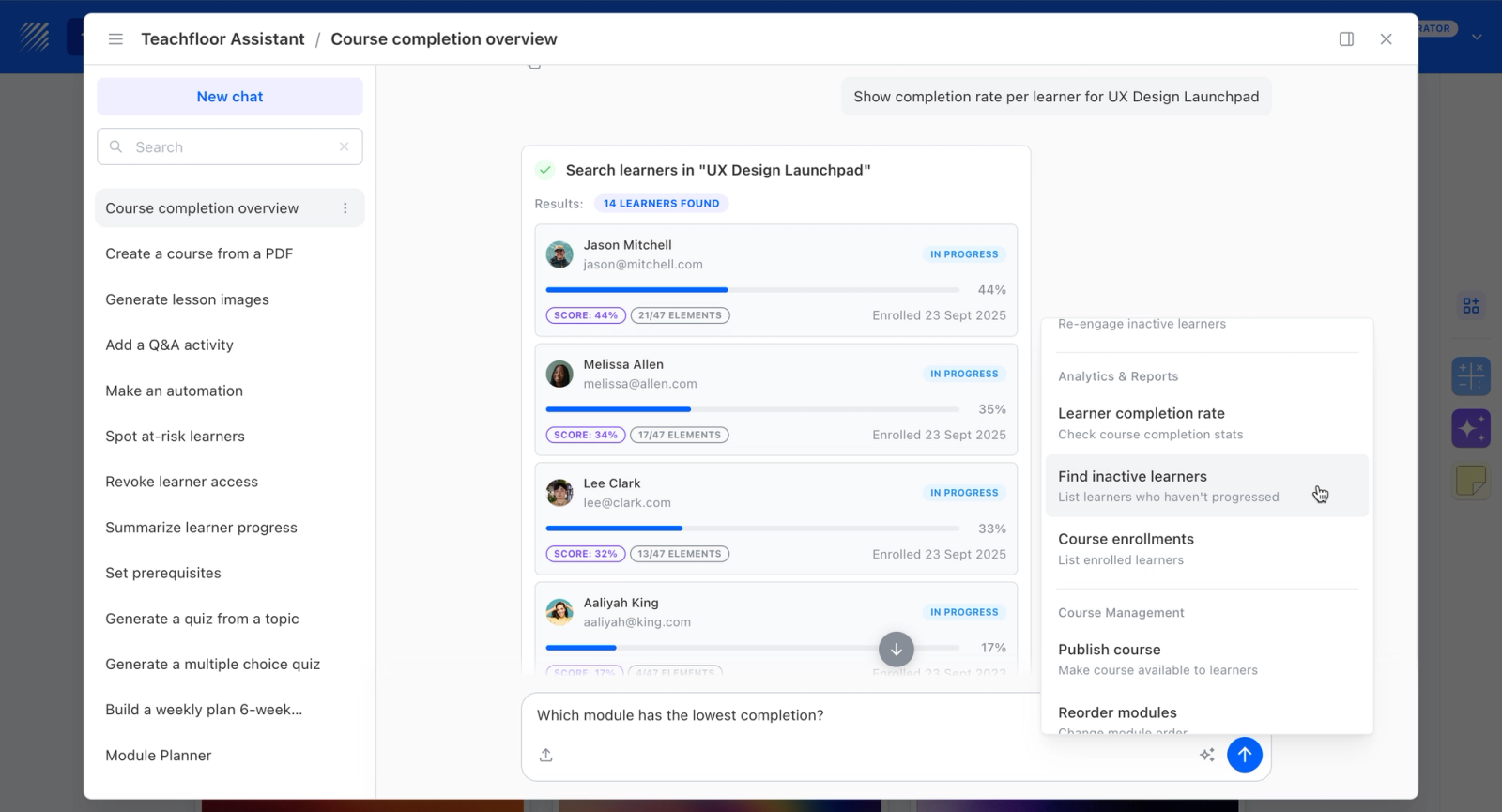
- Completion tracking and certificate issuance tied to the delivery mode, whether the course ran self-paced, live, or as a cohort
- Quiz and assessment scores recorded per learner for verification and audit trails
- Multi-branch structure to separate departments, teams, or client groups and report on each
- Analytics covering progress, completion, and engagement across all programs
- AI-assisted authoring to stand up training content and assessments quickly
- SCORM support for importing existing compliance or vendor content
Best For
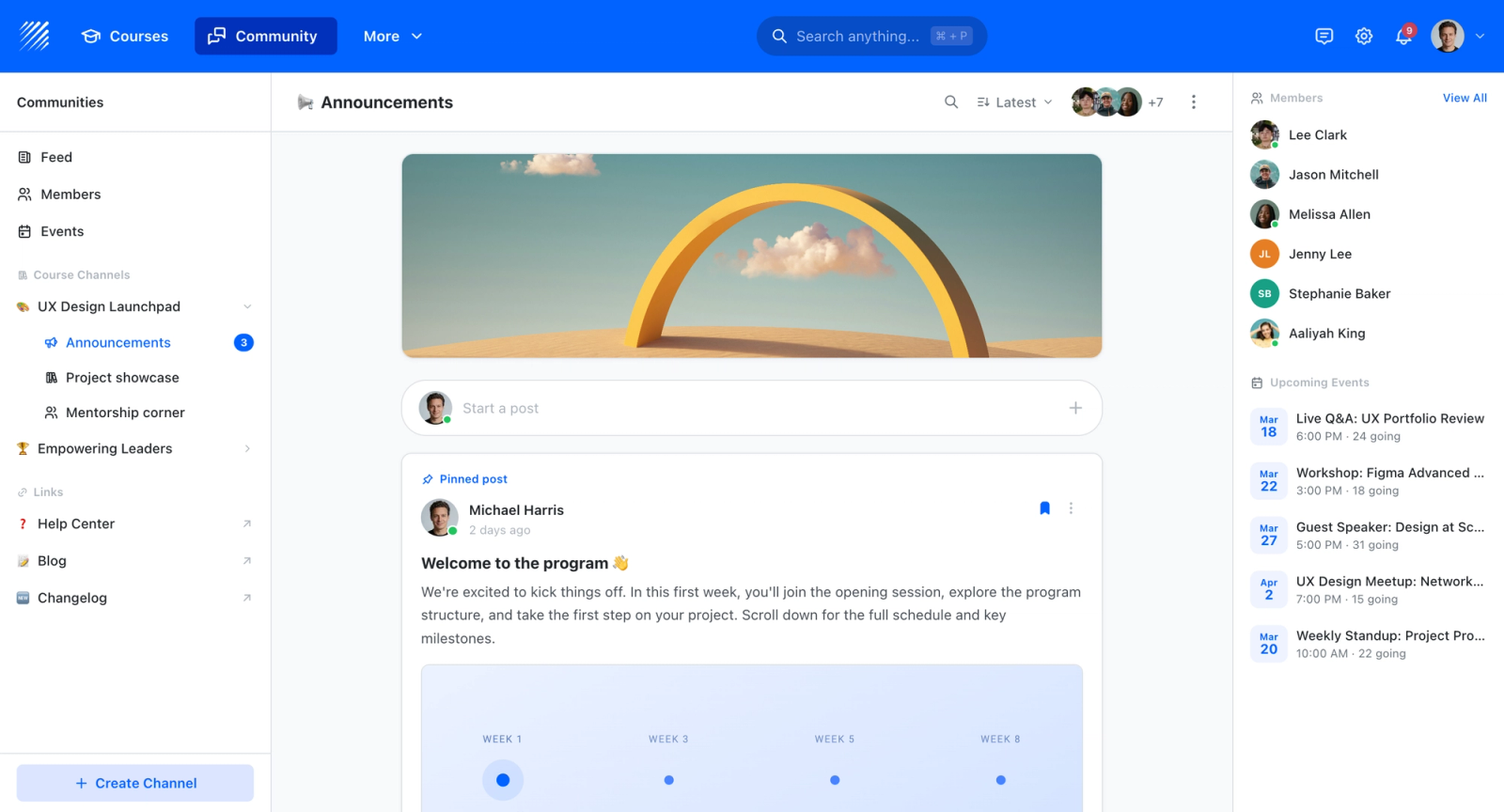
Small-to-mid organizations that run a mix of mandatory completion-based training and more involved development programs, and want one place to track both with records that match how each was delivered. A good fit when peer learning or cohort delivery is part of the training picture, not just compliance check-offs.
Pricing Overview
- Startup plan from $89 per month for up to 50 learners
- Full Features plan with custom pricing, white-label, SSO, and advanced integrations
- 14-day free trial; no permanent free plan
- Nonprofit discounts available
Limitations
- Not an enterprise talent suite; no HR, performance, or succession modules like Cornerstone OnDemand
- Reporting depth and admin configurability are lighter than dedicated tracking-heavy tools such as Absorb LMS
- Not an HRIS, so it does not double as core employee record-keeping the way BambooHR does
- No free plan, and the per-learner economics favor smaller cohorts over large compliance populations
Quick Comparison Insight
A flexible training platform that ties completion, scores, and certificates to how each course is actually delivered, best for teams blending compliance and development.
TalentLMS
Overview
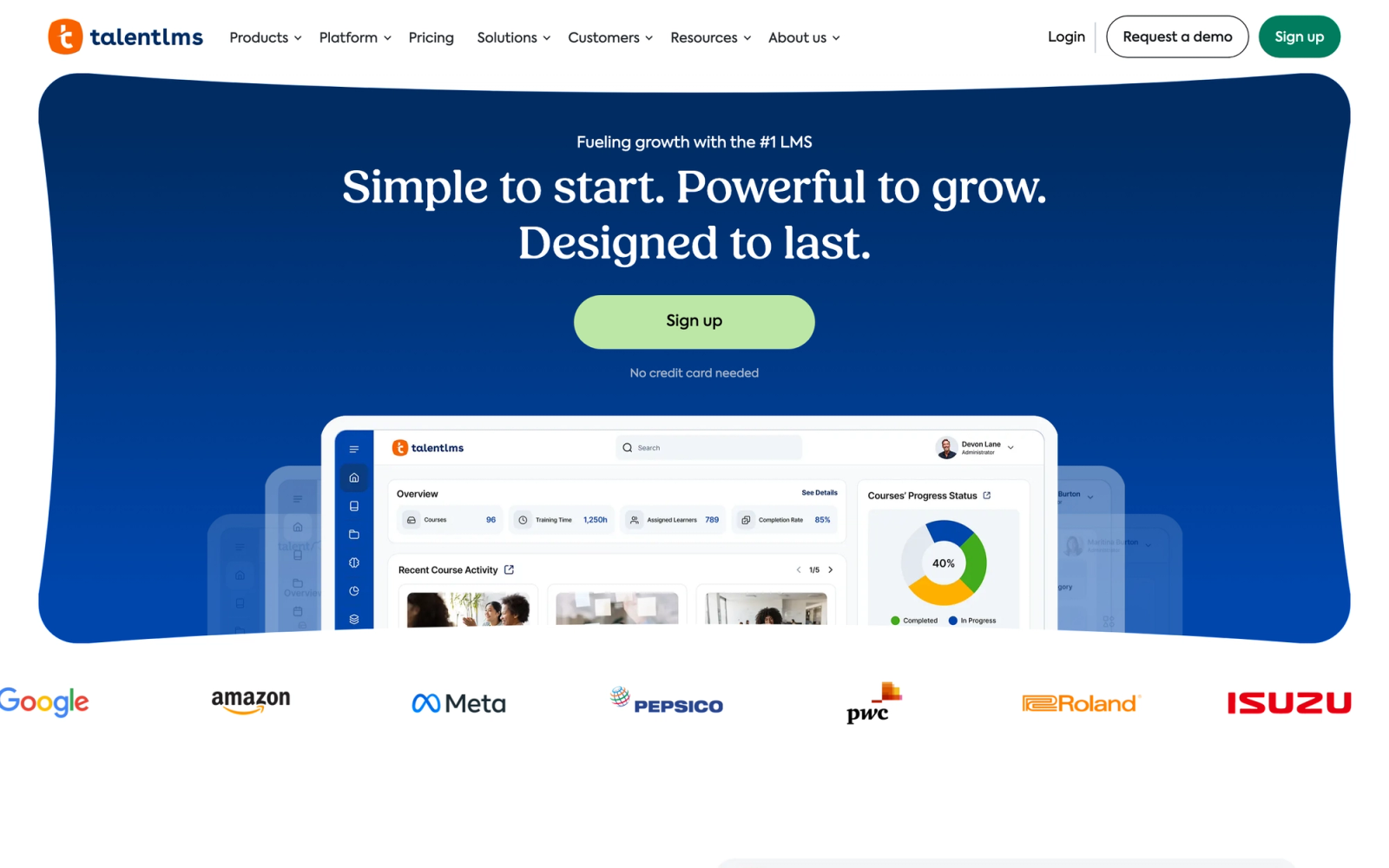
TalentLMS is one of the most recognized names in the LMS space for small and mid-size businesses, and for good reason. It gets the fundamentals right without overcomplicating things. The platform focuses on making training deployment and tracking fast, which is exactly what smaller L&D teams need when they do not have a dedicated systems administrator.
Setup speed is the headline. You can go from zero to a functioning training program fast: course creation, user enrollment, and tracking dashboards are all reachable within the first hour. That speed-to-value is a genuine differentiator against platforms that need weeks of configuration. For teams weighing TalentLMS pricing against alternatives, the low barrier to entry is part of the appeal.
Core Capabilities
- Automated course completion tracking with time-spent metrics and progress percentages per module
- Built-in quiz and assessment engine with automatic score recording and pass/fail thresholds
- Certification management with expiration dates and automated recertification reminders
- Custom report builder with filters by user, group, branch, course, and date range
- SCORM 1.2, SCORM 2004, xAPI, and cmi5 content support
- Built-in course authoring with support for video, presentations, documents, and embedded content
- Gamification features including points, badges, and leaderboards to drive completion rates
- Multi-branch architecture for managing training across departments, locations, or client organizations
- Native integrations with Zapier, BambooHR, Salesforce, and hundreds of other tools via API
- Automated enrollment rules and learning path sequencing
Standout Strength
TalentLMS delivers reliable training tracking without the complexity of enterprise platforms. Fast setup, clean completion and certification reporting, and a free tier for up to five users make it the default starting point for SMBs entering the LMS space for the first time.
Best For
Small to mid-size businesses with 50 to 1,000 employees that need a straightforward training tracking platform without enterprise complexity. Particularly strong for organizations deploying compliance training, employee onboarding programs, and product knowledge courses across distributed teams.
Pricing Overview
Free plan available for up to five users and 10 courses
Core plan starts at about $119 per month (billed annually) for up to 100 users
- Pricing scales based on active user count
- Custom enterprise pricing available for large deployments
Limitations
- Reporting, while functional, lacks the analytical depth of platforms like Absorb or Docebo for complex cross-departmental analysis
- The built-in authoring tool handles basics well but falls short for interactive or simulation-based content
- Advanced workflow automation requires integration with external tools rather than native configuration
Quick Comparison Insight
Faster to deploy and more affordable than most competitors on this list, but organizations needing deep analytics or AI-driven recommendations will outgrow it.
Absorb LMS
Overview
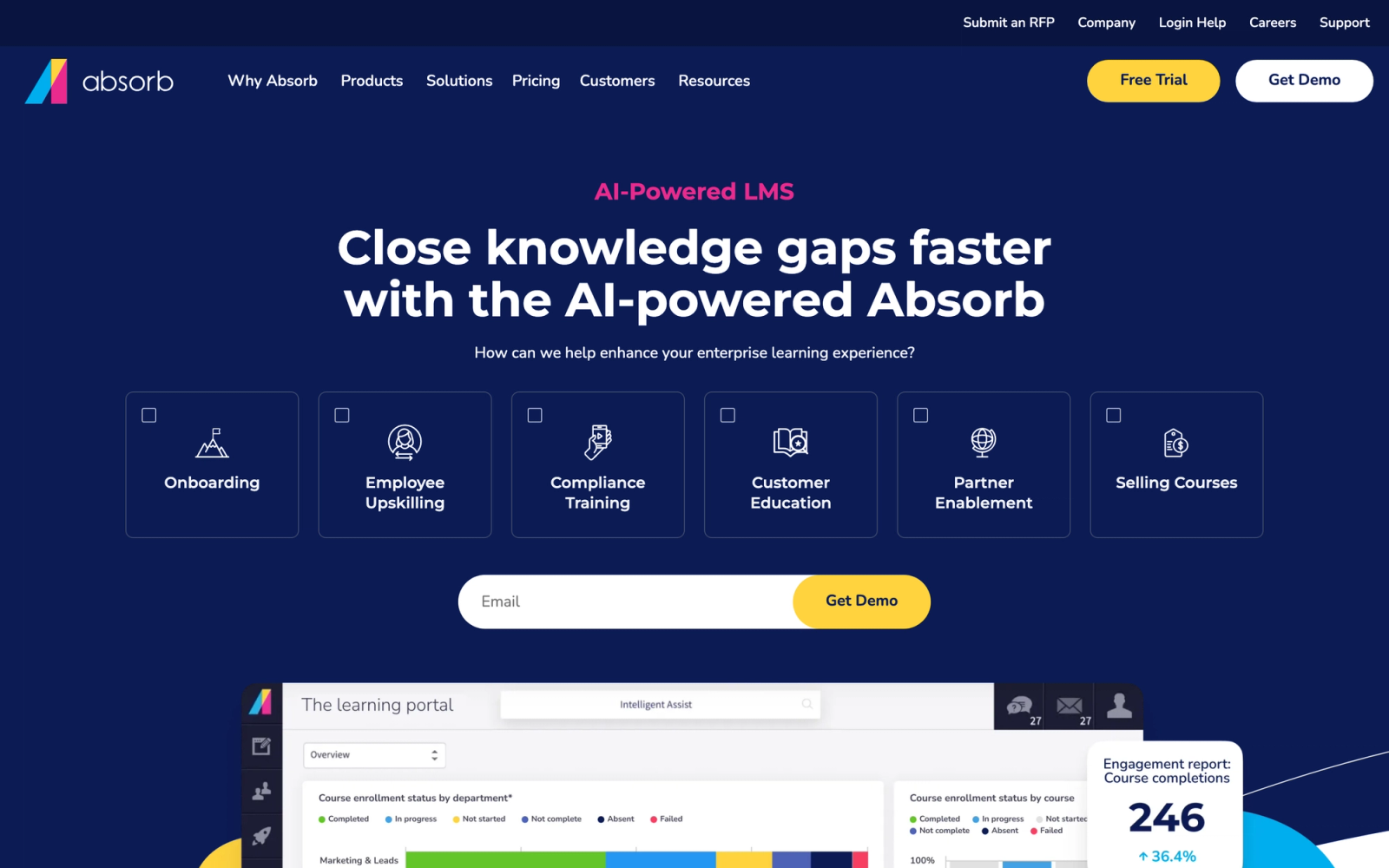
Absorb LMS sits in the mid-to-enterprise tier and has built its reputation on reporting depth and administrative flexibility. Where TalentLMS optimizes for simplicity, Absorb gives L&D teams more granular control over how training data is captured, displayed, and acted upon.
Absorb's reporting module stands out for its range of dimensions. You can slice training data by department, role, location, course type, completion status, and time period, then save those views as recurring reports delivered to stakeholders on a schedule. For organizations where learning analytics feed strategic planning, that level of control is genuinely useful rather than cosmetic.
Core Capabilities
- Granular completion tracking with module-level progress, time-on-task, and attempt history
- Advanced report builder with scheduled report delivery and custom data visualizations
- Compliance engine with automated recertification workflows and audit trail logging
- Intelligent enrollment rules that auto-assign training based on role, department, or hire date
- SCORM 1.2, SCORM 2004, xAPI, and AICC content support
- Absorb Infuse technology for embedding LMS functionality directly into other business applications
- E-commerce module for selling training externally
- Observation checklists for tracking on-the-job competency verification
- Custom branding and white-label portals for multi-audience training
- RESTful API and native integrations with major HRIS and CRM platforms
Standout Strength
Absorb's reporting infrastructure is its primary differentiator. Building, scheduling, and distributing custom reports, combined with observation checklists that connect online learning to on-the-job performance, gives L&D teams a more complete view of training effectiveness than most mid-market platforms offer. Teams evaluating Absorb LMS alternatives frequently benchmark against this reporting depth.
Best For
Mid-size to large organizations with 500 to 10,000+ employees that need detailed training analytics, compliance tracking with audit trails, and the flexibility to serve multiple audiences (employees, partners, customers) from a single platform.
Pricing Overview
- Custom pricing based on number of active learners
- No public pricing page; requires a demo and quote
- Free trial available upon request
Limitations
- The built-in content authoring is basic; most organizations pair Absorb with a dedicated authoring tool like Articulate or iSpring
- Initial configuration takes longer than simpler platforms due to the depth of available settings
- The pricing model is opaque, making budget planning harder for organizations early in the evaluation process
Quick Comparison Insight
Stronger reporting and compliance tools than TalentLMS, but requires more setup time and a higher investment. Best suited for organizations that have outgrown entry-level platforms.
Docebo
Overview
Docebo is an enterprise learning platform that leans heavily on AI to automate training operations. Its positioning goes beyond simple course delivery and tracking. Docebo frames itself as a learning suite, with modules for content creation, social learning, skills tracking, and training analytics all integrated into one product family.
What distinguishes Docebo from other platforms on this list is how it uses AI for content tagging, learner recommendations, and skills gap analysis. The system automatically maps courses to competencies and suggests learning paths based on individual performance data. For organizations with thousands of employees and complex competency frameworks, that automation reduces the manual effort required to keep training programs aligned with performance management goals.
Core Capabilities
- AI-powered skills tracking that maps training completions to competency frameworks automatically
- Custom dashboards with real-time training progress data at the individual, team, and organizational level
- Compliance management with automated assignment, deadline enforcement, and recertification workflows
- Social learning module with peer knowledge sharing, Q&A, and expert-sourced content contributions
- Built-in content marketplace (Docebo Content) with access to third-party course libraries
- SCORM, xAPI, and AICC content standard support
- Docebo Shape for AI-assisted content creation from existing documents and presentations
- Advanced API and over 400 native integrations including Salesforce, Workday, and MS Teams
- Multi-domain architecture for serving different audiences under separate branded portals
- Enrollment automation with rules based on role, department, location, and custom attributes
Standout Strength
Docebo earns its place when you need AI-driven automation at scale. Automated skills mapping, content recommendations, and competency-based tracking cut the administrative load on L&D teams managing training for thousands of employees across multiple business units. For a deeper comparison, see how Docebo stacks up against TalentLMS.
Best For
Enterprise organizations with 1,000+ employees that need competency-based tracking, AI-driven personalization, and the ability to manage complex multi-audience training programs. Particularly strong for global companies with diverse compliance requirements across regions.
Pricing Overview
- Custom enterprise pricing; no public pricing available
- Pricing is based on active users and selected modules
- Free demo and guided trial available upon request
Limitations
- The breadth of features creates a steep learning curve for new administrators; onboarding the admin team takes weeks, not days
- Some AI features require sufficient data volume to produce meaningful recommendations, which disadvantages smaller deployments
- Cost is significantly higher than mid-market platforms, making it hard to justify for organizations under 500 employees
Quick Comparison Insight
More AI-driven and competency-focused than Absorb or TalentLMS, but the complexity and cost make it a better fit for enterprise L&D teams than for lean operations.
Litmos (formerly SAP Litmos)
Overview
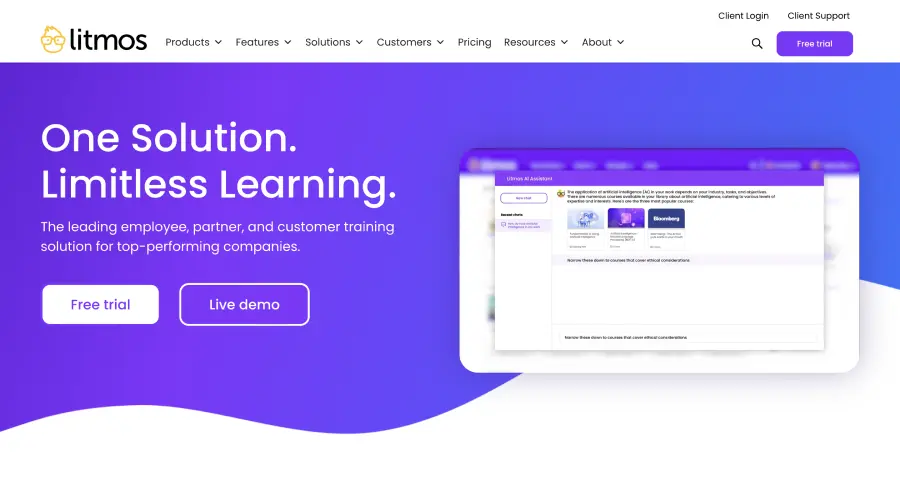
Litmos, formerly SAP Litmos, pairs a cloud-based LMS with a built-in content library, positioning itself as a platform that covers both delivery and content without requiring third-party authoring tools. SAP sold the Litmos business to private equity firm Francisco Partners in a deal that closed in December 2022, so Litmos now operates as an independent company, with SAP SuccessFactors available as an integration rather than a parent platform (source: Francisco Partners).
The tracking in Litmos is built around compliance-first thinking. Automated assignment rules, mandatory training workflows, and granular audit reporting are standard, not add-ons. The compliance reporting module generates audit-ready documentation in a few clicks, with timestamps, scores, and digital signatures, which is noticeably more mature than what many general-purpose LMS platforms offer.
Core Capabilities
- Automated compliance tracking with mandatory training assignments, escalation paths, and overdue notifications
- Built-in content library with over 2,700 professionally produced courses covering compliance, safety, and professional development
- Custom report builder with filters by user, group, team, course, and completion status
- Scheduled report delivery to stakeholders via email
- SCORM 1.2 and SCORM 2004 content support with xAPI tracking
- Built-in assessment engine with branching logic and custom question types
- Learning path creation with prerequisite enforcement and sequential module delivery
- Video assessments for skills-based evaluation in customer-facing roles
- Native integrations with Salesforce, SAP SuccessFactors, Microsoft Teams, and other enterprise tools
- Multi-tenant architecture for managing training across subsidiaries and partner organizations
Standout Strength
Litmos treats compliance tracking as a core function, not a peripheral feature. The bundled content library, automated compliance workflows, and audit-ready reporting let regulated industries stand up a working compliance training program without sourcing content separately. For organizations weighing their compliance training LMS options, that bundled approach saves significant procurement time.
Best For
Mid-to-large organizations in regulated industries (healthcare, manufacturing, finance, government) with 500 to 50,000+ employees that need compliance-first training tracking with built-in content. Strong for global deployments requiring multi-language support and regional compliance frameworks.
Pricing Overview
- Custom pricing based on active users and module selection
- Two main tiers: Foundation (LMS only) and Premier (LMS + content library)
- Free 14-day trial available
Limitations
- The user interface, while functional, feels dated compared to more modern platforms like Docebo or LearnUpon
- Advanced customization options are limited compared to open-architecture platforms
- Organizations not in the SAP product family may find the integration story less compelling than standalone LMS platforms
Quick Comparison Insight
Stronger compliance infrastructure and built-in content than TalentLMS or Absorb, but the interface lacks the polish of newer competitors. Best for compliance-heavy organizations that value substance over aesthetics.
iSpring Learn
Overview
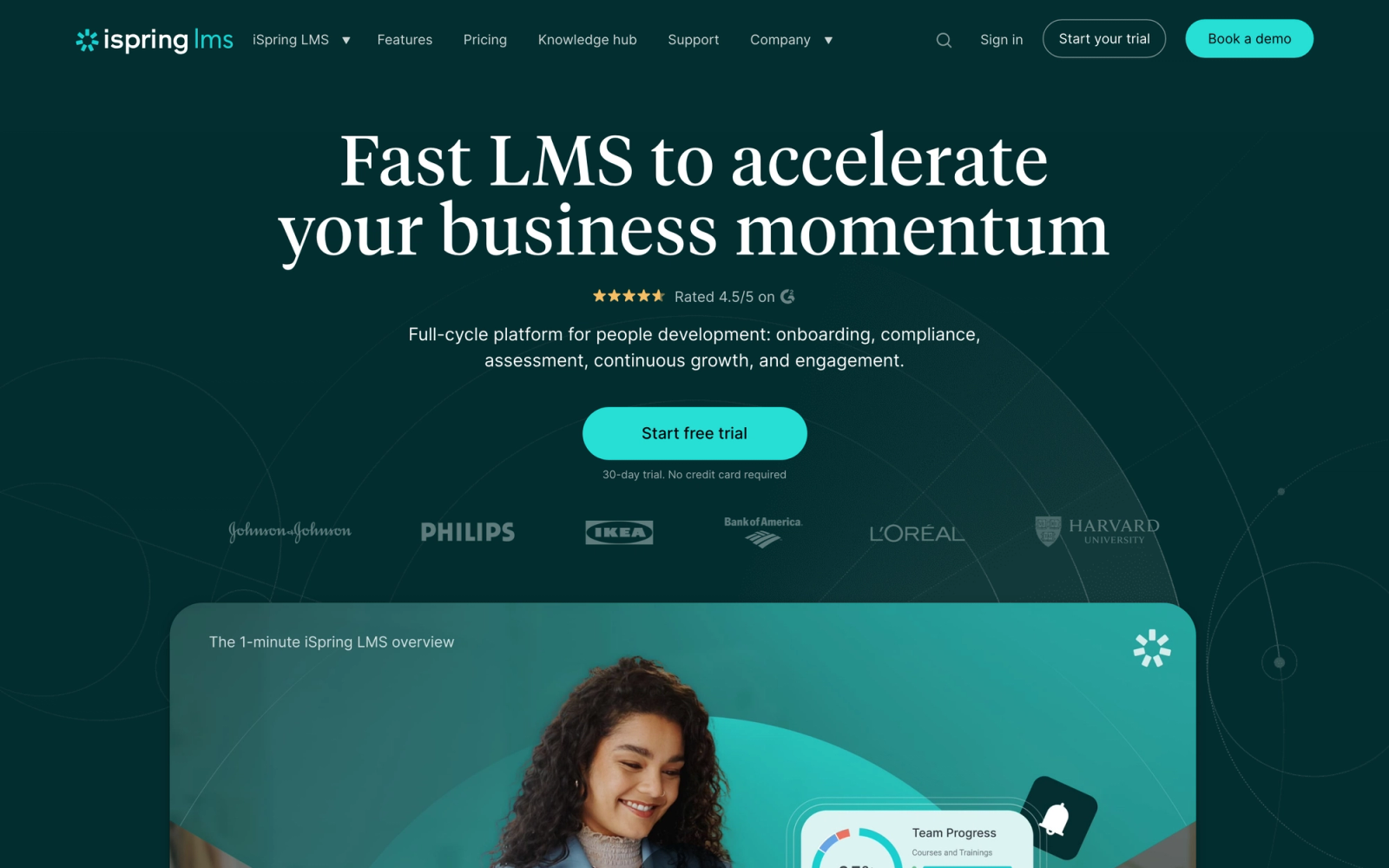
iSpring Learn takes a different approach than most platforms on this list. It pairs a cloud-based LMS with iSpring Suite, one of the most established PowerPoint-to-eLearning authoring tools in the market. This means organizations that already create training content in PowerPoint can convert that content into interactive, trackable eLearning modules without starting from scratch.
The tracking features in iSpring Learn are straightforward and reliable. Completion rates, quiz scores, time spent, and certification status are all captured automatically. Where iSpring stands apart is the tight integration between content creation and tracking. You build a course in iSpring Suite, publish it directly to iSpring Learn, and immediately see detailed learner analytics without any import/export friction.
Core Capabilities
- Automatic tracking of course completions, quiz scores, and time-on-task at the module level
- iSpring Suite integration for converting PowerPoint presentations into SCORM-compliant interactive courses
- Certification management with expiration tracking and automated recertification enrollment
- Detailed learner progress reports with drill-down capability by department, group, or individual
- SCORM 1.2 and SCORM 2004 support for third-party content
- Mobile app with offline learning and automatic progress sync when reconnected
- Role-play simulations and dialogue training via iSpring Suite authoring
- Learning paths with prerequisite logic and sequential module delivery
- Calendar-based event management for instructor-led training sessions
- API access and native integrations with Zoom, Microsoft Teams, and popular HRIS platforms
Standout Strength
iSpring has a clear advantage when you already have significant PowerPoint-based training content and need a fast path to turning it into tracked, interactive courses. The tight authoring-to-LMS pipeline cuts the distance between content creation and deployment, which is especially valuable for teams building manufacturing or safety courses from existing slide decks.
Best For
Mid-size organizations with 100 to 5,000 employees that have existing PowerPoint-based training content and want to track learner progress without overhauling their content creation workflow. Strong for safety training, product knowledge, and compliance programs where content is updated frequently from existing presentations.
Pricing Overview
- iSpring Learn starts at $3.66 per user per month (billed annually, 300-user plan)
iSpring Suite (authoring tool) is priced separately, from $770 per author per year, with the AI-enabled Suite Max tier at about $970 per author per year
- Volume discounts available for larger deployments
- 30-day free trial for both Learn and Suite
Limitations
- The LMS tracking features are solid but not as analytically deep as Absorb or Docebo for complex enterprise reporting
- Without iSpring Suite, the authoring capabilities are limited, which effectively locks you into the iSpring product family for content creation
- The platform is less suited for social or collaborative learning; it is built around structured, top-down content delivery
Quick Comparison Insight
Stronger content-creation-to-tracking pipeline than any other platform on this list, but less flexible for organizations that want platform-agnostic authoring or collaborative learning approaches.
LearnUpon
Overview
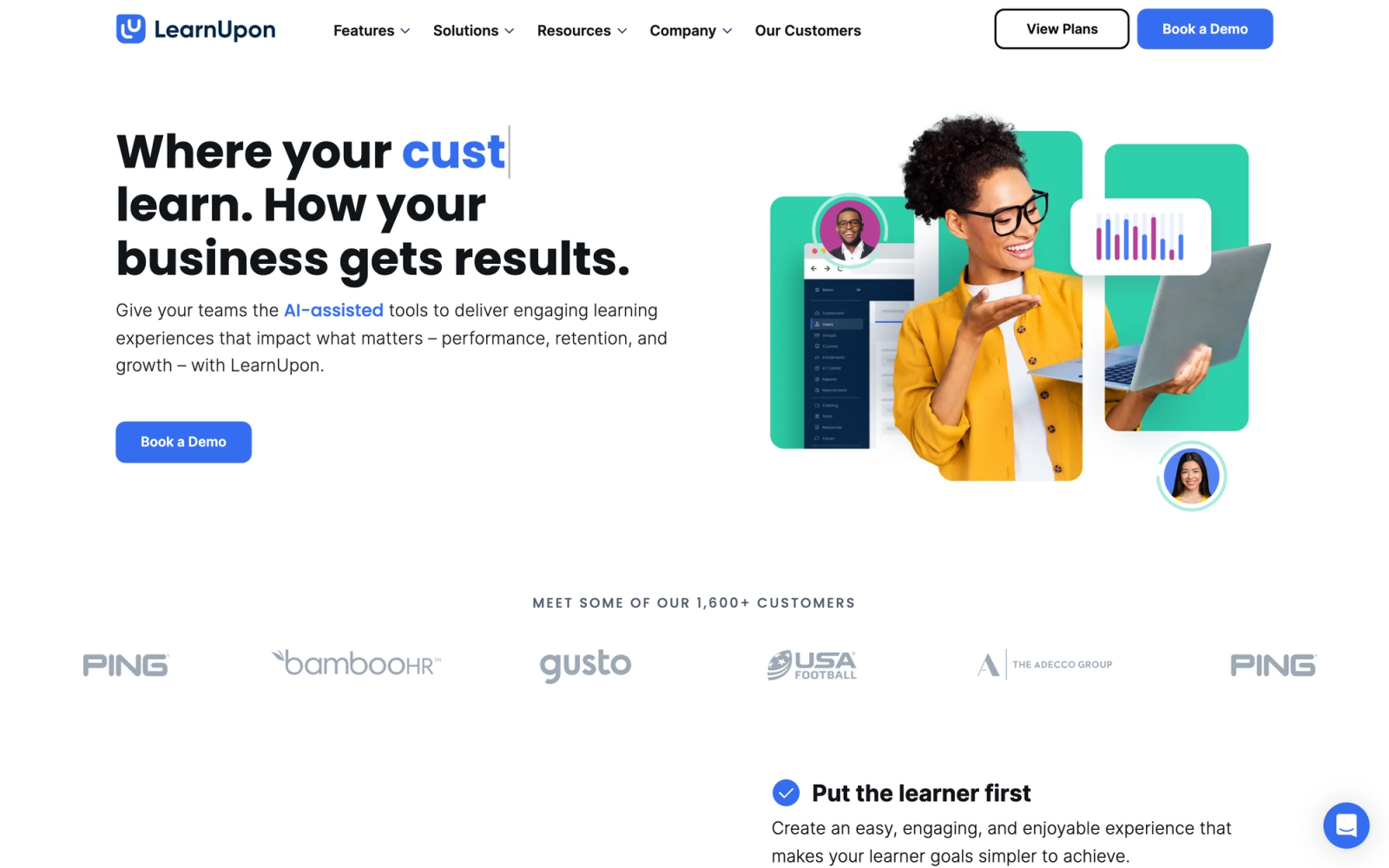
LearnUpon positions itself as a multi-audience learning platform, which means it is built to handle employee training, partner enablement, and customer education from a single system. For organizations that need to track training across multiple distinct audiences, this multi-portal architecture avoids the operational headache of managing separate LMS instances.
LearnUpon's clean separation between portals is its defining trait. Each audience gets its own branded experience, but all tracking data flows into a unified reporting layer. An L&D team can compare employee training completion rates with partner certification rates in the same dashboard without switching systems.
Core Capabilities
- Multi-portal architecture with separate branded learning environments for employees, partners, and customers
- Unified reporting across all portals with filterable dashboards by audience, course, and time period
- Automated enrollment triggers based on user attributes, group membership, or integration events
- Compliance tracking with mandatory assignment, deadline management, and overdue escalation
- SCORM, xAPI, and AICC content support
- Exam engine with randomized question pools, time limits, and proctoring options
- Certification and credential management with automated renewal workflows
- ILT and webinar management with attendance tracking integrated into learner records
- Native integrations with Salesforce, BambooHR, Zapier, and webhooks for custom workflows
- Learner engagement tools including discussion forums and social learning features
Standout Strength
LearnUpon's primary draw is consolidating training tracking for multiple audiences under one platform rather than running separate systems for each. The multi-portal model cuts operational overhead for organizations that train employees while simultaneously certifying partners or educating customers. The unified reporting layer, where employee completion rates and partner certification rates sit in the same dashboard, is where that architecture pays off most visibly.
Best For
Mid-size to large organizations with 200 to 10,000+ employees that also need to deliver and track training for external audiences (channel partners, resellers, customers). Strong for SaaS companies, franchises, and organizations with partner certification programs.
Pricing Overview
- Custom pricing based on number of users and portals
- No public pricing page; requires a demo and quote
- Free trial available upon request
Limitations
- No built-in content authoring; you need external tools to create courses before uploading to LearnUpon
- Reporting is strong at the summary level but can feel limited for highly granular, module-by-module analysis
- The multi-portal model adds value only if you actually serve multiple audiences; for employee-only training, simpler platforms may be more cost-effective
Quick Comparison Insight
Broader audience coverage than any other platform on this list, but the lack of built-in authoring means additional tooling cost. Best for organizations where external training tracking is just as important as internal.
Cornerstone OnDemand
Overview
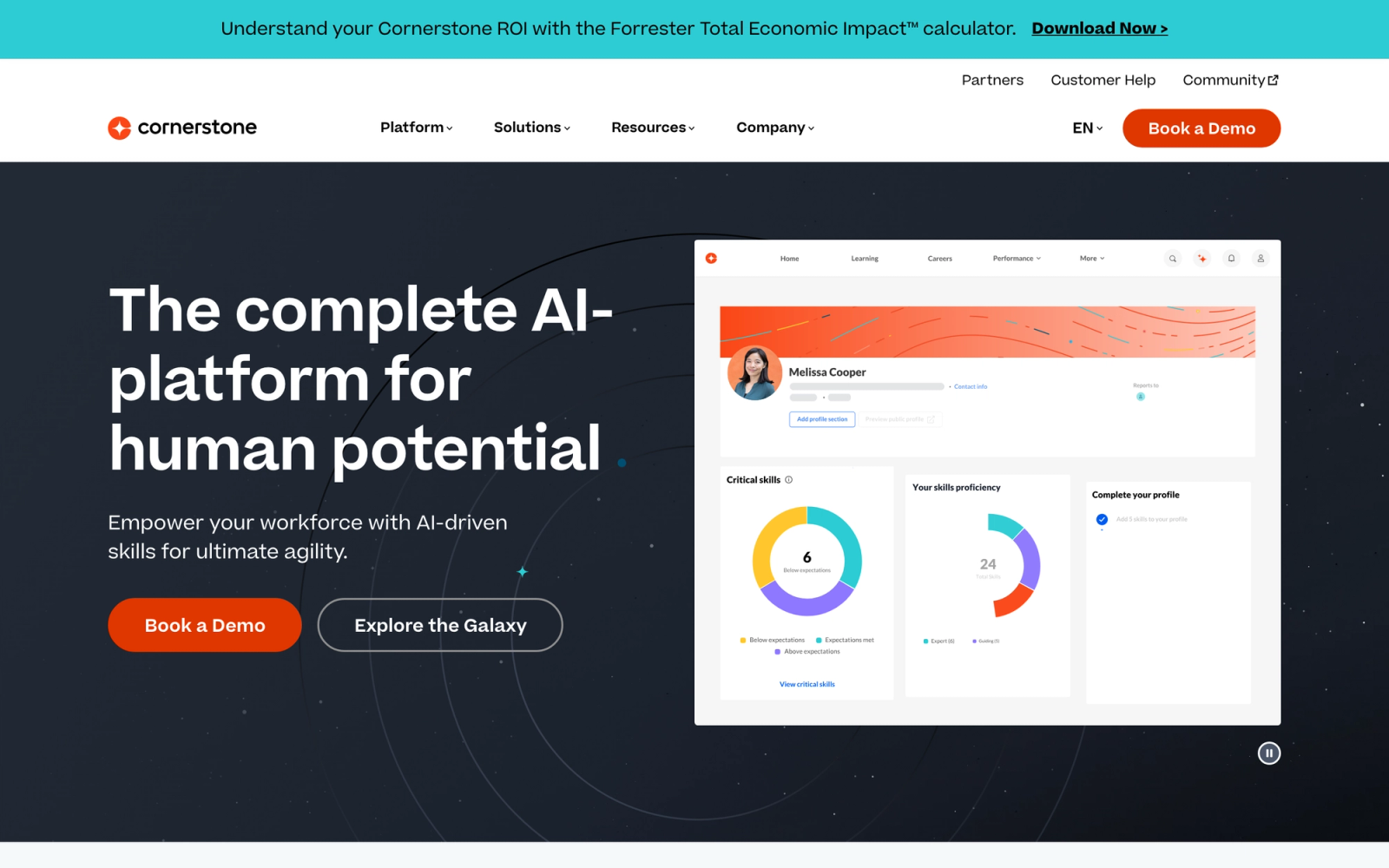
Cornerstone OnDemand is an enterprise talent management suite that includes learning management as one component within a broader HR technology platform. Unlike standalone LMS tools, Cornerstone connects training tracking directly to performance reviews, succession planning, compensation, and career development, creating a unified talent data layer.
The scale of Cornerstone's deployment footprint is worth noting. It serves some of the largest organizations globally, which means the platform is built to handle complex organizational structures, regulatory environments, and reporting hierarchies. For enterprise L&D teams evaluating Cornerstone alternatives, understanding this integrated talent management context is essential, because the tracking value comes from how training data connects to the rest of the HR tech stack.
Core Capabilities
- Training tracking integrated with performance management, succession planning, and career pathing modules
- Compliance engine with regulatory framework support, automated assignments, and audit reporting
- Skills and competency tracking linked to training completions and manager assessments
- AI-driven content recommendations based on role, skills gaps, and career goals
- SCORM, xAPI, and AICC content support with a built-in content marketplace
- Advanced reporting and analytics suite with executive dashboards and predictive insights
- Multi-language and multi-region support for global compliance management
- Extended enterprise capabilities for partner and customer training
- Instructor-led training management with scheduling, attendance, and waitlist tracking
- full-featured API and integration framework for connecting to HRIS, ERP, and CRM systems
Standout Strength
Cornerstone fits enterprises that want training tracking to feed directly into broader talent decisions. Connecting a compliance completion record to a performance review, linking a skills assessment to a succession plan, and surfacing training gaps in workforce planning dashboards is something standalone LMS platforms cannot replicate without extensive custom integration.
Best For
Large enterprises with 5,000+ employees that need training tracking as part of an integrated talent management strategy. Strong for organizations in highly regulated industries (financial services, healthcare, energy) that require cross-functional data between L&D, HR, and compliance teams.
Pricing Overview
- Custom enterprise pricing based on modules selected and user count
- Typically sold as a suite with learning, performance, and recruiting modules
- No public pricing; requires enterprise sales engagement
Limitations
- Implementation timelines are measured in months, not weeks, requiring dedicated project management resources
- The platform's breadth can overwhelm organizations that only need learning management without the broader talent suite
- Cost is at the enterprise level; this is not a realistic option for organizations under 1,000 employees
Quick Comparison Insight
More deeply integrated with HR and talent operations than any other platform on this list, but that integration comes with enterprise-level complexity and cost. Overkill for organizations that just need an LMS.
BambooHR (Training Module)
Overview
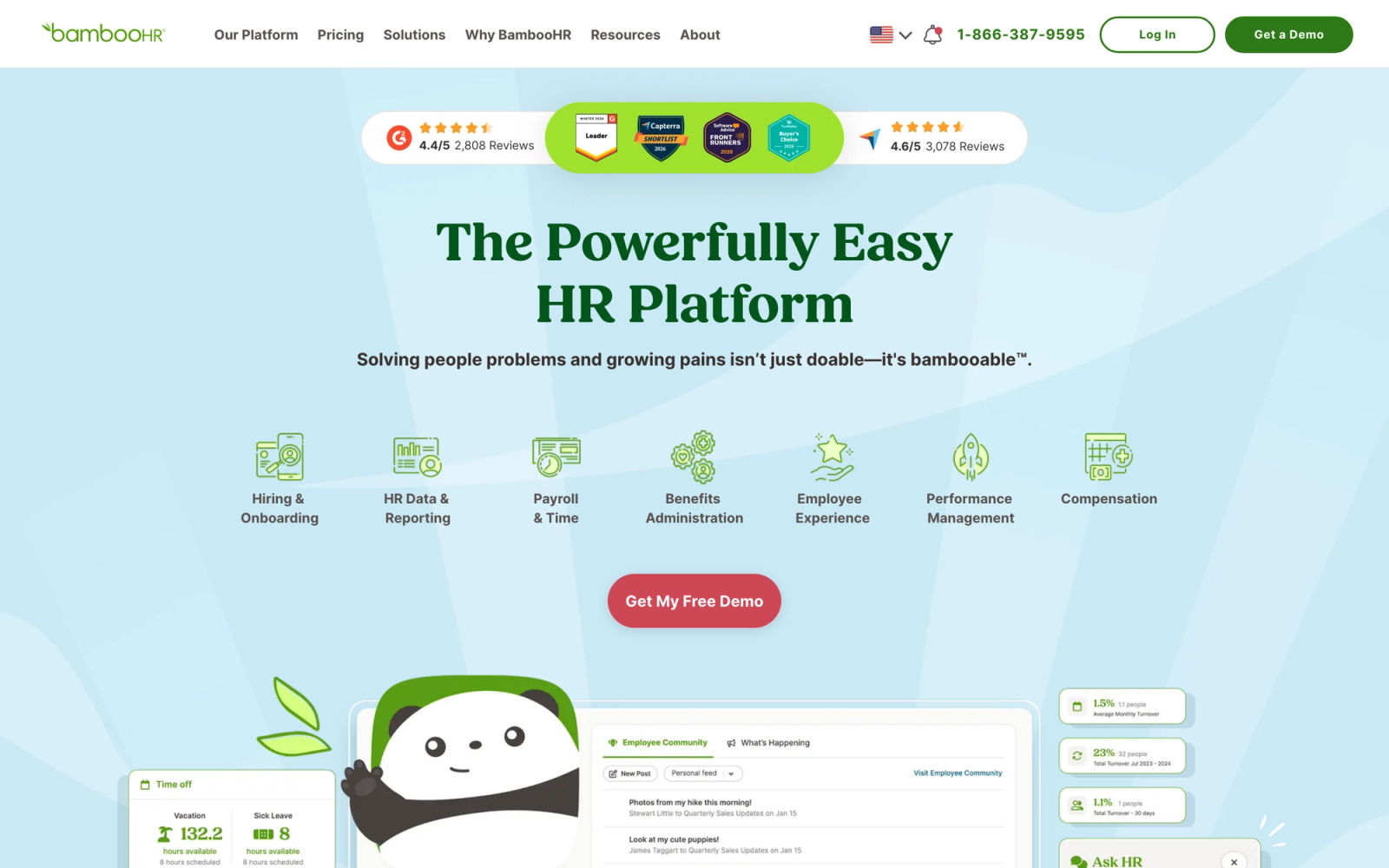
BambooHR is primarily an HR information system (HRIS) for small to mid-size businesses. Its training tracking module is not a standalone LMS. Instead, it adds basic training management capabilities to an existing HR platform, which makes it a practical choice for organizations already running BambooHR for employee records, time-off tracking, and onboarding.
The training tracking in BambooHR works best as a lightweight layer on top of existing HR data. You can assign training, track completions, and view training history alongside other employee records without switching between systems. For small businesses that need simple training tracking without the overhead of a dedicated LMS, this integrated approach reduces tool sprawl. Teams focused on streamlining the employee onboarding process find particular value in having training records live alongside HR data.
Core Capabilities
- Training assignment and completion tracking integrated with employee HR records
- Training history visible on individual employee profiles alongside performance and compensation data
- Category-based training organization for separating compliance, onboarding, and development programs
- Completion status tracking with due date management and overdue notifications
- Basic reporting on training completion by department, location, or category
- Integration with the broader BambooHR product family (ATS, onboarding, performance reviews)
- Employee self-service portal for viewing assigned and completed training
- Document attachment for training materials, certificates, and completion records
Standout Strength
BambooHR's training module suits small businesses already running BambooHR that want training records in the same system as their HR data. The appeal is not feature depth but operational simplicity: one system for employee records, onboarding, performance, and basic training tracking.
Best For
Small businesses with 50 to 500 employees already using BambooHR as their primary HRIS, needing basic training assignment and completion tracking without the cost or complexity of a dedicated LMS.
Pricing Overview
BambooHR Core plan is about $10 per employee per month, with a roughly $250 per month minimum for smaller teams
- Training tracking is included in higher-tier plans or as an add-on module
- Free trial available
Limitations
- Not a full LMS; no SCORM/xAPI support, no built-in course authoring, no interactive content delivery
- Reporting is basic compared to any dedicated training tracking platform on this list
- Lacks advanced compliance features like automated recertification workflows or audit-ready export formats
Quick Comparison Insight
Far simpler and more limited than any dedicated LMS on this list, but eliminates the need for a separate tool if your tracking requirements are basic and you are already a BambooHR customer.
Lessonly (Seismic Learning)
Overview
Lessonly, now rebranded as Seismic Learning after its acquisition by Seismic, was built specifically for sales and customer-facing team training. Its tracking features are designed around enablement use cases: how quickly can new reps get up to speed, which reps need coaching, and which training content correlates with better sales performance.
The platform's design reflects its sales focus. Course creation is intentionally simple, using a lesson-based format with text, images, video, and practice exercises rather than traditional eLearning modules. Tracking is oriented toward speed-to-competency rather than compliance hours, and the coaching and practice features let managers assign role-play exercises and review recordings directly within the platform.
Core Capabilities
- Lesson-based content creation with a drag-and-drop editor optimized for rapid course development
- Practice exercises where learners submit video, audio, or written responses for manager review
- Tracking dashboards focused on completion speed, engagement scores, and practice performance
- Automated lesson assignment based on role, team, or trigger events (new hire, product launch)
- Coaching workflows where managers review practice submissions and provide scored feedback
- Learning paths with sequential lesson delivery and prerequisite enforcement
- Integration with Salesforce, HubSpot, and other CRM platforms for connecting training data to sales outcomes
- Team performance benchmarking for comparing training progress across sales teams or regions
- Knowledge checks and quizzes embedded within lessons
- API access for custom integrations with existing revenue tech stacks
Standout Strength
Seismic Learning is built to connect training activity to on-the-job performance for revenue teams. The practice-and-coach workflow, combined with CRM integration, gives sales leaders visibility into whether training is actually preparing reps to perform, not just whether they clicked through slides.
Best For
Sales-led organizations and customer success teams with 100 to 5,000+ employees that need to track rep readiness, onboarding velocity, and coaching effectiveness. Strong for SaaS companies, financial services firms, and any organization where employee training tools directly impact revenue outcomes.
Pricing Overview
- Custom pricing; no public pricing page available
- Pricing is typically per-user per-month based on team size
- Bundled with broader Seismic platform or available as a standalone product
- Demo available upon request
Limitations
- Not built for traditional compliance tracking; organizations in regulated industries will need additional tooling
- Limited SCORM/xAPI support compared to dedicated LMS platforms
- The narrow focus on sales and customer-facing teams means other departments (engineering, operations) may find the platform less relevant
Quick Comparison Insight
More effective for sales enablement tracking than any general-purpose LMS on this list, but too specialized for organizations needing enterprise-wide training tracking across all departments.
How to Choose the Right Training Tracking Software
The right platform depends on what you are actually trying to track and why. The tools in this list approach tracking from different angles, some built for compliance-first organizations, others for sales teams, multi-audience programs, or blended delivery formats. Here is how to match your situation to the right category.
If compliance tracking is your primary driver, prioritize Litmos, Absorb LMS, or Cornerstone OnDemand. These platforms treat compliance as a core function with automated recertification, audit trails, and regulatory framework support. Organizations in healthcare, finance, or manufacturing should start their evaluation here. Conducting a training needs analysis before selecting a platform ensures you do not over-invest in features you will not use.
If you need fast deployment with minimal complexity, TalentLMS or iSpring Learn will get you from evaluation to live tracking faster than enterprise platforms. TalentLMS is strongest for organizations starting from scratch. iSpring Learn is strongest for organizations with existing PowerPoint content they want to convert and track.
If you serve multiple audiences, LearnUpon's multi-portal architecture handles employee, partner, and customer training tracking from a single platform. This avoids the cost and complexity of running separate systems for each audience.
If training tracking is part of a broader talent strategy, Cornerstone OnDemand connects learning data to performance, succession, and career development. The value here comes from integration, not just tracking in isolation.
If your training is sales-focused, Lessonly (Seismic Learning) tracks the metrics that matter for revenue teams: coaching effectiveness, practice performance, and speed-to-competency. General-purpose LMS platforms track completions; Lessonly tracks readiness.
If your training mixes live, cohort, social, and self-paced formats, Teachfloor tracks all of them in one record: completions and certifications for self-paced and compliance work, plus participation, peer feedback, and live session attendance for cohort-based and collaborative programs.
If you already use BambooHR and have basic tracking needs, the BambooHR training module avoids adding another system. It is not a replacement for a dedicated LMS, but for lightweight tracking it saves employee training administration time.
FAQ
What is employee training tracking software?
Employee training tracking software records and reports on training activities across an organization. It captures data like course completions, assessment scores, certification status, and time-to-competency. The goal is to give L&D teams, managers, and compliance officers visibility into who has been trained on what, when, and how effectively.
Can I track compliance training with a regular LMS?
Most LMS platforms offer some level of compliance tracking, but the depth varies significantly. Platforms like Litmos and Cornerstone OnDemand have purpose-built compliance engines with automated recertification, audit trails, and regulatory framework support. Entry-level platforms may track completions but lack the automated workflows and reporting formats that regulated industries require.
What is the difference between an LMS and training tracking software?
An LMS delivers and manages training content while also tracking learner progress. Training tracking software is a broader category that may include standalone tracking tools, HRIS modules with training features, or specialized platforms focused on specific tracking use cases (like sales readiness or compliance). Every LMS includes tracking, but not every tracking tool is a full LMS.
How much does training tracking software cost?
Costs range from free (the TalentLMS free tier, up to five users) to six-figure annual contracts for enterprise suites like Cornerstone OnDemand. Collaborative platforms like Teachfloor start at $89 per month for up to 50 learners. Most mid-market tools land between $3 and $15 per user per month. The true cost includes implementation, content migration, post-training survey setup, and ongoing administration, not just the subscription fee. For a wider view, see our guide to affordable LMS options.
Should I choose a standalone LMS or an HRIS with training features?
If training tracking is a core function for your organization (compliance-heavy, large L&D team, complex competency frameworks), a dedicated LMS will outperform an HRIS training module in every measurable way. If your needs are basic (tracking onboarding completion, assigning occasional courses), and you already use an HRIS like BambooHR, the built-in training module may be sufficient. The decision hinges on the depth of tracking and automation you actually need.
How do you track compliance training certifications and expiry dates?
Look for a platform that records certification dates, sends automated recertification reminders before they lapse, and exports audit-ready records on demand. Litmos, Absorb LMS, and Cornerstone OnDemand build this around regulatory frameworks, while Teachfloor pairs SCORM and xAPI completion records with SOC 2 Type II reporting so certification data and audit trails live in one place. The goal is to prove, with timestamps and scores, that the right people were trained on time.
Can training tracking software track live sessions and cohort participation?
Most traditional LMS tools track self-paced completions well but treat live and collaborative learning as an afterthought. If your programs include instructor-led sessions, peer review, or cohort-based learning, choose a platform that logs attendance, submissions, and discussion participation as first-class data. Teachfloor and, to a lesser degree, LearnUpon record these signals alongside standard completion metrics, which matters for peer learning and academy-style programs where engagement is the point.


