


Why Look for a Scribe Alternative?
Scribe built a strong reputation as a browser extension that automatically captures your clicks and keystrokes, then turns them into step-by-step guides with annotated screenshots. For teams that need to document software workflows quickly, it removes most of the manual effort from process documentation. Click through a task once, and Scribe generates the guide for you.
But as documentation needs scale, Scribe's constraints become harder to work around. Here are the specific friction points that push teams to explore Scribe alternatives.
Text and screenshot only. Scribe produces static, screenshot-based guides. There is no support for video walkthroughs, interactive click-through simulations, or embedded media. For processes that involve complex navigation or judgment calls, static screenshots often miss critical context that a screen recording or interactive tutorial would capture.
Limited editing flexibility. While you can edit the text and redact sensitive information in captured screenshots, the editing tools are basic. Reordering steps, adding branching logic, or inserting custom visuals requires workarounds. Teams that need polished, branded documentation find the editing ceiling low.
No in-app guidance. Scribe generates standalone documents. It does not overlay guidance inside the application itself. If your goal is to guide users through a workflow in real time within the software they are using, Scribe cannot do that. You need a digital adoption platform for that use case.
Per-seat pricing pressure. Scribe Pro starts at $23 per user per month. For large teams where dozens of people need to create or access guides, the cost adds up quickly. Organizations scaling documentation across departments feel this pressure at every headcount milestone.
No structured training delivery. Scribe is a documentation tool, not a training platform. It does not support course structures, assessments, progress tracking, or learner management. Teams that need to verify whether employees actually completed and understood a process need more than a shared document link.
Basic analytics. Scribe tracks views and shares, but it does not provide engagement depth. You cannot see where users drop off within a guide, how long they spend on each step, or whether they successfully completed the documented process.
None of these limitations make Scribe a bad tool. It does one thing well. But if your team needs video, interactivity, in-app guidance, structured employee training, or more flexible editing, the alternatives below address those gaps in distinct ways.
What to Look for in a Process Documentation Tool
Before comparing individual tools, define the criteria that match your actual workflow. Process documentation tools range from simple screenshot capture utilities to enterprise digital adoption suites, and the right choice depends on what you are building and who it is for.
Capture method. Some tools auto-capture steps as you click through a workflow. Others require manual screenshots or screen recordings. Consider whether your team documents software processes, physical procedures, or a mix of both. Automated capture saves time for repetitive software tasks, but manual control matters for nuanced processes.
Output format. Static guides, video walkthroughs, interactive simulations, and in-app overlays serve different purposes. A tool that only produces one format will force you into workarounds for use cases that need another. Match the output to your audience: end users learning a new tool need different formats than employees following a compliance checklist.
Editing and customization. Can you reorder steps, add annotations, insert custom visuals, apply branding, or create branching paths? The gap between capturing a process and publishing a polished guide depends entirely on editing depth.
Distribution and access. Where do your guides live after creation? Look for embedding options, shareable links, knowledge management integrations, and the ability to organize content into searchable libraries. Distribution matters as much as creation.
Training and assessment integration. If process documentation feeds into employee onboarding or compliance programs, you need more than a shared link. Look for progress tracking, completion verification, quizzes, or integration with an LMS.
Pricing model. Per-user pricing punishes growth. Per-creator, flat-rate, or tiered models tend to scale more predictably. Factor in what happens to your bill when your team doubles.
Integration stack. Check for connections to your wiki, communication tools, HRIS, and existing LMS integrations. An isolated documentation tool creates silos.
10 Best Scribe Alternatives
The tools below span automated screenshot guides, video walkthroughs, digital adoption platforms, SOP management systems, and structured training delivery. Each addresses a different combination of the gaps outlined above, organized to cover distinct use cases rather than ten variations on the same idea.
Tool Auto-Capture Video In-App Guidance Training/LMS Best For Tango ✓ ✗ ✗ ✗ Fast screenshot-based guides Loom ✗ ✓ ✗ ✗ Video walkthroughs and async comms Scribehow ✓ ✗ ✗ ✗ AI-powered process documentation Trainual ✗ Embed ✗ ✓ SOP management and onboarding Whatfix ✗ ✗ ✓ Partial Enterprise digital adoption WalkMe ✗ ✗ ✓ Partial Enterprise in-app guidance Iorad ✓ ✗ ✗ ✗ Interactive click-through tutorials Snagit ✗ ✓ ✗ ✗ Screenshot and recording documentation Spekit ✗ ✗ ✓ Partial In-app learning and enablement Teachfloor ✗ ✓ ✗ ✓ Structured collaborative training
Tango
Overview
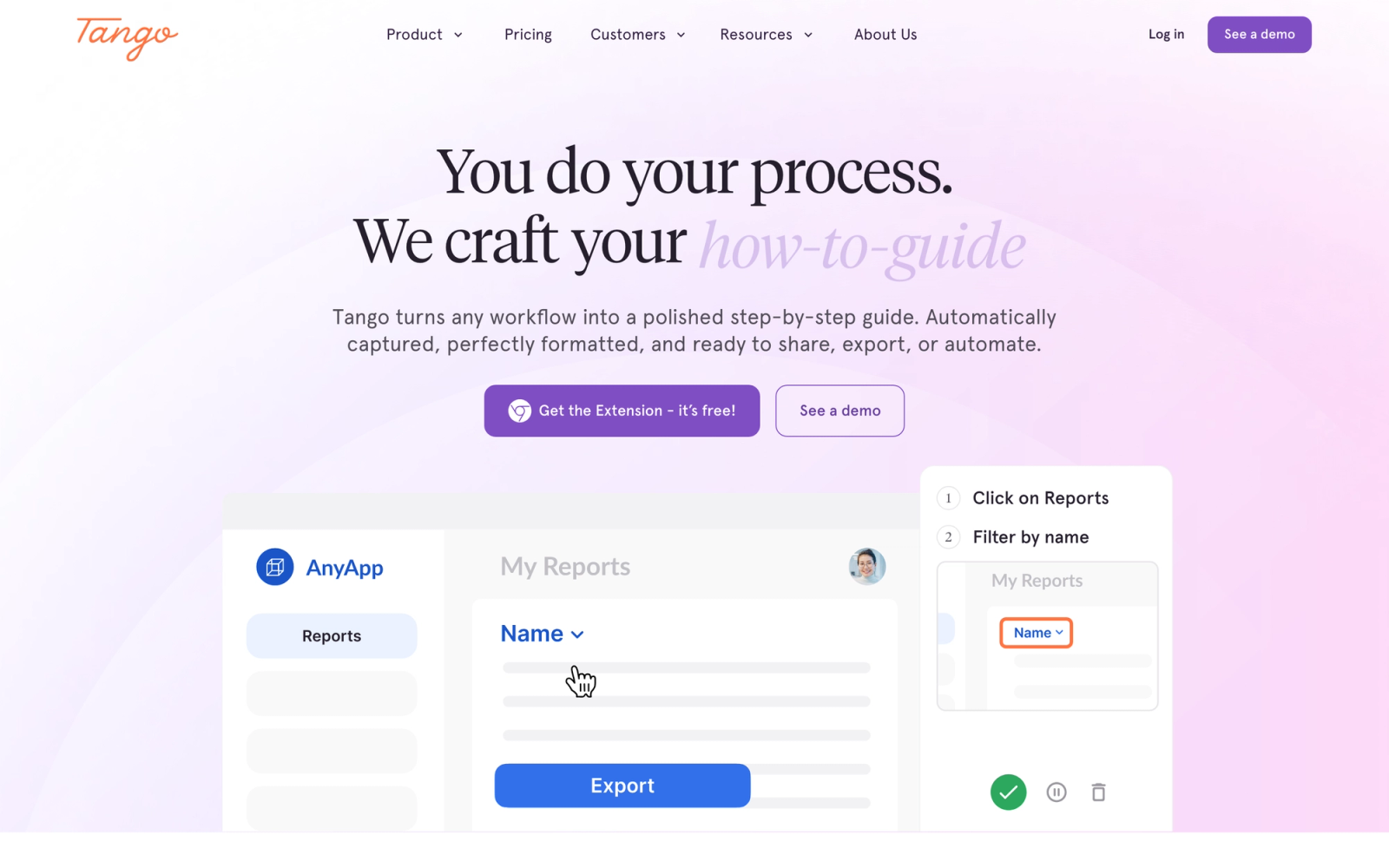
Tango is the closest direct alternative to Scribe in terms of core functionality. It is a browser extension and desktop app that automatically captures each step as you click through a software workflow, generating an annotated guide with screenshots, step descriptions, and highlighted UI elements.
Tango's capture experience is slightly more polished than Scribe's for many workflows. The extension detects clicks, form inputs, and navigation events, then assembles them into a clean, numbered guide. Where Scribe focuses heavily on text-and-screenshot output, Tango places more emphasis on visual clarity, with tighter cropping around the relevant UI element and cleaner annotations by default.
Core Capabilities
- Browser extension that auto-captures clicks, inputs, and navigation into step-by-step guides
- Automatic screenshot cropping and highlighting of the relevant UI element
- Text editing for step descriptions with formatting options
- Blur and redaction tools for sensitive data in screenshots
- Shareable links and embeddable guides for wikis and knowledge bases
- Workflow organization into folders and collections
- Team workspace with shared guide libraries
- Export to PDF, HTML, or Markdown for offline use
- Integrations with Notion, Confluence, Google Docs, and Slack
- Custom branding with logos and color schemes on Pro plans
Standout Strength
Visual quality of auto-generated guides. Tango's screenshot cropping and element highlighting produce guides that look polished without manual editing. For teams that need to document dozens of software processes quickly and share them without heavy post-production, that visual quality saves real time.
Best For
Operations, IT, and support teams that document software processes frequently and need clean, shareable guides with minimal editing. Particularly suited to teams building internal knowledge bases and libraries organized around specific tools.
Pricing Overview
- Free plan: Unlimited guide creation with Tango branding
- Pro: $16 per user per month (billed annually)
- Enterprise: Custom pricing with SSO and advanced permissions
Limitations
- No video capture. Tango produces screenshot guides only, which limits its usefulness for complex or non-linear processes.
- Desktop app coverage is narrower than browser-based capture. Some desktop workflows are not captured as reliably.
- Free plan includes Tango branding on all shared guides, which may not work for customer-facing documentation.
Quick Comparison Insight
The most direct Scribe replacement on this list. Choose Tango when you want the same auto-capture workflow with better visual output and a free tier for basic use.
Loom
Overview
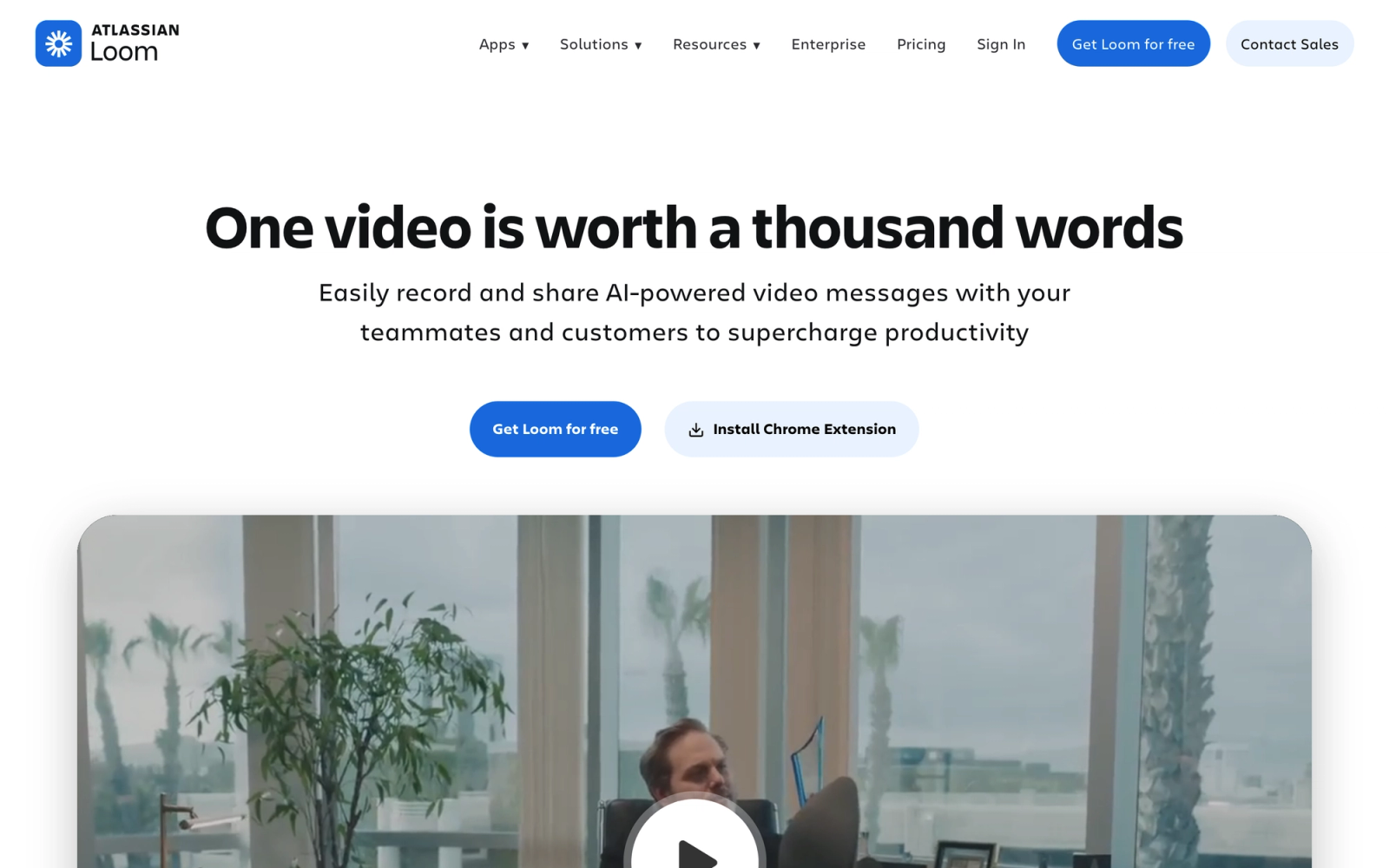
Loom takes a fundamentally different approach to process documentation. Instead of auto-generating screenshot guides, Loom lets you record your screen, camera, or both, and share the recording as an instant video link. For processes where visual context, narration, and real-time demonstration matter more than static steps, Loom is the better format.
Loom works well for workflows that involve judgment calls, drag-and-drop interactions, or sequences where timing is critical. A screenshot guide shows where to click; a video walkthrough shows how the entire flow feels, what to watch for, and how steps connect. That contextual richness is what makes Loom a practical Scribe alternative for specific use cases.
Core Capabilities
- Browser extension and desktop app for screen, camera, or screen-plus-camera recording
- Instant shareable links with no rendering or upload wait time
- Viewer analytics showing who watched, view duration, and engagement points
- Auto-generated transcripts and closed captions
- Drawing tools for on-screen annotation during recording
- Basic trim, stitch, and clip editing in the browser
- AI-powered video summaries and automatic chapter generation
- Custom branding on video pages
- Integration with Slack, Notion, Gmail, Jira, and more
- Centralized video library with folders and team workspace
Standout Strength
Speed from recording to sharing. Loom eliminates the export-upload-share cycle entirely. You record, stop, and the link is ready. For teams that need to explain processes quickly without formal production, that speed is the core value. No other tool on this list matches Loom's record-to-share workflow.
Best For
Remote and hybrid teams using video for async communication, onboarding walkthroughs, bug reports, and internal knowledge sharing. A good fit for customer success teams, product managers, and anyone who needs to demonstrate a process rather than describe it in text.
Pricing Overview
- Free plan (Starter): 25 videos, 5-minute maximum per video
- Business: $12.50 per user per month (billed annually)
- Enterprise: Custom pricing with SSO and advanced admin controls
Limitations
- No auto-capture of steps. You have to narrate and demonstrate manually, which takes longer than automated screenshot tools for simple click-through processes.
- Editing is minimal. No multi-track timeline, no callout library, no transitions beyond basic trim.
- Video guides are harder to update than text guides. When a UI changes, you re-record the entire video instead of swapping a single screenshot.
Quick Comparison Insight
Choose Loom over Scribe when the process needs narration, real-time demonstration, or visual context that static screenshots cannot capture. Not a replacement for quick step-by-step documentation.
Scribehow
Overview
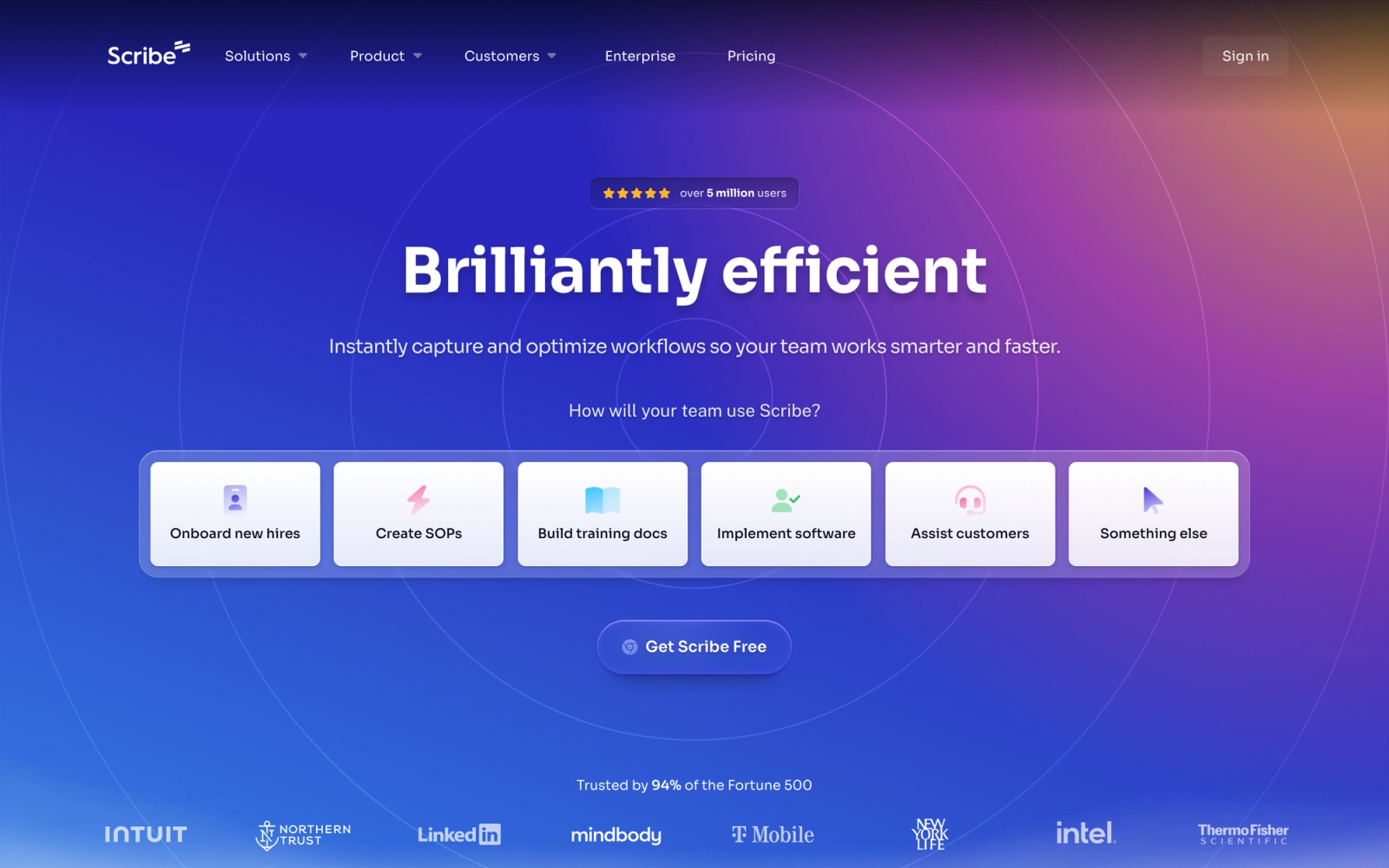
Scribehow positions itself as an AI-powered process documentation platform that goes beyond basic step capture. Like Scribe, it auto-records your clicks and generates step-by-step guides. But Scribehow layers on additional AI features, including smart text generation, automatic title suggestions, and the ability to combine multiple captured processes into longer workflow documents.
What sets Scribehow apart in practice is its focus on turning individual process captures into a structured documentation library. Rather than treating each guide as an isolated artifact, the platform encourages teams to organize, tag, and connect guides into searchable process repositories that support broader documentation goals.
Core Capabilities
- Browser extension for auto-capturing clicks and generating annotated step-by-step guides
- AI-assisted text generation for step descriptions and guide titles
- Combine multiple process captures into longer, multi-section documents
- Screenshot redaction and annotation tools
- Shareable links with view tracking
- Embeddable guides for wikis, help centers, and knowledge bases
- Guide organization with folders, tags, and search
- Team workspace with role-based permissions
- Export to PDF, HTML, and Markdown
- Integrations with Confluence, Notion, Zendesk, and Guru
Standout Strength
AI-assisted documentation at scale. Scribehow's ability to auto-generate descriptions, suggest titles, and combine captures into longer multi-section documents makes it faster to build a documentation library from scratch. For teams starting with no documented processes, that speed advantage is real.
Best For
Operations teams and knowledge managers that need to document high volumes of software processes and maintain a searchable, organized library. A natural fit for IT teams building internal help centers and support teams producing customer-facing guides.
Pricing Overview
- Free plan: Limited guide creation with basic features
- Pro: $29 per user per month (billed annually)
- Enterprise: Custom pricing with advanced security and SSO
Limitations
- Output is still screenshot-and-text based. No video, no interactive simulations, no in-app overlays.
- Higher per-user cost than some alternatives, which can add up for large documentation teams.
- AI-generated descriptions occasionally need manual correction, especially for niche or complex workflows.
Quick Comparison Insight
Similar to Scribe in core function but with stronger AI features and library management. Choose Scribehow when you need to build and maintain a large documentation library, not just create individual guides.
Trainual
Overview
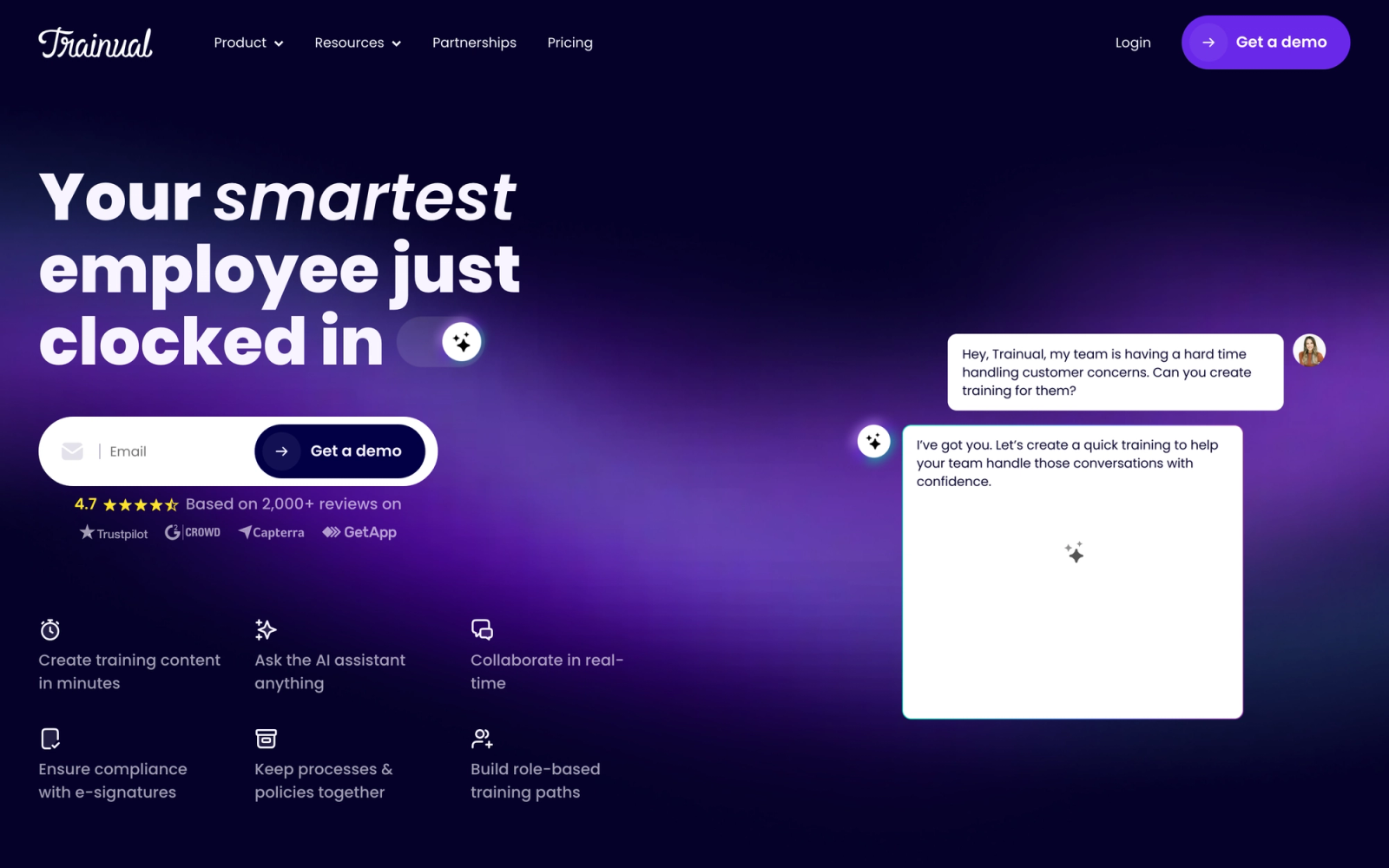
Trainual shifts the focus from process capture to process management and training delivery. Instead of auto-recording clicks, Trainual provides a structured content editor where teams build SOPs, onboarding playbooks, and role-based training manuals. The platform then assigns that content to employees based on their role, department, or location, and tracks who has completed what.
Where Scribe answers "how do I document this process quickly?", Trainual answers "how do I make sure every employee on my team knows and follows this process?" That distinction matters. If your pain point is not just creating guides but ensuring that people actually read, understand, and follow them, Trainual addresses a different layer of the problem.
Core Capabilities
- Structured content editor for building SOPs, policies, and training playbooks
- Role-based content assignment that auto-delivers training based on job function
- Completion tracking with dashboards showing who has finished what
- Built-in quizzes for knowledge verification after each section
- Org chart integration that maps content to roles and departments
- Searchable company knowledge base
- Screen recording and video embedding within content modules
- Templates for common SOP and onboarding structures
- Integrations with Slack, Zapier, BambooHR, and Gusto
- Mobile access for field and frontline teams
Standout Strength
Role-based content assignment. Trainual's ability to automatically assign the right SOPs and training materials to the right people based on their role eliminates the manual distribution that plagues teams using general-purpose documentation tools. When a new hire starts, they see exactly what they need to learn, nothing more.
Best For
Small to mid-size businesses building their first structured employee onboarding program. Particularly useful for franchise operations, multi-location businesses, and growing teams that need consistent process delivery across every new hire.
Pricing Overview
- Starts at $249 per month for up to 25 people
- Pricing scales with headcount
- Free trial available
Limitations
- No auto-capture of steps. All content is created manually in the editor, which is slower than automated tools for software workflow documentation.
- Assessment capabilities are shallow. Basic quizzes only, with no support for branching, scoring rubrics, or timed evaluations.
- No SCORM or xAPI support, which limits content portability and integration with SCORM authoring tools.
- Per-seat pricing becomes expensive as headcount grows past 50.
Quick Comparison Insight
Solves a different problem than Scribe. Choose Trainual when you need to manage, assign, and track process documentation across teams, not just create individual guides.
Whatfix
Overview
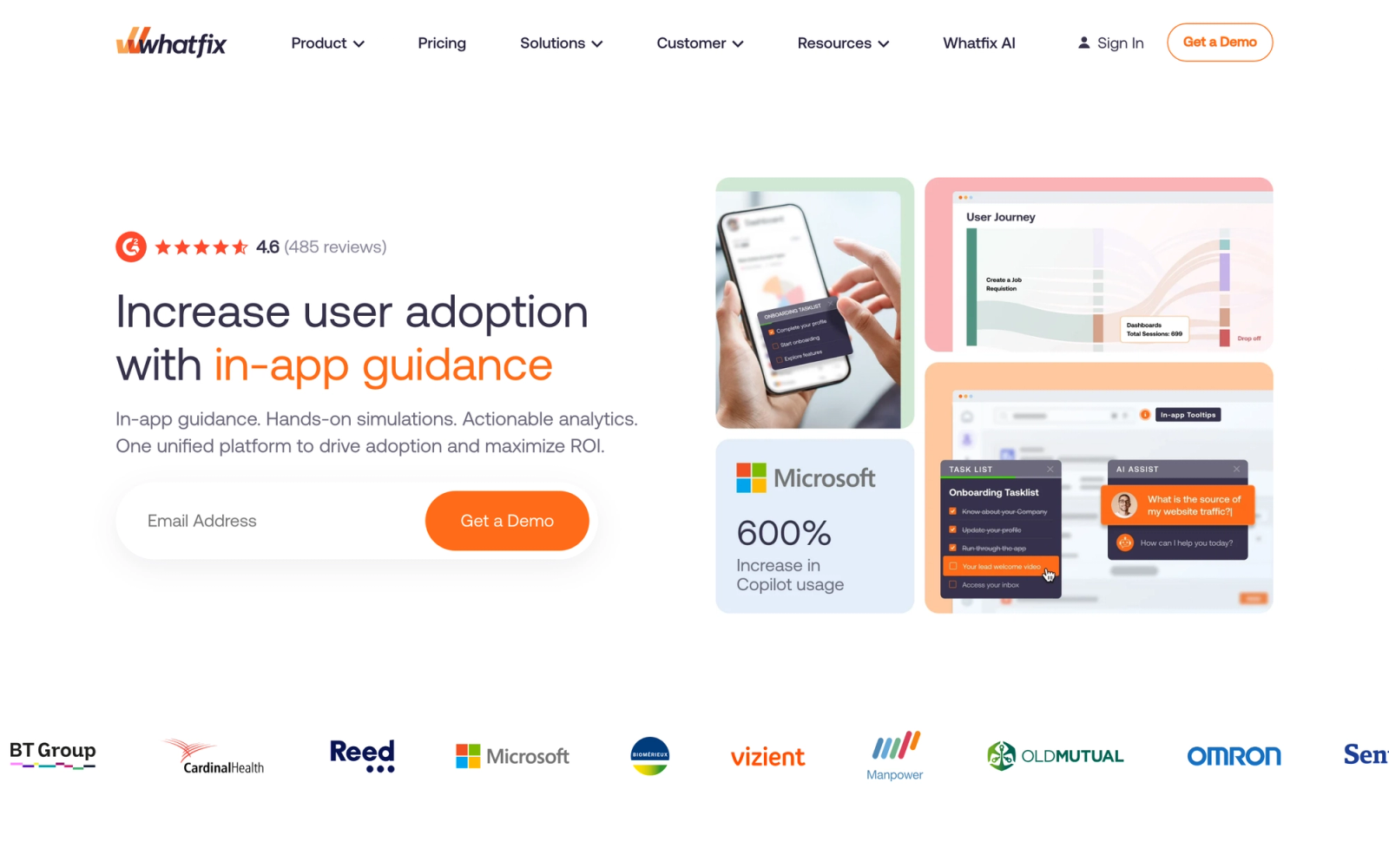
Whatfix is a digital adoption platform that takes process documentation out of static guides and into the application itself. Instead of creating a document that lives in a wiki, Whatfix overlays step-by-step guidance directly inside the software your team uses. Users see tooltips, walkthroughs, and task lists within the interface, guiding them through processes in real time.
This is a fundamentally different approach from Scribe. Scribe documents what you did. Whatfix guides users through what they need to do, right inside the application, while they are doing it. For organizations rolling out new software, onboarding users onto complex platforms, or reducing support tickets through self-service guidance, Whatfix addresses the adoption layer that documentation alone cannot solve.
Core Capabilities
- In-app step-by-step walkthroughs that overlay on top of any web application
- Smart tips and tooltips that surface contextual guidance on specific UI elements
- Task lists that track user progress through multi-step workflows
- Self-help widget that lets users search and launch guides from within the app
- User segmentation to deliver different guidance based on role, department, or experience level
- Analytics dashboard showing walkthrough completion, feature adoption, and user engagement
- Content creation studio for building and editing walkthroughs without code
- Multi-language support for global deployments
- Integration with LMS platforms, CRMs, and ITSM tools
- SCORM export for embedding interactive content in external training platforms
Standout Strength
In-context learning. Whatfix eliminates the gap between reading documentation and applying it. Users do not leave their workflow to find a guide; the guide appears inside the workflow. For enterprise software rollouts and complex platform adoption, that in-workflow delivery tends to improve completion rates and reduce support ticket volume compared to standalone documents.
Best For
Enterprise organizations deploying complex software (Salesforce, Workday, ServiceNow, SAP) that need to shorten time-to-proficiency and lower support ticket volume. Well suited to IT, HR, and operations teams managing software rollouts across large user bases.
Pricing Overview
- Custom pricing based on number of users and applications
- Typically enterprise-tier pricing; not suitable for small teams or individual use
- Demo and pilot programs available
Limitations
- Enterprise pricing puts Whatfix out of reach for small businesses and individual documentation needs.
- Implementation requires configuration and ongoing maintenance. This is not a "sign up and start" tool.
- Primarily focused on web applications. Desktop software and mobile guidance have more limited support.
- Overkill for teams that simply need to document and share processes without in-app delivery.
Quick Comparison Insight
Solves the adoption problem that Scribe's documentation cannot. Choose Whatfix when users need real-time in-app guidance, not standalone documents they may never open.
WalkMe
Overview
WalkMe is an enterprise digital adoption platform that, like Whatfix, layers interactive guidance on top of software applications. It provides in-app walkthroughs, tooltips, task automation, and analytics designed to help large organizations improve how employees and customers use complex software systems.
WalkMe's differentiator is depth. The platform offers a visual editor for building multi-step walkthroughs, conditional logic that adapts guidance based on user behavior, and a strong analytics engine that tracks not just whether users completed a walkthrough but how they interact with the underlying application. For organizations managing digital transformation at scale, WalkMe provides the instrumentation layer that static documentation cannot.
Core Capabilities
- In-app walkthroughs with conditional branching based on user actions and attributes
- SmartTips that display contextual guidance on hover or focus for specific fields and elements
- Launchers that trigger walkthroughs, videos, or resources from custom UI buttons
- ActionBot for automating repetitive tasks and form fills within the application
- ShoutOuts for in-app announcements, feature promotions, and change notifications
- Analytics engine tracking user behavior, workflow completion, and friction points
- Segmentation by role, department, geography, or custom attributes
- Integration with enterprise tools including Salesforce, SAP, Workday, and ServiceNow
- Multi-application support for guiding users across different platforms in a single workflow
- Content management system for versioning, scheduling, and organizing in-app content
Standout Strength
Behavioral analytics and conditional logic. WalkMe does not just guide users; it observes how they interact with software and adapts accordingly. The ability to trigger different guidance based on what a user has or has not done makes walkthroughs feel responsive rather than scripted. For enterprise change management, that adaptability is critical.
Best For
Large enterprises managing software rollouts and multi-application workflows where user adoption has a direct business impact. Particularly relevant for CRM, ERP, and HRIS implementations where low adoption of expensive platforms is a recurring problem.
Pricing Overview
- Custom enterprise pricing based on deployment scope and user count
- Significant implementation and ongoing service costs
- Annual contracts are standard
Limitations
- Enterprise-only pricing and complexity. WalkMe is not designed for small teams or simple documentation needs.
- Implementation timeline is measured in weeks to months, not days. Requires dedicated resources for setup and maintenance.
- The visual editor has a learning curve. Building advanced walkthroughs with conditional logic requires training.
- Primarily focused on web-based enterprise applications. Coverage for niche or custom-built desktop apps varies.
Quick Comparison Insight
The most powerful in-app guidance tool on this list, but designed for enterprise scale. Choose WalkMe when you need adaptive, conditional walkthroughs across complex software stacks, not simple process guides.
Iorad
Overview
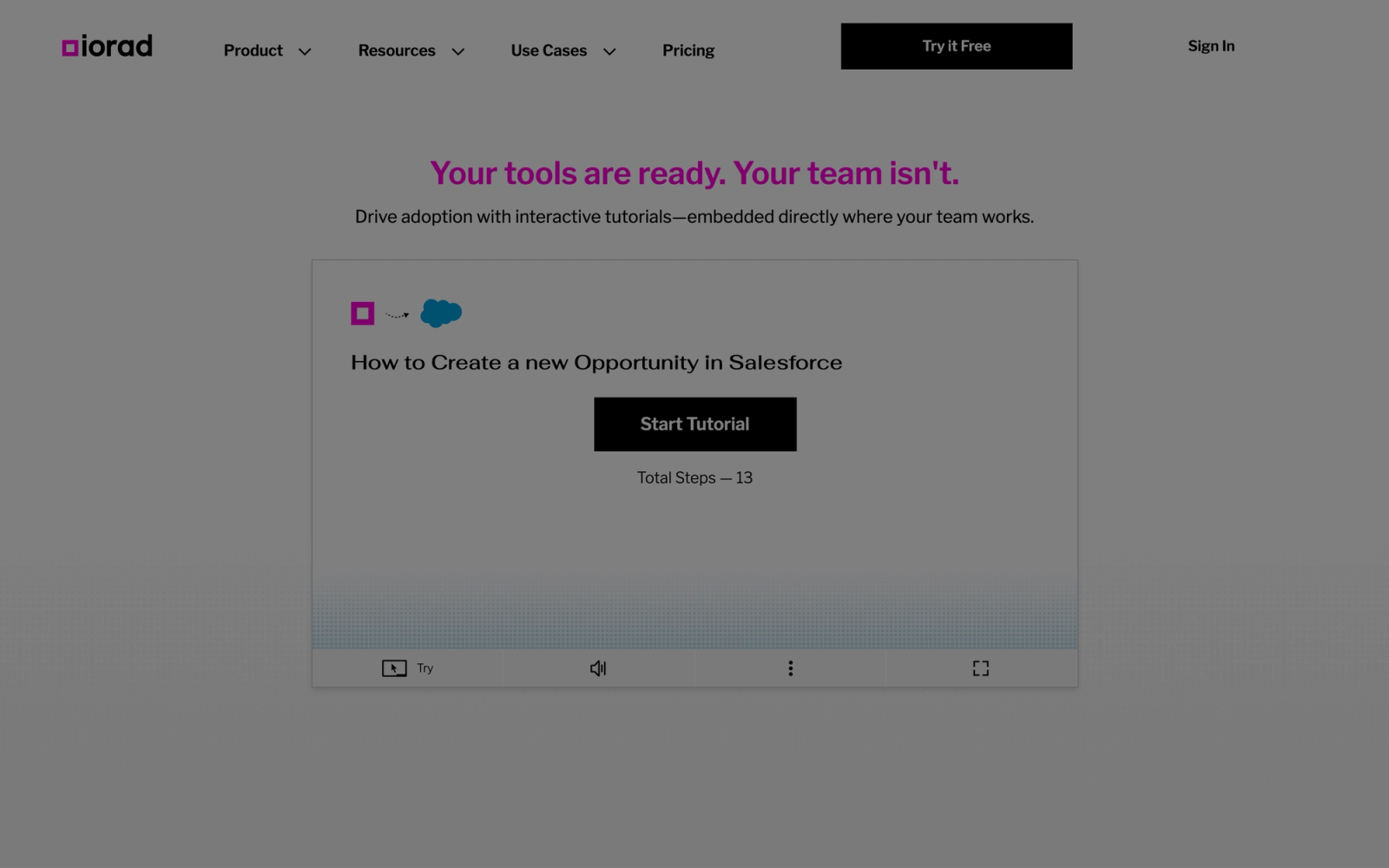
Iorad focuses specifically on creating interactive tutorials that let users click through each step of a process in a simulated environment. Unlike Scribe's static screenshot guides, Iorad produces tutorials where the learner actively clicks, types, and navigates through a guided version of the workflow. This interactivity bridges the gap between reading about a process and practicing it.
Iorad's approach is well suited to software training scenarios where repetition and practice build familiarity. Instead of passively scrolling through screenshots, users engage with each step. The platform captures your workflow and lets you refine the tutorial with custom instructions, audio narration, and branching paths. The result is closer to a simulation than a reference document.
Core Capabilities
- Auto-capture of browser-based workflows that generates interactive, click-through tutorials
- Try mode where users practice the workflow by clicking through simulated steps
- View mode for passive step-by-step viewing with annotations
- Audio narration support for adding verbal instructions to each step
- Custom text overlays and instruction editing for each captured step
- Embeddable tutorials for help centers, wikis, and knowledge bases
- Shareable links with view tracking
- Multi-language support for global teams
- Export to PDF, video, or SCORM packages for LMS integration
- Branching and conditional steps for complex workflows
Standout Strength
Interactive practice mode. Iorad is the only tool on this list that turns process documentation into a hands-on simulation. Users do not just read about where to click; they practice clicking in a controlled environment. For employee training on critical software workflows, that active practice step builds retention in a way passive reading cannot.
Best For
Training teams and L&D departments that need interactive software simulations for onboarding, compliance, or tool adoption. A practical middle ground for organizations that want users to practice workflows hands-on without the cost and complexity of a full digital adoption platform.
Pricing Overview
- Free plan: Limited tutorials with Iorad branding
- Pro: Starting at $30 per month per creator
- Team and enterprise plans available with custom pricing
Limitations
- Browser-based capture only. Desktop applications, mobile apps, and non-browser workflows are not supported.
- The creation interface requires more setup time than simpler screenshot tools like Tango or Scribe.
- Tutorial updates require re-capture when the underlying application's UI changes significantly.
- Less mature integration stack than some competitors.
Quick Comparison Insight
The best option when passive documentation is not enough and users need to practice the workflow hands-on. Choose Iorad when learning-by-doing matters more than quick reference guides.
Snagit
Overview
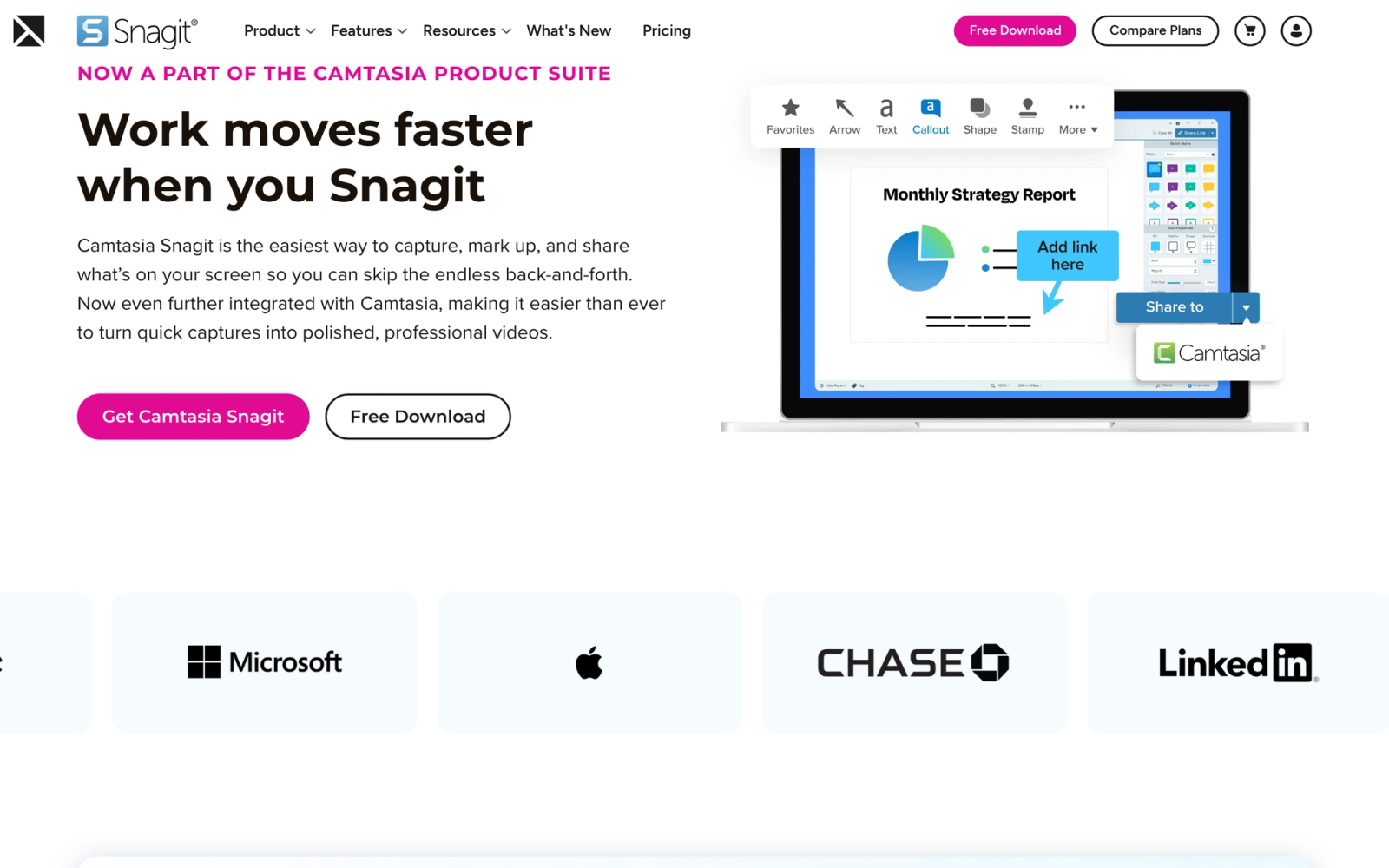
Snagit by TechSmith is a screenshot and screen recording tool built for creating visual documentation. Unlike automated capture tools, Snagit gives you full manual control over what you capture, how you annotate it, and how you assemble it into a final guide. It is a generalist visual tool, covering everything from annotated screenshots to short screen recordings to GIF clips.
Snagit does not auto-generate guides. Instead, it provides flexible screenshot capture, scrolling capture, panoramic stitching, region selection, paired with an image editor that includes callouts, arrows, step numbering, blur effects, and text overlays. For teams that need more control over documentation visuals than automated tools allow, Snagit fills that gap.
Core Capabilities
- Full-screen, region, window, and scrolling screenshot capture
- Panoramic capture for stitching together long pages or interfaces
- Screen recording with webcam overlay and system audio capture
- Image editor with callouts, arrows, shapes, text, blur, and step numbering tools
- Templates for creating consistent documentation layouts
- Grab Text feature (OCR) for extracting text from screenshots
- Quick styles and presets for maintaining visual consistency across guides
- Direct sharing to Slack, Teams, Google Drive, Dropbox, and Screencast
- Video trimming and GIF creation from screen recordings
- Stamp library with pre-made visual elements for common annotations
Standout Strength
Visual editing depth. No other tool on this list matches Snagit's screenshot annotation capabilities. The combination of capture flexibility, the annotation toolkit, and template-based consistency makes it the strongest option for teams that need precise control over how documentation looks. For training teams producing branded guides at volume, that visual control is the deciding factor.
Best For
Technical writers, documentation specialists, and training teams producing visual guides, SOPs, and how-to content where annotation precision and visual consistency outweigh the value of automated capture. Works well for teams that combine screenshot documentation with short screen recordings.
Pricing Overview
- One-time license: $62.99 (includes one year of maintenance)
- Annual maintenance renewal for continued updates
- Volume licensing available for teams
- Free trial available
Limitations
- No automated step capture. Every screenshot and annotation is manual, which makes Snagit slower than auto-capture tools for documenting long software workflows.
- No structured guide output. Snagit produces individual images and recordings, not organized step-by-step documents. Assembly into guides requires a separate tool.
- Desktop application only. No browser-based editing or cloud-native workflow.
- No collaboration features. Snagit is a single-user tool with no shared workspace or team editing.
Quick Comparison Insight
Choose Snagit over Scribe when visual precision matters more than speed. The manual approach takes longer but produces documentation with tighter control over every visual detail.
Spekit
Overview
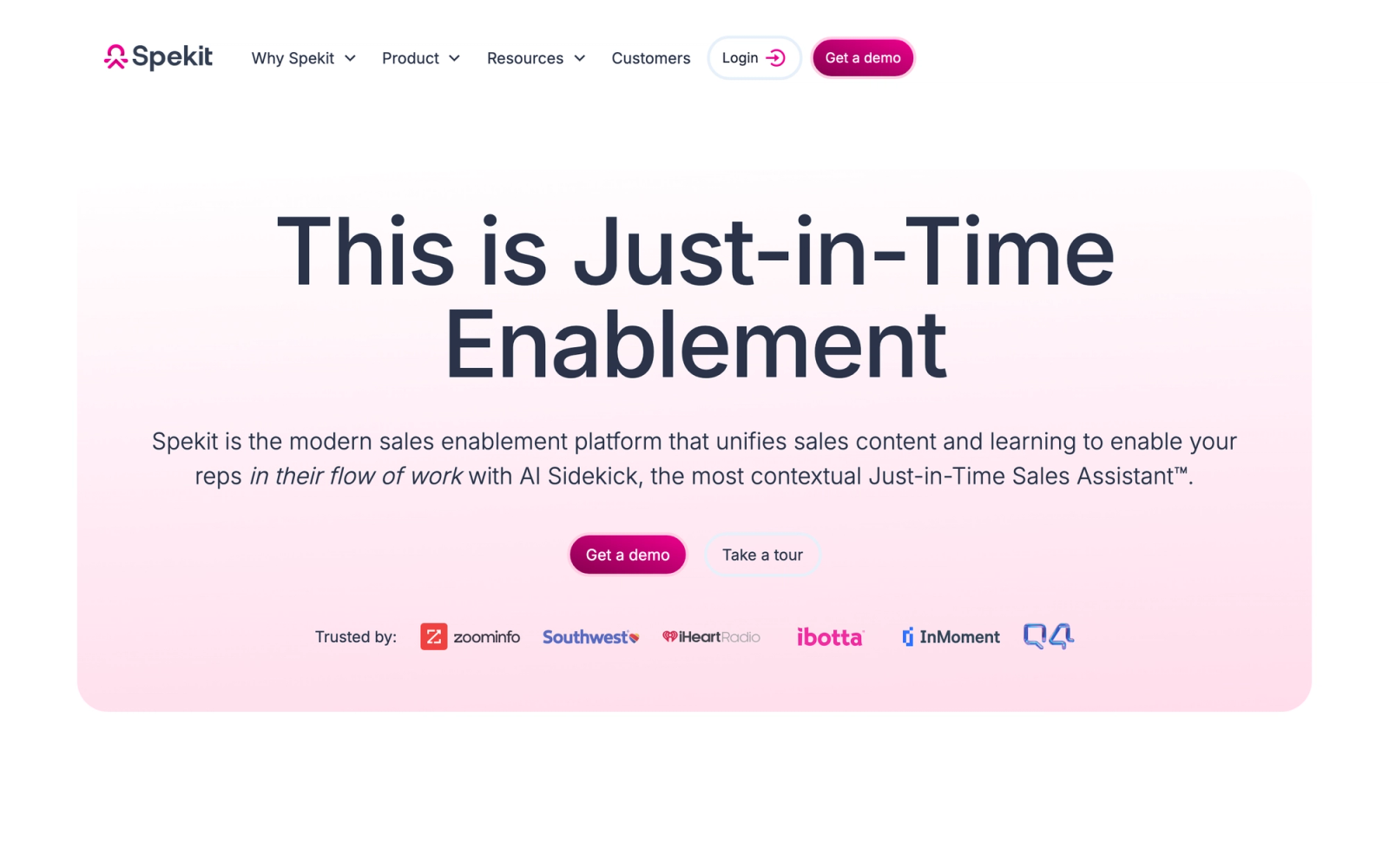
Spekit is an in-app learning and enablement platform that surfaces contextual knowledge where employees work. Rather than building documentation that lives in a separate system, Spekit embeds bite-sized training content, process guidance, and knowledge directly inside the applications your team uses, including Salesforce, Slack, Outreach, and Chrome-based web apps.
The core idea is that employees should not have to leave their workflow to find answers. Spekit's browser extension and native integrations detect where the user is within an application and surface relevant content, whether that is a field-level tooltip in Salesforce, a process overview in a new tool, or a quick training resource triggered by a specific action.
Core Capabilities
- In-app tooltips and knowledge cards that surface contextual content on specific UI elements
- Browser extension that works across Chrome-based web applications
- Native Salesforce integration with field-level, page-level, and object-level guidance
- Centralized knowledge base for organizing and managing all enablement content
- Spek cards for bite-sized, searchable knowledge entries
- Flow-based walkthroughs for guiding users through multi-step processes
- Content analytics showing views, searches, and engagement across all speks
- Role-based content targeting for delivering the right guidance to the right teams
- Slack integration for surfacing knowledge directly in conversations
- Change management tools for announcing updates and tracking acknowledgment
Standout Strength
Sales and revenue team enablement. Spekit was built with go-to-market teams in mind, and its Salesforce integration is deeper than any other tool on this list. For organizations where CRM adoption, process compliance, and sales methodology adherence are priorities, Spekit delivers enablement exactly where reps work rather than in a separate training portal.
Best For
Sales, customer success, and revenue operations teams that need to drive tool adoption and process compliance across Salesforce and other GTM tools. A natural fit for organizations that update their process frequently and need those changes to reach reps inside the tools they already use.
Pricing Overview
- Custom pricing based on user count and feature tier
- Primarily mid-market and enterprise pricing
- Demo and pilot programs available
Limitations
- Focused primarily on sales and revenue team use cases. Broader operational or technical documentation needs may not fit as naturally.
- In-app guidance is strongest for web applications. Coverage for desktop software and non-browser environments is limited.
- Content creation requires structuring knowledge into bite-sized speks, which can be time-consuming for teams migrating large documentation libraries.
- Less effective for training that requires deep assessment, structured courses, or collaborative learning.
Quick Comparison Insight
Choose Spekit over Scribe when your primary need is in-context enablement for sales and revenue teams, not standalone process guides. The value is in surfacing the right knowledge at the right moment inside the tools reps already use.
Where Teachfloor Fits
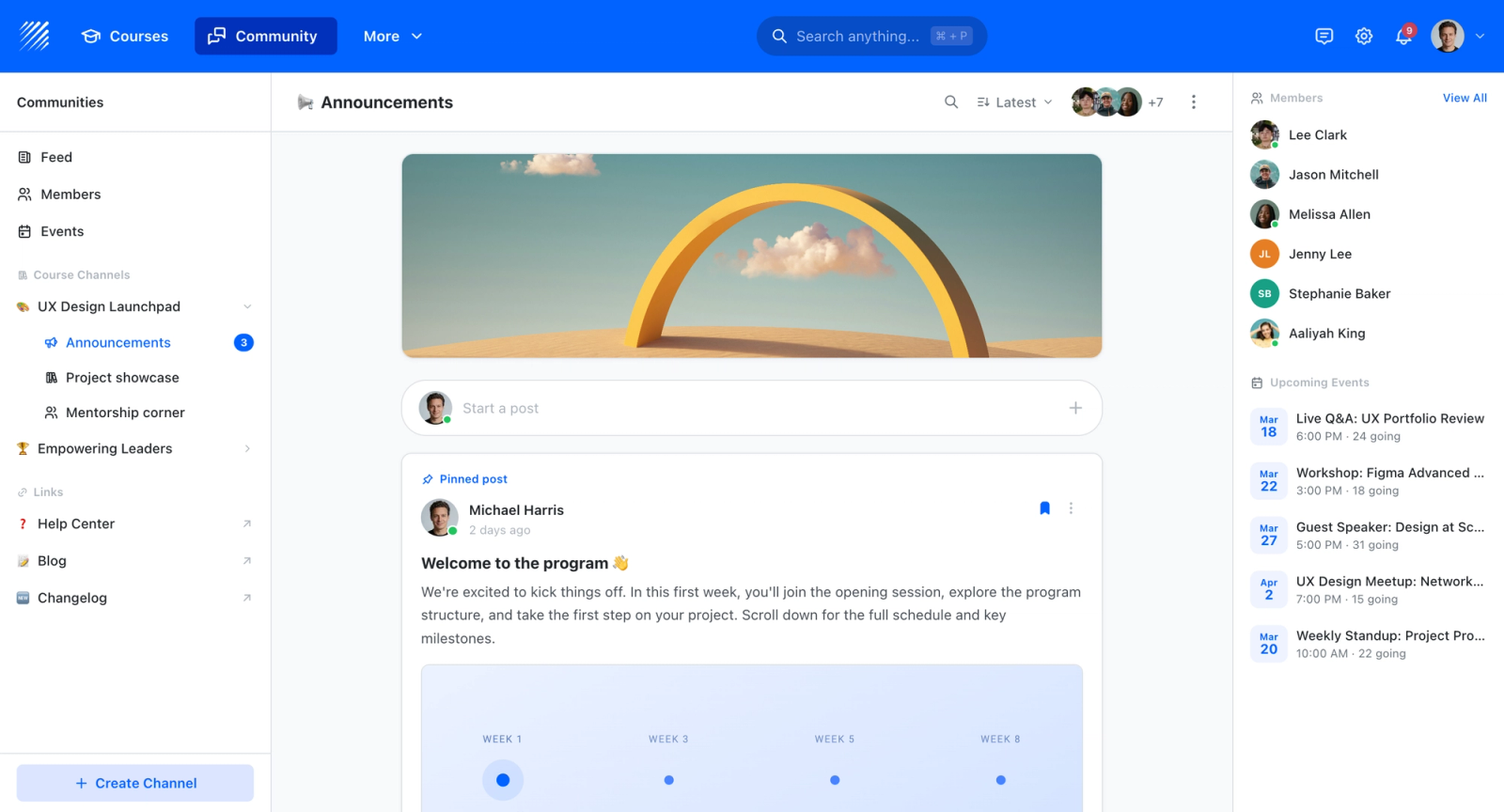
The tools on this list capture a process step by step and turn it into a guide or SOP. Teachfloor does not record those steps; it is where the resulting training is delivered, sequenced into a course, and tracked through quizzes and completion records. A documentation tool produces the how-to content, and a learning platform is where employees actually work through it and where you can see who has finished.

If you are choosing a home for your courses rather than a single-purpose tool, Teachfloor is worth a look. It starts at $89 per month with a 14-day free trial.
How to Choose the Right Alternative
The tools above serve genuinely different purposes, and the right choice depends on which problem you are actually solving. Here is a framework for narrowing down the list.
If you need faster or better auto-capture guides, look at Tango or Scribehow. Both generate screenshot-based step-by-step guides automatically, with Tango emphasizing visual polish and Scribehow emphasizing AI-assisted descriptions and library management. These are the closest functional replacements for Scribe.
If you need video walkthroughs, Loom is the clear choice. It trades step-by-step screenshots for narrated screen recordings that capture context, tone, and real-time demonstration. Snagit works too if you need a combination of screenshots and short recordings with precise annotation control.
If you need in-app guidance, Whatfix, WalkMe, or Spekit deliver documentation directly inside the application. Whatfix and WalkMe serve enterprise-wide digital adoption. Spekit is focused on sales and revenue team enablement within CRM and GTM tools.
If you need interactive tutorials, Iorad lets users practice clicking through simulated workflows rather than passively reading guides. It is the strongest option for hands-on software training without a full digital adoption deployment.
If you need SOP management and onboarding, Trainual organizes processes into role-based playbooks with completion tracking. It solves the management and assignment layer that standalone documentation tools miss.
If you need structured training delivery, a platform like Teachfloor layers self-paced or instructor-led programs, assessments, and peer collaboration on top of content. The difference is verification: a learning platform shows you whether employees completed the material and what they retained, not just whether they opened a link.
Start with the problem, not the feature list. A team that needs 50 quick software guides this month has a different problem than a team that needs to onboard 200 employees onto a new CRM. Match the tool to the actual job to be done.
FAQ
Is Scribe still a good tool for process documentation?
Yes. Scribe remains one of the fastest ways to auto-generate screenshot-based guides from software workflows. The alternatives above are not better across the board; they are better for specific needs that Scribe does not address, such as video, interactivity, in-app guidance, or structured training delivery.
Can I use multiple tools together?
Absolutely. Many teams pair a capture tool (Tango, Scribehow) with a delivery platform (Trainual, Teachfloor) or combine screenshot documentation (Snagit) with video walkthroughs (Loom). Process documentation is rarely a single-tool problem, and the best workflows often layer creation tools with distribution and training platforms that support knowledge management across the organization.
What is the cheapest Scribe alternative?
Tango and Loom both offer free plans that cover basic use. Snagit has a one-time license fee that works out cheaper than per-seat subscriptions over time. Iorad also has a free tier for limited use.
Which alternative is best for enterprise teams?
Whatfix and WalkMe are built for enterprise-scale digital adoption with in-app guidance, analytics, and multi-application support. For enterprise training delivery, Trainual or a full LMS platform provides the structure, tracking, and assessment depth that large organizations require.
Do any of these tools support SCORM export?
Iorad and Whatfix both support SCORM export, which lets you package interactive content for use inside an LMS. This matters for organizations that need their process documentation to integrate with existing SCORM authoring and delivery workflows.
Which tool is best for non-technical teams?
Tango and Loom have the shortest learning curves. Tango auto-captures guides with minimal manual input, and Loom requires only pressing record. Both are designed for teams without technical or design skills.


