

Most creators do not lack AI tools. They lack a clear idea of which one to use for which job, and they end up paying for several apps that do the same thing. The best AI tools for content creators each remove one specific bottleneck: research, drafting, editing, clipping, voice or scheduling.
This guide compares 12 AI content creation tools by the job they do, with what each one is good at, where it falls short and what it costs. It is written for independent experts, coaches and course creators who publish on top of their main work and need a short stack that holds up.
AI is already part of how most working creators produce content. In Adobe's Creators' Toolkit Report, a survey of more than 16,000 creators, 75% of those using creative AI described it as integrated or essential to how they work. The same report shows why editing still matters: 75% believe their audience can already tell when AI was meaningfully involved.
The best AI tools for content creators at a glance
Pricing below reflects each vendor's public pricing page at the time of writing. Check the current plan before you buy, since AI plans change often.
| Tool | Best for | Free plan | Paid plans from |
|---|---|---|---|
| ChatGPT | All-round drafting and images | Yes | $8/month (Go), $20/month (Plus) |
| Claude | Long-form writing and editing | Yes | $17/month billed annually |
| Perplexity | Cited research | Yes | $20/month |
| Kindal | Knowing what to post in your niche | 14-day trial | $8/month (Analyst), $29/month (Growth) |
| Canva | Social graphics | Yes | See Canva pricing |
| Descript | Editing video by transcript | Yes | $16/month billed annually |
| CapCut | Short-form editing | Yes | EUR 29.99/month (Pro, regional) |
| Opus Clip | Clips from long videos | Yes | $15/month |
| Riverside | Remote recording | Yes | $24/month billed annually |
| HeyGen | Avatar video | Yes | $24/month billed annually |
| ElevenLabs | Voiceover and dubbing | Yes | $6/month |
| Typefully | Writing and scheduling text posts | Yes | $99/year |
How these tools were selected
Each tool had to solve a distinct step in a creator's workflow and publish clear information about plans and limits. Tools were then grouped by job, because a video editor and a research assistant should not compete on one ranked list. Limitations come from vendor documentation and plan pages.
AI tools for research and writing
Start here if your bottleneck is deciding what to say or getting a first draft down. If you are still building the habit, this guide on becoming a content creator covers the groundwork.
ChatGPT

Best for: creators who want one assistant for drafts, brainstorming and images.
ChatGPT handles most general writing tasks and generates images in the same conversation. Projects keep your briefs, examples and past drafts together, so you do not have to explain your audience each time. Good results depend on clear instructions, and the basics of prompt engineering help quickly.
Key features
- Projects and custom GPTs
- Image creation in the chat
- Deep research
- Memory and scheduled tasks
Where it falls short: the lowest paid plan, Go, may include ads and has limited deep research, and Plus still has usage limits.
Pricing: free plan available. Go is $8/month and Plus is $20/month.
Claude
Best for: long-form writing and editing that stays close to your own voice.
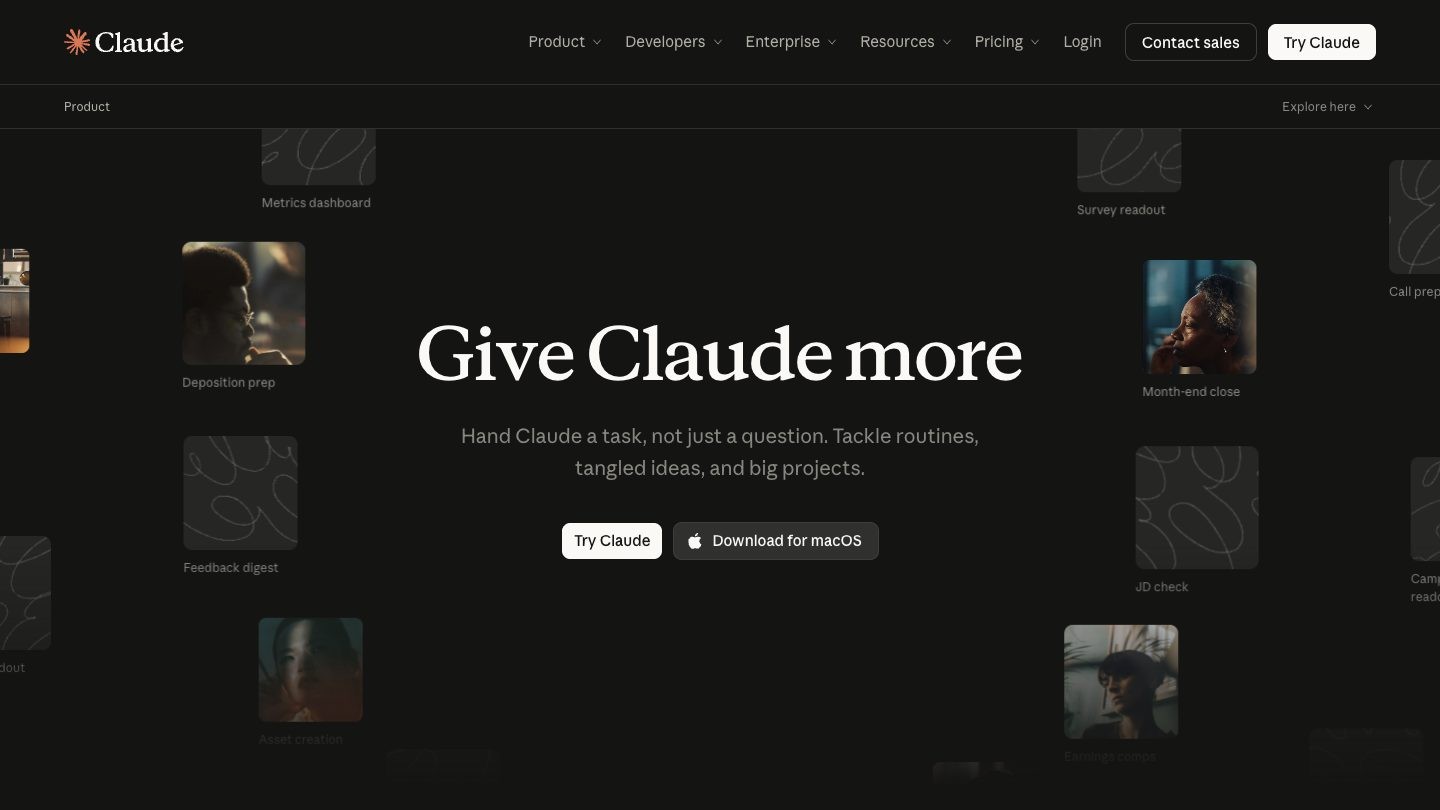
Claude works well for newsletters, scripts and articles, particularly when you give it your earlier writing in a Project to learn from. It is also a strong editor: paste a draft and ask what is weak, unclear or repetitive.
Key features
- Projects for your documents and style examples
- Artifacts for working on drafts side by side
- Web search and file creation
- App connectors
Where it falls short: it does not generate photos or illustrations, and usage is capped in five-hour and weekly windows.
Pricing: free plan available. Pro is $17/month billed annually or $20/month billed monthly.
Perplexity
Best for: fact-checking and research with sources you can click.
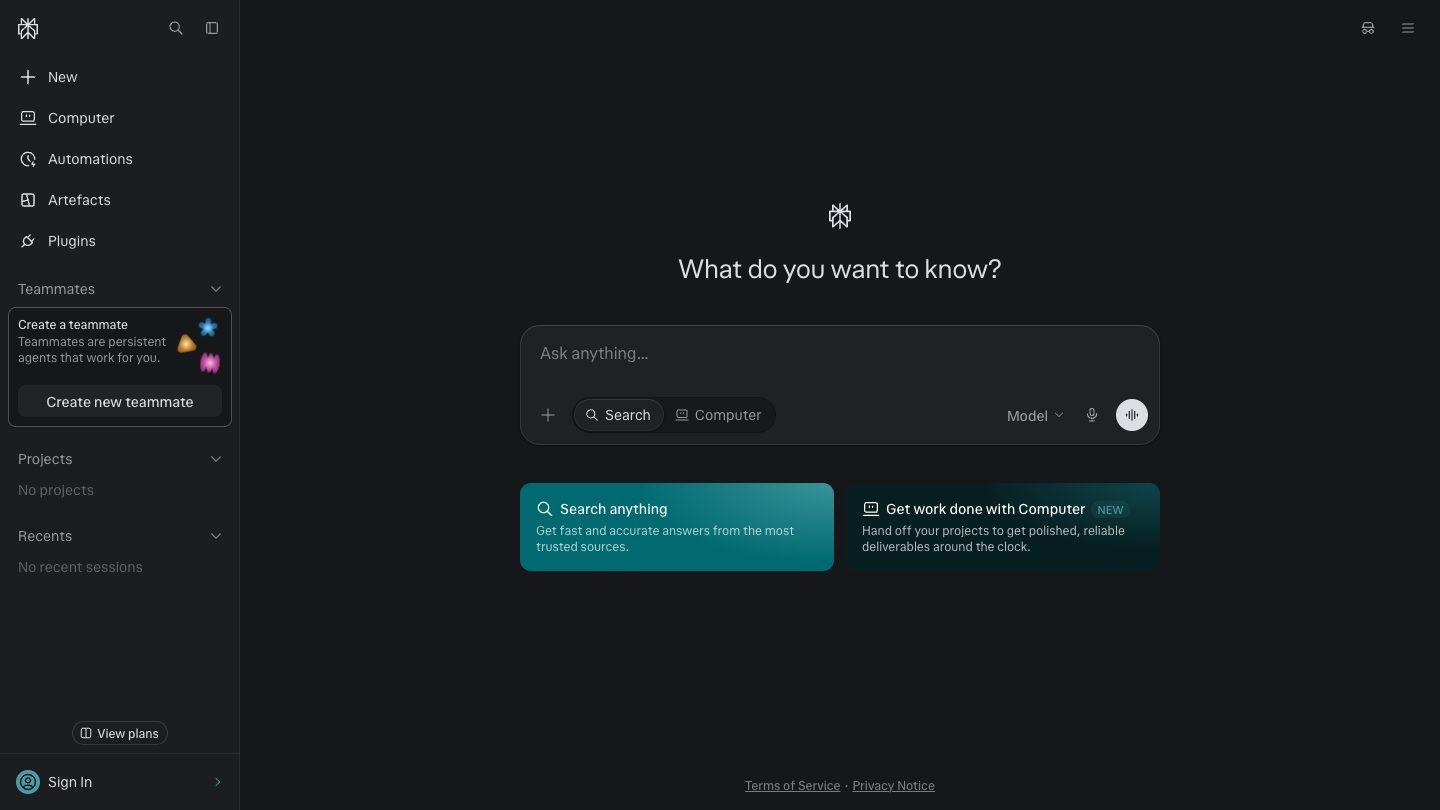
Perplexity answers questions with citations, which makes it useful before you publish a claim. Experts can check a statistic or find the original report behind a number in a few minutes. This overview explains how Perplexity AI works in more detail.
Key features
- Pro Search with citations
- Research mode for longer reports
- Projects with file uploads
- A choice of advanced models
Where it falls short: Pro limits are described as "average use" with no published numbers, and it is built for finding information more than for writing in your voice.
Pricing: free plan available with limited Pro Searches. Pro is $20/month.
Kindal
Best for: creators and experts who run out of things to say, not out of tools.
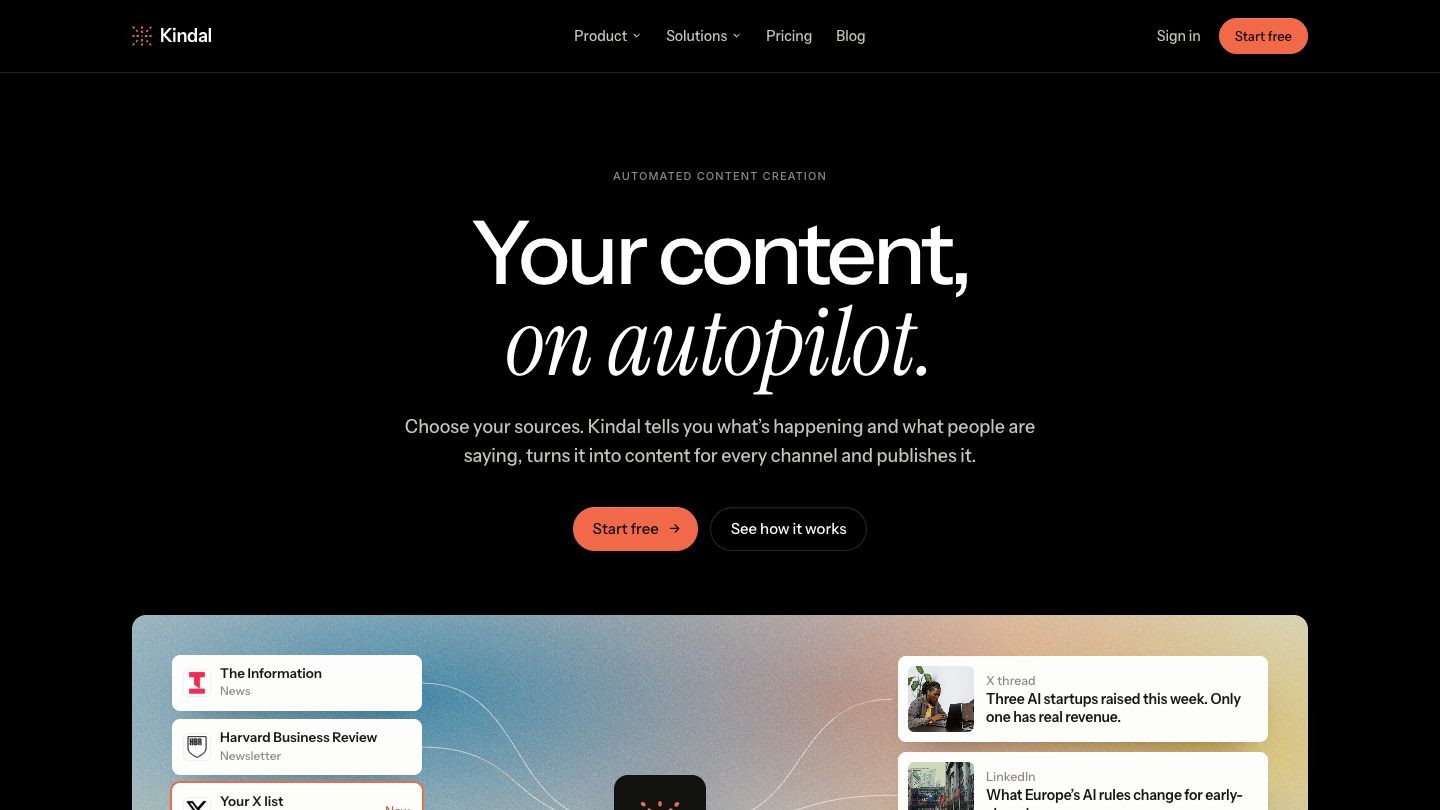
Most AI writing tools wait for a prompt, so the hardest part is still yours: knowing what to write about. Kindal starts from your niche. You choose the X accounts, newsletters, YouTube channels and news sites you trust, and Kindal reads them and tells you what is happening and what people are saying.
Every brief can then become a post or thread in your voice, a newsletter, a carousel, a short video or a podcast episode. Its AI content creation tools also work from any link, video or PDF. Each piece starts from a real source, so you are never publishing something generic.
Key features
- Daily briefs from the sources of your niche
- Posts, newsletters, carousels, videos and podcasts from one story
- Your voice and brand kit on every piece
- Scheduling and direct publishing to X
- Podcast episodes that go live on Spotify and Apple Podcasts automatically
- Analytics by topic, format and weekday
Where it falls short: Kindal needs sources to work from, so it is not built for writing from a blank prompt. LinkedIn posts are written and planned in the calendar, but you publish them yourself, and it does not publish to Instagram or TikTok.
Pricing: 14-day free trial, no card. Growth, which includes content creation, is $29/month. Analyst is $8/month and covers briefs and the AI analyst. Scale is $99/month.
AI tools for graphics and video
Visual formats take the most production time, so this is where the right tool saves the most hours. If you also teach on video, see this list of AI video generators for education.
Canva

Best for: non-designers making consistent social graphics.
Canva gives you templates for almost every social format, with AI features for writing, images and video in the same editor. A brand kit keeps your colors and fonts consistent across posts. For a closer look at its value against a template library, read Envato vs Canva.
Key features
- Templates for social formats
- Magic Write for text
- AI image and video generation
- Brand kit
Where it falls short: AI features run on usage allowances that vary by plan, and template-based designs can look familiar unless you customize them.
Pricing: free plan available. See Canva's pricing page for current paid plans.
Descript
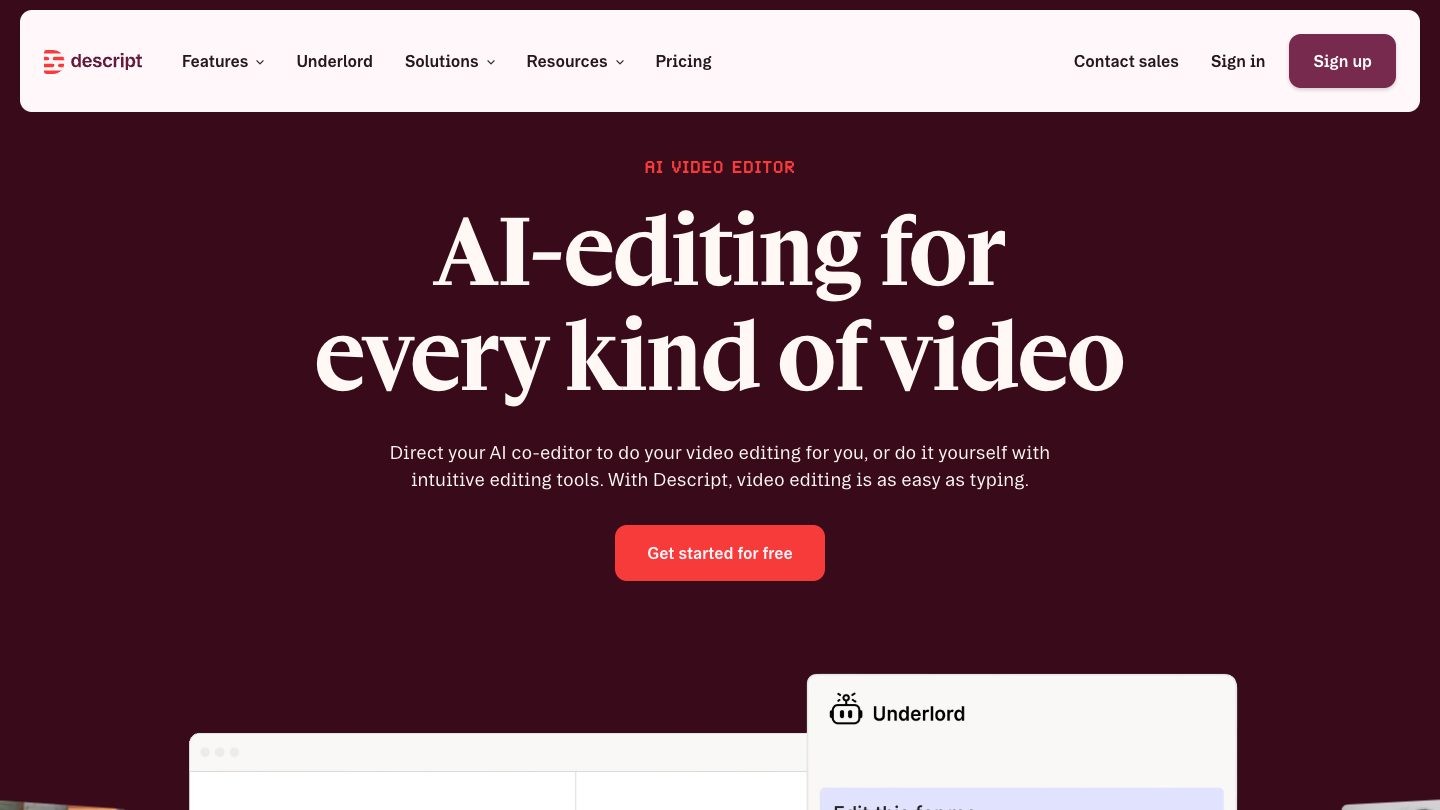
Best for: editing talking-head videos and podcasts by editing text.
Descript turns your recording into a transcript, and deleting a sentence deletes it from the video. Its AI co-editor, Underlord, can handle tasks such as removing retakes, and Create Clips pulls short segments for social.
Key features
- Text-based video and audio editing
- Underlord AI co-editor
- Studio Sound and filler word removal
- AI Speech with voice clones
Where it falls short: Hobbyist is capped at 10 media hours and 400 AI credits a month, and translation and dubbing into 30+ languages sit on the Business plan.
Pricing: free plan available. Hobbyist is $16 per person/month billed annually or $24 billed monthly.
CapCut
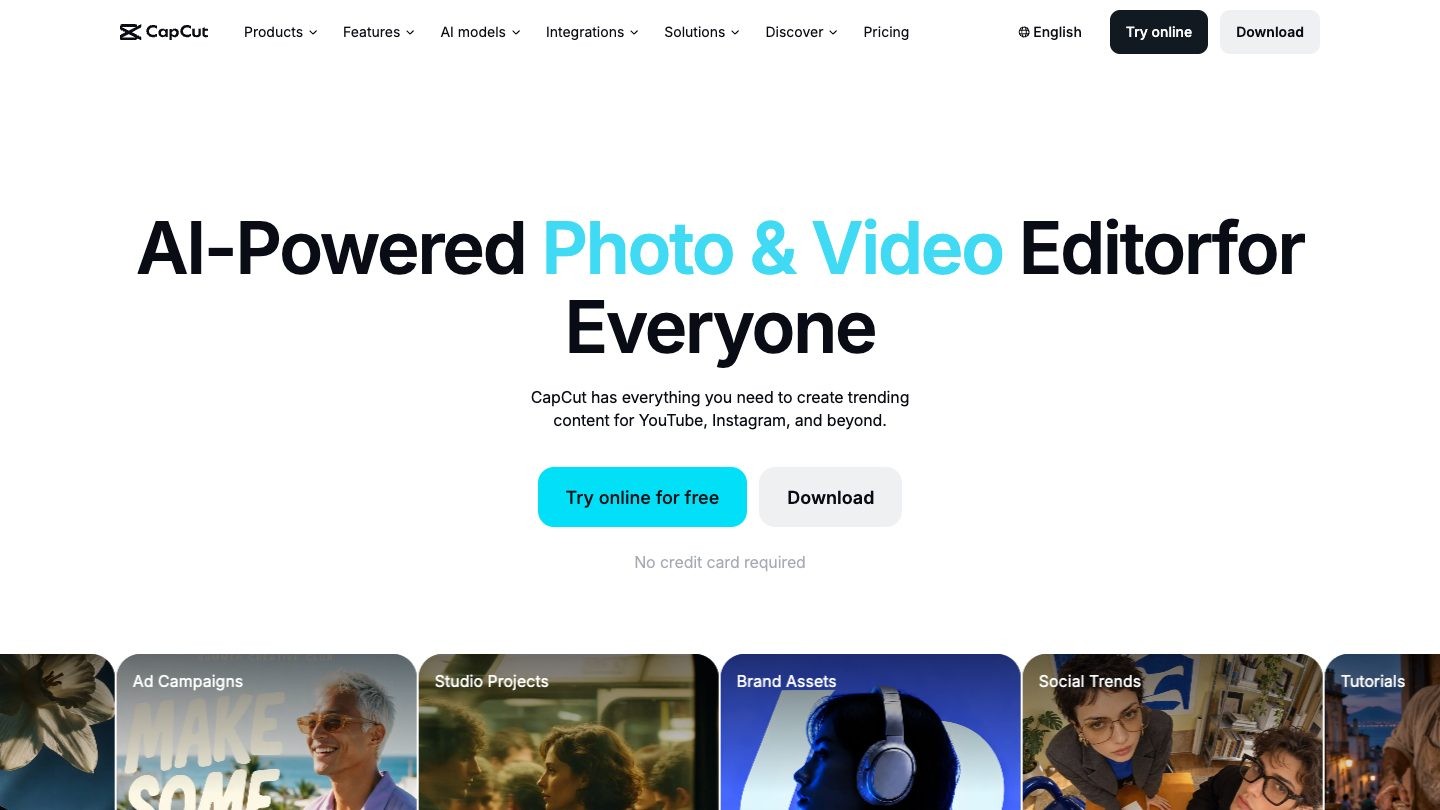
Best for: fast short-form editing with templates and captions.
CapCut is built around vertical video. Auto captions and text to speech cover the routine work, and paid plans add premium templates and AI credits for generated video. Creators who record on a phone can go from raw clip to finished post in one app.
Key features
- Auto captions
- Text to speech and background removal
- AI video generation with a choice of models
- Premium templates on Pro
Where it falls short: AI generation runs on a monthly credit allowance (650 on Pro), and CapCut states that displayed prices are for reference only and can vary.
Pricing: free plan available. Pro is listed at EUR 29.99/month or EUR 259.99/year in Europe; prices vary by region.
Opus Clip
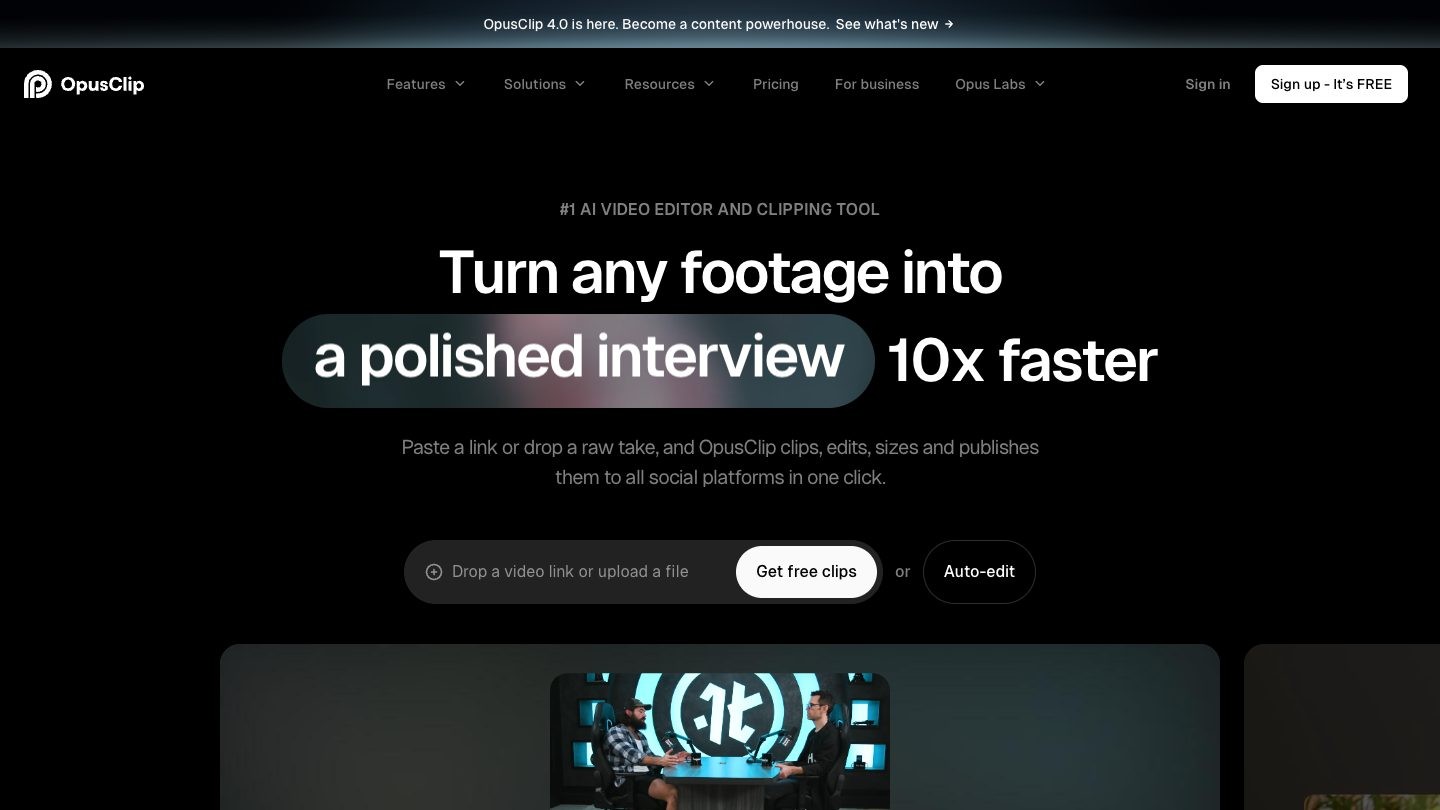
Best for: turning long videos into short clips with little editing.
Opus Clip takes a webinar, interview or lesson and selects the segments most likely to work as standalone clips, then adds animated captions. It suits experts who already record long content and rarely find the time to cut it down.
Key features
- AI clipping with a Virality Score
- Animated captions in 20+ languages
- Filler and silence removal
- Auto posting and a social scheduler on Pro
Where it falls short: on the free plan clips are watermarked, cannot be edited and stop being exportable after three days.
Pricing: free plan with 60 credits a month. Starter is $15/month. Pro is $29/month, or $14.50/month billed annually.
Riverside
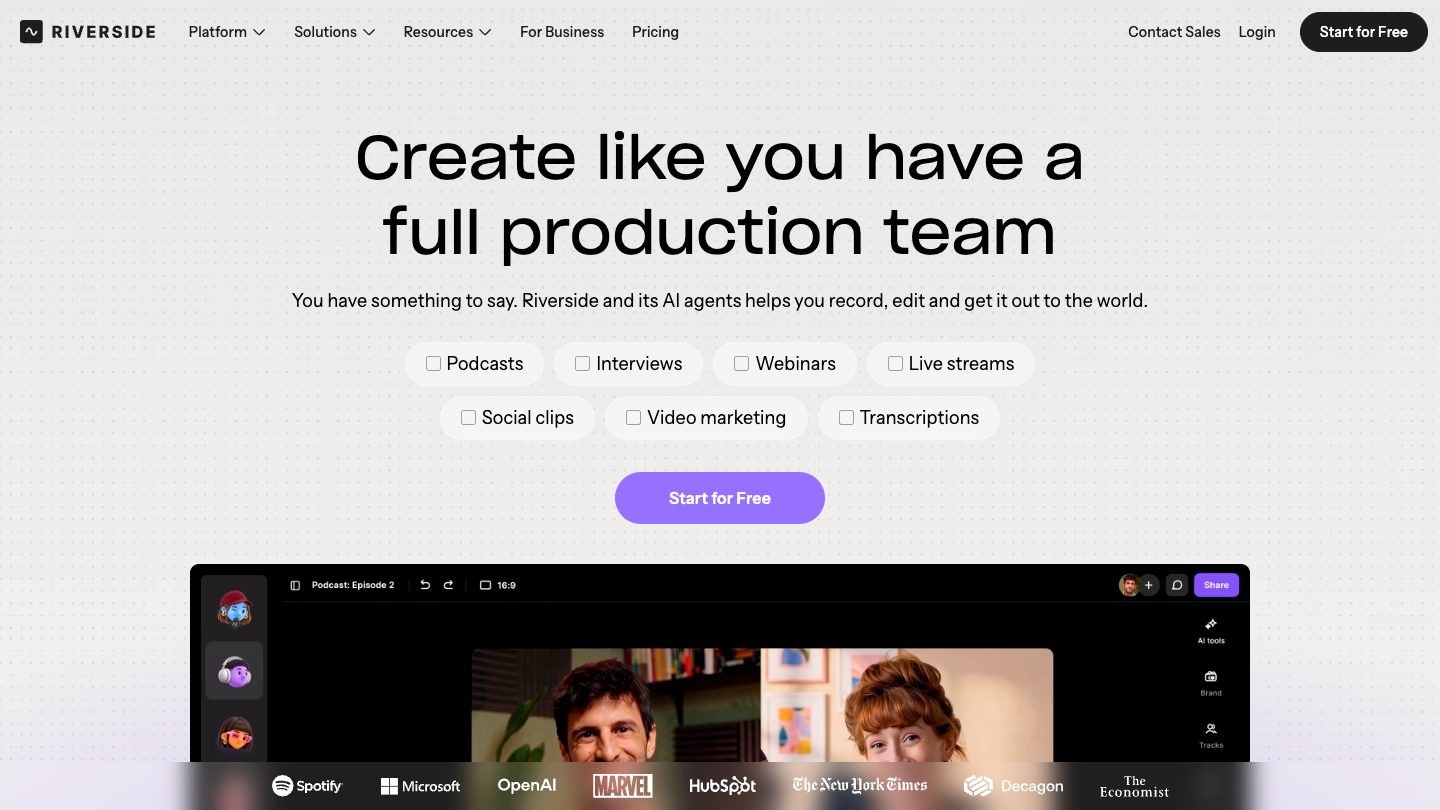
Best for: recording remote interviews and podcasts in high quality.
Riverside records each participant locally on separate tracks, so a weak connection does not ruin the file. Magic Clips and AI show notes then give you short-form material from the same session. For solo tutorials, this list of screen recording software is a better starting point.
Key features
- Local recording up to 4K on separate tracks
- Text-based editing
- Magic Clips and show notes
- Teleprompter and audio enhancement
Where it falls short: the free plan records in 720p with a watermark and offers only a limited amount of separate track downloads.
Pricing: free plan available. Pro is $29/month, or $24/month billed annually.
HeyGen

Best for: publishing on-camera videos without filming each one.
HeyGen creates avatar videos from a script, including a custom avatar with your own likeness and voice. It is especially useful for translating a video into other languages. This comparison of Synthesia vs HeyGen helps if you are choosing between the two.
Key features
- Stock and custom video avatars
- Video translation in 175+ languages and dialects
- Video Agent
- 1080p export on Creator
Where it falls short: 4K and 30-minute videos are reserved for Pro, and the free plan is limited to three watermarked videos of up to one minute a month.
Pricing: free plan available. Creator is $29/month, or $24/month billed annually.
AI tools for voice and distribution
These two handle the last steps: giving your content a voice and getting it published on schedule. If you add narration to video, you may also want royalty-free music.
ElevenLabs
Best for: voiceover, voice cloning and dubbing.
ElevenLabs produces natural-sounding narration from text. Creators use it for voiceover on explainers, or to clone their own voice so they can update a script without recording again.
Key features
- Text to Speech
- Instant and Professional Voice Cloning
- Dubbing Studio
- Sound effects and music
Where it falls short: the commercial license starts on the Starter plan, and Professional Voice Cloning requires Creator or higher.
Pricing: free plan with 10,000 credits. Starter is $6/month, or the equivalent of $5/month on an annual plan.
Typefully
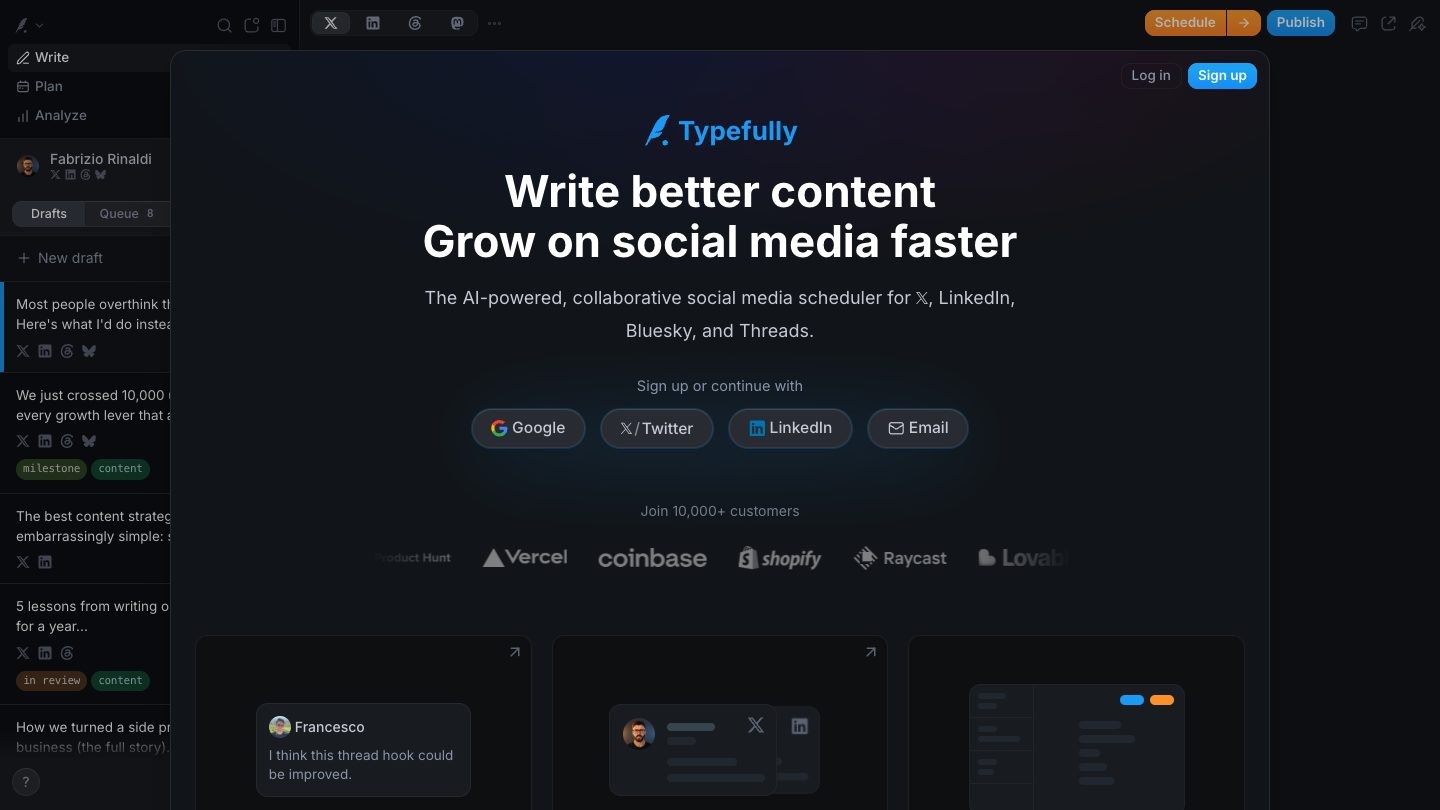
Best for: writing and scheduling text posts for X and LinkedIn.
Typefully is a focused editor for threads and text posts, with an AI assistant that rewrites drafts, suggests hooks and adapts a post for each platform. It publishes across X, LinkedIn, Threads, Bluesky, Mastodon and Substack.
Key features
- AI writing assistant
- Scheduling across six platforms
- LinkedIn first comment and PDF carousels
- X analytics on Creator
Where it falls short: Instagram, TikTok and YouTube are not supported, analytics cover X only, and Creator is sold on annual billing only.
Pricing: free plan with 10 posts a month. Creator is $99/year.
How to choose your AI content creation tools
Start from the step that takes you longest, and add one tool at a time. A simple stack for an independent expert usually covers three jobs:
- One assistant for thinking and writing. ChatGPT or Claude. Paying for both rarely makes sense at the start.
- One tool for your main format. Descript for talking-head video, CapCut for phone-first short video, Riverside for interviews.
- One way to stay supplied and consistent. A source of ideas such as Perplexity or Kindal, and a scheduler such as Typefully.
Keep your own judgment in the loop: decide what is worth saying before you decide which tool should produce it. Once you start promoting an offer, use the wider list of marketing tools for course sellers.
Where Teachfloor fits
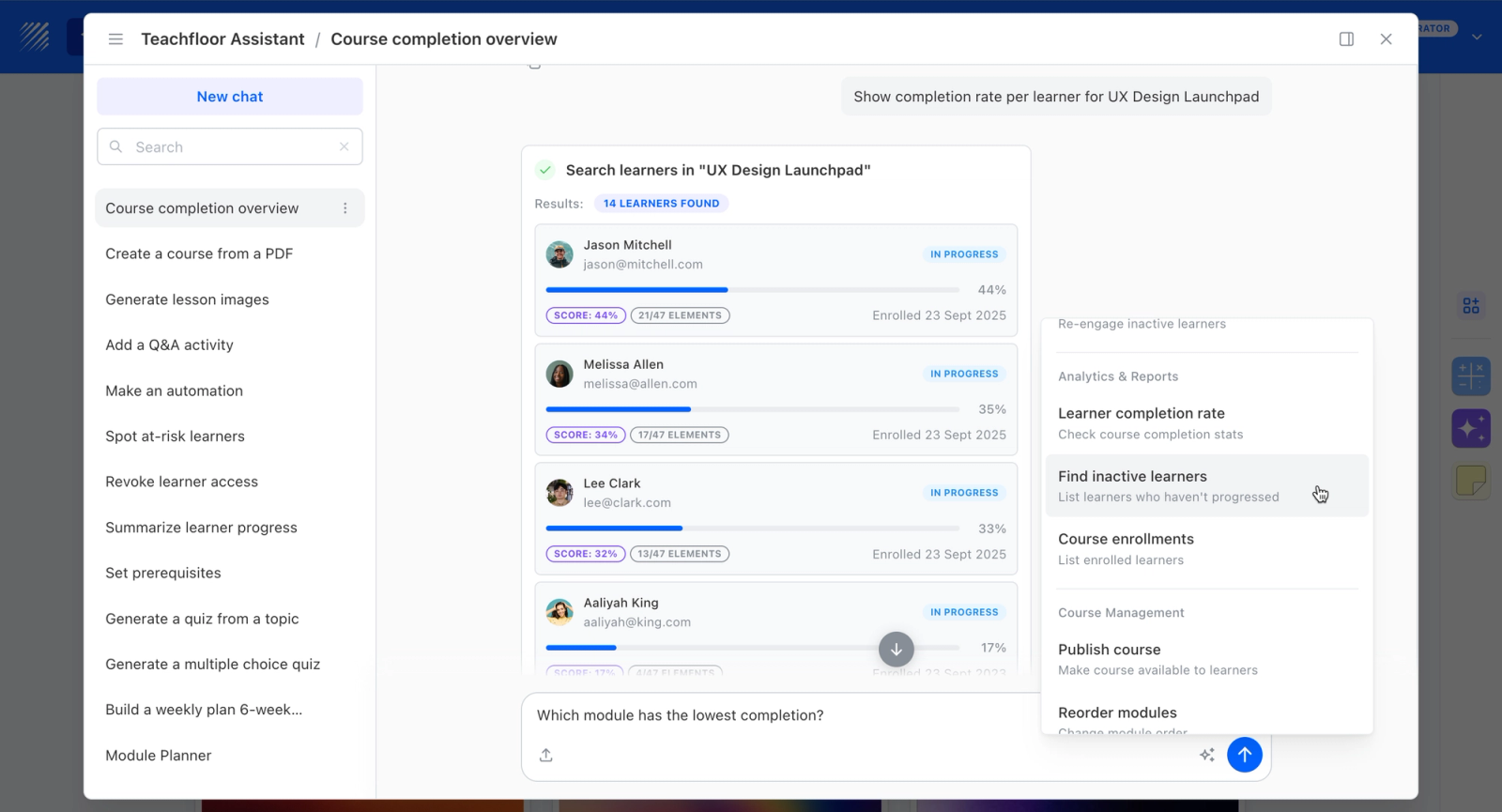
The tools above help you publish. If your content starts turning into demand for a course, you need somewhere to deliver it. Teachfloor is a learning platform for running self-paced courses, live cohorts and a learning community under your own brand, with AI course creation built in. If you already draft in an assistant, you can also build a course outline with ChatGPT and bring it across.
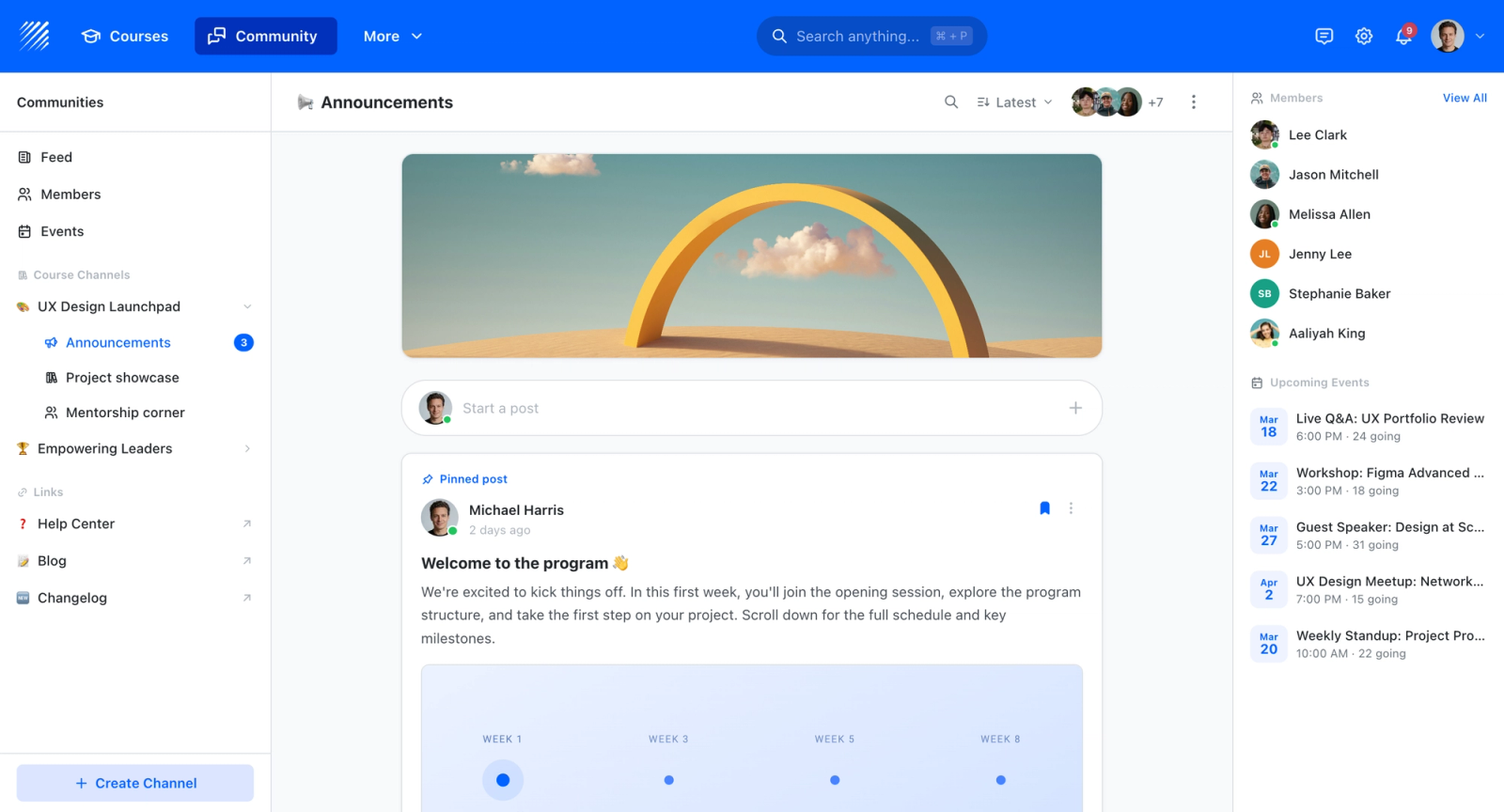
Members can then keep talking between sessions in a dedicated community space, which is difficult to recreate on social platforms.
FAQ
Common questions about choosing and using AI tools as a creator.
What is the best AI tool for content creators?
There is no single best tool because each one solves a different job. For most creators, a general assistant such as ChatGPT or Claude delivers the most value first, followed by a tool for their main format, such as Descript for video.
Are AI content creation tools free?
Most of the tools in this guide offer a free plan, but limits are tight. Expect watermarks, usage caps or restricted export on video tools, and check whether commercial use is included before publishing work made on a free plan.
Will audiences notice AI-generated content?
Often, yes. In Adobe's survey, 75% of creators said their audience can already tell when AI was meaningfully involved. Use AI for drafts and production, and keep the ideas, examples and opinions your own.
How many AI tools does a creator need?
Two or three is enough to start: one assistant, one tool for your main format and one for scheduling. Add another only when a specific step keeps slowing you down.


