

The best AI podcast generator for most experts is the one that matches what you want to do with the episode. Google NotebookLM is the easiest way to turn your own documents into audio. Jellypod and Wondercraft give you more control over hosts and production. Kindal fits a show that should write and publish itself. Descript and Podcastle are better when you still want to record your own voice.
This guide compares eight tools for experts, coaches and course creators who know their field and do not want to deal with microphones, editing or another weekly task. If you want to hear how established shows work first, start with these podcasts for creators and entrepreneurs.
Best AI podcast generators compared
Six of these tools generate an episode from text. Podcastle and Descript are mainly recording and editing tools, with AI voice features added. Prices come from each vendor's official pages and can change.
| Tool | Best for | Starting point | Voices | Publishing | Price |
|---|---|---|---|---|---|
| Google NotebookLM | Private audio from your documents | PDF, link, YouTube, audio, text, Docs, Slides | 1 or 2 hosts, by format | Download or share link | Free plan |
| Jellypod | A produced show with several hosts | Notes, PDF, link, YouTube, 70+ file types | 3,300+, up to 4 hosts | RSS hosting, automatic to Spotify, Apple, YouTube | $25/month billed annually |
| Wondercraft | Script and timeline control | Doc, URL, PDF, script, ideas | Voice library, 1 or more speakers | RSS feed or download | Free plan; from $21/month billed annually |
| Kindal | A show that writes and publishes itself | Followed sources, link, PDF, YouTube, text | 12, one narrator | Automatic to Spotify and Apple via RSS | From $8/month |
| ElevenLabs | Voice quality and range | PDF, EPUB, DOCX, TXT, URL | 10,000+, host and guest | Download | $6/month |
| Speechify | Listening to your own material | Document, text, prompt | 1,000+ on Premium | Share inside the app | $29/month or $139/year |
| Podcastle (Async) | Recording and hosting in one place | Recording, transcript | 1,000+ AI voices | RSS feed and podcast page | Free plan |
| Descript | Editing recordings by text | Recording, audio file, script | 25+ stock voices on paid plans | Export to podcast hosts | From $16 per person/month billed annually |
The 8 best AI podcast generators
Each entry states whether the tool creates an episode from text or mainly helps you record and edit, since that is the first decision to make.
Google NotebookLM
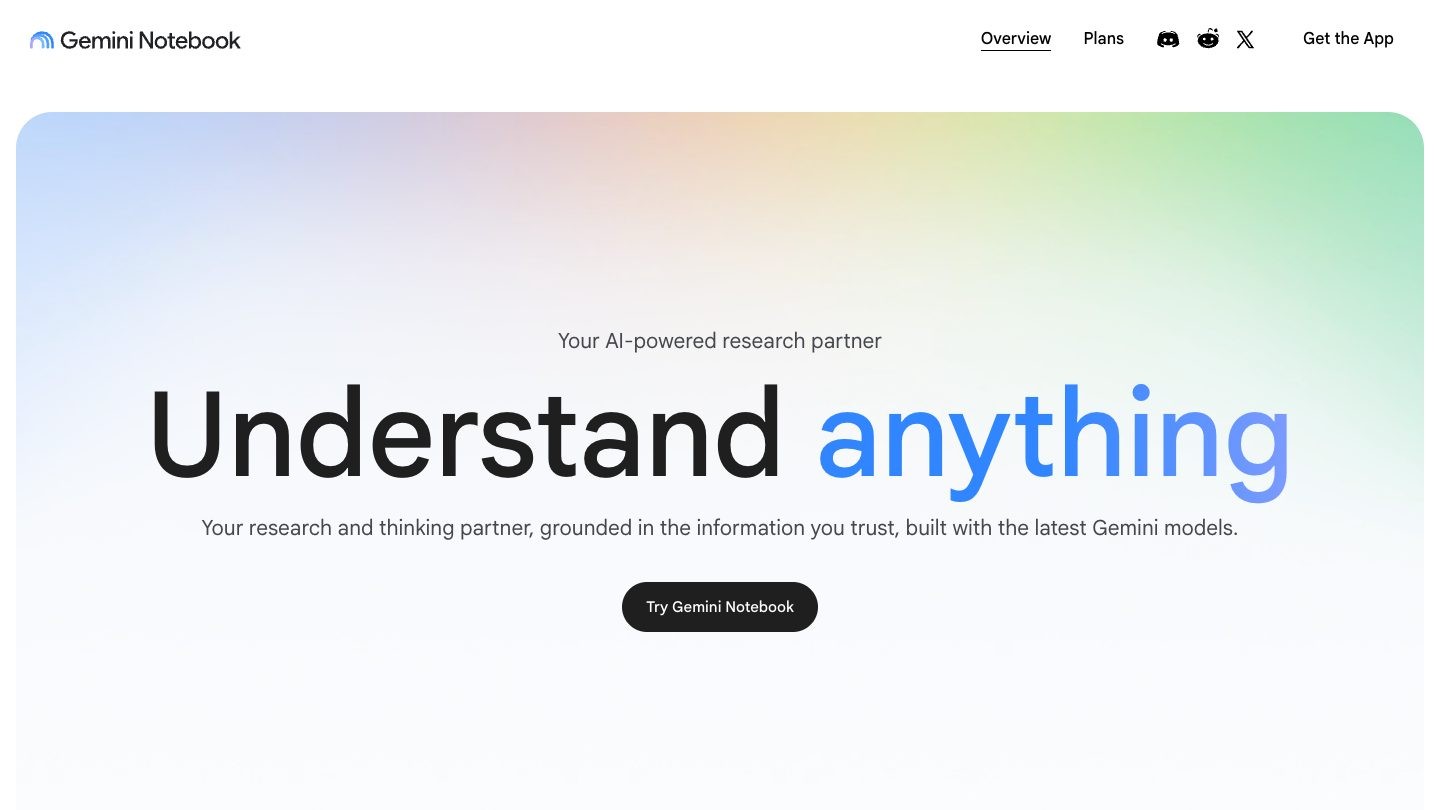
Type: generates an episode from your sources.
Best for: turning lessons, PDFs and research into audio for yourself or a private group.
NotebookLM, which now also appears as Gemini Notebook in Google's help pages, creates Audio Overviews from the sources you upload. A course creator can add a syllabus, slides and readings and get a conversation about that material in minutes.
Main features
- Four formats: Deep Dive, The Brief, The Critique and The Debate
- Sources include PDF, web pages, public YouTube videos with captions, audio files and Google Docs
- Audio in more than 80 languages
- Interactive mode, in English
Limits: Google notes that audio may contain inaccuracies or glitches. Google's documentation describes no way to choose voices and no podcast platform or RSS publishing, so you would have to download and host the file yourself.
Pricing: free plan with a Google account, with higher limits on paid Google AI plans, which vary by country.
Jellypod
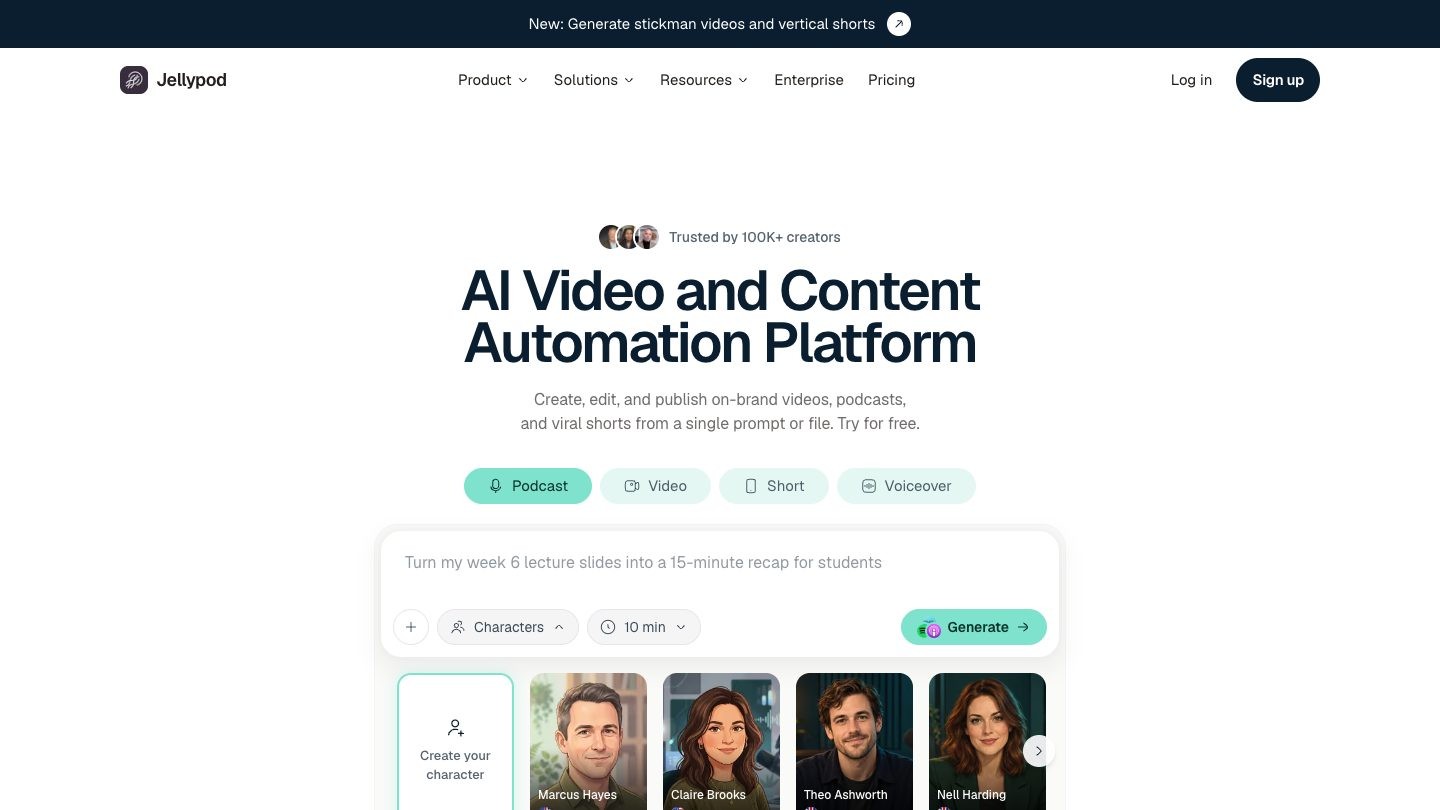
Type: generates an episode and publishes it.
Best for: experts who want a produced show with more than one AI host.
Jellypod writes the script, assigns AI hosts and handles distribution. It accepts notes, PDFs, links and many other file types, which makes it practical for repurposing a lesson library.
Main features
- One to four AI hosts
- 3,300+ premium voices
- RSS hosting with automatic distribution to Spotify, Apple Podcasts and YouTube
- Voice cloning on paid plans
- Automations, REST API and MCP server
Limits: on the free tier, rendering, publishing, sharing or downloading prompts you to start a trial or subscribe, and trial exports carry a Jellypod watermark. Episodes are limited to 60 minutes on the main paid plans.
Pricing: Starter is $25/month billed annually, with a 7-day trial that requires a payment method.
Wondercraft
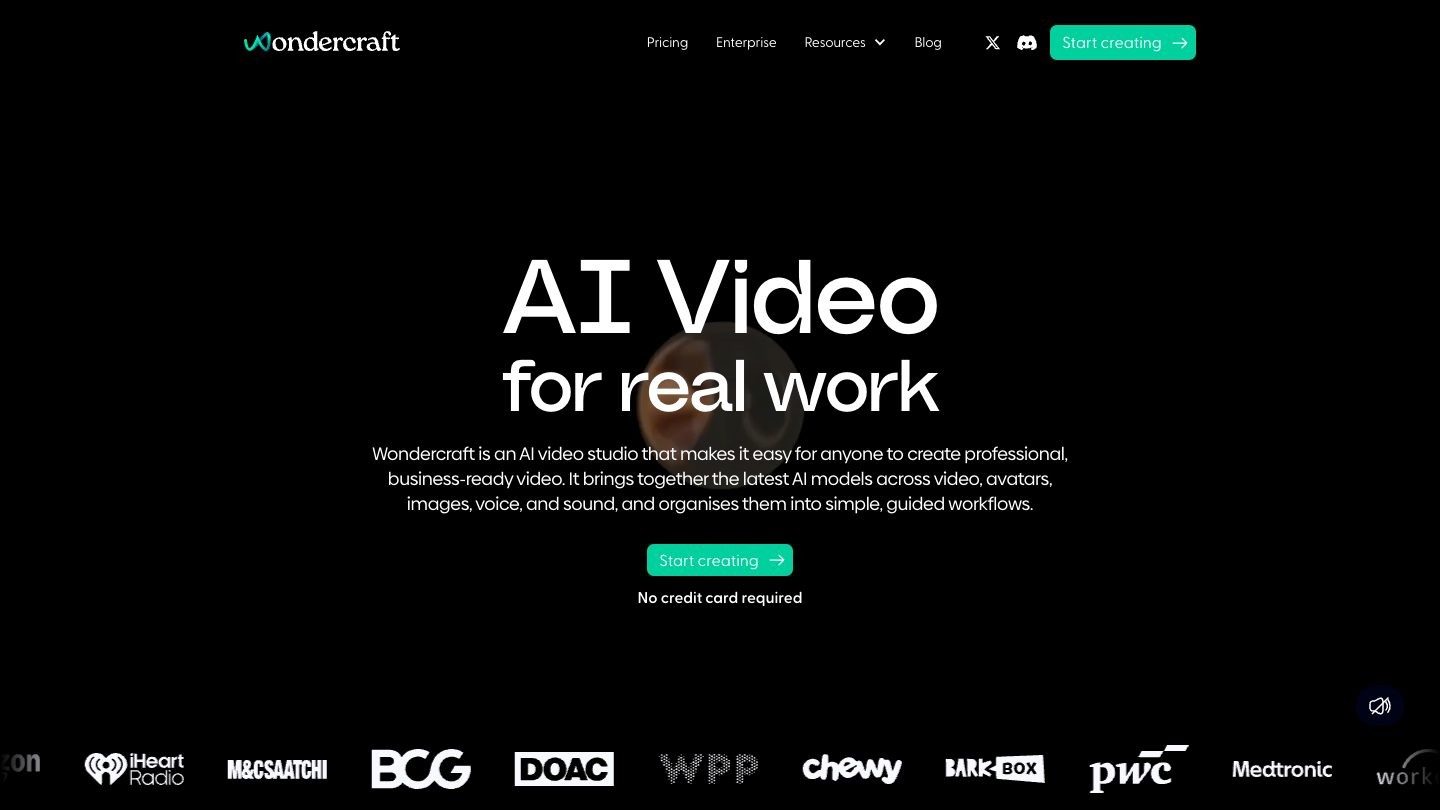
Type: generates an episode from text, with a timeline editor.
Best for: creators who want to adjust the script, music and timing themselves.
Wondercraft now describes itself as an AI video studio, but its podcast tools remain available. You share a document, URL or rough ideas, then refine the episode in a timeline with music and sound effects.
Main features
- AI Podcast Generator
- Convo Mode for two-speaker conversations
- Standard Mode with any number of speakers
- AI voice cloning
- Podcasts in 50+ languages
Limits: Convo Mode supports two speakers only, and standard speech uses 10 credits per minute. Free output is for non-commercial use, which rules out most business podcasts. Its help pages describe an RSS feed for Apple Podcasts and manual upload for Spotify.
Pricing: free plan with 150 credits. Creator is $21/month billed annually or $25 billed monthly.
Kindal
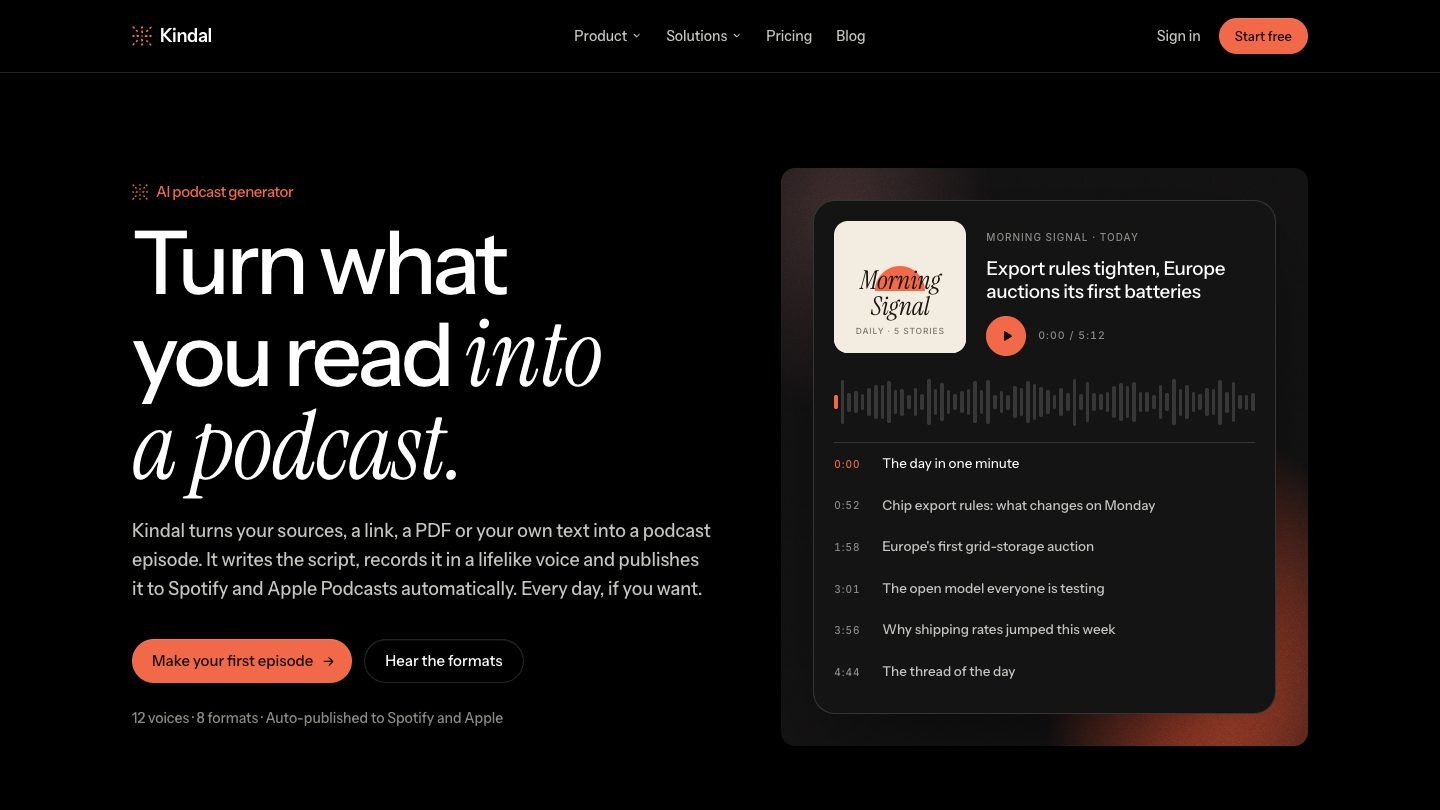
Type: generates an episode and publishes it.
Best for: experts who want a show that writes and publishes itself.
Kindal is an AI podcast generator that starts from the sources you follow, a link, a PDF, a YouTube video or pasted text. Kindal is built by the same team as Teachfloor.
You connect the show once by submitting its RSS feed, and every new episode then goes out to Spotify and Apple Podcasts on its own.
Main features
- Eight script formats, from a two-minute bulletin to a deep dive
- "Script first" lets you edit the script before recording
- Twelve voices and episodes of about three, five or ten minutes
- A daily episode built from your sources, with up to five stories
- Automatic publishing to Spotify and Apple Podcasts
Limits: one narrator only, with no two-host format. It does not record or edit your own voice.
Pricing: 14-day free trial, no card. Analyst is $8/month with 2 episodes, Growth is $29/month with 30 episodes, and Scale is $99/month with 100 episodes.
ElevenLabs
Type: generates an episode with GenFM, with editing in Studio.
Best for: creators who care most about voice quality and choice.
ElevenLabs adds podcast generation to its voice platform through GenFM in Studio. You upload a document or provide a URL, review the script, then generate a host-and-guest conversation or a shorter bulletin with one host.
Main features
- GenFM podcast generation
- Inputs including PDF, EPUB, DOCX, TXT and URLs
- More than 10,000 voices in the Voice Library
- Script review before audio
- Short, default or long duration
Limits: GenFM requires a paid subscription. Output is exported as a file, with no podcast hosting found in its GenFM documentation.
Pricing: Starter is $6/month after a $1 first month, with a commercial license. The free plan is for non-commercial use.
Speechify
Type: generates an audio episode from documents.
Best for: listening to your own notes and reading material.
Speechify is primarily a text-to-speech reader that added AI Podcasts. Upload a document, paste text or write a prompt, and choose a style such as podcast, lecture, debate or late-night show.
Main features
- AI Podcasts in several styles
- 1,000+ voices on Premium
- Scan & Listen for printed pages
- AI summaries and chat
Limits: this matters for anyone selling courses: Speechify's terms state that its services, except Voice Over Studio, are not intended for commercial use, and that distributing audio publicly without the proper license can lead to suspension. Its pages describe sharing episodes with others and do not mention Spotify, Apple or RSS publishing.
Pricing: Premium is $29/month or $139 billed yearly.
Podcastle (now Async)
Type: mainly records, edits and hosts, with AI voices.
Best for: experts who will record their own episodes and want hosting included.
Podcastle has rebranded as Async, and its focus has moved toward AI video editing. The podcast studio still covers recording with remote guests, transcript-based editing and hosting. Its podcast studio page does not describe generating an episode from a document.
Main features
- Recording Studio with guest links
- Audio and video editors
- Hosting Hub with RSS feed and podcast page
- Magic Dust audio cleanup
- 1,000+ AI voices
Limits: the free plan includes about 15 minutes of text to speech in total and 720p export. You still need to supply the content and usually your own voice.
Pricing: free plan available, no credit card required. See the Async pricing page for paid plans.
Descript
Type: mainly records and edits, with AI speech.
Best for: editing recorded lessons and interviews by editing the transcript.
Descript lets you delete a word from the transcript to delete it from the audio. It suits experts with existing recordings. You can also generate audio from a script with a stock voice.
Main features
- Remote recording with Rooms
- Text-based editing
- Studio Sound and filler word removal
- Underlord AI co-editor
- 25+ stock AI speakers on Hobbyist and Creator plans
Limits: free exports carry a watermark and are limited to 720p. Publishing works by exporting to hosts such as Buzzsprout or Transistor.
Pricing: free plan with 60 minutes a month. Hobbyist starts at $16 per person/month billed annually.
How to choose an AI podcast maker
Start with the job the podcast needs to do for your business, then match the tool to it.
- A course creator adding audio to existing lessons. If the episodes are a private study aid, NotebookLM can turn each module's slides and readings into a recap. Check the sharing limits before you add them to a paid program.
- A coach who wants a weekly public show. Jellypod or Wondercraft give you hosts, control and a feed. Plan on reviewing each script, since your clients will judge your advice by what the show says.
- A consultant who wants to stay visible with no weekly work. A daily or weekly show on your niche suits Kindal or Jellypod automation. Short, frequent episodes on industry news are easier to sustain than long interviews.
- An expert whose voice is the product. Record it. Descript or Podcastle will do more for a coach whose clients buy their presence. AI can handle cleanup and clips.
Whichever you pick, check commercial rights before publishing. Several free plans in this list exclude business use, which covers most podcasts meant to promote an online course.
How to turn a course or PDF into a podcast
A PDF to podcast workflow takes a few steps, and the review step is the one not to skip.
- Pick one lesson or chapter. Short, focused material gives better episodes than a whole course at once. Only use content you own or have permission to adapt.
- Add context to the source. State who the listener is and what they should be able to do afterward.
- Generate the script first where possible. Jellypod, ElevenLabs and Kindal let you work from a script, so errors can be fixed before audio is created.
- Check every claim. AI hosts can state a wrong number with total confidence, and your name is on the show.
- Publish or embed. Use an RSS feed for a public show, or place the audio inside your course as a recap for learners.
If you also produce video lessons, the same source can feed these AI video generators for education, and adding royalty-free music gives episodes a consistent opening.
FAQ
Short answers to the questions experts ask most about AI podcasts.
Can I turn a PDF into a podcast?
Yes. NotebookLM, Jellypod, Wondercraft, ElevenLabs, Speechify and Kindal all accept documents or PDFs as a starting point. Upload the file, choose a format and review the result. Check the plan's commercial terms if the episode will be public.
Can AI publish a podcast to Spotify automatically?
Yes, with tools that host your show and distribute it for you. Jellypod offers automatic distribution to Spotify, Apple Podcasts and YouTube, and Kindal publishes each new episode to Spotify and Apple Podcasts once the feed is connected. Tools such as NotebookLM and ElevenLabs produce a file that you must publish yourself.
What is the best free AI podcast generator?
NotebookLM is the strongest free option for generating audio from your own documents. It has no podcast publishing, and most other free plans restrict exporting or commercial use, so free tools suit testing and private study better than a public show.
Can I use AI podcasts commercially?
It depends on the plan. Wondercraft and ElevenLabs limit free output to non-commercial use, while their paid plans include commercial rights. Speechify's terms state that its services other than Voice Over Studio are not intended for commercial use. Read the current terms before you publish.
Can an AI podcast use my own voice?
Yes, on some tools. Jellypod, Wondercraft and ElevenLabs offer voice cloning. Kindal does not record or edit your voice, and uses its own set of twelve AI voices.
How to reuse an episode in other content
A script is already structured writing, so one episode can do more than one job. Cut the main argument into a newsletter section, pull three short points for social posts and use the outline as the basis for a lesson. This fits well with a broader plan to market your online course.
If you would rather not do this by hand, automated content creation can turn the same sources into other formats, although a person should still review what goes out.
A podcast builds familiarity, and familiarity makes it easier for a listener to enroll. When that happens, you need a place to teach them. Teachfloor is a platform for course creators that runs self-paced courses, live cohorts and a learning community under your own brand.


