

Organizations increasingly rely on Microsoft tools like Teams, Office 365, and Azure to streamline daily tasks and improve collaboration.
Integrating these familiar platforms with a Learning Management System makes training and development more intuitive, secure, and productive. But with many options available, choosing the right Microsoft-compatible LMS can be challenging.
In this article, we'll simplify your search by exploring the 8 best LMS platforms for Microsoft Teams and Office 365 in 2025.
You'll discover solutions that smoothly blend into your existing Microsoft stack, whether you're training employees, onboarding new hires, or running educational programs.
What Is a Microsoft LMS?
A Microsoft LMS is a learning management system specifically designed or optimized to integrate directly into Microsoft’s software stack. It connects smoothly with popular Microsoft products like Teams, Office 365, SharePoint, and Azure Active Directory.
Unlike standalone LMS solutions, Microsoft-compatible platforms allow learners and instructors to access courses, collaborate, and manage training materials without leaving familiar apps.
Learners can join training sessions directly through Microsoft Teams, instructors can embed documents created in Word or PowerPoint, and administrators can streamline user management through Azure AD’s Single Sign-On.
By connecting directly with these tools, Microsoft LMS platforms make training more intuitive, secure, and convenient. Organizations already invested in Microsoft software find it easier to manage their learning programs without needing additional logins or separate software solutions.
Key Features to Look for in a Microsoft LMS
When choosing a Microsoft-compatible LMS, consider these key features:
- Microsoft Teams Integration: Supports virtual classes, group collaboration, and direct messaging without leaving Teams.
- Azure Active Directory (Azure AD) and Single Sign-On (SSO): Simplifies user management by leveraging existing Microsoft logins, enhancing security, and user convenience.
- Office 365 Compatibility: Enables embedding and easy uploading of Word documents, Excel sheets, and PowerPoint presentations into course content.
- OneDrive and SharePoint Integration: Provides centralized storage and access to learning materials, simplifying content management and avoiding duplicate files.
- Outlook Calendar Sync: Allows scheduling, reminders, and tracking of training sessions directly within Outlook.
- Advanced Reporting and Analytics: Tracks learner progress, course engagement, and compliance status, providing actionable insights.
- Security and Compliance: Adheres to Microsoft security standards and policies, ensuring your learning data remains protected and compliant.
Taken together, these integrations reduce the administrative overhead of running a separate training environment alongside the rest of your Microsoft stack.
The 8 Best Microsoft LMS Platforms (2025 Edition)
Zensai
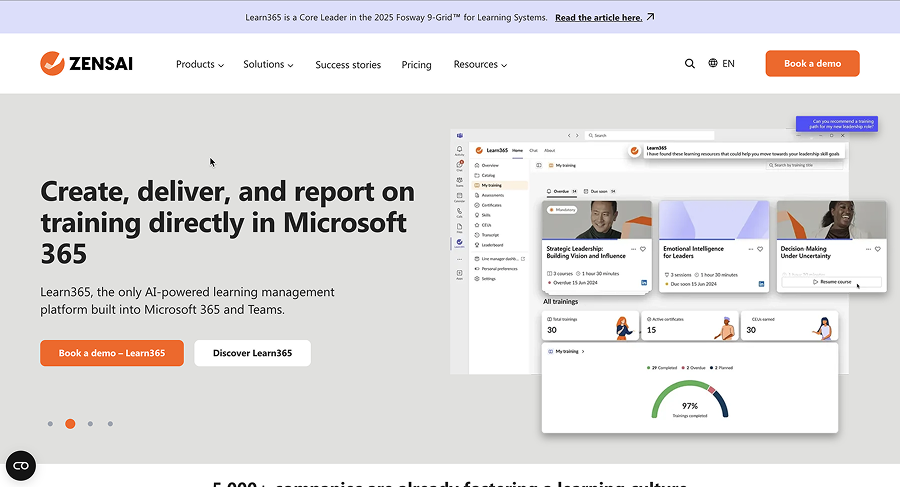
Zensai is built specifically for the Microsoft environment. It integrates directly into Teams and SharePoint, offering a user experience aligned with everyday Microsoft workflows. Zensai is popular among larger companies aiming to centralize their training and learning activities within the Microsoft 365 environment.
- Best for: Enterprises focused on internal training and compliance.
- Pros: Native Microsoft 365 integration, ease of use, intuitive interface.
- Cons: Pricing may not fit smaller budgets.
Teachfloor
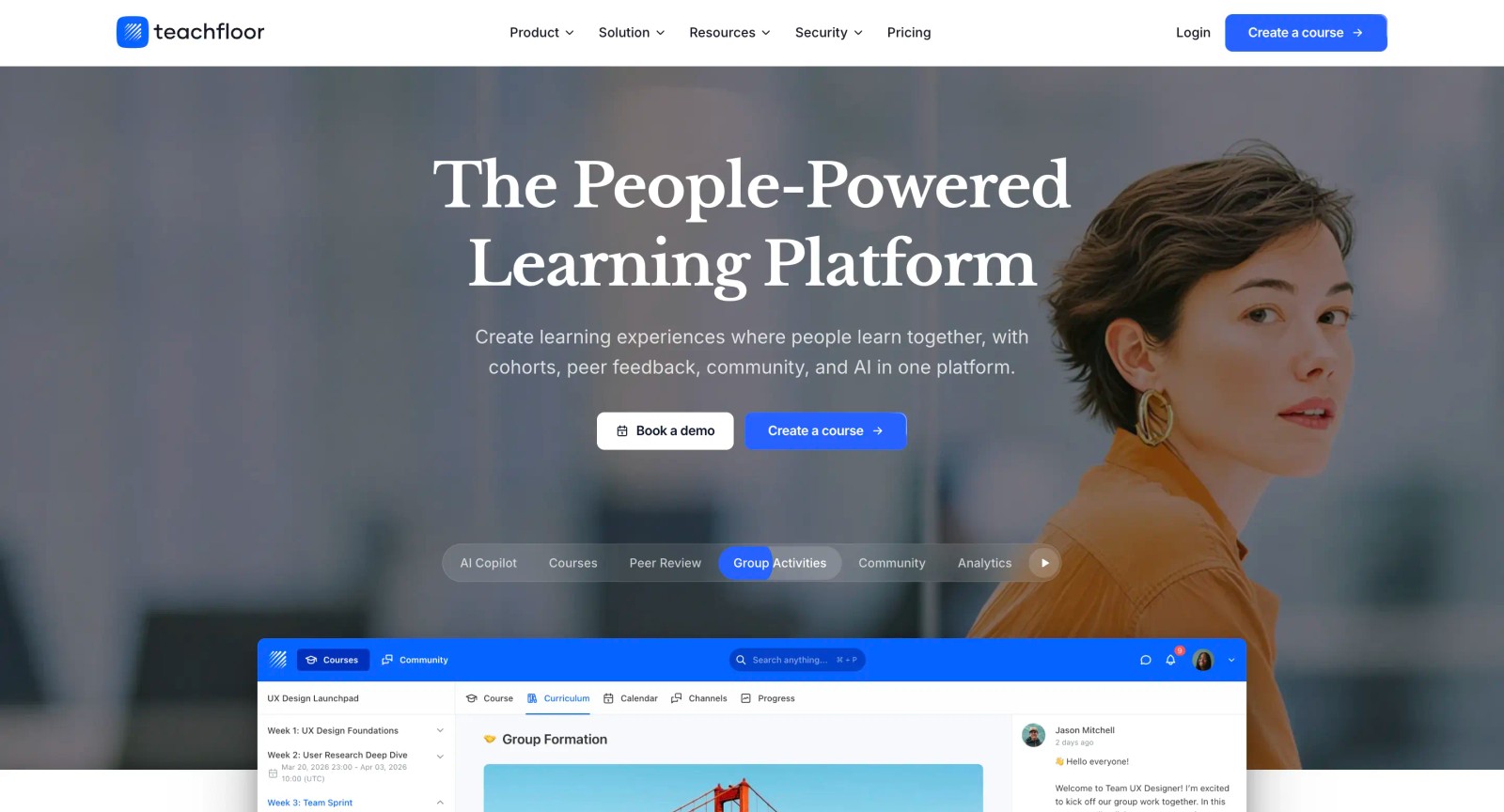
Teachfloor offers straightforward integration with Microsoft Teams, allowing instructors to schedule and manage live meetings directly within courses.
Course creators can easily embed PowerPoint presentations and other Office 365 content, making learning experiences interactive and engaging. A
dditionally, organizations can request integrations for Single Sign-On via Azure Active Directory and Outlook email, ensuring smooth workflows within familiar Microsoft tools.
- Best for: SMBs, educational organizations, and collaborative training programs.
- Pros: Easy integration with Teams for live sessions, simple embedding of Office content, intuitive user interface, affordable pricing.
- Cons: Advanced analytics features are limited compared to enterprise-level platforms.
TalentLMS
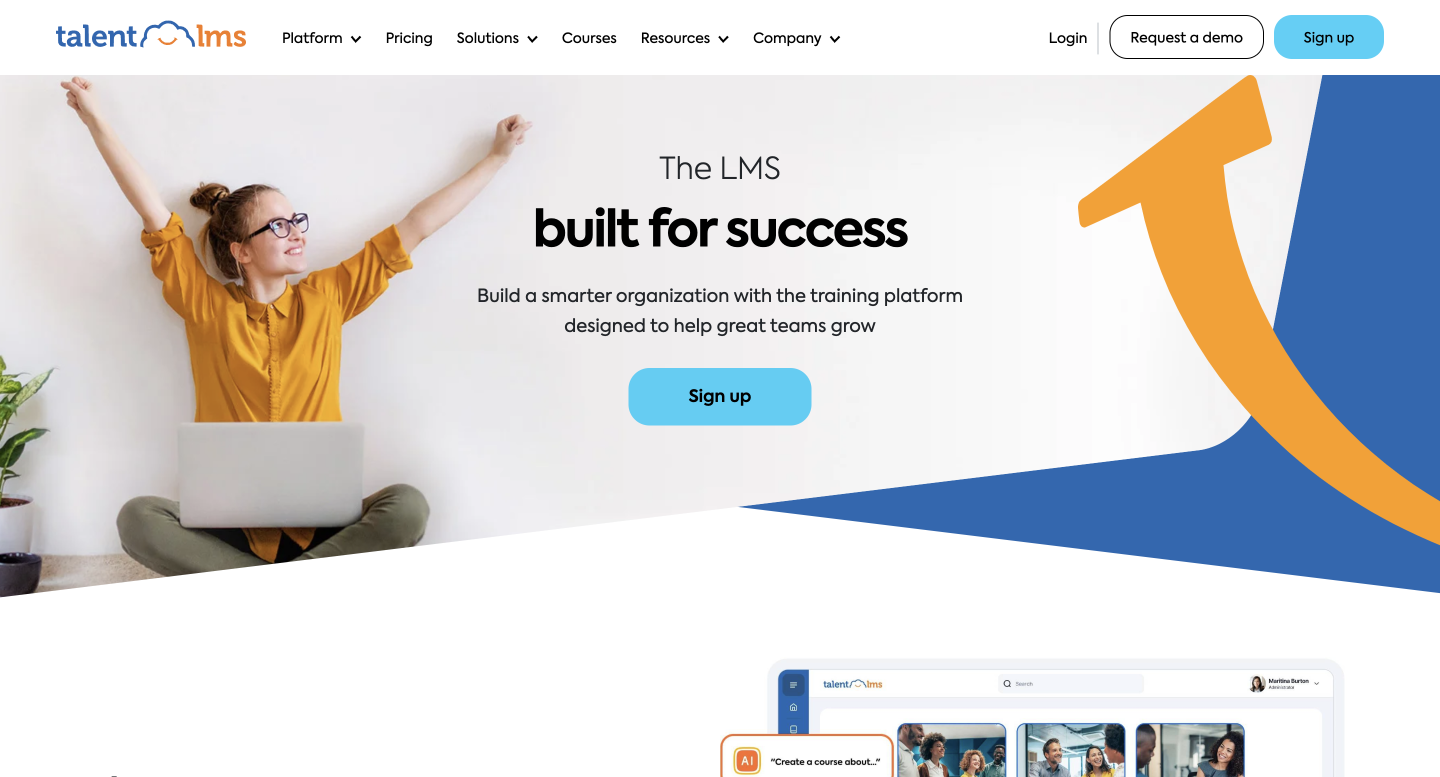
TalentLMS offers straightforward Microsoft Teams integration and supports Azure Active Directory Single Sign-On. It's recognized for ease of setup and management, making it suitable for organizations needing a quick and accessible LMS solution without complex infrastructure.
- Best for: SMBs and rapidly growing teams.
- Pros: Easy implementation, flexible pricing structure, solid user experience.
- Cons: Limited advanced customization options for larger enterprises.
Moodle with Microsoft Plugin
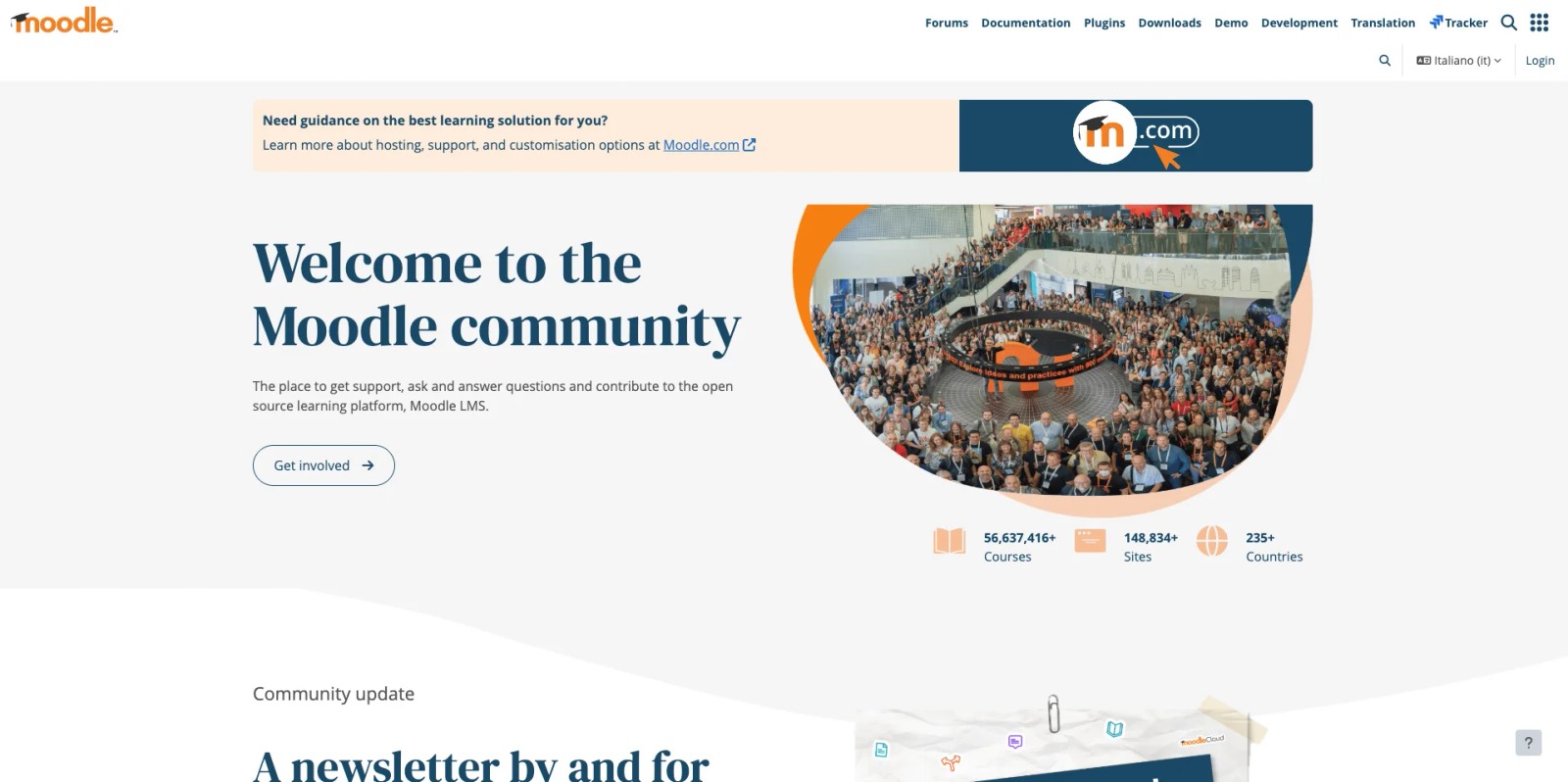
Moodle remains a reliable open-source LMS option, combined with the official Microsoft plugin, Moodle enables organizations to utilize Teams meetings, Azure AD login, and integrate Office 365 documents smoothly. Its flexibility appeals to educational institutions and companies with IT resources capable of managing custom setups.
- Best for: Educational institutions, developers, organizations with dedicated IT staff.
- Pros: Flexible and customizable, open-source, strong community support.
- Cons: Requires technical resources for setup and maintenance.
Docebo
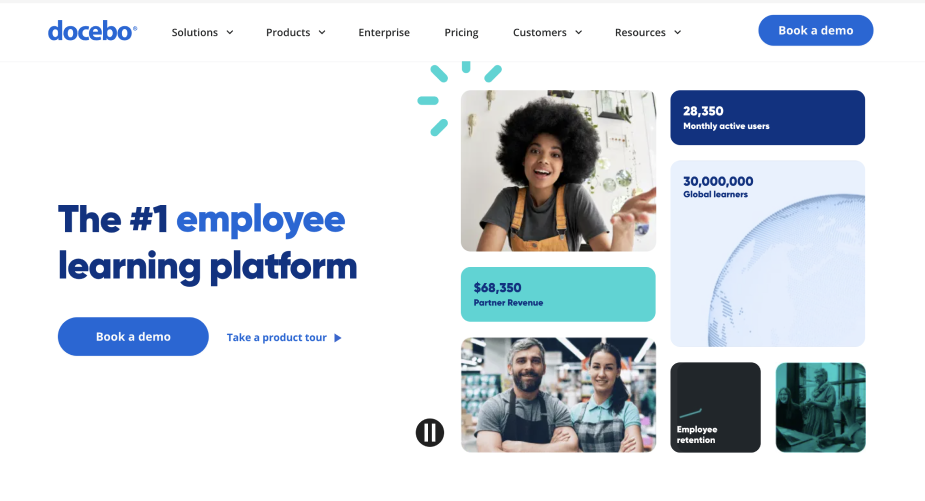
Docebo is a complete LMS offering strong Microsoft Teams and Azure integrations. It stands out with its AI-driven features, including content recommendations and user behavior analytics, appealing to enterprises aiming for advanced training programs.
- Best for: Large organizations and enterprises.
- Pros: Advanced analytics, powerful automation features, enterprise-grade functionality.
- Cons: Higher price point may limit accessibility for smaller businesses.
SAP Litmos
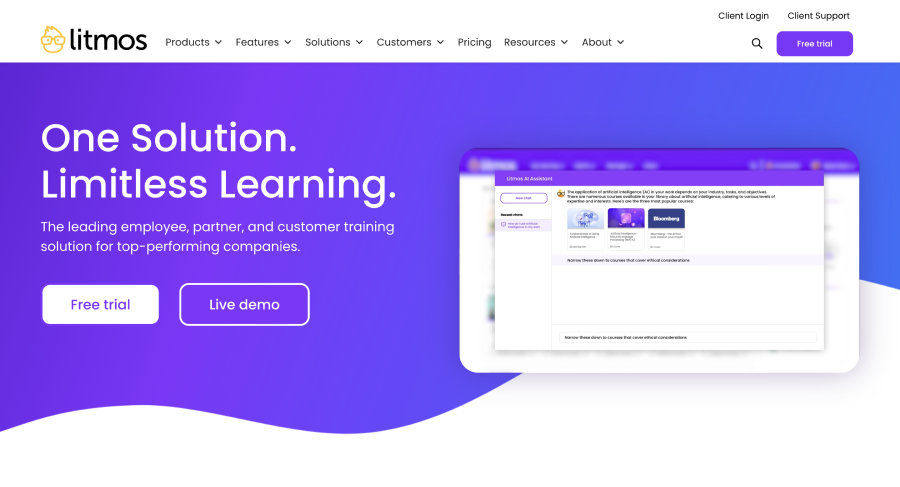
SAP Litmos integrates comfortably with Microsoft Teams and allows embedding PowerPoint presentations easily within courses. It's particularly suited for companies focused on compliance and corporate training, providing strong reporting capabilities.
- Best for: Corporate training, compliance management.
- Pros: Strong analytics, intuitive learner tracking, compliance support.
- Cons: Less flexible customization compared to some alternatives.
Blackboard Learn
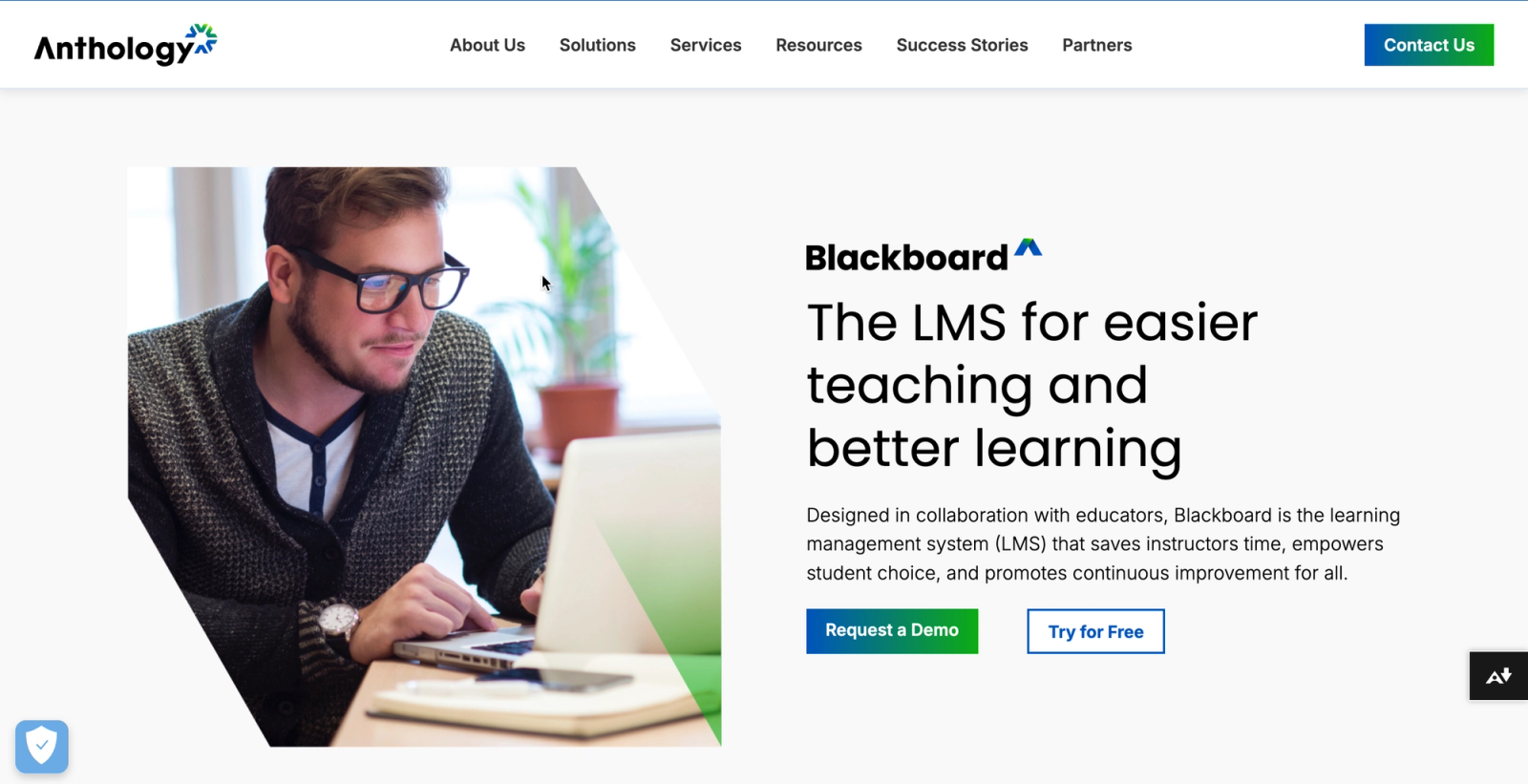
Blackboard Learn is a well-established LMS often used by higher education institutions. Its Microsoft 365 integration allows educators and students to collaborate using familiar tools. It supports assignments via Teams and easy access to OneDrive files, aligning well with educational workflows.
- Best for: Higher education institutions and K, 12 schools.
- Pros: Reliable reputation, strong academic-focused features.
- Cons: Less intuitive user experience compared to newer LMS alternatives.
Cornerstone OnDemand
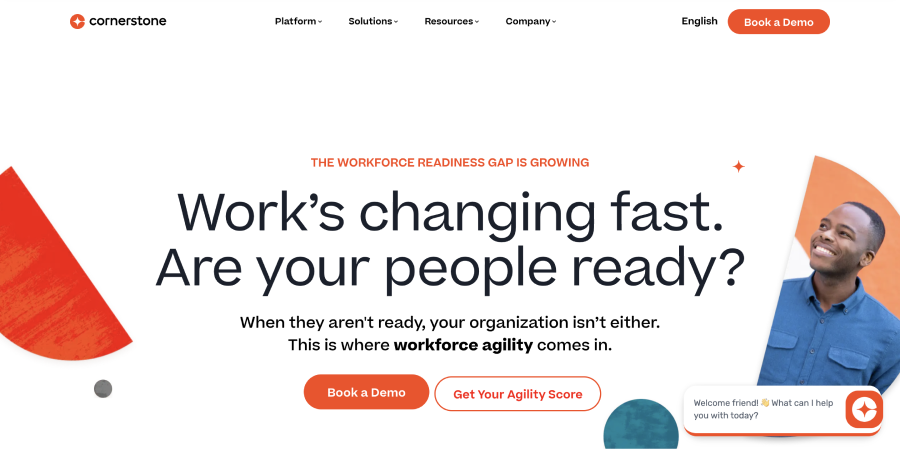
Cornerstone OnDemand provides a learning and talent management solution designed for large enterprises. With direct Microsoft Teams and Office 365 integration, it supports training initiatives at scale, including onboarding, compliance, and professional development.
- Best for: Large enterprises with extensive employee training needs.
- Pros: Advanced analytics, complete HR integrations, scalable performance.
- Cons: Complex implementation may not be suitable for smaller organizations.
How to Choose the Right Microsoft LMS
Selecting the right LMS to integrate with Microsoft tools depends on your organization's specific requirements. Here are key considerations to help you decide effectively:
Evaluate Your Current Microsoft Environment
Consider how extensively your organization uses Microsoft products like Teams, SharePoint, and Azure. An LMS with deeper integration into your existing workflow will result in smoother adoption and higher user engagement.
Identify Your Primary Use Case
Clearly define whether your LMS will primarily handle employee training, compliance, onboarding, or educational courses. Some platforms excel in corporate compliance, while others focus more on collaborative and academic learning.
Consider Your Organization’s Size and Scalability Needs
Larger enterprises typically benefit from platforms like Cornerstone or Docebo, which are built for complex organizational structures and large learner populations. Small and mid-sized organizations often find Teachfloor or TalentLMS a better match, capable Microsoft integrations at a price point that does not require a procurement committee.
Assess Technical Resources and Support
Determine whether you have the in-house expertise to manage a more customizable solution like Moodle, or if you need a platform that provides hands-on customer support and simpler setup.
Plan Your Budget Clearly
Pricing varies significantly among LMS solutions. Clarify upfront what features are essential to avoid paying for capabilities that won't be fully utilized.
Running through these questions before you evaluate vendors will narrow the shortlist quickly and prevent you from paying for capabilities your organization will not use.
FAQs about Microsoft LMS Platforms
What is the best LMS for Microsoft Teams?
Zensai is the most deeply integrated option, built exclusively for the Microsoft 365 environment. For organizations that want a broader feature set or lower price point, Teachfloor and TalentLMS both cover the core Microsoft integration requirements, Teams live sessions, Azure AD SSO, and Office 365 content embedding.
Does Microsoft have its own LMS?
Microsoft does not offer a dedicated LMS. Instead, it supports integration with several third-party LMS solutions such as Zensai, Moodle (with a Microsoft plugin), and Teachfloor, allowing users to connect these platforms directly into the Microsoft 365 stack.
Can I use Office 365 files within an LMS?
Yes, many LMS platforms compatible with Microsoft allow you to embed or upload Office 365 files, such as Word documents, Excel sheets, and PowerPoint presentations, directly into your courses. Platforms like Zensai, Teachfloor, and SAP Litmos excel in supporting these integrations.
What does Azure Active Directory integration mean for an LMS?
Azure Active Directory integration means that the LMS uses Microsoft’s identity management system, enabling Single Sign-On (SSO). It simplifies user management, improves security, and allows users to access LMS content smoothly using their existing Microsoft credentials.
What type of organizations benefit most from Microsoft LMS integrations?
Organizations already utilizing Microsoft 365 tools, particularly those heavily relying on Teams, SharePoint, and Azure AD, gain the most from LMS integrations. These integrations simplify training workflows, reduce complexity, and help learners adapt quickly due to familiar interfaces.
Is Moodle compatible with Microsoft Teams?
Yes, Moodle offers an official plugin enabling compatibility with Microsoft Teams. It allows Moodle users to access Teams meetings, use OneDrive for content sharing, and authenticate easily via Azure AD, making Moodle a practical choice for educational and corporate institutions familiar with Microsoft technologies.
Which Microsoft-compatible LMS is ideal for corporate compliance training?
SAP Litmos and Zensai are particularly strong platforms for corporate compliance training. They offer strong reporting, user-friendly dashboards, and integration with Microsoft Teams, facilitating easy content access and ensuring compliance requirements are effectively managed.
Can I schedule LMS training sessions directly within Outlook?
Several LMS platforms integrated with Microsoft, such as Zensai and Cornerstone OnDemand, support scheduling and synchronizing training sessions with Outlook calendars. This integration ensures learners and instructors receive automated reminders and notifications, improving attendance and participation.
Do Microsoft LMS platforms support mobile learning?
Most modern Microsoft-compatible LMS platforms, including TalentLMS, Teachfloor, and SAP Litmos, offer responsive designs or dedicated mobile apps. This support ensures learners can access course materials and participate in training sessions conveniently from their mobile devices.
How do Microsoft LMS platforms handle security and compliance?
Most Microsoft-compatible LMS platforms authenticate users through Azure AD, which means access policies, multi-factor authentication, and account lifecycle rules you already enforce in Azure carry over automatically. Data in transit is encrypted, and the leading platforms include GDPR-ready data processing agreements and audit logs that compliance teams can pull without needing LMS admin access.
Is it challenging to set up a Microsoft LMS platform?
Ease of setup varies by platform. Platforms like Zensai, TalentLMS, and Teachfloor typically offer straightforward implementation processes, while platforms like Moodle or Cornerstone OnDemand may require more technical resources or assistance for optimal setup and configuration.
Are there free Microsoft-compatible LMS platforms?
Moodle, an open-source LMS, offers a free option compatible with Microsoft Teams via a dedicated plugin. However, organizations need internal resources or paid external services for setup, customization, and maintenance, making it potentially less suitable for organizations without technical support.
Which Microsoft LMS offers advanced analytics and reporting features?
Enterprise-focused platforms such as Docebo, Cornerstone OnDemand, and SAP Litmos offer complete analytics, detailed reporting capabilities, and data visualization features. These platforms enable deeper insight into learner engagement, progress, and organizational training effectiveness.
Can a Microsoft LMS integrate with third-party applications?
Yes, many Microsoft LMS platforms support integrations beyond Microsoft products. Common third-party integrations include HR software (e.g., Workday, BambooHR), video conferencing tools (e.g., Zoom), and external content libraries, providing a more complete and flexible learning solution.
What are common pricing structures for Microsoft LMS platforms?
Microsoft-compatible LMS platforms typically offer pricing based on monthly or annual subscriptions, number of users, or specific feature sets. Enterprise-level solutions like Docebo and Cornerstone OnDemand often require custom quotes, while platforms like Zensai and Teachfloor offer more transparent, affordable pricing structures suited for SMBs and mid-sized organizations.


