
Introducing Reaction Buttons: Per-Lesson Satisfaction Ratings

We're excited to introduce Lesson Feedback, a new app that collects learner feedback on every lesson with a quick emoji rating and an optional comment. Instructors, admins, and owners get a clear Satisfaction Rate and the comments behind it, lesson by lesson.
The fastest way to improve a course is to find the lessons that are not landing. Lesson Feedback shows you exactly where to look.
What is Lesson Feedback?
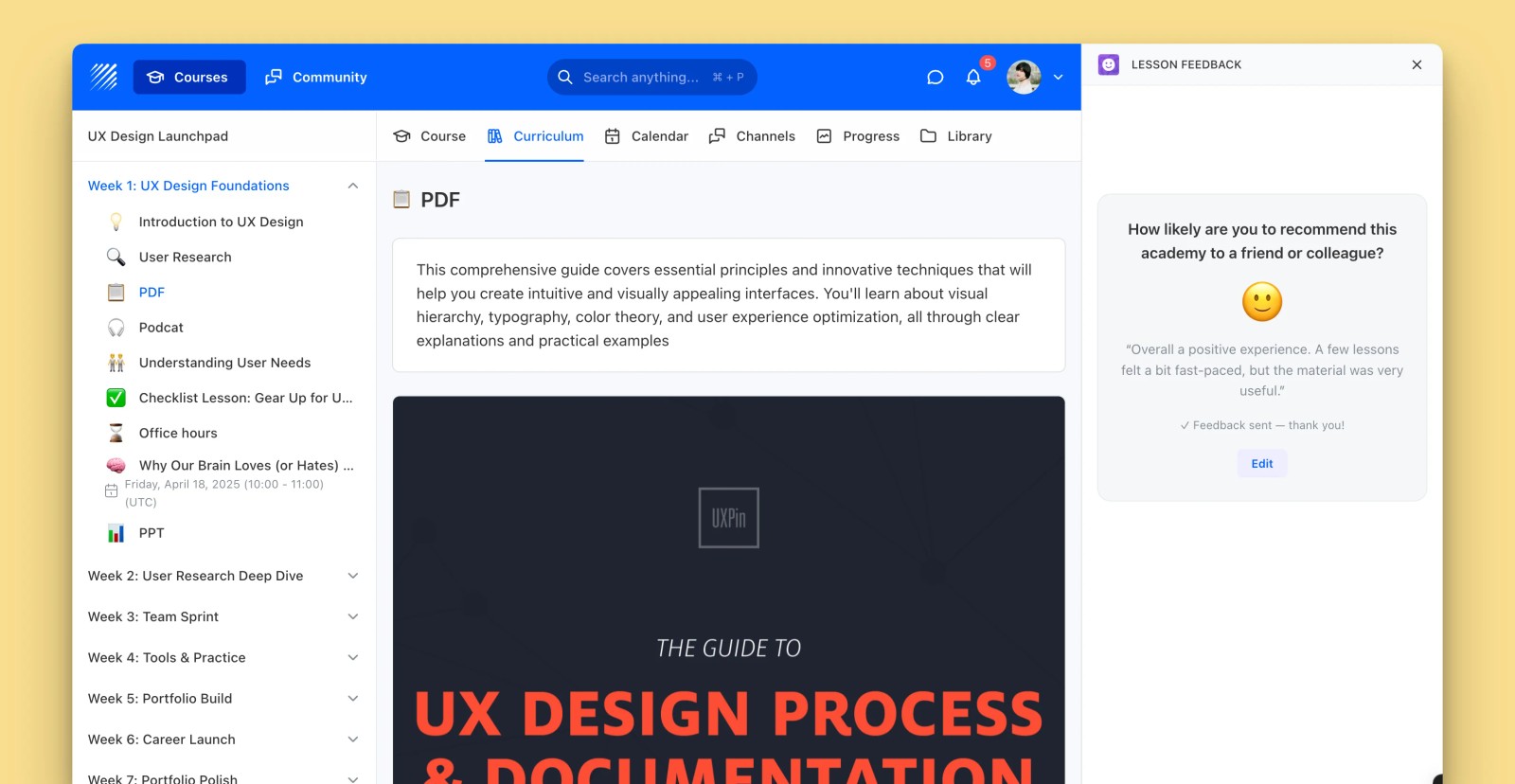
Lesson Feedback adds a lightweight rating to the end of each lesson. Learners react in a tap, and you get a per-lesson satisfaction score plus the written feedback that explains it.
Emoji ratings
Learners rate each lesson on a friendly five-point emoji scale, with an optional comment field that appears the moment they pick a reaction. The low-friction format keeps people responding.
Satisfaction Rate

Every rating rolls up into a single Satisfaction Rate for the lesson, color-coded so you can spot strong and weak content at a glance. Admins and instructors see it lesson by lesson.
Comments that add context
Read the written feedback behind the scores, each tied to the learner who left it. Use the comments to understand exactly what worked and what to improve in the next revision.
Why it matters
Lesson Feedback is perfect for iterating on course content, catching confusing lessons early, and showing learners that their input shapes the program. It turns gut feeling into clear, lesson-level data.
Get Lesson Feedback, available now in the Teachfloor App Marketplace.


