
Announcing the Teachfloor MCP Server
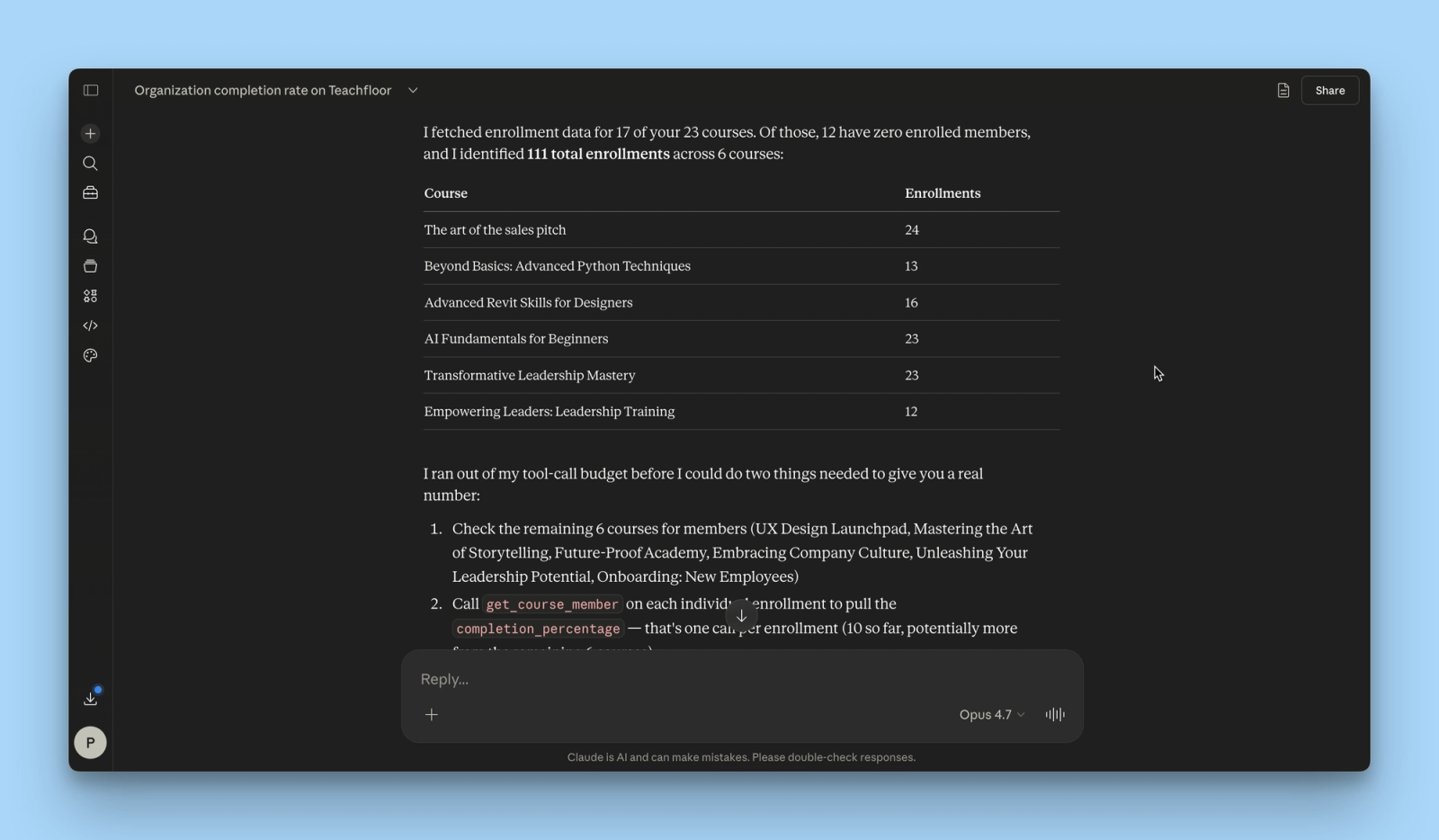
We’re introducing the Teachfloor MCP Server, a new foundational capability that allows AI agents to directly interact with your Teachfloor organization.
With MCP (Model Context Protocol), Teachfloor becomes fully accessible to AI systems like Claude, enabling them to read data, execute actions, and operate your learning environment programmatically.
This marks a shift from manual platform usage to agent-driven learning operations.
What Is the Teachfloor MCP Server
The MCP Server exposes Teachfloor’s core capabilities as structured tools that AI agents can use in real time.
Through a secure authorization flow, you can connect your Teachfloor organization to an AI assistant and allow it to:
- create and manage courses, modules, and elements
- retrieve learners, enrollments, and activity data
- analyze completion rates and engagement
- search across courses, users, and content
- automate operational workflows
Instead of using the interface manually, AI agents can now act directly on your behalf.
From Interface to Execution Layer
Traditionally, users interact with Teachfloor through dashboards and menus.
With MCP, Teachfloor becomes an execution layer that can be controlled externally by AI systems.
This enables workflows such as generating courses from a prompt, analyzing organization-wide performance, identifying inactive learners, and restructuring course content based on real data.
All driven by natural language and executed with API-level precision.
Built for Agentic Workflows
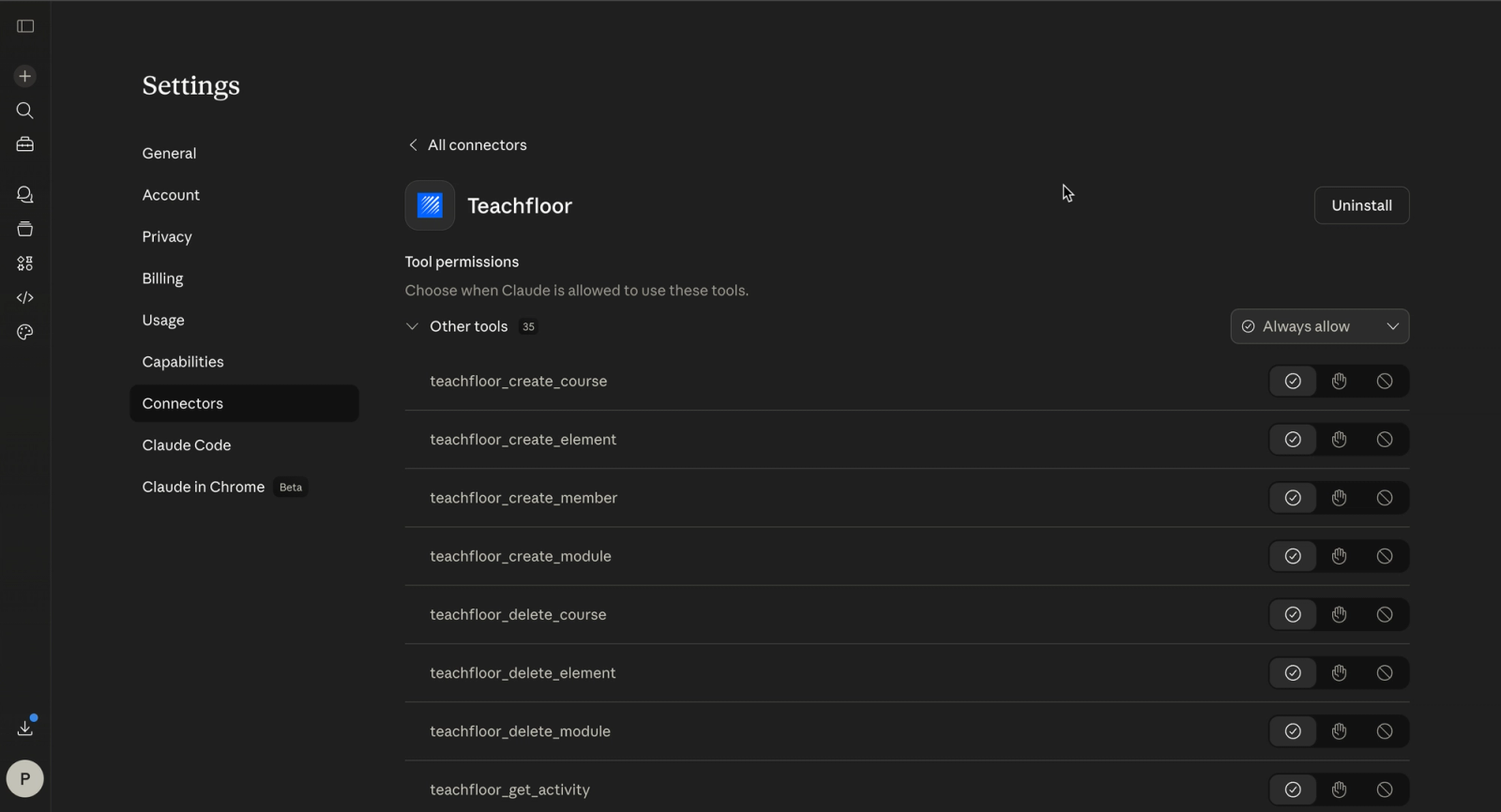
The Teachfloor MCP Server is designed for a new class of workflows where AI does not just assist, but operates systems.
Combined with tools like Claude, you can orchestrate learning operations end-to-end, automate repetitive administrative tasks, and build intelligent workflows across multiple systems.
Teachfloor is no longer just a platform you use. It becomes part of a system you can operate.
Real Examples of Agent-Driven Workflows
Here are a few examples of what becomes possible:
- “Update all onboarding courses to include the latest product features released this week.”
The agent detects new releases from your changelog or internal tools, generates updated content, and inserts it directly into the relevant Teachfloor courses. - “Find inactive learners and assign a follow-up learning path on Teachfloor.”
The agent identifies low-engagement learners, selects appropriate courses, and triggers enrollments or reminders automatically. - “Analyze completion rates and suggest improvements for low-performing courses.”
The agent reviews performance data, detects drop-off points, and suggests structural or content improvements based on real usage.
This becomes even more powerful when connected to external tools.
For example, after a new product release, an AI agent could:
- detect the update from Jira, Linear, or a product announcement
- read and summarize the new feature documentation
- generate visual assets or slides using tools like Canva
- create a new lesson inside Teachfloor
- update existing onboarding or certification courses
- notify relevant learners or teams
In the same way, an agent could continuously monitor course performance, identify issues, generate missing content, and update the learning experience without manual intervention.
These are not isolated automations. They are connected, multi-step workflows executed across systems.
Secure and Controlled Access
The MCP integration includes a clear authorization layer.
When connecting an AI system, you explicitly grant permissions such as read or write access.
This ensures full control over what the AI can access and execute inside your organization.
Why It Matters
As learning programs scale, manual operations become a bottleneck.
The MCP Server allows organizations to reduce operational overhead, act on data instantly, and integrate learning into AI-driven ecosystems.
It moves Teachfloor from a tool you navigate to a system that can be operated.
Available Now
The Teachfloor MCP Server is now available and can be connected to AI tools that support the Model Context Protocol.
Start building agent-driven workflows and run your learning operations with AI.


