


The best LMS for small business in 2026 is one that fits a 5–50 person team, doesn't price you out as you grow, and runs courses, live sessions, and community without a developer. We tested seven platforms — Teachfloor, TalentLMS, LearnDash, Moodle, Canvas, Google Classroom, and Tovuti — on pricing, ease of setup, and fit for real small-business use cases. Here are the picks, the trade-offs, and how to choose.
Last updated: June 2026. We refresh this list quarterly based on vendor updates, G2 and Capterra reviews, and direct platform testing.
The best LMS for small business at a glance
Skip the pitch decks. Here's how the seven platforms compare on the four decisions a small business actually makes: who it's built for, what it costs to start, whether you can try before you buy, and the single feature that separates it from the rest.
| Platform | Best for | Starting price | Free trial | Standout feature |
|---|---|---|---|---|
| Teachfloor | Cohort, peer, and live training programs | From $89/mo (Startup plan, up to 50 learners) | Yes — free 14-day trial | Built-in cohorts + community + live sessions |
| TalentLMS | All-purpose corporate training, simple admin | Free up to 5 users; paid plans start ~$89/mo | Yes — free forever for 5 users | Clean UI + customizable branding |
| LearnDash | WordPress sites monetizing courses | From $199/yr (one site) | No — 30-day refund | Deepest WordPress + WooCommerce integration |
| Moodle | Open-source flexibility, no software budget | Free (self-host) — hosting costs extra | Yes — free forever, you host | Largest plugin ecosystem of any LMS |
| Canvas LMS | Course-creator solo educators + small schools | Free for 1 teacher; paid plans on quote | Yes — Canvas Free for Teachers | Polished gradebook + assignment workflows |
| Google Classroom | Teams already on Google Workspace | Included with Workspace ($6+/user/mo) | Yes — included with Workspace trial | Native Drive, Calendar, and Meet integration |
| Tovuti LMS | Engagement-heavy ILT and product training | From ~$895/mo (50 users) | Yes — guided demo + free trial | 40+ interactive engagement modules |
What to look for in an LMS for small business
Most LMS comparisons over-index on enterprise features that small businesses never use (SCORM compliance, multi-tenant admin, custom AI models). For a 5–50 person team, the decision usually comes down to six questions. The platforms that win the small-business segment are the ones that answer most of them with a confident yes.
- Pricing that scales with usage, not with seat-bloat. If you pay per learner from day one, growing your program penalizes you. Look for free tiers, per-cohort pricing, or generous starting seat counts.
- Setup you can finish in a week, not a quarter. SMBs don't have an L&D implementation team. The platform should let one person launch a course without a developer or a 30-page setup PDF.
- Native live training, not a Zoom bolt-on. If you'll run any live sessions (workshops, AMAs, office hours), built-in scheduling + auto-recording removes hours of admin per week.
- A real community layer. The biggest difference between training that sticks and training that gets abandoned is whether learners can talk to each other. A built-in community beats a separate Slack workspace every time.
- Branding without the agency invoice. Custom domain, your logo, your colors, your certificate template — included, not a $5,000 add-on.
- Reporting your stakeholders actually read. Completion rates per cohort, engagement signals, exportable CSVs for the board deck. If you need a Tableau license to read the dashboard, the LMS is too big for you.
The 7 best LMS for small business in 2026
Here's our take on each platform — what it's genuinely good at, where it falls short, and the kind of small business it fits best.
1. Teachfloor — Best overall for small businesses running structured programs

Teachfloor is a cohort-based learning platform purpose-built for small businesses, course creators, and L&D teams running structured training programs — not just dumping videos in a library. It combines course delivery, live sessions, peer review, community, and certification in one platform, so you don't stitch together Zoom + Slack + a course tool + Stripe.
Best for: Small businesses running cohort-based courses, customer education academies, partner enablement, and any program where engagement matters more than passive video completion.
Pricing: Startup plan from $89/month for programs up to 50 learners. Full Features plan adds white-label, multi-branch, and dedicated success support — pricing on quote. 14-day free trial, no card needed.
Pros
- Cohort-based, peer-driven structure native — not an add-on.
- Live sessions integrated with Zoom, Teams, and Google Meet. Auto-recording, scheduling, attendance.
- Built-in community: channels, discussions, member directory.
- White-label included on Full Features: custom domain, branded certificates, email templates.
- Stripe-powered course sales + memberships out of the box.
- SOC 2 + ISO 27001 certified, GDPR-aligned (rare at the small-business price point).
Cons
- Less suited to pure asset-library use cases (where you just need to host 500 onboarding videos with no live or peer component).
- AI authoring tools are newer than competitors that have shipped AI for several years.
If you're running a structured training program — customer academy, partner enablement, leadership cohort, or product certification — start with the Startup plan and grow into Full Features as you scale.
2. TalentLMS — Best for all-purpose small business training
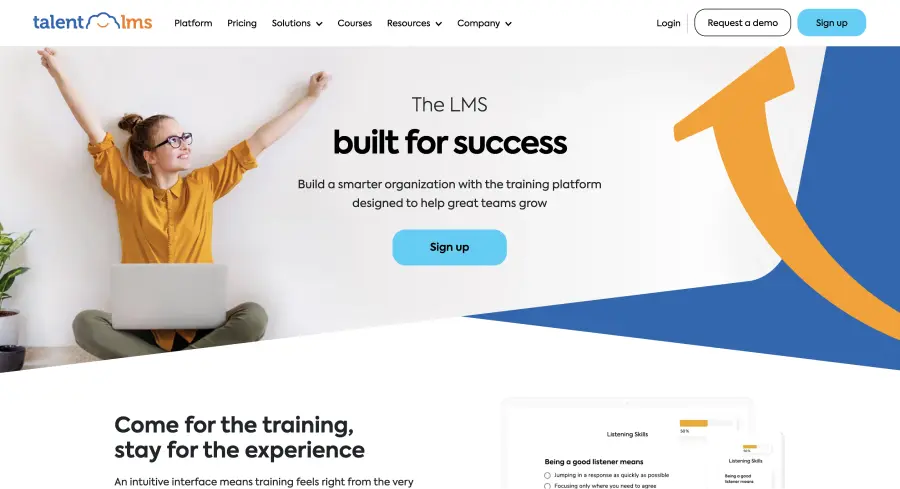
TalentLMS is a Greek-built, broadly capable LMS that's been a small-business favorite for over a decade. It's the kind of platform you can hand to a non-technical operations manager and trust them to launch employee onboarding without an outside consultant.
Best for: General-purpose corporate training: compliance, onboarding, soft-skills training. Especially strong for businesses that want "set it and forget it" course delivery.
Pricing: Free forever for up to 5 users and 10 courses. Paid plans start around $89/month (Starter, 40 users) and scale via seat count to Plus and Premium tiers.
Pros
- Free tier is genuinely usable — not a 7-day trial in disguise.
- Setup is fast — average admin gets first course live in under a day.
- Custom domain + branding on every paid tier.
- Decent reporting dashboard for completion and engagement.
Cons
- Live training, peer review, and community are weaker than purpose-built cohort platforms.
- Price climbs quickly above the 100-learner mark.
- UI is functional but starting to feel dated compared to newer entrants.
3. LearnDash — Best for WordPress-native course businesses
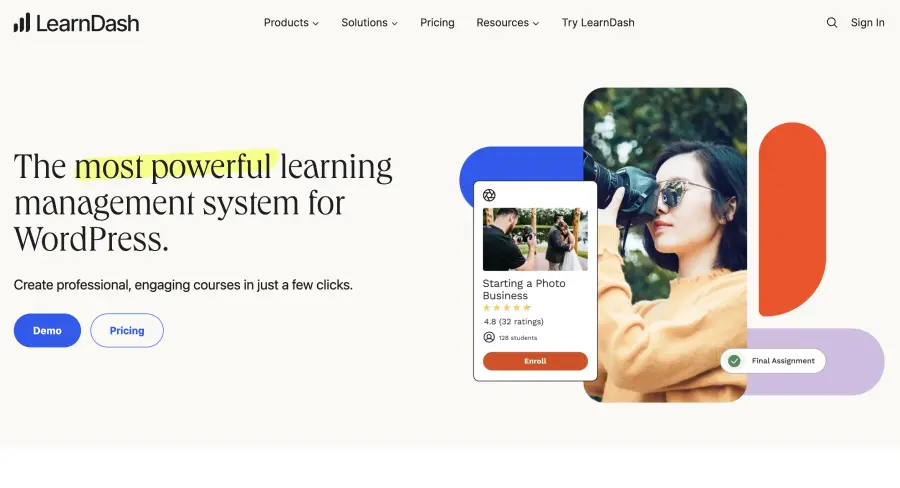
LearnDash is a WordPress LMS plugin. If your website is already on WordPress and you sell courses to the public (online course business, membership site, creator-led education), LearnDash gives you the deepest native integration of any small-business LMS on this list.
Best for: Course creators, coaches, agencies, and businesses already running on WordPress + WooCommerce that want to monetize courses without adding a separate platform.
Pricing: From $199/year for a single site (course-creator plan). No free trial, but offers a 30-day refund.
Pros
- Native WordPress integration — content, users, payments all live in one stack.
- WooCommerce, EDD, and Stripe payment integrations work out of the box.
- Flexible quiz engine and certificate builder.
- One-time annual fee, no per-learner scaling.
Cons
- Only viable if your site is WordPress — porting to LearnDash later is painful.
- Live sessions and peer-driven learning require third-party plugins.
- Performance scales with your WordPress hosting — fragile under heavy concurrent learner load.
4. Moodle — Best free, open-source LMS for small business
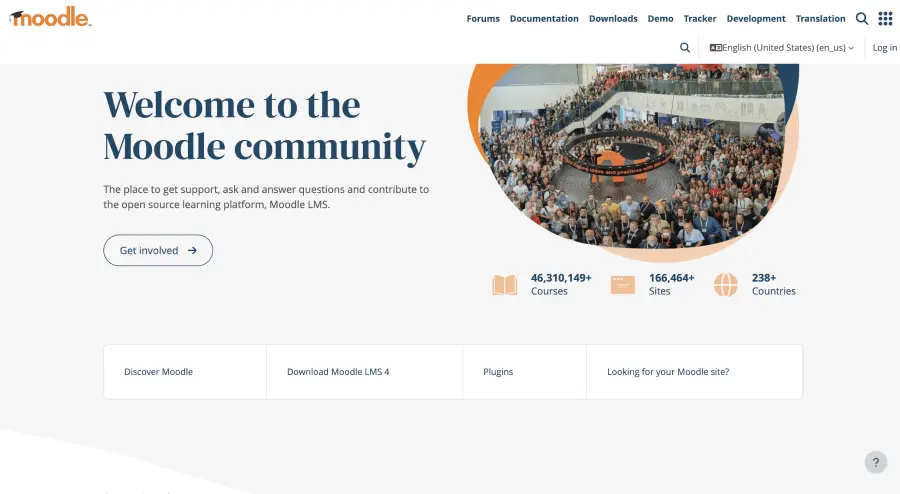
Moodle is the world's most-deployed LMS — used by universities, governments, and millions of teachers globally. For a small business with technical talent and a zero software budget, Moodle is unbeatable on flexibility. For most non-technical small businesses, it's a trap.
Best for: Small businesses with internal technical capacity (developer, IT lead) that need deep customization and want to avoid SaaS pricing.
Pricing: Free to self-host (you pay for hosting, ~$10–50/month for a small site). MoodleCloud SaaS hosting starts around $130/year.
Pros
- Free, open-source, and customizable to the underlying database.
- Largest plugin ecosystem — thousands of community plugins for niche use cases.
- Excellent for compliance-heavy training (full audit logs, SCORM support, granular reporting).
- No vendor lock-in: you own the data and code.
Cons
- Setup, updates, and security patches require technical staff — not realistic for non-technical small businesses.
- UI is dated and steep for first-time learners.
- Out-of-the-box community and live training features lag SaaS competitors significantly.
5. Canvas LMS — Best for course-creator solo educators and small schools
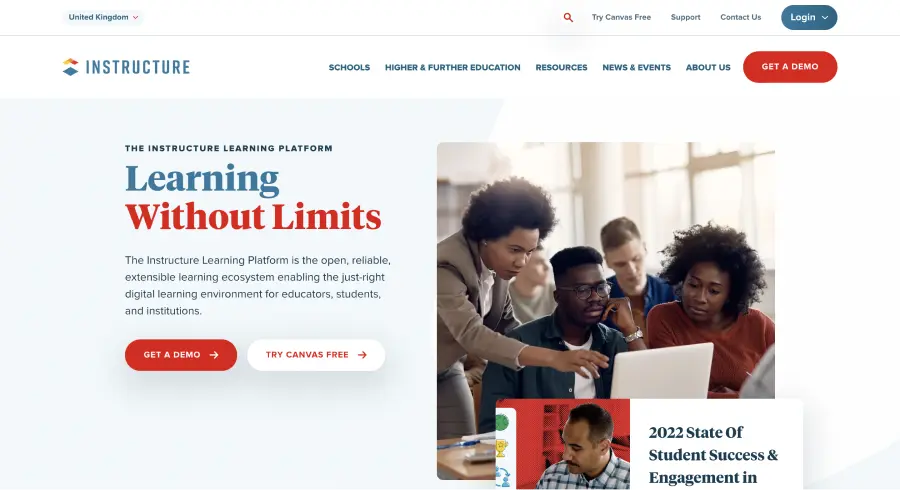
Canvas, built by Instructure, dominates higher education and is steadily expanding into corporate training. For a single educator or a small school running a handful of structured courses, Canvas Free for Teachers is one of the most generous offerings on the market.
Best for: Solo course creators, micro-academies, and small training providers running academic-style courses with assignments, gradebooks, and structured feedback cycles.
Pricing: Canvas Free for Teachers (one instructor, unlimited learners). Business and enterprise pricing on quote.
Pros
- Polished gradebook + assignment workflows — far above corporate-LMS norms.
- Strong rubric-based peer review and group assignments.
- Free tier is permanent, not a trial.
- LTI 1.3 integration with most edtech tools.
Cons
- Academic UX feels heavy for short, business-focused training.
- Native commerce and white-label branding require Business tier (significant cost jump).
- Community + live sessions are bolt-on, not native.
6. Google Classroom — Best for teams already on Google Workspace
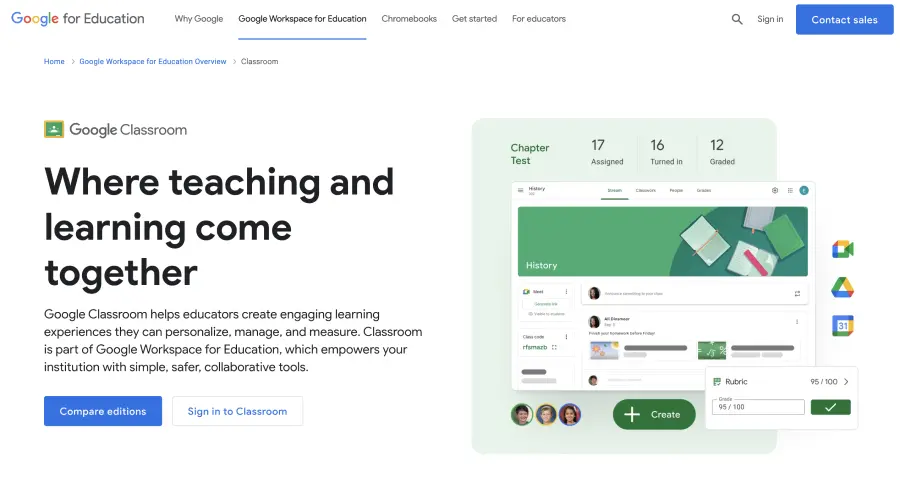
Google Classroom is technically a K-12 product, but a surprising number of small businesses use it for internal training because it's free with Google Workspace and everyone already knows how to use it.
Best for: Small businesses already on Google Workspace running informal internal training, onboarding, or knowledge sharing.
Pricing: Included with Google Workspace (starts at $6 per user per month for Business Starter).
Pros
- Zero learning curve if your team already uses Gmail, Drive, and Meet.
- Native integration with Drive (files), Calendar (sessions), and Meet (live).
- No additional software cost on top of Workspace.
- Mobile apps are excellent.
Cons
- Built for K-12 — features like grade levels and "classes" feel awkward in a business context.
- No native commerce, white-label, or certification.
- Reporting is shallow — fine for visibility, weak for stakeholder readouts.
- If you ever need to migrate off Google, the data export is messy.
7. Tovuti LMS — Best for engagement-heavy training programs
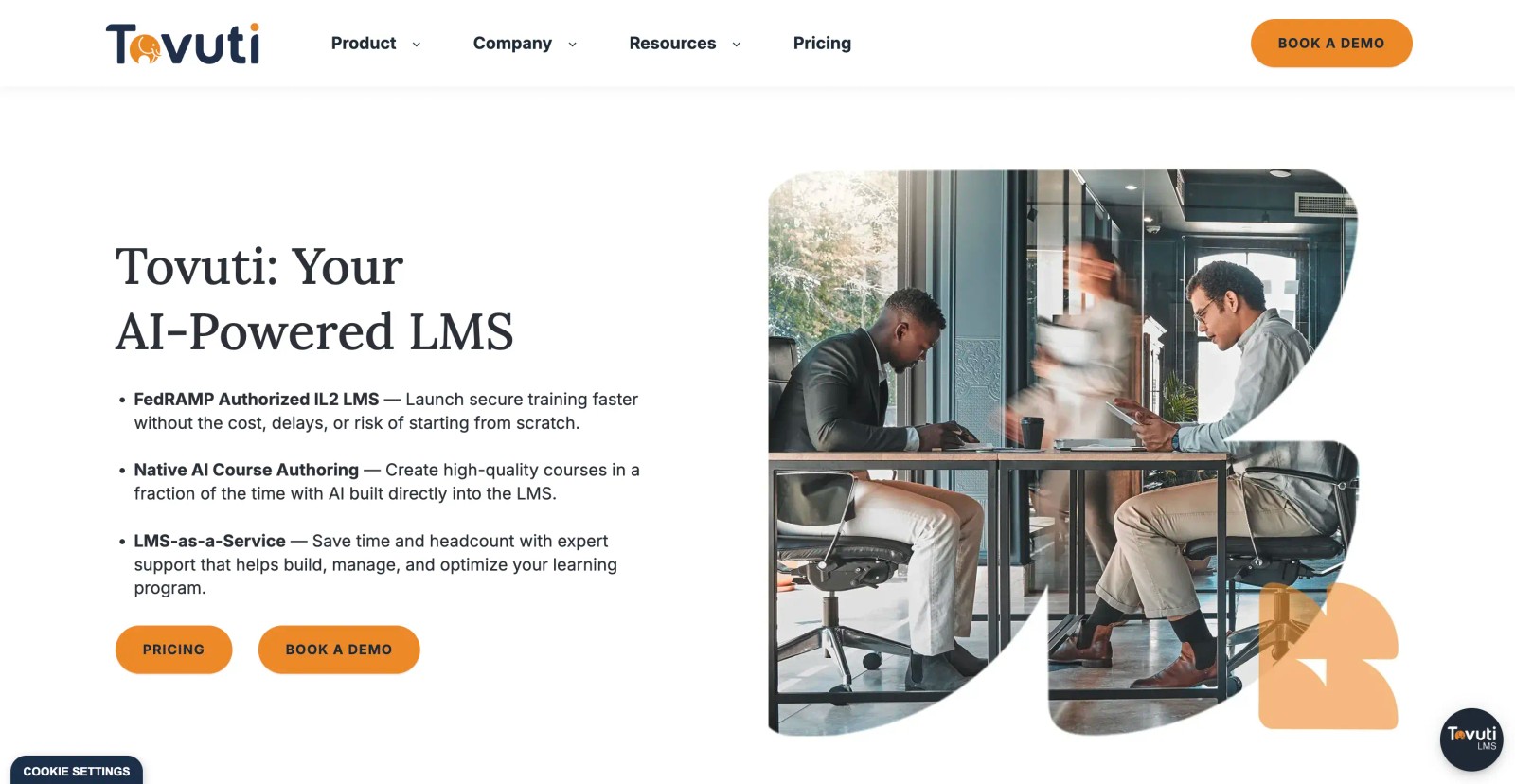
Tovuti positions itself as the "engagement engine" of LMS platforms — 40+ interactive content modules (flashcards, quizzes, branching scenarios, interactive video) built directly into the authoring tool. Best for small businesses that take instructional design seriously.
Best for: Small businesses running highly interactive product training, customer education, or technical certifications where passive video isn't enough.
Pricing: Starting around $895/month for 50 users. Custom enterprise pricing for larger seat counts.
Pros
- Industry-leading content authoring — interactive modules without a third-party tool.
- Strong gamification (badges, leaderboards, points).
- Multi-portal architecture (one platform, multiple branded learner audiences).
Cons
- Pricing is the steepest entry point on this list — not realistic for under-25-learner programs.
- Live training and community layers are weaker than the authoring side.
- Setup and best-practice rollout take longer than the SMB-friendly competitors.
How we picked
We started from public small-business and L&D communities — r/elearning, G2 SMB reviews, LinkedIn L&D discussions, and Reddit threads about real deployment experiences. We then evaluated each shortlisted platform against six concrete criteria a small business actually faces.
- Time-to-first-course: how long from signup to a course a learner can actually enroll in.
- Total cost of ownership across the first 12 months at a 25-learner team size.
- Whether key features (live training, community, branding, reporting) are native or require add-ons.
- Public review sentiment on G2 and Capterra (filtered for small-business reviewers).
- Documented case studies from companies under 100 employees.
- Vendor stability — funding, customer count trajectory, and recent product velocity.
We did not include platforms that target only enterprise customers (Cornerstone, Docebo Enterprise, Workday Learning), platforms with no public pricing or self-serve onboarding, or platforms that haven't shipped a meaningful product update in the past 18 months.
FAQ: Best LMS for small business
What is the best LMS for a small business?
For most small businesses running structured training programs — customer academies, partner enablement, onboarding cohorts, leadership development — Teachfloor is the best overall pick because it combines course delivery, live sessions, peer learning, and community in one platform without developer effort. For pure WordPress course businesses, LearnDash is the natural choice. For Google-Workspace-native teams running informal training, Google Classroom is hard to beat on price.
How much does an LMS cost for a small business?
A small-business LMS typically costs between $0/month (Moodle self-hosted, TalentLMS free tier, Google Classroom with Workspace) and $1,000/month (Tovuti, larger TalentLMS plans). Most paid platforms targeting small businesses start in the $89–199/month range for 25–50 learners. Expect pricing to increase substantially when you cross 100 active learners.
Do small businesses need an LMS?
If you train customers, partners, or employees more than ad-hoc, yes. The alternative — scattered Google Docs, recorded Zoom calls in Drive, and tribal knowledge — collapses around the 10–20 person mark. An LMS centralizes the curriculum, tracks completion (for compliance and onboarding), and lets you scale training programs without manually reinventing them for every cohort.
Is Google Classroom enough for a small business?
For informal internal training where you just need a place to share course materials, post assignments, and run a discussion — yes, especially if you're already on Google Workspace. For anything customer-facing, branded, or commerce-enabled (selling courses, issuing certifications, collecting payments), Google Classroom won't get you there. Its K-12 DNA shows.
Free vs paid LMS — which is right for a small business?
Free LMS platforms (Moodle, TalentLMS Free, Google Classroom) work well for small businesses with technical staff (Moodle), tiny learner counts under 5 (TalentLMS Free), or internal-only use cases (Google Classroom). Paid platforms become worth it the moment you need branding, commerce, live sessions at scale, or stakeholder-grade reporting. The break-even point is usually around 10–15 active learners or the first paid customer using the platform.
What is the easiest LMS for non-technical small business owners?
TalentLMS and Teachfloor are consistently rated as the easiest setup experiences on G2 small-business reviews. Both let a single non-technical admin launch a first course within a day. Moodle is the opposite end of the spectrum — flexible but requires technical capacity. LearnDash sits in the middle: easy if you're WordPress-fluent, frustrating if you're not.
How long does it take to set up an LMS for a small business?
For SaaS platforms with self-serve onboarding (Teachfloor, TalentLMS, Google Classroom), expect to launch your first course in 1–5 business days, including branding setup and learner invitations. For platforms requiring more configuration (Canvas Business, Tovuti), allow 2–4 weeks. Self-hosted Moodle realistically takes 4–8 weeks including hosting setup, theming, and plugin installation.
Our final pick
If you're running any kind of structured program — customer academy, partner enablement, onboarding cohort, or paid course business — start with Teachfloor's Startup plan ($89/month, up to 50 learners). It's the only platform on this list that treats cohort-based, peer-driven training as a first-class capability rather than an add-on — and that's where engagement and completion rates actually live for small-business learning programs.
If your training is mostly compliance or onboarding videos with light engagement, TalentLMS or LearnDash are honest alternatives. If you're already on Google Workspace and just need a place to share materials, Google Classroom will save you money. For everyone else, we'd recommend starting with our free 14-day trial — no credit card needed.


![12 Best Learning Management System Examples [2025]](/_next/image?url=https%3A%2F%2Fcdn.sanity.io%2Fimages%2Fl9t3o6uq%2Fproduction%2F36b92be52c0679b8a0cda6cb2ac63c44fe271d15-900x601.heif%3Frect%3D0%2C48%2C900%2C506%26w%3D800%26h%3D450%26fit%3Dcrop&w=3840&q=75)


