

Want to know how top-performing schools design their students' learning experiences? Many of them rely on a model called "community-based learning," and it has since become one of the most effective ways to learn online.
The model originated in academic institutions long before it became popular in digital learning. Top schools built community-based learning into their curriculums to activate creativity, critical thinking, and engagement among students.
Brown University’s signature program called “Engaged Scholars Program” is just one of the best examples of how top-performing institutions are integrating community-based learning into their curriculum. Together with their peers, students are encouraged to engage with the community to address social issues. Therefore, they are exposed to real-world scenarios not just inside the classrooms.
From Offline to Online
Community-based learning grew in the digital world partly because of the limits of MOOCs. When self-paced learning proved unreliable at keeping learners accountable for their progress, online learning communities started to flourish. This is one reason social learning has become central to how people learn online.
At its core, community-based learning means learning alongside a like-minded group on topics each member cares about. Learning communities create accountability for each member's learning journey, much like peer learning does.
Due to the high effectiveness of this model, many industries have adopted it from digital schools to high-performing organizations. L&D teams carried out learning communities into their internal teams to create a highly collaborative learning environment for their workforce.
In this article, we will tackle the most popular online learning communities and their revenue models so you can operate yours successfully. The major topics that we will cover are:
- How has community-based learning evolved in the digital world
- The difference between community-based vs cohort-based learning
- Payment structure with case studies
- How to build a successful community-based learning program, step by step
Community-based vs Cohort-based: The difference
Due to the conceptual similarities between both models, people think they are the same. Not at all. Although both of them are focused on learning groups, and encourage collaboration & knowledge-sharing among members, there are major differences that you should know:
- Community-based learning is centered around a particular community—virtual or in-person- while cohort-based learning focuses on a class, section, or program.
- Learning communities are often more informal, self-directed, and continuous where students take the lead to achieve their learning goals. Meanwhile, cohort-based courses are usually structured and guided by a curriculum and are time bound.
- While cohort-based courses are skill-building programs, learning communities focus on real-world problem-solving and experiential learning.
Nowadays, cohort-based courses form their online communities to implement a more blended approach (asynchronous and synchronous) for their students. On the other hand, learning communities create cohort-based courses or event series inside their communities to encourage skill-building.
| Dimension | Community-based learning | Cohort-based learning |
|---|---|---|
| Centered on | A community (virtual or in-person) | A class, section, or program |
| Structure | Informal, self-directed, continuous | Structured, curriculum-guided, time-bound |
| Who leads | Members take the lead | Guided by an instructor or facilitator |
| Main focus | Real-world problem-solving and experiential learning | Skill-building toward a defined outcome |
| Best starting point | You already have an audience | You have domain expertise and content |
Either way, both models work. It's mostly a matter of what you already have to get started. If you have an audience, start with a community-based learning model. If you have domain expertise and content materials, start with a cohort-based course instead. Teachfloor supports both, since community and cohort learning live on the same platform.
Key Strategies to Build Your Community-Based Learning Program
Define your learning community’s purpose and ideal member
Begin by defining your "why" or the reason behind building a community. What is its purpose, and how will your community serve its members? How do you visualize the community, and what kind of impact would you like to create?
Once you have determined your purpose, the next question would be, "who is it for?" Identify your ideal member's interests, characteristics, skills, and values.
Most of the time, the community builder mirrors the ideal persona of the community. Community leaders build communities that align with their interests and domain expertise. They select the kinds of people they want to work and learn with.
If you are building this with a small group that will become the founding members of your community, involve them in the process. The value of a community lies in collaboration and doing things "together," which is exactly what a collaborative learning platform is built to support.
Target on hyper-niche market
Focusing on a niche group can help differentiate your community from others, and it can also help you create hyper-focused and relevant content that your members would benefit from the most.
Determining your market's demographics, geography, and psychographics can help you narrow it down. If you think targeting a hyper-niche market will make it difficult to find members, then you are wrong. On the contrary, hyper-niche groups sell well. It helps you find the community-market fit. Members are likely to be active and stay longer in the community they loved.
Brand your community platform
After defining your purpose & ideal member, and exploring your niche market, it's time to get started by creating your account on Teachfloor.
Create your account on Teachfloor
Sign up to access your platform on Teachfloor, which you can navigate for free for 15 days. You will have access to all the features, from the curriculum builder to the built-in community. Continue reading to learn how to set this up.
Set up your brand
Before anything else, let's set up your brand. Setting up your brand will give you the feeling that you have a learning platform named after your community. This creates momentum. So first, go into 'settings' -> 'customize'. Here are the things you can do:
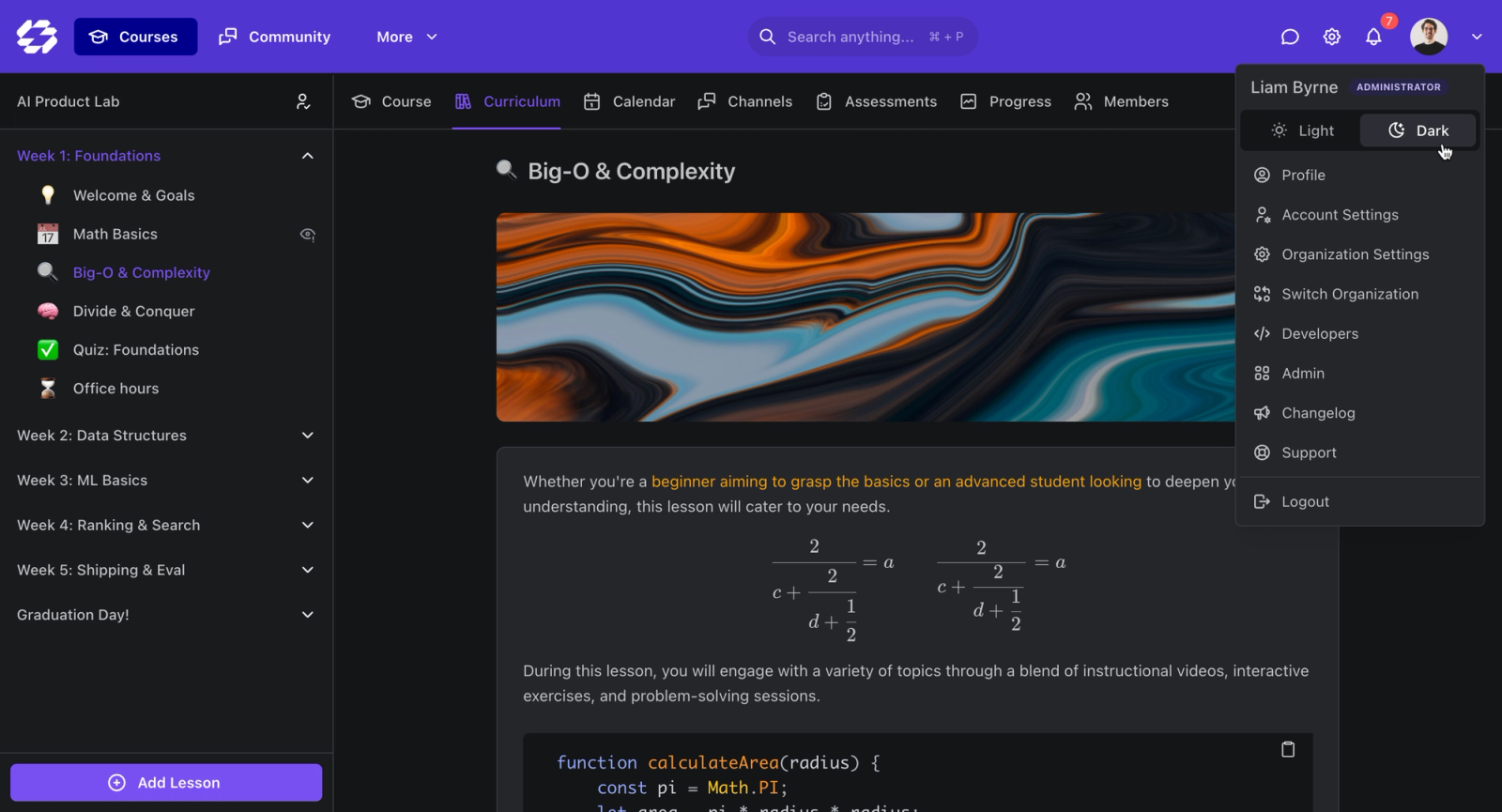
- Connect your custom domain to your platform
- Upload your logo as an icon and favicon
- Set up your primary colors
- Write the heading and subheading to captivate your audience
Don't forget to click 'save.' You can use Canva to create logos and designs quickly!
Choose Your Payment Structure (With Case Studies)
Now, let’s move on to the most important strategy in creating your learning community—choosing your payment structure. In other words, let’s pick your revenue model.
Since community-based learning is a continuous model, its revenue usually revolves around membership subscriptions. Let's walk through different payment structures with examples from popular online learning communities on the web.
Membership Subscription Model
Subscription plans also work in learning communities. For example, have you tried subscribing to Notion’s subscription plan? Can you choose a plan based on how you will use Notion—is it for personal use? For small teams? For enterprise? Should you pay monthly or annually? This isn’t different from how learning communities structure their payment models. Let us take a look at these examples:
Smart Passive Income
Smart Passive Income by Pat Flynn offers a learning community for aspiring, new, and established entrepreneurs who want to widen their network and surround themselves with a support system. SPI Academy provides access to a learning community, self-paced courses, workshops, and a 4-8 week cohort-based accelerator program.
Source: Smart Passive Income Academy
SPI Academy modeled its membership plan into three tiers according to its customer segmentation: a basic plan for new and aspiring entrepreneurs, an All Access Pass for experienced entrepreneurs, and a Pro plan for established entrepreneurs. They charge per quarter and annual billing. If you have a community with different learning levels, then try mimicking the SPI Academy’s strategy.
Nesslabs Community
Another example of a community with annual plans is Nesslabs, a learning community for knowledge workers who want to learn with others about mindful productivity. Nesslabs only has one option: an annual membership for $49. Once you join, you will have access to its seasonal Masterclass or cohort-based courses, monthly virtual meetups, and exclusive deals & resources you will only find inside the community.
Source: Nesslabs Community
Interaction Design Foundation
Learning communities aren’t only for professionals but also for students and career shifters who want to learn a specific skill.
Source: Interaction Design Foundation
Interaction Design Foundation packaged its learning community into two plans: the Professional plan, where you only need to pay $10, and you can learn with 150,000 community members plus unlimited access to its meetups, workshops, certifications, and online masterclasses.
The other plan is the Design League plan for $200. The only difference between these two is you will have a personal coach when you purchase the Design League plan.
Brainstorm Road
Brainstorm Road played around with its business model by offering membership for digital creators who want to get things done with like-minded groups. They literally mix the cohort-based feature of time-bound and the essence of community-based learning of being self-directed and highly accountable to each other.
Source: Brainstorm Road
The membership will last for six months, a perfect duration to create the foundation of your passion project.
Free-to-Paid Model
The free-to-paid model is prominent in tech communities. In some cases, these learning communities offer free self-paced courses rather than free community access. If you want to access the learning community, live courses, and event series, a paid plan is waiting for you.
Free-to-paid business education
Another way to structure payment is a free-to-paid model. A common pattern in business education is to let prospective members watch the first lesson of every course for free. If they find it useful, they upgrade to an annual plan that unlocks the community, live workshops, and sprints.
Source: free-to-paid business education community
This pattern works well for communities that want to make high-quality education accessible and affordable. For learners who cannot commit to an executive MBA, an annual membership offers a way to learn from experienced professionals at a fraction of the cost.
Crypto College
Lastly, smart community leaders go beyond traditional payment methods. Greg Isenberg, the founder of Crypto College, built a learning community for web3 and crypto enthusiasts to learn together. On top of that, he offers seasonal courses which he teaches himself.
Source: Crypto College
The learning community in Discord is free. However, if you want to learn more about crypto and attend his live classes, you can purchase his paid plans by minting digital money.
AUTOMATED PAYMENT COLLECTION
Automated payment collection
Set up the payment system based on your chosen revenue model and connect it to your Stripe account. Once it is live, payments are collected automatically so you can focus on your members instead of chasing invoices.
Setting up your community space
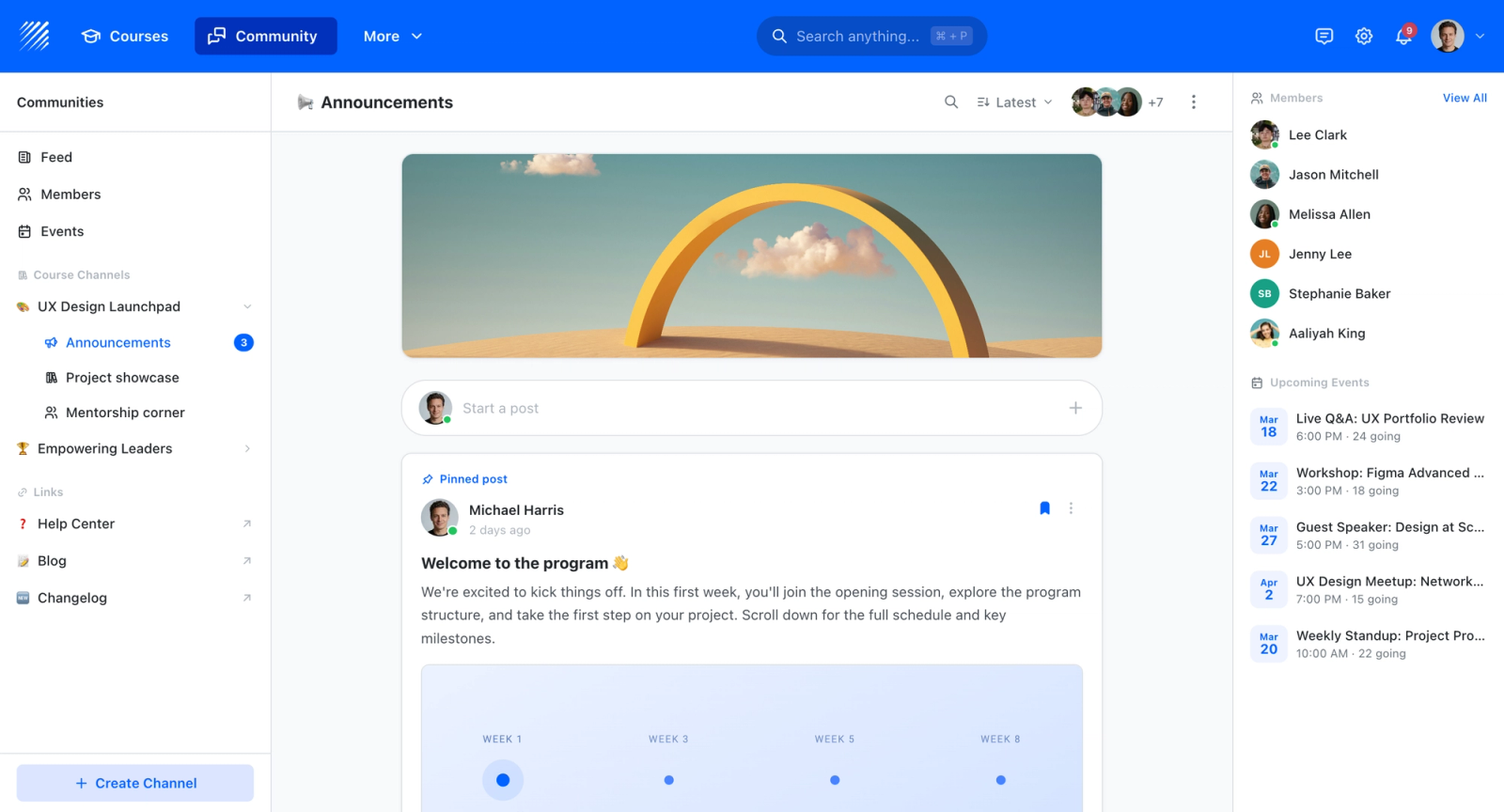
Now for the highlight: the community space. Community-based learning cannot work without one. Teachfloor is an all-in-one platform with a built-in community feature that sits right next to the curriculum builder, so learning and community live together instead of in two separate tools. This is the core reason Teachfloor is built for community-based learning: the community is native to the platform, not bolted on through a separate chat app.
It works like a chat tool such as Slack, with channels, student walls, reactions, a member directory, direct messaging, and group chat. The difference is that everything lives inside the same platform as your courses, so you don't need a second app to run your community. That is what makes social learning platforms like Teachfloor stand out from a generic course tool paired with Slack.
Unlimited Storage
Teachfloor offers unlimited storage on all plans. Unlike Slack, you won't pay extra to store community conversations, shared resources, and content. Everything stays in one place for as long as you subscribe. Building a community on Teachfloor is straightforward, and the steps below walk you through it.
Building community channels
When you create your community, make sure to include these 6 essential channels:
- #announcement: This is a really important channel for your community. It's where you post important news and updates, like upcoming events or changes to the community. Typically, only admins can post here to make sure there's no false information.
- #introduction: This channel is where new members can introduce themselves to the community. It's also a great place for current members to say hi and welcome new members. Treat onboarding as a major event. When members feel welcome, they'll be more likely to participate in the community.
- #ask: Community members are bound to help each other. This is the place to ask when someone needs help or has a question. Other members can offer advice, and it is also a good way for community leaders to provide guidance and support.
- #resources: Members join a learning community for a reason - to learn. This channel helps to facilitate learning and makes it easier for members to access information. It could also be a gateway for you to collect relevant resources and transform them into a course for your community. Community leaders can tap active members who are generous enough to share valuable resources and invite them to organize a workshop for the members.
- #events: Community events are a great way to keep members engaged and excited about the community. Use this channel to post about upcoming events, like workshops or meetups. It's a good way to generate buzz and get people excited.
- #random: This channel is about having fun and building relationships. Members can share stories, photos of their pets, or anything else interesting. It's a good way to get to know each other and build a positive community vibe.
Writing your first post
Engaging your community members requires tons of creative ideas. When writing your first post, you should carry out enthusiasm and belongingness in your tone of voice to welcome your members and encourage them to actively participate in the community.
At Teachfloor’s platform, you may write your first post on the student wall. It’s a discussion forum where members can post, share, and talk their minds to the community. As the community leader, it is advisable to guide your new members on how to navigate your community space, how they should introduce themselves to the group, and how to make themselves feel at home.
Here are tips on how you can write an enthusiastic headline and copy on your student wall!
- make it personalized to your members
- Use emoticons to break the formal writing
- Use common language, avoid jargon
- Intro yourself first so they know who you are
- You can also keep a copy of the code of conduct and guidelines on your resources page
Remember to include these in writing your first post:
- code of conduct
- community guidelines
- any community rituals or routines you have
- tips to introduce themselves in the community
First Post Template
Welcome, community leaders! Janica here, your community host. I'm thrilled to see you joining the space. I built this group to meet and learn with community enthusiasts who share the same vision. Now that you've joined, I'm sure we'll have plenty to talk about.
But before that, let me guide you on how to navigate this platform. It’s ours, so make yourself at home.
First Step: Please take a few moments to review our code of conduct and community guidelines below before starting to explore the community space.
Second Step: Don’t miss attending our community rituals by adding them to your calendar!
Third Step: Take some time to visit the course section on this platform where you can find all the resources and upcoming events, courses, and workshops.
Fourth Step: Meet & greet everyone by introducing yourself in the #introduction channel. Here’s how we do it here 😉
Hey, I’m (name)! You can also call me (nickname). (insert a personalized greeting for everyone)
🙎🏻♂️ tell us briefly about yourself. what are you working on currently?
📍where are you based or located
🏫 where can we find your online community or projects?
🤡 fun fact about yourself that you’re open to sharing with us
🐦 social media handles such as LinkedIn, Twitter, and Facebook
Fifth Step: Write your first post on any of our community channels! We’d love to learn from you 😊
Yay! 👏🏻 Can’t wait to get you started. If you need anything else, don’t hesitate to DM me! 💕
Code of Conduct Sample
- Respect other community members. Be kind, considerate, and supportive towards each other. We come from diverse backgrounds, social statuses, and ethnicity. We have different life stories too! So, respecting each other’s differences and similarities is highly encouraged.
- Use appropriate language and avoid using discriminatory or derogatory language that could make others feel uncomfortable. We practice non-violent communication, and here’s a short video on how to use it.
- Do not engage in harassment or bullying of any kind. Again, please practice #1 and #2. There will be appropriate sanctions if you engage in these kinds of behavior.
Community Guidelines Sample
- Think before you post. Will this be relevant to my community members? Share your knowledge and expertise generously.
- Receiving and giving feedback is a gift. Be open-minded and willing to learn from others.
- Share relevant resources and materials that could benefit the community in our #resources channel.
- Use the search function before asking a question to avoid duplicate content.
- Respect the privacy of others and do not share personal information.
- Be mindful of others’ time and do not demand immediate responses.
- Do not share promotional or spammy content.
Community Rituals Sample
- Monthly meetups, Thursdays at 5:00 pm UTC
- Weekly virtual co-working, Tuesdays & Thursdays at 3:00 pm UTC
- Weekly games and icebreaker activities, Saturdays at 5:00 pm UTC
- Group coaching session, Mondays at 4:00 pm UTC
Creating events and workshops
Events & workshops are the core of community-based learning. These are tactics to get each member to learn together in live and synchronous sessions. Although most of the community-based learning happens asynchronously through forums and discussions, live events empower members to stick around, build rapport, and create long-lasting relationships.
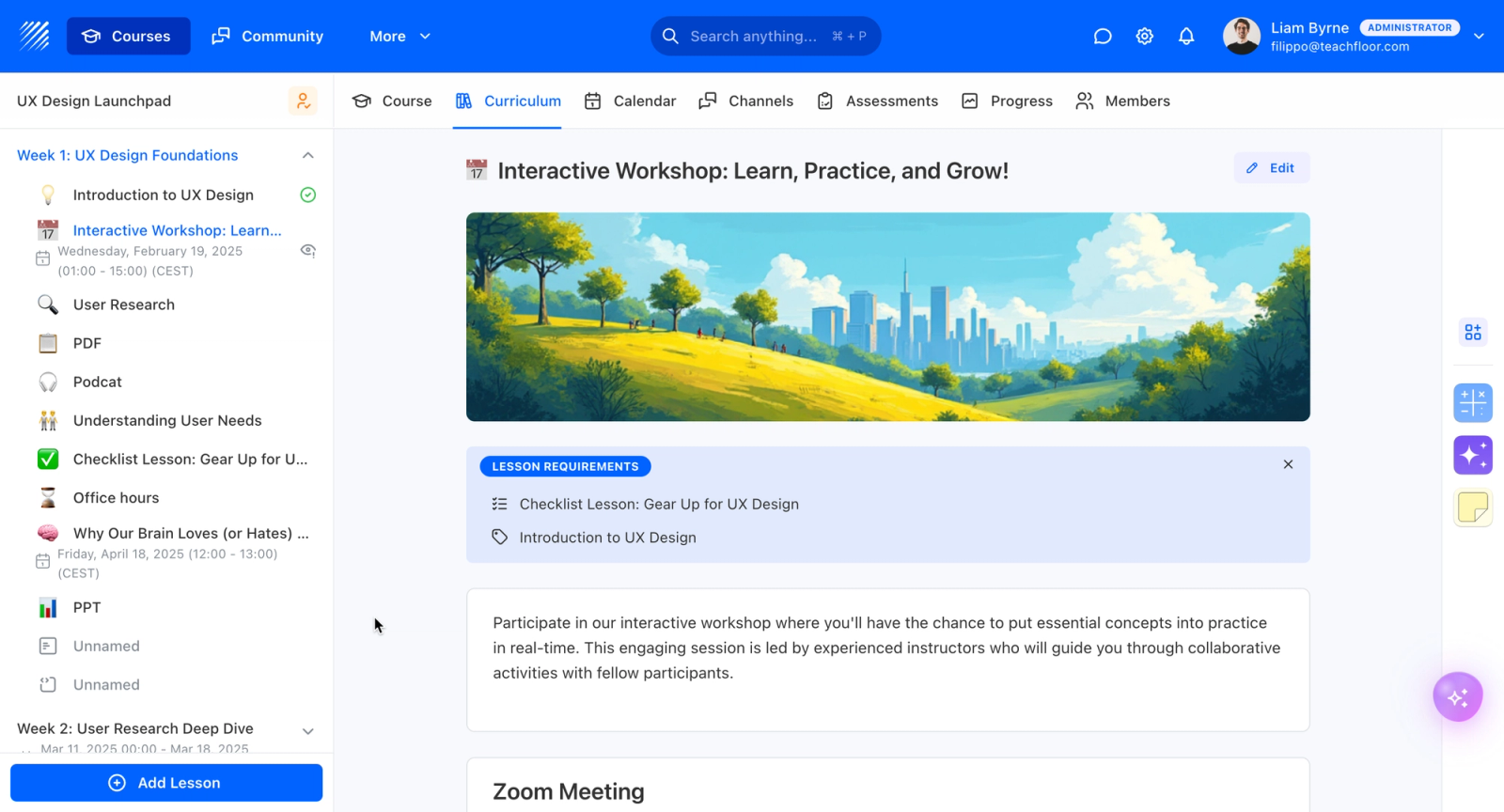
Here are activity examples that you could organize for your learning community:
- mini-workshops and training sessions with interesting topics. This is great when your members initiated to facilitate training sessions. You encourage them to share their knowledge and practice facilitation skills.
- community meet & greet and networking events. If you could organize both in-person and virtual meetups, much better. Let everyone break free from formal learning to get to know each other and build their network. After all, creating authentic relationships with other members is the crux of building a learning community.
- AMA, panel discussion, fireside chats
- challenges, hackathons, online competitions
- happy hours, coffee breaks, or live co-working
Direct Messaging & Group Chats
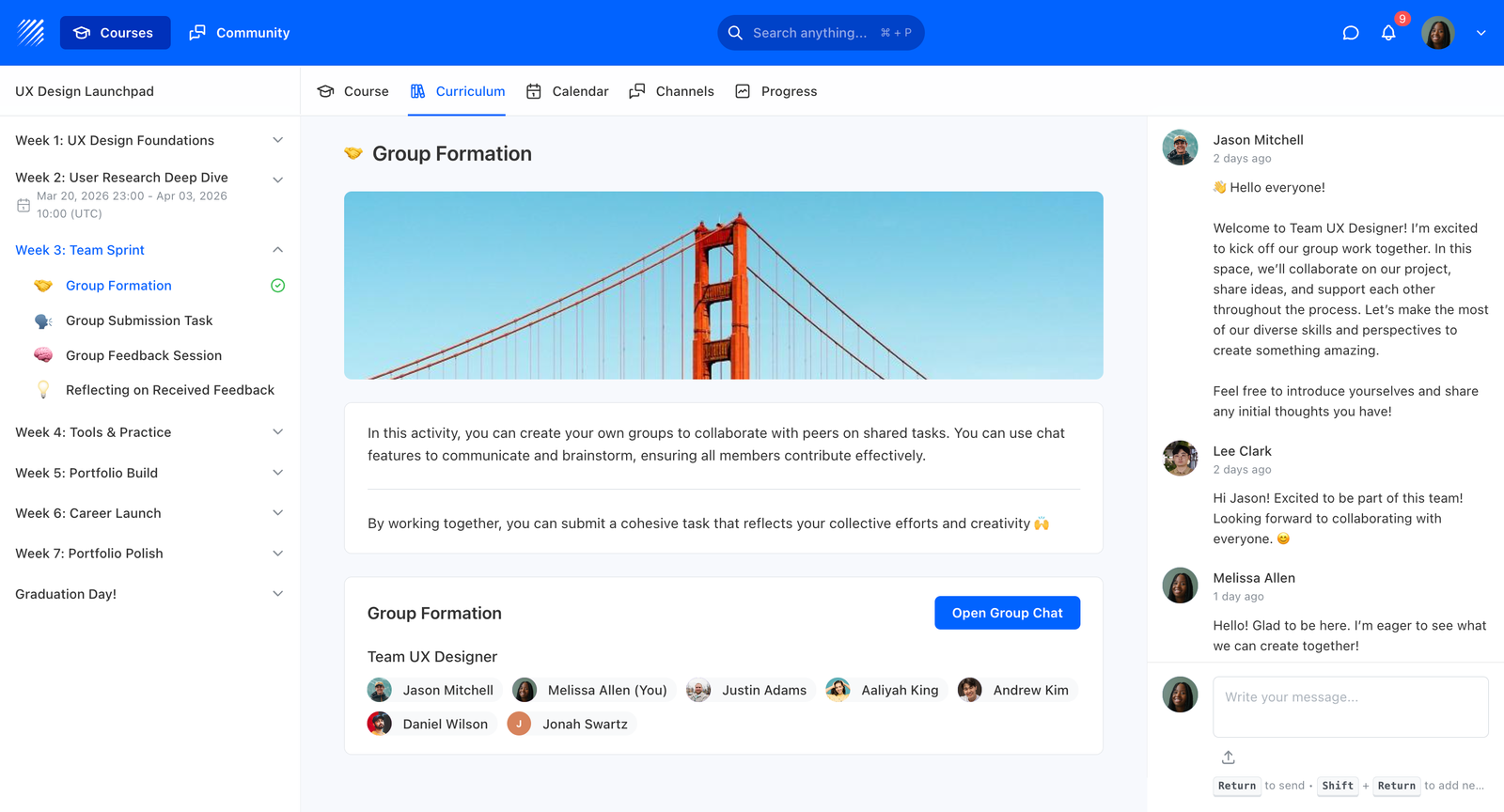
Teachfloor makes it easy to connect with community members inside the platform. With direct messaging and group chat, you can message anyone in your community directly. There is no need to use WhatsApp or Telegram just to have a conversation with members.
Collecting resources in one place
If you want to keep resources from your previous apps such as Slack, Discord, WhatsApp, or Telegram, you can migrate them to Teachfloor. Use the curriculum builder to keep all of your content materials in one place. Contact us if you need help with the migration.
Curriculum Builder
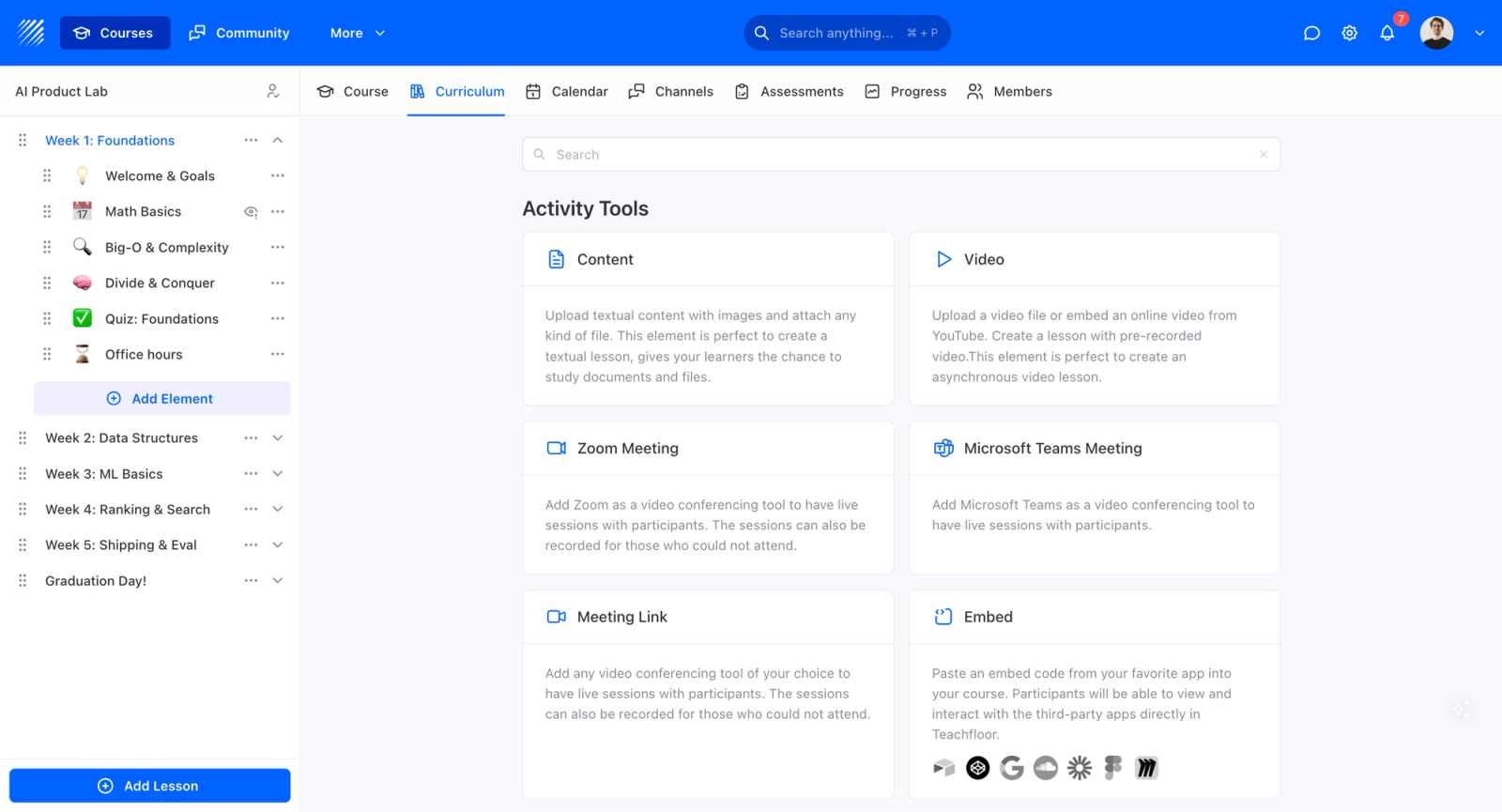
The curriculum builder does more than host lessons. It lets you bring several parts of your community into one place.
ZOOM INTEGRATION
You can host live events by connecting your Zoom account to the platform. Video recording and transcription will be available right after your live session perfect for those who missed it.
PEER REVIEW
Another great example is our peer review feature. Teachfloor unlocks the best technique on how to engage students with a peer learning model. Maximize our peer review feature by setting it up in minutes. Ask community members to give each other feedback based on your activities. It’s a great way to engage members outside the forums and discussions.
EMBED CODE
Do you have content from your favorite apps? Teachfloor allows you to access your favorite apps by embedding code. It’s a no-brainer of copy-pasting. Embedding code allows everyone to access materials directly on Teachfloor.
VIDEO ELEMENT
Do you have dozens of video recordings from your live events and workshops? Turn them into a self-paced course with the video element. Upload the video file from YouTube or other apps, add a storyline or description, and drop in short quizzes between modules. In a few minutes, you have a self-paced course built from content you already had.
AUTOMATIC NOTIFICATIONS
Are you worried that your members will miss the live events? Use our automatic notifications by ticking the box in the setting area. Once you check the box, your members will receive an automated email for every event, course, or workshop published inside the platform.
Invite your community members to Teachfloor’s platform
Inviting members using Teachfloor is an effortless task. You can do it in three unique ways:

- Unique platform link. The platform automatically generates a platform link for you to invite your participants to your platform. Just click the copy-paste icon and invite members to join by sending them an email, posting the link in your Slack or WhatsApp group, etc.
- Upload CSV. Do you have the list of your members in a CSV file? Upload the file to Teachfloor for automatic importation without you doing the manual task.
- Manual Invite. You can also invite your members manually on the platform.
Build your landing page where new members can join in
When building a successful learning community, don't forget a landing page to go with your community-based learning platform. Landing pages are how you attract new members to join and pay membership fees.
How do you create a high-converting landing page? Plenty of successful community leaders have done this already. Here are proven ways to increase conversion rates:
- Use social proof. Tell them how happy your members are in your community by member’s stories, wall of love, etc
- Put real photos, videos, and screenshots of your community events, forums, and discussions. Show them what’s happening inside
- Highlight the unique value they’ll get from your community. What are the things that your competitors don’t have that you have?
- Build a brand that your members can relate to. Write copies that sell, mirroring their tone of voice
- Create transparency in what they’ll get when they join as a member through the membership packages
- Don’t forget to build your email list through a newsletter so you can update potential members on what’s happening in your community
A niche community landing page
A strong example is a niche professional community built for a group that often feels overlooked elsewhere. Communities like this work because they speak to a specific audience: they name the challenges that group faces and build a support network around them. When the audience is sharply defined, the messaging can be sharp too.
Source: niche professional learning community
These communities do well on their landing pages by showing what they do and why members value being there. They state the problem clearly and position the community as the solution. For more on this model, see our guide to running an online mastermind.
Don’t build your learning community alone
Asking for help lets you build faster. Teachfloor is not just an all-in-one learning community platform. We can also partner with you as you build and automate your community. Here is how we can help:
- Let’s co-create your high-converting landing page for your learning community. Our design and development services create an engaging and practical website for your academy with a fabulous look and feel. Expertise guaranteed.
- We know our platform inside out. We can help you design an effective methodology for your content and structure your community with live events and workshops.
- Looking to outsource a marketing team? Cut off the tedious process of outsourcing talents in Upwork. We design and set up the most efficient and effective marketing automation processes for your operations as drip campaigns, email cadences, newsletters, Linkedin automation, and conditional messages on user behaviors.
- Create a smooth sailing process for payment collection. Maximize ROI and drive adoption with a smooth checkout process, easy to manage with a friendly user experience for one-time fees, subscriptions, installments, and online and offline payments.
Not seeing what you’re looking for? Let’s talk about it. Book a demo with us!
The future of learning is community-based
Almost every industry has built its learning communities in the digital world—from schools and universities to hyper-niche professional communities and to L&D teams. Because of this revolution in learning, learning communities are said to be the future of how we learn and how we network.
Take this moment to get paid for what you do best and work on the topics you care about. Start building your learning community and scale it with Teachfloor, where your community and your courses live in the same place.
Use Teachfloor to scale your community
Scale your learning community without scaling your costs. With Teachfloor, you don't pay extra for every additional member, course, or learning activity. Your content stays safe with unlimited file storage from the moment you subscribe, with no add-on fees. This is available from our basic to advanced plans. Because the community, peer learning, events, and curriculum are all native to one platform, everything grows together instead of being stitched across separate tools.
If you are managing 10,000 members and earning 7 figures from your membership plan, we don't care much if we don’t get a commission. What we cared for the most is to help every community leader and course creator get paid for their efforts and learn how to scale their learning communities.
Explore other Guides to build a Great Learning Experience on Teachfloor
How to Build and Scale a Successful Self-Paced Course on Teachfloor
How to create a cohort-based course
How to Build and Scale a Successful Self-Paced Course on Teachfloor