
Bulk Actions for Revoke and Invite
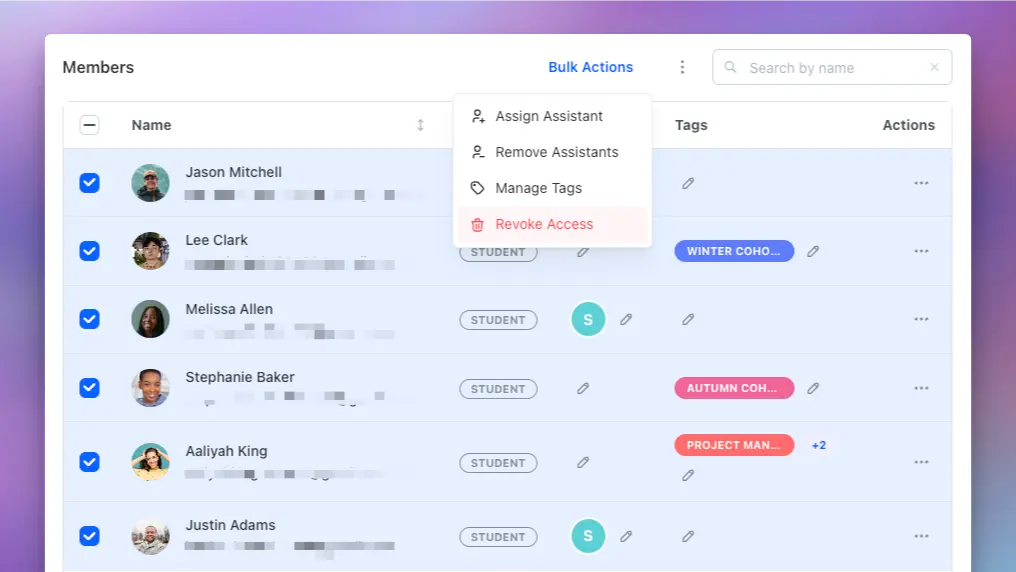
We're excited to introduce two powerful new bulk action features to streamline course management on Teachfloor: Bulk Revoke Access and Invite Learners to Courses.
Bulk Invite Learners to Courses
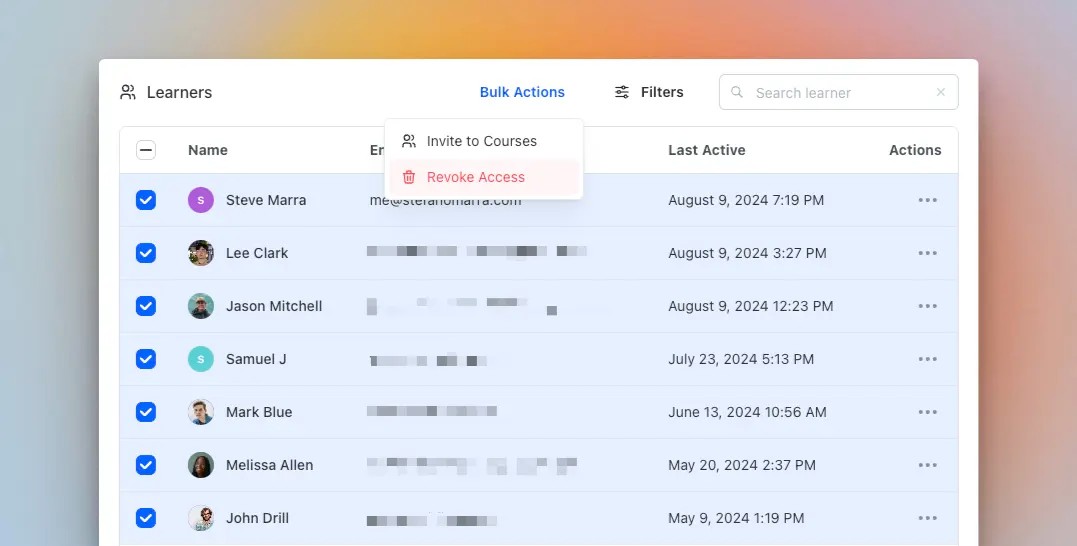
Admins can now invite multiple learners who are already registered with your organization to any course published within the account. This allows you to enroll dozens of learners into multiple courses with just a single action, significantly speeding up the enrollment process.
Bulk Revoke Course Access
Another highly requested feature, admins can now revoke course access for multiple learners at once. This feature is available on both the Learners page and the Members tab within each course, giving you greater control and flexibility in managing course enrollments.
These new options complement our previously released bulk actions, including Bulk Assign Students to Assistants via CSV and Team Members Bulk Invitations via CSV. Together, these tools provide a comprehensive set of features designed to make course management more efficient and scalable.


