

The best LMS for nonprofits brings volunteer and member training, community, and funder-ready reporting together in one place, at a price that fits a 501(c)(3) budget. Most corporate platforms simply add a discount to employee-compliance software, while a purpose-built LMS for nonprofits is designed for the people you actually serve: volunteers, members, chapters, and staff.
Below we compare eight learning management systems used by nonprofits, charities, and NGOs in 2026, from free open-source tools like Moodle to all-in-one platforms like Teachfloor. For each one you will find pricing, free-trial details, and what it does best, so you can match a platform to your mission instead of the other way around.
Later on, we will explore:
- why you should use a learning management system for training your organization,
- features to look at, and
- the best-recommended learning management systems for nonprofits
What is a Learning Management System?
According to Wikipedia, a Learning management system (LMS) is a software application for the administration, documentation, tracking, reporting, automation, and delivery of educational courses, training programs, or learning and development programs.
In addition, LMSs are platforms where course creators, trainers, companies, and organizations use to manage the content and learning of their employees, students, and other stakeholders. For nonprofits, it can be used to train and create courses for their new employees, volunteers, partners, and other stakeholders.
Benefits of Using a Learning Management System for Nonprofits
Firstly, let's discover the advantages of using an LMS for your organization. What is it for you? How can it help your organization's training?
Save Training Cost
Nonprofits have their own training materials. Traditionally, they will organize on-site training for their volunteers and employees who needed the training. As you know, these kinds of on-site and yearly training can cost so much budget and time for the organization.
What's good about using an LMS is that you can save more costs by doing your training online and putting it in one place. Hence, one of the best features of an LMS is automation. It is advisable to automate your training for your volunteers, new employees, and other stakeholders. This will save you a lot of time in creating online training such as:
- onboarding new employees
- introductory mini-courses for potential volunteers
- skill training for employees and volunteers
- general training for partners, stakeholders, and collaborators
However, some organizations may still prefer on-site training. You may want to make your training hybrid. Identify what training can be done online and what training would be perfect to do in person. This way, you can save costs while building physical connections with each other.
Standardize Training Process
Once you get to create your training through your LMS platform you can standardize and create your own process of training design and creation.
SCORM file is one of the most popular features that eLearning experts and corporate trainers used to standardize their training and courses. The good thing is, that most of LMSs in the market today have integrated SCORM into their platforms.
SCORM is just one of the ways to standardize your training. Due to the several features of learning management systems for nonprofits today, there are so many ways to standardize and make your training processes work smoothly.
Sell Online Courses
Since the training that you created in your LMS can be available to everyone, you can sell them and give specific access to non-employees and non-stakeholders. In this way, you can monetize your training or courses and offer them to others.
The best thing is that these LMSs offer a white-label solution where you can brand your platform according to your organization’s branding and offer it to the public.
Increase Employee & Volunteer Engagement
Increasing employee and volunteer engagement is the most important aspect of creating training. Learning doesn't only happen through instructor-student relationships, hence, it happens more by engaging with peers, classmates, and the learning environment itself.
Use the LMS features like community building, discussion boards, forums, and peer-to-peer review to create engagement with your employees and volunteers. These LMS features are the current hottest trend as online learning should be collaborative and social.
You can let your volunteers and employees learn from each other and not just from your content materials. Not only that, learner engagement can increase the completion rate of your training and courses.
What to Consider When Choosing an LMS for Nonprofits
Accessibility
Make sure your training and courses can be accessed by your volunteers in far-flung areas through mobile learning app. Most of the learning management systems for nonprofits have these features to support the needs of your stakeholders. Volunteers can access your training easily with their mobiles.
Automation & Analytics
You can easily automate some of the tasks such as class scheduling, email notifications, checking quizzes, and computing grades. Apparently, two of the important features you can get in an LMS are automation and data analytics. Since analytics are available in every LMS platform, you can improve your training by analyzing your students' data, measuring learner engagement, etc.
Customization & Integrations
It is now easy to customize your training due to several features such as app integrations, white-labeling, and class schedules. When you look for an LMS, make sure you check how flexible it is to customize and if the app you're using can be integrated.
Collaborative Learning
Lastly, it is important to check if these LMSs integrate collaborative learning experiences for your volunteers, employees, and stakeholders. Some features to consider are peer-to-peer review, discussion boards and forums, and community building.
8 Best LMS for Nonprofit Organizations
This list will explore some of the top LMS solutions specifically suited for non-profits, highlighting their strengths and how they can benefit your organization.
| LMS | Best for | Starting price | Free trial |
|---|---|---|---|
| Teachfloor | Volunteer and member training with community | From $89/mo (up to 20% nonprofit discount) | 15 days |
| LearnWorlds | Branded course academies | From $299/mo | 30 days |
| TalentLMS | Multi-language staff training | From $179/mo | Free plan |
| SC Training (formerly EdApp) | Mobile microlearning | Free plan, then per user | Free plan |
| 360Learning | Collaborative course authoring | From $8/user/mo | Yes |
| Moodle | Free, self-hosted flexibility | Free (self-hosted) | Open-source |
| Tovuti | Impact measurement and reporting | Custom quote | On request |
| Canvas LMS | Academic-style course delivery | Custom quote | Yes |
Teachfloor - Social Learning LMS Designed for Nonprofits
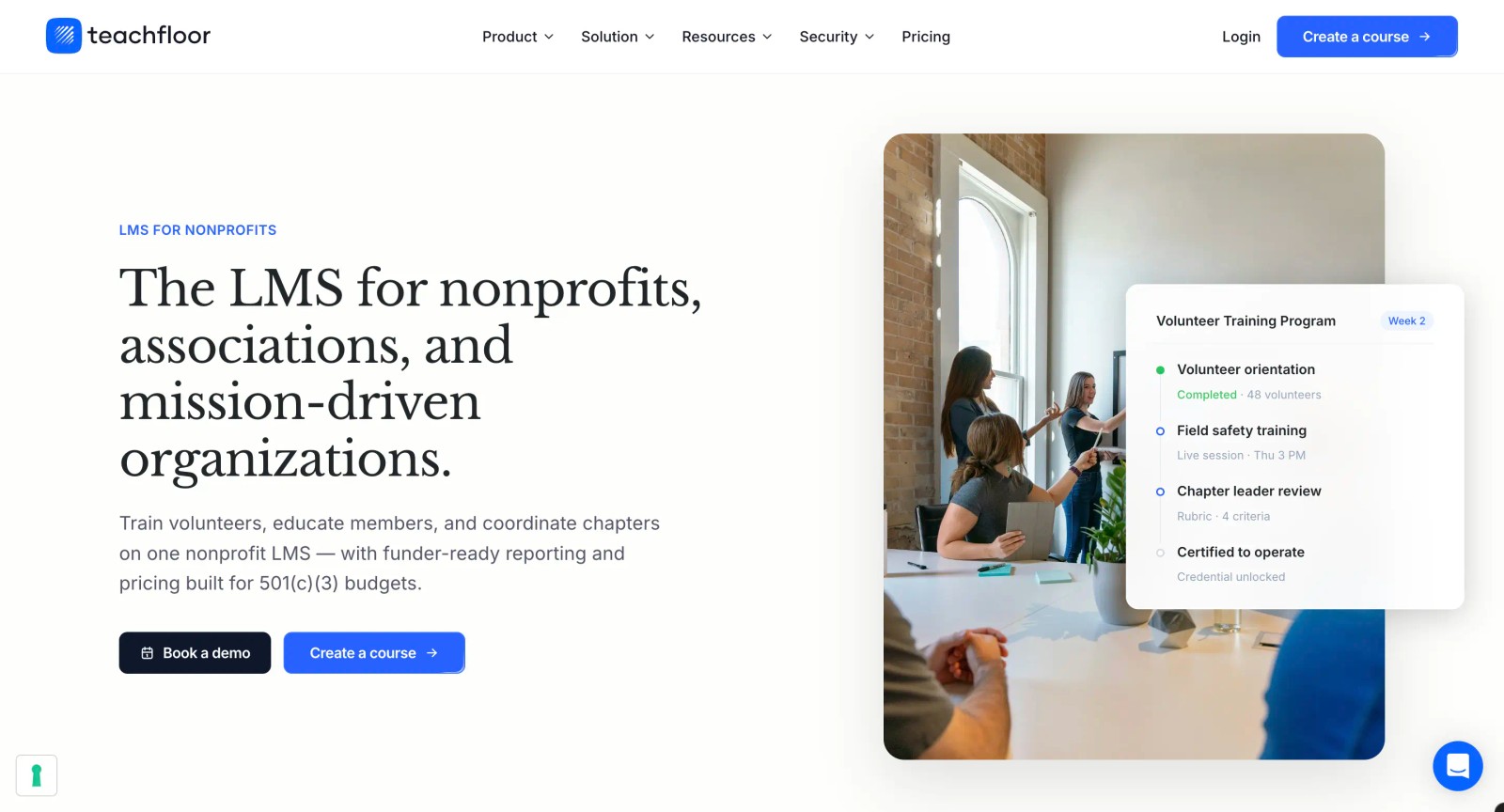
Teachfloor is very popular in helping course creators and corporate trainers to create their live learning academies. Consequently, it is one of the best LMS platforms for making your courses and training more scalable using a hybrid cohort-based format. Due to this fact, it is now used by nonprofits to scale their training. Some also use it to monetize their training through customization and white-labeling solution.
What's good about this LMS:
- create a scalable hybrid cohort-based training for your volunteers and employees
- peer-to-peer review and SCORM file integration
- easy to use with intuitive design
- available course templates for trainers and creators
- lets you automate your class schedules
Pricing: from $89/mo, with up to 20% off for registered charities and nonprofits. See Teachfloor pricing.
Free trial: Yes for 15 days
LearnWorlds - All-in-One LMS with High Customization
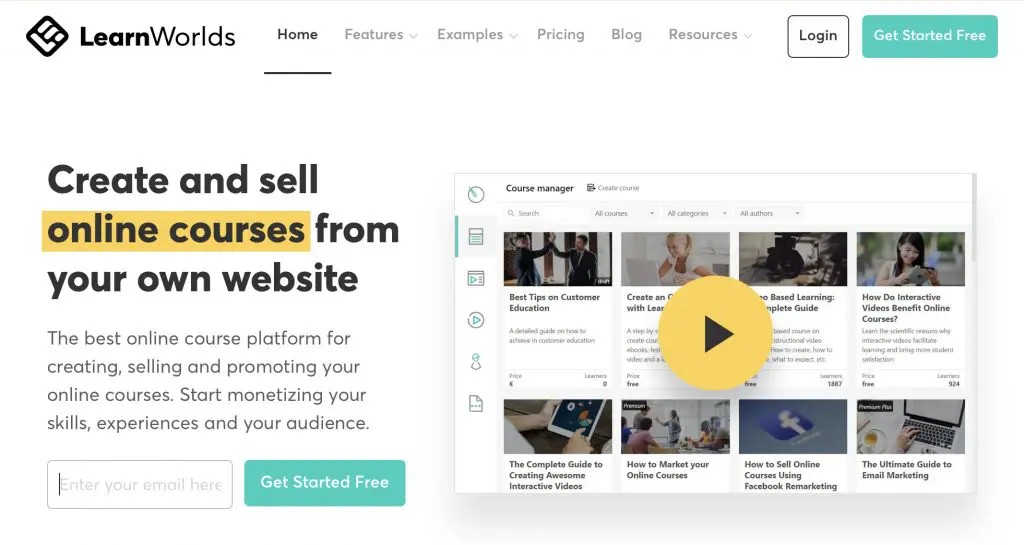
LearnWorlds is an all-in-one platform for training your team. In addition, it offers highly-customizable learning experience features to your organization. It is easy to use, flexible, intuitive, and engaging.
What's good about this LMS:
- tailor-made templates for nonprofits
- easy to use UX design for beginners
- white-labeling solution and community building
- maximize your fundraising capabilities
- used by hundreds of organizations around the world
Pricing: $299/mo for learning center
Free trial: Yes for 30 days
TalentLMS - LMS with Advanced Tracking
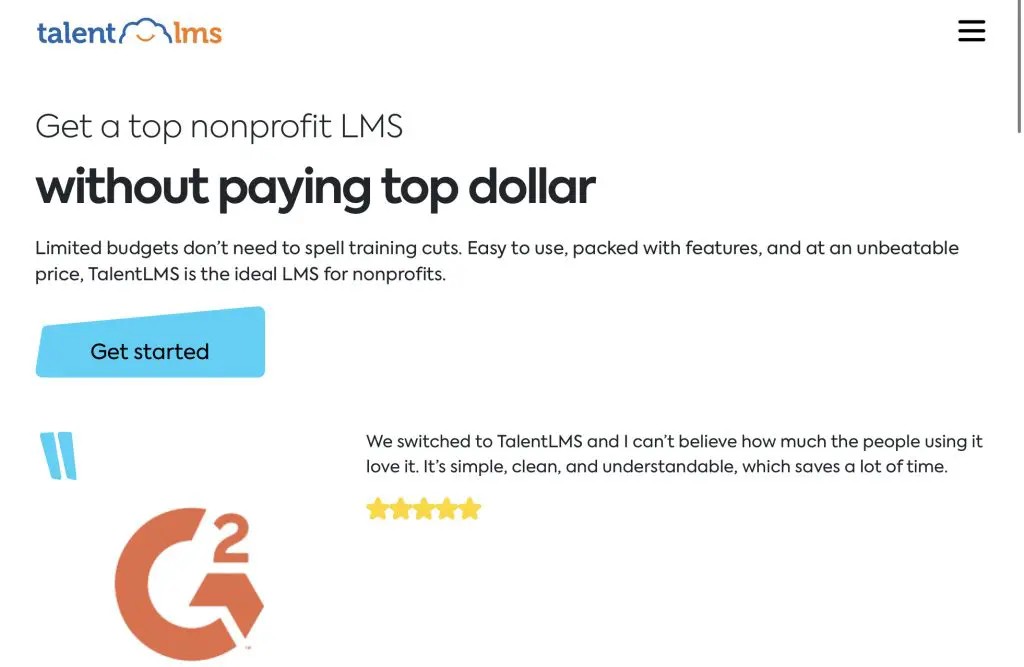
TalentLMS is an award-winning platform in the LMS market today. It's one of the best LMS for nonprofits. Additionally, it offers a wide range of features to make it easy for organizations to create their training and courses. Lastly, it supports the organization's vision and mission through other features.
What's good about this LMS:
- collaborative learning experience for your learners
- advanced data analytics and tracking
- supports 30 different languages, perfect for international organizations
- supports your mission and vision through automation features
Pricing: starting from $179 /month for 40 active users/month
Free Trial: Yes
SC Training (formerly EdApp) - Mobile-First Microlearning LMS
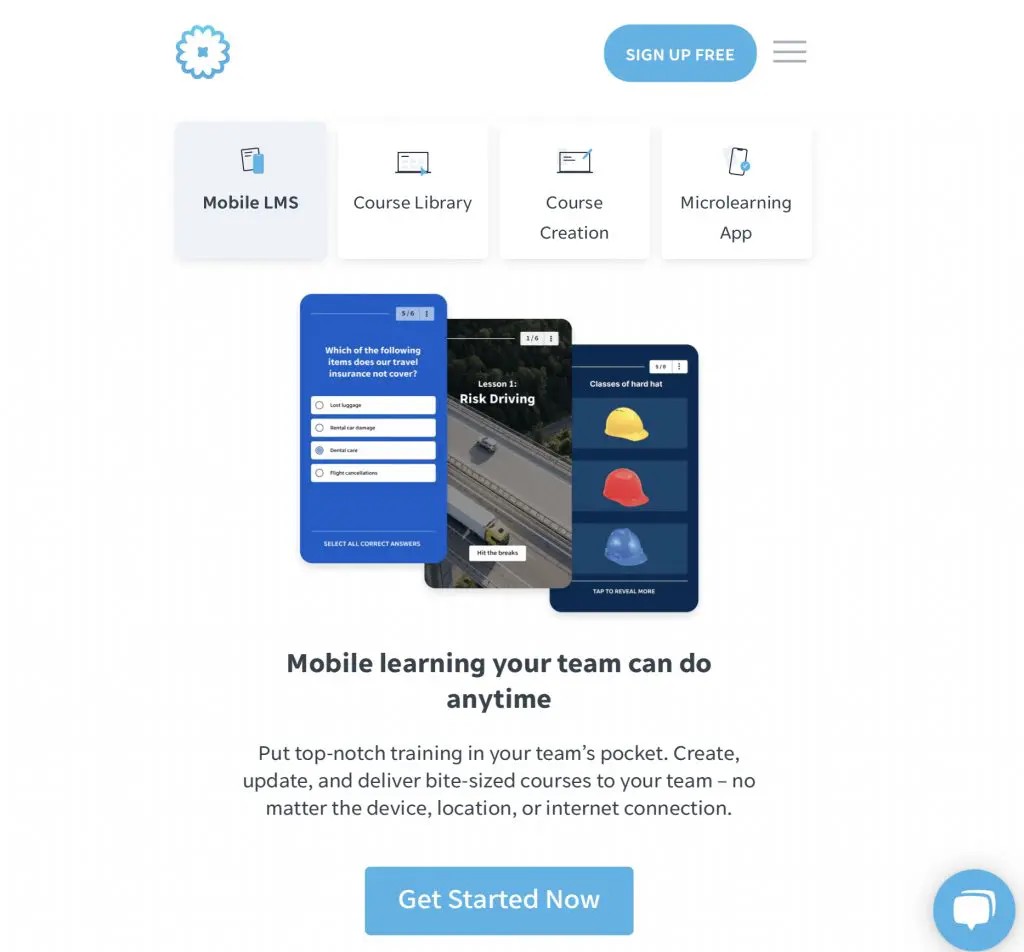
SC Training (formerly EdApp) is a mobile-first LMS built around microlearning, short lessons designed for phones. It works well for nonprofits that train distributed volunteers and field staff, and it offers a free plan with affordable per-user pricing beyond it. Learn more at SC Training.
What's good about this LMS:
- SCORM file integration
- mobile app
- microlearning experience for students
- highly-customizable and personalized
- community building
- automated analytics suite
Pricing: $2.95 per active user/month
Free Trial: Yes with a free forever package
360Learning - LMS Platform with AI and Collaboration
360Learning is the most popular LMS brand because of its expertise in collaborative learning experiences. It's an award-winning platform that advances how you create your training and courses. Due to this fact, nonprofits are using this platform to increase their students' engagement and make a successful training for the organization.
What's good about this LMS:
- use AI and collaborative learning features
- advanced automation features
- free resources to improve your training design skills
Pricing: Starting price $8/registered user per month (Up to 100 users/month)
Free Trial: Yes for team plans
Moodle - Customizable Open-source LMS
Moodle is a Learning Management System known for its flexibility and customization options. Used by educational institutions and organizations worldwide, Moodle empowers educators to create interactive courses, manage learning activities, and track student progress.
What's good about Moodle:
- Free and open-source
- Highly customizable
- Large community of users and developers
- Wide range of plugins and integrations
Pricing: starting from $120/mo for 50 users
Free Trial: Yes for team plans
Tovuti - Cloud-Based LMS for Nonprofits
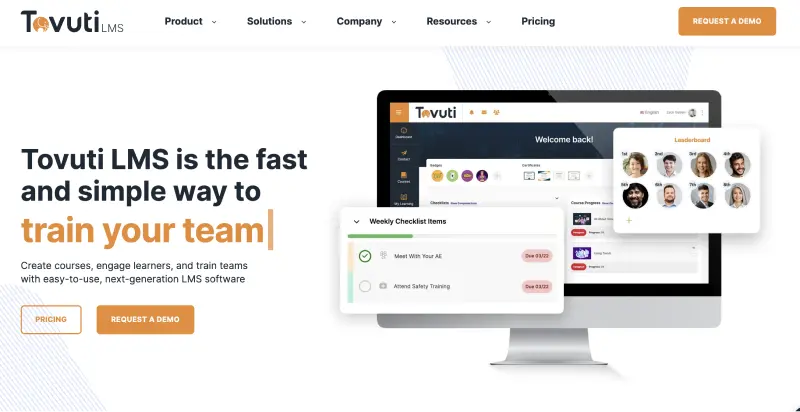
Tovuti offers features for content creation, collaboration, and impact measurement, allowing nonprofits to track the effectiveness of their training programs.
What's good about Tovuti:
- Cloud-based and user-friendly
- Designed specifically for nonprofits and NGOs
- Focus on blended learning
- Features for content creation, collaboration, and impact measurement
Pricing: Prices are not publicly available
Free Trial: It is not mentioned
Canvas LMS - Feature-Rich Learning Platform for Organizations
Canvas LMS is a popular LMS used by schools, universities, and businesses alike. It offers robust course creation tools, and a variety of features to support engaging learning experiences.
What's good about Canvas LMS:
- User-friendly interface
- Robust course creation tools
- Features for collaboration, communication, and assessment
- Free tier available for individual users
Pricing: Pricing details are not available on their website
Free Trial: Yes, for their premium plans
Frequently Asked Questions
What is the best LMS for nonprofits?
It depends on your goal. For volunteer and member training that relies on community and engagement, Teachfloor is a strong fit because it combines courses, live sessions, peer learning, and funder-ready reporting on one platform. See our dedicated LMS for nonprofits overview. If you have technical resources and want full control, the open-source Moodle is worth considering.
Is there a free LMS for nonprofits?
Moodle is free and open-source, but it needs hosting, setup, and ongoing maintenance that small teams often underestimate. Several paid platforms include a free trial or a free starter plan, and many offer nonprofit discounts, so the all-in cost of a hosted platform is frequently lower than running a free tool yourself once staff time is counted.
Do LMS platforms offer nonprofit discounts?
Many do. Teachfloor offers up to 20% off for registered charities and nonprofits, and several other vendors provide mission-based pricing on request. Always ask about nonprofit or charity pricing before you subscribe.
What features should a nonprofit LMS have?
Prioritize volunteer onboarding, member education, mobile access for field teams, community and peer learning to keep people engaged, white-label branding so the experience carries your identity, and reporting you can hand to funders and boards as evidence of impact.
Can nonprofits use an LMS for volunteer training?
Yes. Volunteer training is one of the most common uses. An LMS lets you onboard new volunteers, deliver field-readiness and safety training, certify completion, and keep everyone aligned with your mission, without organizing repeated in-person sessions.
Conclusion
In conclusion, technology has helped us to advance how we learn. E-learning has always been part of different industries from schools, corporations, micro-businesses, and nonprofit organizations.
Choosing the right LMS lets your nonprofit train volunteers, staff, and members efficiently and at a manageable cost. Use the comparison above to match a platform to your mission and budget.


