
Invite and Manage Learners at the Organization Level
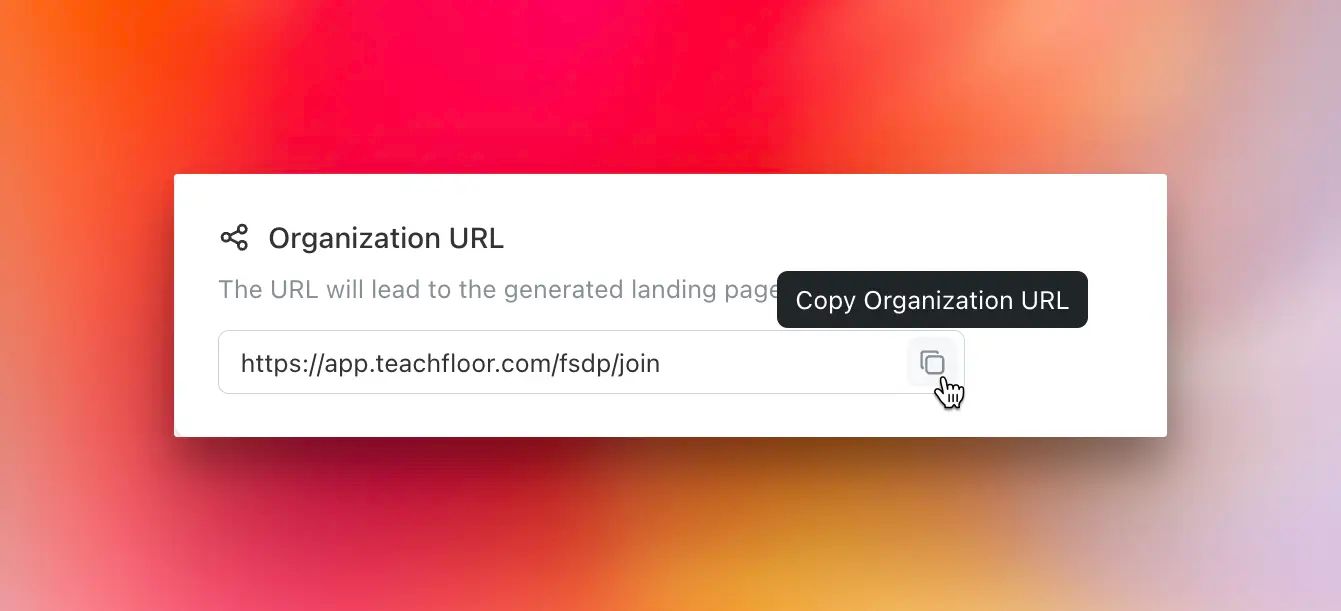
We’re excited to introduce Organization Signup, making it easier than ever to manage learners at an organizational level.
What’s New?
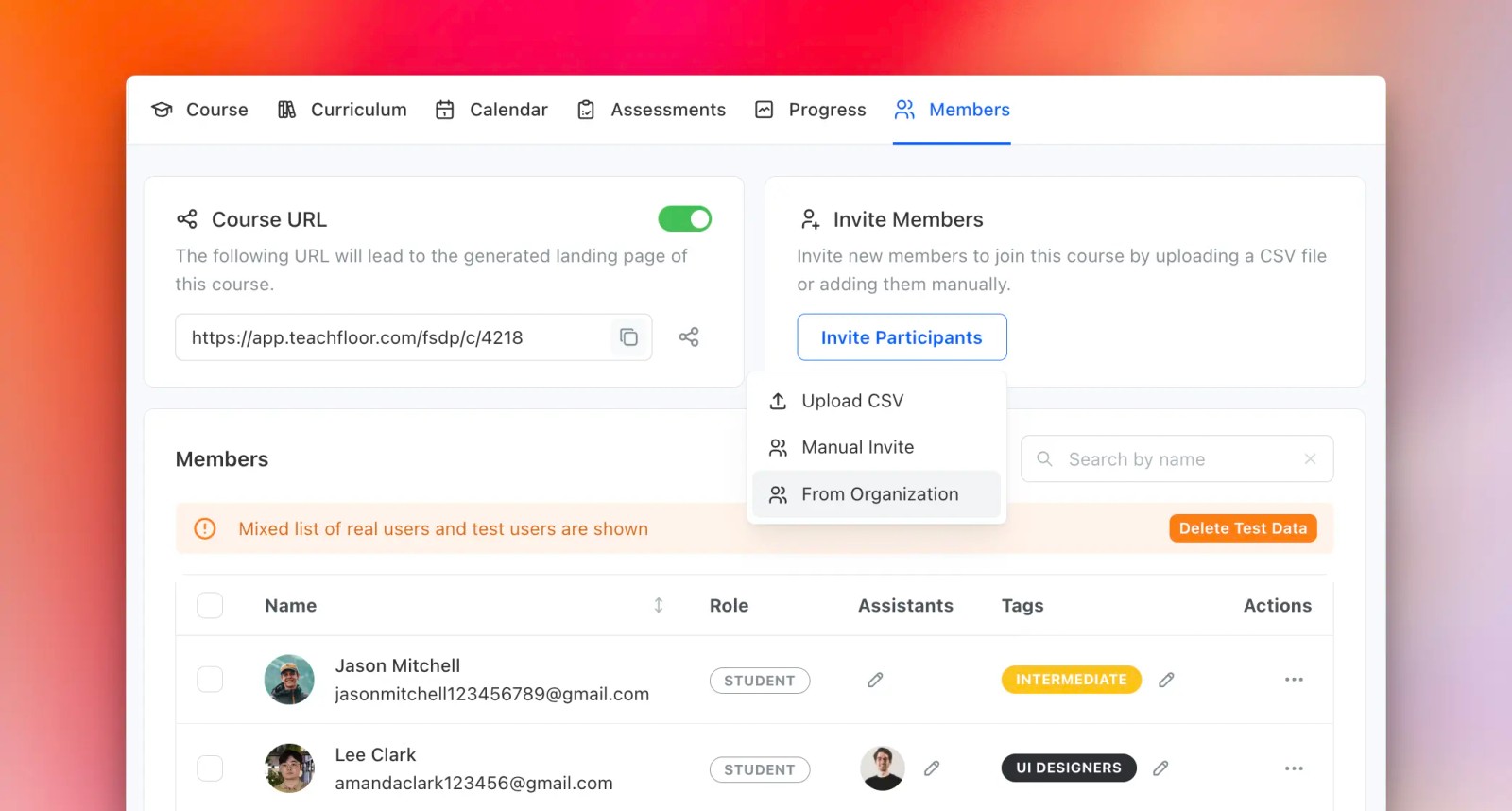
Invite Learners to the Organization – Previously, members could only be invited to individual courses. Now, admins can invite learners directly to the organization via email, CSV, or a public signup link.
Self-Signup for Learners – Share a dedicated organization landing page, allowing learners to register and access available courses at their convenience.
Simplified Course Enrollment – Instructors can now select learners from the organization and enroll them into specific courses, streamlining the onboarding process.
This update ensures a smoother, more efficient way to manage learners and courses within your organization. Try Organization Signup today and optimize your enrollment workflow!


